All Activity
- Past hour
-
@Luke@sa2000 Hello, as I would really appreciate it if you could fix this bug, I've set up a test environment to properly diagnose the problem. Unraid server 7.2.3 with official 4.9.3 Emby Docker with hardware transcoding enabled. What happens when I have a problematic file is that after a few minutes of playback (2 or 3), the video pauses for 1 second and then resumes... this happens repeatedly. I have a file with 3 different subtitles (SUBRIP). I've noticed that only one of the subtitle files is problematic. The one called "forced." If I extract it from the MKV file, I no longer have the problem; if I don't select it when playing the video, I don't have the problem. But I'm still seeing some strange things in the logs. Another observation: if I use Emby Web with Chrome or Edge, it doesn't seem to have any problems either. Even though I'm still seeing some strange things in the logs. If I install Diagnostic Option Plugins and enable "Disable HLS subtitles," I don't have any problems. If you'd like me to provide you with logs and/or run some tests, I can do that for you. Thank you.
-
 Error3972 joined the community
 -
 pyy070325 joined the community
 -
 chaisanmuk joined the community
 -
 Brunofonseca joined the community
 -
 世纪白昼 joined the community
 -
 Beatty9 joined the community
 -
Perfect, thank you so much! The extras option is rock solid.
-
 AlmogLevi joined the community
 -
 Layann@ joined the community
 -
We don't have an app named that. Exactly what problem are you having?
-
 zhazhaaa joined the community
 -
 Magnush joined the community
 -
Just pushed an updated snap beta, can you git it a go? It comes with updated drivers and properly shows my Arc B50 in the transcoding options.
-

Guide - SSL Qnap certificate and Emby (manual and automatic)
sa2000 replied to dieffe70's topic in QNAP
sorry - may be i missed reading some posts. I assumed that if you knew how to run the script then you would have known how to login through ssh So let us start first by getting putty downloaded and installed on a PC Then you need to enable SSH on the QNAP NAS - see qnap info here How Do I Access My QNAP NAS using ssh After you enable ssh, you can logon to the QNAP NAS through ssh using putty and login with QNAP admin account Once logged in then you can cd to the directory and execute commands and see what errors / info gets displayed To rename the emby.p12 you just execute the linux command for doing that - you can do this after the "cd" to the directory A web search would show that you need to do something like "mv emby.p12 emby.p12.old" so assuming this is the path, command would be first cd /share/SSL-Certificate then either mv emby.p12 emby.p12.old" or sudo mv emby.p12 emby.p12.old" depending on login priviliges then openssl pkcs12 -export -out emby.p12 -inkey SSLprivatekey.key -in SSLcertificate.crt -passout pass:mykey where mykey is your certificate password to set -
@ebrwhat’s the difference between Emby for android TV and Emby for Nvidia shield? Will this version fix the device unlock issues?
- Today
-
Besten Dank für den Tipp, aber leider löst er nicht das Grundproblem. Dass bspw. Bonusmaterial wie Making-of oder Interviews mit irgendwelchen Filmtiteln versehen werden, ist eine Routinefehler in der Programmierung.
-
That should've been fixed months ago with a server release, but I noticed my old videos still have the distorted images so I probably need to clear them and rerun. Is that a new recording though?
-
Nope same account and now I just keep running into issues! I’ve now received the dreaded device unlock msg and there’s nothing I can do about it which is weird considering the beta is still being kept up to date yet you guys say to use the other Emby android app and that has device unlock fixed
-
It doesn't have them. You'll need to install the "Emby for Android" version from the store.
-
Was it a different account?
-
I will sideload and test these newer versions, thanks
-
You have an older version of the AndroidTV app. However, I don't believe those filters are in the newest version of the AndroidTV app either. Latest is 2.1.45 if you want to try it out, but you may have to sideload it or get it from the beta store until ebr can get the issues straightened out with the store. The newer standard Android app v3.5.32 does have the HDR filters you're looking for though, just like the web client.
-
Ich habe mir angewöhnt immer das Erscheinungsjahr mit in den Titel zu schreiben. Also z.B. "Aviator 2004". Bei mir klappt es in den allermeisten Fällen.
-
Hi, Any way of fixing these distorted thumbnails for 4K Videos? They are in my TV Library, Many thanks!
-
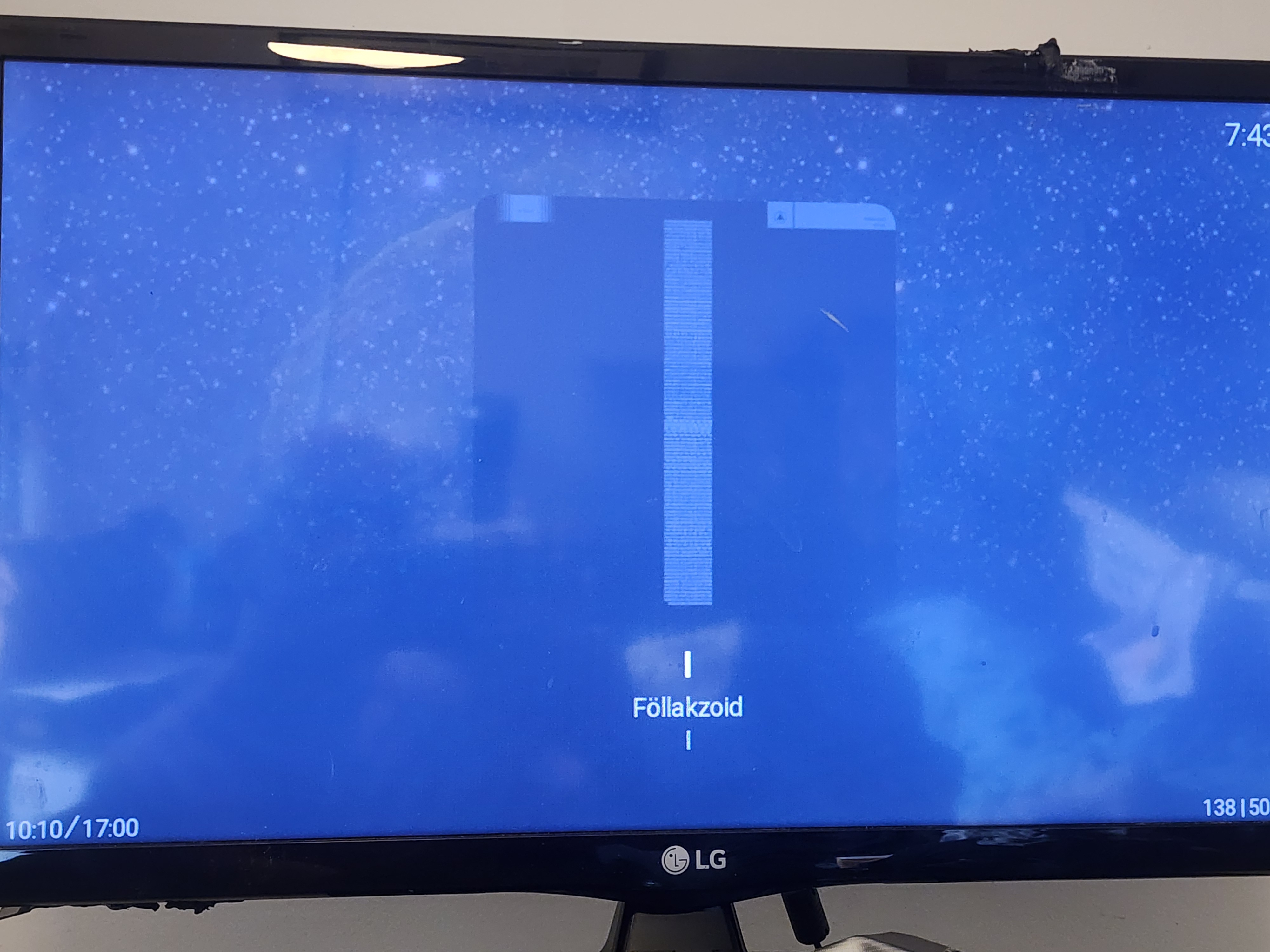
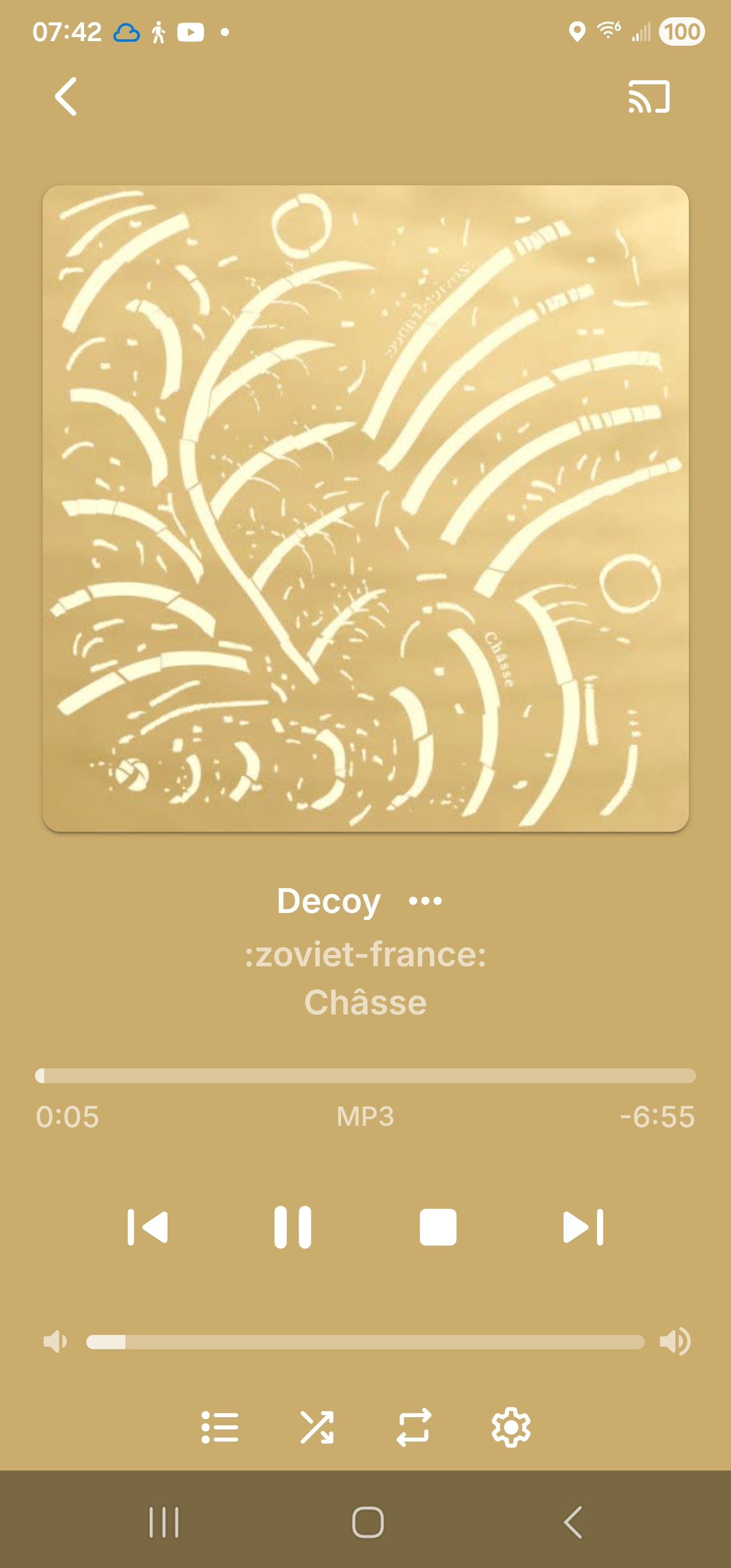
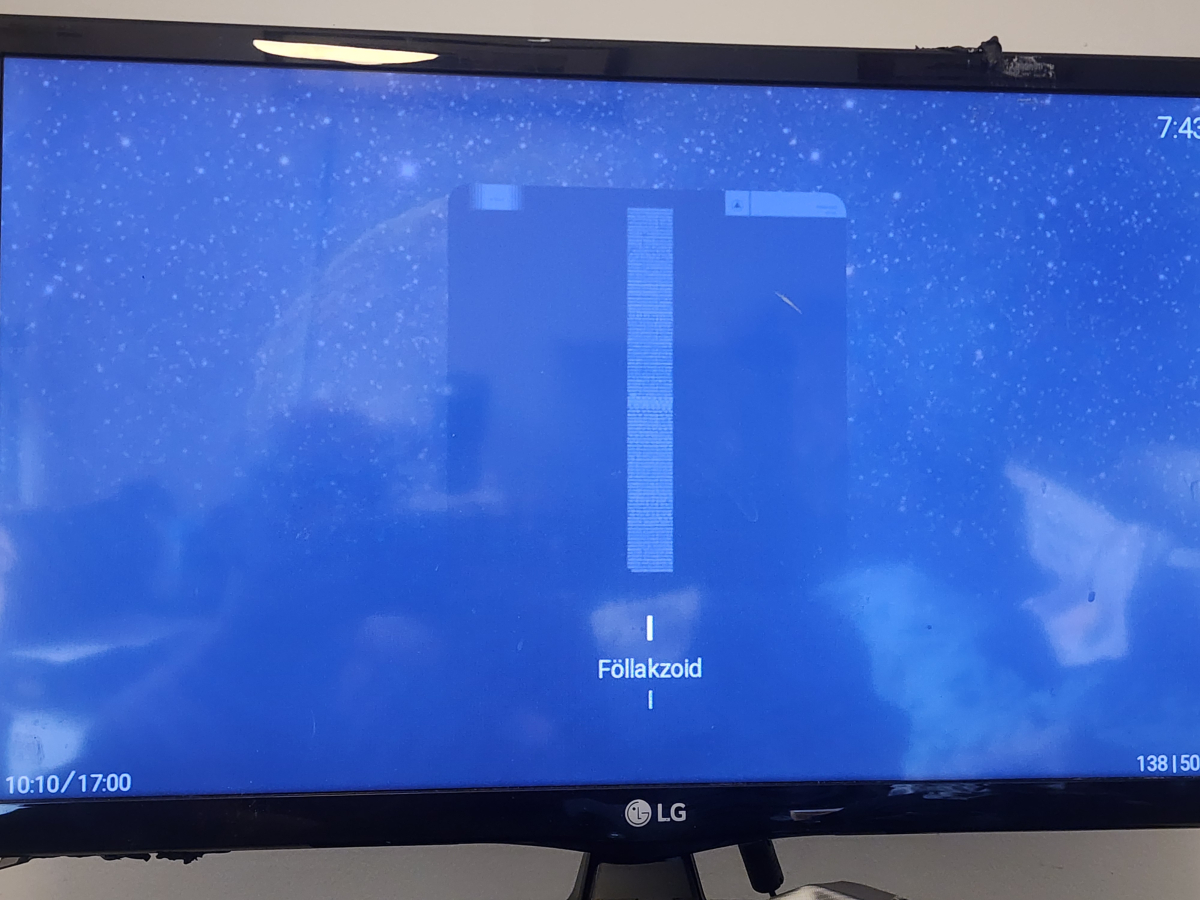
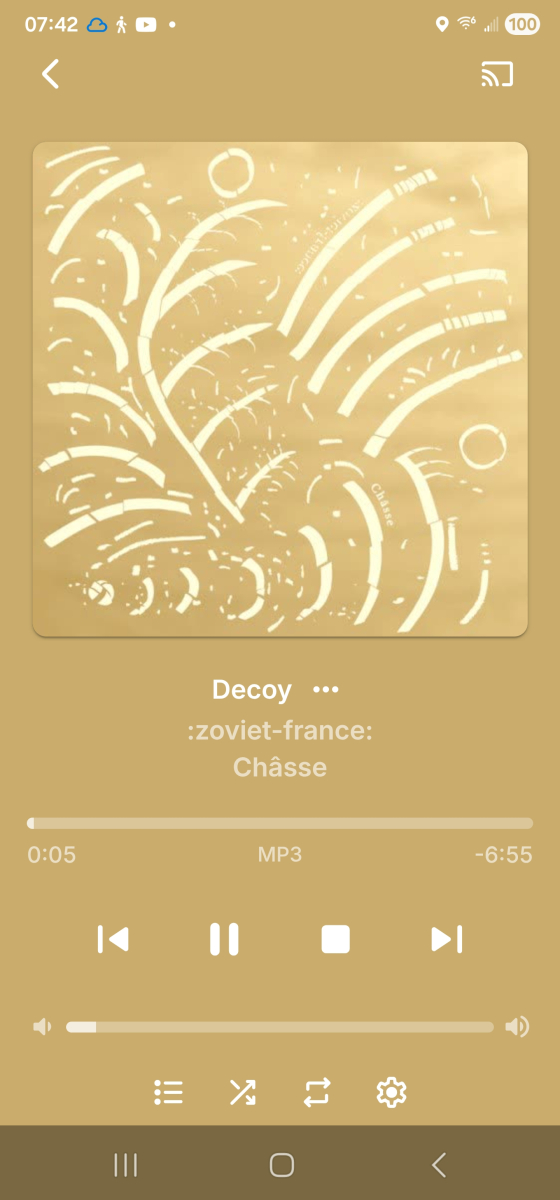
[apologies if this is a dupe, I didn't see it when searching but then all the terms are too common to really narrow a search...] odd that it's not there already, but it's definitely not, either on the server [viz. the :z-f: pic] or the Roku [viz. Follakzoid] Now Playing screens. Since some of my original searching brought up a few places saying "this is because your music isn't tagged with year", also including screenshots showing my music is indeed tagged correctly in the year field.


-
- 1
-

-
Hello im a newcomer from Plex and still trying out Emby to see if i should switch to Emby completely and most of my playback will be from my apple tv i am however experiencing som issues here that maybe someone could shed some light on. 1. I cannot get sound on anything i play while the player is set to auto i have to switch it to native dont know if thats normal? 2. Playing a movie that only has Dolby Vision no HDR fallback is weird colours green and purple the same movie is playing fine on Plex app for apple tv and infuse EDIT: Just tried the Emby app for Windows and that same movie is also playing as it should Thanks in advance
-

embyforkodi (next-gen) 12.X.X support
OmniiOMEGA replied to quickmic's topic in Emby For Kodi Next Gen
Thank you for this!!! I take it you’re keeping this up-to-date for Kodi users!!! -
Yes, I already created a collection, but I have to add the movies manually. Not an ideal solution I am afraid.
-
Brief, Once you find a way to sort the media, it might be user friendly to add posters with a visible Dolby VIsion logo or top bar text and perhaps make a collection. You can also set the collection sort name to _dolby to show up at the beginning of the collections. https://duckduckgo.com/?q=dolby+vision+.png+logo&ia=images&iax=images
-
Hi Community, bin gerade auf emby Premiere (lifetime) gewechselt und habe bei einem aktuellen Bestand von rund 700 Filmen jetzt ein gewaltiges Problem: Filme habe ich sukzessive als MP4 bzw. MKV auf mein NAS hochgeladen Titel wie im Original vor kurzem emby (free) zum Testen installiert und meine Verzeichnisse gescannt Metadaten frage ich im Moment (noch) in allen Datenbanken ab: imdb etc Problemstellung: Einzelne Titel und allfälliges Bonusmaterial werden nicht oder falsch abgefragt. Bei z.B. "Aviator" mit L.DiCaprio, wurde eine ältere Filmversion eingetragen. Zwar kann ich das manuell korrigieren, ist aber bei meinem Datenbestand eine geradezu unzumutbare Aufgabe - Bilder, Titel, Beschreibung, Personen etc. korrigieren. Lästig sind vor allem die falsch gespeicherten Datenquellen (imdb etc.), die ich nicht durch neue ersetzen kann. Also muss ich den Eintrag auch noch gegen Änderungen sperren Toll wäre es zudem, falsche Metadaten en bloc zu löschen, ohne auch gleich den Film zu eliminieren - ist mir beim ersten Mal passiert Anmerkung und daher nur nebenbei - ich sammle Filme für mich alleine seit über 10 Jahren. Und da ich gelegentlich im Spital oder auf Kur verweile, möchte ich meine Sammlung (über 2000 Original-DVD/BRs) auch dort auf meinem Tablet genießen. Abgesehen davon will ich so viele Filme vor dem Zerfall schützen, weil alles nur noch Richtung Streaming geht. Wer könnte bzw. würde mir da bitte weiterhelfen?
-

[Tool] MediaFixer – Clean up your video's audio tracks & fix language flags
benris replied to benris's topic in Tools and Utilities
Will be added in next release, thanks for your advise!! -

Guide - SSL Qnap certificate and Emby (manual and automatic)
renefw replied to dieffe70's topic in QNAP
Please tell me how to do that? I don't know how! Do you mean via SSH terminal? I don't even know how to debug. -
[Tool] MediaFixer – Clean up your video's audio tracks & fix language flags
benris replied to benris's topic in Tools and Utilities
Hello there, That's a great question. Right now, there is no internal resource governor or thread limiter in the UI, but here is how it works: Remuxing/Patching without conversion: If you use the 'Copy' setting for codecs, the process mostly depends on your disk's I/O speed. The CPU load stays very low, so it shouldn't affect other users watching videos. Transcoding: When converting audio to a different codec, like AC3 or AAC, FFmpeg will try to use available CPU cycles to finish the task quickly. Recommendation: Since MediaFixer is made to be a pre-processing tool, you should use it before adding the files to your Emby library. The intended workflow is to fix your files on a workstation or during maintenance windows. I've also noted the idea of a low-priority mode or a thread limiter for the roadmap. This would let you run it in the background on the same machine as your server without any concerns! greedz benris -
Yeah, with seasons it's sort of many themes in 1, so bloat is unavoidable. I do have an idea in mind that I might try out later, where we just activate the seasons by doing an import off my GitHub to an active theme. But I'm still undecided on that approach. You got it! I think you are referring to the backdrop posters? I will add that option in, no problem. I'll see what I can do there to clean it up some, recently I did reduce the number of variables in those.