All Activity
- Past hour
-
 Zainali20 joined the community
 -
 BOGBUL joined the community
 -
 Spriya06 joined the community
 -
 Whaleyun joined the community
 -
Sorry But not all Samsung Apps does not! and the Windows App had an issue Link: best regards
-
 Allamyrat joined the community
 -
 Kanefullr joined the community
 -
I recommend using the Long Path Tool to resolve this issue.
-
 michal1996 joined the community
 -

embyforkodi (next-gen) 12.X.X support
geowill76 replied to quickmic's topic in Emby For Kodi Next Gen
Hi Quickmic Not sure if something has changed with plugin but having problems getting Kodi to pick up the fact I have local trailers. I am running the following setup: Kodi Version: 21.3 Skin: Bingie v2.0.2 Emby Server Plugin 12.4.13 The issue I seem to be having is that Bingie won't play any of my local trailers, either on spotlight or widgets, even when I browse my movies by enabling autoplay trailer or going into the information of the movie and pressing the trailer button. I have my trailers named in the same folder as the movie, ie Arrival (2006).mkv + Arrival (2006)-trailer.mp4 This use to work a while ago and only thing that has changed is that I have been updating my Emby plugin to the latest version. Is there anything you can do to help? I opened ticked in the Kodi Bingie forum and local trailers are working for them. Only difference is they have the media local and I am using the Emby plugin to sync the info. -
 qingchuanxiaoke joined the community
 -
 秦杰 joined the community
 -
I recommend using the Long Path Tool to resolve this issue.
-
 alazae joined the community
 -

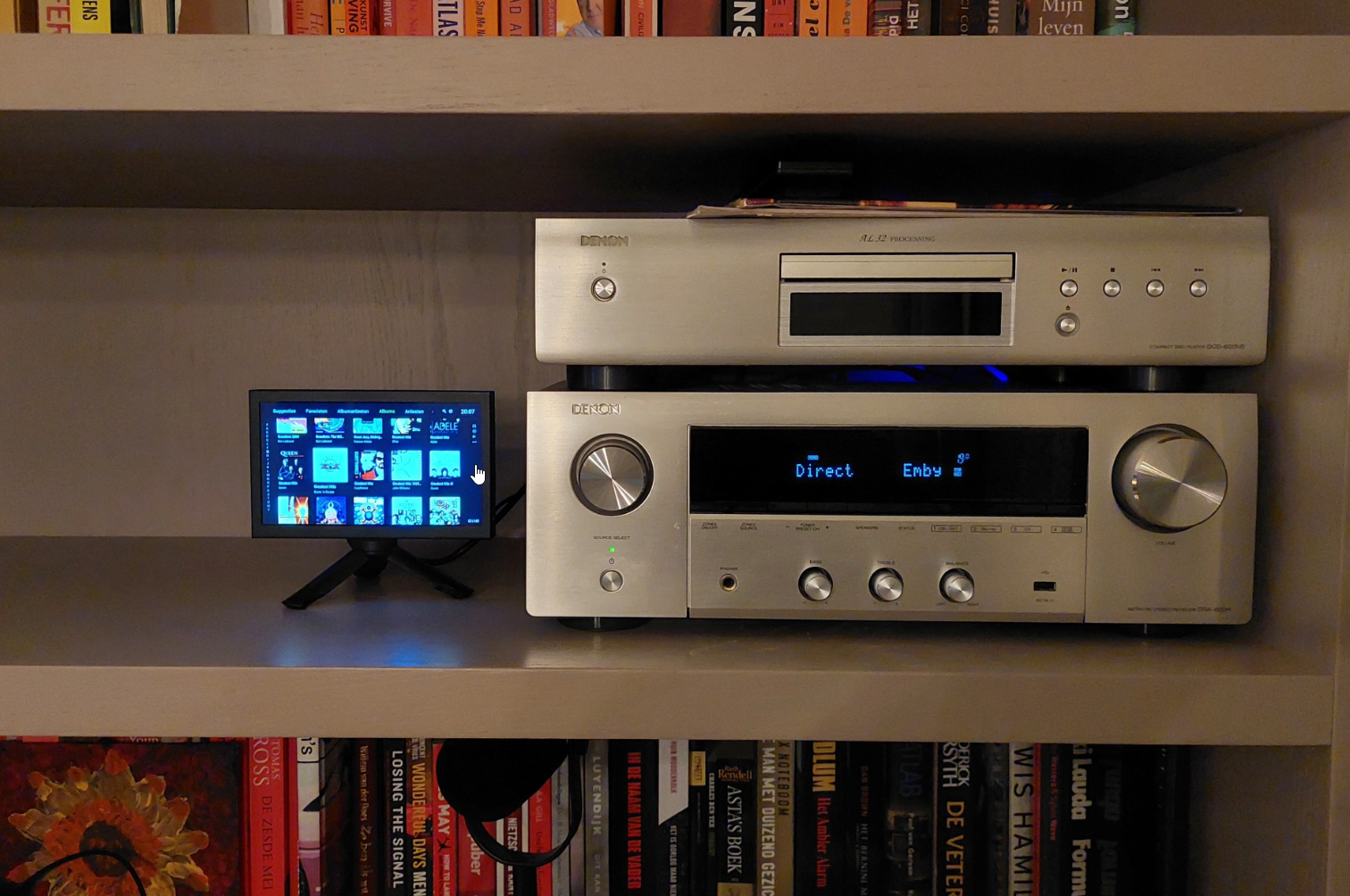
Any good tips? Dedicated device to use Emby with my Denon transceiver?
nlrobert replied to nlrobert's topic in Hardware
I have settled for: Xiaomi TV Box S (3rd Gen) Android TV box Aurevita 7 inch mini-monitor with HDMI The Android TV outputs HDMI to the Denon transceiver. The transceivers HDMI output/monitor is connected to the 7 inch monitor. It works very well. The only thing I'm fiddling with is power/energy/screensaver. I would like to make this as easy as possible for our family. I would like to power on/off the Denon, and it should power on/off the Android TV box with HDMI CEC. But maybe it only works the other way around (power on/of the Android TV, which in turn controls on/of the transceiver). The display itself will go into standby when there is no input, so that's fine. I can not have the Android TV power-off the display (as a screensaver) because that will shut off the Denon.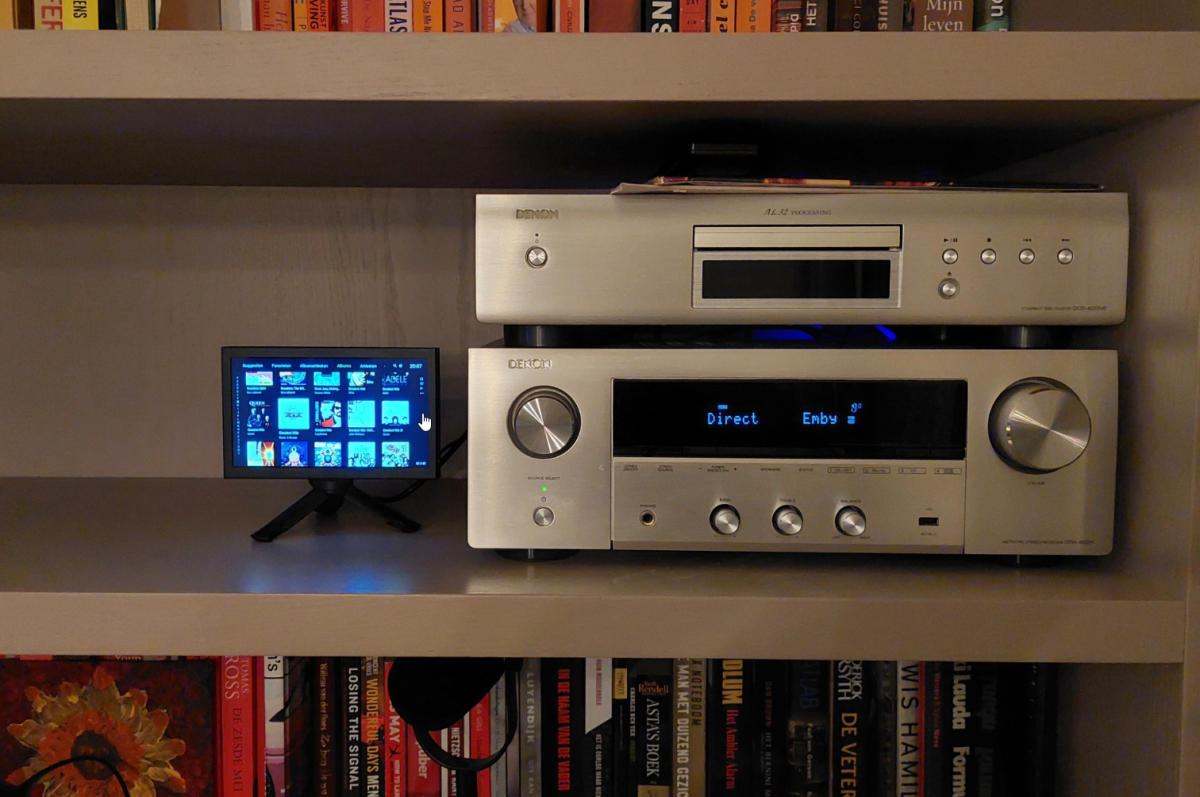
-

Where do I enter my TheAudioDB Patreon API key?
brothom replied to JulesC's topic in General/Windows
No problem. I agree. Separating specific genres/non-general media is the way to go. I've done the same with Anime and Documentary tv shows / series. Makes browsing a little more comfortable as well. - Today
-

External SRT subtitle file not showing up!
fabien_m2002 replied to fabien_m2002's topic in General/Windows
Today the FR SRT shows up in the drop down list. I don't know why. Maybe a second scan did it. I tried to put IT SRT file to test again but it did not show up. Is there a way to mount the SRT file without scanning library? It takes 2 hours, too long to enjoy. Thanks -
Hi, i had try to search, but i did't find the difference between synology 72 (the one i use for my ds218+) and synology 7_4 in the beta release. Thanks
-
New Emby server Beta release, v4.10.0.4.
-
External SRT subtitle file not showing up!
fabien_m2002 replied to fabien_m2002's topic in General/Windows
Hello yes i checked, name is same. I even tried a copy-paste to be sure. -
Check the settings in Settings -> LiveTv -> Advanced. Of I understand what you are asking, that says where to put dvr recordings.
-
@jprobins007 HI there, can you please provide a specific example? How to Report a Problem Thanks !
-
Please try uninstalling, then installing the standalone .deb and let us know how that compares. Thanks.
-

Unwanted fanart.jpg files being saved to Movie folders
Happy2Play replied to tanStaafl's topic in General/Windows
Not sure what is going on as your first two images are I will guess server url images "Fanart/1" then Emby sees your backdrop images. But have no idea how to reproduce this. -
HI, yes some light video editing features I think would be nice.
-
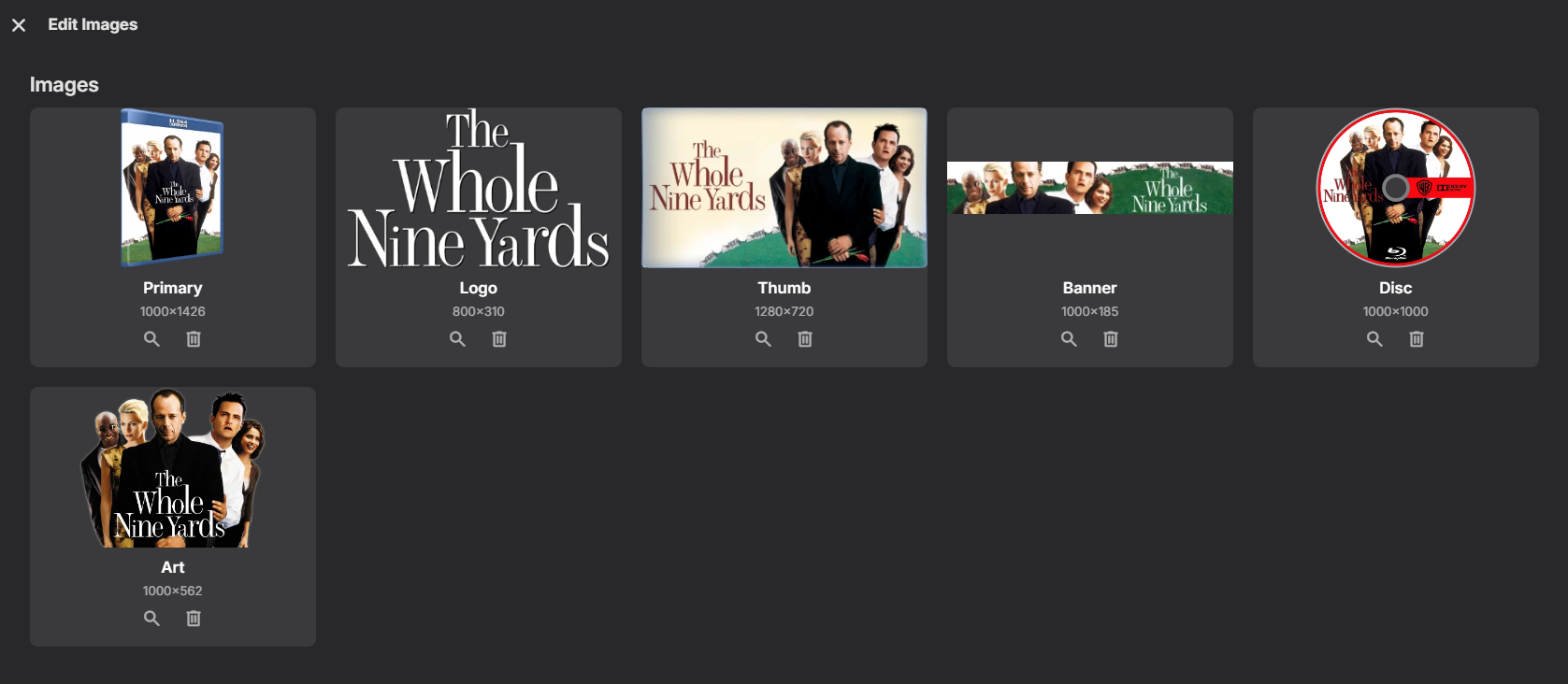
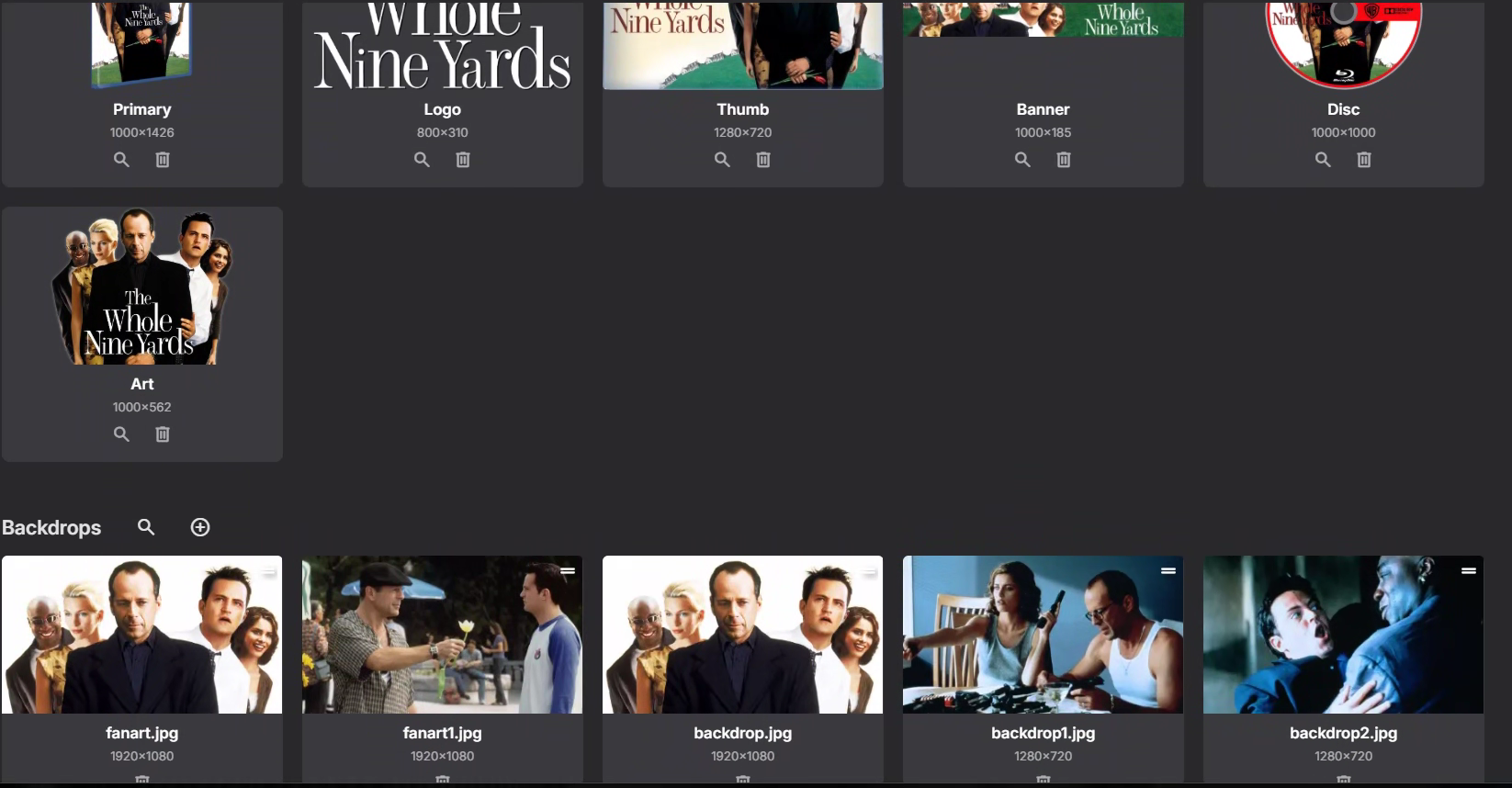
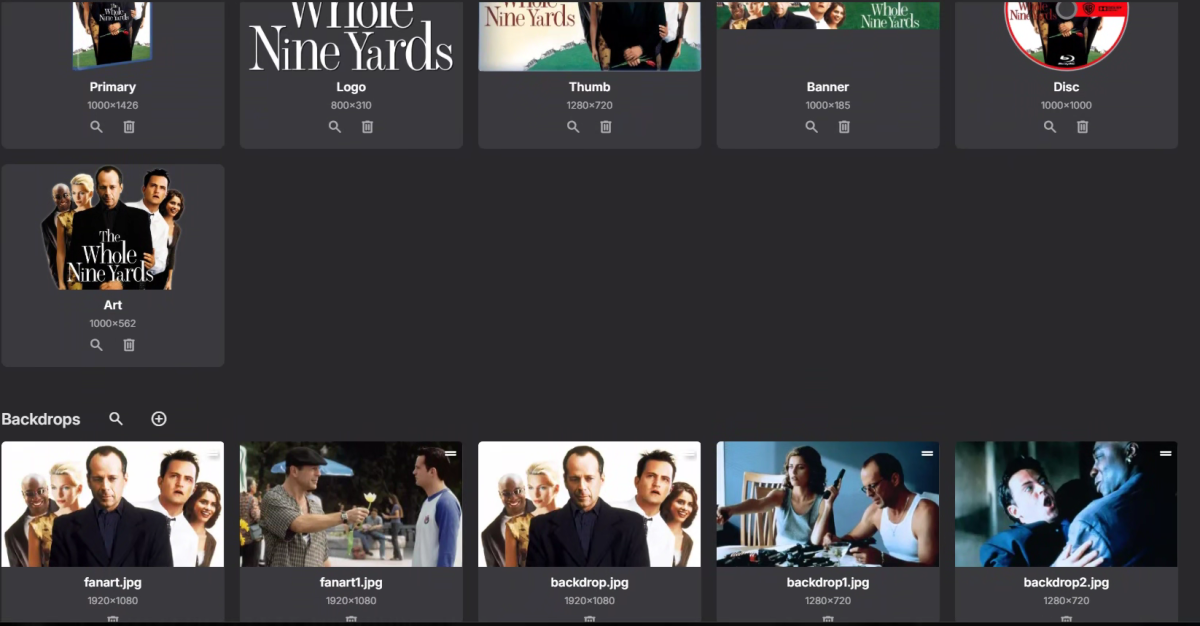
Your screenshot shows just the upper part of the dialog - scroll down, you should see all the Backdrops for the item.
-

Unwanted fanart.jpg files being saved to Movie folders
tanStaafl replied to tanStaafl's topic in General/Windows
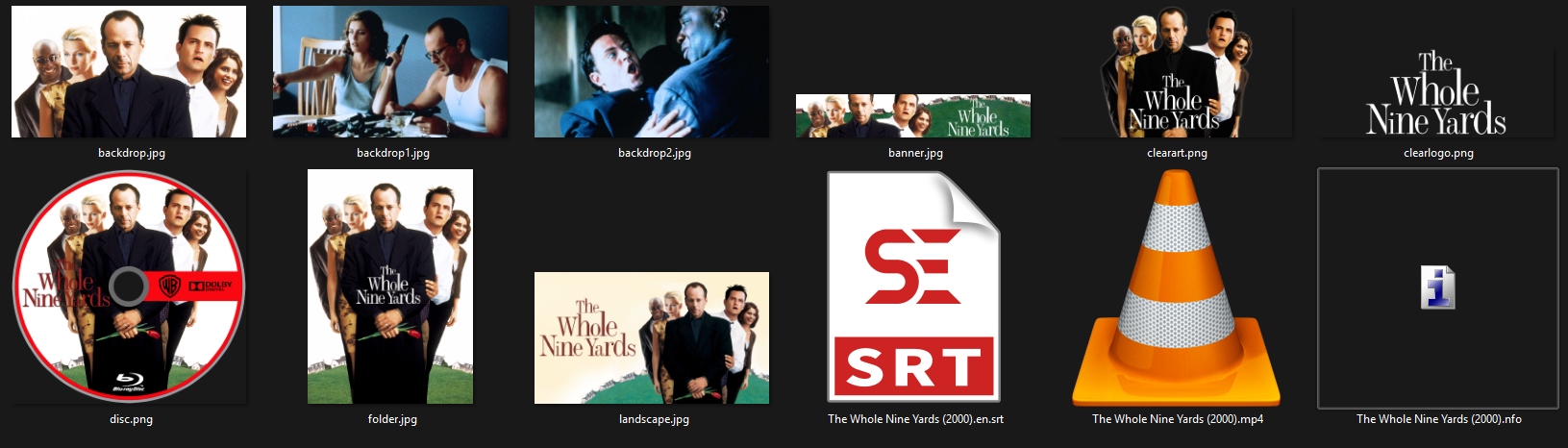
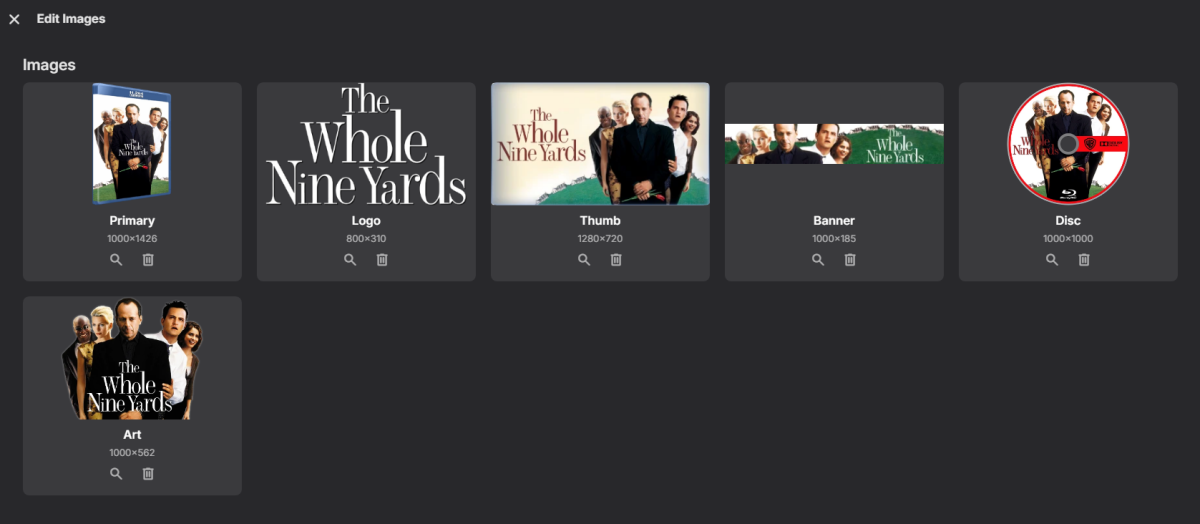
I add movies all the time, and when a new movie is added no fanart is generated, it just generates them randomly? at a later date.. but this one has me curious, here are three images, 1. the actual directory where the files are 2. a snapshot from a computer on the network 3. a snapshot taken from the server I have save to folder toggled on. One of these things is not like the other: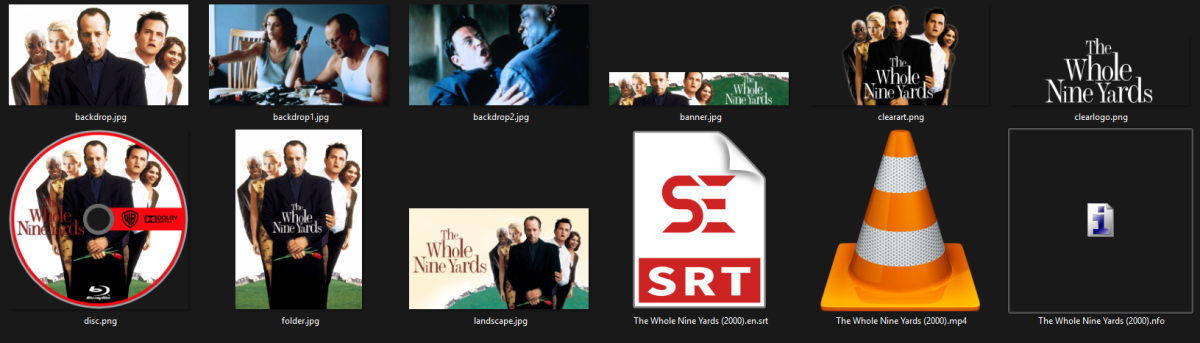
-
The image in question (pumpkin) is not listed in the Edit Images dialog, you can see in my screen shots above, its not there, nor is it on the file system where the actual backdrop.jpg's are
-
Why don't you just delete it from Edit Images dialog?
-
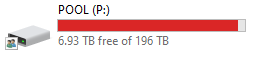
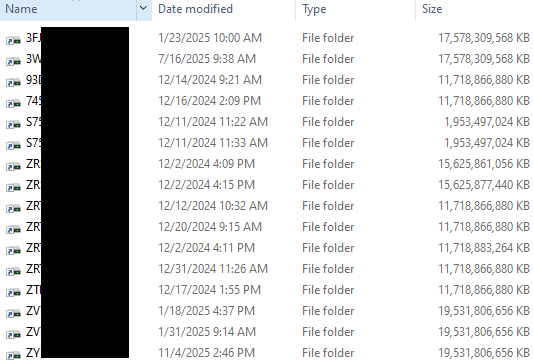
I have been using Drivepool for many many years with Emby, and wanted to add to this thread: You should NOT be interacting with the actual drives if you are using Drivepool, you should only mount the Pool and use that for Emby, just forget the actual drives exist, Drivepool will manage those drives, and all you will see on them is a hidden folder with the Poolpart IDs In fact you don't even need to mount them with drive letters, you can just have them as folders so you don't have to see them in your File Explorer For example here is one of my Drivepools The actual disks are not listed in My Computer or File Explorer The actual disks are just mounted as folders (I mount them as the serial number so its easy to keep track of which disk is what if I have a failure: I recommend you adding SSD disks as cache drives as well, you can configure that in Drivepool under plugins.
-
Agreed, RAID is a disaster waiting to happen with long rebuild times, I use Drivepool and have 0 risk of data loss if a drive fails, plus I can mix and match different size disks how I want. Much more efficient and safer.
-
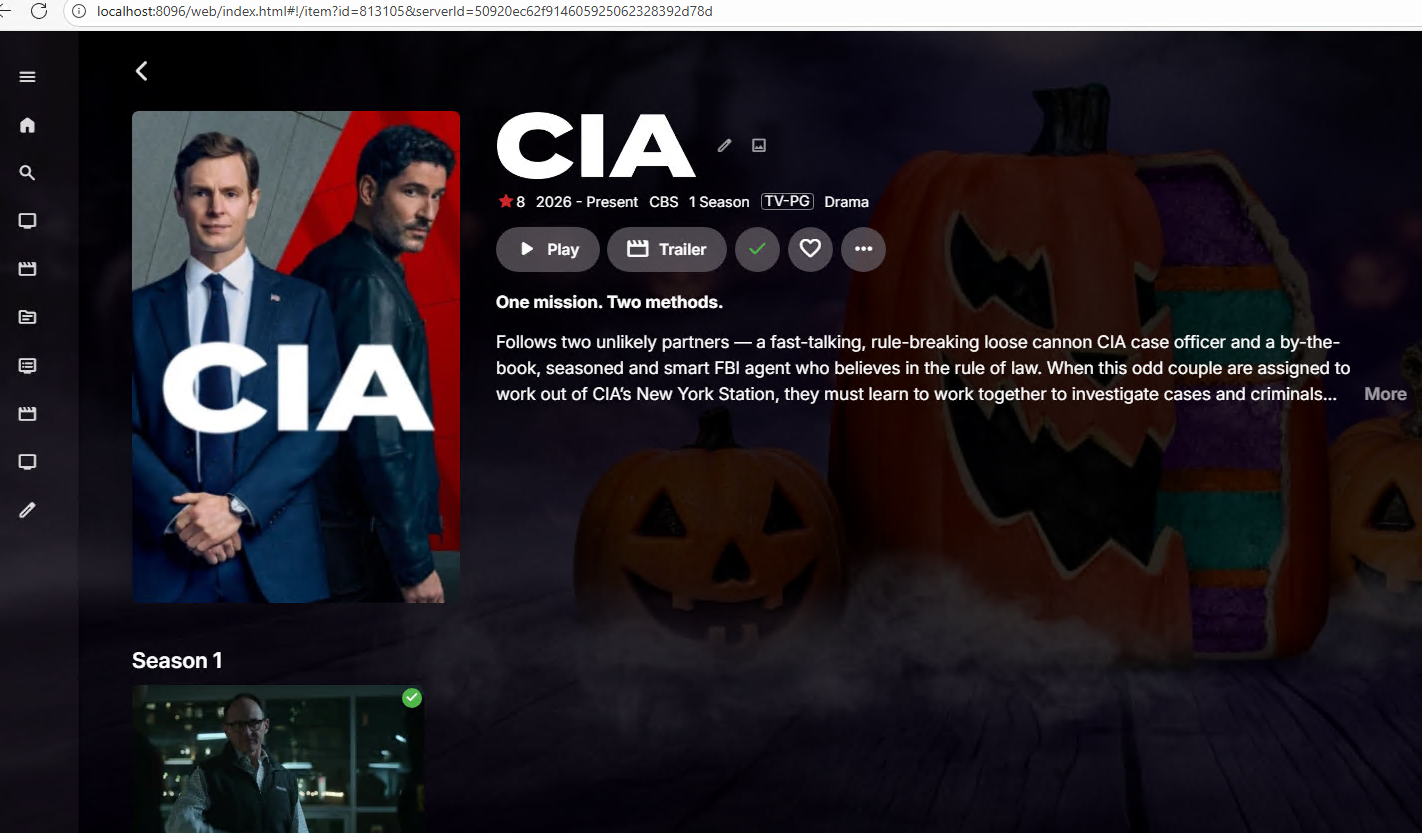
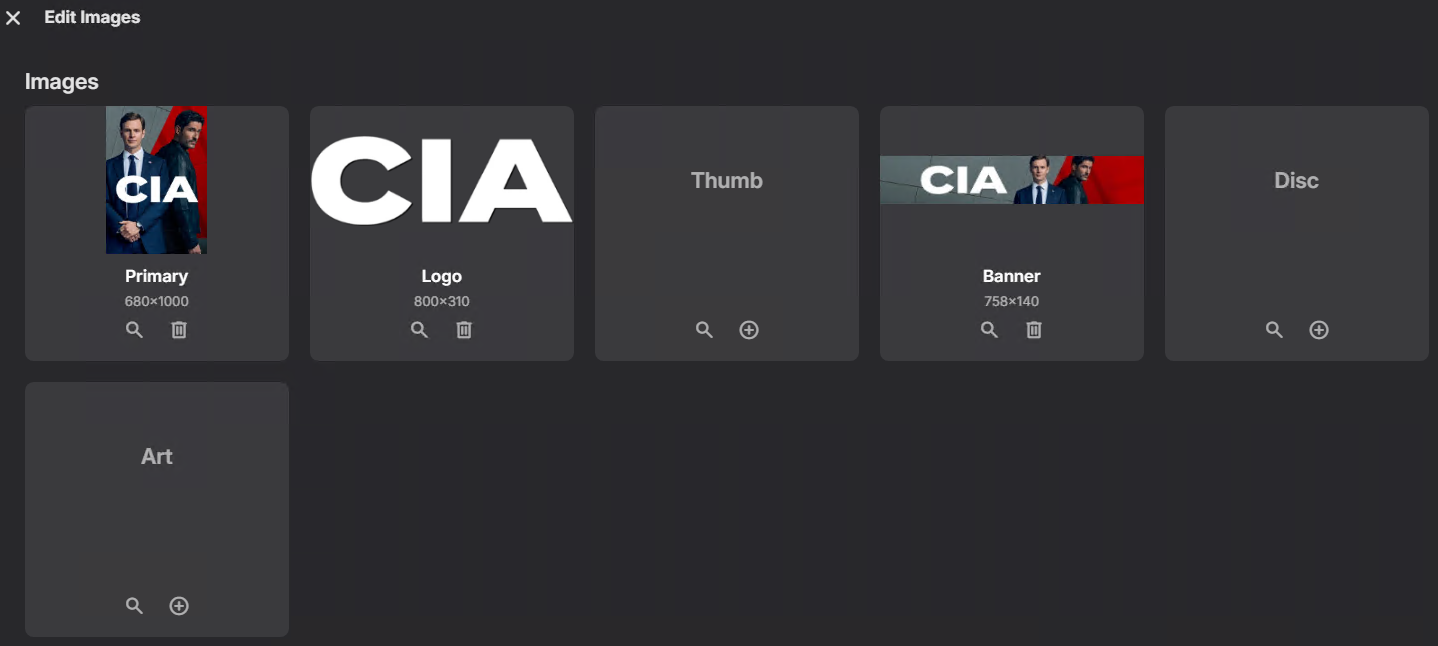
I have a new show added CIA (2026) for some reason it was identified wrong automatically as a baking show (Is It Cake? Halloween) https://www.imdb.com/title/tt37610484/, I updated using the identify option, and deleted the existing images using the edit images option, the correct images are now showing in Emby dashboard: However there still one of the original incorrect images in the backdrop rotation, and I can't find where this image is coming from. Its not stored with my other metadata: Here you can see the incorrect backdrop being shown: This backdrop is showing up both in the web html client and also on my devices, when I open the background image in a new tab it shows the location as: However I can't find any folder called Items Can anyhow tell me were this file is coming from? And why it would be showing in the backdrop rotation if not one of the fanart.jpg files?
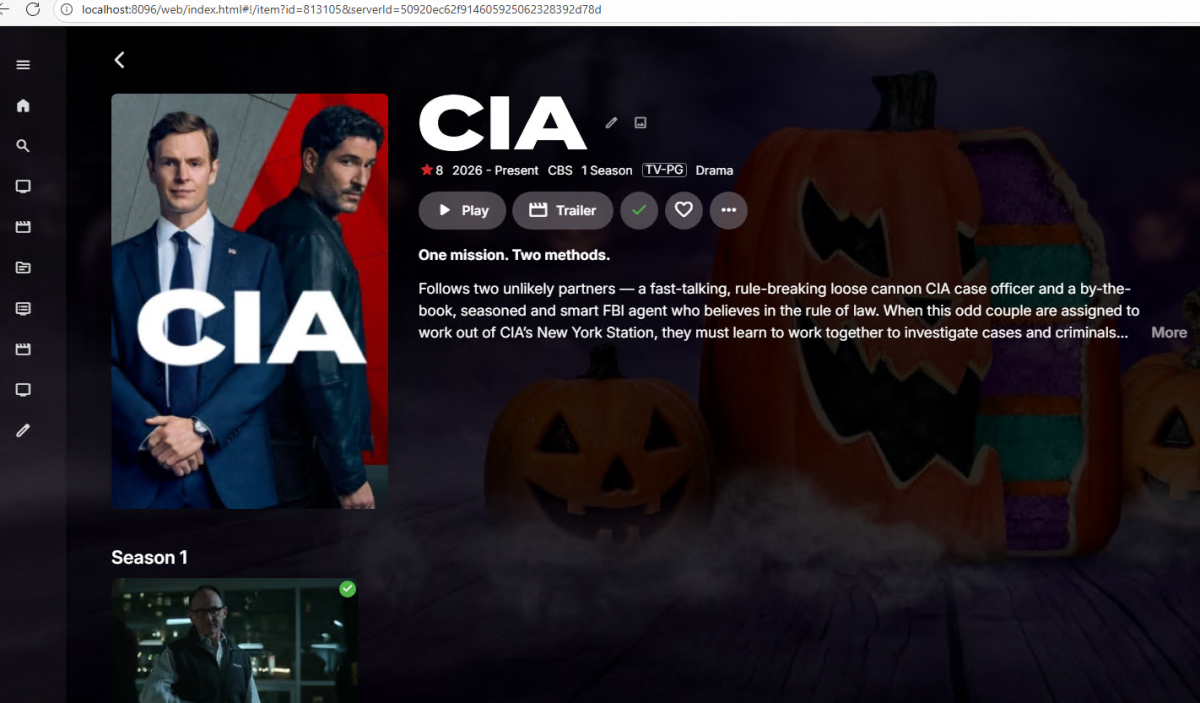
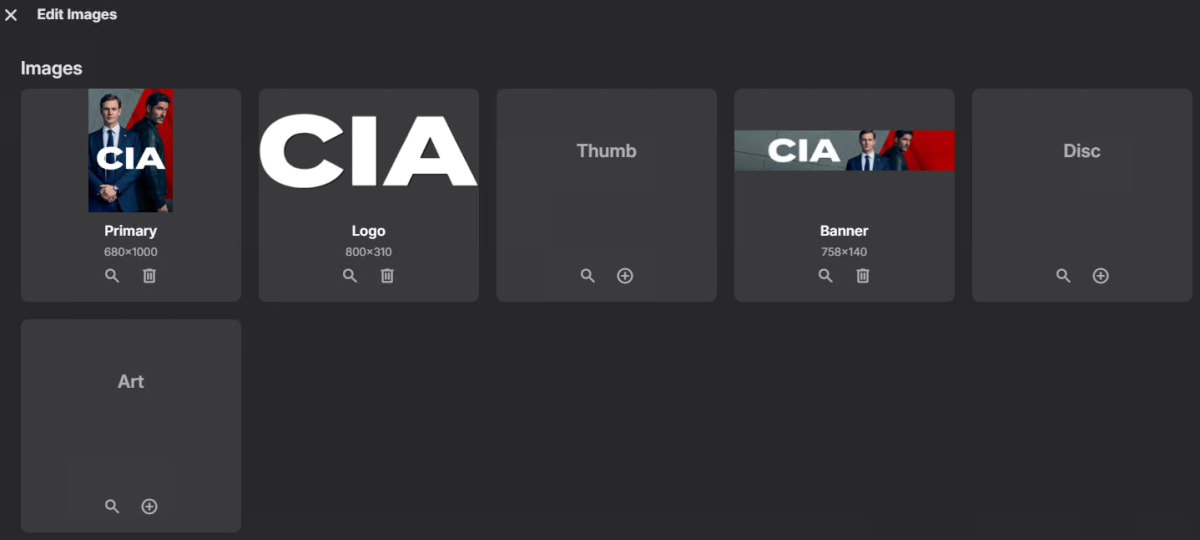
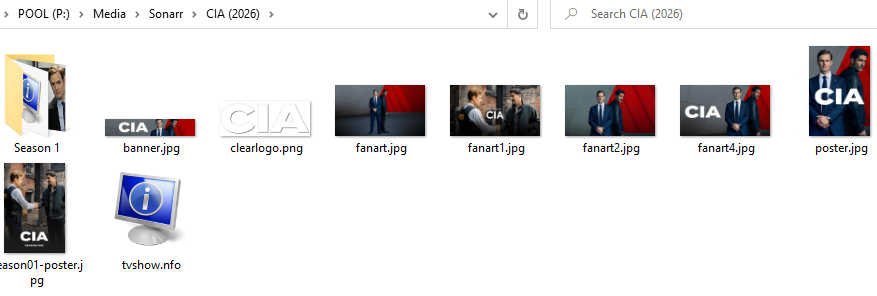

-

Make Card background transparent for custom icons in 4.10.03
Mobius replied to Mobius's topic in Windows & Xbox
OK, thanks for the quick reply. Much appreciated!. I assume you mean "no way to control this in the windows app" also means there is no 'config file' of sorts that you can edit and/or point to a custom css? I was hoping that like my current workaround with 3.0.20, ('filesystem.js' requires 'windowstyle.css'), that it would be relatively simple. I'm not a coder though. -

I moved and now I can't access my WAN emby server
darkassassin07 replied to drpickles's topic in General/Windows
https://whatismyipaddress.com/ Does the IP displayed here, match the WAN IP shown in your routers management page? If not, there's something in between, typically cgnat. https://portchecker.co/check-v0 If the IPs do match, does this show the port you want as open? (8096, 443, or whichever you've chosen) If not; there's likely a misconfigured port forward (Could be the LAN IP isn't actually static like you expect; some devices spoof their MAC by default, and this can annoyingly change with updates.) or potentially your ISP is blocking the port you want. (I can't host on port 80 for example, doesn't get past the ISP)