All Activity
- Past hour
-
 Kirina joined the community
 -
 yangzi2005 joined the community
 -
 Tow&tow joined the community
 -
-
 Baltero8 joined the community
 -
Was playing a bit with colors to better indicate workflow/selection, tell me which version works better. v1.1b emby_album_tag_importer.py
-
 SD98SD joined the community
 -
 LarsM1406 joined the community
 -
 ChrisFitzsimons joined the community
 -
 fjmrtnz joined the community
 -
ok also sollte ich nun emby komplett neu installieren und dann hoffen dass es auf allen Geräten besser läuft ? Also ohne Abstürze, verzögertes reagieren etc ?
-
I think this is the issue. It was introduced in tvOS 26.4
-
Double click on the inline image during editing, then you can set the size
-
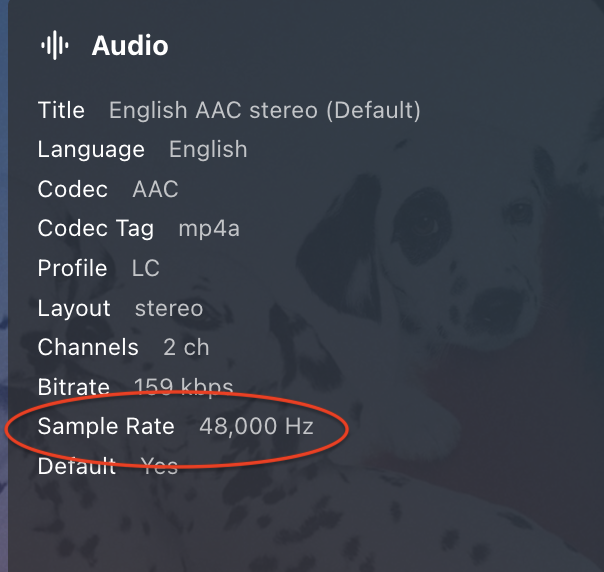
What's the Sample Rate of the AAC audio track for some files that play, and those that don't?
-
@Traction Tim @Luke Did this ever get resolved? I'm new to Emby and I am experiencing similar problems with my playlists.
-
I think this is still https related. I believe the Samsung media player connects slightly differently to the UI, so I've seen this in the past where navigation works fine, but playback does not. In these cases it also won't start the transcoding session. Who is the SSL certificate from? Can you determine the valid from/to dates for each certificate, including the root and intermediate certificates? The easiest option is to check this from a normal web browser on a PC. Have any of the certificates been recently renewed? How did you test the http connection? Is the server set to Prefer or Require a secure connection, or is secure connection disabled? Did you also update the server and port details in the client when you changed this to ensure it is only connecting via http and port 8096? You might even be better to delete all the configured servers in the client and ensure only the plain http server is configured. If it's still an issue, can you please enable debug logging on the server, restart the emby server process so that we capture the full server startup in the log, then do a playback test and post (or PM) a copy of the log?
- Today
-
Here you go.. Updates: New variables added --custom-sidebar-width (Custom width of sidebar, 250px default value) --media-card-radius (Adjusts the corner rounding of standard posters, 15px default value) Hotfix added for scrolling issues with the Coverart plugin. Emby Navy and Gold v4.55.css
-
Na ja, du könntest ja Jellyfin runterfahren, Emby installieren, über den Standardport auf Emby zugreifen und dann in den Einstellungen den Port auf einen Dir genehmen ändern. Danach kannst Du Jellyfin und Emby parallel ohne Docker betreiben. Oh, es ist im Übrigen verständlich, dass Jellyfin den gleichen Port benutzt, ist Jellyfin doch ein Emby Fork
-

Emby server When Streaming a movies to tv the sound is out of sync
Neminem replied to malc1954's topic in Feature Requests
Nice feature request -

Emby server When Streaming a movies to tv the sound is out of sync
malc1954 posted a topic in Feature Requests
h- 1 reply
-
- 1
-

-
Ich habe davor einen jellyfin Server ausprobiert und der läuft auf den 8096 Port. Scheinbar nutzt emby den gleichen Port und das lies sich nur via docker umgehen. jetzt könnte man natürlich jellyfin löschen aber ich habe so viel Arbeit reingesteckt. Glaubst du wirklich das dadurch Alles besser läuft ? Wenn ich zum Beispiel Infuse nutze habe ich weniger Probleme
-
v1.1 - Mapping Save/Load status messages added - Delete all rows button added - Mapping input field is a combo-box now (you can both type-in or use dropdown; you'll get suggestions as all unique tags collected based on current album selection) emby_album_tag_importer.py
-
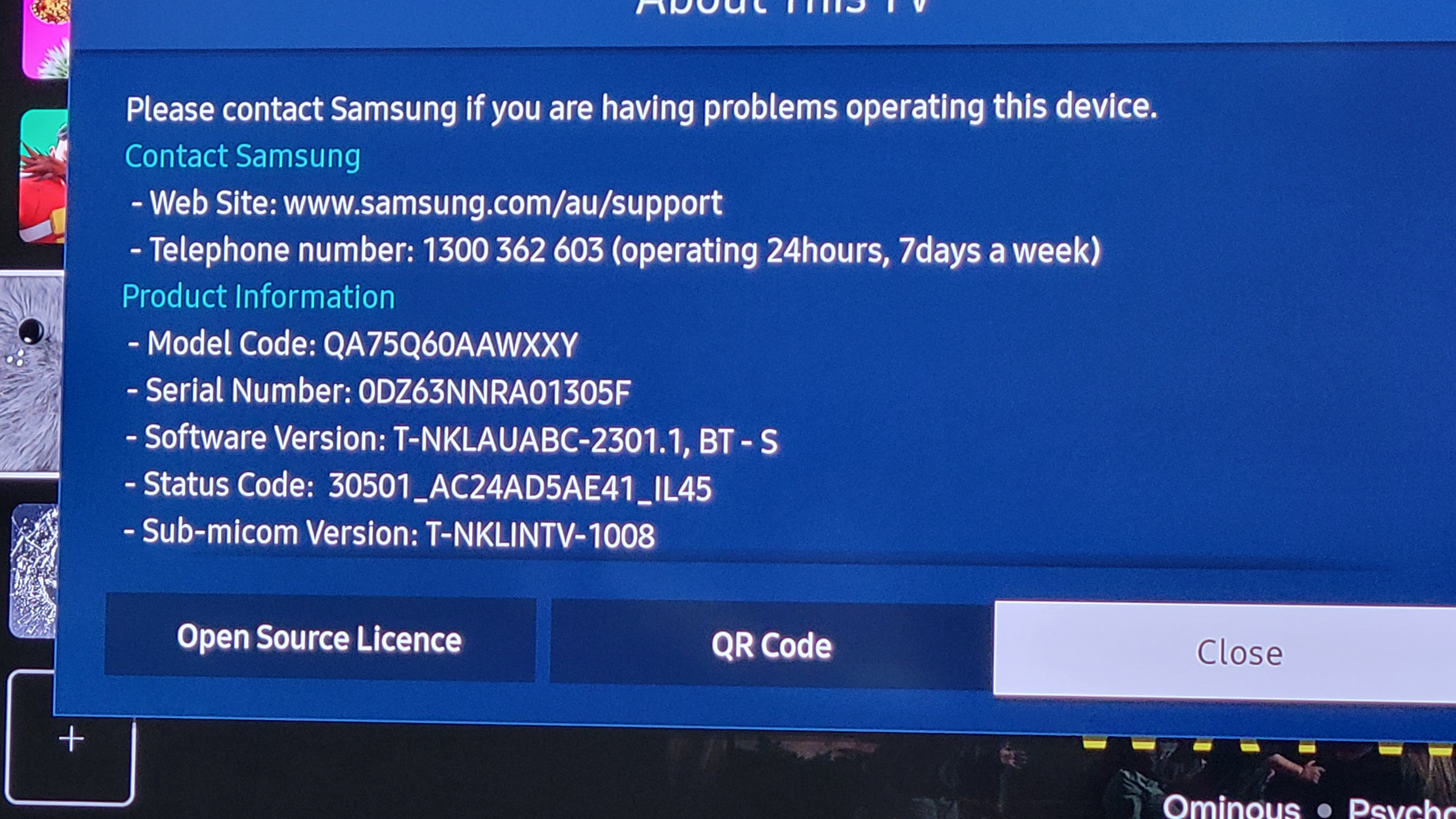
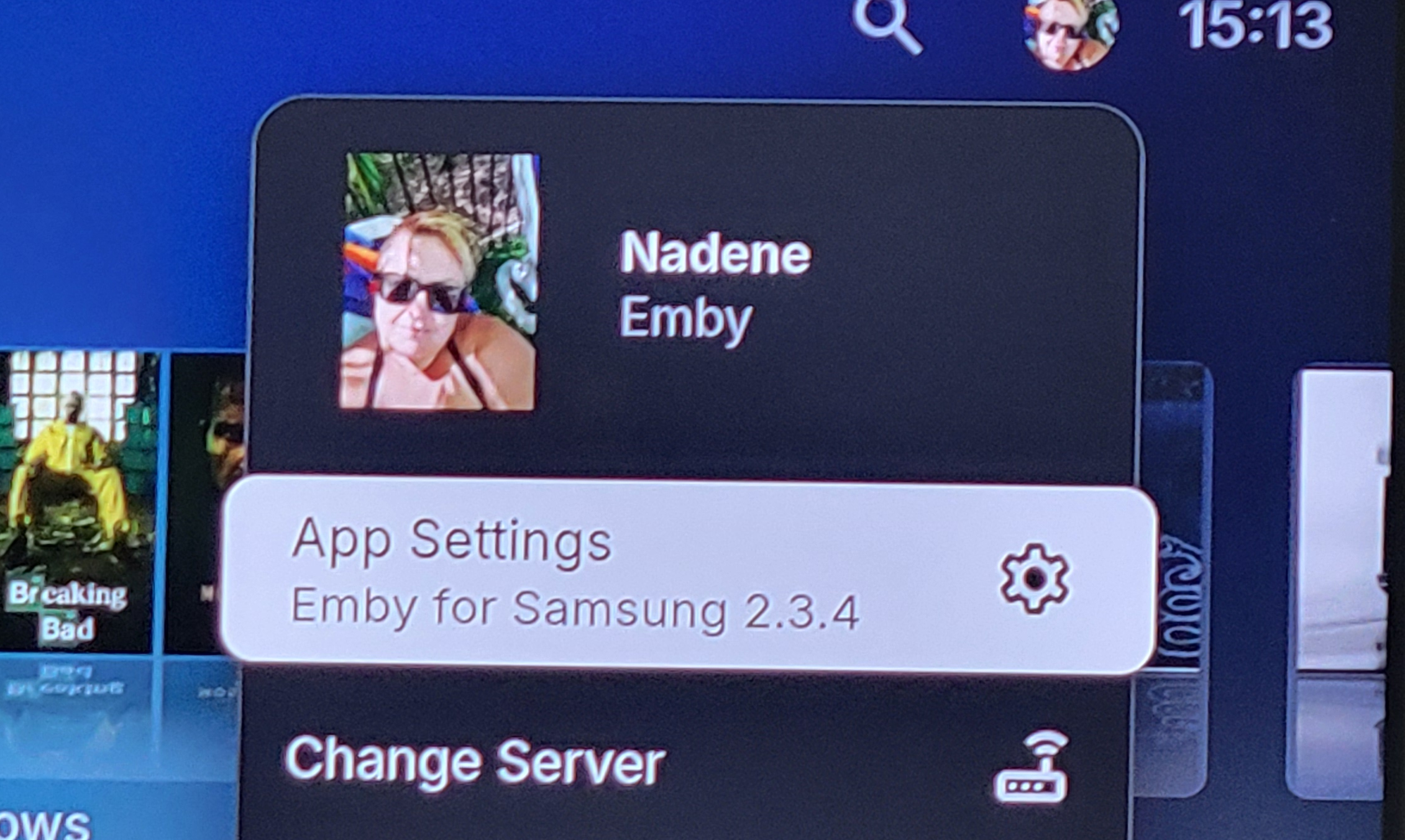
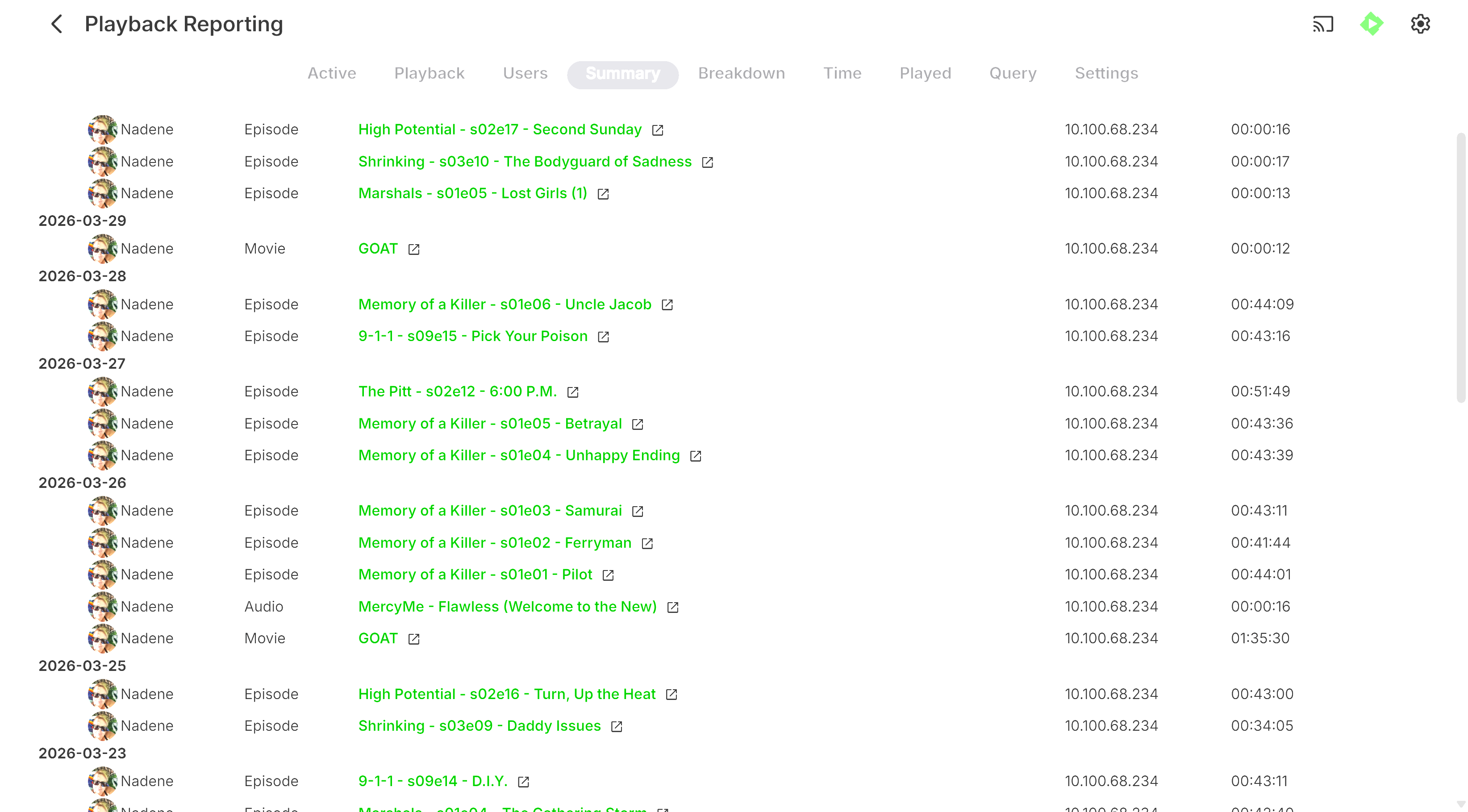
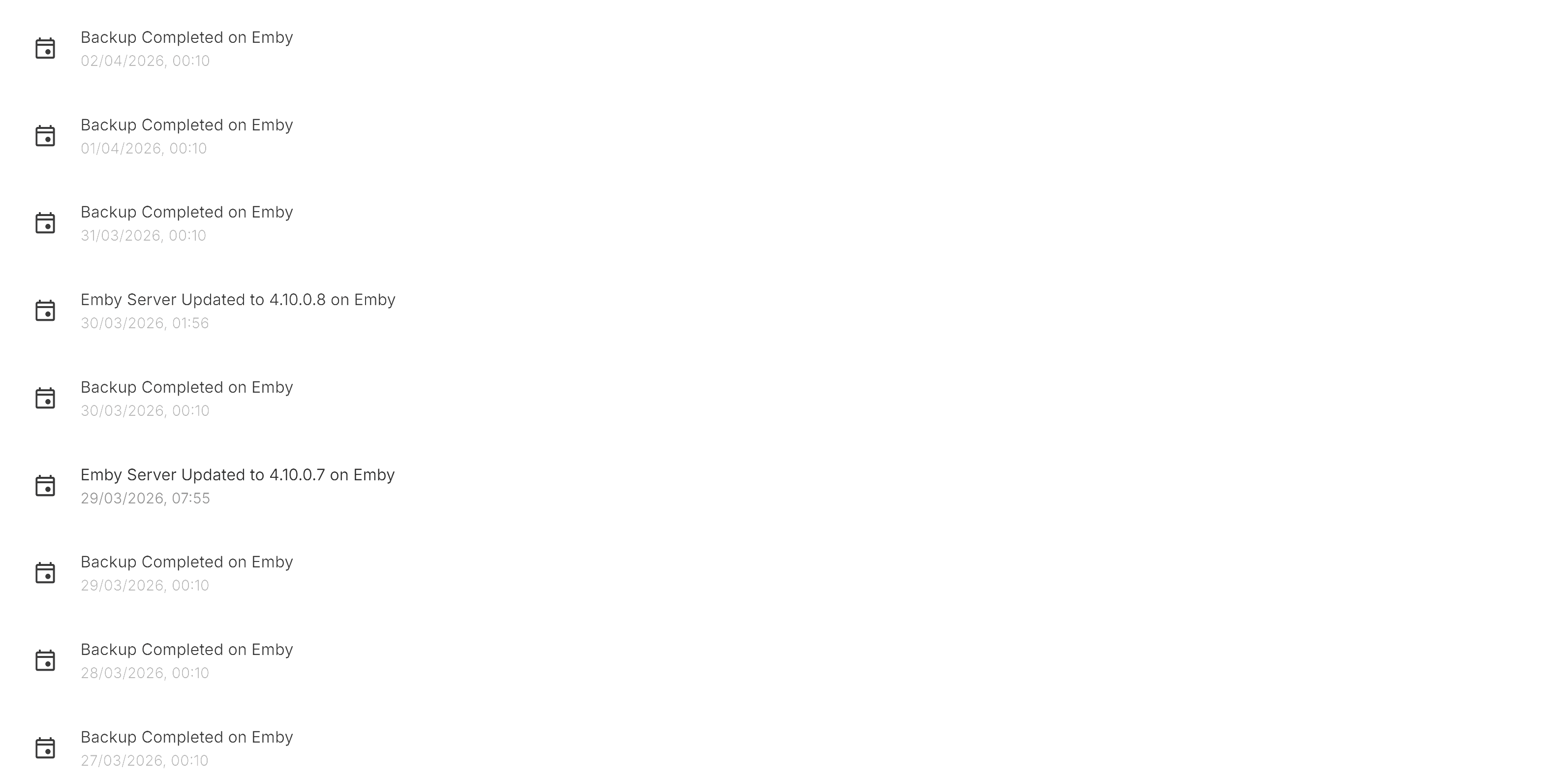
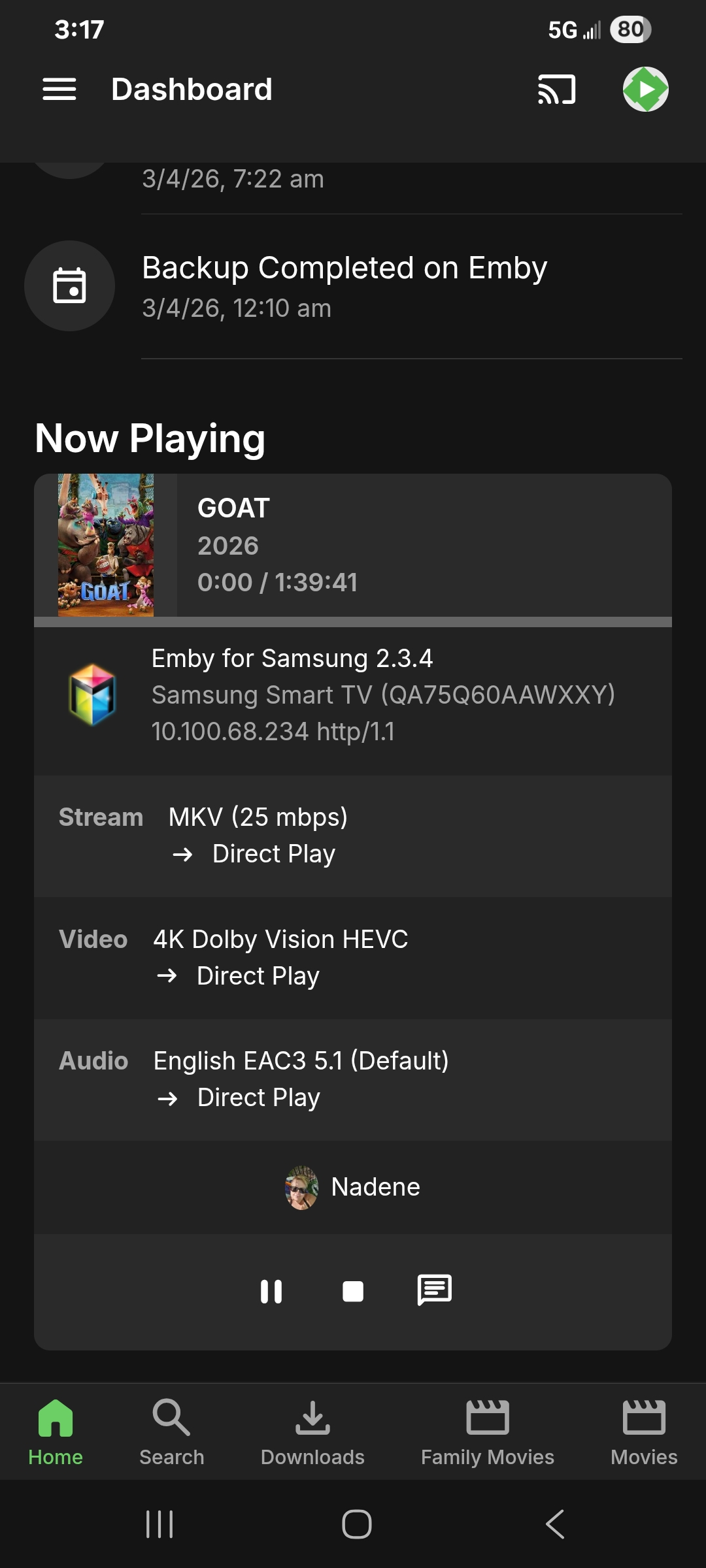
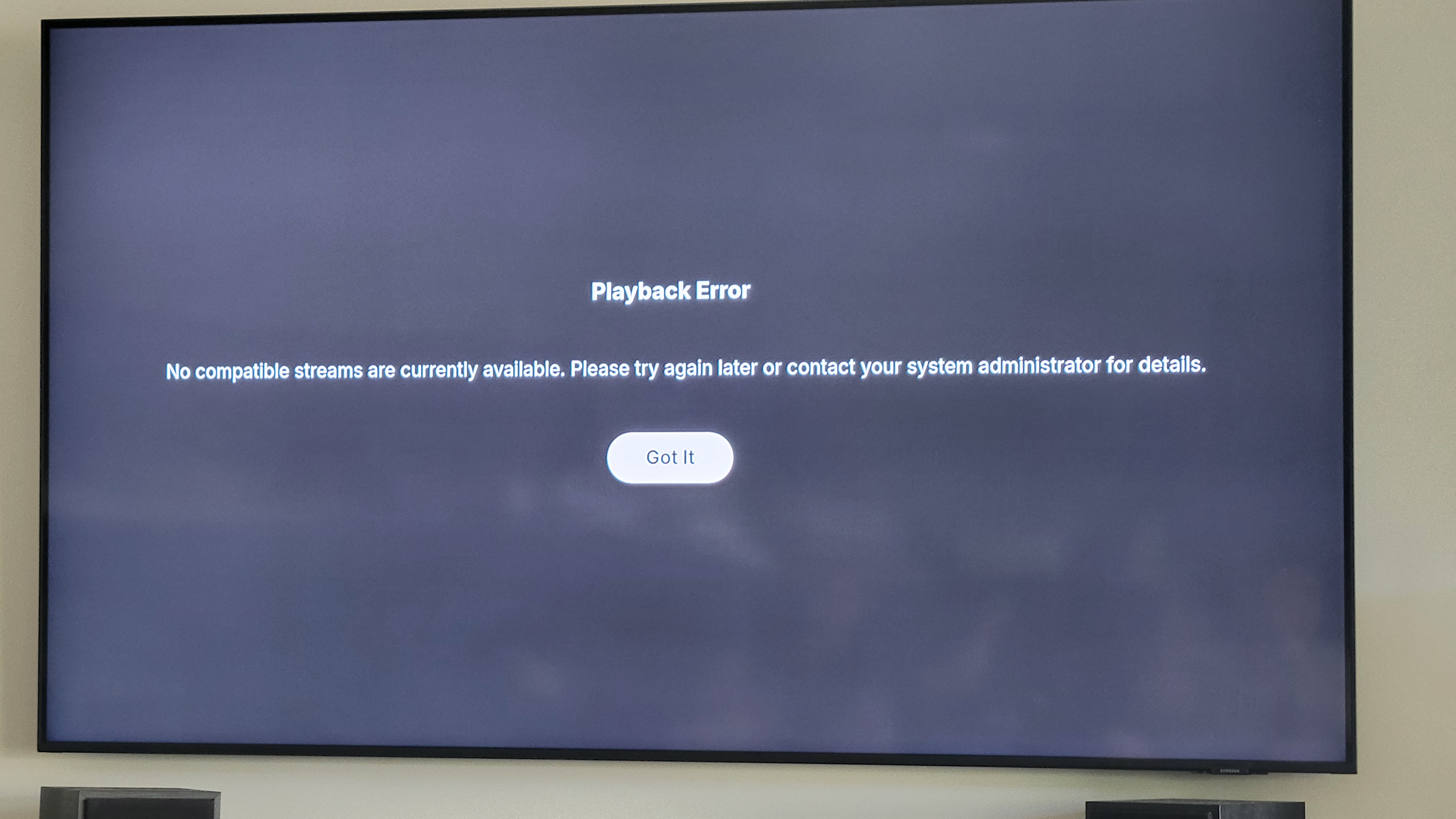
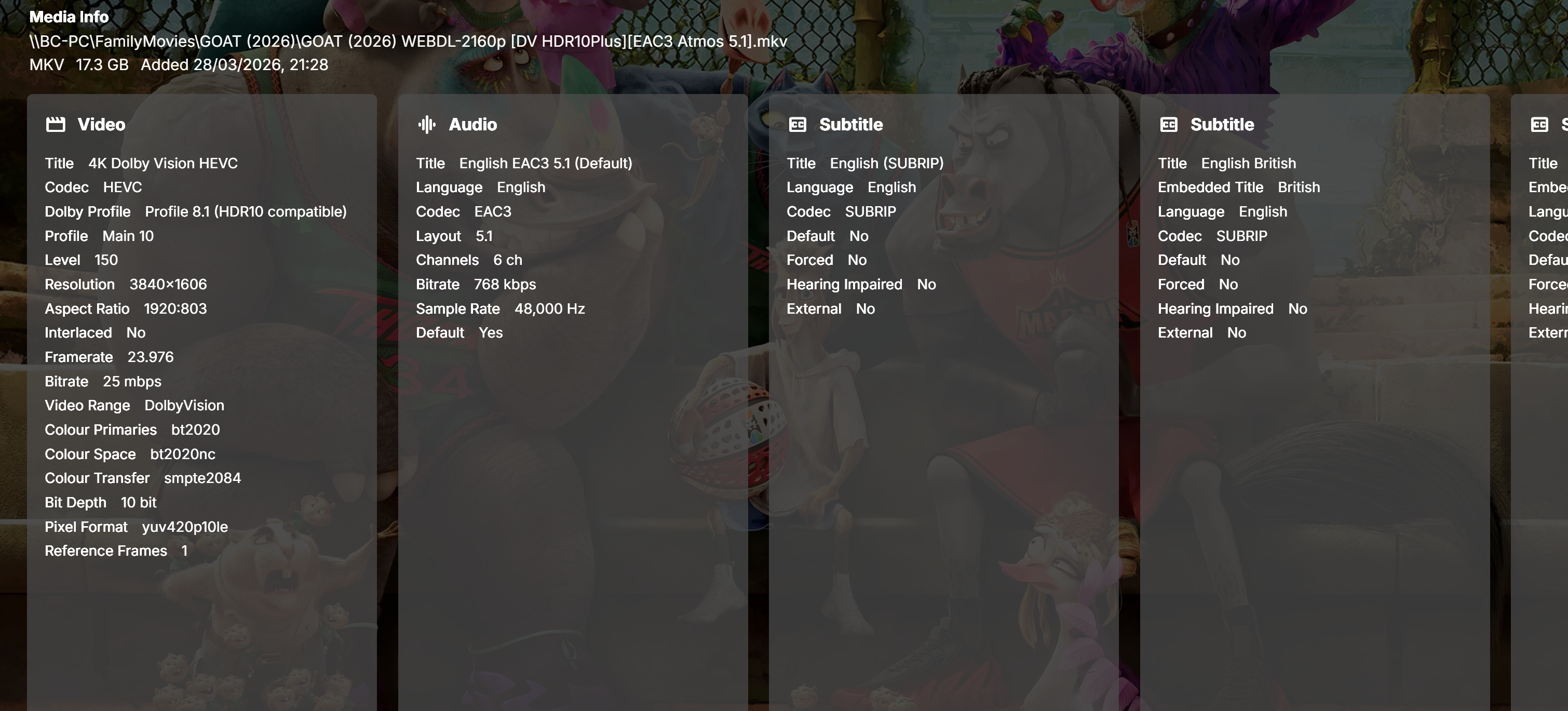
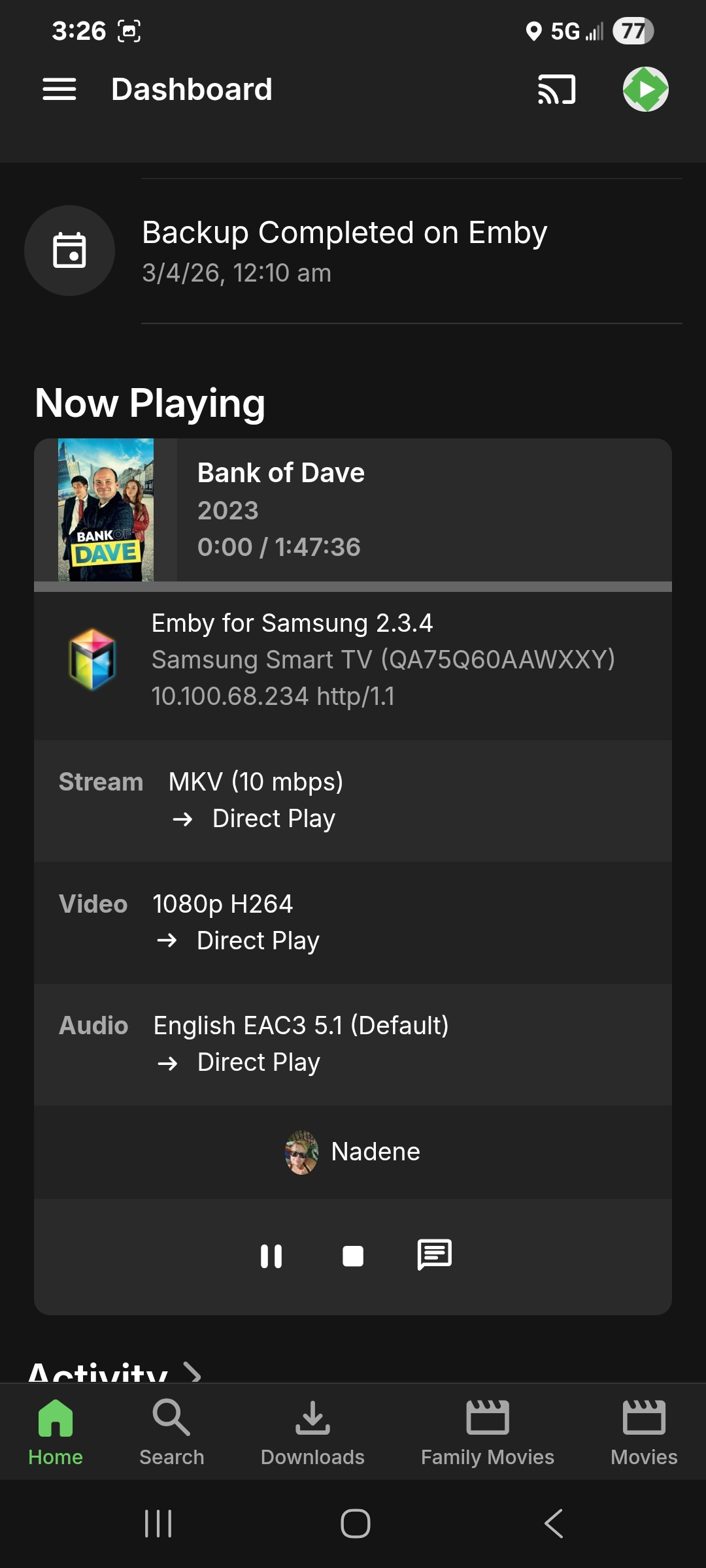
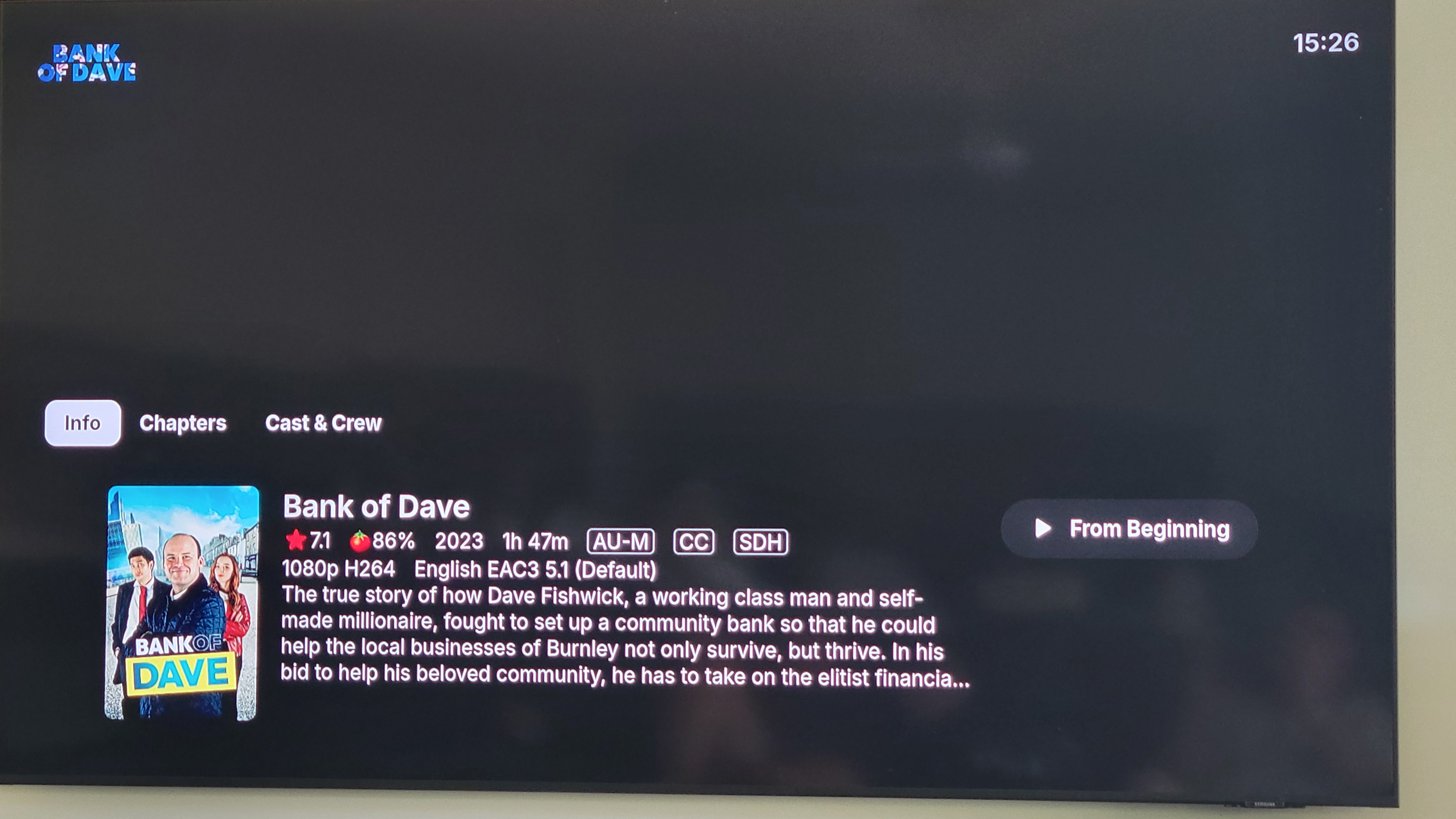
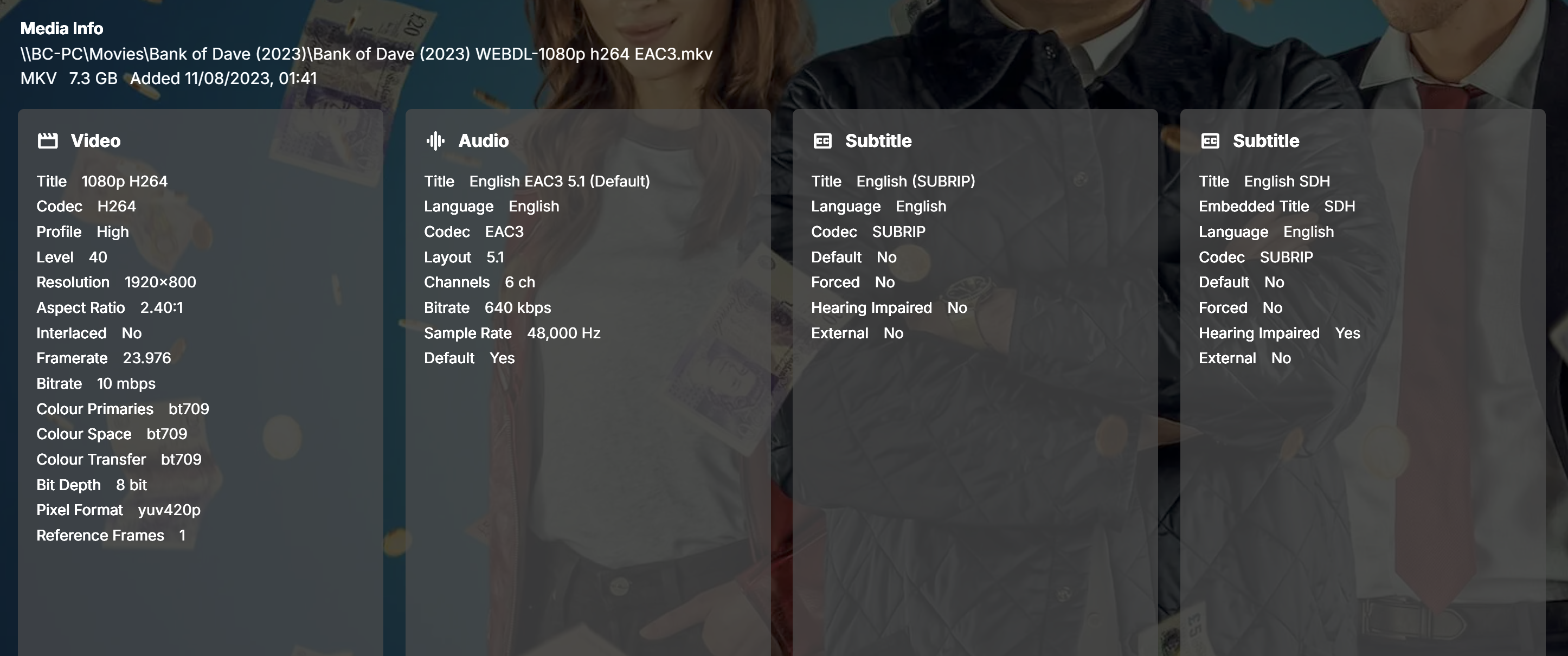
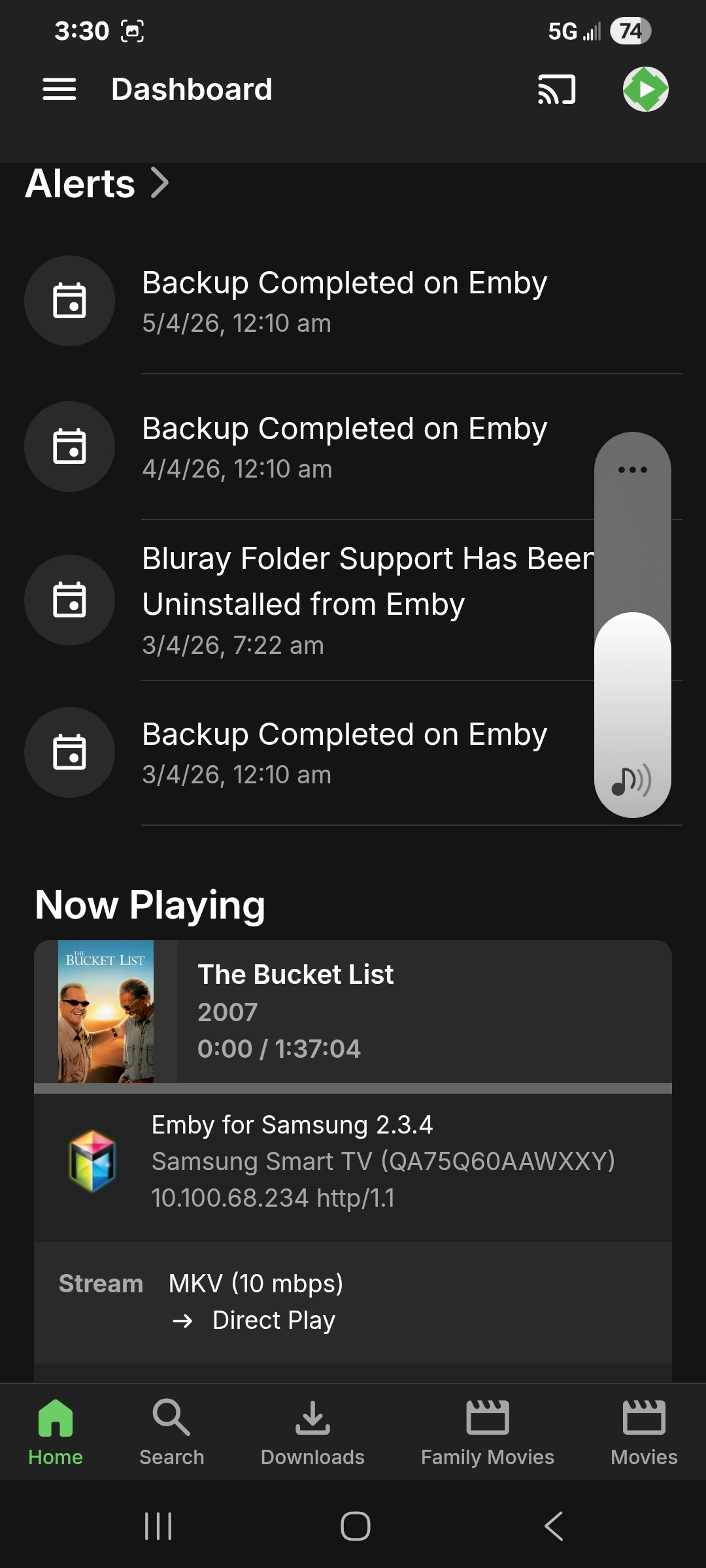
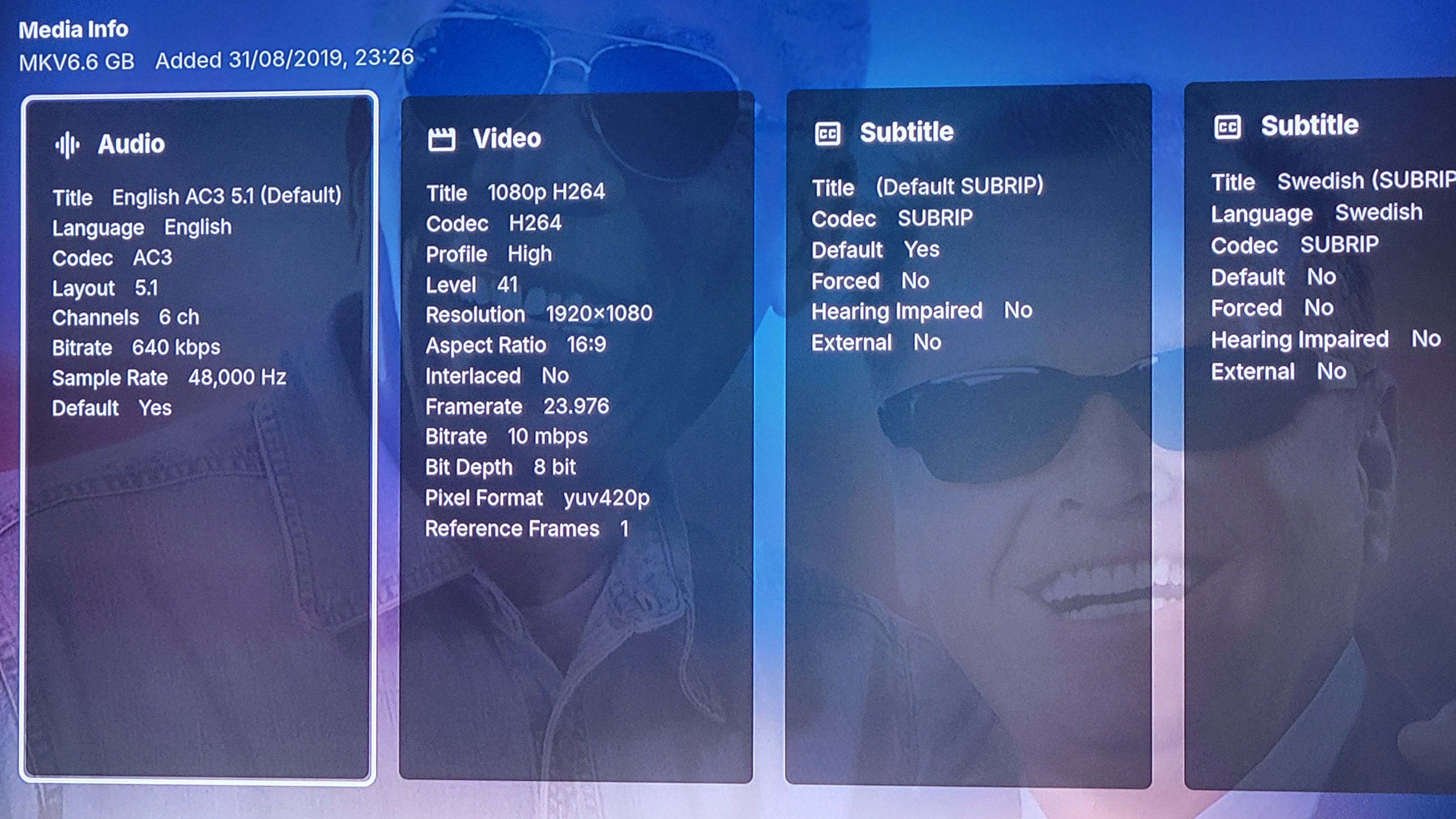
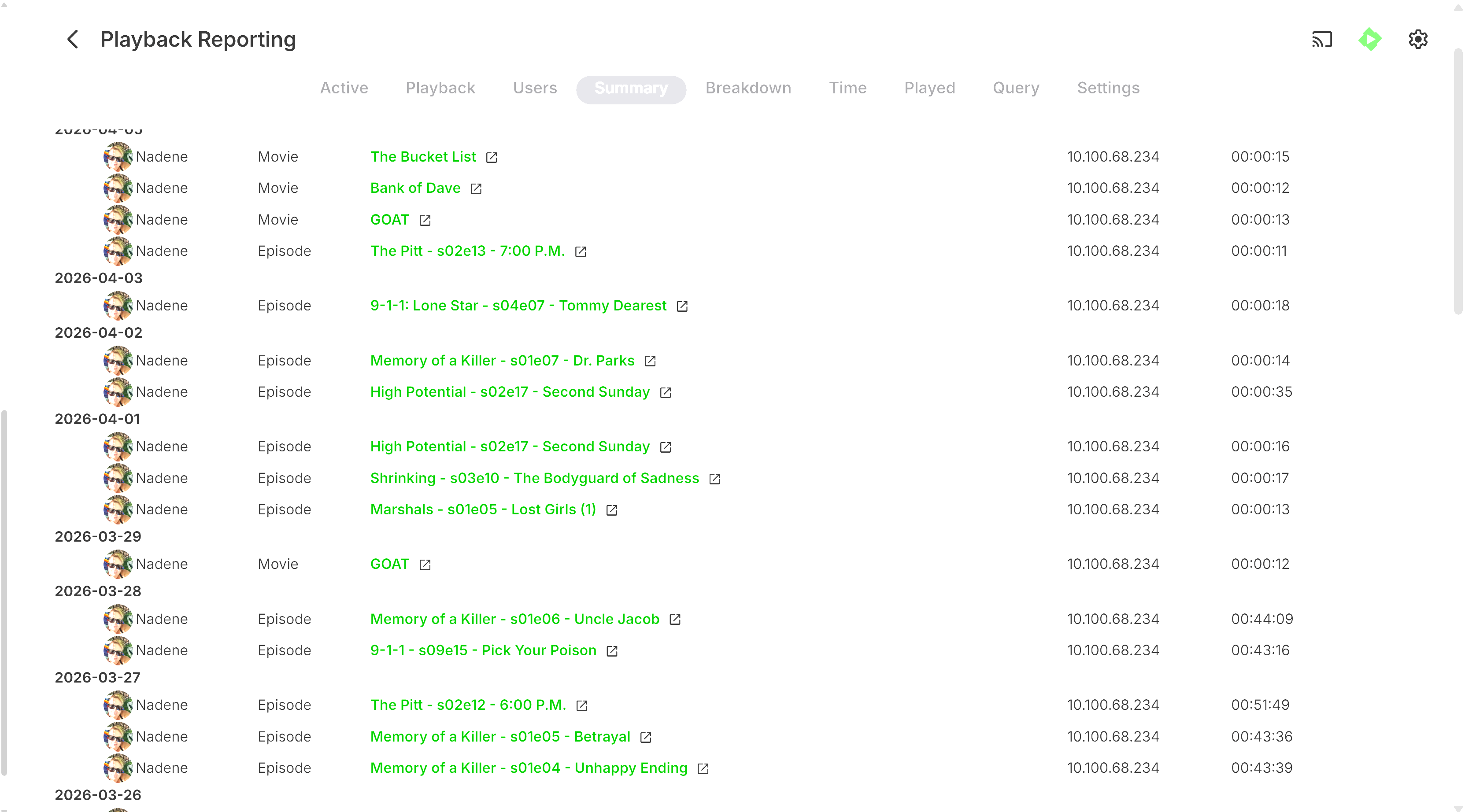
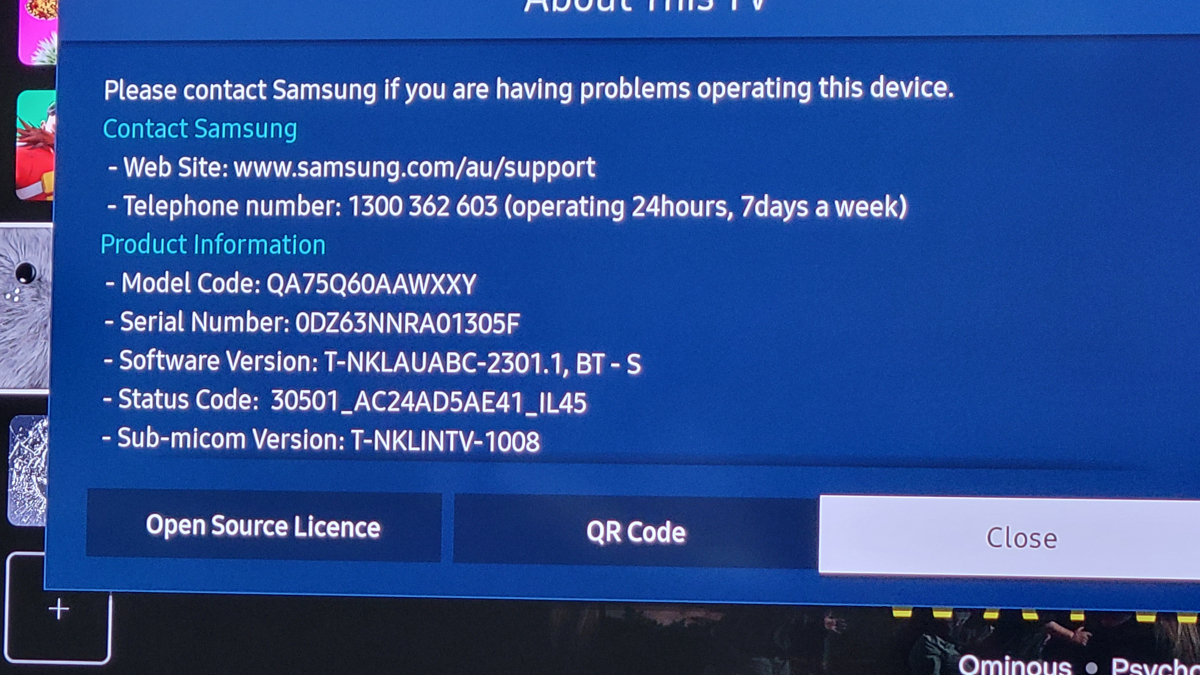
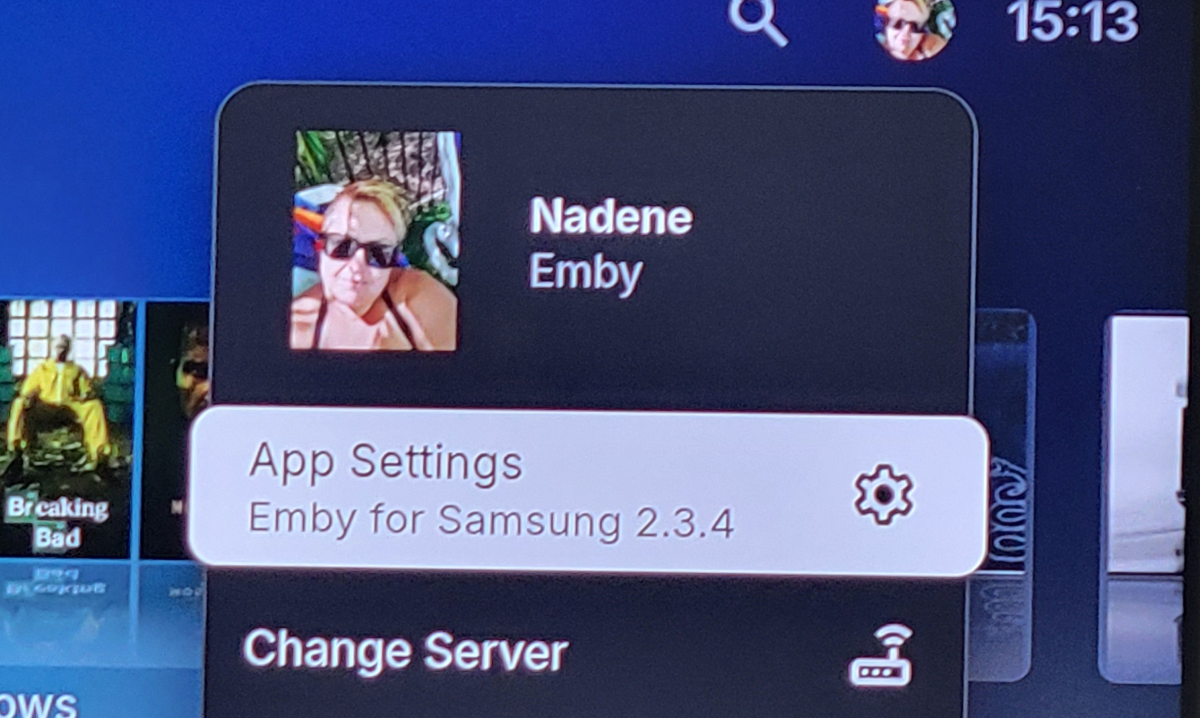
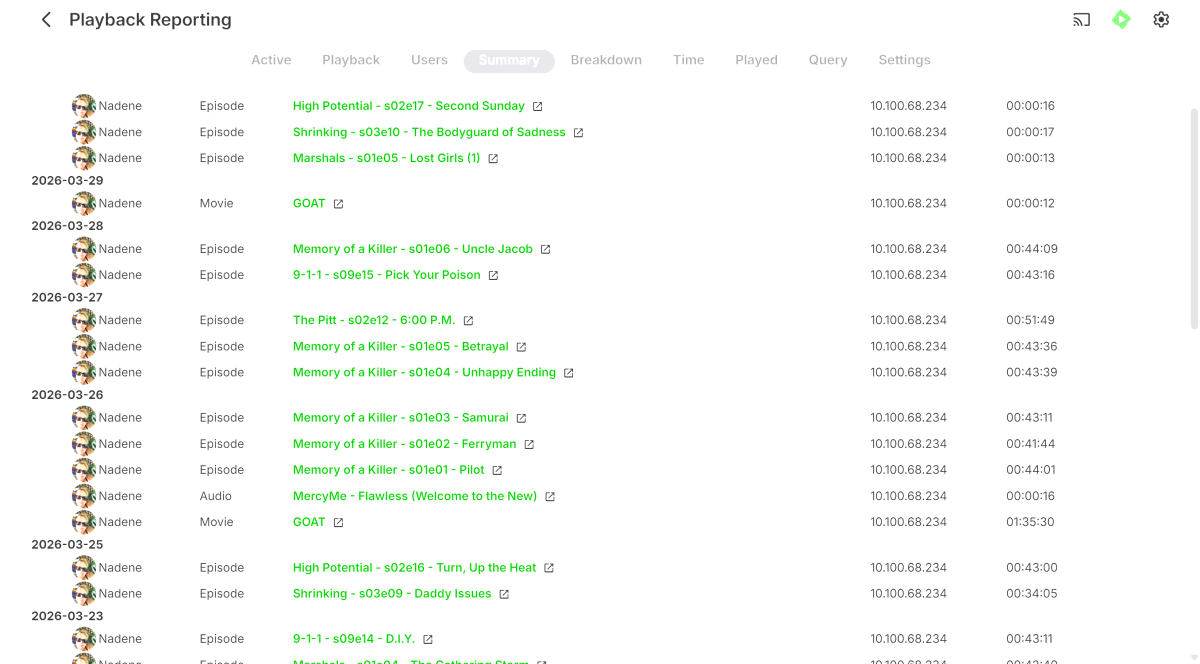
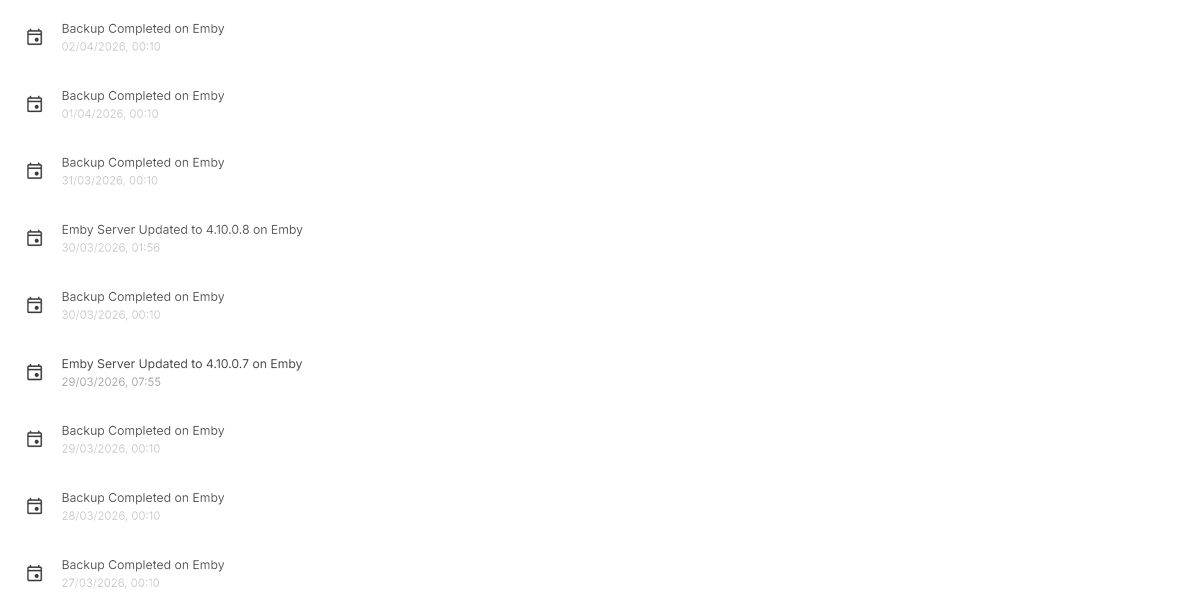
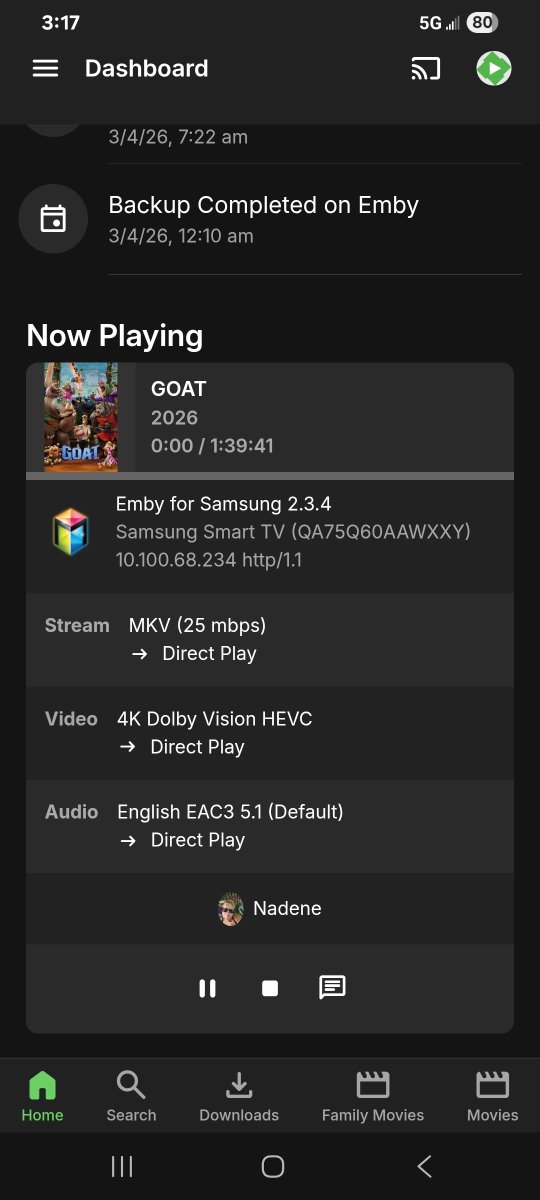
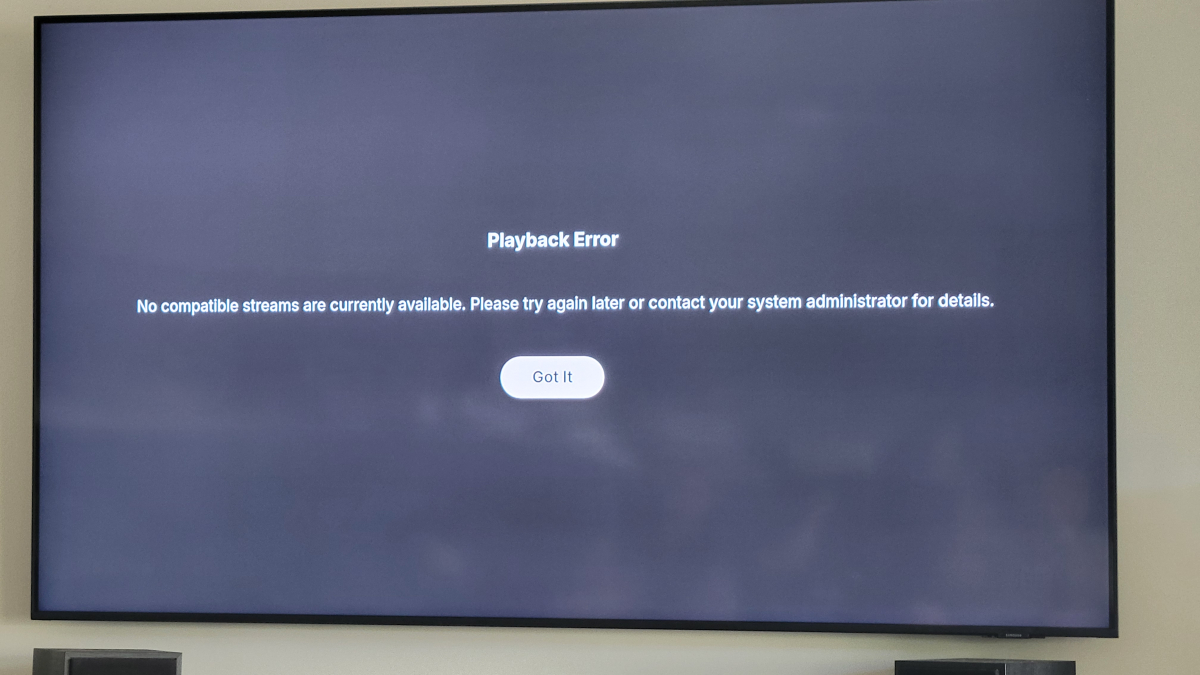
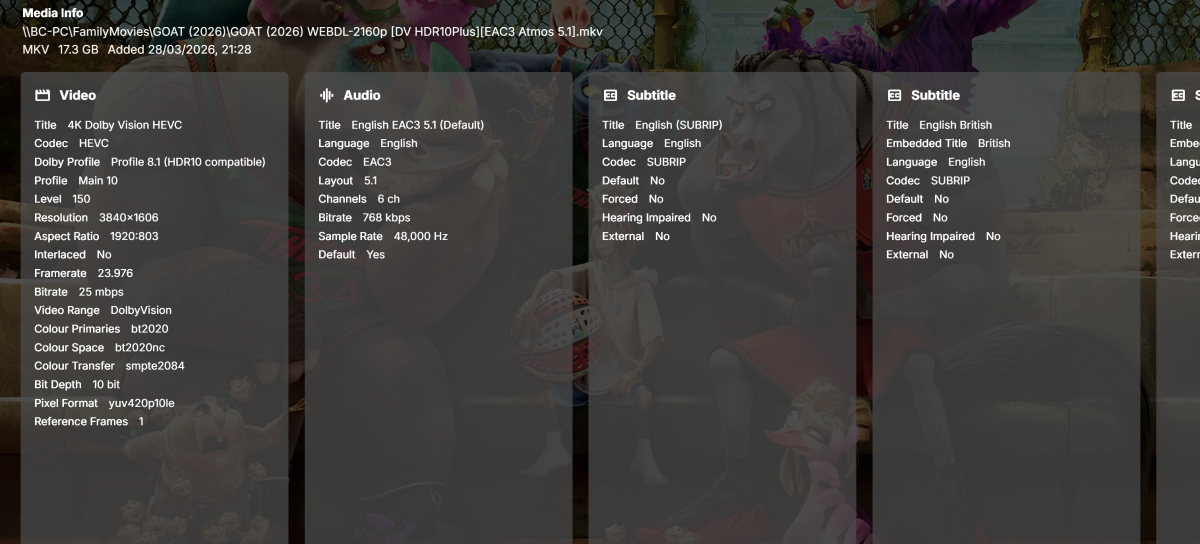
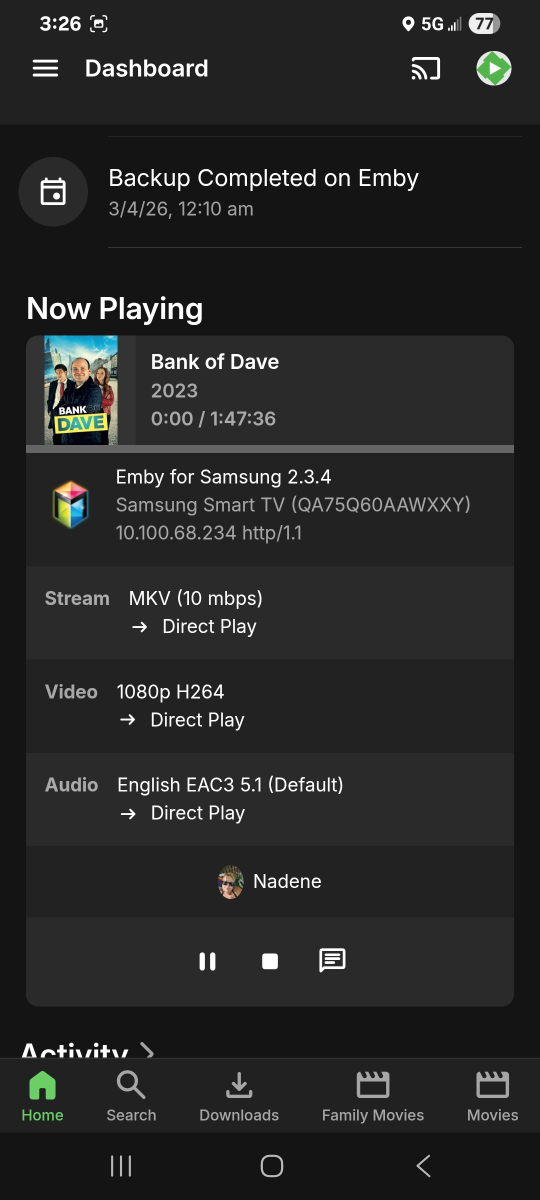
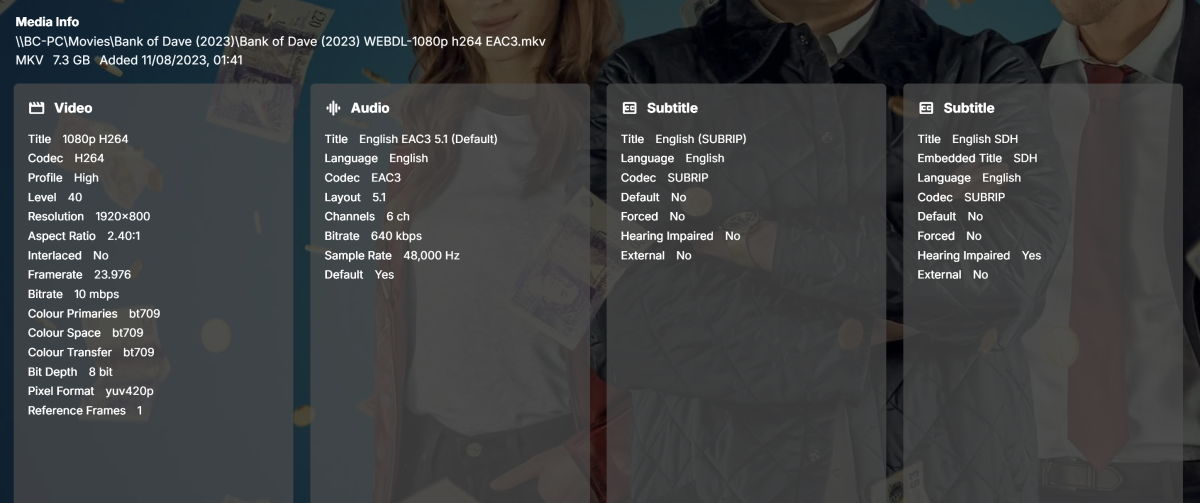
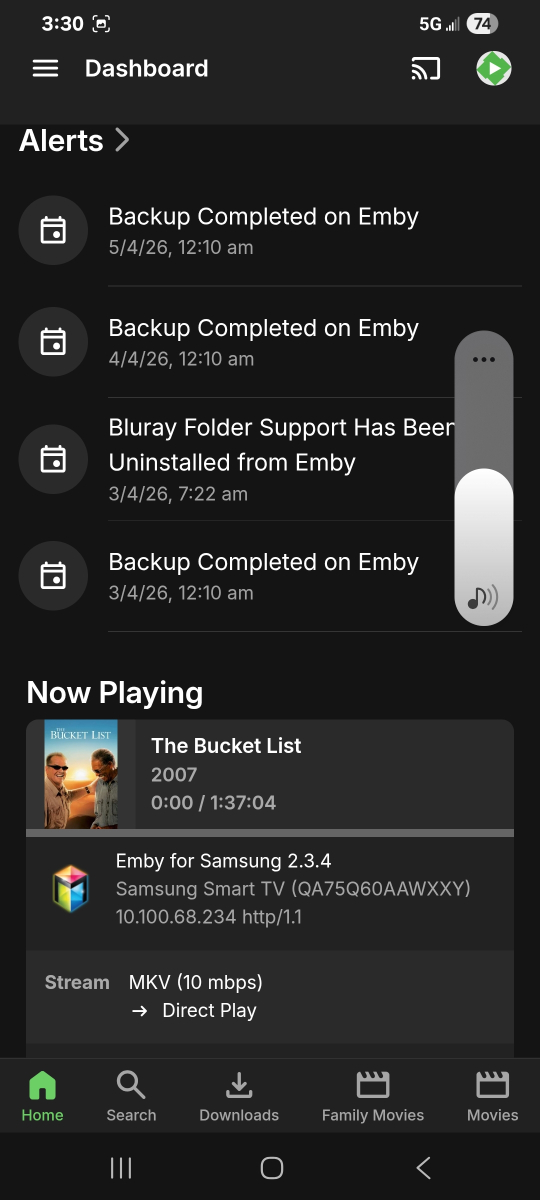
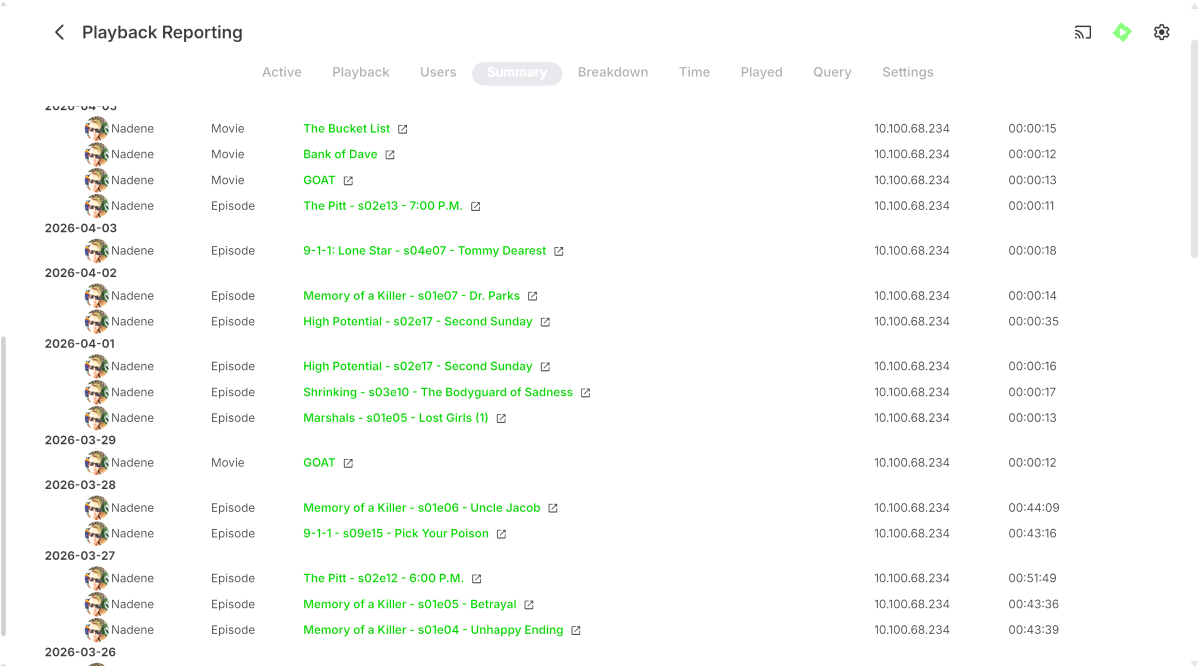
Hi All, Sorry if this is hijacking this thread and please let me know if i need to start another, but I am experiencing very similar issues with 2 Samsung TV's that just cannot play back anything, no movies, tv shows or even just music, at all since 29th March. These devices do connect via a remote SSL connection, can view and navigate Emby, but just fail on playback. As noted earlier by previous OP, there are no transcode / ffmpeg logs generated as for the most part, it looks they devices are trying to direct play. For reference an LG TV and a Fire TV stick in this location can connect and playback media with no issues. The two TV's previously have also played fine. I also have other users with devices in other remote locations that can playback with no issues. Today I changed the remote connection to connect without using SSL to see if that made a difference, and still no change to playback I've attached screenshots and my main emby log from earlier today where I have attempted to play a variety of variety of media files with no success. Sometimes a "no compatible streams message will show, sometimes a error will show in the top right corner as others have advised ( i was unable to capture that message today although we did see it occur) and other times, the playback attempt will just time out and drop back to emby selection. I have also tried to force transcoding with no success as well. QA75Q60AAWXXY with Firmware version 2301.1 App Version ( I manually installed the update to 2.3.4 from 2.2.8 with no change/success), the other Samsung TV (UA75R7100WXXY ver 1501.1) is still running 2.2.8 My Emby server updated on the 29/03/26 to 4.10.0.7 so i'm not sure if its related in any way as the last time the TV's could play anything was the 28/03/26 User playback history ( for reference, this user has only been using the Samsung QA75Q60AA to watch Server alert log Playback attempts today It just very strange that its only the Samsung's that are unable to play anything now ... please let me know if there's anything else i can provide. Sorry for the massive screenshots, i could figure out how to paste them smaller Regards Brett embyserver.txt
-
Thanks for extensive testing, glad it's working with no apparent issues. Mappings are always saved into the small helper file (mappings.json) in the same folder as the script; the file is shared between RT and ROON mapping sessions. Pressing Save just writes the current mapping rows into it. If you want, I could call a file picker on Save, just thought to save few mouse clicks there. If you want multiple mapping sets - just copy current mappings.json and rename it for future loading. Or I could add "Mappings saved" msg in the modal upon successful save, so it gives an indication that pressing that Save button actually caused something to occur? On Load mappings, It calls for a file picker, reads any json file you selected, and overwrites mappings.json with whatever file you loaded. The loaded mappings become the new saved state.
-

Emby Theme: Retro Navy & Gold (W/ Seasonal Themes)
MediaEmby1968 replied to Aleas's topic in Web App CSS
Thanks, it looks great. To make the side menu a little wider in the settings, what would I need to edit? And to make the edges of this image more rounded, what would I have to edit?
-

Collections randomly lost movies but display art still shows them
zellonatious posted a topic in General/Windows
A lot of my collections have randomly lost a lot of movies that were in them. The number of movies lost varies from collection to collection. The artwork for the collection still shows them but they're no longer in the collection. The movies themselves still exist on the emby server. Not sure when it occurred. I recently updated to 4.9.3.0 a month or two ago. Is there any way to recover the collection state? embyserver.txt -
Looking at the Feature matrix its only 5 free Android TV or Fire TV. But have a look at the matrix, windows client is not free. Emby Premiere Feature Matrix | Emby Documentation
-
It's supposed to be a list of the actors who are in the movie, not an assortment of pretty pictures. Why on earth would anyone ever want this?
-
I noticed that, on my 4.9.3.0 system running on Windows Server 2022, one the actors seems to have two different entries and I can't seem to get them to reconcile. Danny McBride. In one entry (I'll consider this the "main" entry since it's got the most entries), I have him in 16 different movies and two TV Shows while the other entry shows him in 6 movies and no TV shows. I checked the metadata and as far as I can tell the only difference is in the body of the actor's Overview. Every other field appears to be identical, including all External IDs. It's also worth noting that there is no overlap - the main entry is missing the 6 movies from the other entry (Clear History, Underworld: Awakening, Due Date, Underworld: Evolution, Underworld, Robin Hood: Men in Tights). I tried refreshing the metadata and even deleting the actor entry from Due Date and adding it back but it doesn't resolve the issue (for the movie I tried that with). Any ideas? Anyone else see anything like this? Thanks!
-

Emby for Android TV trailers not working
Sifu1992 replied to RRmovies's topic in Android TV / Fire TV
What is happening now on Emby?..the trailers worked..then didn't..said download 2.1.28..did that.. worked for a few months..now no trailers are working again!..on 2.1.29 now... what is the deal with trailers..now it saying to sign in to prove I'm human.This is annoying as hell.. got tons of family and friends using Emby..this is frustrating as hell. -

Old MediaBrowser references on Emby website
Luke replied to user24's topic in Non-Emby General Discussion
@sa2000- 1 reply
-
- 1
-

-
Hi, yes coming soon, so stay tuned.
-
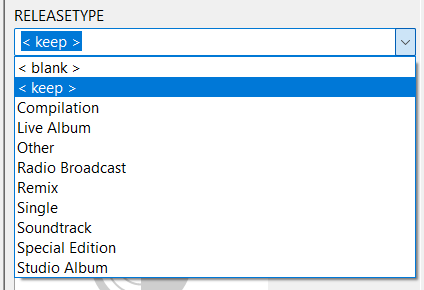
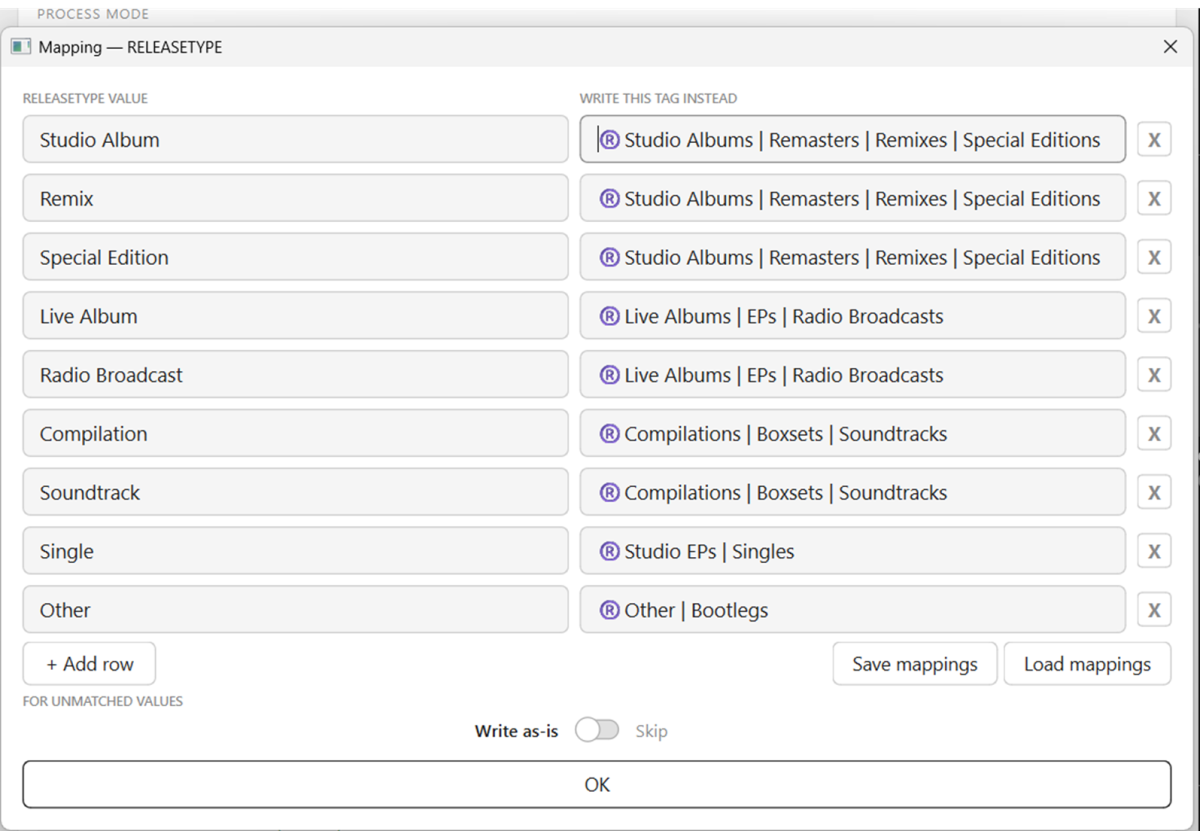
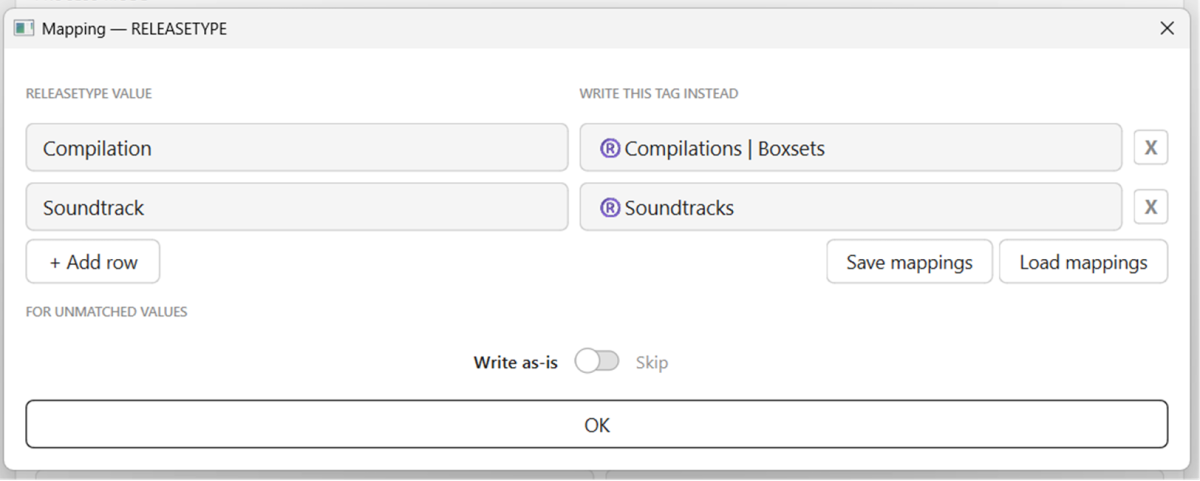
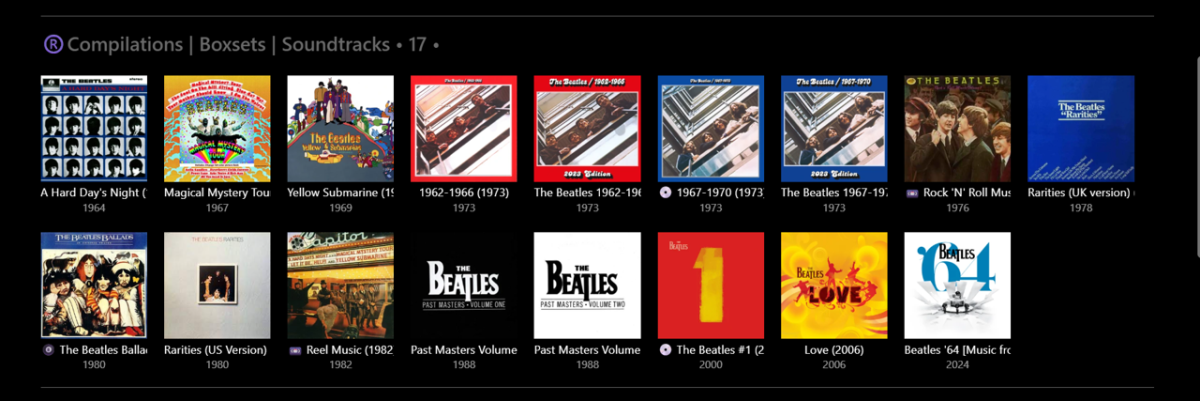
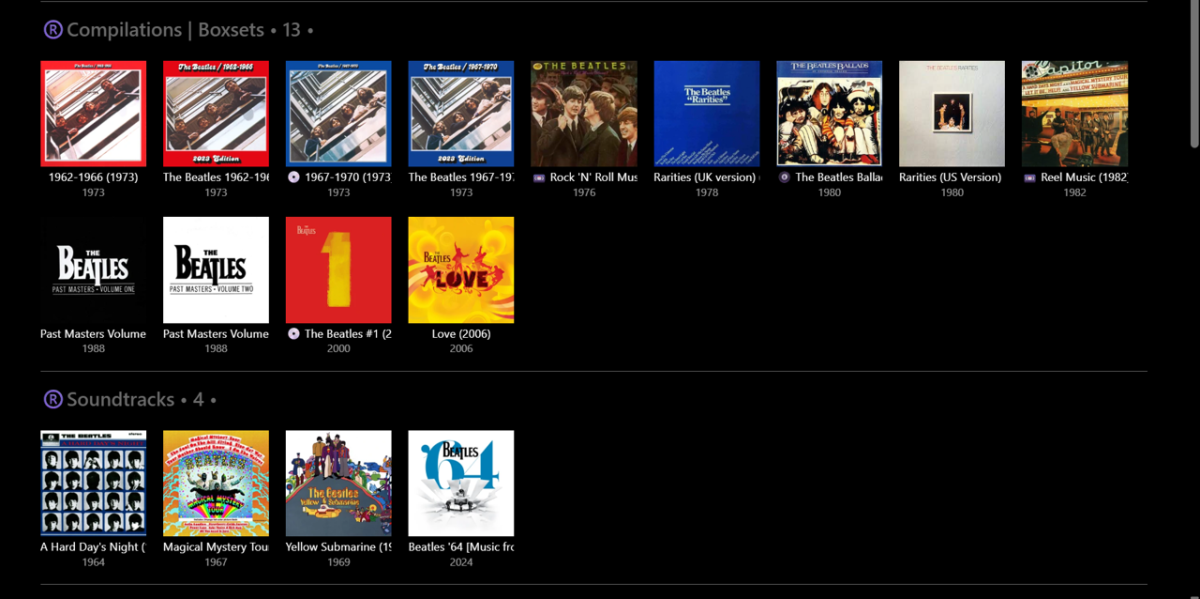
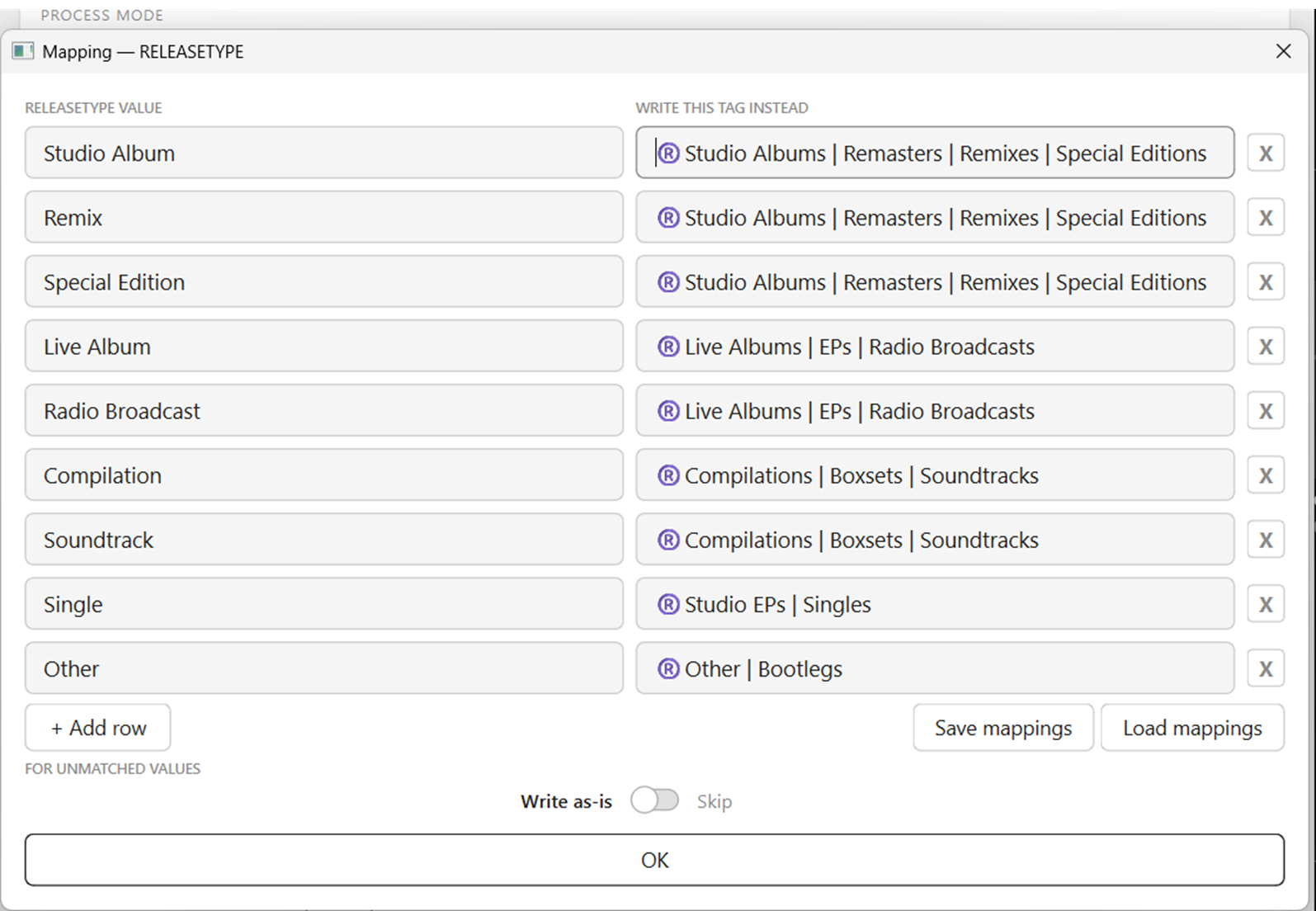
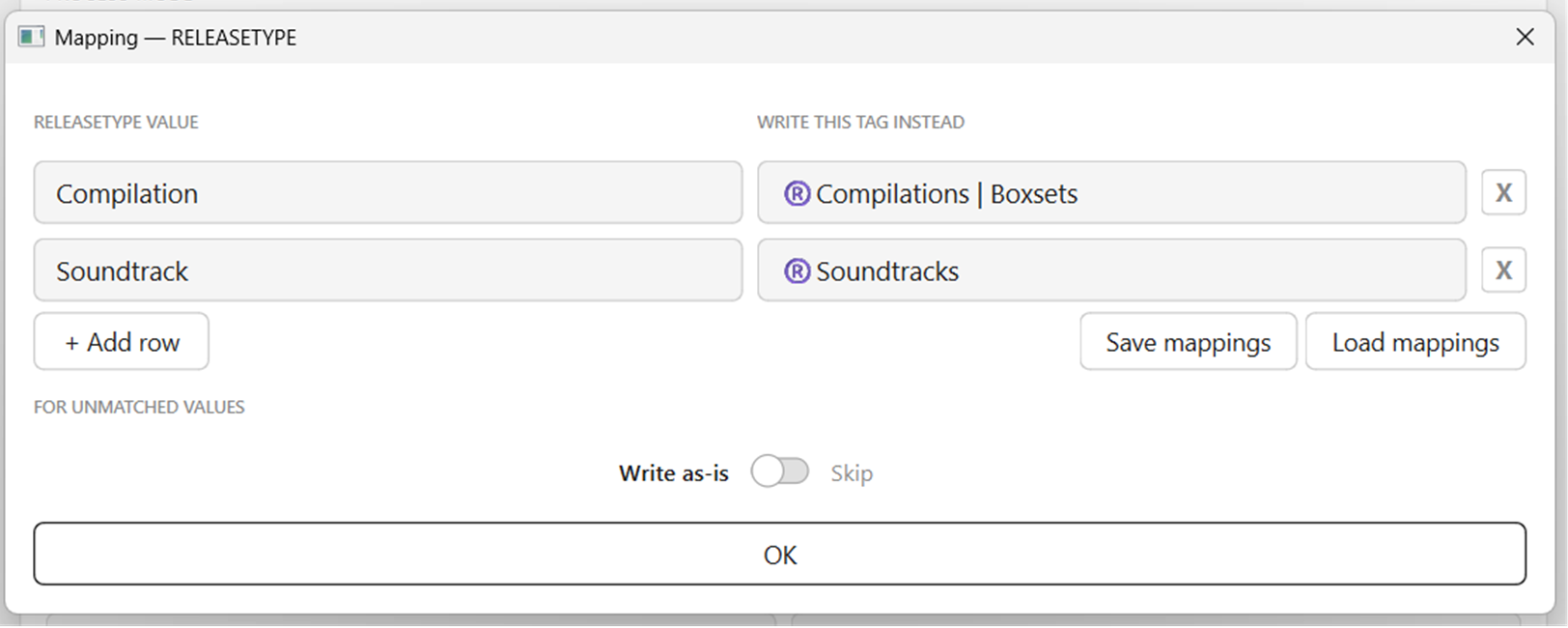
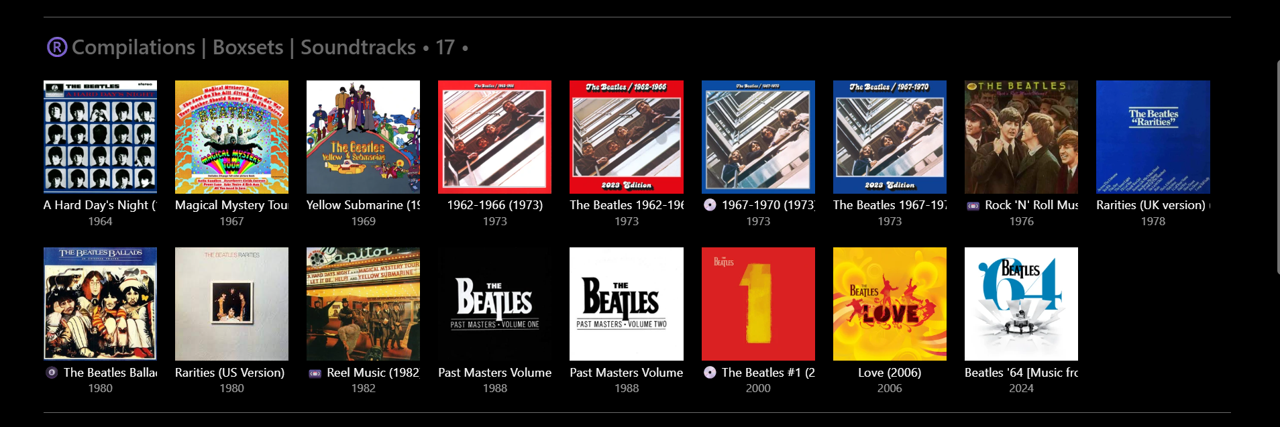
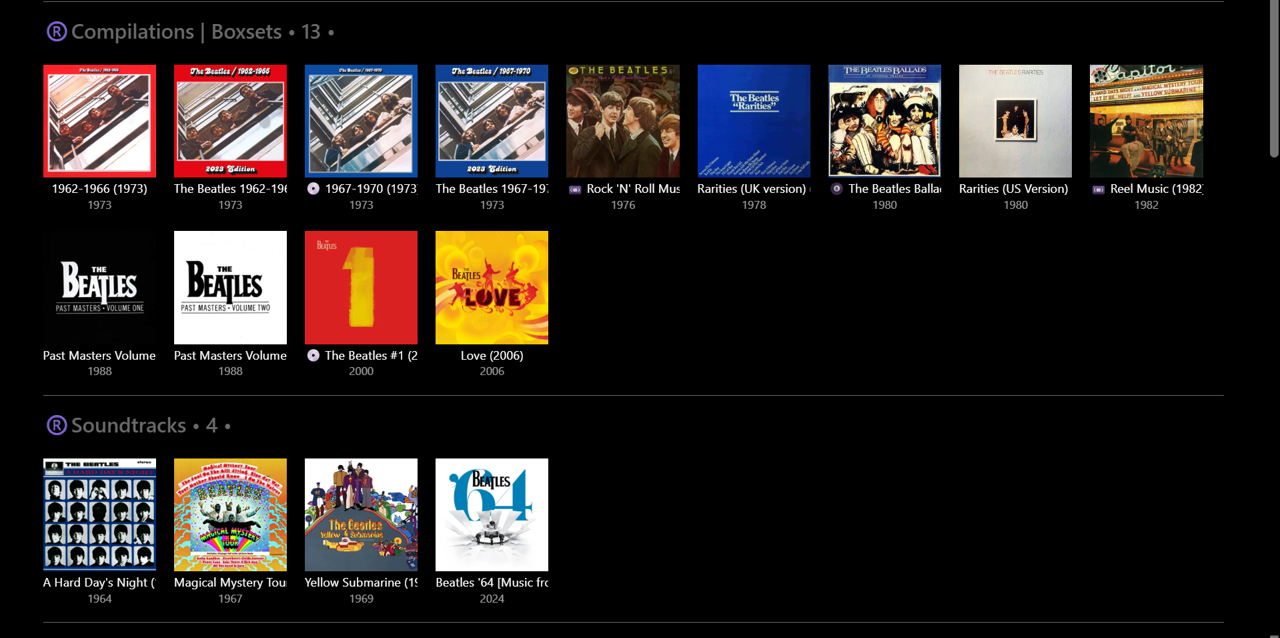
V1.0 RELEASETYPE Mapping test... Using Importer - Bulk Cleared all Album Tags in Emby (45 "The Beatles" Albums) - extremely easy and fast to do Using Mp3tag - rewrote all RELEASETYPE tags as short single descriptors (somewhat similar to MusicBrainz): Using Importer - mapped these tags to "omnibus" tags: (first go at this - no problems) Using custom Group By - all Albums appeared in their relevant groups in Emby: Note: Doing this manually in Emby, one Album at a time, (e.g.) 1min per Album = 45min. With Importer - probably 5min max!!! Then, tried a scenario where I change my mind and want to split Soundtracks away from Compilations... Using Mp3tag - not required now, as Albums have single descriptors already. Using Importer - remap the tags: Using custom Group By - these Albums then appeared in their new groups in Emby: Time taken - perhaps 1-2min??? Only problem was I could not figure out how to "Save mappings". Clicking this did nothing. Clicking "Load mappings" opens up a window to access saved files - but I had nothing previously saved to try. Closing Importer and opening again (didn't shut down PC) retains the previous mapping settings. Perhaps I am missing a step in the process somewhere? I'll give it another go later on... plenty of other combinations and permutations to try... This is going to be SO EASY to properly 'album tag' my whole library and import into Emby now!