All Activity
- Past hour
-
 jade-ayeni joined the community
 -
 sasha361 joined the community
 -
 Azooz2026 joined the community
 -
 welbyn joined the community
 -
 MCPL_10 joined the community
 -
 Máster g joined the community
 -
 ManonC joined the community
 -
 pault47 joined the community
 -
 Ivantxu joined the community
 -
 Roei1123 joined the community
 -
Here is a guess. Subrip is graphic based subtitles and if there no subtitles in the first few minutes, perhaps estimating the transcoding seems fine and begins, but when the graphic subtitles hit, the hardware cannot handle the transcoding in real time at the current transcoding settings. There is no way for Emby to predict that several minutes into the media, the transcoding settings will take longer than in real time and so the transcoding will buffer and stall. This would fit all the symptoms, I read. Maybe I missed something. Can anyone else recreated the problem? I made a case in an earlier post, that this is a file mangement issue. If an admin wants to transcode, easily without any stuttering, then add hardware or support encoders cards to handle the resolution, even when a subrip graphic subititle starts 3 minutes into a media, or, lower the resolution transcoding settings. Trying to get Emby to analyze an entire media length, prior to transcoding, is not a good solution. If this was setup, it would probably fail to work well, cause delays for any user who leaves it switched on and make people think that Emby is broken. WIth better hardware or transcoding settings, even the tough subrip might work fine. At most, I would suggest just to have an analzye test that goes further into the media and helps a user find the best transcoding settings and not make this feature into anythng automatic. If several people can see this issue then maybe adjust Emby to look a little further into the media to test for transcoding. I don't think there is anything to fix, if it only happens to one setup.
-
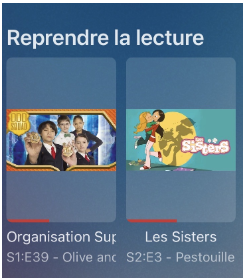
I reported the same issue (which has already been fixed on Android), but I’m posting it here for iOS (iPhone & iPad): On the home screen, when using Poster View, if spoilers are enabled, the thumbnail is displayed in poster format, which doesn’t look very good. Would it be possible to fix this in an upcoming version ? Thanks
-
Well, nVidia's VP of hardware engineering said it's still on the table https://arstechnica.com/gadgets/2026/01/inside-nvidias-10-year-effort-to-make-the-shield-tv-the-most-updated-android-device-ever/
-
This is my Plex folder, not an Emby folder. Why would there be a The Mutant Watch.mkv? It is one of the extras and has "-featurette" after the name. The movie is X-Men.mkv. This naming is just fine in Plex. What I want to know is if there is a way to import these folders without having to go create a folder for each type of Extra. Has someone written a script to do that or is there some 3rd party tool to go through and do this?
-
Yes, it can only be that.
-
Refer to these threads, these are solutions to these issues.
-
I'm sure OmniiOMEGA meant Emby for Android. The other app is listed as Emby for Android TV in the store.
-
Hi, Yes, just added a couple of hours ago, Version 4.10.0.8 beta
- Today
-
There isn't such a thing as "Emby for Nvidia shield". Nvidia Shield uses Android TV as all other TV boxes (with Android, of).
-
@Luke@sa2000 Hello, as I would really appreciate it if you could fix this bug, I've set up a test environment to properly diagnose the problem. Unraid server 7.2.3 with official 4.9.3 Emby Docker with hardware transcoding enabled. What happens when I have a problematic file is that after a few minutes of playback (2 or 3), the video pauses for 1 second and then resumes... this happens repeatedly. I have a file with 3 different subtitles (SUBRIP). I've noticed that only one of the subtitle files is problematic. The one called "forced." If I extract it from the MKV file, I no longer have the problem; if I don't select it when playing the video, I don't have the problem. But I'm still seeing some strange things in the logs. Another observation: if I use Emby Web with Chrome or Edge, it doesn't seem to have any problems either. Even though I'm still seeing some strange things in the logs. If I install Diagnostic Option Plugins and enable "Disable HLS subtitles," I don't have any problems. If you'd like me to provide you with logs and/or run some tests, I can do that for you. Thank you.
-
Perfect, thank you so much! The extras option is rock solid.
-
We don't have an app named that. Exactly what problem are you having?
-
Just pushed an updated snap beta, can you git it a go? It comes with updated drivers and properly shows my Arc B50 in the transcoding options.
-

Guide - SSL Qnap certificate and Emby (manual and automatic)
sa2000 replied to dieffe70's topic in QNAP
sorry - may be i missed reading some posts. I assumed that if you knew how to run the script then you would have known how to login through ssh So let us start first by getting putty downloaded and installed on a PC Then you need to enable SSH on the QNAP NAS - see qnap info here How Do I Access My QNAP NAS using ssh After you enable ssh, you can logon to the QNAP NAS through ssh using putty and login with QNAP admin account Once logged in then you can cd to the directory and execute commands and see what errors / info gets displayed To rename the emby.p12 you just execute the linux command for doing that - you can do this after the "cd" to the directory A web search would show that you need to do something like "mv emby.p12 emby.p12.old" so assuming this is the path, command would be first cd /share/SSL-Certificate then either mv emby.p12 emby.p12.old" or sudo mv emby.p12 emby.p12.old" depending on login priviliges then openssl pkcs12 -export -out emby.p12 -inkey SSLprivatekey.key -in SSLcertificate.crt -passout pass:mykey where mykey is your certificate password to set -
@ebrwhat’s the difference between Emby for android TV and Emby for Nvidia shield? Will this version fix the device unlock issues?
-
Besten Dank für den Tipp, aber leider löst er nicht das Grundproblem. Dass bspw. Bonusmaterial wie Making-of oder Interviews mit irgendwelchen Filmtiteln versehen werden, ist eine Routinefehler in der Programmierung.
-
That should've been fixed months ago with a server release, but I noticed my old videos still have the distorted images so I probably need to clear them and rerun. Is that a new recording though?
-
Nope same account and now I just keep running into issues! I’ve now received the dreaded device unlock msg and there’s nothing I can do about it which is weird considering the beta is still being kept up to date yet you guys say to use the other Emby android app and that has device unlock fixed
-
It doesn't have them. You'll need to install the "Emby for Android" version from the store.
-
Was it a different account?
-
I will sideload and test these newer versions, thanks
-
You have an older version of the AndroidTV app. However, I don't believe those filters are in the newest version of the AndroidTV app either. Latest is 2.1.45 if you want to try it out, but you may have to sideload it or get it from the beta store until ebr can get the issues straightened out with the store. The newer standard Android app v3.5.32 does have the HDR filters you're looking for though, just like the web client.
-
Ich habe mir angewöhnt immer das Erscheinungsjahr mit in den Titel zu schreiben. Also z.B. "Aviator 2004". Bei mir klappt es in den allermeisten Fällen.
-
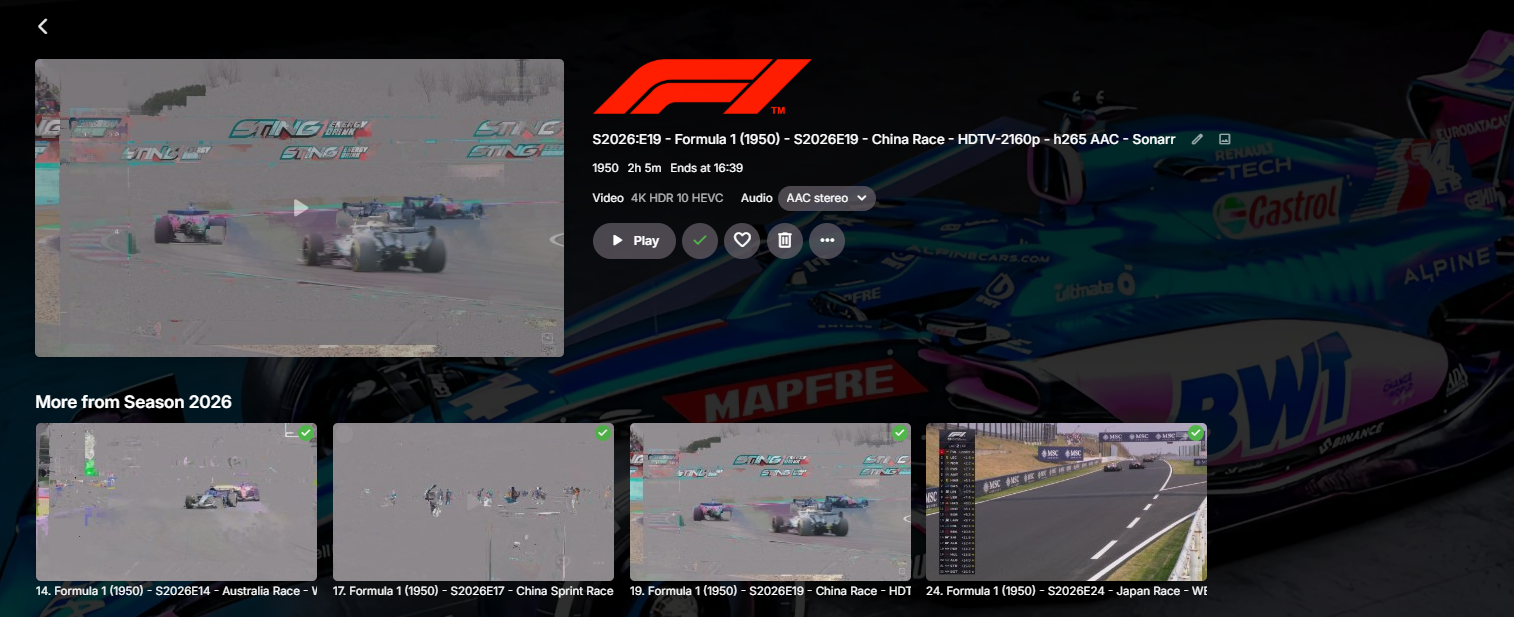
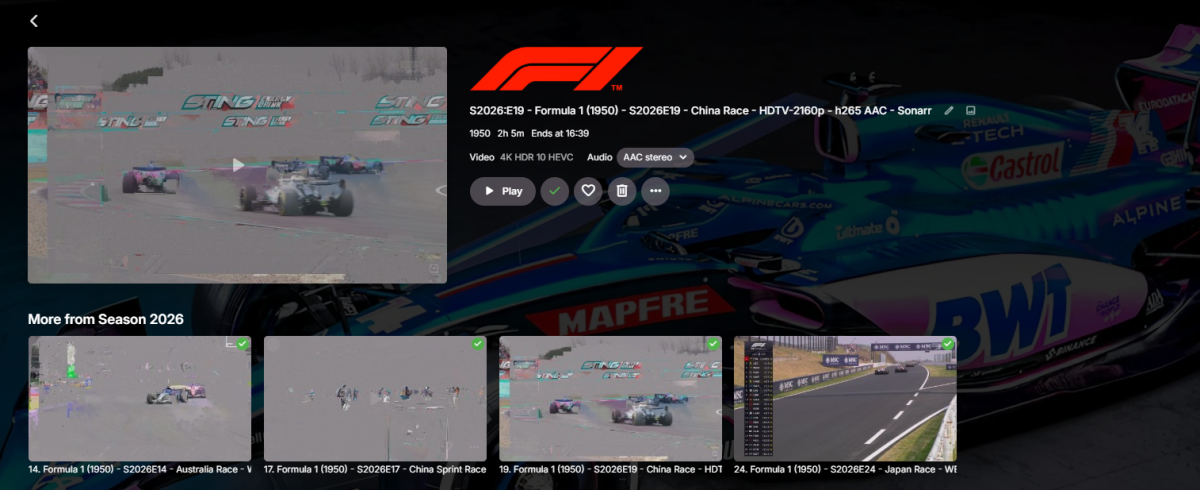
Hi, Any way of fixing these distorted thumbnails for 4K Videos? They are in my TV Library, Many thanks!
-
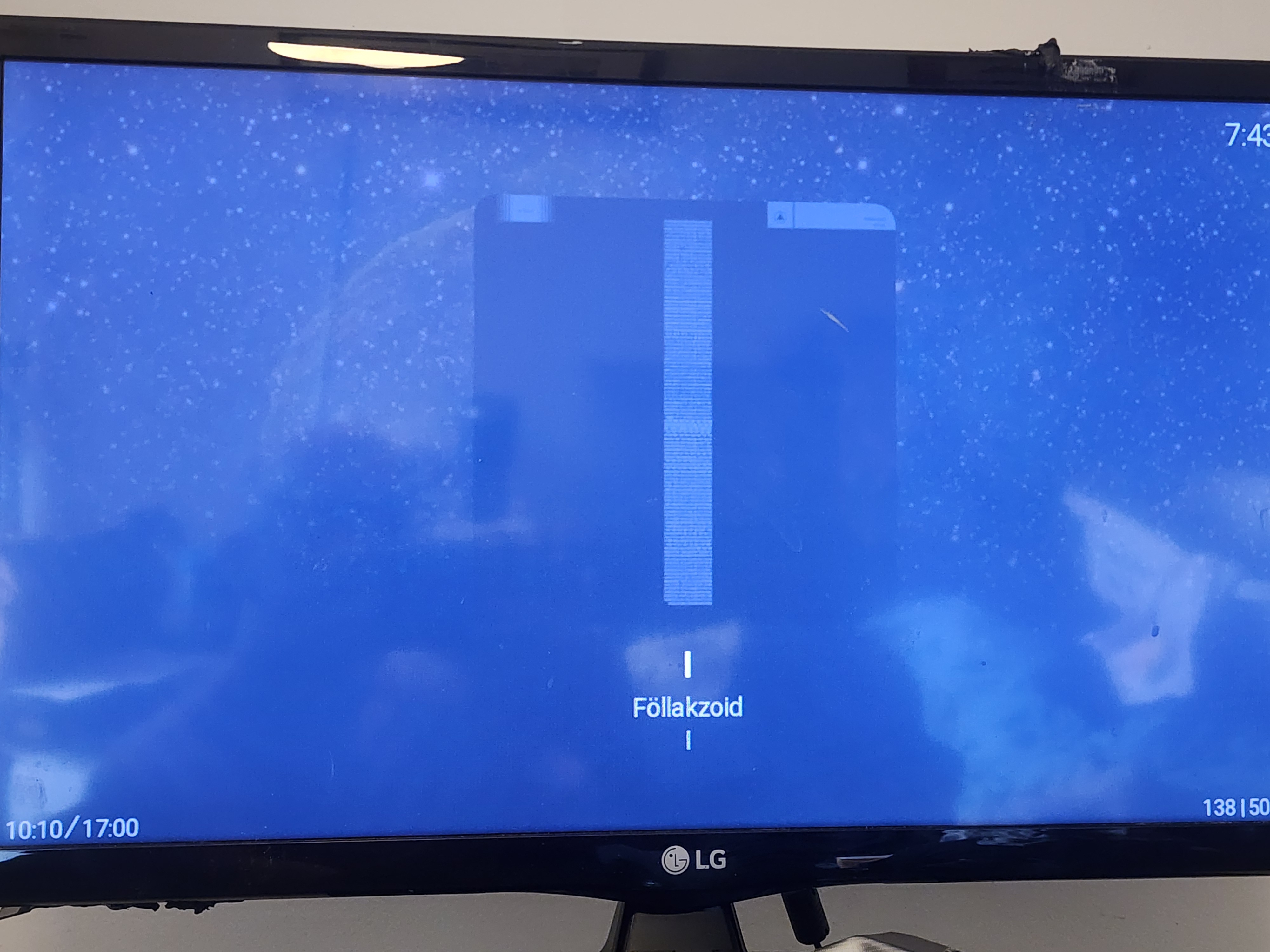
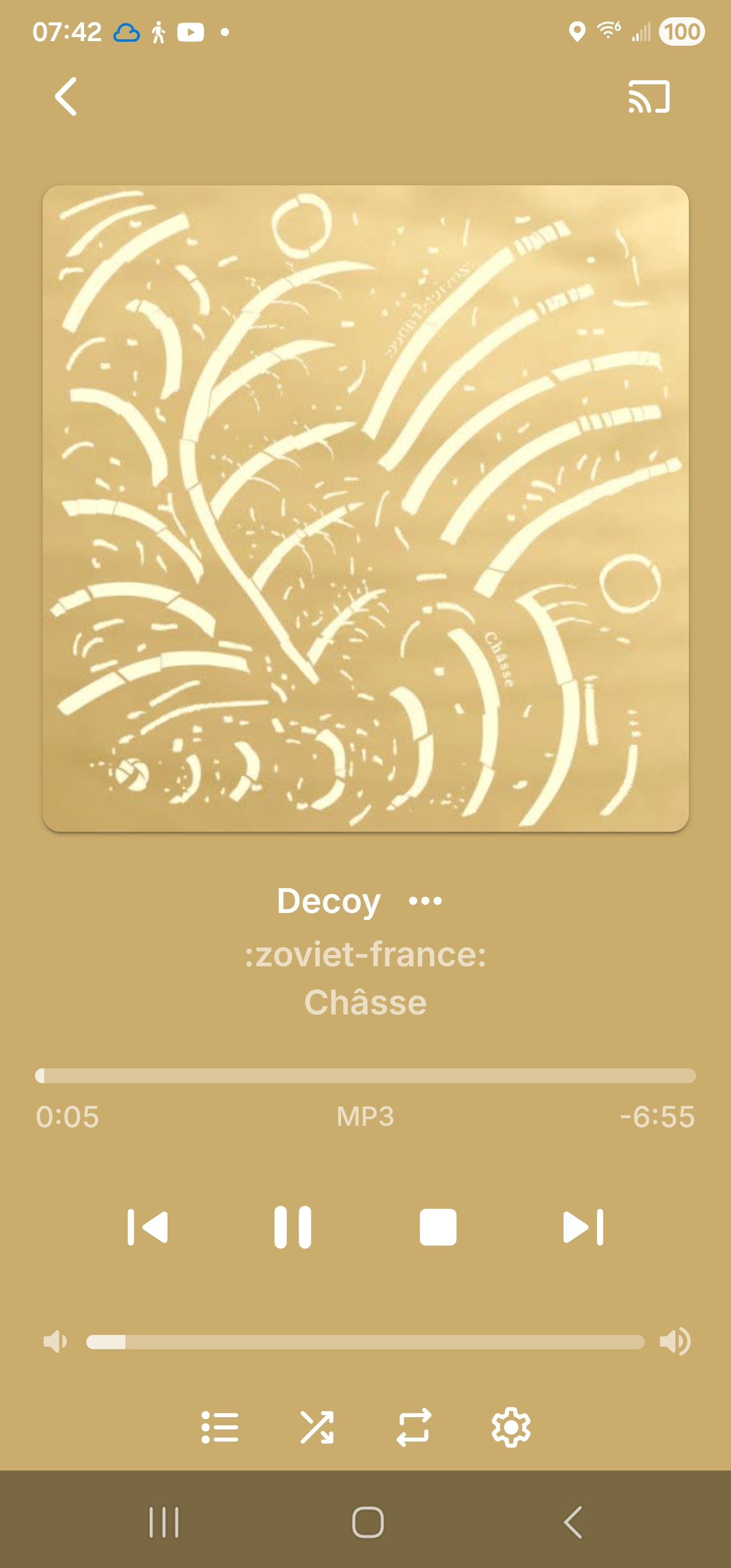
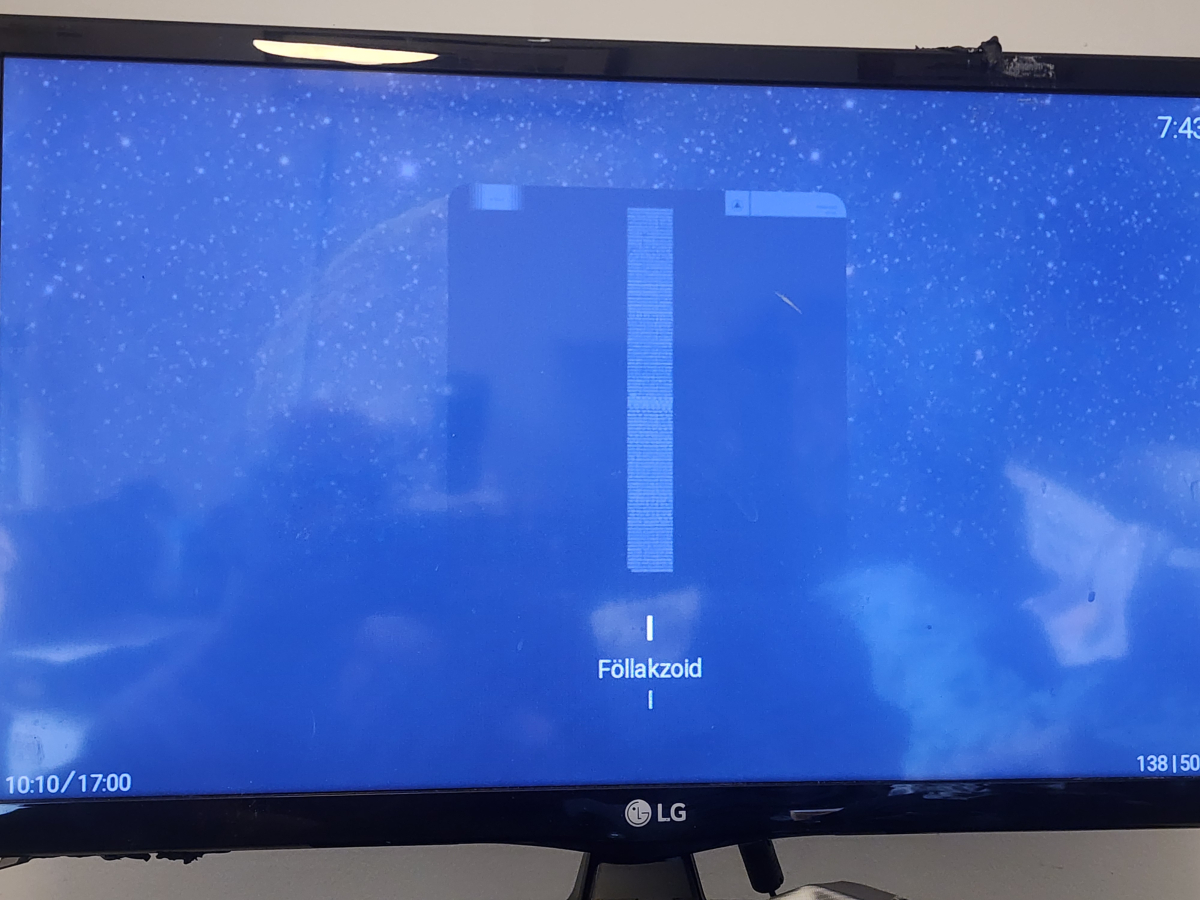
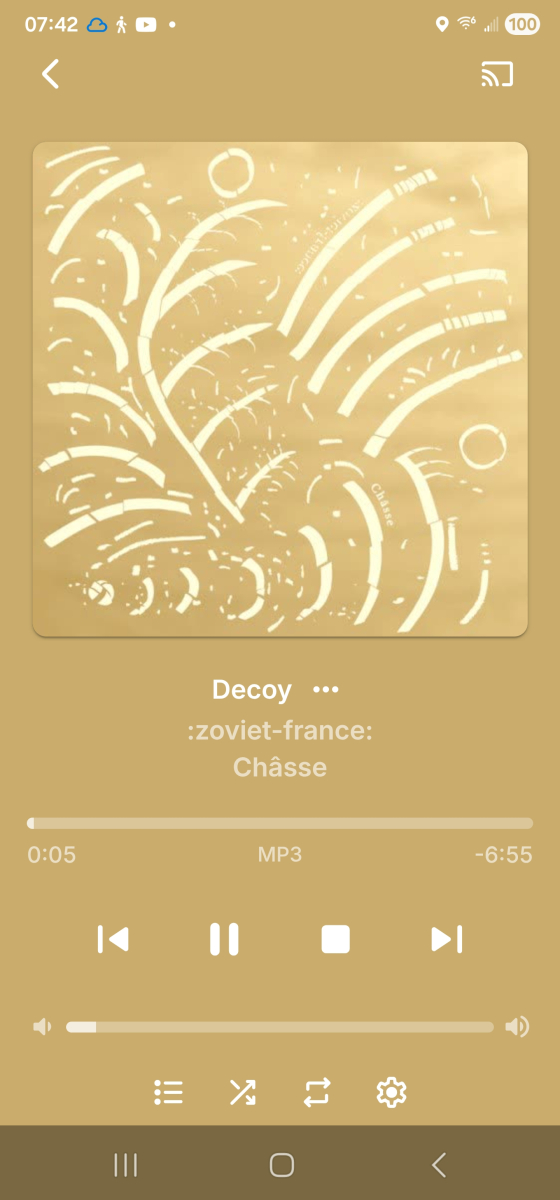
[apologies if this is a dupe, I didn't see it when searching but then all the terms are too common to really narrow a search...] odd that it's not there already, but it's definitely not, either on the server [viz. the :z-f: pic] or the Roku [viz. Follakzoid] Now Playing screens. Since some of my original searching brought up a few places saying "this is because your music isn't tagged with year", also including screenshots showing my music is indeed tagged correctly in the year field.


-
- 1
-