All Activity
- Past hour
-
 Adamwolin joined the community
 -
 Robant01 joined the community
 -
 Dianemurtha joined the community
 -
 Smartt joined the community
 -

embyforkodi (next-gen) 12.X.X support
quickmic replied to quickmic's topic in Emby For Kodi Next Gen
I checked again the LiveTV Play/stop and works fine in my setup. Can you please provide me with a kodi log for review, thanks. Probably a Kodi debug log is required (please send me debug logs only via PM, don't post debug logs in public). Regular logs are save. And keep in mind in 12.X the debug option is located in next gen's plugin menu (advanced). btw, I can only test via Kodi's iptvsimple addon and Emby's m3u tuner. -
 123rd joined the community
 -
 amax4019 joined the community
 -
 paiz_ joined the community
 -
 sora4012 joined the community
 -
 xavier143288 joined the community
 -
 nick9818 joined the community
 - Today
-
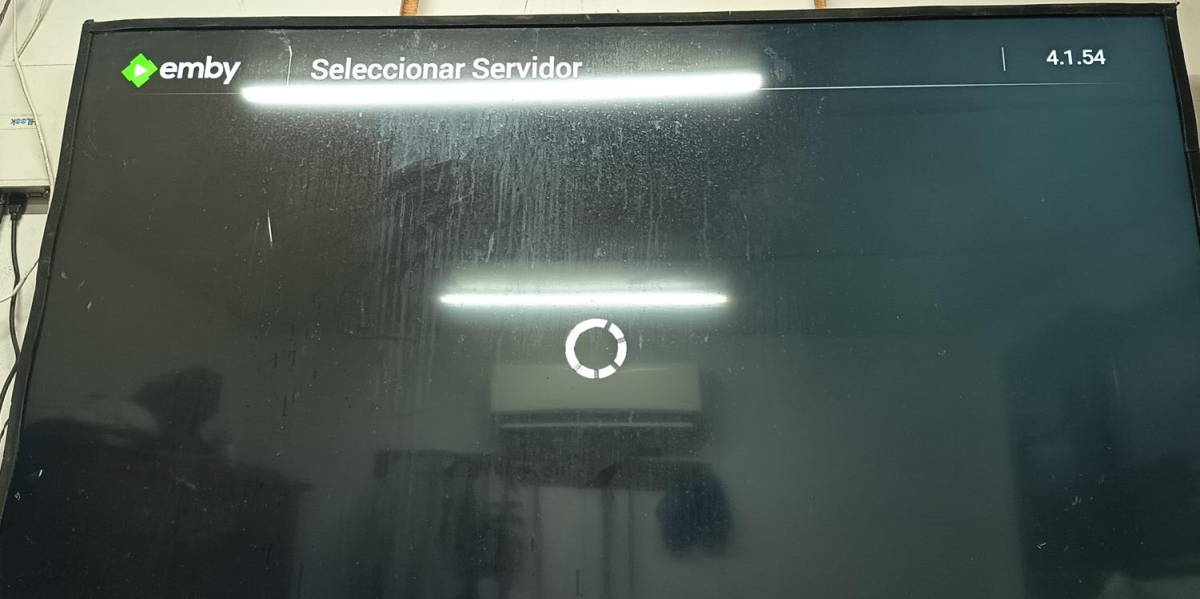
DESPUES DE CONECTAR A DISTAMCIA A UN USUARIO POR EMBY CONEC, LE QUEDA DANDO ASI VUELTAS Y NUNCA CONECTA, A QUE SE PUEDE DEVER. SI ALQUIEN TIENE ALGUNA SOLUCION AGRTADEZCO
-
yes https://faush01.github.io/embycon_kodi_repo/ should still be valid
-
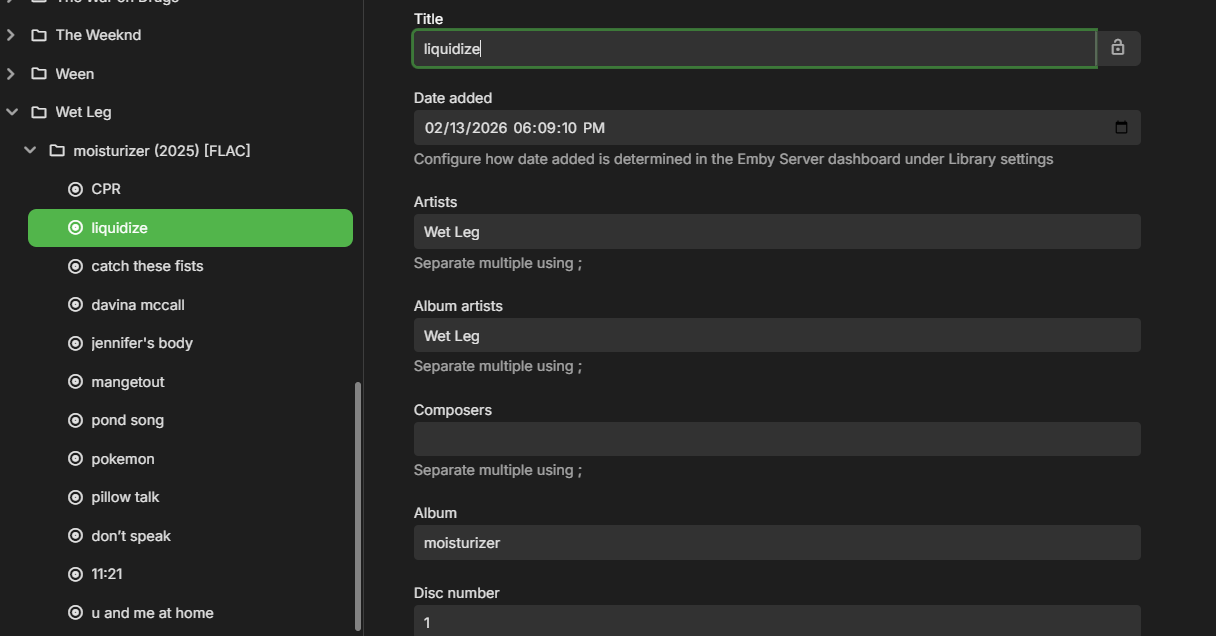
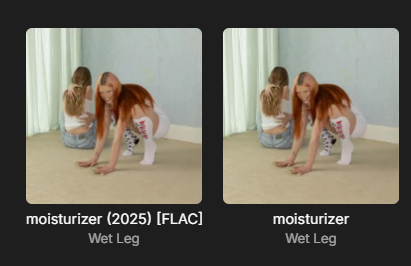
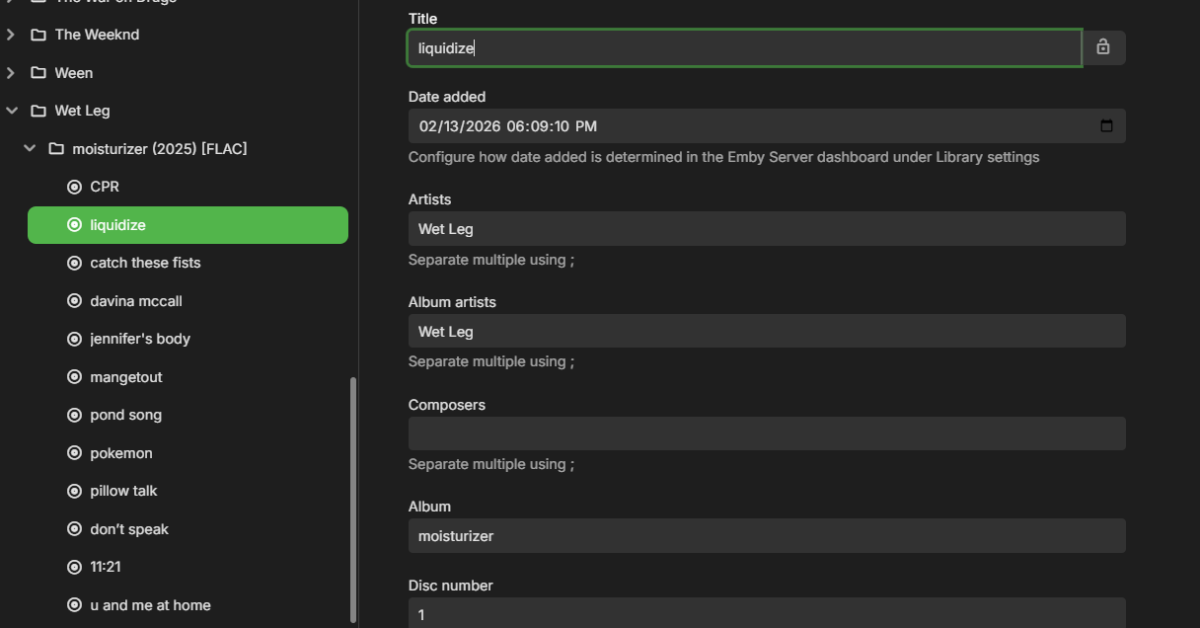
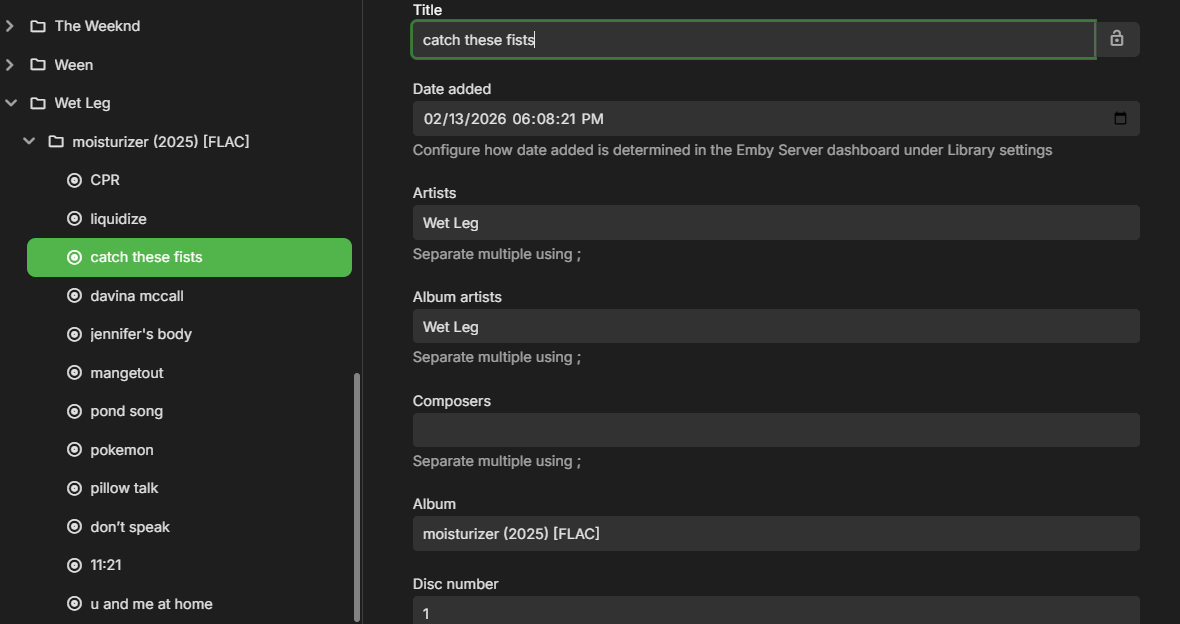
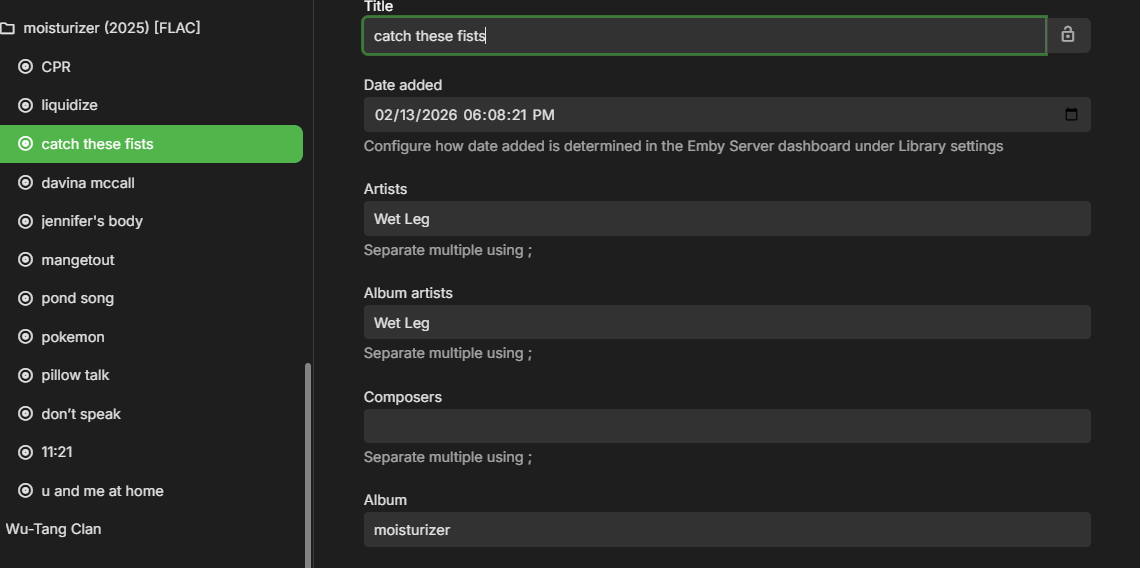
I've had this exact same issue recur again now. It seems that this has nothing to do with the tagging of the files and it some kind of weird bug in the way that the files are being read? I have attached some screen shots of an example. The files themselves all contain tags that are inconsistent with those that have been imported into the library. If I manually edit the tags in the metadata manager then scan the library nothing changes. If I refresh the metadata then it reverts the tags back to the incorrect tags in the screenshots. If the folder is renamed to a different name then you hit 'refresh metadata' on the parent folder then everything shows up perfectly. Then you can rename the folder back to the original name and refresh it again and everything will again be perfect. I do not understand what is causing it to pull in the initial data incorrectly (perhaps because it is scanning the files while it is being downloaded?) but more troubling why the 'refresh metadata' actually seems to do absolutely nothing to correct the issue until the folder is renamed.
-
Updates: Remapped some heading colors to fix some text issues Pillbar text will be uppercase by default, added in new variables to control that. /* --- TYPOGRAPHY BUTTON TOGGLES (PILLBARS, SUBMIT) --- */ --button-text-transform: uppercase; /* Set to 'uppercase' for all-caps, or 'none' for title-case */ --button-text-weight: 700; /* Set to 700 for uppercase, or 600 for title-case */ --button-letter-spacing: 1px; /* Set to 1px for uppercase, or 0.5px for title-case */ Removed the variable backdrop-opacity. since we moved to rgba with --backdrop-bg-color it was pulling double duty. Removed that backdrop blur option. (it was a misunderstanding, it was ugly, and I don't ever see anybody doing that) Emby Navy and Gold v4.100.css
-
Hi, hope this helps... F:\Videos\Movies\X-Men>dir Volume in drive F is Data 2 Volume Serial Number is 501A-7D3E Directory of F:\Videos\Movies\X-Men 04/09/2026 07:17 PM <DIR> . 04/09/2026 07:17 PM <DIR> .. 10/11/2024 12:15 PM 977,584,186 Behind The Scenes-behindthescenes.mkv 10/11/2024 12:16 PM 65,422,769 Interview with Charlie Rose-interview.mkv 10/11/2024 12:23 PM 303,747,703 The Mutant Watch-featurette.mkv 10/11/2024 11:55 AM 4,077,122,996 X-Men.mkv 5 File(s) 5,423,877,654 bytes 2 Dir(s) 2,311,115,612,160 bytes free F:\Videos\Movies\X-Men> Thanks for your help!
-
Hi, thanks for following up. For future reference you can also just edit it. The server also will usually detect the change by itself during the guide data refresh. And as always you can simplify even more by giving your tuner a static IP address in your router.
- Yesterday
-

Sky UK (London Area) EPG Showing Wrong info
Nanganator replied to Nanganator's topic in Emby Provided Guide Data
Cool! I'll check it again in about 12 hours and do a full refresh. -

can get subtitle plugins to show after install and restart
Zeltak replied to Zeltak's topic in General/Windows
thx alot that seems to work! -
@vdatanetI could not wait any longer for a fix. With Diagnostic Options installed, I got Claude AI to write a script to permanently disable HLS subtitles. Even after an Emby reboot, it still holds the settings. Also, there's an Emby bug where upcoming shows appear a day early with US TV Shows, because "upcoming" doesn't take into consideration whether you live in a European time zone — that too is fixed using Claude AI. Right now Emby is almost perfect. I just wish Emby would add TMDB for thumbnail view with text, and not have to use Jellyfin to do the donkey work.
-
Update the H5 variable to this: I kinda prefer the white, so right now that's the default --h5-color: var(--my-gold); /* Setting Titles, Deep Metadata & Plugins */ Also just to be sure you are on the latest version here it is again. And I have not really found everything that's using H5, so you might find gold text where it should not be modifying that. If you find something let me know, I might need to remap additional stuff. Emby Navy and Gold v4.97.css
-

Emby Theme: Retro Navy & Gold (W/ Seasonal Themes)
MediaEmby1968 replied to Aleas's topic in Web App CSS
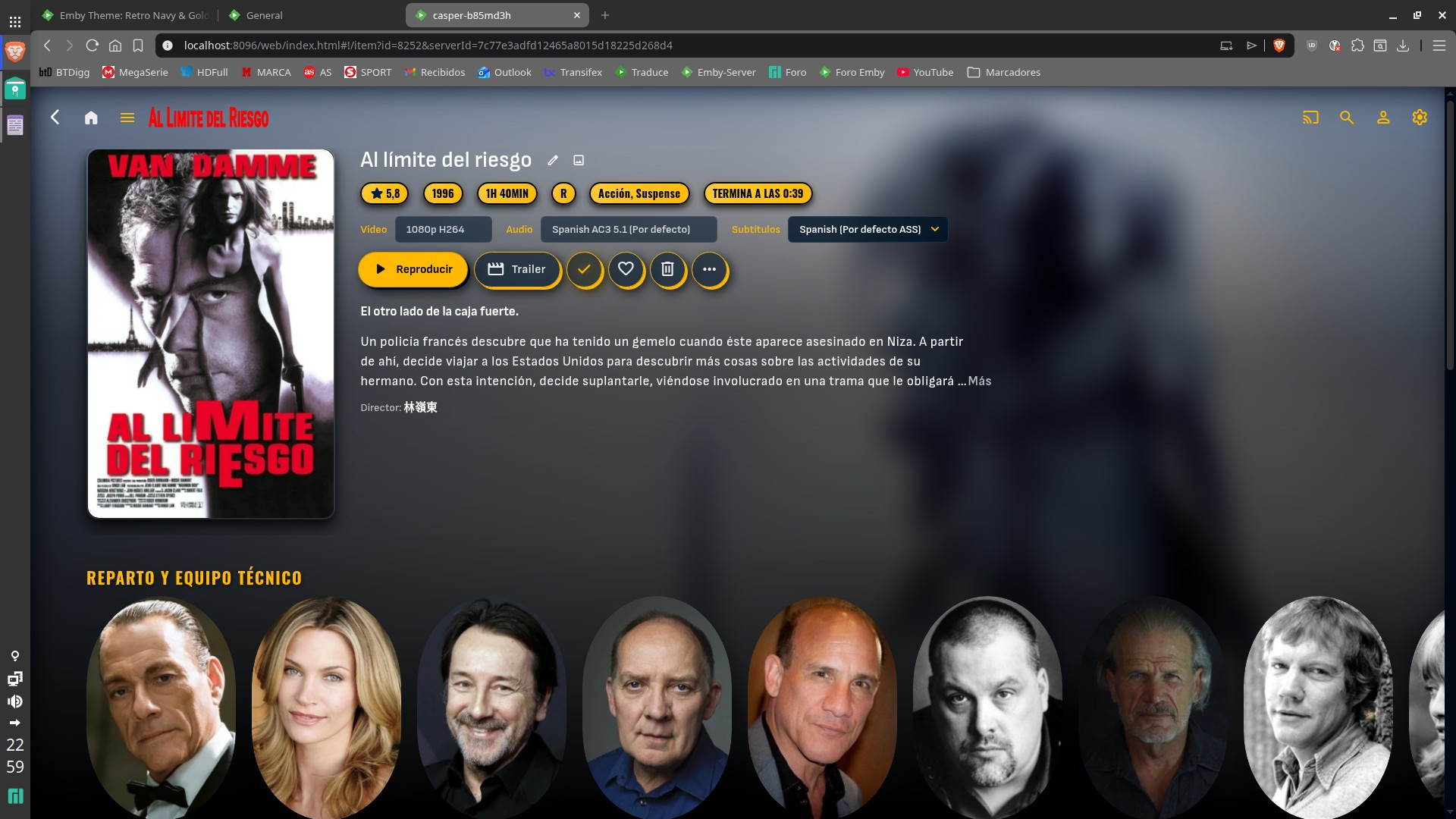
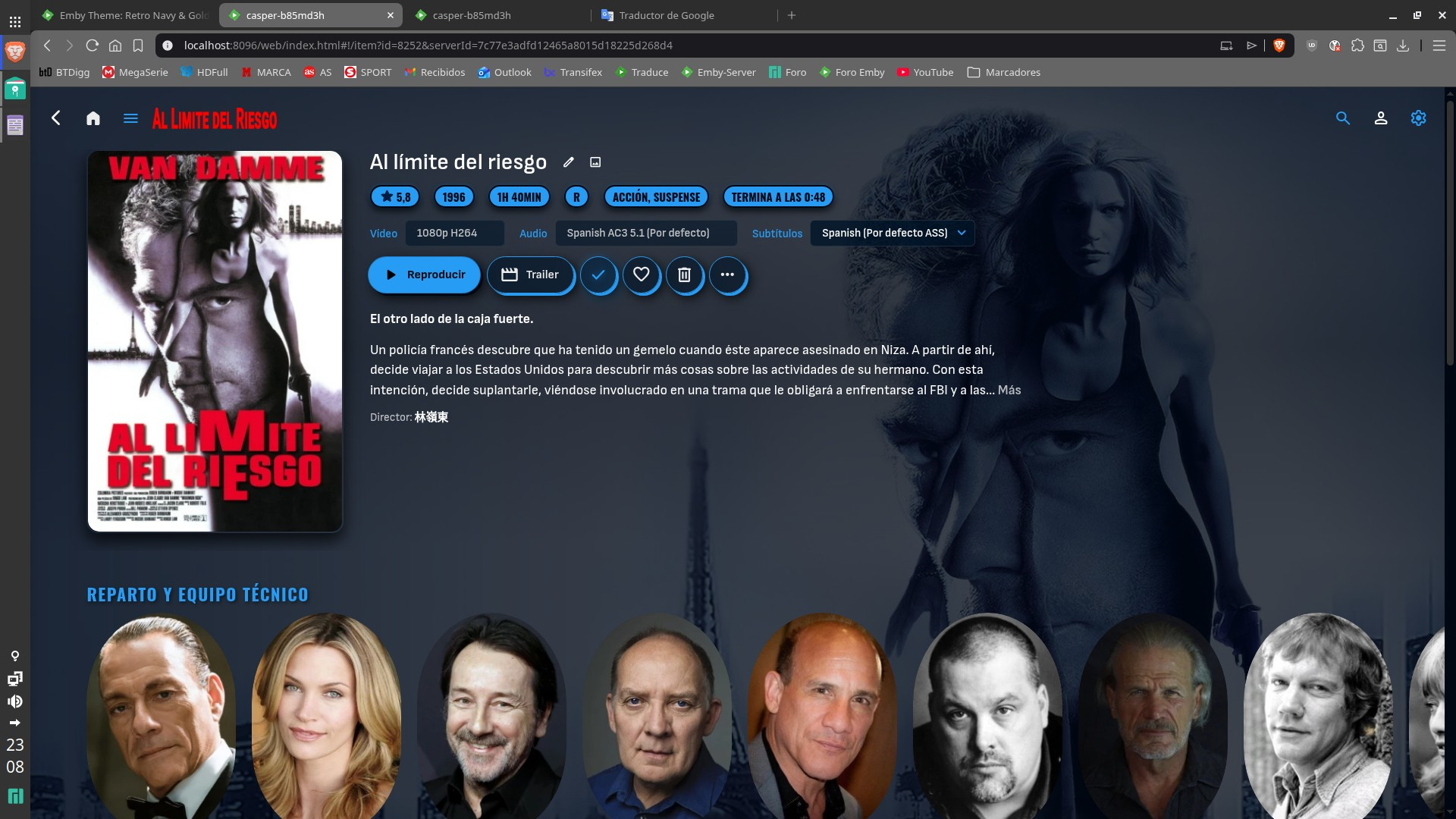
Don't worry, I'm just mentioning it to help, don't rush things. Haste makes waste. The theme you created is very nice, and regardless of personal taste, I have to say I prefer blue to gold, as it gives it a different touch. Besides, the other theme I was using, from here, also has gold tones. Thanks for your help. I installed this latest version 96 and it looks the same; everything is still white in the settings options. I've attached a screenshot.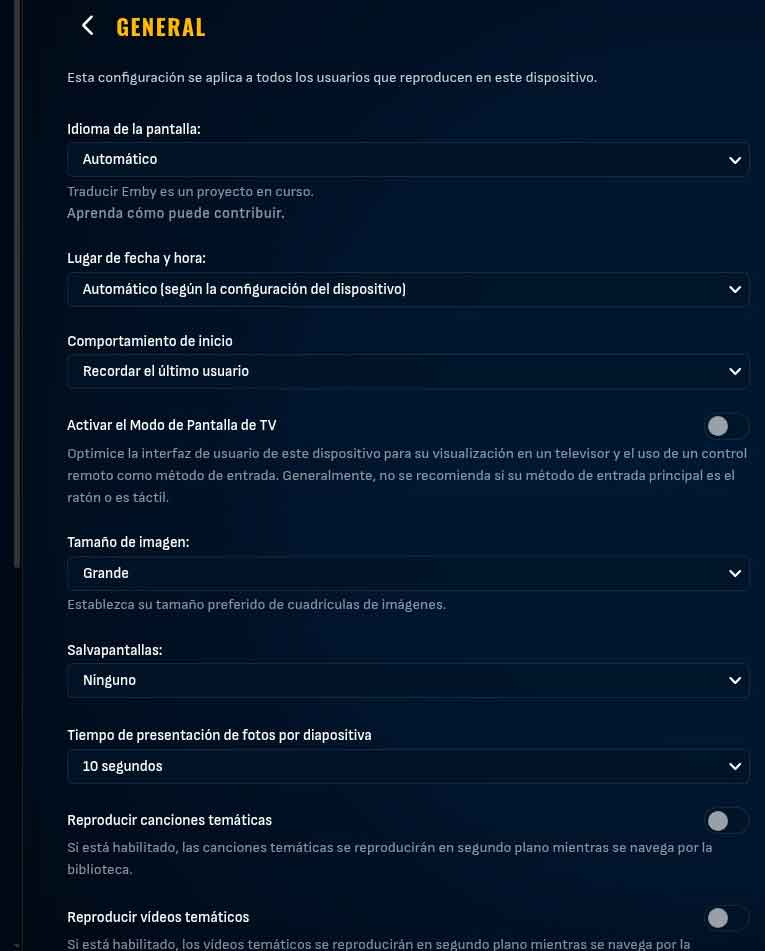
-
I figured it out. The IP address for HD Homerun had changed . I removed it from my TV sources and added it back. Problem solved
-
And s orry, fix to the blue on the backdrop. Sometimes I rush things. Emby Navy and Gold v4.97.css
-
Hello Ajayabb, ** This is an auto reply ** Please wait for someone from staff support or our members to reply to you. It's recommended to provide more info, as it explain in this thread: Thank you. Emby Team
-
Running Emby on Windows with HD Homerun. No VPN. Able to watch live TV on HDHomerun App Playback Error Exception of type 'MediaBrowser.Common.Extensions.RemoteServiceUnavailableException' was thrown. Thanks in advance for any help Logs below embyserver.txt
-
Emby Theme: Retro Navy & Gold (W/ Seasonal Themes)
MediaEmby1968 replied to Aleas's topic in Web App CSS
The text headings h1 to h6 are not working now; they all appear blank. The background image is working perfectly now. -
@sa2000
-
Sorry i was editing my post.. here you go this should do it. I still have 1 fix to do there.. so hold off a moment Emby Navy and Gold v4.94.css
-
Excellent! I really appreciate your help on this, @sa2000
-
Emby Theme: Retro Navy & Gold (W/ Seasonal Themes)
MediaEmby1968 replied to Aleas's topic in Web App CSS
The new version cannot be downloaded -
Emby Theme: Retro Navy & Gold (W/ Seasonal Themes)
MediaEmby1968 replied to Aleas's topic in Web App CSS
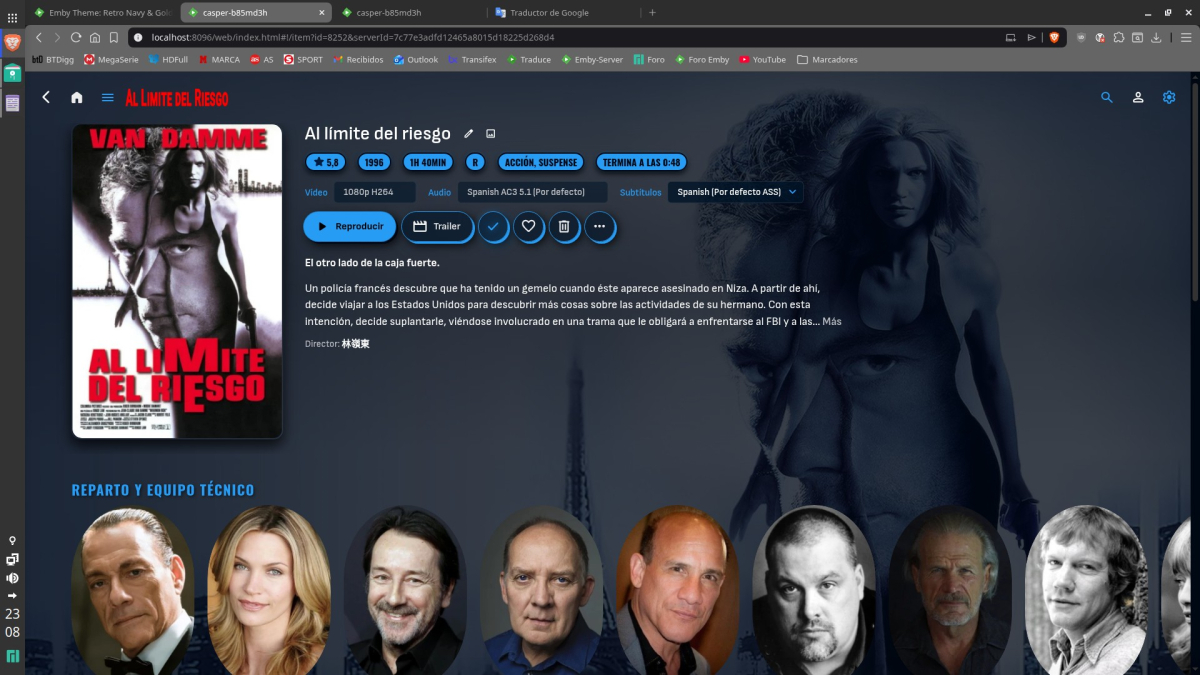
That's not what I meant. As it appears now, the image is blurry, and I was referring to that dark area that appears at the bottom of the image, which used to be the same black tone throughout. Here's how it looks with version 4.91 and version 4.75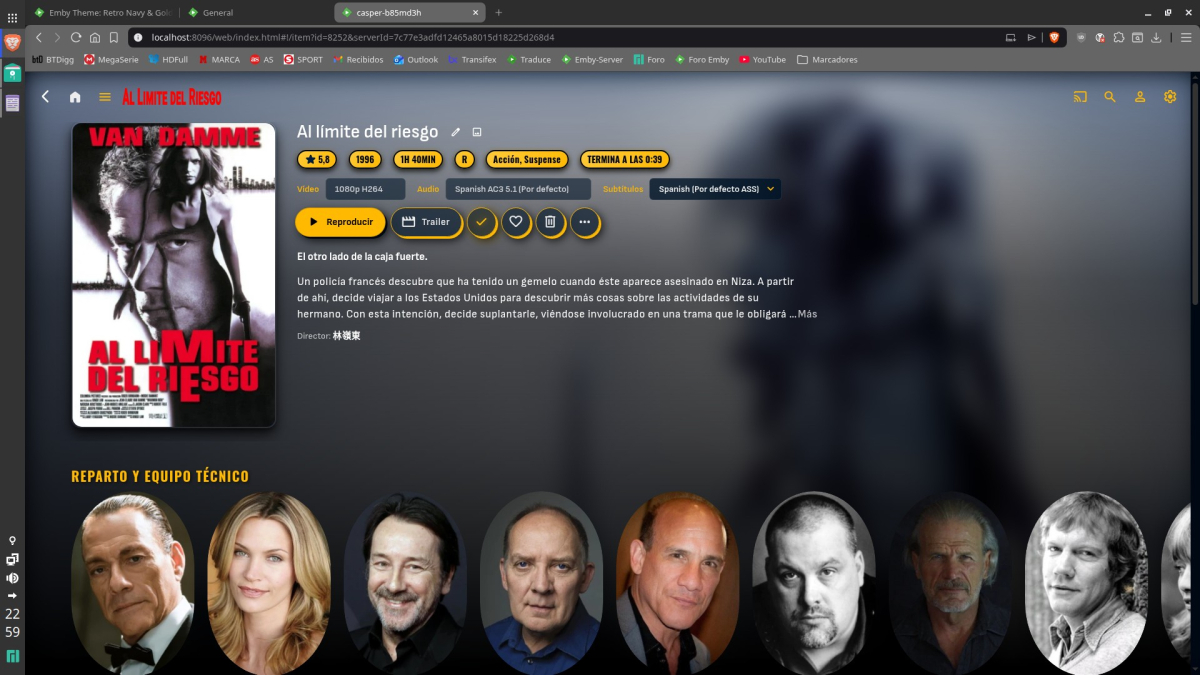
-
Small overhaul on Github. -> auto stop Trailer when scrolling on Homepage -> button to disable Autoplay from inside the widget (option to disable it globally in JS code still present for Admin). More in changelog.
-

Problemas al configurar emby en My cloud ex2 pro
sa2000 replied to Oscar Daniel Tafur Vidarte 's topic in Western Digital
Thank you - I now understand the problem Windows Emby Server generating library composite images ok but the My Cloud EX2 Ultra Emby Server is not Could be some permission issue. But lets get some diagnostics So on the MyCloud EX2 Ultra server, select server settings and then select Logs in left sidebar and click on Logs Settings and enable debug logging restart the My Cloud Ex2 Emby Server (dashboard / restart) When the server is ready, create a new library with some media When the creation completes, take a screenshot of the home screen showing the library in my media Then download the emby server log file embyserver.txt through emby web: settings / logs and select the log file to download Attach the log file here together with the screenshot See How to report a problem -
Updates: Set backdrop gradient to none. Fixed backdrop opacity New backdrop blur variables. (default is none) (Only affects posters and not backdrop videos) Mapped H1-H6 to variables, and some remapping of these. (If anything needs to be adjusted or wrong, please let me know.) some work still needs to be done with this. If you like all the setting titles gold, look into the H5 variable option, default is white. Emby Navy and Gold v4.94.css