All Activity
- Past hour
-
 Spinman joined the community
 -
 Saray112 joined the community
 -
 zss111 joined the community
 -
 marine121 joined the community
 -
 Eliaseliliane joined the community
 -
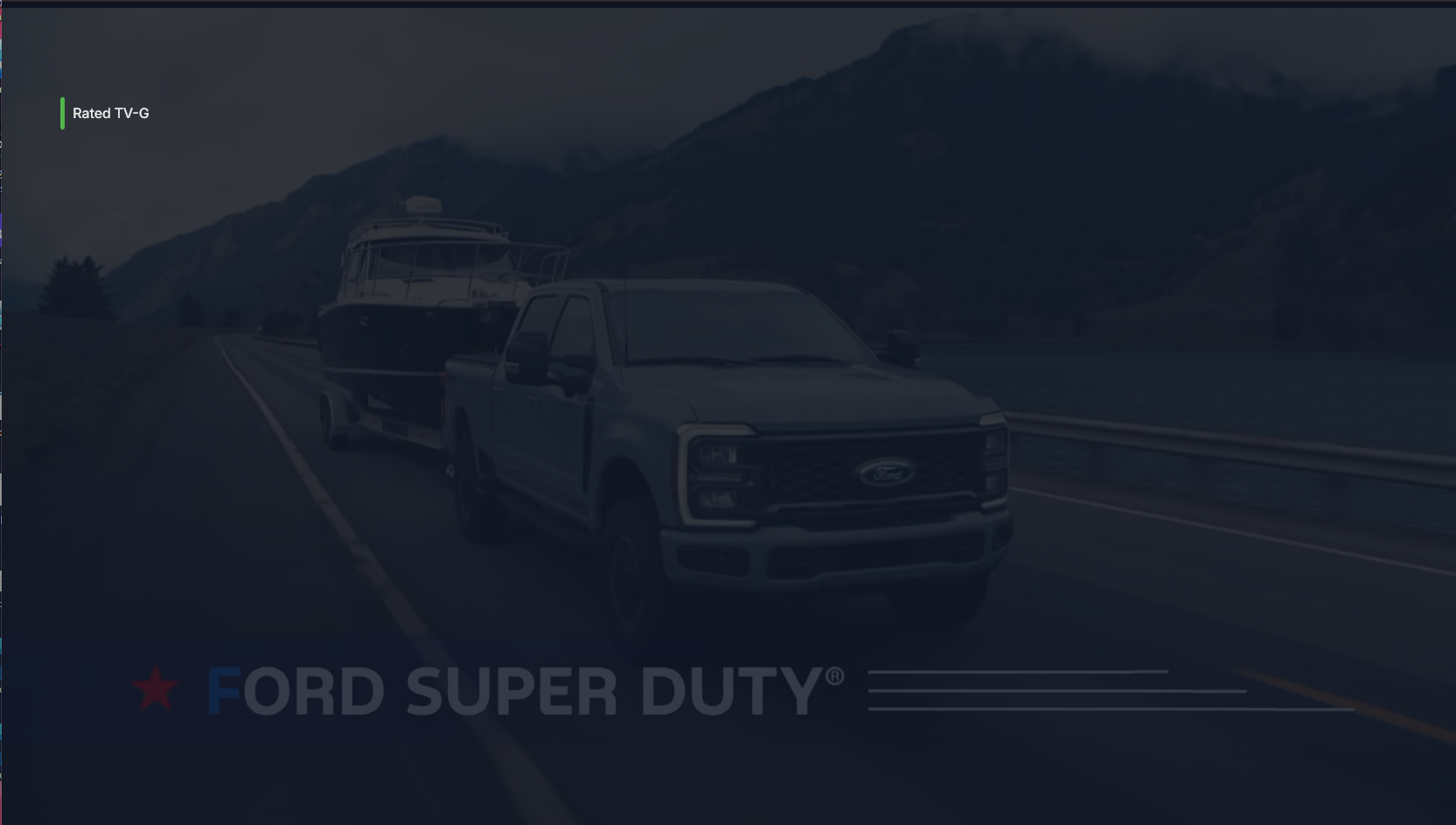
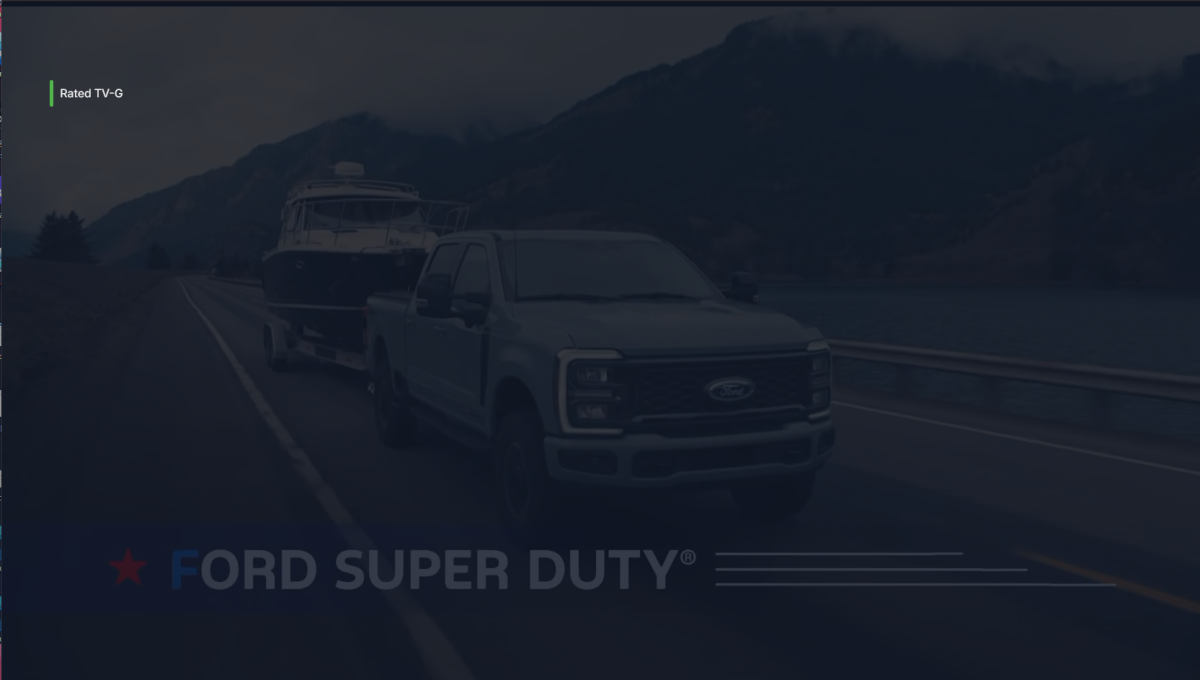
Love it! I use this theme on Jellyfin and love to see it over here. I found one bug, it appears that with viewing Live TV there is a blue overlay to the video.
-
 Reyrmc5 joined the community
 -
 nazliee joined the community
 -
 Man9 joined the community
 -
 Jade77 joined the community
 -
Really hope a fix is coming soon, it's making things really frustrating when users search and it just locks up and affects everyone else. Having to disable search is kind of a really big negative. As much as I like and prefer emby and have no issue paying a monthly premier fee, there will come a time/limit of patience before I start moving users over to jellyfin or something else where search actually works, I can't be the only one this frustrates so much.
-
hmm, try updating to the latest windows version, it should be under the optional update section. plan B, uninstall and reinstall.
-
I can yes. I used the web app when the native app wouldn’t load. I’d prefer to be able to use the native one though if there’s a way.
-
Same manufacturer. Yea, I guess that's possible. Might be good to split up the order to avoid that issue.
-
can you see your server on the web app from the same machine?
-
Yes, this has always been an issue. Slightly resolved by forcing transcoding, but it's not great and there is no fix at the moment. Plenty of users have asked for this to be fixed.
- Today
-
I think the OP is asking for Group by Release Type (e,g Albums, Singles, Compilations, Live, etc.) There's other posts asking for the same thing elsewhere scattered across the forums.. so it's a duplicate request... https://emby.media/community/topic/121694-fr-option-to-sort-music-into-groups-eg-albums-live-single-etc/ AFAIK, currently the only way to achieve something similar wth Emby (web app only) is by this method (which I am still actively using): https://emby.media/community/topic/146952-hide-playlists-from-included-in-group-albums-by-release-type-decade/ Other than that, various workarounds with Genres, Tags, Collections, Playlists are likely also possible.
-

TOS 7 Stable and Latest Emby Issue Upgrading
Jincheng1 replied to Racerprose's topic in TerraMaster NAS
I have the some issue, i am really waiting for the newest version of Emby which will work correctly on TOS 7 -
Hi, I just bought a HDhomerun to record the World Cup and although some initial Audio issues on my LG TV, Gemini gave me some suggestions and forcing a Transcode appears to have resolved this, the problem I have at the moment if I start watching a match that is still being recorded I can't Fast Forward to the start of the match. but I can Fast Forward on completed recordings withour issue. Gemini suggested using the skip 30 Secs and/or pressing a number 1-9 which should move to a fixed point 1=10% etc., neither of these work either, the remaining suggestions from Gemini is to plav using VLC or Plex, neither of which appeals to me. Has anyone else encountered this issue and found a way to do this, any assiatnce welcome. Thanks, Bob
-

Fire a script or program every time there is a channel change.on live tv.
Leafstrider posted a topic in General/Windows
there is so much available, I am still finding things i did not know after years of using. And i Hope someone knows an answer to this. i need to fire a script or file every time someone changes a live tv channel. has anyone come across a way to do this? I am using windows 11. thanks Any ideas will be apreciated. -
@Luke So after using chatgpt extensively, it came to the following conclusion.. Port forwarding is configured correctly with a reserved IP. canyouseeme.org can connect to the forwarded port, TCP sessions establish, but HTTP traffic never completes. The same server works immediately when the GFiber router is placed in bridge mode and the Netgear R9000 performs NAT and port forwarding instead. I messaged Gfiber support and got this response. Once I receive the new router next week, then I'll update if the issue has been solved. The behavior you are describing—where a TCP handshake completes successfully but the application-layer HTTP traffic stalls or drops—is a known issue that typically points to how the GFiber router's built-in firewall or security firmware handles specific packet inspection, or a potential issue with the Maximum Transmission Unit (MTU) size stripping HTTP headers. Agent 4:06:26 PM Since you are on a 3Gbps plan, a firmware glitch on the GR6EXX0C model shouldn't throttle your setup. I can initiate an exchange for your current router. - We can swap your Wi-Fi 6E router for our newer Wi-Fi 7 Multi-Gig Router. - This will completely bypass the specific firmware bug present on your current device, handle your 3Gbps speeds natively, and allow you to manage your port forwarding cleanly without relying on your legacy Netgear R9000.
-
Glad to hear that!
-
Yeah, I have it. Just added it today to try it out, because of the blurry covers on my 4K tv, so I wanted to give it a try. And yes, I deleted that file earlier today. EDIT: After deleting this plugin, and refreshing metadata for that concert, the cover was downloaded!
-
I will give it a try ,well done
-

Emby asking for Premiere Subscription when accessing from outside LAN
ebr replied to kicsrules's topic in General/Windows
Hi. That is definitely the issue. -
Also realizing this is 4.10.0.17 beta so this should probably be moved to the beta forum.
-
Do you have CoverArt configured? It seems like it's unavailable, that may be affecting what's going on. The log is flooded with this message: I only see Metallica 40th Anniversary Live (2021) being removed in this log as well.
-
That was today. I removed and added this library earlier today. embyserver.txt
-
Okay that looks right, need to a see a log from when you imported the item. You can always remove it, scan, add it back, scan again, post log if this was not recent.
-
Good Afternoon Luke, This is this is the only one I have at this Current time that I remember. I remember it happening on another, but I watch shows so sporatically that I don't always get through shows in a timely manner. My wife and I just started watching this one and we still haven't finished season 1 in over a month. If I notice any others, I will let you know. I apologize this is all I have as an example. Thank you.
-
While I agree with you about proper naming convention I didn't agree because the item has already been identified, since it pulled a logo and backdrop.
-
Your logic is incorrect. First and foremost, use Emby folder naming guide. Second, the most basic fetcher setting at its defaults will download "most" everything. OP, All I can tell you is name the folder according to the themoviedb, thetvdb... (you can modify radarr settings to match accordingly) A colon on themoviedb is represented as dash "-" Your fetcher settings are fine. P.s this specific title is considered a documentary so yeah... themoviedb.org naming would be good. Also, if you rename the folder, hit a refresh or rescan or whatever is called nowadays via the three dot menu. {Movie Title} ({Release Year}) - {Quality Full} {MediaInfo VideoDynamicRangeType} {Edition Tags} /siderant... I litterally to do not understand why the refusal of so many folks here to just name their folders and files properly.
-
I will try. I followed Radarr's naming scheme.