All Activity
- Past hour
-
@LukeAny update on this? We’ve had quite a few new betas released and not a word on this (still present) issue.
-
 13361000003 joined the community
 -
 Avishay@kadcpa.co.il joined the community
 -
 Aditya772 joined the community
 -
 djphatsy joined the community
 -
Unfortunately it's not working, still .NET version 6 on macOS server and the plugin requires 8.0
-
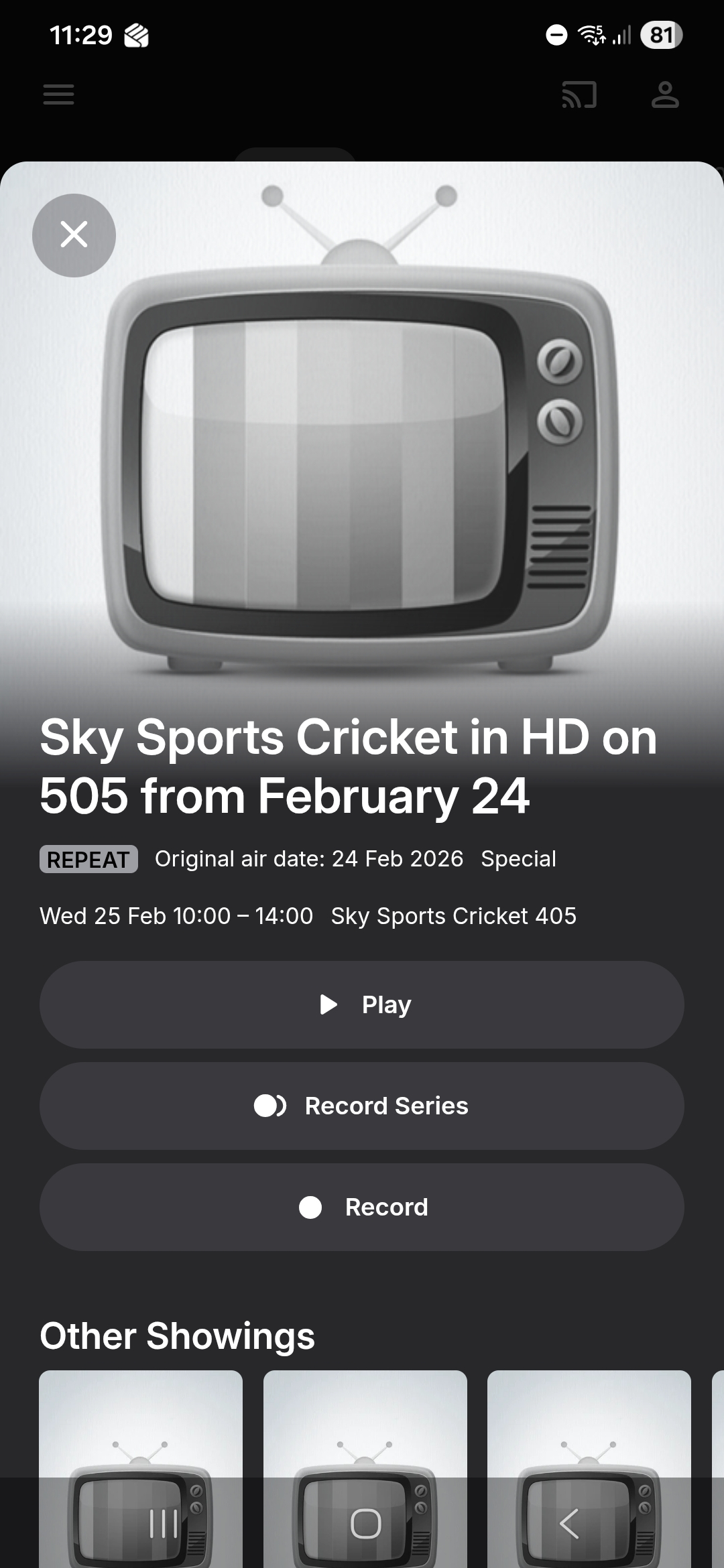
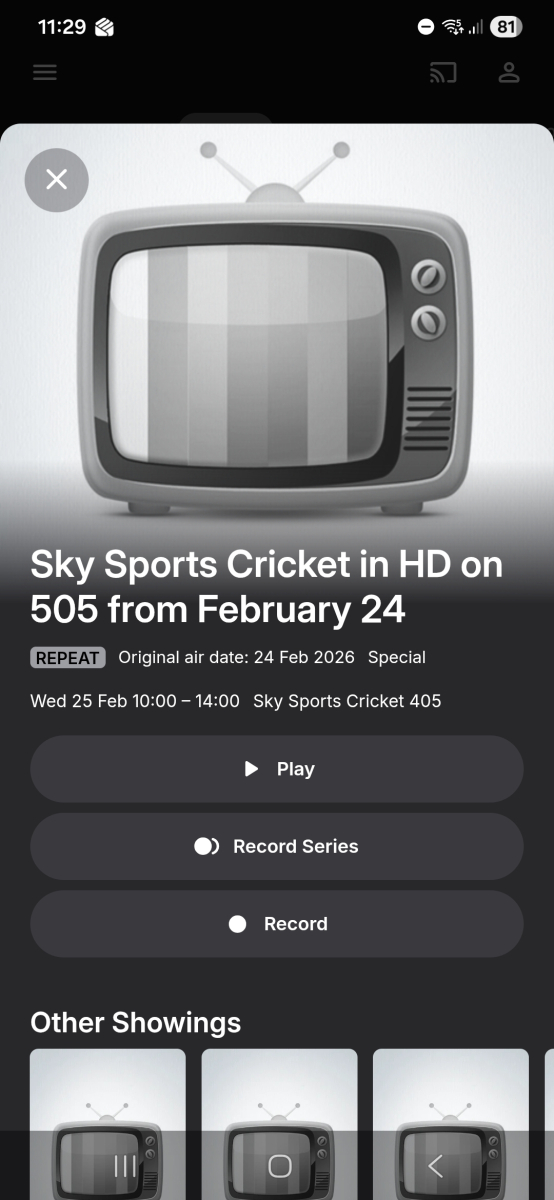
New data and you can see from your own screenshot, the guide data for Sky Sports Premier League is wrong. My golf listing's are correct, although and I may be wrong, but I believe sky Sports golf is on 406, but the guide data has it as 405
-
 DSD4980 joined the community
 -
 Aliciaalvz_ joined the community
 -
 Lulu1609 joined the community
 -
 yenyuuki joined the community
 -
 zexin50 joined the community
 -
With fresh data from gracenote (no cached old data) - this is what I am getting for each of 402, 405 and 407 for lineup ID GBR-1007536-DEFAULT - which is "Sky Q West" It is showing Golf instead of cricket for 405

-
 jclb joined the community
 -
Can't see it fixing it as I'm not the only one with the issue, but I will give it a try
-
There is 24 hour caching in Emby Server for guide data - so depends on last actual fetch of data from gracenote
-
Have they just fixed it, as I have only just setup sky Sports Cricket in the last hour
-
Please delete the program data cache\httpClient folder contents and refresh the emby guide
-
Currently setting my channels up and haven't got to f1 yet, but sky Sports Cricket is wrong as well
-
@Lid @gillmacca01 So 402, 405, 407 are still correctly broadcasting the sports channels and it is only the guide data that is wrong ? Can you confirm that these are beig broadcast as 402 Sky Sports Premier League 405 Sky Sports Cricket 407 Sky Sports F1 I only see 402 in the guide giving the reference to 502. 405 and 407 are not showing what @Lidhad in the screenshot
- Today
-
Sky Sports channels have not moved. 502 is still a news channel. 400-499 are Sports channels 500-599 are news channels
-

Emby server/client - ReplayGain or R128 volume normalization support for music
ryancey replied to Espen JQ's topic in Feature Requests
Still a major pain in the *ss, any update or alternative path would be appreciated @Luke -
I have referred this to Gracenote you say channel 502 is a news channel - does that mean that this is still what Sky is broadcasting on 502 - news as opposed to Sky Sports Premier League? Or do you mean t02 is a news channel in the guide? I have given these 3 channels to Gracenote as the channels being wrong So I take it the change is 402 moves to 502 405 moves to 505 407 moves to 507 The link you gave for February 2026 Sky changes (Changes to the TV Guide - February 2026) does not mention these Sky Sports - is there an announcement somewhere ? This web page still shows the 40x channel numbers https://www.sky.com/help/articles/tv-channel-list-sky-glass
-
I rarely have any problems with adding new music, and when I do - it's usually my own stuff-up!!! But, with updating changes, sometimes they just won't take for whatever reason - sometimes (after first processing in Mp3tag) I go through Scan Library Files and Refresh Metadata with Song, Album, Folder, Library...... removing the original item, rescanning, and putting it back is the only method that works. The other day, I got lazy and tried renaming the relevant problem folder and doing a scan at the folder level above - it worked in that instance, but I don't think this would be a good long-term solution.
-
The plugin works by getting it's info from Emby. So if Emby says a frame rate of 90.0000 then that's what the plugin will want. I can look into adding a filter to catch problems like these.
-
Yep, I manually check each and every item, unless it already looks complete. In the case of The Prodigy I think it's because searching the terms "The+Prodigy" returns both artists and alphabetically "Prodigy" would be first. Oh well. This duplication glitch hasn't happened anymore, probably because I moved "items to sort" to first land outside of Emby's library folders. I did have another similar issue where one song from an album wouldn't be added to the album playlist and would show as a separate entry. Like before; removing the item from the library -> scanning -> adding it back in solved the trick. I personally have a feeling that something weird is going on with the Music indexer, not really looking at the current path or meta data once if it's processed once already.
-
Long Paths are a very common issue for Windows nowadays. I also reconstruct each and every piece of media according to the conventions, but sometimes combining a Show Name - Year - s0xe0x - episodeName results in ridiculously long filenames. The same goes for certain songs, audio books, special editions, etc etc. Using the Long Path Tool might resolve this issue but can also cause duplicate files if the first part of the filename is already very long, so be careful. Personally I do everything manually, but then again, I'm a little bit insane.
-
Yeah, when my music metadata doesn't want to update (for whatever reason) this is a good 'last resort' option. As long as it's the exception rather than the rule, it doesn't bother me too much and I don't really pay too much attention to finding a root cause once it's fixed. I'm sure you're across this already, but using Mp3tag or Picard to check embedded metadata before importing/scanning into Emby is a good way to prevent many issues occurring in the first place. It would probably solve a lot of the problems that tend to get reported by community members. With your "Prodigy" example, discrepancies with embedded "Album Artist" and "AlbumArtist" tags can cause problems like this - again, reasonably easy to check with Mp3tag. At least you have the duplication problem solved, even if you don't know all the causes...? Cheers!
-
Sky one is fixed now. Rather than replacing Showcase in the guide data they added it as a brand new channel
-

STRM files with HLS proxy - Windows app instant start/stop cycle, DirectPlayError fallback fails
Meeko replied to Meeko's topic in Windows & Xbox
Sorry, not all TV APPs is working with STRM: Samsung tizen app the same Problem like Windows app. -
Sorry But not all Samsung Apps does not! and the Windows App had an issue Link: best regards
-
I recommend using the Long Path Tool to resolve this issue.
-

embyforkodi (next-gen) 12.X.X support
geowill76 replied to quickmic's topic in Emby For Kodi Next Gen
Hi Quickmic Not sure if something has changed with plugin but having problems getting Kodi to pick up the fact I have local trailers. I am running the following setup: Kodi Version: 21.3 Skin: Bingie v2.0.2 Emby Server Plugin 12.4.13 The issue I seem to be having is that Bingie won't play any of my local trailers, either on spotlight or widgets, even when I browse my movies by enabling autoplay trailer or going into the information of the movie and pressing the trailer button. I have my trailers named in the same folder as the movie, ie Arrival (2006).mkv + Arrival (2006)-trailer.mp4 This use to work a while ago and only thing that has changed is that I have been updating my Emby plugin to the latest version. Is there anything you can do to help? I opened ticked in the Kodi Bingie forum and local trailers are working for them. Only difference is they have the media local and I am using the Emby plugin to sync the info. -
I recommend using the Long Path Tool to resolve this issue.
-

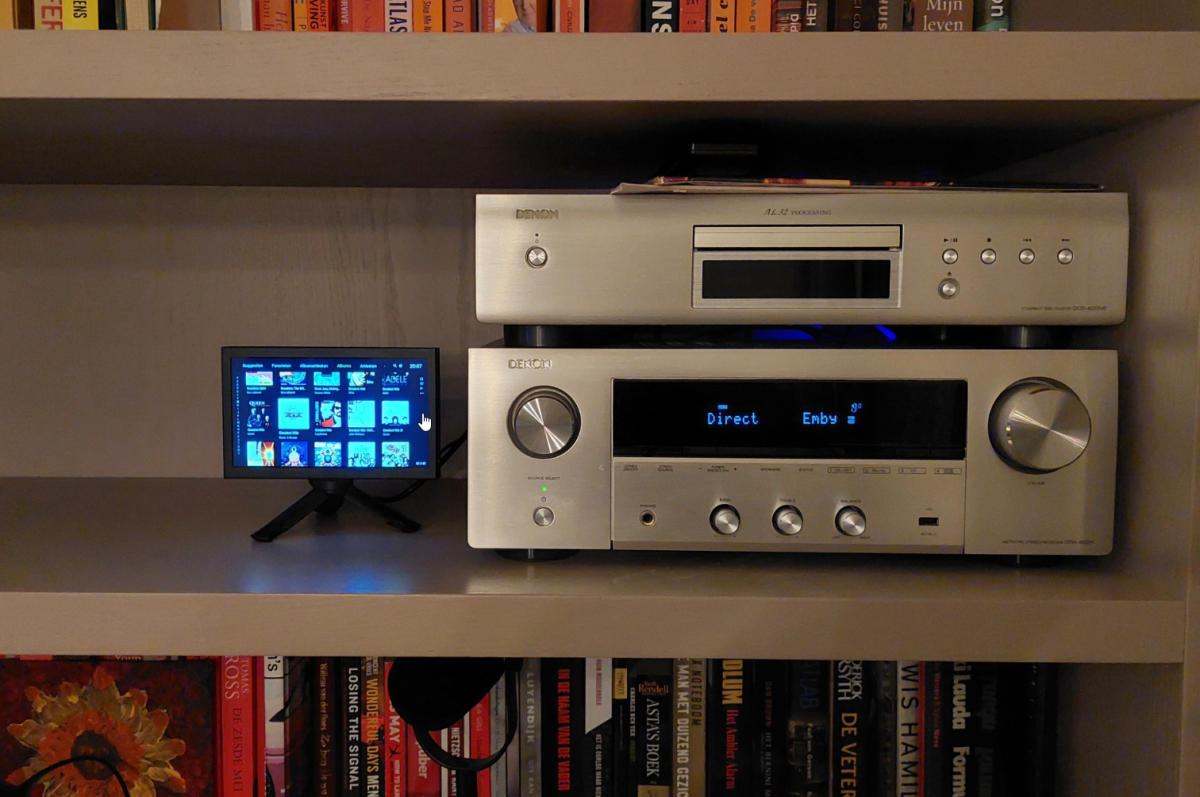
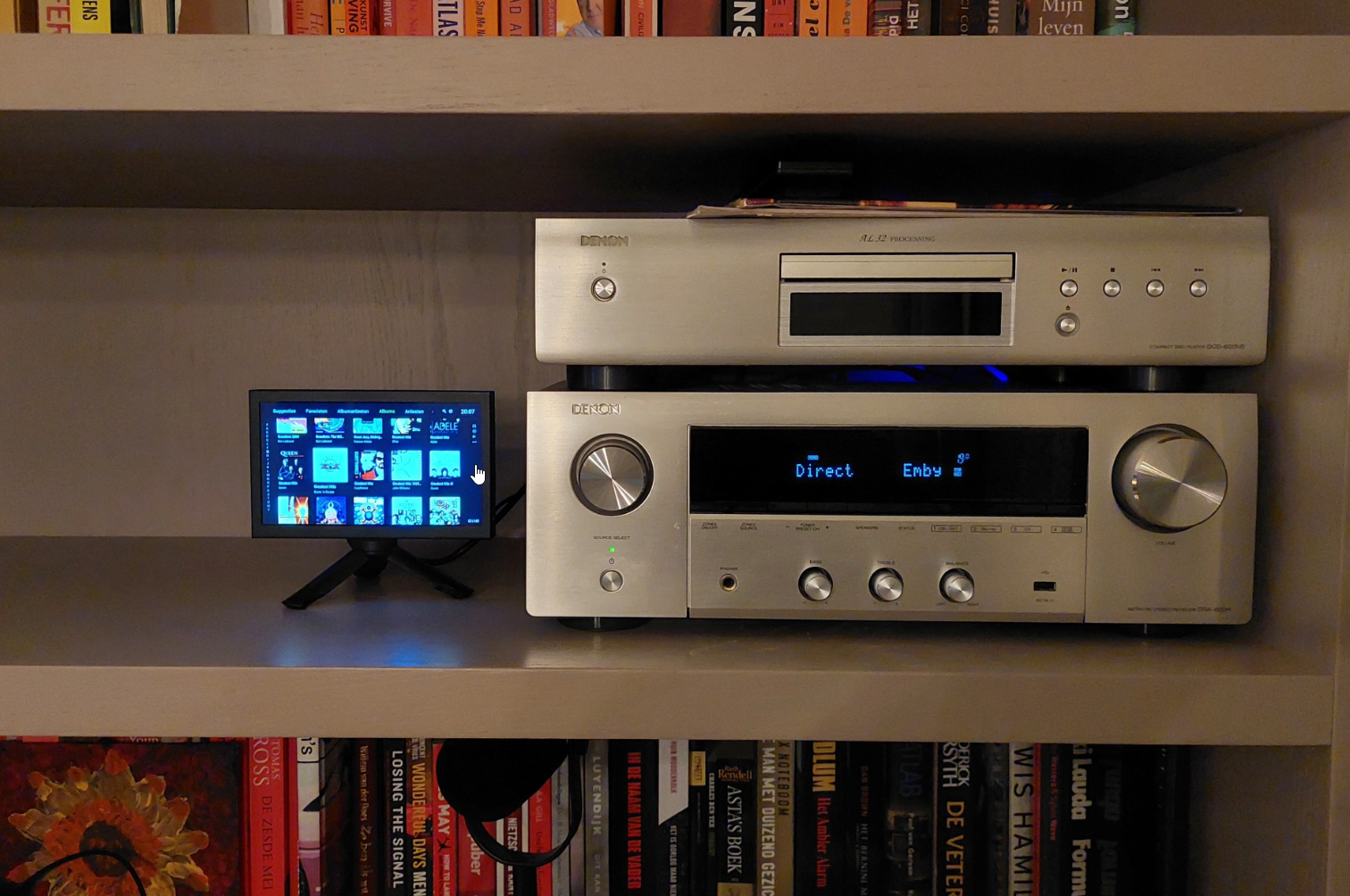
Any good tips? Dedicated device to use Emby with my Denon transceiver?
nlrobert replied to nlrobert's topic in Hardware
I have settled for: Xiaomi TV Box S (3rd Gen) Android TV box Aurevita 7 inch mini-monitor with HDMI The Android TV outputs HDMI to the Denon transceiver. The transceivers HDMI output/monitor is connected to the 7 inch monitor. It works very well. The only thing I'm fiddling with is power/energy/screensaver. I would like to make this as easy as possible for our family. I would like to power on/off the Denon, and it should power on/off the Android TV box with HDMI CEC. But maybe it only works the other way around (power on/of the Android TV, which in turn controls on/of the transceiver). The display itself will go into standby when there is no input, so that's fine. I can not have the Android TV power-off the display (as a screensaver) because that will shut off the Denon.