All Activity
- Past hour
-
 sviswanath joined the community
 -

All types of Movie extras are incorrectly categorized as "Extras".
crusher11 replied to LZSYSTEM's topic in General/Windows
How is this response helpful? It's very obvious from their post what the problem is, and that Emby is behaving as designed. @GrimReaperand @RanmaCanadahave already provided the correct information. It really does seem like you just copy-paste this into threads without reading them, and it becomes very frustrating, especially on the (increasingly frequent) occasions where those instructions are followed and it's then days/weeks before any further response. -
 JJHP joined the community
 -
 lumax717 joined the community
 -
 lumax318 joined the community
 -
 Tuhin0079 joined the community
 -
 lumax215 joined the community
 -
 cimax218 joined the community
 -
 jiangyangchun5 joined the community
 -
 cimax417 joined the community
 -
.thumb.jpg.a44951e234bae6ac09f6071c2916c924.jpg)
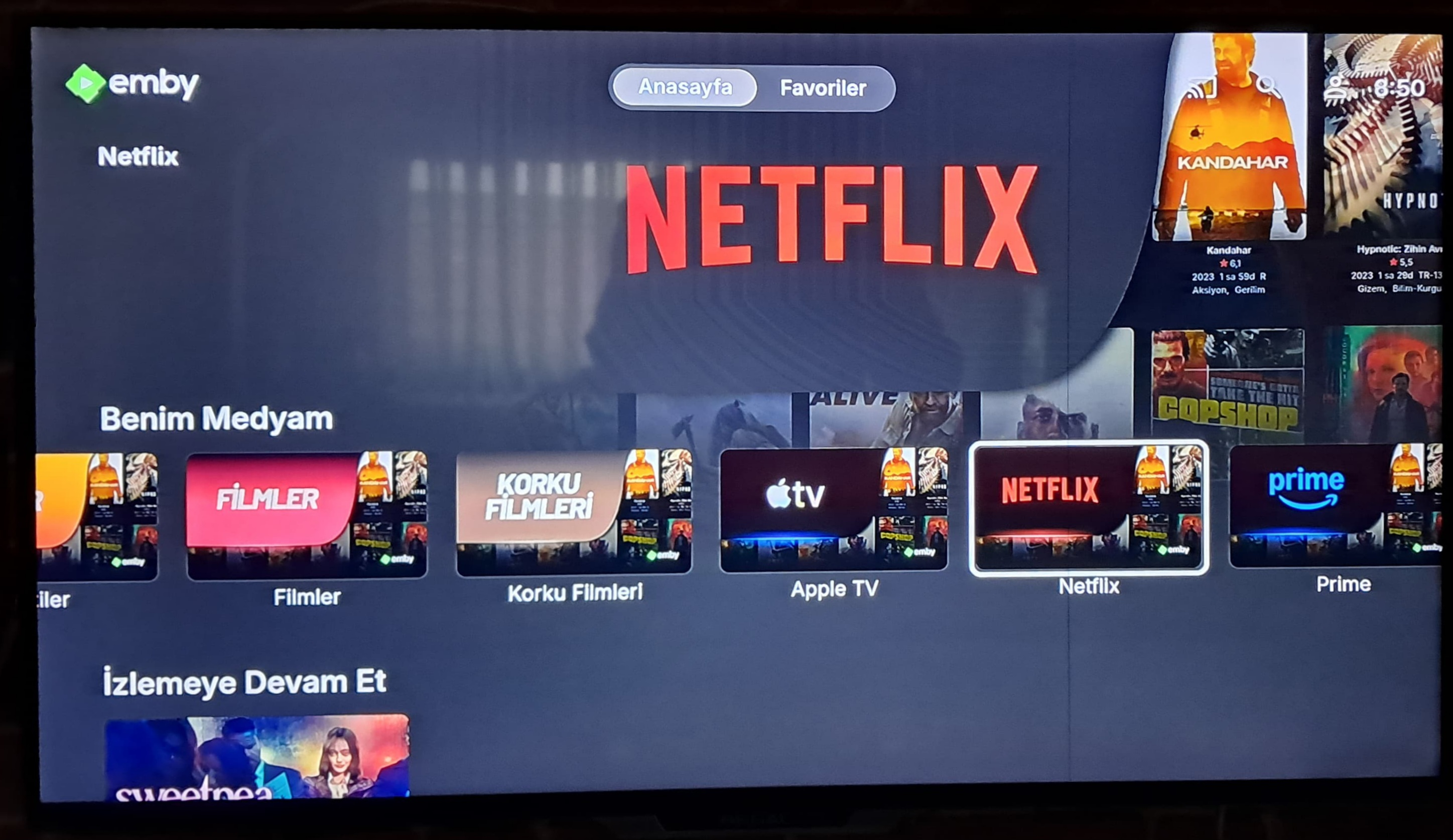
Emby Home – “My Media” Categories Visuals
HakanDemir replied to HakanDemir's topic in Fan Art & Videos
Google Chromecast Tv
-
 cimax418 joined the community
 -
Thanks It Worked
-
For as I know, the password was entered correctly. I will give that a try today. Okay, I just tried it myself, it will not allow me to login. It says, "Invalid username or password. Please try again." *I was able to sign into his account remotely. When he tried to sign in, it told him "sign in error, try later.' For him, he says it as is something is blocking him. Once he type in the information, it spins as if trying to login in and comes with the try again message.
-
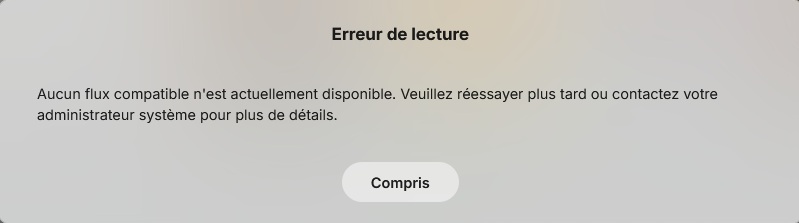
J'ai emby qui fonctionne sur un NAS Synology DS218+ en Docker mais impossible de lancer une chaine TV J'ai HD Home run qui lui fonctionne bien : je viens de vérifier j'arrive à lancer une chaine TV dans VLC Ci-joint le Docker Compose : fichier : Emby Docker 2.txt Et voici les logs : embyserver.txt Le message d'erreur Par avance merci de votre aide Martial Emby Docker 2.txt embyserver.txt
-
Hi there, let's look at an example. Please attach the information requested in how to report a media playback issue. Thanks!
-
Buongiorno Luke, ti ringrazio, ma ho risolto. Ho disinstallato Emby dal Nas ed ho rifatto l'installazione da zero. Ora ho solo un problema che con Apple TV da remoto con protocollo HTTPS, non riesco a vederlo e non capisco il perchè (HTTP non ho provato) Con Firestick invece non ho problemi. Grazie per l'interessamento.
-
Hi, we'll take a look at it. Thanks.
-
OK this screen doesn't have the image size option. You'd have to go into display settings and change the default for the entire app.
-

All types of Movie extras are incorrectly categorized as "Extras".
Luke replied to LZSYSTEM's topic in General/Windows
HI there, can you please provide a specific example? How to Report a Problem Thanks ! -
Hi, I would try lowering the quality setting in the app and see if that helps. When you're on a remote connection it will usually help with something like this.
-
Kein Kompatibler Stream verfügbar wenn Verbindung über NPM hergestellt wird
Luke replied to Brudertac's topic in German
@Brudertachave you compared your reverse proxy settings to this? -
@hd4funmaybe you had an nfo file containing this value?
- Today
-
Try this one. I believe your NAS uses an ARMv8 based chip rather than an Intel x86/64 chip. https://github.com/MediaBrowser/Emby.Releases/releases/download/4.10.0.6/emby-server-synology72_4.10.0.6_armv8.spk
-

All types of Movie extras are incorrectly categorized as "Extras".
GrimReaper replied to LZSYSTEM's topic in General/Windows
What do you mean by "still can't be recognized"? Are you expectin to see them trailers listed? They won't show, they'll just be played when"Trailers" button is clicked/pressed. As for all the other extras, it is as @RanmaCanadasaid: -
64-Bit (x86) NAS
-

All types of Movie extras are incorrectly categorized as "Extras".
LZSYSTEM replied to LZSYSTEM's topic in General/Windows
All right, I've noticed this note. I'm not sure if my memory is playing tricks on me, but I recall seeing "Trailers" and "Short Films" rows before. However, even if these aren't errors, the "Trailers" folder still can't be recognized. Does it have a specific organizational structure?
-
Making that change still doesn't give me the option to adjust the size
-

All types of Movie extras are incorrectly categorized as "Extras".
RanmaCanada replied to LZSYSTEM's topic in General/Windows
Pretty sure that is how it is contained. I don't remember there ever being support for having these folders show up with their content, as said content. They all just get tossed into "extras". I think it's on the dev teams to do list, with so many other features. Maybe staff will chime in and give you a knowledgeable answer. -

All types of Movie extras are incorrectly categorized as "Extras".
Abobader replied to LZSYSTEM's topic in General/Windows
Hello LZSYSTEM, ** This is an auto reply ** Please wait for someone from staff support or our members to reply to you. It's recommended to provide more info, as it explain in this thread: Thank you. Emby Team -
All types of Movie extras are incorrectly categorized as "Extras".
LZSYSTEM posted a topic in General/Windows
As the title suggests, after naming subfolders according to the specifications, all content, including "Special Programs," "Interviews," and other subfolders, is categorized as "Additional Content" on the video details page. There are no nested folder errors; the content of all subfolders is correctly recognized, even the "other" folder. Only the "Trailers" folder's content is not recognized. I am using version 4.9.3.0, and I have set the "Multi-Version Item Detection" in the media library to "File-Based Multi-Version Item Detection." I don't know the cause of the problem or how to solve it. I haven't considered whether the issue occurred after the update; should I roll back to a previous version? t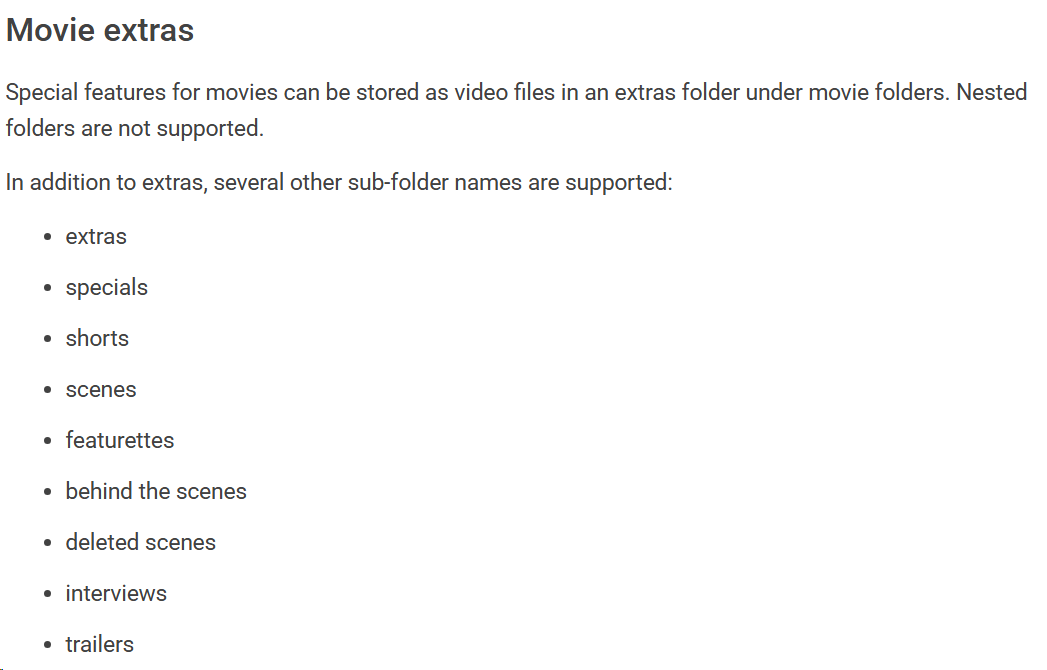
-

I cannot add Jury Duty Presents Company Retreat . Am I doing something wrong or is it missing on the database?
GabrielPhoto replied to GabrielPhoto's topic in General/Windows
Ok finally got them working after renaming things around. Thanks! -

I cannot add Jury Duty Presents Company Retreat . Am I doing something wrong or is it missing on the database?
seanbuff replied to GabrielPhoto's topic in General/Windows
Is it named correctly to do so? Can you show us how you've organized the file structure? -
I cannot add Jury Duty Presents Company Retreat . Am I doing something wrong or is it missing on the database?
GabrielPhoto replied to GabrielPhoto's topic in General/Windows
Ok I finally got it to show under Season 2. Thanks -
Tivimate has this as well and I use that for my live tv viewing so I didn't follow up.