All Activity
- Past hour
-

Unable to delete a user – RemoteServiceUnavailableException
Juanrendon replied to Juanrendon's topic in General/Windows
Disculpe pero como miro los registros? -
-
 Mom325232 joined the community
 -
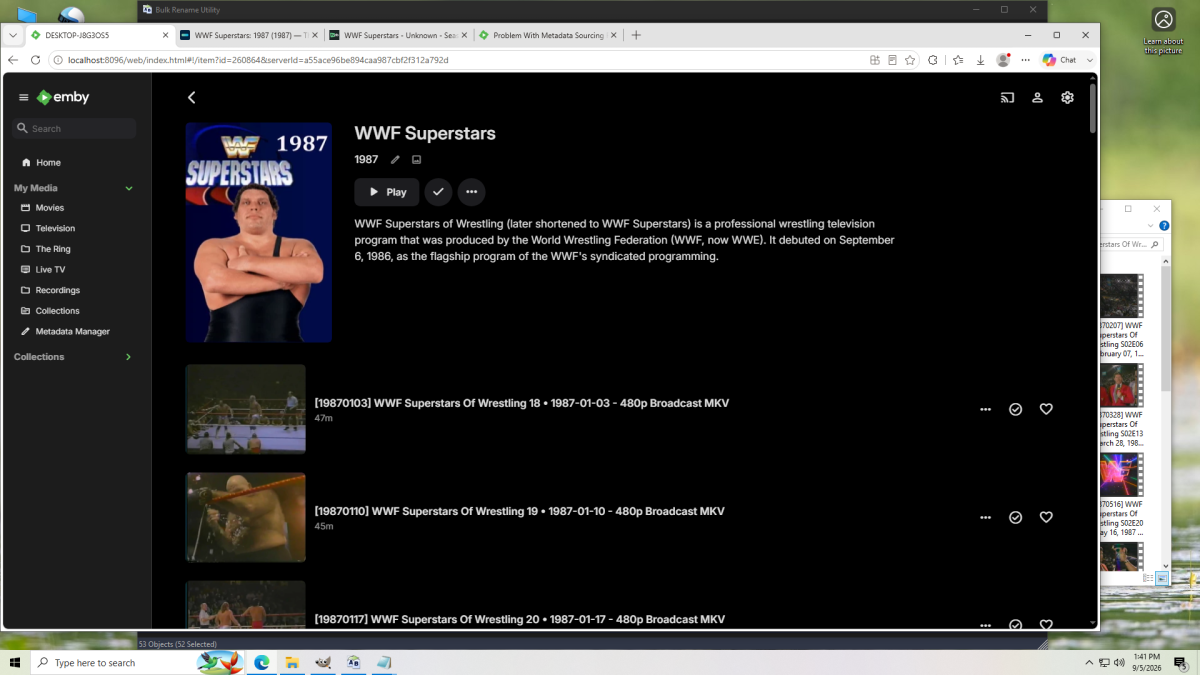
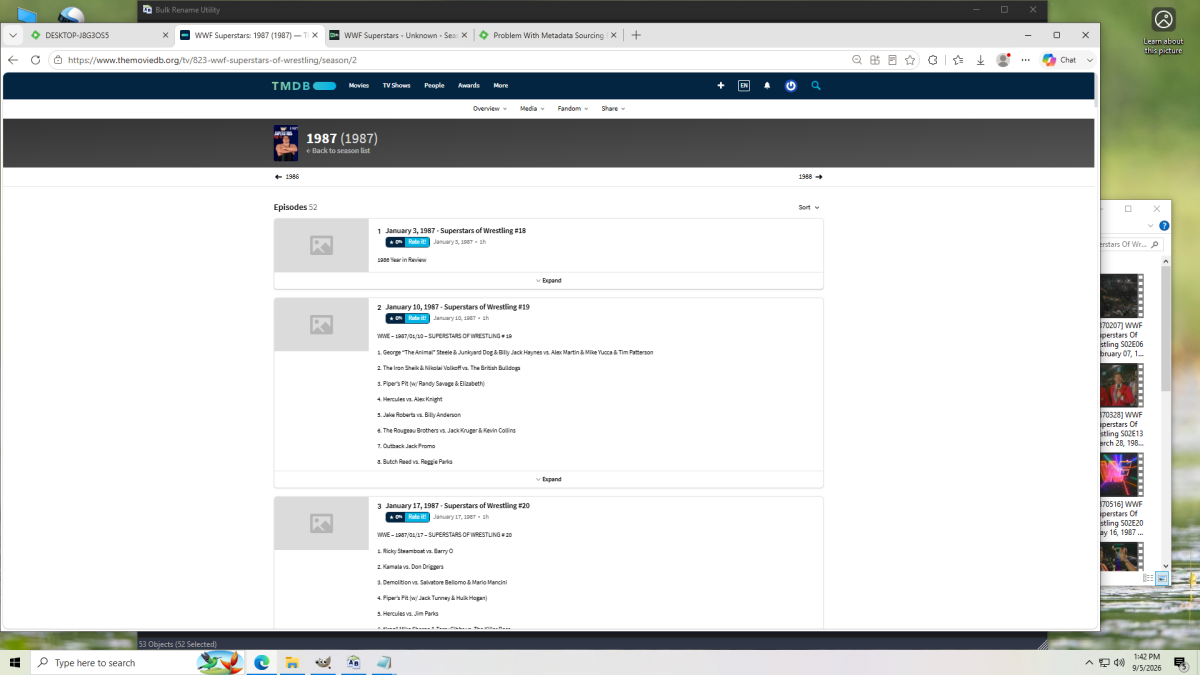
I guess there's another program replacing images with captured images.
-

No Media Info after Import, only shows up after starting playback (Movies only)
Kyouma replied to Kyouma's topic in General/Windows
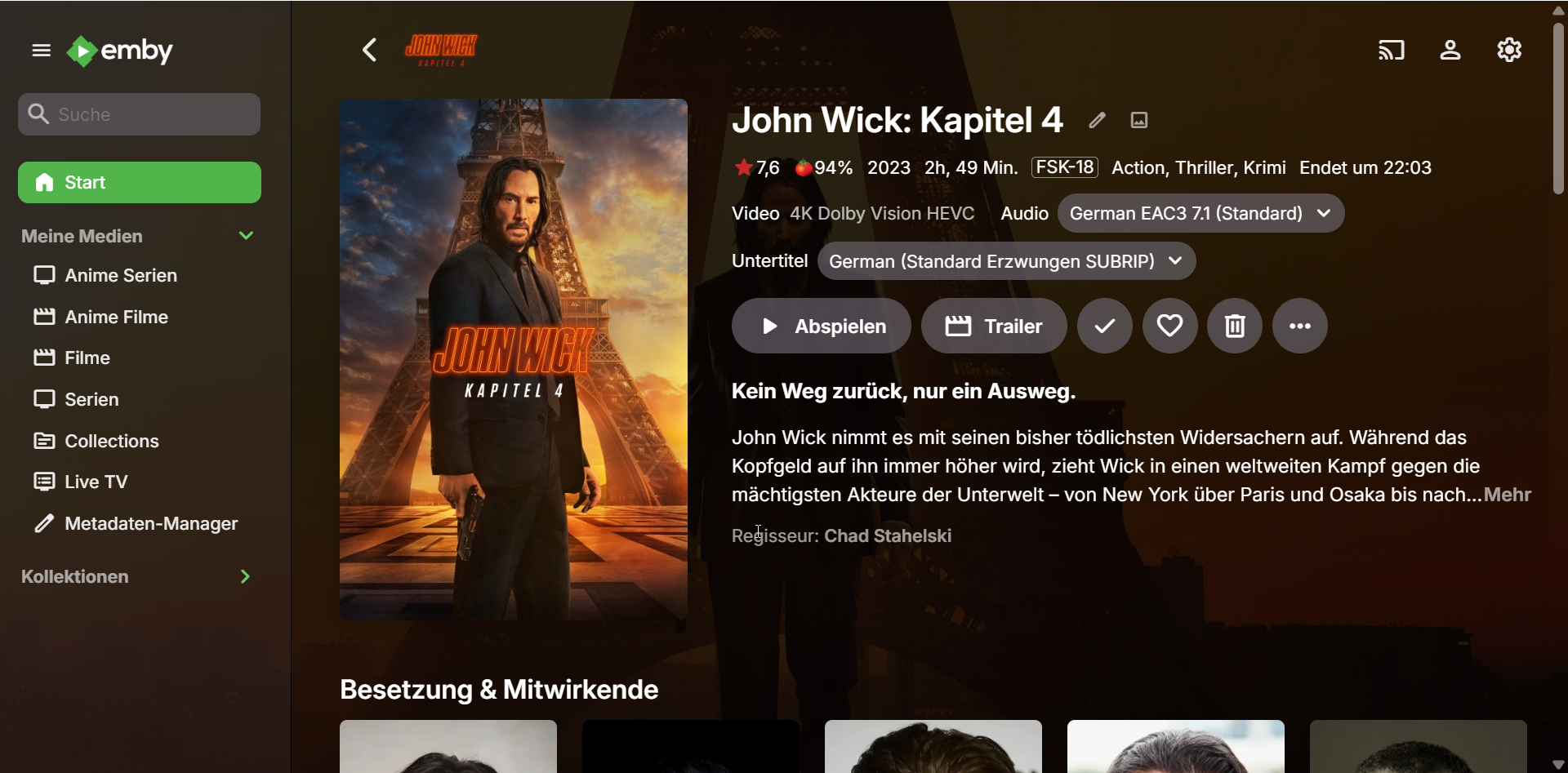
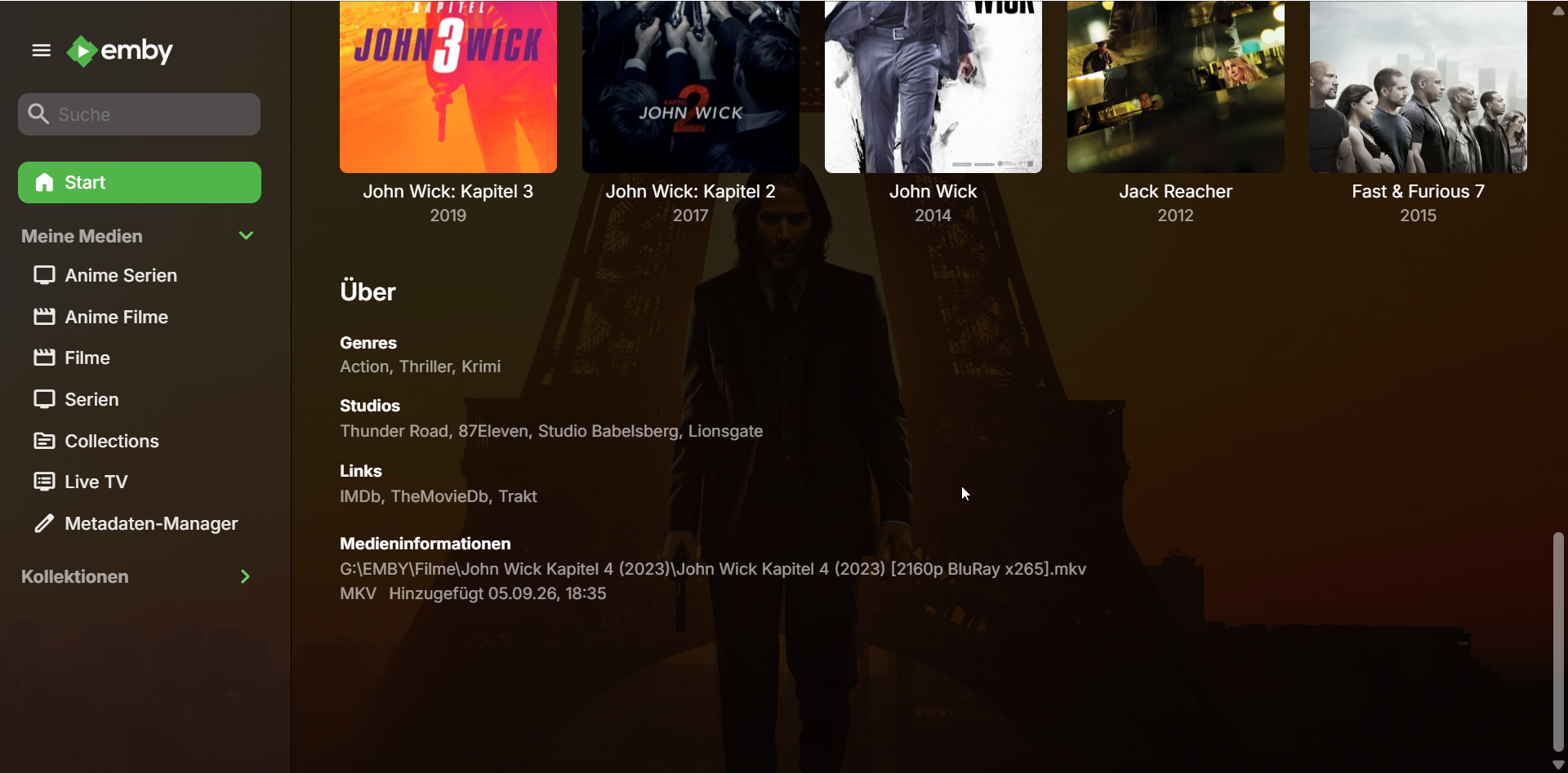
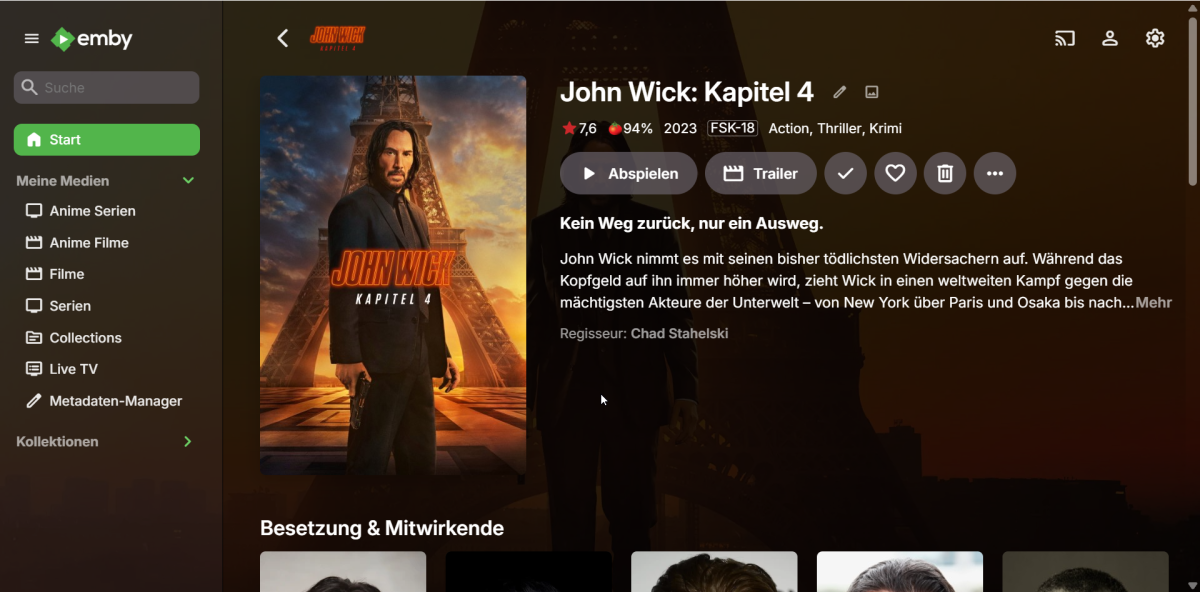
I just found this error in the Log: 2026-09-05 18:35:15.224 Error App: Error in ffprobe *** Error Report *** Version: 4.9.5.0 Command line: C:\Users\emrek\AppData\Roaming\Emby-Server\system\EmbyServer.dll -noautorunwebapp Operating system: Microsoft Windows 10.0.26200 OS/Process: x64/x64 Framework: .NET 8.0.27 Runtime: C:/Users/emrek/AppData/Roaming/Emby-Server/system/System.Private.CoreLib.dll Processor count: 16 Data path: C:\Users\emrek\AppData\Roaming\Emby-Server\programdata Application path: C:\Users\emrek\AppData\Roaming\Emby-Server\system Emby.Server.MediaEncoding.Unified.Ffmpeg.FfRunException: Emby.Server.MediaEncoding.Unified.Ffmpeg.FfRunException: ffprobe failed - streams and format are both null: -i file:"G:\EMBY\Filme\John Wick Kapitel 4 (2023)\John Wick Kapitel 4 (2023) [2160p BluRay x265].mkv" -threads 0 -v info -print_format json -show_streams -show_chapters -show_format -show_data ffprobe version 5.1-emby_2023_06_25_p4 Copyright (c) 2007-2022 the FFmpeg developers and softworkz for Emby LLC built with gcc 12.2.0 (Rev10, Built by MSYS2 project) file:G:\EMBY\Filme\John Wick Kapitel 4 (2023)\John Wick Kapitel 4 (2023) [2160p BluRay x265].mkv: Permission denied { } at Emby.Server.MediaEncoding.Probing.MediaProbeManager.GetMediaInfoInternal(String inputPath, String primaryPath, MediaProtocol protocol, Dictionary`2 requestHeaders, Boolean extractChapters, String probeSizeArgument, Boolean isAudio, Boolean hasMixedProtocols, CancellationToken cancellationToken) at Emby.Providers.MediaInfo.FFProbeVideoInfo.ProbeVideo[T](MetadataResult`1 metadataResult, MetadataRefreshOptions options, BaseItem[] collectionFolders, LibraryOptions libraryOptions, CancellationToken cancellationToken) at Emby.Providers.Manager.MetadataService`2.RunCustomProvider(ICustomMetadataProvider`1 provider, MetadataResult`1 itemResult, String logName, MetadataRefreshOptions options, BaseItem[] collectionFolders, LibraryOptions libraryOptions, RefreshResult refreshResult, CancellationToken cancellationToken) Source: Emby.Server.MediaEncoding TargetSite: Void MoveNext() Could it be because of that? It only happens with Movies like this which have "High Quality" stuff like HDR, DV and such. -
 gokurama59 joined the community
 -
 sattik joined the community
 -
 NoahCav joined the community
 -
 Abdullah nashaat joined the community
 -
 Fercho41 joined the community
 -

No Media Info after Import, only shows up after starting playback (Movies only)
Luke replied to Kyouma's topic in General/Windows
Hi, it could be that it was still in progress. Beyond that nothing obvious. You could try removing all third party plugins and see if that helps. -
 Tamás1w joined the community
 -
 umayn5421298 joined the community
 -
 harold31 joined the community
 -

Plugin: EmbyCredits, detect end credits and add auto skip.
yocker replied to yocker's topic in Plugins
The code is still there but strm files were a mess to work with. I can look into seeing if I can make it better but in the end it's FFMpeg that needs to handle then properly. -
Plugin: EmbyCredits, detect end credits and add auto skip.
yocker replied to yocker's topic in Plugins
Chroma detection is always a little hot and miss. Best you can do is look at an episode and see what words are used in the end credits and then add those words to the keywords lidt for the OCR to look for. -
No Media Info after Import, only shows up after starting playback (Movies only)
Kyouma posted a topic in General/Windows
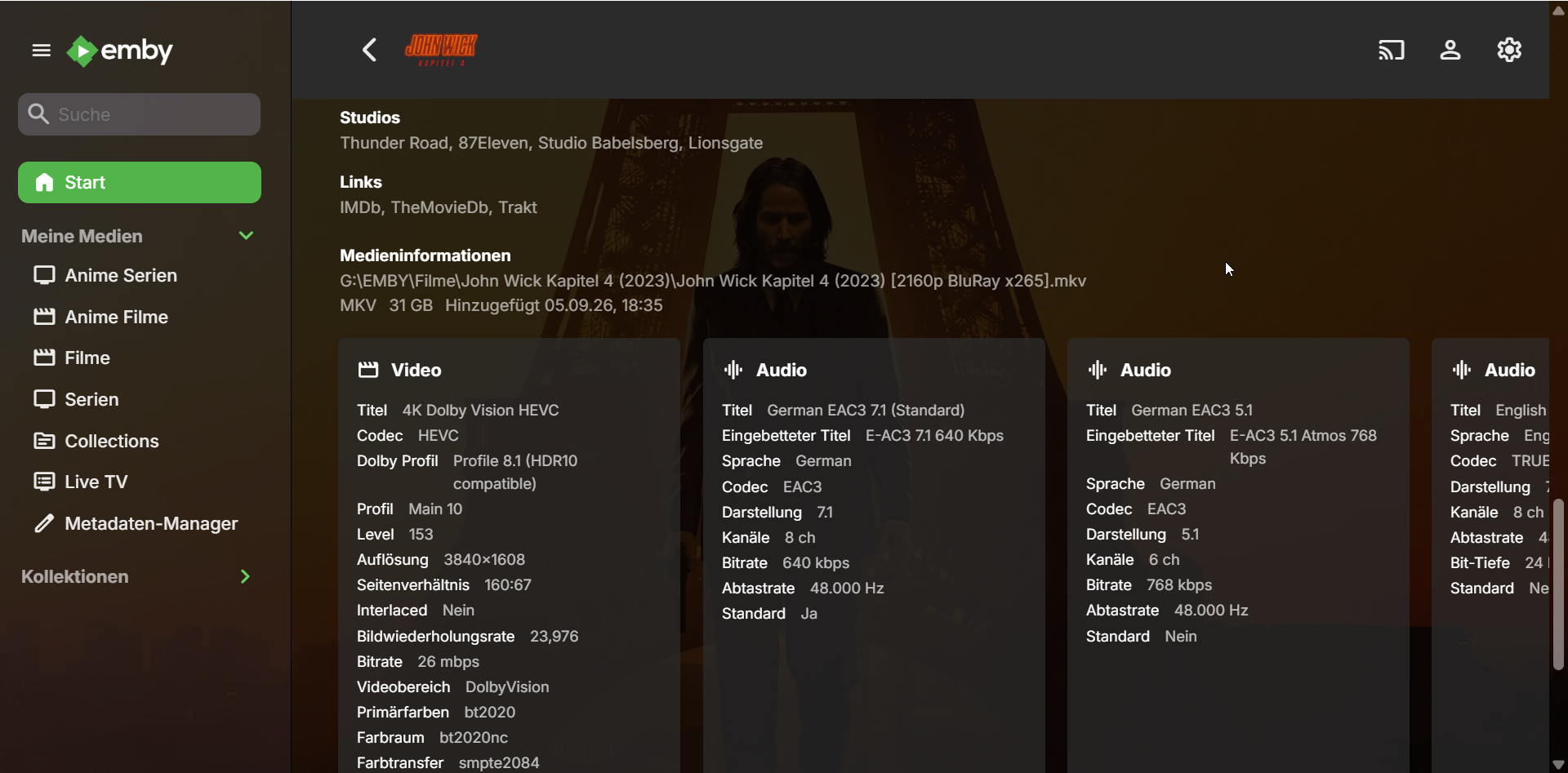
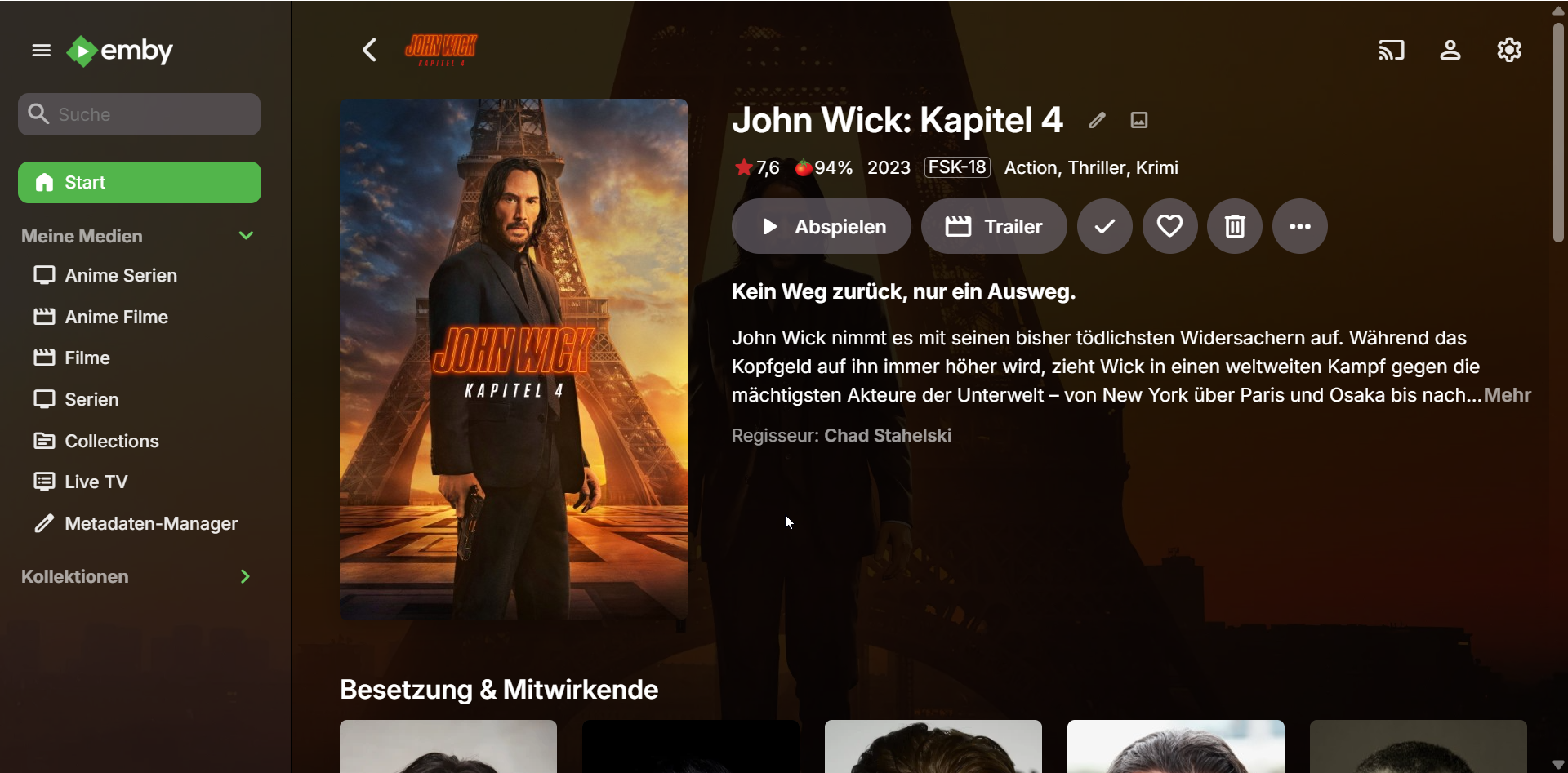
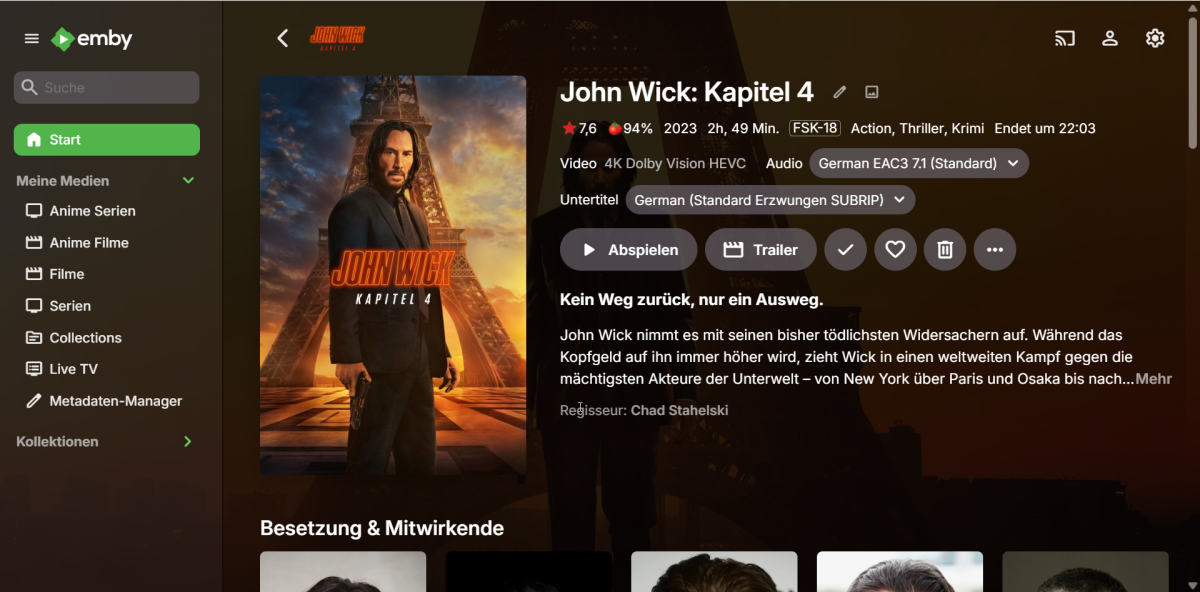
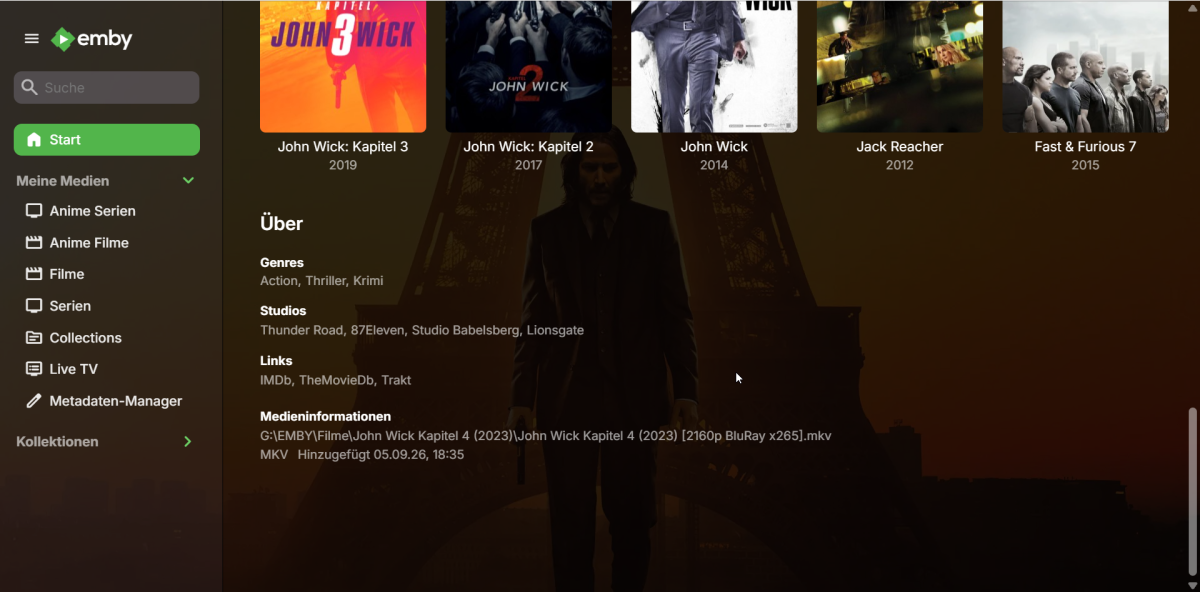
Hello, a lot of times when improting Movies with real time monitoring, the server will not populate any Info about the Media. The Metadata is unaffected. Here is the Media after the import: And here after I have started playback once: How do i get it to populate after the import? This issue does not happen with Series/Episodes and some Movies are also fine. Maybe it's because of Dolby Vision? embyserver.txt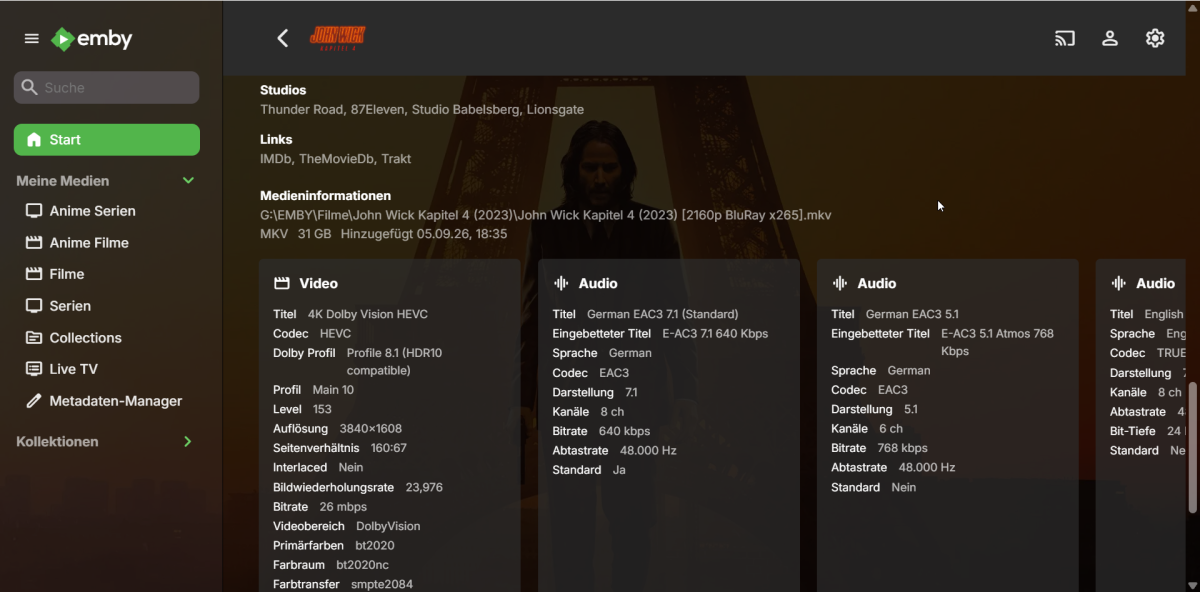
-

Server connects but displays no media files
twofacetoo replied to twofacetoo's topic in General/Windows
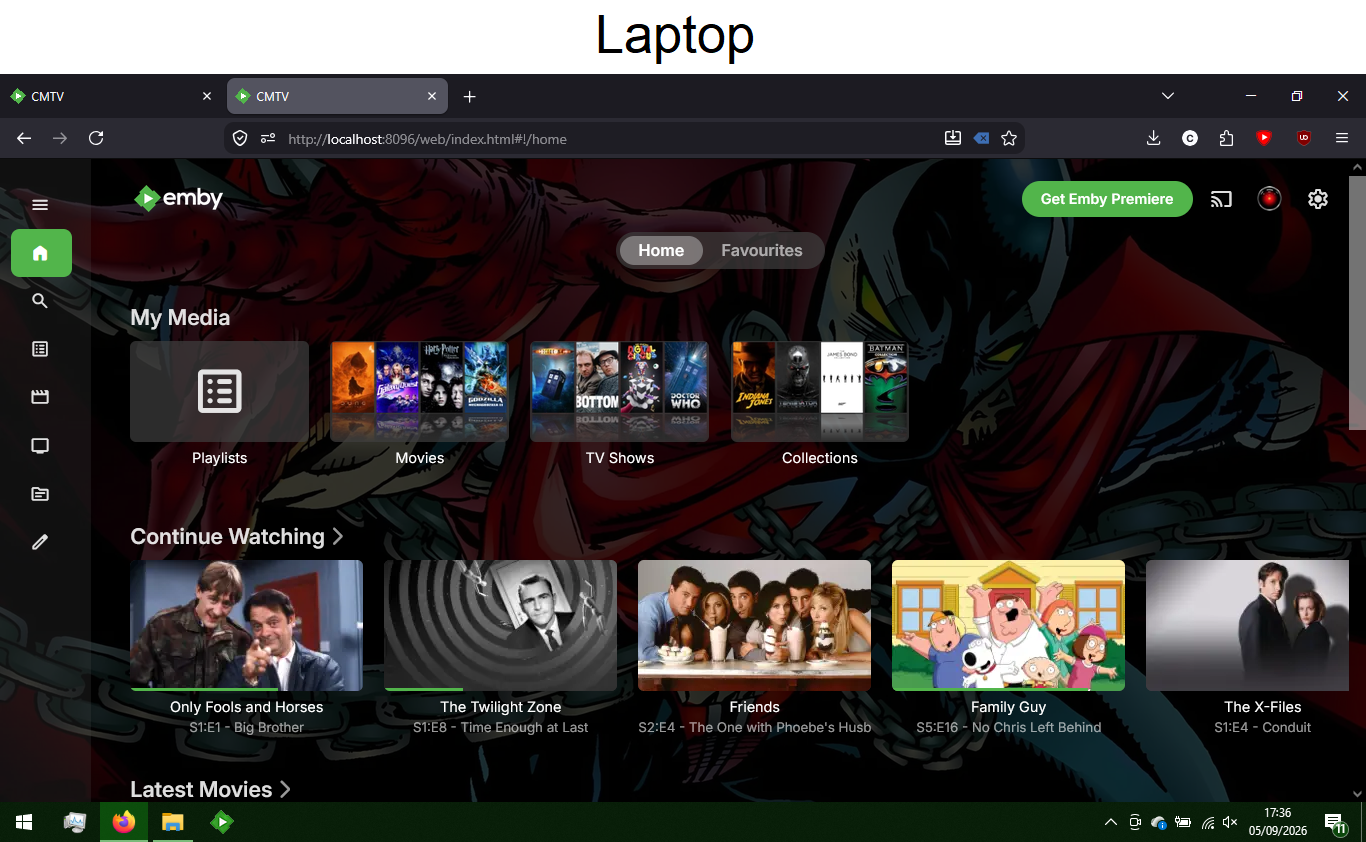
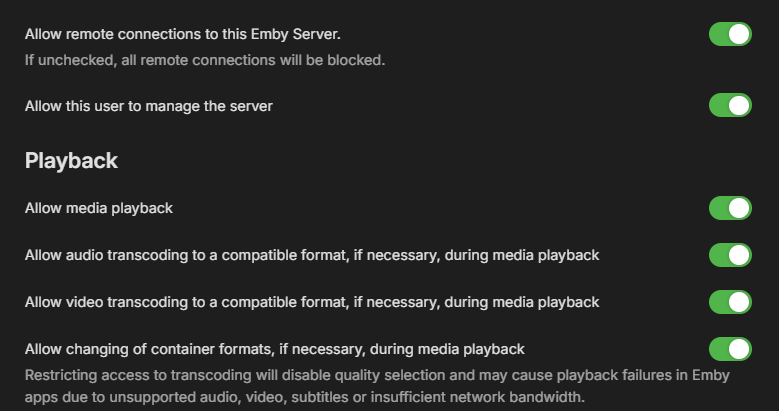
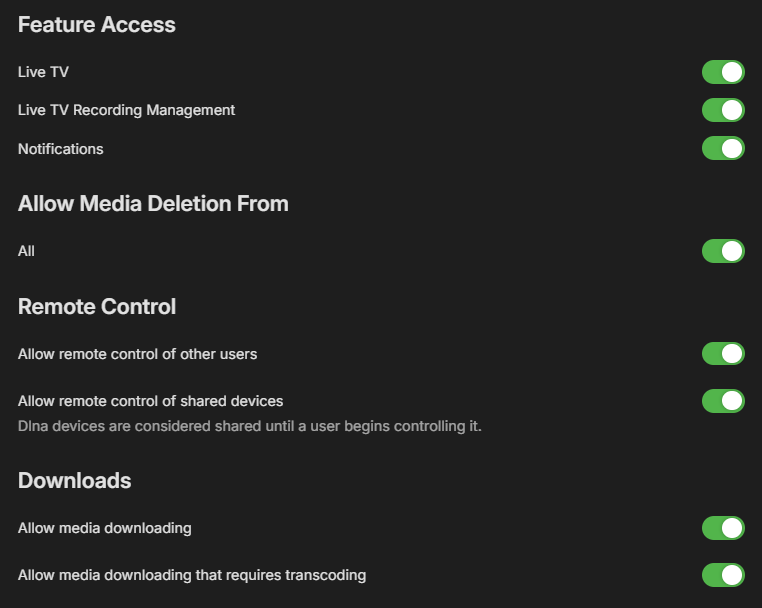
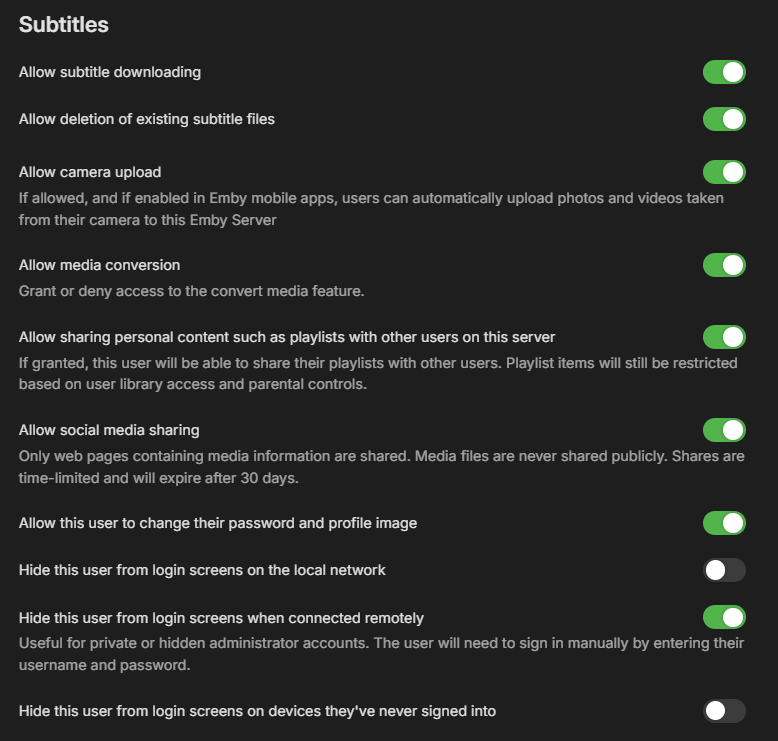
Attached screenshots showing Access and Profile settings for the user account in question. Only thing I didn't include is the section with my email address, for obvious reasons.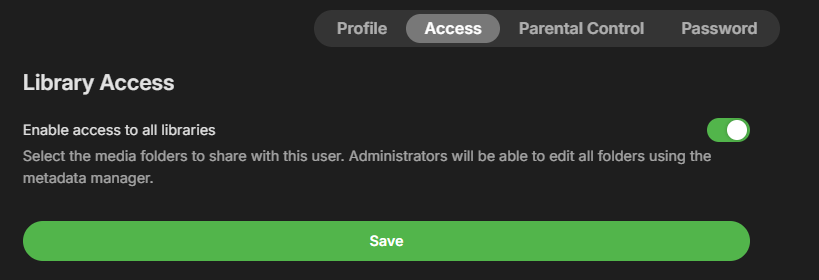
-
What exactly did you check?
-

Plugin: EmbyCredits, detect end credits and add auto skip.
enterpr1se replied to yocker's topic in Plugins
Hi, thanks for your plugin! It seems like .strm support was dropped after version 2.7.0.5. Is there any chance you could add it back? I know .strm files aren't ideal for detection, but could we perhaps have an option to enable it at our own risk? -

Label Atmos & HDR10+ & (remaining) DV profiles
Geordie replied to Geordie's topic in Feature Requests
Thanks for the quick reply! Very happy to hear that. Hopefully this will act as a reference for all the missing ones in one place for when you get to it. -
Server connects but displays no media files
twofacetoo replied to twofacetoo's topic in General/Windows
Hi. This is my own account as the admin of the media server, I just checked and it has full permissions to view and access everything on the server. I confirmed on both the laptop and my desktop PC (no option to check that on the TV app). The only things that aren't ticked are the 'hide user' options, because I have no real need for them. -
Hi, yes we are working on improving this. Thanks.
-
Hi, I would go into user permissions and check what libraries the user is granted access to.
-
Emby server 4.10.0.29 currently only recognises & labels DV 8.1 and HDR10 I did an extensive set of tests with all modern HDR formats using Emby (Web Client running on Safari) and the following is missing: - DV 5, DV 7.6, DV 8.4 (all list as generic HEVC) - DV 10.0, DV 10.1, DV 10.4 (all list as generic AV1) - HDR10+ (all list as HDR10) - Dolby Atmos (lists at generic EAC3) I hope this is something that can be implemented in the future! Thanks for reading! I tried to use the old thread discussing this but it's locked: (feel free to reopen it and move this there) https://emby.media/community/topic/72953-add-dv-atmos-dtsx-hdr10-hlg-information-to-database/page/9/
-

[Help] Official Emby Theater RPi4 Image on Armbian: Choppy H.264, Missing v4l2m2m, Invisible Playback Overlay
Modify3453 replied to Modify3453's topic in Linux & Raspberry Pi
@softworkzHappy to test when a version becomes available - mines waiting for that implementation. -
When opening File Station on the NAS, it was located under NAS / Emby
-
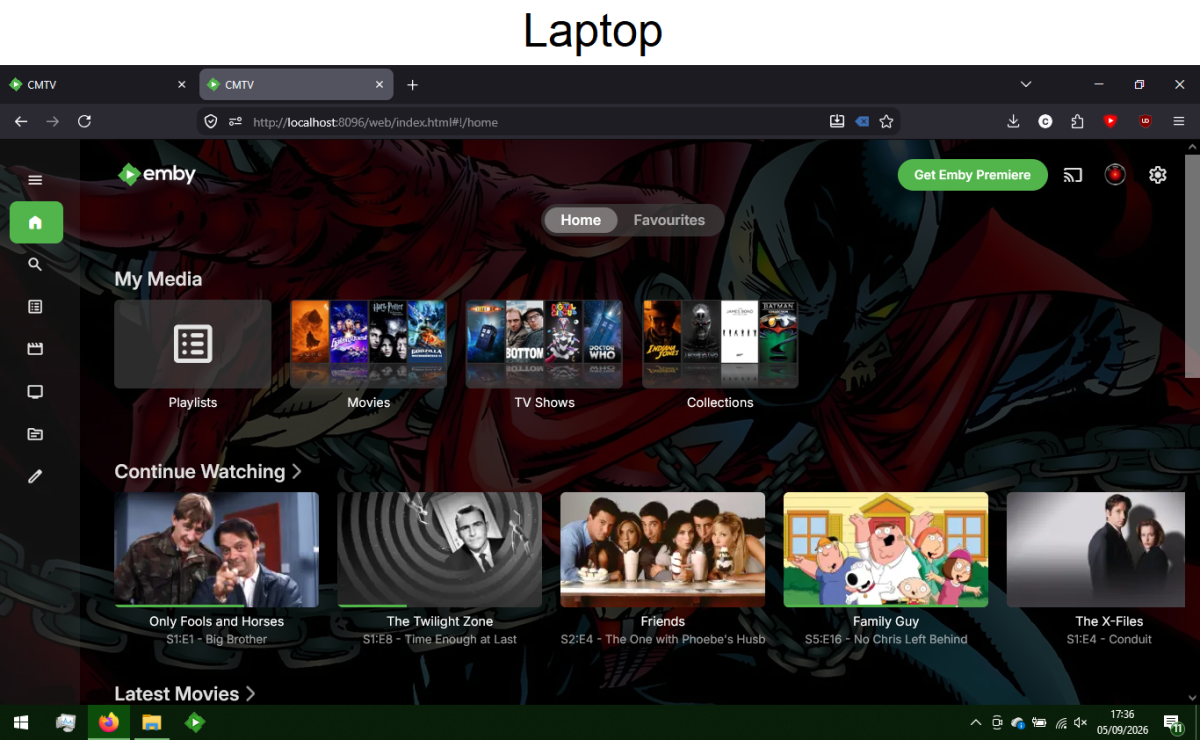
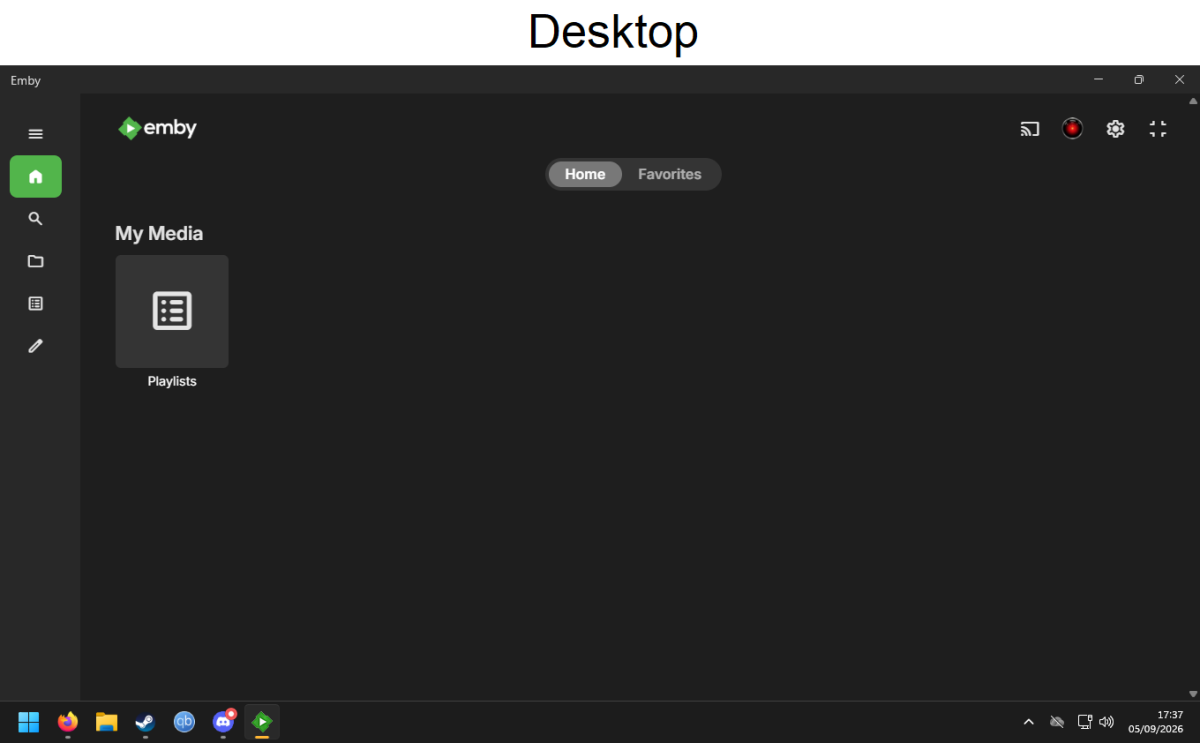
Back again with another problem, it seems. A month or two ago I ran into an issue when I started up my Emby server (hosted on a laptop) and tried to watch something on my TV, in that while I was logged in and connected to the server, there was no media displaying, only my 'playlists' folder and the created lists within, but even checking them, absolutely no media visible anywhere. While troubleshooting online previously I noticed my TV, at some point, seemed to fully connect and displayed the media, and it even worked, so I assumed it might just an internet issue itself, maybe the files were just loading up on the TV itself, who knows? But I've run into this problem again and again, and sometimes it doesn't resolve at all, such as today. I had the day off work and decided to try and fix it, but to no avail, hence why I've once again had to come here asking for help with this specific problem. I start up the Emby server on my laptop, it runs fine, be it via browser or the desktop app. In both cases it shows the full media library (as confirmed via screenshots). I can access the internet itself fine using the laptop, there's absolutely no issue with that there. Then, if I try to access the same Emby server using my TV or another device (phone, desktop PC, the result is the same regardless), I get nothing more than a blank page with 'playlists' and nothing else. I've tried looking for help online, I tried the old faithful method of completely removing the media libraries and re-syncing, but that hasn't changed anything. I futzed around with internet connections, tried making the media folders 'shared' to be accessed directly by my PC, still hasn't done anything to help. I've even tried the most basic of steps, shutting the laptop down completely and starting it up again, even double-checking it was connected to the internet and troubleshooting for any problems, but I've found absolutely nothing changed in either case. The laptop is connected to the internet, the media libraries are readily accessible through the laptop, but when it comes to actually linking any other device to the same server, the media libraries cannot be found. To confirm, regarding the attached images, it IS the correct server, I have triple-checked this and even 'removed' the server and re-added it to ensure it's DEFINITELY correct, and I am logged in to the correct account on all devices (as confirmed with the visible avatar in the top right corner of both screenshots). I also ran a quick test by putting a few generic video-files I had lying around into a folder on my desktop PC, adding it as a library, and checking it. It showed as watchable on the desktop PC and my TV, but not on the laptop. I have no idea what the problem is, nor how it even began. One day I switched on my TV and accessed Emby, only to find nothing available to watch. The best I can think to even try and describe it is, it's like the laptop is just in it's own separate sector, where the server is there, but the media files (despite being confirmed accessible and visible on the laptop itself) aren't accessible to the rest of the world. If I try to access the server on any other device, it simply cannot find the media files. And, as I've said before, it DID work before, this problem sometimes resolved itself, it even worked fine as of less than a week ago. I'm typing this to post on 05/09/2025, I was able to watch some TV episodes on 02/09/2026, rolling over into the morning of 03/09/2026. Since then, it's back to not detecting any playable media files, despite verifying that both my TV Shows drive and my Movies drive are plugged in, fully scanned, and completely accessible via the laptop they're attached to, and where the Emby server is being hosted from.
-
Watched states don't sync reliably with server for Downloaded media
Modify3453 replied to Modify3453's topic in Android
Awesome - will test daily - I see 3.5.55 is available now. I can report the current (previous) version still exhibits the issue as fully as I can attest to. -

Plugin: EmbyCredits, detect end credits and add auto skip.
RedNo7 replied to yocker's topic in Plugins
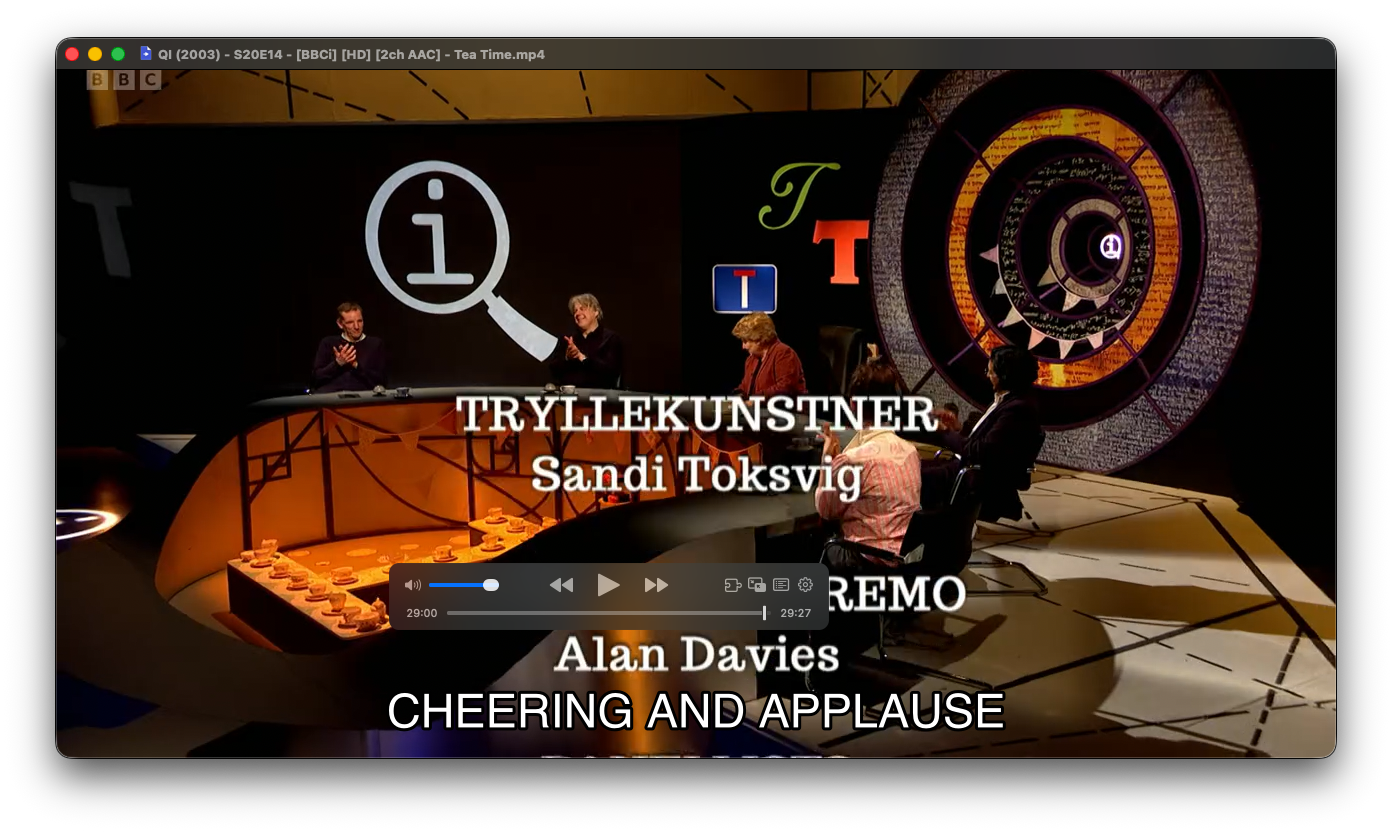
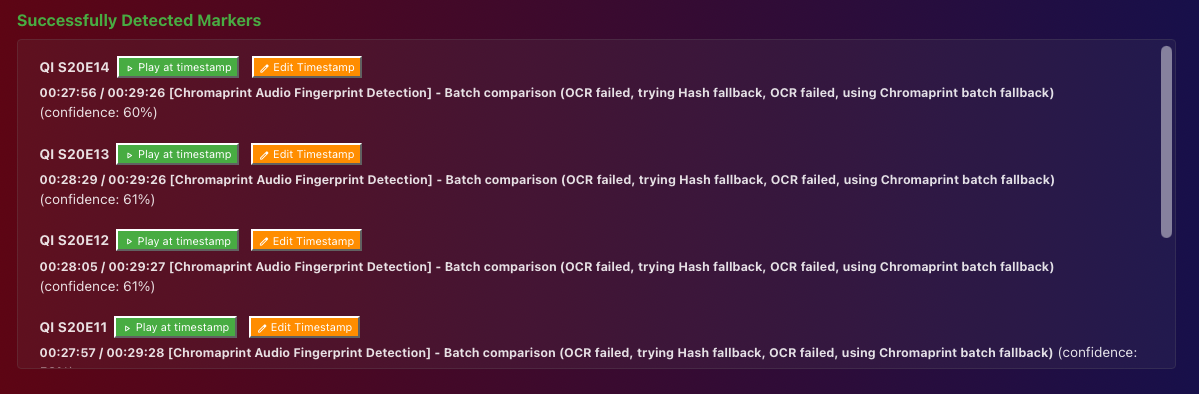
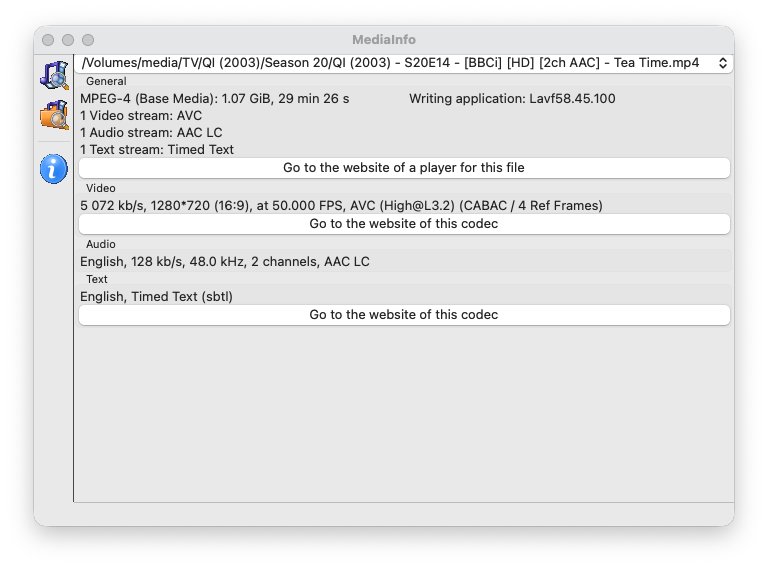
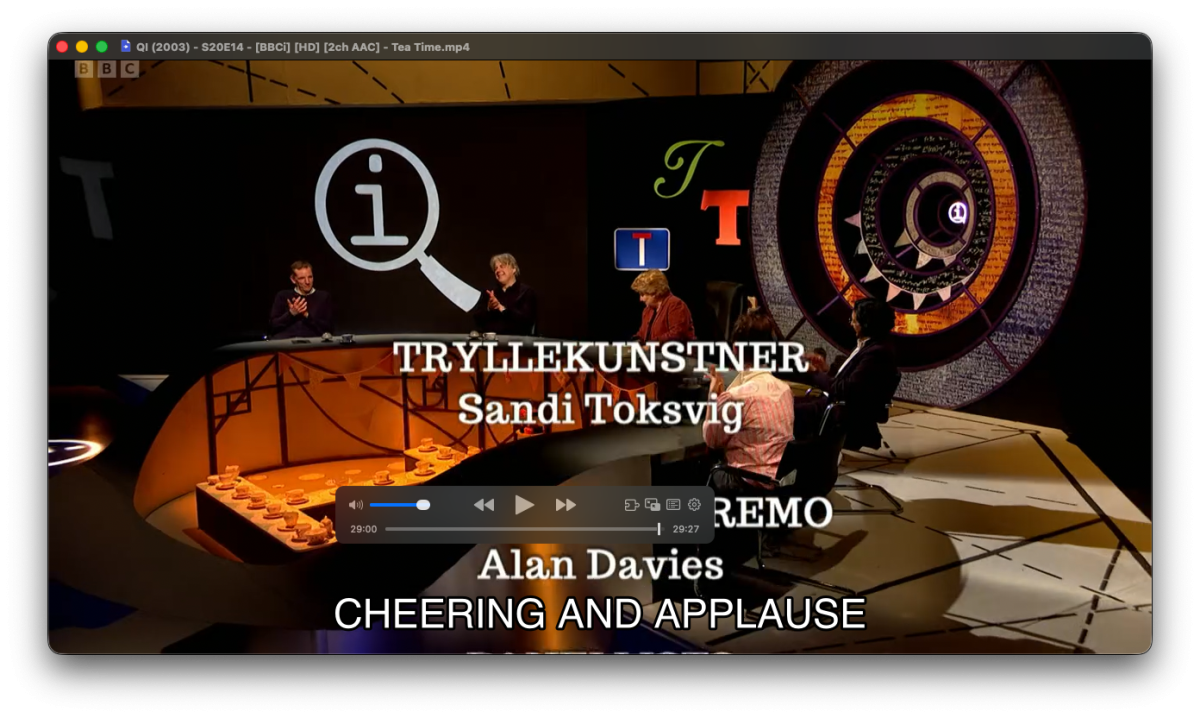
Humming along now, but the ETA is high, I assume because the "QI" TV series which is using Chromaprint (which was failing before your fix)? These episodes do have both credits and timed text subtitles In this example, the credits actually start at 29:00, but EmbyCredits says "00:27:56 / 00:298:26"
- Today
-
What is the path to it?
-
The folder "Emby" which was a top level folder on my Nas
-
Oh, and this might have been mentioned on another thread, but when in TV mode there's an "on page" keyboard that's awkward/slow to use. Why can't it just like everywhere else with just a regular text input box and pop up the assigned system keyboard from there? Yes, it can cover the results while typing, but the user should be able to escape out of the keyboard popup to see them and then hit a button again to pop up the keyboard for more editing if needed.
-
Hi, what exactly did you delete?