All Activity
- Past hour
-
 ATreyTrey joined the community
 -
 davidpardo50 joined the community
 -

Ability to pick "Original title" as a library setting
warriorx5d replied to louiselind's topic in Feature Requests
It would be great that on library settings. an option to select to display "title" or "original titile". and a more complete movie page que the tile or original title (whatever option you select in library settings) and underneath it, in a smaller font, the other title option Also adding the option "original title" in "show fields" of the view settings, so you can display title or original title or both in the list of movies. -
 UncleMark joined the community
 -
 olgaochoa joined the community
 -
 Cfield joined the community
 -
Ah, there it is. Thanks!
-
All my movies are organized into collections. In the standard Emby app, when I'm in the movie library, they're all grouped. But this doesn't work in the Moonfin app. Switching to group by collection in the settings doesn't change anything.
-
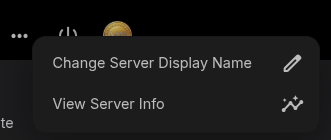
On the dashboard, is this what you're referring to?
-
 bagwell929 joined the community
 -
 Minidisc joined the community
 -
 JPLilly joined the community
 -
 rafagarcia joined the community
 -
 Julianea joined the community
 -
Hello RobinD42, ** This is an auto reply ** Please wait for someone from staff support or our members to reply to you. It's recommended to provide more info, as it explain in this thread: Thank you. Emby Team
-
Back to Emby after a long time away... It appears that the still documented "Friendly server name" field has been moved or removed from the general server settings UI. Does it no longer exist? Or is there some other way to use a name other than the host name of the server? Thanks.
-
Hokey dokey. Moving thing about would get complicated. My main hint is what I've bored you and everyone else with at every opportunity, move everything down / out of the way of the backdrops...
-
the themes apply to all clients for all platforms and as of now, its more of changing colors, font, and effects. keeping things simple because reordering things around entirely on clients makes dpad navigation impossible which is why I add different things like different home row types as well as different detail screen types to kind of fill that gap. I'm always open to suggestions to what people might like though. variety is the spice of life.
-
While I remember - themes...are the themes on the JF site just for a browser, same as Emby? And the theme maker you mentioned, I should have looked properly, but does it do anything with positioning of items, or is it more colours / effects ?
-
Is there an even easier method than selecting the series or film one by one to erase them from trakt?
-
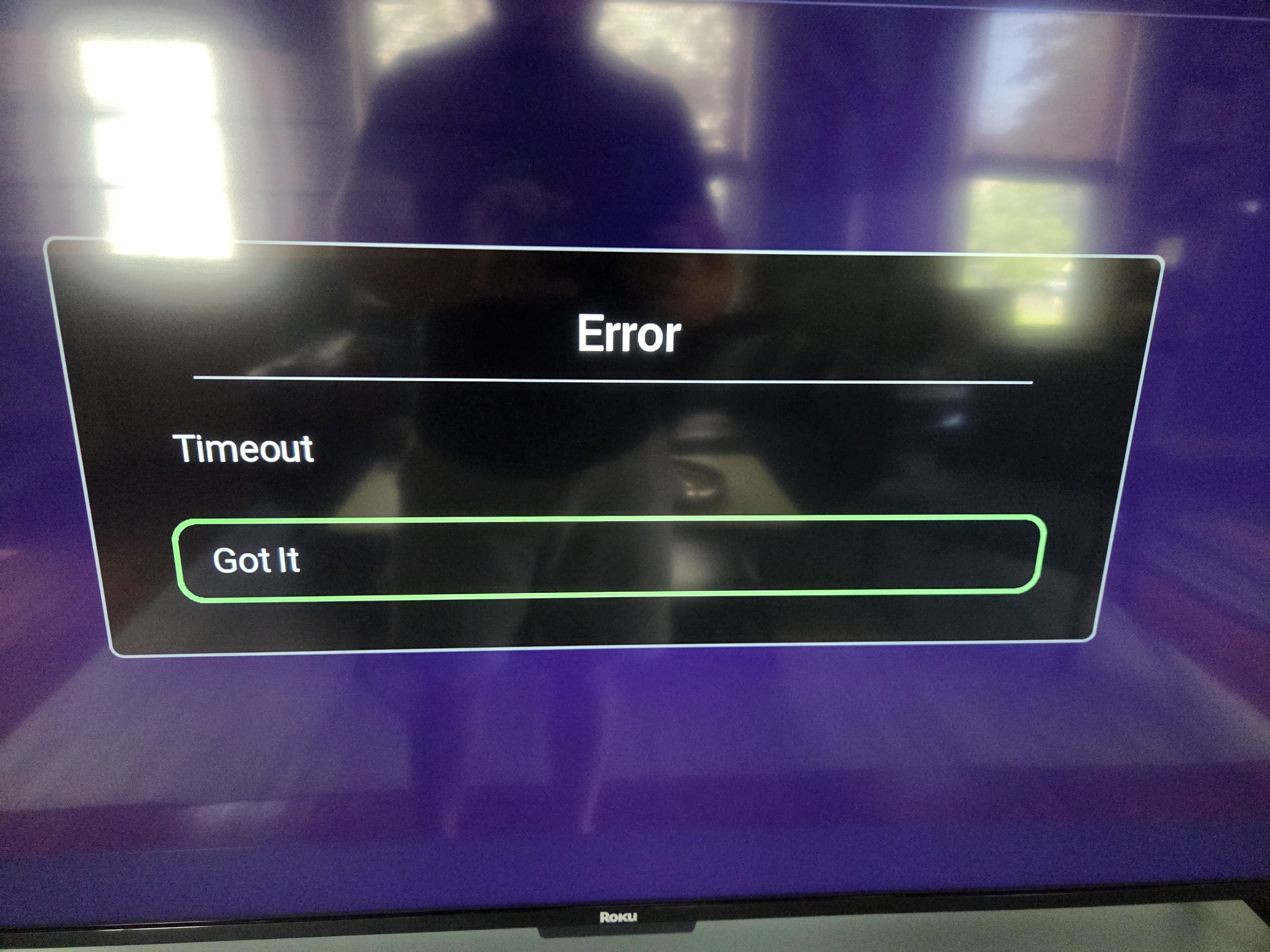
Hi. There is nothing interesting in your app log. It looks like you just started the app and sent the log. You would need to reproduce the problem and then send the log immediately after that as Roku logs don't persist across sessions. The server log only appears to have one reference to the Roku app and it, again, appears to just be a successful login at the very end. Symptoms sound like a temporary network issue, though.
-
yup this was brought up and has been added to the 2.3.1 patch update this week, its going into testing tonight
-
Quick try of ATV app on Shield. One navigation thing. For the Recently Added Movies row, if I go to an item in the row i.e. its details screen, then hit the back button, it doesn't go back to the item I clicked on, it goes to the row above or below it. Seems to be just for that row. Might specifically be that row or whatever row happens to be in that position.
-

Alexa stop playing after the first song ends on multi echo devices (3rd generation).
Goober77 replied to Goober77's topic in Amazon Alexa
here is the logs from Emby. 2026-07-20 13:43:24.749 Info SessionsService-0HNN4ENRLPATS:00000001: http/2 POST https://host5/emby/Sessions/06356d41ca6e6e90cded6126cf310244/Playing/NextTrack?api_key=x_secret3_x. Source Ip: host52, UserAgent: node-fetch/1.0 (+https://github.com/bitinn/node-fetch) 2026-07-20 13:43:24.751 Info SessionsService-0HNN4ENRLPATS:00000001: http/2 Response 204 to host52. Time: 2ms. POST https://host5/emby/Sessions/06356d41ca6e6e90cded6126cf310244/Playing/NextTrack?api_key=x_secret3_x. 2026-07-20 13:43:47.630 Info SessionsService-0HNN4ENRLPATN:0000000D: http/2 POST https://host5/emby/Sessions/06356d41ca6e6e90cded6126cf310244/Playing/NextTrack?api_key=x_secret3_x. Source Ip: host52, UserAgent: node-fetch/1.0 (+https://github.com/bitinn/node-fetch) 2026-07-20 13:43:47.631 Info SessionsService-0HNN4ENRLPATN:0000000D: http/2 Response 204 to host52. Time: 1ms. POST https://host5/emby/Sessions/06356d41ca6e6e90cded6126cf310244/Playing/NextTrack?api_key=x_secret3_x. -
so any update on this? or are we going to have to wait another year to get a Shrug and a "SoonTM"?
- Today
-

External Player (Vimu) resume position issue on Android TV
gluk147 replied to franco72's topic in Android TV / Fire TV
Is there any news about adding this feature? -
 Ih4u24 changed their profile photo
 -

[Beta] ROMote – play your retro game collection in the browser (NES → PlayStation)
digitalirony replied to digitalirony's topic in Plugins
It works for me on my android phone via the app. But it doesn't work on my fireTV, which currently is to be expected. But it does need an external browser, so maybe you don't have chrome installed? Can you provide screenshots and logs to help me debug? -
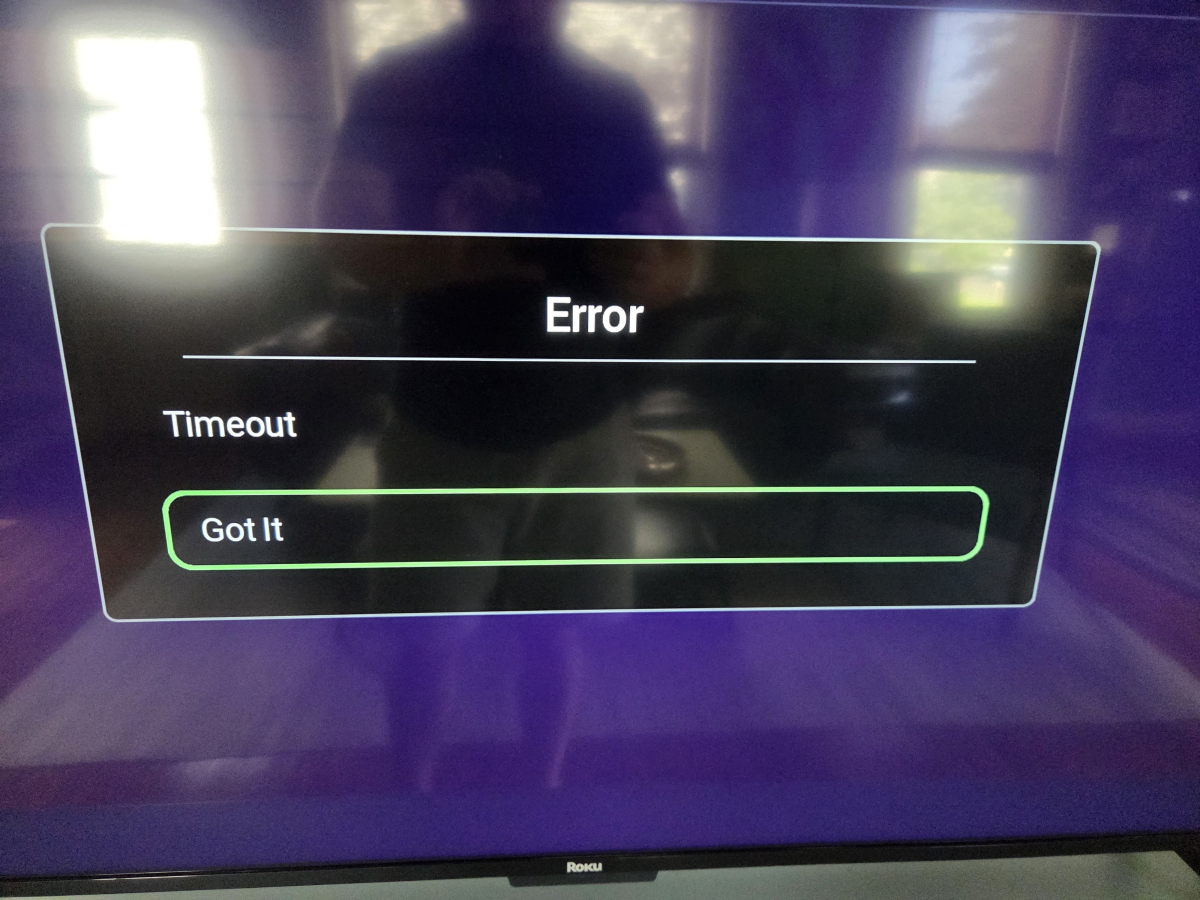
Starting since last night, the Roku app has been timing out and not loading, alternating between not being able to sign in to the server on the Roku app, or displaying a generic "Error: Timeout" message before loading the home screen (see attached). Just a few minutes ago, I managed to get to the home screen and was able to send developer logs (4:20pm EST, today, 7/20/26). The Android app connects to my server just fine and plays files no problem, it's just been the Roku app for the past 18 hours or so. I tried uninstalling and reinstalling the Roku app, deleting the server and readding it, restarting the Roku system. Roku app logs already sent, also attached my server log file. embyserver.txt
-
https://forums.trakt.tv/t/broken-sign-in/117443/5 I'm using the latest Emby plugin.
-
NFO behavior: It writes its own, separate NFO file - not the media's existing/scraper NFO. Two things worth being precise about: Schema is different from Cheese's plugin - mine is <intros><introstart>...</introstart><introend>...</introend><creditsstart>...</creditsstart></intros>, whereas his used <markers><introstart>.... Filename is also different from the video's own basename - it's {SeriesName} ({TvdbId}) S{SS}E{EE} - {EpisodeTitle}.nfo, even in "save next to media" mode. So it sits alongside the video as an extra file, it doesn't touch/overwrite whatever NFO your metadata scraper (NfoMetadata plugin etc.) already writes for that episode. Migrating your situation - this is exactly the scenario I built a separate migration script for. Here's the order I'd do it in, since it matters: Back up what's currently live first. Run the "Backup Intro/Credits Markers" task now, pointed at a fresh folder. This captures the intros you set after Cheese's plugin died (the ones with no backup anywhere yet) before anything else touches them. Convert Cheese's old NFO backups separately. There's a standalone script for this (not part of the plugin, one-time tool): migrate_nfo_to_json.py (I'll attach it to the repo's Discussions/Issues if it's not obvious where to find it - let me know). Point --output at a different folder than step 1's, not the same one. Merge carefully, don't just dump both folders together. For any episode where step 1 already produced a JSON (meaning it currently has live markers), skip step 2's file for that same episode - you don't want an old Cheese backup silently overwriting a marker you set more recently. Only bring over step 2's files for episodes that have no file from step 1 (i.e. markers you'd lost entirely). Then run Restore once against the merged folder. The reason for the ordering: Restore replaces whatever intro/credit markers currently exist for an episode with whatever's in the backup file - so if you restore an old file for an episode that already has newer markers set, you'd lose the newer ones. On the version question: the prebuilt DLL in the release is only built/tested against 4.10.0.18 - I haven't verified compatibility with .17 or earlier. Building from source against your own server's SDK DLLs (steps are in the README) would be the safer bet if you don't want to wait for the full update, since it compiles against whatever version you're actually running. Happy to help further if the merge step above needs more detail once you're looking at your actual folder contents.
-
Have you revoked your pin, then try to get a new one?
-
OK I'm not sure what the issue is yet. The beta channel has a possible fix in case you'd like to try that.
-
Danke Lukas, das habe ich jetzt gemacht, somit ist auch der Button weg. Danke auch an @ebr für die Hilfe. So ist es erst mal angenehmer von der Bedienung. Ich habe zwar noch nicht verstanden, warum ein Banner der seit ca. Januar 2026 besteht und ohne diesen Extra Button dargestellt wurde, jetzt plötzlich diesen Button bekommen hat. Ist aber kein Problem, diesen Begrüßungsbanner wieder zu deaktivieren, wenn damit auch dieser Button wieder verschwindet. Danke Jedenfalls, ihr seid wie immer Super und sehr Hilfsbereit
-
I forgot to follow up on this post until now. Life has been hectic to say the least. I have enabled this setting in my beta instance, and so far everything looks good, but I haven't had the chance to fully test with various clients as of yet. I would imagine all clients should work as intended though. I've kept my primary and secondary emby instances on stable to reduce the chance of things breaking since I don't have a lot of time to troubleshoot when a regression happens on the beta. I am very much looking forward to this coming to stable though. The sooner this is released for everyone the better IMO.
-
The most reliable way is to setup port forwarding and then skip upnp. If your router lets you do that, then I would go that route.