All Activity
- Past hour
-
I'm sure people were sayng to stop using Emby for Android TV as it was a legacy application and to just use the Emby application ?
-
 500cc joined the community
 -
ATV app isn't dead, its just had a going over with some beautification and some new features. See -
-
 ukeif9393351 joined the community
 -
 asafs170 joined the community
 -
 Gini142 joined the community
 -
 thiagocrispi joined the community
 -
Two things, the Emby for Android TV app is dead and no longer recommended I believe. Also thats just for one video, think more like youre binge watching a TV show like Witcher and having to do this every time a new episode starts.
-
 AROBB16 joined the community
 -
 TURTLEIST joined the community
 -
 midotec joined the community
 -
 spchubb joined the community
 -
 Johann73200 joined the community
 -

Docker migration to Premier - Backup plugin not working.
markblomquist replied to markblomquist's topic in Linux
Here is my latest log file. The Emby Server ConfigData folder, which includes the Library.db file located in /Embyserver/ConfigData/data, IS on a CIFS share on the NAS. The Mint/Cinnamon host mounts the configdata and media folders using a User/Password that has full-control of the files on the NAS. It seems that library.db file cannot be locked and something isn't working with the file-lock behavior for Emby Server using the configdata from a NAS/CIFs source. my brain hurts. I try not to dive into the Synology ShareFolder and DriveStation advanced permissions, but I might end up there. I didn't try running the FSTAB+NAS shares over NFS instead of CIFS. That is a possibility. CIFS has worked fine for a long time on the non-Premier version. embyserver-2026-10-1.txt -
thanks, hadnt thought of folder view for this. since my files are already in clean folders that might get me most of the way there, ill give the mixed content library a try for the marvel and dc stuff
-

Docker migration to Premier - Backup plugin not working.
Luke replied to markblomquist's topic in Linux
Hi there, please attach the complete emby server log file. Thanks. -
It's already available as Plugin. Just read the last 4 Posts.
- Today
-
markblomquist changed their profile photo
-
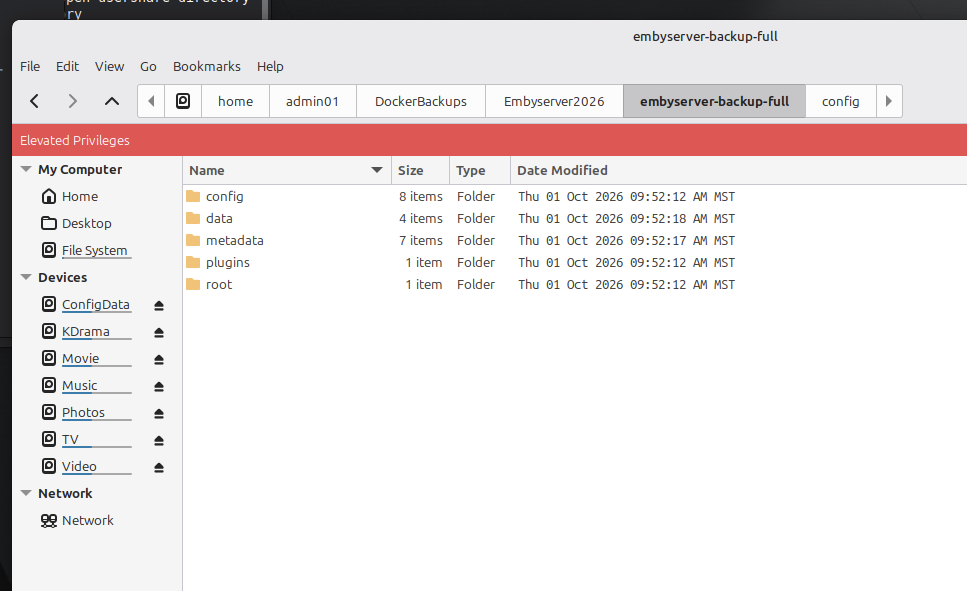
Hello. Longtime user of Emby Server free version, NEW to Premier. I just moved to Premier to get the hardware transcoding and backup support using the Emby Backup and Restore Plugin (1.8.6). Everything is great on the new setup and the hardware transcoding works wonderfully. BUT, I cannot get the Backup and Restore plugin to work. It fails every time I try it. The relevant part of the Embyserver logfile is below. The key error is [SQLitePCL.pretty.SQLiteException: Busy: database is locked] I have done what I can to make sure the Emby Server isn't doing anything while I trigger the database backup. I put it in maintenance mode and turned off realtime scanning on the media libraries. The target for the backup is set in the Plugin to "/backup", which is a persistent local folder on the Mint/Cinnamon host storage outside of the docker image to eliminate any file locking issues that might be caused by a NAS/CIFs target for backups. The backup folder on the Mint/Cinnamon host gets populated with some basic folders but the backup never completes. I have performed the Vacuum Database a number of times and that completes normally, so I don't think there is database corruption going on. DISCLAIMER : I am not a Linux expert and I only work in Docker to keep some network services running well in my SmartHome, so I could have done something stupid here. In fact, this is my best guess as to what the problem is. Hardware/Software specs. - Embyserver Host : Mini-PC Intel N150 running the latest Mint/Cinnamon and Docker. Managed by a separate Portainer Business Edition node 2.33.5 LTS. - Embyserver 4.10.1.0, single docker image dedicated on the Mini-PC. - Synology DS1821+ NAS running CIFS housing the Config data and Media libraries. Latest/greatest updates. - All Docker hosts and NAS are 1G ethernet connected. YAML Config Just in case this might have relevance, this is the YAML I am using. This has been working fine for a long time. The only modifications I made recently were to expose the N150 GPUs and add in the new folder on the local host to house the backups ( /home/admin01/DockerBackups/Embyserver2026). I am running this image at elevated security to make sure the image wasn't getting hampered by no access to something. The Mint/Cinnamon host has entries in the FSTAB to mount the NAS/CIFS shares at startup - that all works fine. Version: "2.3" services: emby: image: emby/embyserver container_name: embyserver2026 # Enables DLNA and Wake-on-Lan by sharing the host network stack network_mode: host environment: - UID=0 - GID=0 - GIDLIST=992 volumes: - /mnt/ConfigData/ConfigData:/config:rw - /mnt/KDrama:/mnt/share6:rw - /mnt/TV:/mnt/share5:rw - /mnt/Movie:/mnt/share4:rw - /mnt/Video:/mnt/share3:rw - /mnt/Photos:/mnt/share2:rw - /mnt/Music:/mnt/share1:rw - /home/admin01/DockerBackups/Embyserver2026:/backups:rw ports: - 8096:8096 # HTTP port - 8920:8920 # HTTPS port devices: - /dev/dri:/dev/dri group_add: - "992" restart: on-failure LOG FILE SECTION 2026-10-01 18:19:01.612 Info App: Begin BackupDatabase SqliteItemRepository 2026-10-01 18:19:01.613 Info SqliteItemRepository: Backing up to file /config/cache/temp/d92860243e534b08aa40a9bd5b64a01f/library.db 2026-10-01 18:19:01.628 Error TaskManager: Error *** Error Report *** Version: 4.10.1.0 Command line: /system/EmbyServer.dll -programdata /config -ffdetect /bin/ffdetect -ffmpeg /bin/ffmpeg -ffprobe /bin/ffprobe -restartexitcode 3 Operating system: Linux version 7.0.0-34-generic (buildd@lcy02-amd64-117) (x86_64-linux-gnu-gcc-13 (Ubuntu 13.3.0-6ubuntu2~24.04.1) 13.3.0, GNU ld (GNU Binutils for Ubu OS/Process: x64/x64 Framework: .NET 8.0.28 Runtime: system/System.Private.CoreLib.dll Processor count: 4 Data path: /config Application path: /system SQLitePCL.pretty.SQLiteException: Busy: database is locked SQLitePCL.pretty.SQLiteException: Exception of type 'SQLitePCL.pretty.SQLiteException' was thrown. at SQLitePCL.pretty.SQLiteException.CheckOk(Int32 rc) at SQLitePCL.pretty.DatabaseBackupImpl.Step(Int32 nPages) at SQLitePCL.pretty.DatabaseConnection.Backup(SQLiteDatabaseConnection This, String dbName, SQLiteDatabaseConnection destConn, String destDbName) at SQLitePCL.pretty.DatabaseConnection.Backup(SQLiteDatabaseConnection This, SQLiteDatabaseConnection destConn) at Emby.Sqlite.BaseSqliteRepository.BackupToFile(SQLiteDatabaseConnection sourceDb, String destinationFile, ILogger logger) at Emby.Sqlite.BaseSqliteRepository.BackupToFile(String file) at Emby.Sqlite.BaseSqliteRepository.BackupToDirectory(String directory) at Emby.Server.Implementations.ApplicationHost.BackupDatabase(BaseSqliteRepository db, String destinationFolder) at Emby.Server.Implementations.ApplicationHost.BackupDatabases(String destinationFolder) at MBBackup.ServerEntryPoint.ExecuteBackupInternal(PluginConfiguration configuration, CancellationToken cancellationToken, IProgress`1 progress) at MBBackup.ServerEntryPoint.ExecuteBackup(PluginConfiguration configuration, CancellationToken cancellationToken, IProgress`1 progress) at Emby.Server.Implementations.ScheduledTasks.ScheduledTaskWorker.ExecuteInternal(TaskOptions options) Source: SQLitePCL.pretty TargetSite: Void CheckOk(Int32) 2026-10-01 18:19:01.628 Info TaskManager: Emby Server Backup Failed after 0 minute(s) and 0 seconds This is a view of the folders created on the Mint/Cinnamon host just before the Backup Plugin fails.
-
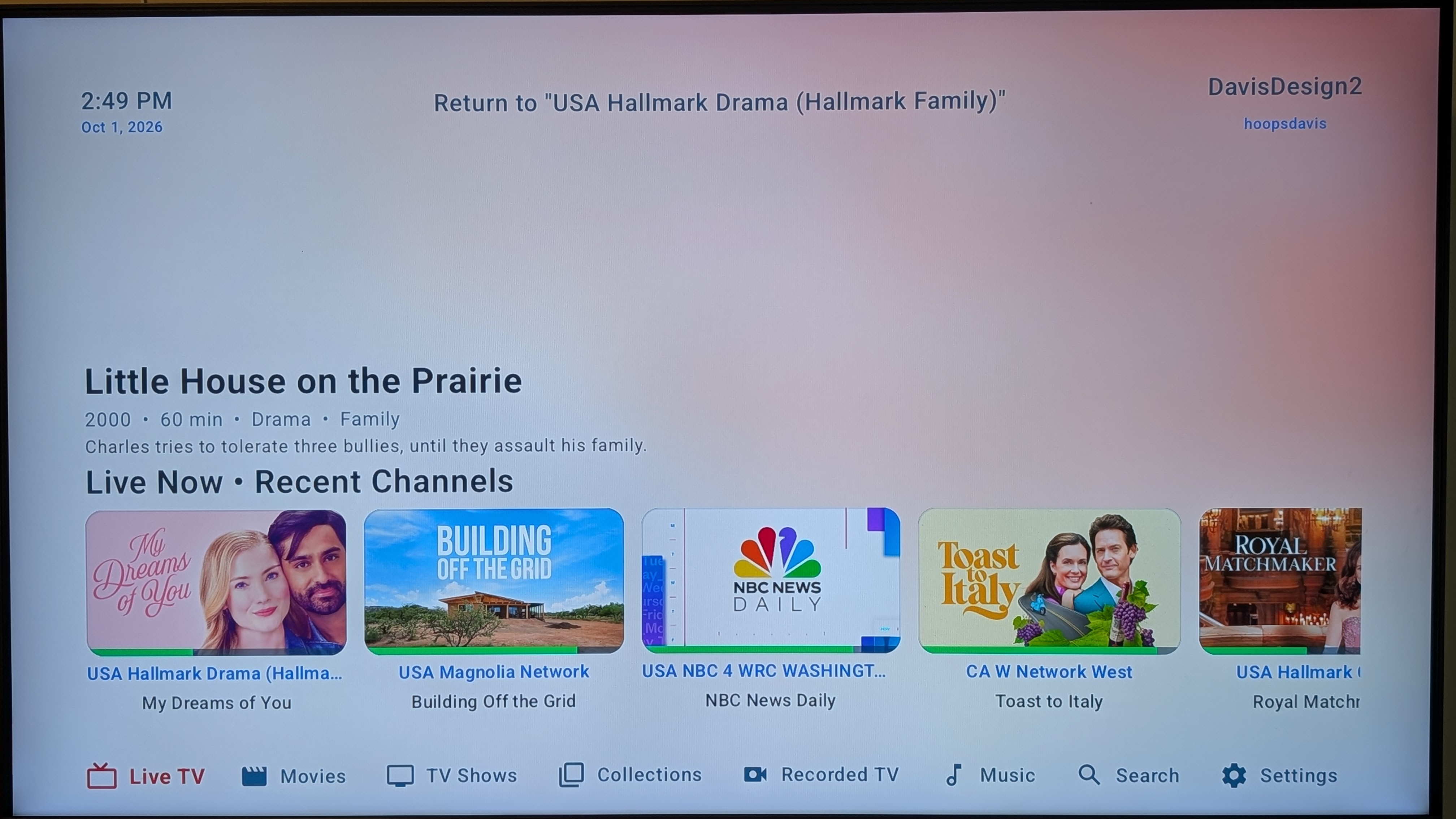
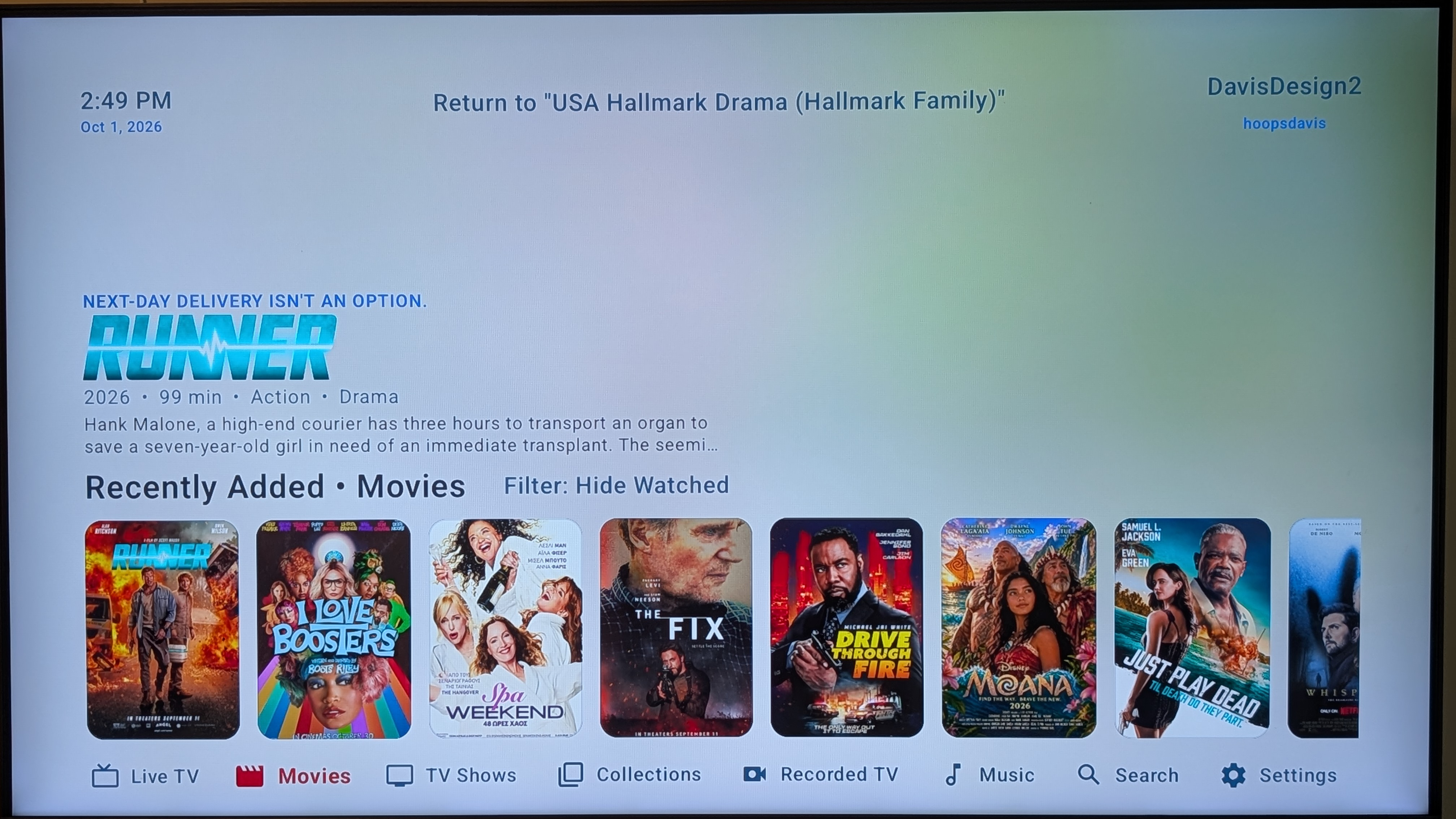
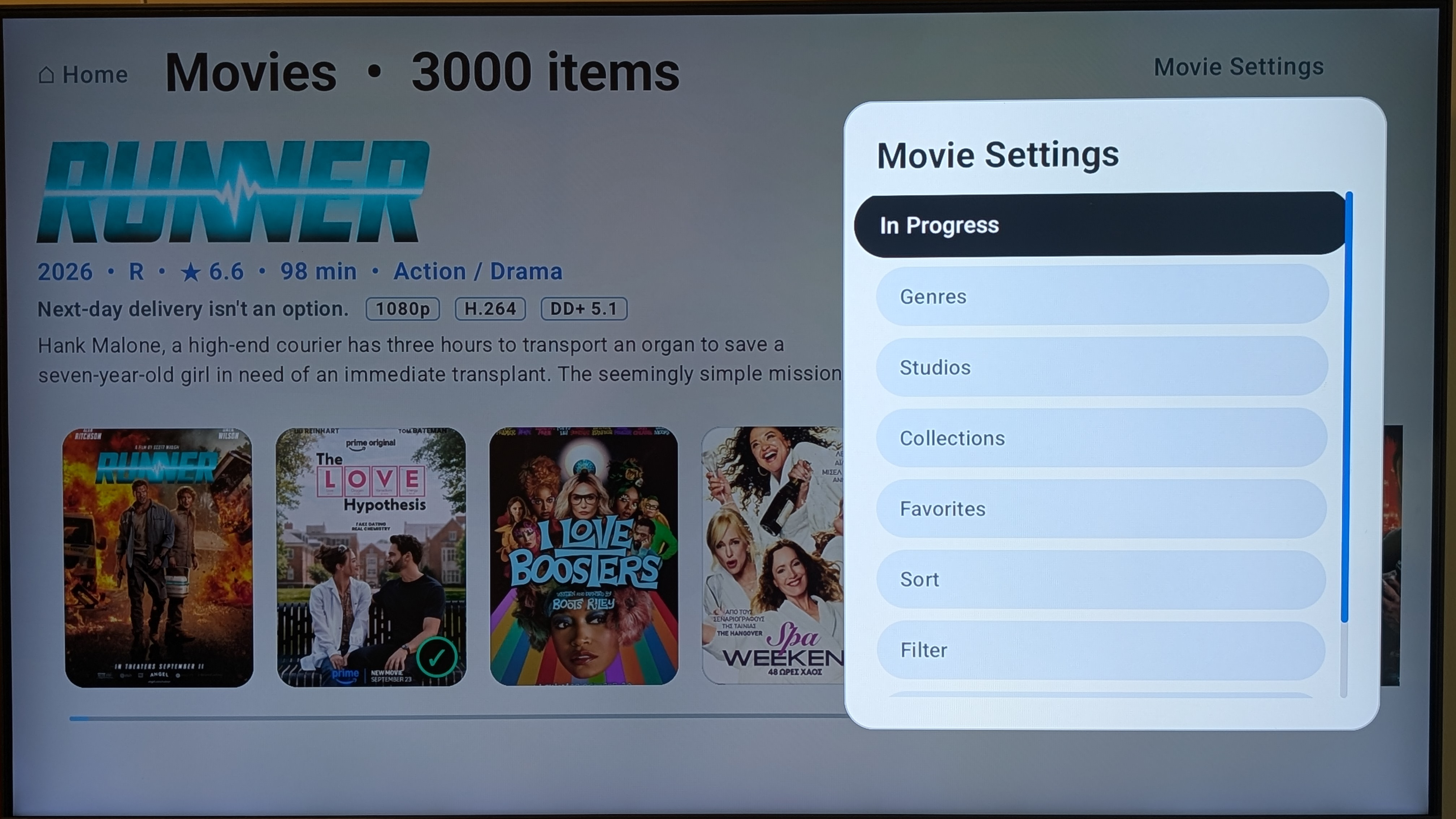
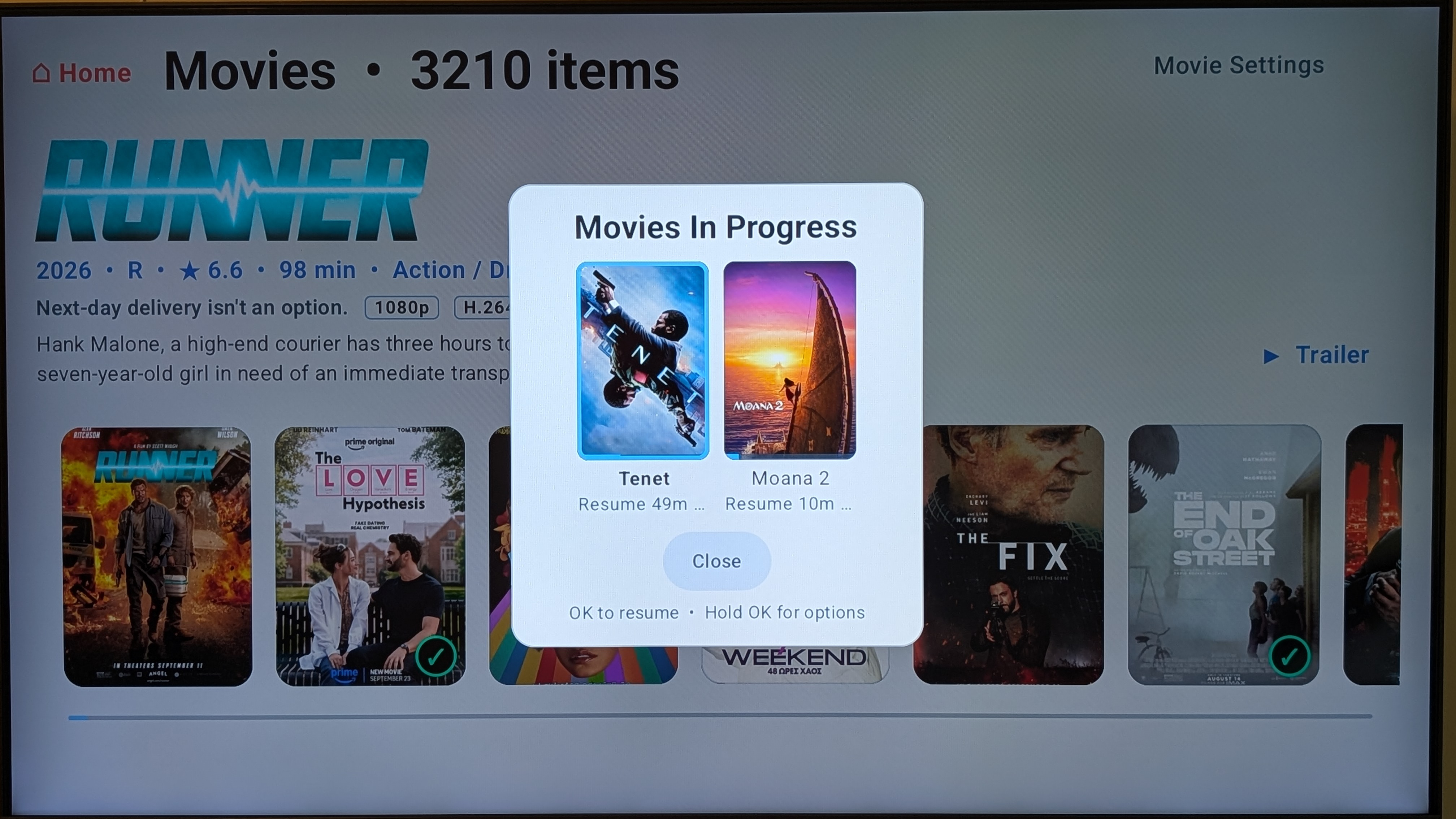
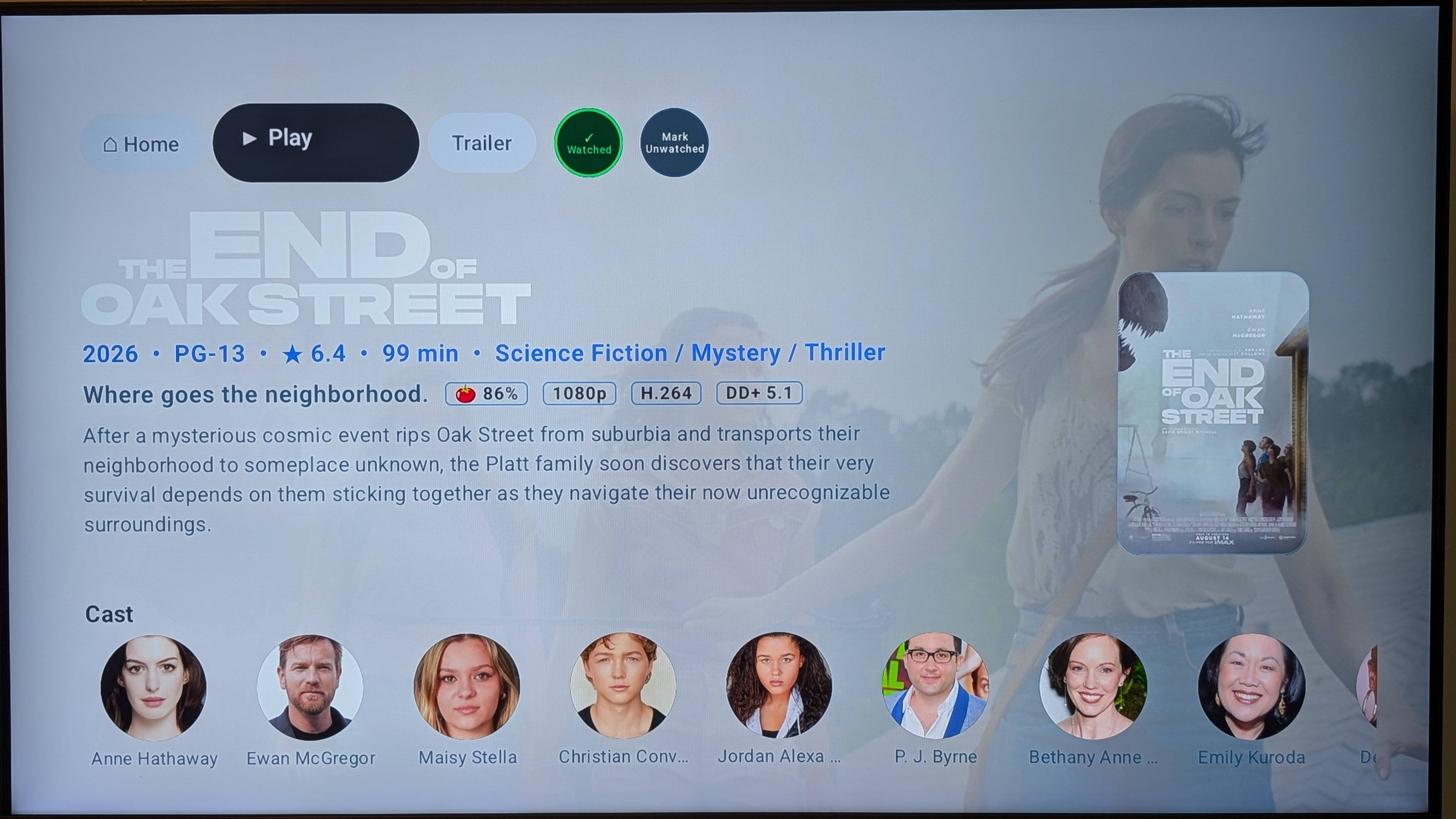
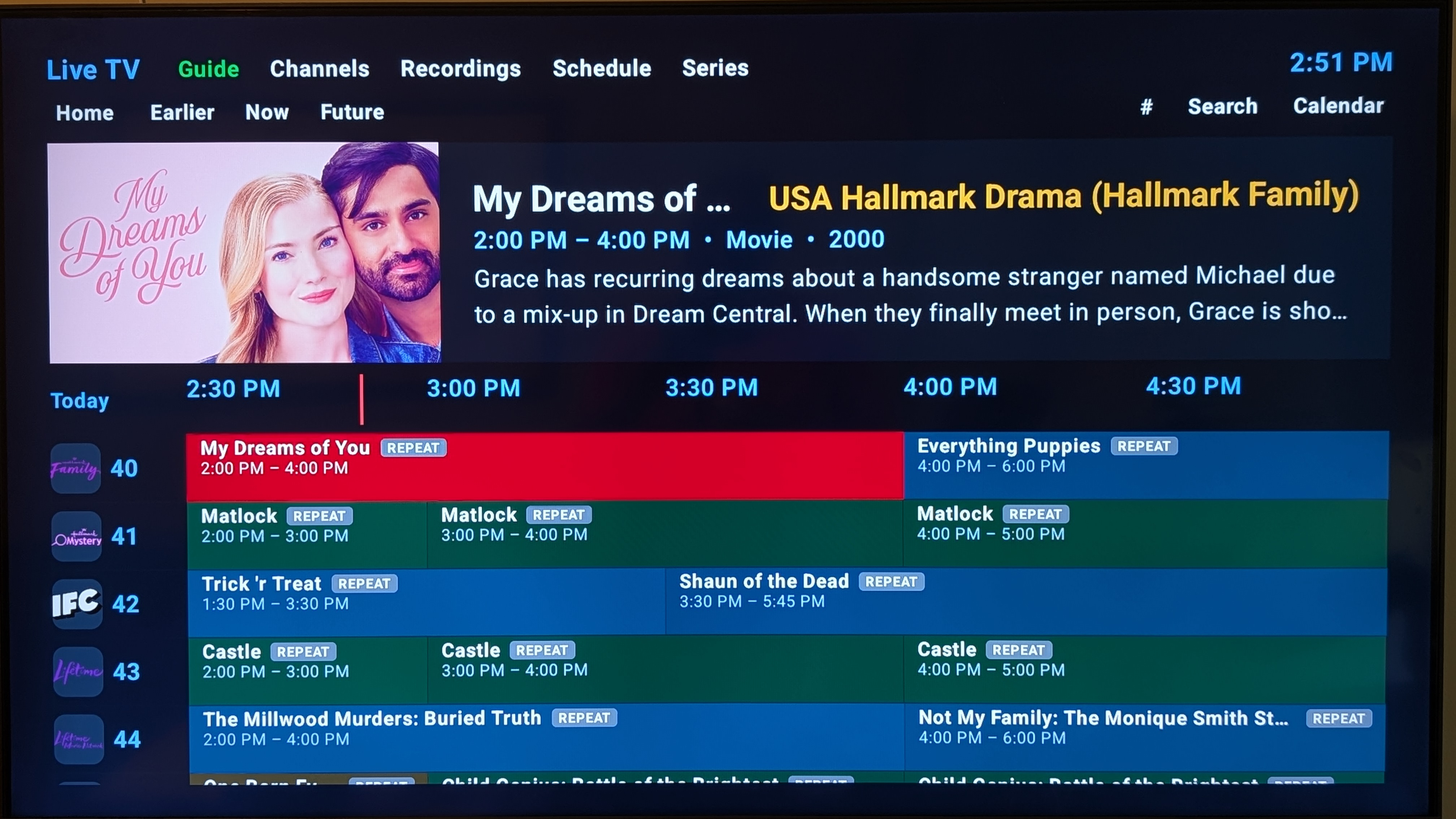
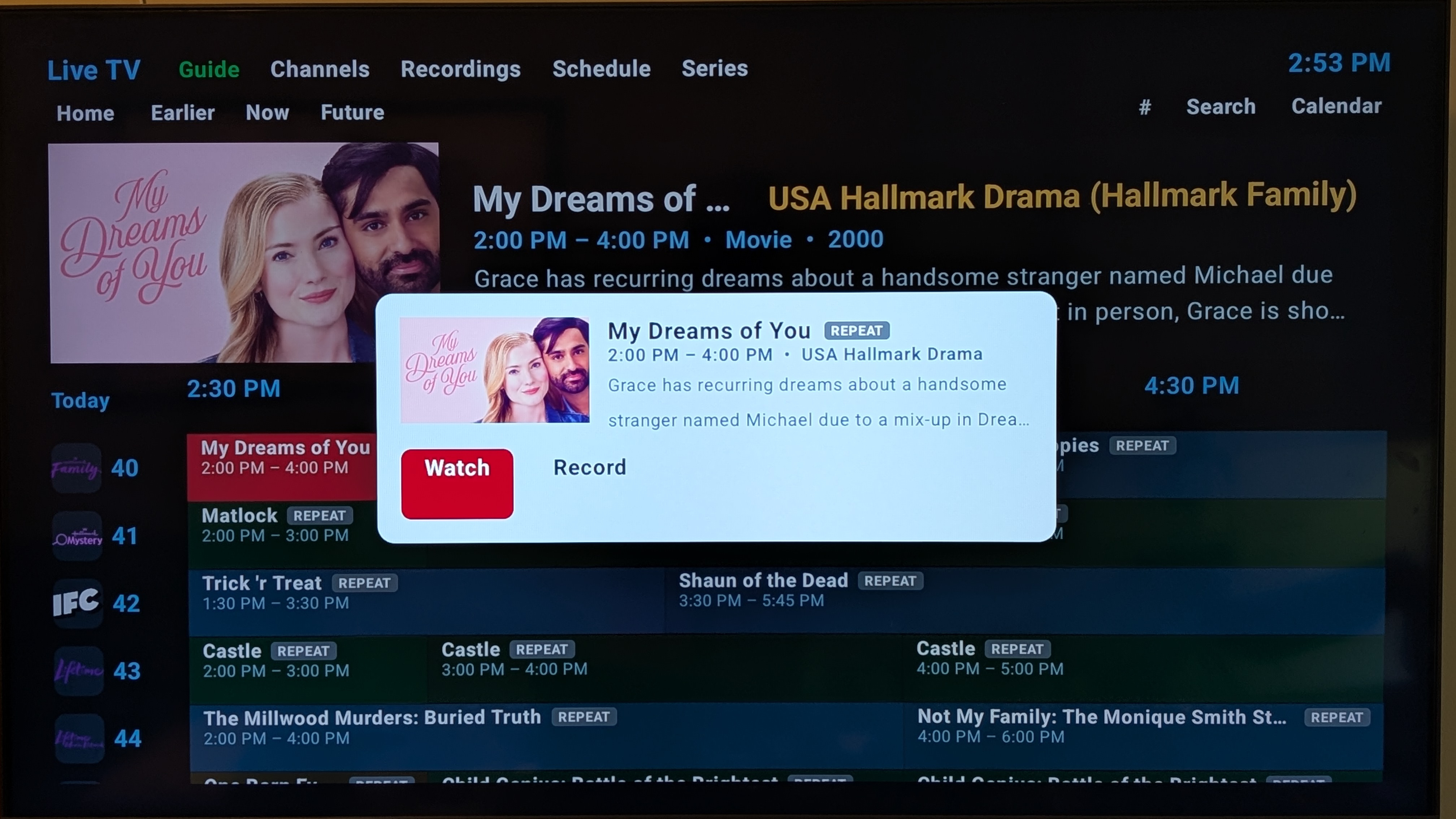
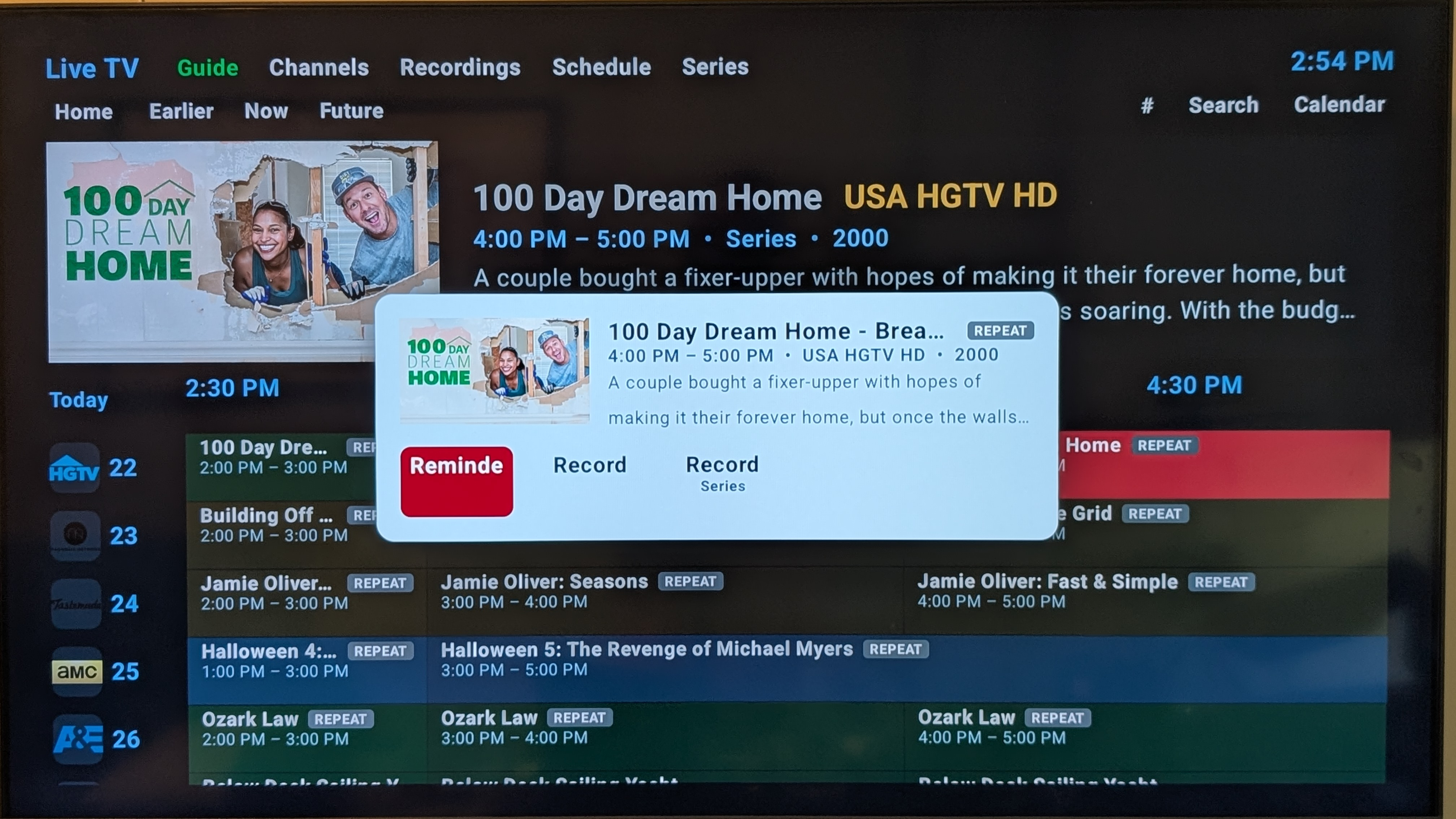
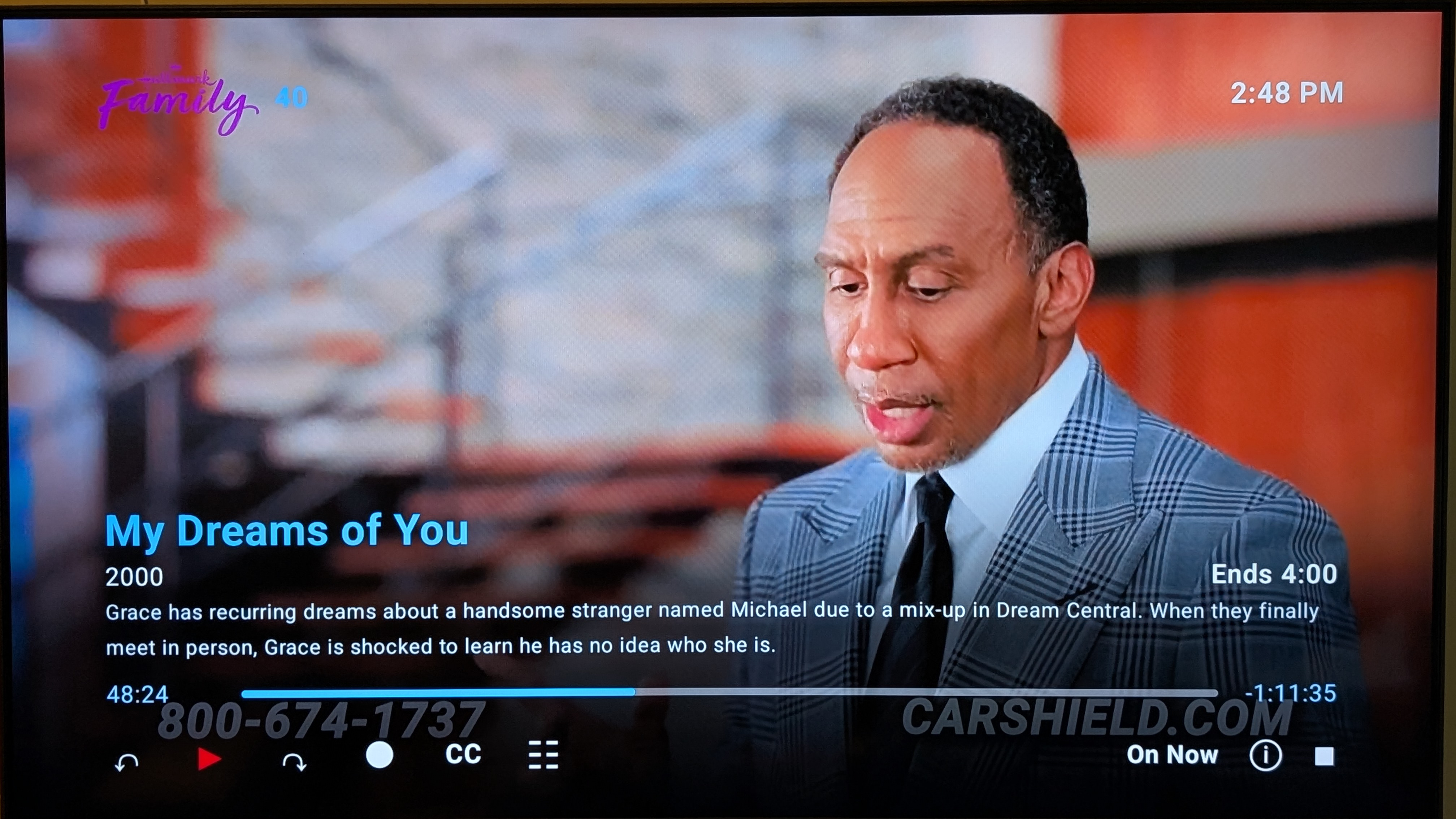
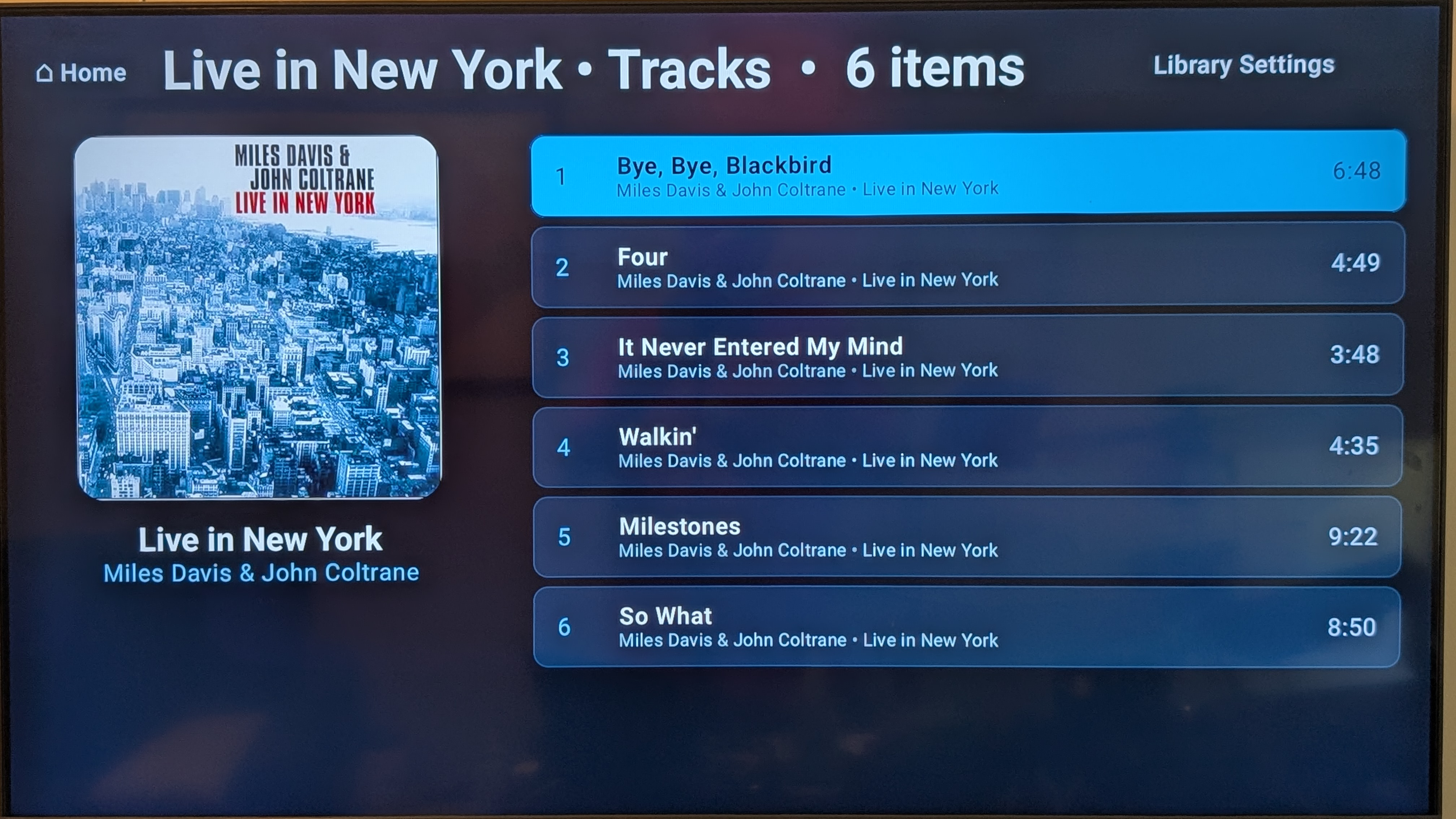
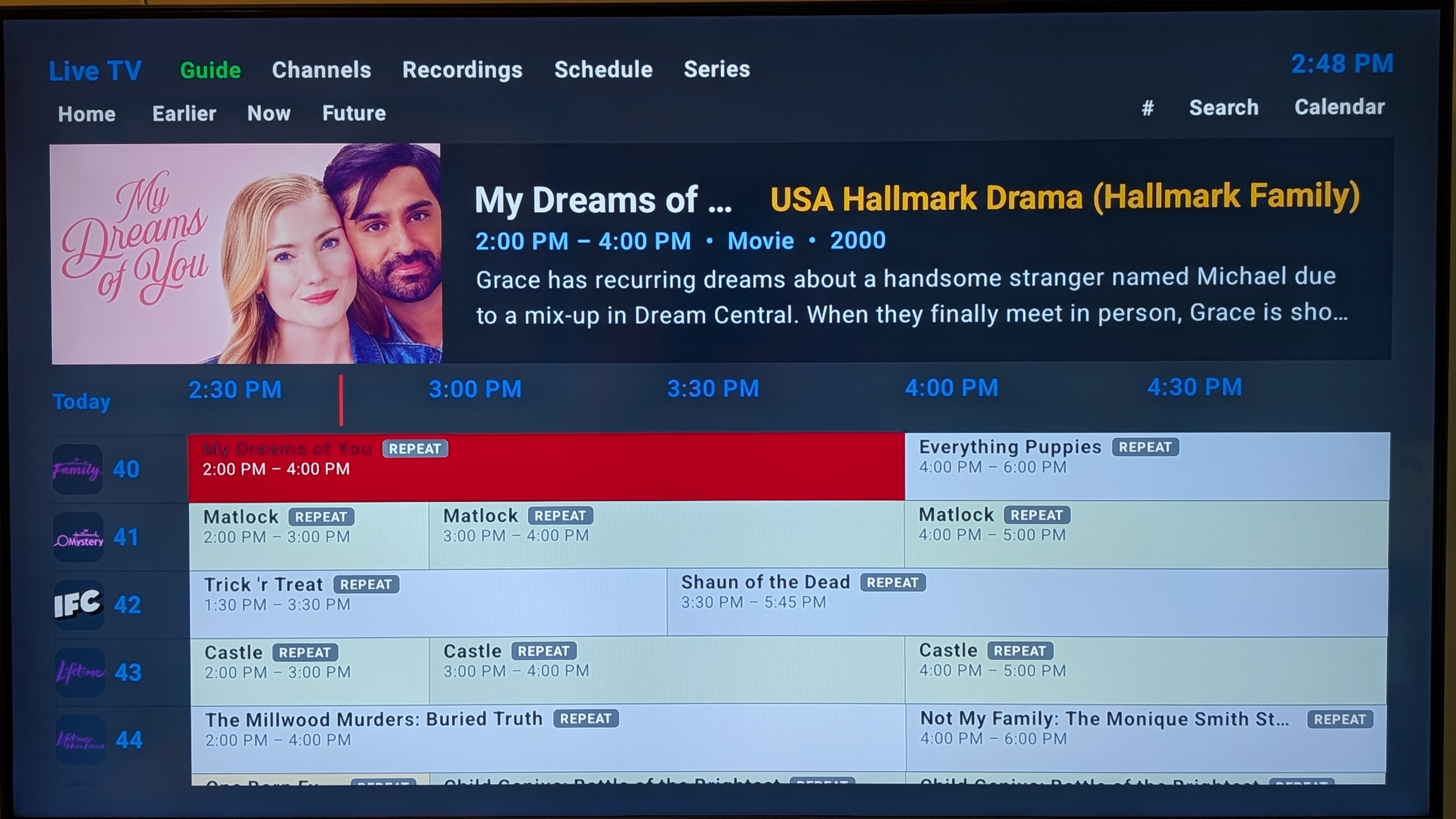
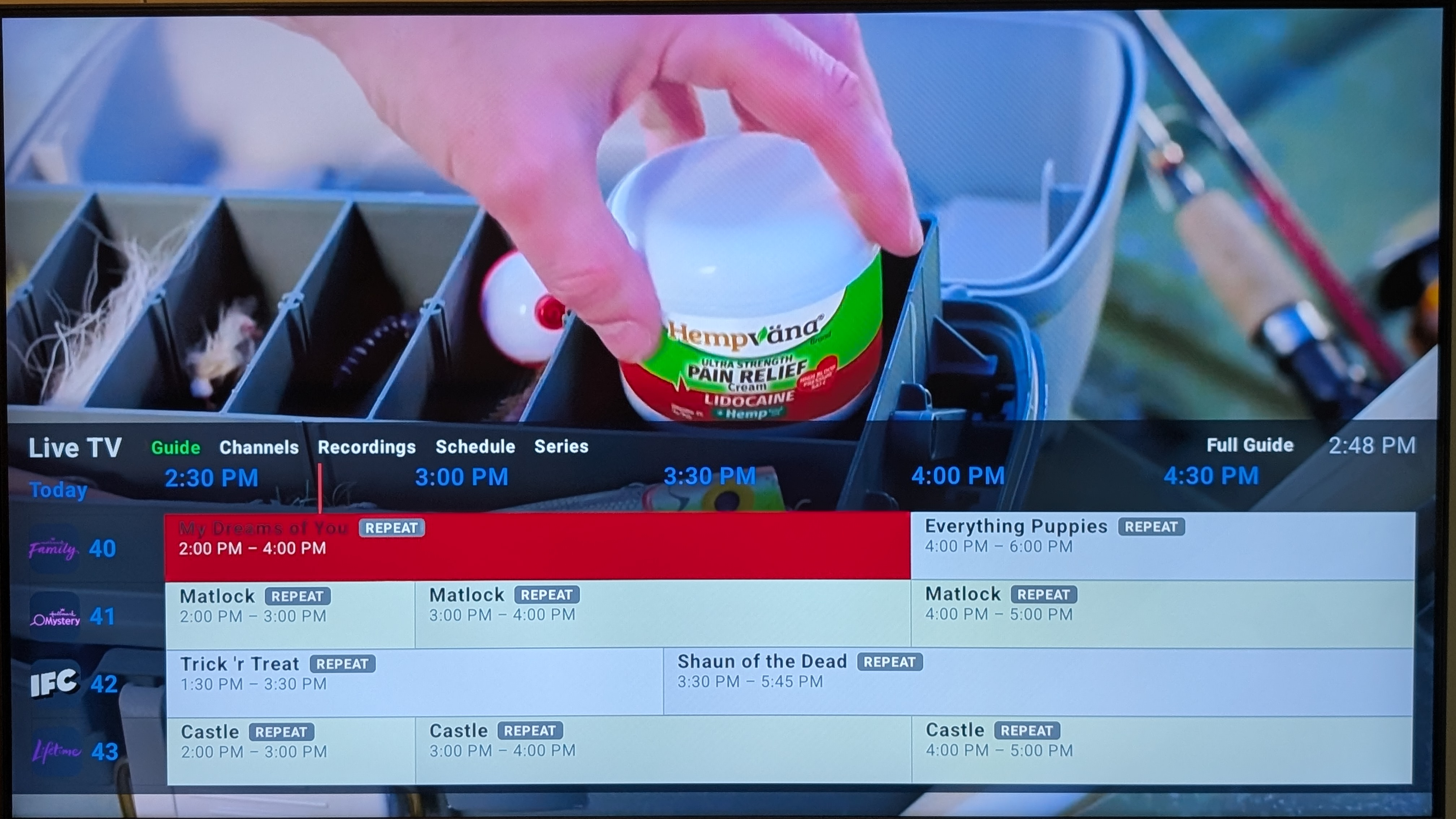
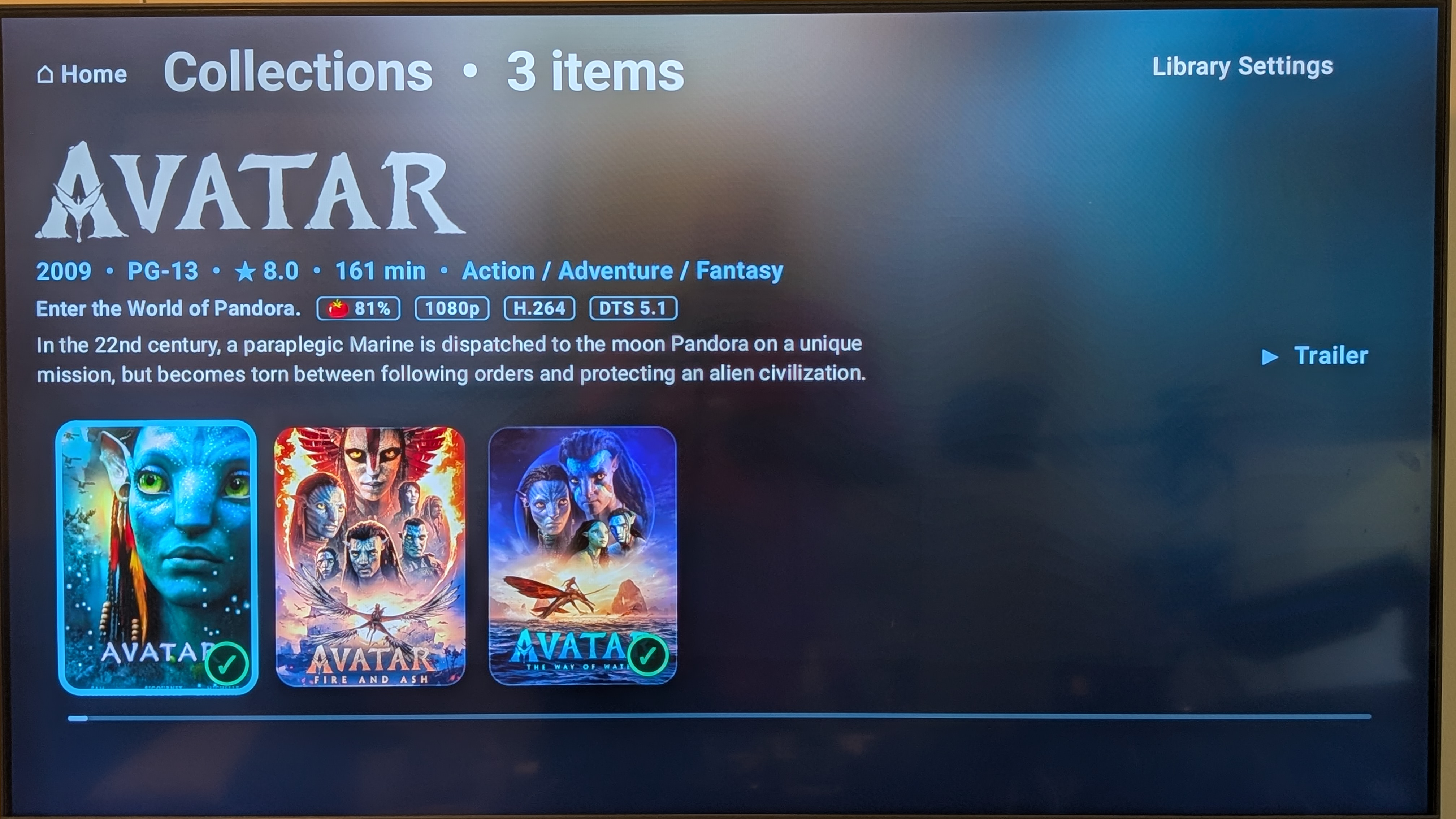
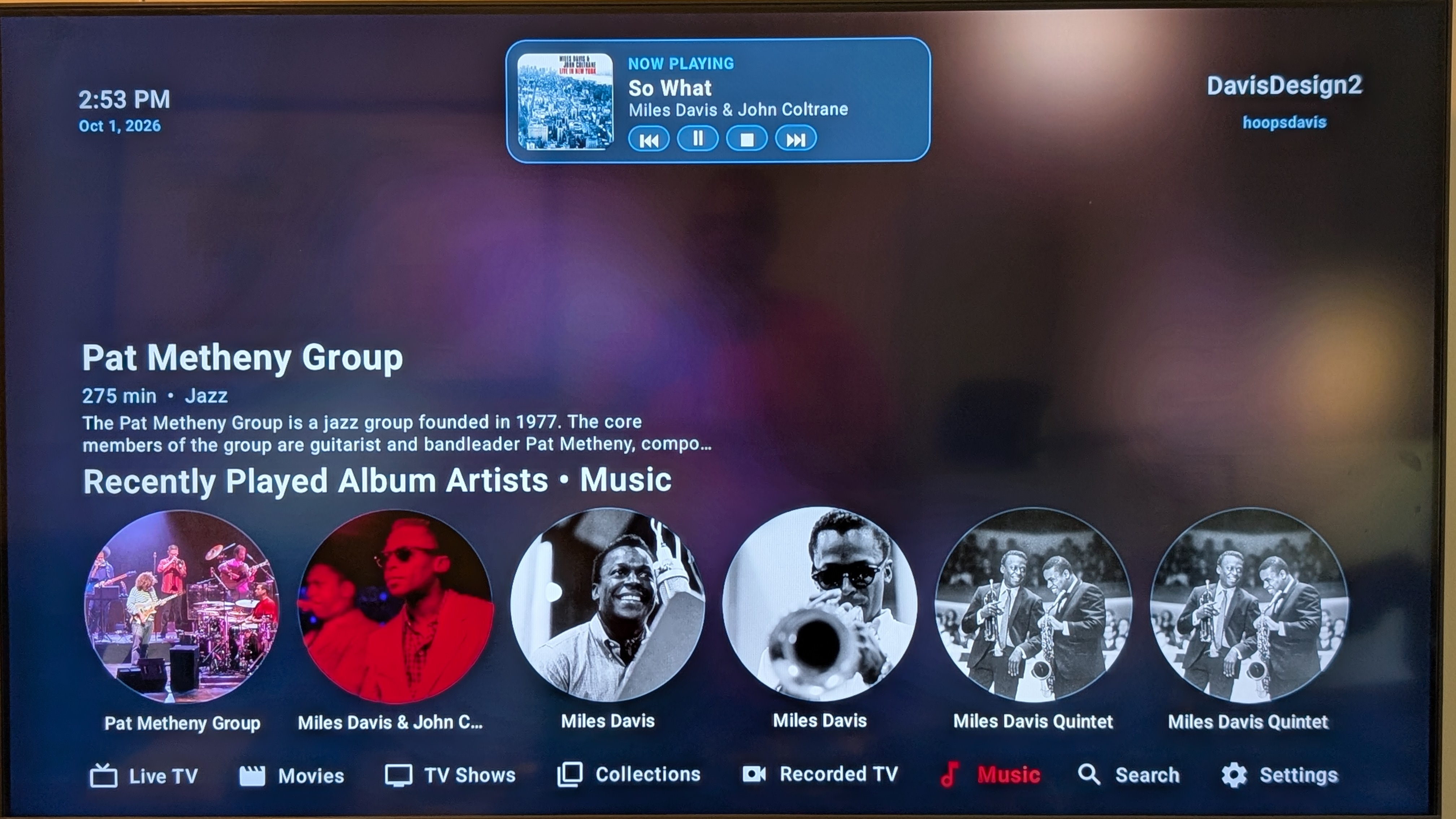
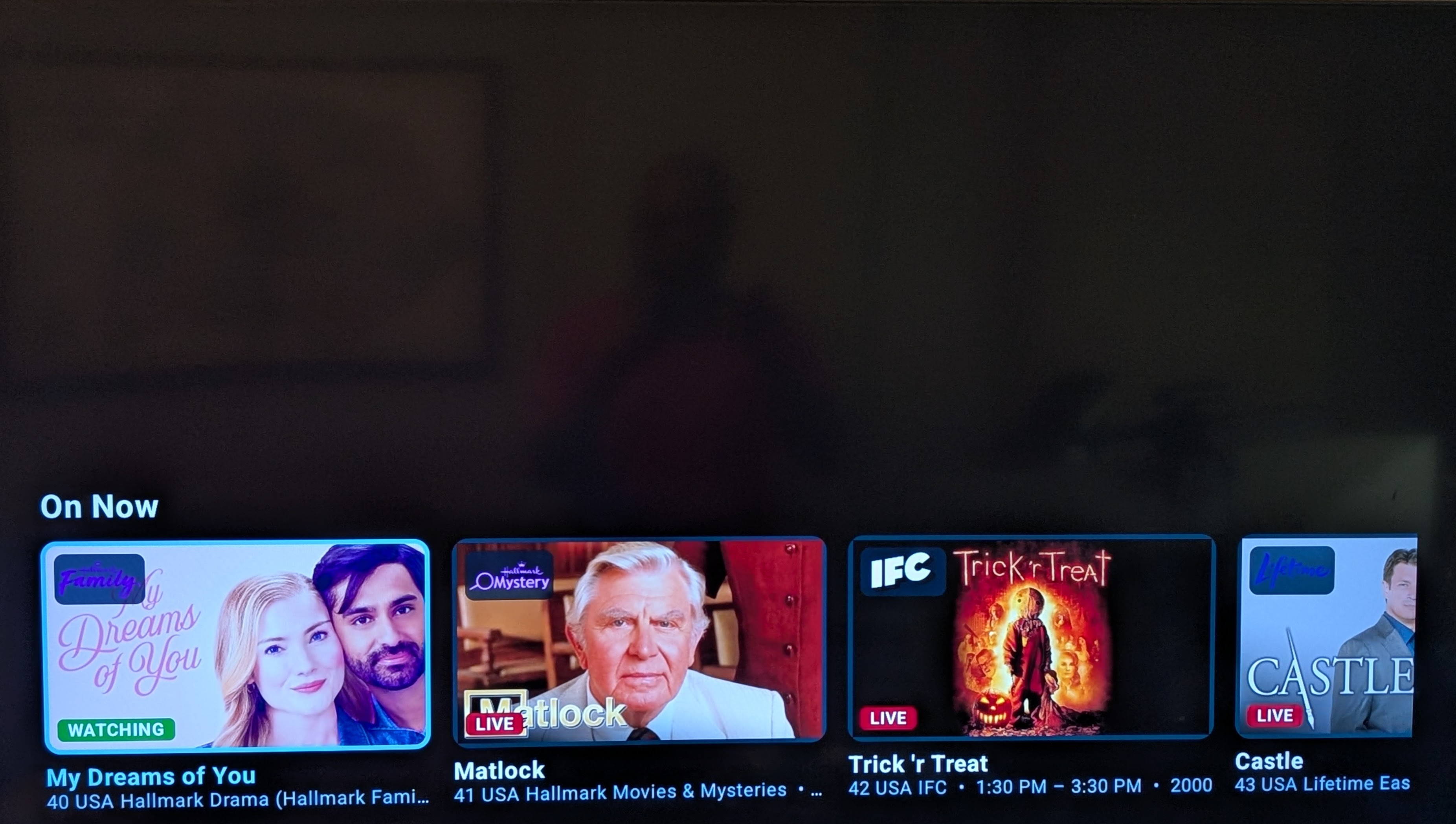
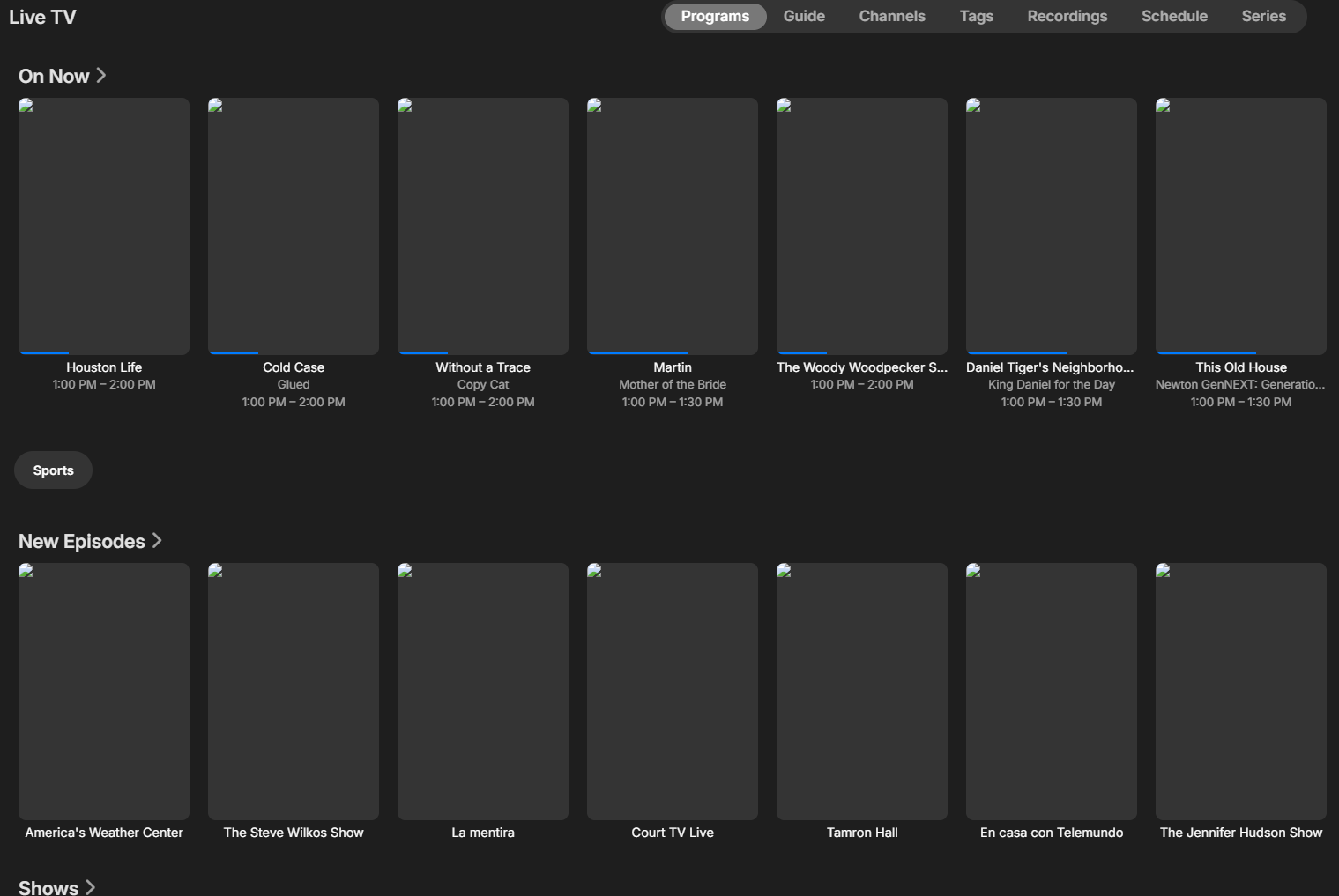
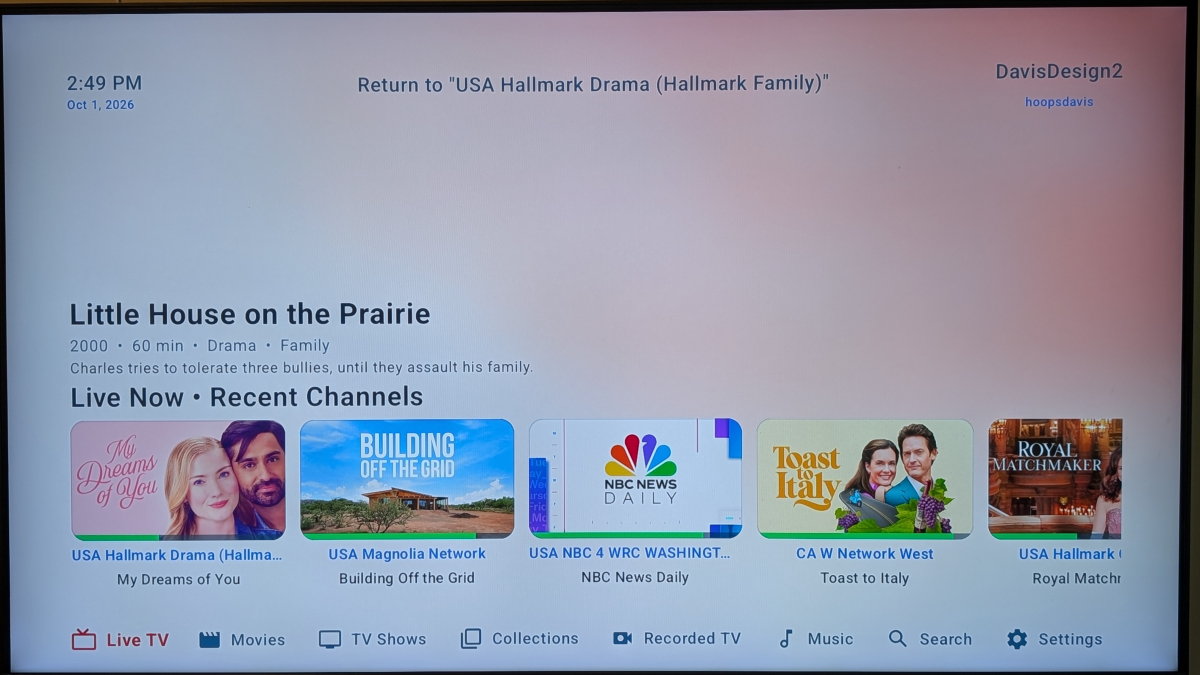
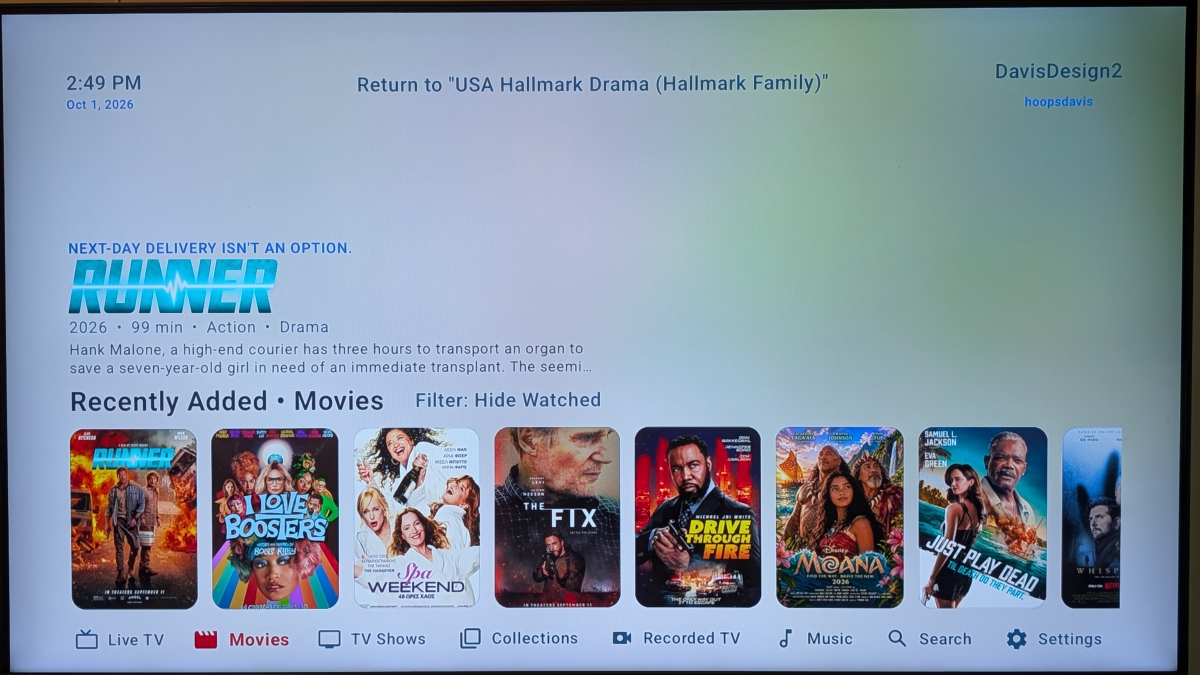
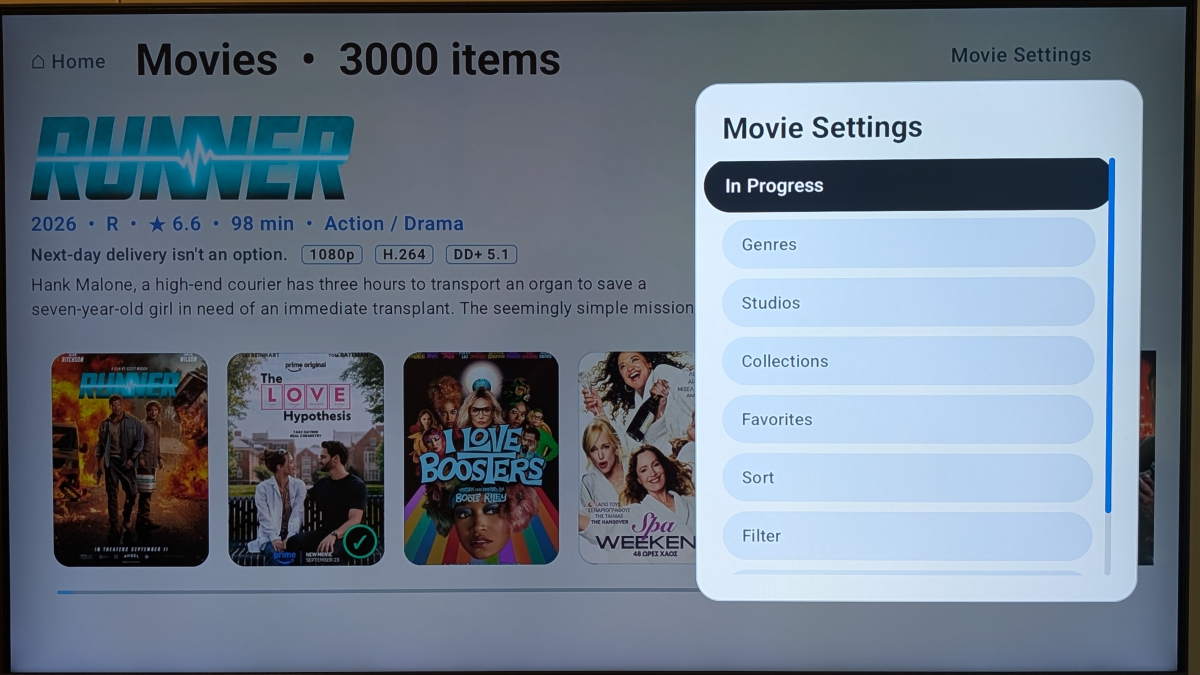
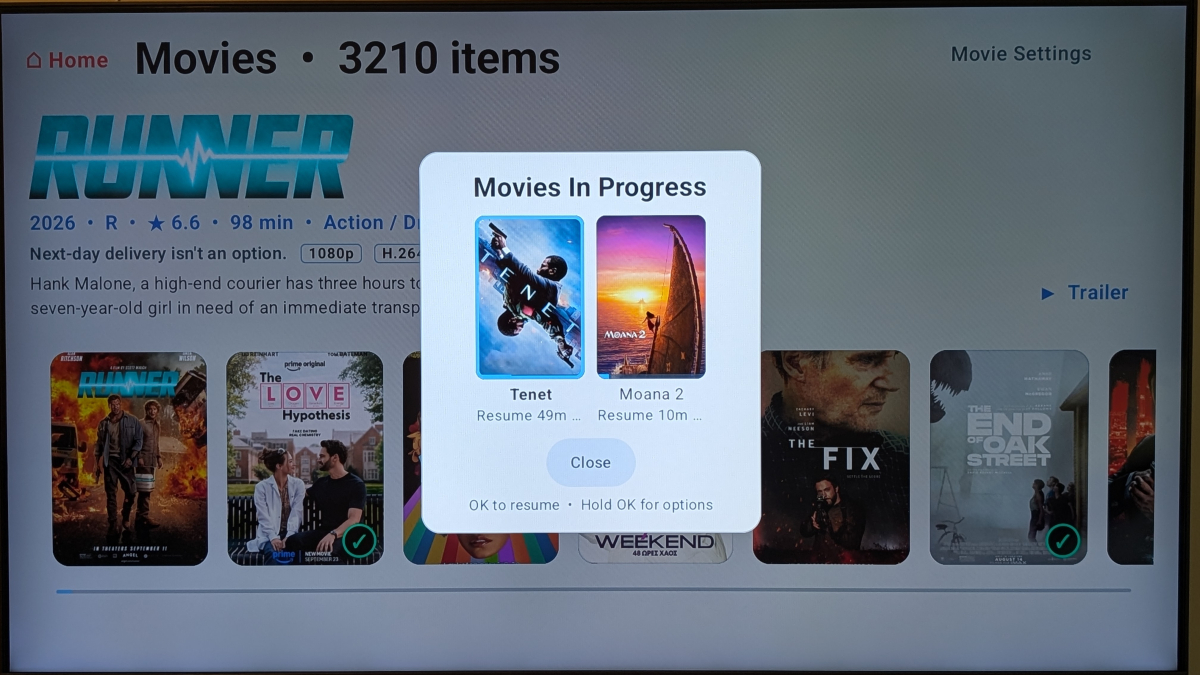
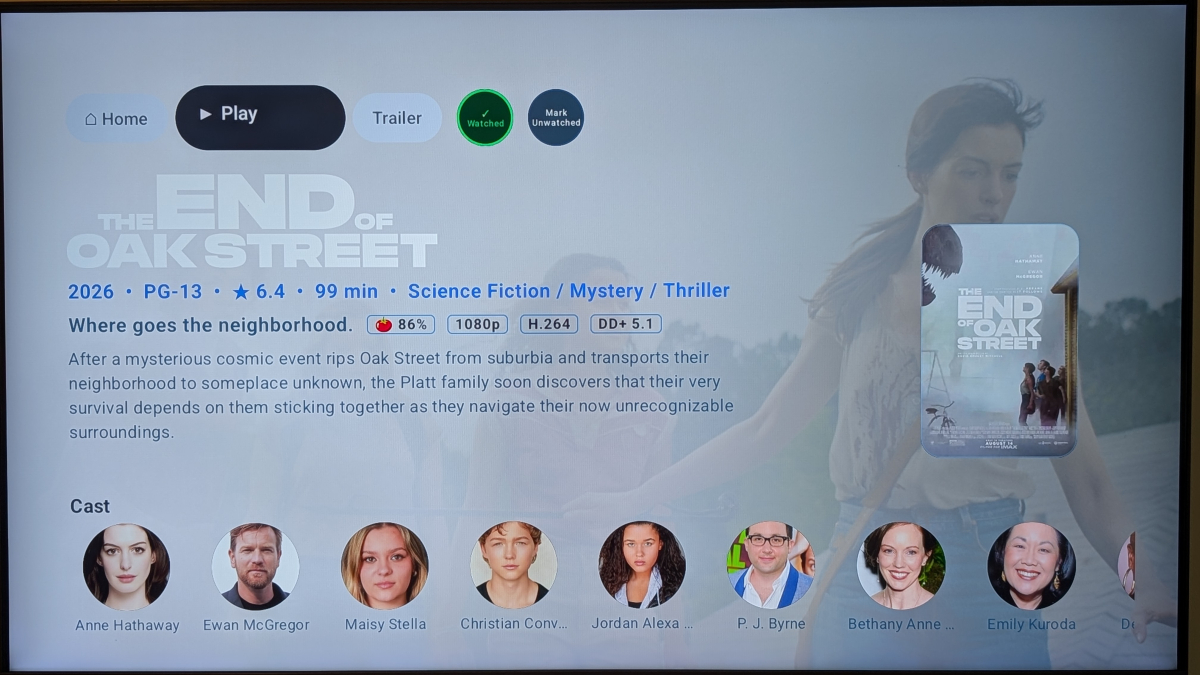
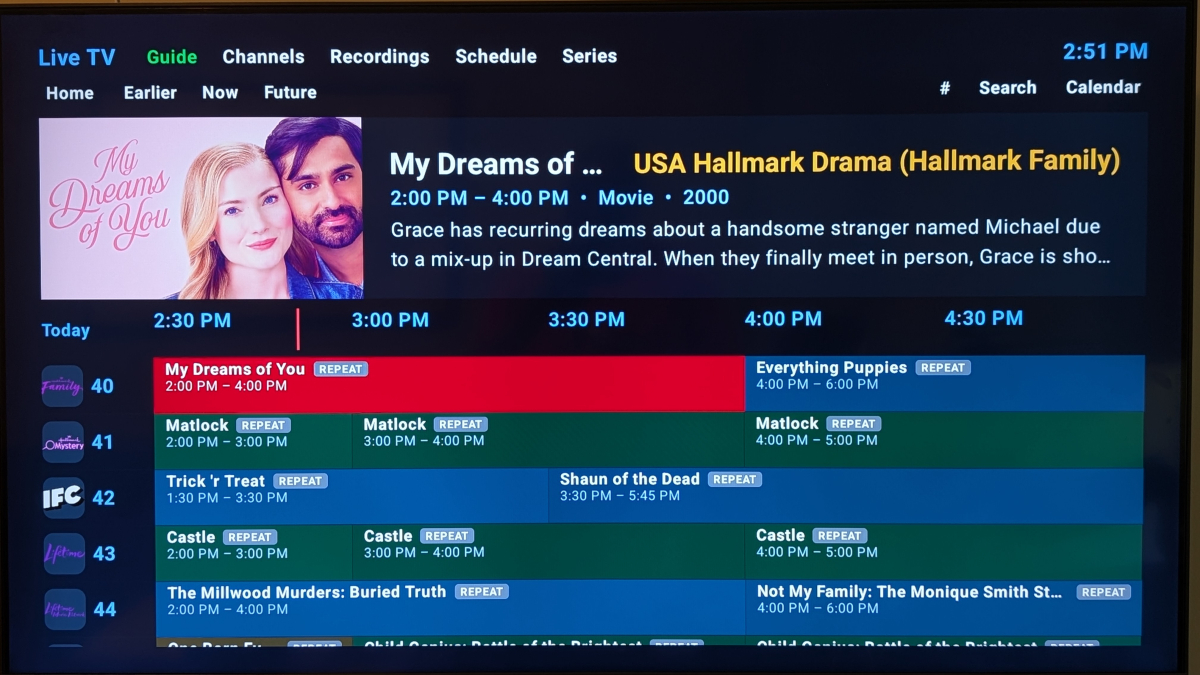
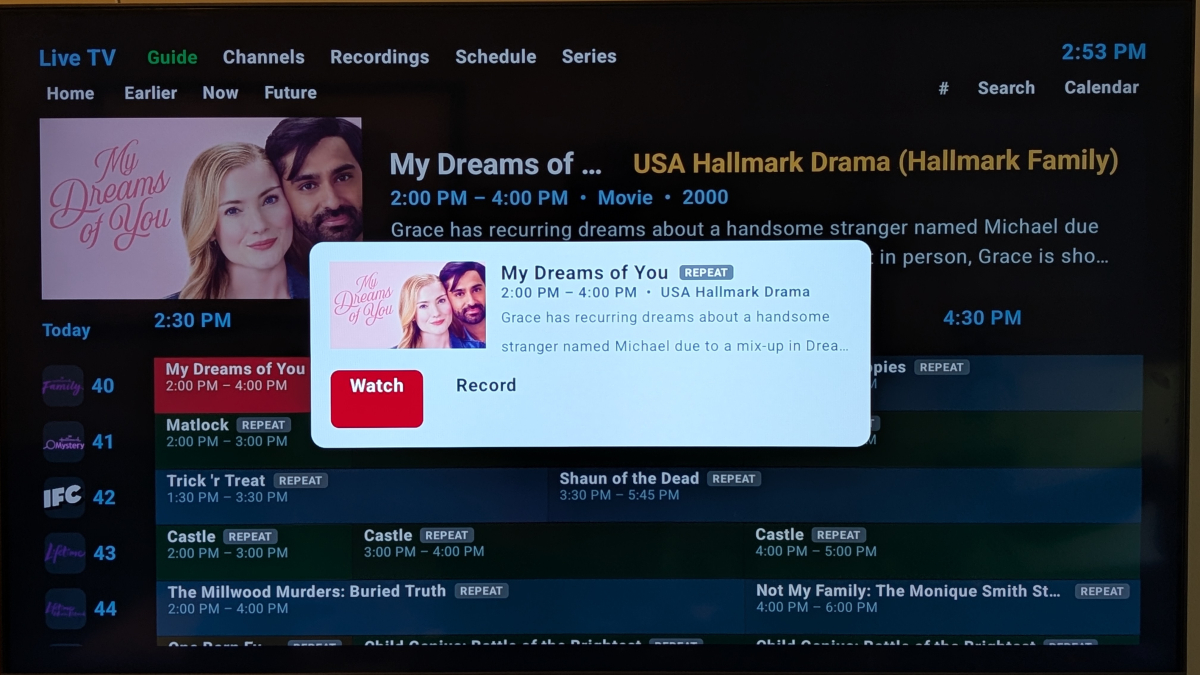
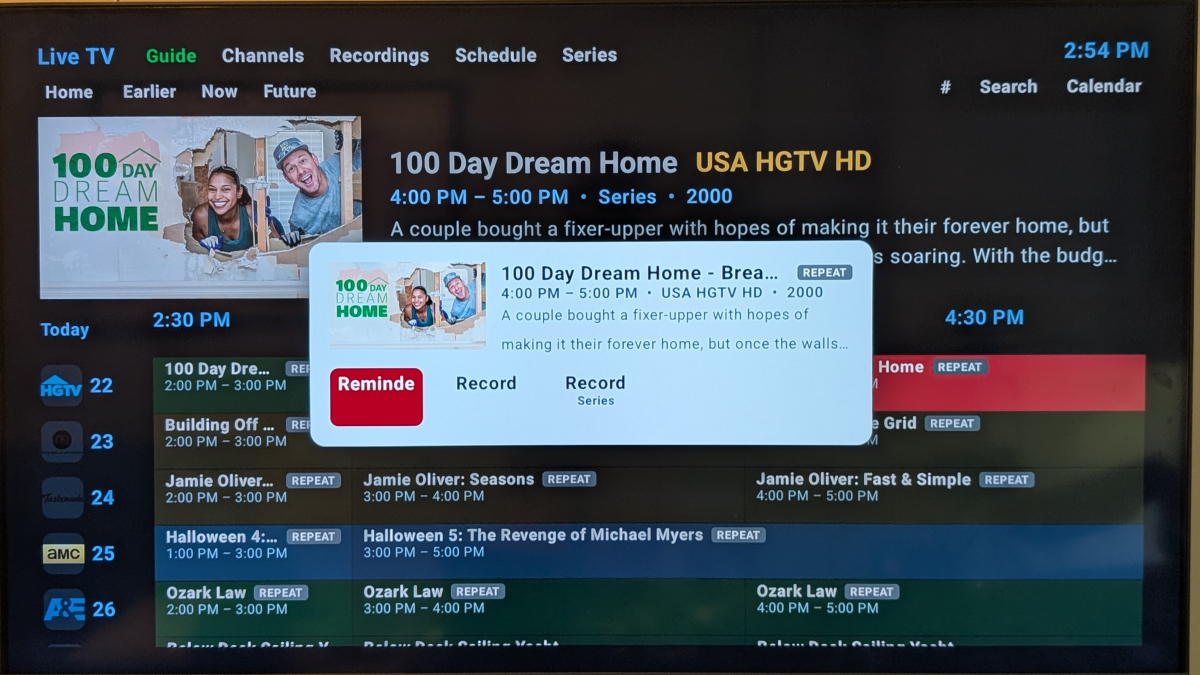
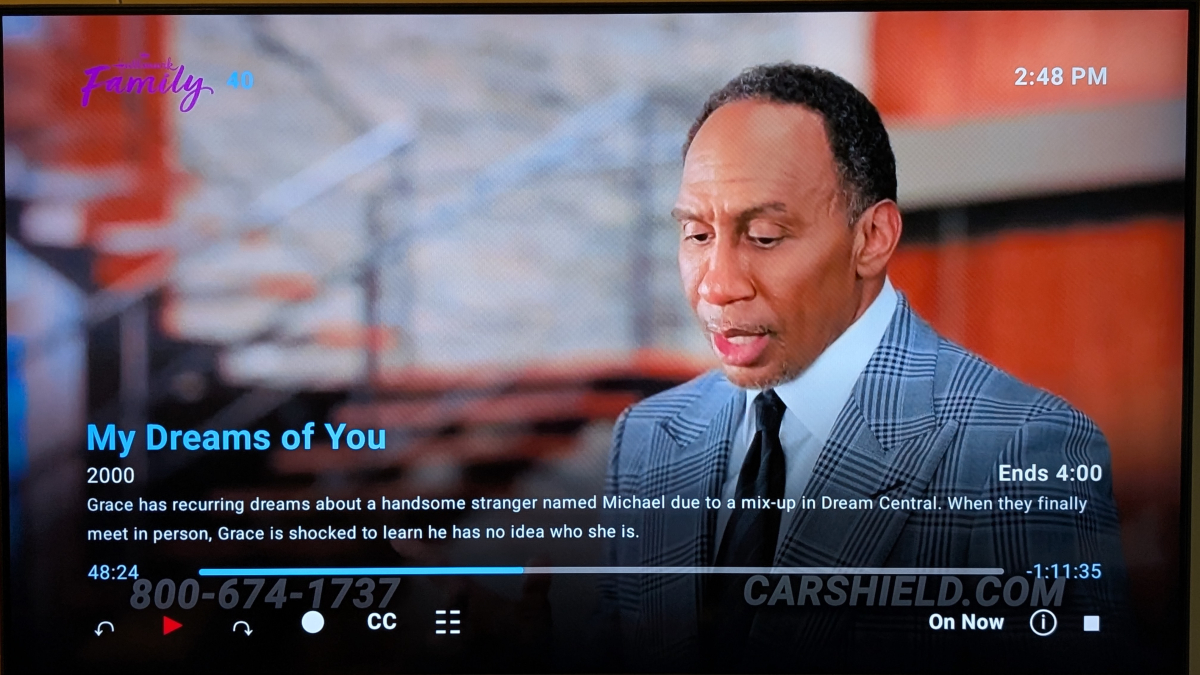
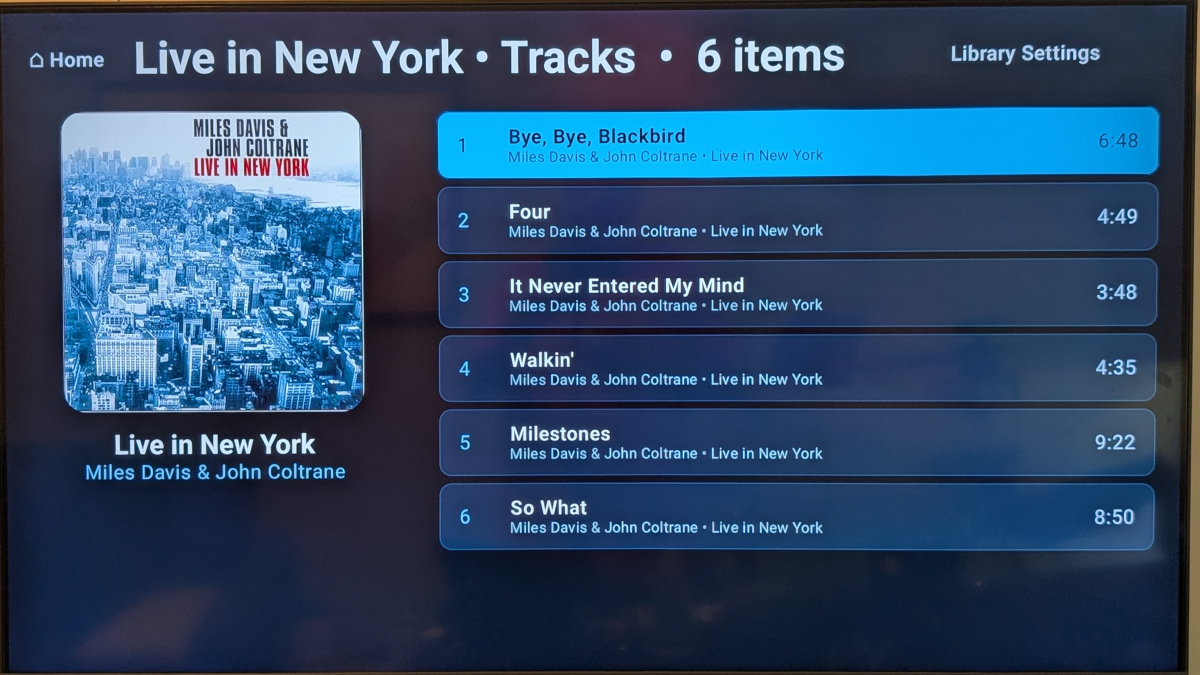
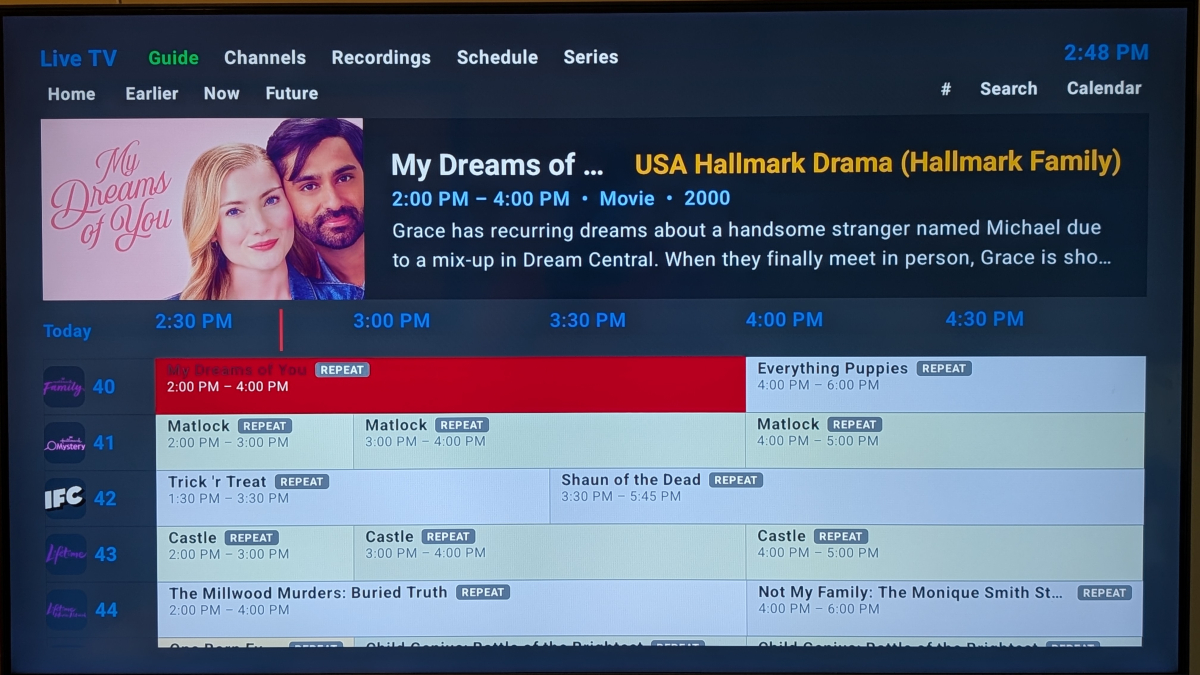
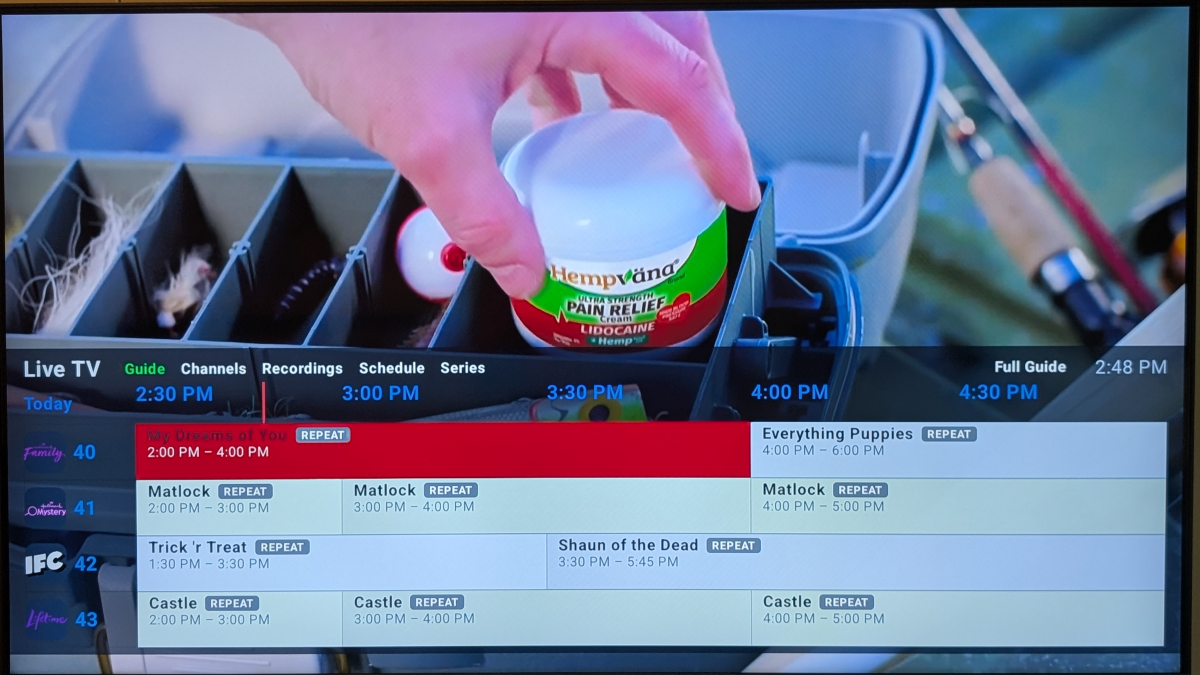
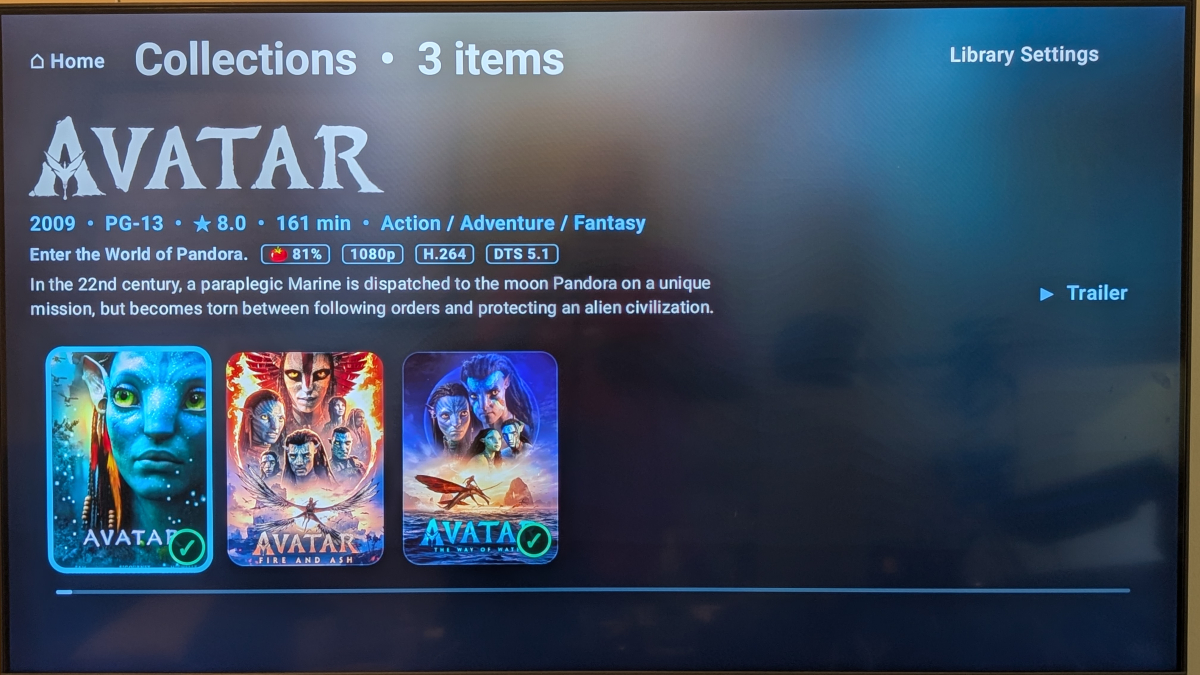
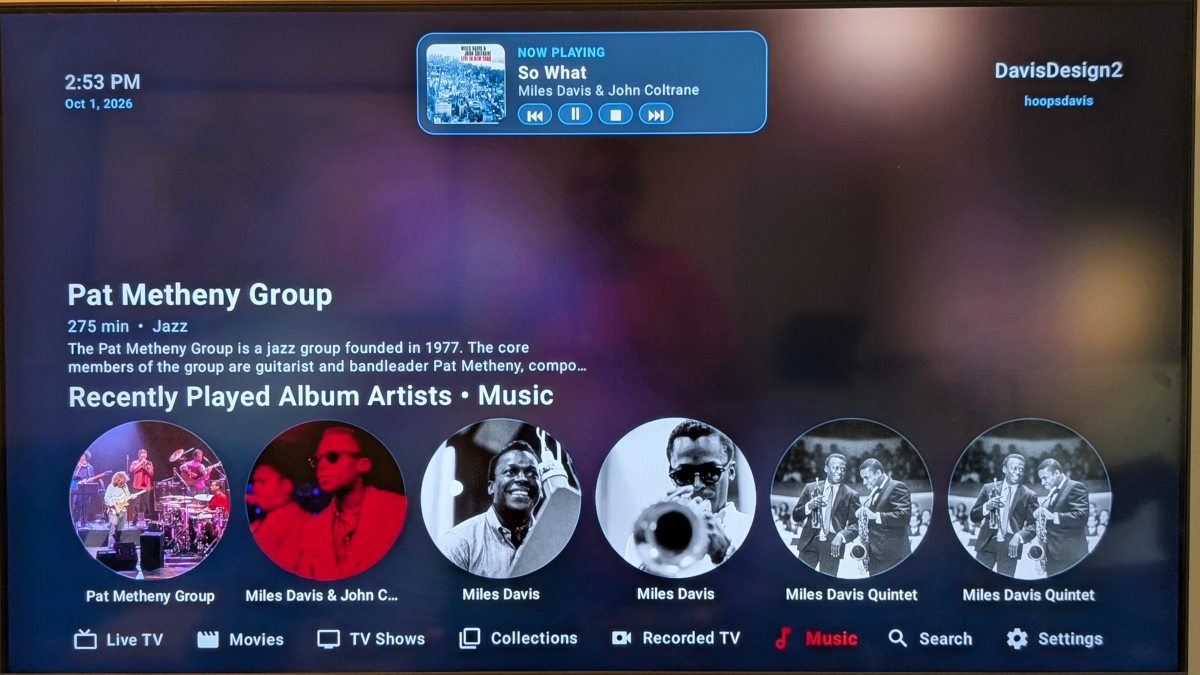
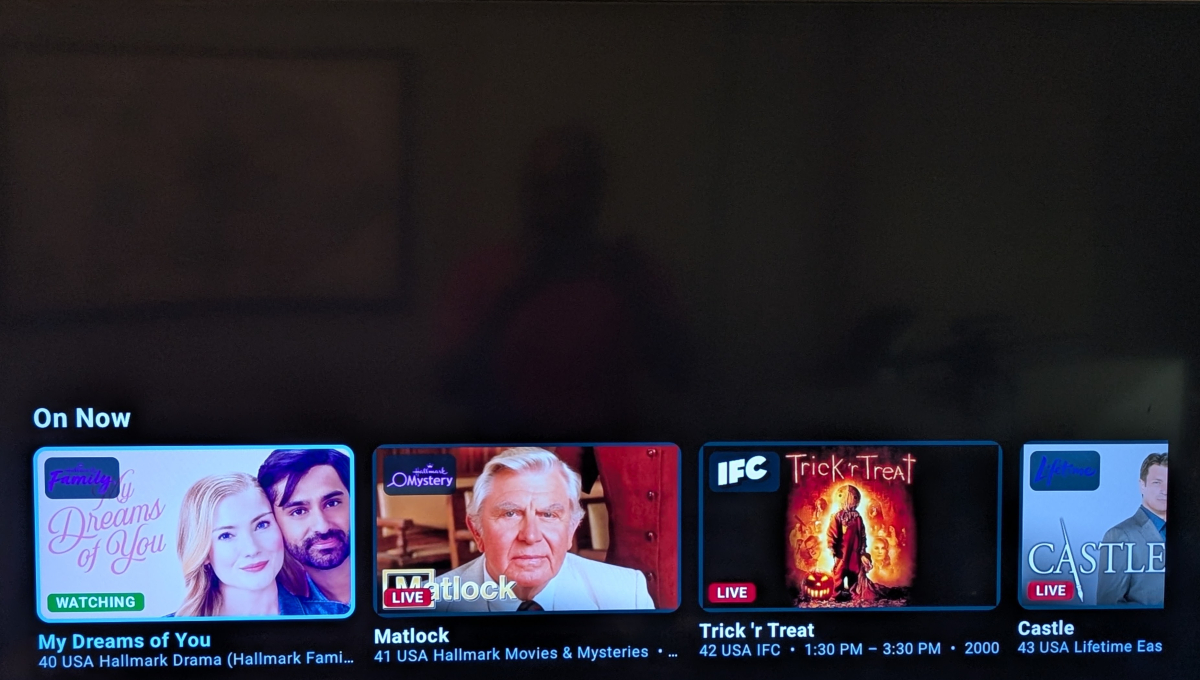
Hey Guys Quick intro: I've been working on an Emby client for Android TV called Unified Media. Free, and shaped by feature requests I've noticed in the forum. Cinematic views, Live TV with guide and recordings, reliable resume, music, and a reminders plugin that syncs across your devices. Two themes: Cosmic and Aurora Just screenshots for now — full write-up coming when the app's ready. If there's something you'd want in a TV client, tell me.
-
- 1
-

-
Awesome, I am thinking of making a jump to Omarchy. I am currently using CachyOS, which is Arch based also. I just think Omarchy is the future and with the funding they got is really going to take off in the near future.
-
Thanks mate
-
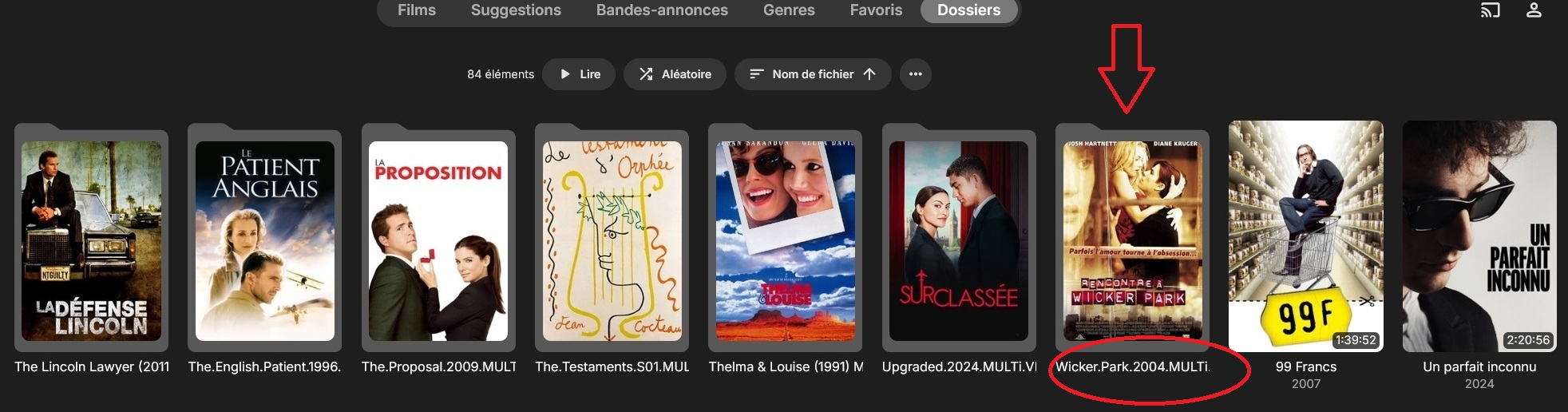
Bonjour à tous, J'ai mes films sur mon Nas, la plupart avec la structure : Volume1 /Films /dossier dédié nommé : titre.année.durée.qualité.... /puis le fichier titre.année.durée.qualité.... Pour ces films-là, j'ai constaté que dans mes médias -> Films , l'identification est correcte mais ils apparaissent avec comme titre le nom du dossier dédié (titre.année.durée.qualité....) et l'année ne s'affiche pas en-dessous. Cependant, dans "Derniers ajouts" ils apparaissent correctement : le titre (sans les détails) et l'année en-dessous. exemple : Wicker Park J'ai aussi quelques films dont la structure est : Volume1 /Films /puis le fichier titre.année.durée.qualité.... Pour ces films, sans dossier dédié, ils apparaissent correctement tant dans mes médias -> Films que dans "derniers ajouts". Exemple : La bonne étoile Mon souhait serait que, pour tous mes films, le titre soit uniquement le titre (sans les détails langues, qualité, ...) et que l'année se mette automatiquement en-dessous. Est-ce un réglage que je dois modifier ? J'ai pris quelques films et sans les dossiers dédiés, ils s'affichent correctement, mais je n'ai pas envie de devoir retirer chaque film de son dossier. J'ai cherché mais je coince, je vous remercie de votre aide. je suis en Emby Premiere et ma version est 4.10.1.0
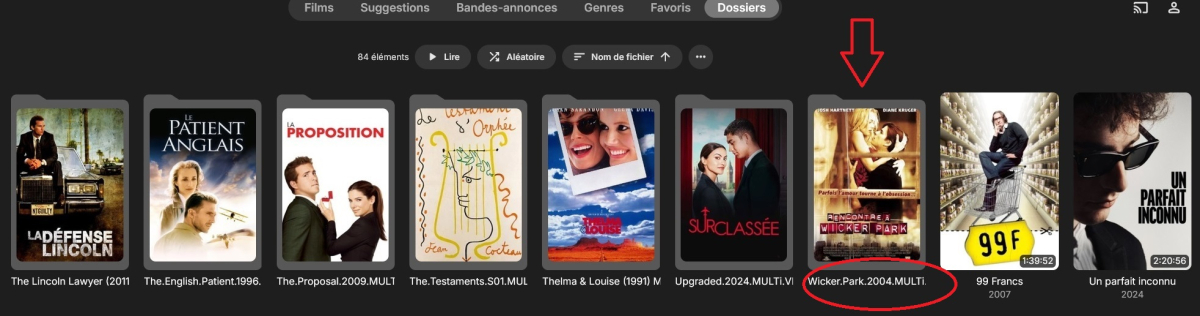
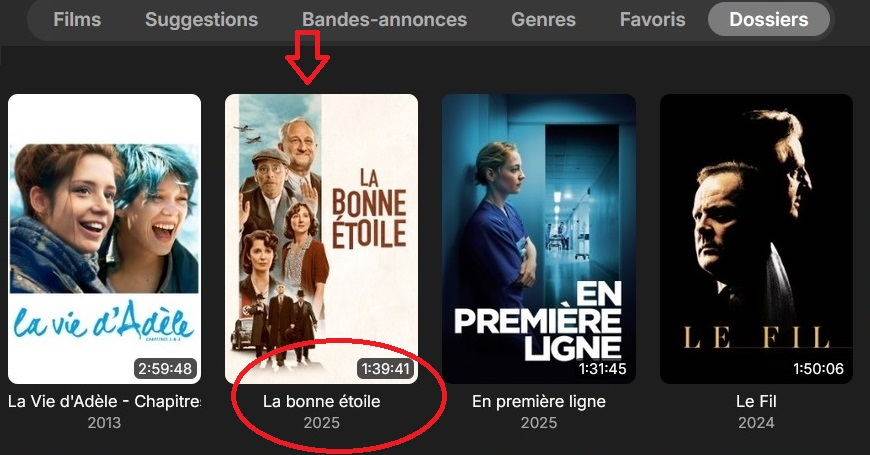
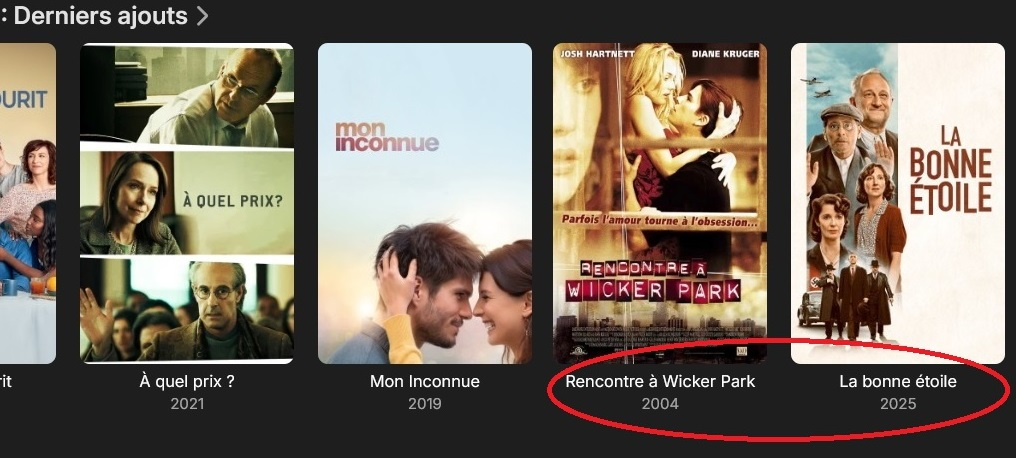
-
Hi. You need to contact whomever gave you access to their server.
-

A request to Emby - please clarify the situation with the AndroidTv app
Neminem replied to ecrispy's topic in Android TV / Fire TV
Ohh ok, then I will count the days -

A request to Emby - please clarify the situation with the AndroidTv app
ebr replied to ecrispy's topic in Android TV / Fire TV
The limitation of twice was recently implemented. -
Since opp has not show any logs, can you with certenty say its the same No you can't. It might look similar.
-
But we have determined it is a very different cause. You have a general inability for your server to get out to the internet. This is just the place you most notice it.
-
I have the exact same issue as opp. Thanks for your help.
-
Hello please find the logs when playing the series Chad Powers I guess it's DV profil 7, not able to convert on the fly to profil 8.1. My TV set is LG G2, HDR10 compliant, not HDR10+ embyserver.txt
-
@CFC Since this might not be the same issue as opp. Why not create you own topic. You are drowning out opps issue.
-
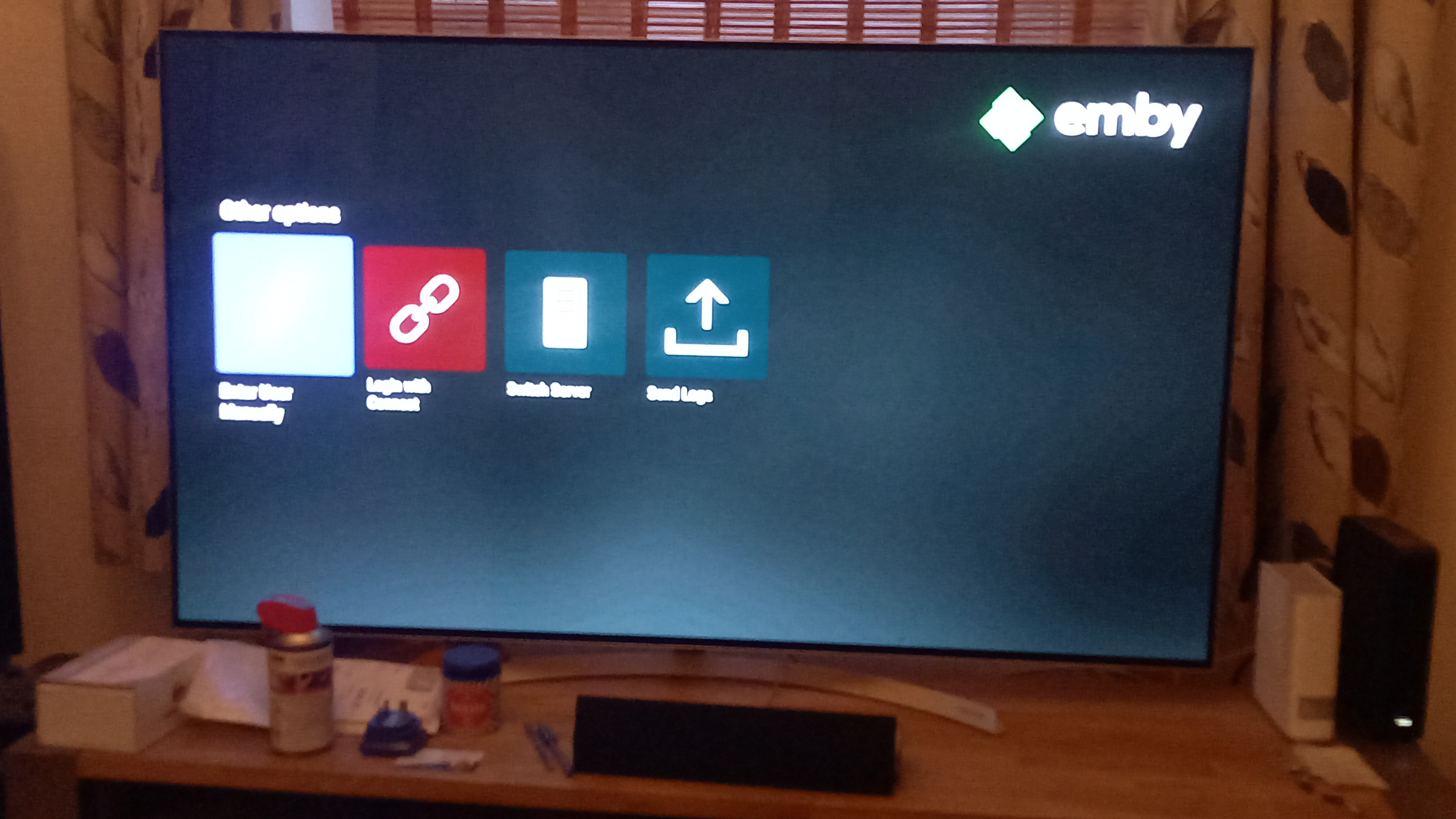
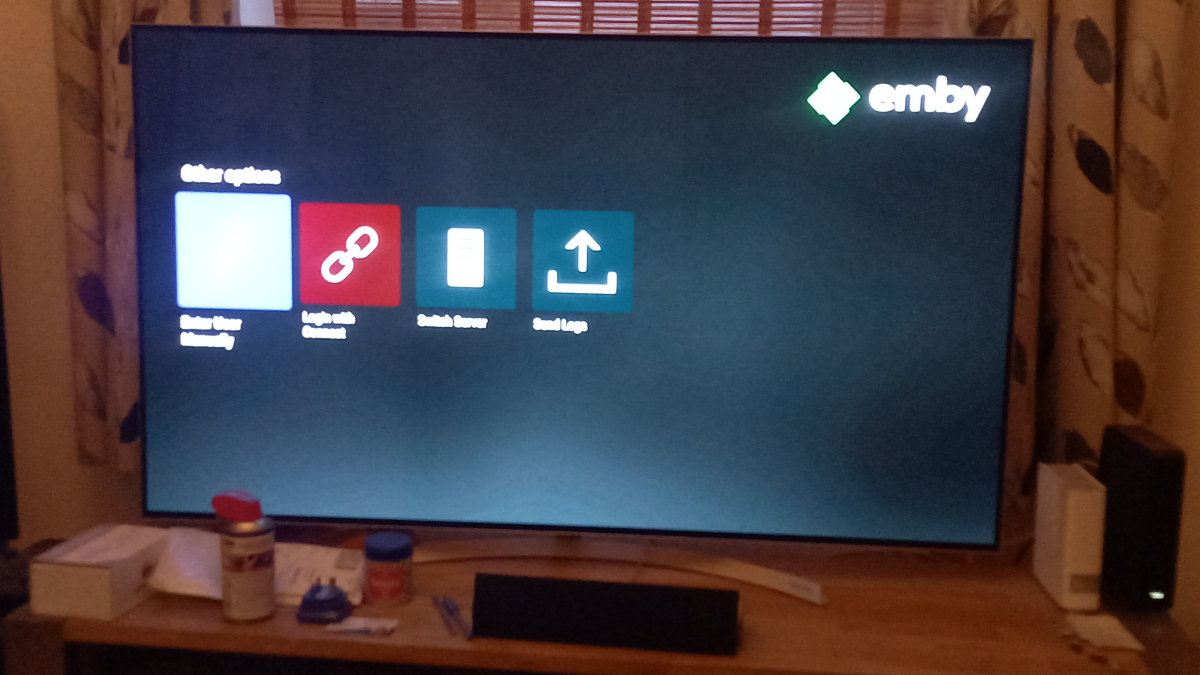
Is there any issues with the app... I have been kicked out of the emby fire TV app and I'm unsure of my login details unless it's the same as logging into this website... It maybe that my membership has runout but don't know who to contact to find out either way
-
A request to Emby - please clarify the situation with the AndroidTv app
Neminem replied to ecrispy's topic in Android TV / Fire TV
I have see it more the 5 times since 2025. -
It confirms you have a general problem of all outgoing communications from the server being blocked. Usually by the things I mentioned above. So I think that helps because now you know it's not specific to one single domain.
-
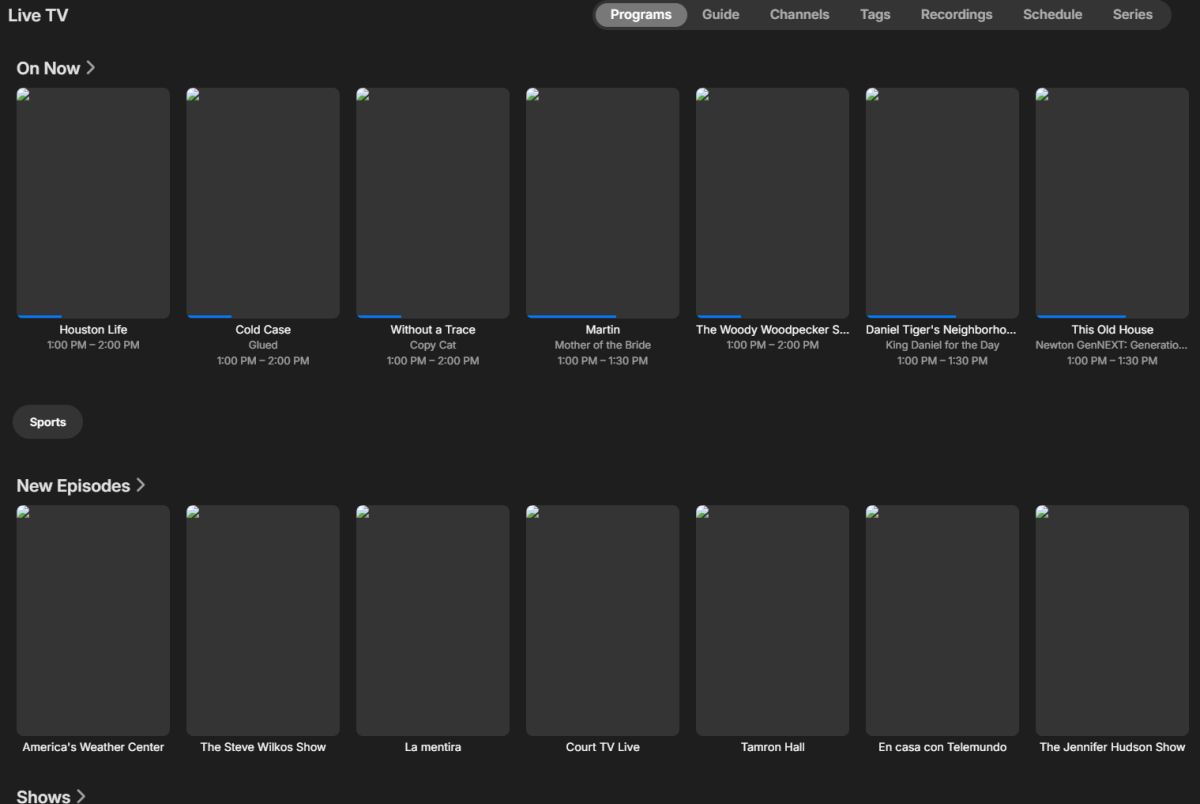
Thanks None of these you point out would affect the Live TV listings though. I'm looking to determine which service is failing/not connecting for the live TV listing not generating images. CFC
-
@fabien_m2002?