Jump to content

Emby Blog

  • entries
    585
  • comments
    5104
  • views
    3662354

Contributors to this blog

  • Luke 359
  • ebr 70
  • Carlo 31
  • sross44 27
  • 7illusions 15
  • ScottIsAFool 12
  • Abobader 11
  • radeon 8
  • xnappo 8
  • darwindeeds 7
  • Redshirt 6
  • Cheesegeezer 5
  • leedavies 3
  • Aphid 3
  • bigjohn 3
  • snazy2000 3
  • softworkz 3
  • techywarrior 3
  • Soultaker 2
  • chef 2
  • gcw07 2
  • marcelveldt 1
  • hurricanehrndz 1

Emby Theater 2.4 Released


A lot of exciting, community-driven development has taken place and we're pleased to announce new features that are available.


Try it Now


Windows: http://emby.media/emby-theater.html
Chrome, Opera, Microsoft Edge, Firefox: http://emby.media/emby-theater-web.html
Xbox One: http://emby.media/emby-theater-xboxone.html


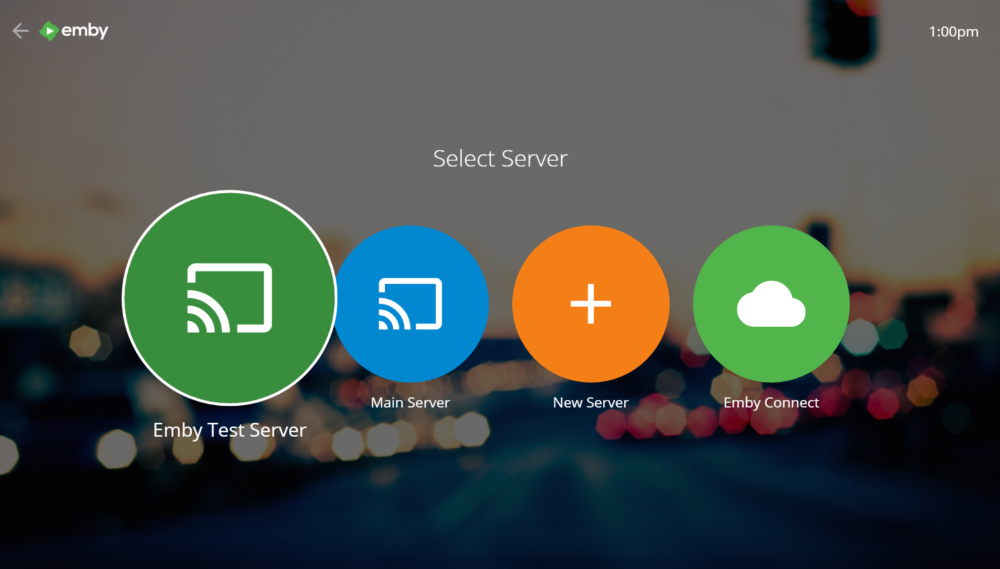
More Pleasing Login


During the login process you'll now be treated to beautiful backdrops that the whole family is sure to enjoy.
 

576231c6d9cc1_Untitled.png


We hope to allow you to customize these images in a future release.


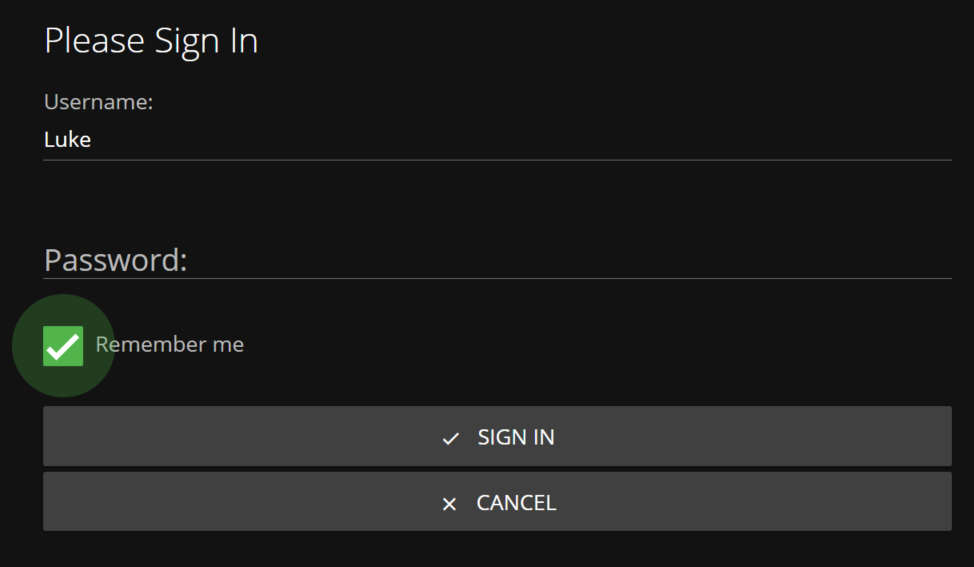
Remember Me
By default, the app will remember you when you return so that you don't need to login again. We realize that some people would prefer not to have this, so it's now easily configurable.
 

57623257ea0c8_Untitled.png


Faster Performance on Xbox One
The app navigates and animates faster than ever on Xbox One. If you haven't yet tried it on Xbox One, be sure to check it out at http://tv.emby.media


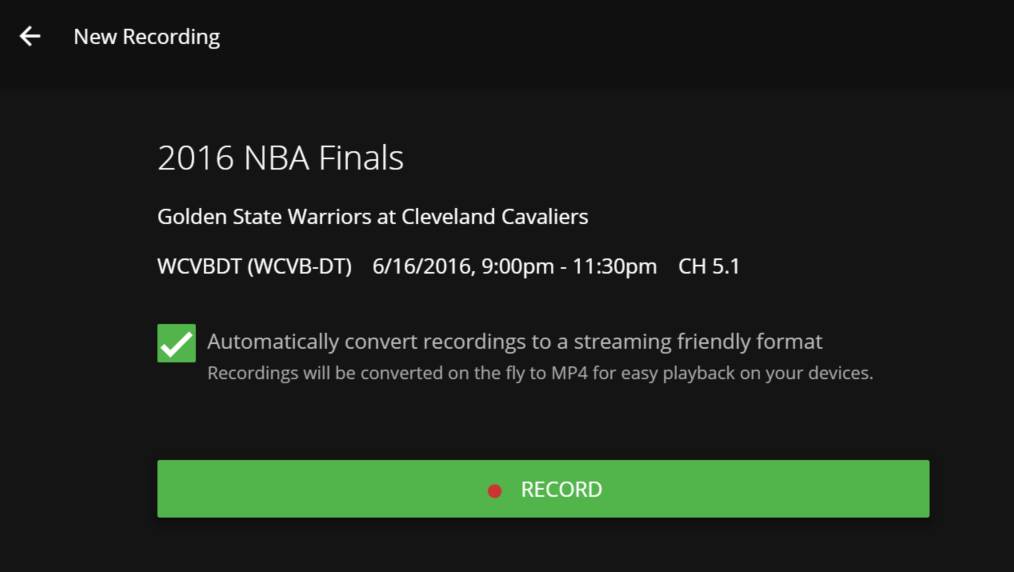
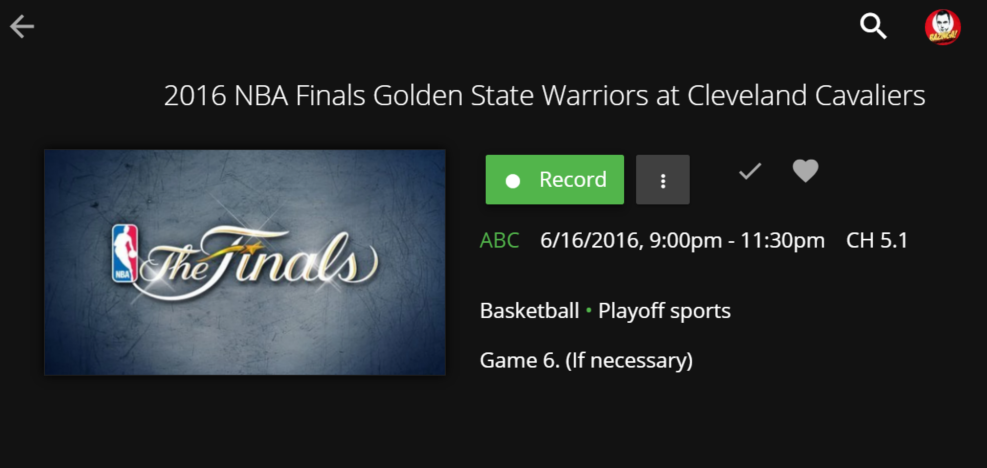
Schedule Recordings
Live TV recordings can now be easily scheduled from detail screens:
 

5762344e8ee17_Untitled.png


576234650426b_Untitled.png


One Click Recording


If your remote has a Record button, you can now use it directly within the TV guide to easily schedule recordings with a single click. Try it!


TV Guide Improvements
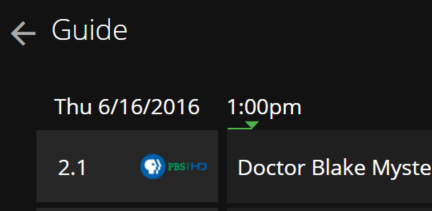
The guide has been improved with features such as automatic refreshing after playback, more detailed information about the selected program, and a nifty time indicator that allows you to get an idea of the progress of current programs.
 

576233abb0002_Untitled.png


Add to Collection / Add to Playlist


Easily manage collections and playlists with your remote control. No mouse or keyboard needed!


Search and Download Subtitles


Now you can use your remote control to search the internet for subtitles and download them on the fly. No mouse or keyboard needed.


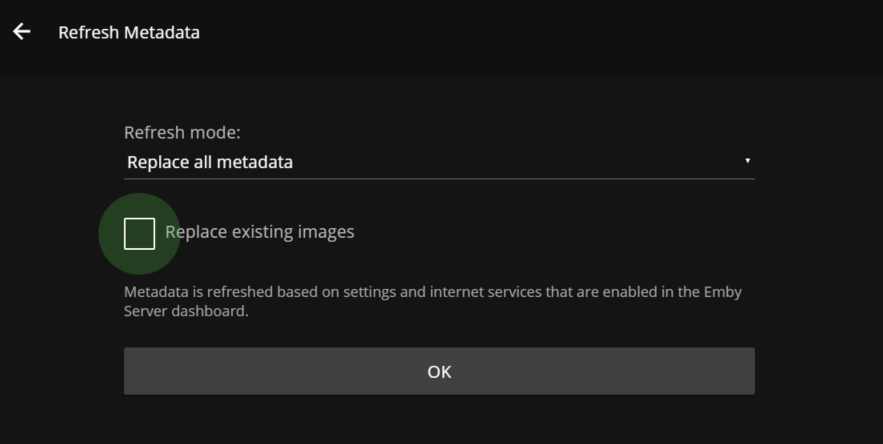
Refresh Metadata


Yes, you can even do that, all with a remote control.
 

57623629b40f3_Untitled.png


Content Deletion


The app now supports deleting content from detail screens.


Fork the Default Skin
Can you do HTML and JavaScript? Then why not fork the default skin?


https://github.com/MediaBrowser/emby-web-defaultskin


Let us know what changes and improvements you're able to come up with. You can even release your forked version to the Emby community!

  • Like 4

9 Comments


Recommended Comments

rubenverhoef

Posted

i would like to see  a sync function in the theater :) the current UWP app is old and doesn't get much updates

RedBaron164

Posted

Can't wait to try out the new version, will an existing Windows Install of the theater app auto-update or do I need to manually update the application?

Sahne

Posted

When logging into Xbox. It shows version 2.0.1 in top right hand corner. Is that right? How do I upgrade it to the latest version on my Xbox? Harmony remote still doesn't work for navigation.

Luke

Posted

Can't wait to try out the new version, will an existing Windows Install of the theater app auto-update or do I need to manually update the application?


If you're referring to the legacy Media Browser Theater, then you'll need to download this from the website.

Luke

Posted

When logging into Xbox. It shows version 2.0.1 in top right hand corner. Is that right? How do I upgrade it to the latest version on my Xbox? Harmony remote still doesn't work for navigation.

The web application is always up to date, we just haven't always been manually incrementing the version number.

Frank Drebin

Posted

Any knews about Gamebrowser III? Would it be possible to go back one step and make it like the old Gamebrowser again (I mean like adding your own extensions or consoles)?


Thank you and good work!

Thiago22RJ

Posted

Good night,

Would you have any prediction Emby Theater 2.4 Released to the Android platform ?

For I use Set Top Box and the remote and very bad and this version of Emby Theater operation and very simple to play movies and view the information .

You indicate some version of my problem above ?

Thank you!

Dizzy49

Posted

I got it to work on my desktop.  When I installed it on my HTPC it did not go well.  The install of the C++ redist hung up.  When it finally completed I brought up Emby Theater and clicked on my name.  Then it went to a black screen and was locked up.  I rebooted and now I ONLY get a black screen.  I wanted to see how usable it is with a basic remote.


I do like the Direct Play for it on my internal network though!

Luke

Posted

I got it to work on my desktop.  When I installed it on my HTPC it did not go well.  The install of the C++ redist hung up.  When it finally completed I brought up Emby Theater and clicked on my name.  Then it went to a black screen and was locked up.  I rebooted and now I ONLY get a black screen.  I wanted to see how usable it is with a basic remote.


I do like the Direct Play for it on my internal network though!


Make sure Windows DWM (Aero) has not been disabled. 

http://www.techerator.com/2011/05/how-to-restore-aero-effects-if-the-windows-desktop-window-manager-crashes/

Create an account or sign in to comment

You need to be a member in order to leave a comment

Create an account

Sign up for a new account in our community. It's easy!

Register a new account

Sign in

Already have an account? Sign in here.

Sign In Now
×
×
  • Create New...