Download
Emby for iPhone and iPad is available in iTunes.

Available for iPad and iPhone
Your personal media, made for iPhone and iPad
Browse and play videos, music, photos, and Live TV from your own Emby Server with an interface designed for both your phone and the larger iPad screen.
![564524e839360_sm_IMG_0017[1]](resources/564524e839360_sm_IMG_00171.png)
![5645253eacc39_sm_IMG_0016[1]](resources/5645253eacc39_sm_IMG_00161.png)
![564524e2957d3_sm_IMG_0015[1]](resources/564524e2957d3_sm_IMG_00151.png)
![56452bd49ebb0_IMG_0026[1]](resources/56452bd49ebb0_IMG_00261.png)
![564525f11acf4_IMG_0019[1]](resources/564525f11acf4_IMG_00191.png)
![5645247a58d07_IMG_0018[1]](resources/5645247a58d07_IMG_00181.png)
![5645255576e62_IMG_0022[1]](resources/5645255576e62_IMG_00221.png)
![5645278e084a7_IMG_0024[1]](resources/5645278e084a7_IMG_00241.png)
![56452413ed77f_IMG_0014[1]](resources/56452413ed77f_IMG_00141.png)
Emby for iPhone and iPad is available in iTunes.
Easy to browse
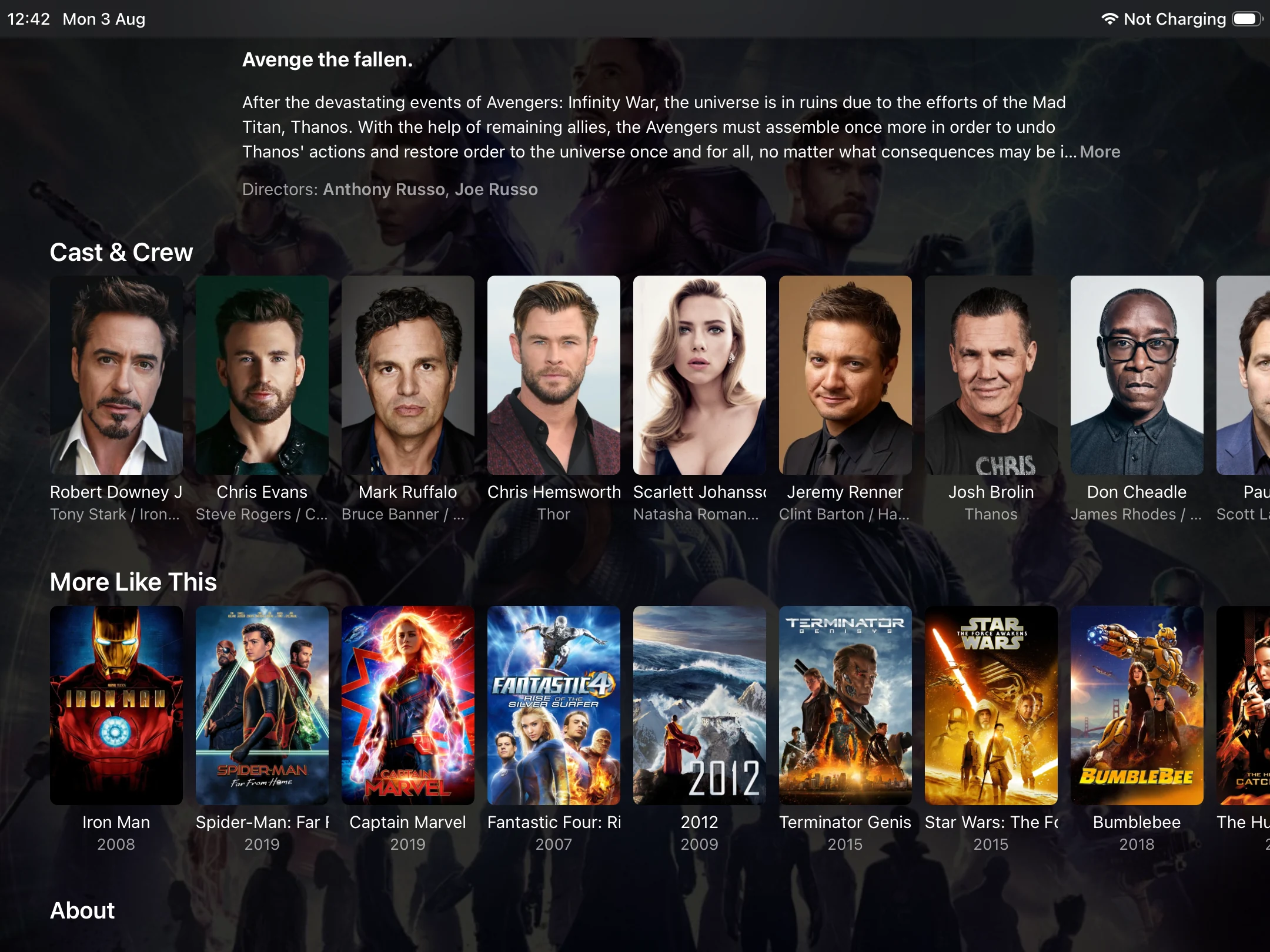
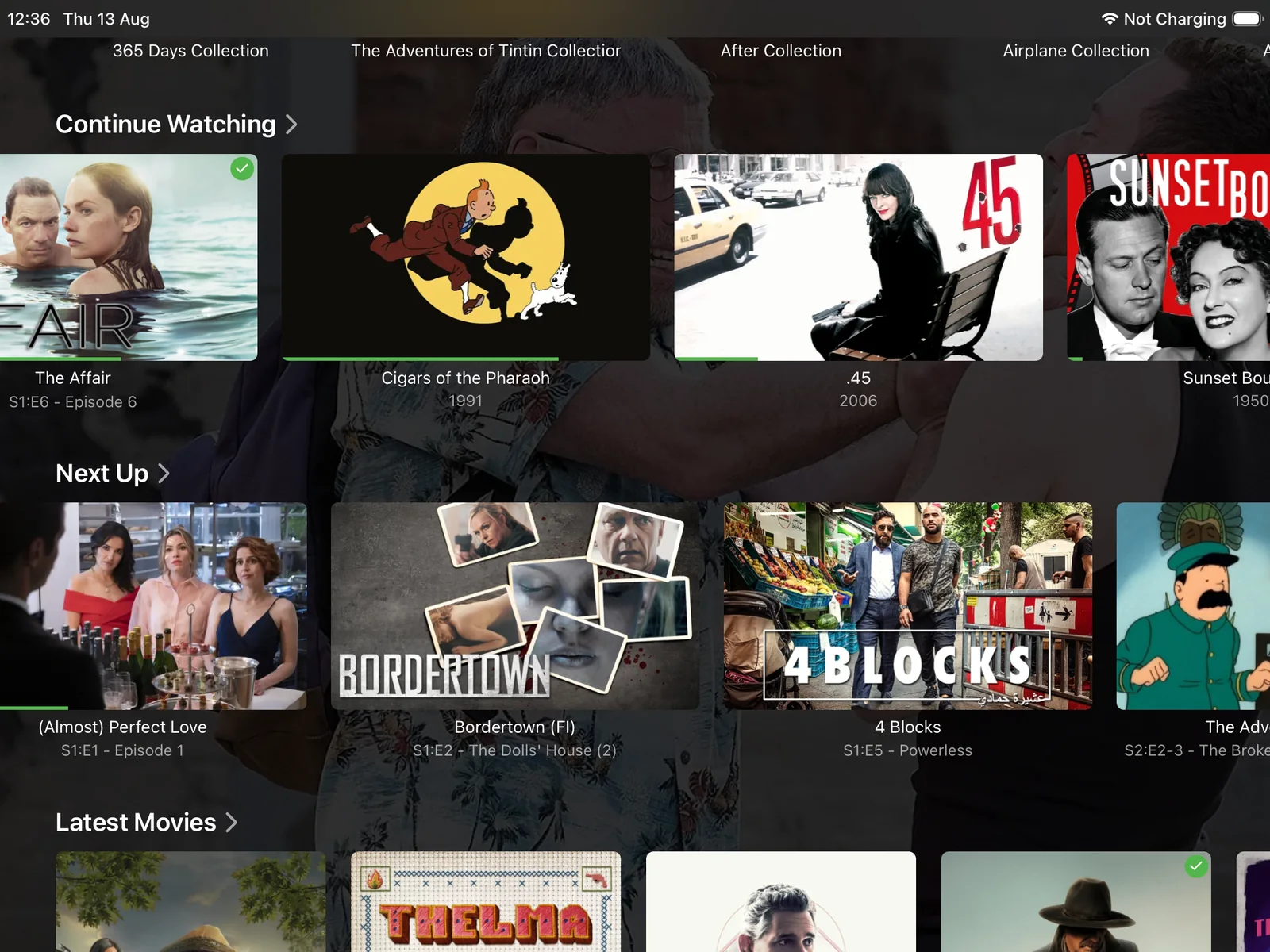
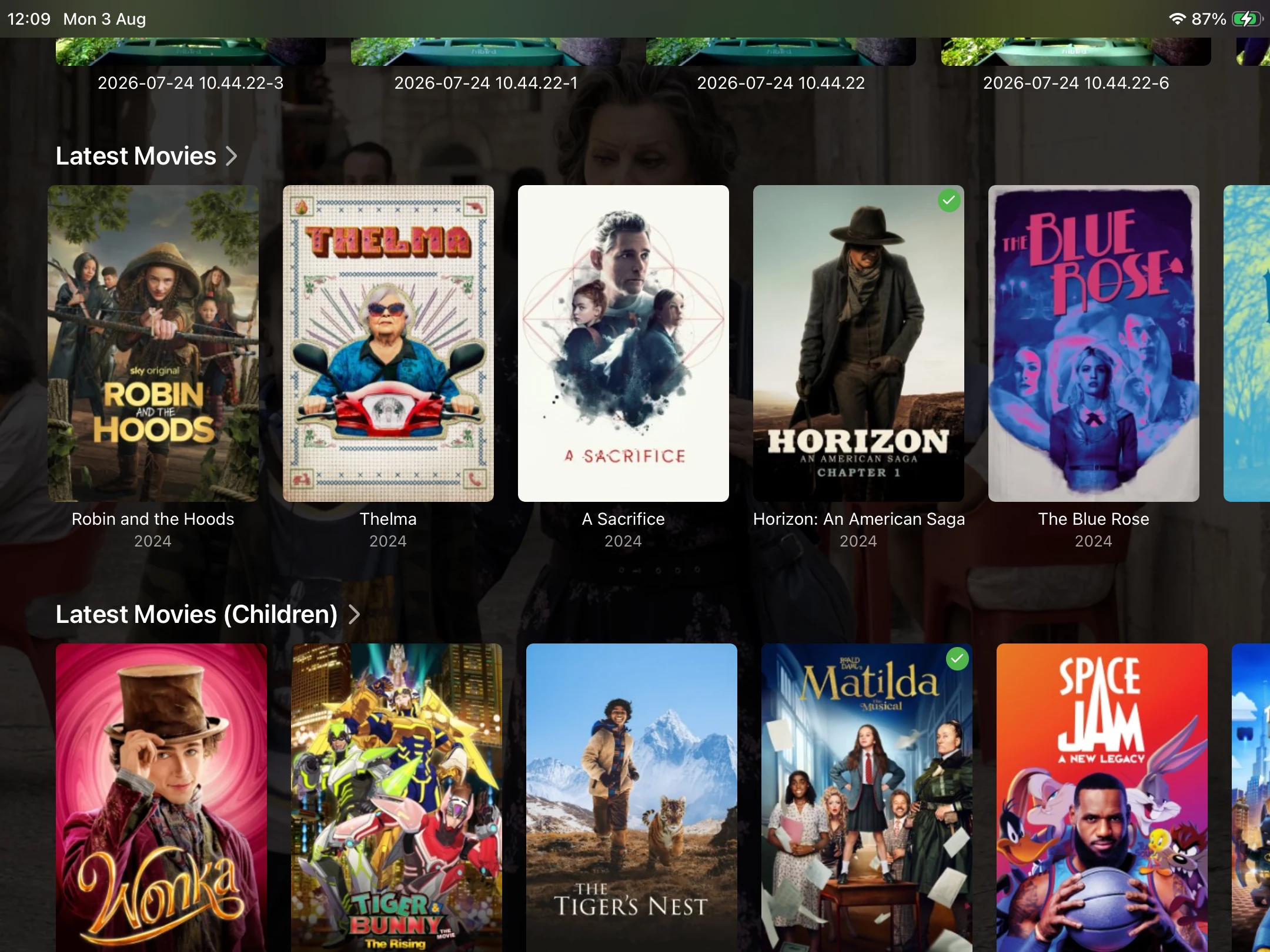
Move through movies, shows, personal videos, and collections with artwork-rich rows designed for touch.
Everything in one place
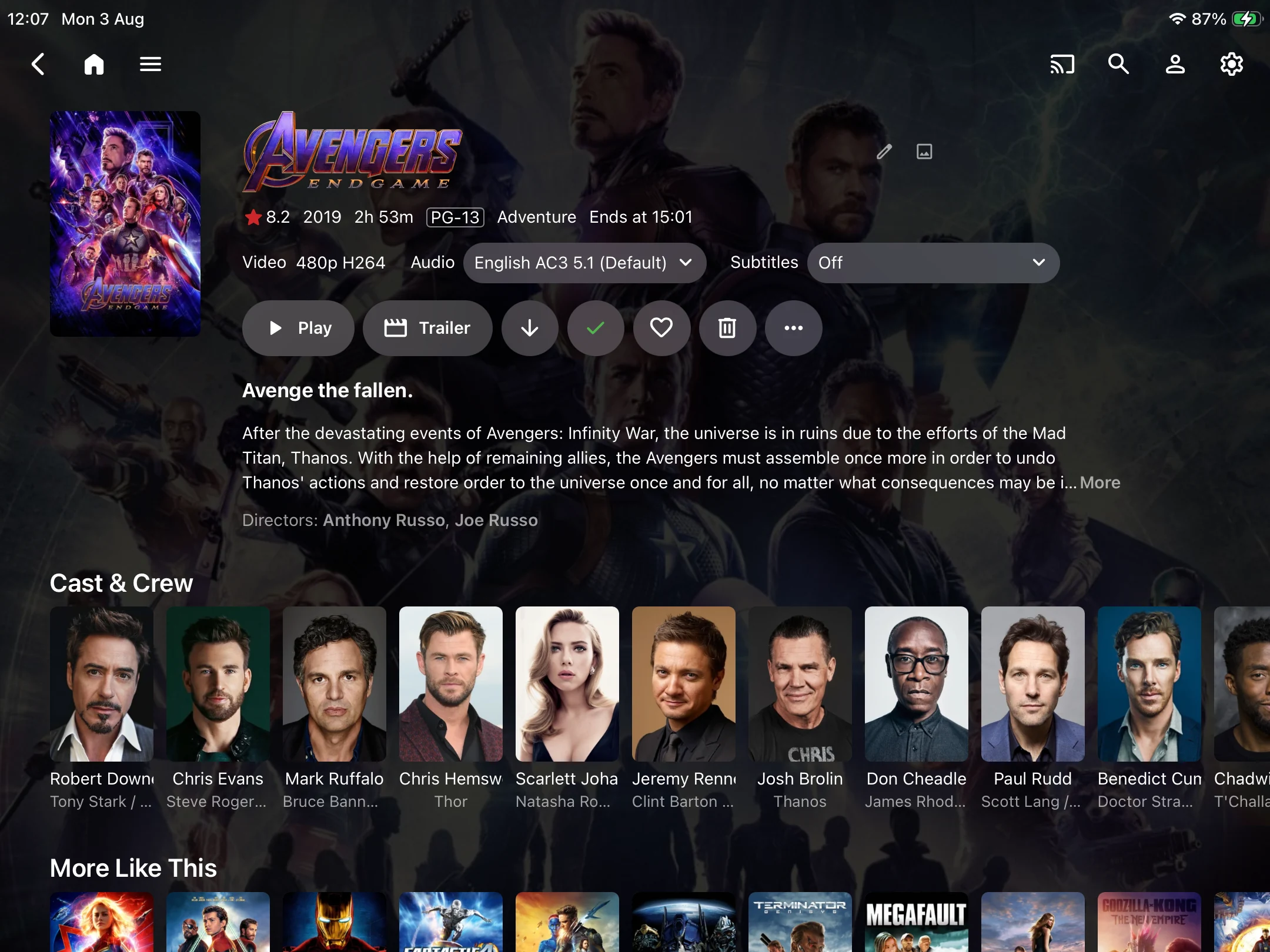
See artwork, ratings, runtime, playback options, audio, subtitles, and more on a focused details screen.
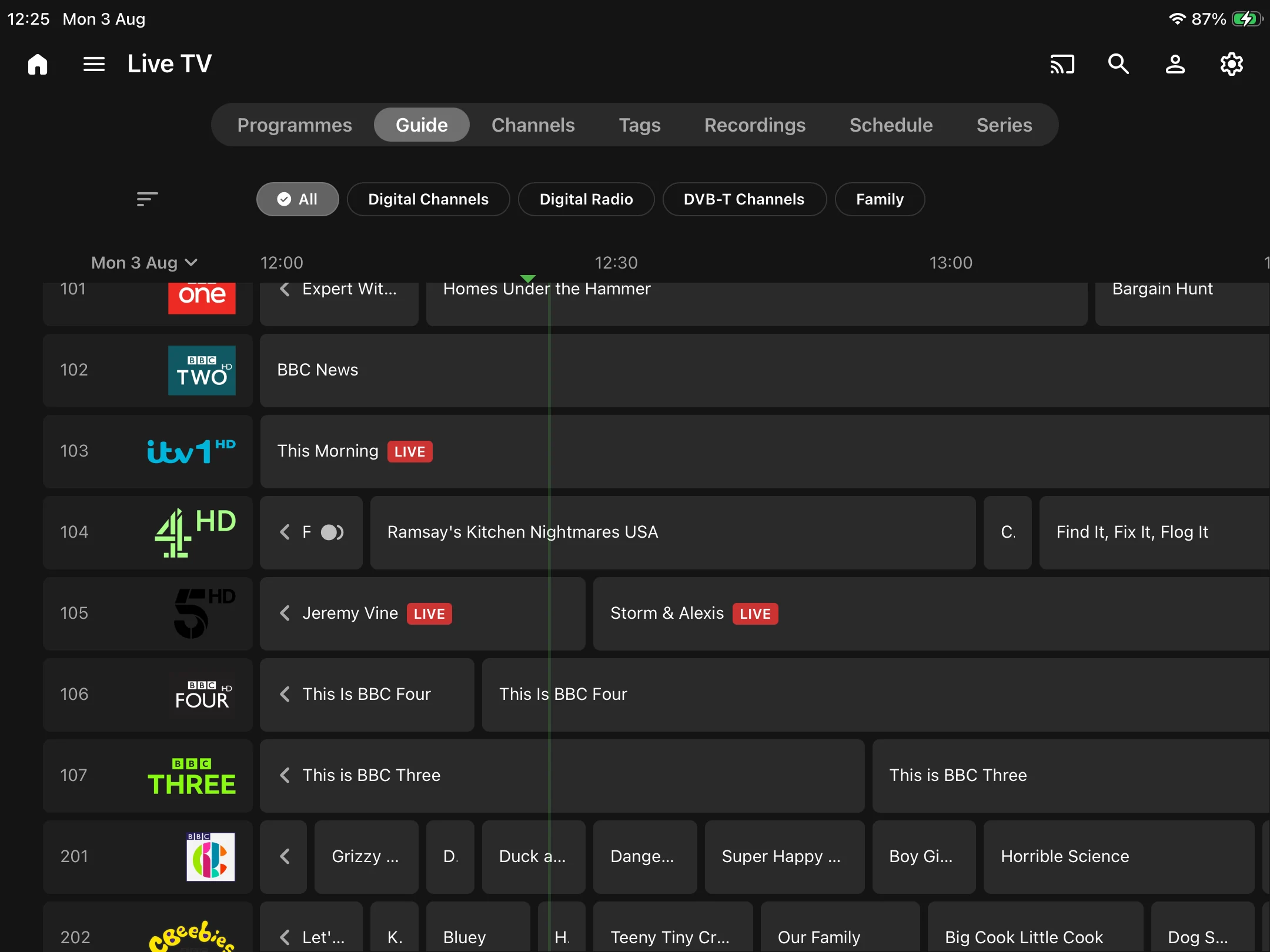
Live and recorded TV
Explore your channel guide, find what is airing now, schedule recordings, and move between channels without leaving the app.
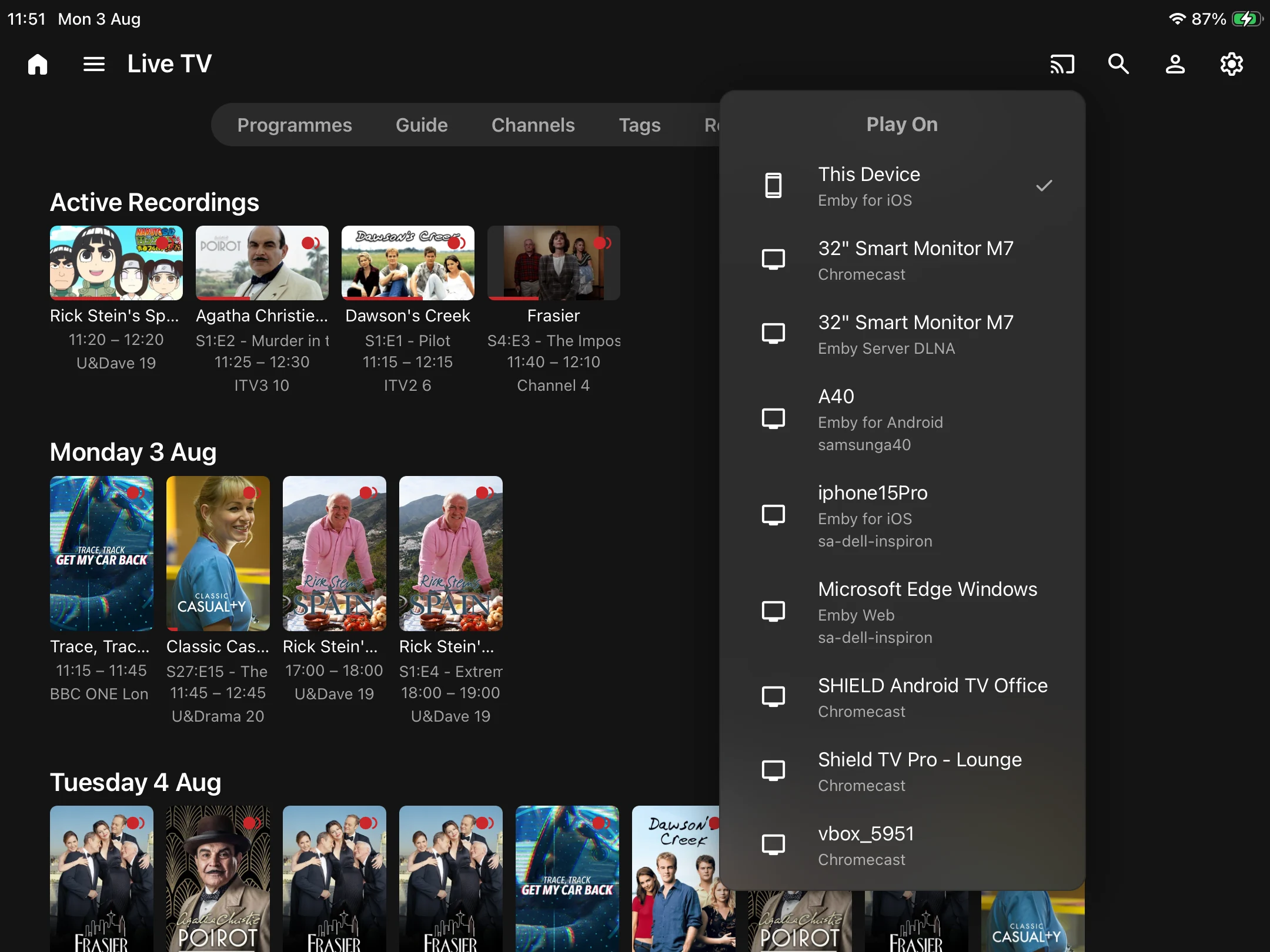
Play it your way
Choose your iPad or a compatible device on your network and control playback from one convenient place.
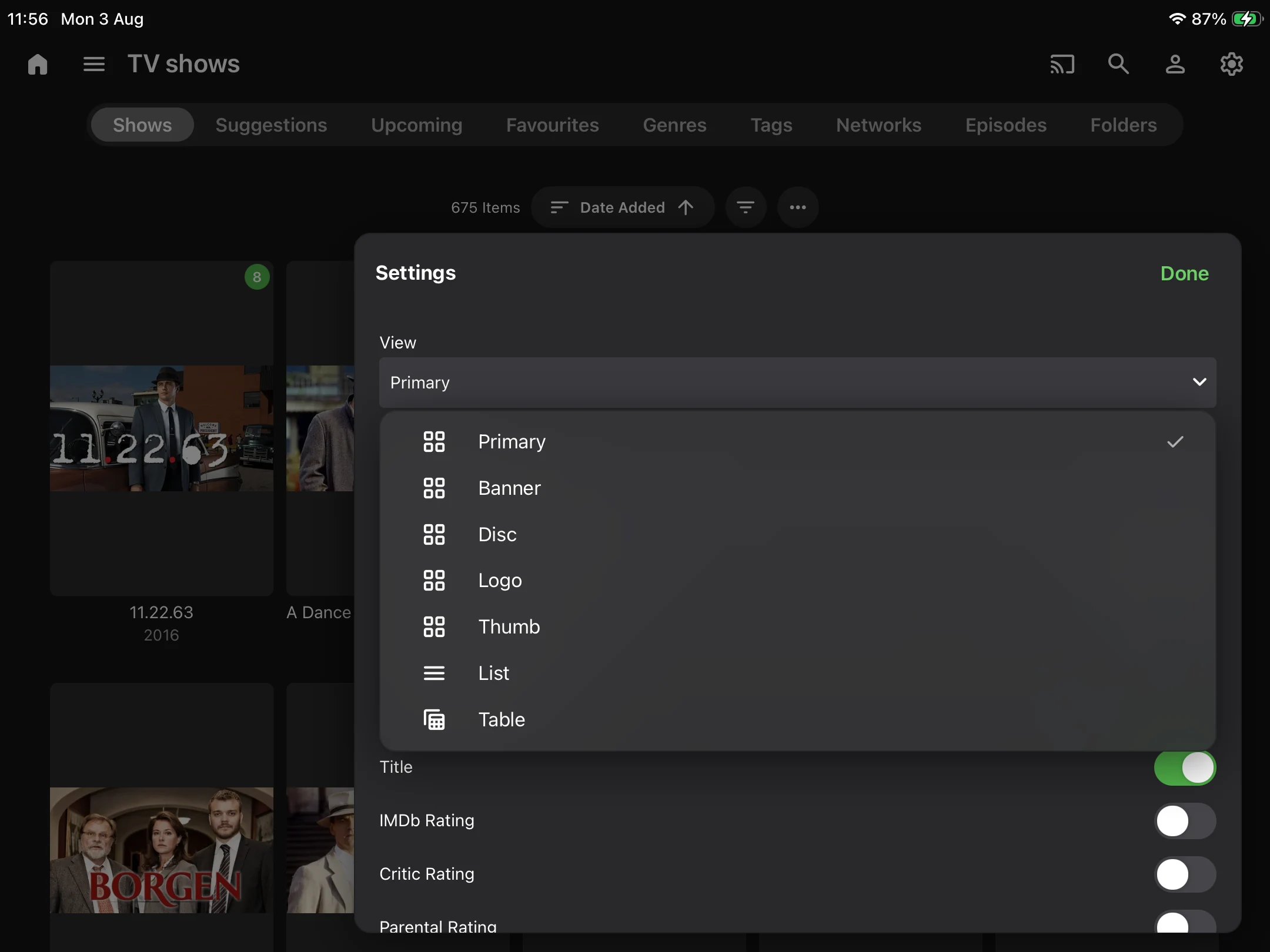
Flexible views
Switch between poster, banner, logo, list, and table layouts, then choose the details that matter most to you.
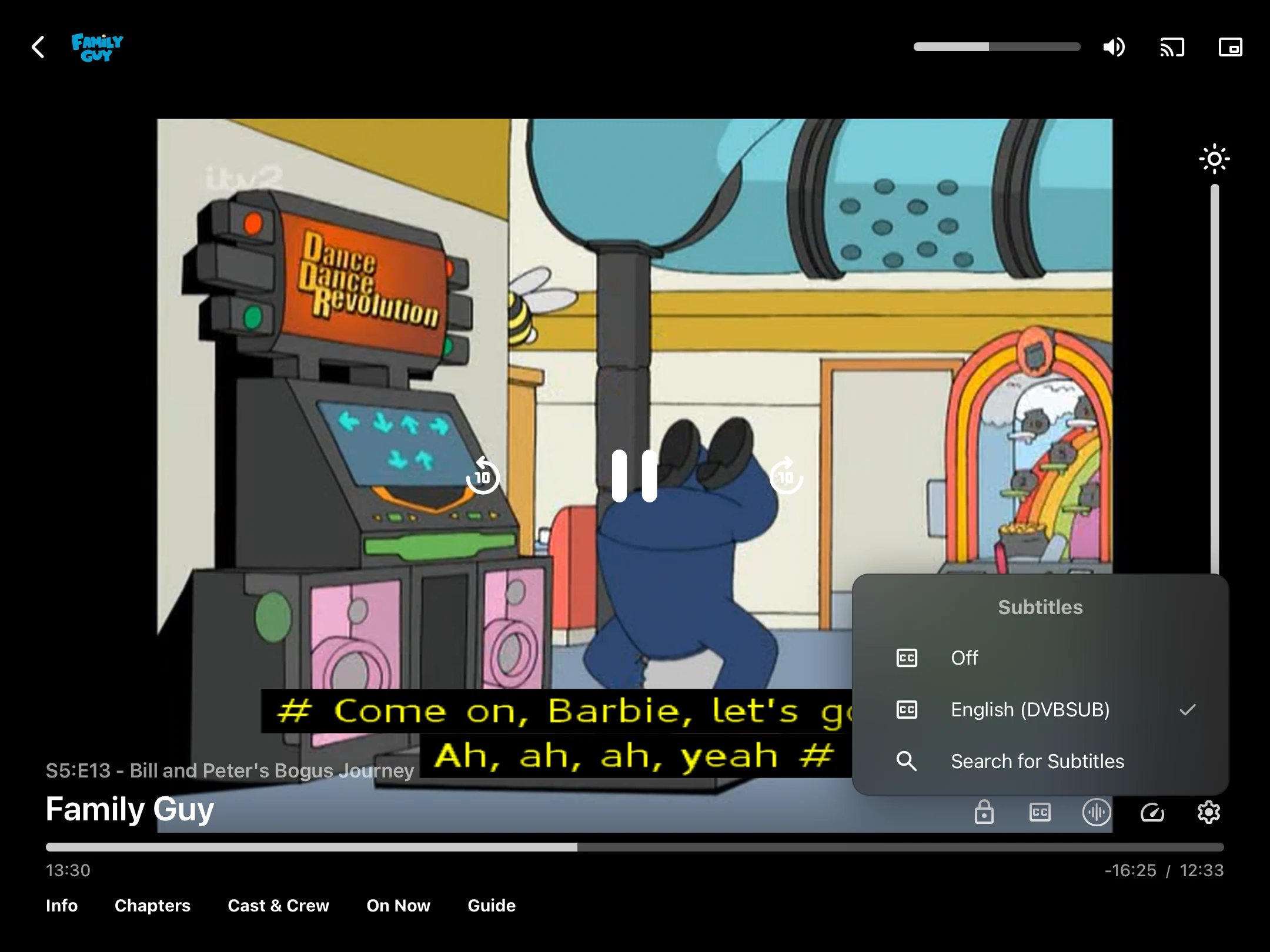
In control
Manage subtitles, audio, chapters, brightness, and more without losing your place in what you are watching.
Go deeper
Move naturally from a title to its cast, crew, recommendations, and other useful details from your library.