Leaderboard




Popular Content
Showing content with the highest reputation on 05/26/26 in Posts
-
I didn't want to hijack yonker's plug-in thread, so I'm starting this here. I've created 3 sets of icons for this plug in. I called them MaterialLight, MaterialDark, and MaterialBlack. I made them for "me" but would be happy to put them on my GitHub if enough people think they are good enough for them. My main goals were: Readability. Matching Emby's Font and UI as close as possible. Colors that would compliment Emby's, in fact several badges are Emby colors including the available accent colors. Use material design icons, again, going with the usage of Emby's. I attached some screen grabs so you all could get an idea.
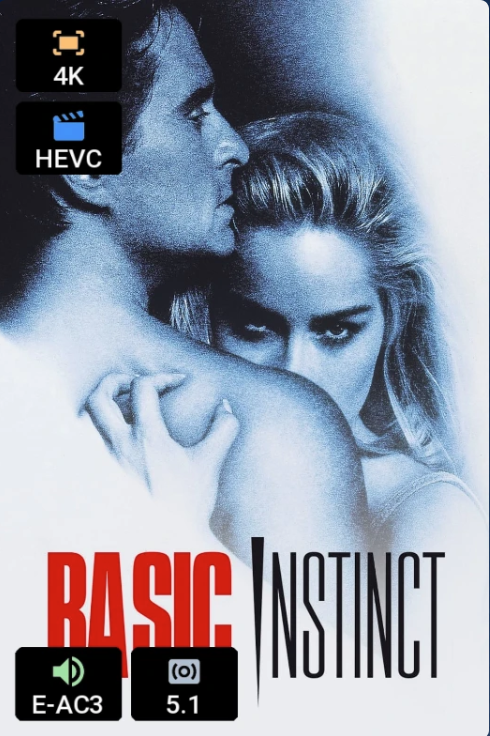
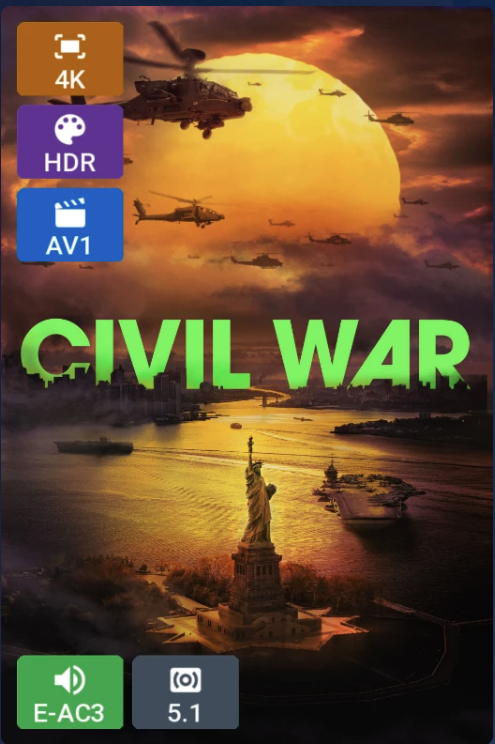
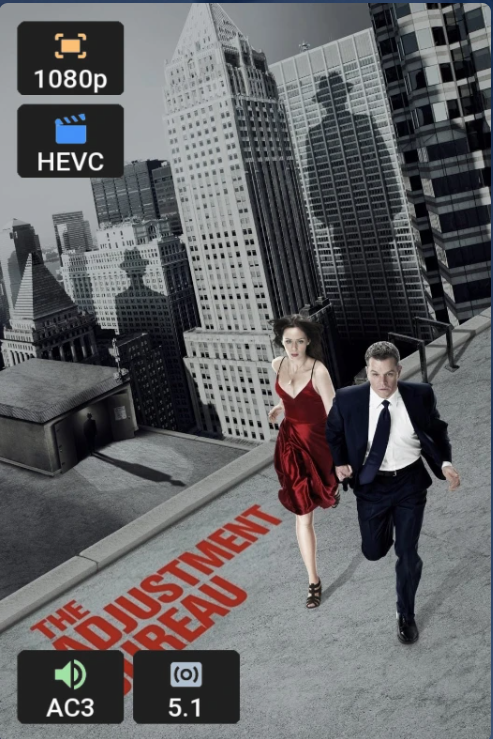 2 points
 -
v6.0.1.2 - live now on Catalog * Created permanent fix for server v4.9.5+ to address GLIBC issues (LD_LIBRARY_PATH is now set to "" when processes/scripts are running in the Emby execution environment) * Rectify transcoding null log entries issue2 points
-
Of course it's going to be half baked when you have 1400+ contributors..It's a case of too many cooks spoils the broth. Luke alone has 13424 commits in their git, which is almost 50% of all commits. They are still riding on his coat tails almost a decade later.2 points
-
Essentially, I love Emby. I've been a lifetime user since before the rebrand. Thank everybody for their hard work. The android apps are great but they're both off when viewing them on a larger screen, ie. a Google or Android enabled television. The regular Android app¹&² is fully functional but with it's animations and other elements, obviously designed for smaller screens and the for Android TV³ version is designed for bigger screens but missing certain functionalities like trailers and display augmentation for things like playlists. For further detail, instances like viewing the description of a film in the Android app¹&² on a TV turns the entire screen gray, which is jarring, especially when all the other elements are transparent. But on a when viewing on the film description on your phone, it's not only transparent but scrollable. Or when shuffling films in the Android app¹&² on a TV, if you scroll thru the next items, the posters sit atop chapter background artifacts, as opposed to just showing the posters themselves but on a phone it's laid out appropriately. I haven't finishing going thru all the differences between the three versions (the same Android app¹&² on small and large screens, and Android TV³) but these are some of the ones I've noticed and slightly impact viewing.1 point
-
Many thanks for your reply. I downloaded this video so i have no idea where the source came from, some videos are a Hybrid where apparently more than one source is used. I think your talking about the master having these problems. I downloaded another copy of the video, there are no warnings with this one, it has an AC3 5.1 audio track and it plays just fine. For some reason many concert movies are in DTS format, so its hard to avoid it sometimes. It is very strange that the combination of DTS and a corrupt video could cause this problem.1 point
-
It's not fixed for those of us running v10. We are waiting for the LG TV client to be updated.1 point
-
@Luke I'd like to inform you that the new update (Version 4.9.5.0) has resolved the subtitle issue on LG TVs. It took a while, but it's finally here. Thank you!1 point
-
Hey that worked, can't believe I didn't think of that. Thanks1 point
-
Great - now that we know it is genre cleaner then i can follow this up and troubleshoot It may be an official plugin but not one that comes pre-installed with emby server1 point
-
Looks like there is some edit at 28 minutes 40 seconds and the video has a bad segment for abou 4 seconds. I would guess that someone edited scenes together from two media souces and did not remux or reencode the video. Either they didn't test it, or the player they were using to check, automatically played through the glitch. If this is true, it's a production editing error. A correct way to fix this would be to reedit from the media and / or reencode the problem section and edit it in again. I assume you don't have the parent media, so If you remuxed or reencoded the entire video, that may also fix it, but reencoding would lose a generation. This type of combination problem seems typical for old and rare music performances. This is also why creating a useable media from various old sources like concert footage has a large post producion budget. In short, it looks like an edit flaw and the fault could be with the post poduction editing. Whoever did it, needs to do it again before getting paid. Ha! If this happens many times with other media from different sources than that would point more at an Emby issue. Perhaps DTS handling could be smoother and that could be part of it. Anyway, that's my guess.1 point
-
The Spotlight was never meant to be used in TV mode and therefore absolutely not testd, as we can see now. Also there will be no further changes to it. I'm just waiting until the official sportlight makes it into stable. Let's see what can be done here....but no promises.1 point
-
Many thanks for your reply and apologies for the late reply. I followed your suggestion regarding that possibly DTS could be the problem. Also possibly a corrupted file. I run the last 7 mins of the video and it does replay the credits with DTS selected. When i run it in stereo it plays the last 7 minutes just fine. I did the test 2 times with stereo and 4 times using DTS and it does repeat. I ran the file through MKVtoolnix and it found lots of warnings, see attachment. After this it still replayed the video titles when i selected DTS as the audio source. Another thing i noticed it does not automatically return to Emby at the end, it hangs with the blue circle and stays there. If you think i should process the file another way then please let me know log mkv.txt1 point
-
@sa2000 Here are settings requested. For the Films library: Films: Library settings: Preferred metadata download language: French Certification country: Frnce Preferred image download language: French Folder scanning mode: default Multi-version item detection: Detect multi-version based on both files and metadata Library / Advanced settings: Preferred metadata download language: French Certification country: France Let me know if you need anything else The server has one network port with direct public IP (it's in a rack in a datacenter) and the other one with a non routable IP that is connected to a local LAN for monitoring and management. Emby is configured to use an external domain that points at public IP of server and it has an SSL certificate (Secure connection mode is enforced). Thanks1 point
-
I found the place (specific log lines) where we are not anonamizing the public IP address. I will refer this to the development team i am looking at your log and I can see that genre was added but then got removed - "Science-Fiction" and "Aventure" Can you tell me what your settings are for the following: Settings / Library / Advanced (i.e. global default) : * Preferred Metadata Language * Certification Country Settings / Library / library = Films / Library Settings: * Preferred metadata download language * Certification Country * Preferred image download language * Folder scanning mode * Multi-version item detection (sorry - i am including options that are probably not relevant - but i want to have similar settings to yours when testing it out)1 point
-
I have all 3 as well, and use Emby pretty much full time. Jellyfin has definitely come a long way but the current version has some horrible performance issues with large music and mixed content libraries. An older build works fine but a number of clients no longer work with that particular build. It's not ideal. I also like that the ecosystem seems pretty active with lots of clients and tools/plugins being developed. I'd love to see those for emby too.1 point
-
Thanks, it looks like it's fixed (no more Chinese hieroglyphs, lol). That's nice of you.1 point
-
Yes, the brightness slider works well on my tablet. My previous comment was more of a feature request, but I'm perfectly fine with the way the Emby app is right now.1 point
-
@Ulli66This should help you with your error. "The configured user limit (8192) on the number of inotify watches has been reached, or the operating system failed to allocate a required resource."1 point
-
I just reinstalled the app, and now it's fine. You guys should maybe check it out. It should not have changed my theme at all.1 point
-
Thank you @SuliamuI'll be releasing an update shortly to rectify that.1 point
-
@LukeI have tried all of those steps, and even recently did a factory reset of my PC that my server is connected to, and I still cannot connect. @visproductionIn the google 6e router it forces you to reserve and IP in order to do UPNP port forwarding.1 point
-
I'll have to check the logs next time it happens1 point
-
Thanks for the update @SamES It's understandable that some people on this thread are grumpy about the time taken to resolve this issue, especially if they are heavily dependent on the subtitles, but I wanted to express my thanks because at least our LG TVs continue to be supported. I am confident the new client release will fix the issue, and if not, there will be plenty of people who will be happy to pile on1 point
-
this is possible. i have emby running on server 2025 and indexing is off. i have no issues1 point
-
It's 2026 - and I'm also interested in this feature1 point
-
It takes time to get the release through LG, I have tested it and it should be fine in the next client update.1 point
-
I had a similar problem. I used a local language model to help me troubleshoot it. adjusting the audio track before it hits emby seems to fix it for me, I hope this information helps. I've attached the report. Emby Live TV HE-AAC Playback Failure Report.md1 point
-
From what I understand, this was caused by changes to the searching query logic. There was a recent update that introduced searching by multiple phrases (where previously only exact phrases would be searched, even when multiple words were entered). Now when you search, the database is being queried by every word you entered, individually. That's why I believe in some (but not all) cases, putting your search query in quotes "" will make the search actually return, but even then it's still not guaranteed. Emby either needs to revert this change or formally optimize the search query logic.1 point
-
That’s a good point. I do remember changing some Windows Indexing settings a while back, though I’m not sure if that lines up with when this started happening. Either way, it’s worth disabling it to test. I’ll report back tomorrow with the results.1 point
-
I doubt it. They way its being built is like having a classroom full of kids make a clay sculpture. No one has a plan for what the end product will look like, and it ends up a misshapen lump. It is being directed but at some point it begins to be pulled in too many directions. As it is it uses a ton of system resources vs. Emby. That will not likely change for the good, but instead will continue to become more and more bloated and require more computing power to run.1 point
-
Are these in the same Hetzner DC or different DCs? Different DCs may have different routing paths to your ISP. Some paths may be slow while others may be fast, explaining the buffering. Try running a speedtest to both your servers when you experience the buffering. Self-host this as the speedtest server on your Hetzner servers: https://github.com/librespeed/speedtest1 point
-
Apologies for the late reply, business travel overseas. Yes, it eventually worked after rebooting the server a couple of times. Thank you for your help.1 point
-
That's actually a good idea, I will do some testing. Thank you It seems to be working fine with LD_LIBRARY_PATH="", so I'll keep that for the next release, thank you again. scripterx@scripterx-dev:~/media/Scripts$ tail playback_php.log Playback: START : User scripterx on device Chrome Windows - media: (7) Toy Story 3 Code edit: if(!Plugin.IsWindows()) proc.StartInfo.EnvironmentVariables["LD_LIBRARY_PATH"] = "";1 point
-
HI, yes this is something we could look at. Thanks.1 point
-
HI, we are still looking at this. Thanks.1 point
-
New bug-fix release - Version 4.1.1.2 Download .dll and full release notes: https://github.com/soderlund91/HomeScreenCompanion/releases/tag/v4.1.1.2 Bugfix release IMPORTANT! Minimum required Emby server v4.10.0.12 Release notes Fixes Top-list: Fixed an issue where thumbs didn't get the number overlay Note: If a poster or thumb is not updated with the number overlay, it indicates that no usable image was available in the original library/movie. Ensure downloading of posters and thumbs is enabled beforehand. HomeScreenCompanion.dll1 point
-
Instead of that, why not address the issue directly and try to find what in the Qnap firewall (or whatever) is blocking access to mb3admin.com? Paul1 point
-
Sorry, after investigation, the issue seems to be with the phone system. The Android software I installed on the HarmonyOS 6.1 system may not have sufficient network support. Entering IPV6 is possible, but domain names are not supported. I can successfully access the internet by entering a domain name on an Android phone. May I ask, will your company develop apps that run on the HarmonyOS system?1 point
-
Just ran into the same issue1 point
-
Bob, There are 6 different subtitles, so that number is correct. The question is there some corrupted data in your media from an inproper edit or non-valid damaged data? Quite often, a video can appear normal with some 3rd party player that automatically smooths out errors while players in a TV App or browser are not as sophisticated and cannot fix such errors during playback. You can try checking if the media is damaged by running a quality test / probe. You can also remux the media, which often fixes problems so that the new copy doesn't have the same errors. You can also get a quality test video, made perfectly with mutiple subtitles and see if that plays back correctly. All these can point to the media having the problem. If the software is the problem, then every test would still get your error. Since no one else experiences your problem, it does seem to point to your media has bad data. I think a lot of people play the media back in a more advanced player, which fixes issues and use that as proof, that the media is fine. But that is not a proper test. I've seen a lot of issues with DTS media that might mean that transcoding from DTS runs into many issues. I don't ever deal with DTS, so perhaps someone else can comment. Hope that makes sense.1 point
-
bump1 point
-
Rebooting the tuner didn't do anything. As I said earlier, it looks like it's either some firewall-type configuration in Docker or a configuration of the Container. When I set the Network Mode to "host" (which appears to be the default setting for DNLA and Wake on Lan settings, according to the comments in the Docker Compose [e.g. two features I don't use])., everything works. When I remove the Network Mode configuration and just use port mapping (which just maps into the container, not outwards), it doesn't work. I've decided to just run the container with Network Mode as host until I either figure out what's going odd with it, or it causes another conflict. I doubt the conflict will happen, since I limit the services on the Emby VM.1 point
-
https://www.plex.tv/blog/new-lifetime-plex-pass-pricing/ The price of a Lifetime Plex Pass is increasing on July 1, 2026. Get this... $749.99. You read that right. I believe with Emby you are getting quite the bargain.1 point
-
Notice how the Plex Pass is barely even mentioned anymore on their site? This is just another step in their eventual move away from personal media entirely IMO.1 point
-
@Lukesorry for the late response. I’m still having issues on the tvOS app after the recent Emby app update. Both before and after the OS update to 26.51 point
-
If you’re new to the world of media servers, you might be wondering what they are, why people use them, and where Emby fits in. Whether you have a collection of movies, TV shows, music, personal videos, photos, or all of the above, a media server helps you take control of your entertainment. Let’s break it down. So, What Is a Media Server? A media server is simply a system that allows you to store your media in one place and access it from anywhere — your TV, phone, tablet, computer, or even while on the go. Instead of hunting through drives, folders, or different apps, a media server organizes and presents your library in a clean, familiar interface with artwork, descriptions, cast info, and more. Think of it as your personal streaming service that is built around your collection, not someone else’s. An important note and one we can not stress enough, is that Emby does NOT provide any movies, shows, channels or other media. Emby is only for organizing and streaming YOUR own content. Why Choose Emby? There may be several media server solutions out there, but Emby has a philosophy that sets it apart: Your Media. Your Way. With Emby, you are in control! Your library is yours, your privacy is yours, and your server is yours. No forced cloud accounts. No data harvesting. No locked-down ecosystem. Emby is built around choice and customization, allowing you to decide: Where your media is store How your library looks Who can access it What devices you stream to Whether you want to manage media manually or automatically All while keeping your experience intuitive and easy. Beautiful and Powerful Emby automatically fetches artwork, metadata, and episode information to make your library look amazing. The apps are clean, fast, and available across: Smart TVs Streaming boxes like Fire TV, Apple TV, Shield, Android TV Android, iOS, and tablets Game consoles Web browsers And with Emby Premiere, there's even more! You can unlock powerful features like: Offline downloads DVR with Live TV Advanced parental controls Hardware transcoding for smooth streaming Whether you're just starting or you're a longtime media enthusiast, Emby scales with you. This Is Just the Beginning Over the next few days, we’ll walk through: How to install Emby How to add your media Tips for organizing your library And how to stream anywhere So stay tuned — your personal media journey is just getting started. Your Media. Your Way. Welcome to Emby. View the full article1 point
-
I feel the following filter & sort options are lacking the following: * filter by HDR * sort by video bitrate * sort by audio bitrate * sort by filesize * filter by subtitle language * filter by audio channels * filter by audio language Anybody have anything they would like to add to this list?1 point
-
Not now, but a future update will make channel switching almost instant for IPTV and comparable to a hardware TV for native tuner reception.1 point
-
A que server tengo q conectarme para ver anime y peliculas por emby0 points