Leaderboard




Popular Content
Showing content with the highest reputation on 04/06/26 in Posts
-
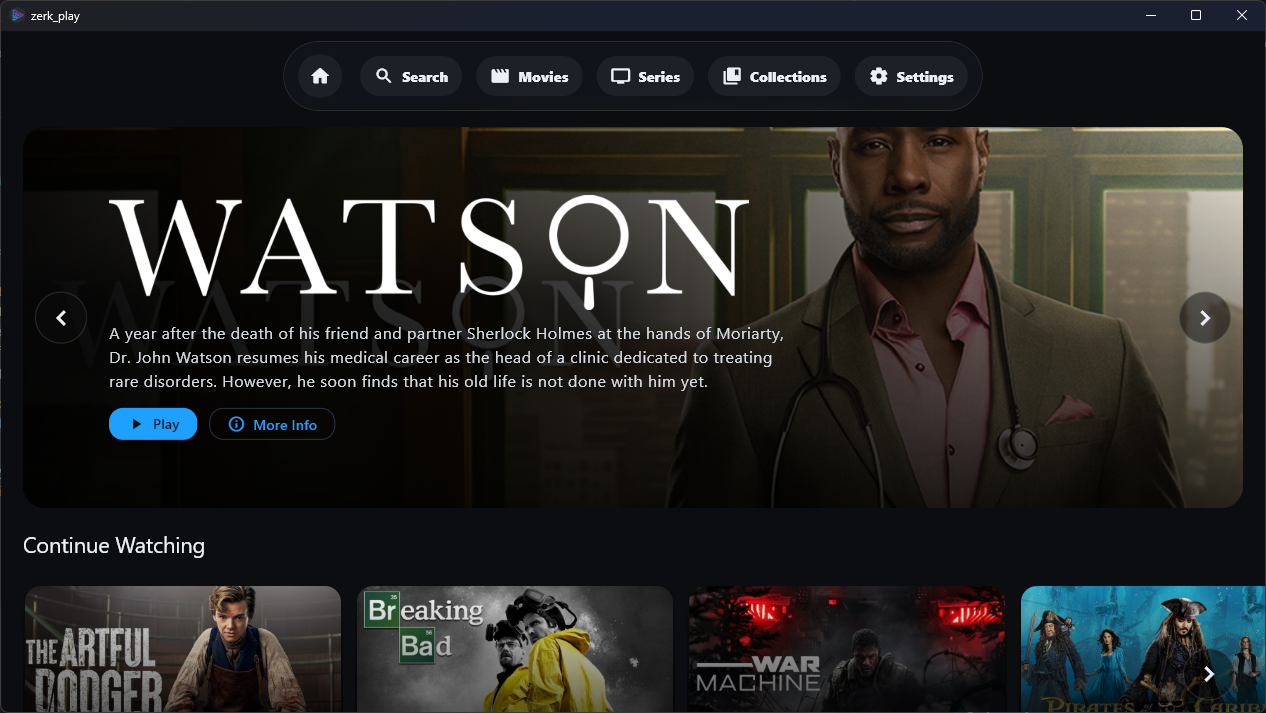
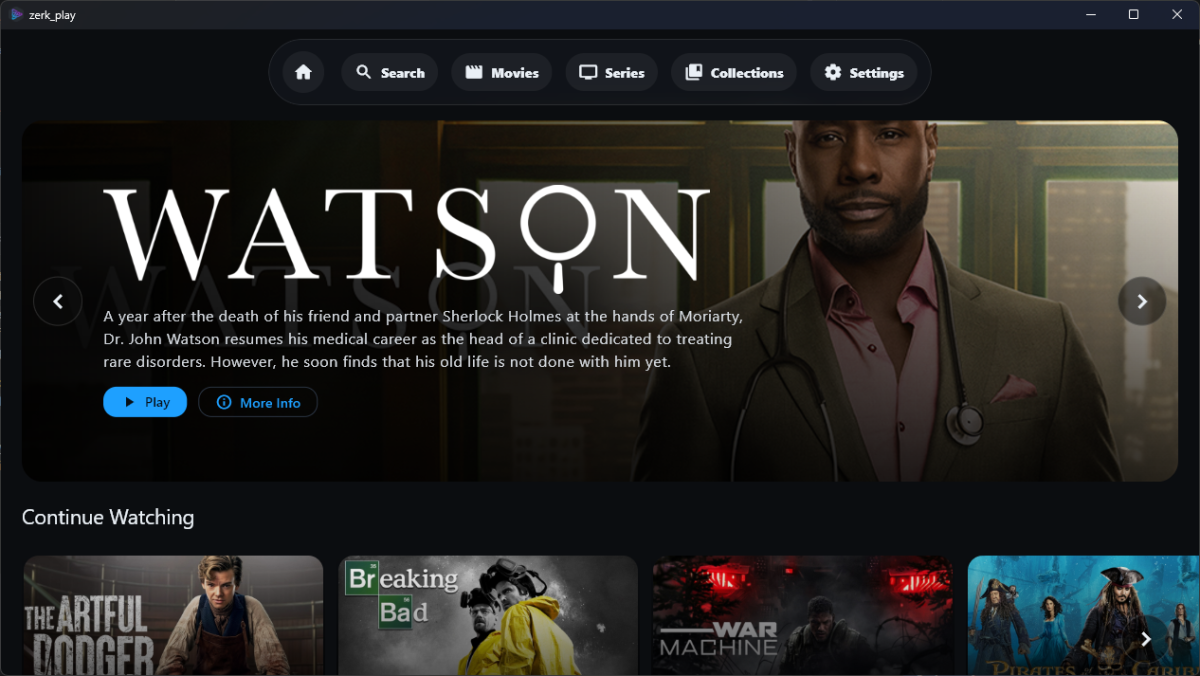
Hi everyone, I wanted to share a project I’ve been working on called Zerk Play. It’s a custom Windows desktop front-end for Emby designed specifically for those who want a "lean-back" experience on a big screen without the overhead of a full browser. What makes it different? Native Direct Play: Powered by media_kit / mpv on Windows, so it handles almost any codec natively without forcing your server to transcode. *Built-in seerr Integration: Seamlessly browse and request content via Overseerr/Jellyseerr directly within the app. If you don't have it, you can request it in one click. Couch-Friendly UI: Designed for fast browsing and high-visibility artwork. Dynamic Recommendations: Includes "Because you watched" and "Trending" rows pulled from your Emby history and *seerr instance. Features: Full Search (Library + Requests) Skip Intro & Autoplay support Multi-language UI (English & Romanian + more to come) Built-in Auto-updater I'm currently focused on the Windows build, but an Android TV version is high on the roadmap and with other versions being considered! Check out the repo for screenshots and the latest release: GitHub
 3 points
 -
I would appreciate this too! Have finally a good audio setup with Emby on a Android TV device connected to my amplifier, playing FLAC files, but now noticing the volume differences.2 points
-
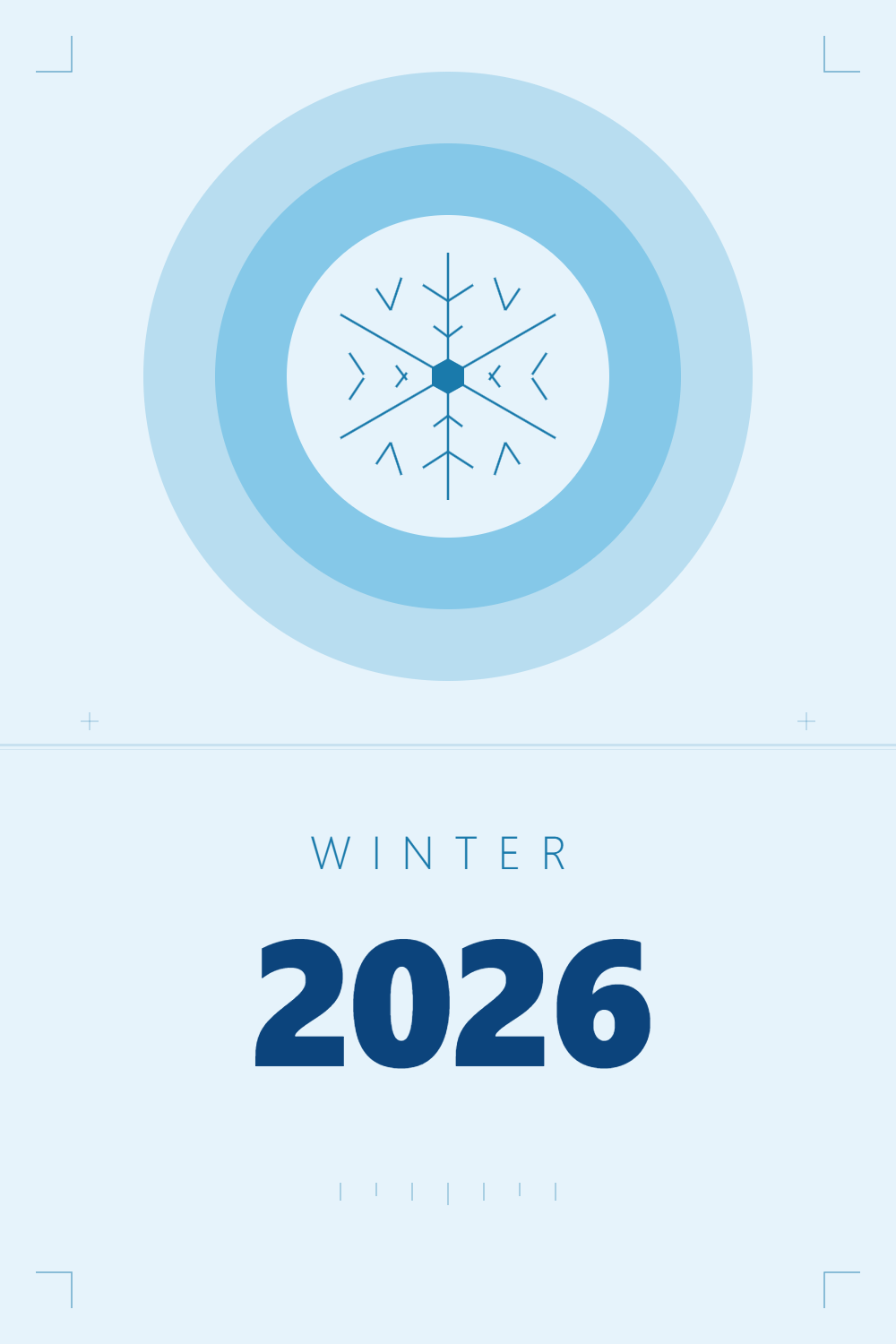
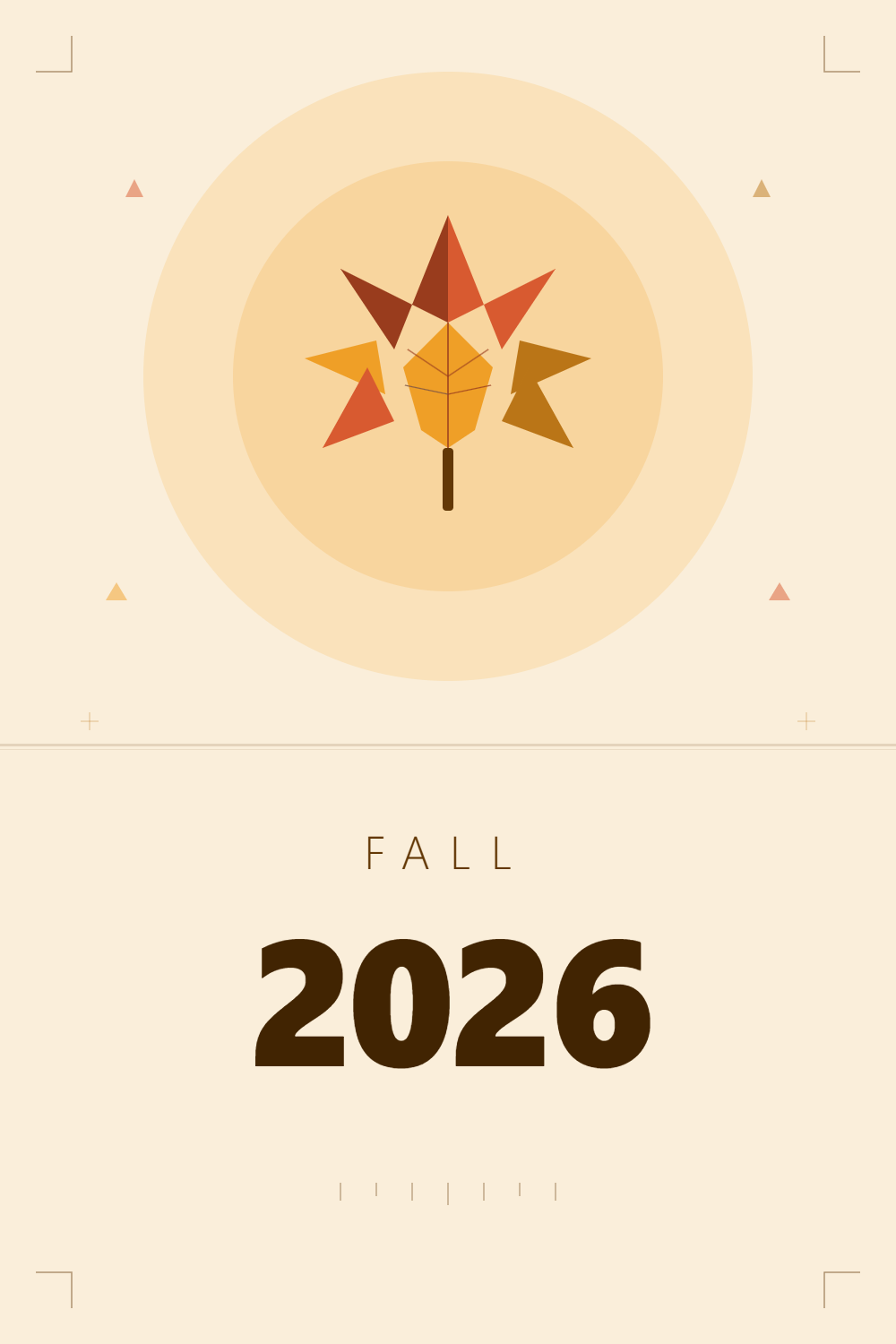
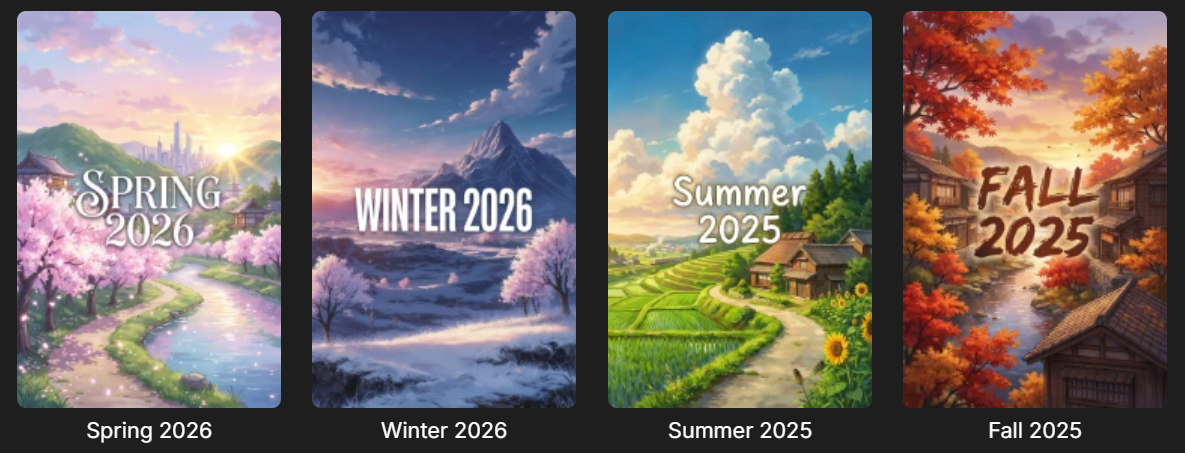
Hello, i have started to put my Anime into Season Collections, for example Winter 2026 or Spring 2026. I am looking for some ideas for a Poster for the collections. Something simple yet distinct. Here some examples:: And these are the new ones, but feel like something is off These are obviosly AI generated as i am not very creative or crafty in this field. Anyone have any Ideas?
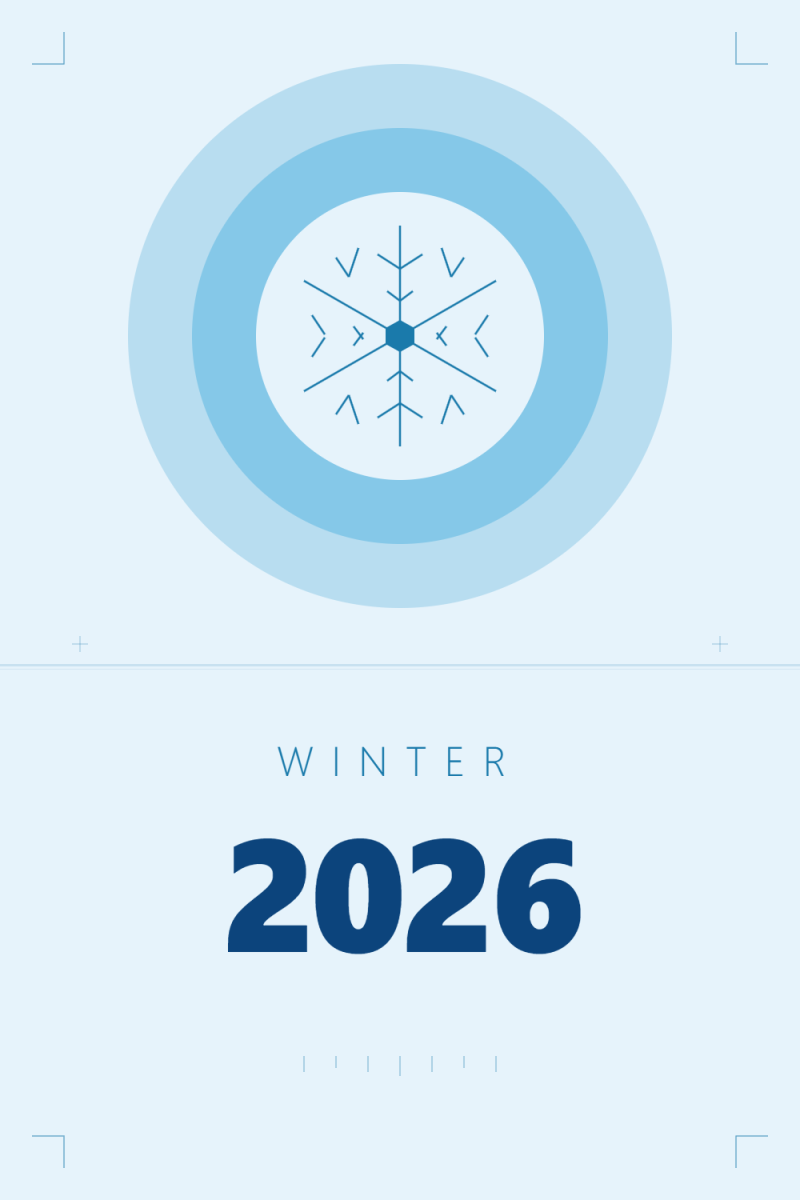


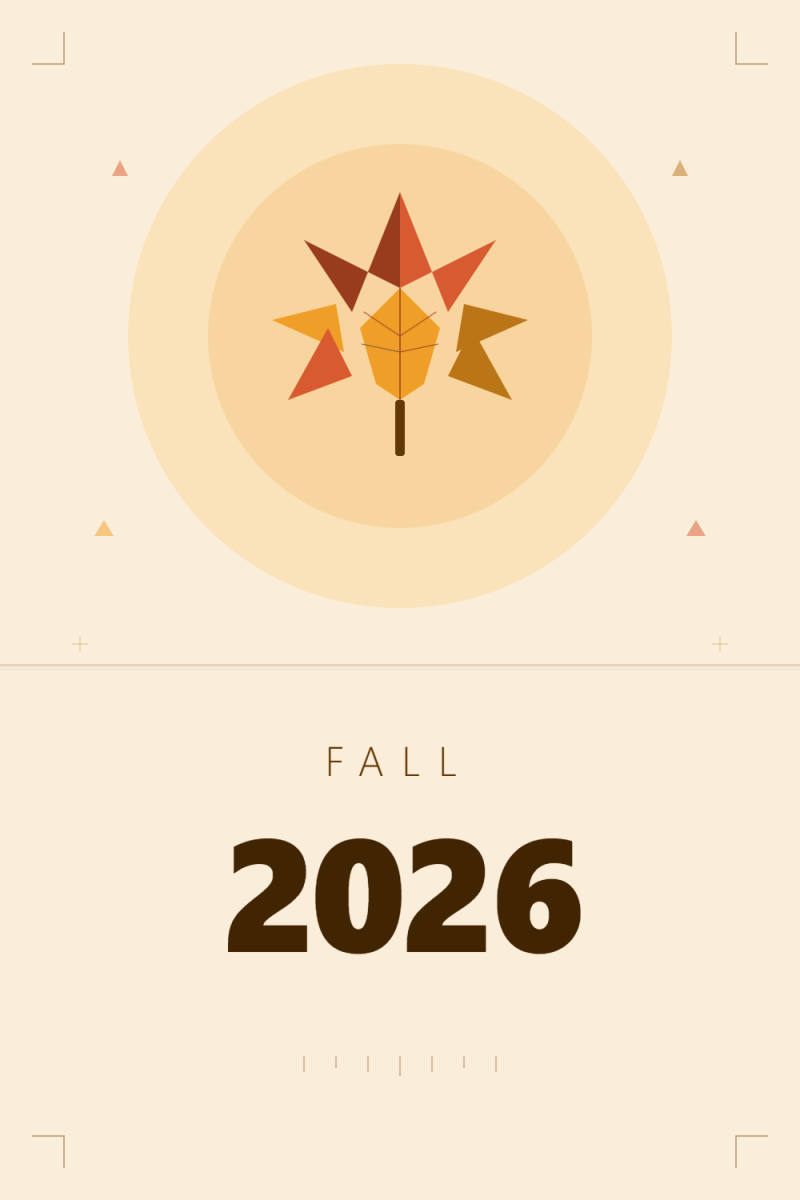 1 point
 -
And it should not be, as JellyFin forked from Emby long ago. As said, if you have any issues with Emby, server or client apps, the community would gladly try to assist. Else: JF forums.1 point
-
You have missed the appropriate forums by a wide margin, mate. Direct your queries to whoever is selling your access or JF forums. If you have any EMBY queries, feel free to return.1 point
-
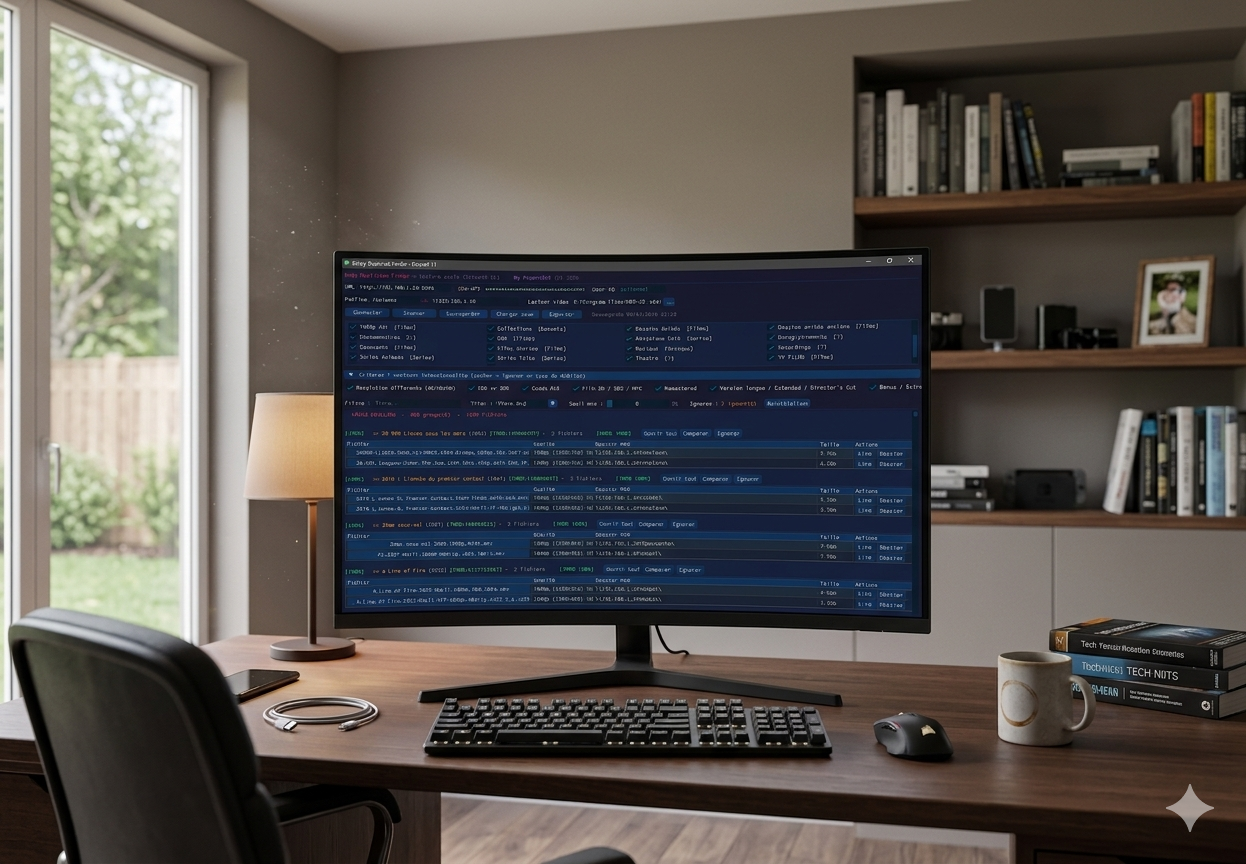
[APP] Emby Duplicate Finder – Clean up your library with ease (DirectX 11), TESTED ONLY ON SYNOLOGY ! Hi everyone, I’m excited to share Emby Duplicate Finder, a lightweight utility designed for those who (like me) end up with unwanted duplicates—whether it's different resolutions, forgotten Director's Cuts, or accidental re-downloads—and want to tidy up their library quickly. The app uses the official Emby API to scan your libraries and presents duplicates in a clean, modern interface. Key Features Ultra-Smooth Interface: Built with Dear PyGui and rendered via DirectX 11 (hardware acceleration). Safety First (Read-Only): The script does not delete anything. It identifies duplicates and gives you the information, but you retain full control. Local-First: No data leaves your network. Everything stays between your PC and your Emby server. Smart Scanning: Compares filenames and metadata to group similar versions together. IMDB ID: Generation of duplicate groupings relative to the IMDB ID, and a similarity rate if the IMDB ID is different. Quick Action: Includes buttons to open the Windows folder of a specific file directly for manual verification or deletion. Auto-Save: Your settings (IP, API Key, paths) are automatically saved to a small config file so you don't have to re-enter them every time. Prerequisites Emby API Key: Generate one in Dashboard > Advanced > API Keys. Windows: Required for the DirectX 11 rendering. Python 3.7+ (if running the script version). How to use it? Launch the application. (python or binarie) In the Configuration tab, enter your server IP and API Key. Click Connect, then Scan. Use the filters (Resolution, HDR vs SDR, Codecs) to refine the results. Browse the list and manage your files directly through your file explorer. Embyduplicatefinder Release Version Beta · Popov2026/Emby-Duplicate-Finder-DirectX-11-Dear-PyGui- Note: This project was born from a passionate collaboration between a user and AI. Feel free to share your feedback or suggest new features! PS: Your suggestions for improvements are welcome, but there are two things I wouldn't change: -Read-only on Emby Server, -local connection only (NO INTERNET). Best regards. the html export doesn't work corretly, il must work on it. emby_doublons_dpg.exe
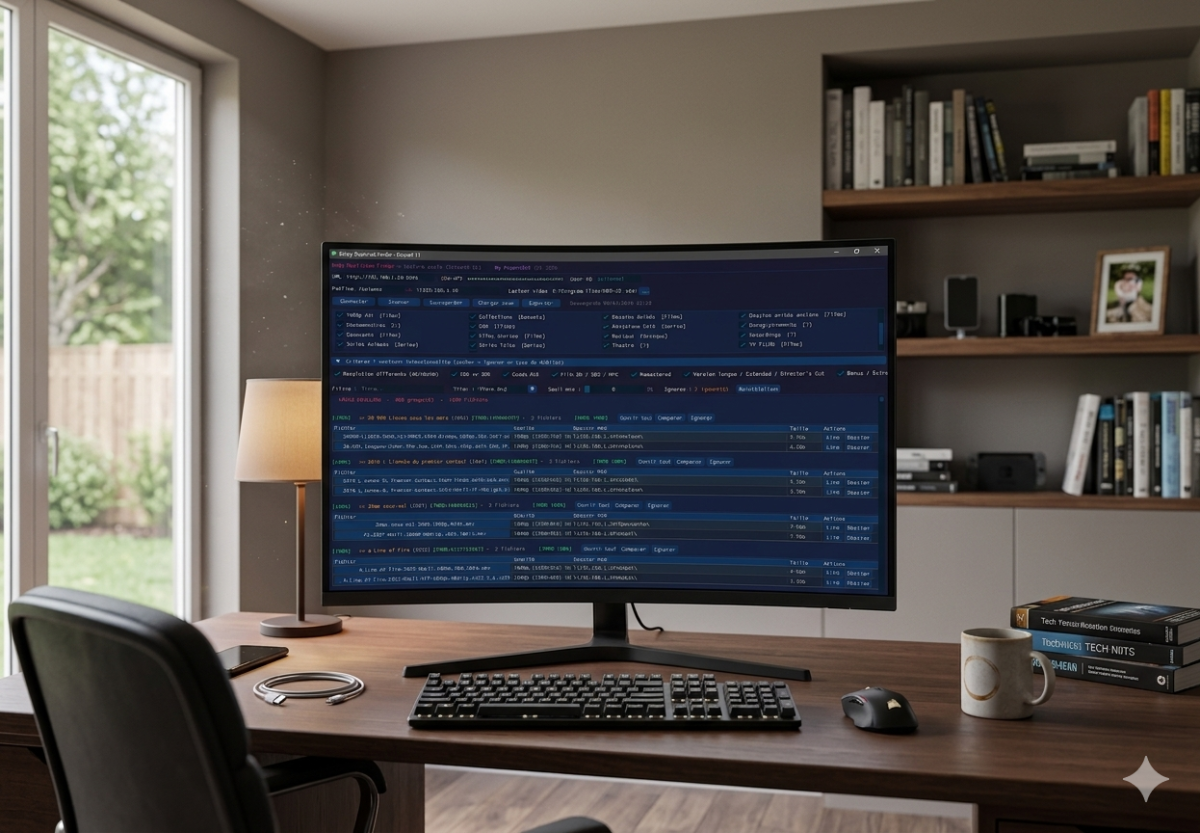 1 point
 -
Lol! I see what you mean with "Ild Kugle!" that would be just wrong.. I just feel that Bazarr, even if it translated pretty good, it still feels unnatural often.. like machine translating sentences like a book, not like a spoken dialog. like if the original text is "Hi, do you want coffee? No, I'm good" would translate to "Hej, vil du have kaffe?, Nej, Jeg er god" and so on.. It does not understand slang or spoken dialog as well as an llm..1 point
-
Sorry i meant to say i use "Bazarr". 99% of the stuff i find have english subtitles, no problem to translate with Bazarr for that 1%. Also the only place where i and my users mostly use subtitles is for anime, never translate them to danish.. I don't know, just feels wrong watching those with danish subtitles for some strange reason. Looks strange watching "ILD KUGLE" being written every time someone attacks some one else.1 point
-
I actually tried lingarr based translation, but wasn't satisfied with the quality. Also had a project where i used NLLB-200, the translating engine from Meta, which translates between all the FLORES languages, and actually trained it on norwegian and english subs to get it better at subtitle translation, but in the end, even if it was pretty good, my newest version using a mix of smart scripts and LLM processing is much better.. nearly flawless. Libretranslate was a fallback option in the NLLB-200 project, and it also had a web-interface with drag and drop etc. It is here: https://github.com/dexusno/srtxlate And if you want to use local models only, probably the best i have seen. But as deepseek api is so incredibly cheap, and also produce so much better results, I use the new project instead. I mean, you can literally translate hundreds of episodes for under 5 usd in api calls.. My newest project for files where subs are not available at all, uses a 5 step process using whisper v3 large in conjunction with local smart scripts and LLM calls to extract audio, transcribe, punctuate correctly, clean up and catch hallucinations by whisper using professional grade subtitle standards as a framework.. It works very well. https://github.com/dexusno/Transcribe-Subs1 point
-
Thank you. I was able to make it work. That is, I just updated the server and then let Kodi scan normally. Problems started when I decided to reset the Kodi local database and let it rescan everything. I noticed that using collections and tags in place of smart playlists is slow because the addon has to rescan the videos if there are many entries in the lists. Also, the Emby Android app lacks features like showing the community rating and other details on movies as one browses playlists. The viewing function is much better in Kodi.1 point
-
Correct, but I could see a bitrate limit of about 7mb/s on that playback attempt, so it would have still been trying to transcode. Do you want to set me up with a remote account and access to a few of these files, then PM me the connection details? It will be interesting to see if I can playback. That might help us to know if it's on the server or client side.1 point
-
Nope... No additional services, just a basic router with no recent changes, same internet /wifi setup has been in place over 12 mths and as mentioned other devices in the house can connect to Emby with no issues Also just confirmed, removing the remote steaming settings on the server has not helped /changed anything1 point
-
Like this, has been for years
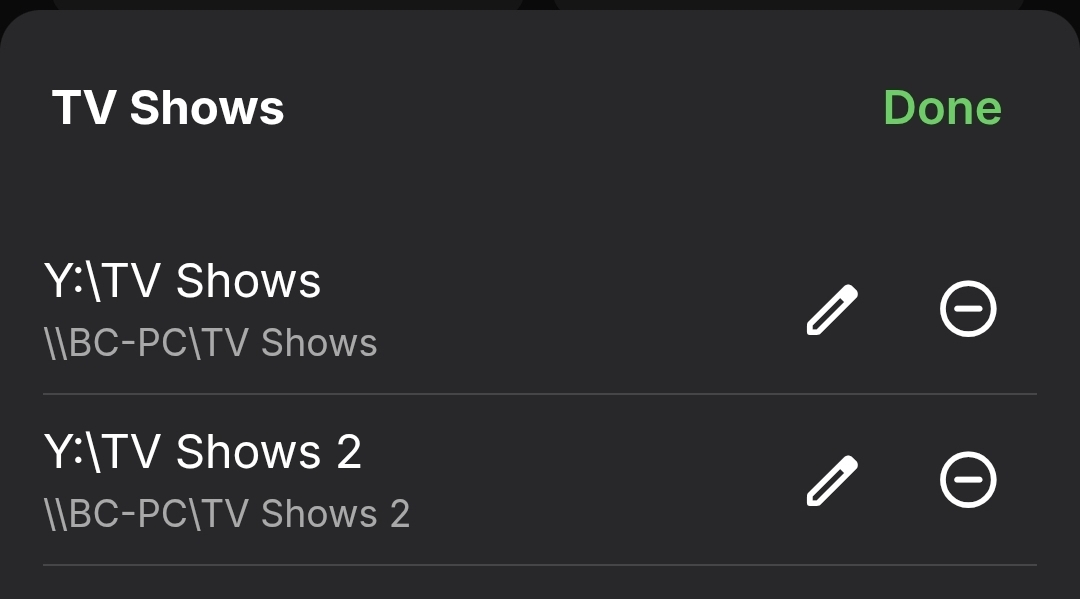
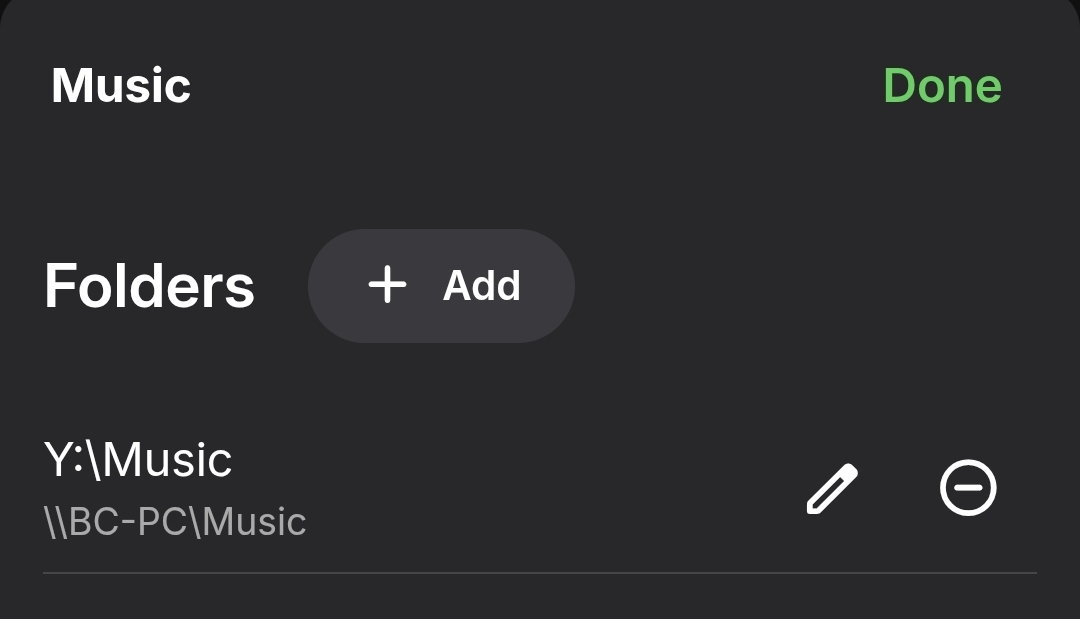
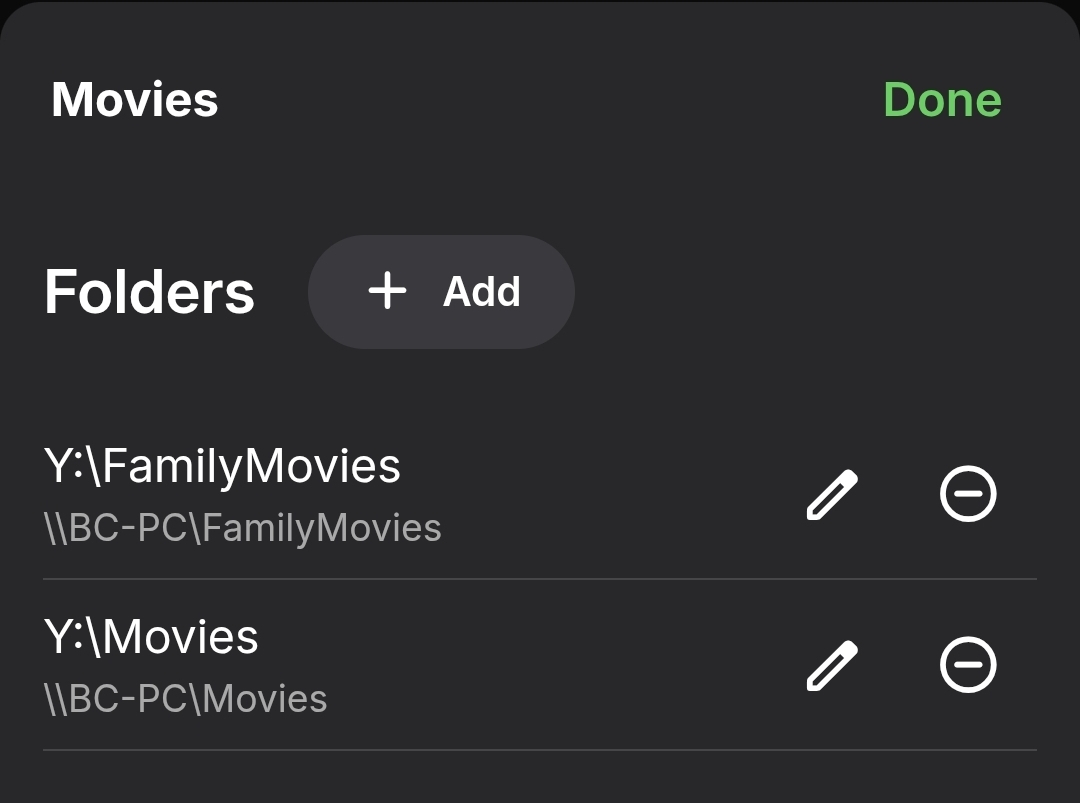 1 point
 -
New PUBLIC TESTING version available 12.4.16: Delta changelog 12.4.15 -> 12.4.16 add new Boxset info to Kodi database fix 3d metadata flags add new Kodi database strHdrDetail field fix subtitle metadata in Kodi database add translations fix artwork changes fix dates (production year) Comment: This version might be tagged as beta1 point
-
I built the plugin with movies and series in mind, music was added later on. I’m guessing music etc isn’t included because I overlooked it in the cleanup menu. this is a theory and I have to look at the code if this is included or not. Either way, this is on the “to-fix”list! We can still put tags on collection, that’s not the problem. The problem is that Emby Home Screen UI won’t show these items as we want to. Unless I have missed something with later version? With the first 4.10 beta we could do this, but then it was removed. Both me and the creator of Acdb plugin has requested they would bring it back. I think I understand.. Let me know if this doesn’t answer your question You can make a Home Screen section with individual play states. The plugin mimics the Emby menu for this, so if you go to the Home Screen section tab you will see “play states”. If set to unplayed it show on individual basis on the Home Screen. so for example you make a new tag/collection named “movies you must watch”, all movies that the individual user already have seen will be hidden on the home screen. But if the user go into the collection all movies will be displayed. But if you want to create an individual “my list” you will probably need to create one per user. (Recommend using playlist as source for this) To summarize: yes, the plugin works the way you describe. The Home Screen tab in the plugin mirrors the menu and settings from the native Emby. change a setting in the plugin - it also shanges in embys settings, and vice versa.1 point
-
You have explained it well enough. Thanks! That clarifies things nicely. It's somewhat like the diagram I sent you. Mp3tag - separate fields Importer - separate selection Emby Default pages - combined (it's the same "Tag" field in Emby - duh!) Emby Custom page - split page view So even though that's the process flow, in real-use I do: 1, 2, 4 and don't even bother looking at 3, it becomes somewhat invisible and irrelevant (but it's not). So my brain then thinks the tags remain separate all the way through. Funny (but stupid) how you can mislead yourself.1 point
-
OK, but to clarify current usage limitations: the only difference between ADD and REPLACE modes is what is done with the existing tags in Emby: they're either retained or deleted on Process run, as per mode selection, regardless of the method selected below. I.e. Emby doesn't know the source of the tags it has, it only replies with "These are the tags currently available on the album, what should I do with them?" when queried. ADD mode retains them, REPLACE mode wipes them all before importing/adding manually the new tags according METHOD selection.1 point
-
Love this. Thank you for the work and effort, appreciated!1 point
-
Still catching up... Yes, so if I choose All Albums for an Artist, then I get all the options: The mapping 'tick' notification upon "Save" is useful. Here's something like a more real version that I'd be keeping for use and updating as necessary: Tried the export log file - no problems. Many of these enhancements seem very professional-grade now. Let me know if there is any other specific function update you want me to try that I may have missed? Otherwise, I'm going to start working through my "Top 100" Album Artists and see how things progress. Cheers!
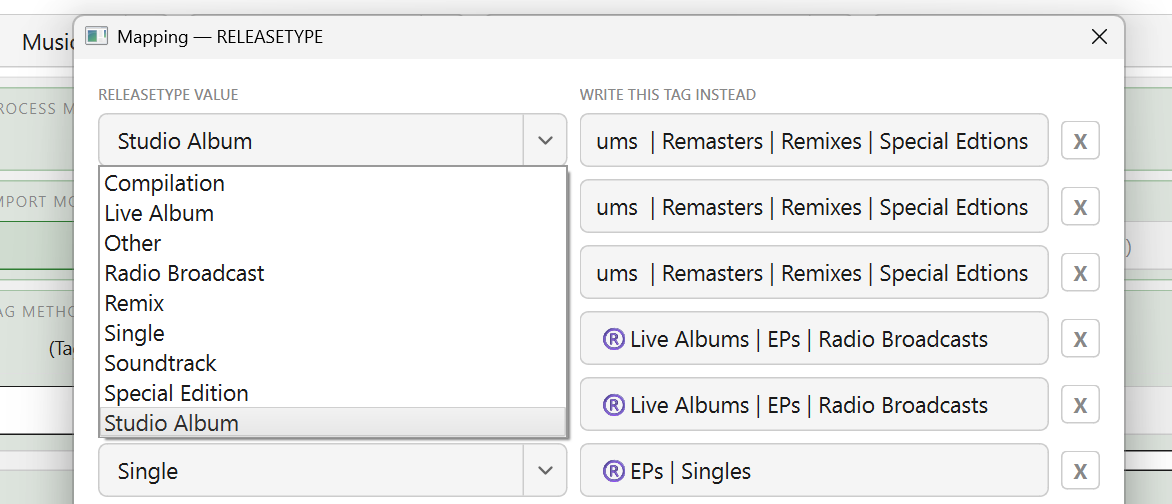
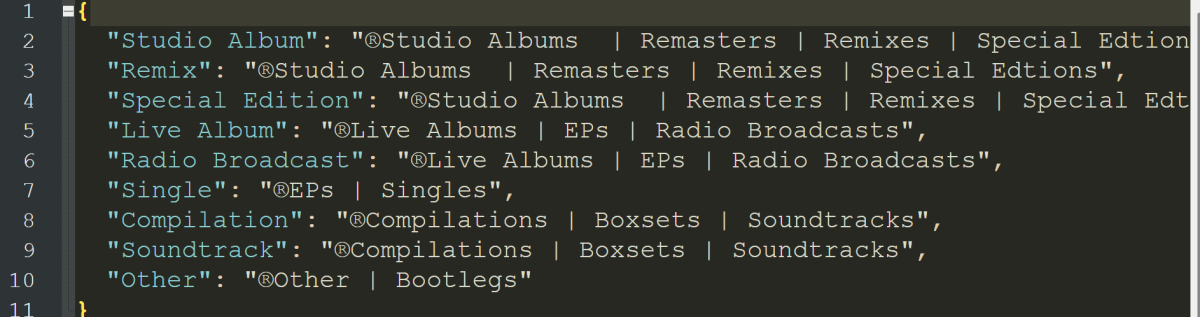 1 point
 -
ok thanks for that... I'm happy to try what you suggested to isolate whether the SSL cert is the issue. I'll stick to the store version then for now, i only tried the manual usb version s a troubleshooting measure anyway1 point
-
I just got the app working on my TitanOS TV. The way to get there was too complicated and honestly just weird. I have my emby server exposed via nginx proxy manager. So I have a domain and an ssl certificate. Still the emby app on titanOS would not connect. The reason: I have setup a local DNS record so that requests in my local network don't go out through the internet but get routed directly to nginx. So the public DNS record is emby.mydomain.com -> MY_PUBLIC_IP in my local network the DNS resolves emby.mydomain.com -> 192.168... (local address of nginx proxy manager) With that setup the titanos app just wouldn't connect. Once I removed the local DNS record, it worked. So it seems that TitanOS is resolving the domain locally and then sending that resolved IP to a server which then connects to it?!? Hopefully this helps someone else.1 point
-
Thanks, you're right. I should have added that not all usb releases are forwarded to Samsung. I should really jot some of these things down for future use as I tend to generalize sometimes.1 point
-
Please delete also the logs notes in my first post. Thanks1 point
-
This issue is still ongoing, and I will add that I still have no concept of what changes whether it does sync correctly or not - I do the same start/stop routines consistently. The app is disconnected from the server 99% of the time when playing media but is not crashing out and should be retaining the played state locally until it reconnects later. I'll also add that the Skip Intro detection is inconsistent which may be entirely unrelated. Meaning sometimes it's detected, other times not (within the same series).1 point
-
Bolo by možné vytvoriť scraper pre filmovú databázu CSFD? Webová stránka www.csfd.cz.1 point
-
I made some simple icons for the "My Media" section inspired by the emby logo and figured I'd share. SimpleEmbyIcons.zip
 1 point
 -
I made myself an "audiobooks" icon, so I figured I'd also take care of @anthmclean's "concerts" request. See below for previews, the ZIP file has the entire collection up to this point. I'm doing my best to try to distribute the background colors -- theater curtains and book bindings give me "red" vibes, hopefully everyone's amicable to that. SimpleEmbyIcons.zip

 1 point
 -
I threw together a "games" and "podcasts" version of these library icons. The ZIP file contains them and the original set up to this point, with both "basic" and "gradient" backgrounds. SimpleEmbyIcons.zip
 1 point
 -
Just started using colllections myself lol, I had that category hidden for the longest time. Made a collection header image icon and figured I'd post it in this thread. I made anime and playlists images too because I saw that they were requested there are two versions of each. one with a gradient background: and one with a simple gray background: SimpleEmbyIcons.zip

 1 point
 -
I added some color gradient backgrounds, made a "Live TV" icon and figured I'd include a photoshop template in case anyone wants to make some edits easily. Font is "Nexa Bold" SimpleEmbyIcons.zip EmbyIconsPSTemplate.zip
 1 point
 -
Sure! Added to the attached RAR. -M EmbyIcons_v6.6.rar
 1 point
 -
Hello Emby Team and Community, First of all, thank you for such a powerful and flexible media server. Emby has become an important part of how many of us manage and stream our personal content. I wanted to suggest a possible future feature that could make Emby even more useful for some users: This could work like a simple instagram downloader for public videos, focused only on personal and offline use. Many users discover short videos, reels, or clips on Instagram that they would like to keep for personal offline viewing or add to their local media collection (for example, educational clips, travel videos, or creative content). Currently, this usually requires third-party tools and manual steps. It would be great if Emby could offer something like: an optional tool or plugin to import public Instagram videos simple URL-based importing saved videos appearing directly in the media library full respect for platform rules and personal use only This would not be for redistribution, but only for private libraries and offline viewing, similar to how people already manage downloaded media files. I understand there may be technical and policy challenges, but I wanted to share the idea and see what others think. Maybe this could be implemented as a plugin rather than a core feature. Thanks for your time and for all the great work on Emby. Best regards, Jack Moris0 points