Leaderboard




Popular Content
Showing content with the highest reputation on 03/11/26 in Posts
-
Tried installing again this morning to replicate the error, but the install was succesful and the client works. This is the first time something like this has happened and I've been using emby for quite a few years now. Strange thing, that at first my wife tried installing it with no luck (uninstall old version -> install new from the same usb she always does), and turned the TV off. I've arrived home later, tried again, installer failed to install package. Sorry to bother you folks with this—hope you all have a nice day!3 points
-
My Emby server is running on Windows, and I get all my content and do all my naming, on Windows too. I use automation to do all this work, so if I screwed up making my templates, then all those episodes would have a problem too. Another good guess, but no sale. As I said above, I've fixed the nfo's for these 2 episodes manually, and I prevented changes as suggested by @GrimReaper. So those episodes won't get messed up again if I reload the metadata for those shows for any reason. So it's all fixed now.2 points
-
Here is the latest list of versions for Emby software across the server and clients. Emby Server Stable: v4.9.5.0 (2026/05/18) Release Notes Beta: v4.10.0.14 (2026/06/04) Release Notes For other platforms, please refer to the download page. Emby for Android TV Google Devices Stable: v2.1.23 (2025/12/27) Beta: v2.1.46 (2026/04/15) Amazon Devices Stable: v2.1.23 (2025/12/27) Beta: v2.1.46 (2026/04/15) Stable Release Notes Beta Release Notes Universal Android app Stable: v3.5.16 (2026/01/26) Beta: v3.5.36 (2026/05/10) Release Notes Download the latest Beta here. Emby for Kodi See here for the latest information. Emby for Roku Stable: v4.1.63 (2026/05/04) Release Notes Beta: v4.1.64 (2026/05/13) Release Notes Emby for Windows (Windows Store for PC & Xbox One) Stable Release Notes Beta release notes Emby for Linux Beta Release Notes Emby for Samsung Smart TV (Orsay) E-series to H-series TVs only Release Notes Emby Theatre for Samsung Smart TV (Tizen) Release Notes Emby Theatre for LG Smart TV Stable: 1.0.50 (2026/01/19) Emby for iOS Stable: v2.2.53 (2026/05/16) Stable Release Notes Beta: v2.2.52 (2025/04/11) Beta Release Notes Emby for Apple TV Stable: v2.0.3 (2025/12/26) Announcement Beta: v2.0.6 (2026/04/11) Release Notes Emby for tvOS (Apple TV) Stable: 2.1.6 (2022/12/23) Release Notes - TBA Beta: 1.5.1 (10) (2021/03/02) Beta Release Notes Emby For MacOS Stable: 2.1.6 (2022/05/09) Details here. I will keep this post up-to-date as much as possible, but please send me a PM about anything I haven't updated, or is missing. Special thanks to @Borskfor supplying a lot of the updated information. Thanks.1 point
-
Would it be difficult to implement a feature to allow transcribing a video podcast to audio-only, for listening on my phone? If a podcast has both audio-only and video formats, I typically choose the video version for archival purposes. When downloading these to my phone, it would be nice if I could choose 'audio only' under the transcribing quality, so I could continue listening with my screen off. I'm sure this would not be a widely used feature, but if it would be trivial to add it would be cool to have.1 point
-
At the moment, if I assign artwork to Animation in a MOVIE library, then the TV library also has the same image for Animation. Id like my MOVIES library genre artwork to have different artwork to the TV one.1 point
-
Link for both betas1 point
-
Please add a feature that shows the song used in a movie, Could maybe be shown below the actors.1 point
-
Emby Theater has basically been unusable for the past week. The workarounds are onerous, and the devs have essentially been silent. As a user it would be nice to have some certainty that if I don't update anything on my end then I should be somewhat protected from breaking changes being pushed through from the backend. Or at the very least, some kind of quick resolution when problems are highlighted. Could you please provide an update as to when or if the horizontal navigation issue will be resolved for the legacy version of Theater?1 point
-
Yes, I was looking for that, thanks. Generally, it is advisable to have a (Year) in folder name to help with identifying (though not mandatory). TV Naming Anyway, that's irrelevant for now. First thing I'd suggest is to remove series folders 1883 and 1923 (just temporary take them out of TV shows root folder) and run Scan media library scheduled task, see how does that compare.1 point
-
Oi. Mas antes nao ocorria isso. Foi só após a nova versão emby pra tv LG. 1.501 point
-
Thank you for the offer but what i want is just the info of what songs have been used in a movie shown along side the actors as so on. Just a little extra info about the movie.1 point
-
I like adding theme songs to media so you get music when the media page opens. It's a lot of work to find something good. I also use youtube and search for "Media title" (year) music soundtrack. Oddly, Youtube has a lot of counterfit entries, showing songs of other artists, nothing to do with the film or TV show. Someone is grabbing views for profit. This happens all the time with new shows. You can tell by seeing the same unrelated artists and the owner is some fake name. Ha! Also check ou: https://what-song.com/ I could make a alphabetic media list of music I use. I think a rule for the forum, would be to NOT post actual mp3 files. That would be inappropriate and cause problems. Would anyone be interested in this?1 point
-
Have you ever posted "Emby server logs" on this forum and those disclosed your private API key? If they happen across your API key in any of those server logs those could be used to allow unscrupulus people to try to gain access to your server and start messing with things.. Always make sure to submit logs that you download through the server admin interface so they will get information removed, such as API keys, IP addresses, etc.. I am suspect you may have needed help very early on and some a$$hole found your logs with the api key in it and decided he wanted to be a d!ck. Apologies. You need to read the post that I have linked above. It will explain how this happens and how to prevent it.1 point
-
Working on it.1 point
-
I have now added a support article covering Hauppauge tuners and WinTV - Hauppauge Setup It is linked to from the Live TV Setup page I have also updated the Live TV Advanced Settings article DVR Settings (Live TV Advanced Settings)1 point
-
J'ai supprimé Simkl et Trakt. J'ai relancé le serveur et je vais juste remettre trackt. Mais depuis que j'ai supprimé la m3u, plus de souci. Mon ouverture de bibliothèque est de nouveau instantanée. ;o). Je reste en moyenne à 1gio de RAM utilisée Pour trakt, pourtant j'ai l'abo VIP premium... Je vais voir si j'ai toujours des erreurs après l'avoir réinstallé. Merci en tout cas. et bonne journée1 point
-
Did it say it was expired? Last version was compiled almost 30 days ago.1 point
-
I don't have Chrome but I tested in Edge and it seems to be working fine there. In Firefox the interface is constantly glitching out like as described. Also upon playback it stops being responsive. I can't pause the song, play a different song, change the view, etc. I tried troubleshooting mode in Firefox and issues persist there so I don't think its an add-on or something getting blocked.1 point
-
New stable release - Version 3.1.1.0 Download .dll and full release notes: https://github.com/soderlund91/HomeScreenCompanion/releases/tag/v3.1.1.0 This release contains all features from latest beta and also improvements to mostly the smart playlist feature. Note Make sure to back up your settings before updating, just in case. Both the plugin and Emby (user data) Note Included a .NET V6 release, this is for MacOS or legacy support. This version is NOT tested. New (introduced in 3.1.0.0-beta) Section management: Added function to manage a users home screen sections. You can now reorder sections directly from the plugin itself Create home screen sections: Added ability to create a new home screen section directly when creating a tag or collection. Updates Smart playlist / local media information Added more filter for local media information Date added Date modified File size Last played (per user or all users) Watched / Unwatched (per user or all user) Play count (per user or all user) Added option for partial or exact matches fore some filters Added premade filters for local media information, to use as inspiration or examples, or of course as is. Created a function where you can save and load a set of filter Other Made the "Schedule badge" in the header standing out more when priority override is active Created a duplicate function to each entry (the copy will be placed at the top of the list) Improvements Optimization improvements using local media information Created a flag for Tag and Home screen section in the header of each entry. Removed the source counter to make room. (introduced in 3.1.0.0-beta) Updated the "Help" window Fixes Bug fix: Fixed an issue when menu was not visible in light theme (introduced in 3.1.0.0-beta) Bug fix: Fixed a bug where the UI in Home Screen --> Manage didn't show Thanks to all testers and all ideas for features! If i may say so myself this is turning out to be a pretty good plugin, and a lot of this is thanks to you guys! HomeScreenCompanion.dll HomeScreenCompanion_NET6_MacOS.dll1 point
-
I do run Seerr, looked at bit into it last night. Have to look at it a bit more Thanks, btw I know about Google. But it was kinda a question to see what others use. BTW, is there any of this sites, that maybe is connected to an app. That could be set up with notifications when movies/series are announced in selected categories. I'm talking about new stuff, not what I have on my server. Sorry if I'm not good at explaining what I trying to find1 point
-
Yay! Here's hoping we won't have to wait half a year again for the next update.1 point
-
Look at app_backup.py in https://github.com/jonjonsson/Emby-MDBList-Collection-Creator It does both.1 point
-
TF, This is a known issue and I believe it has to do with a bandwidth limit of the site supplying actors photos. For this, I believe, is a free service, each user gets only so many lookups per minute. Second part is that if and when there is any delay because te server giving the actor's images is busy with 1000 other requests or whatever, then the image might eventually arrive after the media page is fully loaded. There is no automatic reload and test the page every minute on Emby, that would drag down the whole site. You can force a page refresh and probably pick up the missing Actors headshots that way. I don't think there is a way around this delay without dragging down the overall speed of the page loads.1 point
-
I understand and very much so appreciate the effort you put into this. If only all software was supported as well as Emby is. You guys are the gold standard.1 point
-
After watching a movie in our "Watch Later" playlist, we press and hold and click remove from playlist from the drop down. This doesn't remove it from the list, I later have to log on from my computer to remove the movie. Notably, we just switched from using Favorites as Watch Later, to using a playlist (so we could actually favorite movies), we wish there was a identical feature to favorites for things you want to save to watch later as it is much more convenient than playlists. But we are making due for now, just that one remove bug prevents it from working seemlessly. Let me know if any more details would help, thanks!1 point
-
Should be resolved for next update1 point
-
I would like to propose a new feature for Emby. When playing a video file (for example, a music video clip), it would be useful to have an option to disable the video display and play only the audio. This would allow users to listen to music videos or other video content in audio-only mode without keeping the video on screen, and it would also reduce bandwidth usage. Thank you for considering this suggestion and for the great work on Emby.1 point
-
Has anyone seen the iOS app fail to start music playback over VPN/cellular where the web player works? Any known issues with the embedded localhost:12344 web UI mode, Direct Play FLAC, or a setting to force the app to use the same streaming method as Safari? App never requests audio stream (no /Audio GETs), only metadata/playstate. Setup Emby Server on Synology (Synology package) Access from iPhone over cellular using WireGuard VPN (split-tunnel; LAN 192.168.X.X/24 routed through VPN) Server accessed by LAN IP (e.g., http://192.168.X.XXX:8096) Safari web player works over cellular+WireGuard (music plays normally) Emby iOS app fails over cellular+WireGuard: UI loads, can browse library, but music never actually plays (timer doesn’t advance, eventually skips tracks/stops) What happens In the iOS app, pressing Play starts a session in the server admin “Now Playing” screen, often showing Direct Play (FLAC), but the phone never produces audio and often stops/skips after a short time. On Wi-Fi it may eventually play, but on cellular via VPN it consistently fails. Safari on the same phone, same VPN, same URL plays immediately. Server logs (Debug enabled) The iPhone makes normal API calls for metadata/artwork and playstate, e.g.: GET /emby/Users/.../Items/... GET /emby/Items/.../Images/... POST /emby/Sessions/Playing/Progress POST /emby/Sessions/Playing/Stopped The session often stops with Position 0 ms (never actually starts playback). tcpdump evidence Captured on the NAS while pressing Play in the iOS app (filtering iPhone VPN IP 10.0.0.2 to Emby port 8096): Observed GETs for metadata and images, and POSTs for playstate/progress. No requests for any audio stream endpoint were observed (no GET /Audio/..., no GET /Items/.../stream, no download/stream GET at all). The app connects to 8096 only (no 8920), exchanges a small amount of data, then closes the connection shortly after. Key headers observed from the iOS app requests: Origin: http://localhost:12344 Referer: http://localhost:12344/ (which suggests the app is using an embedded local web UI/proxy) Conclusion Network/VPN path is proven good because Safari plays audio fine over the same cellular+WireGuard connection. The iOS app appears to never initiate the actual audio stream request, only control/metadata/playstate traffic, then stops/idle-skips. Versions iOS app reports: Emby for iOS 2.2.50 iPhone OS shown in UA: iPhone OS 18_7 Server web dashboard version shown in logs: Emby Web 4.9.3.0 (server package on Synology) Bottom line...The app never plays the music.1 point
-
@NeoSheng?1 point
-
HI, this should be improved in the next update to the Emby Apple TV app. Thanks.1 point
-
1) I would normally expect so, but it depends what the browser reports its capabilities as (for instance, my browser will play AV1 video, as I have installed a codec for it). However, the Emby Windows client is very capable, so I would expect it to play this easily - it might be interesting for you to provide a log from the client after a failed attempt to play (the address of the client log directory is in the About display in the client settings). 2) This is a per-user setting, so check your user settings in the dashboard. 3) I wouldn't expect this to be an ffmpeg issue - after all, direct play isn't even using it. Paul1 point
-
Hi there, let's look at an example. Please attach the information requested in how to report a media playback issue. Thanks!1 point
-
Hello NeoSheng, ** This is an auto reply ** Please wait for someone from staff support or our members to reply to you. It's recommended to provide more info, as it explain in this thread: Thank you. Emby Team1 point
-
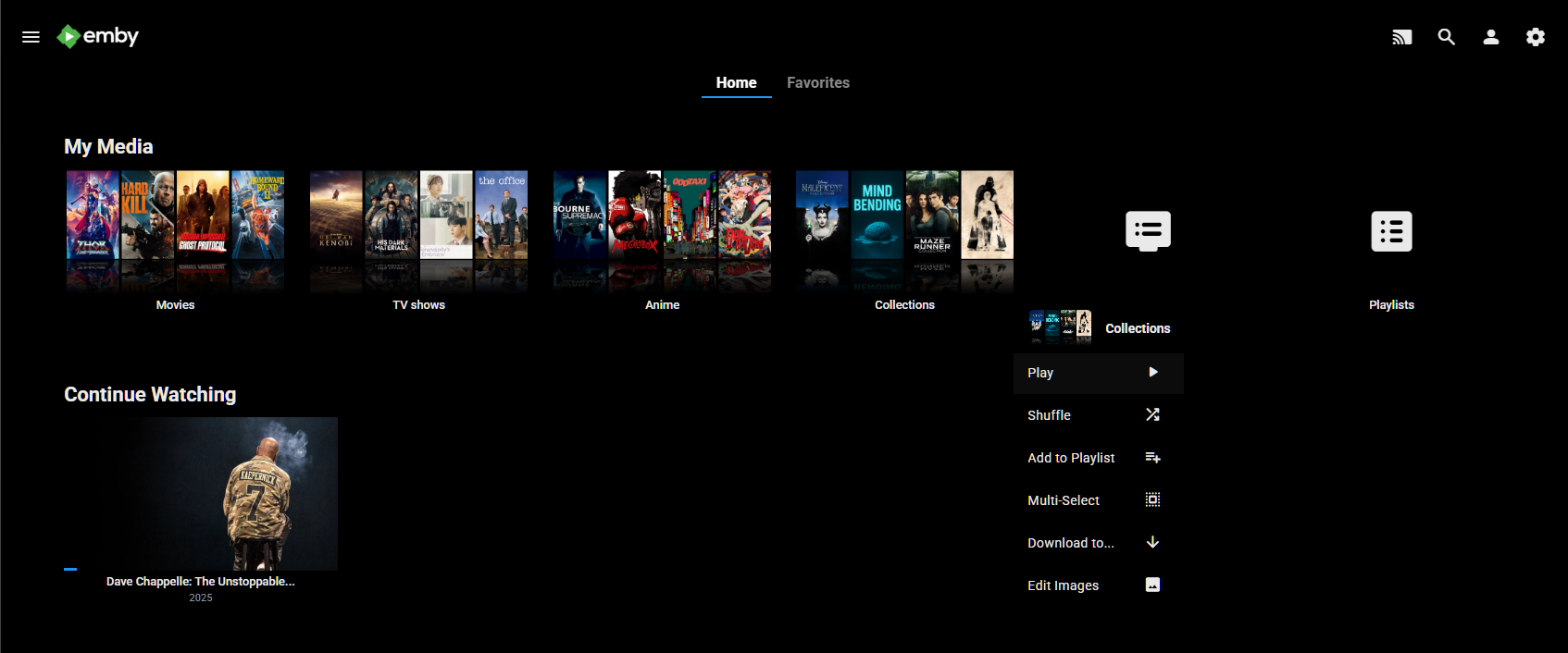
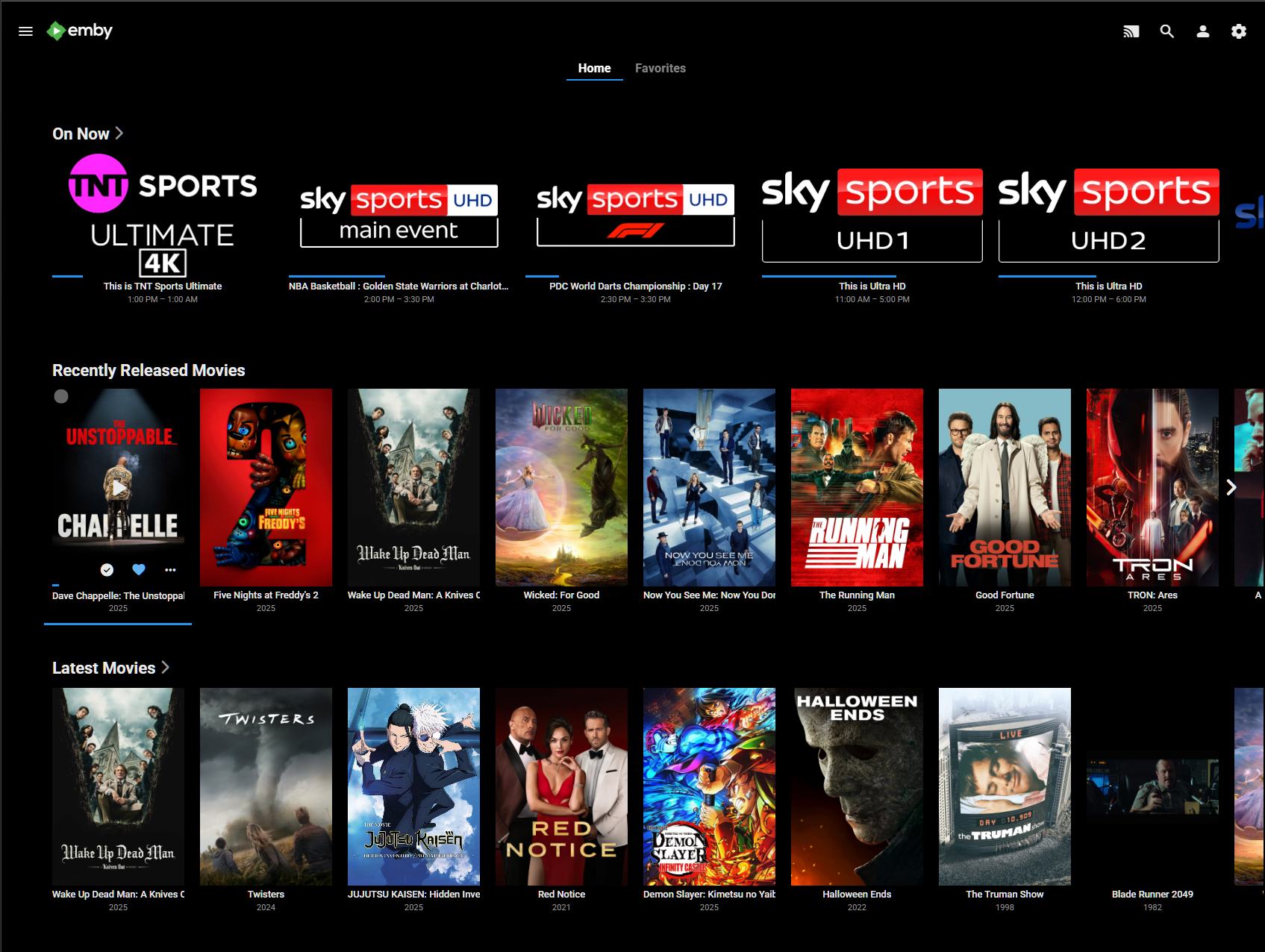
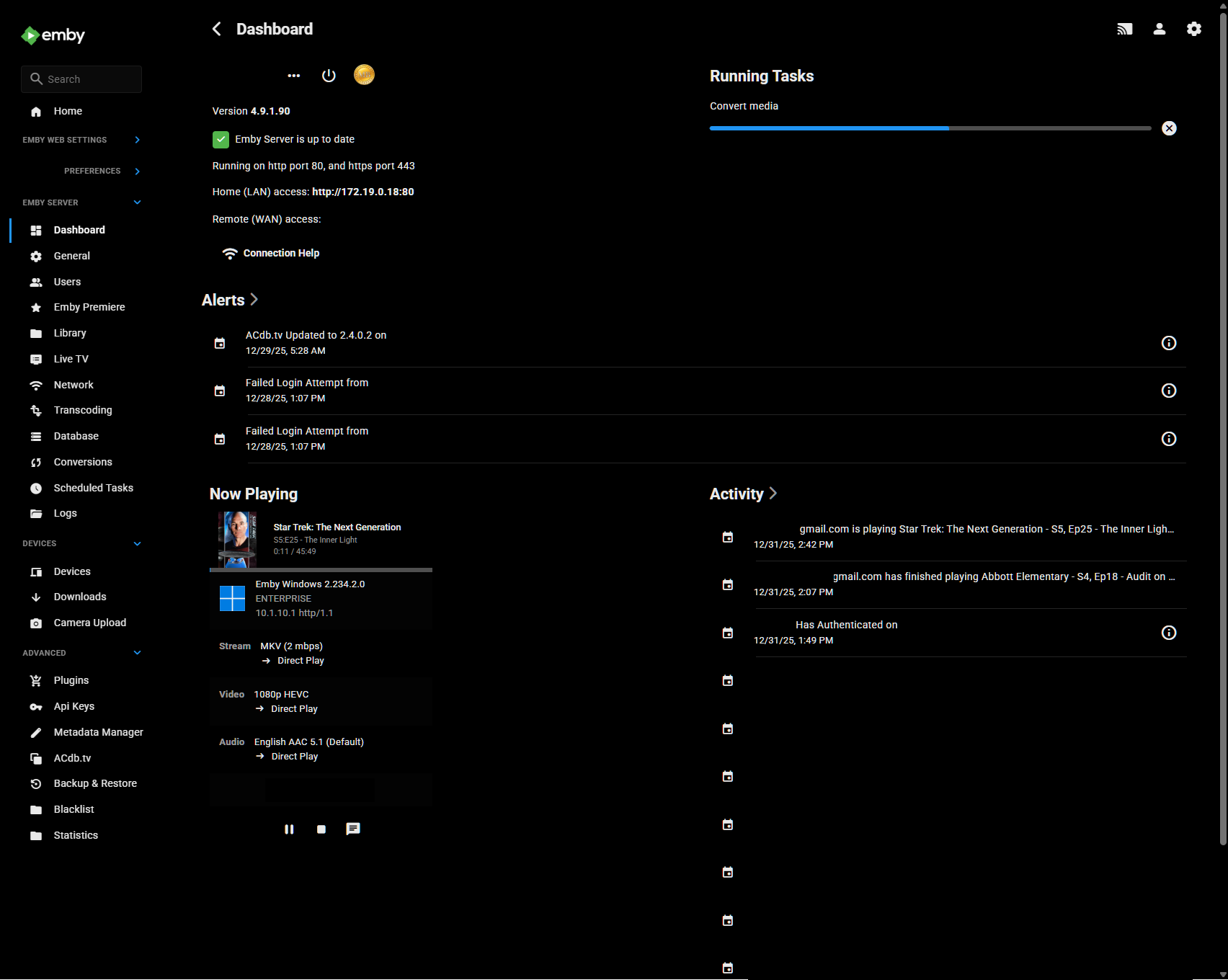
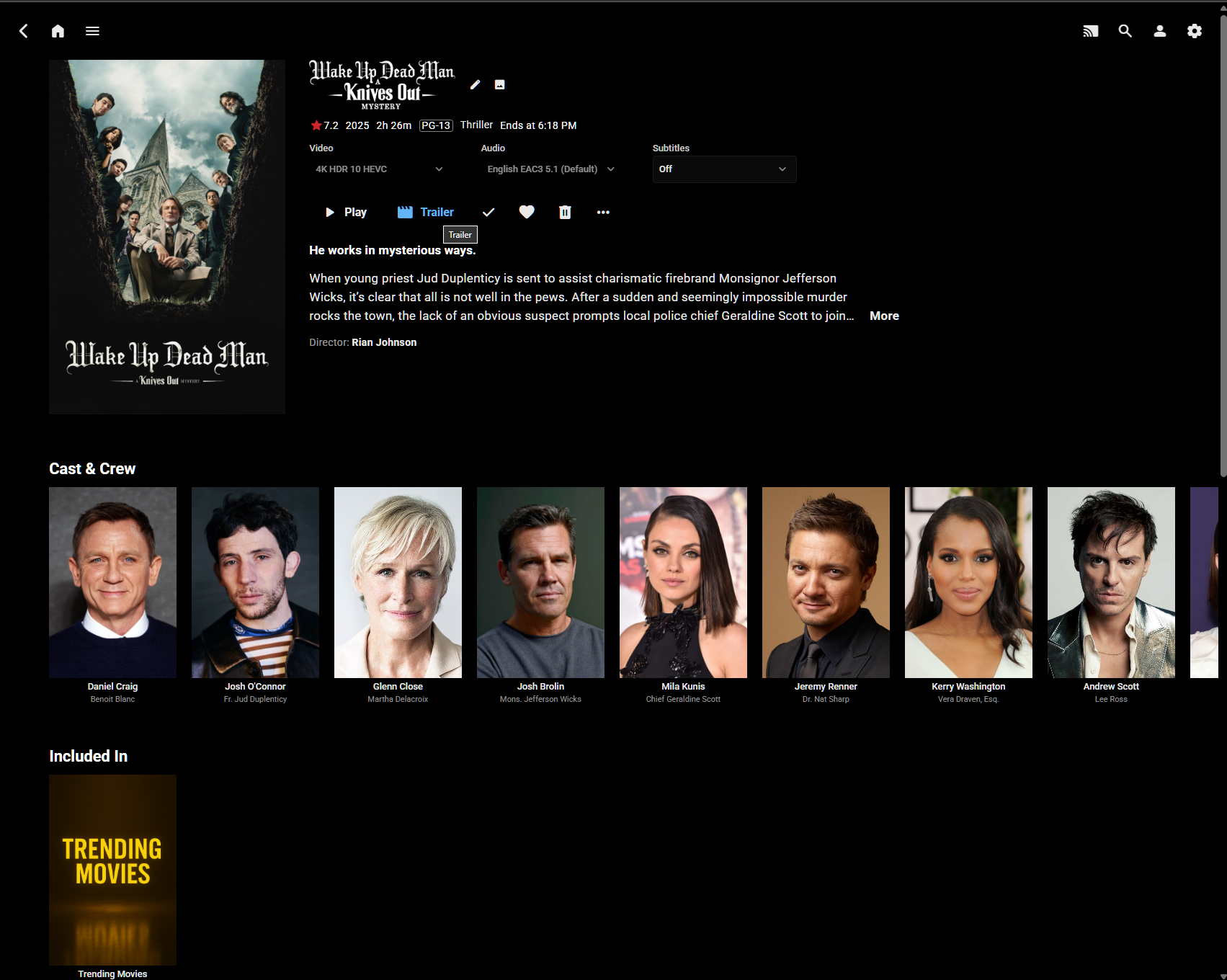
Hi All, I'm a big fan of minimalistic, clean UIs optimized for OLED displays. I've spent considerable time developing a custom CSS theme for Emby's Web UI that emphasizes pure blacks, flat design, and intentional interactions without visual bloat. The theme is attached to this post and free for anyone to use. While I offer it without warranty or formal support, I'll continue updating it as I refine the design. Feel free to try it out and enjoy a cleaner Emby experience! Highlights: Pure OLED optimization - True black (#000000) backgrounds for perfect contrast and power efficiency on OLED displays Modern blue accent system - Clean, minimal design with blue (#2196F3) accents replacing Emby's default green Flat, borderless interface - No rounded corners, no shadows, no visual bloat. Consistent hover behaviors - Blue icon/text changes on buttons, blue underlines on links, with zero background overlays Issues: Some minor UI & alignment issues on mobile devices, but I use the app anyways. Margins on same pages need adjusting. To Do: The settings page needs better visual feedback. Will adjust to match theme structure for consistancy (blue) Release notes (v4.8.1): Fixed detail page buttons (Play, Trailer, Favorite, etc.) now show blue hover states matching the overall theme Resolved home page logo disappearing when hovering over the header Optimized menus, dialogs, and forms with proper spacing and content-sized layouts Consolidated CSS variables into single organized block, unified hover behavior sections, and added navigation table of contents for improved maintainability. Screenshots: v4.8.1-optimized.css
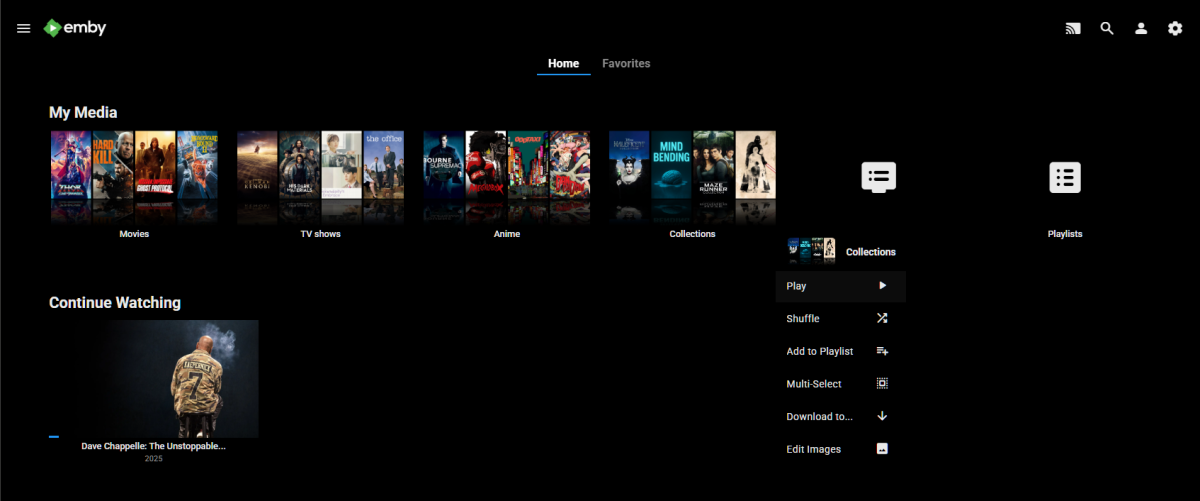
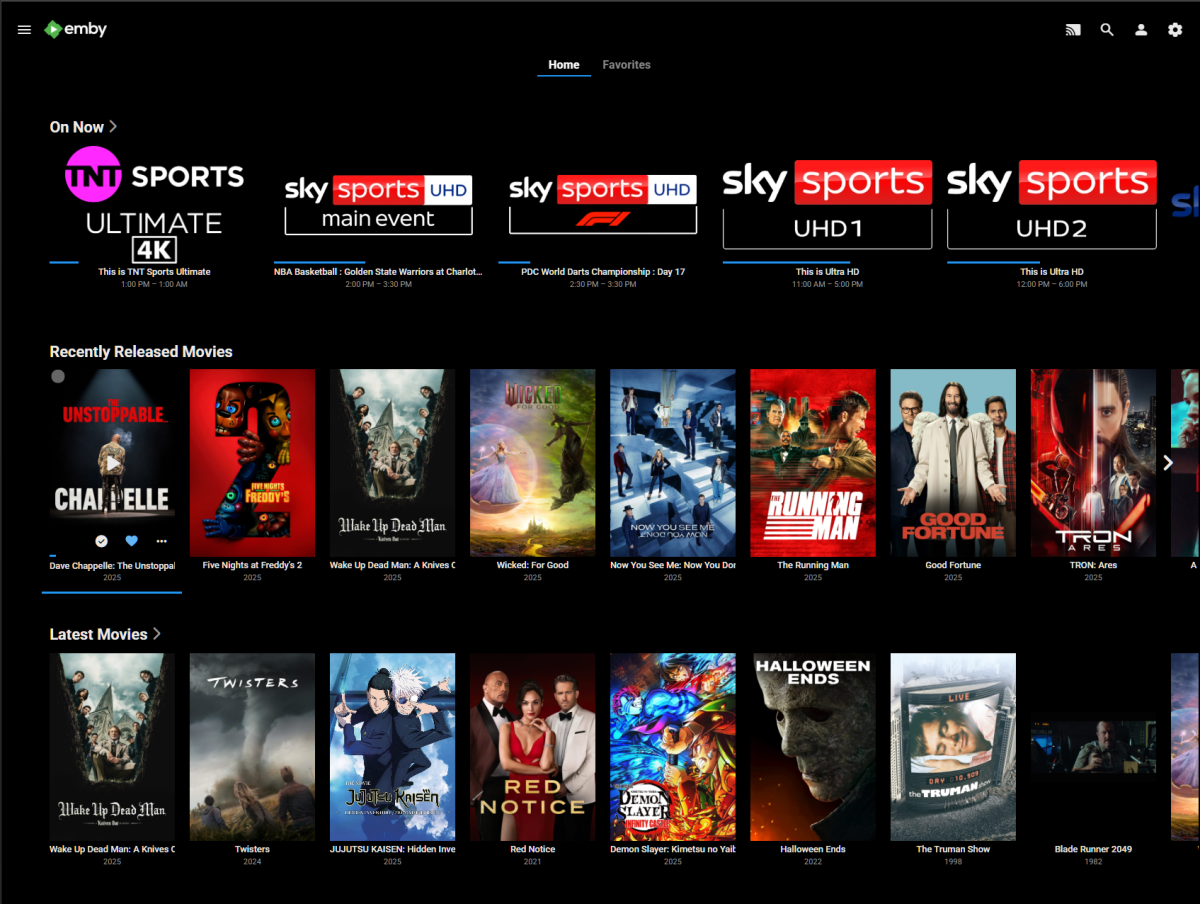

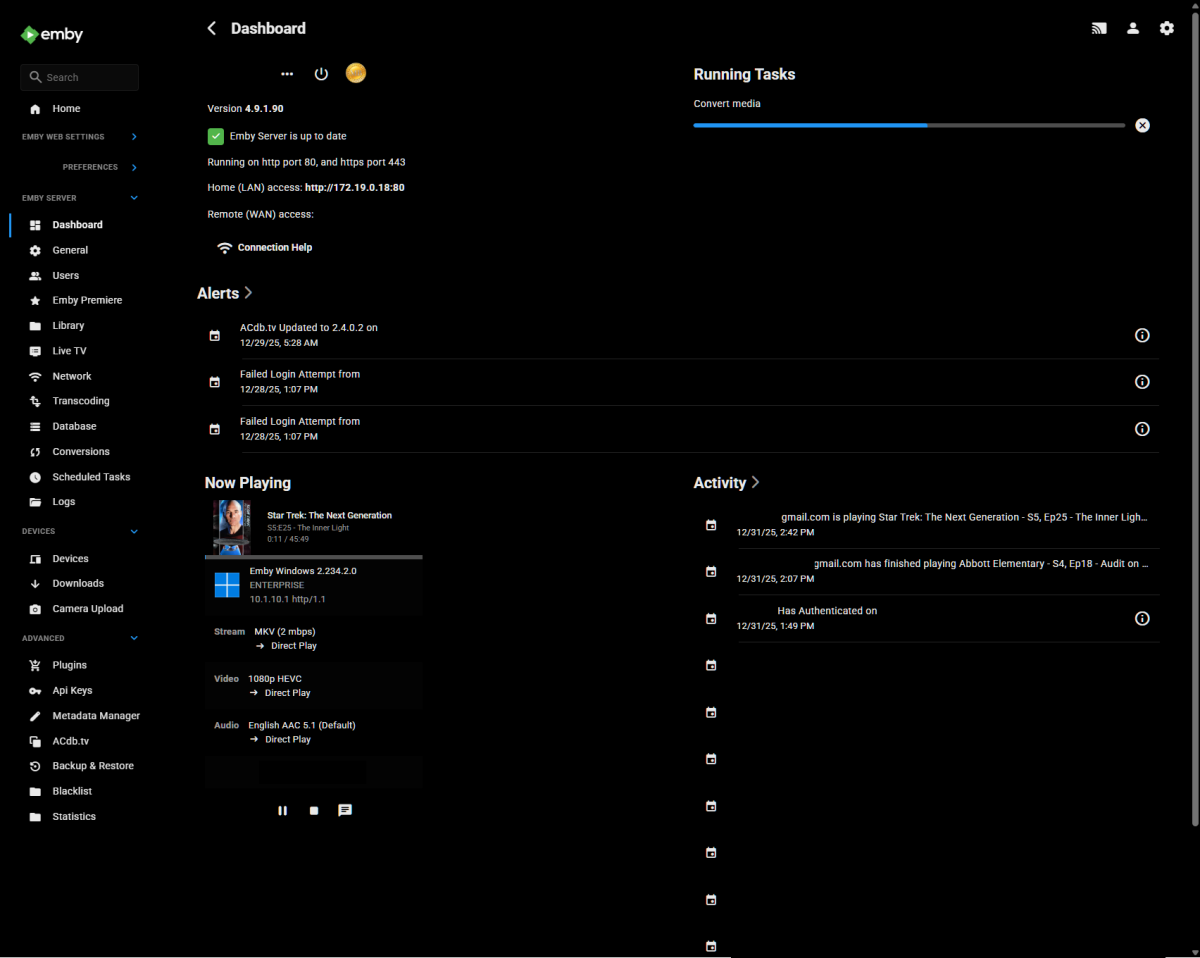
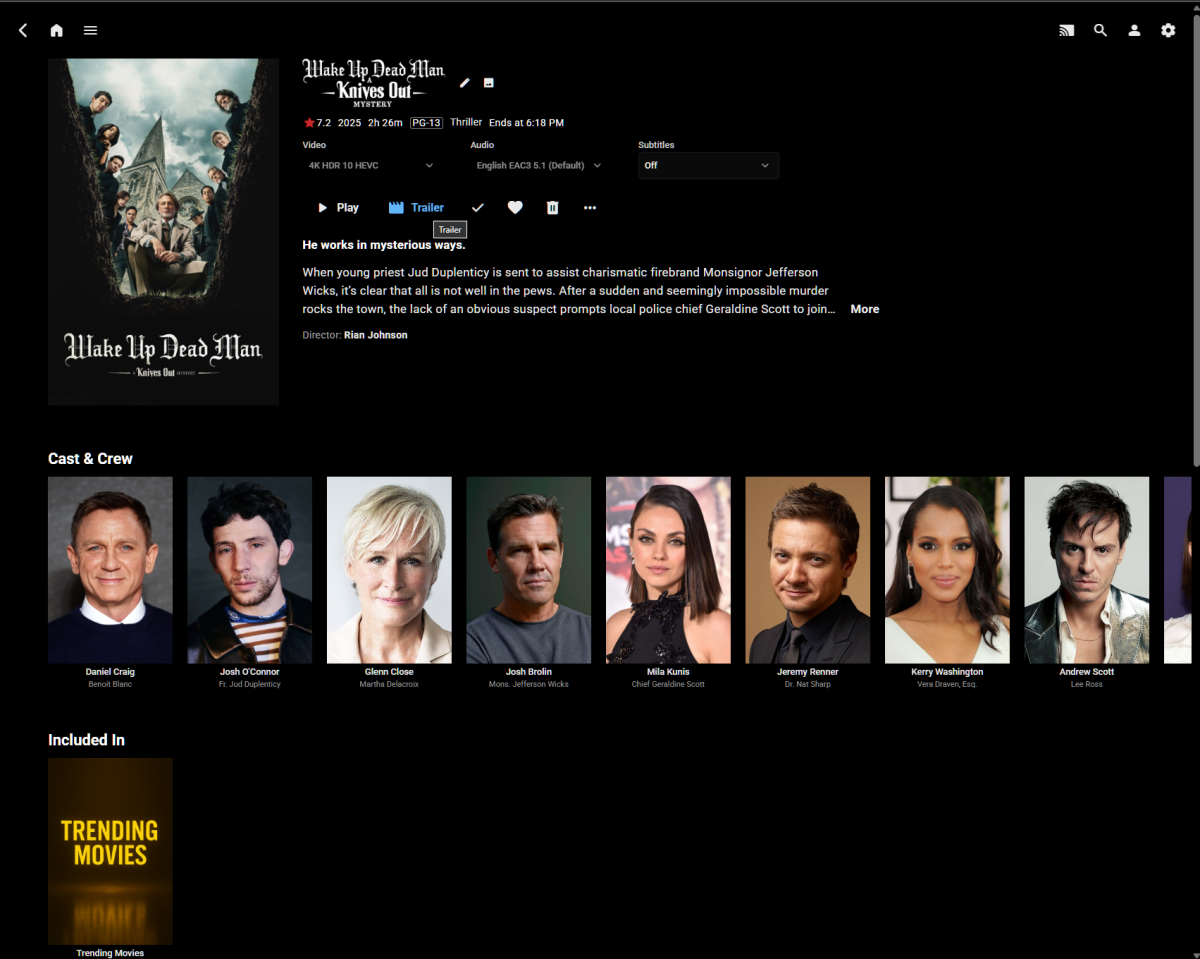 1 point














.thumb.png.f4cb0545e98b51fd9b00e427622ab761.png)