Leaderboard




Popular Content
Showing content with the highest reputation on 02/24/26 in Posts
-
Guess what? Due to the lack of any kind of telemetry (for stable versions), we have no idea and are up to make guesses, same like anybody else3 points
-
It look like something is blocking your connection to Connection to https://mb3admin.com/admin/service/registration/validate timed out That is usually Security software, VPN, DNS, or country blocking. Look into that. 2026-02-24 15:34:15.846 Error SecurityManager: Error checking registration status of MBSupporter *** Error Report *** Version: 4.9.3.0 Command line: C:\Users\Administrator\AppData\Roaming\Emby-Server\system\EmbyServer.dll -noautorunwebapp Operating system: Microsoft Windows 10.0.26100 OS/Process: x64/x64 Framework: .NET 8.0.22 Runtime: C:/Users/Administrator/AppData/Roaming/Emby-Server/system/System.Private.CoreLib.dll Processor count: 8 Data path: C:\Users\Administrator\AppData\Roaming\Emby-Server\programdata Application path: C:\Users\Administrator\AppData\Roaming\Emby-Server\system MediaBrowser.Model.Net.HttpException: MediaBrowser.Model.Net.HttpException: Connection to https://mb3admin.com/admin/service/registration/validate timed out ---> System.Threading.Tasks.TaskCanceledException: The request was canceled due to the configured HttpClient.Timeout of 20 seconds elapsing. ---> System.TimeoutException: A task was canceled. ---> System.Threading.Tasks.TaskCanceledException: A task was canceled. at System.Threading.Tasks.TaskCompletionSourceWithCancellation`1.WaitWithCancellationAsync(CancellationToken cancellationToken) at System.Net.Http.HttpConnectionPool.SendWithVersionDetectionAndRetryAsync(HttpRequestMessage request, Boolean async, Boolean doRequestAuth, CancellationToken cancellationToken) at System.Net.Http.RedirectHandler.SendAsync(HttpRequestMessage request, Boolean async, CancellationToken cancellationToken) at System.Net.Http.HttpClient.<SendAsync>g__Core|83_0(HttpRequestMessage request, HttpCompletionOption completionOption, CancellationTokenSource cts, Boolean disposeCts, CancellationTokenSource pendingRequestsCts, CancellationToken originalCancellationToken) --- End of inner exception stack trace --- --- End of inner exception stack trace --- at System.Net.Http.HttpClient.HandleFailure(Exception e, Boolean telemetryStarted, HttpResponseMessage response, CancellationTokenSource cts, CancellationToken cancellationToken, CancellationTokenSource pendingRequestsCts) at System.Net.Http.HttpClient.<SendAsync>g__Core|83_0(HttpRequestMessage request, HttpCompletionOption completionOption, CancellationTokenSource cts, Boolean disposeCts, CancellationTokenSource pendingRequestsCts, CancellationToken originalCancellationToken) at Emby.Server.Implementations.HttpClientManager.CoreHttpClientManager.SendAsyncInternal(HttpRequestOptions options, String httpMethod) --- End of inner exception stack trace --- at Emby.Server.Implementations.HttpClientManager.CoreHttpClientManager.SendAsyncInternal(HttpRequestOptions options, String httpMethod) at Emby.Server.Implementations.HttpClientManager.CoreHttpClientManager.SendAsync(HttpRequestOptions options, String httpMethod) at Emby.Server.Implementations.Security.PluginSecurityManager.UpdateRegistrationStatus(String feature, String key, String version, CancellationToken cancellationToken) Source: Emby.Server.Implementations TargetSite: Void MoveNext() InnerException: System.Threading.Tasks.TaskCanceledException: The request was canceled due to the configured HttpClient.Timeout of 20 seconds elapsing. Source: System.Net.Http TargetSite: Void HandleFailure(System.Exception, Boolean, System.Net.Http.HttpResponseMessage, System.Threading.CancellationTokenSource, System.Threading.CancellationToken, System.Threading.CancellationTokenSource) at System.Net.Http.HttpClient.HandleFailure(Exception e, Boolean telemetryStarted, HttpResponseMessage response, CancellationTokenSource cts, CancellationToken cancellationToken, CancellationTokenSource pendingRequestsCts) at System.Net.Http.HttpClient.<SendAsync>g__Core|83_0(HttpRequestMessage request, HttpCompletionOption completionOption, CancellationTokenSource cts, Boolean disposeCts, CancellationTokenSource pendingRequestsCts, CancellationToken originalCancellationToken) at Emby.Server.Implementations.HttpClientManager.CoreHttpClientManager.SendAsyncInternal(HttpRequestOptions options, String httpMethod) InnerException: System.TimeoutException: A task was canceled. Source: TargetSite: InnerException: System.Threading.Tasks.TaskCanceledException: A task was canceled. Source: System.Private.CoreLib TargetSite: Void HandleNonSuccessAndDebuggerNotification(System.Threading.Tasks.Task, System.Threading.Tasks.ConfigureAwaitOptions) at System.Threading.Tasks.TaskCompletionSourceWithCancellation`1.WaitWithCancellationAsync(CancellationToken cancellationToken) at System.Net.Http.HttpConnectionPool.SendWithVersionDetectionAndRetryAsync(HttpRequestMessage request, Boolean async, Boolean doRequestAuth, CancellationToken cancellationToken) at System.Net.Http.RedirectHandler.SendAsync(HttpRequestMessage request, Boolean async, CancellationToken cancellationToken) at System.Net.Http.HttpClient.<SendAsync>g__Core|83_0(HttpRequestMessage request, HttpCompletionOption completionOption, CancellationTokenSource cts, Boolean disposeCts, CancellationTokenSource pendingRequestsCts, CancellationToken originalCancellationToken)3 points
-
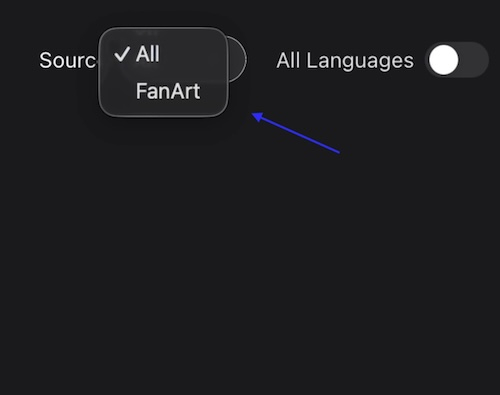
I prefer thumb over poster view. Currently, I use TMDB in Jellyfin or Kodi to automatically download thumbnails. I recently bought a lifetime subscription and it would be great if this option were available so I don’t have to rely on third-party software. I know this has been discussed before but would you please reconsider adding this feature in the future? Thanks
 2 points
 -
Hi. That would indicate that the TV is being blocked from reaching our server.2 points
-
Another big advantage of TMDB as provider option for thumbs would be if your library is set to a different language than English. I noticed that for example in German there are quite a few movies/shows were there is only an English thumb image or no thumb at all on Fanart.tv while TMDB has a backdrop in the correct language. So having TMDB as thumb provider option would be very appreciated.2 points
-
Hi emby community. Sadly my much loved Sony Android TV died last weekend. The emby Android TV OS did just about everything I wanted and was great. I've replaced my TV with a Hisense 65R8 - https://hisense.com.au/product/65-series-8-65r8/ Unfortunately this doesn't run Android TV, instead using Hisense's own 'VIDAA U3.0 AI' OS. It has an app store named 'AppsNOW' with a very small library that doesn't include emby, nor kodi. There's an inbuilt browser but it won't load the web client either. So, my questions are: 1. What is the likelihood that an emby client app might be developed for this OS in the future? 2. What are my best options for getting back to the Android TV experience without huge expense? I'm thinking along the lines of some sort of Android TV box. In the meantime I can use my Windows 8.1 HTPC, which is running WMC with emby classic. This gets the job done but lacks a lot of the features and love that I enjoyed with the Android TV emby client. I've tried using the emby theatre (desktop) app. This gets me close but doesn't work very well with my remote and I can't work out playback controls during playback (seeking, stats for nerds, view progress, time-shifting for live tv, mini guide, etc). It also seems to make the HTPC work pretty hard with the cooling fan spinning up to annoying levels. The Windows store app doesn't appear to be available on Windows 8.1 so I haven't tried that. Ember for emby looks like another option that might be worth exploring. (BTW, my HTPC is a gen 3 core-i3 NUC - https://ark.intel.com/content/www/us/en/ark/products/76978/intel-nuc-kit-d34010wyk.html) Thanks for your input. TT1 point
-
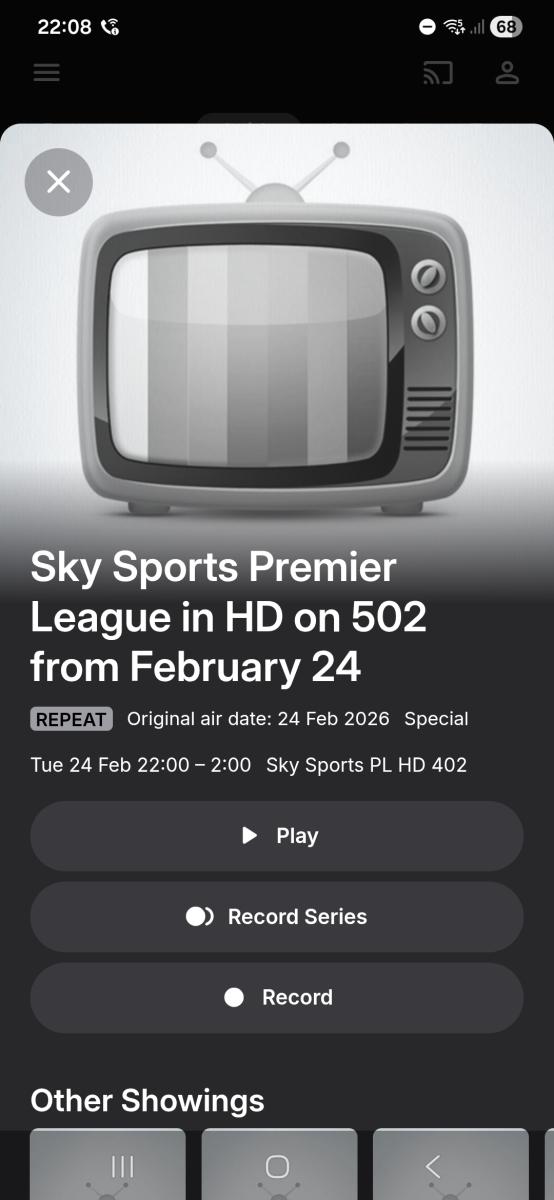
Could you speak to your guide supplier. On channel 402, channel name: sky Sports Premier League, post code bs1, lineup: sky Q (West satellite), every program is showing the following (channel 502 is a news channel):
 1 point
 -
Emby External Player Launcher (E2PL) Emby External Player Launcher is a simple and pretty basic .NET application that connects an external video player to an Emby server as a playback device. MPC-HC is currently supported, MPC-BE should work as well and more players may be coming in the future. E2PL lets you play videos from your Emby library straight to MPC-HC, provides remote control support for essential commands and will automatically sync viewing progress to your library. I wrote E2PL for my own personal use, I wanted to watch videos using MPC-HC on my Windows desktop while also keeping everything nicely synchronized with my Emby library, which I access from multiple devices. I simply leave E2PL running in the background, use the Emby web interface to select it as a playback device and play videos. I decided to also release it since it may be useful to other people as well. General features: Play videos from your Emby library in MPC-HC Automatic viewing progress synchronization Resuming in-progress videos Remote control: E2PL will translate essential remote control commands from the Emby web interface to MPC-HC (stop, pause/unpause, seek and volume control are supported) Easy to run: no special install required, simply run the program Doesn't get in the way: E2PL only appears as a tray icon and works in the background once configured Free and open source: anyone can contribute or have a look at the source (GPLv3 licensed) E2PL uses direct playback in order to launch MPC-HC, the videos have to be stored on your PC or on a network share that can be accessed. The Emby server itself isn't involved in the playback process, which also means that transcoding isn't supported. Where to get it: On GitHub. There is more detailed information available in the ReadMe as well as the source code and pre-built binary versions you can simply download from the Releases section. If you just want to download it, click here and get the latest release. Make sure to read the ReadMe for some instructions. Support: If you're using E2PL and are experiencing issues, let me know and I'll try to help. As for further development, I will very likely keep E2PL working with new versions of Emby if compatibility breaks since I'm using it myself. I may also look into adding support for mpv and Mono/Linux in the future, but I have no specific plans at this point. Using E2PL and have a suggestion or some feedback? Let me know.1 point
-
Also look into why your EmbyServer is from 2017. You seem to have more problems than just permissions.1 point
-
It's just an overlay applied on posters like icons, without resizing (so no cropping and nobody's looking fat). I do it manually when a TV show is "on air" or when a new season is available.This could be based on tags I think. No problem for the low priority. Your plugin is already much appreciated, it was just an idea1 point
-
+1 for banners! with "coming soon" banners, release in <x> days, released <x> days ago, etc.1 point
-
Thanks, for teaching me how emby works Just wanted to say: I am sure my network is ok. Sorry for not being clearer about this. If it happens again, i will upload another log.1 point
-
Hi. No other streaming service is accessing content on your network and your server...1 point
-
Sorry to hear that, but can't help you with that. As I have never encountered your issue, and only know from what I have learned, from other issue like this on the forum.1 point
-
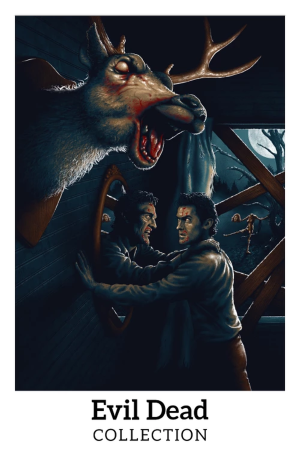
Howdy! In my quest for awesome posters for my awesome media library i have found it hard to get my hands on decent collection posters, some are on TMDB, some on Fanart, so on my travelings on the world wide webb i have collected some collection posters so i thought i would share some here. The filesize is 3000 x 1500 and the format is PNG, each collection ranges from like 20-ish to just over a hundred each and attch some thumbs as samples. The collections are: Blade Trilogy Indiana Jones Hellboy Arnold Schwartzenegger Underworld Lord Of The Rings The Hobbit Middle Eart (LOTR +Hobbit) Alfred Hitchcock Evil Dead Batman TRON Totalfilesize is 670MB so i have added a link to Google Drive. https://drive.google.com/drive/folders/10CEnIEJpyXgLPVMPI9xGqwYmrep0yV0-?usp=sharing Enjoy Folks!















 1 point
 -
Check here.1 point
-
Gets better with every update. I have a new feature request, if I may. two actually. One, I'd like to be able to see what's in a specific library by clicking on it, and secondly, I'd like to be able to sort media in any view by various criteria, date, length, resolution, etc. I'm really impressed by the quality of your app. Great work!1 point
-
This is the golden piece of information I didn't have. I wasn't aware of optional shared network folder. This step should be at least mentioned in the github wiki or the FAQ here. I'll try it later today after work and check if this works with native access.1 point
-
Normally yes, but if Emby isn't able to read the contents due to encoding, that might cause issues.1 point
-
Addon mode uses fallback to native mode, when the server cannot handle them. Exactly, the server cannot play iso's (and cannot stream content), therefore Kodi need's access to the file. That's an Emby server limitation. Personally, I never uses iso files. I convert them all but that's up to you. You don't need to edit anything in advancedsettings.xml. You must use the path substitution (or how Emby calls it "Optional shared network folder") on Emby server (not Kodi). I already explained it, the server must report the "correct/modified" path to plugin while sync (every path substitution change on Emby server requires a repair sync on Kodi/plugin). AND Kodi must have access to the folder! As I said, it's tricky I never recommend native mode to anyone. Unfortunately, if you insist using iso's, then Kodi need file access even in addon mode.1 point
-
Hi, I haven’t heard of users paying for audio db. I think most should be about to use it for free. But yes, audio db and fanart both depend on music brains ids. The providers you enable and prioritize are your preference based on your media and what they have on their website .1 point
-
+1 Just wanted to say that I am also interested in this feature.1 point
-
What didn't solve the issue: Scan/refresh meta of library Scan/refresh meta of album Refresh meta of artis Rename folder -> scan complete library The only way to solve it was: Remove folder from library -> scan library (wait until complete) -> move folder back into library Upon closer inspection all other albums of this artist were also affected by duplicates. @user24I think you actually found the proper way to replicate it, but no clue how I managed to move those folder into an other artist's. I also couldn't reproduce it by: Rename folder Duplicate folder with other name -> rescan (shows duplicates) -> remove folder (duplicates gone) Rename folder -> scan -> move back But you're right, this is not the only strange thing I've seen: * I noticed that "The Prodigy" was identified as "Prodigy", but the underlying albums had the correct associations to "The Prodigy". * Albums not being identified all together, but using "Identify" works fine uing the Emby title. This also goes for songs * And some other minor issues I forgot already lol. Still very curious how this duplication glitch can occur, especially considering Emby actually returns the same item (same ID) twice in it's "search" payload.1 point
-
I would like to see an option to use a local Emby Collection or Playlist as a source.1 point
-
Seems to be working now. I uninstalled and started from scratch1 point
-
Mine is even showing what I'm currently playing, and yes, does show up in authorized apps too. I have no idea what happened, but it works.1 point
-
i would argue that live tv and hdhomerun is a large user base. at least for me that what i use to view my local antenna channels1 point
-
New PUBLIC TESTING version available 12.4.13: Delta changelog 12.4.12 -> 12.4.13 fix database open1 point
-
Ok. Was a long shot. Thanks for replying!1 point
-
turning on firewall today. everything seems to be working fine so far. will update hopefully in a week and alls fine.1 point
-
To my knowledge no as they are cached per client settings. As I would never want a mobile client with extra large images.1 point
-
The Bug still exist in 20261 point
-
I recently had the desire to embed an audio m4a file in a folder along with some other video content (in my case, it's related to live performance/concert-related videos), and couldn't get Emby to catalogue it and make it available to play, even in my mixed content library. So after doing some research and stumbling across this old post, I figured I'd chime in with my findings in case anyone else winds up here with the same question. I was unable to get @GrimReaper's suggestion of VIDEO\ and AUDIO\ subfolders to work; I think this may because I am trying to get this particular content to appear within a TV Show context (my goal was to be able to categorize some of the content in this folder as a "Special" so it doesn't display inline with the main videos, but is available from the same "folder" location in my library). I'm sure it would work if I dropped the TV-style "Season 01/Special" folder conventions but I didn't get to try that configuration, and in any case I wanted the audio track to display alongside the other videos, and not require drilling down into a different sub-folder location. What did work was to simply rename the .m4a file extension as an .mkv. Emby immediately found the file, scraped the internal metadata, and displayed it alongside the other video files in the folder for playback (audio-only, with a black picture)--which is exactly how I wanted it to work. It's a bit of a cheat, but it works.1 point
-
That's my point, the Pangolin login is easily bypassed by anyone actually looking to attack; so it adds no actual useful security and serves only as an additional barrier to genuine users trying to login. I'm not sure where you get the idea it's even necessary. I've quite happily had my server exposed publicly for 10 years... There's no need to put additional login pages in front of it; and doing so, particularly with this method, adds no real value/security. In my setup there is a reverse proxy handling wrapping traffic in ssl, and only responding to a very specific subdomain while dropping other traffic (direct IP connections for example); that's plenty sufficient.1 point
-
Yes. When direct playing, the forced subtitle is the only one that is displayed. I understand now that this is just a design FLAW with Roku's video player, there is nothing Emby can do here. This is a fix Roku would have to make. I was under the assumption that this shouldn't be an issue when direct streaming, as the issue of subtitles not displaying correctly is some weird quirk with how Roku handles MKV specifically, with HLS not being affected. Does this issue also affect HLS in some capacity?1 point
-
My proposal is a setting in the Emby client apps to set custom proxy headers like e.g. in Immich, Conduit or Embywatch. Currently you need to open a ton of paths like /emby/web/* or /emby/Items/* to be able to use an Emby app from the outside of LAN via Reverse Proxy with an authentication layer in front of Emby. Pangolin/Traefik Reverse Proxy is used in this example: You would set up the custom proxy header "P-Access-Token: xxx" and "P-Access-Token-Id: yyy" inside the Emby app and it can connect successfully to your Emby Server behind the Reverse Proxy with all the bells and whistles like 2FA, Passkeys etc since the Request Headers tell the Proxy: "Hey, I'm a trusted app because of your set up Headers for the resource requested but not able to use your Pangolin Login Prompt like a Browser".1 point
-
I've the same problem On my latest Apple TV 4K. During a movie of show the app crashes and the Apple TV goed back to mainscreen. I have to login again and I can continue where the movie/shows stopped. On all other device the app(s) work great.1 point
-
Yes, it was a badly thought out fix :-). For now, until I solve the problem with Docker on Terramaster TOS 7 I use this in the script to only change permissions that have to be changed: find /Volume1/Photos \( ! -user docker -o ! -group docker_users \) -exec chown docker:docker_users {} +1 point
-
Update was posted. This one is mostly UI tweaks and small improvements and a few features. What’s new: Added support for multiple versions. I had limited ability to test this since I only have one film with both black‑and‑white and colorized versions. Added a Full Rescan button in the media source panel. Added support for external subtitle files. Added a Minimize to Tray toggle. External links now open in the default browser. Still in progress: Fixing the EP and Singles disabling option. Broken at the moment. That’s next on my list. Similar content suggestions Continue enhancement of multiple version support. Enhancement of Wishlist (auto detect better versions or when content is added and automatically check Wishlist item as completed) Collections: There are two phases: Phase 1: During the Emby scan itself When you have a BoxSets library in Emby and scan it, Totality does a two-step process: 1. It asks Emby for all the BoxSet containers (e.g., "Marvel Cinematic Universe", "The Lord of the Rings Trilogy"). 2. For each BoxSet, it asks Emby for all the movies inside it, scans those movies as normal media items, and immediately creates a collection record in the database. At this point, the collection is marked as 100% complete, because it only knows about the movies Emby has in its BoxSet. It doesn't yet know what's missing. Phase 2: TMDB enrichment (separate analysis step) When you run "Analyze Collections", the MovieCollectionService kicks in: 1. For each collection that has a TMDB collection ID, it calls the TMDB API to get the full list of movies in that franchise. 2. It compares TMDB's full list against what you actually own. 3. It updates the collection record with the real completeness percentage and a list of missing movies. So a collection that was "100% complete" after the Emby scan might become "85% complete — 3 movies missing" after TMDB analysis. If an Emby BoxSet doesn't have a TMDB collection ID attached, Totality generates a fallback ID (emby-boxset-{id}) and stores it at 100% complete. Without the TMDB ID, the enrichment step can't find the full franchise, so it stays at 100%. It only knows about what Emby told it.1 point
-
I know, that's why I wonder if it's possible to implement, the idea is to avoid transcoding as much as possible.1 point
-
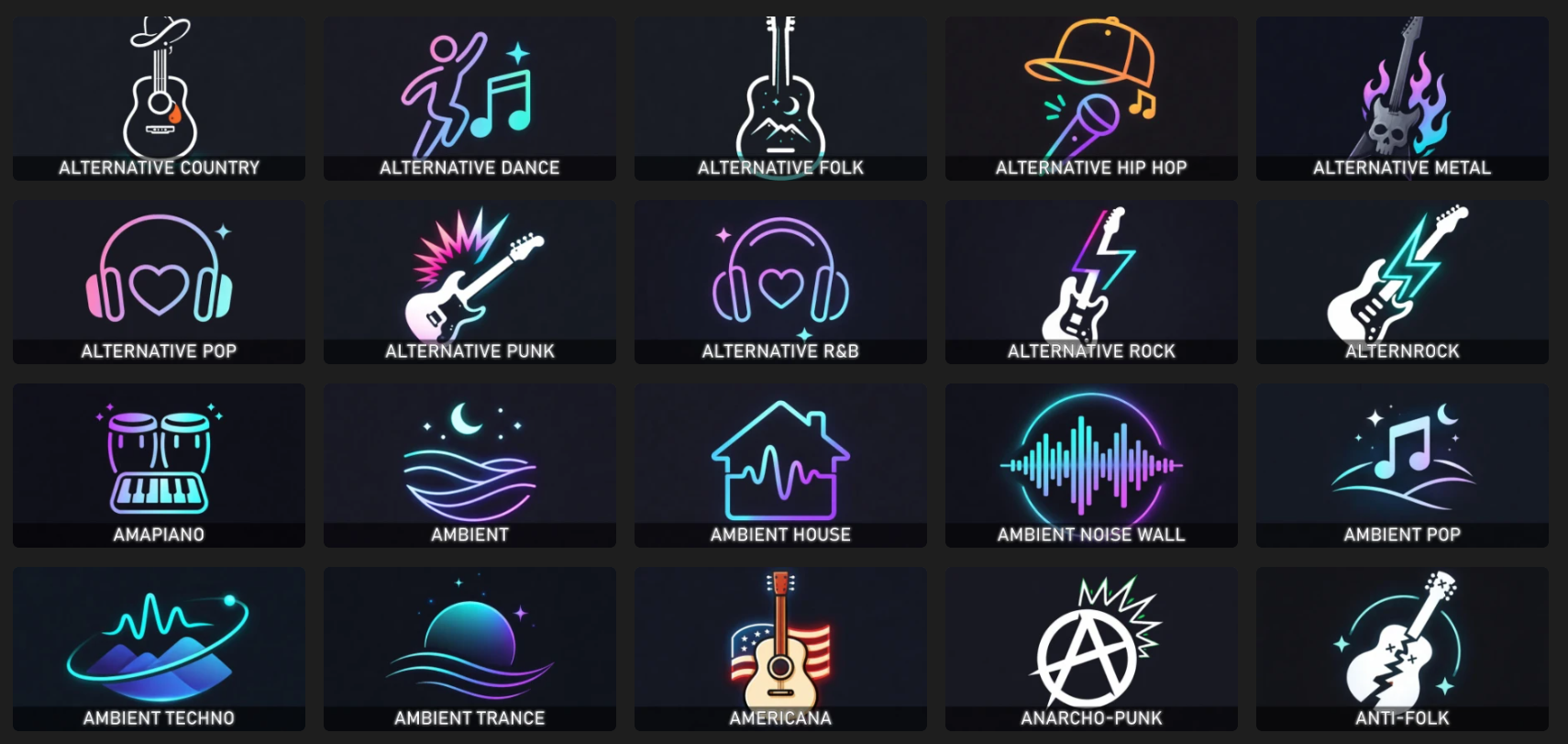
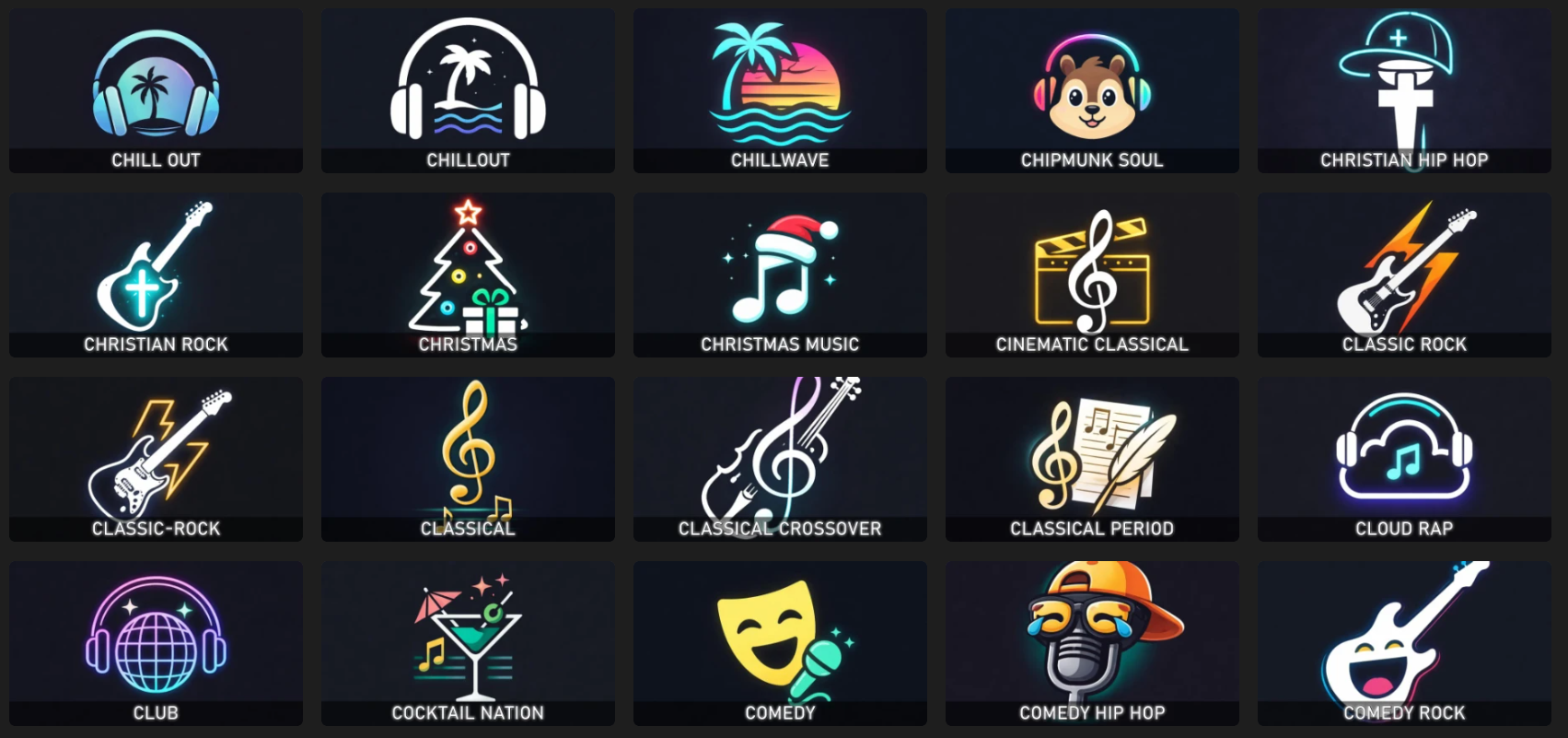
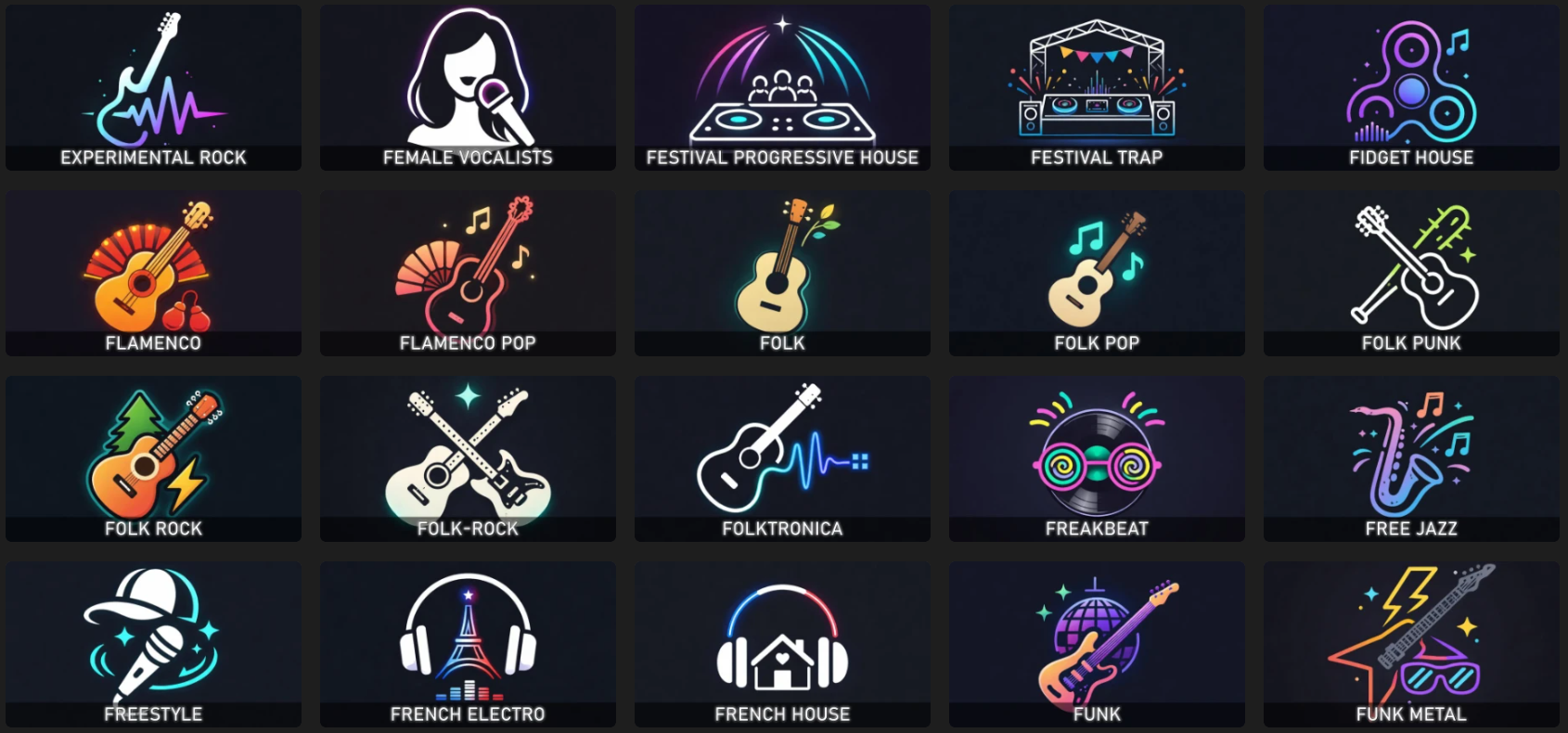
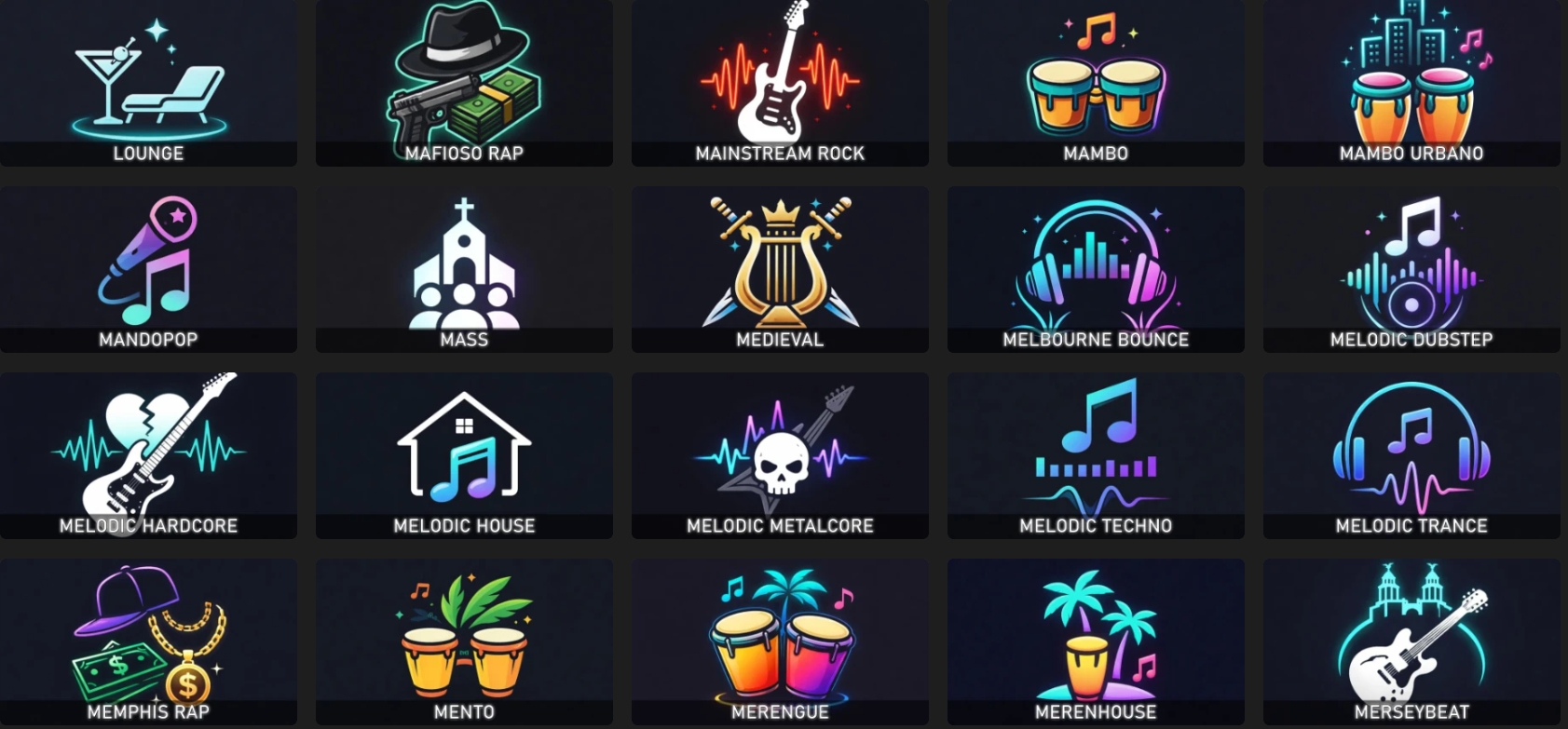
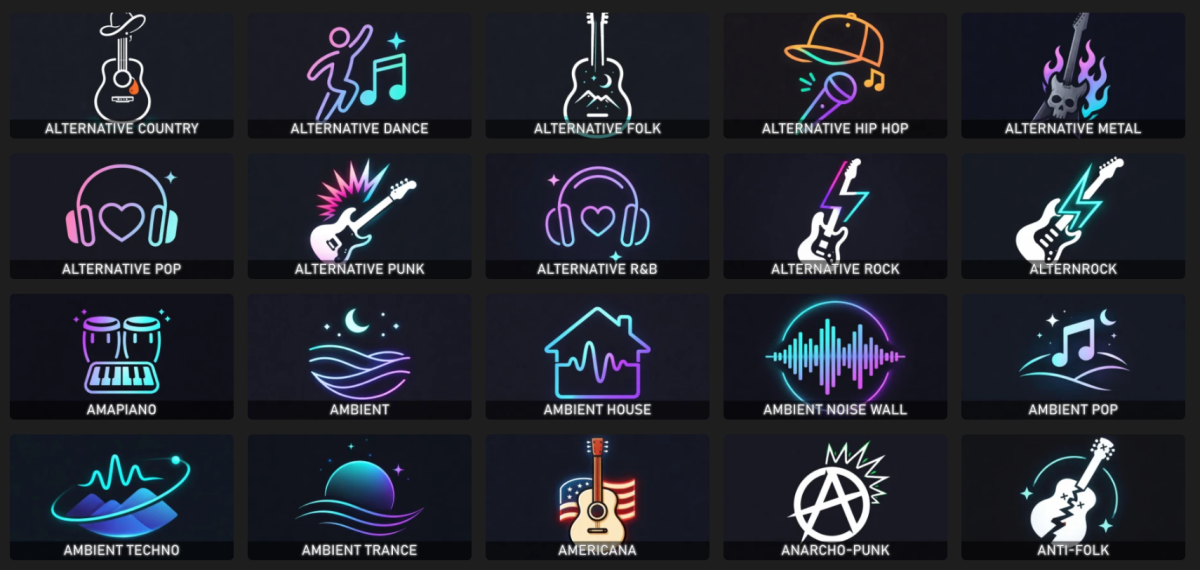
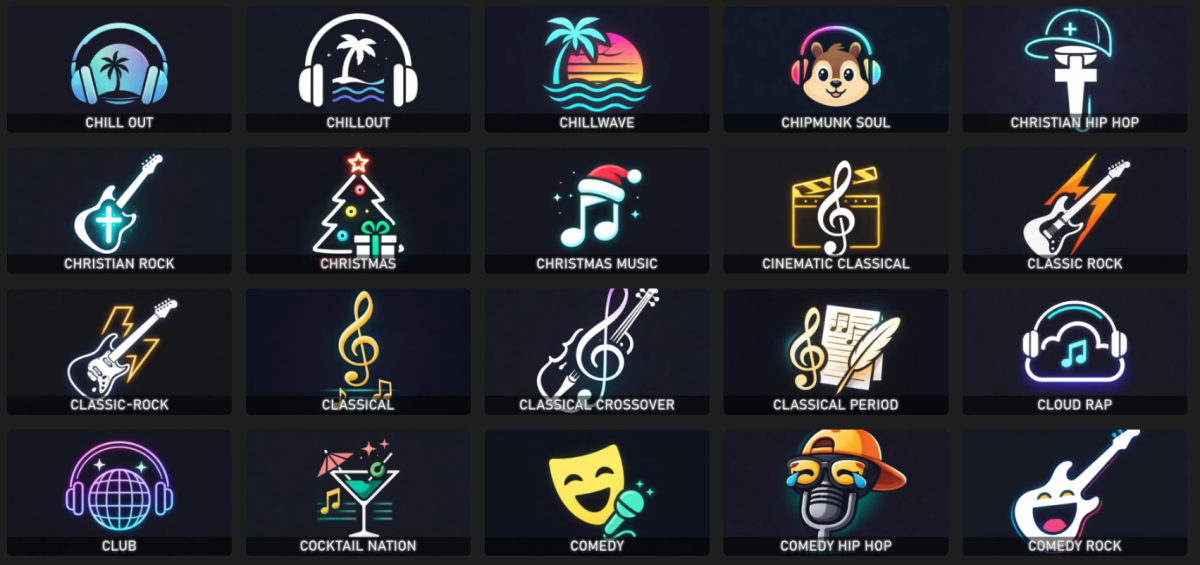
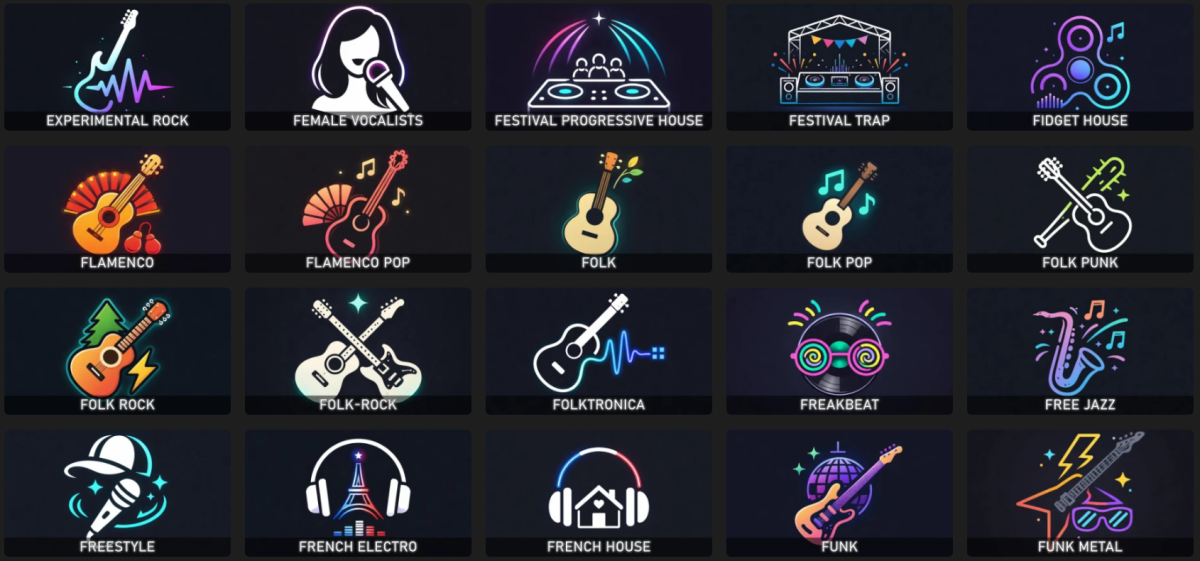
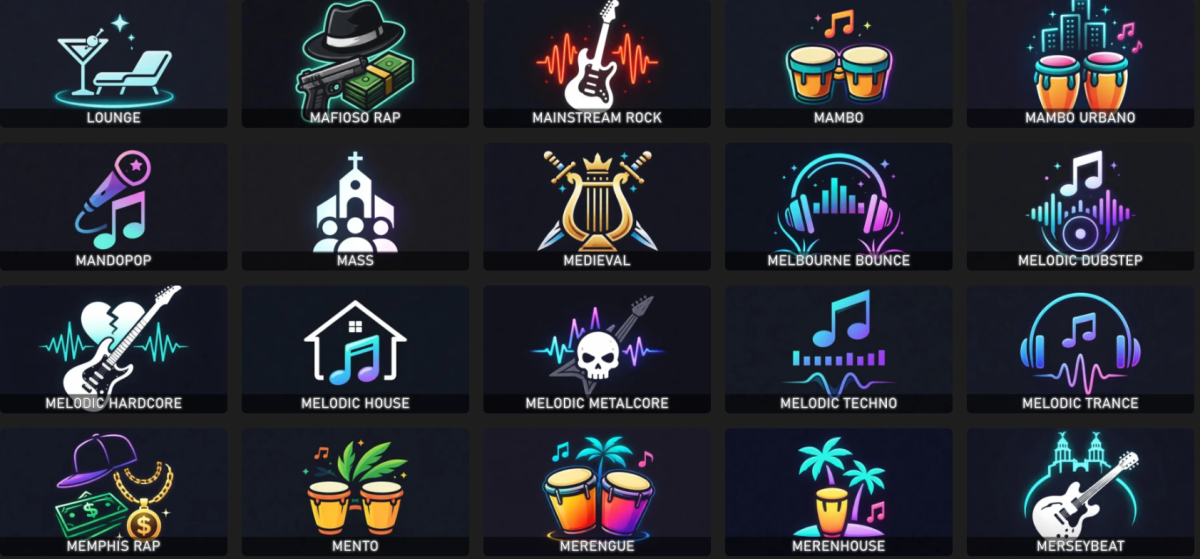
When reorganizing my music library, I decided to recreate all the music genre images using some AI scripts. I'm sharing the package with you in case you find it useful. For each genre, there's a square folder version and a thumb version with the genre text imprinted on it. Alternatively, there's also the original version without the text. Samples: musicgenres.rar
 1 point
 -
Thanks for sharing! For those who want to maintain the same font, here is the font link: https://www.dafontfree.io/bahnschrift-font/1 point
-
The presence of 4K using SDR is something that should be highlighted as it is not the norm. On my MediaInfo Plugin I explicitly add SDR into the title rather than just ignoring it (ie no HDR, be it HDR10, HLG or DV) so that I am aware of this. Likewise, for HD, I don't add SDR - as it is assumed to be SDR, but I do add the HDR type if it is - because that is useful info and I should expect HDR to be engaged if my TV supports it. It's all about showing useful info especially if it's not the norm - nothing should be assumed imo.1 point
-
Thanks, will add some screen shots next time I'm in the car! The Podcasts option doesn't show up in Android Auto in the vehicle, nor under Music nor under Audiobooks.....1 point
-
I know we have mentioned this in other topics since TMDB has language backdrop as there were removed from being a backdrop option. It would be nice to map the language backdrops to Thumb/Landscape image.1 point
-
Gimp_Gradient_Library.xcf1 point
-
E2PL doesn't do any playback by itself, it just launches a desktop video player for you. For quality - The player is MPC-HC (Media Player Classic Home Cinema) and it does provide better image quality than playing video in a browser. This is the fault of the browser, not because of Emby though, browsers just aren't as good as dedicated video players. As for formats - Emby should play pretty much everything in the browser since it will automatically transcode unsupported formats. MPC-HC however will play pretty much everything natively and directly, which again means better quality (transcoding slightly degrades the video).1 point
-
Fresh install of Emby on Arch Linux extra/emby-server 4.9.3.0-1 Library set up without complaints. I can view the library with posters and do everything except play. Anything I play gets the error: "Playback Error No compatible streams are currently available. Please try again later or contact your system administrator for details." I do see errors in the log regarding ffmpeg. I have no need or desire to have anything transcoded by Emby, however the ffmpeg executable is present with execute permissions. I have it disabled in the settings (I think) so I would just like to know what setting I need to change so I don't have this error. I see the startup script does reference ffmpeg: exec dotnet /usr/lib/emby-server/EmbyServer.dll \ -programdata $PROGRAM_DATA \ -ffdetect $FFDETECT \ -ffmpeg $FFMPEG \ -ffprobe $FFPROBE \ -restartexitcode 3 If I modify that and remove the 3 -ff* lines, Emby does not work. All my movies have already been transcoded with ffmpeg as HEVC in an mkv container which is stated as supported, with Opus audio. Everything plays fine in mpv. Everything plays fine in a browser. Everything plays fine in VLC in my ONN(Chromecast), although I am not yet trying to use the ONN and just trying to play through the web interface for now. embyserver.txt0 points