Leaderboard




Popular Content
Showing content with the highest reputation on 01/07/26 in Posts
-
The wait is over! We are excited to announce public availability of the new Emby Linux app beta program. Why a Native Linux App? While Emby’s web app works well across platforms, there are limits to what a browser-based player can achieve, especially when it comes to modern video and audio playback. The Linux app was created to go beyond those limits. At the core of this decision is one simple goal: BEST IN CLASS VIDEO PLAYBACK. Browsers continue to improve, but they inevitably lag behind native applications when it comes to advanced video technologies, hardware acceleration, and reliable fullscreen playback. Emby users expect smooth, high-quality playback — and delivering that consistently requires a native application. Benefits Over the Web Player The new Linux app provides several advantages over watching through a browser: More reliable video playback with fewer browser-related limitations Better performance and lower system overhead Improved full screen behavior across Linux desktop environments Direct integration with native video playback technologies A cleaner, distraction free viewing experience By separating video playback from the browser entirely, the app is able to take full advantage of the system and deliver a smoother experience. Designed for Linux Desktops The Emby Linux app is built to feel at home on Linux. It works across major Linux environments . The result is a modern Emby experience that’s faster, more consistent, and purpose built for Linux users. Available Now The new Emby Linux Beta app is now available and we are waiting for your feedback! Want to get started right away? Head on over to the beta instructions page for more! Please provide feedback in this forum: Linux Beta View the full article4 points
-
Don't block things for admin accounts?3 points
-
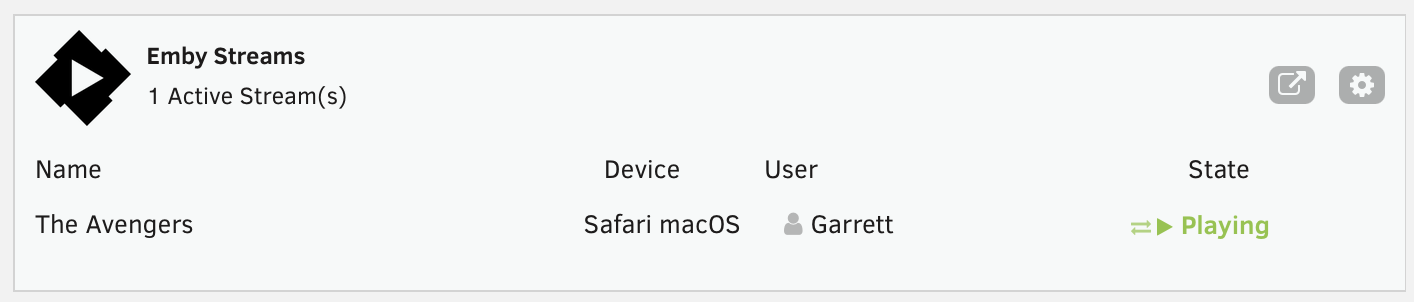
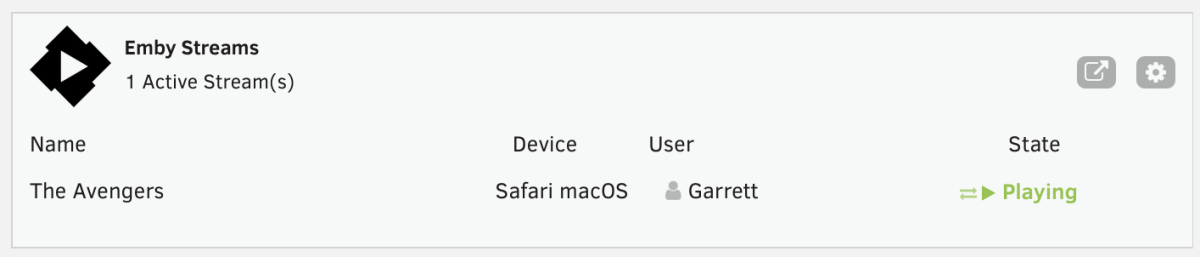
This is a simple Unraid plugin that adds a widget to the Unraid dashboard. The widget will show: All active streams The user streaming The device it is streaming on And the current state with icons indicating normal playback or transcoding. I don't have plans to really expand the feature set, except to maybe change the current state to the current streams timestamp or progress. Otherwise the current state really meets my needs but I'm open to feedback and suggestions. If I get enough feedback, I'll work on packaging it correctly and submitting to the Unraid Community Apps store. As of now, you manually install the plugin by going to Plugins > Install Plugin > and pasting the url for the plg file. You can click on the cog on the widget or in the installed plugins list, click the emby icon to go to the settings page. You'll need to enter the server ip, port, api key and choose a refresh rate. It currently defaults to 5 seconds. https://github.com/gthrift/unraid-embystreams/tree/main
 2 points
 -
Given the presence of the English tag right before it, this is something that can be worked out and improved. But if it's just .hi without a language before it, then the hi will be interpreted as the language.2 points
-
.sdh. is required for hard of hearing subtitles - add either before or after the language. ie filename.sdh.en.srt or filename.en.sdh.srt or filename.en.hi.srt but not - filename.hi.srt hi is the official 2 char language characters for Hindi - thus should not be used as a hearing impared flag for this very reason - sdh should be used. (Subtitles for the Deaf or Hard of Hearing) Note - if no language chars are used - then Emby will always detect it as Hindi - see above from Luke in this thread :2 points
-
@GrimReaper I think the posts written from user @Iromm up to this end of the thread should be separated from here, since this topic is about the Plex theme, which is for server 4.8 and user Iromm's topic is for server 4.9, also it would be easier to follow and would cause fewer mistakes for the viewer.2 points
-
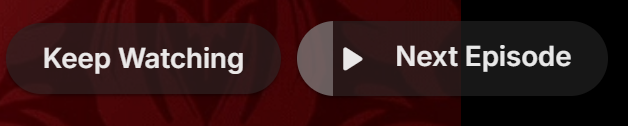
Tired of seeing end credits before Emby loads the next episode of your favorite TV show? Now you can remove that iritation! EmbyCredits detects those end credits and add a marker for Emby to use so end credits can be skipped. In the catalog under Metadata or at: https://github.com/yocksers/EmbyCredits This is either by done chroma fingerprinting and comparing the episodes or by the plugin extracting png/jpg images of the TV show, sending them to a tesseract docker container, the tesseract finds a match and reports that back to the plugin that then adds the skip to Embys database. Emby then shows a "Keep Watching | Next Episode" when it sees the marker. NOTE: Requirements: yock1/embycreditocr installed if OCR detection is wanted (recommended and most precise method). In the plugin you add the Tesseract server IP: IMPORTANT!!!!! As the plugin extracts a lot of images it needs a custom folder to do this as to not fill up Emby docker disk images so set this setting: Then add some keywords to search for (i have added a few but for more precise detection you should add some more that are fitting to your library). Choose a library or a single episode and press process. The plugin can also be set to run as a scheduled task or auto detection for when new shows or episodes have been added to Emby. Speciel thanks to friends who helped developing and @Neminemfor help with testing! If you like this plugin then please consider donating at https://buymeacoffee.com/yockser so i can sit back and relax once in a while with a nice coffee. Disclaimer: Use at your own risk! The plugin has been tested and re-tested but bugs are devious little things that can creep in unnoticed. Do with the plugin what ever you want, change the code, call it your own creation or even take money for it.. I don't care. The original will be here for free!
 1 point
 -
I frequently use the filter of Unwatched for movies and TV shows. And with music, you get recommendations based upon "similar" artist or songs. I would like a flag option to mark media as "Not Interested" or whatever verbiage would be better for the masses. This would have to be at the user level and not stored in a NFO file since I would like to filter out things my family likes, but only on my profile. As my libraries grow, I am having more content for my family. Since I am the only male in the house, my users have tastes that are distinctly different from mine. Whether it be real surgery shows, true murder, sappy romances, or telenovelas; these are things that I will never - and I do mean never - watch. The same thing goes for the music collection. I don't mind classic musical soundtracks, but my daughters collection of Broadway musicals is vast. And annoying. Now I could make them as Watched, but then that would go into the algorithm "Since you watched this, you might like this...", I would like to avoid doing that. I've poked around quite a bit, but I don't see anything like this currently nor did I see anything like this requested. If it has been requested but called something else, I would love to know about it so I can like that post. Thanks in advance.1 point
-
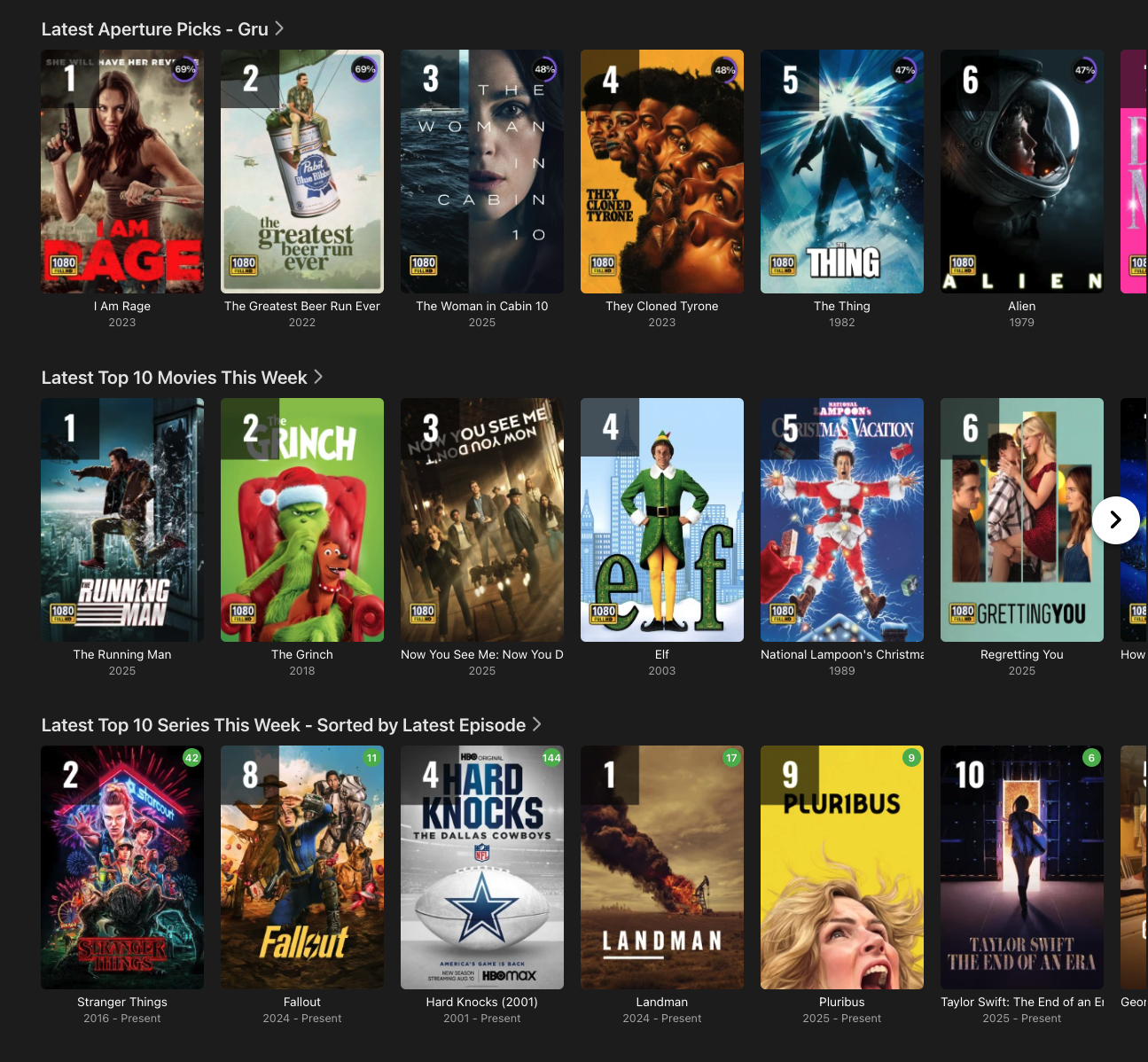
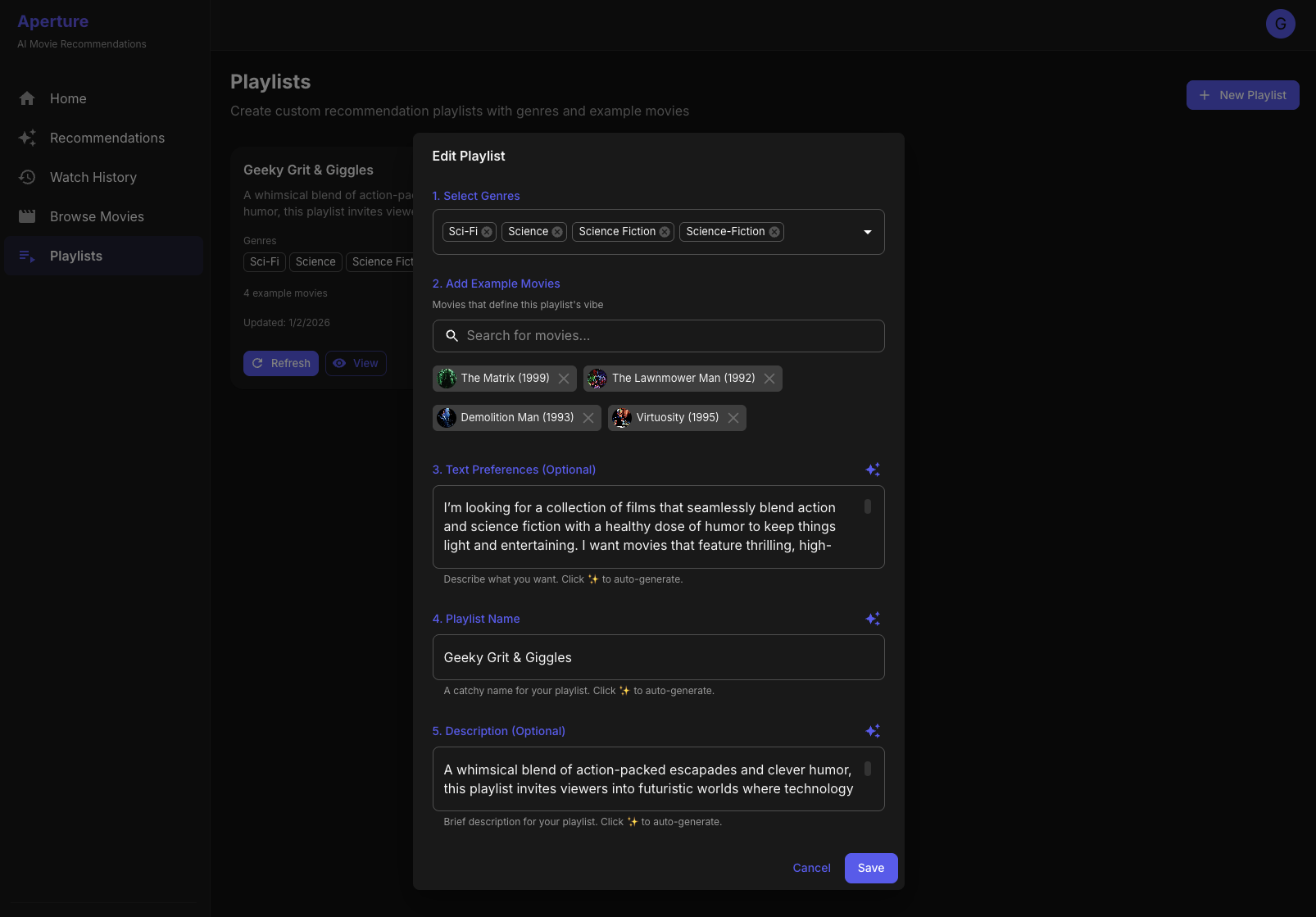
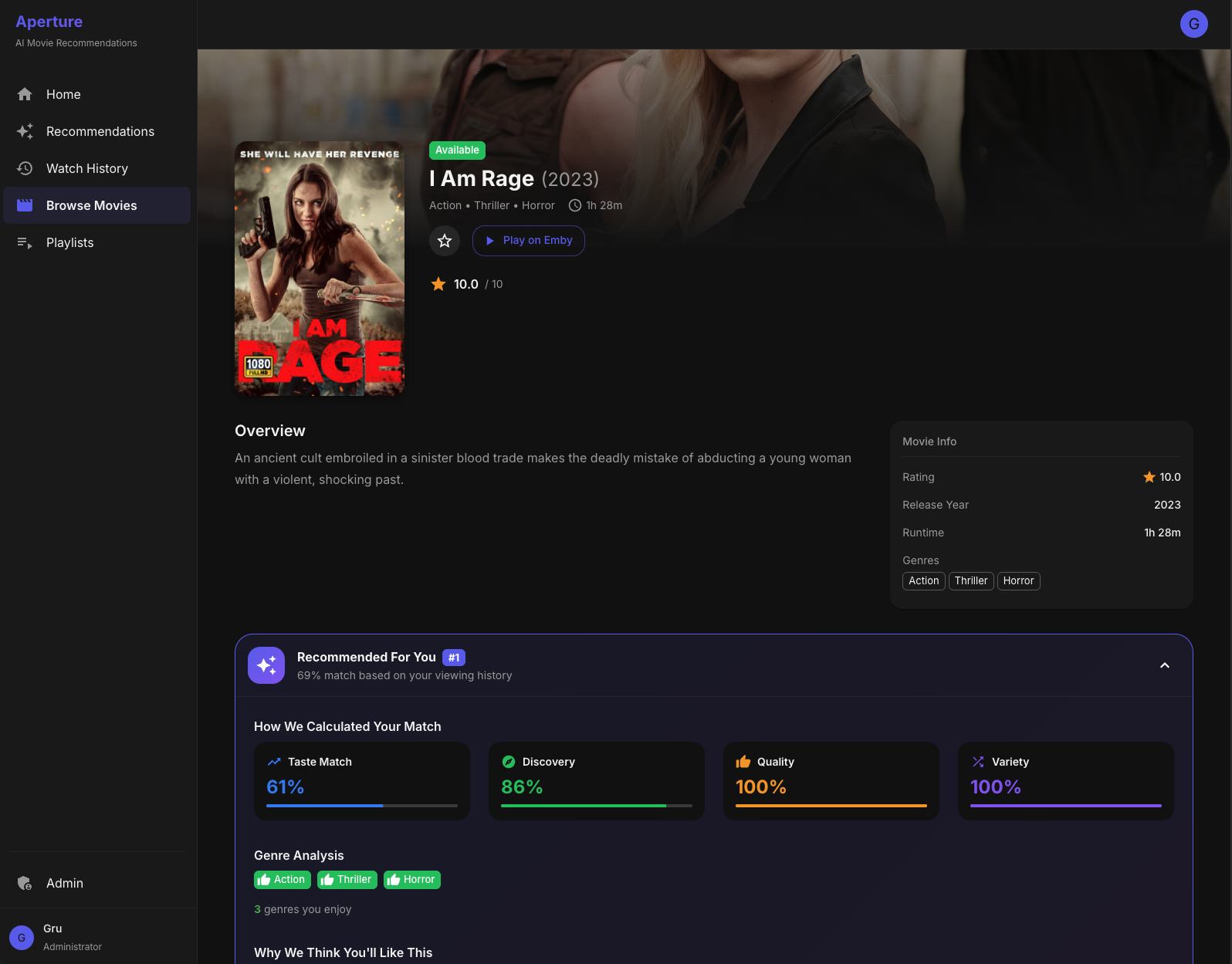
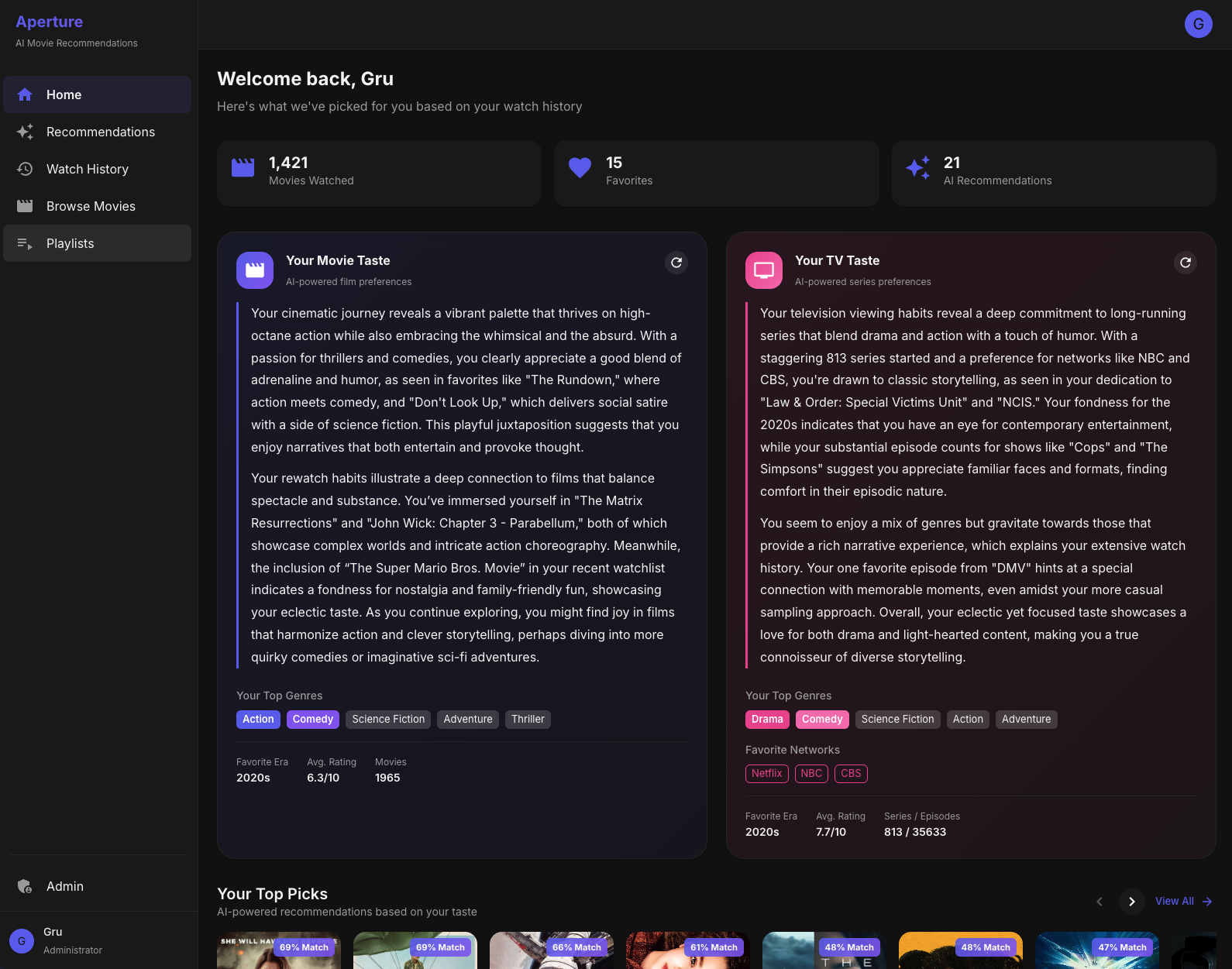
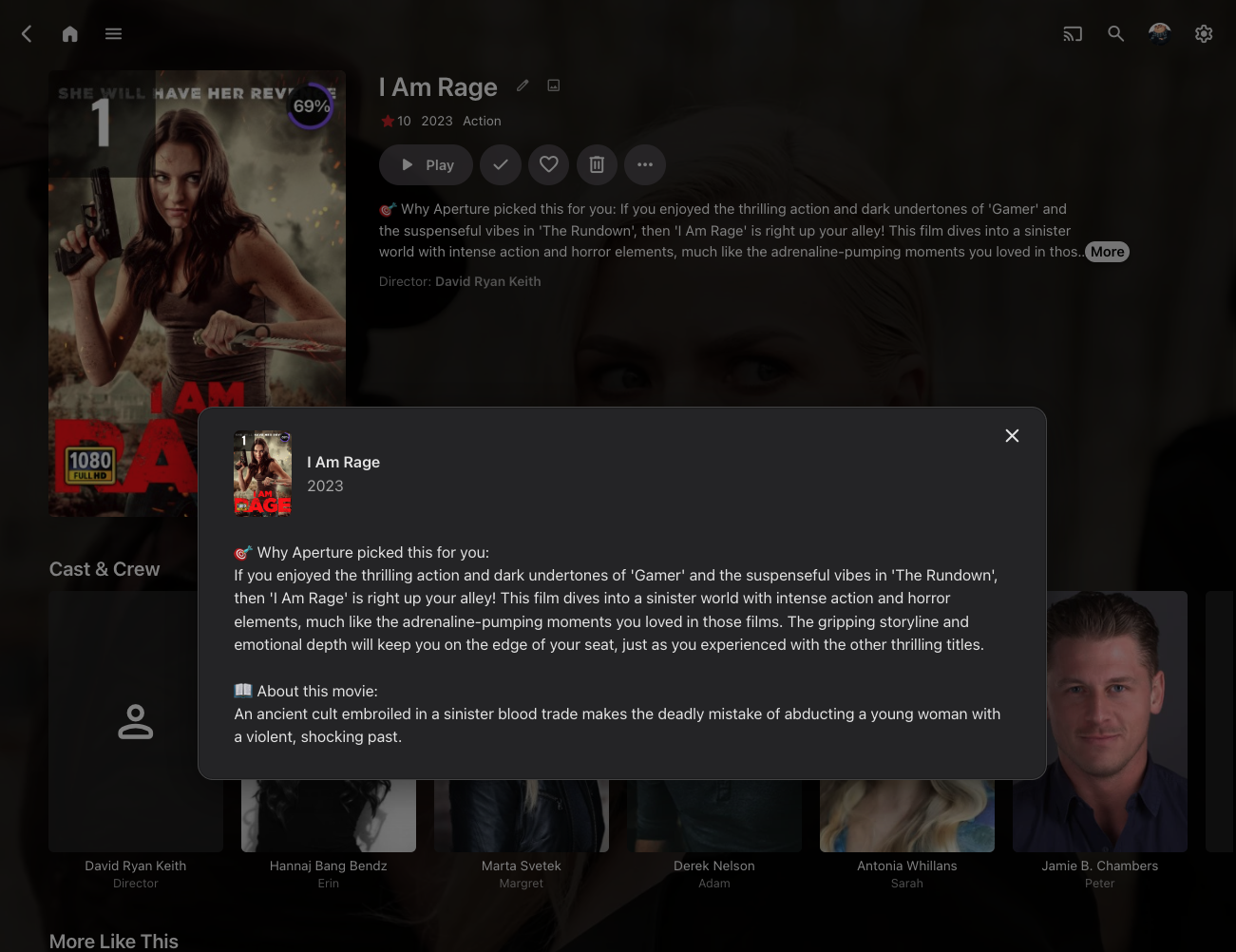
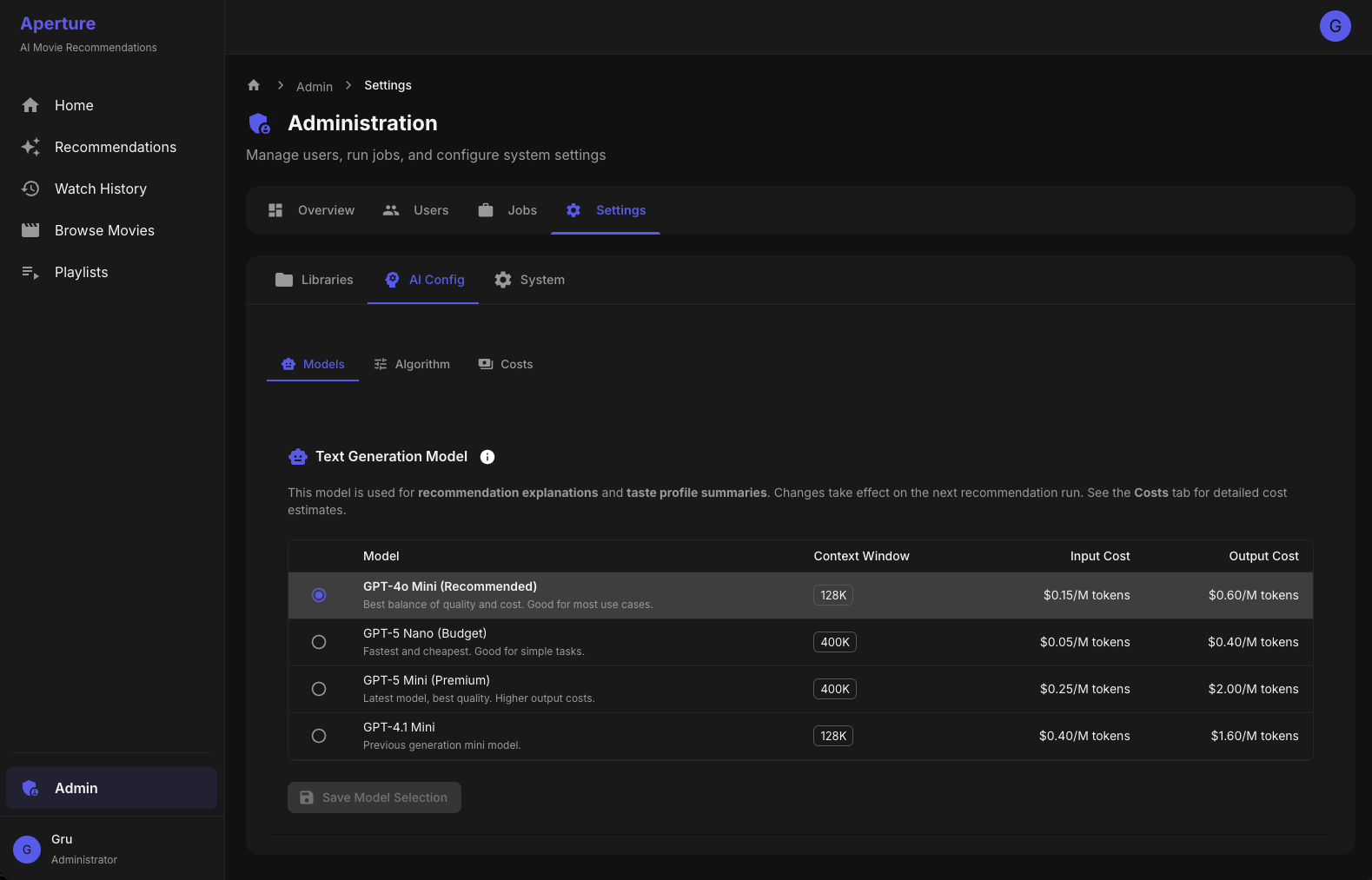
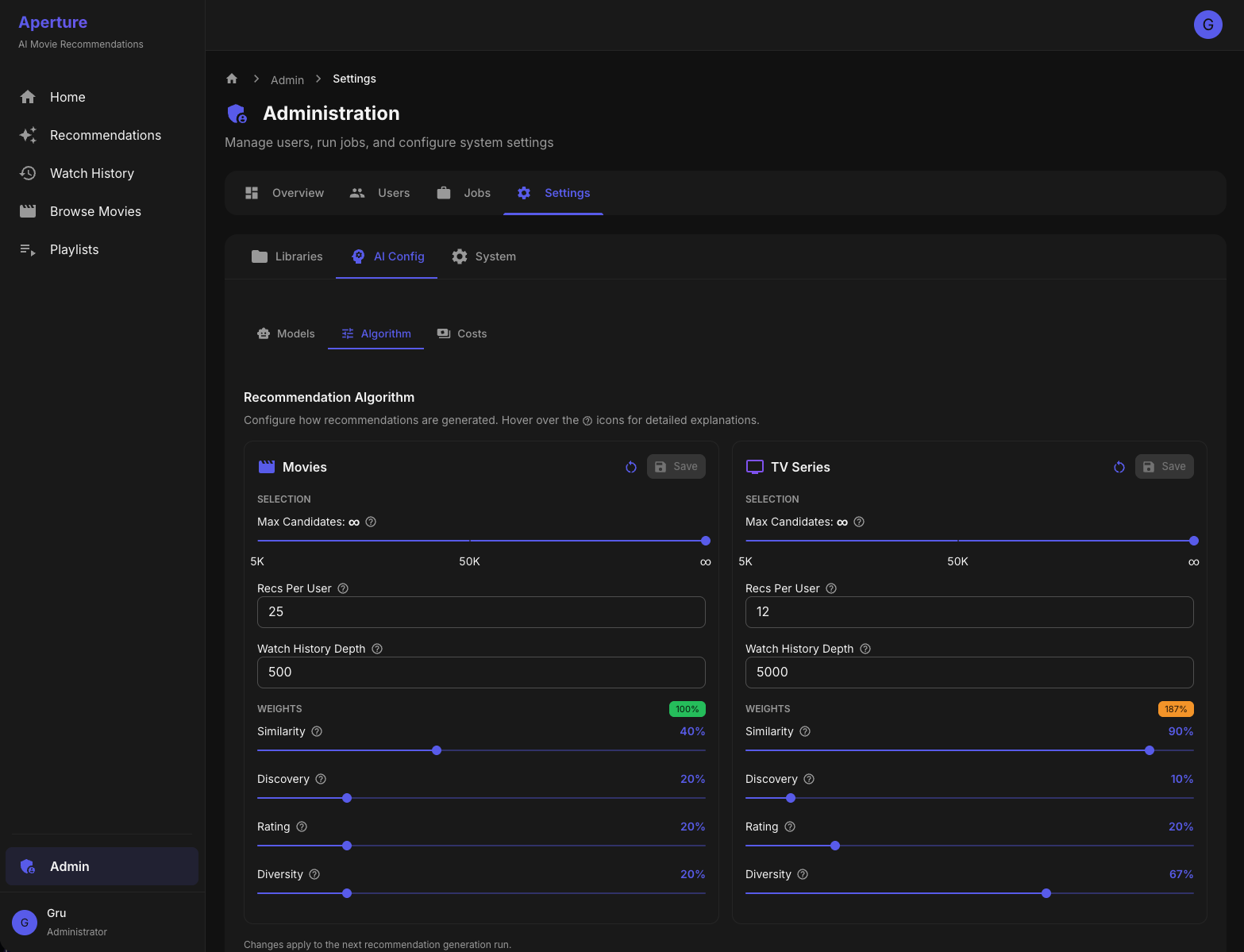
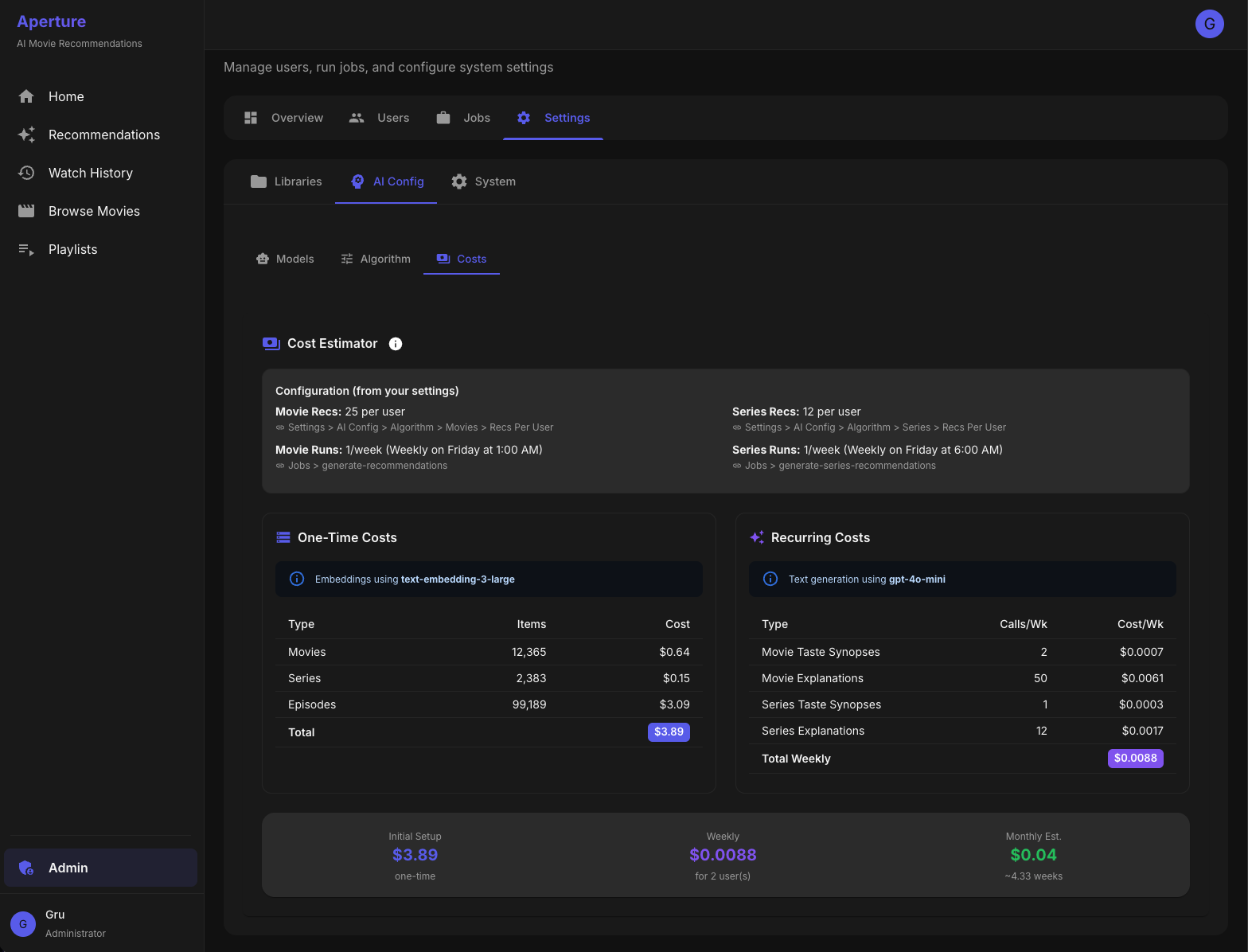
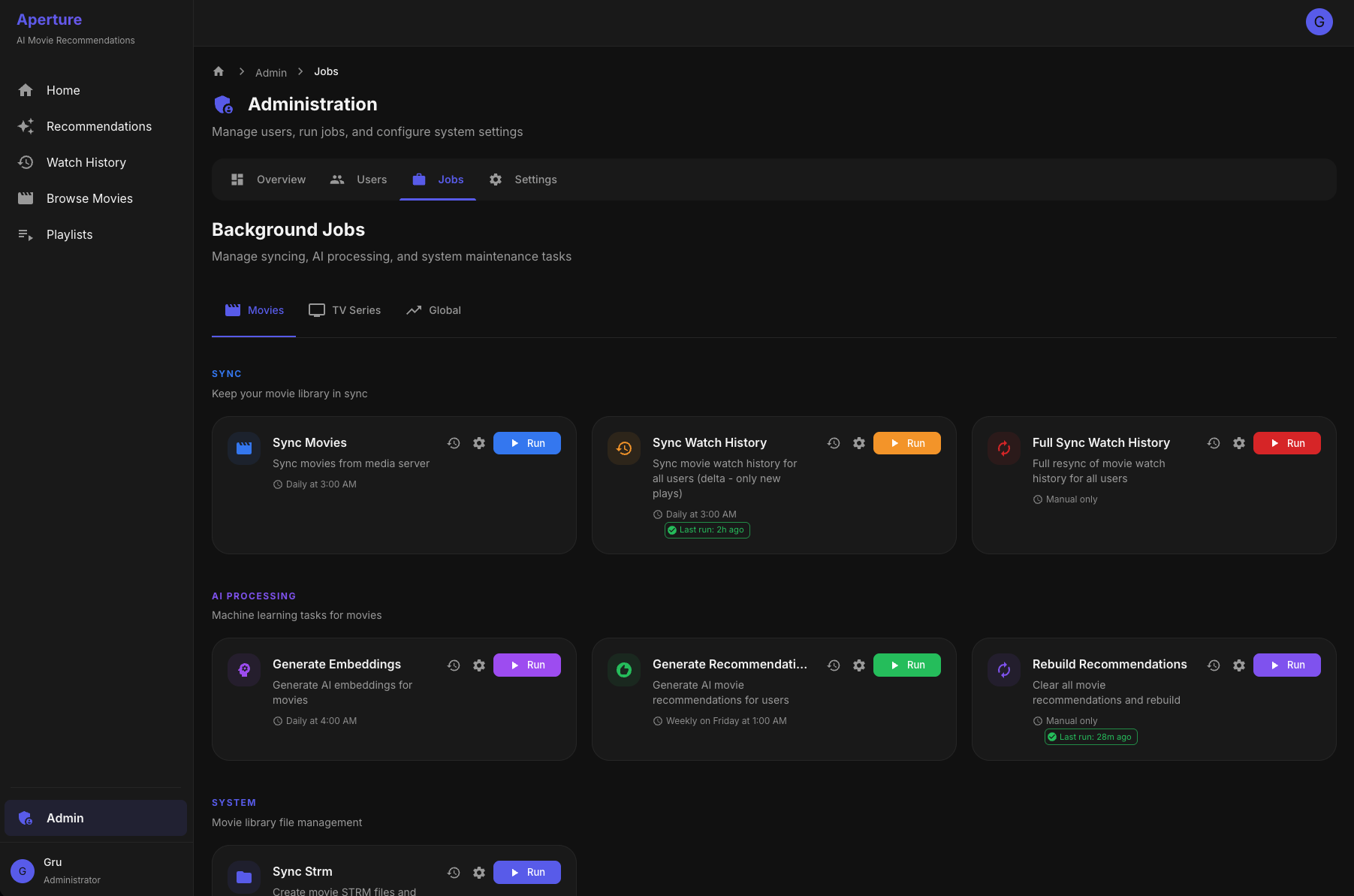
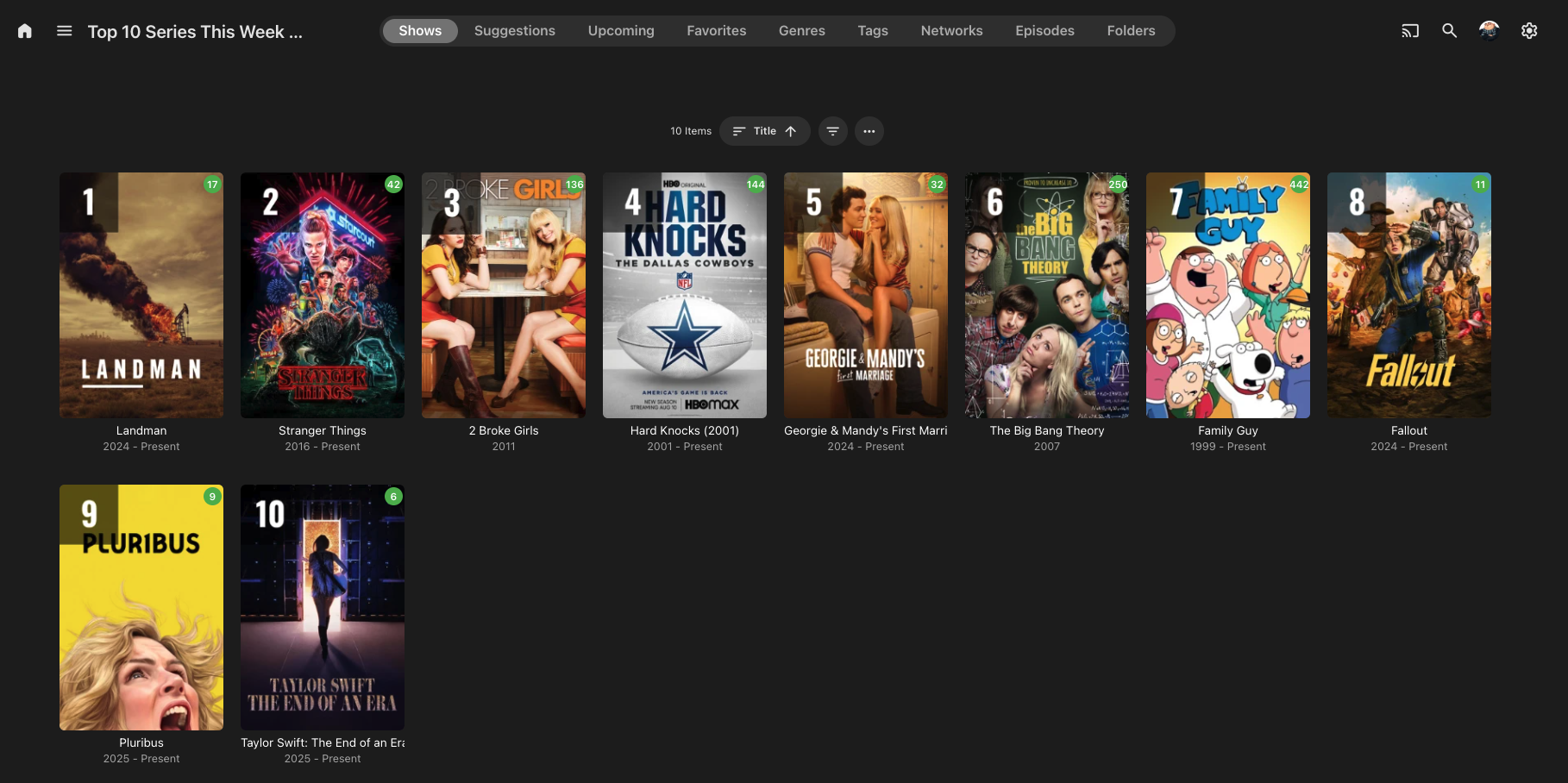
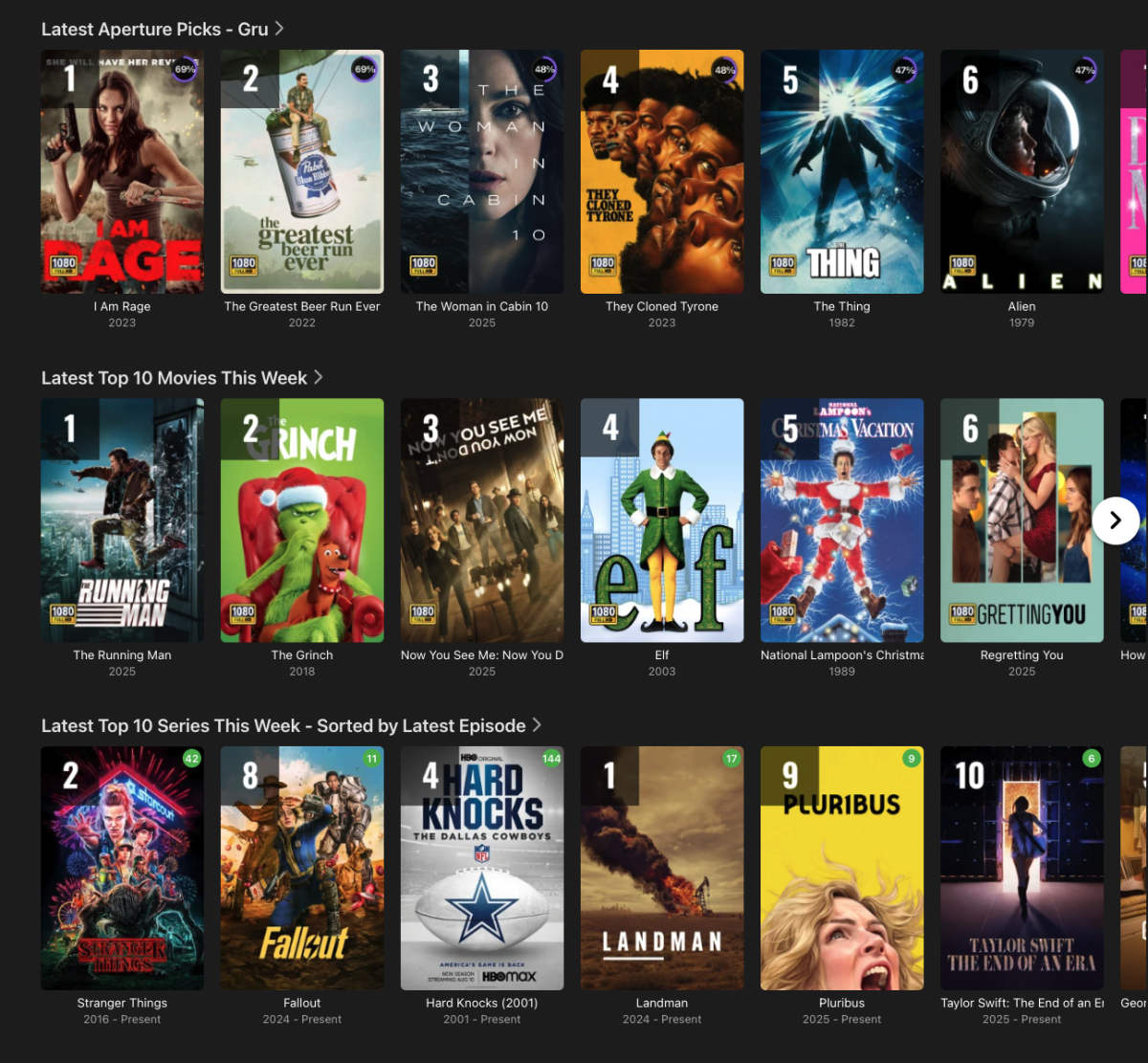
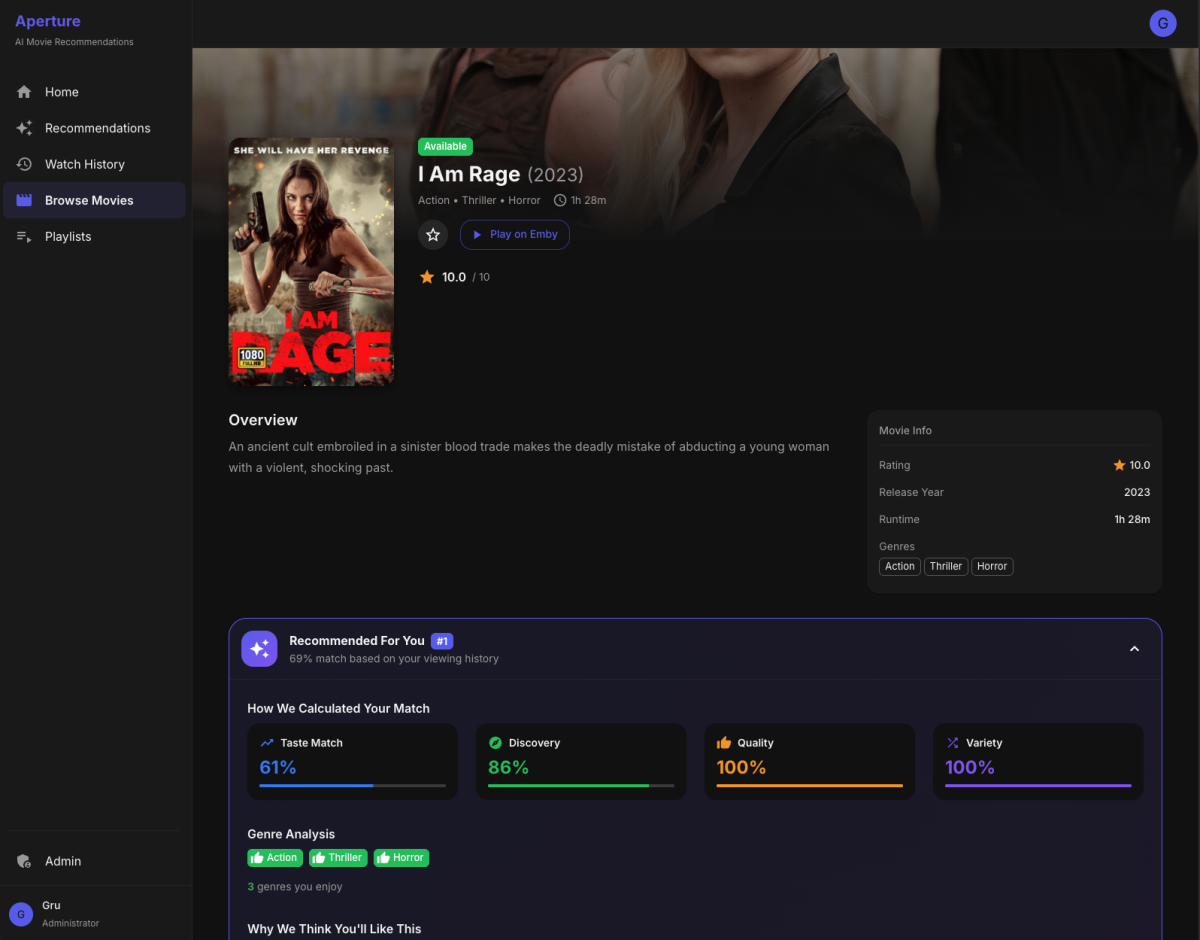
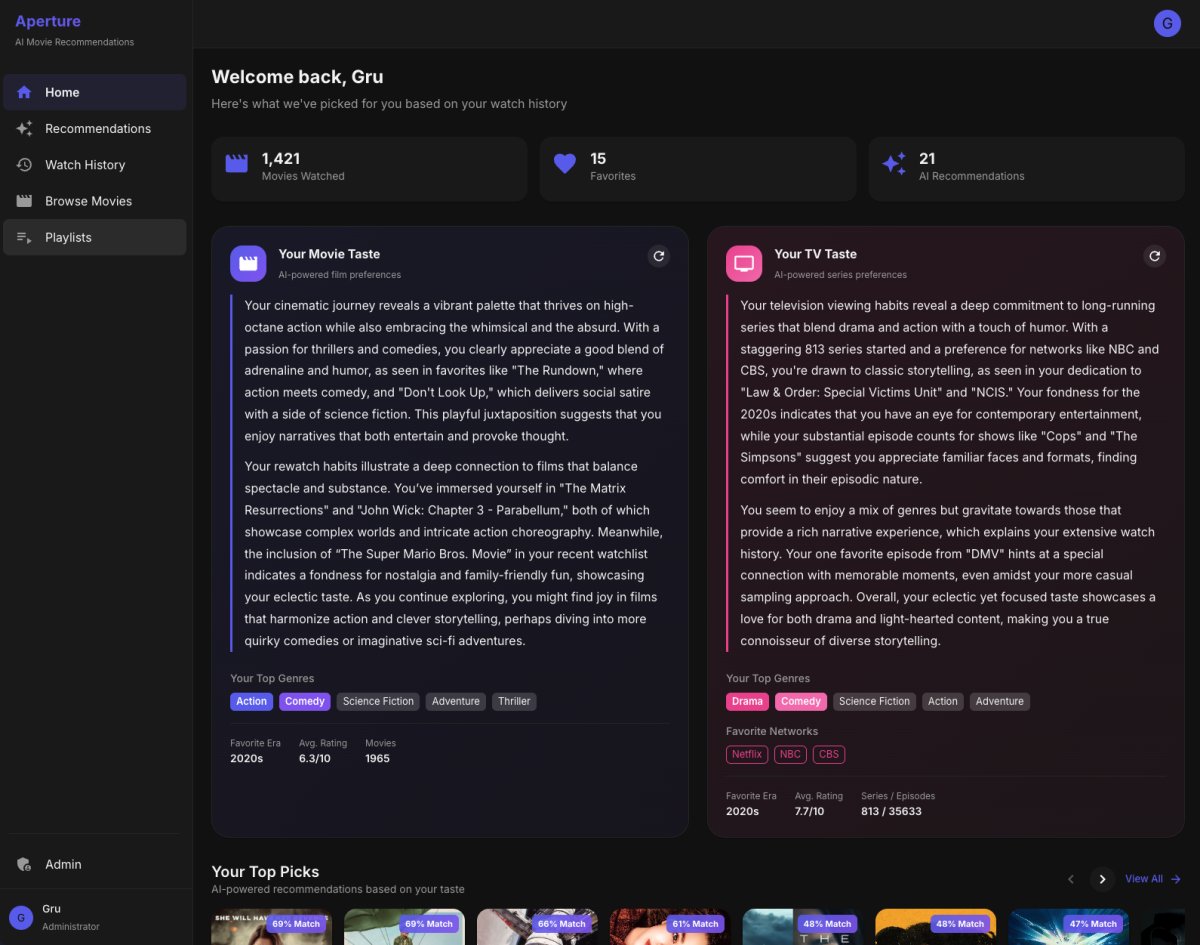
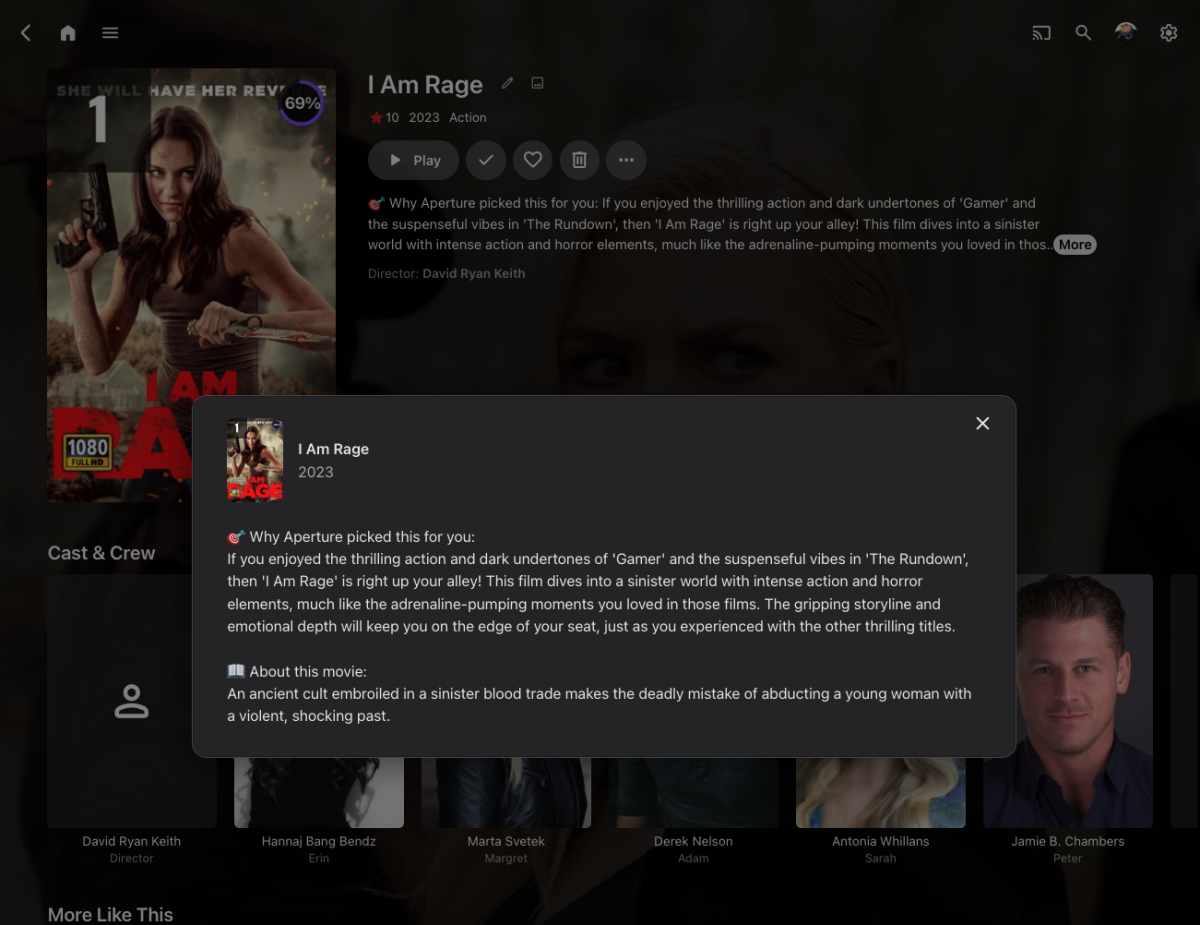
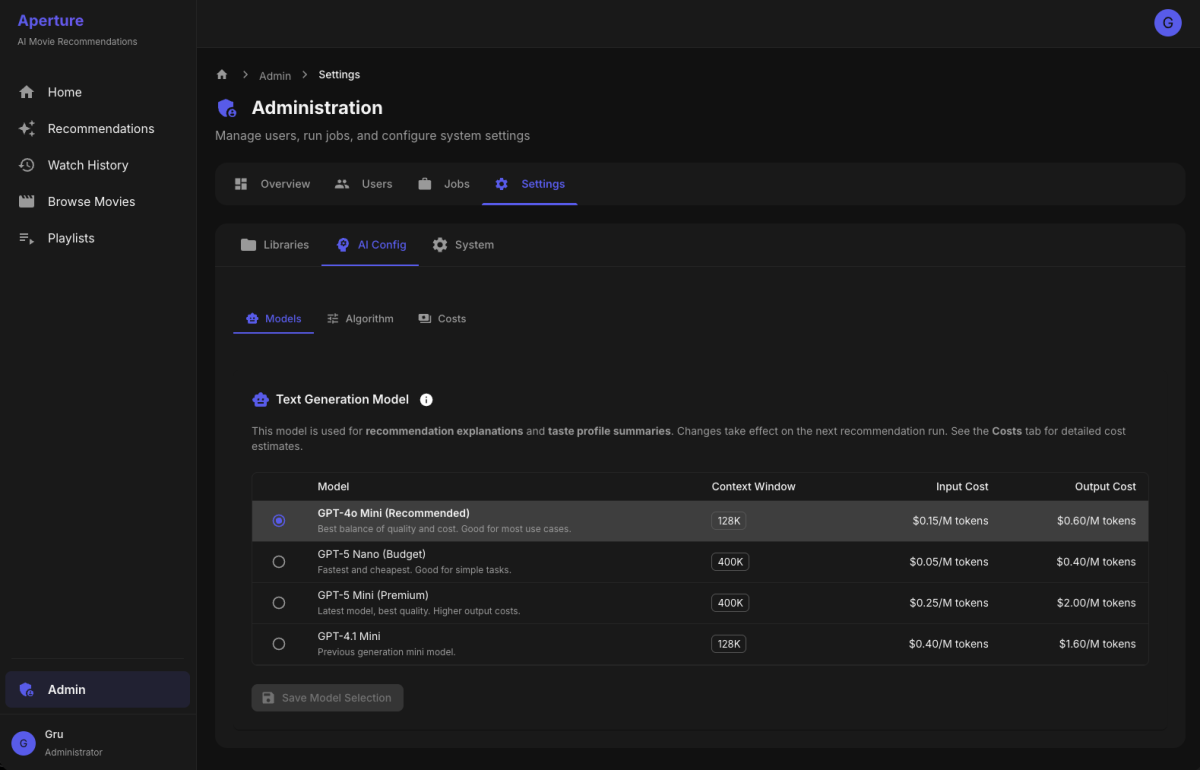
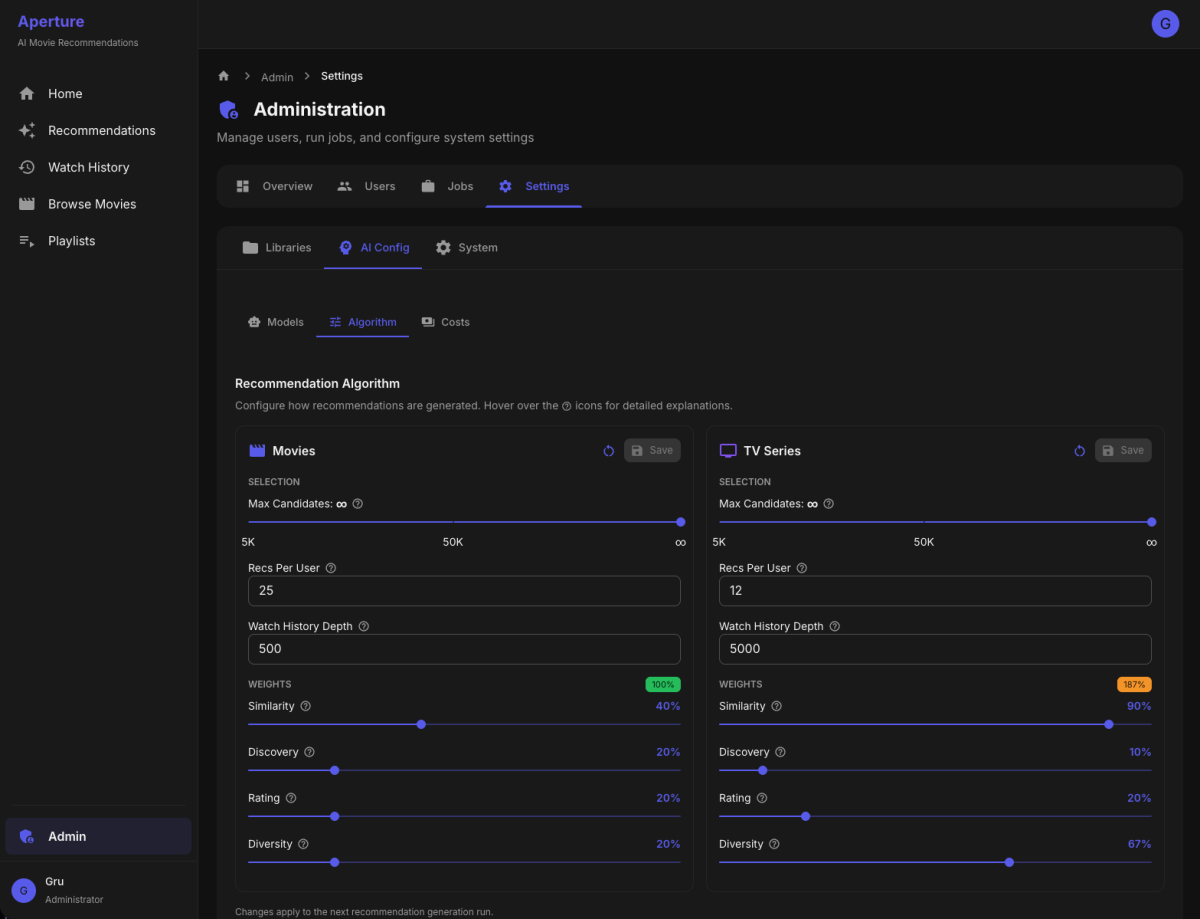
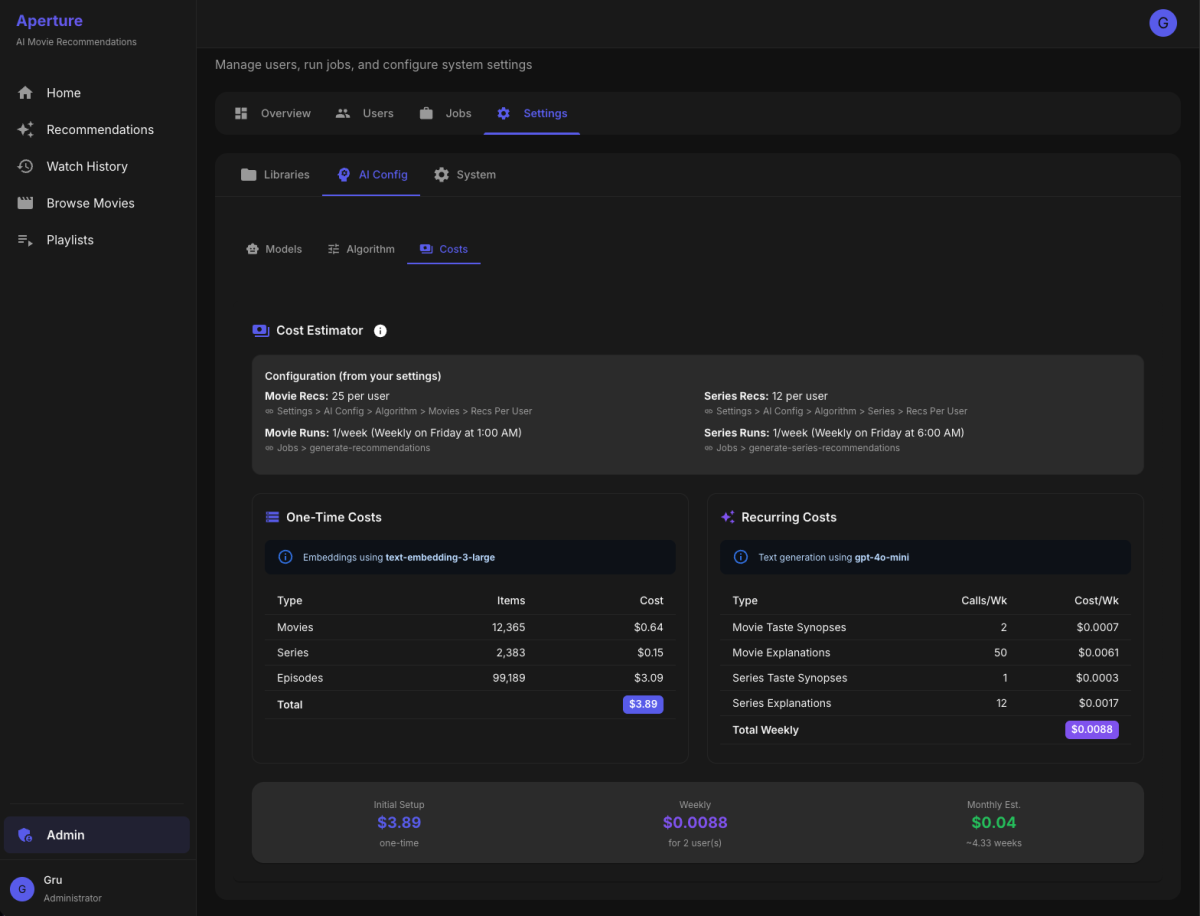
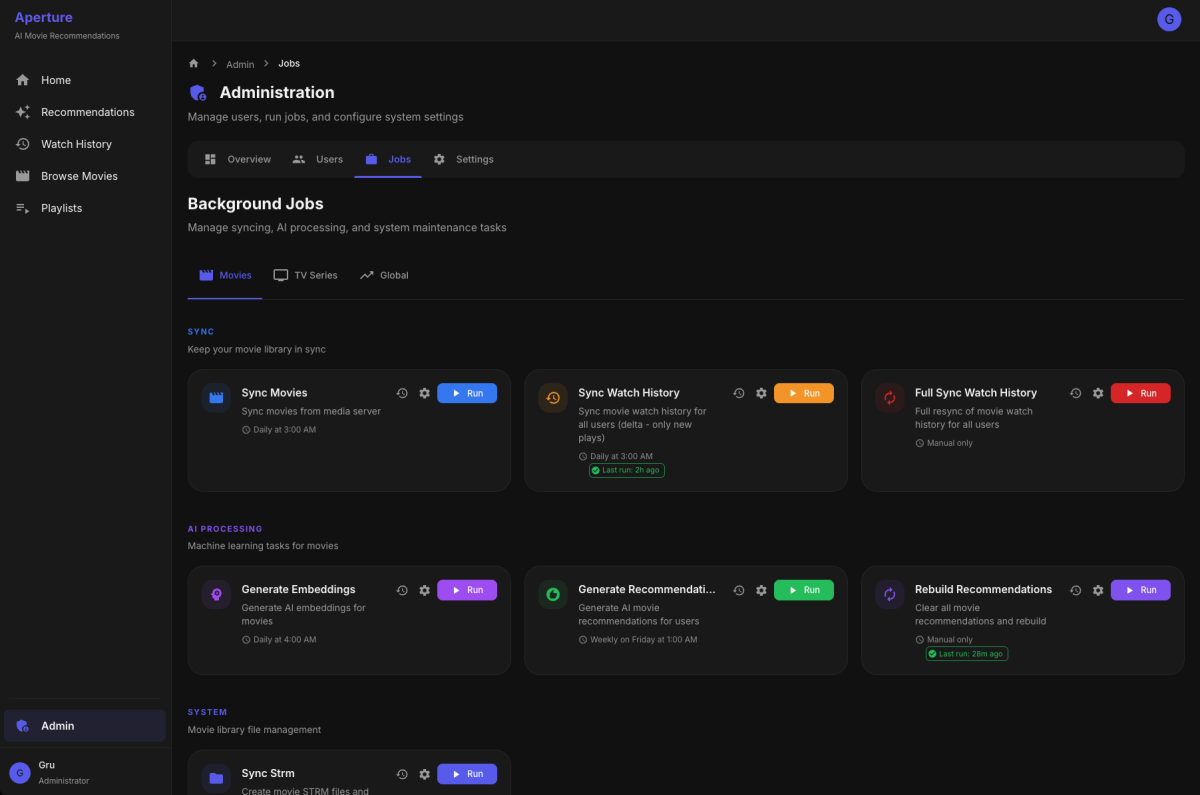
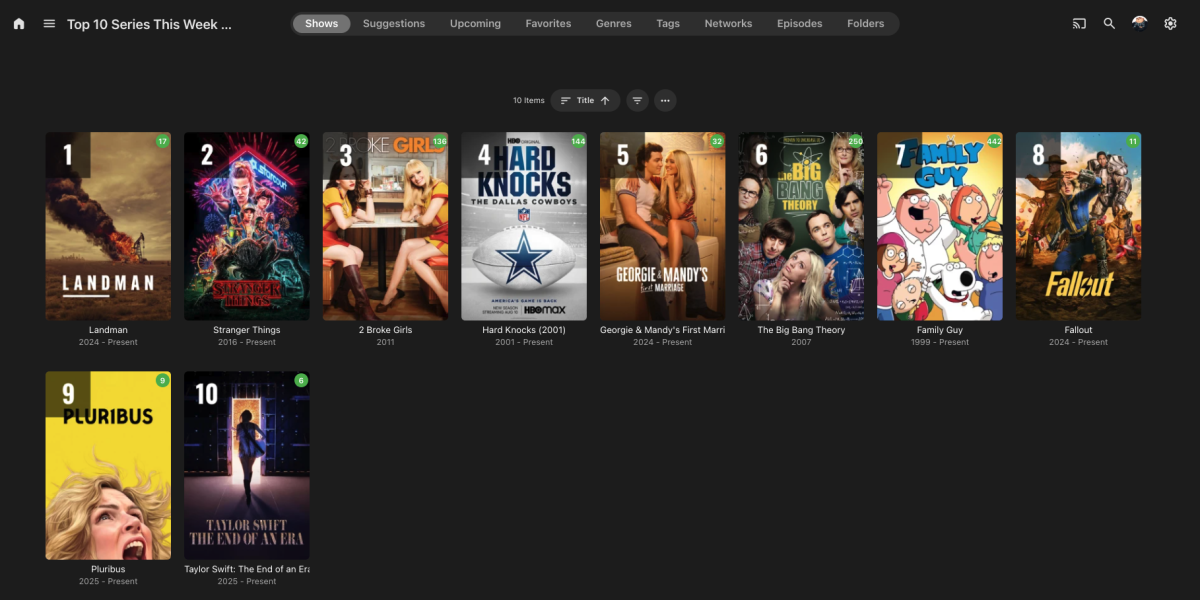
What It Does Aperture is a self-hosted recommendation engine that creates personalized "For You" libraries in Emby. It analyzes your watch history and uses AI to suggest movies and TV series you'll actually want to watch—complete with explanations for why each title was picked for you. Features Personalized Recommendations Per-user recommendation libraries - Each enabled user gets their own "Recommendations" library Movies and TV Series - Separate recommendation pipelines for each media type AI-generated explanations - Every recommendation includes a personalized "why you'll like this" explanation Ranked posters - Custom poster overlays showing rank and match percentage Exclude watched content - Option to only recommend unwatched titles Top Picks (Global) Popularity-based libraries - "Top 10 Movies" and "Top 10 Series" based on what's trending across all users Configurable popularity formula - Weighted combination of unique viewers, play count, and completion rate Time window - Only count watches from the last X days Auto-enabled for all users - Everyone sees the same Top Picks User Management Import users from Emby - One-click import of all Emby users Per-user controls - Enable/disable AI recommendations for movies and/or series independently Taste profiles - AI-generated synopsis of each user's viewing preferences (e.g., "You gravitate toward cerebral sci-fi and morally complex antiheroes...") Watch history sync - Delta sync support to only fetch new watches Algorithm Settings (Separate for Movies & Series) Recommendation count - How many titles to recommend per user Candidate pool size - How many candidates to consider before final selection Watch history depth - How many recent watches to use for taste profile Scoring weights: Similarity weight - How much to favor titles similar to user's taste Novelty weight - How much to favor titles different from what they've seen Rating weight - How much to factor in critic/audience ratings Popularity weight - How much to favor widely-watched titles Diversity factor - Ensure variety in genres/styles AI Configuration Embedding model - Uses OpenAI text-embedding-3-large for semantic understanding Text generation model - Selectable GPT model (gpt-4o-mini, gpt-4.1-mini, etc.) for explanations and taste synopses Cost estimator - Real-time cost estimates based on your library size and settings Library Configuration Source library selection - Choose which Emby movie/TV libraries to include STRM output path - Configure where recommendation libraries are written Library naming - Customize the names of generated libraries Job Scheduling All jobs support cron scheduling with these operations: Sync Movies/Series - Pull metadata from Emby Generate Embeddings - Create vector embeddings for new content Sync Watch History - Update user watch data (with delta sync) Generate Recommendations - Run the recommendation pipeline Sync STRM Files - Write recommendation libraries to disk Refresh Top Picks - Recalculate popularity rankings Monitoring Job run history - Track when each job ran, duration, and success/failure Real-time job progress - Live streaming logs while jobs run Database statistics - View counts of movies, series, episodes, embeddings, etc. How It Works Library Sync - Aperture syncs movie/series metadata from your Emby libraries Embedding Generation - Each title is converted into a vector embedding capturing its "essence" Watch History Sync - Tracks what each user has watched Taste Profile - Builds a vector representing each user's preferences Candidate Generation - Finds unwatched titles similar to user's taste Scoring & Selection - Ranks candidates and selects diverse top picks Explanation Generation - GPT writes personalized "why you'll like this" for each pick STRM Library Creation - Generates virtual library with STRM files, custom posters, and NFO metadata Tech Stack Backend: Node.js/TypeScript with Fastify Frontend: React with Material UI Database: PostgreSQL with pgvector for similarity search AI: OpenAI for embeddings and text generation Deployment: Docker The Result Users see personalized recommendation libraries right in their Emby home screen with suggestions that actually make sense—no more endless scrolling wondering what to watch next.
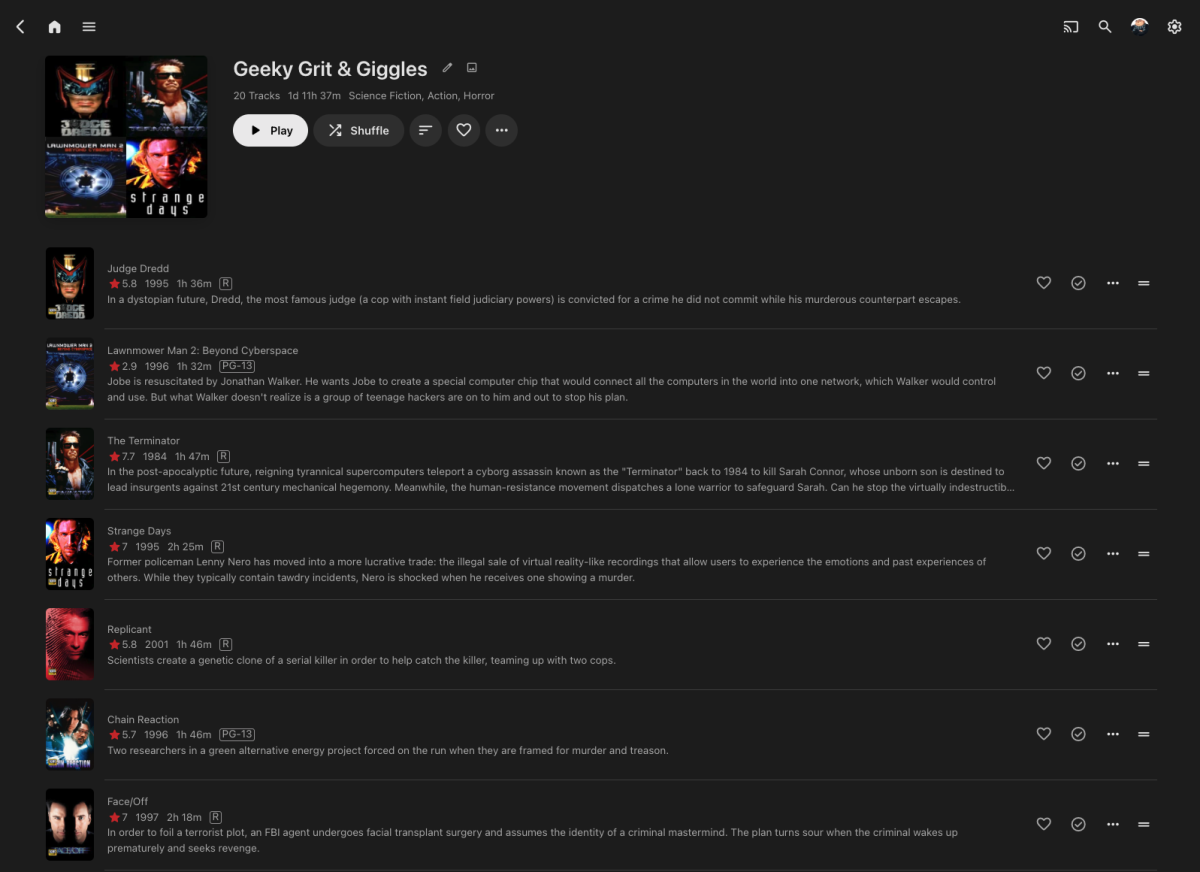
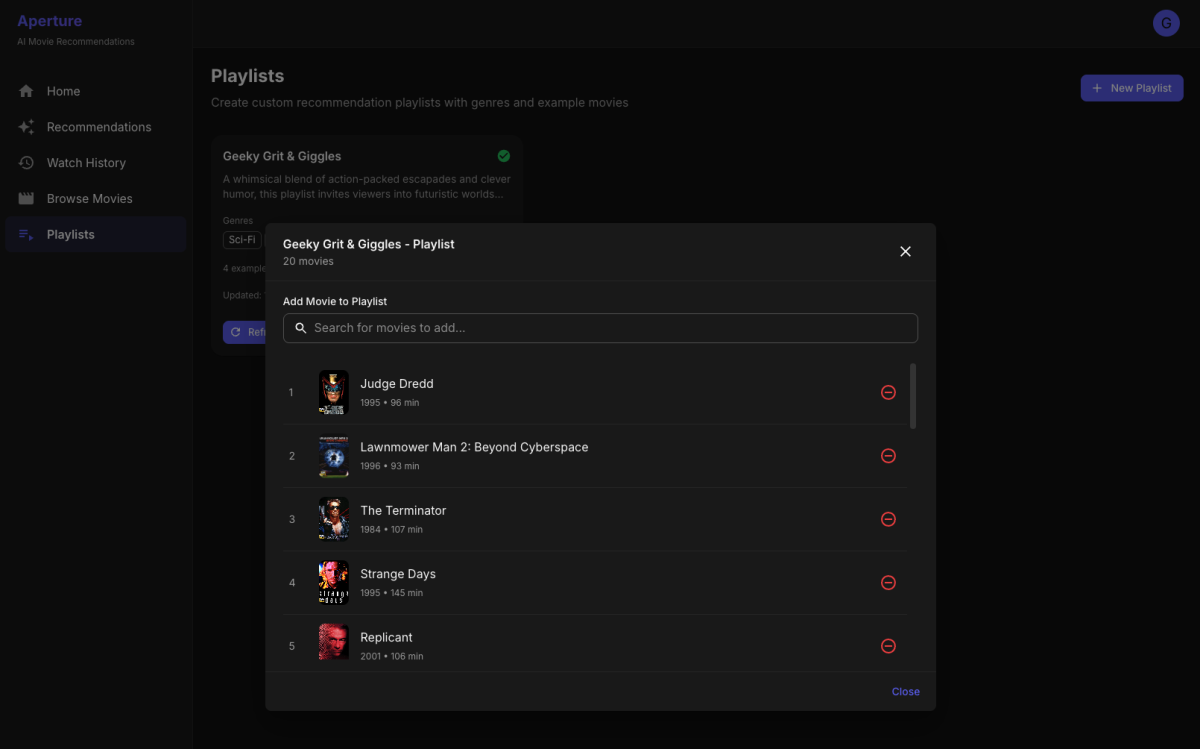
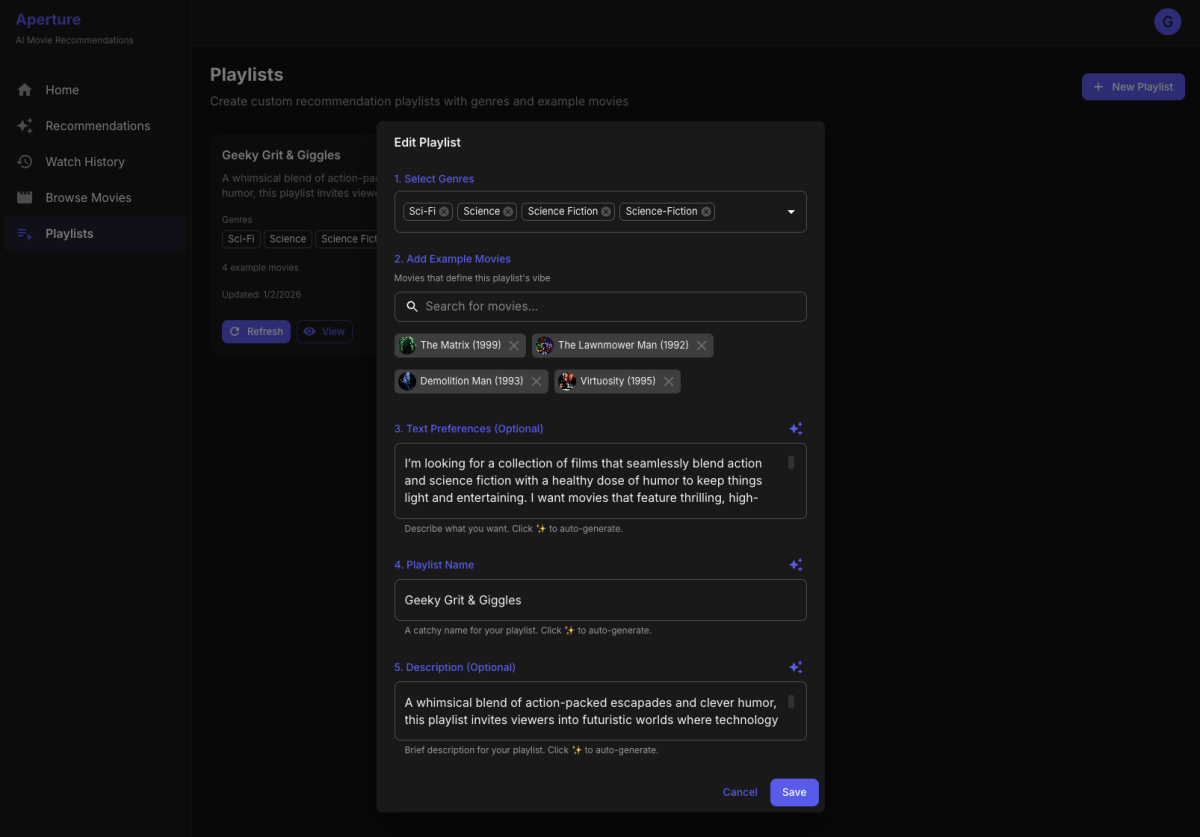
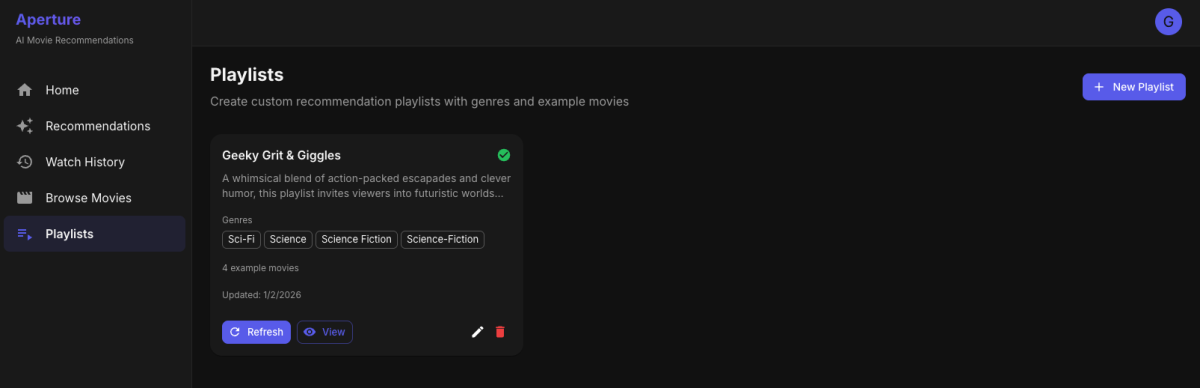
 1 point
 -
I'd really like to have 2 Factor Authentication added to the login screen. It's just this (optional) extra layer of security to help secure the server (which, especially if people use camera uploads) contains pretty private data. There are for every type of programming language quite a few libraries available, so implementation on a server shouldn't be too hard to realise1 point
-
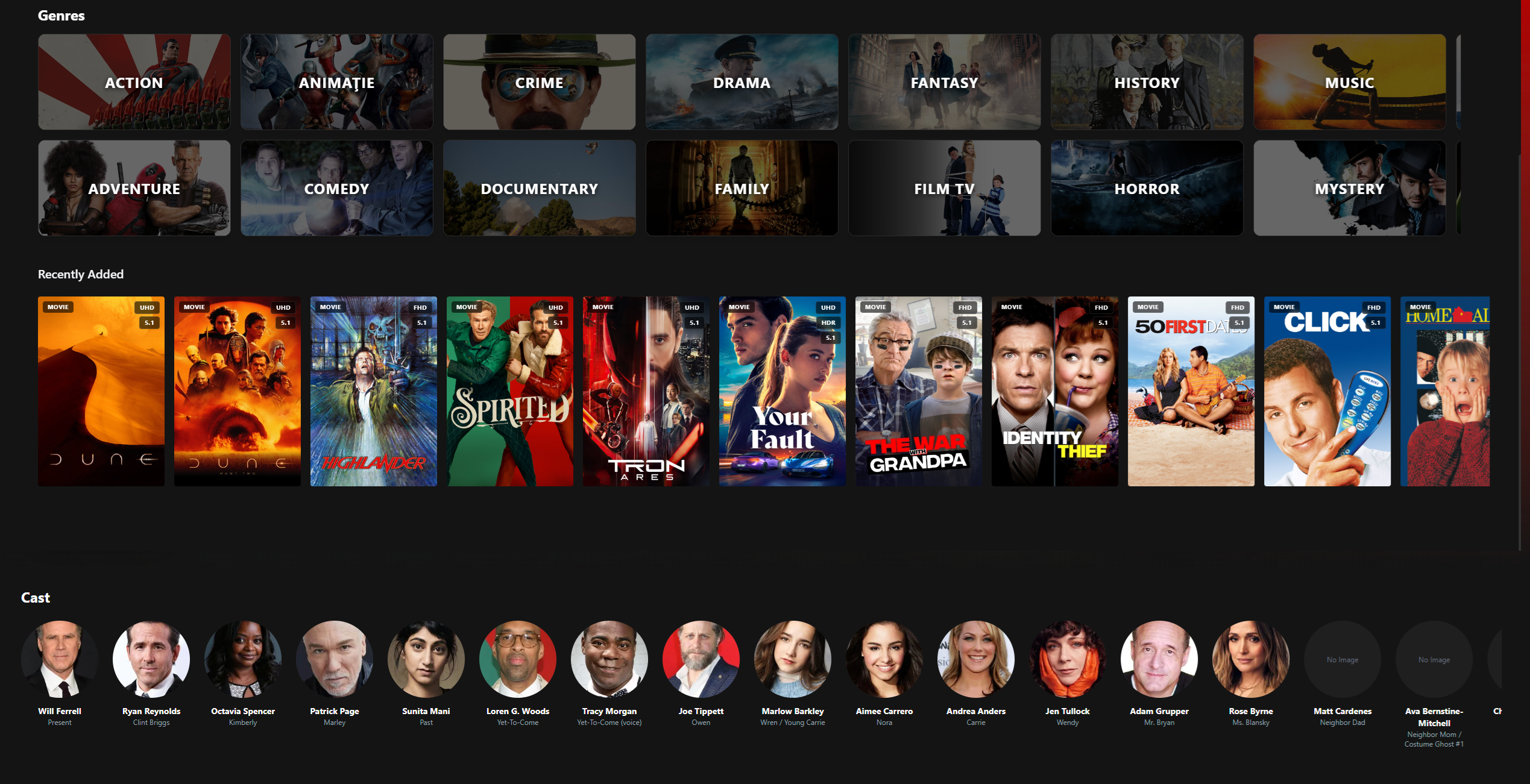
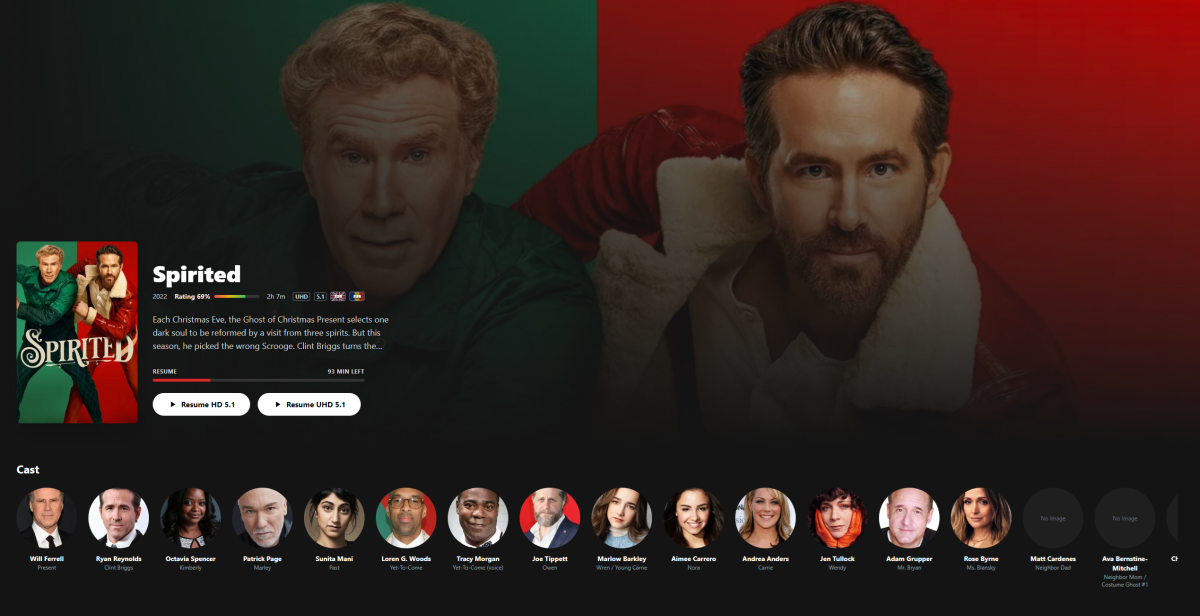
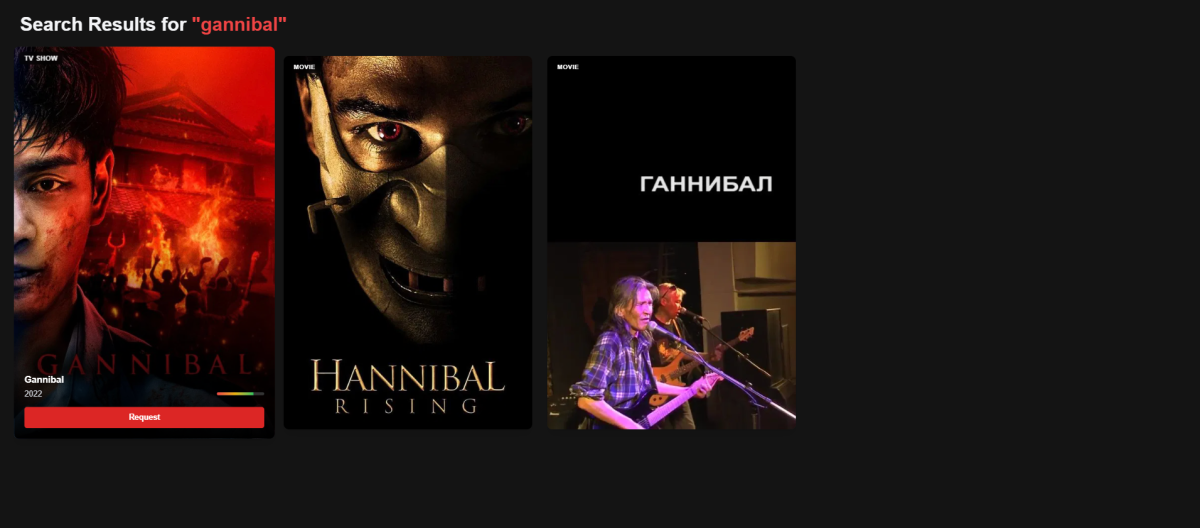
Hi everyone I’m currently building Zerk Play, a standalone native desktop application for Emby servers, and I wanted to share the idea here to gauge interest and collect feedback. The goal is to offer a premium, binge-focused experience that goes beyond what the standard Emby web client can do—both in UI polish and in how discovery, playback, and requesting content work together. Core Idea Zerk Play is designed around three principles: Native Performance – Runs as a dedicated desktop app (Electron), not a browser tab. Unified Discovery – Search once: if it’s on your server, play it; if it’s not, request it instantly. Binge-First UX – Seamless “Next Up”, skip options, and immersive player controls. Key Features (Implemented & Planned) Unified Search & Requests (Emby + Jellyseerr) This is the main differentiator. Search queries your local Emby library and TMDB at the same time Clear status indicators: Available (already on your server) Requested Processing / downloading One-click requesting via Jellyseerr without leaving the app Smart Library Normalization (No Duplicates, No Chaos) Zerk Play is aware that many users organize their media across multiple folders—by quality, codec, source, genre, or personal preference. Automatically detects and groups identical movies/shows across different folders (e.g. 4K / 1080p / REMUX / Anime / Genre-based directories) Presents one clean entry per title, instead of cluttered duplicates Seamlessly exposes: Available qualities Different versions (HDR/SDR, codec, bitrate) No need to reorganize your filesystem—Zerk Play handles the mess for you The goal is simple: your library looks clean and unified, regardless of how complex it is on disk. Advanced Custom Player Built for power users and long watch sessions: HLS streaming via hls.js with adaptive bitrate Manual quality selection (Direct Play, 1080p, 720p, etc.) Fast audio & subtitle switching “Next Up” overlay with countdown, episode info, and instant play—ideal for binge-watching Modern “Zerk” UI A UI designed to feel closer to Netflix than a traditional media server client. Dark + red custom theme Dashboard sections: Continue Watching Top Rated Recently Added Visual Genre Explorer with randomized backdrops pulled from your own library Smooth transitions and animations powered by Framer Motion Security & Privacy Tokens and credentials stored securely using system keychain integration Direct connection to your Emby server (no third-party relays) Technical Stack (for those interested) Desktop: Electron Mobile & TV: Capacitor Frontend: React + TypeScript + Vite Styling: Tailwind CSS Routing/State: React Router + Context API Playback: Desktop: Custom HLS player Mobile/TV: Native ExoPlayer (Android) / AVPlayer (Apple) Multi-Platform Plan: Zerk Play is designed with Android, Android TV, iOS, iPadOS, and tvOS in mind from the start. Native Playback Bridges This is not just a web wrapper. Android / Android TV Direct bridge to ExoPlayer Direct play of high-bitrate MKV HEVC/H.265, HDR10 / Dolby Vision DTS / TrueHD passthrough Apple (iOS / tvOS) Native AVKit / AVPlayer System-level Picture-in-Picture AirPlay 2 support Better battery efficiency than web playback Adaptive Input System The UI adapts automatically to the device: TV Mode: Full D-Pad / remote navigation with proper focus handling (no mouse emulation) Touch Mode: Gesture-based controls (seek, volume, brightness) Desktop Mode: Mouse + keyboard shortcuts for power users Current Status Active development Desktop app is nearing feature completeness Android TV native bridge is currently in progress Not publicly available yet Looking for Feedback I’d really appreciate input from the community: Would you use a client like this? How do you currently handle duplicate movies / multi-quality libraries? What do you feel is missing or poorly implemented in existing Emby clients? Thanks for reading and looking forward to hearing your thoughts!
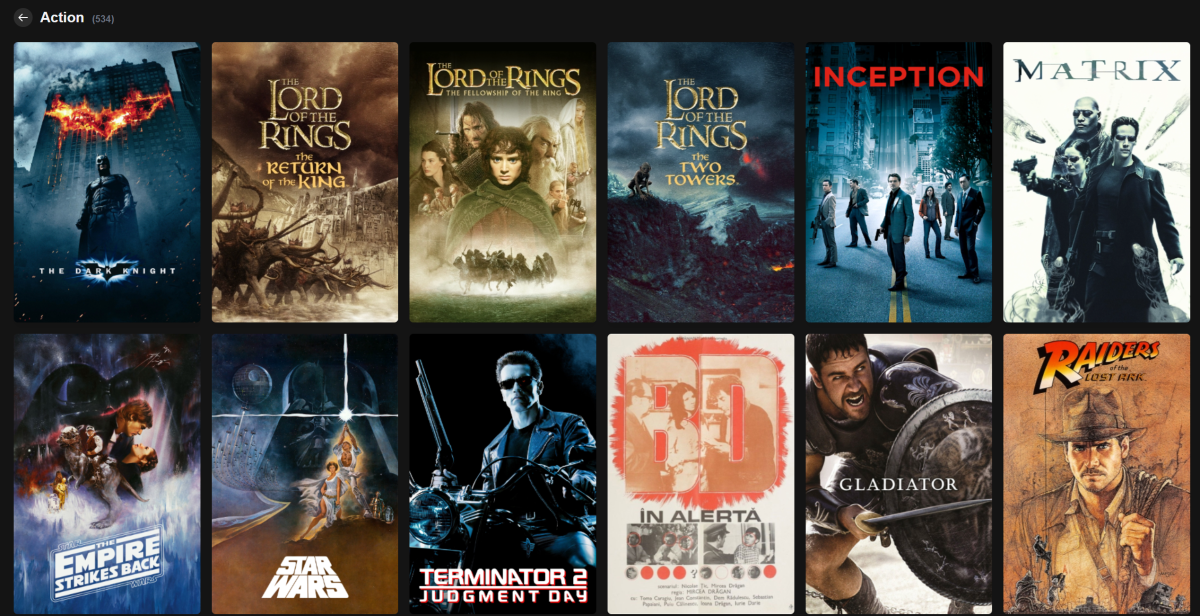
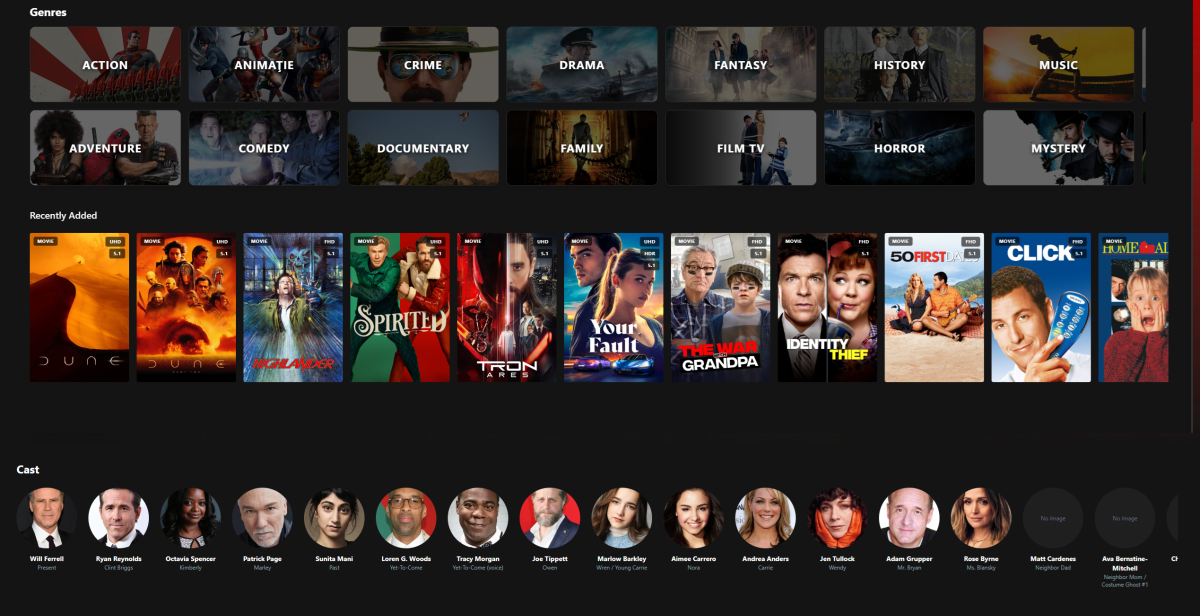
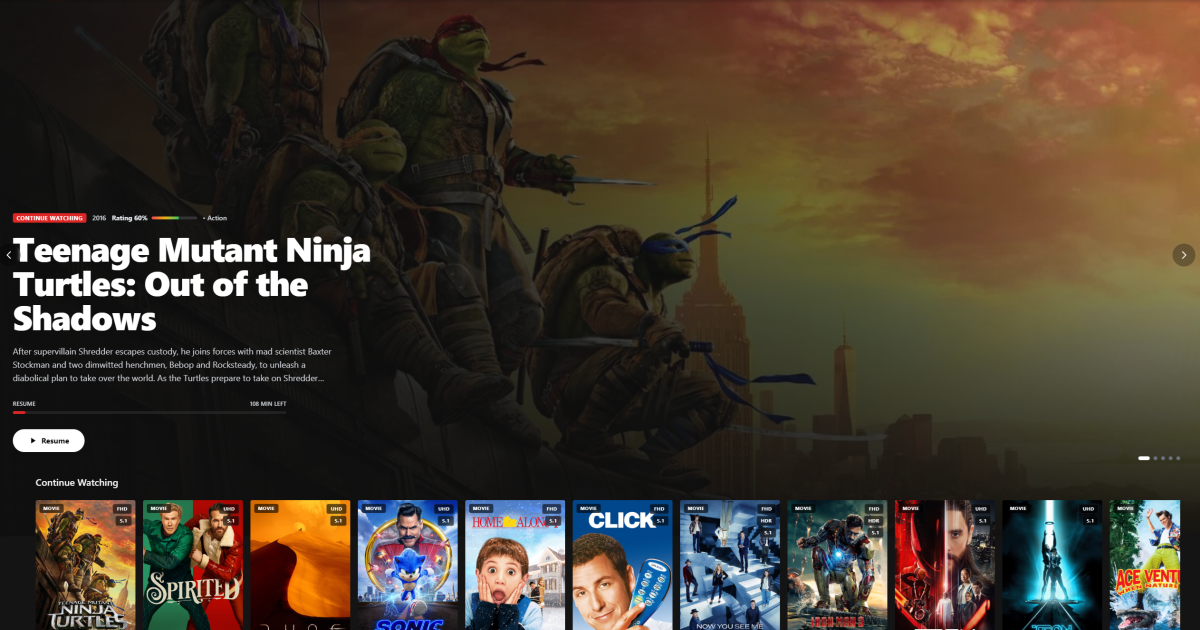
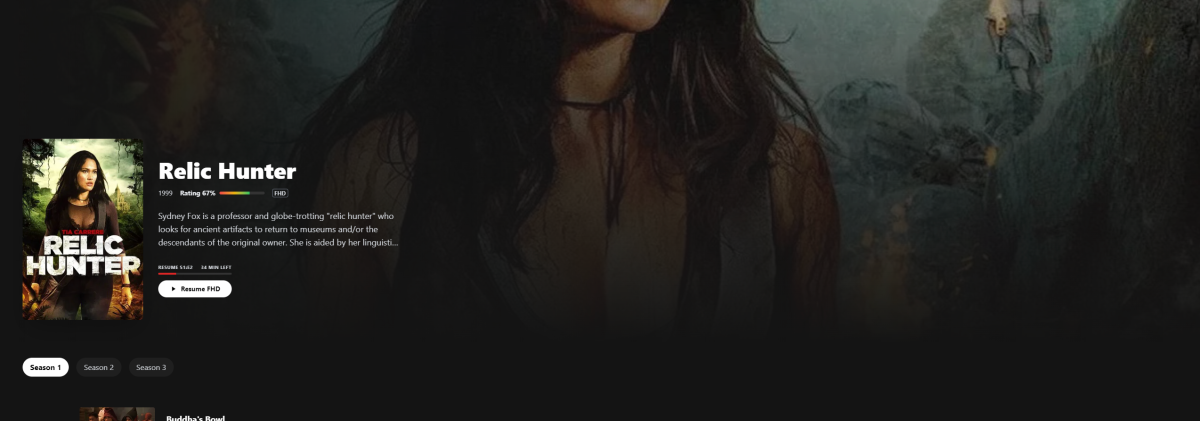
 1 point
 -
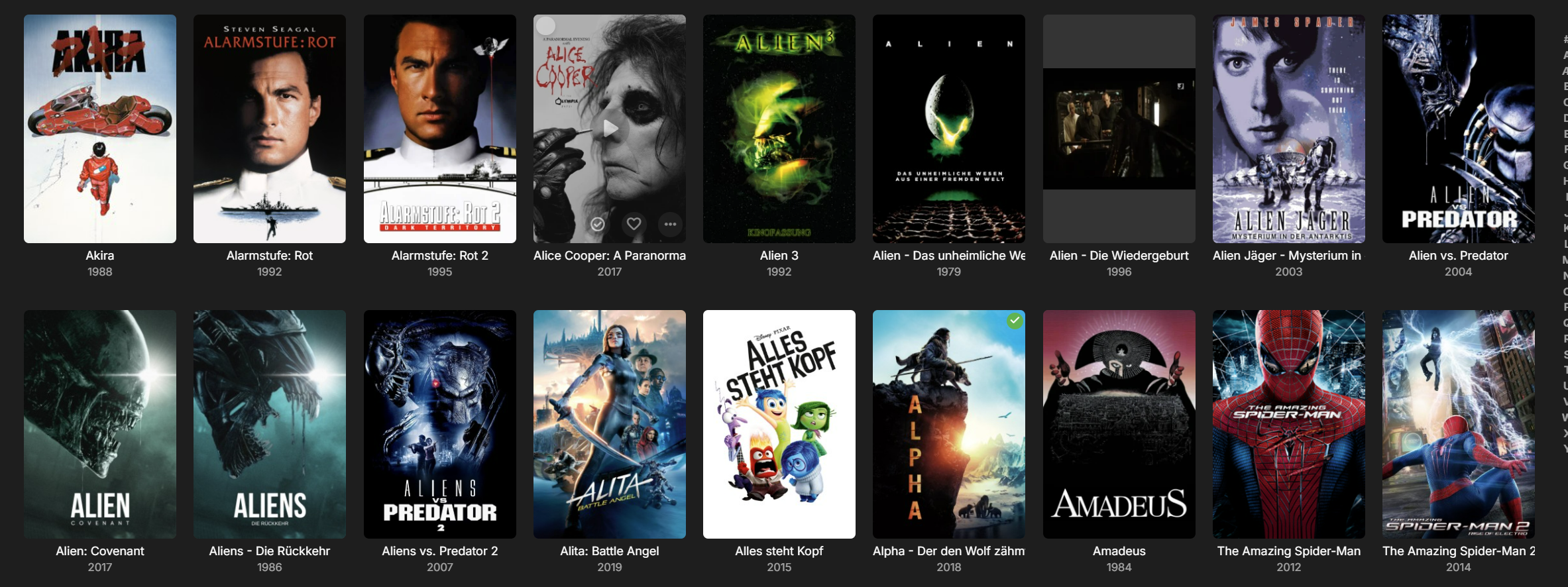
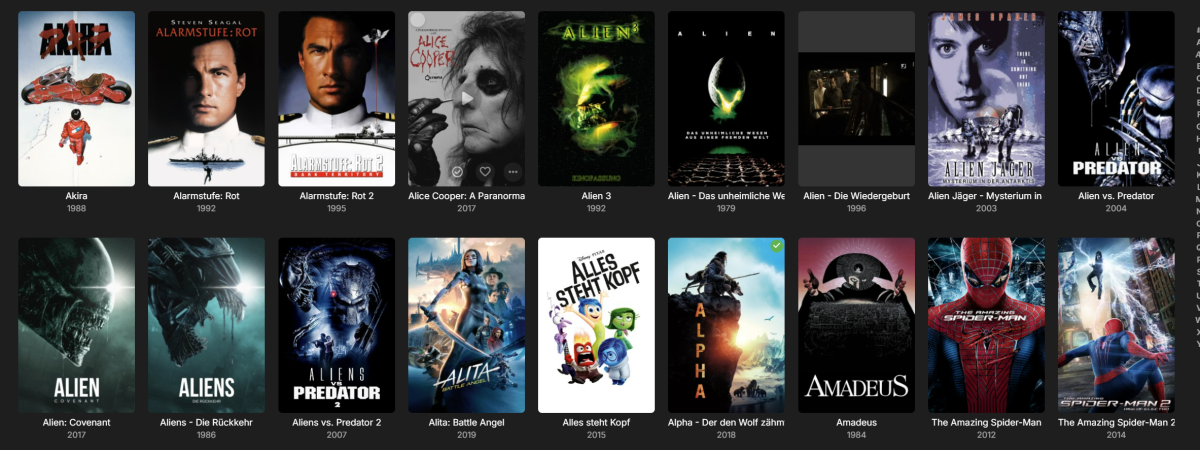
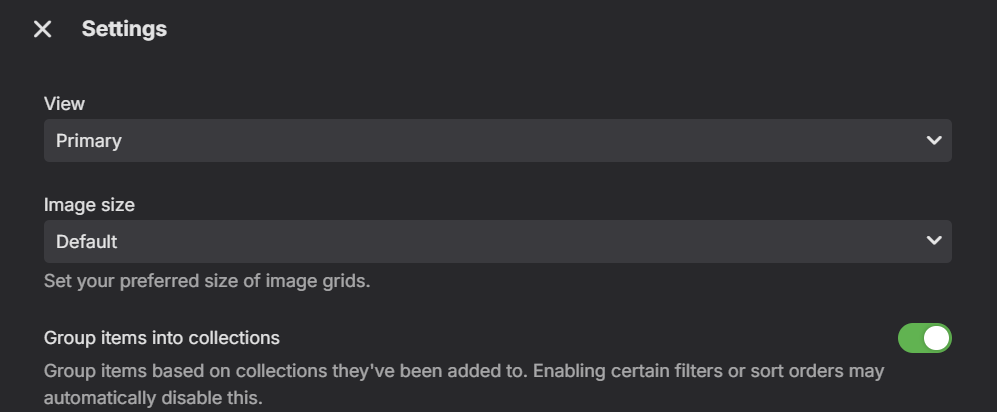
"Group items into collections" isn't working. This problem occurs both on my TV box and in the web browser. Herr is an example. Alien shound be showed as a collection I am using the following Hardware/ Software Synology NAS DS218+. DSM 7.3.2-86009 Emby-Server 4.9.4.1. Thomson Google TV Streaming Box, Android 14 enby Android TV-Version: 2.1.23g emby Android Version: 3.5.16 I have bought the premiere key!
 1 point
 -
IT's OUT NOW!1 point
-
Thanks a lot for the video. The missing images are a typical symptom for when you run the app from https and the server is http only. The actual answer regarding performance is still open, because without images, there's no much to do in composition.1 point
-
I removed and reinstalled the two plugins because that was the minor change. This already fixed the problem. To be precise and potentially help others, the exact error message from the log was: 2026-01-07 13:11:55.469 Error App: Error retrieving version number of /config/plugins/BlurayMounter.dll *** Error Report *** Version: 4.9.1.90 Command line: /app/emby/system/EmbyServer.dll -programdata /config -ffdetect /app/emby/bin/ffdetect -ffmpeg /app/emby/bin/ffmpeg -ffprobe /app/emby/bin/ffprobe -restartexitcode 3 Operating System: Linux Version 5.10.60-qnap (root@Q64-102-92) (x86_64-QNAP-linux-gnu-gcc (Toolchain configuration: [gcc-4.9.2 binutils-2.25] glibc-2.21]) 4.9.2, GNU ld (GNU Bi) OS/Process: x64/x64 Framework: .NET 8.0.11 Runtime environment: app/emby/system/System.Private.CoreLib.dll Number of processors: 12 Data path: /config Application path: /app/emby/system System.ArgumentNullException: Value cannot be null. (Parameter 'input') I searched myself in older posts but did not find similar errors. Maybe this System.ArgumentNullException can give others a hint how to fix it.1 point
-
This post is the right approach. You start with the innermost checks - Can the server open the PFX? Is it listening on the HTTPS port? Can you connect locally to the HTTPS port? If not then ignore remote HTTPS until you get it working locally. Restart the Emby server and check the log to see why it might not be listening on the HTTPS port.1 point
-
Okay, so I guess we'll need to look into some way to trick the Roku into thinking something is going on during a photo slideshow. Thanks.1 point
-
Hi, it's for newly added media. You will have to manually delete the existing thumbnails and then do metadata refreshes to regenerate. To manually delete, look for files with the .bif extension.1 point
-
If your PFX is okay then the server will be listening on your HTTPS port, otherwise it should log an error in the logs. You can try to use your web browser to connect internally to the HTTPS port first to verify it's listening and that the certificate is trusted.1 point
-
Hi, first we need to learn more about the cause: Let's look at an example. Please attach the information requested in how to report a media playback issue. Thanks!1 point
-
That actually solved my problem. Both plugins are working now. I guess the DLL files were corrupt, the MD5 checksums did change after reinstallation.1 point
-
But what about the documentation for the program that you're trying to launch? Did you consult that? What program is it? Where did you find the command line arguments for it?1 point
-
Need server log for specific example as it sounds like client is Downloading the file.1 point
-
True a user does not have access but at the same time I see no reason to apply restrictions to an Admin account as it is just a couple clicks to remove the restrictions as they are a Admin.1 point
-
OK. You got me digging around. For some reason on Album Artists for example, nothing was selected in the sort order (which is strange). Once I selected something the Alpha Sort shows up. So make a note: If nothing is selected in the sort, the Alpha Sort doesn't show up. How that happened is beyond me but now I know how to fix. Thank you for your help! Dennis1 point
-
Hi, are you asking if 3d playback should work with the internal player?1 point
-
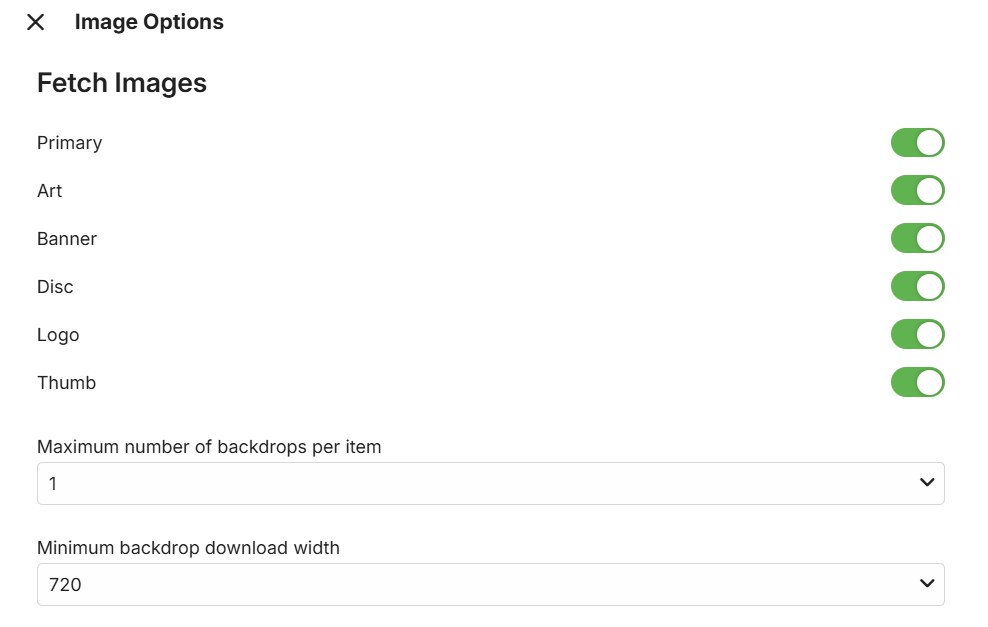
Yes. I have changed settings (see screenshot) and started Refresh Mediadata for one collection. Now I have a picture for this collection. I will now refresh Mediadata for all my movies (again). I will keep you updated.
 1 point
 -
Thanks Android 3.5.23 7/1/2026, 6:04 File: Altered Bluskies278 Log emby_android_1767765702409.txt1 point
-
You might need to make your own docker image.1 point
-
Preloaded right. But I think, that's not depended on relationship with JVC. As Tivo is used by Vestel group, there are more brands, using it. (Grundig, Telefunken, f. e.). It should be Tivo, which ( maybe dependend on the target country of the device) is offering this apps. For germany ARD/ZDF are included. Maybe, the developers of Tivo are interested to offer emby too? Should be asked for, right?1 point
-
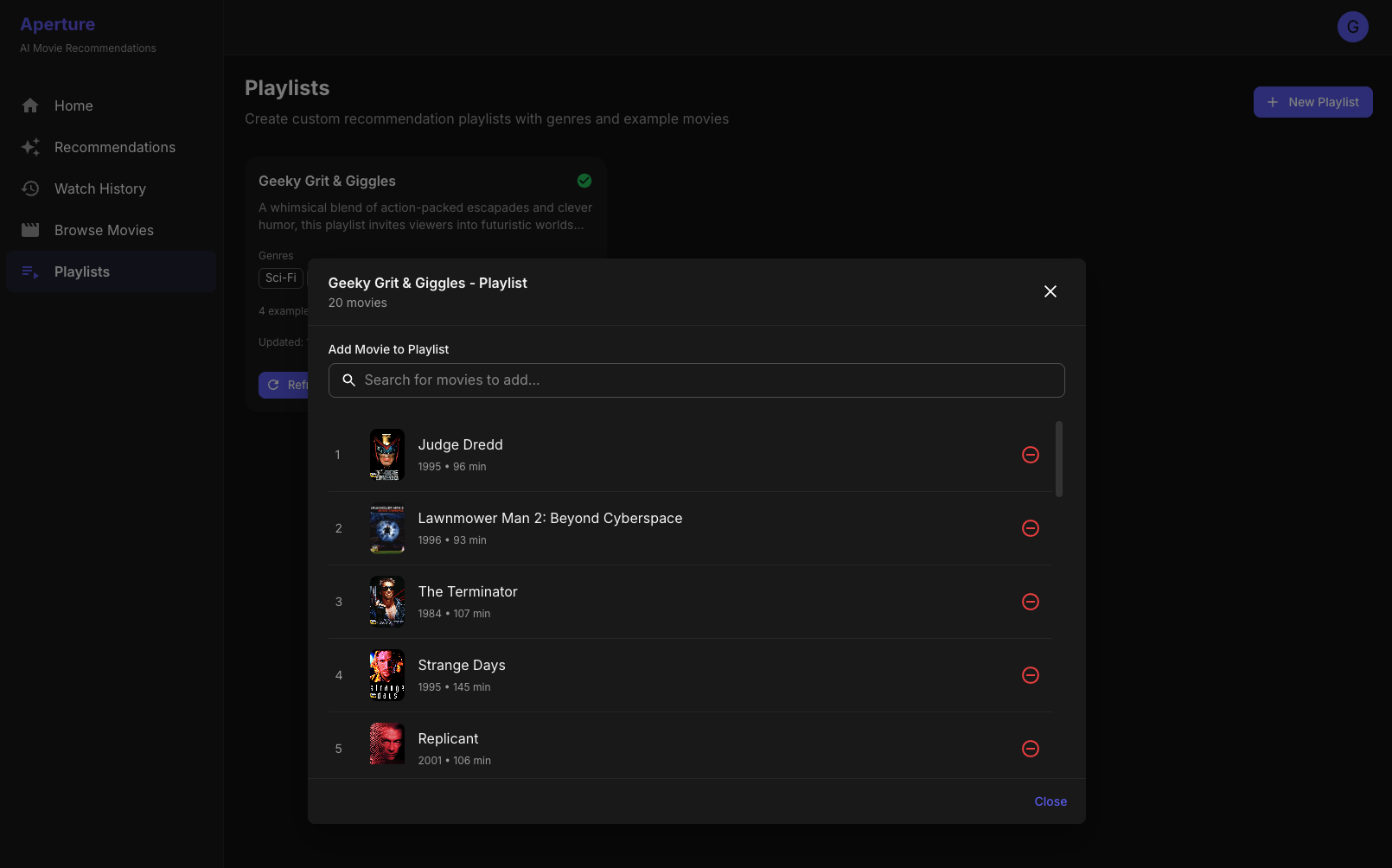
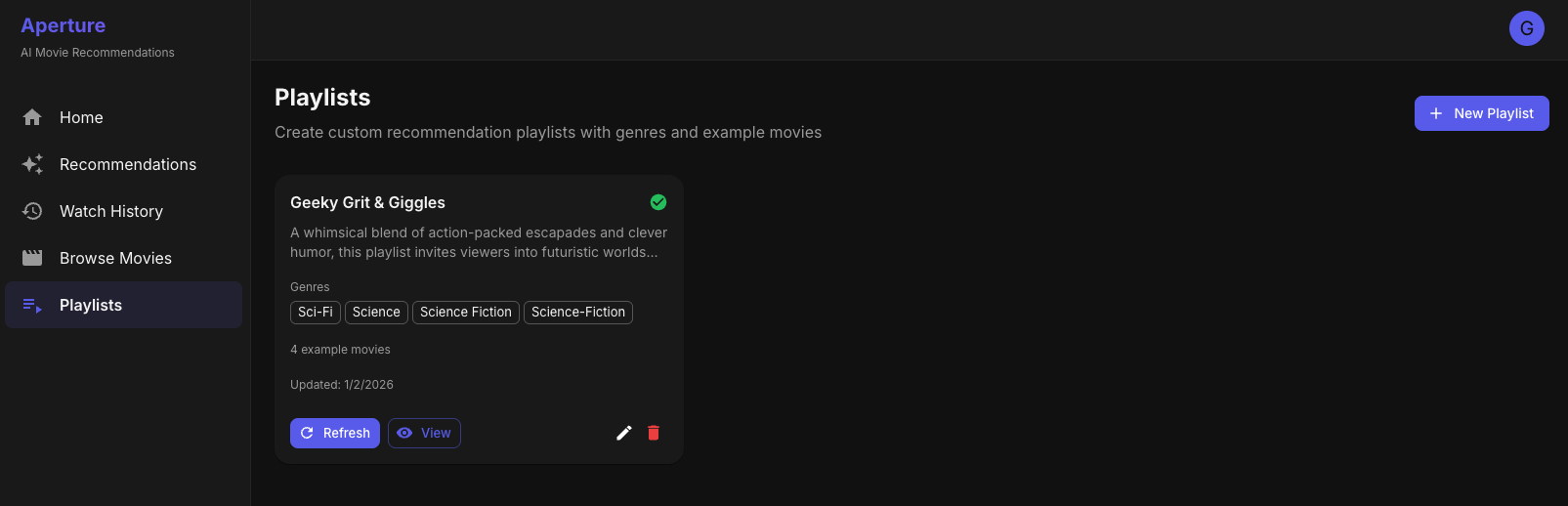
Wow, thank you for the thoughtful feedback! First, a bit of context, Aperture is only 3 days old and was built completely off the cuff, so it's wild to people interested in it. What Aperture Does Today (v0.1.6) - Made significant updates today. AI Recommendations Personalized "AI Picks" libraries created per-user using OpenAI embeddings + pgvector similarity search Configurable algorithm weights: similarity, novelty, rating, diversity Works for both Movies and TV Series AI-generated explanations in NFO files ("Why we picked this for you") 10-Heart Rating System Rate content 1-10 hearts from any poster in the app Fully compatible with Trakt.tv (bidirectional sync) Ratings influence future recommendations (boost liked content, exclude/penalize disliked) Top Picks (Global Trending) Popularity-based recommendations across all users Already supports Libraries, Collections, AND Playlists — you can enable any combination! Rank badges (gold/silver/bronze) on posters AI Taste Profiles Natural language descriptions of each user's preferences Match scores showing why each recommendation fits Evidence trail ("Because you watched X, Y, Z...") Watch Stats Dashboard Genre breakdown, watch timeline, top actors/directors Favorite decades, ratings distribution Channels (Custom AI Collections) User-created collections with custom criteria + AI generation Sync as playlists to media server Admin Features Web-based setup (no env vars required) Real-time job progress, scheduling, history Per-user settings, cost estimator Responding to Your Ideas 1. Collections instead of playlists Great news — this already exists! Top Picks supports three output modes: Library, Collection (Emby Box Set), and Playlist. You can enable all three simultaneously. Collections are rank-ordered so they appear properly sorted. The AI personalized recommendations currently use Libraries, but adding Collection output as an option would be straightforward. 2. Collaborative filtering This is definitely on my radar! Right now, recommendations are content-based (embedding similarity to what you've watched). Adding collaborative filtering ("users like you also enjoyed...") would be a powerful complement. The Top Picks feature already aggregates across all users — extending that with user-similarity clustering would be the next evolution. 3. OMDb metadata enrichment Interesting idea. Currently, I pull metadata from Emby/Jellyfin (which typically sources from TMDB/TVDB). Adding OMDb could fill gaps like awards data and additional ratings. I'd want to make it optional since it requires another API key. 4. TMDB "similar" endpoint This could be a nice secondary signal! Right now, the "similar" functionality is entirely embedding-based (semantic meaning), which often finds connections that metadata can't. TMDB's similar data could be weighted alongside embeddings for a hybrid approach. 5. LLM agent for conversational recommendations You're thinking exactly where I want to go! The Channels feature is a baby step — you describe what you want in natural language and AI populates it. A full conversational agent ("find me something like Inception but with more humor") is definitely the vision. And yes, all Aperture functionality is exposed via REST API, so integrating with n8n or building custom workflows is totally possible today.1 point
-
its not about the usb thing yes it did expire every 30 days but i already switched to the TV's app store version very early on and it was auto-updating since then , the cover thing disappeared recently. TV UK store1 point
-
Hi, there is currently no way but I agree this is a good idea. Thanks.1 point
-
@frosthalThe developers would need a log file to be able to see what precisely the problem is. Luke linked you to a "how to summit log files". Please follow that guide and the devs will be able to help you.1 point
-
Uhm, that's a bad example - it took me three years to get it into the UI (developed in Jan 2020, added to the beta in May 2023 - that's innovation on the fast lane)1 point
-
Thank you and I have....I'm blind..I clicked too fast and didn't notice it was there :-)..Thank you again1 point
-
Haha, all this time and I had an unused fire stick sat in a drawer. This is exactly what I wanted! It would still be good to add the feature to the lg app though. Thanks Luke1 point
-
I can conform the issue on server Win 10 , Version 4.9.1.90, I don't see any pattern for cause and effect , in some I have new movies etc.. and the image is there and on other it missing . I think that it is related to TV shows I'm trying to get a reproduce steps for DEV team. but I do remember seeing a fix something on about folders that I can't find - if you know what I'm talking a bout please post a link .1 point
-
Here is the link for reference: https://funk-02dd.akamaized.net/22679/files/21/02/08/2722916/1-FZ9LGjNHM4dKXytf6B2Q.mp4 Resuming WORKS via strm file Resuming DOES NOT WORK when I play the same video via WebStreams. BR1 point
-
Hi, we have submitted the update to LG and now we're just waiting for it to go through the review process. Thanks.1 point
-
After writing, I ran some DB maintenance tasks which seem to have brought things back to normal. The weak point with Weblate is the stats calculation (all the numbers you are seeing in the overview lists). They are cached for an hour, that's what causes the first-load-slow vs. subsequent-loads-fast effect you were seeing - and you are still seeing, but normally it's few-seconds vs. no-delay, not 30-60s on first-load. I also changed the thresholds for auto-maintenance, but not sure whether it will hit-in at the right times now. Please keep observing the behavior and let us know in case when it would become slower again. Thanks a lot for the feedback!1 point
-
Here is a link to a package on github for the container Please read the instructions, there is a lot to understand.1 point
-
Yes, but you have to scrape the Emby log for the failed attempts - all doable in fail2ban etc.1 point
-
See - Sadly, Emby still has zero password entropy checking - which in 2026 is beyond poor. If external access is enabled, a decent password should be mandatory - there is really no debate to be had on this - and despite the history of breeches, Emby refuse to implement it. Emby really need to get with the times, even 2FA is old hat now - FIDO2 integration should be on the list for 2026 to show some love to the future of Emby Security.1 point
-
Currently you can't, but we can add more options around this.1 point
-
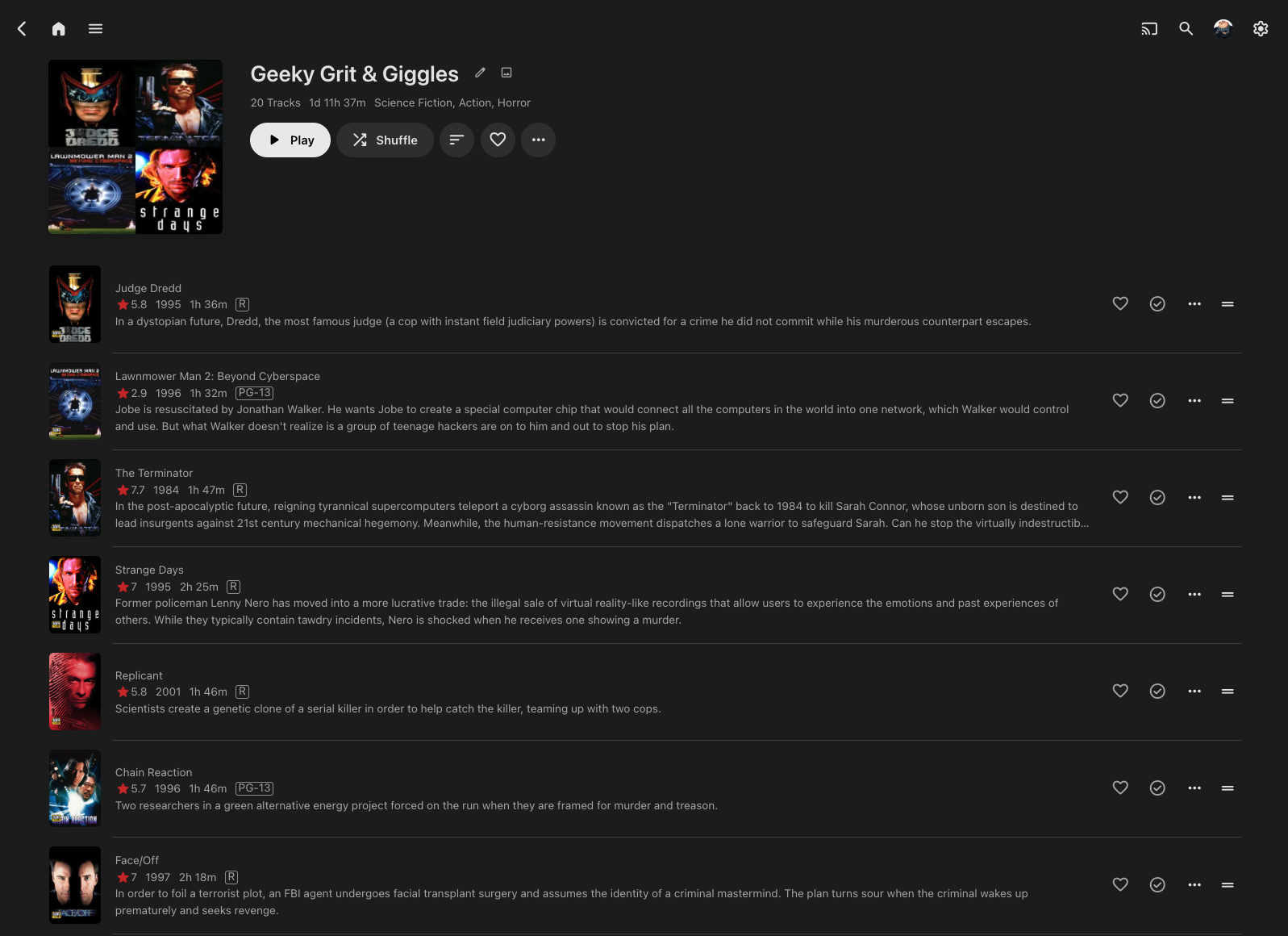
@ebryou've always been thoughtful and clear and communicating here in good faith, so please take these comments in the same spirit. I have seen lots of changes and improvements in Emby over the past few years that are much less basic - and I suspect require more coding effort - than a couple of the oft-requested issues re: music libraries that have been reported here repeatedly: 1. Lack of a persistent play queue and play state, which is maddening when one's listening session and/or one's location in a play queue just... disappears. 2. No way to queue and play a single disc in a multi-disc album - start at track 1 of disc 2, for example, and Emby won't stop playing the whole darned box set until the end, nor can users add a single disc when building a playlist to save. 3. Clicking 'shuffle' on a playlist generates and starts a play queue fine, but it starts somewhere in the middle, not at the beginning. These are fundamental usability issues, and they just can't be that hard to address. More challenging - and/or less important - but requested for literally years and years: - Replay gain/volume leveling - Thumbs down or 'exclude' option for songs/albums, to help build smart playlists - Generating new 'cover' image for a playlist that isn't four identical tiles of a single album cover. I only numbered the first items because they are so utterly basic to usability. When you're prioritizing, please please please why not just sit down, prove all the doubters wrong, and fix them. Then there wouldn't be such widespread feeling here that music functionality isn't a priority for Emby devs.1 point
-
? is that supposed to be funny. on my mobile that looks different. but anyway, these are the English forum sites. translating before posting is much easier and its kind. e is also not my first language but I would never...1 point
-
This topic has been discussed before, and I've chimed in before. Compressing and archiving the backup into a single file needs to be an option, if not the default behavior, especially when a single backup is hundreds of megabytes if not gigabytes on disk. Since the files are so small, they can take up much more disk space than their collective sizes because of sector size. If the file is 1KB, and a sector is 4KB, then you have a 4x increase in disk usage. If the backup solution requires they be uncompressed, then I'm afraid the backup solution needs to be reworked.1 point
-
It’s crazy how jellyfin has hardware transcoding for Mac OS1 point
-
This should help- remembering that it only applies to a web browser, not the apps.1 point