Leaderboard




Popular Content
Showing content with the highest reputation on 01/04/26 in Posts
-
Windows generally only makes display adapters available if they have a monitor connected to them, you can achieve this with a dummy plug or pretty much every single monitor that has more than one input on it still presents the EDID even for inactive inputs, so you can just connect another cable to an unused input and it should enable the iGPU. You don't need to do that on Linux.3 points
-
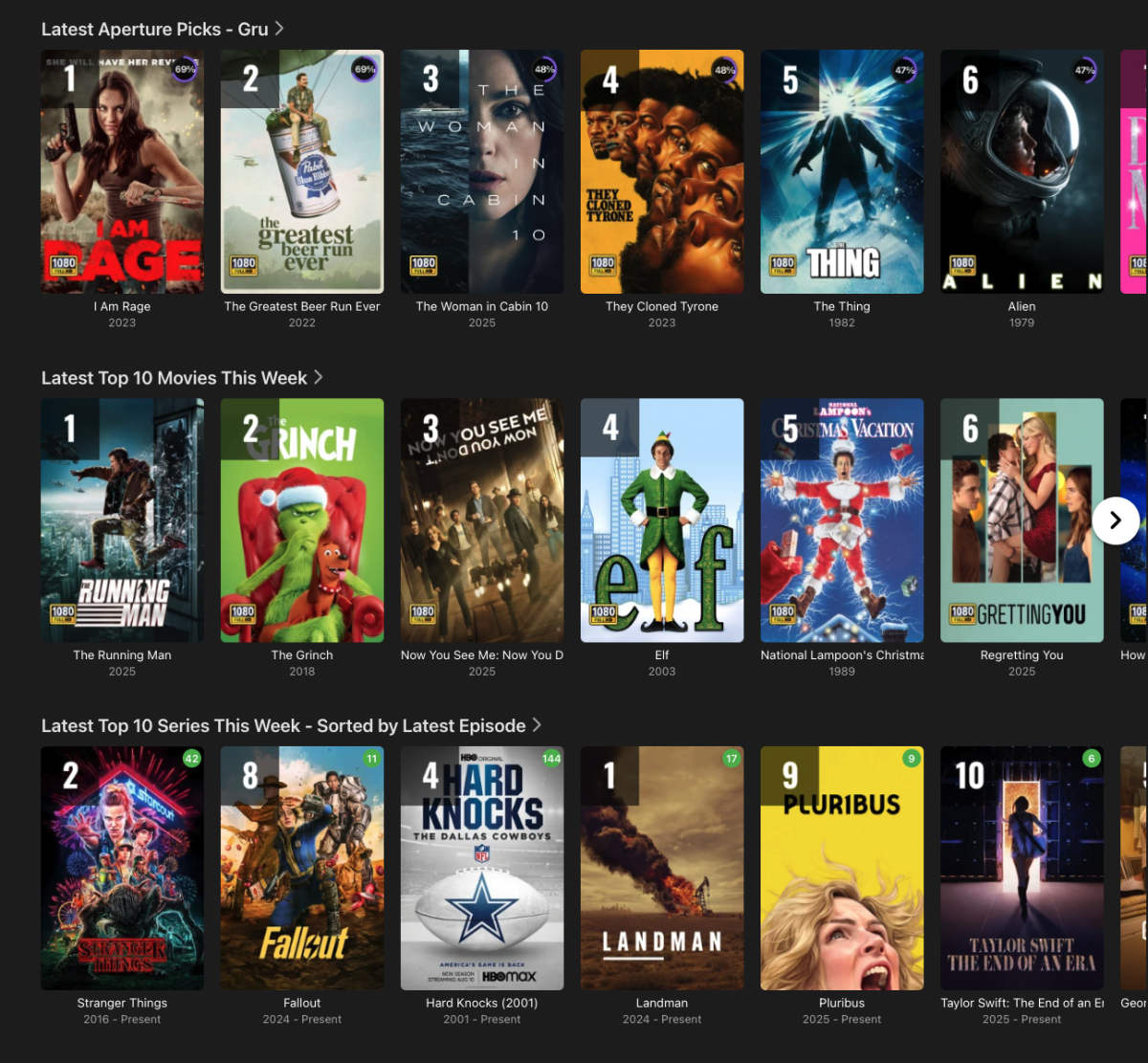
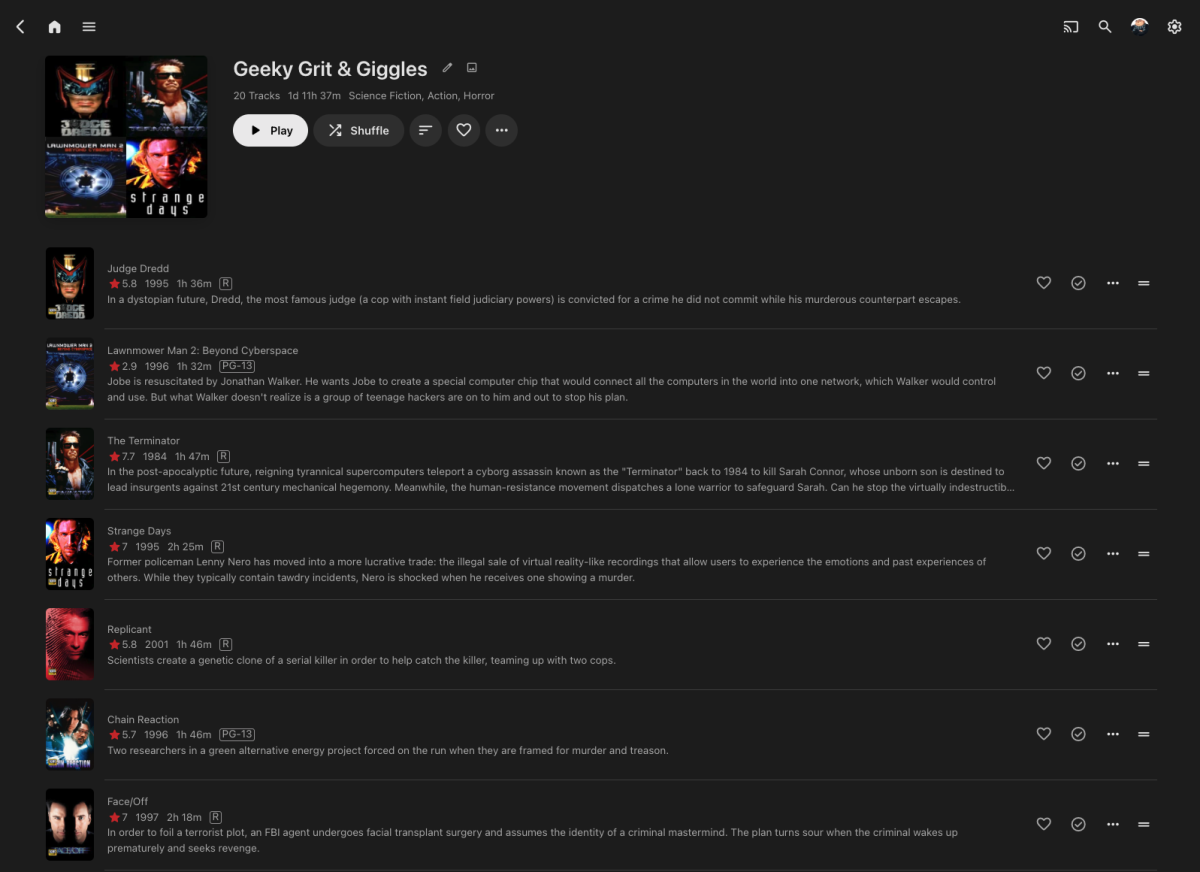
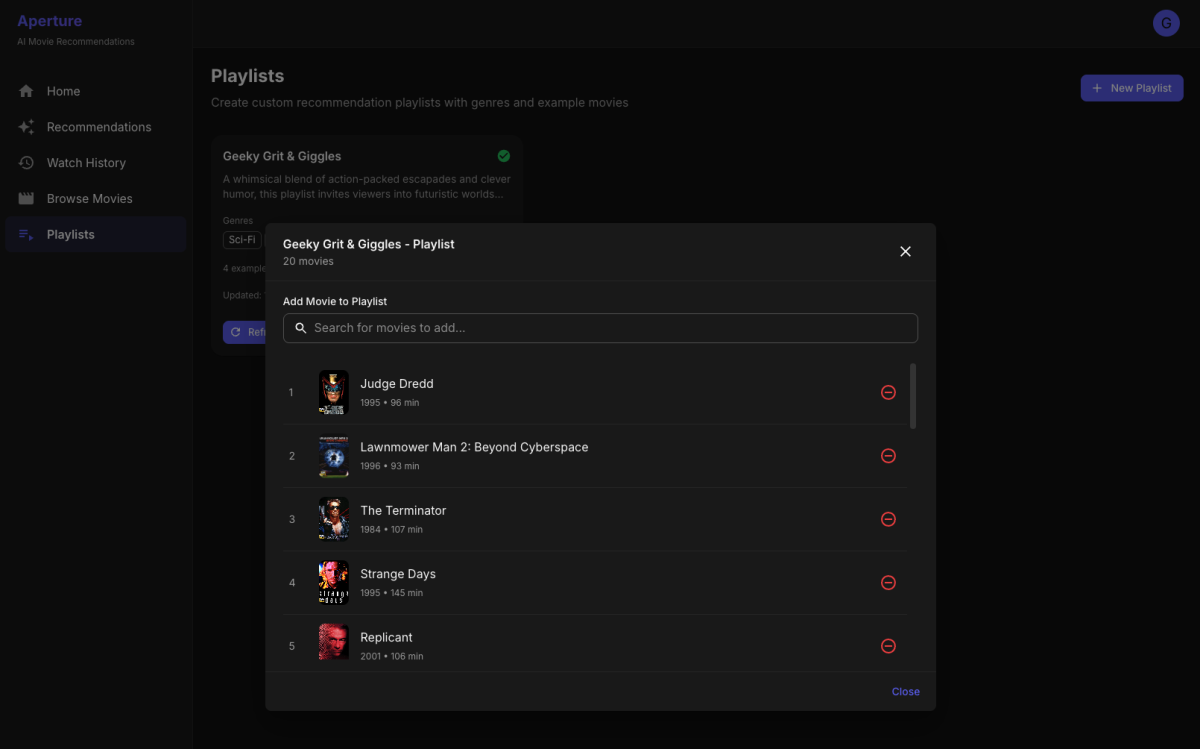
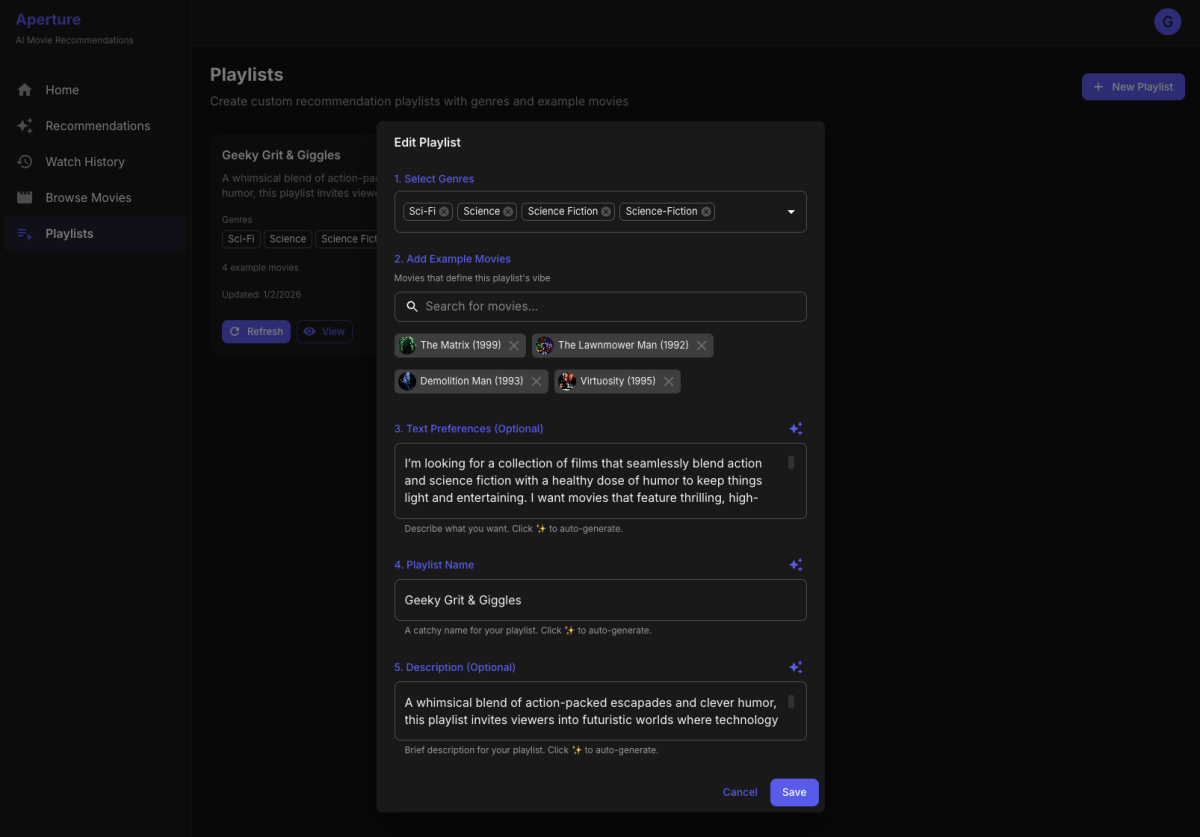
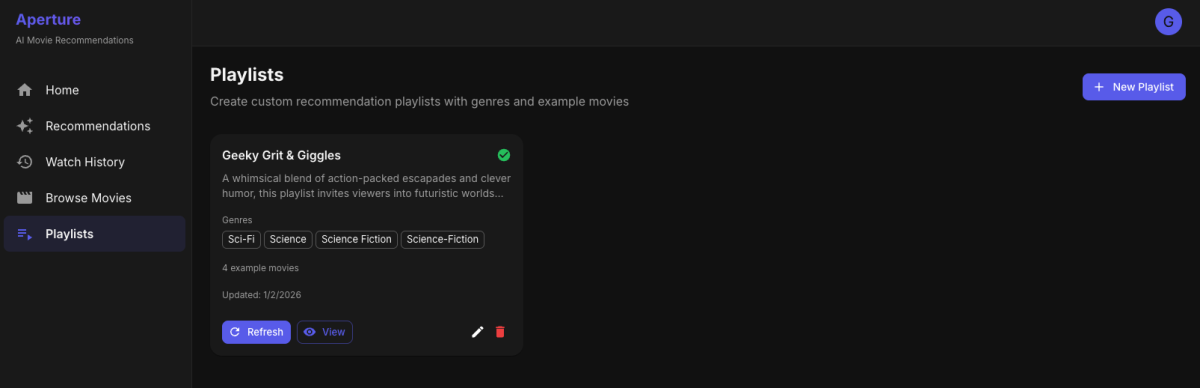
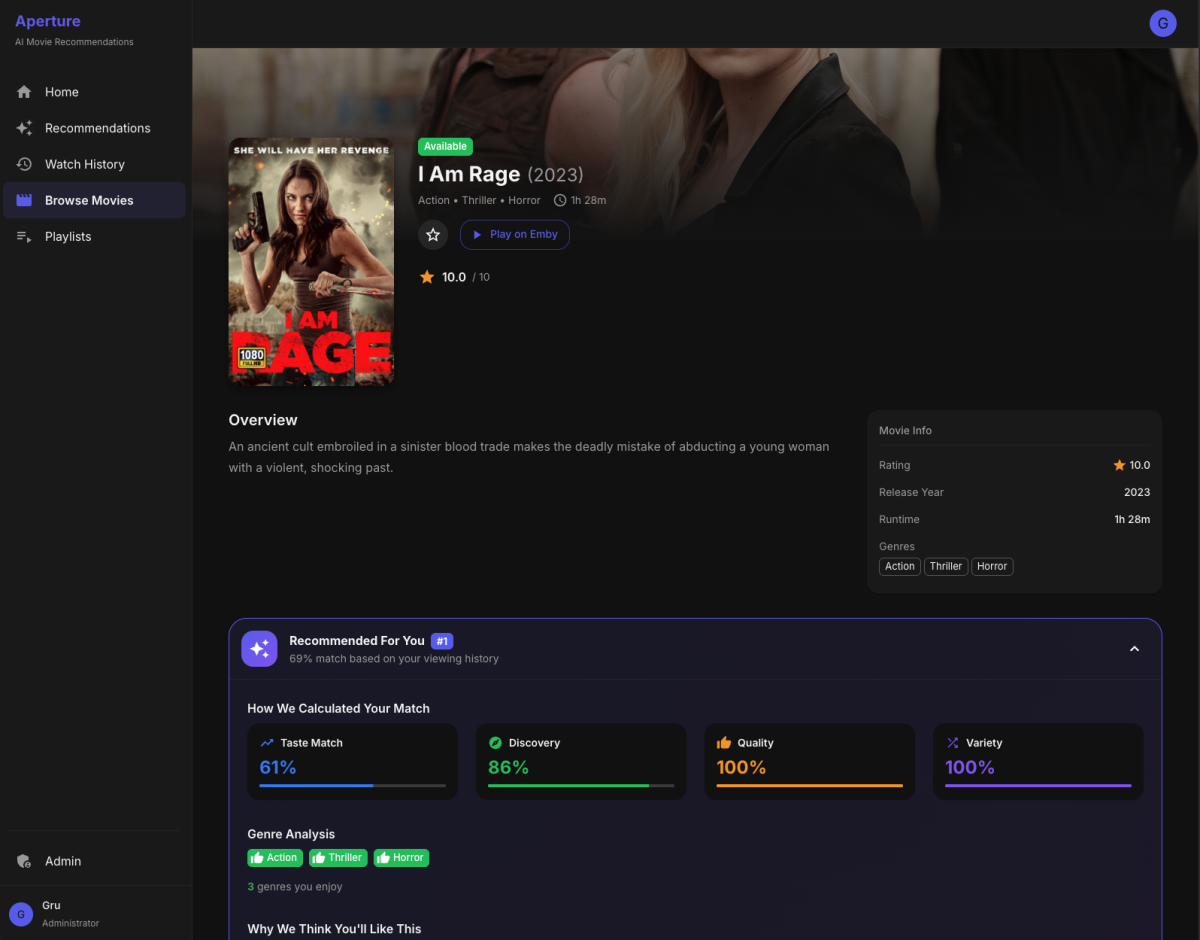
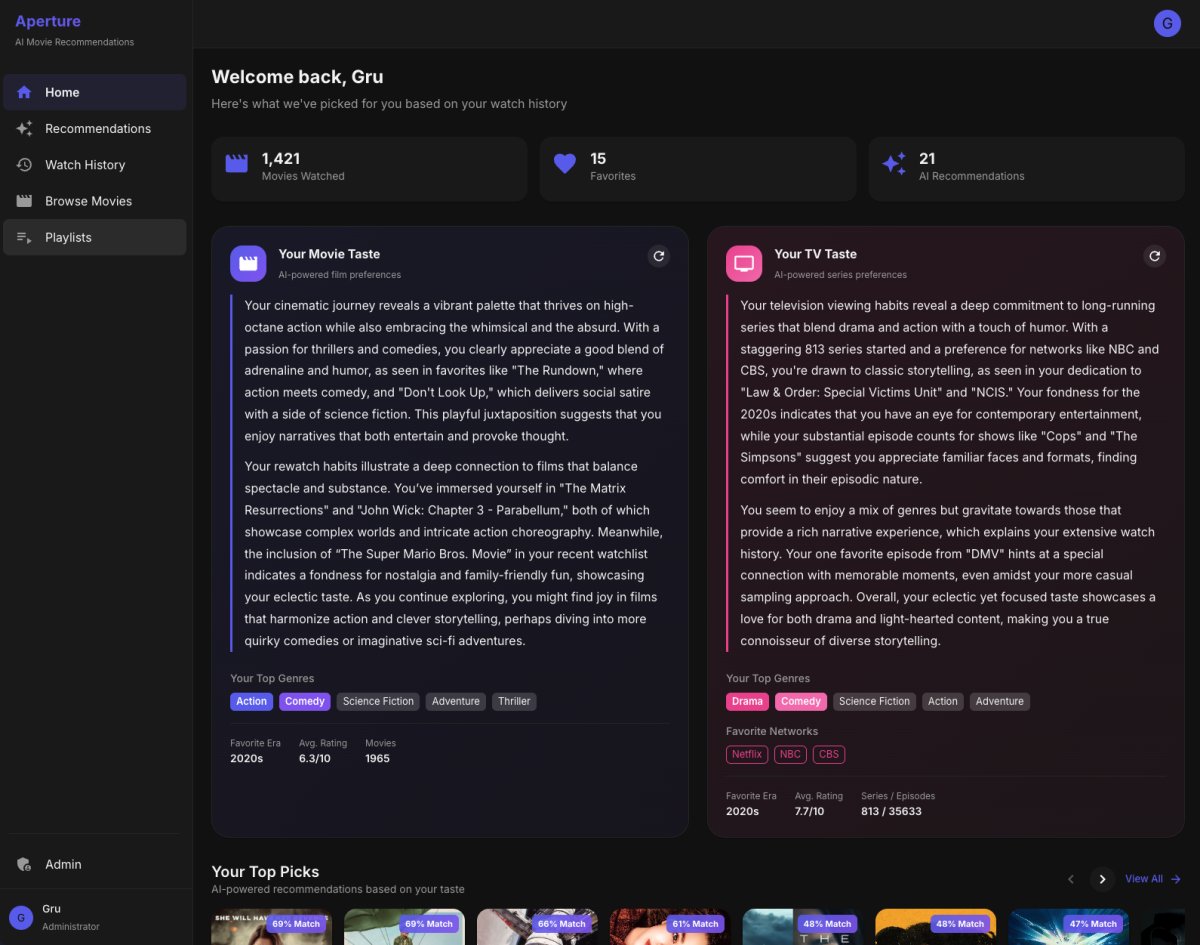
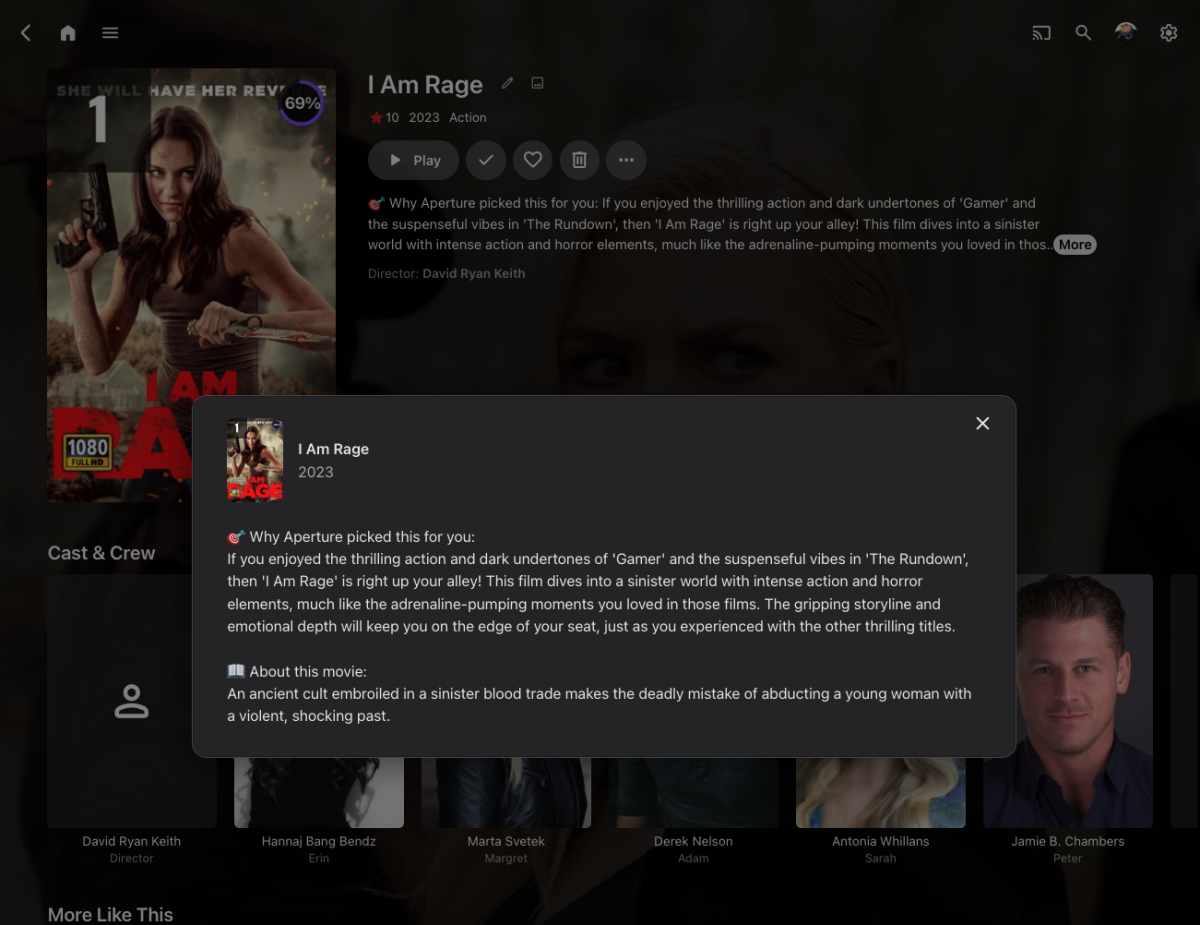
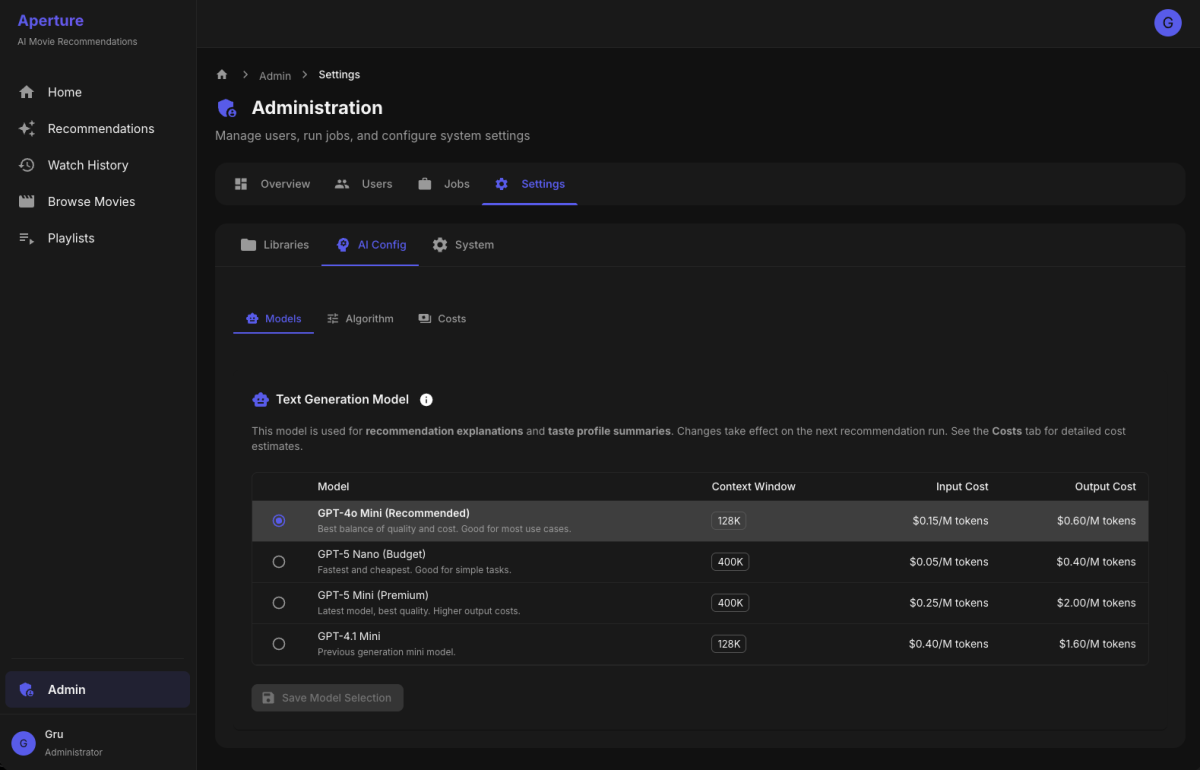
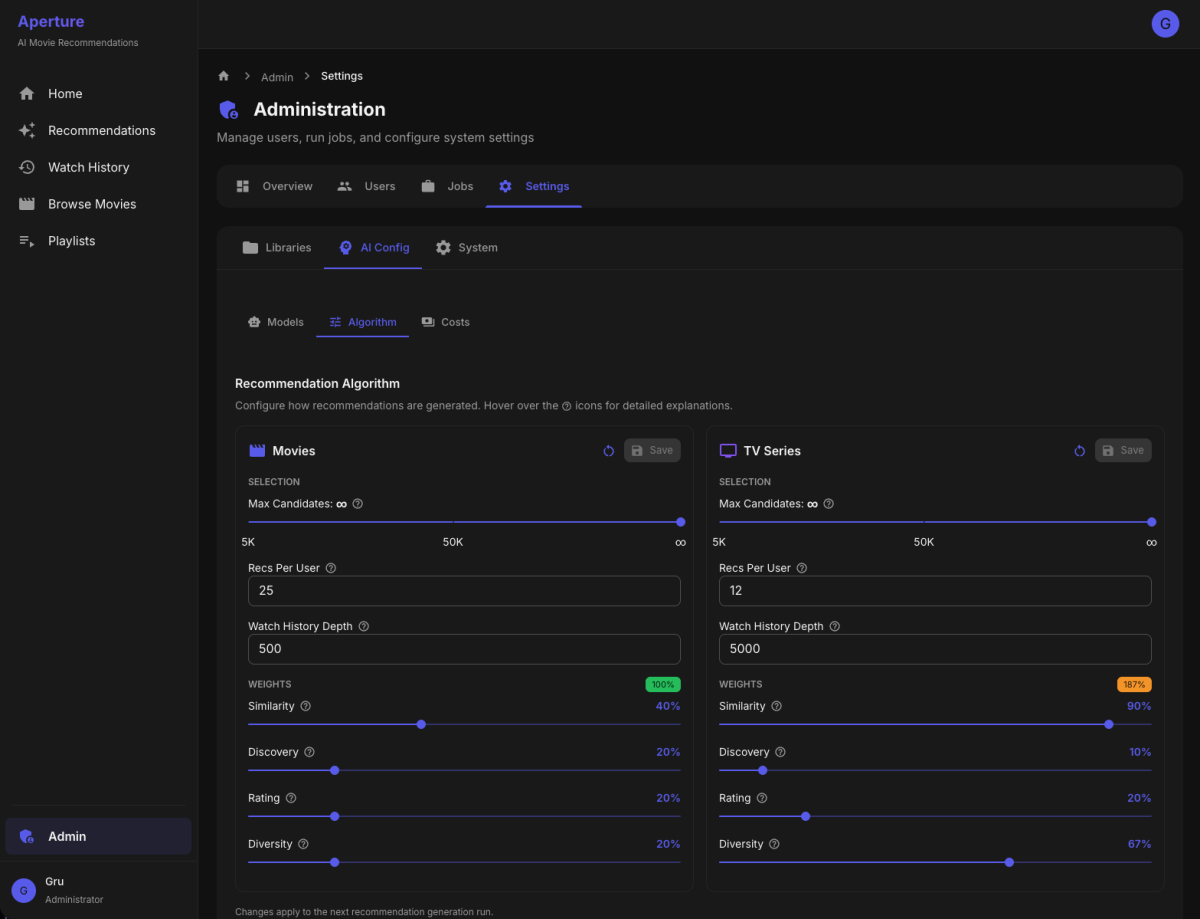
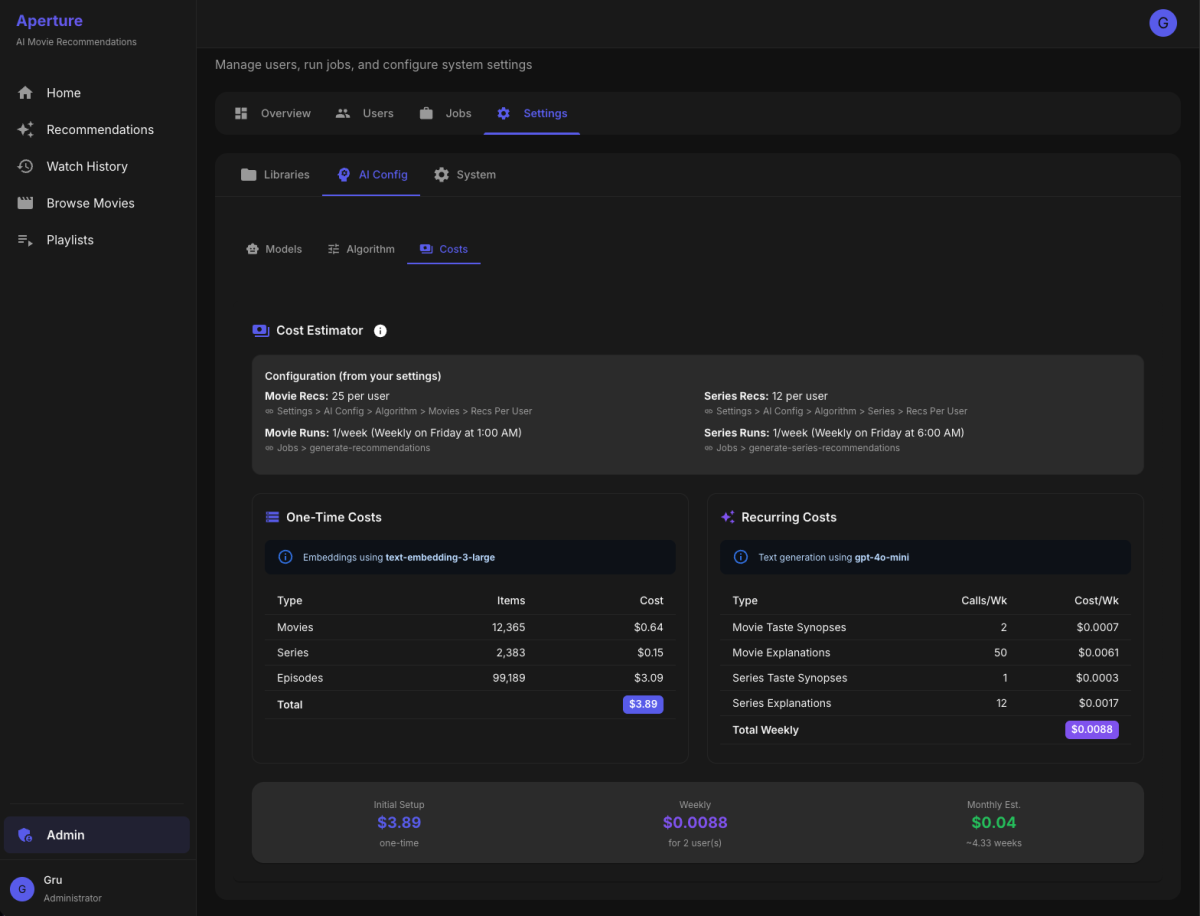
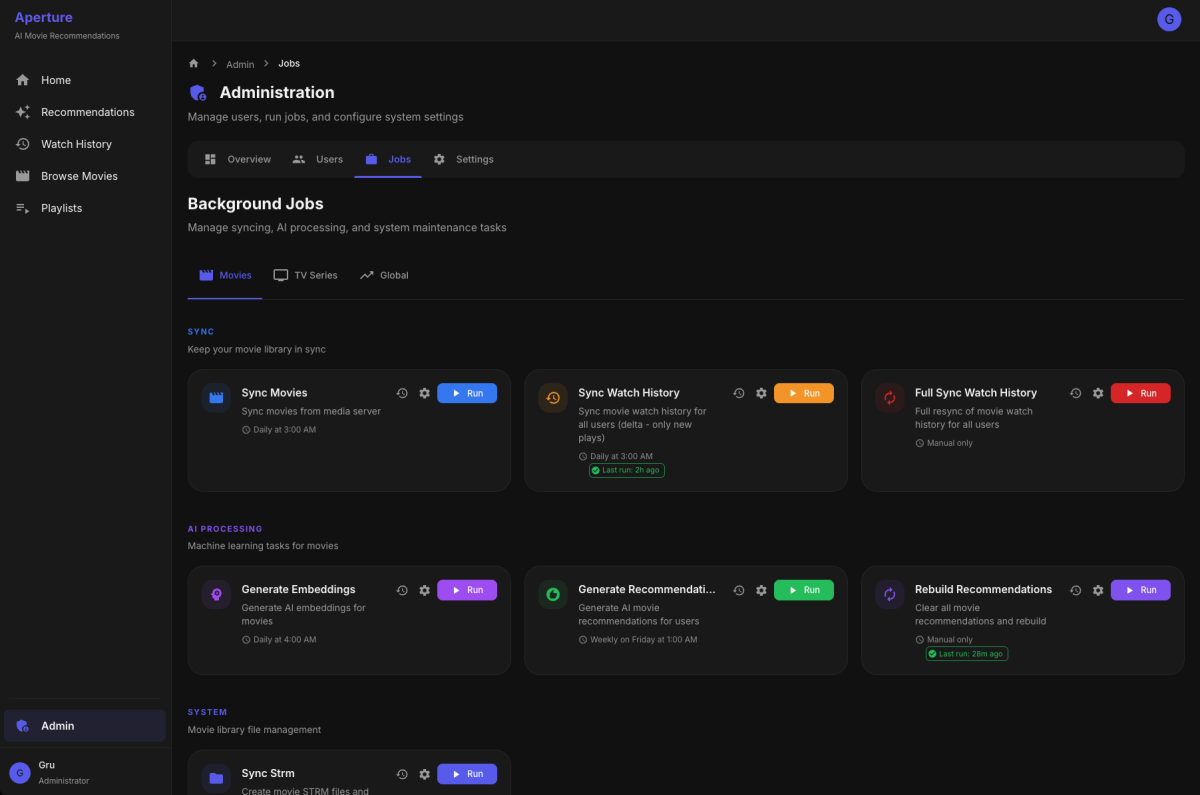
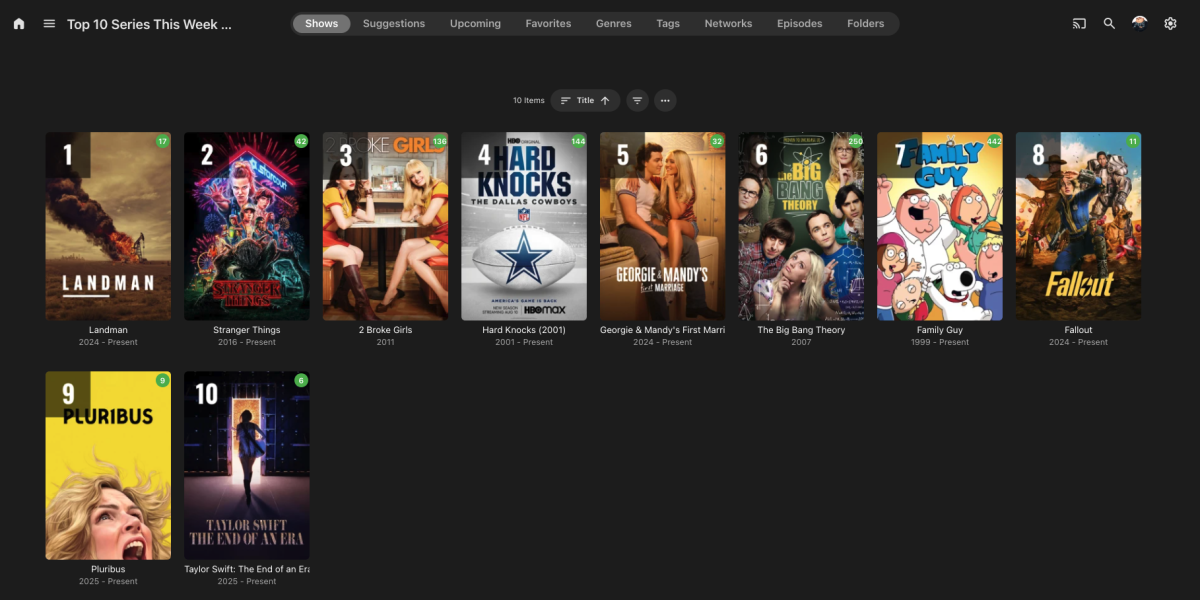
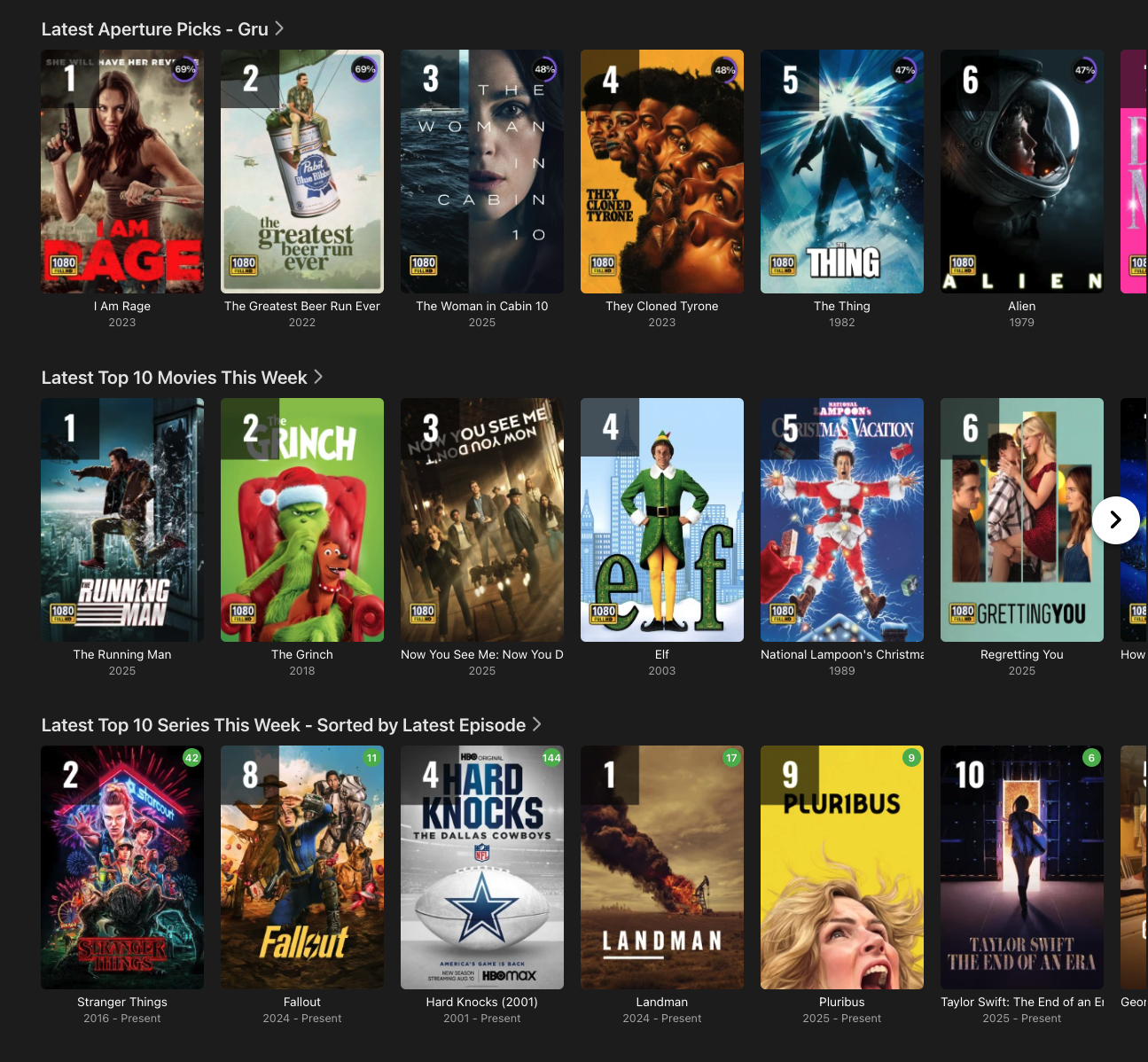
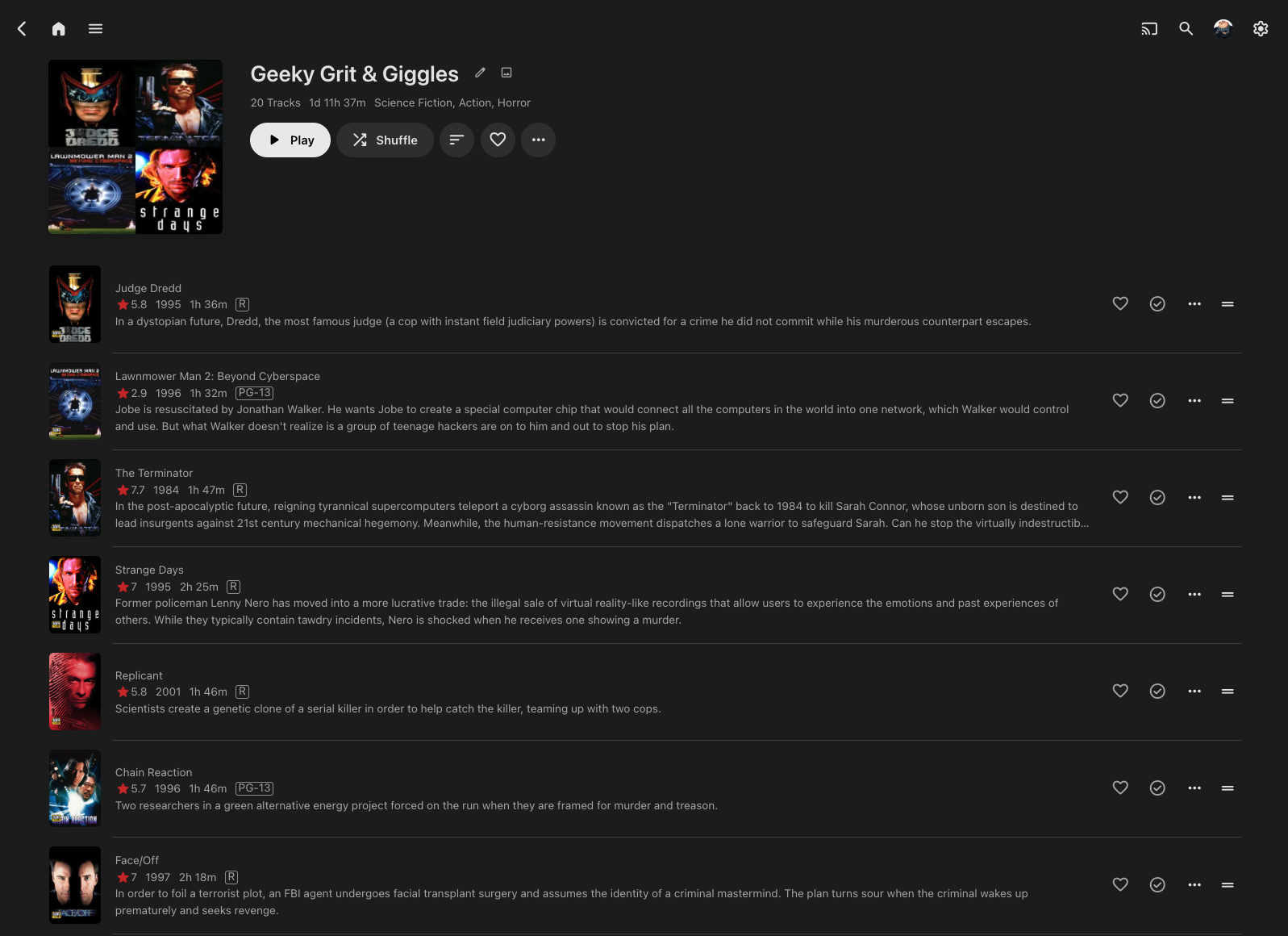
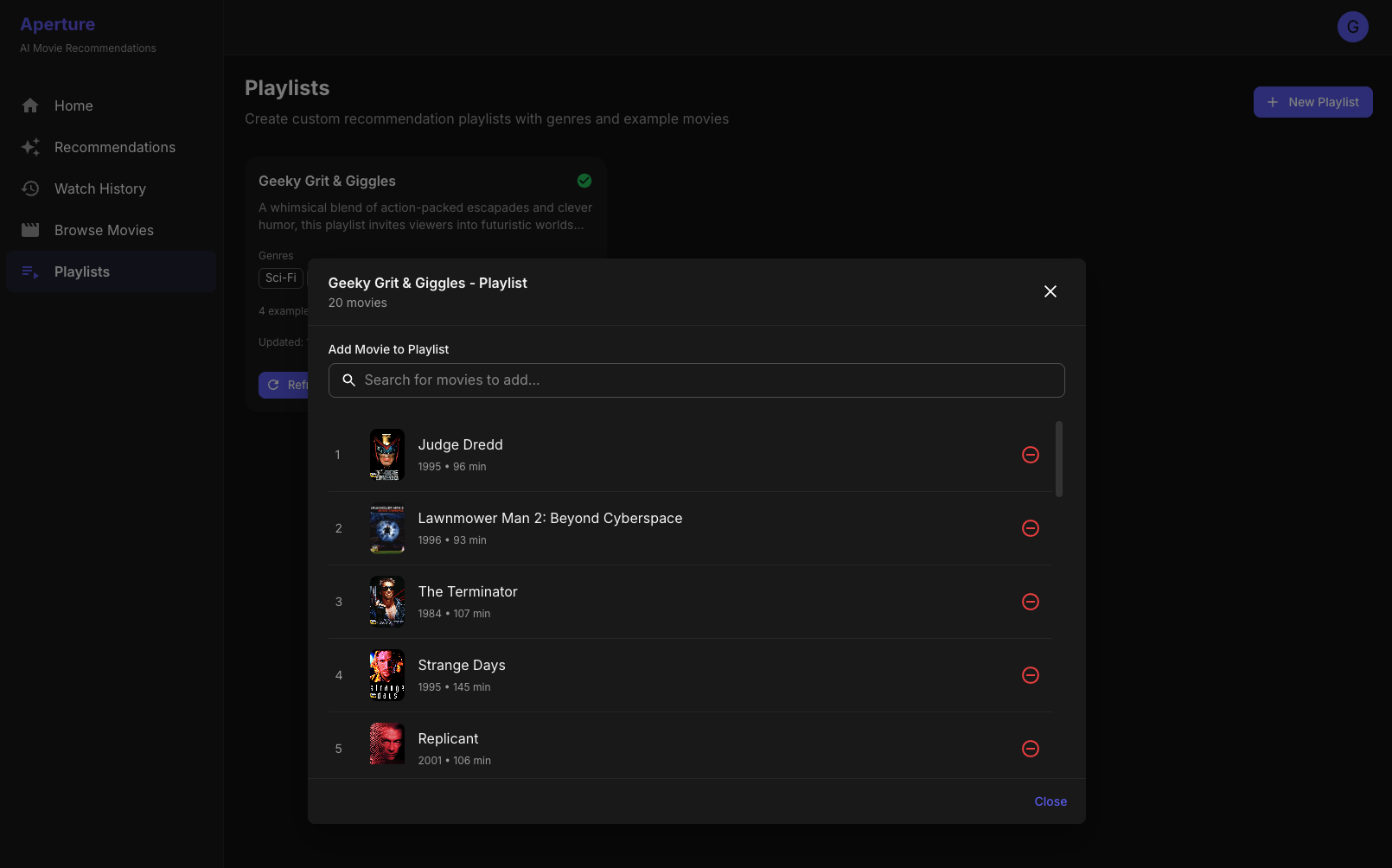
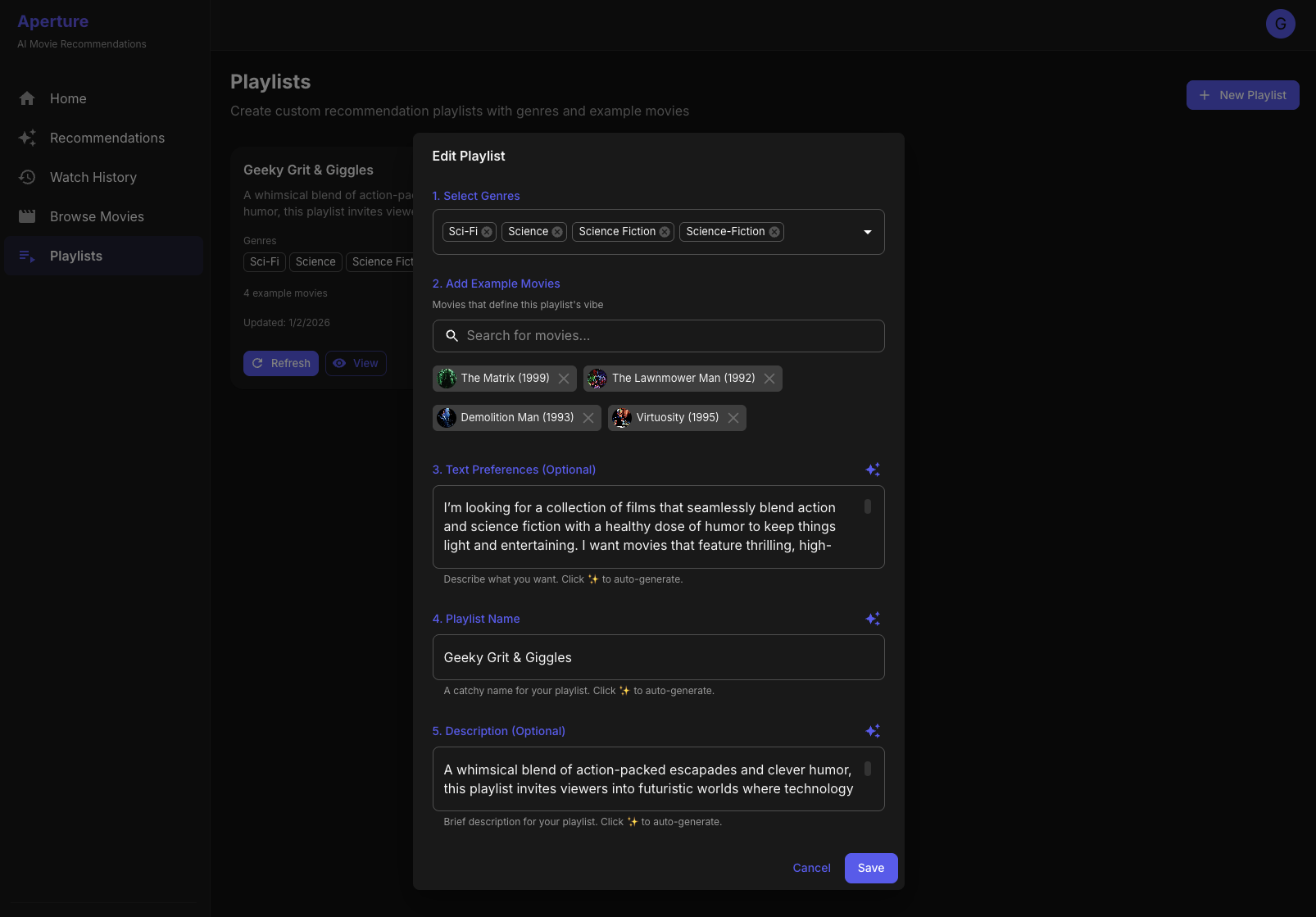
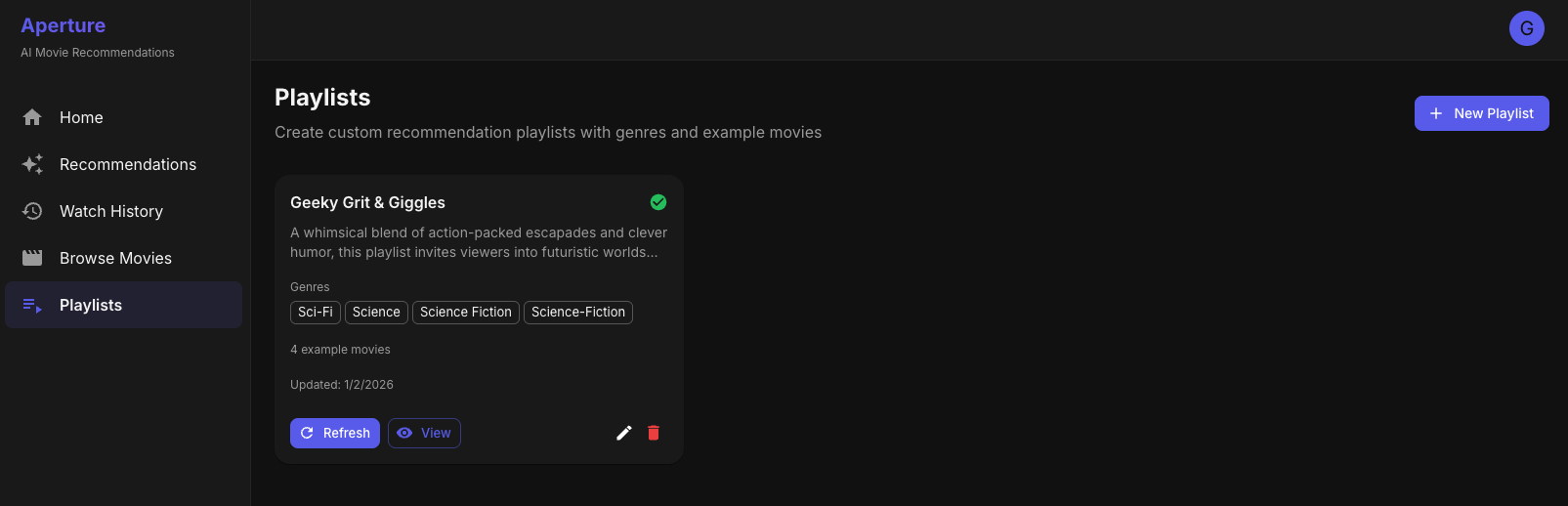
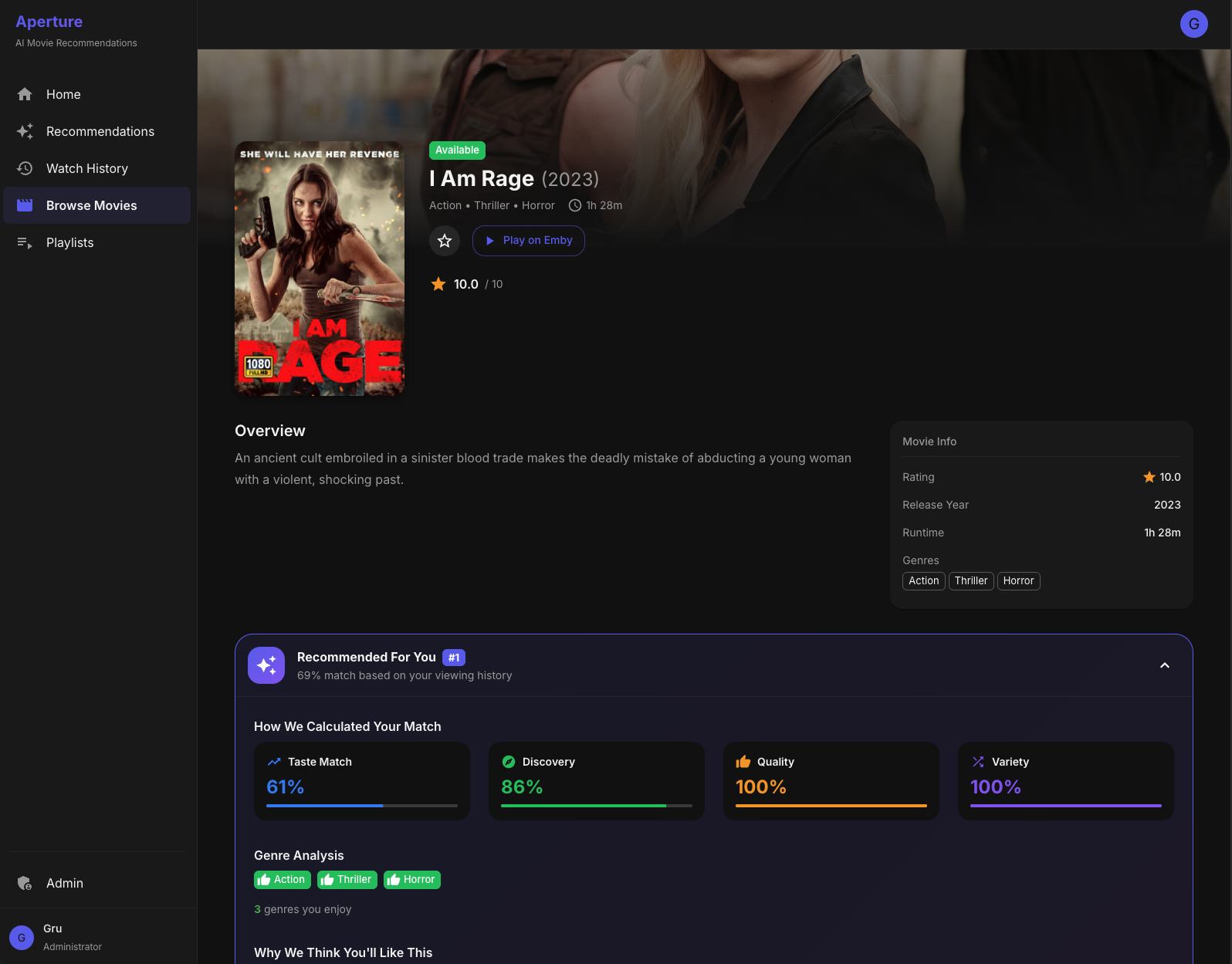
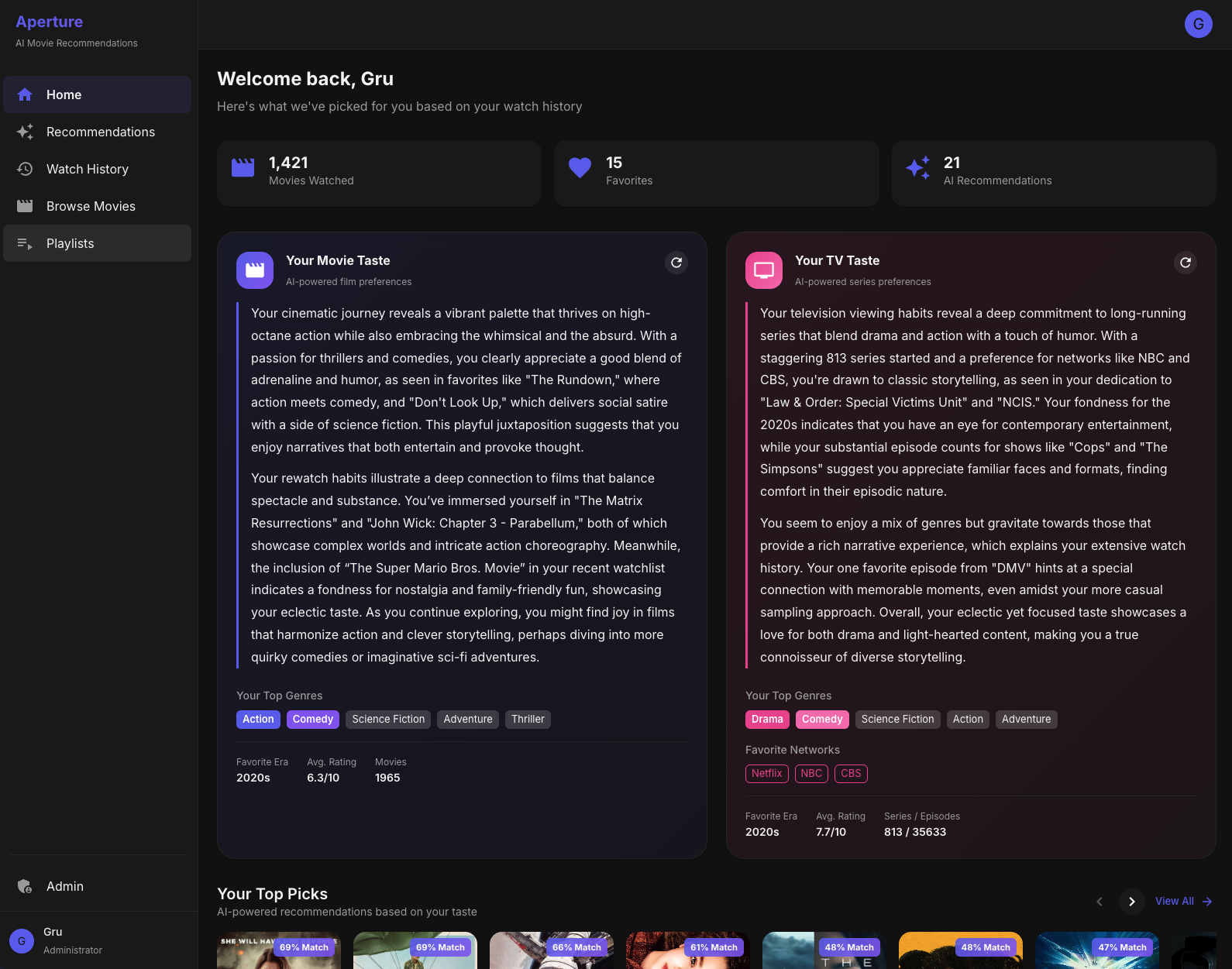
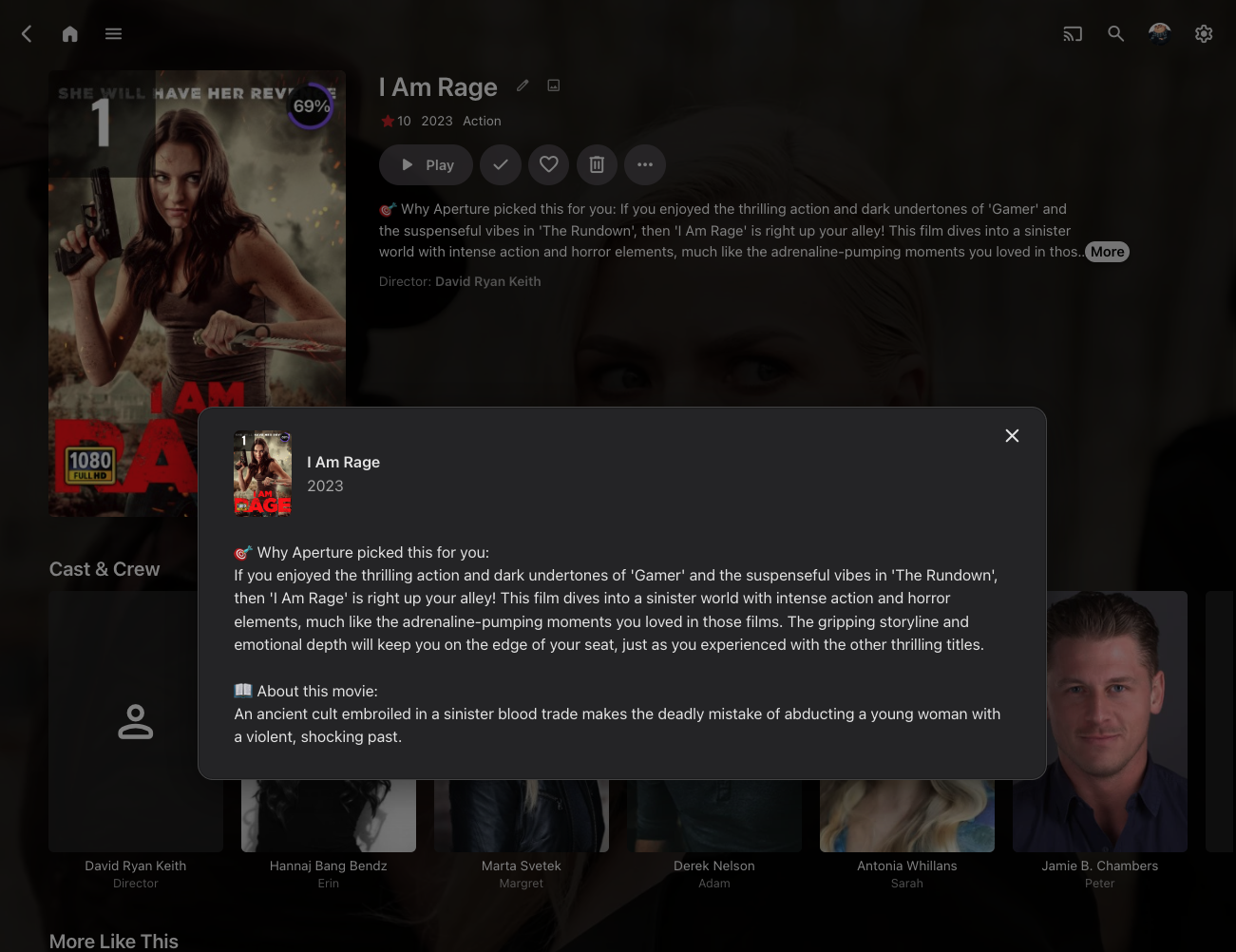
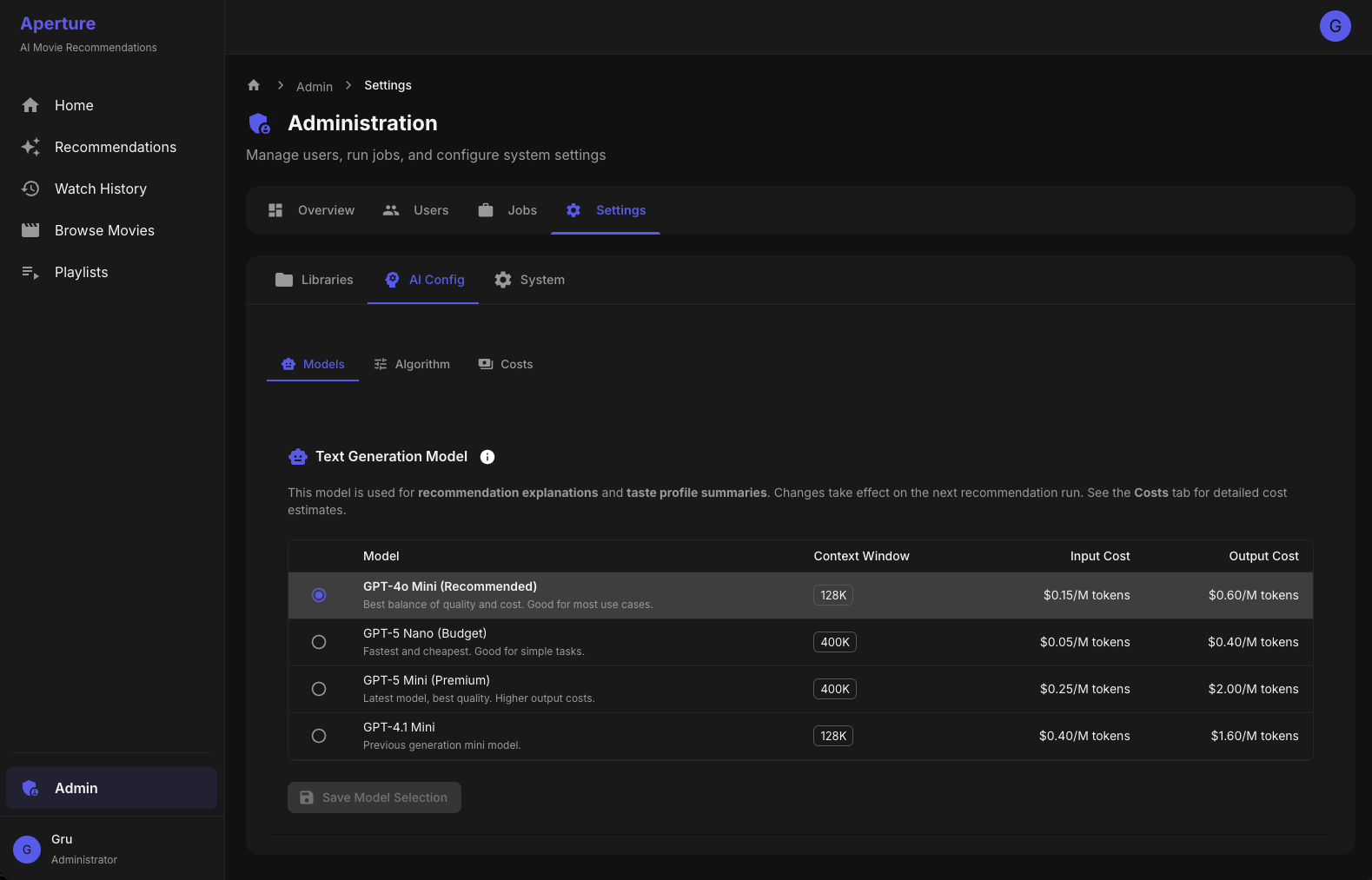
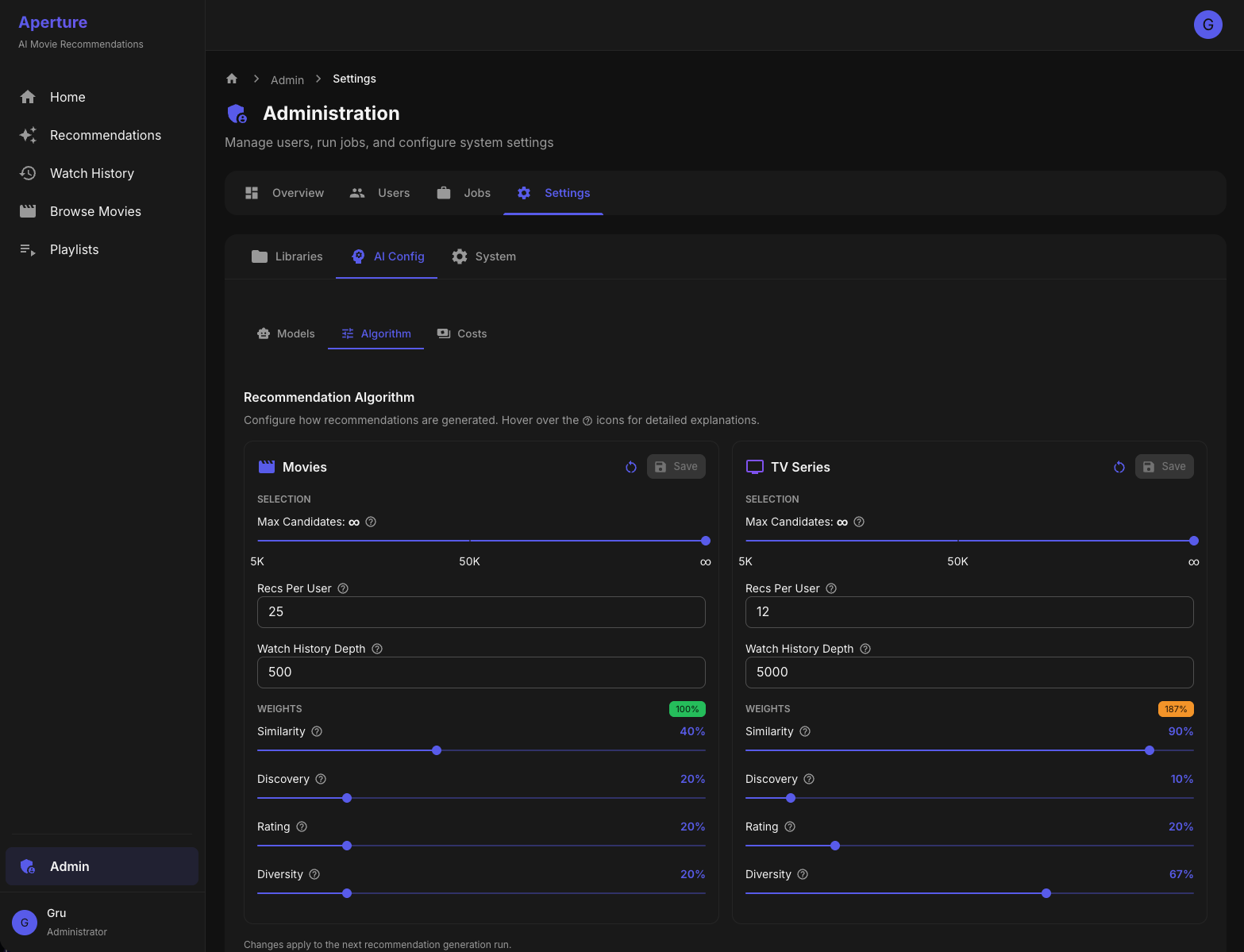
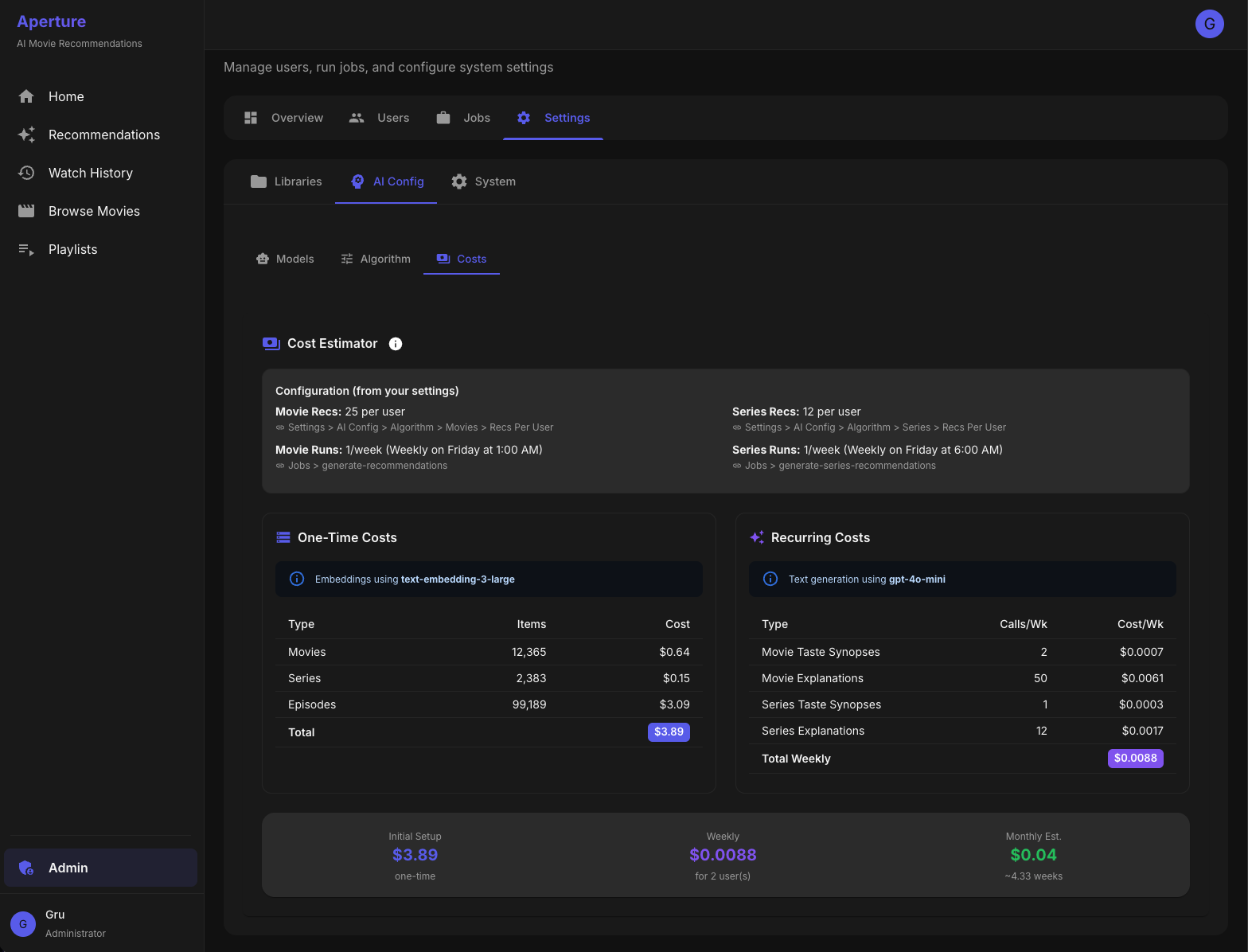
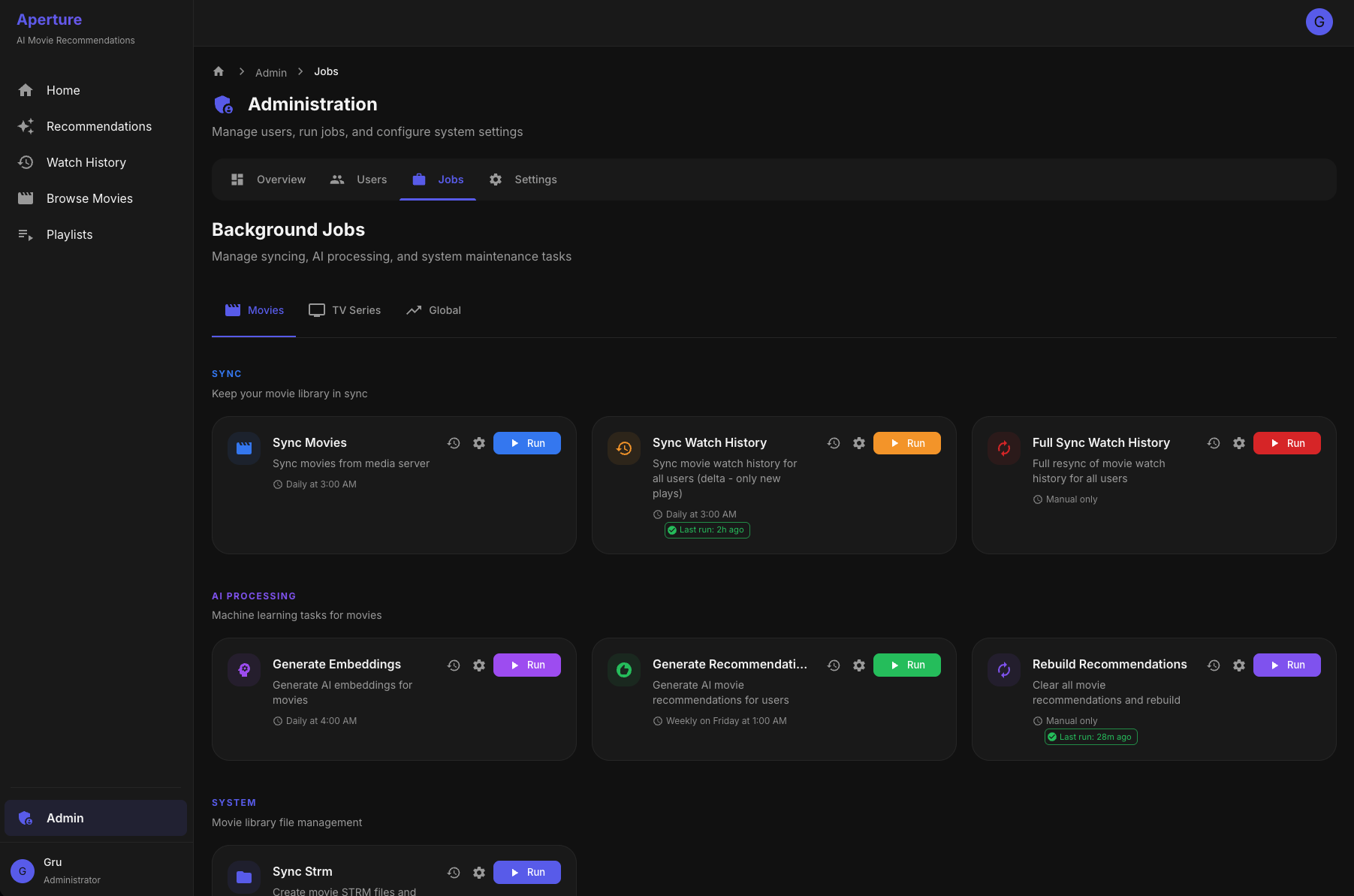
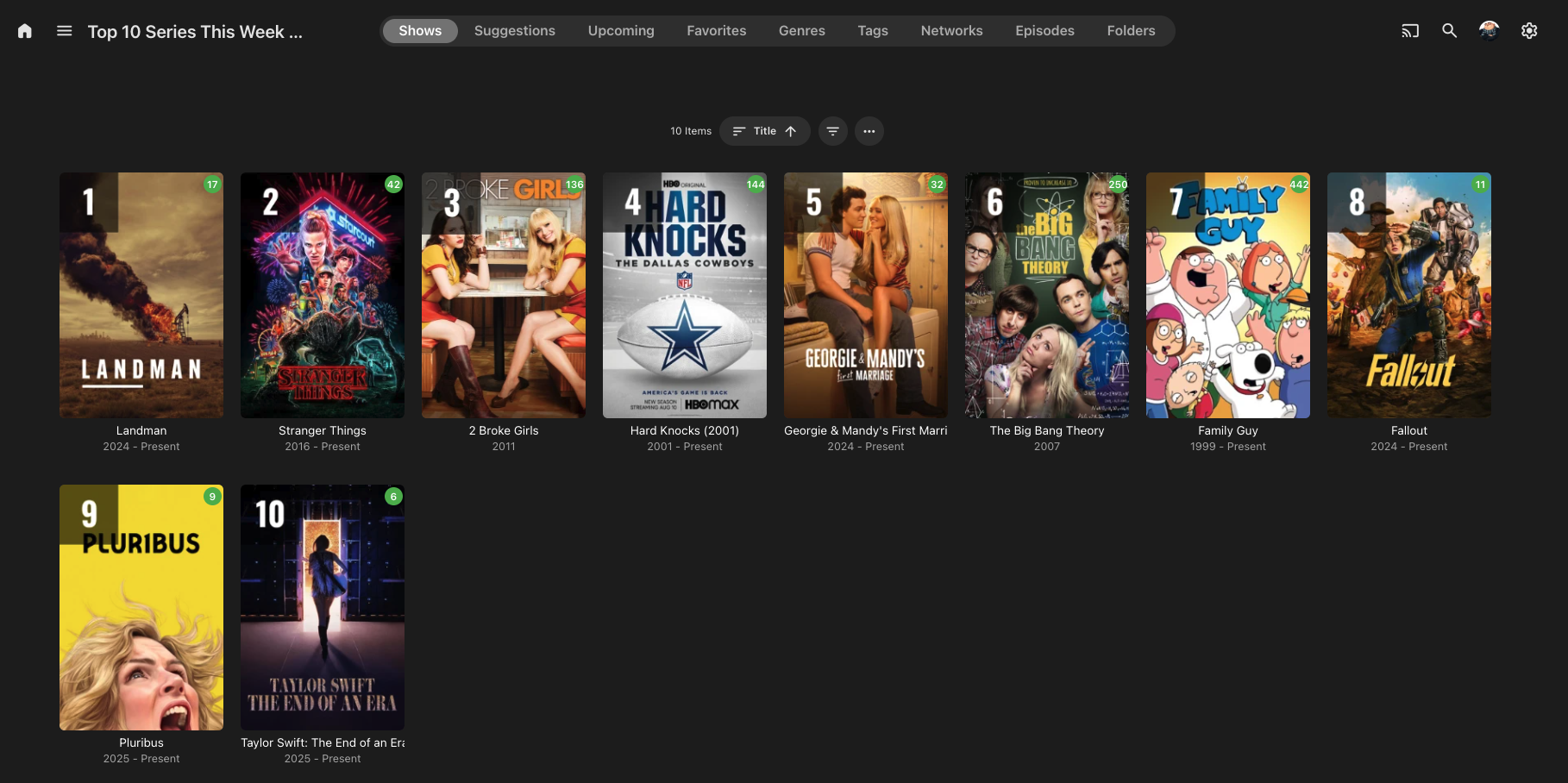
What It Does Aperture is a self-hosted recommendation engine that creates personalized "For You" libraries in Emby. It analyzes your watch history and uses AI to suggest movies and TV series you'll actually want to watch—complete with explanations for why each title was picked for you. Features Personalized Recommendations Per-user recommendation libraries - Each enabled user gets their own "Recommendations" library Movies and TV Series - Separate recommendation pipelines for each media type AI-generated explanations - Every recommendation includes a personalized "why you'll like this" explanation Ranked posters - Custom poster overlays showing rank and match percentage Exclude watched content - Option to only recommend unwatched titles Top Picks (Global) Popularity-based libraries - "Top 10 Movies" and "Top 10 Series" based on what's trending across all users Configurable popularity formula - Weighted combination of unique viewers, play count, and completion rate Time window - Only count watches from the last X days Auto-enabled for all users - Everyone sees the same Top Picks User Management Import users from Emby - One-click import of all Emby users Per-user controls - Enable/disable AI recommendations for movies and/or series independently Taste profiles - AI-generated synopsis of each user's viewing preferences (e.g., "You gravitate toward cerebral sci-fi and morally complex antiheroes...") Watch history sync - Delta sync support to only fetch new watches Algorithm Settings (Separate for Movies & Series) Recommendation count - How many titles to recommend per user Candidate pool size - How many candidates to consider before final selection Watch history depth - How many recent watches to use for taste profile Scoring weights: Similarity weight - How much to favor titles similar to user's taste Novelty weight - How much to favor titles different from what they've seen Rating weight - How much to factor in critic/audience ratings Popularity weight - How much to favor widely-watched titles Diversity factor - Ensure variety in genres/styles AI Configuration Embedding model - Uses OpenAI text-embedding-3-large for semantic understanding Text generation model - Selectable GPT model (gpt-4o-mini, gpt-4.1-mini, etc.) for explanations and taste synopses Cost estimator - Real-time cost estimates based on your library size and settings Library Configuration Source library selection - Choose which Emby movie/TV libraries to include STRM output path - Configure where recommendation libraries are written Library naming - Customize the names of generated libraries Job Scheduling All jobs support cron scheduling with these operations: Sync Movies/Series - Pull metadata from Emby Generate Embeddings - Create vector embeddings for new content Sync Watch History - Update user watch data (with delta sync) Generate Recommendations - Run the recommendation pipeline Sync STRM Files - Write recommendation libraries to disk Refresh Top Picks - Recalculate popularity rankings Monitoring Job run history - Track when each job ran, duration, and success/failure Real-time job progress - Live streaming logs while jobs run Database statistics - View counts of movies, series, episodes, embeddings, etc. How It Works Library Sync - Aperture syncs movie/series metadata from your Emby libraries Embedding Generation - Each title is converted into a vector embedding capturing its "essence" Watch History Sync - Tracks what each user has watched Taste Profile - Builds a vector representing each user's preferences Candidate Generation - Finds unwatched titles similar to user's taste Scoring & Selection - Ranks candidates and selects diverse top picks Explanation Generation - GPT writes personalized "why you'll like this" for each pick STRM Library Creation - Generates virtual library with STRM files, custom posters, and NFO metadata Tech Stack Backend: Node.js/TypeScript with Fastify Frontend: React with Material UI Database: PostgreSQL with pgvector for similarity search AI: OpenAI for embeddings and text generation Deployment: Docker The Result Users see personalized recommendation libraries right in their Emby home screen with suggestions that actually make sense—no more endless scrolling wondering what to watch next.
 2 points
 -
Appreciate it, Sh0rty. Everything works as far as I can tell. I'll make sure to submit this to the Pangolin Docs as soon as possible. Marking this as solved for now.2 points
-
I would start looking in the bios and plugging in the monitor to that. Before taking out the nvidia card2 points
-
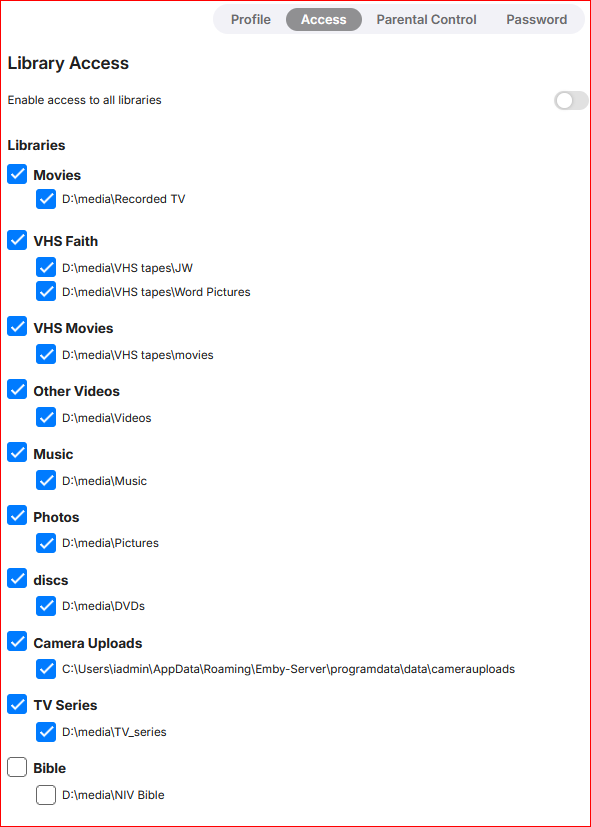
I am guessing that BEFORE you made the new library, when you made the user, you set it to share "Only These Libraries" and not "Share All". If you are sharing all then any that you add get auto added to their home screen. If you are only sharing selected libraries then you need to go into that users settings and turn on that library2 points
-
Well low and behold all loaded as used to be the case. Just all like I remember, except I always downloaded from same page for app just never clued into the beta thing, never delt with beta version of anything in past. But ya so far so good. Not understanding what went wrong but am glad to see for the first time in a long to me when I turn on Emby says up to date!!!!! You be safe now Bear2 points
-
Major achievements? Honestly, I’m struggling to find any. From a user perspective, 2025 has mostly felt like a year of dodging critical bugs while the features nobody asked for continued to underwhelm. What I’d like to see for 2026 is for the dev team to actually enroll in a Security 101 course. It’s becoming a bit pathetic how often fundamental security best practices are ignored or treated as "low priority" while the community is left to find and document the holes ourselves. For instance, we’re still dealing with: Unauthenticated Access to Private Data: We are literally on page 6 of a thread where anyone can access library images just by knowing an ID. No token, no login, no problem. The response time on fixing basic privacy leaks is glacial. Unauthenticated access to images by itemid Permissions Bypasses: Having "Critical Security Vulnerability" in a thread title regarding Live TV permission bypasses should usually warrant an immediate emergency patch, but here we are. Critical Security Vulnerability: Live TV Permission Bypass PIN Bypasses: The fact that a simple "Home" button press can bypass security PINs is a masterclass in "Security by Wishful Thinking." Security Issue: Using home button makes PIN bypass possible And then there is the "Universal" Android app. It’s truly a "major achievement" to spend years trying to replace the perfectly functional Android TV app with a bloated, stuttering "one size fits none" mobile port. It fails miserably at providing a smooth 10-foot experience, yet the devs seem hell-bent on sunsetting the one version that actually works for TV users. If the goal for 2025 was to prove that a paid product can have slower security responses and worse UI regressions than its free competitors, then mission accomplished. Ultimately, for 2026, the devs need to start concentrating on legitimate bugs and community concerns instead of @Luketreating this like his own personal pet project. This is a paid product with a community of users, not a private sandbox where critical security and usability issues can be hand-waved away just because they don't fit a specific internal vision. Fix the foundation before adding more "achievements" to the pile.2 points
-
FYI I'm working on a patch to update to the latest version and improve parts of the official freebsd package, and will probably be taking over maintenance of the package from now on.2 points
-
As a feature, it is good to see what soundtrack is playing (song and artist) in the movie or in the episode. so that people can go and listen to the song they like on Spotify or other services. The tunefind website provides data on the songs playing in each episode in a series and movies. i think they have the api too. Here is a sample video to illustrate what i mean. sample.mp41 point
-
My solution for a similar problem - maybe this helps someone! I wanted to move my Emby Server from my Synology NAS (because of better transcoding performance) to an Ubuntu server (virtual machine) that already runs multiple Docker containers. All my media should remain on the NAS and will be accessed via NFS. 1. I made a backup of everything inside Emby's /config folder on my NAS and copied it over to the Emby /config folder on my Ubuntu server. 2. I mounted the NFT share on my NAS to /mnt/nas/video on the Ubuntu server. 3. In docker-compose.yml I just defined a volume (/volume1/video) which is the same as it used to be on my NAS. This way I did not need to change anything inside the Emby DB. Even if I should move my media to a new location, I just need to update the docker volume entry. Here's the docker-compose.yml emby: image: emby/embyserver:latest container_name: embyserver network_mode: host environment: - UID=1000 - GID=1000 - GIDLIST=123 # Matches 'render' group ID volumes: - /opt/emby/config:/config - /mnt/nas/video:/volume1/video devices: - /dev/dri/renderD129:/dev/dri/renderD129 # Direct path to the Iris Xe restart: unless-stopped1 point
-
Hi, perhaps read this for some initial tips (if you haven't already?). https://emby.media/support/articles/Music-Naming.html Also, while Emby imports much music info from embedded metadata, it doesn't currently import Artist Sort Titles (unless there has been a recent update I don't know about?). https://emby.media/community/index.php?/topic/126206-music-library-nfos-question/#comment-1328045 Anyway, as per what Luke said, if you post a specific example (with screenshots) then we can investigate further and perhaps help out? Cheers!1 point
-
Oh, I got what you mean. Thanks.1 point
-
When you created user A you probably unchecked it. That means anytime you add a new library to the server, you will need to go into user A's permissions and grant them access to it if you wish.1 point
-
Admins are required to have a password. Non-admins are not.1 point
-
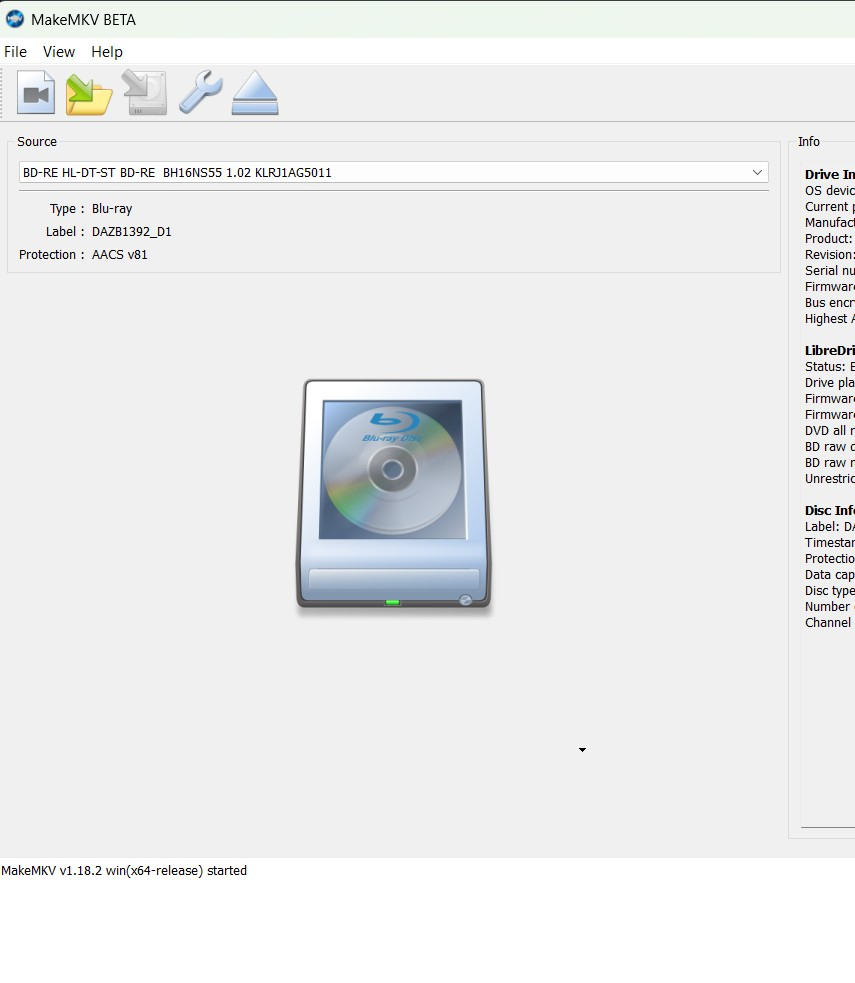
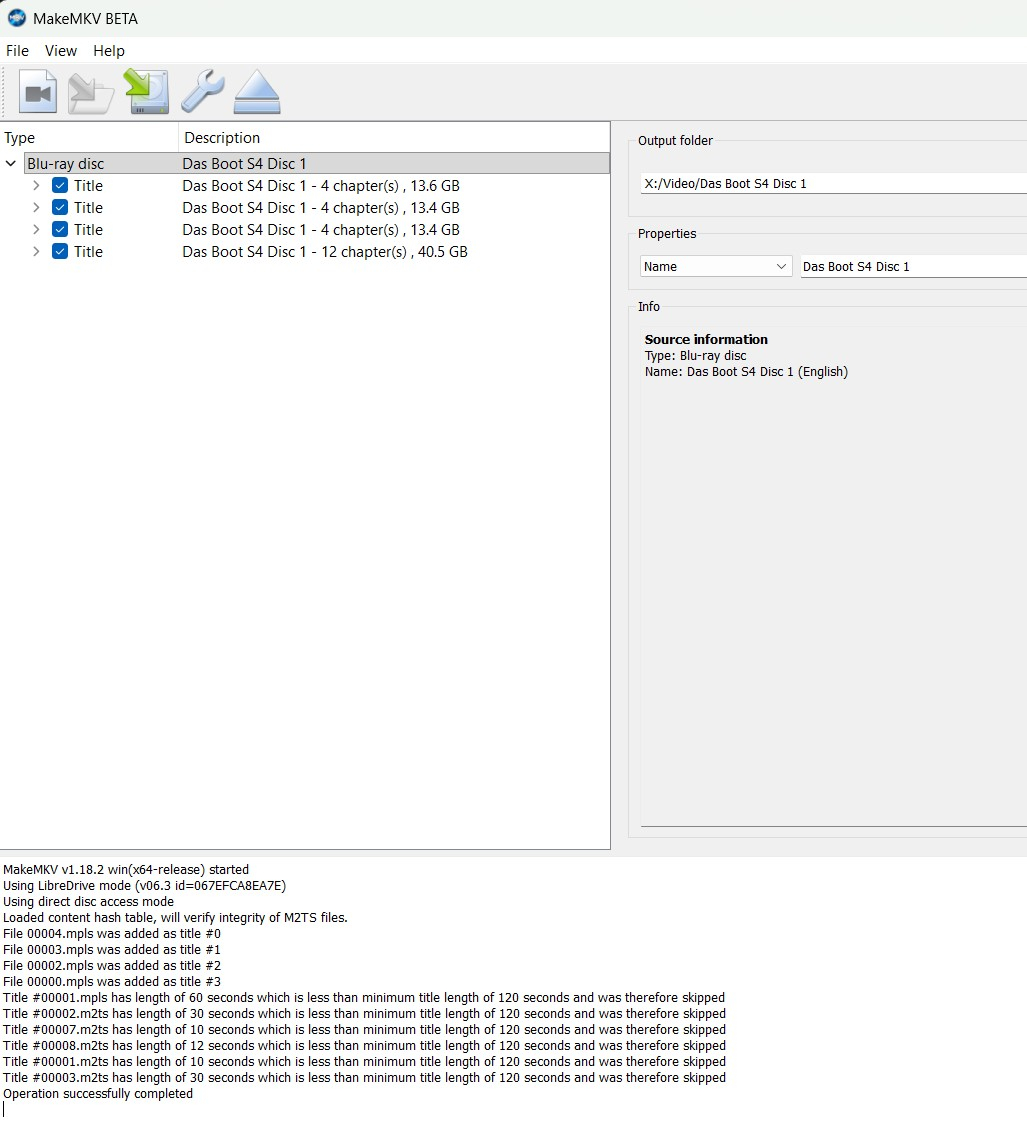
People do different things. What you could try (if you haven't already), is load a disk and start MakeMKV. Click on the big image of the disk in the centre - and wait for it to process. You should get something like - Here everything is ticked but you want to untick the last item, which is likely the three episodes shown ticked above that but all stuck together. Tell it where you want to save them and then save. You then have to identify the episodes you (hopefully) get. If you're lucky you can just play each one and wait for the name to pop up, otherwise you have to fiddle a bit more.Try to find a list of episodes and see if you can identify from different runtimes, or different directors and writers or something. Remember for movies (and maybe episodes) you might find movies shown several times - they might be different versions (Director's Cut etc) or there may be one that has chapters and one of the same size and length the doesn't, go for the one with chapters. Sometimes, you get several versions and you just have to rip them all - think Star Wars with that opening roll disappearing into the distance, one in English one in Spanish, one in... Sometimes the MakeMKV forum has hints about which version to go for. Also if you want a straight copy of the whole disk, start by clicking on the yellow and green highlighted icon shown in the first picture above (second icon from left) and tick on decode or decrypt option tickbox thing.
 1 point
 -
I just wanted to thank Lessaj and Luke again for the help!1 point
-
I hate to remove features, trust me. I had to remove specials because they were more trouble than they were worth, 5 minute specials, specials with end credit, only text specials and so on.. They caused havoc with the schedule task which only looks for if shows have end credits or not and should there for skip based on that. I might put the option back in at one point when i made some kind of solution to it but for now there won't be detection on specials. Sorry! For now i will focus on making the detection as precise as possible though i think it's very close now. (Your density idea helped a lot!). There will always be some fails like how intro skip also fails on some episodes.1 point
-
Quite right you are, @Lyfesaver! Has that 'all' toggle been there for a long time? All the libraries are checked except for the new library, so that makes me think the toggle is a new addition.
 1 point
 -
Strangely it started working again. It was all trailers. I just repro'd it about 5 minutes ago without app logging turned on. Turned on app logging, restarted Emby on my Shield TV Pro, then it started working again.1 point
-
Thank you! I did some digging and the path is mnt/user/appdata/EmbyServer. All good now!1 point
-
HI, what directory did you configure as the main data directory for the container? That would be your starting point.1 point
-
I forgot to post back that that this was fixed in v 1.3.0.0 and beyond. Thanks!1 point
-
1 point
-
Thanks Lessaj. Everything was working fine in the Emby Server device itself but just the DNS wasnt working as you mentioned for unknown reason. I restarted the device and it started working now. Thanks again1 point
-
I'd like to revisit this. Having a display name is, IMO, a fairly standard feature. I would say anywhere in the UI, display the friendly name if set - otherwise fall back to the username. As for the sign-in trouble I don't see that as any different of an issue than a user forgetting his username. Since these are self hosted systems, solving that should fall on the system admin. This feature would also allow the use of the display name feature in LDAP.1 point
-
Thank you for your work ! I missed the black friday discount, my bad ! I hope to suscribe to Emby Premier ASAP at the best price1 point
-
Guess this should go here, and not beta forum. Feature Requests - Emby Community1 point
-
To be fair, no one should be tone mapping, EVER.1 point
-
I don't believe this will be a problem because the device ID should be the same.1 point
-
For collections you have to select multi-select on first item, hold shift, scroll to last item and click on it the use the multi-select Refresh option on the three dot menu at the top right of ribbon.
 1 point
 -
To explain further, if you don't see boot screen on your monitor. Then you should look in BIOS. Some MB's disable onboard gpu's if it detects a discrete gpu. You can then enable the igpu in bios.1 point
-
Try plugging in the iGPU to your monitor to see what happens after a reboot.1 point
-
What’s happening here, when is a fix due?1 point
-
So.. disable useful functions to protect privacy.... Thanks for the comment that doesn't answer a single concern.1 point
-
Look at your logs, is it done scanning?1 point
-
If you don't trust them, then disable them in your library1 point
-
This IS the solution. Just confirmed. THANK YOU!1 point
-
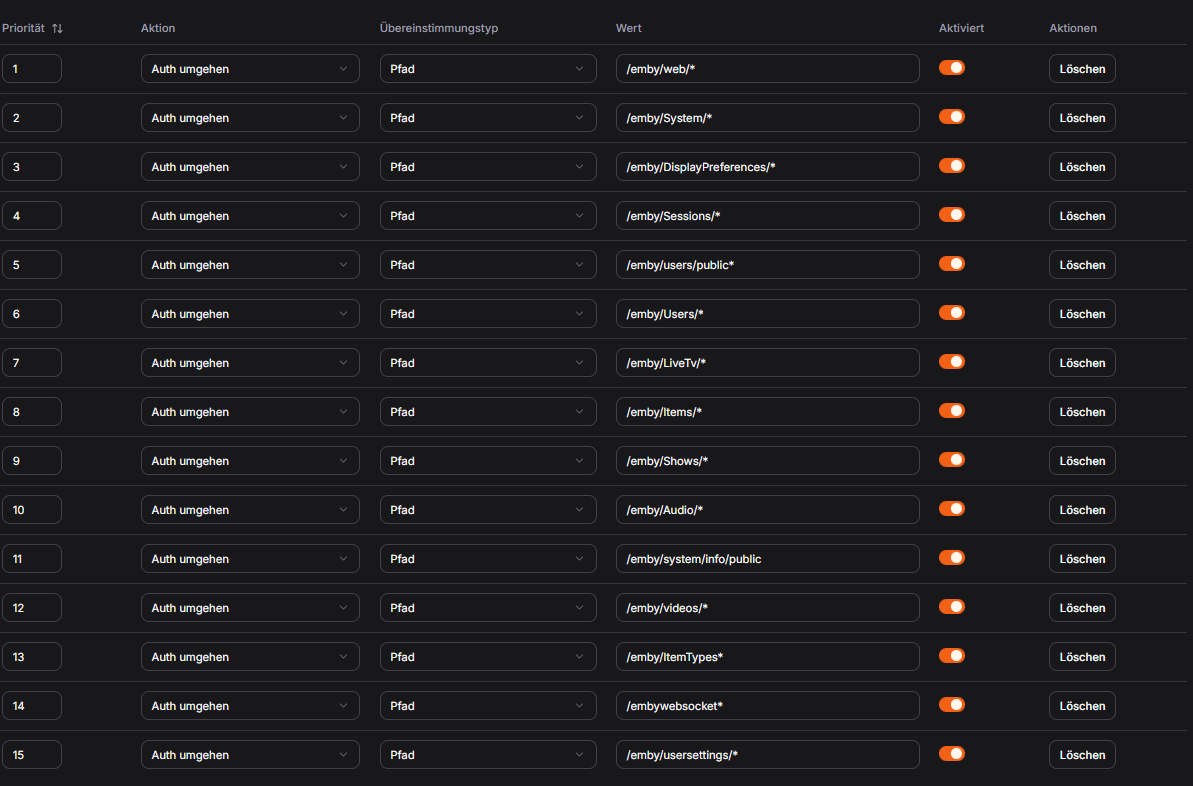
Meanwhile things changed on the server it seems. This is working for me now:
 1 point
 -
Yes, thank you, I solved that via my domain, so the client only has to log in with their password and username.1 point
-
This works. The streams starts almost instantly without any flaws. When I reactivate HW transcoding the issue reappears, too.1 point
-
Thank you!1 point
-
Thats it, thank you1 point
-
Looking for facepalm emoji.... Sorry to waste your time and thank you, all working as expected now!1 point
-
Unclogged. Thank u for your time.1 point
-
I just selected the provider I use, i.e. Freeview. What else would "number one provider" mean for you? Paul1 point
-
Another ( ) version up (v1.3.1.0) Added. Ability to run detection on a season. Changed: Episode dropdown menu is now separated by seasons making it easier to navigate the menu. Fixed: Progress bar not working properly when parallel processing what activated. Plugin will no longer scan TV show specials. Download at yocksers/EmbyCredits Github1 point
-
Yes, I have disabled the delete option also on my Emby server. I do media deletions only directly from the file system. Thank you for your fast response!1 point
-
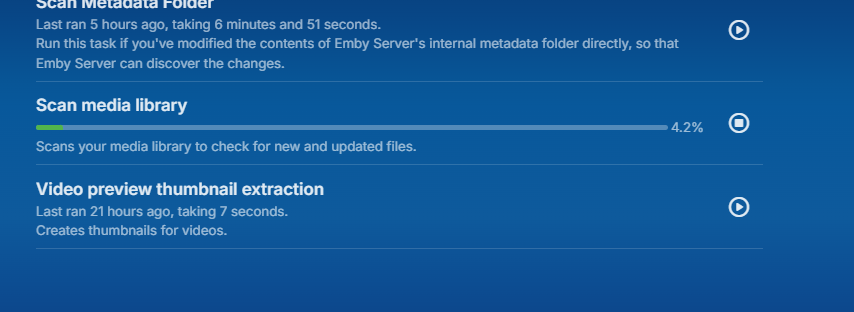
restarted a server fireed up scan and seems to stuck again in the same spot. embyserver (3).txt
 1 point
 -
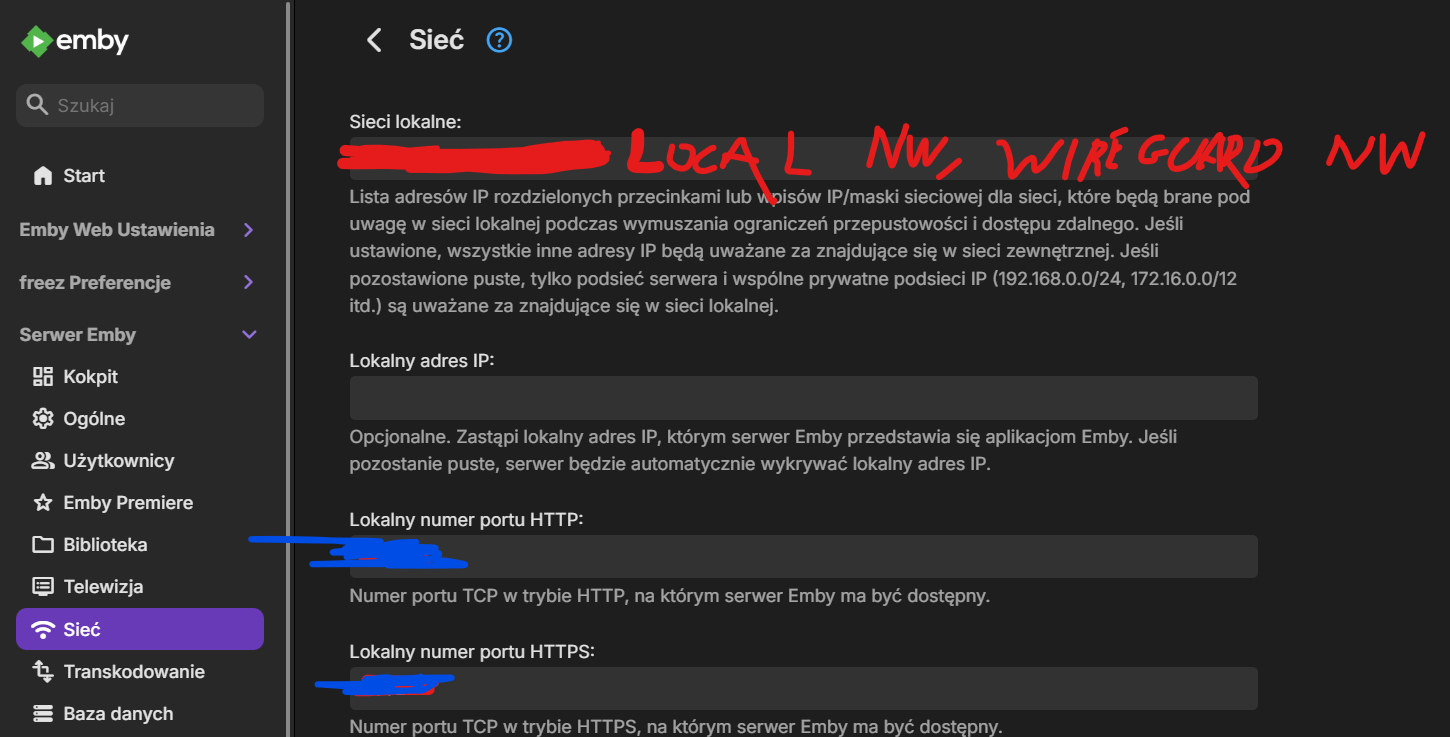
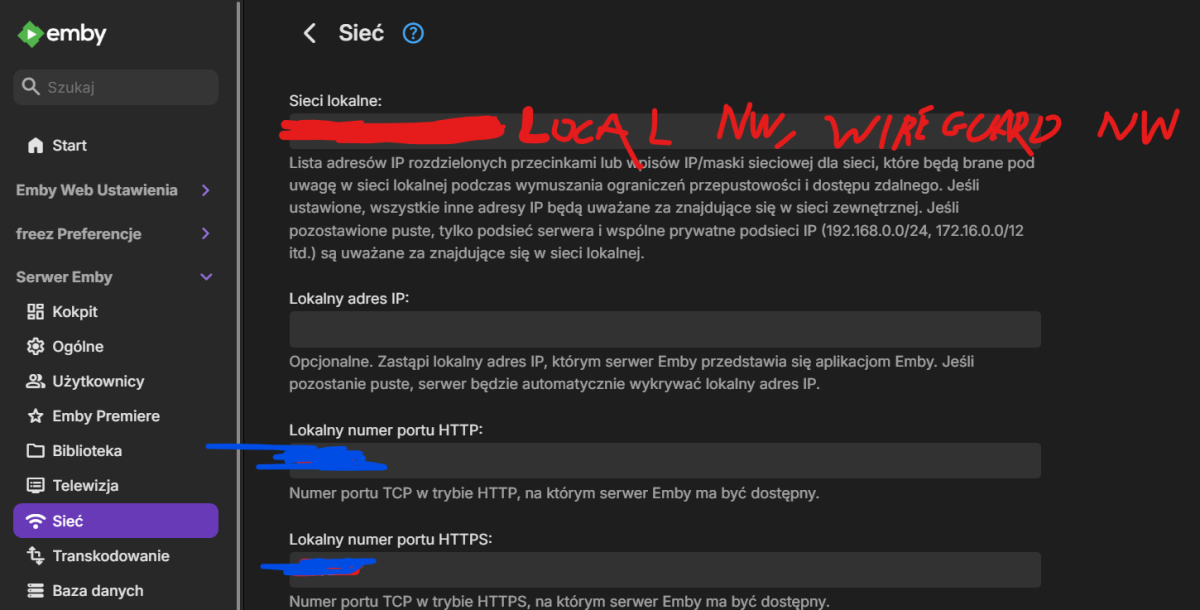
OK Guys, I think that I found the resolution, ok, so the certificate is generated locally so I have a warning during attempting to connect to Emby Server but anyway with this certificate You are still able to use https instead of http in local Network (which I would like to use). So the problem with this certificate is maybe still valid if I would like to use Emby to connect from external Network but... if You use it only locally and via OpenVPN / Wireguard tunnel, just add a valid Wireguard Network address with a bitmask in: 1. Server Settings 2. Network 3. Local Network (1st text field) It will resolve the problem if You use Emby only locally and over VPN Tunnel. Hope that someone will find it helpfull
 1 point
 -
Hi Quickmic Thanks for the new update. Have a question about the new Sync Themes option that allows you to play movie/tv theme songs. Will there be extra control added to this feature as new updates are rolled out? Reason I ask is that with TVTUNES I can tell it not to play movie theme songs and to only play tv theme songs when I enter the TV Show and view the seasons. I prefer not to move from one tv show to another and have the tv theme song play, I prefer the tv show play when I am in the tv show viewing the seasons and episodes.1 point

























(1)(1)(1)(1).thumb.jpg.b48588c08b9d9a9c78b081d5b100545e.jpg)