
Leaderboard




Popular Content
Showing content with the highest reputation on 01/01/26 in Posts
-
I agree that you should have an option to use either one or the other. Call it legacy ignore and new ignore, or something of the sort... I could see how using both might conflict with each other... Luke? Honestly, after I learned the idiosyncrasies with the new .embyignore nuances, I like that better and it is more flexible, I just didn't appreciate the way the old .ignore was yanked out of the system so willy nilly...2 points
-
So, just reading the DB tags and using them would be perfect.2 points
-
Happy New years from Denmark2 points
-
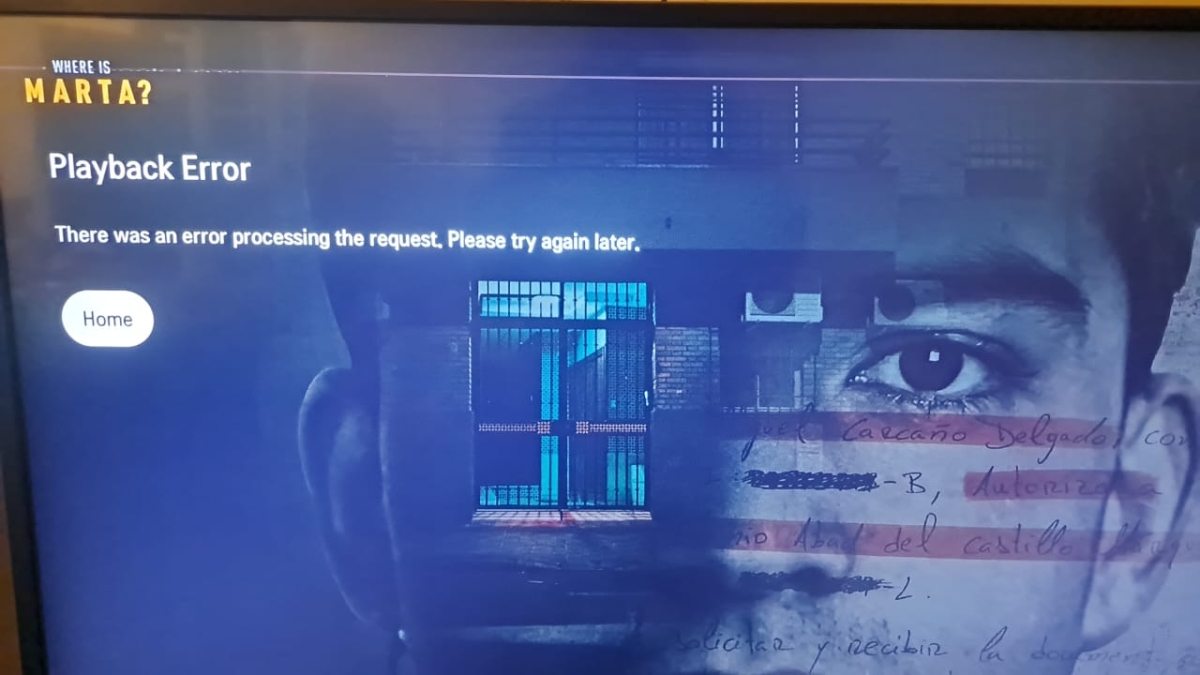
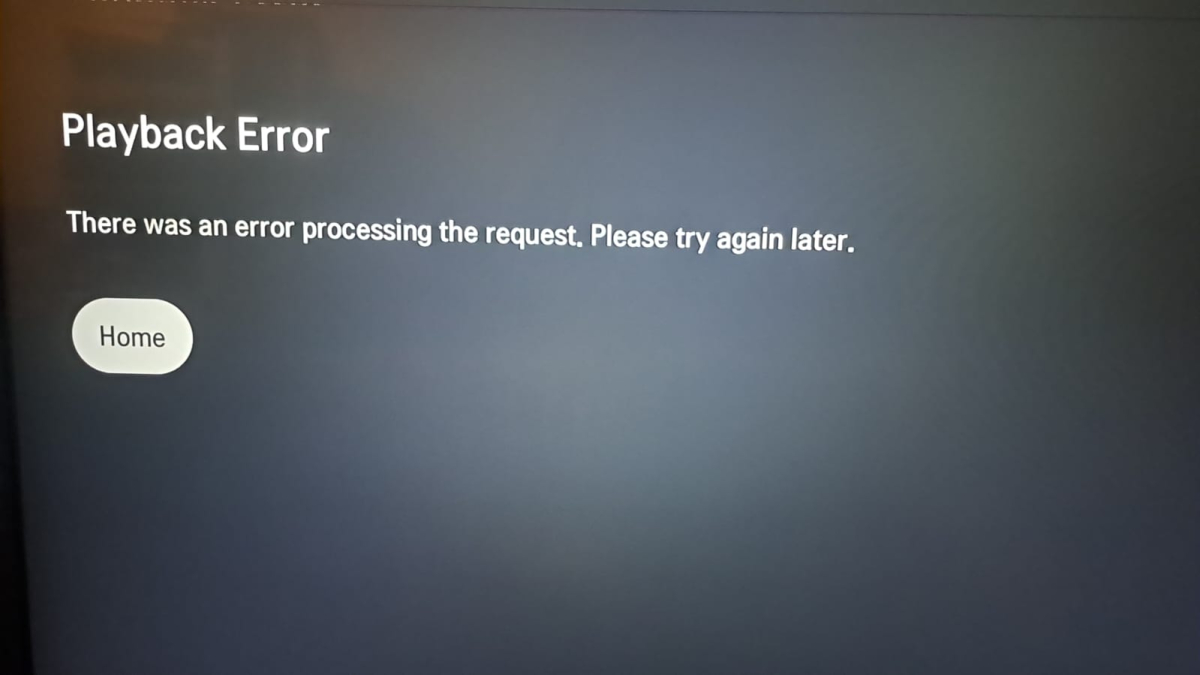
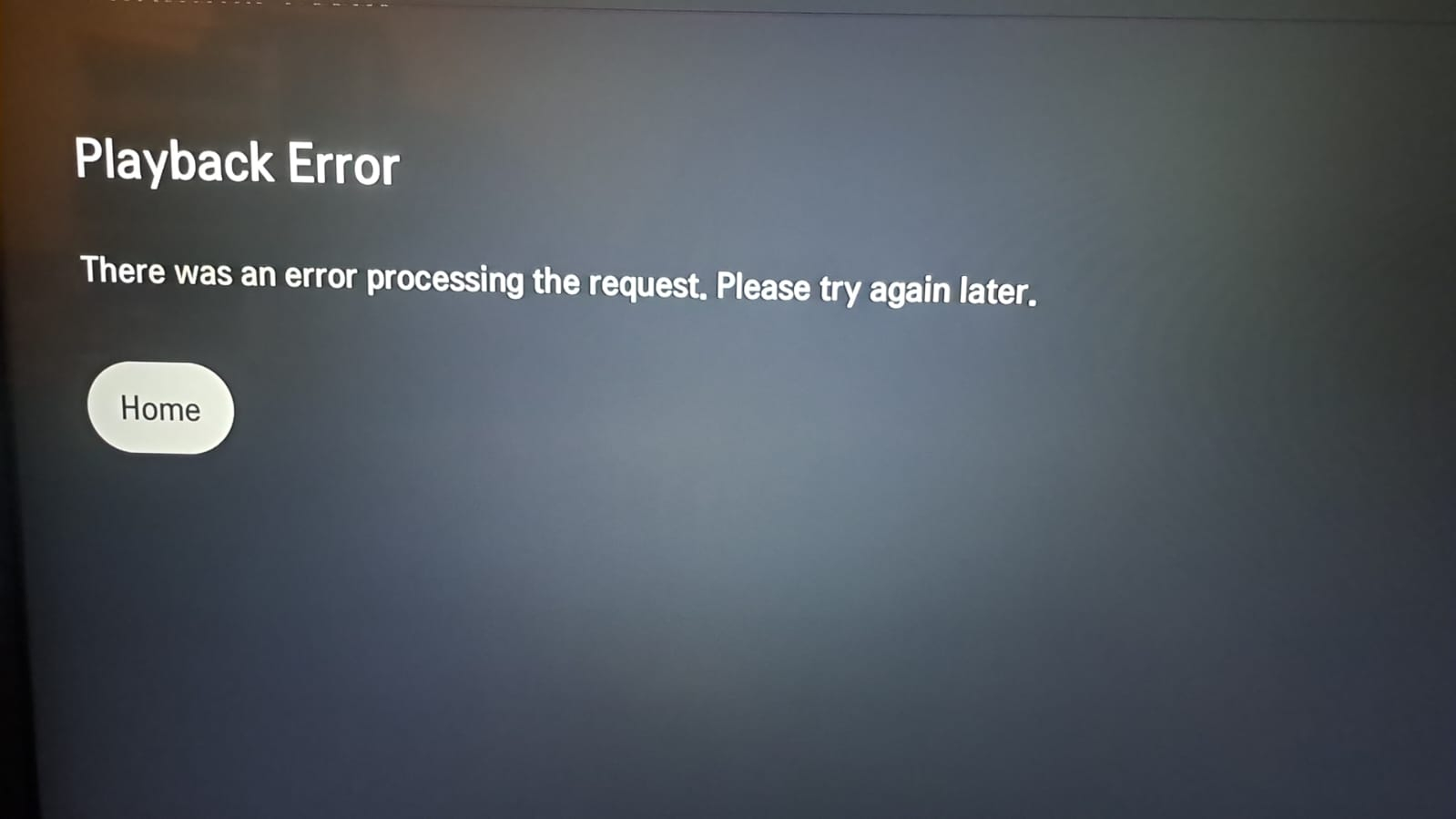
Before updating the app, everything was fine and everything played without problems. After updating to version v1.0.49, I can't play anything at all. It plays normally on other devices; the problem is only with the LG app update. The app does not even open the movie/episode detail screen; it immediately shows “There was an error processing the request. Please try again later.” Server logs show successful authentication and repeated /Items/{id}/PlaybackInfo?IsPlayback=false calls, followed by client-side stop. The same content works in Emby Web and worked on LG before the client update. Multiple users report the same issue after updating the LG app. App client: LG Smart TV (43UM7100PSA) server Version: 4.8.11.0 embyserver.txt
 1 point
 -
Download: https://emby.media/emby-for-samsung-smart-tv.html 2.3.0 (1/1/2026) Fix some dialogs being cut off on older models Fix volume control for youtube player1 point
-
thanks. too bad. another run with plex than. i just don't get it why this is still not implemented into emby. would be a total game changer for some, potential, users like me. anayway, good work btw.1 point
-
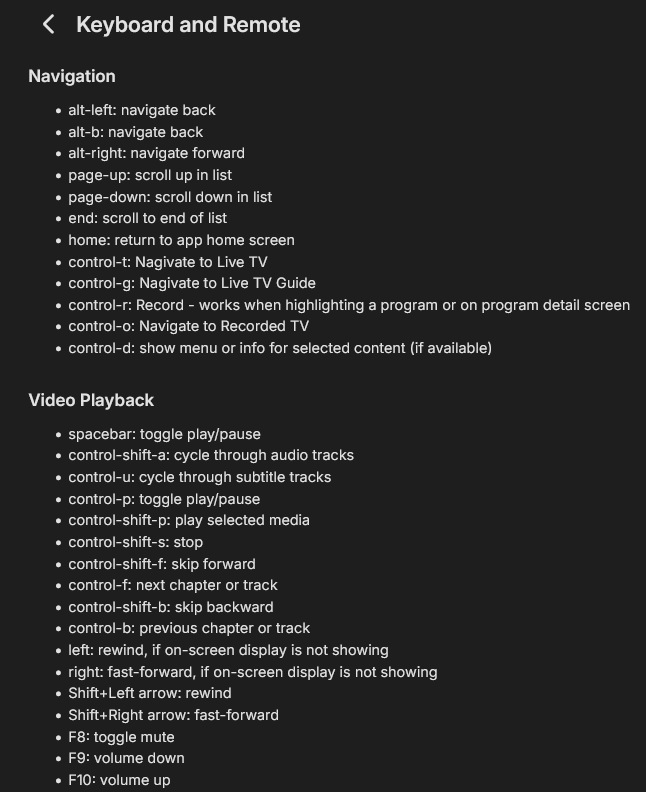
Kodi is my daily driver with Emby as a backend on ShieldTV. The only time I must use Emby app on my SheildTV is when I have to access my remote server in another far far away land. Trust me, I'm working on a more elegant solution to this in 2026 to pull that Emby Server directly into my Kodi. The thing that makes it extremely usable is that is that kodi has mapped all functions to keyboard keys. This is where a FLIRC and any old IR remote become extremely invaluable to the older generation that was accustomed to using numbers and channel up / down, guide, mute buttons on the remote. I cannot tell you how many times I personally struggle with these small remotes and the fact it literally do not want to use my voice. The Shield remote is just something I do not use. Kodi keyboard commands linked which I am sure you are well aware compared to Emby keyboard commands, which i imagine works on computers and for others that have fancy overly complicated (IMO) keyboard type remotes for their devices. I am pretty sure that most Emby commands could be mapped to FLIRC, just FLIRC made it much easier with native Kodi/Keyboard support so I dunno. I fell the OP in that respect, but I just don't have the same issue since I have used KODI as my daily driver for too long. https://kodi.wiki/view/Keyboard_controls Vs Setup is 5 identical invdividual Sheild TV Pros all running Kodi, all running same skin configured identically, all using Emby4Kodi, all using FLIRCS, 5 Harmony 600's all using the same FLIRC so remotes are interchangable and if one cannot be found which happens. All using EENLOOP's which seem to last forever. I think I got these batteries 15 years ago.
 1 point
 -
You should go to the css box where you added all the code you got for this theme, scroll to the bottom (or anywhere really, but bottom is of course easy to find) and paste the extra bit mentioned, save it and refresh the page. You should see an effect (hopefully the right one...)1 point
-
yes thank u i know that option. i was more curious then needy thank u for your help1 point
-
If we could please get a few more likes for this feature, we'd all appreciate it. My viewers would like to hide shows they are not interested in to make it easier for them to choose their next binge.1 point
-
Only new 1 after you enable the option. But this plugin might help you.1 point
-
Hi. From your perspective, what are these "leaps and bounds"?1 point
-
Emby is not designed to run using temporary storage. Once you add libraries they are expected to be there whenever the server is running. In certain conditions if the Emby server loses access or can't find the path to the media it will treat those files and paths as if they were deleted and removes them from the database. The devs have implemented a bandaid workaround by looking at the mount point/path depth and ignoring (taking no action) if directories are missing. I don't know the details of how deep you need to mount them because I don't care for such laziness... Unless you have metadata stored with the media or backups from before they got deleted you might have to start over.1 point
-
Fixed in 2.3.0. Items in menu list now shift up when scrolling down and don't extend past the bottom of the screen. Thanks @Luke1 point
-
The issue was introduced in one of the later 4.9 beta versions, still existing in 4.9 stable. Was fixed in the latest beta.1 point
-
Add back the .ignore since it is a system function so we have a choice between .ignore and .embyignore.1 point
-
For me, with the evolution of Jellyfin, it makes less and less sense to use Emby every day. I’ve been using Emby for several years and I haven’t seen any significant changes for a paid app. On the other hand, Jellyfin has experienced strong growth in improvements, which is going to be a serious blow to Emby. In many aspects it’s already far ahead of Emby, and there’s very little left before paying for Emby no longer feels worth it. I don’t know what Emby is thinking, but they haven’t known how to take advantage of the opportunity they had, and Jellyfin is overtaking them by leaps and bounds. It’s a shame, because I’ve been subscribed to Emby on a monthly basis for several years, and I increasingly feel that paying for it is less and less worthwhile.1 point
-
YEAH YEAH YEAH!! Thx, i didnt know that there exist a beta for the tv app. Now it works, good start for '26 Thank you!1 point
-
Its working for me, but only on Beta.1 point
-
HI, should be any day now. We are in the build and packaging stage of the release. Thanks.1 point
-
I found the record folder in the library settings and deleted that. The server was starting to stick so bad that it was taking 20 seconds or longer just to load menus. After deleting that I have not seen the server Pause or stick. However, when I go to the TV channel and play the channel directly I still get a menu that pops up that says play live version or play from the beginning. How do I get rid of that? I'm now fearing that if somebody plays it from the beginning it will cause the server to stick. Or maybe that function uses another code and does not have problems.. not sure but after dealing with it pausing and sticking I'm not too much into testing at the moment especially on New Year's Eve right before the ball drops. I've got a lot of people watching TV right now I'm just guessing but at least 10 plus and increasing. Still no CPU spikes, nothing else seems to be surging except for the recording drive, it only spikes when the server sticks. But it's doing that trying to catch back up. I guess I can monitor that and see if that is resolved and that'll give me a better idea. I'll return with an update1 point
-
This is not on beta right? It's not expected behavior so I want to say it's some issue that is not related to the script. I guess you could disable all image fetches for the collection library setting. Then the multi-cover image will not be generated.1 point
-
Si la mia es de 2019 es 65sm9010pla1 point
-
Yes, that was my point. If you just tone it down a bit in TV mode, it should work without the need for any additional options.1 point
-
Merci pour ta réponse @vincen Effectivement, j'ai les volumes montés dans Windows : Mais je ne les voyais pas dans la liste des disques locaux dans Emby Et comme souvent le problème était entre la chaise et le clavier. Je tapais le chemin racine \\192.168.1.108 et pas celui du dossier \\192.168.1.108\Videos Du coup ça fonctionne beaucoup mieux, y compris avec les dossiers de l'autre PC sous Win 10.
 1 point
 -
1 point
-
This might hopefully work (or at least it does with my css) - div.details-additionalContent {position: relative; top: 26em;} You'd need to adjust the '26'.1 point
-
Is everyone here with this issue on a 2018-2019 set? We're working to get a fix out as quickly as we possibly can. Thanks.1 point
-
Is everyone here with this issue on a 2018-2019 set? We're working to get a fix out as quickly as we possibly can. Thanks.1 point
-
Sorry I've been busy with the holidays I wasn't able to get that long file. However there will be plenty more issues like that it seems like it's an ongoing issue. While trying to resolve the stickiness of my server I've been trying to purge and get rid of things that I no longer need. Is that in the log file maybe you can tell me what I don't need because I don't need anything that I don't need. Also I want to change my transcoding temporary folder from my c drive to a virtual ram disk drive, but I'm limited to 8GB on this drive and so I go to see if I can limit the time on the DVR, and the minimum time is 1 hour, so I go to my transcoding folder to see how much space it's taking up and it's taking up 20 gigs constantly with the least four to five people watching. Is there a way to disable that? I don't need people pausing TV or rewinding anything. Or maybe there's a way to limit it less than 1 hour, like say 5 minutes? I don't think anybody needs to pause longer than the bathroom break. So to test to see if that's causing any issue I decided to switch to a fast hhd, maybe the SSD is warming up and slowing down which is a common issue with those. So then I go on to look at my temporary folder, it's storing tons of pictures for all the stuff that's ever been loaded it's going on 30 GB, how do I stop that? I don't need pictures, I've deleted this folder in the past and it rebuilds it but I don't need it being 30 GB. I have a 1G fiber line and it can download and display those on the fly. I really need this resolved before the super bowl. Greatly appreciated. So far I think the only thing that is causing it to majorly stick is when somebody goes to play something that's currently recording, example a football game and then somebody sees it recording so then they just selected off the main screen, so I need the current recordings removed from my main screen so how do I do that? It can display it after commercial skips and down converts it with 265 with MCe buddy. It just for curiosity, I have stopped the process of the MCE buddy and it has no effect on the issue I'm having with the server. I have selected to use x cores from the CPU instead of the Nvidia. But I have stopped at MC buddy just to make sure that it wasn't hogging CPU from emby and like I mentioned it had no effect. At this point I'm still pointing towards emby not using CPU power even with I slept real time in task manager, and by used to spike up my CPU once in awhile but it don't do that no more, I'm not sure if it was the last update or the previous updates I'm not sure what's going on but it's not using CPU power like it should be. When I tried to load up the main screen for the first time using my Nvidia stream box it's always been snappy. But when this happens it won't even load the main screen or it takes long periods of time, and that causes people to press the back button and load again, which takes more tasks than what it should in the beginning because I don't think this problem should exist. So hopefully we can find out what it is here pretty soon. Oh and before I forget happy New Year to everybody1 point
-
Dans le panneau de contrôle iptv (que j'obtiens en achetant des crédits), il est possible de créer des comptes clients (playlists m3u avec un nom d'utilisateuret un mot de passe) d'une durée déterminée. Chaque playlists ayant de 1 à 3 connexions simultanées. Le problème vient du fait que cette playlist crée peut se retrouver dans les résultats du programme de recherche des playlists m3u.1 point
-
I changed from Emby to Jellyfin. Now working even better1 point
-
Hi, it will be coming. Thanks.1 point
-
has to be smart playlists for me. they are rocking my world right now...... oh hang on, they never got delivered1 point
-
It bears repeating that one of the critical requirements is an HTTPS connection, otherwise other auth improvements are just "security theater." As Let's Encrypt is supposed to be releasing IP-based certs by EOY 2025 (its available in their staging environment), this seems like a good foundation to build on for this and other auth improvements. There are quite a few low-restrictions OSS .NET implementations of the ACME v2 protocol clients that could be integrated into Emby server that would improve security and anonymity should the devs consider it.1 point
-
Six years later and we're still waiting for the "options are possible for the future". Could we have a setting that says "display seasons as a scrolling line" or "display seasons in a grid". Since we can't have specials connected to episodes I'm trying to rearrange the Doctor Who extras into a "Doctor Who Extras" series with one season per story. Which means I'll need 155 seasons... not ideal but it's the best I've got so far1 point
-
I have been using Plex for 6 years now and have even bought a lifetime Plex Pass for the Watch Together feature. I would switch to Emby if the tv app had the watch party feature1 point
-
@LukeI wasn't able to check the browser logs but I did perform a small test when I was at the server's address: Enable WiFi Visit app.emby.media Go to Manage Server -> Dashboard Now Playing is NOT automatically updating Disable WiFi Visit app.emby.meda Go to Manage Server -> Dashboard Now Playing IS automatically updating There's seem to be something funky with the dashboard, but only when connected via the local network. I'll try and check the browser logs when I get a PC to that location.1 point
-
FR: Adding a keybind to increase or decrease playback speed on supported players (preferably web). suggested keybind(like in twitch player): < - decrease speed > - increase speed youtube use same keys, but requires (shift + <) (shift + >)1 point
-
That would seem obvious right ? But no - Emby appear to want the transition from AndroidTV to Android to be as bumpy as possible. Personally I don't get it - the 'official' Emby version you get on the Play Store on an AndroidTV supported device, is the AndroidTV Emby version. You then get a less than optimal/older version with issues (easily solveable by them by updating the core player inline with their other version) - you then visit the forum with the issues (if they are lucky, most would jump to JF at this point..), and they tell you to search for the 'other' version. It then works (with some missing functionality etc) - having wasted your time and theirs in the process. Either sunset the AndroidTV version (give a date) AND in the remaining time, properly maintain it as it is a fully supported version. I think people would be far happier with that apprach, then 'hanging on' to a version that is clearly not being supported (despite still being the best version out there .. but that's another story..)1 point
-
I checked this support page: https://emby.media/support/articles/Keyboard-and-Remote-Support.html But there doesn't seem to be one for playback speed. I think this would be a useful feature, same as when holding spacebar on a Youtube video, the playback speed jumps to 2x as long as the spacebar is held. A frequently used feature for me.1 point












.thumb.png.f4cb0545e98b51fd9b00e427622ab761.png)











