Leaderboard




Popular Content
Showing content with the highest reputation on 11/15/25 in Posts
-
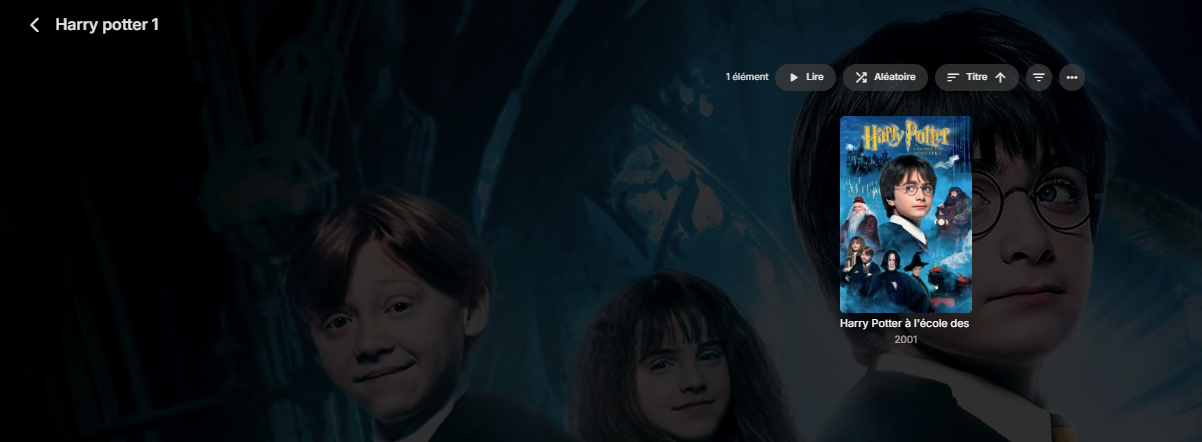
Actually kinda infuriating, i just tried the "fix" here of "Auto open single items in folder view" but it's not great. ...like someone said it doesnt show folders as played. Kinda lame. Btw, the reason I insist on folder view is because i categorize my movies by genre. When I'm in folder view the movie/genre relationship is 1-to-1. I have a single folder for "Super Hero Movies". But if I try to use the movies tab the same movies show up in multiple places. Super Hereos show up in "Action" Snoopy Movies show up in "Comedy" Documentaries show up in "music" It means if i'm browsing for a movie, no matter what I do, I see the same movies multiple times. It's worse than Netflix.4 points
-
This problem does suck real bad. For the past month I thought my daughter just screwed something up with the display settings and havent taken the time to see if i could fix it until today. Came here to report it and found thread3 points
-
Of course this has to happen the night before a trip. The only time I ever have issues I can't figure out is always last minute. Please help me. I'm sure I'll figure out what's wrong 5 minutes after posting this and making myself look like an idiot. I'm stressing out right now. I am no longer able to access my Emby server remotely. The web dashboard reports only "Running on http port 8096", and my remote address is http://mydomain.com:8096 (normally its https://mydomain:443). I am unable to access server via 443 remotely or locally. I confirmed I can start another service on port 443 on my server and access it remotely. This has to be some weird Emby issue but I genuinely don't know what's wrong. Why is there NOTHING in the logs indicating Emby even tries to bind to port 443? No mention of access errors to SSL, literally zero errors relating to the web server. Why is Emby refusing to listen on this port? UPDATE: FIXED. when I was messing around my compose a while back, I must have accidentally deleted the bind-mount containing my certfile. For some reason the error message wasn't found in my initial logs, only in a later log file did I find the message that my certfile was missing. LOL. Like I said at the beginning of the post.. 5 minutes after posting on the forum I find the stupid mistake I made and fix it. embyserver.txt2 points
-
That's what got me though.. I checked the most recent log file (the embyserver.txt it created at startup) and didn't see it... either something weird was going on behind the scenes or (more likely) I was tweaking out and made a typo when trying to search the path to my certfile in the logs I was tired, it was like 3:30 AM and I was about to lose it.2 points
-
For future reference the only time the Emby server will complain about the certificate is during startup. Messages related to the cert will not show up in rotated logs so to troubleshoot this type of problem your first step should be to restart the server and review the new log.2 points
-
Behavior has been changed for 4.9+ server versions. Excluding Files & Folders2 points
-
I hit "play all" on a collection and it doesn't show the next film in "Next Up" after I quit out of it. This is apparently intended behaviour, and the same applies to playlists. This is absurd. Why even have the "play all" option? Who's sitting down to watch a full collection's worth of films, or a full playlist? I have playlists for The Prisoner for its various episode orders, and there's no way I'm getting through them in one sitting. I was going to make that my next show to watch but if I'm going to have to keep track manually of my progress through the playlist it makes the playlist fairly pointless TBH. There's no reason playlists or collections shouldn't show up in Next Up.1 point
-
Hello, I'm currently using the LDAP extension to manage my users. It already provides some default options that can be configured for new users provisioned by this plugin. Though some of them are missing. Those are: Hide this user from login screens when connected remotely Allow this user to change their password and profile image Allow camera upload (I'd like to disable this for new users) Hide this user from login screens on devices they've never signed into (I'd like to enable this for new users) Allow subtitle downloading (I'd like to disable this for new users) I'd really love to see those checkboxes! Is the LDAP extension open-source? If so I'd like to contribute to it myself, but I couldn't find it on GitHub. Best regards!
 1 point
 -
I'm currently adding a large number of movies/shows (about 30k video files). The initial scan is taking many days (which I know also has to do with some of the library settings I have turned on) but it would be great to show total number of files and how many it's processed so far. All I see is a percentage that moves about 1% per day after it hit 90%. I started watching the server logs just so I have confidence that something is happening. It's not a huge deal for me but would help other users know that something is happening.1 point
-
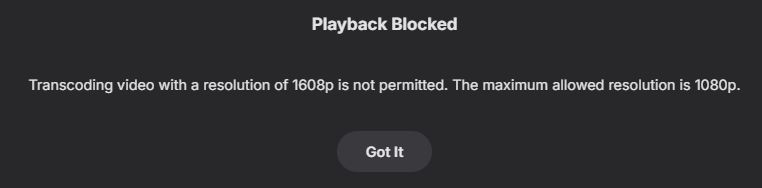
This should fix it so that with for example a maximum of 1080p set a multi version video with both 4k and 1080p can't transcode the 4k one but the 1080p one works. It is not made to completely block playback of videos not being transcoded so the 4K movie will still be able to be played if not transcoding. If you don't want users to have access to your 4K content you will have to make a different library for those and limit access. WatchingEye.dll1 point
-
Thank you, the remux worked and now it plays fine in the web browser (still firefox). I did a custom remux with original audio/video options, hevc,h264 and aac,mp3,ac3 and original quality. Cheers.1 point
-
Awesome! I will have to give those 2 options a try! Thank you guys if I have any other issues I will be back HAHA.1 point
-
It looks like a MAC address instead of an IP.1 point
-
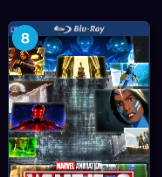
Adjust the bracket from line 451-456 regarding horizontal and vertical positioning and replace "right" with "left", when switching the side you want it to be shown. If you want it to be larger, you need to add the font-size attribute to the snippet. Here is an example for langer button + top left positioning. .cardIndicator.cardCountIndicator.CountIndicator.countIndicator { position: absolute; top: 2px; bottom: auto; left: 2px; font-size: 102% !important; } The CSS is originally intended for usage in combination with the coverart plugin.
 1 point
 -
I haven't touched the Plugin in a good while - tbh, I was hoping Emby/ffmpeg would start to deliver some of this out the box ... wishful thinking I guess...1 point
-
OK looks like I just open Kate, create and save the file to the desktop, then copy it to the main location I want it and make copies of it for the other folders from there. All looks good after testing. Thanks, very much appreciated.1 point
-
It is different, but considerably more flexible.1 point
-
You could check out this or potentially this.1 point
-
Hi, it’s due to your album Artist tag being blank.1 point
-
The tying to external ID is probably not as necessary as it was years ago when we first started out, however this is at the data storage level and therefore is much harder to change. So there’s a lot to think through.1 point
-
Enable/toggle "Merge top level folders" option in your library settings.
 1 point
 -
That is an oversight from my side. I added changed how it checks the video playing, that should fix the problem. WatchingEye.dll1 point
-
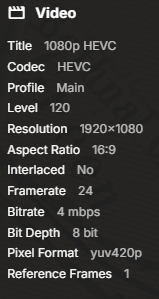
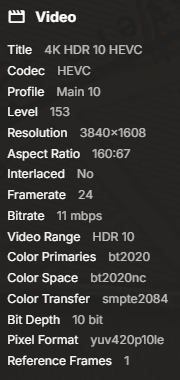
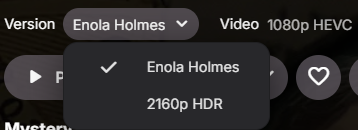
Hi, I did a quick search of the thread and I didn't see any mention of this particular use case so apologies if I've missed it. I'm using the web client and testing the transcoding resolution blocking with a multi version movie and it seems like it's picking up the details of the 4K version and blocking it, even though I selected the 1080p file for playback. I had my playback setting at 720p 4 Mbps to force a transcode otherwise I end up direct playing the 1080p file. The 4K version can also be direct played in my browser as long as I don't limit the bitrate.
 1 point
 -
Qu'est ce que tu appelles nettoyer ? Supprimer ?1 point
-
Hello, I was in the same situation with Firefox with HDR10 4K 265 film. I tried with Chrome and worked like a charm. With Firefox, the color was almost grey. With Brave & Edge, the media took a long time to start.1 point
-
Actually. We do have full lyric support for music in the Roku app already. Both automatic with highlighted line to sing (external lrc), and in list format where you must scroll to keep up and sing along (embedded). It does not work in Chinese though. We cannot support Chinese because Roku does not allow that country access to any app store. Chinese users elsewhere with an app store we could support but that would require a huge font library to support Chinese. We cannot fit that font library into the Roku app since we are bound to 4MB package zipped. It cannot exceed 25MB once extracted. That makes including these extra fonts impossible. But as far as the question in topic of the thread. Yes. We do have full lyrics support in the Roku app for Latin and Cyrillic languages.1 point
-
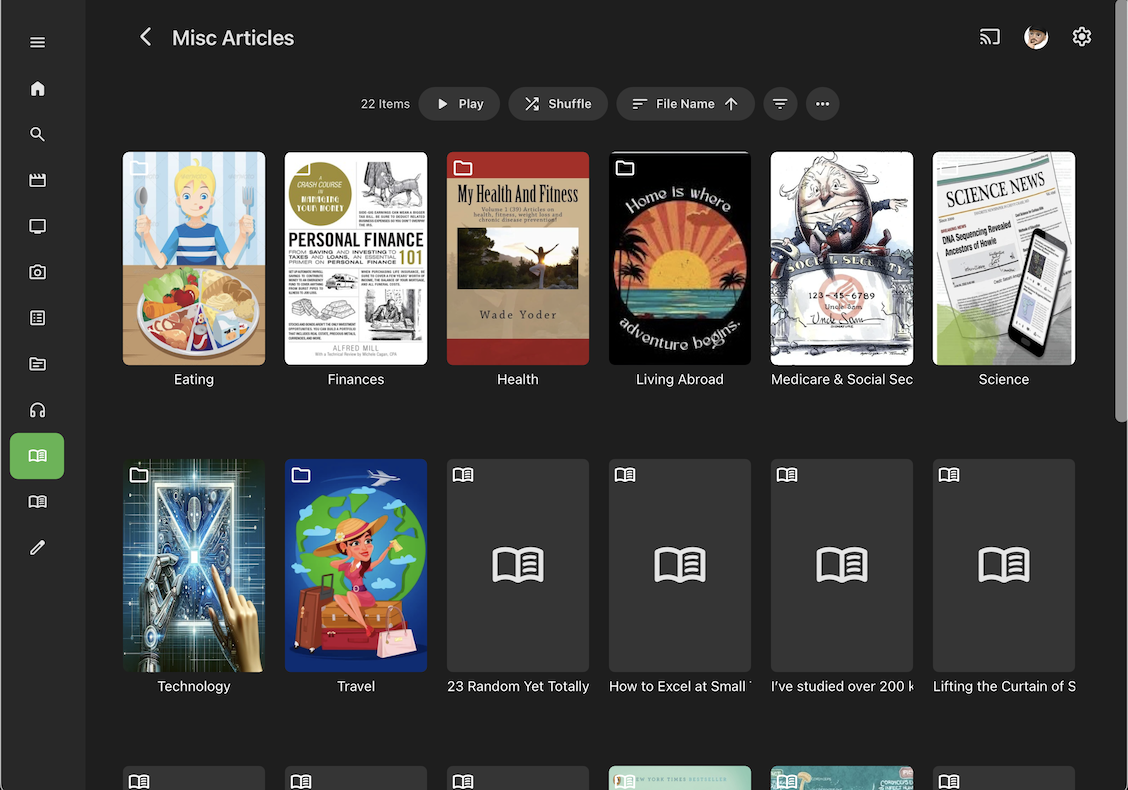
I would like to make one last respectful rebuttal, along with suggestions that may help with its implementation. This feature would be best utilized for content that is organized by folders/sub-folders and would benefit from descriptions at the various levels of organization. Granted, it may not be as useful (or utilized much) for Video, which has a fairly robust organization system already baked in. One could make a strong argument for it's usefulness in Music, where entire collections may be in separate folders. However, It WOULD be exquisitely useful for Book Libraries, since this is the "venue" where other non-video/music content can be presented. In my example, I have separate libraries for ARTICLES and RECIPES, in addition to the library I have for E-Books. The E-Books are easily organized by Author, Series, Titles, so may not benefit as much from the folder description feature I am requesting, though being able to add a description for a series folder would be nice. The individual books themselves each already allow a description. However, non-Ebook content (like PDFs) clearly benefit from folder, sub-folder organization, and being able to add a description of those folders at the various levels of organization WOULD be exceedingly helpful, especially since they lack online metadata resources to draw from, being "custom content". 1) This folder description feature could be added to/implemented in/active only in specifically chosen library types (like Books & Music). Videos/Music/Books already seem to have different display features unique to each type. 2) In the screenshot attached, there is room for a short description to appear below the folder title that would not significantly or functionally truncate the displayed information below it. 3) The space where the description would appear (below the folder title) need not necessarily be reserved. If EMBY detects that there is information in the OVERVIEW field, it could display the first 1 - 3 lines of the description with a link to display the full description on a separate screen, as it does for other media. If a description is displayed, it would simply roll down the other content by distance required to show the displayed lines of description, just as it would if the title were long enough to require 2 lines of display. If there were no data in the OVERVIEW field, then there would be no space to "reserve" and the display would simply appear as it does in the screenshot, with no description. 4) Under TV Shows, you allow for a description of Seasons, which are effectively sub-folder descriptions (as an example of current implementation). Even if my suggestions do address the screen real estate reservation issue to your satisfaction, it still would have to be utilized by enough users to justify the coding effort required to implement a new feature. To me, it seems intuitively valuable, and should be simple enough to implement without taking up undue hours of coder's valuable time, but I am equally certain that you get many feature suggestions and must prioritize what you feel is most important.
 1 point
 -
The combined Movie/Show tab does not replace the functionality that we used to have in Folder View, unless you also implement nested collections (on a recursive basis, to accommodate any number of levels of nested collections). And then we would might as well ask now for you to start building some sort of scan function which would automatically create collections based on titles that are grouped in the same folder. Otherwise you are asking the compulsive file system curators to spend hours manually creating Collections to replicate what Folder View used to do implicitly. I'm mildly concerned to find that you did get feedback on this change in beta and glossed over the real issue: And I'm further peeved that you knew you were going to make a subset of users unhappy with this change, but ultimately went ahead anyway.1 point
-
Luke, I have to admit you were right. I wasn’t aware of that duplicate files in my library. I was 100% sure that everything is correct. I just follow your lead just to be sure and I was very surprised. So sorry for wasting your time, everything is OK now . This also resolved my second issue with the subtitles not showing up... so I killed two birds with one stone thank you very much.1 point
-
I do, but the issue occurs even after renaming existing files. I've turned it off, we'll see.1 point
-
THANK YOU ALL! Got it! I've done this MANY times... for some reason downloader (a browser on the shield) was taking me to the wrong place-- or maybe I was doing something differently. In any even I am up to date. THANK YOU AGAIN!1 point
-
Thanks but I test tag solution with blocking and it works perfect. Don't have to add tags to libraries and new tags for new content. Regards.1 point
-
FYI : I've just updated to 7.3.1 seems everyrhing functioning well.1 point
-
It will be resolved in Emby for LG 1.0.49+. Thanks.1 point
-
HI, yes this is a good idea. Thanks for the feedback.1 point
-
What is the harm in restoring Folder View to give everyone flexibility in folder organization? While I readily admit that my folder organization by my own custom pseudo-genres is slightly redundant, I really like the fact that it offers me two related but distinct ways (Folder View and Genre View) to navigate my library. Other people have pointed to folder structure based on Director names, or Decades, both of which make a lot of sense for organization. And I prefer this view to literally anything else. My mixed library has content that is neither Movies nor TV (random viral kiddie music videos, for example) and @Luke's collapsed Movie/Show tab is going to force me to literally add a collection for every folder in the library. This is just obtuse, given that the titles already exist in a folder, and my kids were all quite happy navigating this content using Folder View. And I'm not going to segregate every single dinky little piece of non-movie/non-tv content out into a separate library. For me, the real underlying issue is my ability to keep related titles located adjacently in my file system. If I wanted to make a backup copy of a particular collection of titles to loan to someone, I want to just be able to pull a single folder (and subfolders) onto a portable hard drive and be done. I don't want to go hunting around for up to two dozen titles scattered around in a flat file structure. Organizing things on my terms allows me to know what I have, know what I might want to add, and I can manage it easily. It seems to me that the power users and decision-makers here are making decisions to cater to those with massive libraries and/or users of Radarr. Maybe this is the majority of users. But I don't understand why both groups can't co-exist. Could someone link to the enhancement post that started this entire thing? Something about the folder icon not being big enough and confusing people? I still don't understand why this change is considered to be a good idea, and I totally agree with @halitayarcithat this change is fixing something that wasn't broken. And it makes things more confusing by treating folders with movies different than folders with tv shows:1 point
-
OK let’s keep an eye on it for the next update. Thanks.1 point
-
Yeah, unfortunately a much bigger problem, there’s been a major set of changes rolled out by YouTube that have impacted pretty much every tool or system that previously allowed third-party access to trailer content. These aren’t minor tweaks. They’ve fundamentally changed how video data can be accessed, which means anything relying on that method has been affected, pretty much across the board. At this point, it’s not about the plugin itself but the wider "ecosystem" catching up to those changes. Once things stabilise and there’s a reliable way forward, I’ll look at options for restoring functionality, but until then, there’s nothing meaningful that can be done without chasing constant breakage. In short, it’s not abandoned, just paused until there’s a solid technical path that won’t fall apart a week later.1 point
-
I carefully reviewed your response and appreciate the time you took to reply. However, I noticed an issue: while a folder option could previously resolve a series of complex problems, the update to version 4.9.1.80 altered its original functionality, rendering it unusable. Now, multiple external tools must be combined to address these issues. Does this situation represent a decline in system efficiency? Can the loss of powerful functionality, necessitating external tools to compensate, be considered a significant regression in this version? Thank you again for your response.1 point
-
Check that your Movie/TV Shows libraries meta-downloaders are still enabled (in case they got disabled upon server update); if they are, try unticking/ticking them back again and try to Identify/Refresh an item afterwards, see how does that compare.1 point
-
Yes it should be defaulted to wrap but is resolution based. Also the css above no longer works in 4.9 as there are no section#. Think it will be this now. It probably can be simplified more but this steps each element level. div.view-home-home .homeSectionsContainer div div:nth-child(1) div div.itemsContainer {flex-wrap:wrap;} Sort of the opposite/similar conversation over here.1 point
-
Reuploaded since I recognized a small visual bug.1 point
-
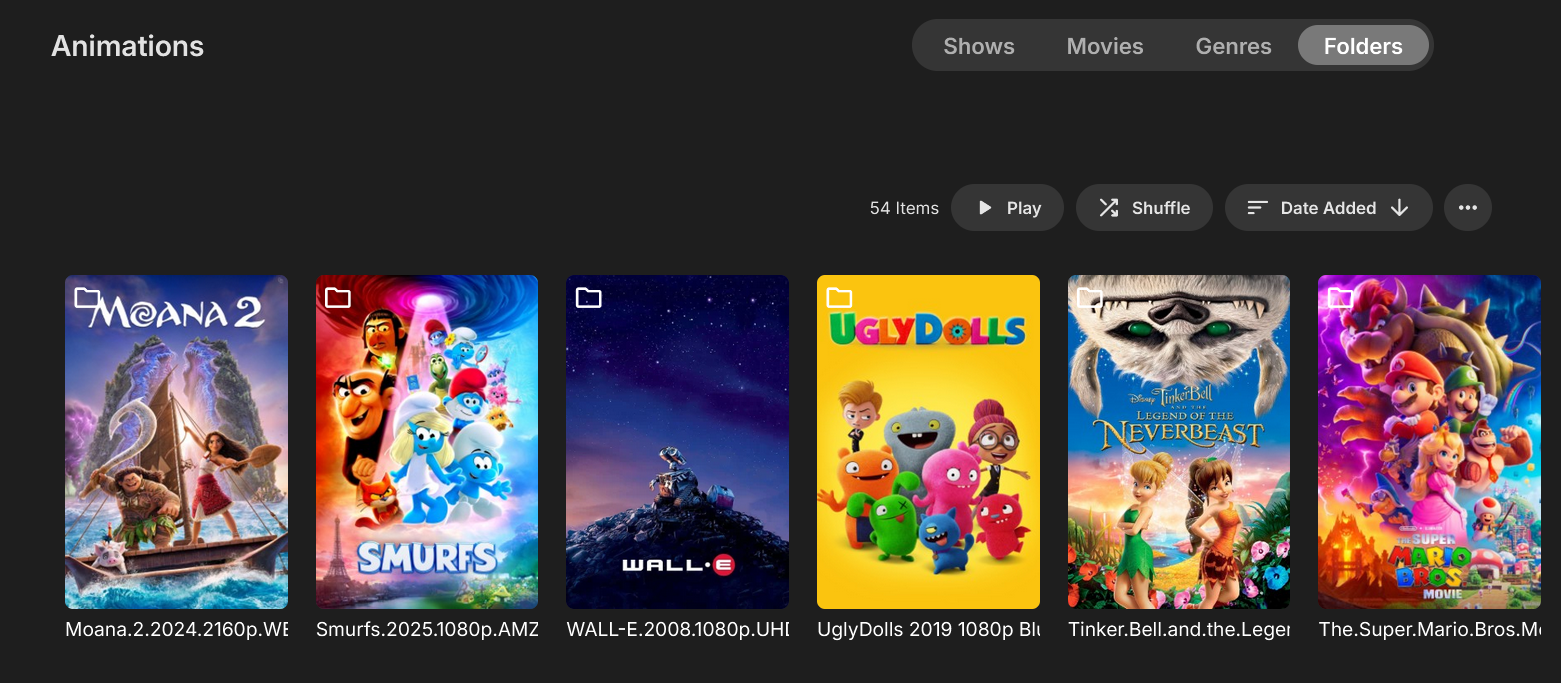
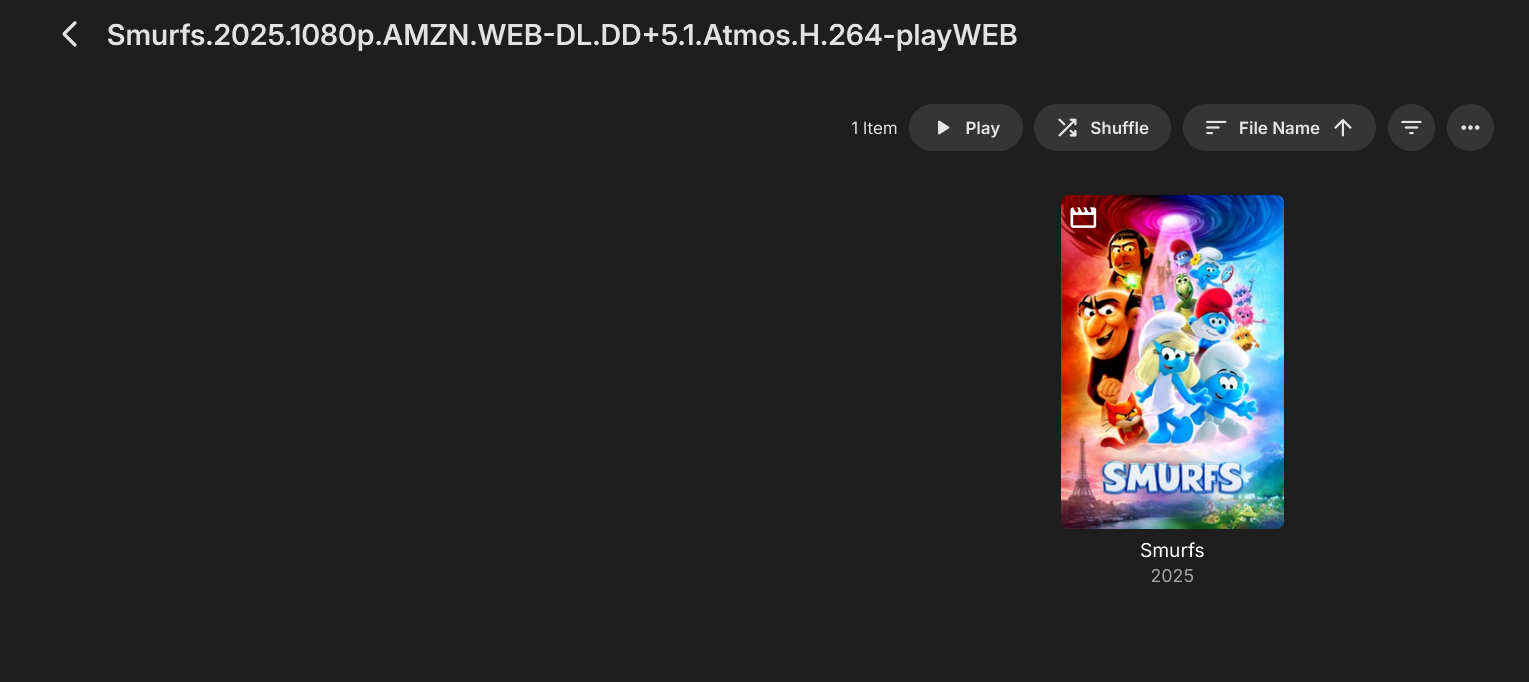
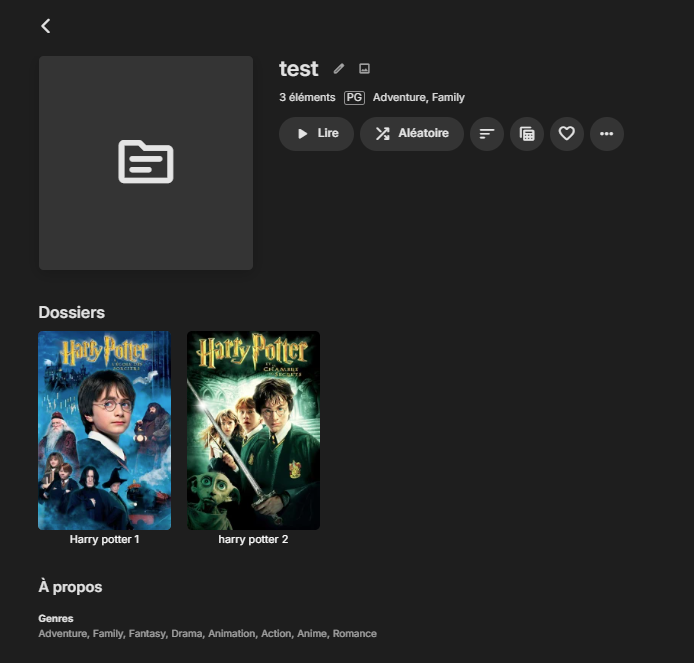
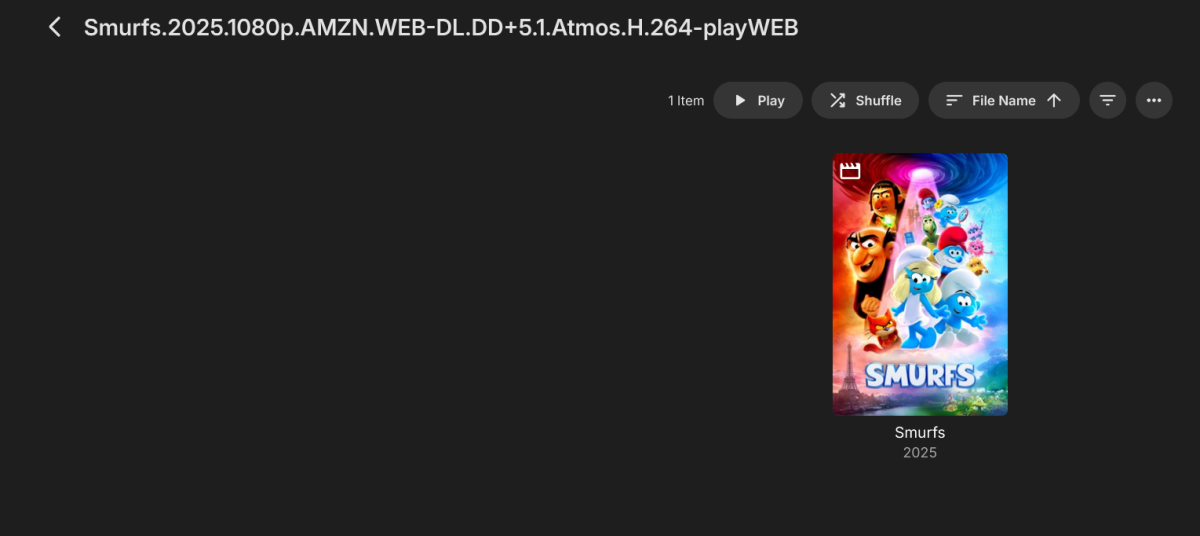
The "auto jump through single item folders" feature does not work when those folders are inside a collection (and opened from within it). So in the end, I actually have no way to solve my problem, which is a major issue for me.
 1 point
 -
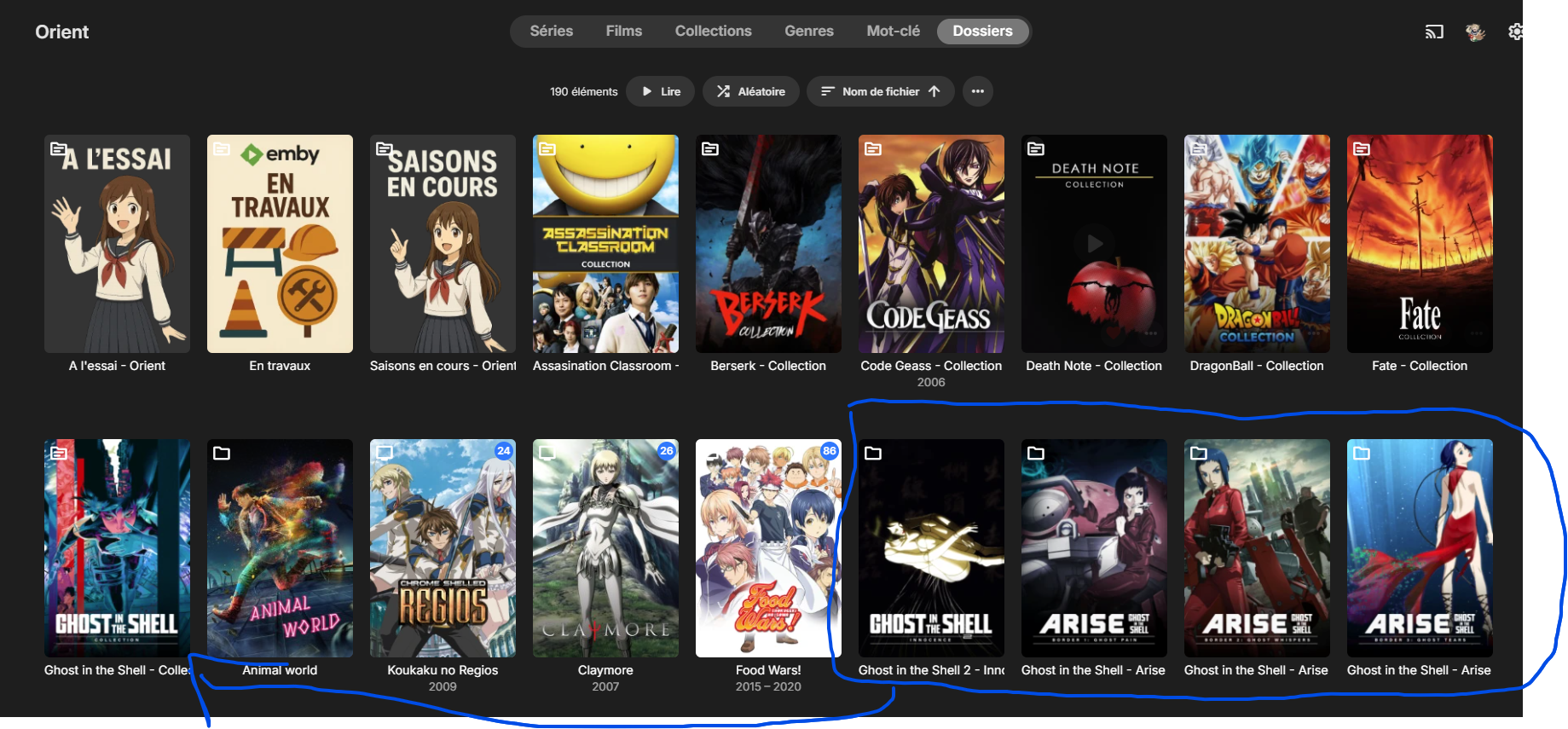
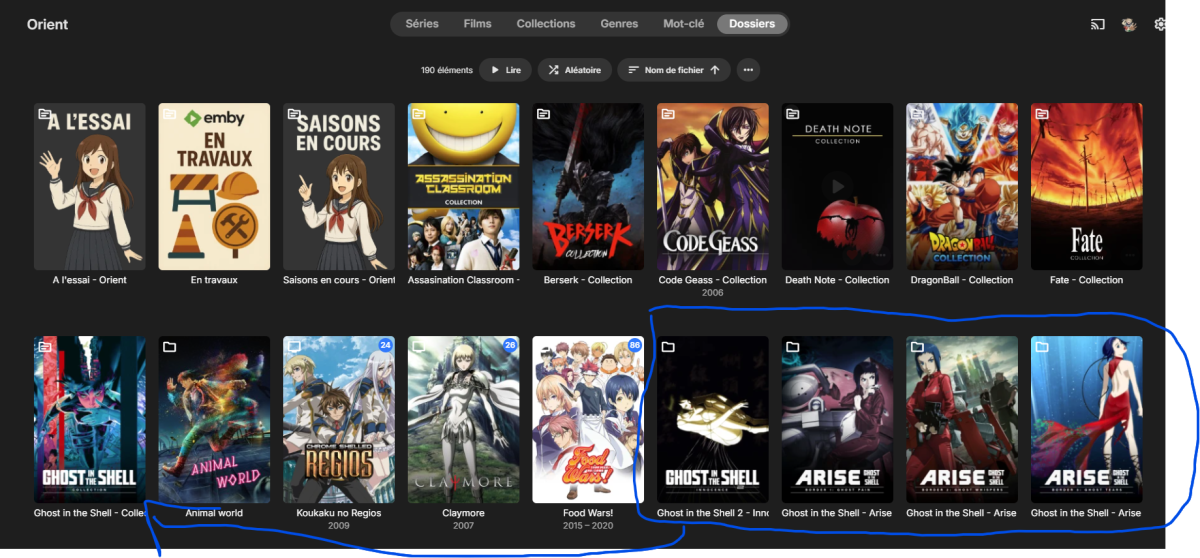
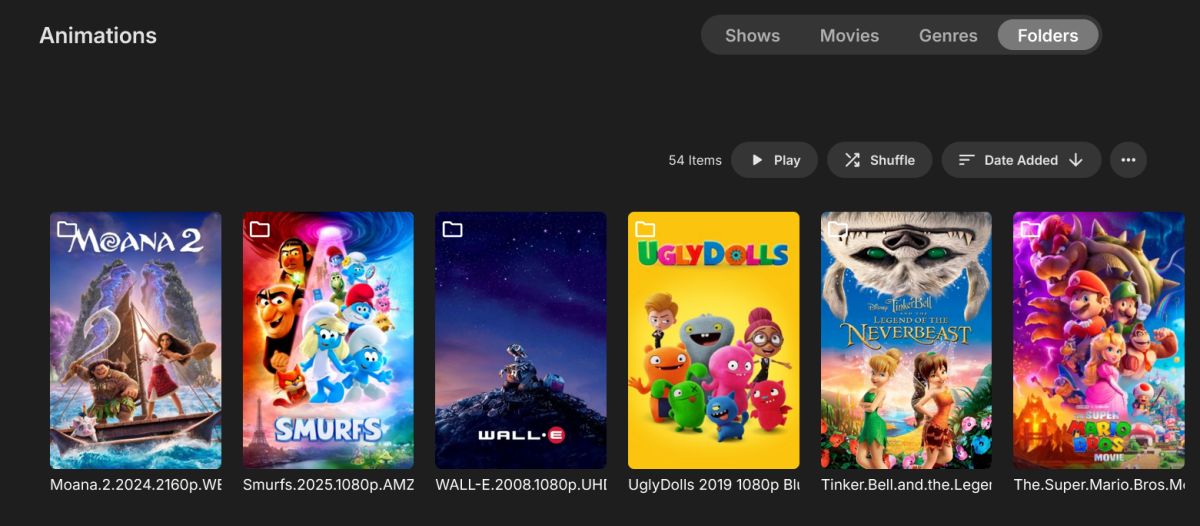
For example, in this screenshot, all the TV shows are correctly recognized as series. The grouping by collection works fine. But for the Ghost in the Shell movies (and actually ANY movie), they are displayed as folders instead. Yet they are all part of the Ghost in the Shell collection. This clutters the entire library.
 1 point
 -
It works, but it's still not the same behavior as before. I was using Folders as a way to have both Movies and Shows in the same Library, which worked perfectly. Is there a way to do the same on the new v4.9?1 point
-
I've got the same problem as xLifu, someone have a solution please ? Can we revert to the previous update until a fix come ? How ? Thanks1 point
-
When the Library was set to be viewed by Folders, it used to combine both Movies and Shows, but now it doesn't. The Merge option does combine them again, but they are completely messed up. It shows the name of the folder instead of the name of the Movie/Show, and it opens the folder before it opens the Movie/Show content. Is there a way to revert to the previous setting? Thanks!
 1 point
 -
You can learn how to do that here:1 point
-
You would shh into the server, then su to gain admin access to the file system. A trick you can do to get this in the gui is to create a new share, then setup a remote share under this new share. You then map this remote share to a path on the server like those shown in your picture above. Carlo1 point
-
DB Browser for SQLite (https://sqlitebrowser.org/dl/) Habe mal was dazu geschrieben aber alles auf eigene VErantwortung und vorher ein backup erstellen1 point