Leaderboard




Popular Content
Showing content with the highest reputation on 10/26/25 in Posts
-
Thank you very much, it's working2 points
-
You need to fix permissions. System.UnauthorizedAccessException: System.UnauthorizedAccessException: Access to the path '/mnt/tv/Black Mirror (2011) {imdb-tt2085059}' is denied. ---> System.IO.IOException: Permission denied2 points
-
With a littble bit more thouight...there IS a good way actually and it is perfectly compatible with Emby terrms for catalog plugins: Use Playlists! Your plugin could either create a shared playlist or a private playlist for each user (or both). You can name the playlist something like "Bad Channels". Then you get a simple and straightforward procedure for users - the just need to do: "Add to playlist" >> "Bad Channels" - done! At the server side, your plugin can do whatever you want. You can for example scan those lists on interval (or even hook to some change event) and when a new channel gets reported, you can change the description (or tag line, or add tags) to indicate that it was reported or that it's "under investigation", etc.2 points
-
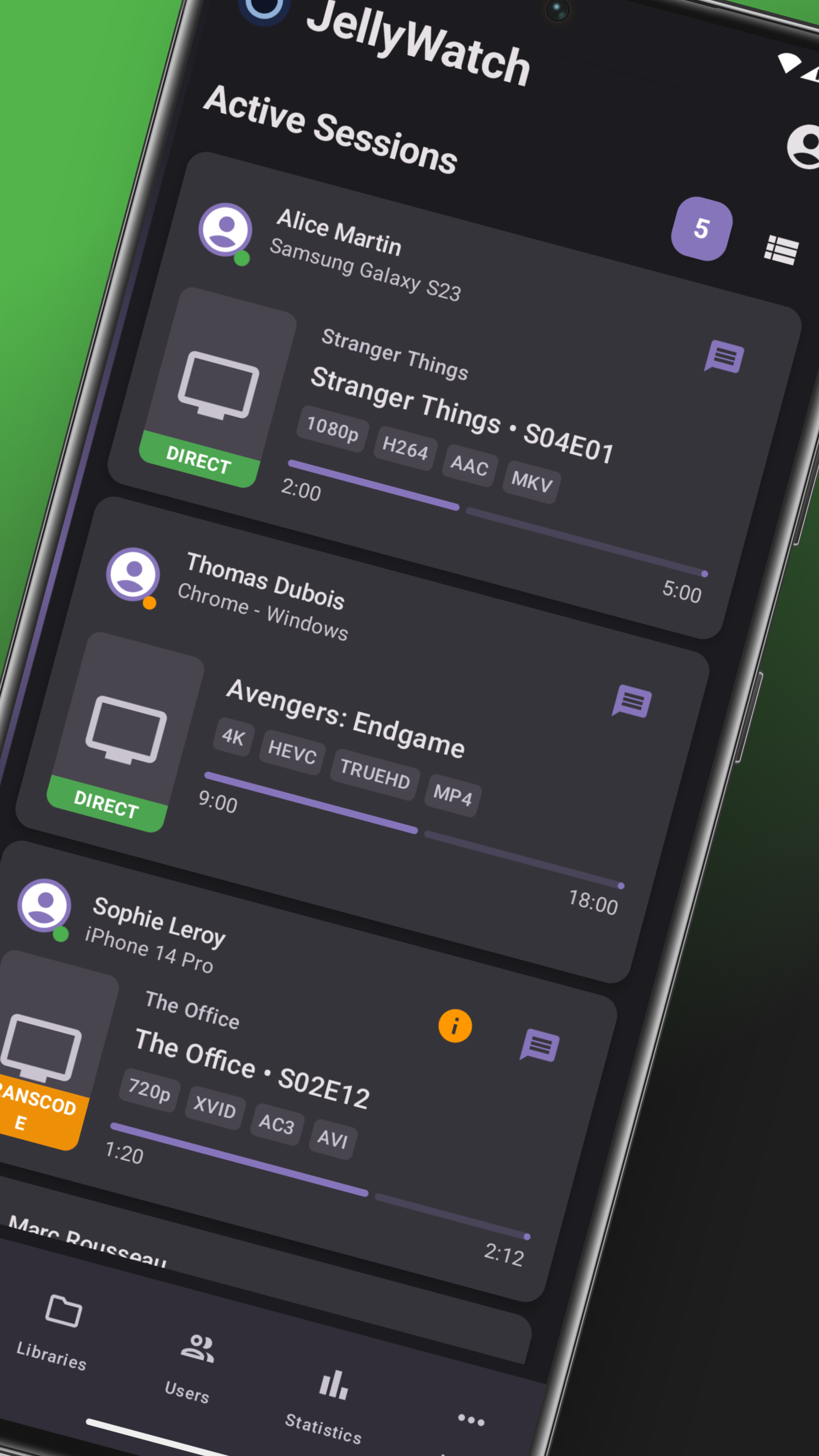
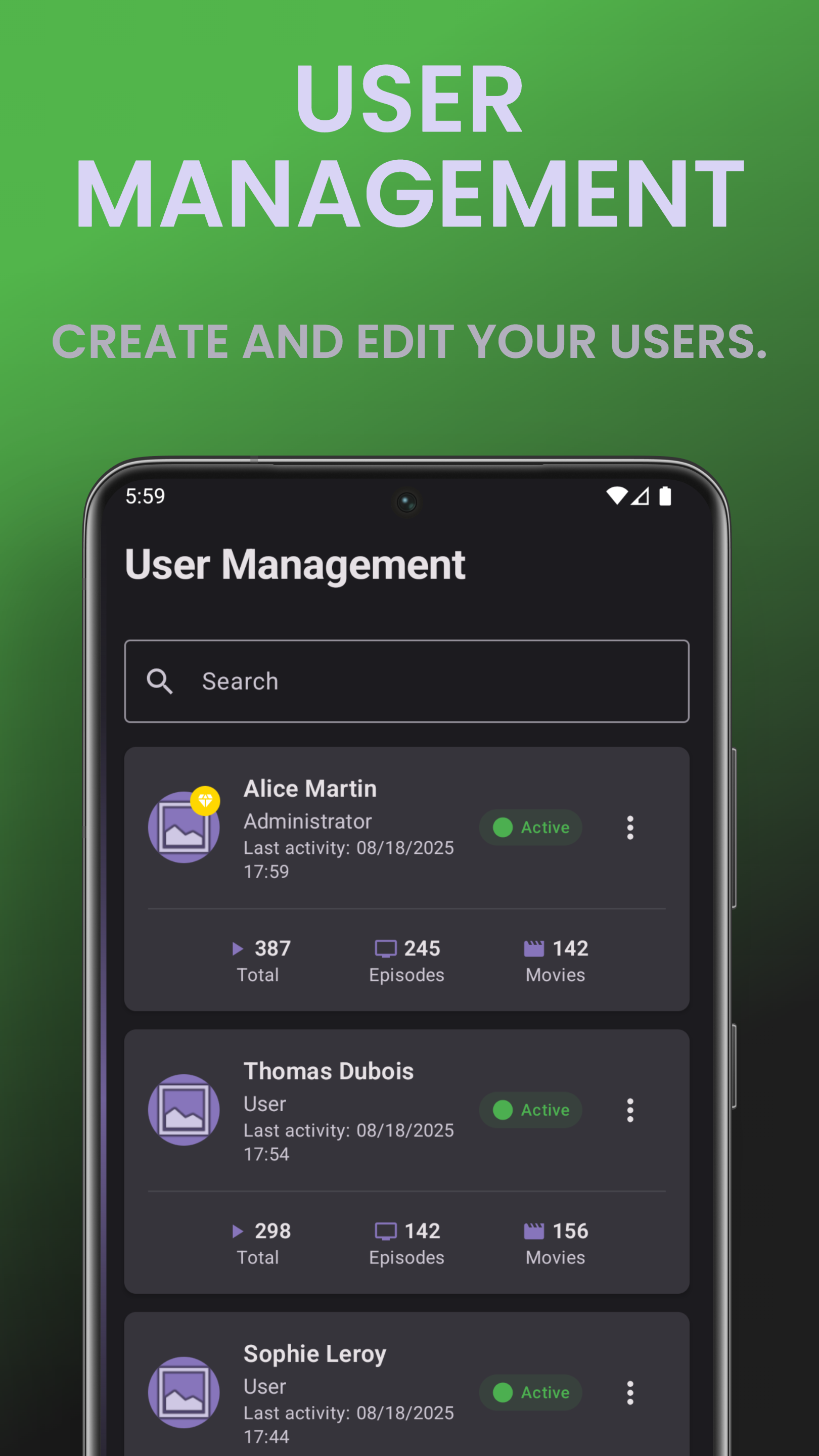
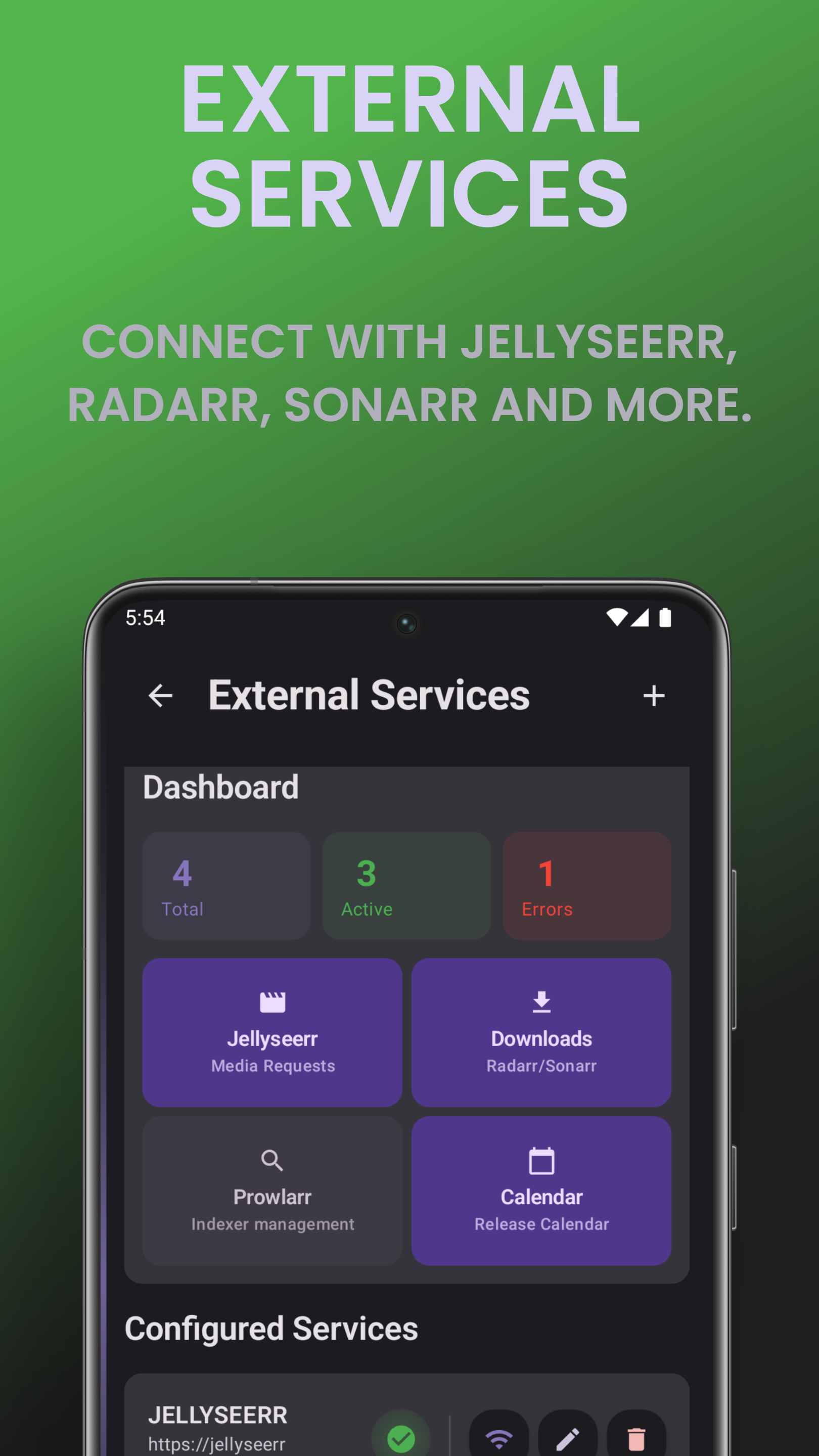
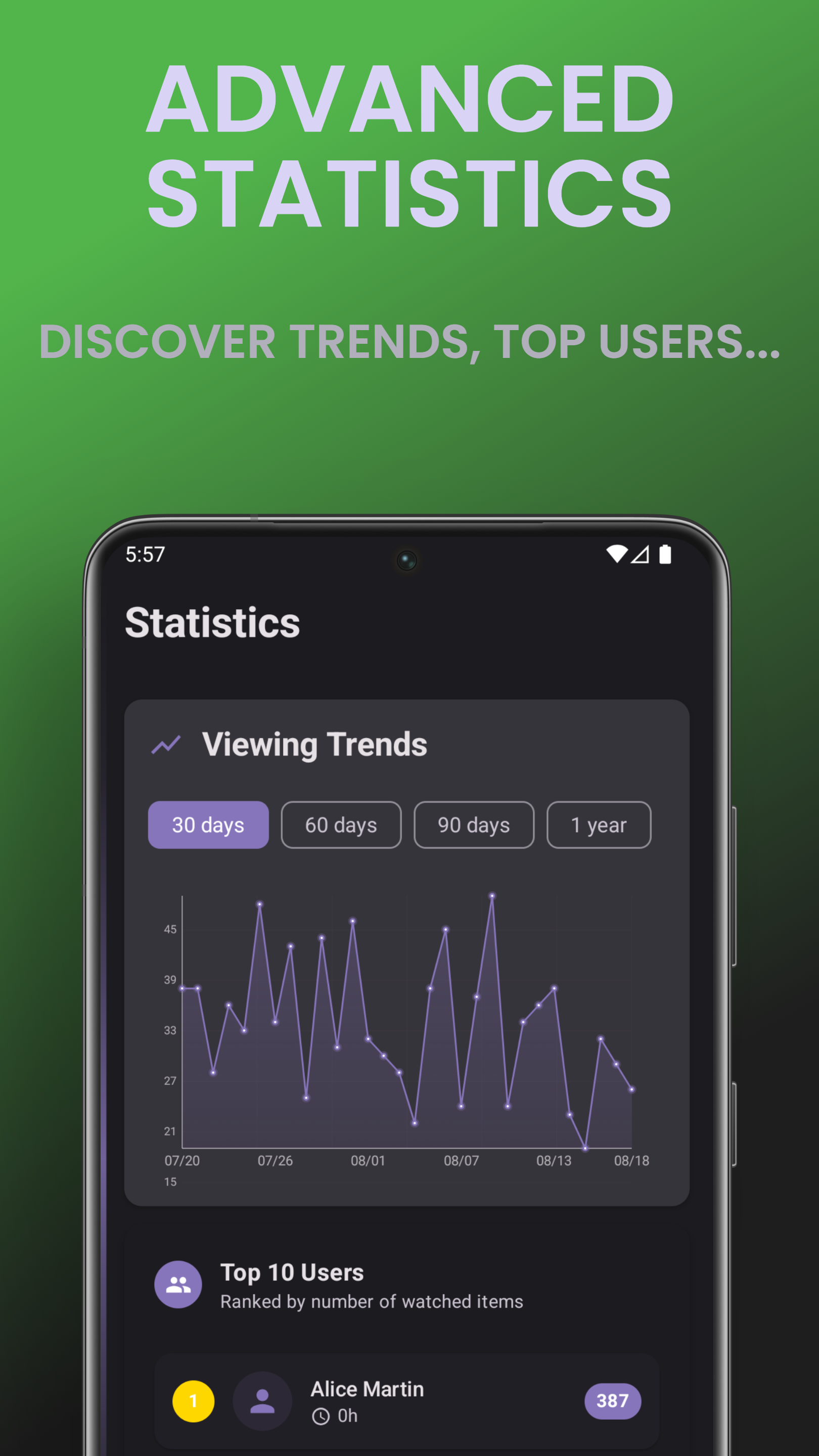
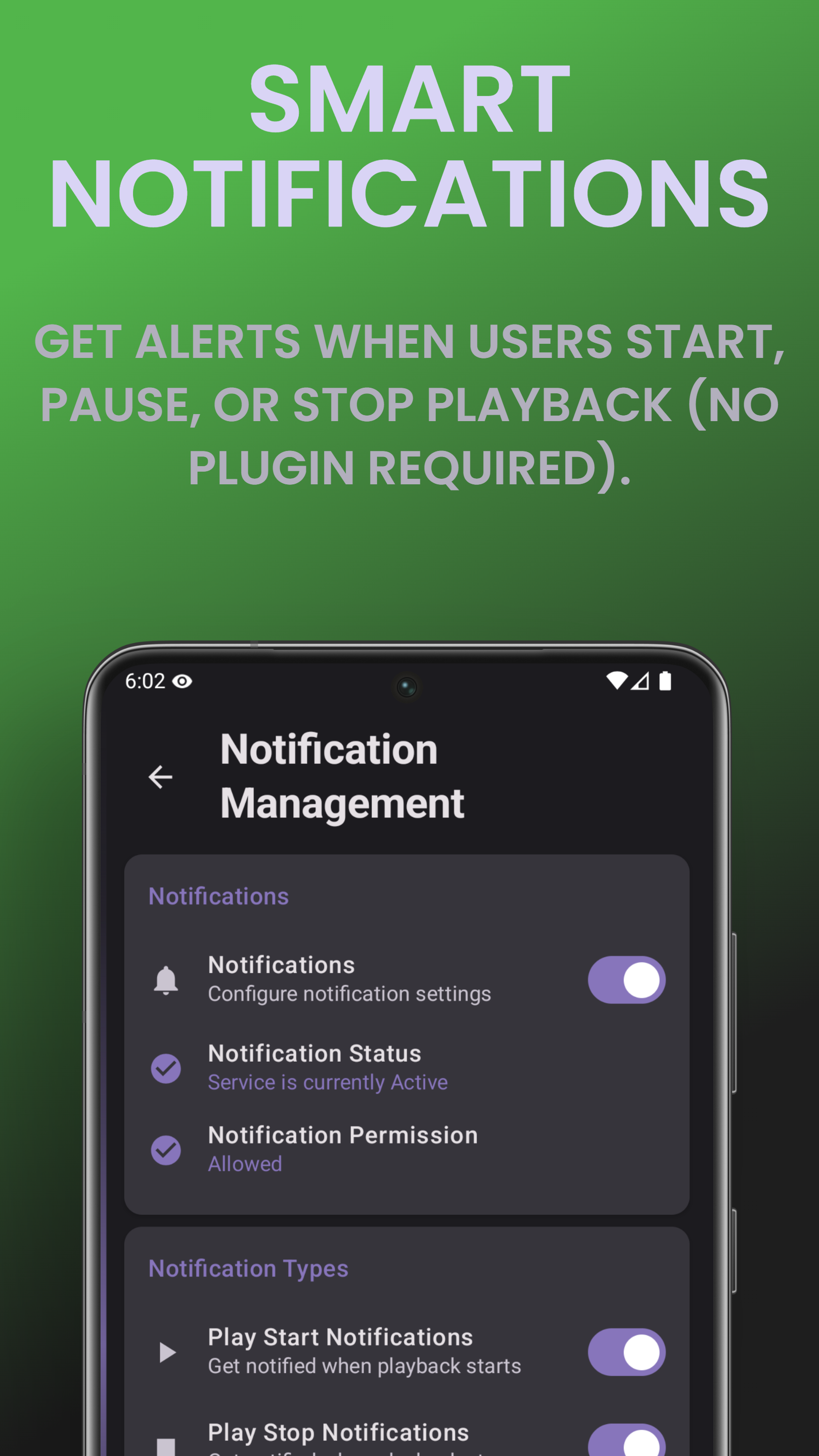
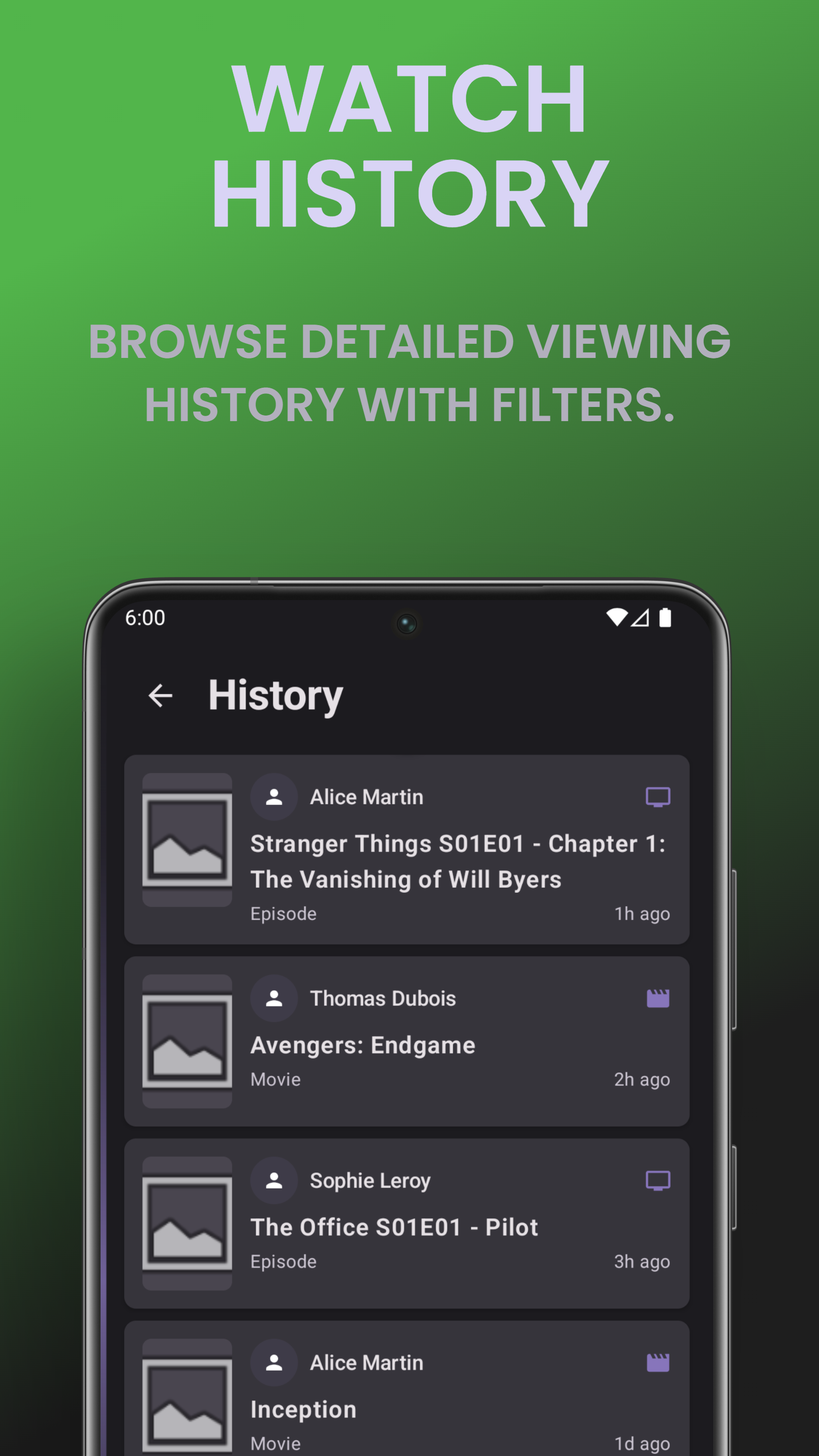
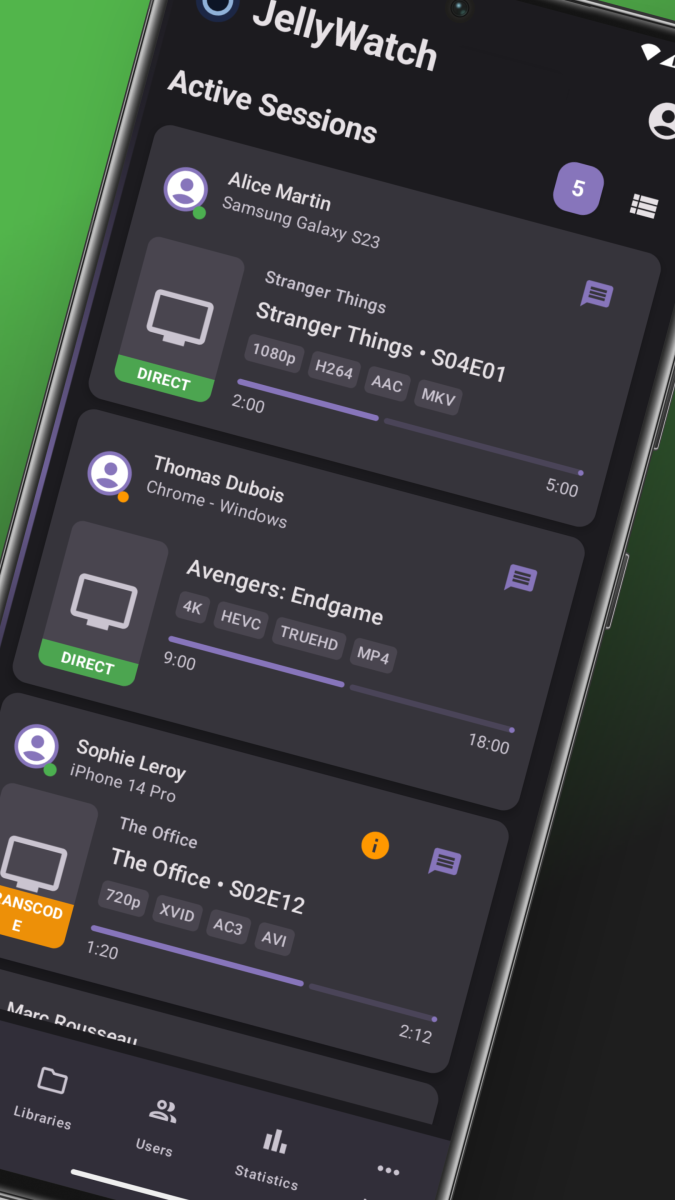
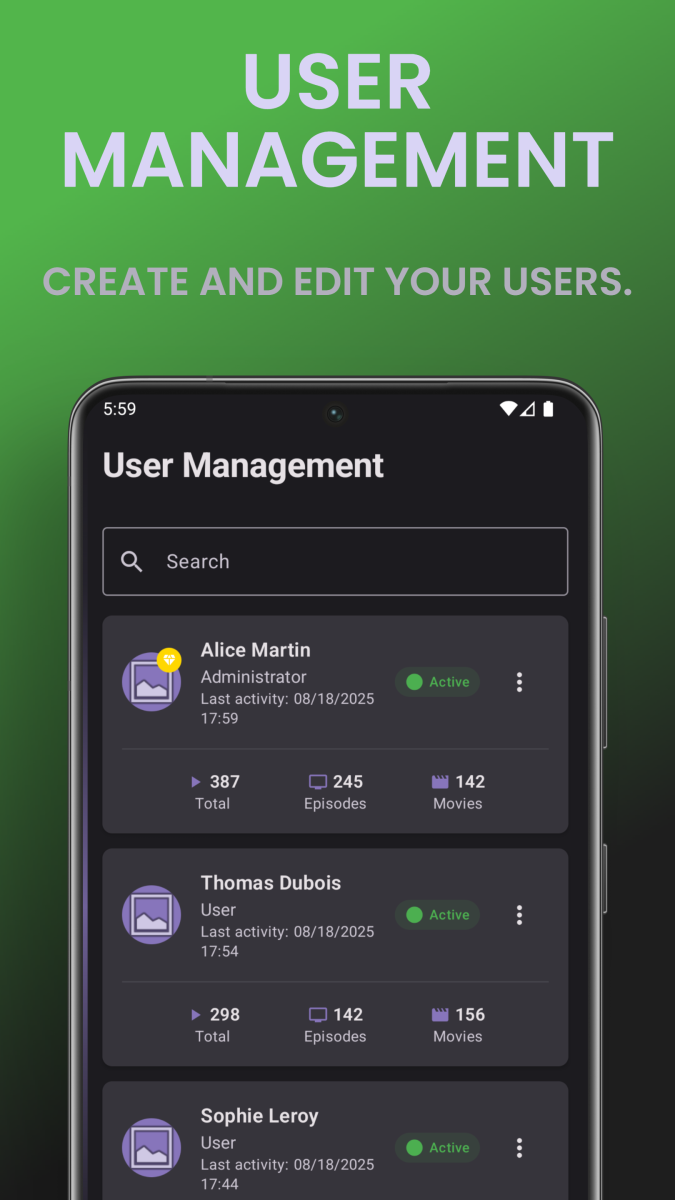
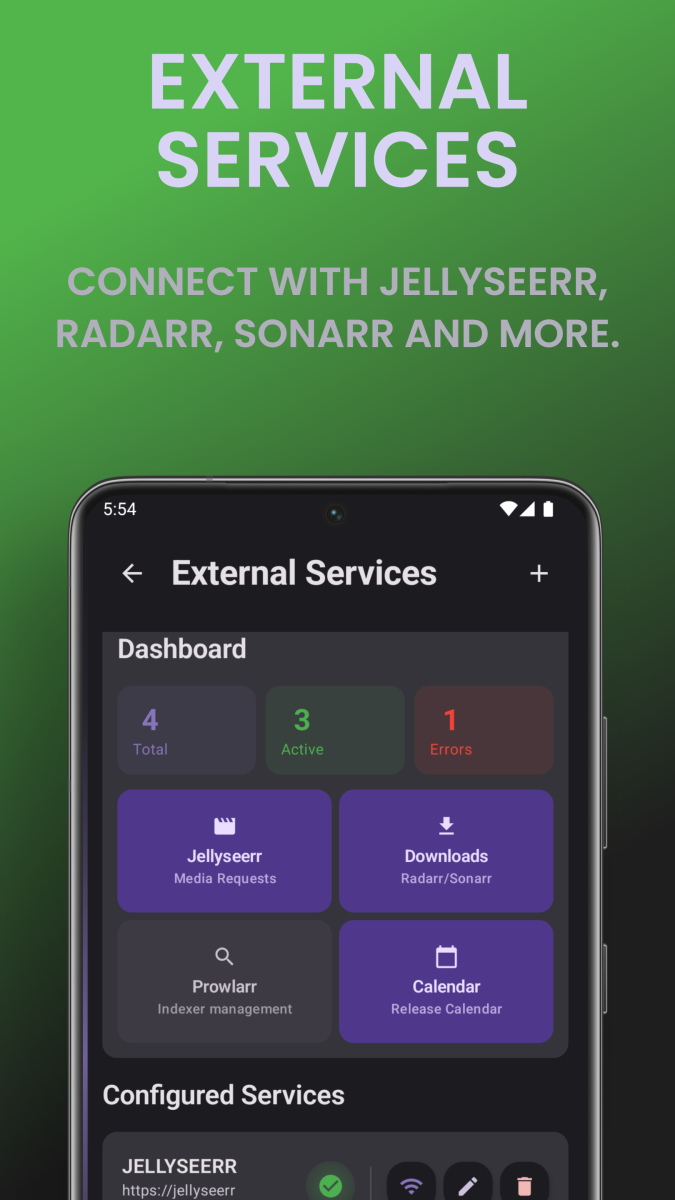
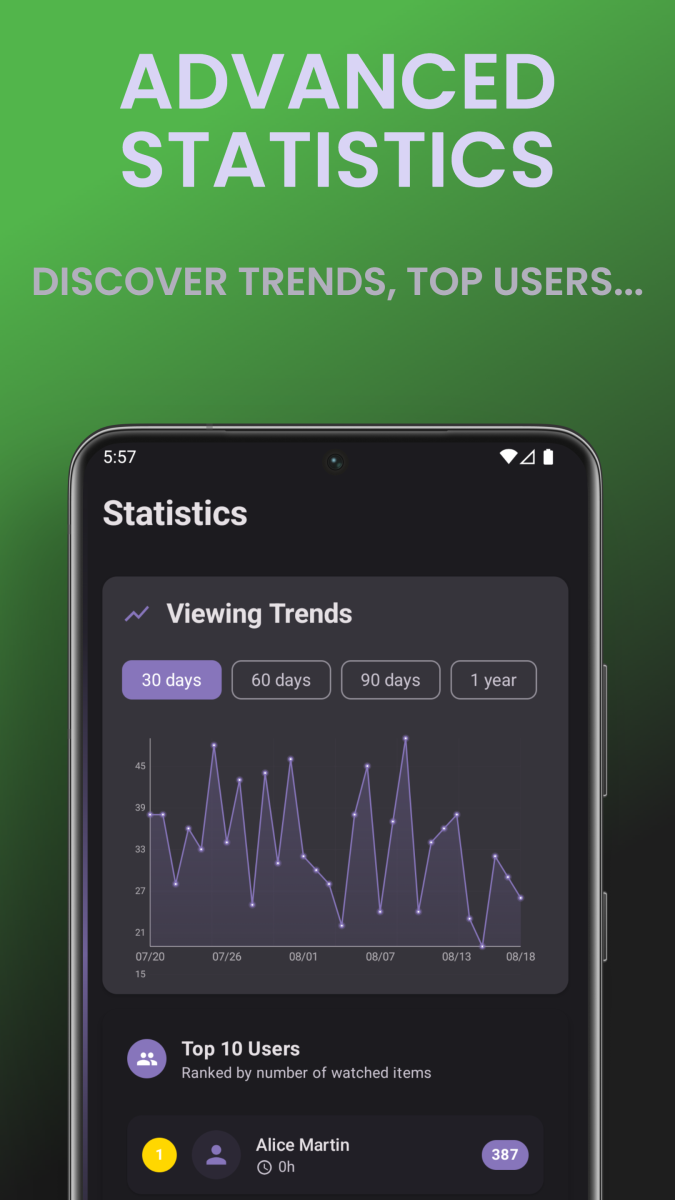
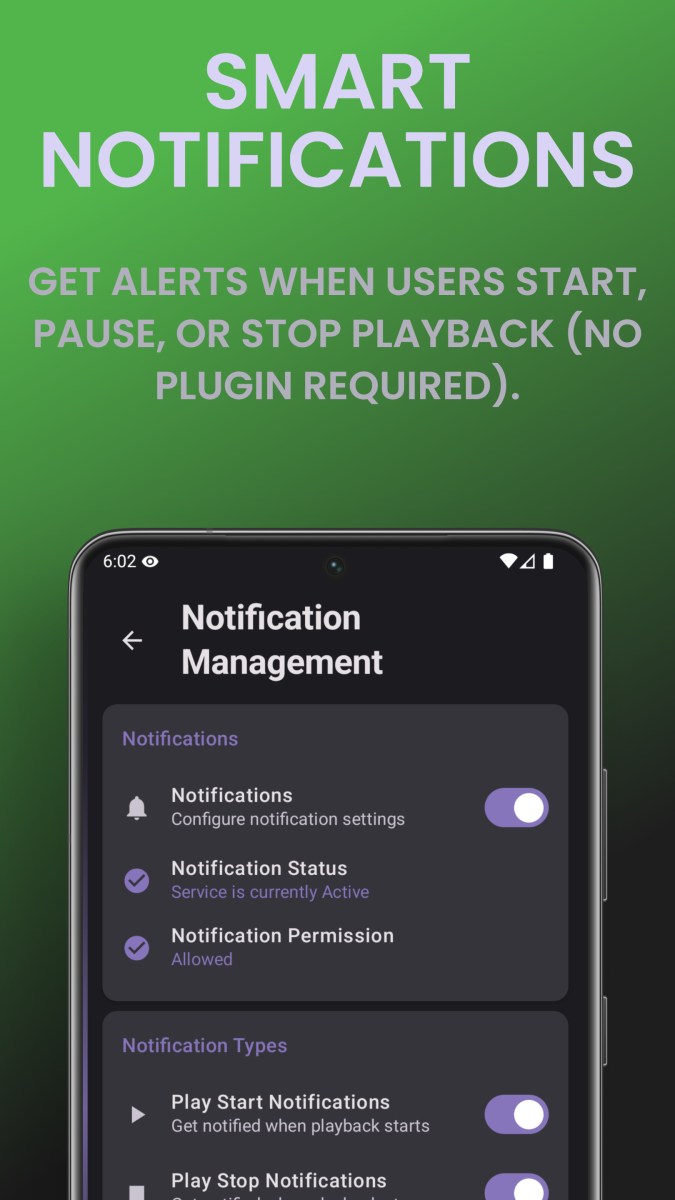
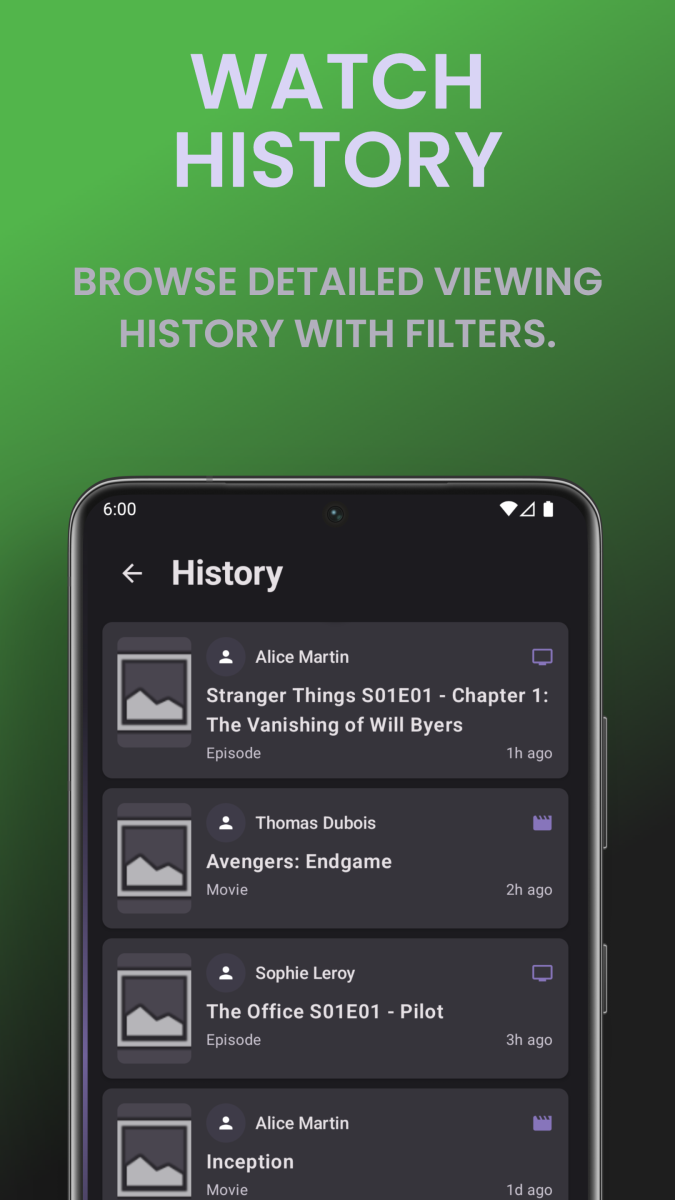
What is EmbyWatch? EmbyWatch is an Android app designed to monitor, manage, and control your Emby Media Server remotely. It’s made primarily for admins and advanced users who want to keep track of what’s happening on their Emby setup in real time. Google Play Store link: https://play.google.com/store/apps/details?id=com.embywatch.app What Does EmbyWatch Do? Unlike the standard Emby app (which focuses on media playback), EmbyWatch is built for: Real-time session monitoring (who’s watching what, from where) User and device management Accessing logs, tasks, and server statistics Performing remote administrative actions (restart, stop, trigger tasks, etc.) Main Features Category Description Real-time monitoring View active sessions: who’s streaming, what media, playback progress, codec, bitrate, etc. User management Display user list, recent activity, permissions, and even send messages to connected users Connected devices See all connected clients (TVs, phones, browsers) with connection times and device details Library overview View all media libraries (movies, shows, music, photos) with item counts and stats Scheduled tasks Check and run scheduled tasks (library scans, cleanups, metadata refresh, etc.) Plugins / extensions View installed plugins, versions, and update availability System / network info Access server technical details (OS, version, IPs, ports, uptime, CPU load) Logs & history Browse detailed logs with filters (by user, event type, time range) Basic playback support Start media playback directly from the app (for supported formats) Notifications & widgets Notifications for new sessions or server events + home-screen widgets for monitoring Highlights Clean and responsive interface Works with multiple Emby servers Real-time monitoring dashboard Perfect for admins managing shared servers Available in multiple languages (including English & French) Limitations This is not a full media player app – it’s focused on server monitoring and control. Some features require administrator access to your Emby server. Certain sections may still be in beta or vary depending on Android version. Includes in-app purchases for premium features. Summary App EmbyWatch Platform Android Link Play Store – EmbyWatch Language English / French / more Developer EmbyWatch.app App Type Server administration & monitoring tool
 1 point
 -
Ok so my request is to be able to search each library separate as it stands when you search it searches everything, and if like me you have 30k music tracks 10k books/comics 10k episodes and 10k+ movies, searching is slow so is it possible to have a search section for each library individually1 point
-
Hi, Since I am using more and more TMDb, (since tvdb is more and more a mess), I am missing a very important feature. tvdb had the feature of grouping stuff into aired, DVD and absolute, which is supported by emby. TMDb had also this feature. See this example for "La casa de papel" (Money Heist, Haus des Geldes): The Original Order is allways the "aired order" of the original country. "La casa de papel" was originaly released by "Antena 3" and was taken over by Netflix, which results in different episodes ordering, which is a mess. They solved it in episode grouping. This feature is missing from emby, but it's integrated in their API and is allready supported in other apps, like kodi. At least, Banana a TMDb Mod claims it, that it's supported by Kodi: https://www.themoviedb.org/tv/71446-la-casa-de-papel/discuss/5e7032d84f9a99001152704f?page=1#5eb76872ca7ec6001f7c53cb Is it possible to add this feature into emby? It is the last scraping feature, I really really miss for TMDb on emby. It adds much flexibility and is overall a much better solution, than on tvdb with their aired, dvd and absolute order. Another great example is Dragonball Super: As you see, it adds much more flexibility for different regions over the world. It's in my own eyes a must have for emby!

 1 point
 -
It is really cool that Emby has the ability to support multiple versions of the same movie. It would be nice to have a setting on the client side to allow the user to set which version should be selected by default. This could be as simple a user-entered string, or it could be a list of detected strings to choose from. It could allow multiple entries and it would choose them in the order entered. On the Kodi side, it would also be nice to get the "Choose the Best Version for Me" option that the Emby app has.1 point
-
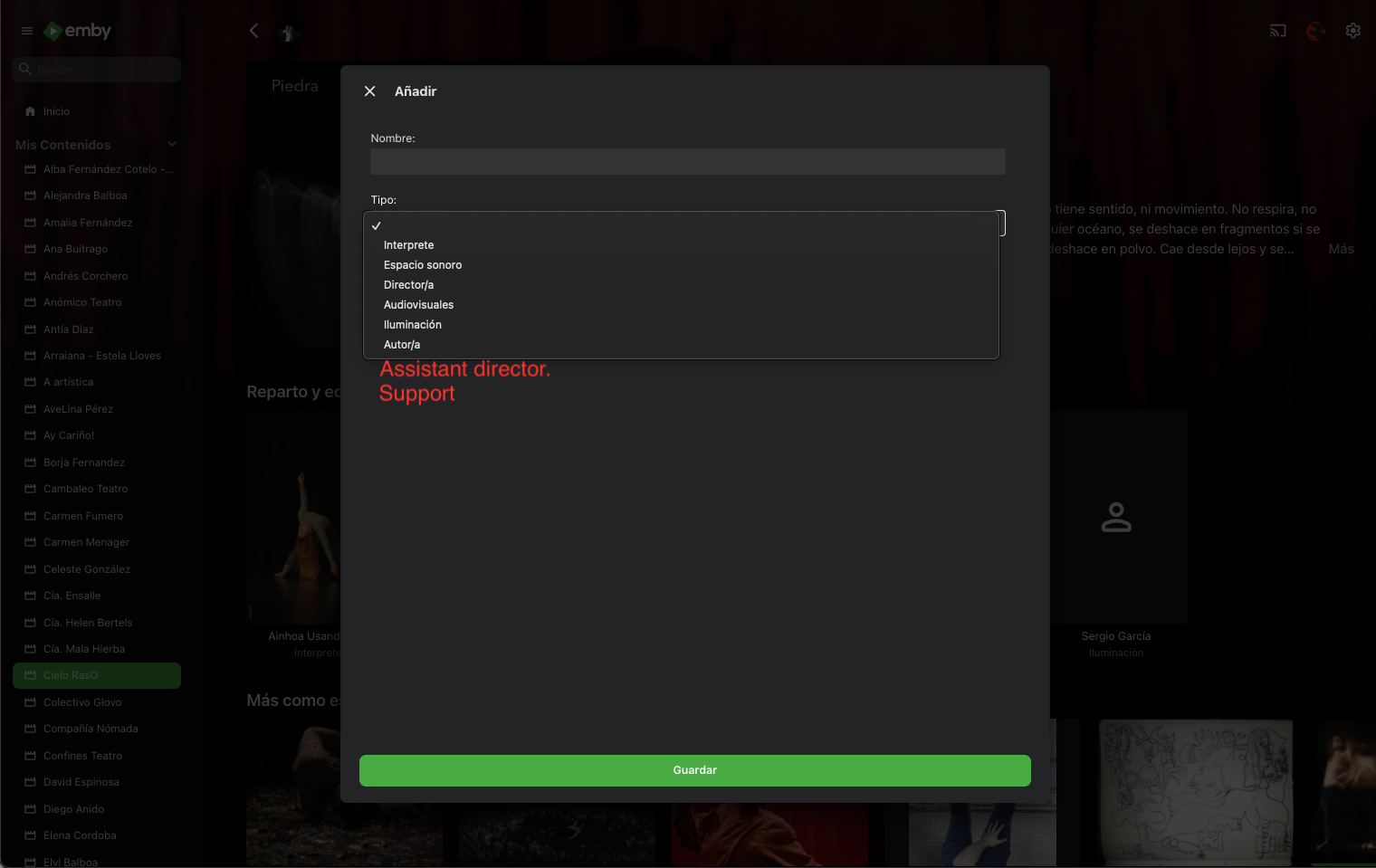
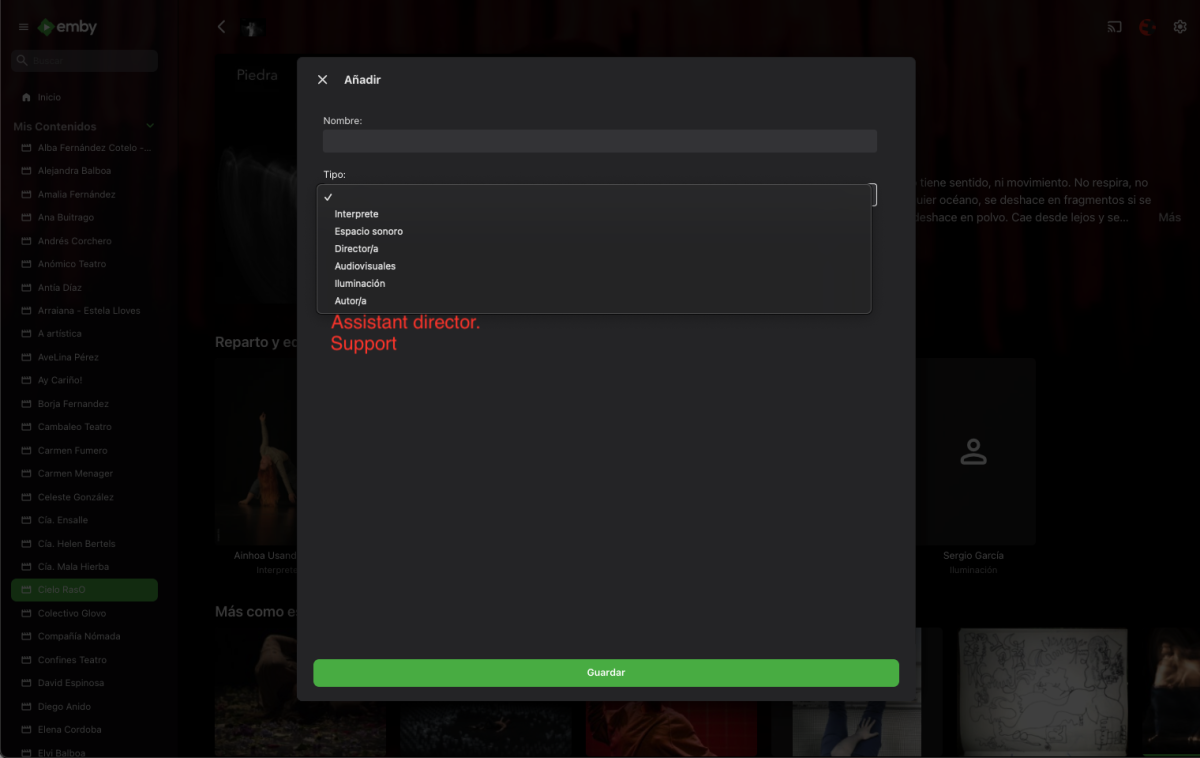
Hello, I need to customize the fields in the People section. In this case, I want to know if I can add more sections, for example, Assistant Director, Support, etc. I'm leaving you an image showing the section where I want it to appear. I should add that the page is in Spanish. I already know from previous questions how to edit the fields, but I don't know how to add them. If I need to edit multiple files, that's fine. Thanks in advance.
 1 point
 -
Thanks for the quick reply, I'm looking forward to it! Love Emby!1 point
-
Thanks Luke for replying, a lot more settings compared to plex, still learning the system. Would it be worth adding a note to the wiki that there is another condition before subtitles can be downloaded?1 point
-
Thank you! Somehow, my permissions changed when I changed the file path. Easy fix thanks to you!1 point
-
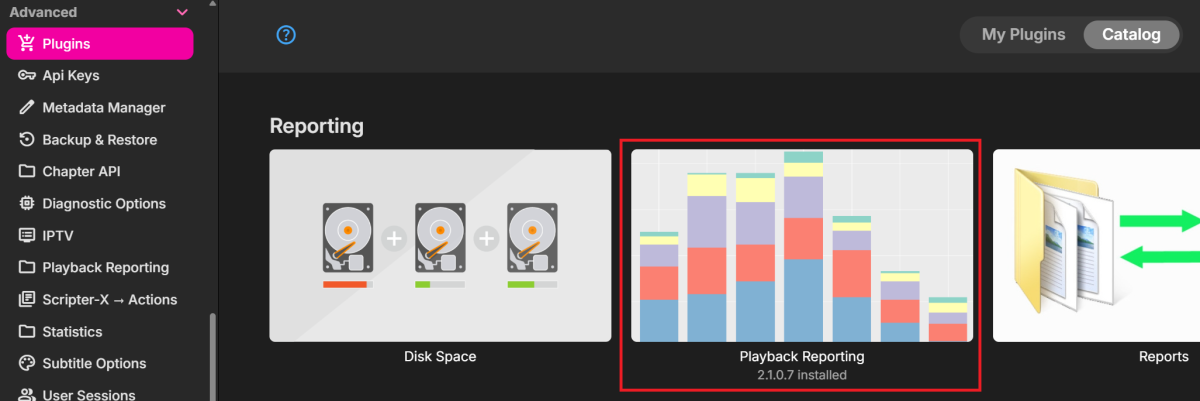
Use this: It will only start tracking after it is installed...
 1 point
 -
Hi, I reinstall emby and everything is fine for now. Regards.1 point
-
Hi, we'll take a look at it. Thanks.1 point
-
Ok. Gracias por la respues1 point
-
Yes. Though not sure how good will it work with 4.9.1.80, AFAIK it was updated only for 4.8 branch. You can always give it a spin, though, and remove if it breaks some part.1 point
-
Copy/paste file contents to your server Settings>General>Custom CSS box, click Save.1 point
-
now I have my life time premiere key in my password manager. about time! I honestly cannot remember I put it in, and I surely don't have an saved email with it1 point
-
In general do NOT share your license key. Its against TOS, I believe.1 point
-
I think that would work. Be aware of the device limit. They are accumulated by license key. So if you parents share there server with others its counted aging's you key.1 point
-
True and uninstalling also only works until the lyrics are turned back on. Then it’s the same as before. But the synced lyric functionality has to be fixed1 point
-
Here you go as you can see there is a slight change in code primarily with first element. div.trackList.trackList-marginleftcards div.listItemImageContainer.listItemImageContainer-large { height: 11em; } div.trackList div.listItem-innerwrapper div.listItemBody { font-size: larger; } you can use larger for font-size or percentage if you like.1 point
-
Just an addition to the above while @asgard25tries to implement it in Embywatch: Custom Headers would also be beneficial for the Emby Client apps. @Luke@softworkz See:1 point
-
Really cool you got it working. This plugin is also the gateway to bring "Sonic Analysis" to Emby, a feature otherwise exclusive to Plex Pass. Im actually testing the Audiomuse jellyfin plugin and using Symfonium as client, so far its been really promising. I would love to hope someone has the knowledge, time, and, interest to create an emby plugin.1 point
-
I am not sure if it belongs here or you want me to create a separate FR, but it would help if that field could be customizable to not just show the alternate title but basically any user entered text. There's something similar in Plex named Edition which can be set to whatever the user wants and is shown alongside the Title. A tool for that has been developed which can be configured to show stuff like the Director, Country, Language, Rating, Bitrate and lots more. Source: https://github.com/Entree3k/Edition-Manager1 point
-
Playing with AI and didn't care too much for the Ninja Trilogy Box art on TMDB. If anyone wants to use it, here it is.

 1 point
 -
Now it seems to work. Maybe my provider was not ready. It took half a day until now.1 point
-
I try a lot of things on chrome, in the app, I can try on iOS App and Android and nothing works... in a library with more than 4000 movies its impossible to change all the covers. I hope there is an update, otherwise I will have to change to another program because it is desperate. As well as it works... 24 / 5.0001 point
-
i forgot to mentioned that i forwarded the 443 Port in the synology firewall to the local ip adress of the discstation 192.168.178.41 point
-
seltsam bei manchen geht es da sieht man Poster etc aber bei den meisten nur die Info Datei , vielleicht leigt es doch noch wo an den Eisntellungen ok die Poster kommen , war wohl meine Ungeduld Schuld1 point
-
The site is working, but has some changes. I'll check it. Thanks1 point
-
I found a workaround but for a cleaner setup it means device reconfiguration. Unusual port choice for HTTPS as it goes against the industry default . Migrating over wont be that much of a hassle, should have done it from the beginning over avoiding a port change in setup .1 point
-
Deine Medien, also der Film usw., bleiben bei einem reinen Scan immer unangetastet.1 point
-
Ich befürchte, wenn Du das hinterher gemacht hast, dass Du die ganze Bibliothek nochmal neu aufbauen musst. Soweit ich weiß, kann mich da aber auch täuschen, switched er nicht für bereits bestehende Zuordnungen. Aber Du kannst es ja probieren, in dem Du für die Bibliothek einen Refresh, mit Ersatz der Bilder, für die Bibliothek triggerst. Das wird auf alle Fälle einige Zeit dauern. Falls es nicht geht, bleibt Dir nix anderes übrig als die Bibliothek zu löschen und vollständig neu einzulesen.1 point
-
But you said this earlier: I thought you already had your own images in your media folders?1 point
-
Das musst Du in der Bibliothek einstellen, dass er auch die Bilder usw. im Medienverzeichnis ablegt. Wenn ich Deine FSK 18 Filme richtig interpretiere, dann wird EMBY da auch nicht mehr finden. Es gibt allerdings ein Plugin "Adult Meda data" oder so. Dort werde die ganzen Adult Filme und ihre Daten aber auf dem Server des Plug In Entwicklers verwaltet. Was der nicht hat, kennt er dann auch nicht. Du kannst dort aber Infos hinzufügen.
 1 point
 -
I tested both HDR/DV and will now switch between formats. After using Infuse I think it’s safe to now use the Emby app. Thank you for the fix!1 point
-
So what you are saying is that we should just get used to an app that: 1) For over a year can't even show photos at the correct size (Android TV app has no such issue) 2) Takes a few thousand back button presses to get out of (very easy to get out of the Android TV app) 3) Confuses people at the end of TV episodes with the displayed choices (Android Tv app is so clear) and so on. I am sure there are many more. Using this logic I am sure you will not want to make an app for the new Firestick OS, so you do not have to duplicate it. Good thing I have no interest in that device. This is getting very frustrating, I used to like Emby very much.1 point
-
Hi Luke, No reverse proxy being used. I tried restarting the router. No luck. Found a suggestion while googling to remove and re add the users Emby connect account emails. This worked. Thank you for reaching out. Let me know if there is anything else I can send to help you root cause if needed.1 point
-
My performance got a little bit better when I deleted one of the plugins. The details pages for actors and films are now opening closer to the way and speed as they used to before the upgrade. Still a little bit slower but nothing drastic... The plugin which created the problem for me was "ADM". A metadata plugin for adult titles... In spite of the fact that it was only activated as metadata provider for the adult folder, it had an impact on all titles and actors. Films, TV Series etc. I deleted it and restarted the server and that slow behaviour went away...1 point
-
Shamelessly bump this. Still hoping to see WebSocket keepalives added. Both active and paused sessions drop, breaking admin control (kill stream, etc.). A proper kill stream just isn’t possible until this is implemented. It’s surprising this hasn’t gotten more attention given how central it is to proper session management. Would really love to see this prioritized or at least acknowledged by the devs as an real issue, in lieu of a robotic response as if it were from tech support in India.1 point
-
Here is my setup. Emby server 8096 NPM server input 8096 output 443 with ssl certificate. Router port forward input 443 output 433 to NPM from internet In this setup I have no need for 8920. I would preferer it to default to 443 when user types https://myserver.mydomain.io1 point
-
Thank you for the skin, i noticed some of the text colors are set to #ddd and with the darkish background it is hard to see. I scaned through the css and fixed a few. .md-icon { color: #e3a111!important; } .page-withDockedDrawer .auto-center { color: #fff!important; } .secondaryText, .fieldDescription, .cardText-secondary, .legendDescription { --theme-text-color-alpha: var(--theme-secondary-text-color-alpha); color: #e5a00d!important; } .listItemBodyText { color: #f9f9f9!important; } .dashboardSection h2 { color: #f9f9f9!important; } button.cardMediaInfoItem.itemAction.textActionButton.cardTextActionButton.emby-button.button-link { color: #f9f9f9 !important; } .listTotalRecordCount { color: #f9f9f9!important; }1 point
-
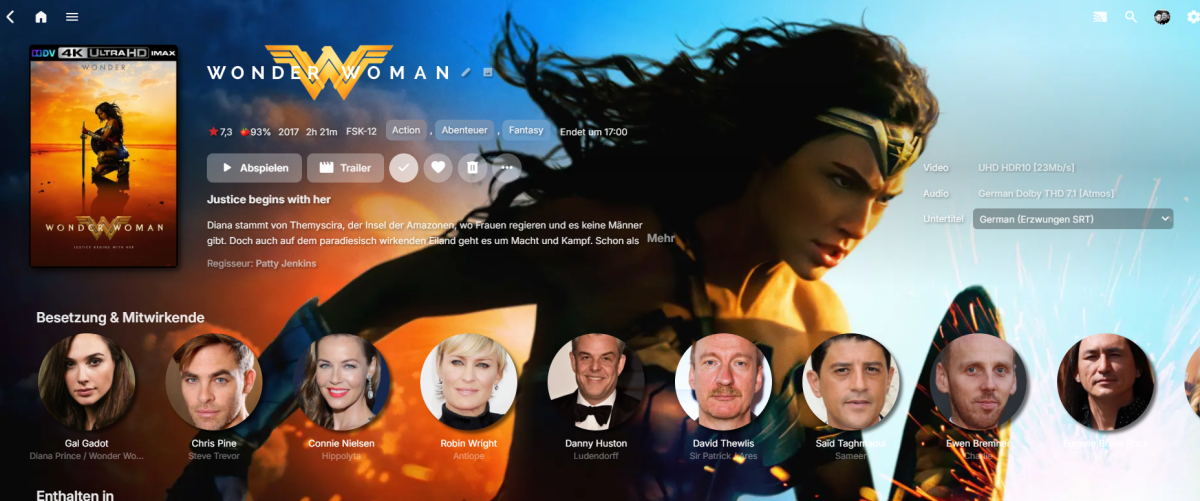
Did you try it successfully for yourself with the tips I sent you via PM on Friday? Should it look like this? Still not totally sure what you try to accomplish, but if you want them totally unfiltered like in the image above in the Details Screen, you can set the background options I sent you via PM to transparent or better delete them altogether. Will look uaf imo, but tastes are different... For the above result, delete: .backgroundContainer.itemBackgroundContainer.withBackdrop, .backgroundContainer.withBackdrop { -webkit-backdrop-filter: saturate(1.5) blur(0.5em); backdrop-filter: saturate(1.5) blur(0.5em); } @media (min-width: 50em) { .itemBackgroundContainer.withBackdrop:not(.backgroundContainer-transparent), .backgroundContainer.withBackdrop:not(.backgroundContainer-transparent) { background: linear-gradient(77deg, rgb(22, 19, 56) 0, rgba(36, 31, 92, 0.9) 70%, rgba(65, 0, 65, 0.7) 100%), url(https://grainy-gradients.vercel.app/noise.svg); } } Note: Other visuals can break since a lot of stuff is tied together in the html classes.
 1 point
 -
I know this is an old thread but I just wanted to hop on it real quick to say I, too, wish there was a way to set a default. I have two movies of roughly the same quality, only one of them is colorized and the other is in black and white. Emby is picking the colored one when I wished the B/W version was the default. Surely it couldn't be that hard to code for a tag in the file name to set the default?1 point
-
I had just got done helping someone who was rather demanding and adamant we change our software so he didn't have to follow our naming guide and could keep his crazy layout /genre/year/director/movie or show. Besides, there's quite a difference between that and a polite feature request so I'm sorry for tone, but know it wasn't really directed at you. PS removed the top line so it's a bit less snarky.1 point
-
Can't say this wasn't a bit passive-aggressive, but definitely insightful, so thank you for the response.1 point
-
For those who don't see the point in this functionality, you may have not consumed a lot of media with fan-dubs Here's a use-case I have: Movies/series with english audio track embedded in .mkv / .mpg / .mp4 / whatever else Anime with original japanese dub in .mkv / .avi / .mp4 / whatnot + external audio tracks in a subfolder with naming scheme like "./<language> sound/<particular dub>", e.g. "./Rus sound/[Anilibria]/", mostly in .mka format Merging these files would certainly be possible, but then I wouldn't be able to seed through torrents (only legal stuff, of course). I'd totally benefit from emby being able to do that, and so would do a bunch more people that watch media not recorded/produced/licensed in their native language.1 point
-
Hi Guys, I recently moved from Kodi with MySQL for lack of proper multi user management and server side support, I have to say I'm impressed with Emby. Together with the Kodi Plugin it really takes the solution to a whole new level, count me in among the supporters! One feature I would like to see is the ability to recommend movies or shows to other users: I share my Library with close friends and family but it is a big library so they are always calling me to recommend them a movie to watch. It would be really cool if after watching a movie I can click a Recommend button and choose the users I think would like the movie, then it is displayed on their suggested movies at the top with the name of the user who recommended it... Sorry if there is something like this is already there, I am new to the interface and don't fully know it but could not find such feature... Thanks!1 point
-
Then it will choose the first one. I understand your dilemma in this case as we are using the same mechanism for two different things here. Perhaps there should be a way to mark one as the "main" feature at least.1 point