Leaderboard




Popular Content
Showing content with the highest reputation on 10/19/25 in Posts
-
I'm afraid very few FR are as simple as they may seem but, also, when you assemble 100 "simple" things, that is also, not so simple .4 points
-
Hi Luke, Any updates on the possibility of adding an option to switch between “thumbs” and “poster” view in the Continue Watching section? It’s still quite difficult to find good thumbnails, and they also take up a lot of space on mobile screens. Thanks2 points
-
I built a tool for my own use to create better playlists for background viewing, and it's evolved a bit since then. I'm sharing it in case anyone else finds it useful. It's called MixerBee, and it can create interleaved TV mixes, movie playlists from filters, schedule them to update automatically and more. It also has an optional AI feature. The project is on GitHub if you want to give it a try. https://github.com/tophers/MixerBee1 point
-
Emby’s music experience has long left much to be desired, and frankly, it hasn’t improved significantly over the years. I’ve come to believe that a standalone client for music might be the way forward, but since that isn’t currently planned, it’s worth exploring what’s possible today. AudioMuse‑AI (GitHub link) is a new self-hosted tool that performs sonic analysis of your music library. While this kind of functionality was historically associated with Plex, AudioMuse‑AI is breaking new ground. It’s still in beta, but already supports Jellyfin and — thanks to the similarities in their APIs — can partially work with Emby. Here’s what it can do: - Creates a database of sonic analysis for your music library. - Lets users define their own sonic fingerprints based on listening habits. - Automatically generates playlists based on mood or keywords, using Ollama or other services. During my testing on Emby: - I was able to connect to Emby, access my music library, and generate a complete sonic analysis. On my hardware, this took about 72 hours. - Ollama integration had issues but Automatic playlists could be generated using the Gemni integration. I am sure i did some wrong configurations. I hope there is a plan to integrate Docker Model Runner to avoid such issues in the future. - I could not save the generated playlists to Emby. It seems this is where Emby and Jellyfin APIs are not compatible. There are still many improvements and bug fixes needed (see issues and road map). Without dedicated Emby support, this service can’t yet be fully utilized in the Emby ecosystem. It’s important to recognize that there’s only so much a single developer can do. Full Emby integration would not just require explicit use of the Emby API, but also a plugin that allows each user to create their own dynamic playlists directly within the interface. I’m sharing this because AudioMuse‑AI is highly relevant and has the potential to significantly improve the music listening experience for self-hosted users. It’s an exciting step forward — and hopefully a glimpse of what a fully integrated music experience in Emby could look like.1 point
-
My request is to be able to chose to add items to the home screen. Specifically in my case, I am thinking of playlists and collections. Here's some reasons I'd like to see this: The home screen is the first piece of the user interface a person will see when they pull up Emby. I often places movies in bulk into my media library. This sometimes means people never see the new movie I've made available. Happens a lot, actually. While all movies are searchable or can be found by sorting, I believe the interface would benefit from having the customization option. I have created a "Justin Recommends" collection and would LOVE to be able to put that on the home screen. By keeping this optional, no one is forced to use it. If you don't have a use-case, then it's just a feature. If you look at things like Netflix, many movies and shows get "featured" and by doing that, a lot of people end up watching that wouldn't otherwise (imagine if The Tiger King was just another buried documentary you had to hunt for, no one would have heard of it). I appreciate your time. If you've considered this before and decided against for reasons other than difficulty implementing the feature, I'd ask you to reconsider. I believe that being able to customize our servers helps us personalize and tailor them to our audience and our needs, and that helps promote a feeling of ownership. I also truly believe that this small change could lead to some powerful results. In my case, I know that it would be of huge benefit to accomplishing what I would like to do with my Emby server. Thank you.1 point
-
Hi, Thank you for the great product. It is a pleasure to use it. I have seen some posts but they are years ago regarding my request. Is there a plan to have notification (when adding movies, shows, live tv etc.) from the emby app ? This means to get a push message on my android phone, iphone, windows app, etc. With 3rd party software its not so cool. Thank you.1 point
-
"More like this" will recommendations are made based on multiple media libraries,I don't like this, I prefer him to only recommend similar ones in the current media library, otherwise I would rather turn it off. What should I do?
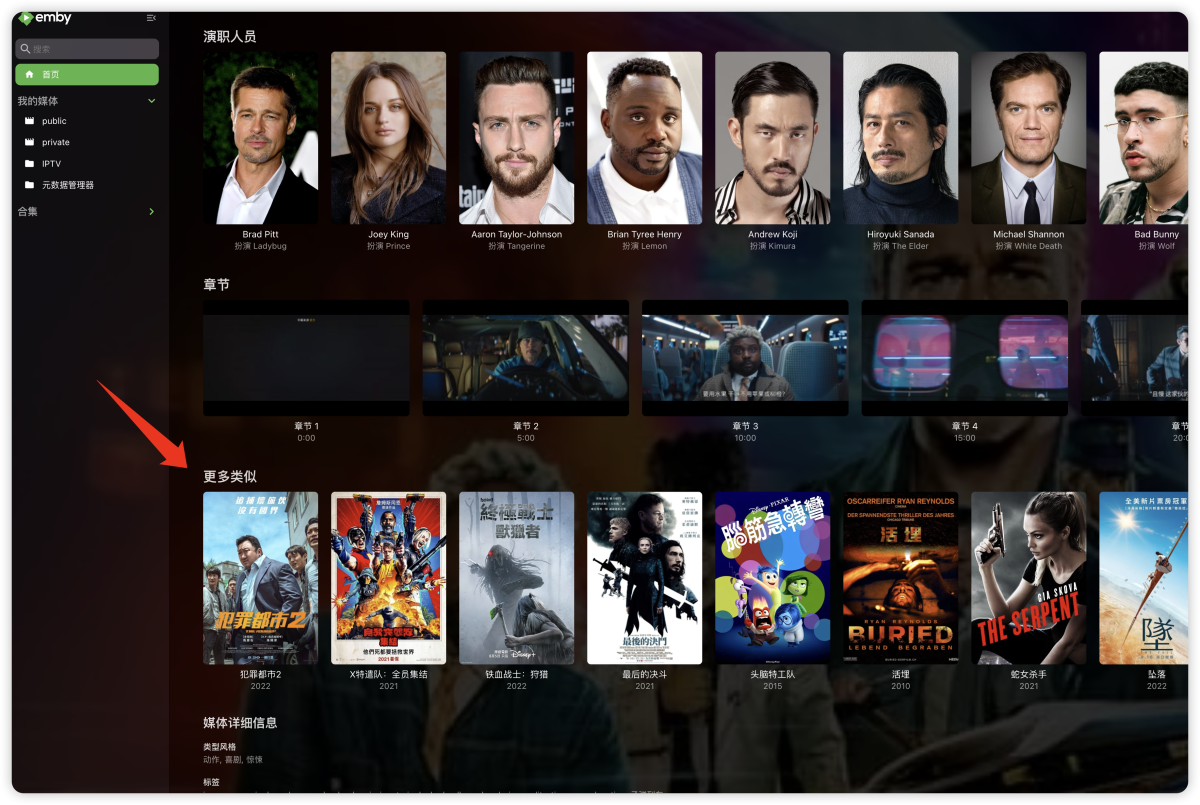 1 point
 -
Hi, I have massive problems with how emby is handling subtitles.With different failures: Subtitles getting out of sync when allow subtitle extraction on the fly is activated. The only way to get the subtitles back into sync (without manually configuring the delay) is to restart the playback from the beginning. Here are the scenarios where it is happening (it also happens not only in the web app, but also in LG TV app as well): Pausing the playback longer then a few seconds and then resuming it a little bit later. Stopping the playback and resuming it later (maybe even on another device) Subtitles not shown at all when allow subtitle extraction on the fly is activated Subtitles not shown if there is text in the video stream when allow subtitle extraction on the fly is activated Video not starting when allow subtitle extraction on the fly is deactivated Allow subtitle extraction on the fly deactivation not working if the video is played as source Subtitles showing the commands like /fade, etc instead of following the commands when allow subtitle extraction on the fly is activated Subtitles taking around 30-60 seconds to display when allow subtitle extraction on the fly is activated I tested the same video files I had these different failures on also on plex and they work without issue. So I think this seems to be a problem with the subtitle handling in emby. Could you please take a look. Thanks. Best regards miracle1520041 point
-
Another way of stating this, in context, is that it has more support than the vast majority of ideas in this forum. Extraneous Stuff on the screen is something most people can ignore, so it ends up being a lower priority than other issues, but it's still an issue. This isn't really a Feature Request - it's more of a Can I just have have the option of reducing the visual clutter on my screen? Please? Maybe there should be a forum for that.1 point
-
We do have half of the story for this already: The Transcoding Tests plugin. What's missing is a site where people can submit their results. It's a low priority for us and I always hoped for a community contribution for building such a site.1 point
-
Lets have embyserver and ffmpeg logs to compare - please download and post here the embyserver and ffmpeg logs after running a test with hardware tone mapping enabled thanks1 point
-
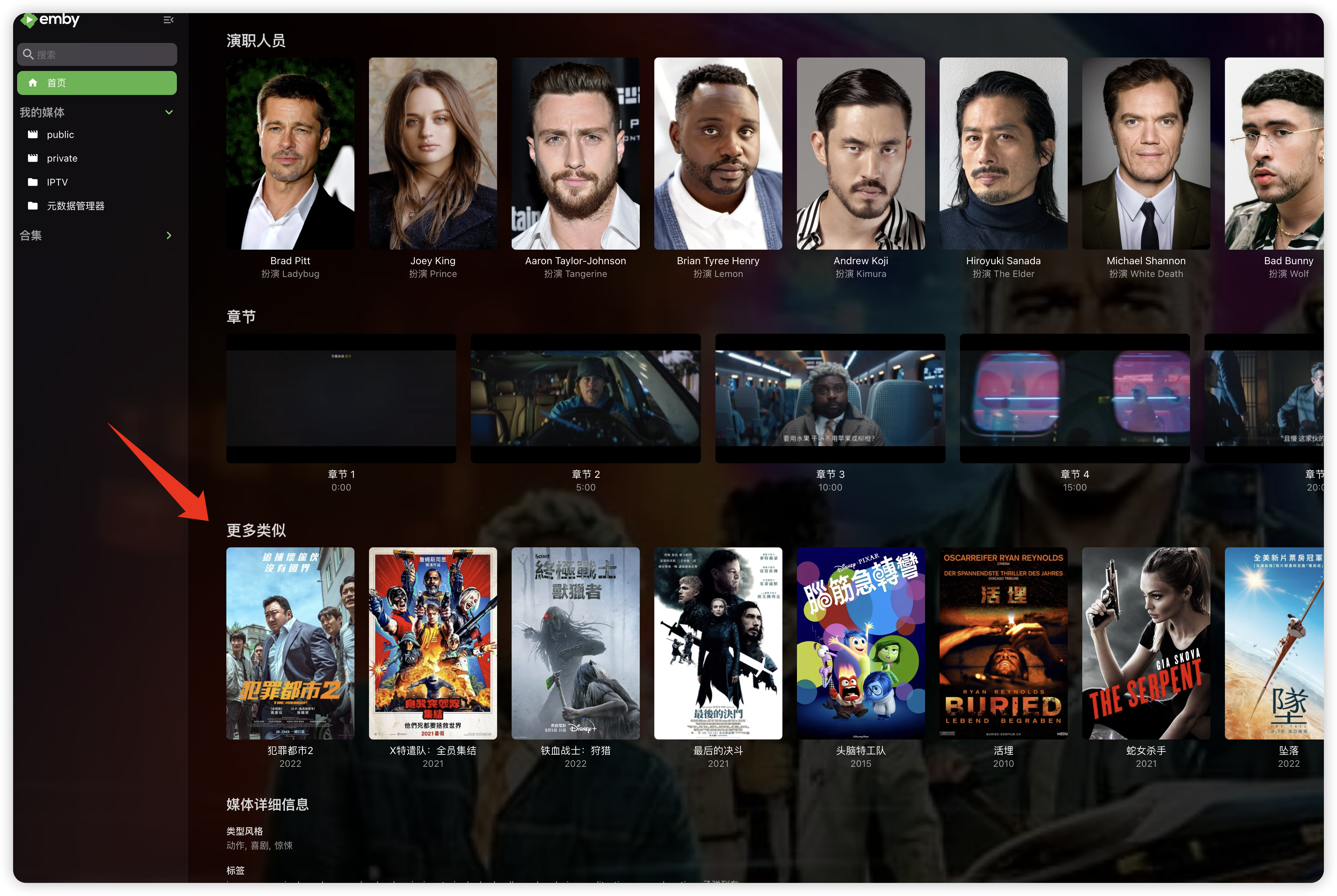
For TV shows, it could be interesting to have the option to choose between displaying the show poster or the season poster.1 point
-
Have you tried selecting "Playback correction" in OSD cog menu?1 point
-
Make sure you're using your username and not email address (and correct password) in OpenSubtitles plugin config.1 point
-
Hi. The beta discussion forum is the best place as you will see what new features are being tested in beta.1 point
-
Sorry for late answer and can't edit anymore my original message After double check Duckduckgo anti spy system is lot less precise than in the past. As I remembered it it was clearly listing the tracking or other nasty stuffs used by apps, now it just indicates what the app "might" collect which is useless Sorry for the wrong notice and if someone knows a better anti spy tool I'm interested in @asgard25sorry for the wrong information I'll give it a try again !1 point
-
Sorry but not blindly trusting and installing every update as soon as it comes out, especially when other report serious problems with that update isn't "paranoia". It's a huge risk (there is good reason why in many companies, you first need clearance for an update by your IT, as a faulty update can make you inoperable or ruin weeks of work) nowadays However. I made a backup and tried the update. So far my metadata looks fine.1 point
-
@LessajHoly cow it works! I was able to see the open port on Canyouseeme.org. In your next step I could see the certificate validation had the correct common name however I couldn't quite understand what you meant with nslookup (Again im really new to all this so it probably seems dumb). I logged into my domain registrar and pointed the domain to my public IP and hey presto it just started working! Thank you so much! Now to see if it can be accessed outside of my network.1 point
-
Let us know your experience.1 point
-
@LukeI can force reproduce this by toggling Lyrics one and off from Landscape to may home row appear and buttons disappear. So it is something specific to Lyrics display. Steps I took to reproduce Have not enabled lyrics on any playback yet Play a song enable lyrics hit back arrow now reenter playlist/now playing buttons are gone and home row remains rotate to landscape and untoggled lyrics hit home button now reenter playlist/now playing buttons are available and no home row Only tested on 2.2.441 point
-
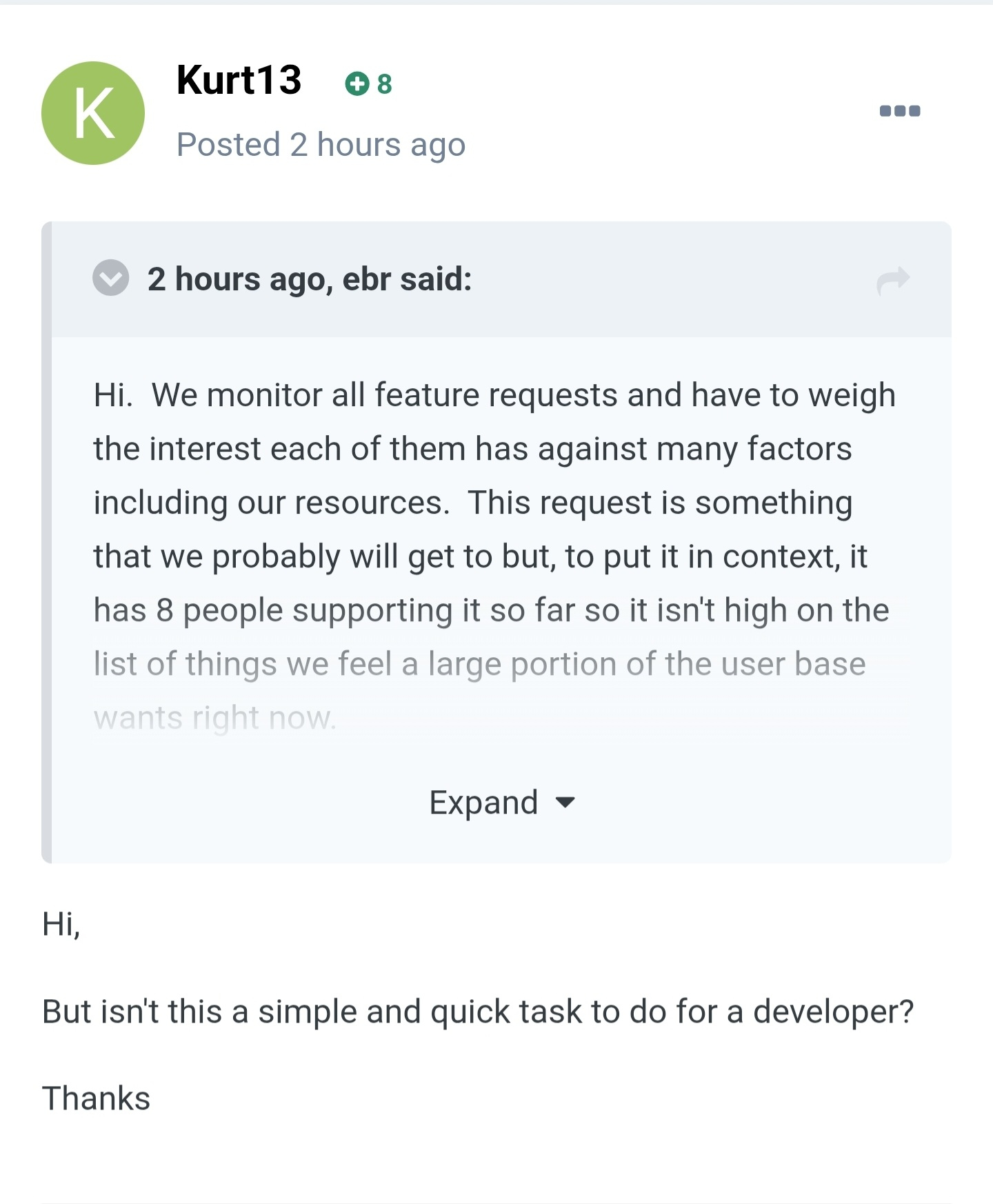
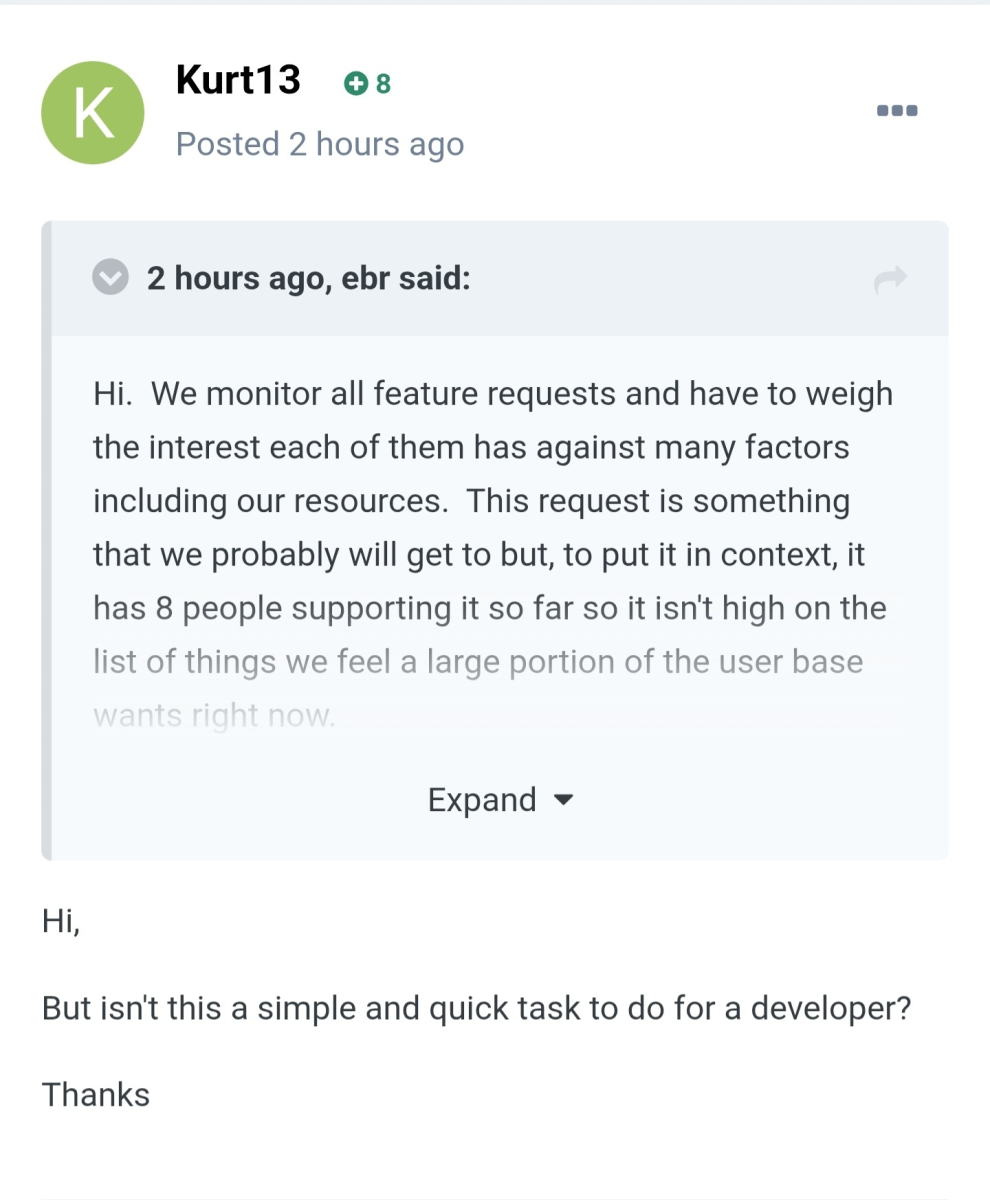
Good text but your last paragraph wasn't for me, right? Because what I said/ask was: "But isn't this a simple and quick task to do for a developer?". Asking is different than stating.
 1 point
 -
Solution for me has been found: Im able to use my Android Box connected to my TV via HDMI cable I installed the Emby app on the android box I can cast directly to the Emby App on the Android Box and i can succesfully use the emby REW/FF 10 Seconds functions both from my PC's browser and also the Emby client app I can also optionally use the android app Nova Player on the android box to access all my media via DLNA as well "Emby Server - Live Long and Prosper"1 point
-
hola, muy buen tema, me gustaria saber si han logrado hacerlo estable para la ultima version de EMBY. Saludos y gracias a todos los que de una forma u otra han contribuido.1 point
-
Thanks, that's helpful and also answers all the questions: Elkhard Lake and Gemini Lake have limited HWA support in the iGPUs, both hardware and software-wise. Among other limitations, they do not support OpenCL data sharing with VAAPI contexts, so it's no surprise that they do not support hw accelerated tone mapping using OpenCL. What this means is: You can update Emby Server without worries Those who were claiming that it would have been working before will like have had it working via VAAPI This does NOT apply to Synology packages (but Docker is one example). @rekit (and all others having Gemini or Elkhard Lake) =>1 point
-
EmbyWatch - A brilliant app built by a community user! One of the best things about the Emby community is the creativity that comes from it. Every so often, one of our users takes their love for media servers to the next level and builds something that makes life easier for the rest of us. Today, we’re excited to share EmbyWatch, a brand-new Android app developed by community member @asgard25It is an an incredible example of what happens when passion and innovation meet. A User-Built Tool, Made for Admins What makes this story special is that EmbyWatch wasn’t created by a company or a professional app studio. It was created by one of YOU! — just someone who wanted to make managing a server more intuitive and accessible from anywhere. Want to be even more impressed? This is only the second Android app that asgard25 has developed! EmbyWatch is designed to help server admins and advanced users keep track of what’s happening on their Emby setup in real time. It’s not about playback or browsing media, it’s about giving you the tools to monitor, manage, and control your server, all from your phone. Powerful Features at a Glance EmbyWatch brings a surprising amount of functionality for such a young app. Here’s what it can do: Real-time monitoring: See who’s watching what, where they’re streaming from, and how much bandwidth they’re using — all live. User management: View your users, check activity history, and even send messages directly to connected users. Device overview: Identify every connected client, from smart TVs to mobile apps, with connection times and device info. Library insights: Quickly review all your media libraries with detailed counts and metadata. Task control: Run or schedule maintenance tasks like library scans and metadata updates remotely. Plugin visibility: See your installed plugins and available updates. Logs and server details: Access logs, CPU load, uptime, and more — wherever you are. Notifications and widgets: Stay informed with live alerts and optional Android widgets for quick monitoring. For anyone managing a shared server, EmbyWatch feels like having a live dashboard in your pocket. A True Example of Community Ingenuity We love seeing users like asgard25 take their experience with Emby and turn it into something that benefits everyone. EmbyWatch really is a reflection of how open and flexible the Emby ecosystem can be when people put their ideas into action. This project shows exactly what makes our community special, a shared passion for improving and creating! So whether you’re managing your own home setup or running a multi-user server, EmbyWatch offers a simple, powerful way to stay connected to your system. Huge thanks to asgard25 for sharing EmbyWatch with the community and for showing what’s possible when creativity meets passion. We’re proud to see our users building tools like this that make Emby not just a media server, but a thriving ecosystem shaped by its fans. If you’re an admin or an advanced user, check out EmbyWatch on Google Play and see how it can make managing your server easier than ever. We can’t wait to see what asgard25 — and others in our amazing community — build next. View the full article1 point
-
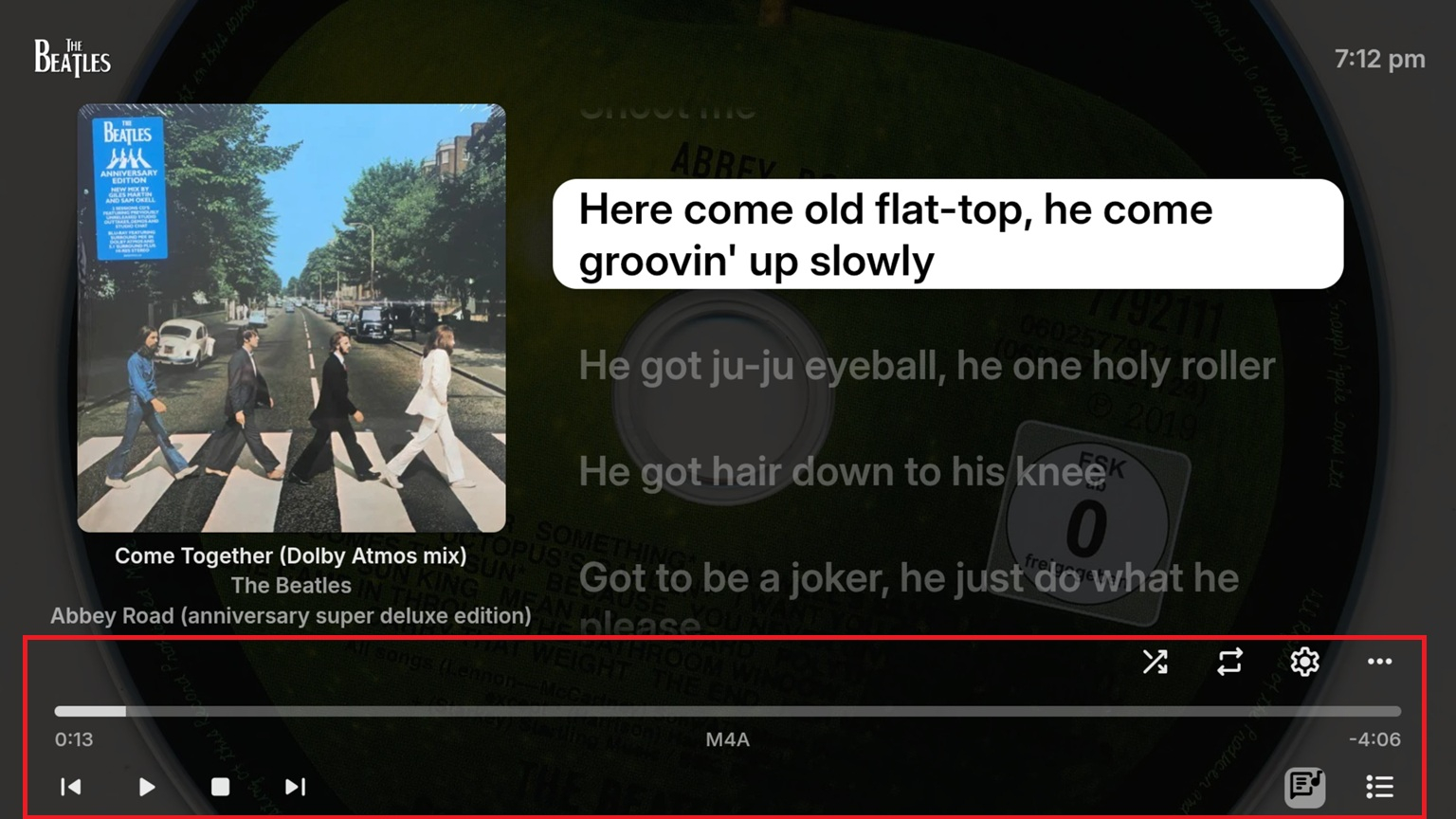
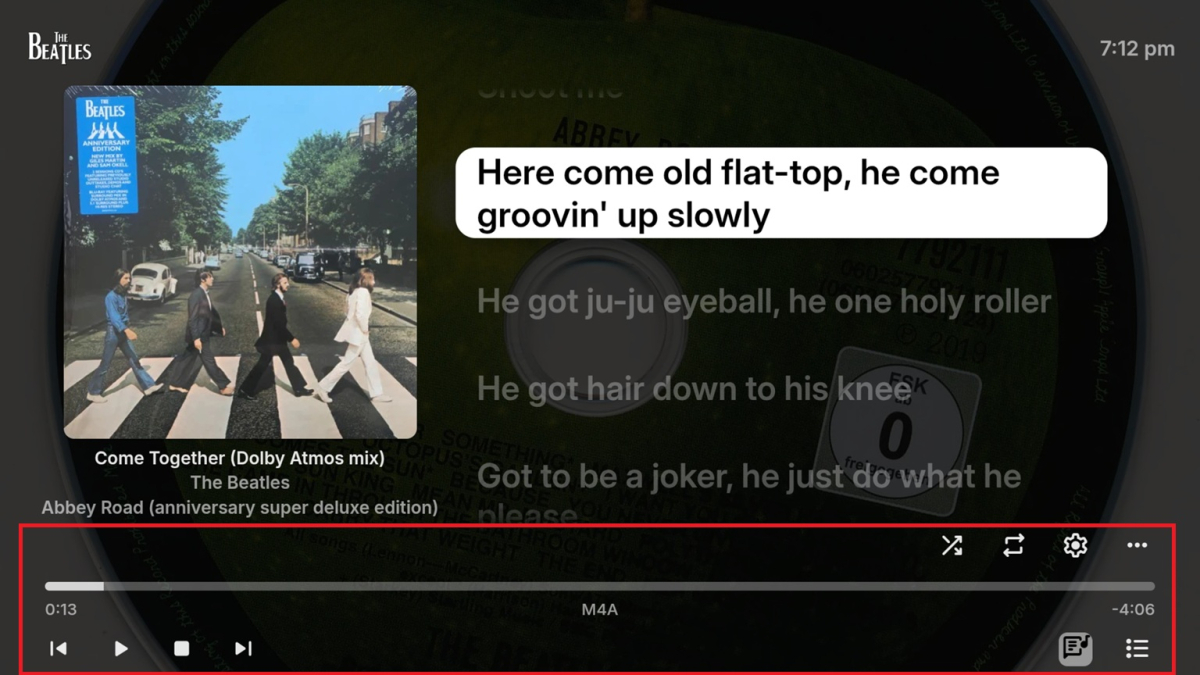
FR: Option/setting to auto hide the music OSD after a certain amount of time (seconds) of play or inactivity from the remote. Reason OSD is mostly clutter if you're just sitting there listening to music for a long time. Screen is very busy. Most keys on the OSD that one would need while playing for any length of time are on the remote (skip, pause, etc) OSD could reappear on pause maybe.
 1 point
 -
While I can't speak for the developers, it would be very easy to bring the old view back. You can do it yourself, right now, if you restore a pre-upgrade database backup and disable the services that mangle the metadata. (However, it probably isn't a sustainable approach because you'll never be able to re-scan your library, and I don't know what will happen if you add new content.) See instructions: The point is that the UI interface has not changed. What has changed is a metadata organization script that runs in the background: Literally the only thing that seems to have changed is some flags in the database that gets set at the content level. That other thread even suggested there might be some sort of workaround to manually run a script against the database, but I haven't started trying to reverse-engineer things to figure it out, and none of the other more knowledgeable people have offered any further guidance. However, I wouldn't trust any temporary solution going forward because without official support some future version will probably just destroy Folder View entirely. But I'd very much welcome any sort of temporary solution if we also got the devs to agree to restore the old view in the (hopefully near) future.1 point
-
Serious question: Is it really that hard to bring the old folder view back? The developers say this is the real folder attitude. It may be; but it is not the style we arranged our media and already embedded metadata to them. We can't sort, organize or select titles anymore which makes creating collections or playlists a chore... And I am sorry but no, it is not just one click more, it is more than that and you know it...1 point
-
Started with XBMC on the first modded Xbox then that died. Then Boxee Box (Boxee Box - Wikipedia) at that time I had 1 TV and 1 usb drive for storage. Tried the some where in between Media Hub Home Entertainment Storage NAS Server (LINKSYS NMH305 - MEDIA HUB HOME ENTERTAINMENT STORAGE NAS SERVER USER MANUAL Pdf Download | ManualsLib) Then jriver media center for a forth night. Then Plex. Till they send out there change TOS and wanted my metadata to sell. And been running Emby since 2017.
 1 point
 -
I would try refreshing the metadata on an individual song and see if it helps for that song. If not, then I would say that this should be improved as part of the upcoming 4.9 server release. Thanks.1 point
-
Here is another thread that discusses how things actually work. As mentioned above, there is nothing auto about the auto setting in most cases. It should really be called "Default (4 Mbps)" soon to be "Default (12 Mbps)". If people understood what auto actually was they would be more inclined to adjust it, the way most users interpret auto is "best quality for their connection" and that is not what is happening.1 point
-
Feature request for Auto Box Sets & the Emby server to show missing collection items / placeholder images for what we don't have that is part of a collection. http://emby.media/community/index.php?/topic/22732-auto-box-sets-show-missing-collection-items/ Thanks, hoping to see it worked out.1 point
-
Say I have a custom collection of 56 Christmas movies. During the Holiday Season, I would like to show this on the main page as a Library. Now, I could make a drive folder called "Christmas" and put these movies in that folder. However, now we're getting away from using metadata for organization and moving back to using folders for organization. Something you've spent the last few years trying to get away from. So each collection should have a toggle to show it as a library on the Home Page. Then people can make collections for Christmas, Halloween, Summer Romance, Summer Slasher Films, whatever and show them on the front page where they are easily accessible. Don't want to show it anymore, switch the toggle off.1 point
-
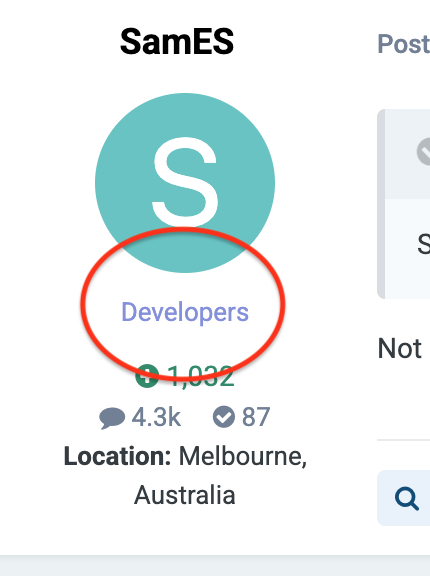
Maybe as a dev you should have some sort of tag to indicate you are? Might help with people knowing who is responding.0 points
-
You forgot to indicate that it's also spying abusively on user device. It collects gps position, postal code, first and last name of user among other informations App deinstalled and banned here from all my devices.0 points