
Leaderboard




Popular Content
Showing content with the highest reputation on 08/16/25 in Posts
-
You have summarized this entire thread with those few words.3 points
-
That's just a worker-pool but not a micro service architecture. Most important for Emby is live-transcoding, and a single such transcoding job cannot be scaled by employing multiple nodes. Well - that's one of the points I tried to explain earlier: With an in-process db like SQLite, you need no caching because re-retrieving the data from the in-process database is (overall) much cheaper than using a caching server. (also, it's Redis, not Reddis) "Just don't have", "someone just needs", "you could write",... That's a lot of hot steam, mixed up with a few buzz-words, but essentially pointless in total.2 points
-
Is there plans on the roadmap for OpenID. I have searched but not found any indication this is in development. With many admins taking up SSO through Authelia or Authentik to enhance security it would be great for Emby to support it. One of the easier open standards is OpenID which the aforementioned support. Users could continue to use LDAP if they wish while others can use the arguably better SSO experience.1 point
-
Is this doable by some sort of plugin ? Maybe add your imdb credentials and then be able to rate movies here and have them on imdb as well (not talking about sorting here, just rating stuff)1 point
-
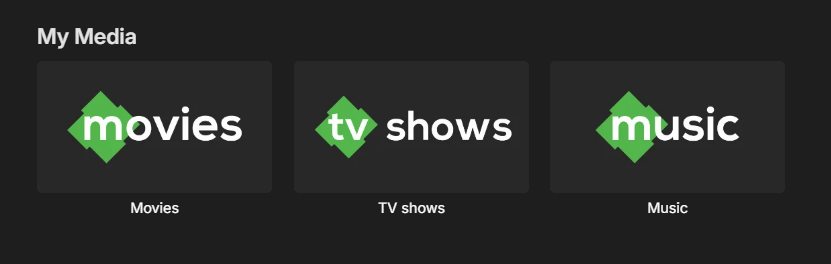
I made some simple icons for the "My Media" section inspired by the emby logo and figured I'd share. SimpleEmbyIcons.zip
 1 point
 -
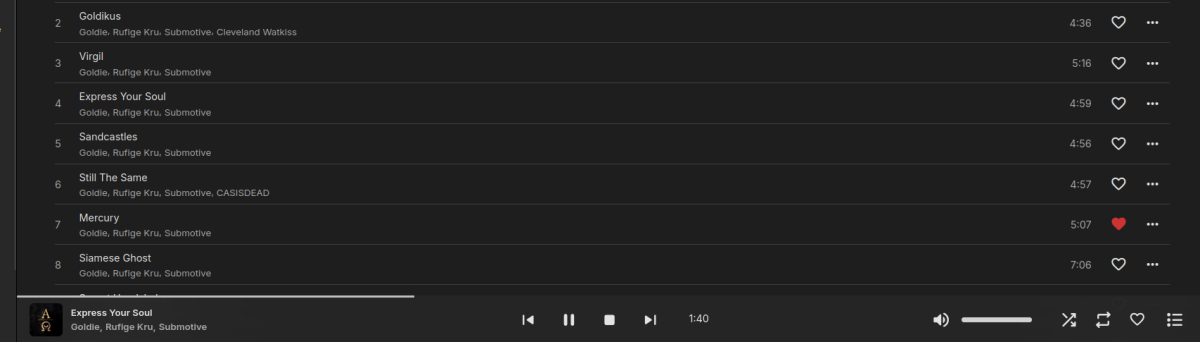
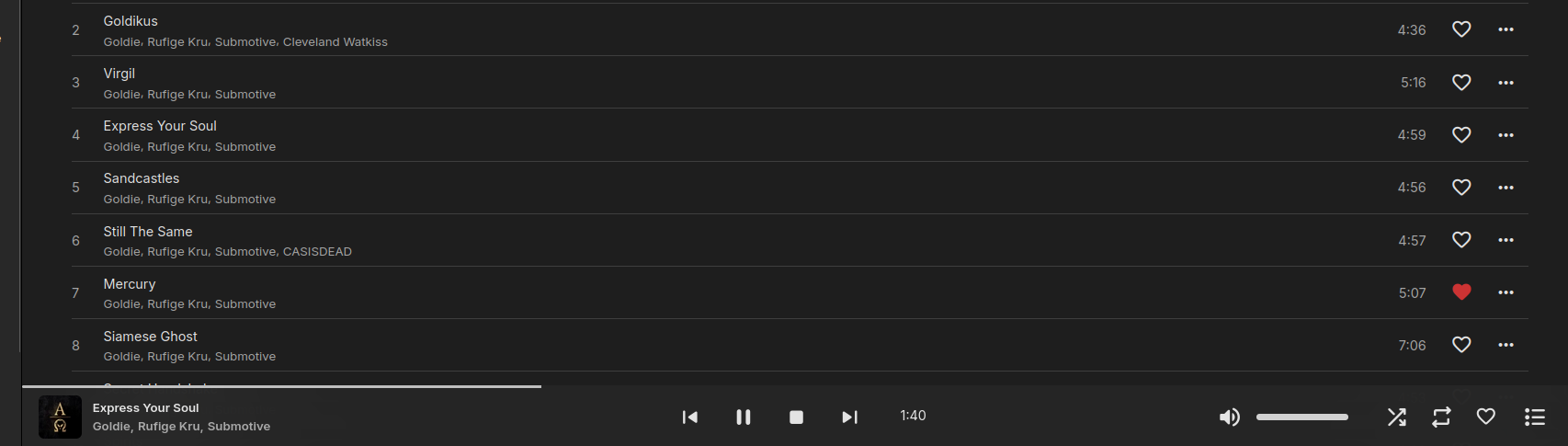
It'd be nice to have, like on the queue view, an animated icon for quickly locating the track that is currently being played. In this case, the 4th one.
 1 point
 -
Oh, I see. I must admit, I didn't know what was modified. Thank you very much for answering my inquiry. I use the LiveTV plug in every day and I am very grateful for it. -LeeTXJD1 point
-
sorry, I just verified that both my tablet and phone can direct play the ASS sub file without needing external player to do so. the aforementioned problems persist with my shield and ios transcoding the file, but i'll open a post in the appropriate space and close this thread.1 point
-
The old stuff that now doesn't work or the new which I'm, so far, incapable of getting to work ?1 point
-
Hi, there's already an open request for this or something functionally equivalent. Please join in and contribute to the existing discussion at:1 point
-
In this installment of our Emby Community Spotlight series, we're highlighting three new users with completely different builds. One leverages serious archival storage and years of media curation; another keeps things lean and affordable; and a third takes a no-nonsense approach with hand-me-down hardware. Each setup proves that no matter your budget or complexity, Emby can be tailored to fit your needs! User 1: 3.3 Million Entries, 400TB of Storage, and a Custom-Tuned Library OS: Windows Server 2025 CPU: Intel i7-7700 RAM: 48GB GPU: NVIDIA GTX 1660 (transcoding) Storage: 64GB NVMe (OS) 500GB NVMe (cache & image storage) 50TB local RAID (primary library) Four Synology NAS units (~400TB raw capacity) Transcode Cache: SATA SSDs in RAID 0 Media: Films by decade TV series split into "Running" and "Archived" libraries Separate volumes for music, audiobooks, ebooks, photos, YouTube downloads Comic book library (50TB) stored on a separate Emby instance Clients: Nvidia Shield TV Nokia Box 8000 Apple TV 4 Multiple Smart TVs (LG & Samsung) Android beamers iPhones, iPads, Android phones & tablets across multiple countries User 2: A Low-Cost, Low-Fuss Setup That Gets the Job Done Server: OrangePi 5+ 256GB eMMC 8-core CPU 16GB RAM Storage: Synology DS224+ with 2x8TB WD Red Other Infrastructure: System76 Meerkat (handles web/misc services) Ubiquiti UCG Ultra router External backup drive Clients: Android phones (various Pixel models) Android tablet Roku Chromecast Web browsers User 3: Old PC, New Life OS: (Windows 11 Pro) CPU: Intel i5-9400 (Quick Sync for transcoding) RAM: 32GB DDR4 Storage: 10TB Toshiba N300 4TB WD Red (2019) 3TB WD Red (2016, pending replacement) 1TB WD770 NVMe 1TB Kingston NVMe (used for cache and transcoding) Clients: TCL 4K Android TV LG 4K webOS Android phones and tablets Roku Xbox Series X Want to Share Your Emby Setup? From server racks to single-board computers, the Emby community is full of creative solutions. If you’re running Emby on something interesting, or even something ordinary, and want to be featured in a future spotlight, join the Emby Community Forums and share your setup. You might see your system in Volume 5! View the full article1 point
-
Shouldn’t happen on iOS or Android. Our apps can direct play ass sad without extraction.1 point
-
regardless, release happens when it happens. keep up the good work1 point
-
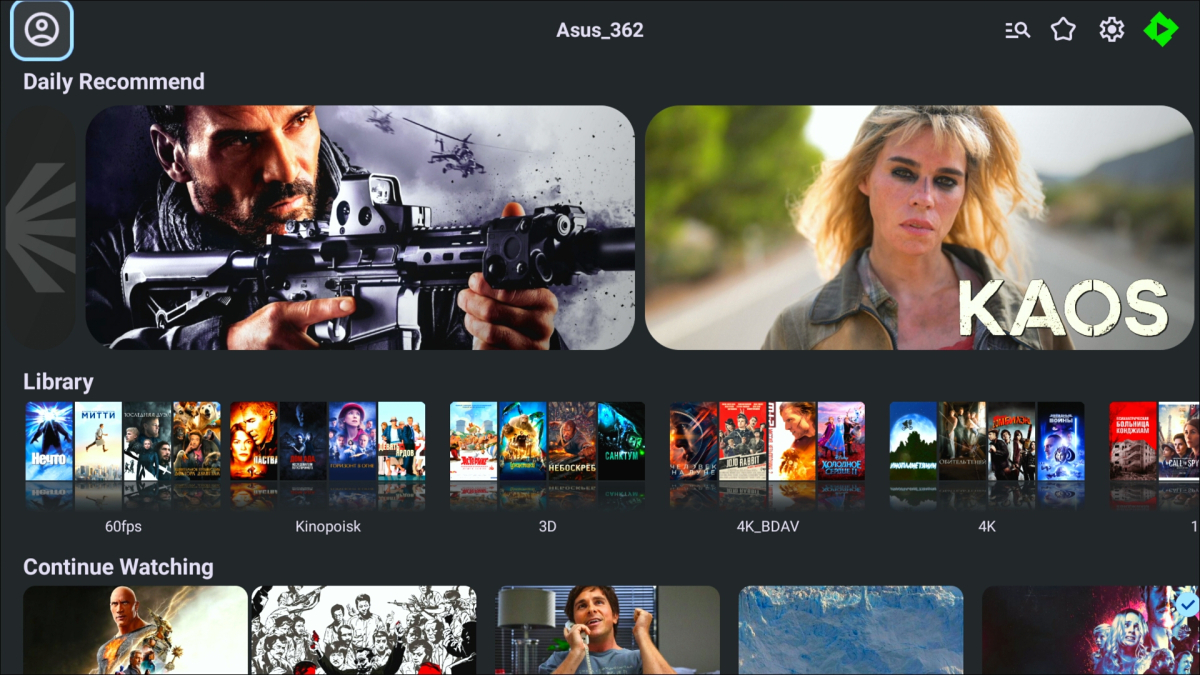
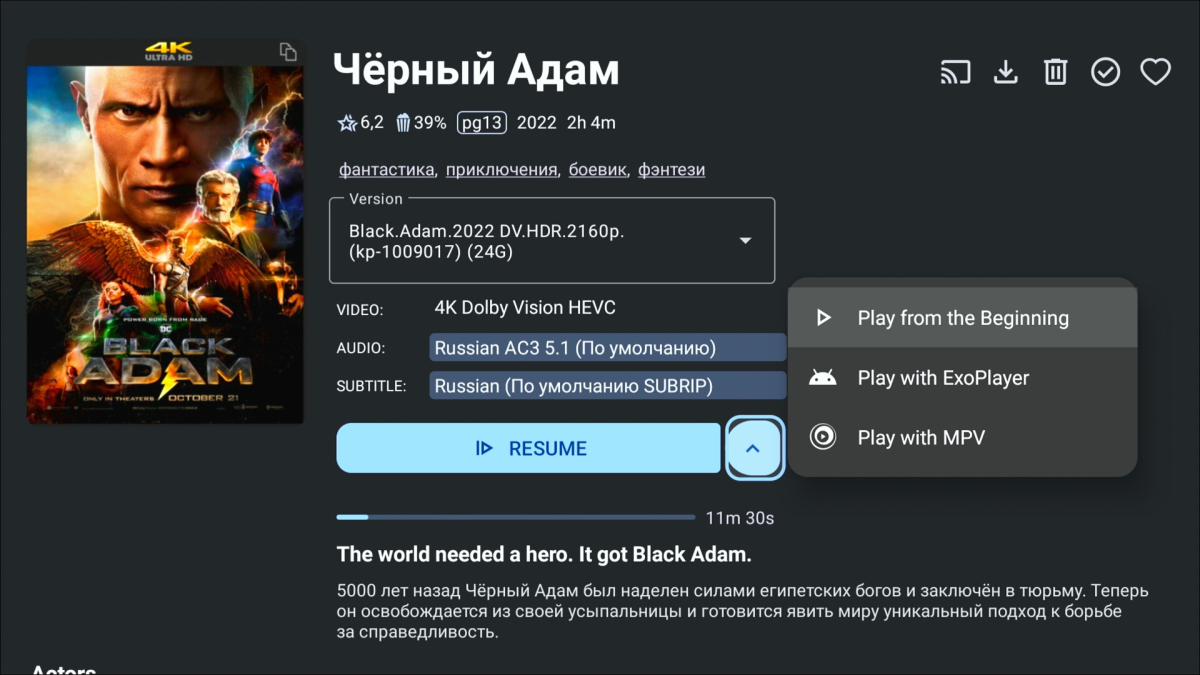
You are transferring us from the ATV app to the mobile one. Well, embed an external player nearby. There is a third-party developer of Yamby and all this is implemented there, which prevents you from doing this. And yes, not a few people use the external player.
 1 point
 -
@yockerMy apologies for not saying thanks for going this extra measure, VERY much appreciated.1 point
-
Schau mal bei Emby Server -> Geplante Aufgaben. Dort finndest du auf der Hälfte der Seite "Video preview thumbnail extraction"; du kannst die Aufgabe mit dem Play Button direkt neu starten oder die die Aufgabenplanung per Klick darauf anzeigen lassen/ändern.1 point
-
I also think that a split of the Studio field is appropriate, especially for TV Shows. With Andor for example, Emby gets the following information from tvdb https://thetvdb.com/series/andor Disney+, Lucasfilm, YouTube, Walt Disney Company By itself, the data seems to be fine, while on the website it looks like this: Network Disney+ YouTube Studio Lucasfilm Production Company Walt Disney Company So only Lucasfilm is the actual Studio, while additional information is scraped and re-labeled as Studio. Same goes for movies. TheMovieDb.org unfortunately doesn't use these fields, they file all their entries under "Production Companies". Here's an example from tvdb for Avatar, also with more detailed information https://thetvdb.com/movies/avatar Studio 20th Century Studios Production Company 20th Century Studios Dune Entertainment Ingenious Film Partners Lightstorm Entertainment Adding the Network and the Production Company fields would help a lot, as I have 780 Studios in my TV show section and the overview isn't helping at all. As I'm using tmdb for my movie library, it would also be great to use tvdb additionally for those three fields instead of tmdb.1 point
-
Yes i agree it looks to be on Emby. The built in icons circumvent this by having them directly inside the plugin, disadvantage is you can only use the icons supplied.1 point
-
Have you checked whether your ISP uses cgNAT (which blocks inward connections)? Paul1 point
-
I was referring to this plugin and the extra steps he took for Arch and other Linux systems that have permissions issues.1 point
-
Okay, I have done that and will report back tonight after watching something.1 point
-
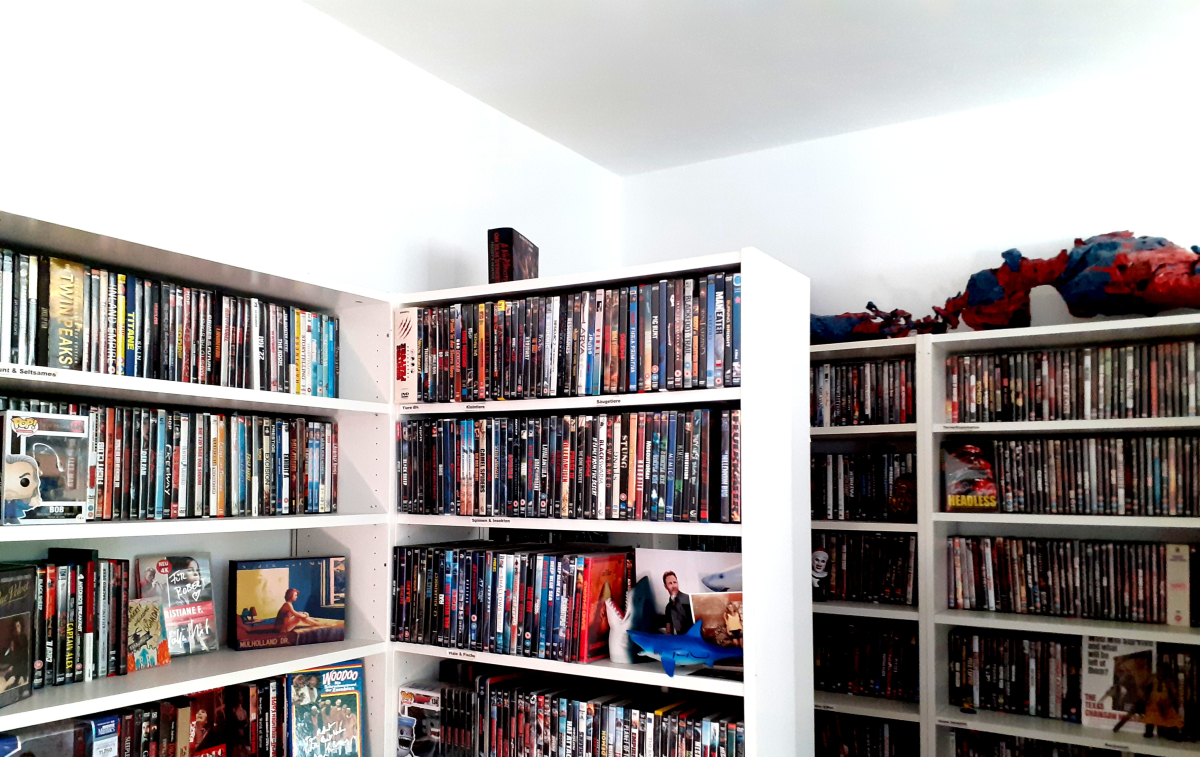
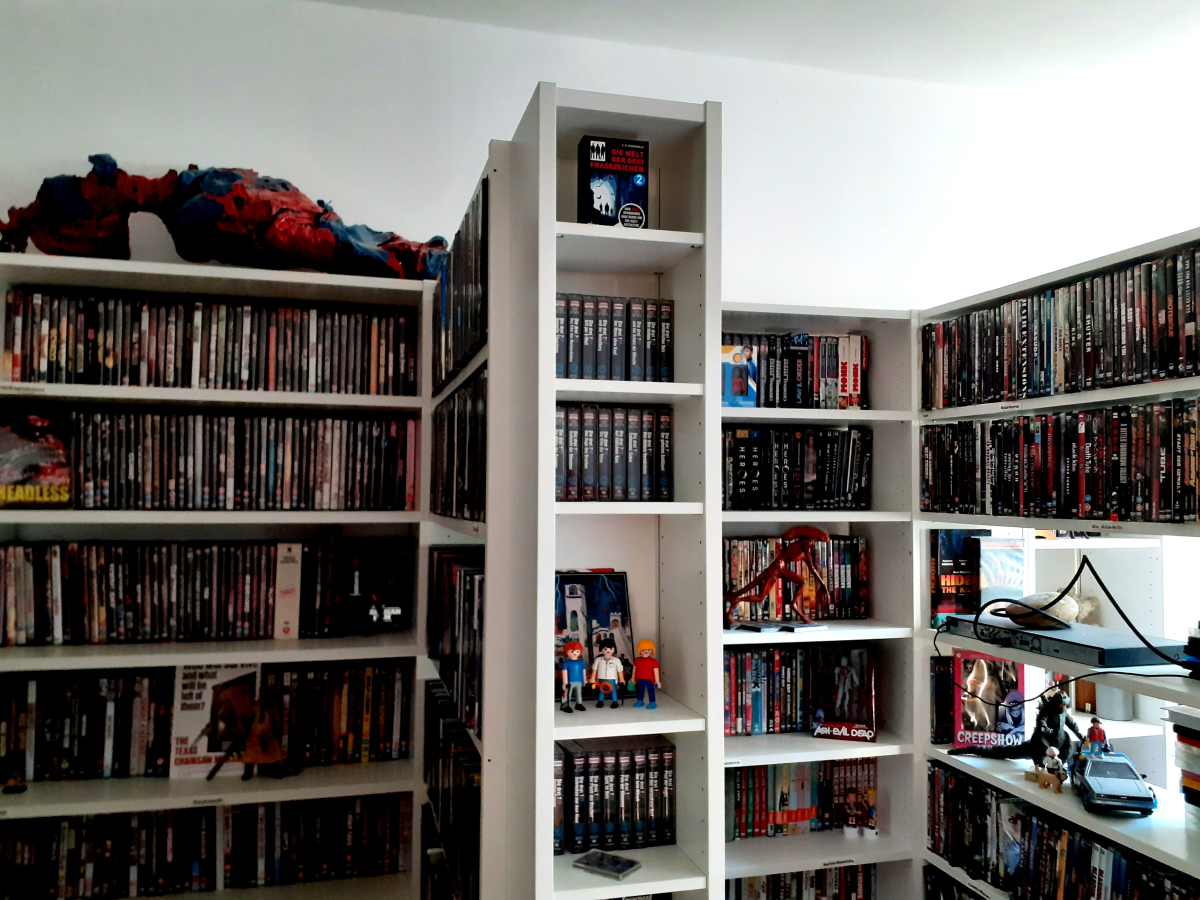
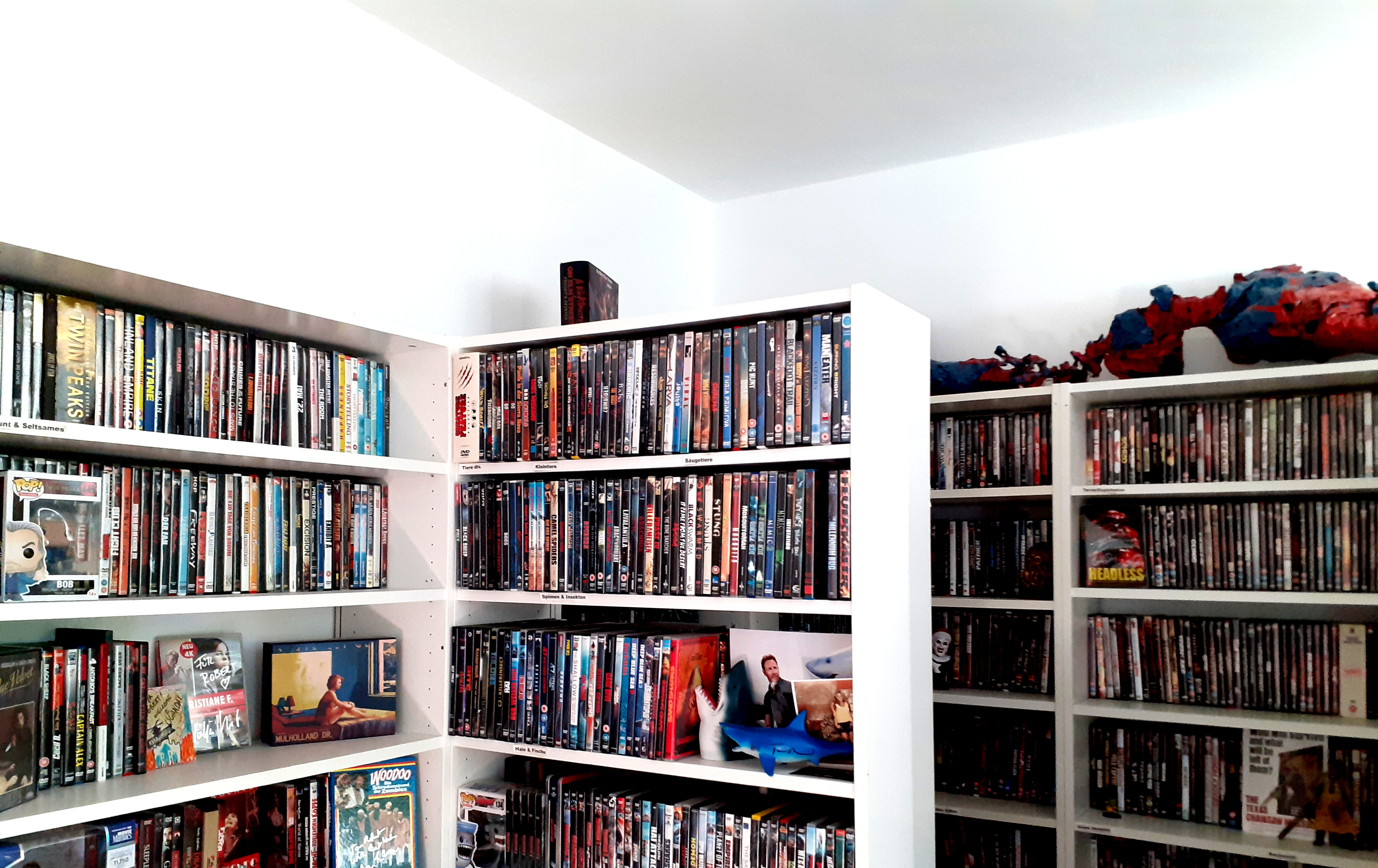
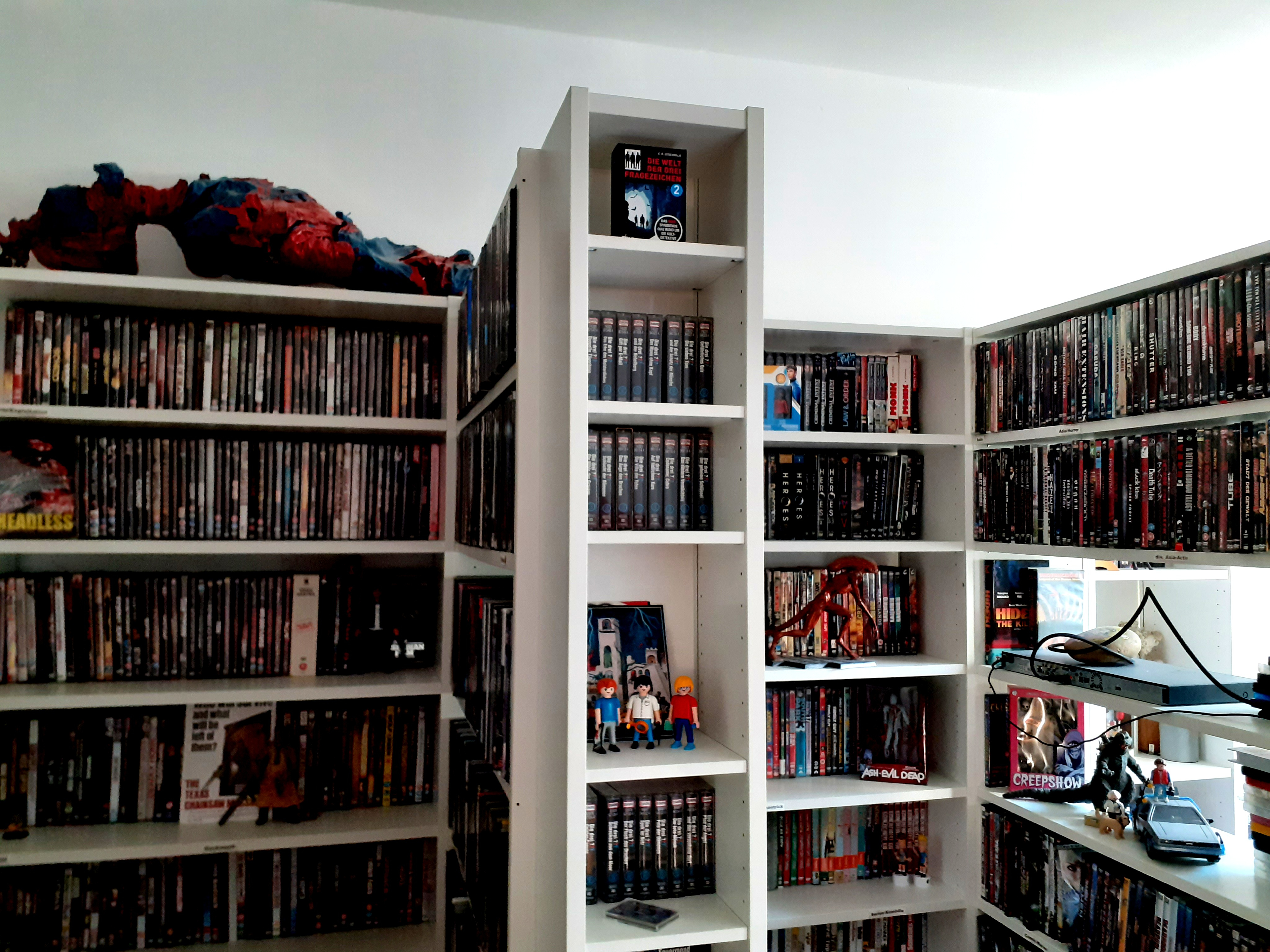
When someone tells me "physical media is dead". (And this is only half of the room.)
 1 point
 -
If the fix doesn't work I will go back to the last good one and add the new features. I'm really sorry about it as it should just f.ing work. Thank you all for the testing!!1 point
-
Thank you Luke. If there is anything I can do to help, let me know.1 point
-
And +1 Support for ReplayGain. The only reason, I am still using emby is because the organization of music by album, album artist, track artist ... is working nearly perfectly in my opinion. Plex is really awful, i don't know why everyone is praising Plex to the skies. And Jellyfin also has some flaws (but not that awful as Plex). But both, Plex and Jellyfin do support ReplayGain for a long time now. I expect there are a lot users, who are eager to get RePlayGain support, but have resigned because nothing happend in the last 8 years since the first feature request.1 point
-
Yes. Only this one has issues. The first 3 in the series had no problems and resume works in all the apps.1 point
-
I'm pretty sure that's like, your opinion. While I agree it takes away from the experience, people are free to do whatever they want. I.e.: I like to watch South Park. Uncensored. My kids like South Park because it's a cartoon, let's censor it a little bit Regardless, a consistent solution to this issue would be to have an additional audio track that contains the original audio but is censored. After Googling a bit I found a bunch of tools that claim to be able to scan audio files and censor them like Cursecut, Cleanvoice AI or maybe Bleep That Sh*t!. Feed these a separate (copy) of the original audio and let them do their work. Call it "original-censored.mp4" or whatever and feed it as a separate audio track.1 point
-
Works with either of both.1 point
-
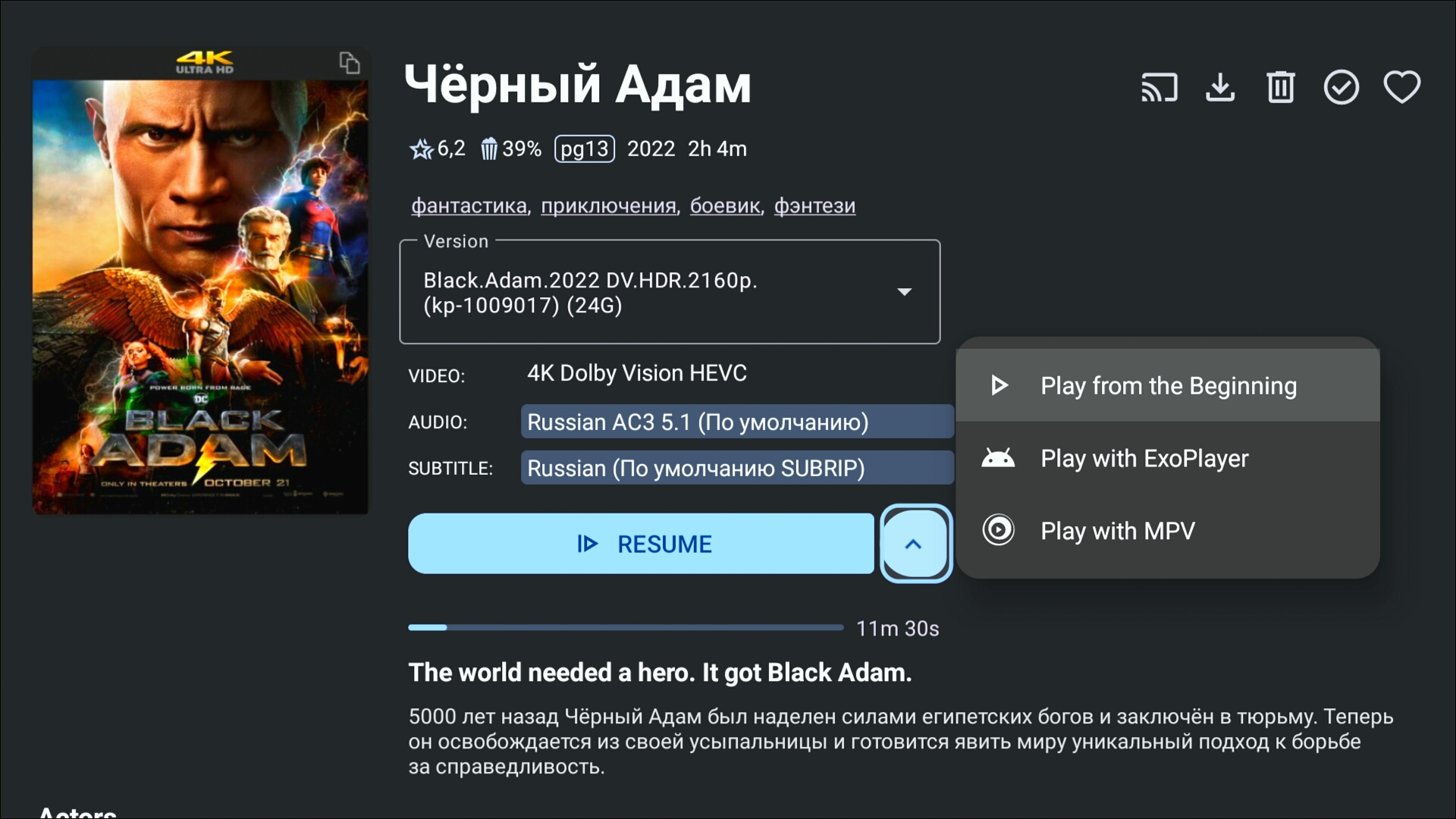
I notice there is no option for choosing external player on specific videos. Once you set the external player, all videos will opened in that player, but sometimes I only want a few videos to be played by external player. So I would say add a button, which opens the video in external player, on the movie/video page is a good idea.1 point
-
Hello guys , im using DUNE HD 4k PRO VISION which is linux based system and has android system installed on top of it. long story short i installed Emby for Android TV , the problem is the Emby Player doesnt play any HD audio codecs like DOLBY TrueHD 7.1 or DTS-HD the video would start but doesnt play and has no audio at all , just frozen. the only solution is to enable "Use External player for Videos" in the playback settings menu and would just play the movie using KODI or DUNE or VLC or any other player. my small request is : can we please add a feature in EMBY to have the Use External player for Videos on demand with each video (like right click , open in external player) in addition to keeping it in the playback settings as it currently is. thanks in advance guys , this would really be appreciated1 point
-
That would give a huge increase in user friendliness, at least for me. The need for using Kodi may then disappear. Thanks.1 point
















.thumb.jpg.ccf5fd5c50269f407148fbd429681c66.jpg)


