Leaderboard




Popular Content
Showing content with the highest reputation on 07/29/25 in Posts
-
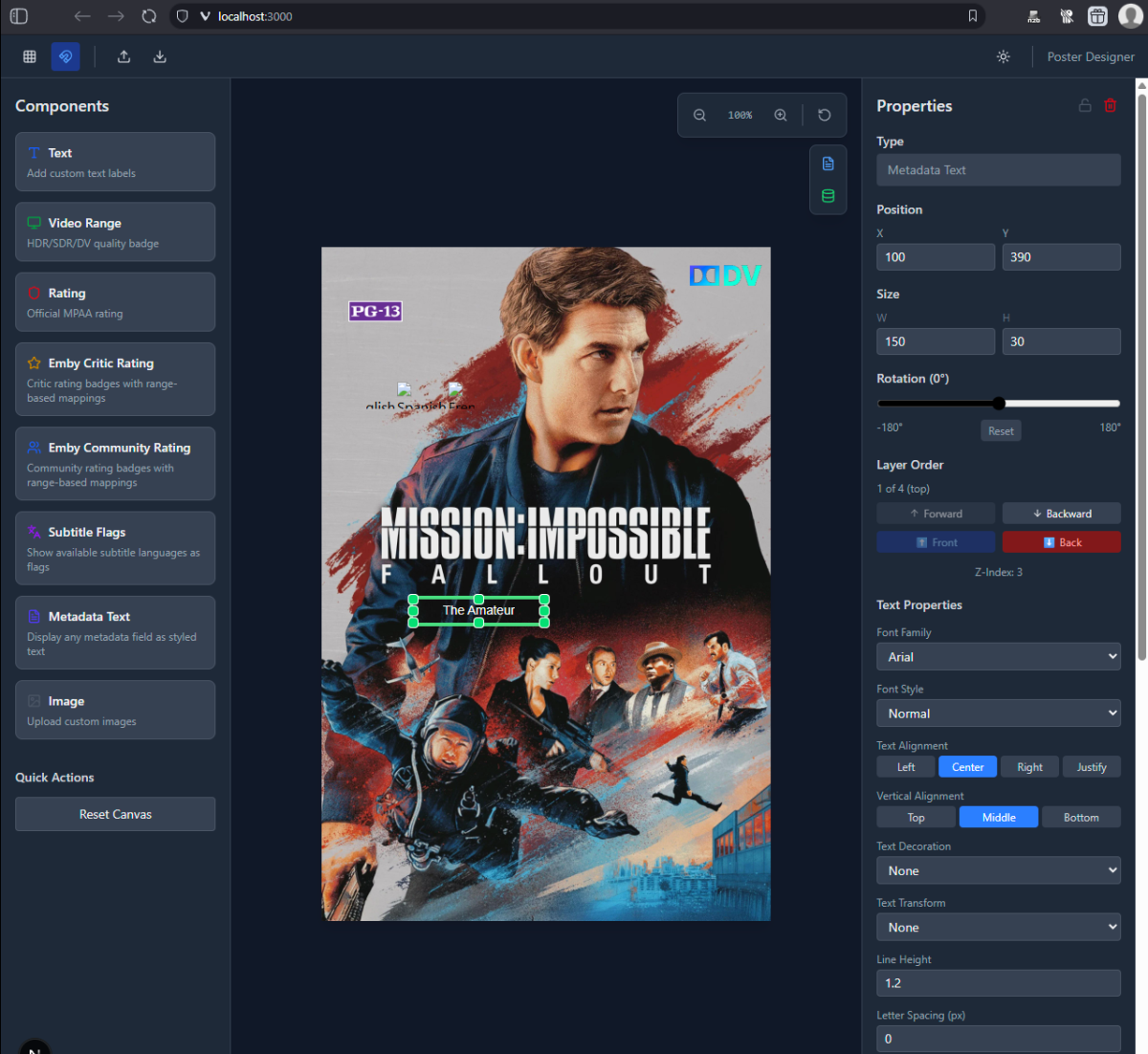
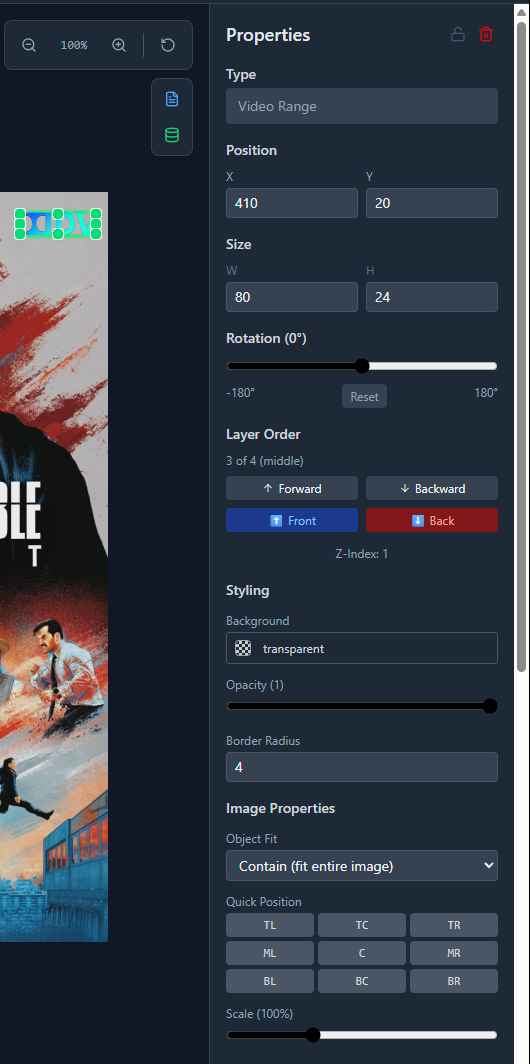
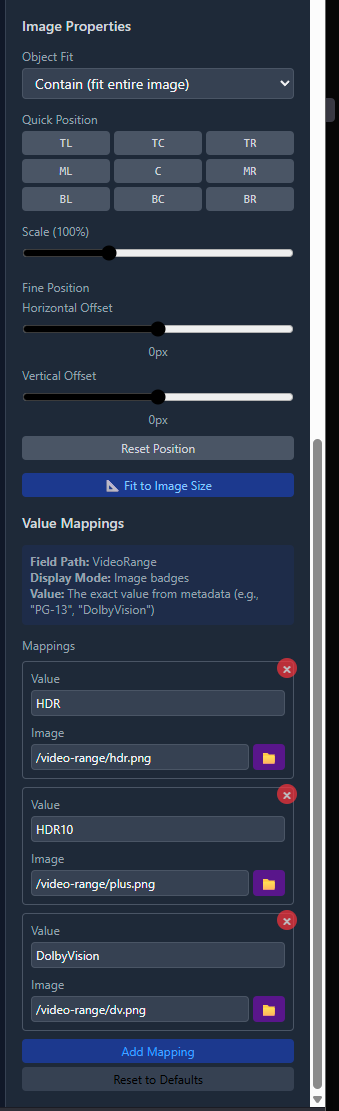
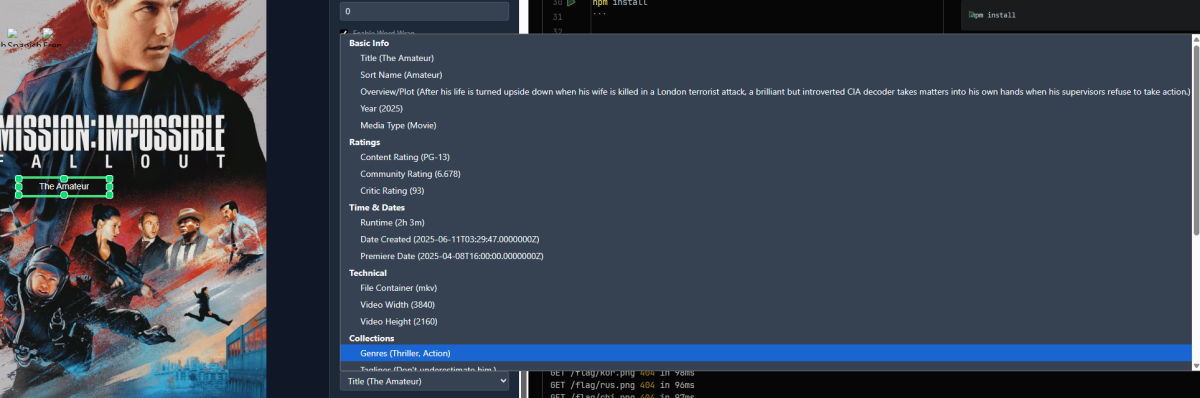
@yockerI was playing with the idea of having a standalone layout generator where you could load out using emby assets. You could create some standard things like youre doing now, and then I also added options for "metadata" fields. You could place the items where you want, and then it generates the layout positions you could then apply for all images. Ive stopped playing with it because I get bored with things after a while, but if you interested I can send it over, its a react/nextjs UI and then a small console appl with ska to create the image for testing (ideally thinking would have a plugin do it just loading the template thats created from the UI generator).
 3 points
 -
I didn't know this was an option. Just updated it smoothly. Thanks so much!2 points
-
This is good to know it was fixed in the latest 4.9 version. Thanks for that info.2 points
-
I'm a plex life time member, but I have been using Emby for over six years continuously, but there is a feature which I have always thought is missing in Emby which I would like and encourage the developer to consider including especially in this dispensation where families can social or commingle due to COVID 19. Today, I received a notification from Plex about it new feature titled Watch together you can read about it here https://support.plex.tv/articles/watch-together/ The feature allows friends and families at distance to watch same movies together instantly, you simply invite all your buddy, once they signed to the system which can be seeing in the server then play and pause as needed, this I think is cool feature should be added to emby. Let's here your though if Emby developer should consider adding this feature to our beloved Emby Media https://www.bing.com/news/search?q=Plex+Watch+Together&qpvt=plex+watch+together&FORM=EWRE1 point
-
Be able to create playlist based on a certain criteria, like genre and or year, in order to create a dynamic playlist that it refreshes automatically when new content is added. This way you can for example, create a tv comedy playlist from the 90's, or a new sci-fi Movies playlist. Some other criteria for rules could be the rating, watched/unwantched, score, tags, language, audio codec, etc The possibilities could be endless1 point
-
When setting up a new user I think it would be great if I could copy an existing user. Even better if you could copy certain aspects of a user like views , library access , parental settings1 point
-
It is really cool that Emby has the ability to support multiple versions of the same movie. It would be nice to have a setting on the client side to allow the user to set which version should be selected by default. This could be as simple a user-entered string, or it could be a list of detected strings to choose from. It could allow multiple entries and it would choose them in the order entered. On the Kodi side, it would also be nice to get the "Choose the Best Version for Me" option that the Emby app has.1 point
-
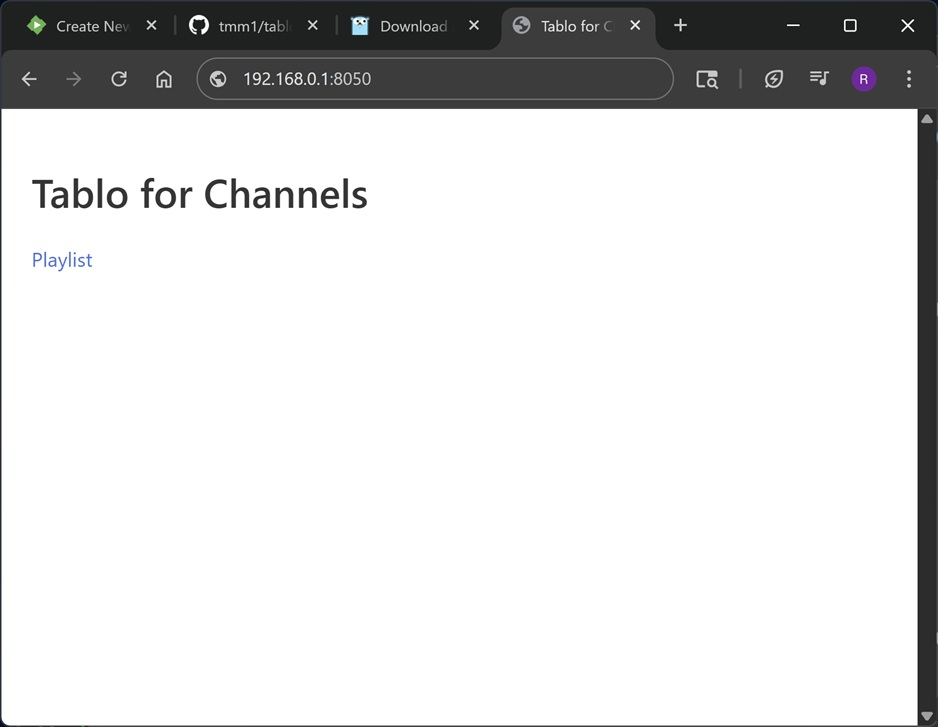
I have one of these Tablo Dual Lite OTA tuners that has great TV reception but is not supported by Emby. Recently I did some searching on the web and found this utility https://github.com/tmm1/tablo-for-channels which exposes a simple m3u playlist for the tuners on a Tablo device. My setup is Emby running on Debian Linux (Openmediavault v7.7.13) with "tablo-for-channels" runing in a docker container. FYI, this utility is only for a gen 3 or older devices. It will NOT work for the new round white Tablo gen 4 OTA devices. Steps to set up tablo-for-channels for Linux. Requires git and Go " https://go.dev/doc/install " 1. Install tablo-for-channels... $ git clone https://github.com/tmm1/tablo-for-channels $ cd tablo-for-channels $ go build 2. Setup docker container (substitue x.x.x.x with the IP address of your Tablo device in the command)... docker run -d --restart unless-stopped --name tablo-for-channels -e TABLO_IP=x.x.x.x -p 8050:80 tmm1/tablo-for-channels 3. Get the m3u playlist from the Tablo device. Either from terminal or web browser. a) From a terminal (use the IP address of your docker server) $ curl 192.168.0.1:8080/playlist.m3u #EXTINF:-1 channel-id="KEYT-HD" tvg-chno="3.1",KEYT-HD http://192.168.0.1:8080/watch/12 #EXTINF:-1 channel-id="CBS" tvg-chno="3.2",CBS http://192.168.0.1:8080/watch/13 #EXTINF:-1 channel-id="NOW" tvg-chno="3.3",NOW http://192.168.0.1:8080/watch/14 b) From a browser (use the IP address of your docker server). http://192.168.0.1:8050 you shoud see a web page like this. Then click on the Playlist link. After retrieving the playlist, import the playlist.m3u file into Emby as a new M3U TV source. These steps are also found on the website https://github.com/tmm1/tablo-for-channels Hope this is helpful.
 1 point
 -
Hi, I'm planning to set up a Marvel Universe movie collection. As you know, this involves multiple collections, so I'm thinking of creating one custom collection and tagging all the movies into that collection to keep it organized. I edited the metadata sort titles and renamed them as 01, 02, 03, etc., and when I sort by title, it works perfectly. While exploring this option, I also stumbled upon Playlists. I tried creating a playlist as well and managed to get the same great result. Both the collection and the playlist appear on my home screen. Both serve my purpose, but I'd like to hear your thoughts on whether you would choose a collection or a playlist for this kind of setup, and why1 point
-
I would like to have my tuners throughout multiple states/locations but emby automatically selects/priority of tuner is automatically chosen. In Live TV under guide/channels, one should be able to chose what tuner/all tuners from a drop down menu or similar.1 point
-
Ok. I will test tomorrow. It's midnight here.1 point
-
That's also my point. Say you want to set the default version to "Theatrical Edition", but a piece of media has a "Theatrical Ensemble", meaning the same thing, it won't be selected. Usually these platforms don't work with any alpha(numeric) but simply by "added date" or "id". Instead of a "- qFoo", I'd suggest something a little more abstract to be sure it won't influence the current versioning and can be easily maintained, also with different extensions. Preferably, if the sort order is what you're after that's a different case and might be achievable more easily technical by simply adding it to the condetion as #0, #1, etc. For example: \Movies\Top Gun (1986)\Top Gun (1986) - Theatrical Edition - 1080p [#1].mp4 \Movies\Top Gun (1986)\Top Gun (1986) - Extended Edition - 1080p [#3].mp4 \Movies\Top Gun (1986)\Top Gun (1986) - Theatrical Edition - 4K [#0].mp4 \Movies\Top Gun (1986)\Top Gun (1986) - Extended Edition - 4K [#2].mp4 \Movies\Top Gun (1986)\Top Gun (1986) - Webrip [#4].mkv \Movies\Top Gun (1986)\Top Gun (1986) [#5].mkv So that the version dropdown becomes: Theatrical Edition - 4K Theatrical Edition - 1080p Extended Edition - 4K Extended Edition - 1080p Webrip #5? This way you cant add a "default", but affect the default version, regardless of cut/version/release/whatever. But the catch is there "must" be a version or at least something shown in the version dropdown.1 point
-
Dont know yet but if you look at https://acdb.tv its 2-5 per month for a max of 120 collections, so thats 60 per year and you need to manage outside of emby. Im probably thinking 2-3 per month all in emby with unlimited collections and then a discounted yearly plan ex 20, but mine will be per emby server (most people dont have more than 1). I also dont have the overhead of having to manage web infrastructure. I also have the exact same plugin but using Trakt lists, so I can probably do some kind of bundle pricing just need to check out what I need to do for that in the payment/licensing system, but thats all non plugin related.1 point
-
I had purchased them over 1h before, but seems it wasn't enough. (well, I had purchased it YEARS ago - about 10... but I didn't know if it was still good so I purchased it again as it's worth it) Looks like it's working now!1 point
-
A modded version of Estuary that uses nodes to populate the widgets. You are correct, the music videos are showing up in Estuary. I will investigate. My apologies for wasting your time. Thanks.1 point
-
What is this? What is it for, what are its specs? Immediately it makes me suspicious.1 point
-
@WingDogyou're making a lot of assumptions about what should work, but the fact is that something isn't working and we need to test these things via trial and error. Unless your server is underpowered or overloaded, I'm still certain from your feedback that you have a network or a TV issue. Do you have one or two Samsung TV's with this model number? UE50AU7002UXRU - In the log it looks like there are two. Do they both have this issue? Did you check and try this? Yesterday you provided this logfile and said Aladdin used to work and now it's not, but do you realise that it was not DirectPlay?1 point
-
Are you sure? That's a monstrous bitrate. If anyone else on your network does anything at all, I'm pretty sure both of you will instantly experience lag. Did you setup your Emby app to use the local ip-adress of your server or do you connect via a domain name / remote ip-address?1 point
-
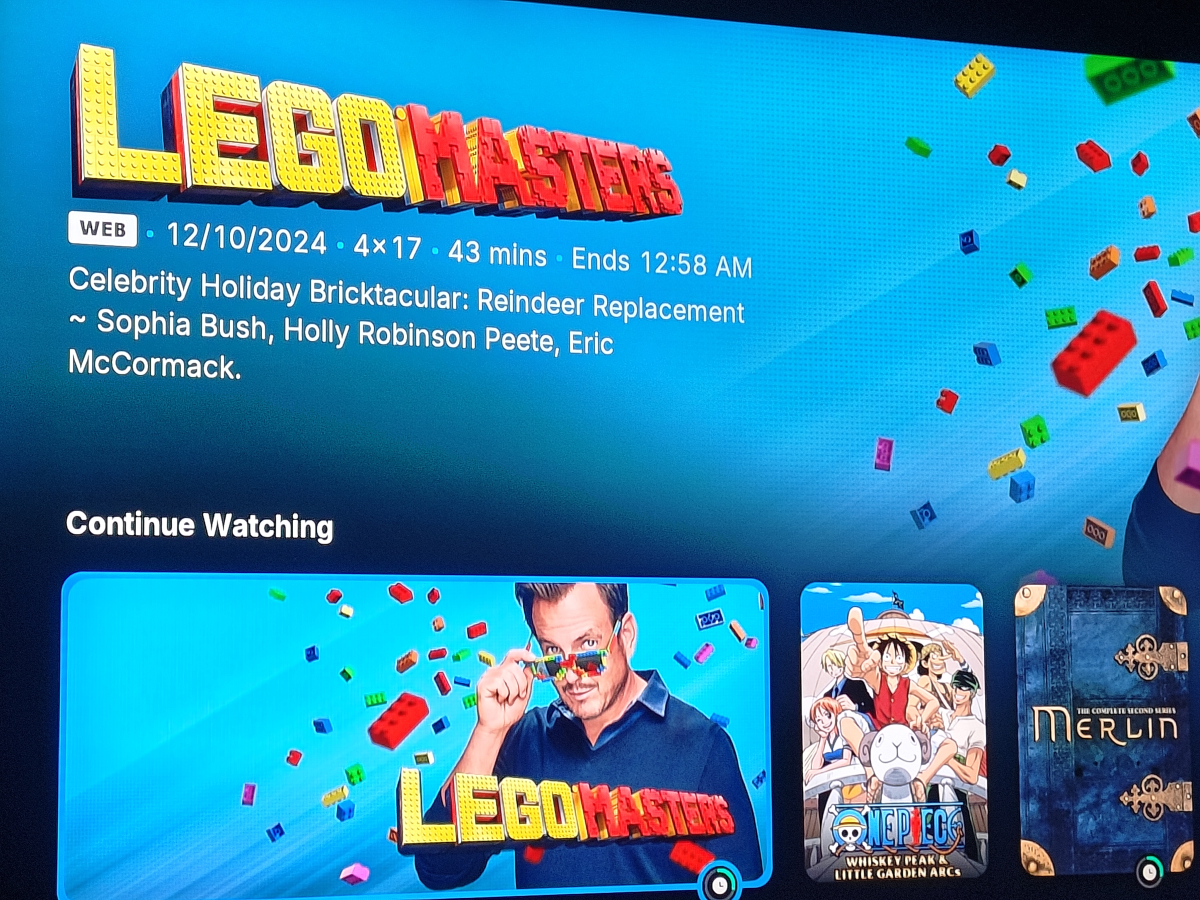
I'm using Emby continue last played (mixed content) for the continue watching widget
 1 point
 -
According to your screenshot, you have a Samsung model https://www.samsung.com/ph/tvs/uhd-4k-tv/au7002-50-inch-uhd-4k-smart-tv-ua50au7002gxxp It should have a LAN port. So, you can check if using the cable you will have the same problem.1 point
-
I think you should understand that the purpose of this forum is to find a solution together. We're trying to see what the possibilities are for your technical problem. I'm sorry if we can't figure it out right away; apparently, it's not easy in your case. Please note that my only purpose in responding to your messages was to try to help you. And the other members do the same. My suggestion in the last post was to connect your tv by the LAN cable to avoid use the Wifi. It can be a step to check if the problem comes from the network. So, your tv does not have any LAN port?1 point
-
Hi, I did it, now I'm waiting for reply, hope it get sorted out.1 point
-
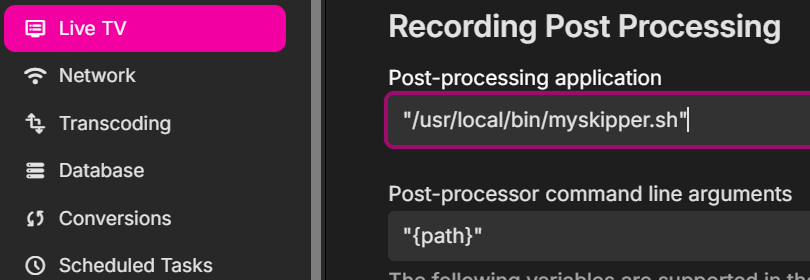
Try creating a .sh file that contains the following: #!/bin/bash LD_LIBRARY_PATH='' "/usr/local/bin/comskip" --ini=”/etc/comskip.ini” “$1” Make it executable and in a directory that emby can access. Say : "/usr/local/bin/myskipper.sh" Then call it in emby like this:
 1 point
 -
Not sure what's taking Synology so long to review. Release came out in March1 point
-
we have submitted it to them so we are just waiting for it to get through Synology review.1 point
-
Hello, I have an additional update! I had to restart my server a couple times since the last update I gave you, I would go into the Emby server in my web browser, turn the server off using the button in the "manage server" page, I would restart my windows 10 server, and I would get the same problem, the first instance I deleted the library.db file and restored from a previous backup which got the server working normally again. The second time I got the same problem again after restarting server, this time I checked task manager and found 2 instances of "Emby server" running, I ended one of the 2 instances in task manager, as soon as I did this the errors went away and I could mark videos played with out issue. I then remembered that I had added Emby Server to "shell:startup" as well as having the "launch on startup" ticked in Emby server itself, I've removed Emby Server from "Shell:startup". I suspect this should fix this issue completely now.1 point
-
That's what I mean about building our own file system layer. But that is windows specific and we have a lot of platforms to support. That's where the dotnet runtime helps us because we tell it to copy a file and it uses the appropriate windows, linux, mac, android, bsd method, etc.1 point
-
Ah that explains it, i have misunderstood you all this time, i apologize!! It isn't meant to show on the season posters, i never personally thought it made much sense and only made it use more CPU so i never added that. If it ever showed on the season posters it would have been a bug. I can very much see how it would seem like the plugin supports it though and that fully's my fault, i will change this bit to say only series. If people want it shown on the season posters as well i can look into adding that. I just fear it will make the plugin very CPU intensive as the "special source" in this plugin is the series aggregation and that is already a somewhat heavy process, it would have to run for every season or i would have to make big changes to it.1 point
-
Really considering giving JellyFin a go given all the advantages Emby supposedly had over Plex when I first set my server up have disappeared. It's no longer open source. There's no longer thriving third party development, and indeed they're basically running plugin devs out of town now...still waiting for the intro skip features to reach parity with the plugin that got booted years ago. Devs are no longer responsive—when ebr was doing the ATV app features and fixes went in within days. There are issues that have been outstanding with the standard app for years. I've also encountered a server-breaking bug that the devs have been completely ignoring for two months now. Playback failed for me last night and still no response to that thread in over 12 hours. That would never have happened a few years ago. It's also increasingly obvious that this is Luke's pet project and the only thing that matters is his preference, which is why the Android app is being redesigned to look and feel like an Apple app. I long ago stopped recommending Emby to others and I'm now actively looking to replace it. I really want the missing half of my library back.1 point
-
After downgrading from Sequoia to Big Sur - the drobo was still not letting me write to it. So, I decided to go back to the older iMac server, running Catalina. No more SQL errors! Whew..! Unfortunately, the Drobo is no longer writable - DAMN Hindsight tells me I should have never attempted the migration - the Drobo is now only readable. Period. There's nothing I can do about it. Well, I will figure something out. I have to.. now. Anyway, I said I would get back to you. Emby problem SOLVED (at least).1 point
-
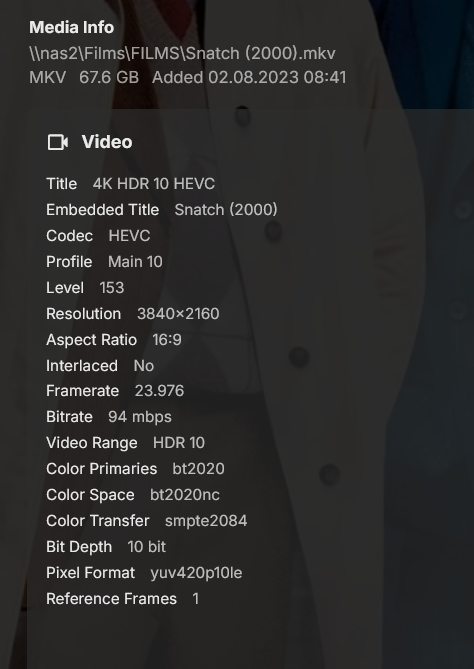
just a note - I watched this movie without any issue a month ago
 0 points