Leaderboard




Popular Content
Showing content with the highest reputation on 05/17/25 in Posts
-
I am VERY ok for this.2 points
-
I get what you're saying but I feel like in this particular case, while scrolling the guide, the channel +/- buttons are acting more like a page up/down function. So in that sense it's more intuitive for page down to scroll down and vice versa. The way it works now it feels like pushing the down button and the guide scrolling up. The way I described it working before has always been that way with the Android TV version of Emby app, so when switching to the standard Android app, for use on a TV, this feels like a step backwards. Also I believe other live TV streaming apps have similar behavior in the guide (channel up = page up, channel down = page down). Maybe it can be a setting so users can choose the behavior they like?2 points
-
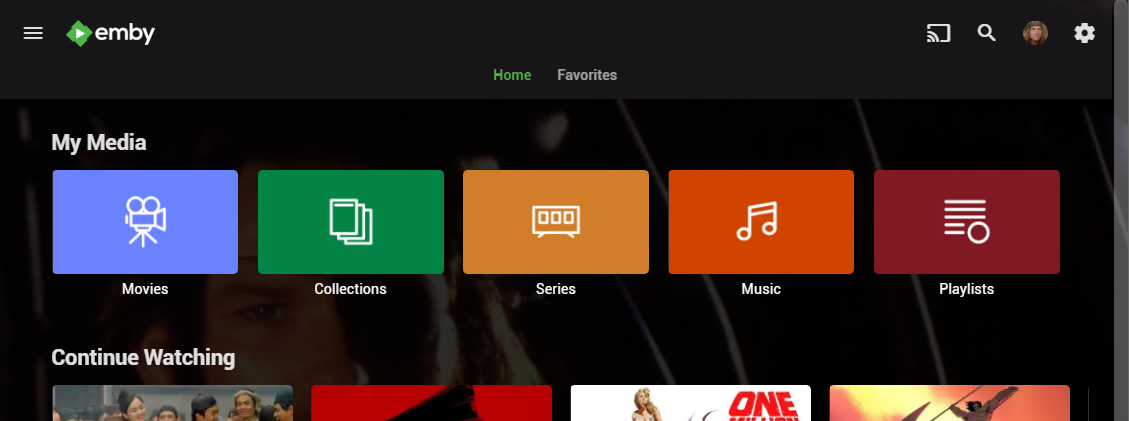
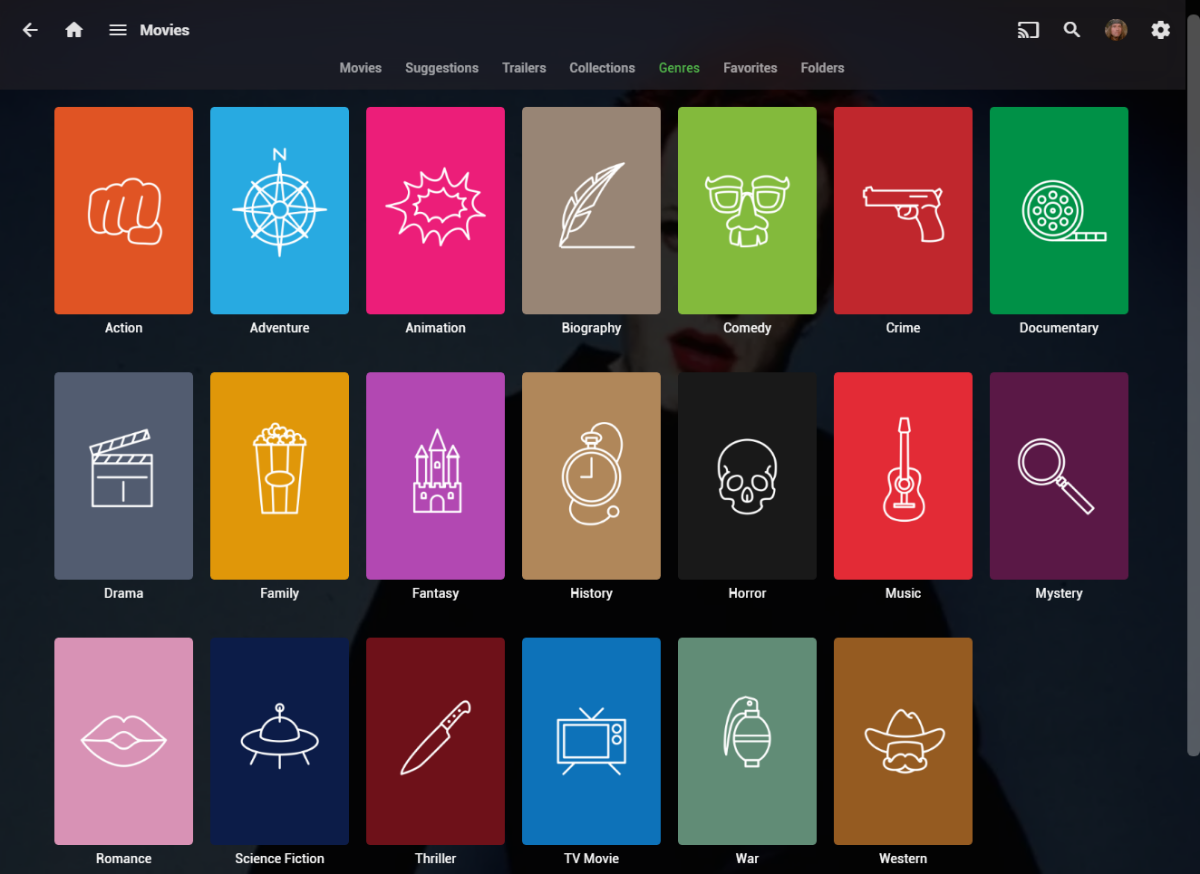
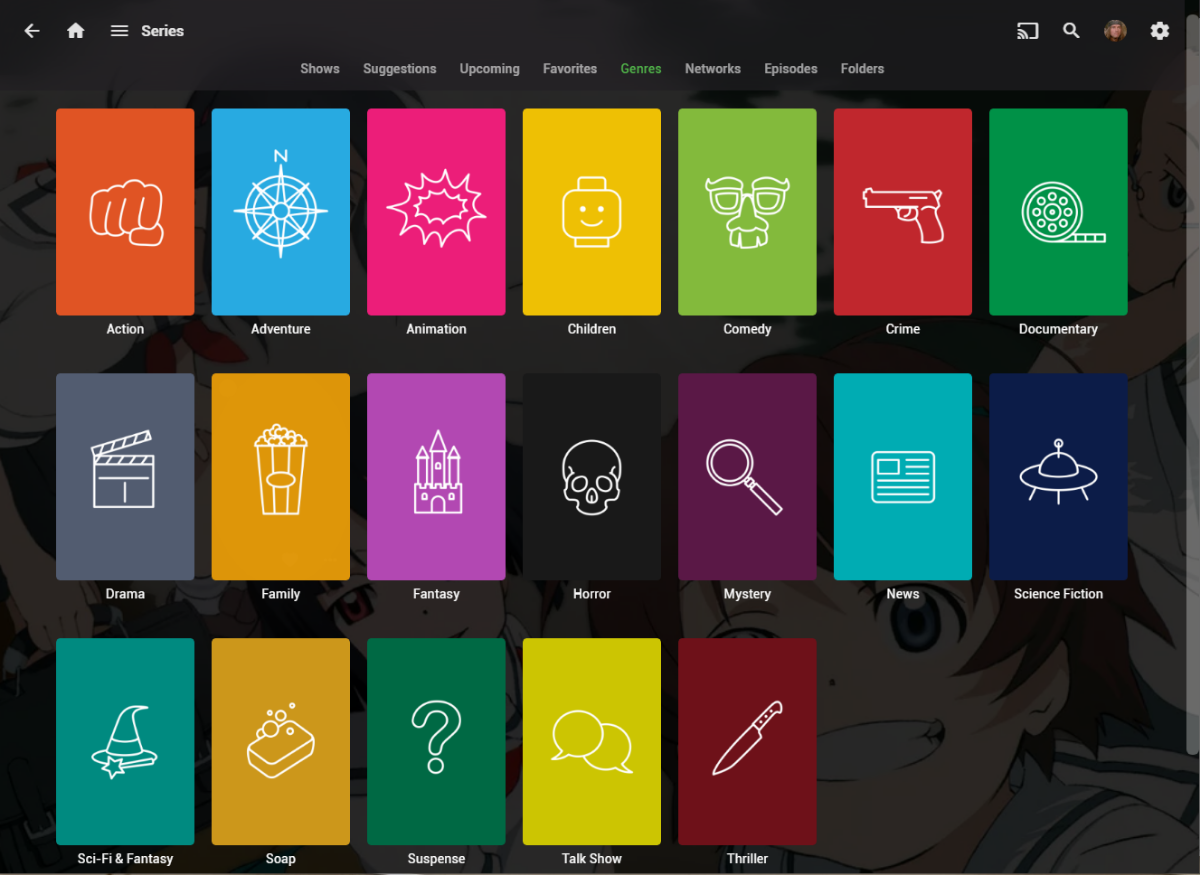
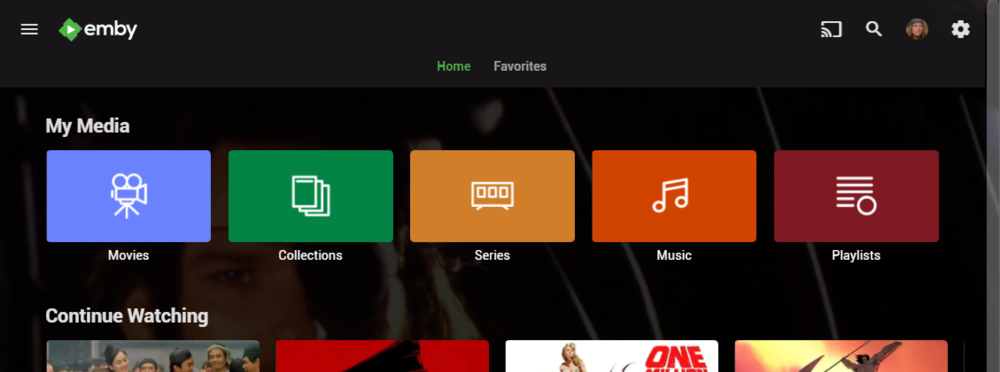
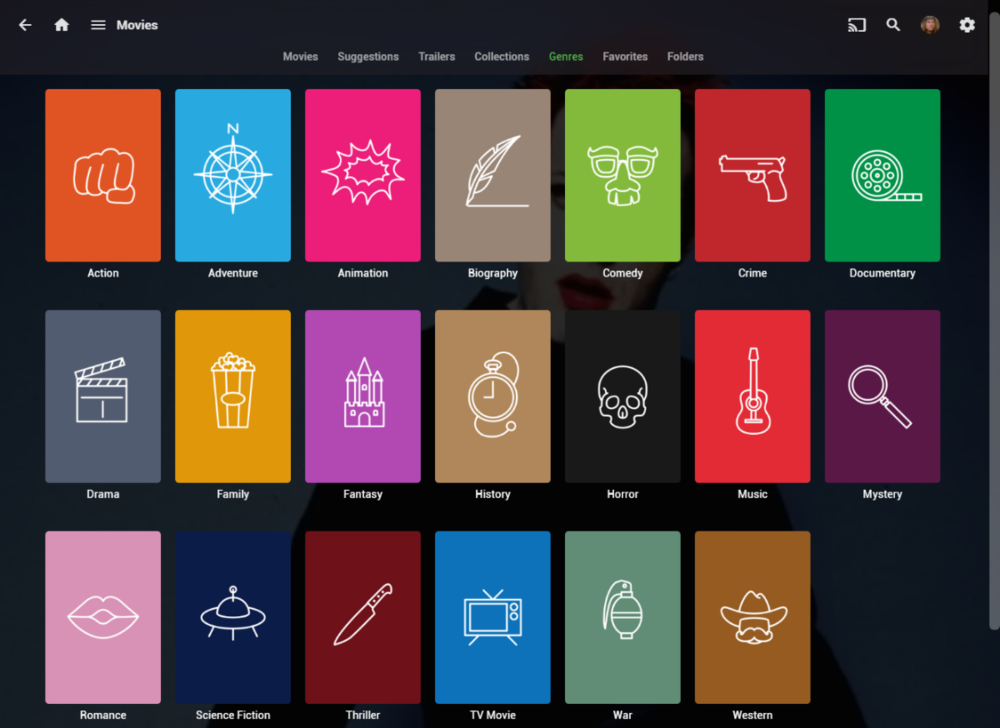
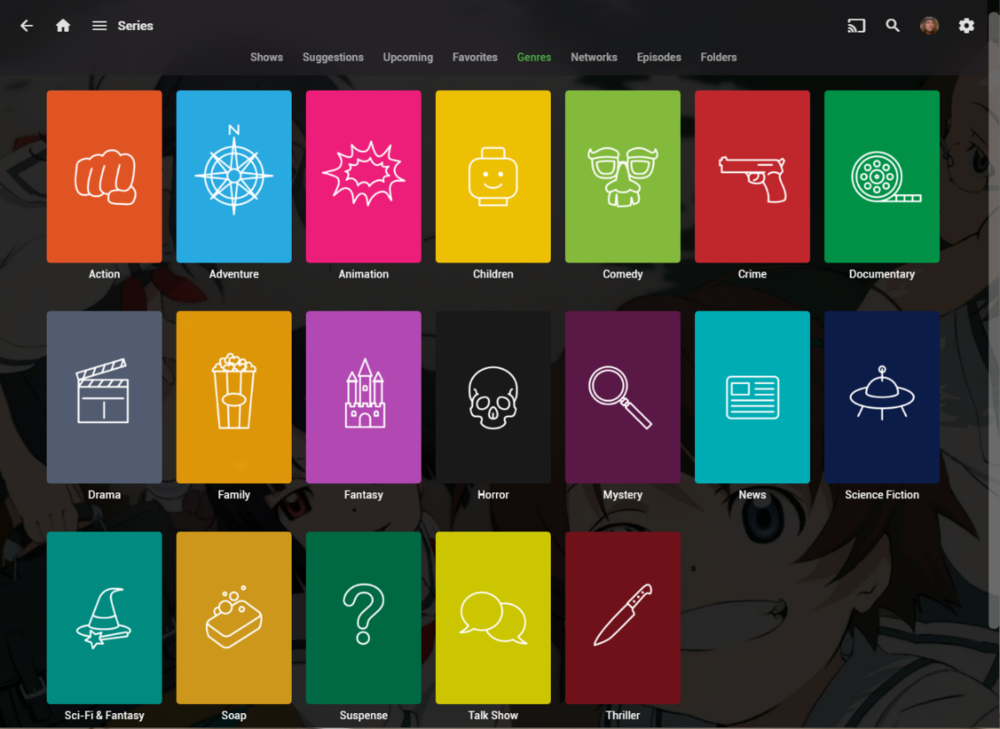
I wanted a colorful, but minimalist set of Library and Genre icons for when I'm using Emby on Roku, and something that stood out dramatically from the movie posters and thumbs. Here's what I did for the My Media set. Here's my Movie Genres: And the Series Genres RAR file attached with the full set as PNGs, and there is some in the archive not shown above (like Sports and Adult). Enjoy! -Mickey EmbyIcons_v4.rar
 1 point
 -
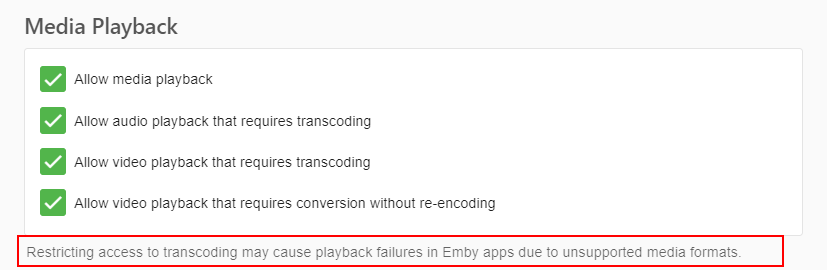
This plugin will detect if users are transcoding and if they are send a custom message to that user. The custom message can be changed in the settings as well as how many times the message should be sendt and what users should not receive any. This was made to help admins that has users that needlessly transcode so they can automatically inform the users to increase the quality of the video. It can be found at the following Github: yocksers/TranscodeNotifier: Sends a custom message to users that transcode. As always.. Do with it what you will, change it in any way you want but keep it open source!1 point
-
Hi, yes it's a good idea and something we'd like to do in the future. Thanks.1 point
-
Fingers crossed1 point
-
Oh, I solved it. I am so sorry, I made a mistake. I didn't turn the APP into the Applications. That's why it didn't work. Thank you so much.1 point
-
Hi, we are looking into this. Thanks.1 point
-
We need to add an option to refresh these into the refresh metadata dialog.1 point
-
I would if they had reasonable rates or a lifetime payment option. I've spoken to them about it. I would gladly pay a lifetime pass if they offered one, or a reasonable monthly fee in $USD. As it stands, if the free version stops working, I'll figure out how to code my own version.1 point
-
Many many thanks!!1 point
-
Hi, it's come up before. It's definitely possible. Thanks.1 point
-
New version out. Added support for 2 letter language codes. Added some example icons - Shoutout to @Craggles really hope you are okay with this, otherwise i will remove them instantly and give you an apology!!1 point
-
Thank you for your suggestion regarding the HDMI monitor connection. You were absolutely correct—connecting an actual monitor resolved the issue. Interestingly, the Dummy HDMI plug did not work in my setup, likely due to driver/OS compatibility limitations (possibly related to my operating system version).1 point
-
I think you can ignore this. I believe I've tracked the problem down to a faulty network cable that was connected to a switch both of the LG TVs were connected to. It seemed to give some network connection but obviously kept dropping out/failing. I think we can call this solved.1 point
-
Yes, I reached it. It was sent to my PayPal email.1 point
-
ah right - with you. I don't have that set - because as you say, it will run it on adding a new item BUT if you add more than one, it won't run it again. As part of an import script - after adding all the items - I then kick off the schedule (mediainfo) to process them all at once. Running as a normal schedule works as well, but you obviously won't get the results until the schedule has next run. Some improvment needed on the wording here or functionally how it works - agreed .. I'll add to the list.
 1 point
 -
Agreed - there is something where we excluded 1080p I just can't remember what for lol. I just checked the code and indeed it should cater for any resolution - incl 720p. Anything below this is just tagged as SD. It just 'builds' each media item into the new title - so yes even SD HDR is technically possible haha.1 point
-
Is this true? All my 1080p files with DV/HDR are tagged correctly. I'm using MediaInfo 24.05 and mkvtoolnix 70.0.0. Video display settings are all enabled. @NormanosYeah experience the same since the Media Toolbox task is triggered by the library scan, when enabled, butit seems there is no trigger from Toolbox back to Library Scan so it can rescan the file changes. I circumvented this by setting up a scheduled task for a library scan every hour.
 1 point
 -
Hi Like all fixed. What caused the problem? Is it the app premier authentication? For me at least the electron app is still the better option.1 point
-
@Abobadershould be able to sort you out.1 point
-
Ok. So the stament above from nono56 was not correct as I thought. Thank you very much!1 point
-
after the 3rd attempt, it's working now, (even the standalone version) thanks1 point
-
OK I've added some logging for the next release that will help give us some insight. Thanks.1 point
-
Yes that is doable.1 point
-
GPU one for windows is posted here: Disk Input/Output Ops is here:1 point
-
I don't think multiple GPU's let alone GPU balancing is possible in Emby without major changes to Emby it self. Unless you want to run a huge streaming service i don't see much use for it either to be honest. It could be a fun feature to play around with though.1 point
-
This is for testing, I doubt it works for linux or mac, but data is gleemed from them, but probably formatted differently so wont get parsed correctly at the webui end. I dont have linux or mac to test on. There is a difference that windows reports, than the graphics card reports in benchmark software, and the GPU can go above 100%. According to data found on the web, this phenomena is common. v2.mp4 This is the first version for anyone who wants to alpha test it. * Added some test code for Nvidia on Linux - No idea if it works GPUUsageMonitorV2.dll
 1 point
 -
New version out. Fixed: Now works with all languages. Had forgotten to remove some old test code for language fallback in case people misnamed the icons.1 point
-
OK.. Beta is worthwhile for the quality of the trailers, because it is now really respectable. If it comes in German now, it's perfect.1 point
-
I guess it depends on whether you think of it as up or down, or back vs forwards. Normally if you’re watching a channel then pressing plus goes up in numbers.1 point
-
Any estimated time about this feature ?1 point
-
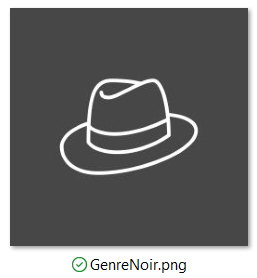
Sure! Added to the attached RAR. -M EmbyIcons_v6.6.rar
 1 point
 -
I never removed the original file btw https://dazik.com/files/Puffy_Emby-Icons.zip Been there years now1 point