Leaderboard




Popular Content
Showing content with the highest reputation on 04/06/25 in Posts
-
As one of the original testers of the most excellent tvnext created by @softworkzi can't tell you how bitterly disappointing it is that all the work that was done on it, what 4-5 years ago has STILL not been integrated in to emby yet!!! As I understood it it was possible to integrate it with a --tvnext command line switch so it could be optionally tested with minimal extra code required. Why have you let all that excellent work go to waste @Lukeyou should be ashamed. Krs Mark4 points
-
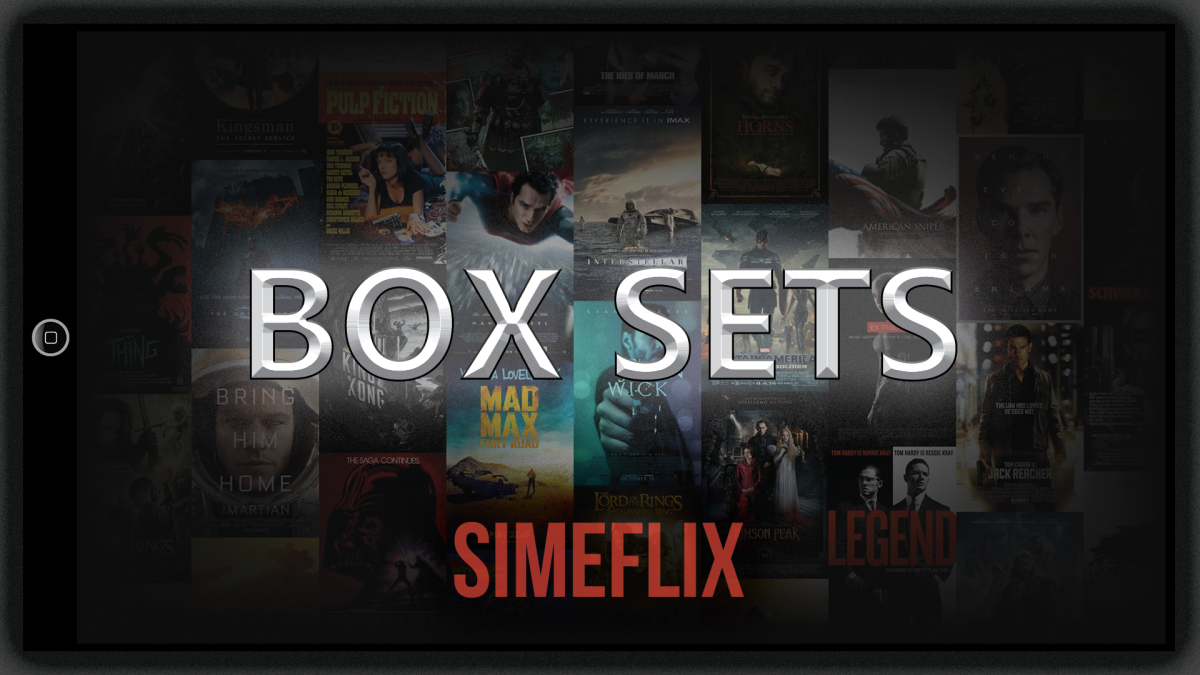
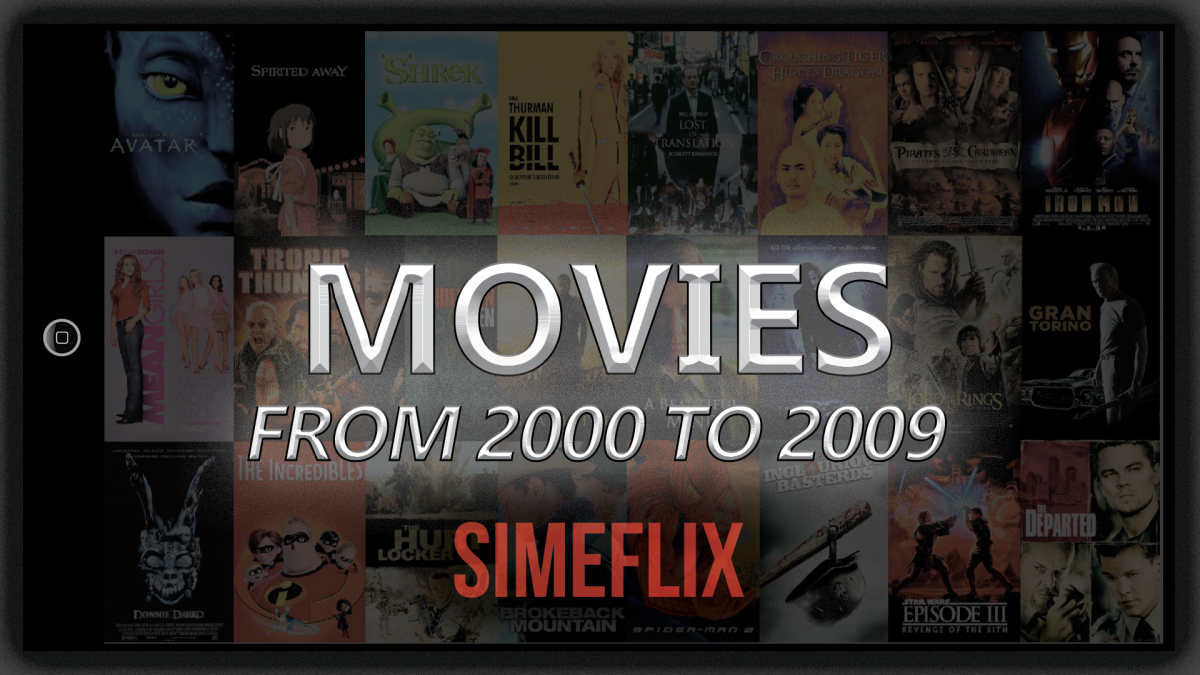
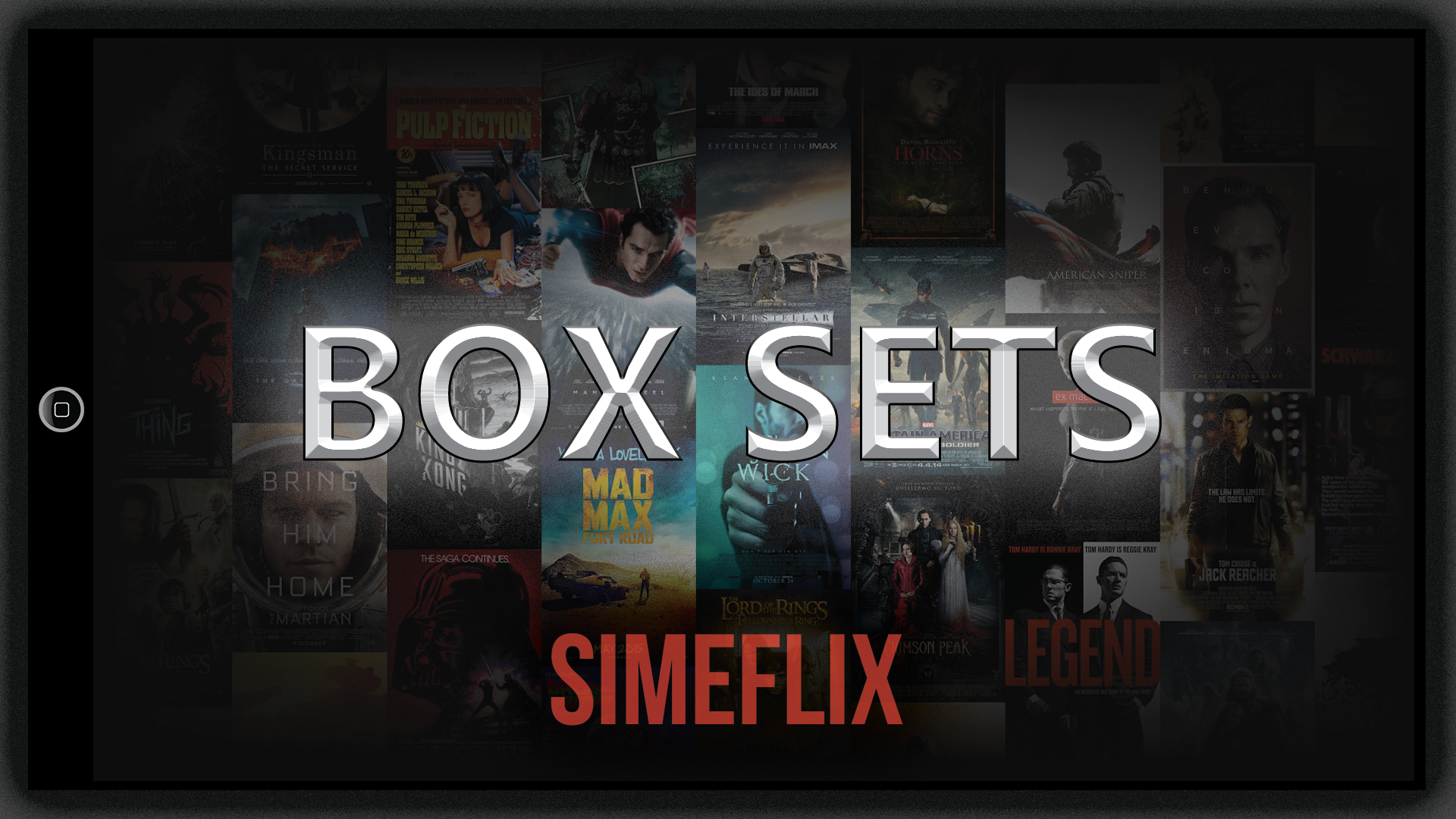
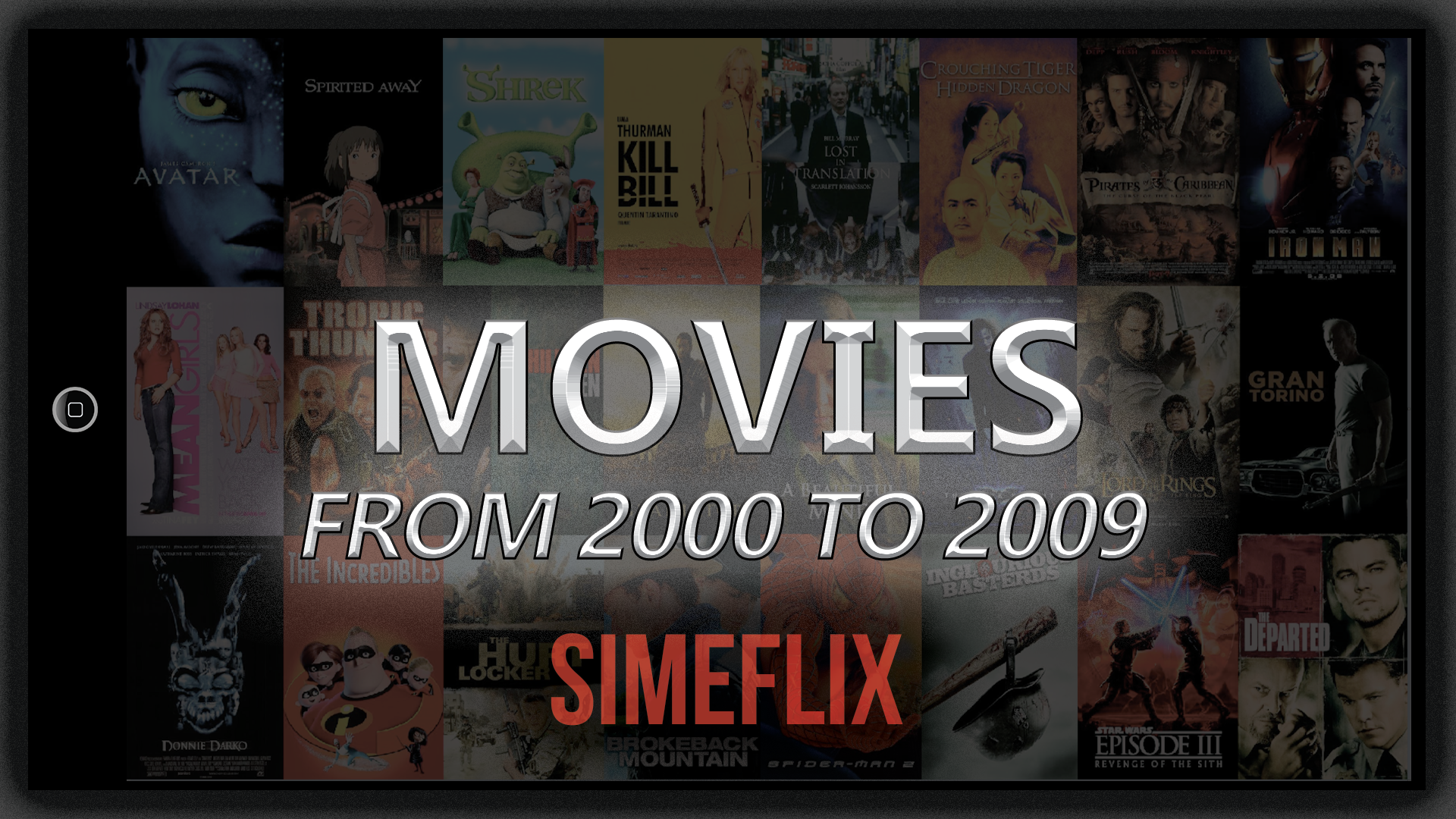
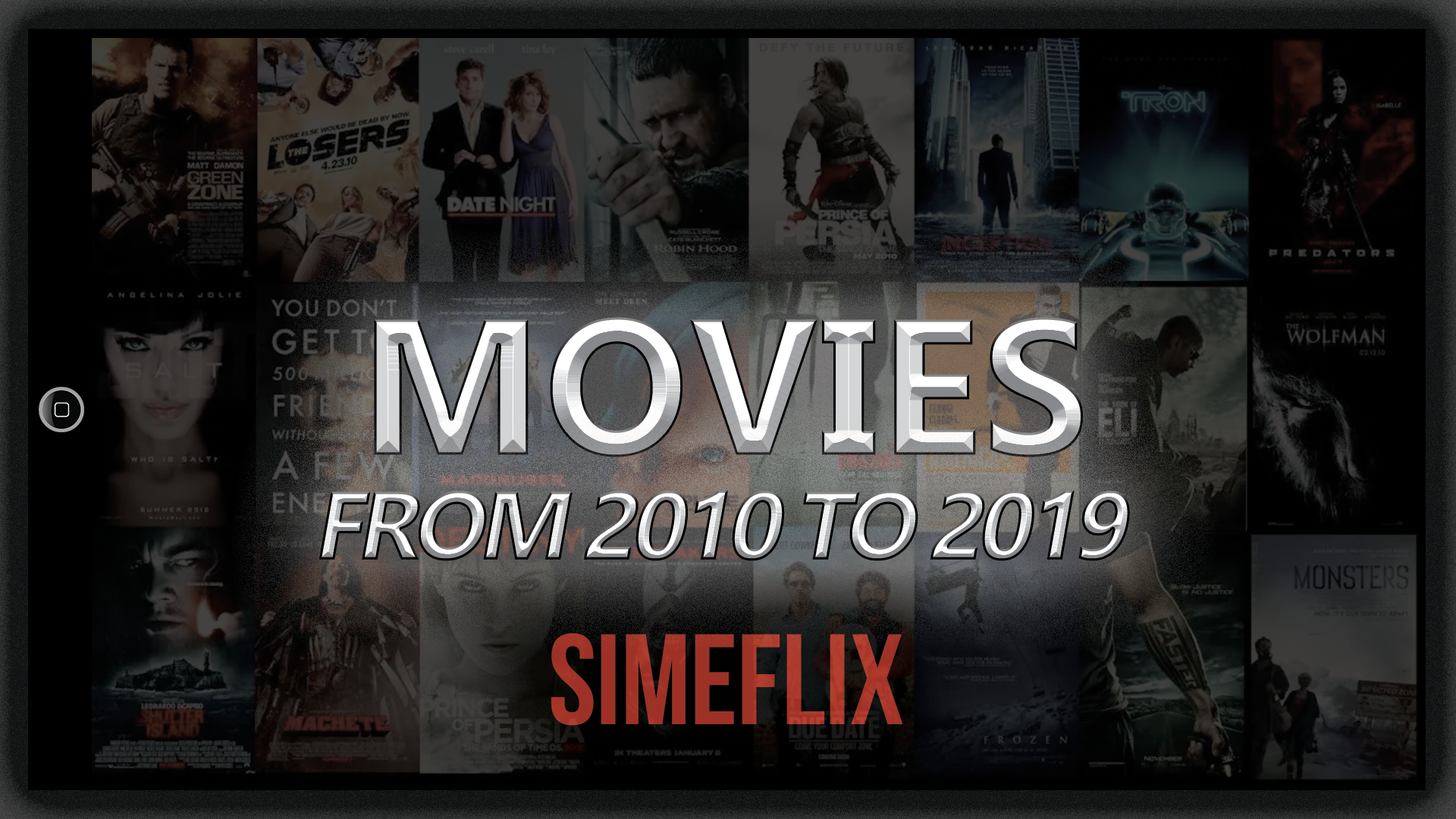
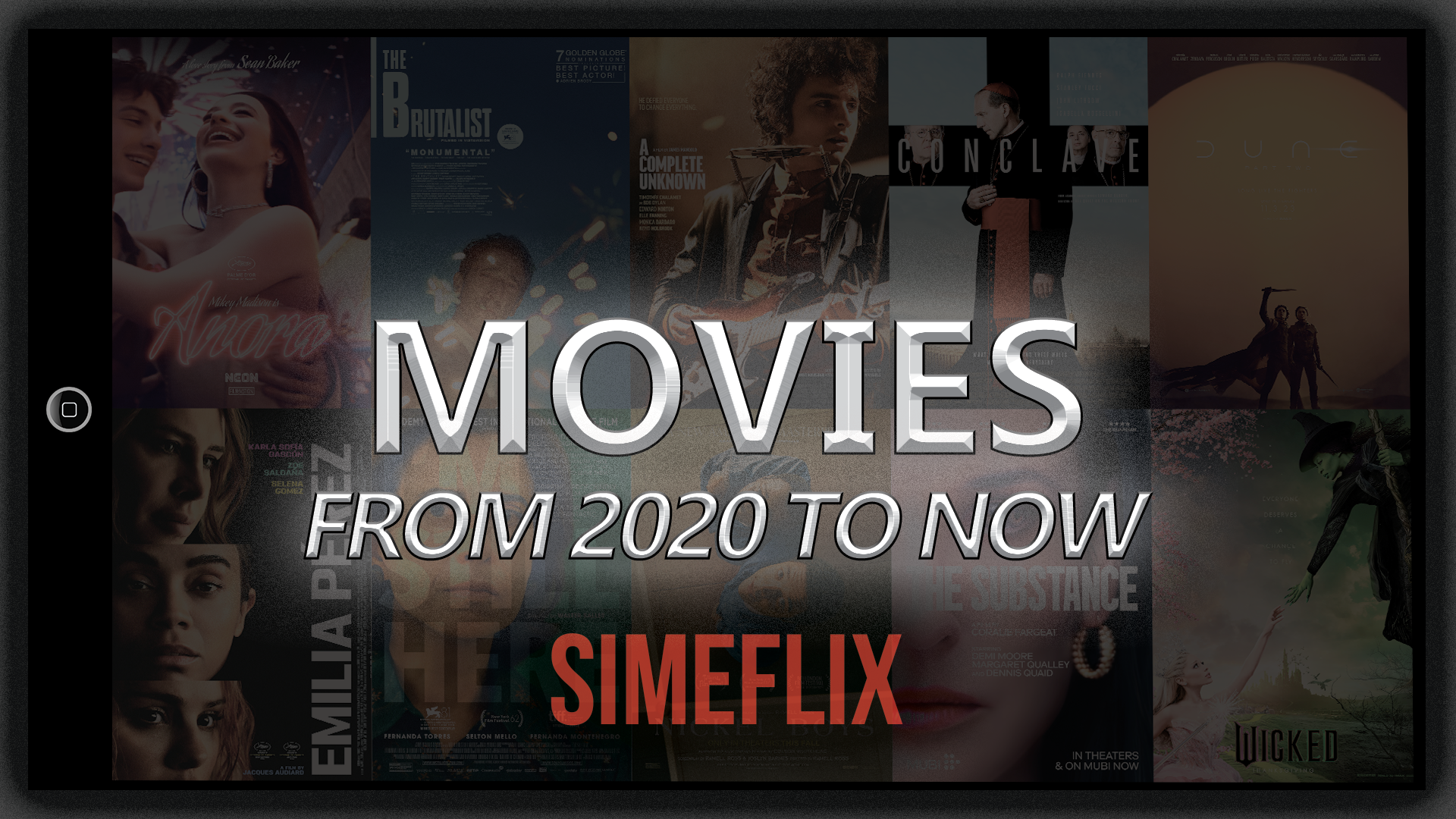
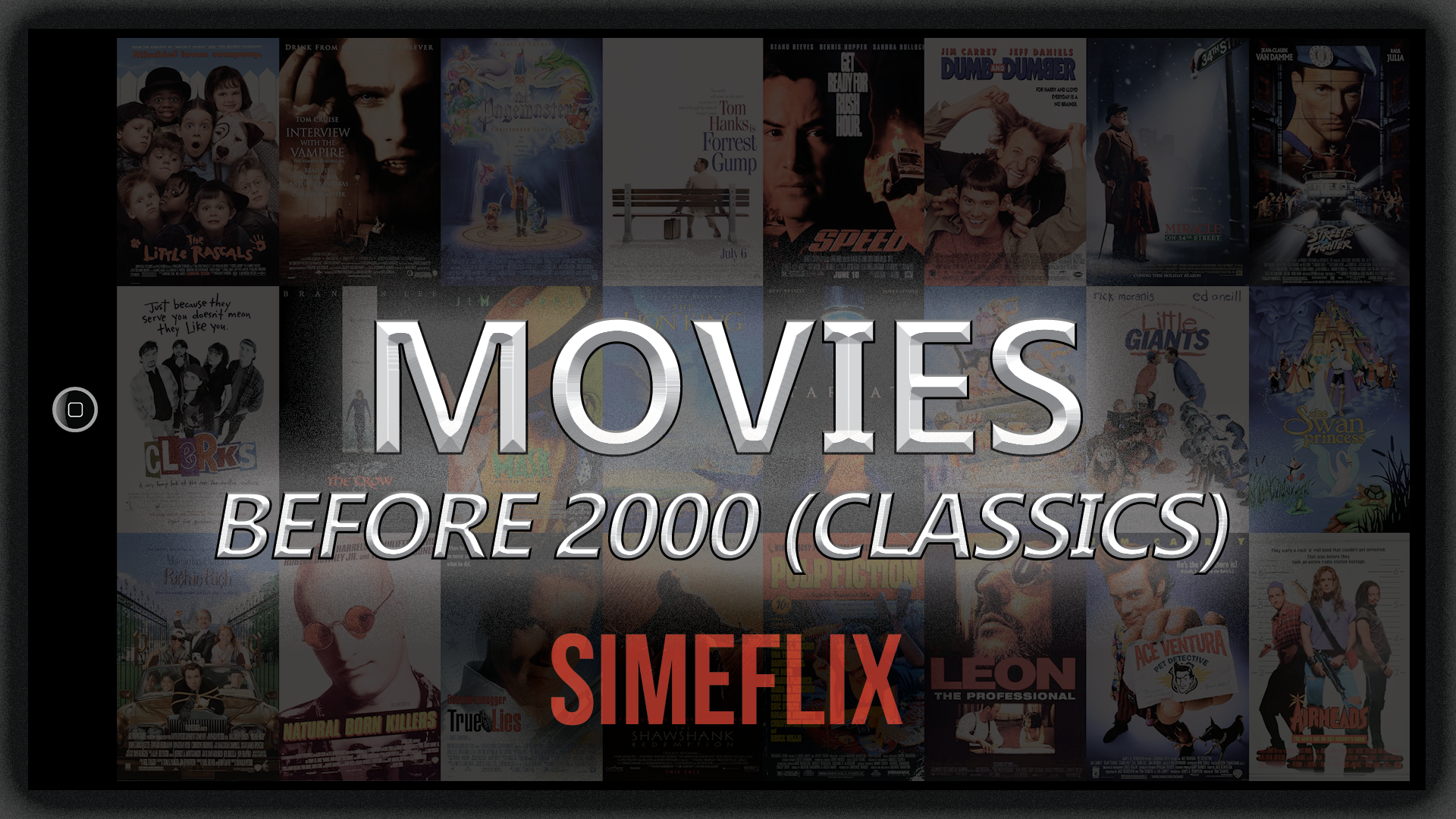
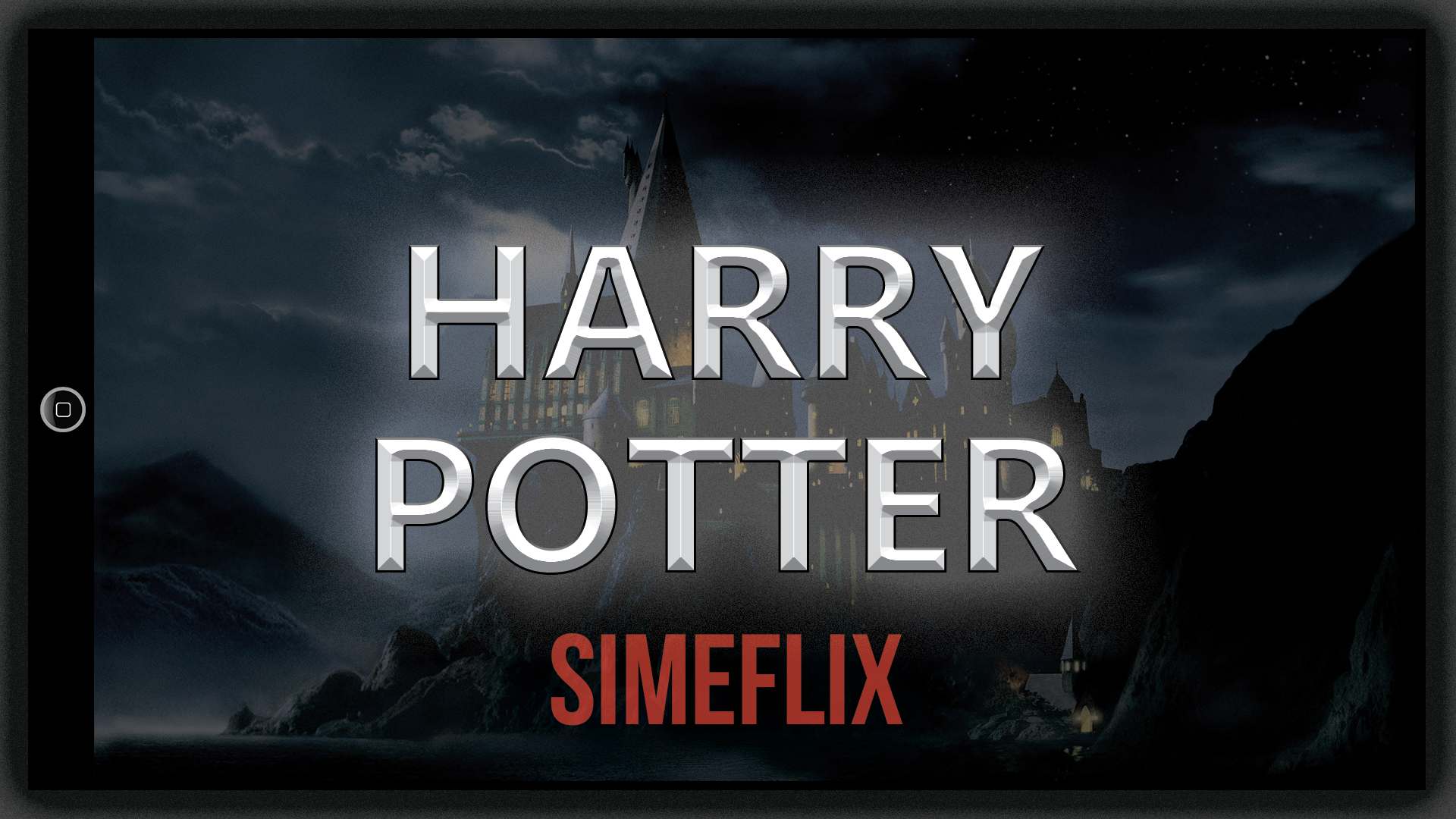
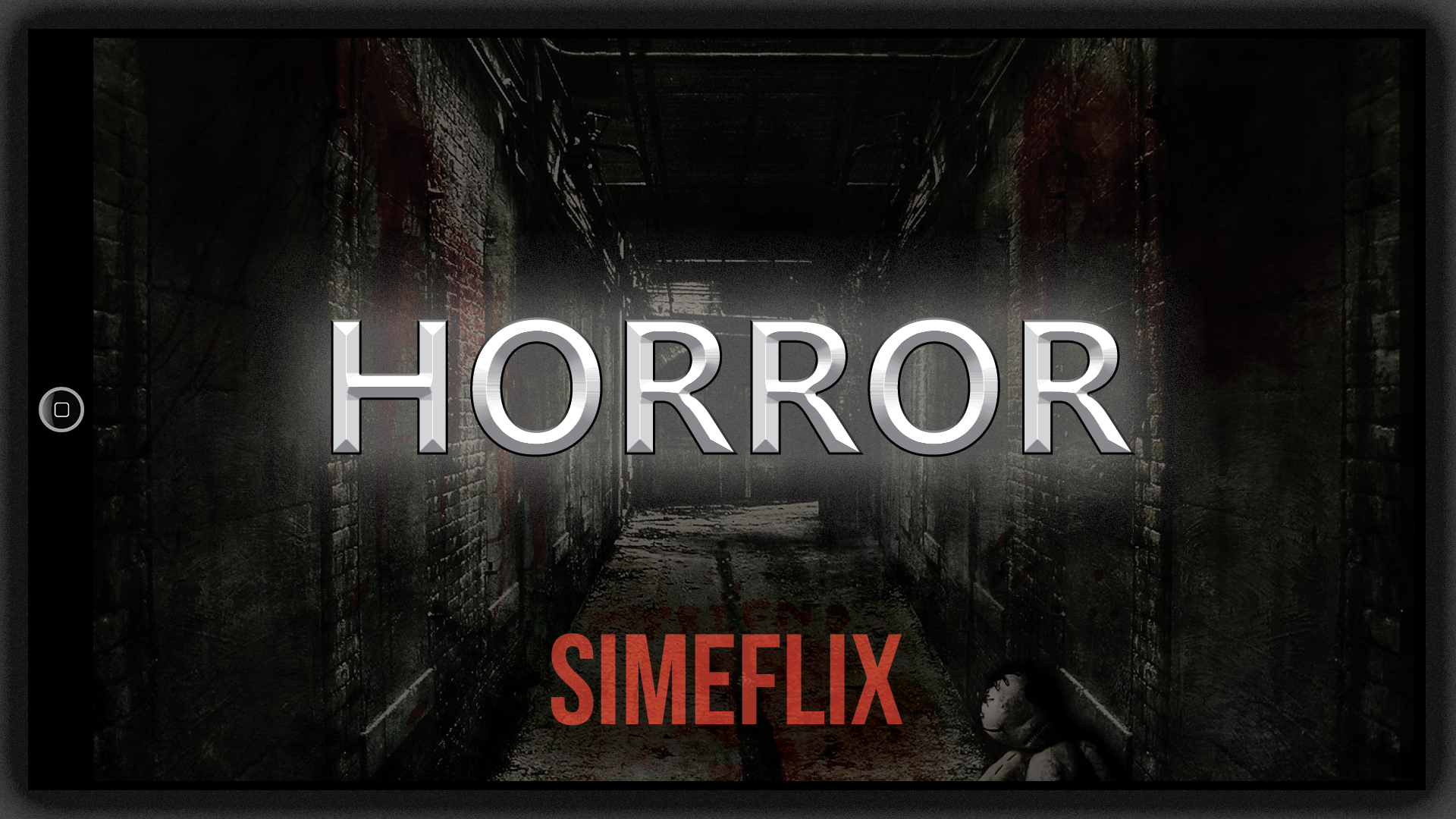
Hey Everyone, I've been a long time Emby user, and have used many different icons/images over the years to try to add my own custom look to my server. I've had sets I've used but they never really felt like they were a 'set' or looked like they all looked/worked together having a common look and feel. I eventually a few weeks ago tried the latest 'Fad' of creating images from text using A.I. with some success, but results were inconsistent, and many of the sites or apps didn't easily support creating image sets, more 1 or 2 images, or you can pay a fortune for something I may not want to use again. Soooo....., I finally decided to just start from scratch and sit down and design my own images for my library using Adobe Photoshop. Here I've tried to create a premium look, that has a consistent look and feel, and I always think ahead to what these will actually look like on a TV screen. Which I must say, they look sharp!! You'll also notice, I had the afterthought of making them have an iPad feel to them, which turned out to really finish them off. I've attached my PNG images for an idea of what I've created, and included all PSD files to match, plus empty template, font and images. Please use and enjoy, change as needed, and definitely come back and show me what you've done with my template. Enjoy. All files can be download from my Emby folder of my Google Drive. https://drive.google.com/file/d/1-NI9FnxDDqRnkOzRaPEfgx_elnuqctYI/view?usp=sharing

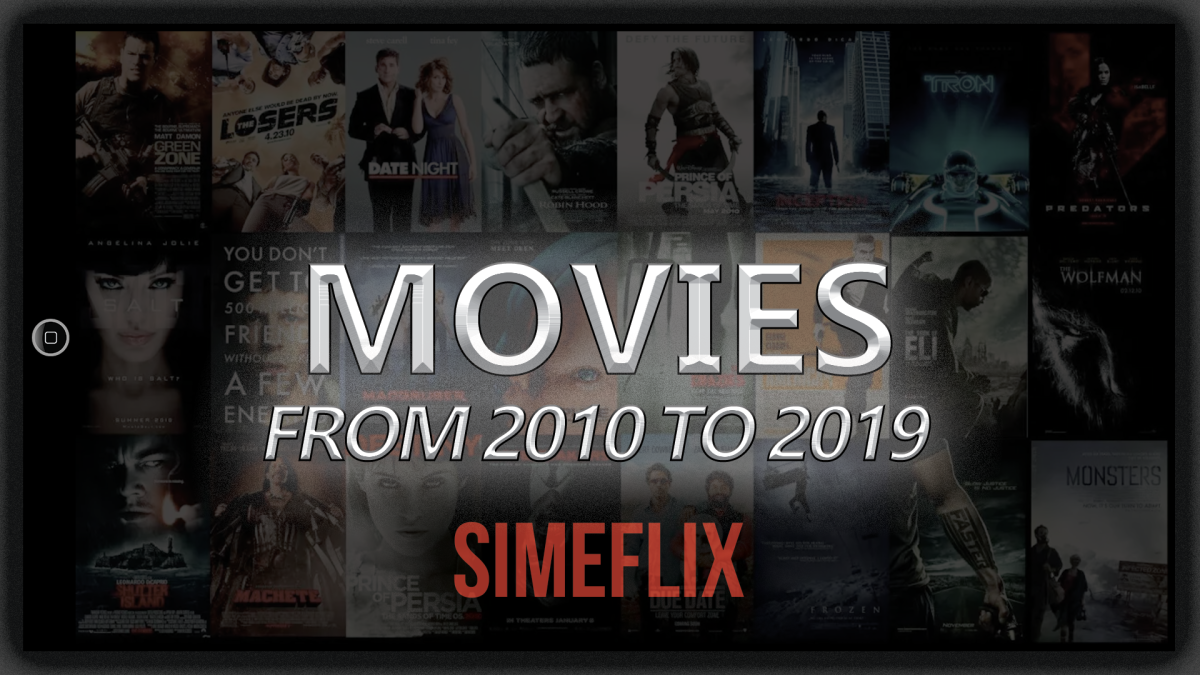
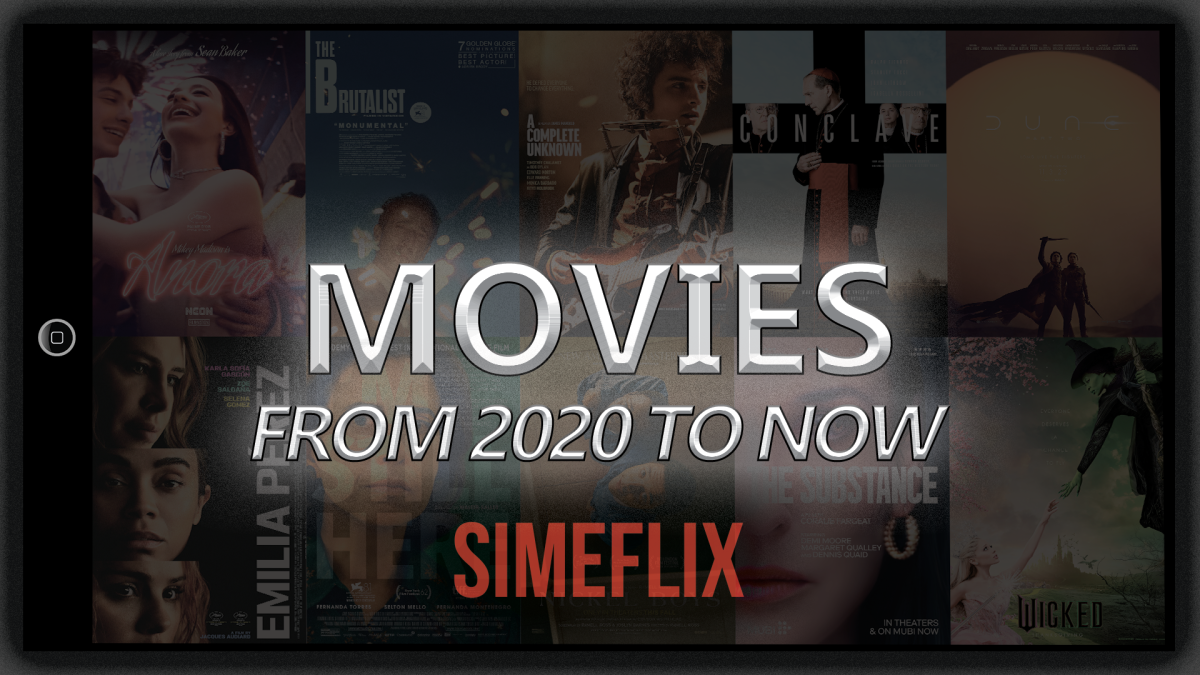
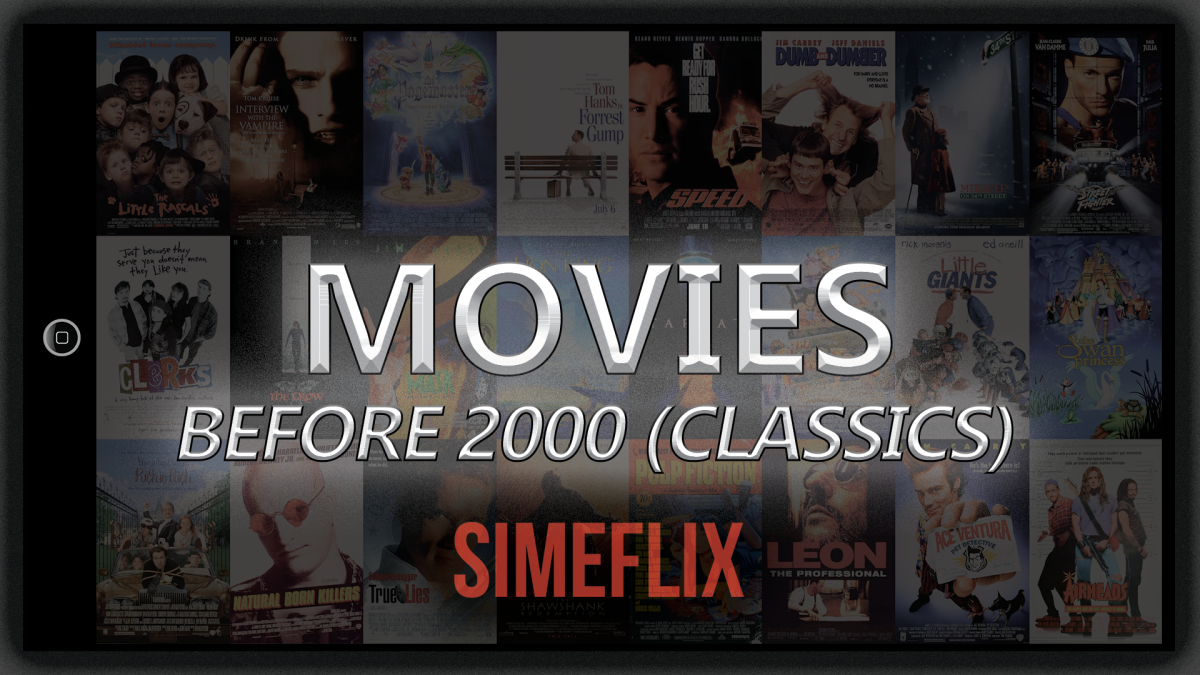

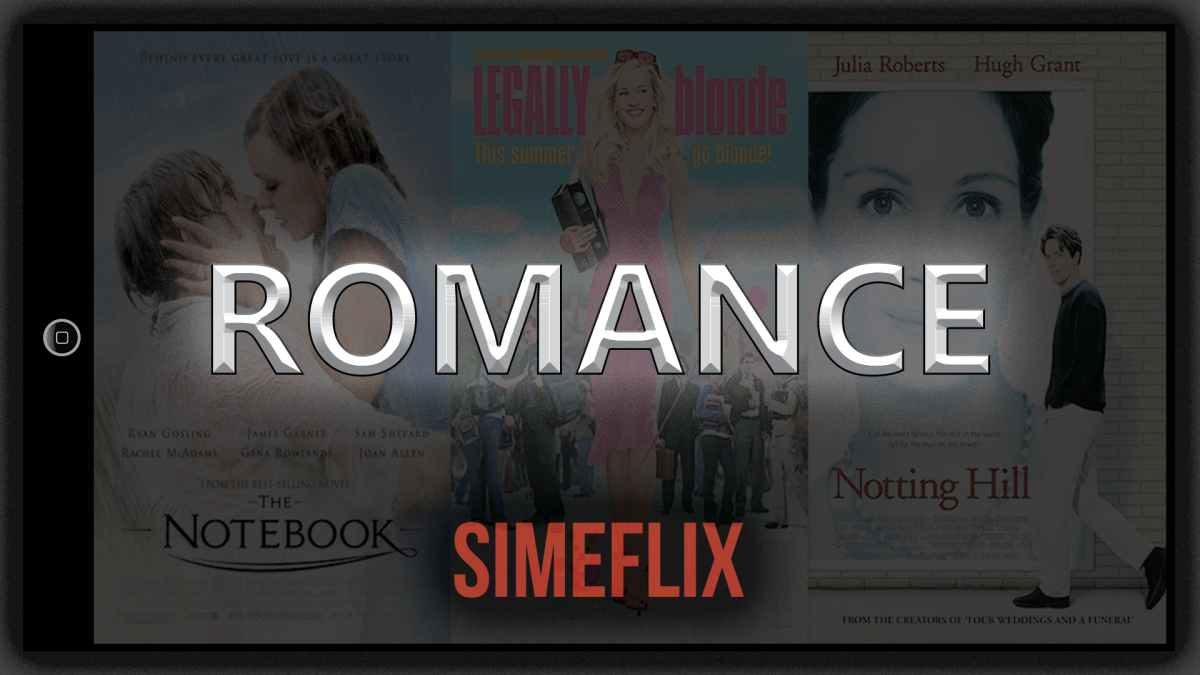






 2 points
 -
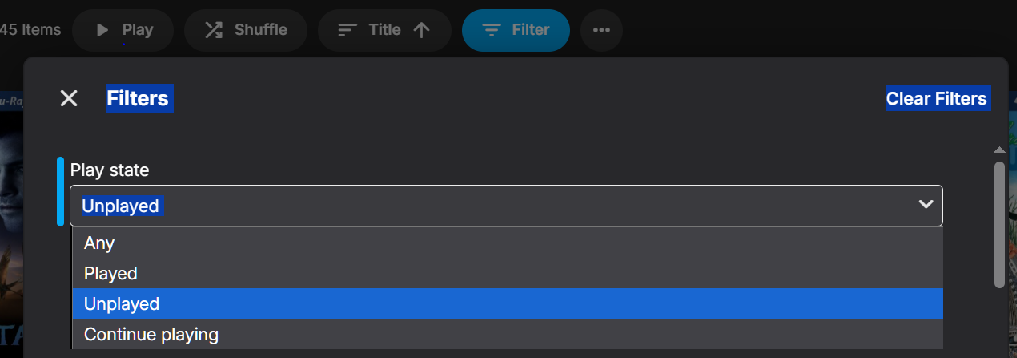
I find using filters is a quick & easy way to do almost the same thing, but to each there own... Web version shown, but I believe all clients have filters...
 2 points
 -
Moving the issue from this thread, here is a formal request to add to all Emby apps the ability to adjust / sync the audio playback / delay, in the same way it apparently is currently possible to do in Emby Theater.1 point
-
I'd really like to have 2 Factor Authentication added to the login screen. It's just this (optional) extra layer of security to help secure the server (which, especially if people use camera uploads) contains pretty private data. There are for every type of programming language quite a few libraries available, so implementation on a server shouldn't be too hard to realise1 point
-
Be able to create playlist based on a certain criteria, like genre and or year, in order to create a dynamic playlist that it refreshes automatically when new content is added. This way you can for example, create a tv comedy playlist from the 90's, or a new sci-fi Movies playlist. Some other criteria for rules could be the rating, watched/unwantched, score, tags, language, audio codec, etc The possibilities could be endless1 point
-
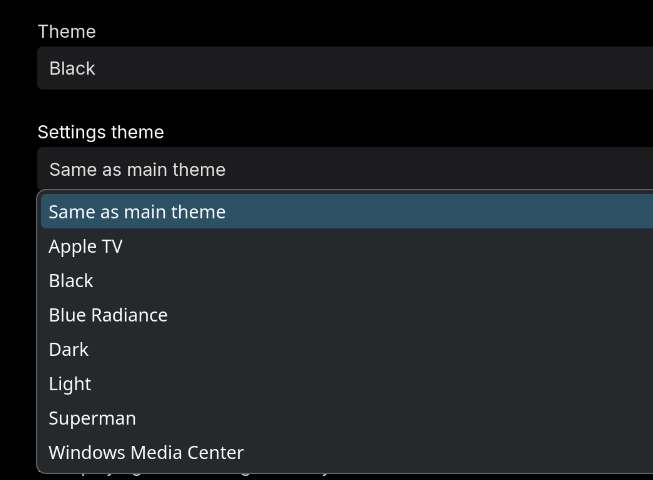
One little thing that has always bothered me is why the dashboard settings theme doesn't default to the Settings theme option "Same as main theme"... Does anyone know CSS code I can use that will force this? It really messes with my eyes when going from my black theme into a white af screen every day. Also can this be considered a feature request as well? Can we get that default changed from the Light always being default on the Dashboard settings theme? Thanks.
 1 point
 -
Ok I will try that & update.1 point
-
Hi, I have an admin area css section in my custom theme. On the latest version 1.05, these styles are at /* =========== Admin Pages - Dashboard - Settings === */ , on lines 1534 - 1742. Each style has a comment. Be sure to scroll all the way down the post to find the latest version. Hope that helps.1 point
-
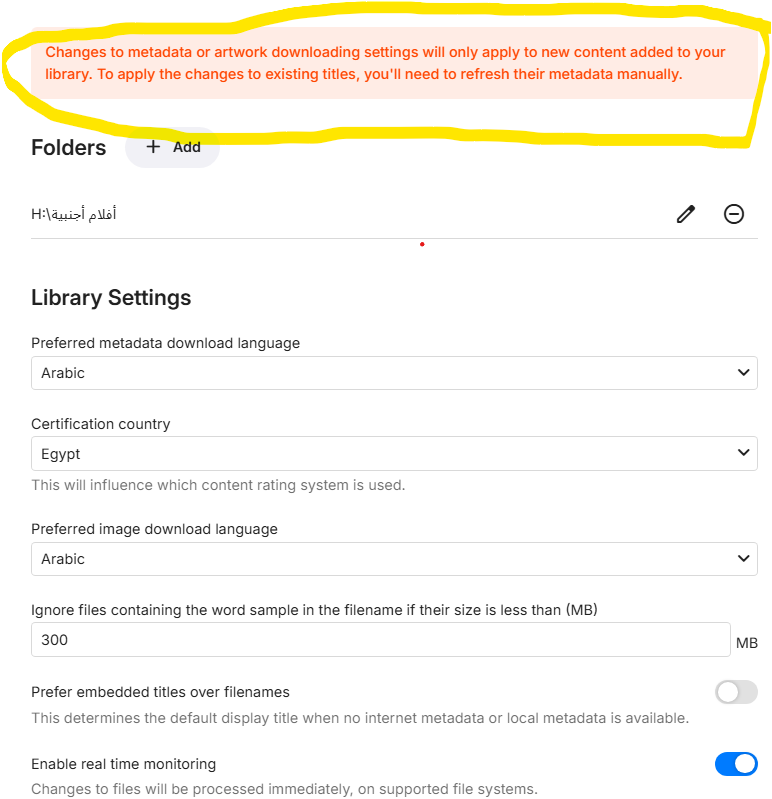
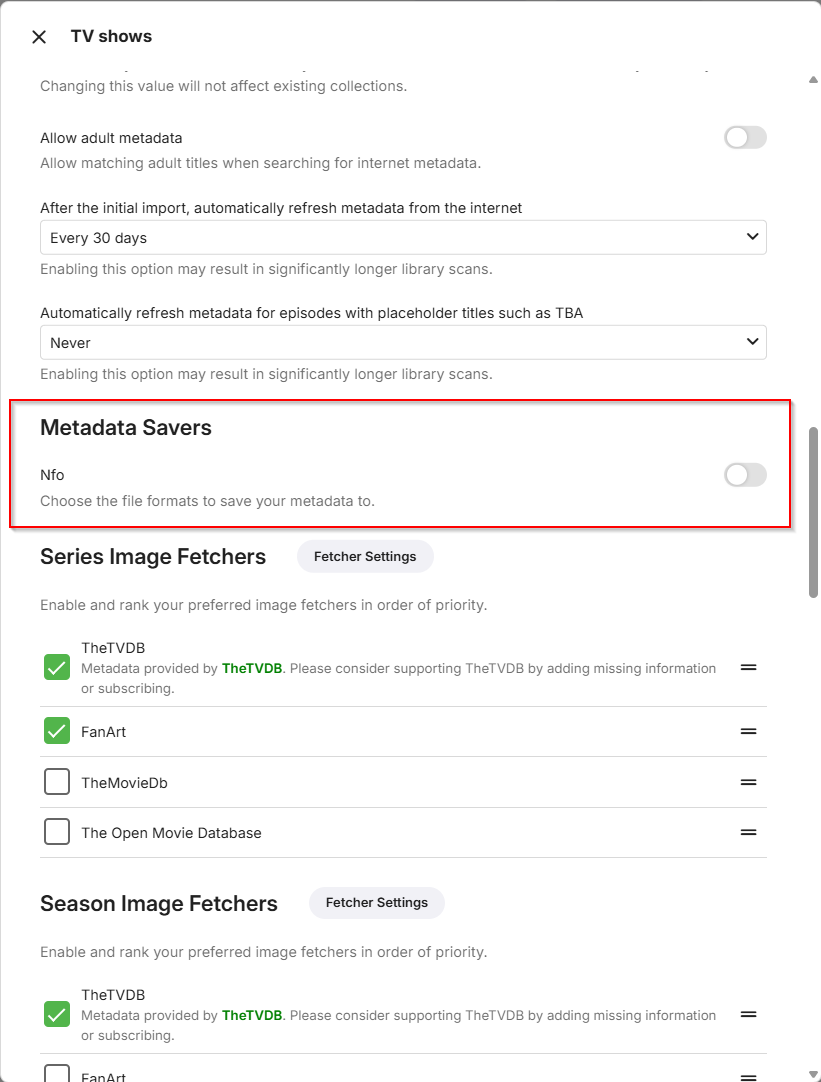
Hi @Luke I turned this setting off Don't know why it was enable... only for one library.
 1 point
 -
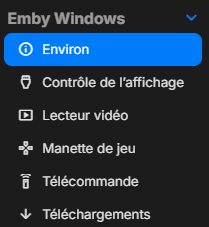
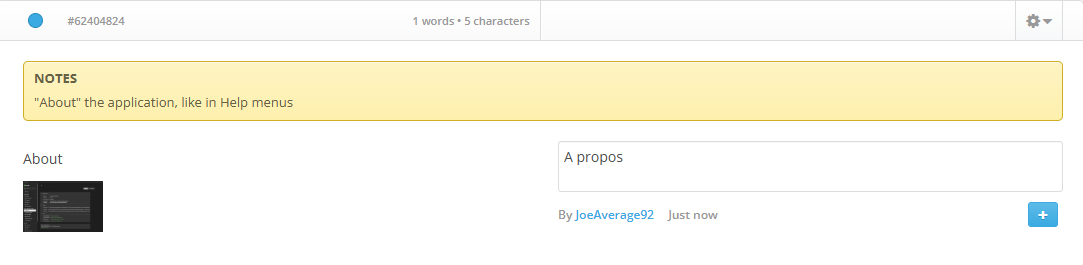
In Emby Windows version 2.222.2.0 (from MS store), I have noted a very small but annoying translation mistake that I can't correct in http://translate.emby.media/ The correct french translation of About (in this context) is not Environ but A propos. Thank you for the correction
 1 point
 -
I've just found it!
 1 point
 -
Apologies for not replying, I thought I had. ! Worked absolutely fine, it was a strange permission problem - everything seemed to be set correctly, but in fact the parent folder had the wrong permissions. A chmod sorted it out and now it works great. Thanks for spotting this! I should add: I have four hard drives all set up in the same way and only this one all of a sudden had these issues1 point
-
Ok thank you1 point
-
No, seems like runtime didn't have any other issues. All issues, that were in log file, were related with "too long path" By the way, i've remembered of one more related issue, probably it helps. When i try to add a folder in library, if i explicitly write path to file, which has those too long paths, the folder won't be added to library (nothing will happen) and it also there will be a log, that path is too long1 point
-
I had to delete the client computer on the server under devices. Now it is working again.1 point
-
HI there, how are your files named? Using absolute, dvd or aired order? Your file naming should match what you choose.1 point
-
I've started to explore the windows store version. Once I set the display mode to TV, it was a familiar feel again. I can now launch from my ancient MCE remote using the green button by mapping a keyboard shortcut. I'm prepared to give this a go, despite what I said earlier.1 point
-
My fault. I had been primed by several questions about full-screen mode in this and another conversation and a request for the app showing without title bar in windowed mode is a bit off from typical questions (actually: nobody has ever asked for it ) So I'm afraid, but the answer is that this isn't possible. Thanks1 point
-
I'd totally switch over to the Windows Store version if it wasn't for the fact that it has a Title bar. Is it possible to add an option to make it look like the Emby Theater App? I usually watch everything in 1920x1080 window on my 4k display. So I can do other stuff while it's on screen. It's not really a big issue since I can use the Theater app, but it seems like it may be sun-setted at some point?
 1 point
 -
What we really want is to know what happened, and how to prevent it from happening again, and so far you haven't answered any of that. Instead of trying to push this Windows Store App down our throats (when it's clear some of us prefer the Theater App instead) can you please address our concerns? Thank you!1 point
-
In the TV platform C# code, I simplified interfacing with the various Emby clients because I didn't understand much about these clients. My knowledge has improved over the last year, so I plan now to make the TV Platform perform better and work with more devices. My attention is turning to this task. Vic1 point
-
Attached is the latest code. I have corrected many bugs and have added new functionality. I have tested it for several days and have built very large EPGs. @Jatorhas also been testing the code. I also added a quick way to build channels. Soon I will add a feature for creating a starter set of channels by analyzing your Emby libraries and from that analysis assembling the channels automatically. Vic1 point
-
Hi Community Peeps, Just thought I'd share 2x tools written as scripts I thought maybe helpful for other members to use. 1. The First tool is a batch file that when placed in the root folder of any of your Media folders [eg: Movies, TV or Music], it will search and remove any junk files that can accumulate over time in your folders. Check it out, change and use as needed. Simple file, but useful. USE WITH CAUTION - IF PLACED IN THE WRONG FOLDER IT COULD REMOVE FILES YOU DON'T WANT DELETED. 2. The second tool is also a batch file that you keep in your Emby Server Installation root folder. After the initial setup of finding and placing into the file the corresponding Folder ID's to the User ID's you can run a config.xml file update from a reference folder [usually yours or admin account] to all user's on your server. Great when you want to change around layout and order of library's or change order of newly added library's. This saves me so much time now, and I only need to add another few lines (actually pretty much copy and paste) if I need to add a new user. I tried to include instructions within the files, but reach out for help. Let me know how you use them and if they're useful to you. RemoveAllUnwantedFilesInMediaFolders.bat UpdateUserLibraryConfigToLatestLayout.bat1 point
-
Can confirm, it works for me now. What did you do? What was the problem?1 point
-
Hi, those look great. Thanks for sharing.1 point
-
He said he will try it.1 point
-
Sorry I didn't understand, can you say that again? And also have you updated to Emby Server 4.8.11?1 point
-
it seems to have fixed itsely. I thought it was Emby not liking 4k tvs even when the video was 1080p but it somehow slowly started fixing itself. first the audio and subtitles would play properly while the video became a slideshow (it was an opening song so it was fine) then after a few episodes it got better and better and now it seems to be running at full speed. Emby did crash a few times during that but it seems to be better now.1 point
-
Why has this been discussed for years with no action? There was a lot of deflecting by one team member in particular who kept pointing out the universal audio delay feature which is, obviously, not the feature being requested. This would seem an easy feature to an idiot like me given that mpv can easily support it. But I'm an idiot. If this IS hard let us loyal paying users know and we'll probably act less entitled. In my case I have no idea why 24p, in particular, suddenly invokes this issue when playing from Windows 11 with direct sound as a separate output from the HTPC. I can work around it, and do, and this doesn't affect all the configurations I use. Just one and only when the refresh rate is changed to 24. Currently, if using direct sound, I just don't let Emby change the refresh rate and I don't have any judder because of whatever algo's are running wherever (hard to know these days if it's the GPU or the TV or both). I'd really like to go to video source framerate refresh where possible and this feature would be the only thing I could use or add in universal delays for certain refresh rates - I think this used to be an option or, perhaps, it was Kodi back in the day.1 point
-
Hi, the image sizes are the same in both apps. The difference is that in this screenshot you're not in TV display mode. Try activating that in the app's settings.1 point
-
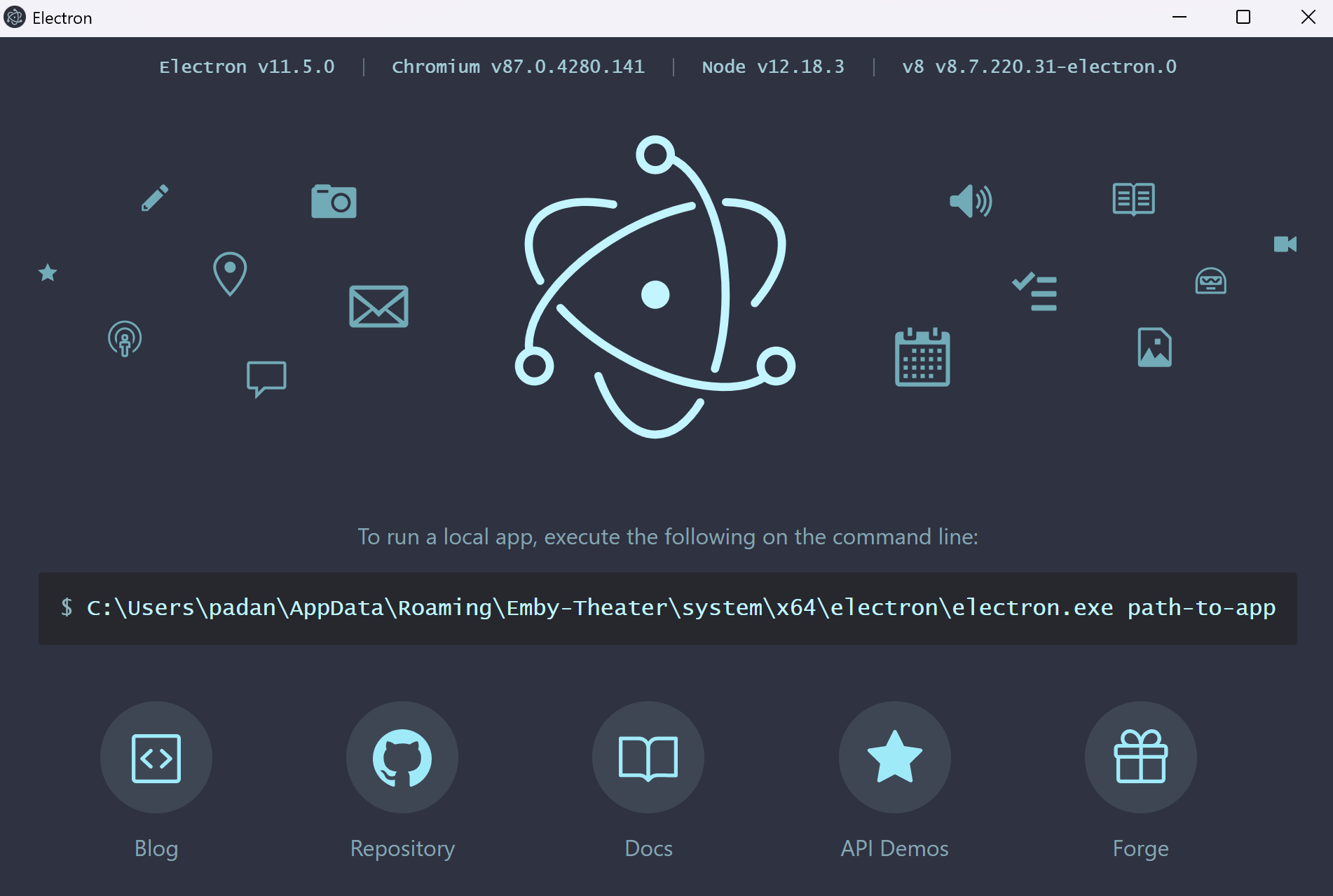
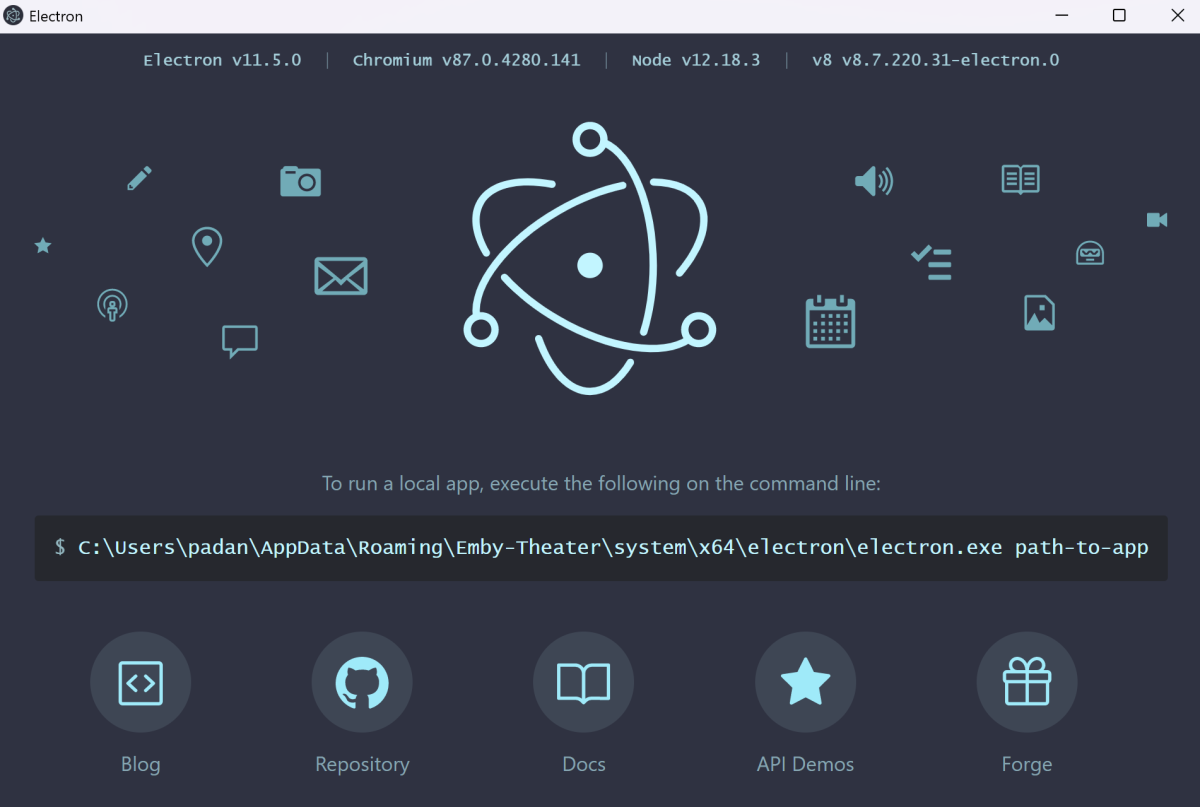
Same problem here. Emby Theater crashed on second launch and refuses to load since then. If i click on the Electron icon showing up on the taskbar i get the following... Nothing suspicious in AppData\Roaming\Emby-Theater\logs. I don't want to use the native Windows app as it is not compatible with external players and i need MPC-BE to enjoy MadVR on my projector.
 1 point
 -
Great job on those images!1 point
-
Hello, Make it a premium option, but do make it possible.1 point
-
1 point
-
Reason why people here thinks it's not a big demand for this is surely because users aren't even aware about this feature. This is a very new way of watching content together. If this was marketed by, for example, Netflix, it would become wildly popular. I do this all the time with friends and family but with other apps, would be both amazing and great for Emby to implement this so, for example, all of my users on my server would do movie nights together, especially split families.1 point
-
+1 Essential option for Music Lovers. Symfonium already integrates it locally into the app. Cmon Emby....1 point
-
OMG. Would kill for this. Most of the time it’s needed. But sometimes it is sorely needed. Bad rip, bad file format, who knows what causes it. But a simple on screen control to increase or decrease audio delay would take care of it.1 point
-
Emby seems to focus more on other container formats (e.g. MKV) it doesn't integrate very well with ISO (yet?) What you can do with AppleTV, if you still want to use Emby as server is to use Infuse, it integrates with Emby libraries, display the metadata from the server and etc etc... it will allow you to play iso movies on the AppleTV.. but it's not going to support full bluray menu (it supports simple selector menu only) If you want full BD menu, you either cast to an external player (like Oppo) or you ditch Emby and use Kodi, for example Coreelec with an AM6b+ Android Box, Kodi will also integrate with Emby Server libraries if you still want to do that.1 point
-
TVnext will surely be here first, otherwise, I guess we'll have the biggest, best and most beautiful trees ever seen. Tremendous forests, folks! This is the MEGA project! Make Emby Greater Again1 point
-
The cynic in me says Donald Trump will become a caring, sharing tree-huger before we see TVnext.1 point
-
With all due respect and genuine admiration for Emby, which I pay for premier, I don't think your approach or mindset here makes sense. There are myriad reasons for why audio and video are not synced for many Emby users. The reasons don't matter, because we aren't going to identify or solve them all, and Emby devs have waaaay better ways to spend your time than helping individual users with their device-specific issues. The functionality to delay audio or delay video (which is what we're actually talking about in many of these situations) is straightforward. It is available in many other streaming/player systems. It can be used for all kinds of different reasons. We just want this basic functionality in Emby.1 point
-
Seriously..... Where is this feature?!? Over 2 years of requesting it on this thread alone is crazy!1 point
-
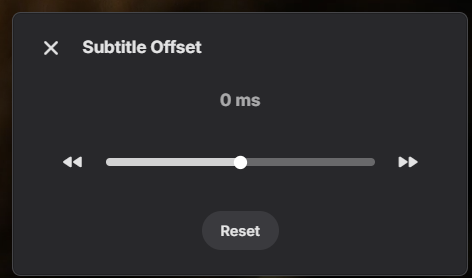
so maybe implement something similar as the subtitle offset:
 1 point
 -
Tbh, it doesn’t really matter where the lag comes from (whether it's the TV, soundbar, the file itself, and so on). This feature already exists in VLC, MPC, and Kodi. A simple +/- offset that can be added through the OSD should be feasible and would likely be a feature many people would appreciate, making a lot of sense to implement. IMHO.1 point
-
Hi, the new windows app currently in beta testing no longer uses electron.1 point
-
Well, yes, some of those tips may work for some setups. In my case it's BT sync delay that's the problem... But why resort to all that when a simple feature that so many players have could mitigate the issue?1 point
-
I need this feat. I’ve a bunch of high quality media files with audio sync issues…and I don’t know how to fix them1 point
-
Here's a link to a chart with all the audio codecs your TV supports. Anything else will need to be converted to something which is compatible before it's sent to your TV. It doesn't matter what your soundbar supports, your TV still needs the correct decoder to pass a codec and Samsung isn't going to pay for those other codecs in their TVs because none of the online streaming services support them. As mentioned, those codecs are only used on UHD and you would plug your UHD player into the in HDMI port on your soundbar so there is no need to also have the codec on your TV (only the video gets passed). https://developer.samsung.com/smarttv/develop/specifications/media-specifications/2022-tv-video-specifications.html As far as the Shield goes, no it doesn't even pass HDR10+. However, it will get you all the audio formats you need. If nVidia doesn't come up with something new soon then I will probably have to find something else myself. You say you want the best audio then you need to spend a little more money if you're going to copy your discs to digital media. Samsung isn't likely to pay extra to support codecs for digital copying any time soon. Again, your soundbar supports it because it's meant to hook up your UHD player to. Sony is one of the last premium TV brands sold in the US which still supports HD audio. This is partially because they have their Bravia Core streaming service which requires a 115 Mbps internet connection and they basically stream UHD quality movies to your house vs the 25 Mbps or so you get from others like Netflix. Once more people have fiber to their home then maybe more online services will support HD audio and Samsung will add those other codecs to their TVs along with their soundbars. If you want the best audio then you need a setup like below when playing digital copies. Otherwise, you're stuck with what's in the chart I posted above. External player ---> Soundbar --> TV1 point











.thumb.png.1ddf135ad99a72646a26d671a28ffe35.png)