Leaderboard




Popular Content
Showing content with the highest reputation on 01/21/25 in Posts
-
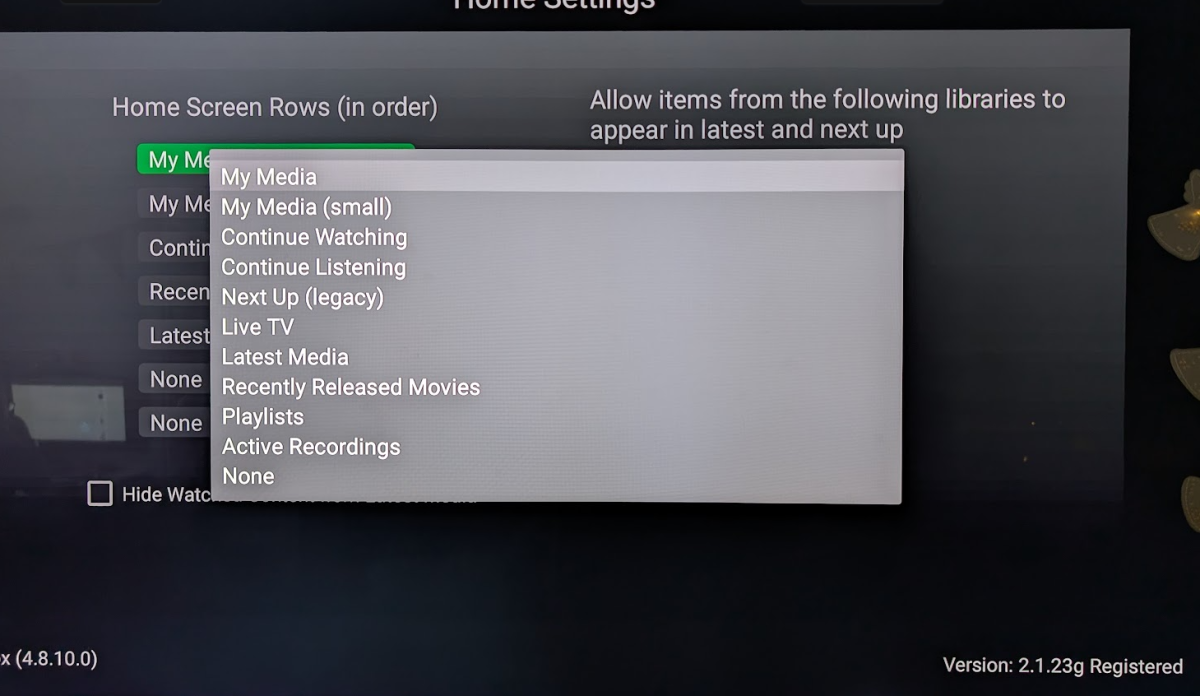
Hello, here is a screenshot of the available Home Screen options in the Android TV app. Can we please have "Collections" as an option here?
 2 points
 -
Your issues is your folder paths as you can not have a child path of any other library that already exists. So Movies you have E:\Media Backup and you have TV with E:\Media Backup\TV Shows. So the Movies library kills the TV library do to overlapping paths. You need to reorganize Movies path to say something like E:\Media Backup\Movies. But you should remove both libraries to possible correct the database issues that are being created now.2 points
-
You will be used to using the excellent web based Tool created to Bulk Edit any of your media Items This is now being converted to be run directly from the plugins Section inside Emby Server. An extremely powerful tool that saves time Current Status: Development Testing This is currently under development and is consistently evolving. For this reason the dll files will be posted at the bottom of this thread. Bug Reporting & Issues: Please report bugs and Issues in this thread. corrected the problem with critic rating Feature Requests: While we welcome feature requests, please note that bugs and issues take priority and that feature requests will be subject to review and may or may not make it to the plugin. CURRENT VERSION: DEV 1.0.13.43 INSTALLATION - NOTE: Default Target for installation is Emby-Server/programdata/Plugins - Please download the "dll" file below copy and paste dll to the plugins folder. restart your emby server as this is in Development you will need to clear your browser Cache after each install, or the new changes will not appear Enjoy DOWNLOAD CHANGELOG: Filtering has now been added Bugs and Issues Reporting link - NOW WORKING Added "Image Not Found" image removed backgrounds added a spinner fixed several bugs with save IsFavorite and Played finally fixed saving UserData (IsFavorite and Played) fixed a bug in the custom editor - the edit buttons are now displayed for the results of a search fixed bug in bulk save added managing collections added managing playlists when you edit metata data for an item you can cast the video to a tv or monitor on your network. I added this just for fun added the ability to edit live tv channel meta data changed Shift click to work more in the traditional was - you can select segments you can now change primary images added the ability to remove specific tags simplified the code retained image aspect ratios added show folders button removed "cast to tv" from the edit menu, added it to the Movie and TV screens fixed the "Image Not Fpund" for none video items removed "Folder" button from screens where it didnt belong fixed button problem with custom filter added better file not found images added "emby data" and "channels" fixed bugs enhanced Channels rewrote Explorer Bulky is a collaboration between @Cheesegeezerand @VicMoore Bulky is an Emby plugin and it is in the Emby plugin library.
 1 point
 -
When I click on a person to load their page, it shows me the posters for the movies they were in. Under each poster is the title of the film. What it doesn't have is the name of the character they played. On the movie page, the cast all have pictures below which are two lines: actor name and character name. I'd like to see a similar arrangement on people pages, with the film name and the character name.1 point
-
Would be nice if there was a way we could specify the format for a season or folder. Something at the Series and or Season level where I could enter "{SeasonNum}.{EpisodeNum} - {Title}" (or similar) then Emby could convert that into the Regex it needs to get the fields and do proper processing. Then people could use what ever format they want and have each season have individual formats if needed. Added bonus, you wouldn't have to ever add more name formats for people1 point
-
I recently found a need to look up additional information on a director. I was hoping to look at the director's profile and see not only the movies I had in my collection but also a list of other movies that they have directed. This would be displayed below the library's current movies. ex: My movies: Movie 1, Movie 2 Other movies by this person: Movie 3, Movie4 ================ This could help one expand their library and to discover a missing gem.1 point
-
The Mult-Select in the Server web app is super-useful (I'm so grateful to those that introduced me to it!). But given that the Server web app has some excellent filtering functions (eg, in my case I make use of filtering by Tags) it would be very handy to have a "Select All" functionality, so that I can filter down to the results I'm looking for and then easily add them to a Collection (or, when eventually we have Bulk Editing abilities, open a Bulk Edit view on all the Selected items). Thanks! PS - If this is something you might like to see implemented, be sure to "Like" this top/first post (as well as any subsequent posts in this thread that highlight particular aspects of what you are interested in) -- "Liking" the top/first post helps the Devs to know how much interest there is in a given Feature Request.1 point
-
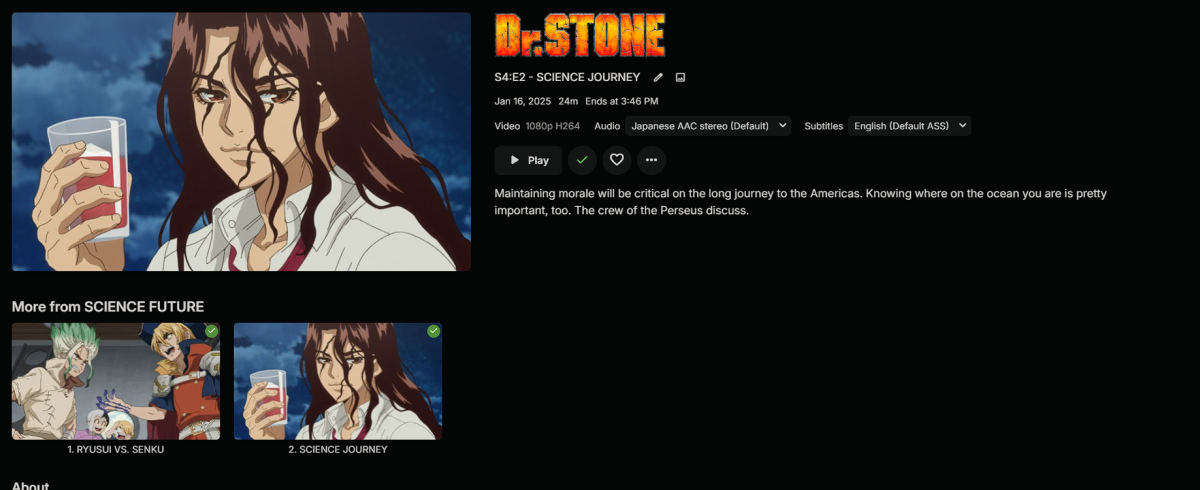
Yeah so deleting the cache and then rescanning fixed it
 1 point
 -
it hasn't happened recently. im in middle of my 3 day scan of tvshows lol so it might be a bit before i can test why it did it. i just got the impression that this is normal or known issue. but ill keep this topic on my radar to follow up with.1 point
-
@shorty1483Yeah something is going on with my csproj file. Thanks.1 point
-
If this feature is ever added, I would prefer to have an option to turn it off and keep the actor's detail page less cluttered.1 point
-
Not sure, don't worry too much about it. Either way, we have to find a solution that works for us. My first step is trying to replicate your issue with the latest emulators1 point
-
Hi I would really like to be able to send some custom notifications to my users For example, i would like to be able to send a notification like : -"What content would you like to see added on Emby this week ? https://www.strawpoll.me/#####" -"Blabla Season3 is coming next week !" -"Server will be down for maintenance tonight" A little notification icon on the top right corner would be awesome. I looked in the Feature Requests list but i did'nt find anything like that. Thanks for reading, and for this amazing software.1 point
-
1 point
-
You can lend your support here:1 point
-
When multiple providers are enabled, all will be used to a point. Emby attempts to get everything it need/wants from first provider but still queries all other providers just in case there is something the first provider does not have and so one. But secondary info is only used for NULL info from first provider it will not supplement existing data.1 point
-
Twice the effort in the Emby for Android - Match AndroidTV app thread of course!1 point
-
What are you guys gonna do when it is finally released? You will have nothing left to moan about...lol1 point
-
You need to provide a proper report with logs of the attempt to play. This will tell the devs what Emby is trying to do, and whether (for instance) your file is using an unsupported level of Dolby Vision. Paul1 point
-
Finally got the bandwidth, works like a charm. Thanks.1 point
-
Please! Make it happen, ;)1 point
-
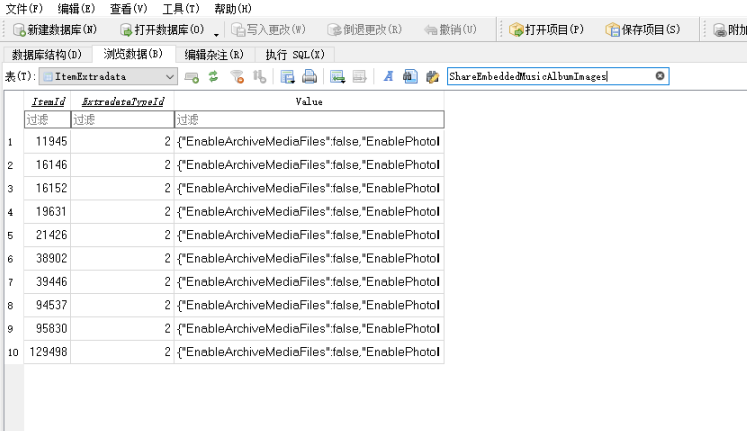
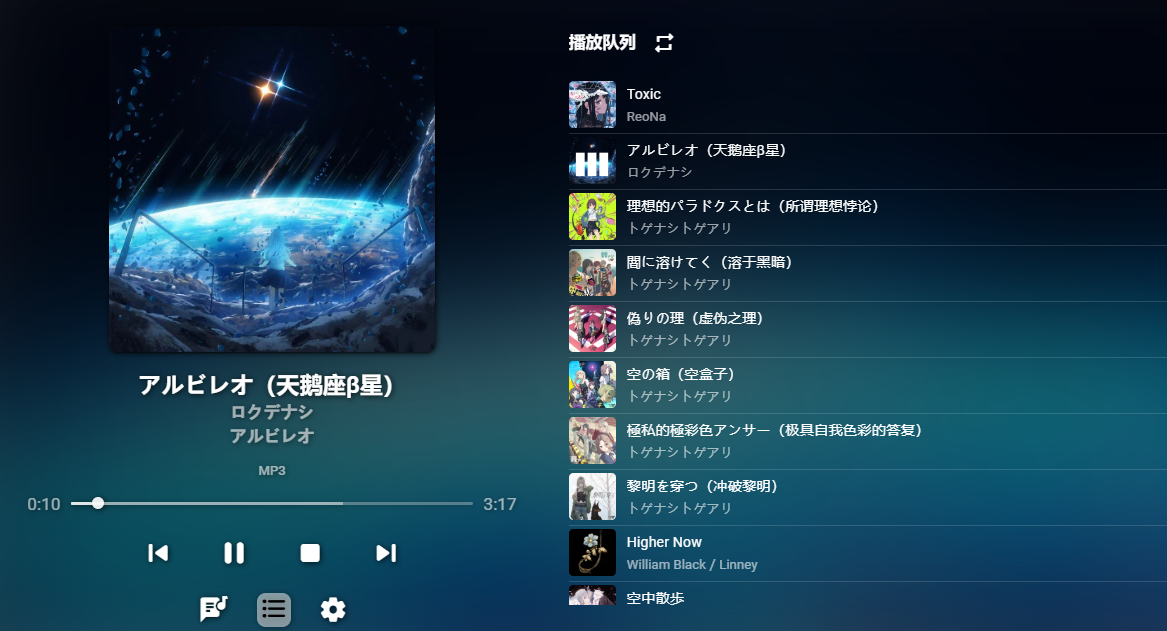
At present, this problem has been solved by modifying the database, or I hope that the later version can have a setting option switch.
 1 point
 -
Also, both forward double-slash // and backward double-slash \\ work with importing multi-field FLAC file metadata from Mp3tag into Emby. (I just re-checked it now on 4.8.10.0.) However, I typically stick with a semicolon (as per Emby recommendation) for new files and updated metadata, but don't bother changing older files that are already working with // or \\.1 point
-
https://emby.media/support/articles/Music-Naming.html I use this extensively for both Artists and Album Artists, so yes, Emby handles it properly according to their documentation.1 point
-
This fixed the issue. Thank you so much!1 point
-
@darkassassin07It was a few weeks ago when I reinstalled the app. I may have also had to remove the device from the server dashboard as well before reinstalling. I honestly don't recall right now. If you haven't already tried that maybe give it a shot and see. Edit: I just deleted the device entry on the server dashboard for my third Xbox where I still hadn't resolved the remote control issue. After signing back in remote control is working. The entry was also still showing the beta version of the app listed rather than the standard one before I deleted it. It now shows as "Embyplus Xbox" as it should. My best guess is that something wonky happens server-side with having different app versions on the same Xbox since the standard, plus, and beta are all different apps.1 point
-
Thank you for clarifying the process. I was second-guessing myself there for awhile.1 point
-
"TranscodeReasons=ContainerBitrateExceedsLimit" Ich würde erst einmal sicher stellen, dass nicht Transkodiert werden muss wenn nicht nötig. D.h. in den App Einstellungen, die max. zulässige Wiedergabe-Bitrate nicht auf Automatisch, sondern einen festen Wert einstellen. Laut deinen Logs, versucht Emby zuerst hardwarebeschleunigt zu Transkodieren, was aber scheitert. Dann versucht Emby es softwareseitig, aber auch das scheint zu scheitern. Warum, ist nicht ersichtlich. Meine Vermutung, denn das gab es schon öfter, zu viele Untertitel! Also jag die Datei mal durch mkvtoolnix und behalte nur die Spuren, die du wirklich benötigst.1 point
-
I'm really looking forward to this feature being added.1 point
-
Hi, they are separate when you view them within an individual libraries. For example music -> playlists or movies -> playlists. The only time they are mixed is when you view them in the global playlists section.1 point
-
I'm going to call in @sa2000because I'm not seeing the problem but there definitely is one as your items are not being recognized as TV shows.1 point
-
Unfortunately yes. APT has changed its requirements for apt repositories. And i am overseas at the moment with no access to the server at home. I will habe it fixed by the end of the week.1 point
-
I think it might be better to load the channel icon into all three variations. This way it gets used no matter the theme. If the admin tests both light and dark themes they can manually edit a channel logo if needed for the dark or light them. I think that would give the results people want when choosing to use the logos from the playlist.1 point
-
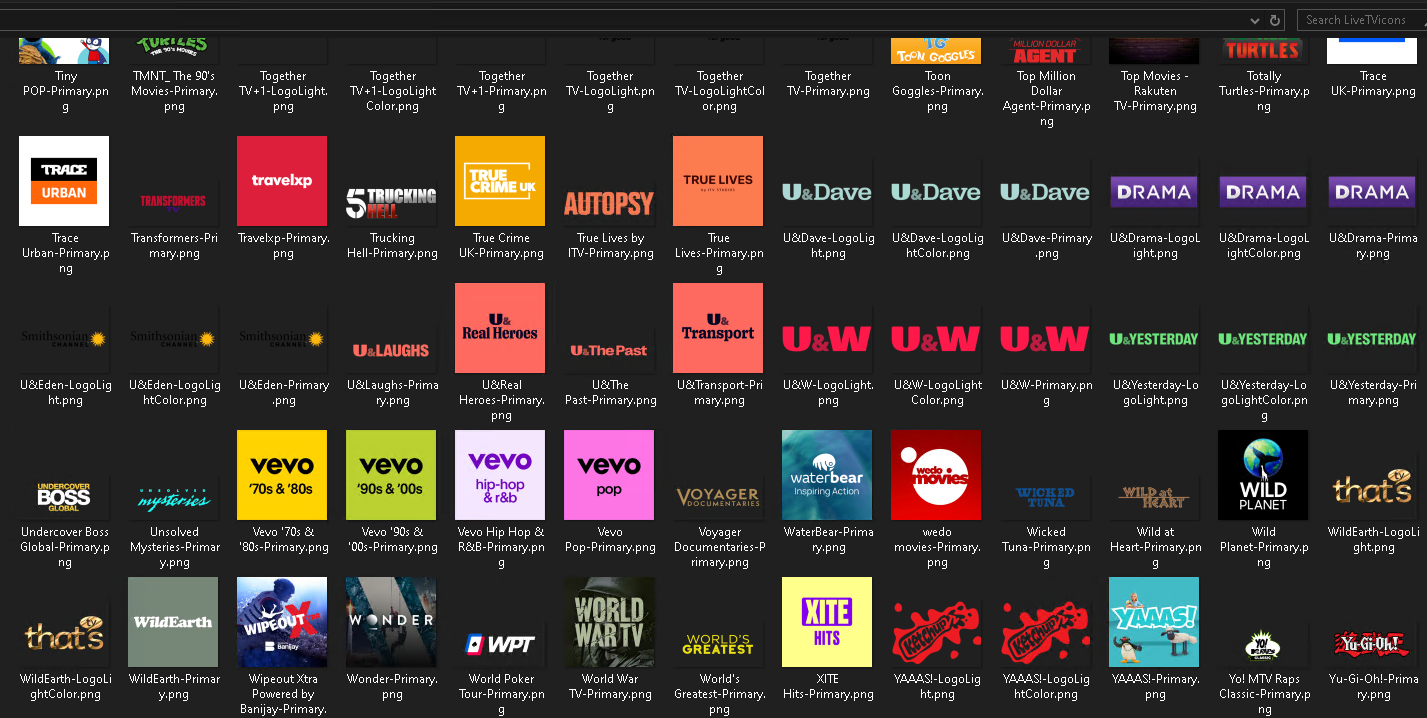
The plugin I mentioned is not released, its no where near finished because it does many many other things aswell, and I have not added all the functions I want to it yet. Its still very much an alpha release, the TV Icons backup has been modified since my original post to try and backup those that are on a http(s) server as well, at the moment the http ones only partially work, but the backup runs until its finished, it just logs the errors. I will pm it to you, please dont post it in the forums. It can update from within itself so you only ever need to install it once.1 point
-
I am doing it from within emby as a plugin using internal emby code to query the db, without the need for sql. Most of the stored images are already the correct size, if they come from embys own server they are resized w=360&h=270 when requested from it.1 point
-
If I remember well, I had this kind of problem when I removed an episode from a show and then I added the same but in other path (different folder or other hdd). If I remember well, I just went in the library where was the show and was able to watch.1 point
-
I am querying the internal db and asking it where they are, then getting them from there. like this: Just note that if the file is remote hosted I am asking emby to make it local first then fetching it. That slows it down a bit, but should only be for the first time its ran. You will notice that I also log the database Presentation unique Key, because if theres a problem then that is the subfolders name that the image should be in.1 point
-
One thing we could do is add our own tvg-xxx variations for the light logo and light color logo images. It would be proprietary but it would give you a way to specify that in your m3u.1 point
-
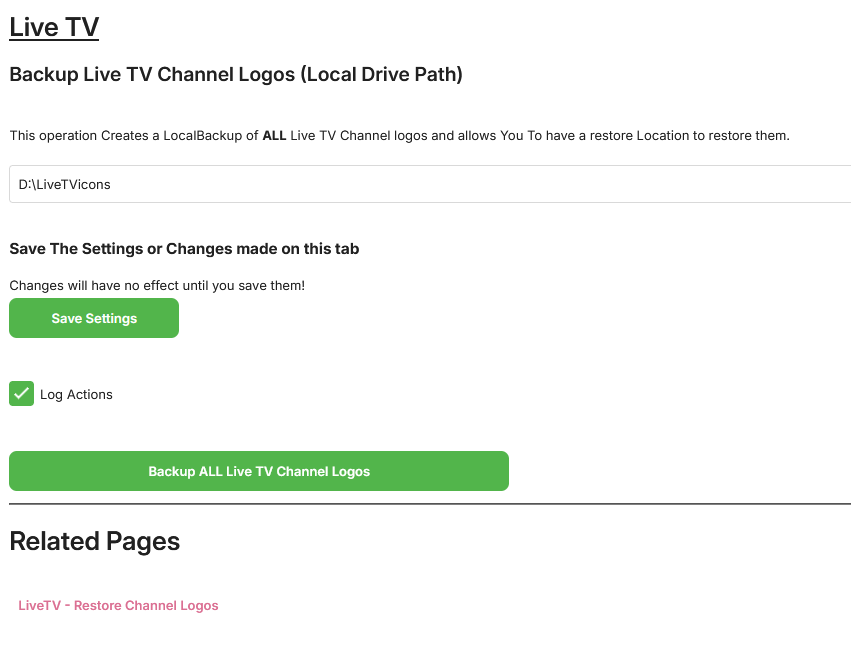
just backing all the logos up to a local folder (D;\LiveTVlogos) with the channel name and image type (logolight etc), then to restore scanning the channels and looking in that dir for that image, if its there restoring it and updating the library image so that it shows instantly. This way you can edit the images or add to the images in the restore folder easily.
 1 point
 -
You are the one who pollutes this forum continuously by adding zero value posts. I ignored your comment on my post earlier today because i decided it wasn't worth my time but I am commenting now because you are harassing someone with a disability trying to communicate and contribute, that's where I draw the line. Anyone else would have ignored the videos posted if audio bothered them so much but not you. Again with your two cents that nobody asked for.1 point
-
While i personally like Emby the way it is, what i have learned from speaking to family members like Jdielsel is that, Emby is simply not user friendly in any way or form. Some quick examples are, Nobody knew settings even existed. Nobody knew how mixed libraries worked forcing me to stop using them. The good old quality setting. Some didn't even know they could scroll to the right for more libraries. Just to name a few. Netflix gets around this by just spoon feeding people with everything on the main screen like fx. suggestion. So I think having suggestions as a home style choice would be an excellent idea. Would make Emby a little more accessible for many people.1 point
-
Disclaimer: This FAQ is valid for emby-next-gen plugin (6.x and higher) It will be constantly updated over the next weeks. Emby server: Kodi companion plugin must be installed! Versioning: X.X.X First X is the major version. It indicates a compatibility with Kodi versions. e.g. 6.X versions are for Kodi 18+ 7.X versions are for Kodi 19+ 4.X and 5.X versions are end of life and no longer supported Second X indicates a mandatory plugin database reset. This will be automatically initiated. Read ahead for further information. Third X indicates regular bugfixes. No further action required. Plugin Installation: First you need to choose which version you wanna install, there are 3 options. stable beta public testing stable is very well tested and no showstoppers are reported. beta is also well tested and no issues are expected. public testing can include bugs and is the current development version. I recommend using public testing versions. Not only it helps me debugging issues, it also includes latest features and improvements. (rolling release) However, you should be an active member in the forum to keep track of the new features and limitations etc. Stable and beta versions are available via Emby's Kodi repositories. You need to sideload and install them from here. http://kodi.emby.tv/ STABLE: repository.emby.kodi-1.0.8.zip http://kodi.emby.tv/repository.emby.kodi-1.0.8.zip BETA: repository.beta.emby.kodi-1.0.11.zip http://kodi.emby.tv/repository.beta.emby.kodi-1.0.11.zip Once installed, you can browse via Kodi's addon menu, select the repository and install the plugin. Addons -> Install from repository -> Kodi Emby (beta) Addons -> Service Addons -> Emby-next-gen Public testing: Those versions are not available via repositories. There are two methods how you can install them. If you have already a Emby-next-gen version installed, it adds a link in Kodi's filebrowser. You can install it directly via Kodi's menu: Addons -> Install from zip file -> kodi.emby.media -> Public testing -> plugin.service.emby-next-gen-X.X.X.zip Also it is possible to download the file manually and push it to Kodi's filesystem (sideload) and load it from there. Under the hood/concept: The plugin uses several techniques to make Kodi compatible with Emby server. Instant communication with Emby server (dynamic content). Syncing to Kodi's internal database (synced content). The plugin has an internal http webserver (webservice) on port 57342 implemented and also opens a websocket connection to Emby server for realtime connection. Supporting synced content a "helper" database for Emby's content is created on Kodi. Here it's called Kodi's Emby database. Don't mix this database with the actual Emby servers database, those are different. The plugin uses Kodi's internal functionalities as much as possible for maximum compatibility. Anyway, not all plugins functions can be realized with Kodi's capabilities (review Kodi limitations for further information. Addon mode vs. native mode: After plugin installation you must choose a (sync) mode. Almost everybody should select addon mode, don't bother with further explanation. If you don't know what to choose, addon mode is the one you want. There are very limited cases you should select native (for experts only). Also it only affects the way how to access synced content. Dynamic content always uses addon mode. Native mode means, the content will be accessed via filesystem instead of the http. Kodi has some minor (feature) limitations accessing content via http. Also some 3rd party plugins could have issues accessing content via http instead of a filesystem base. If you use 3rd party plugins (like Kodi's "Extras" addon), you may choose native mode. btw, "Extras" is not really required, the plugin has almost the same functionality implemented as "Extras". Additionally native mode can be tricky to configure on Kodi/Emby server side, if you use network shares like smb/cifs/nfs. Attention: This selection can only be altered by an emby-next-gen plugin factory reset -> full Kodi database reset Sync content vs dynamic content: Synced content is available via Kodi's internal database. Kodi doesn't even know, that the content is actually coming from Emby server, ergo accessing content is very fast. Dynamic content is build "on the fly" and generates overhead. Use synced content wherever possible. Due to Kodi's limitations (e.g.folder access), this is not always possible. Syncing libraries: Kodi supports only following content types by its internal database: Movies, Musicvideo, TVShows and Music Emby on the other hand has several more. The plugin has functionalities to sync content even it's not directly supported by Kodi. e.g. homevideos, podcasts etc. As Kodi does not have those categories, homevideos are synced as movies, podcasts as audio etc. If you don't use a custom Kodi skin, it will end up in the movie node (section) showing both: movies and homevideos. This can be avoided by using the Emby-next-gen plugin custom nodes (more in the Kodi skinning section) What does Kodi not support by its build in functions (Kodi limitations): Syncing pictures is not supported by Kodi. It just has a "filebrowser" accessing pictures also emby-next-gen plugin is not capable to sync pictures, however. There are performance tweaks available to access pictures very fast by caching them. (review artwork caching section) Cinema mode, skip intro and multi version content support are unique to Emby server and is fully supported by emby-next-gen plugin. (review the subsections for further information) Kodi has no functions supporting musicvideos and music content for multiple libraries (Emby library based content view). Emby-next-gen plugin has solved this problem via workarounds and is fully supported via custom nodes (more in the Kodi skinning section). Path substitution (plugin configuration option for addon mode, default is enabled: The path substitution is workaround for a Kodi limitation extracting images/pictures from video streams. It's addressing the bookmark/chapter images extraction. Kodi extracts bookmarks/chapter images "on the fly". It's not like "regular" artwork which are (usually) located as an image file or comes from a scraper. "Regular" images are stored in Kodi's database as a record. For chapter/bookmark images it's different. They are extracted directly for the video file/stream and not stored in Kodi's video/music database. Therefore I cannot sync them directly into the database. The problem is, Kodi disables image extraction for HTTP streams even technically possible. This is hardcoded in Kodi's sourcecode and cannot be adjusted in the settings. The path substitution tricks Kodi believing it's a local file so the image extraction will be processed. How it works: A video stream from Emby server is a regular http URL (piped through the plugins "webserver"). It looks like http://127.0.0.1:54342/video_stream_info_parameters and is stored in Kodi's database. The internal webserver receives this stream request and redirects it to the actual Emby server's video feed. http://192.168.0.207/emby_video_stream_parameters. This would be detected by Kodi as a HTTP stream and disables image extraction. The path substitution however replaces the "http://127.0.0.1:54342/" with a "fake" folder. The video feed links are now replaced with "/emby_addon_mode/" in Kodi's database. The record looks like that: /emby_addon_mode/video_stream_info_parameters Now it's from Kodi's perspective a local file and the advancedsettings.xml parameter turns it back to the actual link replacing the "fake" folder <substitute> <from>/emby_addon_mode/</from> <to>http://127.0.0.1:57342/|redirect-limit=1000</to> </substitute> There is some extra magic involved but I skipped that to keep it easier to explain. In the end, I'm actually using a Kodi bug in my favor. Kodi should detect the stream type after path substitution if they would do it properly.1 point
-
HI, yes something like this is something I've been wanting to add. It's possible for future updates. Thanks.1 point
-
+1 A way to send notifications via Emby apps would be great1 point