Leaderboard




Popular Content
Showing content with the highest reputation on 01/04/25 in Posts
-
New version 2.1.5.0 in the plugin catalogue: Channels: Added option to (auto)enable channels on a specific date range Fixed some issues around the recently introduced option to enable channels for selected users Export API: Fixed a rare exception when exporting real live tv with the option "Try to match program entries to library items for catchup streams" enabled Improved playback start of "catch up streams" with Kodi addons The plugin should auto update, no manual download from the catalog is required. As usual, you should clear your browser cache before opening the plugin config page. Because of the changes some of your channel settings will get lost!3 points
-
It ain't, there's also a dedicated forum section where one can find both community-made and 3rd-party tools/utilities/refernces that might come-in handy. Tools and Utilities - Emby Community What's not looked at favorably is self-promotion, including linking to personal websites, businesses, or content without prior approval. Forum Rules - Emby Community2 points
-
If you head to your server dashboard and click 'API' at the bottom, there's an api exploration tool. I don't know a whole lot about it; but poking around, it seems like 'GET /Sessions' under 'SessionsService' may be what you are looking for.2 points
-
@LukeThe new way that you've developed for playing library items from VirtualTV as a live tv source is really great, but it's missing some features: The playback should auto advance to the next program in every available Emby app. There should be a way to start the current program from its live position instead of from the beginning. Ideally, the decision whether the program playback starts from the live position or from the beginning should not be a "static" channel setting in the plugin. Instead also the program itself should behave like a normal library item. That means that the program info dialog that we get from the EPG before playback and also the context menu should display a "Resume" and "Play From Beginning" button. Where "Resume" would start the program/library item from the live position and "Play From Beginning" from the start of course.1 point
-
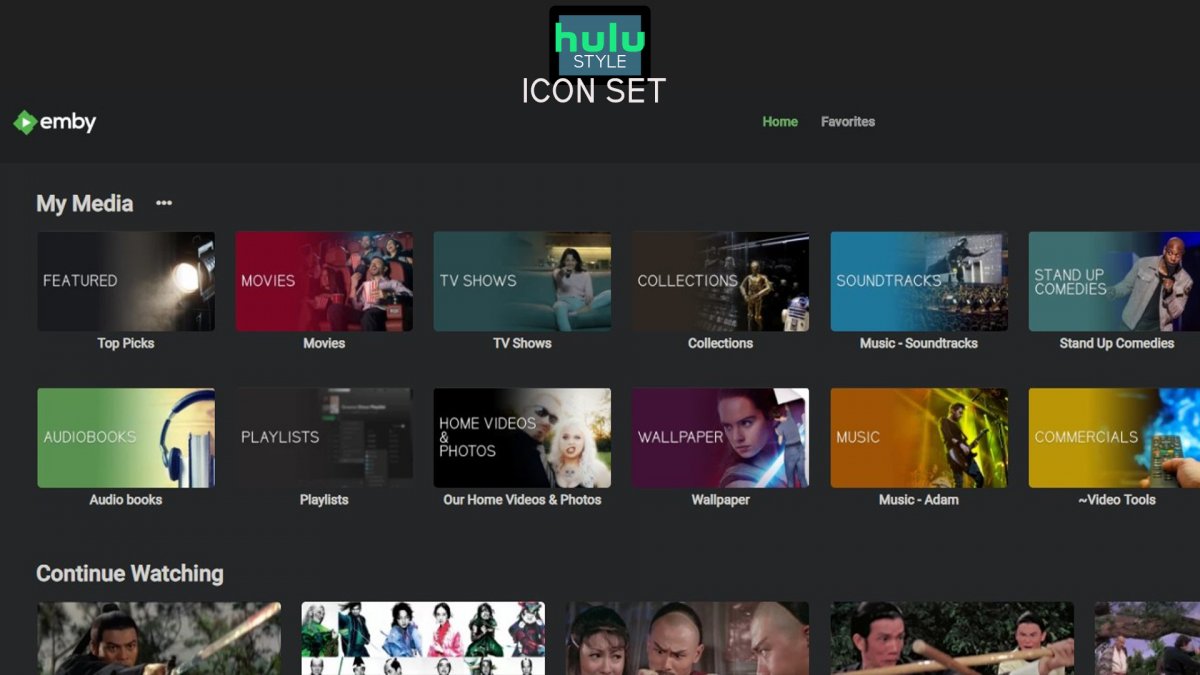
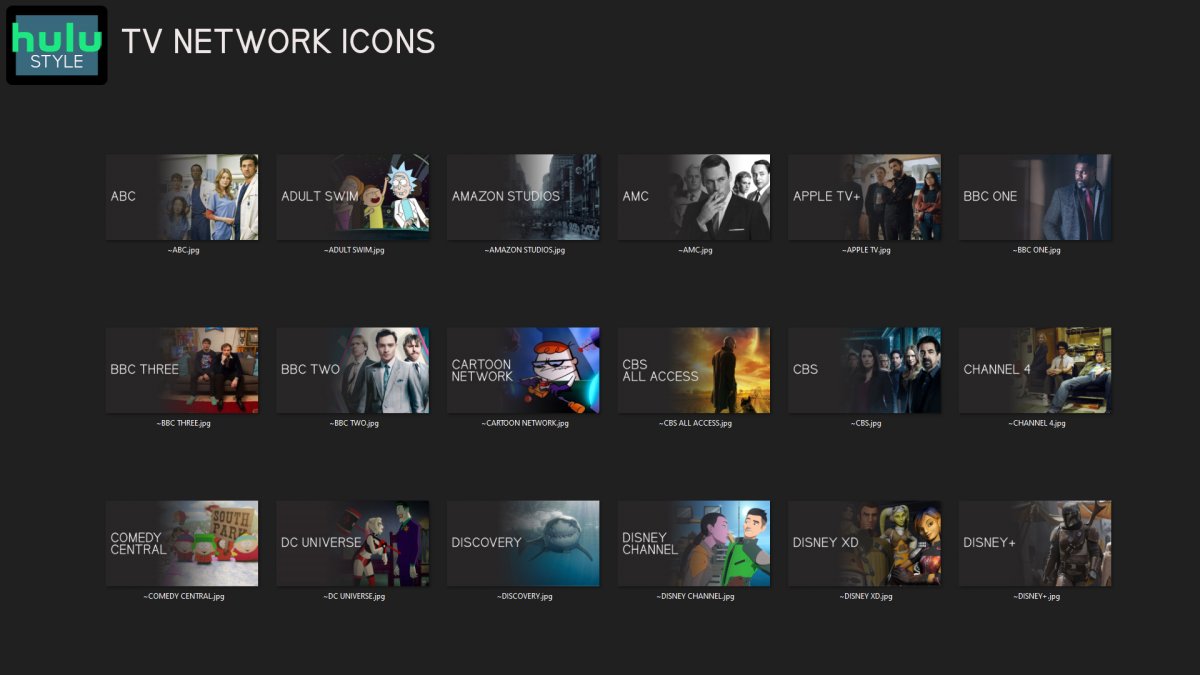
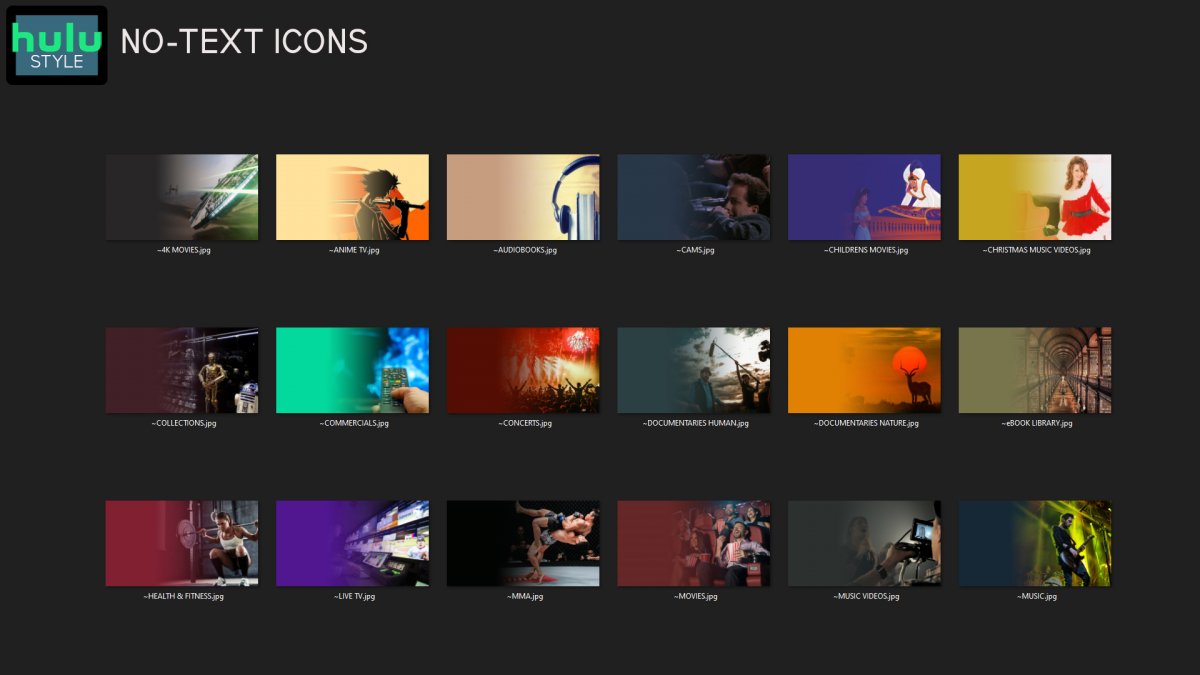
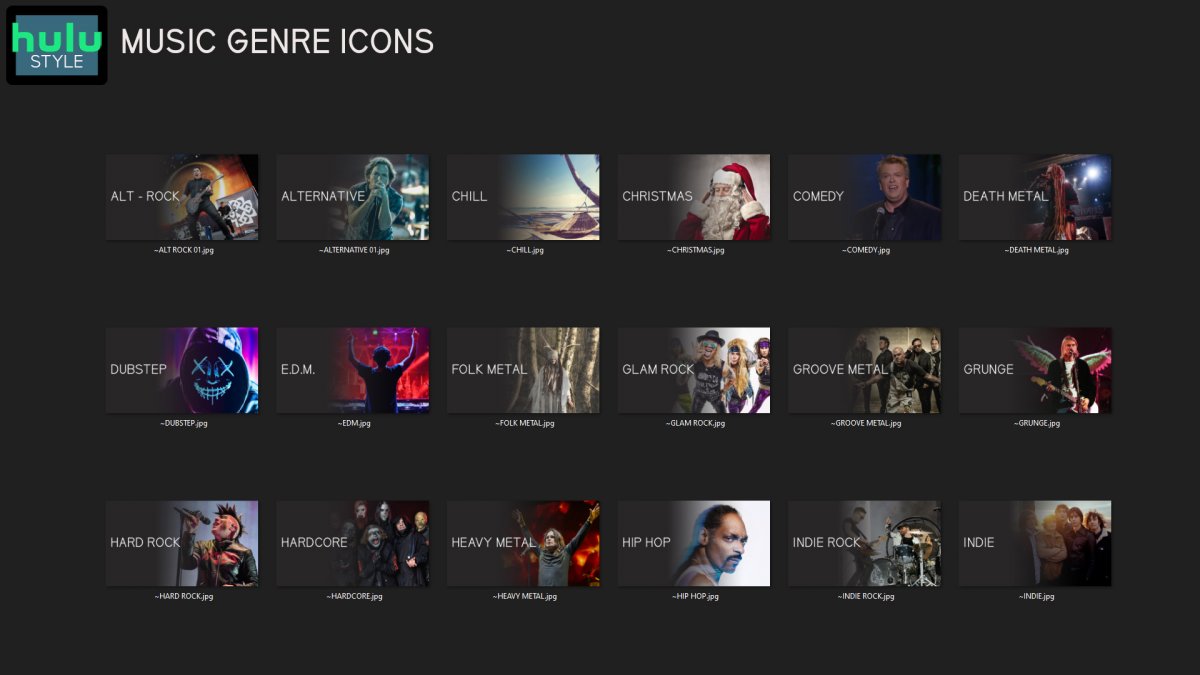
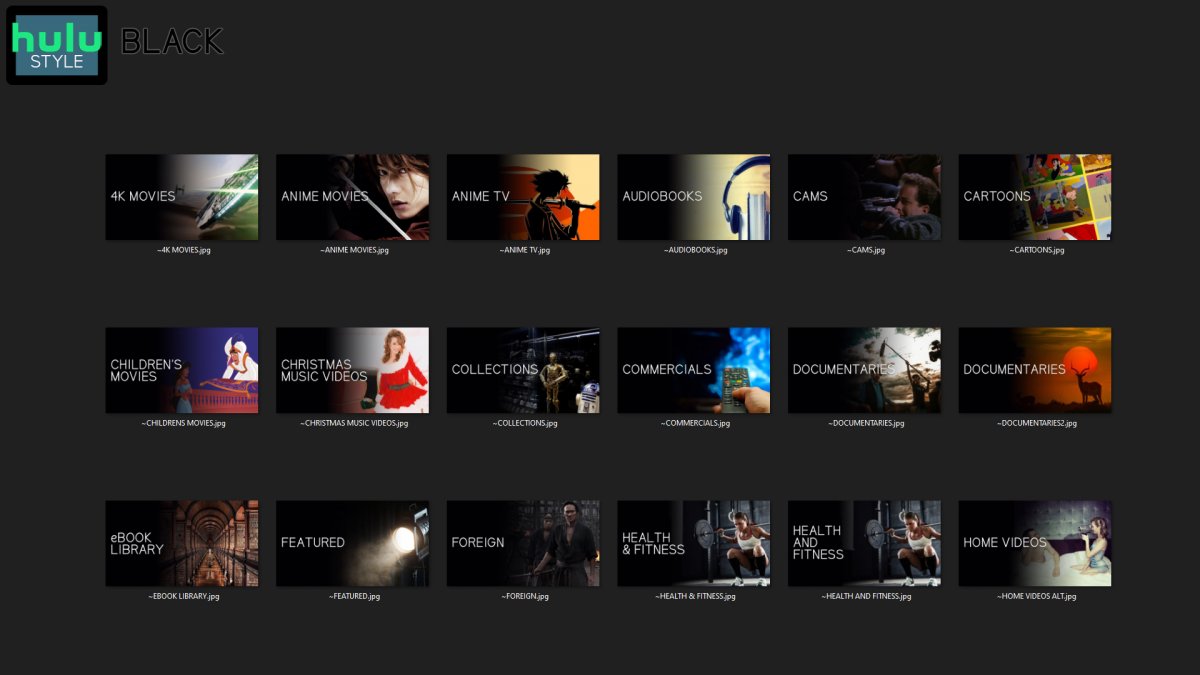
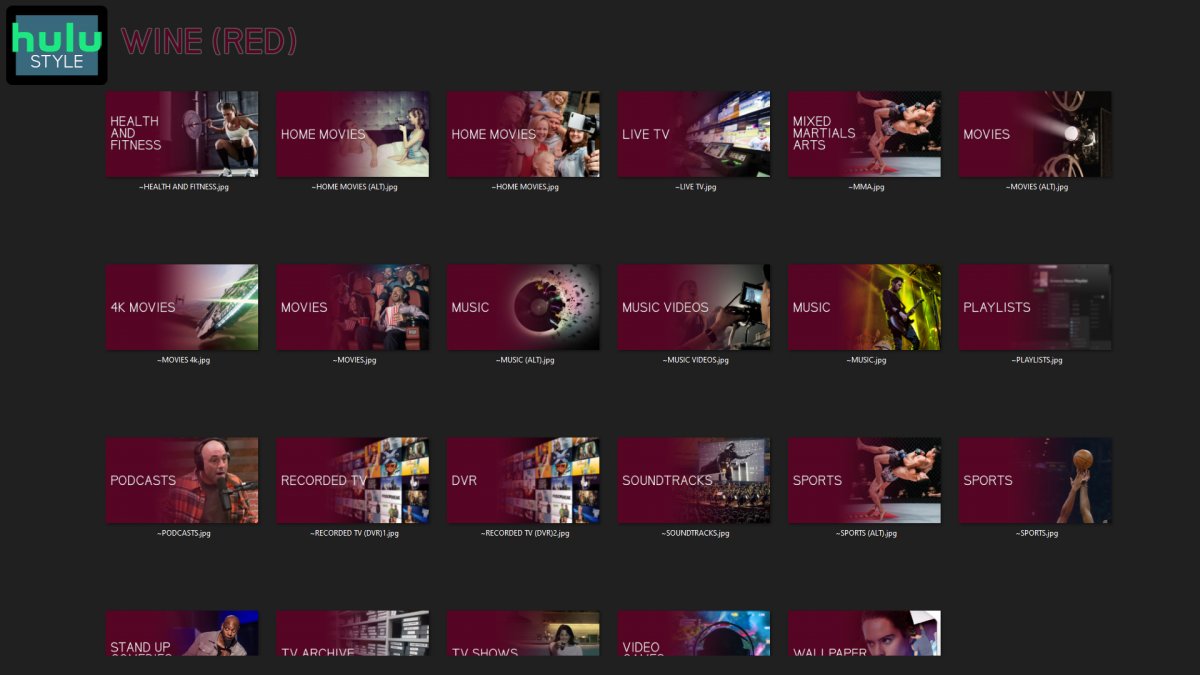
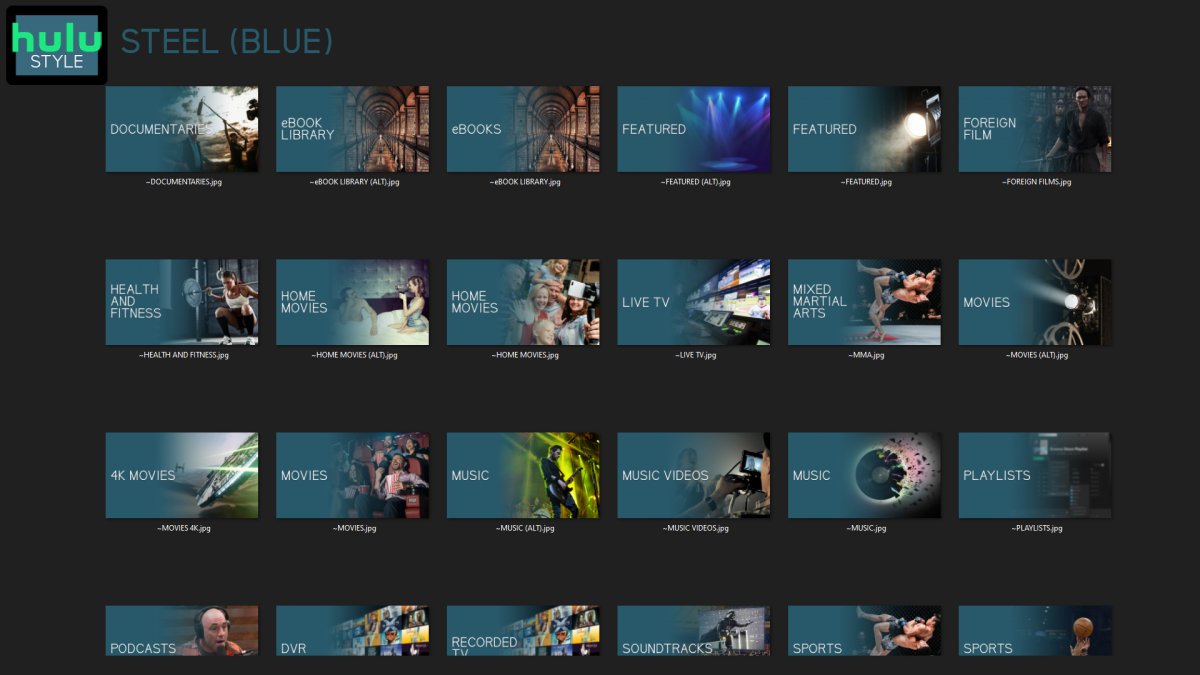
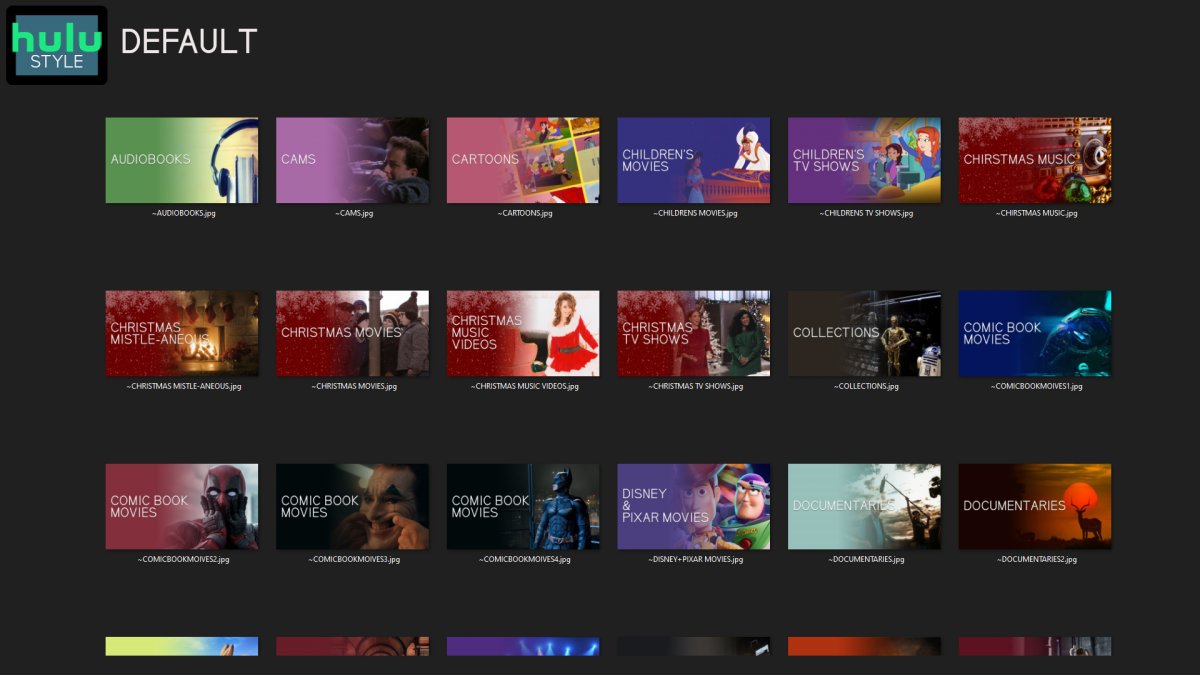
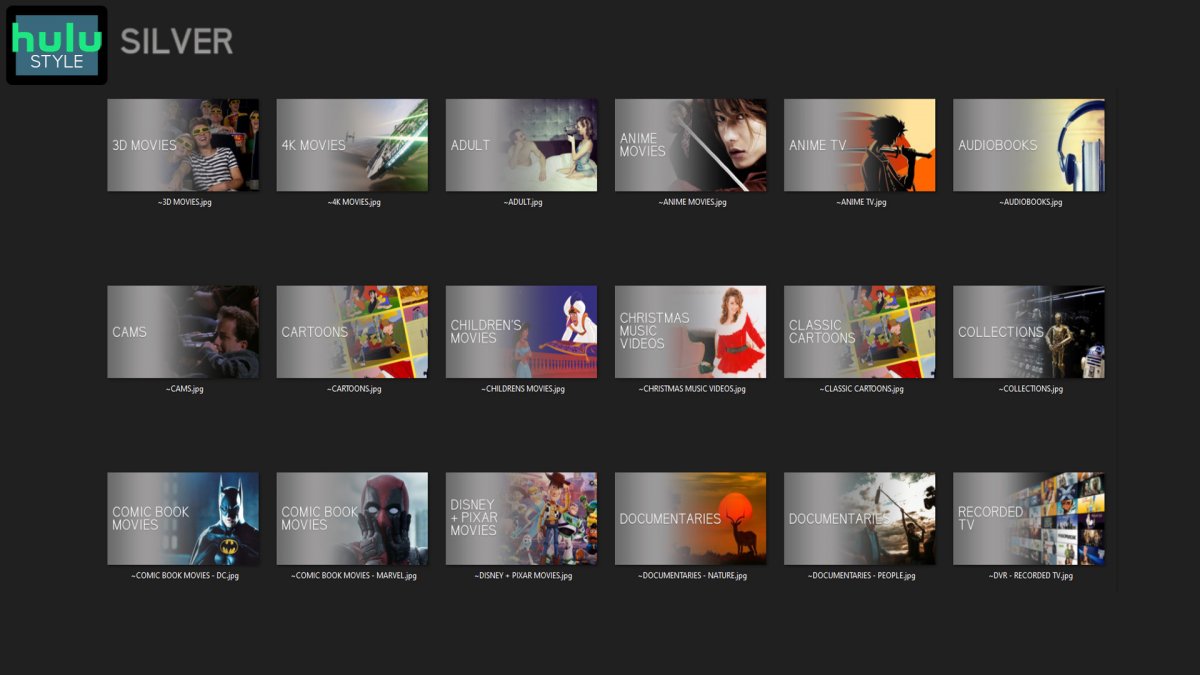
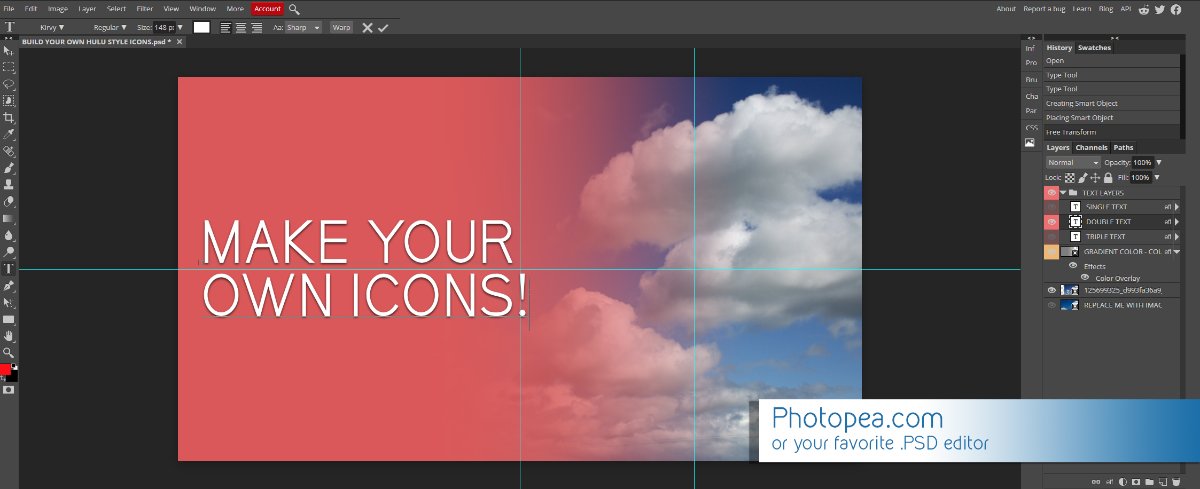
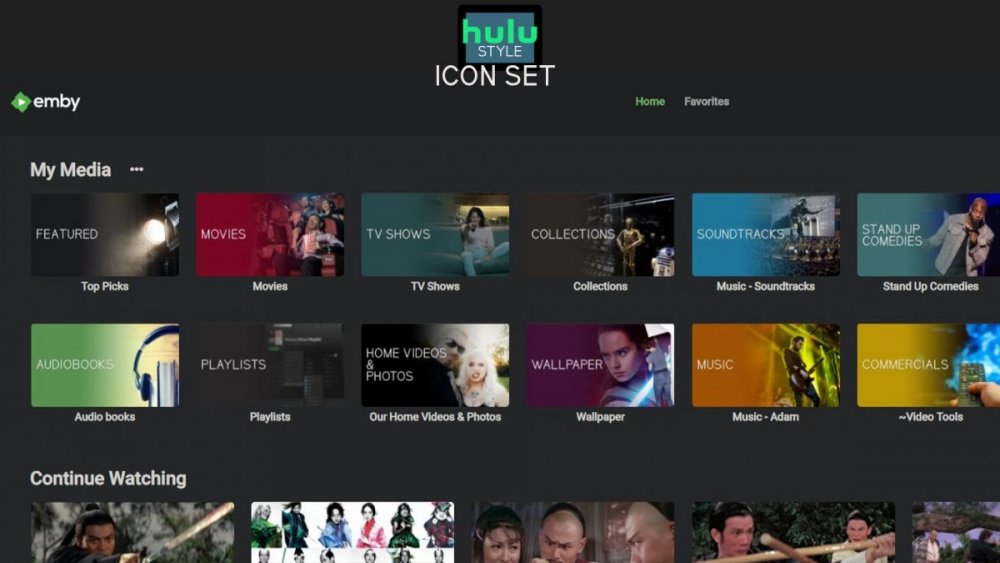
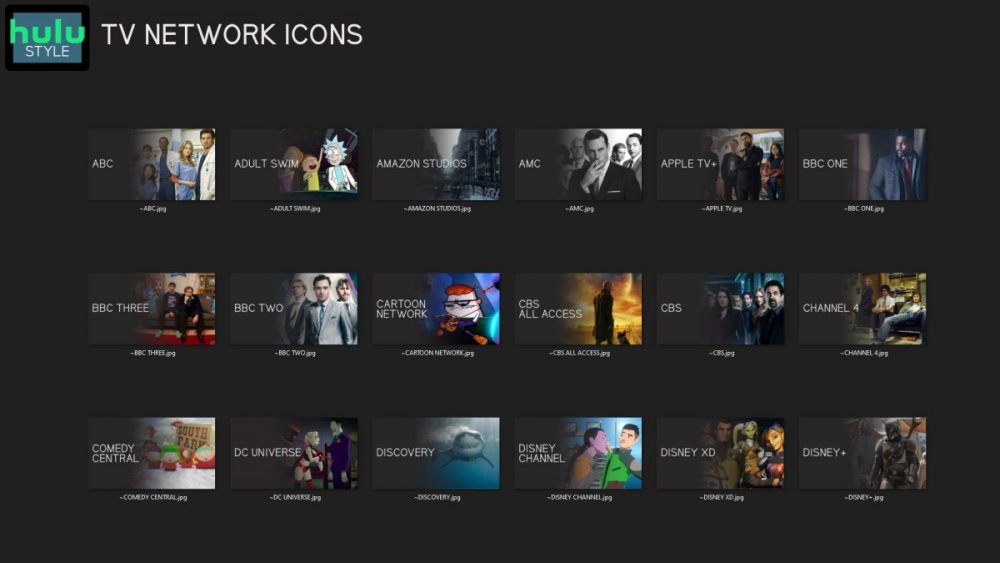
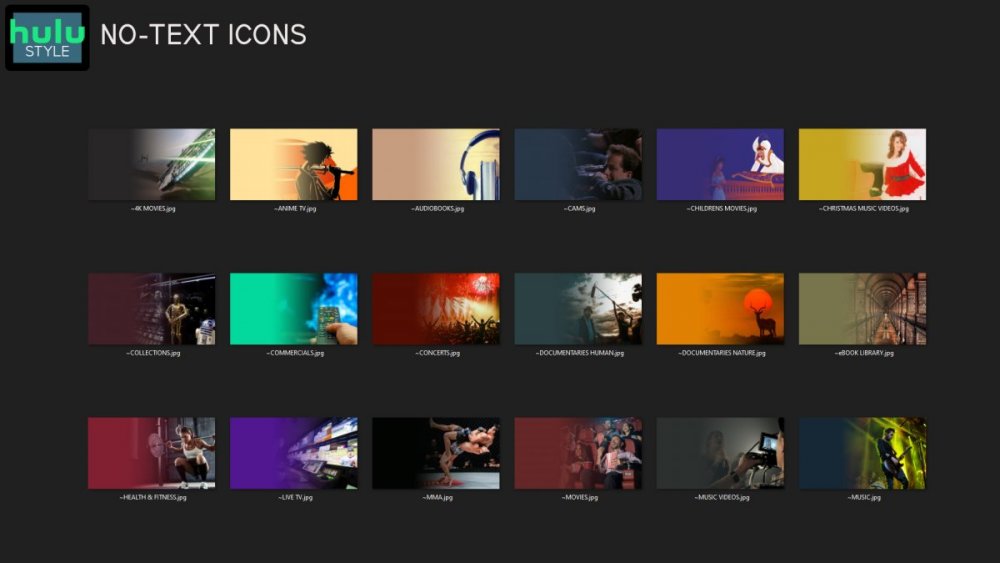
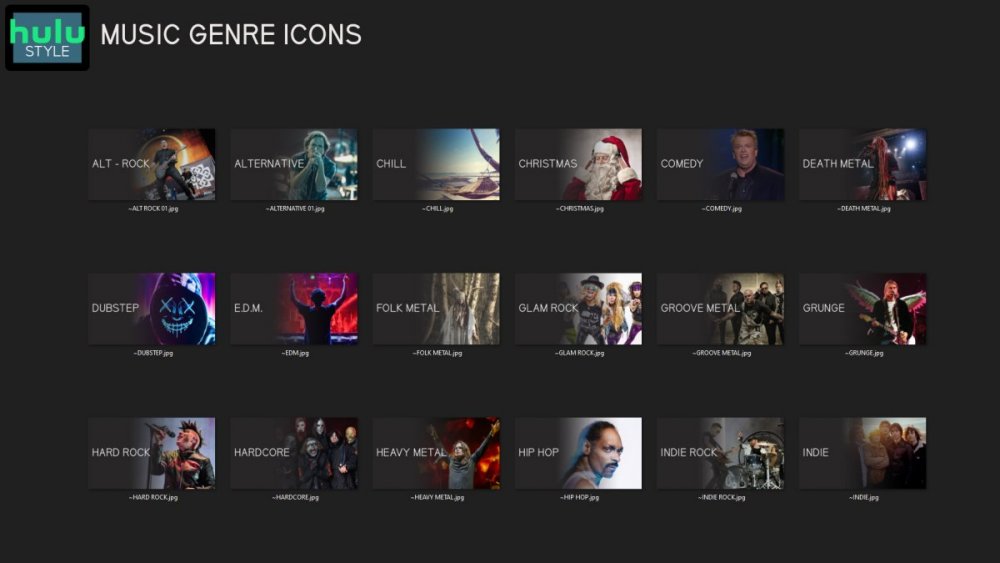
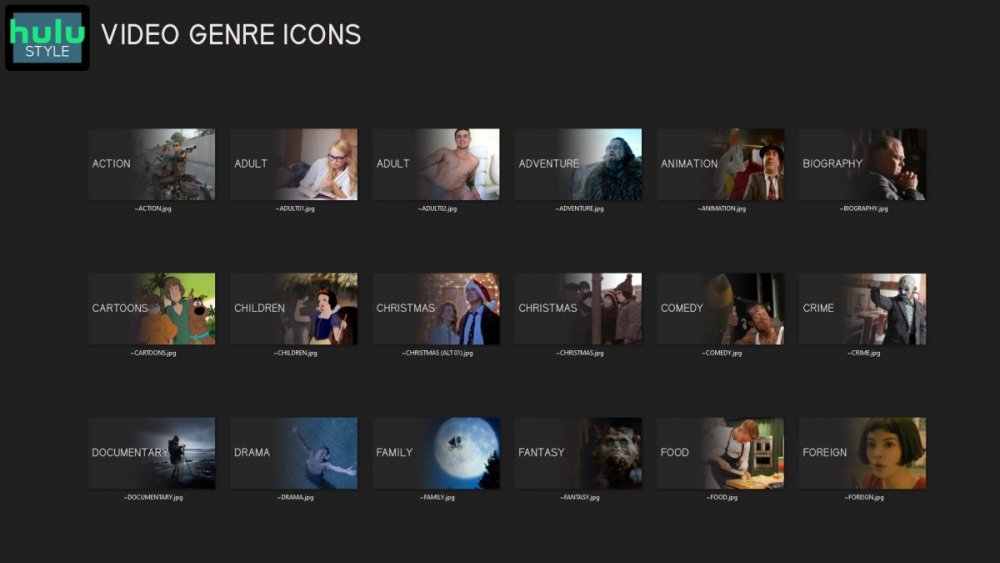
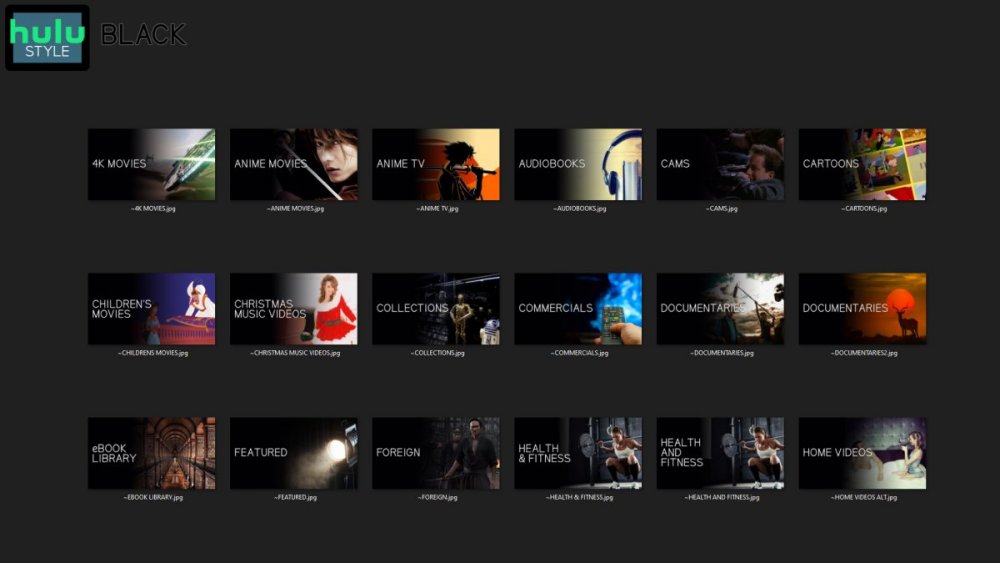
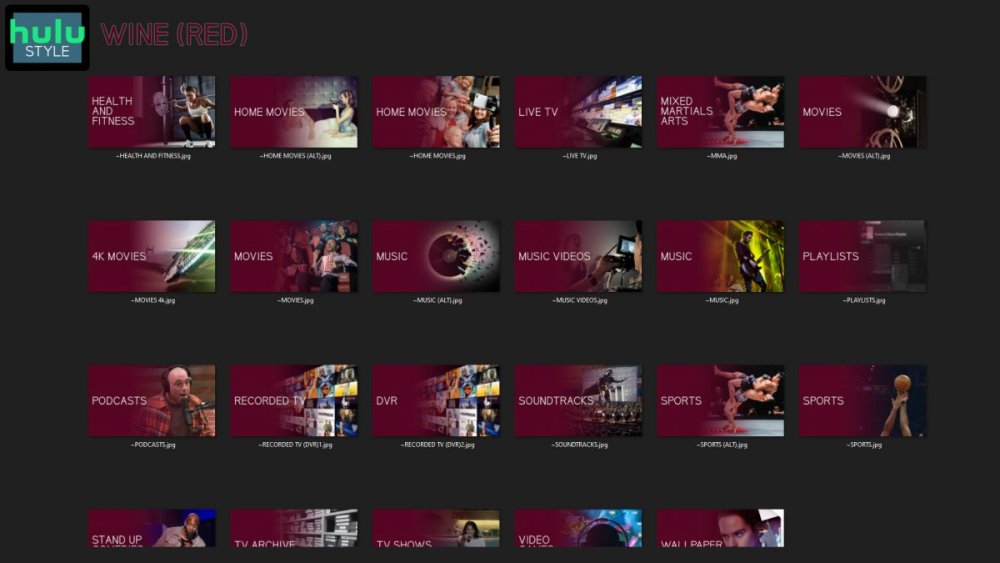
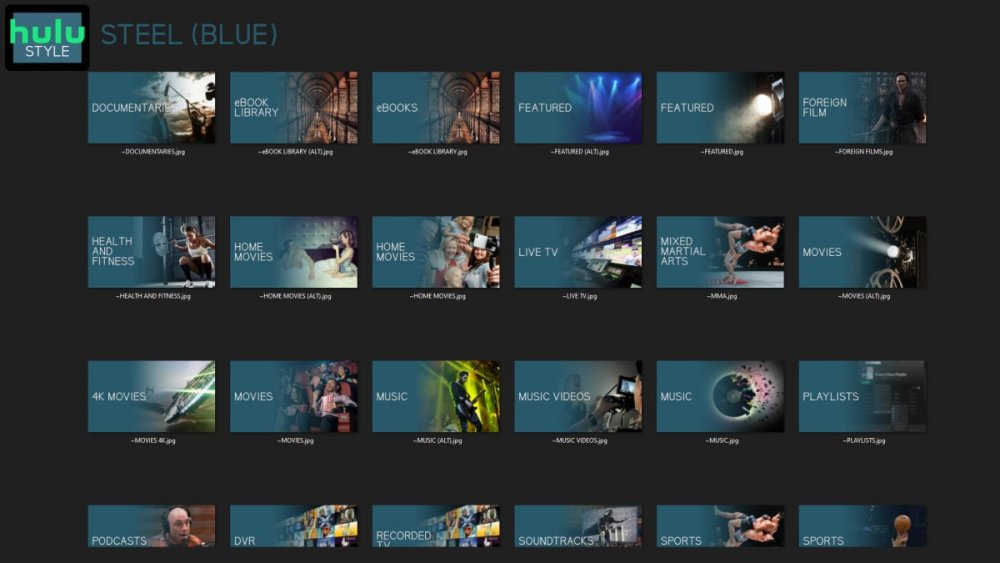
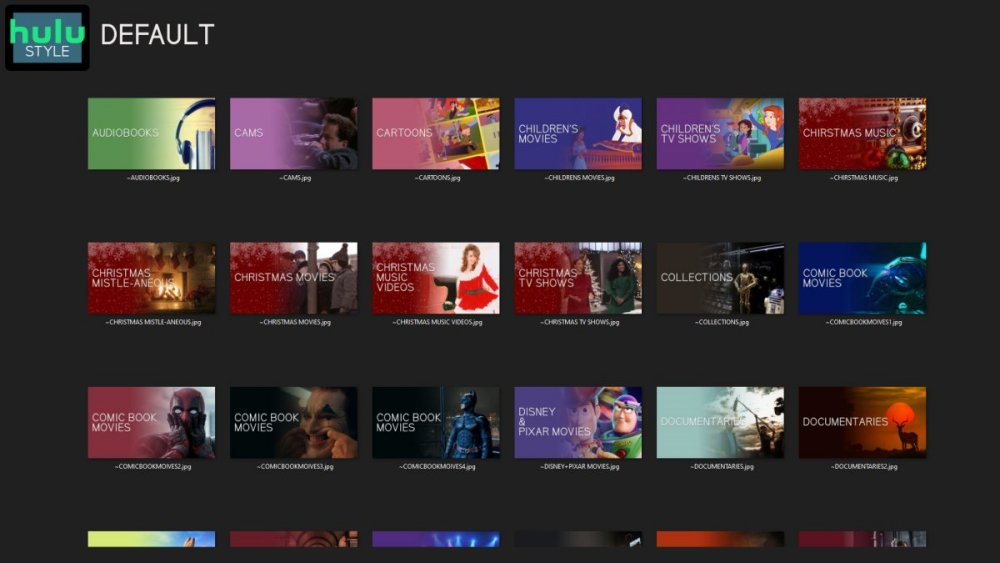
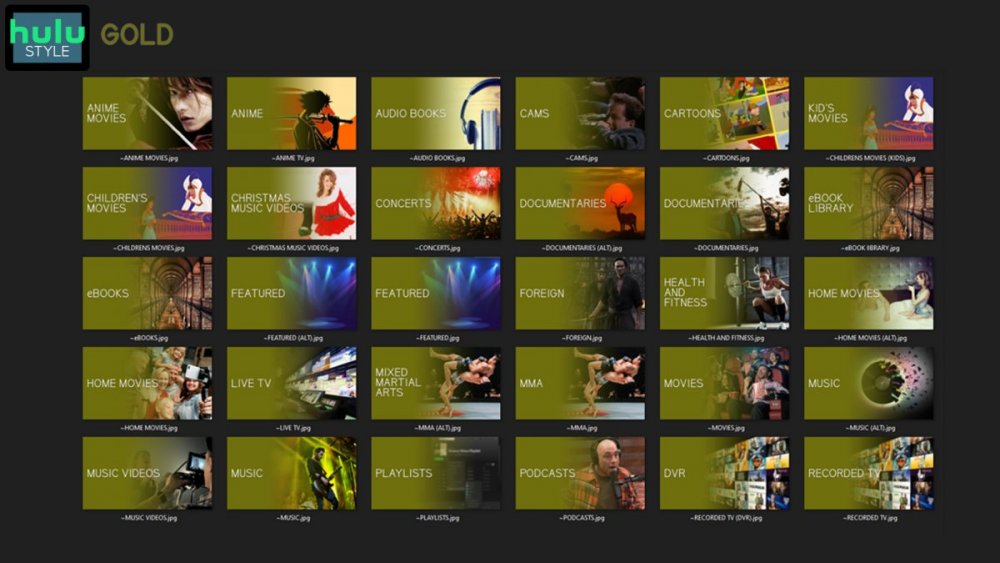
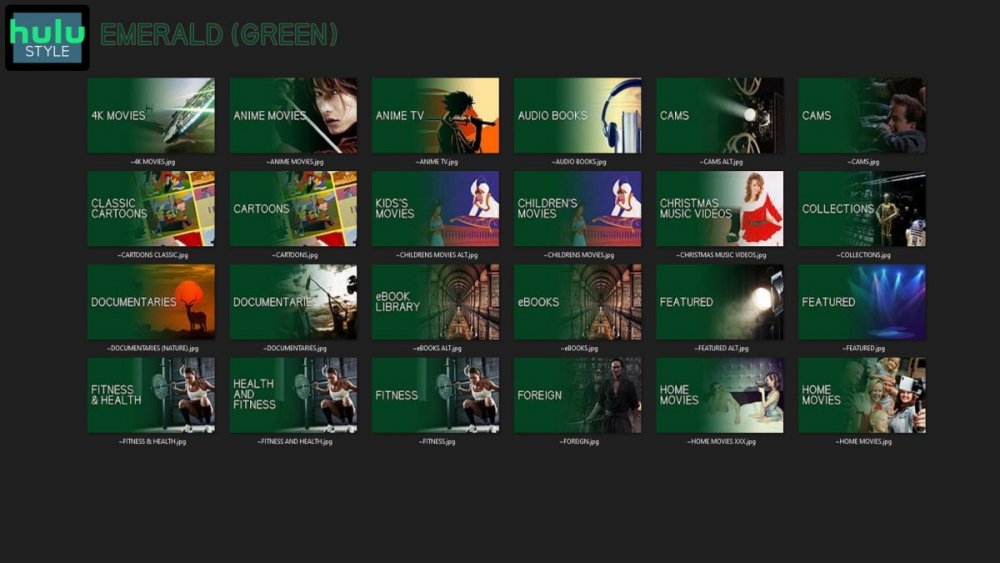
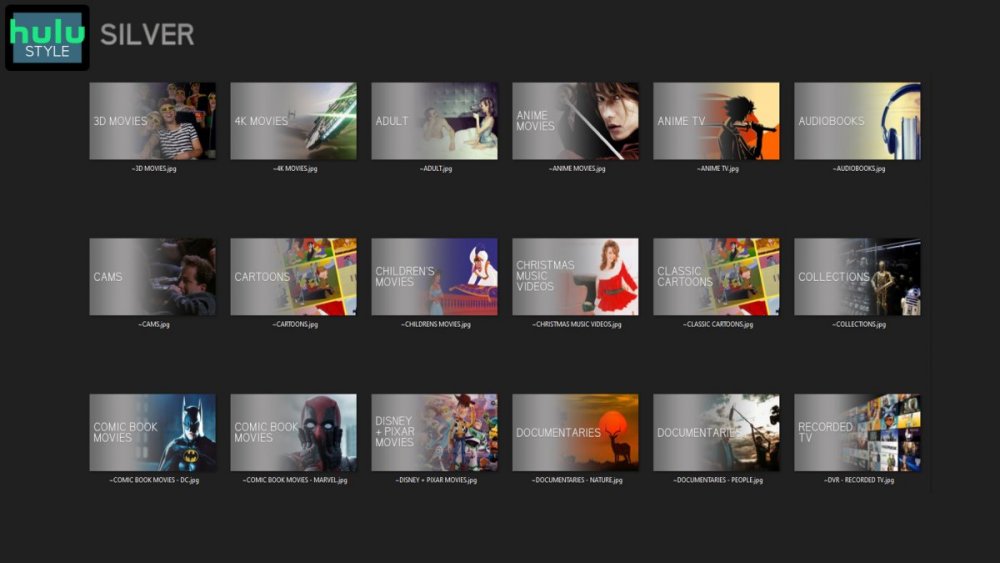
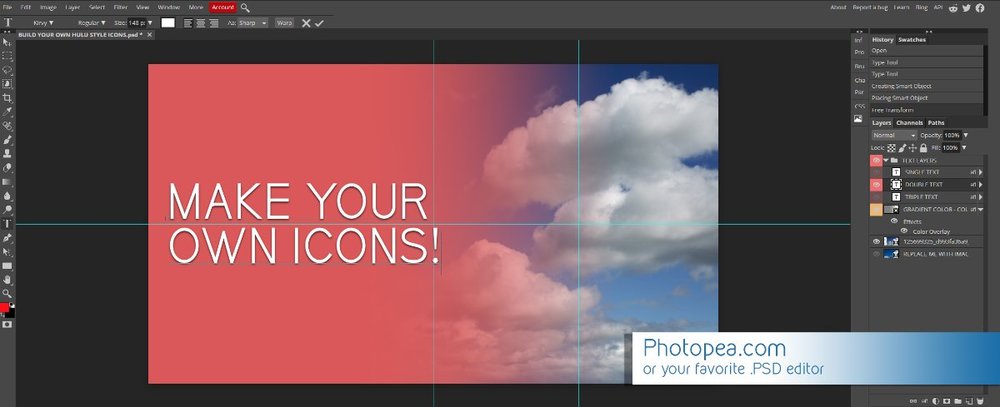
Media Library Icons for Emby Updated: 07/10/2021 I've always had a thing for the simple gradient style Hulu overlays on their library images. I'm not that great at graphic design, but I can mimic some things pretty decent. I hope! It's very simple, and clean and something I've been wanting to attempt for a while. I've never done anything like this, so constructive criticism is appreciated! More color options for media libraries coming soon!!! Also included to make your icons match across the platform, are video genre, music genre and TV network icons: I've hosted this only my Google Drive, so if if the link is not working please, reach out to me and let me know and I will do what I can to resolve! The font (Kirvy), and PSD's are located in the \~TOOLS\ sub-folder Media Library Icons - DOWNLOAD HERE Feel free to create your own to fit your needs! Photoshop Template - DOWNLOAD HERE Gimp Template - DOWNLOAD HERE (ALL credit for creation of Gimp template are thanks to, Mibok, who took the time to recreate the Photoshop template in Gimp!) Many have asked for a smaller and easier version of the .PSD file to create their own custom icons. I have simplified the .PSD and it is now compatible with, Photopea.com photo editor so no need to own Photoshop to make your own icons! Download the new .PSD HERE Thanks for giving me so many hours of entertainment, this was something fun to try and give something back! (If any of the above images are not allowed, please inform me ASAP and I will correct it) *** Change Log*** 07/10/2021 Added GIMP template, created by, Mibok to allow users alternate means to create their own icons 01/25/2021 Added lighter .psd file for easier custom icons 10/04/2020 Added "Silver" Media Library Icon Set and all remaining requests and missing items in each set 08/15/2020 Added some requests and "Emerald" (green) Media Library Icons Set 07/06/2020 Added "Gold" (yellow) Media Library Icons Set 06/29/2020 Added "Wine" and "Steel" (red and blue) Media Library Icons Set 06/29/2020 Updated sample images 06/22/2020 Added "Black" Media Library Icons Set 02/27/2020 Added TV Network Icons for 49 U.S. networks 02/27/2020 Added ~MEDIA LIBRARIES sub-folder to help keep the folder organized 02/24/2020 Added Phase One of Music Genres to Google Drive 01/25/2020 Added requested images to Google Drive 12/21/2019 LITE - Hulu Style Library Icons PSD Added (Uploaded PSD with no graphics for a faster, lighter PSD option) 12/21/2019 Media Library - No Text Icons Added 12/17/2019 Generic Movie Genre Icons Added To Do: Update preview post with images Continue color sets: Black - Maroon - Navy - Emerald- Gold - Silver Update No Text Icons Downgrade PSD for compatibility for older versions of GIMP/Photoshop TV Networks - USA Optimize PSD for simplicity
 1 point
 -
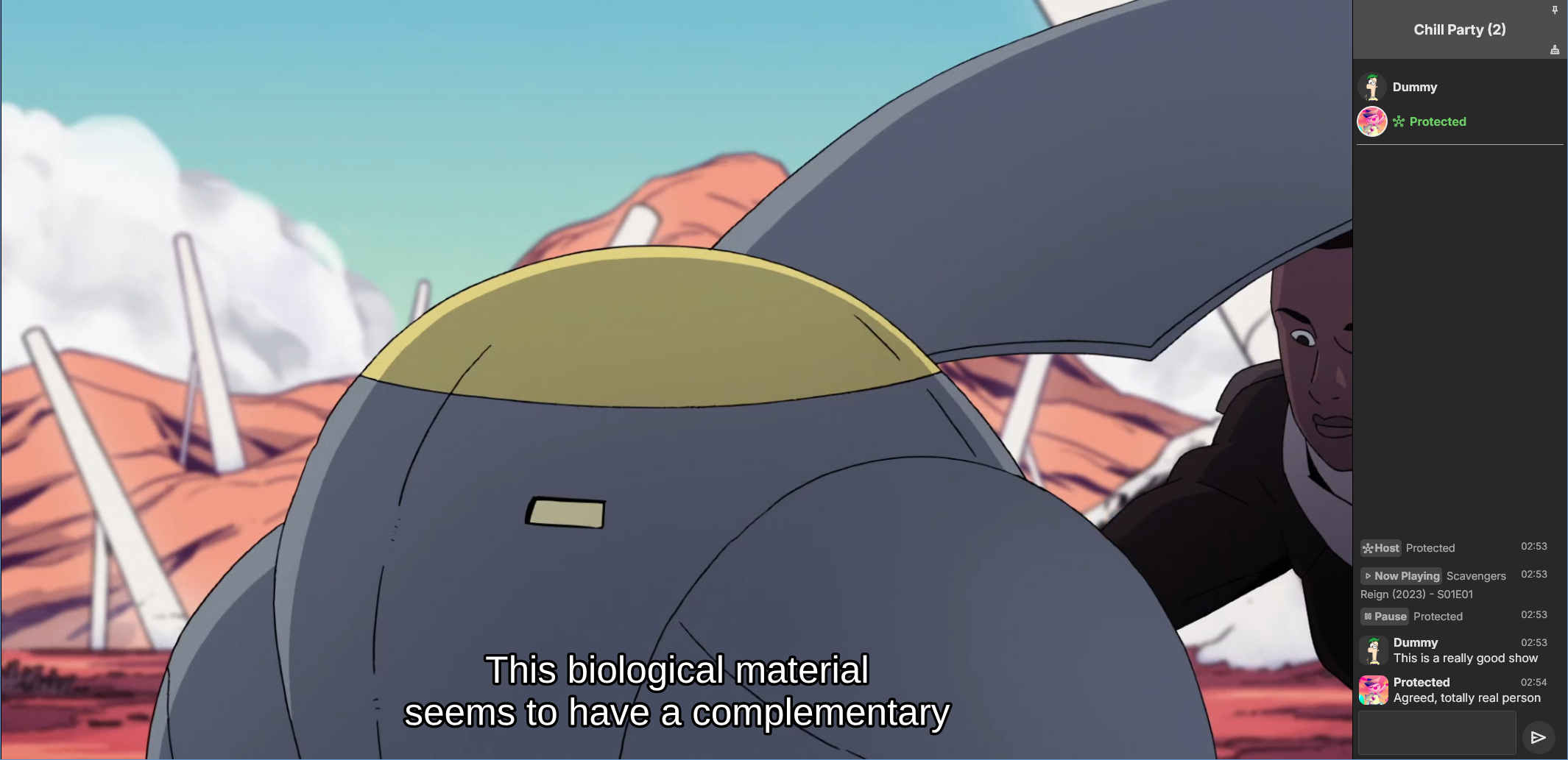
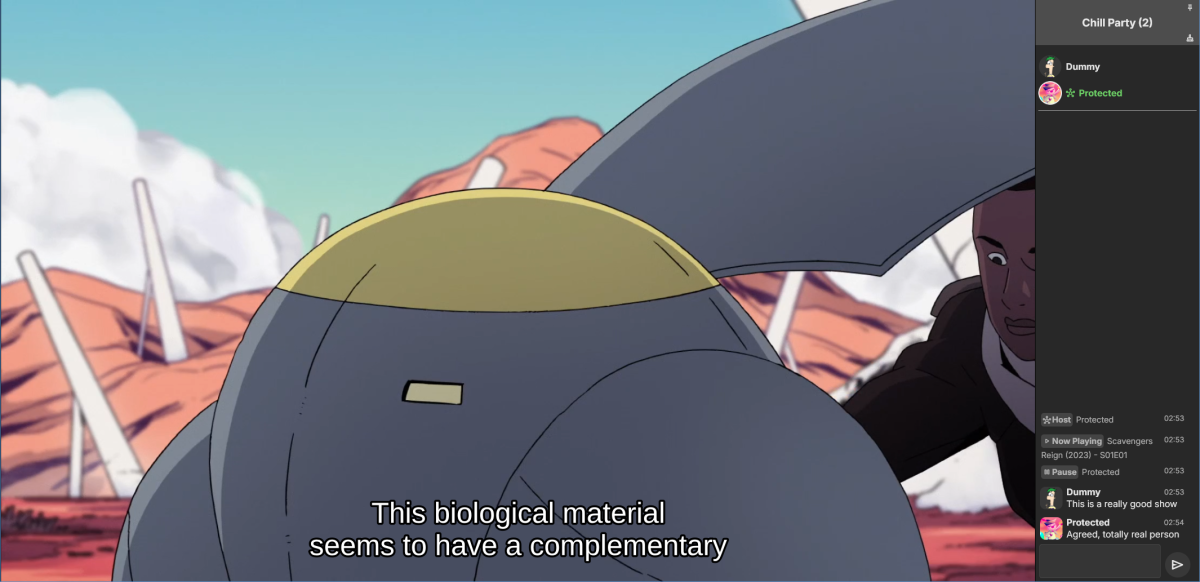
Emby Party is a solution for watching videos with multiple friends through your Emby web client. It requires no additional dependencies - only a device running Emby (presumably with good enough hardware for serving all the attendees, especially if you're transcoding) and at least one web browser. It consists in two halves: A server plugin and a web client module. They must be used together! Each half expects the other to be present. This is an experimental open source project. Feel free to fork and contribute pull requests and issues (my availability for fixing issues on my own may vary wildly and may be low in the near future). The source code and all known issues can be found in the github repository. Any information there should be considered the most up to date. Currently testing in Emby 4.8.10, Windows and Debian Bookworm (Linux), Firefox, Chrome and Edge. Features Hassle-free hosting: Doesn't matter who creates the party. Whoever initiates playback while in a party transparently becomes the party host, and host is reassigned if they leave. No need to recreate the party for someone else to host something later. The hosts controls the party video and video position. Video access permission check: Will only play a video if all party members have access to it, and will prevent new party members who don't have access to the current video (if any). Accurate synchronization of video player positions when the host seeks or changes videos using a multi-part protocol that leverages remote control commands under the hood. Accurate catch-up seek commands issued for guests when they fall behind or are otherwise offset from the host. Efficient transition between videos in a playback queue that accounts for slightly offset attendee positions and allows each attendee to start loading the next video while others finish the previous one. Late joiner support: Brings late joiners immediately into the video at the correct position. Joiners already watching a video will automatically start hosting that video if the party was idle. Host can change audio and subtitle streams for all attendees (guests can change it back for themselves if they want). Distributed pause/unpause requests - all users can pause and unpause. Return to video button for guests to return to the video being watched by the host if they closed it for some reason. Guests are automatically returned to the correct video if they open the wrong one or under certain other circumstances. Keep alive: Plugin keeps party member sessions and websockets open as needed and disconnects party members who time out. Support for multiple sessions/devices per user account. Just don't duplicate browser tabs! Support for remote control: Party members can control other Emby clients and those clients will benefit from party synchronization. (Caveats: Working, but not thoroughly tested yet. Due to the lack of client-side support, remote controlled clients are capable of issuing pause/unpause commands that break synchronization. I recommend being careful about pausing/unpausing in a device being remote controlled by a party member.) Cool resizable sidebar with list of party attendees and log of chat and events. The sidebar has docked (squeezes the video aside) and undocked (overlaps the video) modes and uses your Emby profile picture. Dark and light mode supported. Visual indicators for synchronization states of party members when synchronizing with host (icons). Visual indicator when receiving seek commands from the server (your name flashes orange). Host remedies for synchronization issues: Guests who are not responding can be sent another playback command by the host or kicked from the party after 20 seconds have passed. Emoji support in chat using :shortnames: or emoticons. Markdown styles support in chat, including spoilers and preformatted text. Preserves chat focus and selectively blocks keyboard shortcuts or UI interactables when chatting or syncing in order to prevent control mistakes/command spam. Chat bridge endpoint: External applications can connect to `ws://localhost:8196/bridge` to exchange chat (and some events) with the party sidebar. I threw together a module for my self-hosted Discord bot that shows how to use it. Remote control chain resilience for party attendees only: Prevents you from creating a loop of remote control targets. If you do this in vanilla Emby your clients will nuke the server with requests. Automatic skip to next video for videos stalled at the end because the last segment isn't decoding. This is also for party attendees only. Installation To install the server plugin, download it or build it in Visual Studio, then copy it normally to your Emby server's plugins folder and restart the server. Currently the plugin doesn't modify any Emby files (yet?), so you'll have to manually edit one of the web client's existing modules and import the Emby Party module there. Head on over to system/dashboard-ui/modules/appheader/appheader.js and locate the end of the render function, which in Emby 4.8.10 is in position 21877. Insert this code there: , Emby.importModule("./modules/embyparty/partyheader.js").then(function(PartyHeader) { return (new PartyHeader()).show(skinHeaderElement.querySelector(".headerRight")); }); Save, clear your browser cache and refresh. If the party button appears in the top right corner, you're good to go! I'm sure someone will tell me a better way to do this soon enough. I don't know if there's a commonly accepted way and haven't really put any thought into it yet. Whole bunch of disclaimers Use at your own risk! If something breaks that you don't want broken, revert the steps above to remove the plugin from your server installation. Emby Party was iteratively developed and tested with several friends over several weeks, but it was developed to suit our own needs. It was not (yet) tested alongside features we don't use, including, but not limited to, Emby Connect, Emby Premiere, Live TV, the audio player, conversions, cinema previews, most other plugins, etc. Currently no mobile styles. Not tested on mobile. We've been in active development until now. There are vaguely known issues that are hard to reproduce and instability can be caused by video decoding failures, networking issues, browser crashes, browser extensions, lack of hardware resources, forgetting your browser won't play until you click the window unless you've given Emby autoplay permissions.. New and exciting bugs should also appear as we get more people using it. Thanks in advance for helping test, report or fix this stuff! Otherwise, check back for updates, I guess? Please keep comments and suggestions in this thread. Issues should be reported only on github so they're all in the same place. You may notice a whole lot of things in the source code that make you think, wow, it sure would be nice if this was in the Emby settings. I agree! If you would like to implement a plugin settings page, please submit it as a pull request on github! I'm so horribly far behind schedule with this project, and my free time is far in the negative right now. There may be better ways to do some of the things Emby Party does that I am simply not aware of at this time (one of the reasons I'm keeping these instructions outside the repository for the moment) or were simply not considered because the feature grew organically. Pull requests please! Also recommended If you're feeling adventurous, consider improving your watch party's subtitle experience with these (much harder to apply) client-side fixes we worked out in tandem: Temporary workaround for subtitles coming in too early when resuming a video with transcoding (Important for this whole thing if you watch videos with subtitles) Web client ignoring AudioStreamIndex and SubtitleStreamIndex (Required for party host to guest stream index sync if you use that) Fixing mismatch between subtitle canvas and video aspect ratio breaking ass subtitles Fixed in vanilla as of 4.9.*! Playing plaintext subtitles through Subtitles Octopus by faking subtitle type Support mkvs with embedded fonts (requires the associated plugin) Fixed in vanilla as of 4.9.*! These may become obsolete over time if things are fixed or integrated into the main software. Don't forget to clear your cache and refresh after making changes to the client.
 1 point
 -
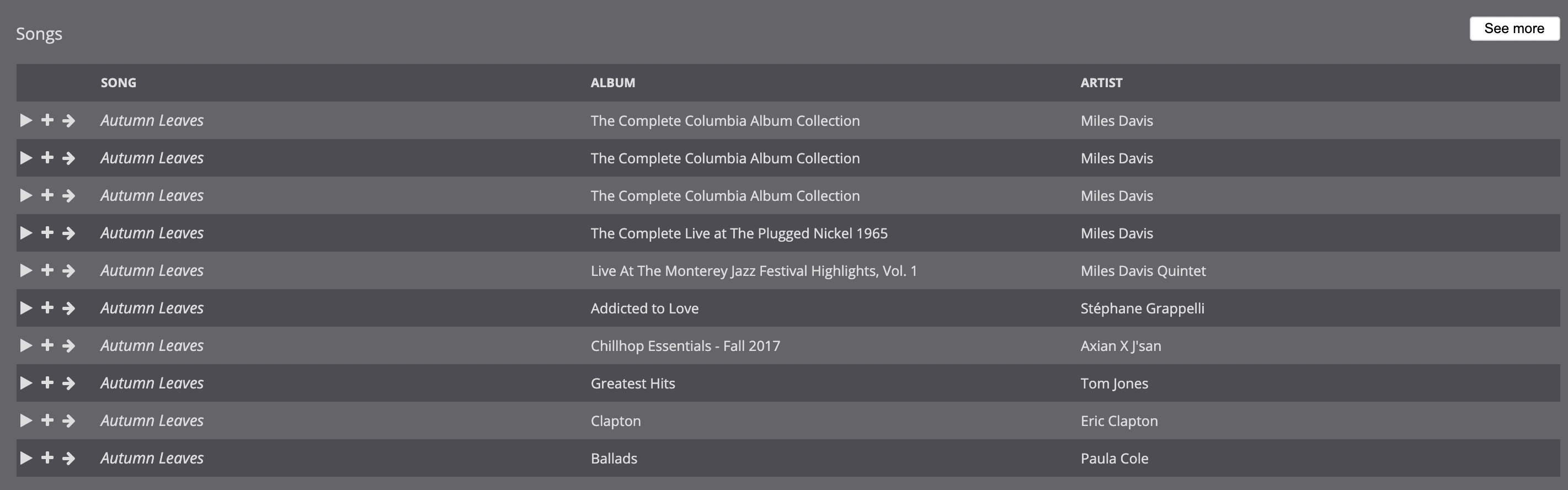
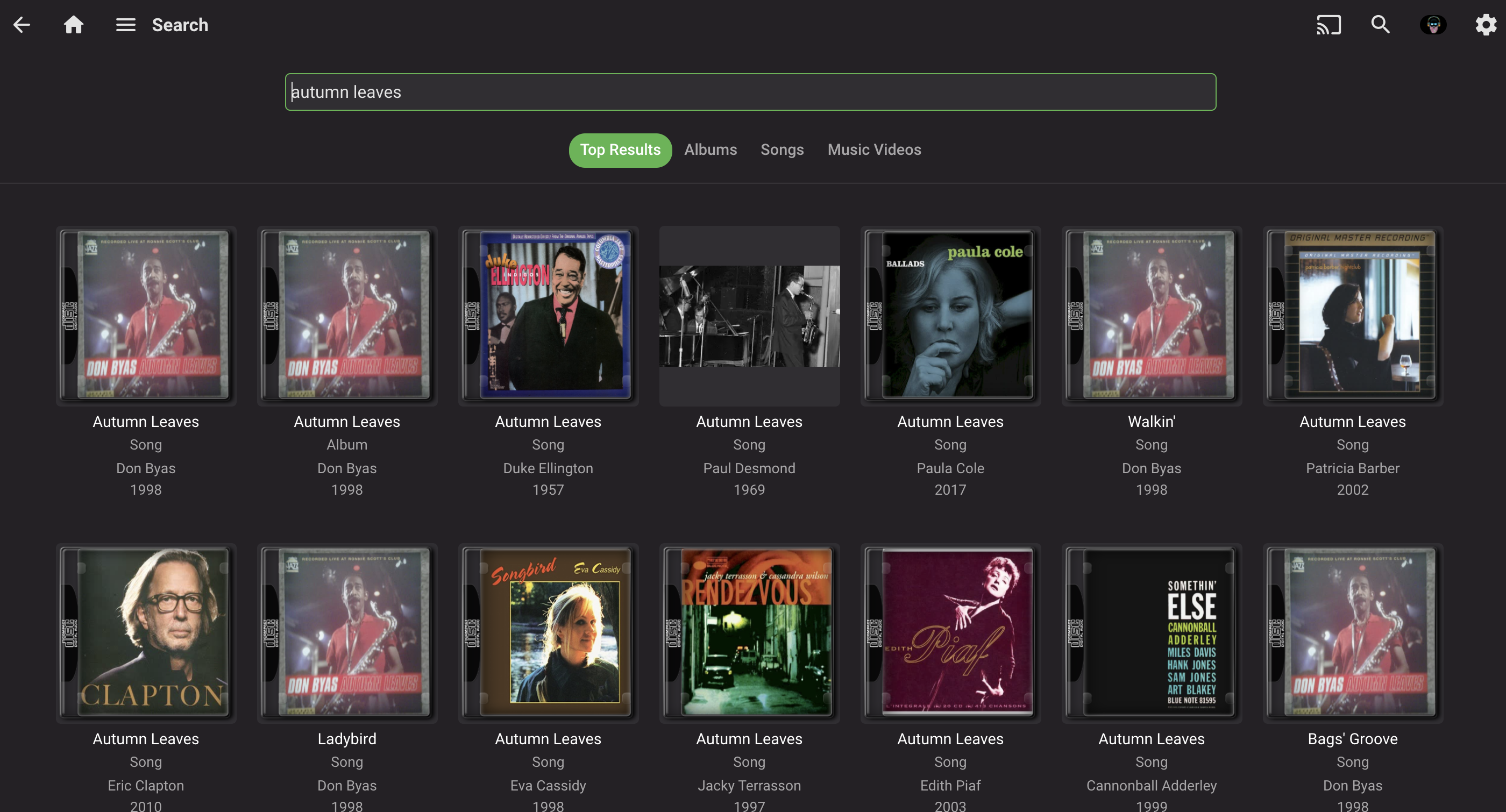
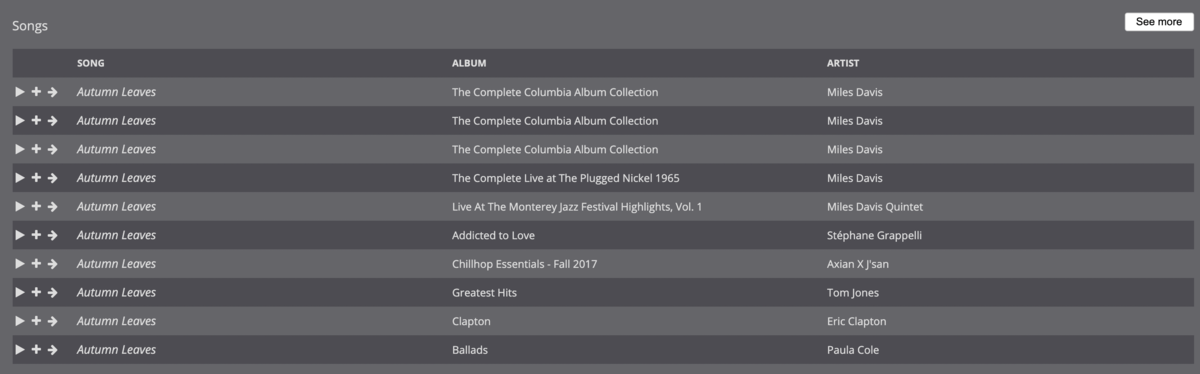
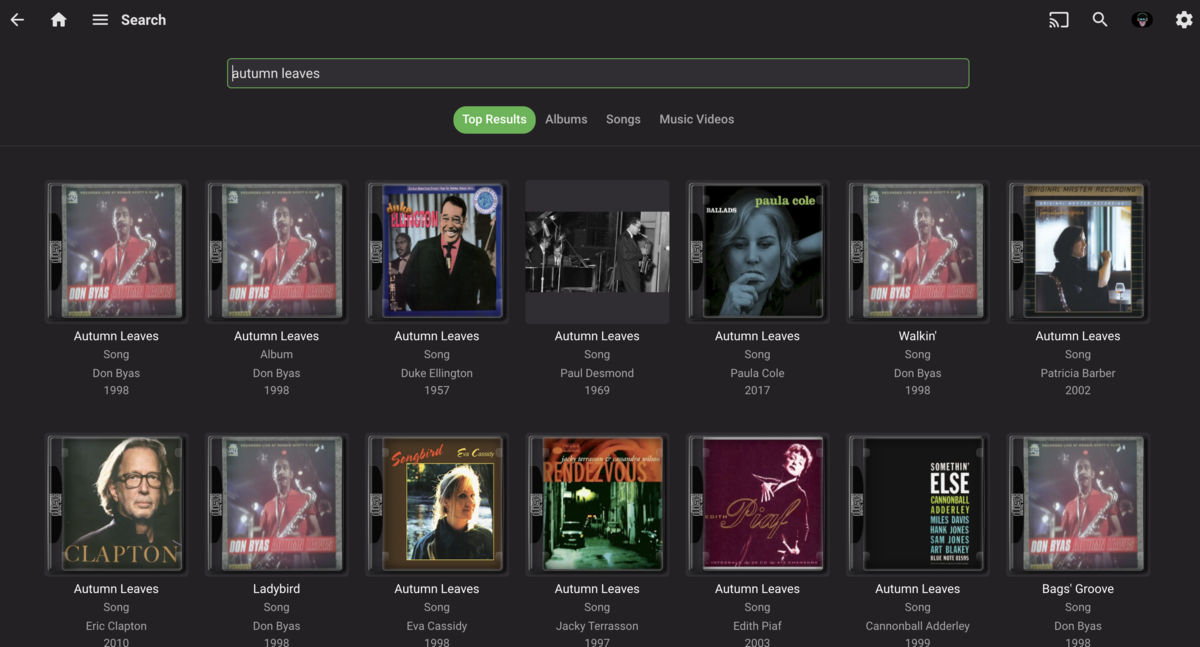
I'm trying to transition off of Subsonic because it is getting long in the tooth, and Emby is the logical choice, since I already use it for videos. While I know that music in Emby is very much a work in progress, one area I find it lacking—in comparison to Subsonic—is search, both in terms of performance and functionality: Compared to Subsonic, Emby's search is significantly slower. I actually created a separate user account in Emby that only has access to music in order to make it usable because when videos were included, it would take 10-20 seconds to search. For just music, searches take about 5-10 seconds, where Subsonic is, effectively instantaneous. The search results seem to be limited to either artist or song. When I try to combine the two, often I get no results. For example, I have a lot of jazz and many artists cover jazz standards, such as "Autumn Leaves." If I'm interested, say, in any recordings by Miles Davis, and type in "davis autumn leaves," Subsonic immediately returns the correct results (see first screenshot). When enter the same search query into Emby, I get no results. If I type in "miles autumn leaves," "autumn leaves davis," or "autumn leaves miles," similarly, I get no results in Emby, but the same results are returned in Subsonic. It's only when I just input "autumn leaves" that I get any results, which is not particularly useful as I have 50+ recordings of "Autumn Leaves." It also takes, consistently, 5-10 seconds to return these results. Again, Subsonic, running on the same server, provides instantaneous results. NOTE: 99% of my music is tagged, almost all of it with MusicBrainz. Some more esoteric recordings, bootlegs, and live performances are not always tagged. A couple of other nice features to have would be: a list view in search, instead of showing album art; I suspect this would also speed up the search results the option to include bitrate/format in the format; this would be useful for a variety of scenarios (finding lower bitrate versions of songs, creating playlists, etc.) Thanks you for your consideration!


 1 point
 -
Thank will check it out have a great day!!1 point
-
@benZol TV Naming is you friend. You Can also help emby by adding (year) and tvdbid to the folder. Folder : V (1984) [TvdbId=76354] Try this - The Good Doctor - The Good Doctor - TheTVDB.com The Good Doctor (2017) [TvdbId=328634] Now look up - The Good Cop there are a some with the same name. Search - TheTVDB.com1 point
-
Fantastic, i did not know that. I have checked a couple of logs now and i see at the bottom of the logs that the most recent ones always have new movies that the other logs don't, so i guess things are progressing as they should. Thanks!1 point
-
This is 100% correct.1 point
-
Emby in a nut shell. Anytime I see this or something like it "Yes it's something we can look at in future updates. Thanks " I know that it's not happening. Or if it dose happen we will have to wait forever for it to happen. Instead of saying look that's a cool idea, but it's not something we can send time on now, or maybe not for a long time if ever. At lease that's more of an honest answer.1 point
-
You can also follow progress in logs. Then you can refresh and scroll down and seen where it is in the process.
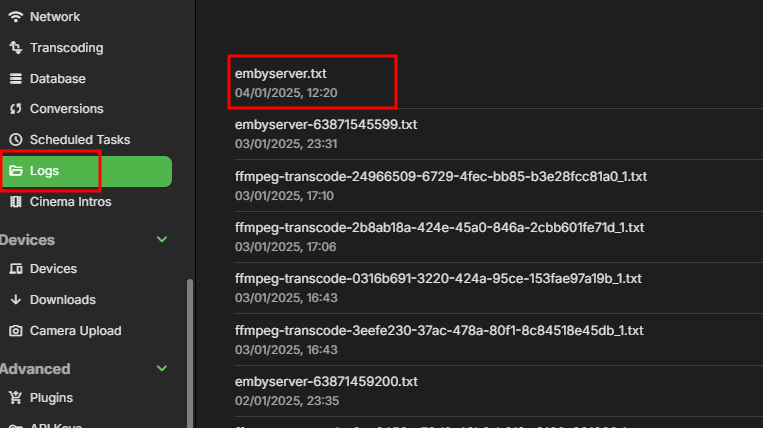
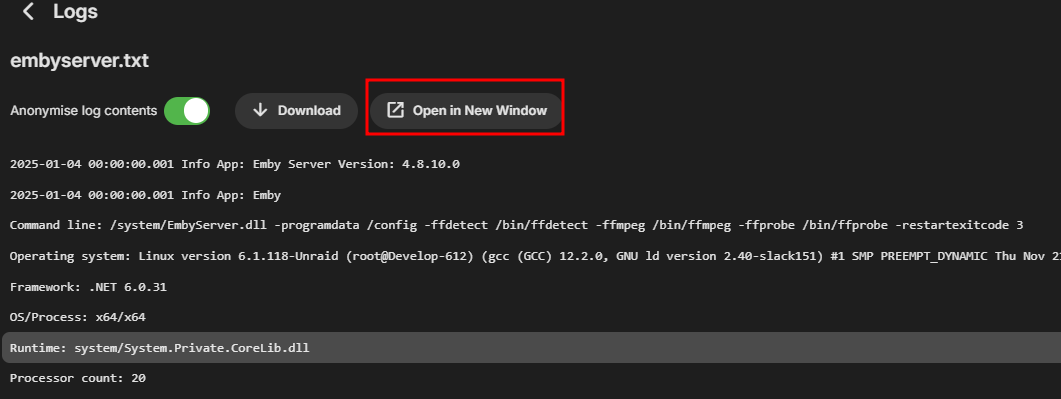 1 point
 -
Emby has to rescan/rescrape the media files entirely, event thought only the file name changed. It's normal for Emby to seem stuck after a while, it starts scanning the folders and then slows down for processing the metadata. It might be faster without external scrapers like TMDB and relying on the NFO files only, but I haven't noticed a speed increase. You can "watch" the progress by library if you go the currently processed media folder and filter by "Missing TMDB id". This should show you the unprocessed files. Processing 8,000+ files could actually take a day or two.1 point
-
Awesome thank you. I figured it out after a lot of head scratching! I've loaded my source code as a proof of concept on github on the link below; https://gist.github.com/CaptainKarma/4e02b1a9965637f6fb7bc855c3a64d58 The example code covers the following workflows which maybe helpful for future developers based off the EmbySimplePlugin/Plugin.cs code stub // Emby C# Code Example // Get the current playing audio item from Emby as a filepath e.g. D:\Music\Artist\Blah.mp3 // Wrapping into a JSON payload and sending externally // Receive a response and pull filepath // Pass the filepath that we want to play and grab the Emby internal media ID (before it can be queued) // Obtaining Emby Session ID to target the correct device // Send a play request to Emby, passing the mediaID and which device should play it1 point
-
Yeah, I do agree, we currently lack proper “does it all” media server/application. I am already wondering, how difficult it would be to create my own client, solely for music and carplay. For everything else, Emby client works fine. At the end of the day, there is not much functionality I would personally need. Simple player, with playlists, download and CarPlay capabilities which would work with Emby server. I do work in Software Engineering, but unfortunately it is not possible to fix official client due to lack of source code.1 point
-
Thanks to all. Good to know I can get it from the API. I'll try the dashboard API button. When I tried years ago I couldn't get it to work, even with help from here. Don't remember the problem exactly. Something to do with https. Homepage is interesting. It seems to be a kind of Home Assistant but for the cloud instead of the smarthome. I use Home Assistant constantly..1 point
-
While we're at it, it would be great on the music side if we could search by artist and title, as I note here:1 point
-
You should be using the igpu on your 12600k instead of the 1070ti. But as mentioned, it's not worth it. I only have family members and friends who can direct play content to have access to the 4k libraries I have. I'm of the belief that content should never be tone mapped as tone mapped content looks like garbage. Your speed is only 40mbit, which would be saturated rather quickly with 4k. If it was 40MB/s (320Mb/s) it would not be a problem.1 point
-
Yes I just saw that. I removed the option for the 3d movies. Thanks!1 point
-
Ok, I went ahead and put it back on Pop_OS.1 point
-
I run videos through a program called Fileflows before it hits Emby. I've set it to remove language audio tracks not needed and then if add compatibility tracks (EAC3), that ensures full compatibility with Samsung TVs. Removing all the language tracks actually saves quite a bit of space. It's all automated, new videos are put in one directory, Fileflows sees it and start working and the resulting file ends up in the final destination. It's also fast as it's only sound it's working with and everything else is just muxing. No more need for trans coding as there's always a compatibility tracks, just remember to have Fileflows set to make the compatibility track the new default or people tend to ignore it. People that need the higher quality track tend to know how to change to it anyway. You can also use Tdarr which is much more popular but also much more complicated or Unmanic which is easier but not as advanced.1 point
-
Okay, forget it! The audio setting in my Fire Tube was set to Dolby Digital+ and I now set to to "best available" and I´m getting Atmos sound out of the Fire TV Cube , when using Emby. I know, there was a reason, why I had set the Cube to Dolby Digital+ in the past, but I unfortunately forgot it..... Thanks for your patience and your help and sorry for the confusion!1 point
-
I found the issue...I have selected "perfectly organised into artist/album folders" instead of just "album folders", like on my main server. I will adjust this and rescan. Thanks.
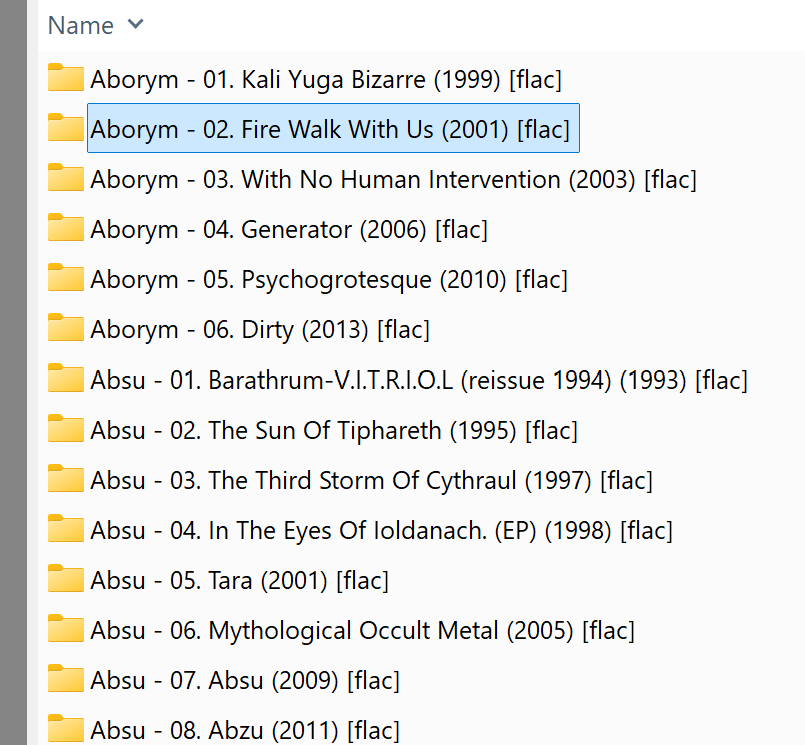 1 point
 -
After reviewing a few things to ensure the right episodes were in the log, I switched televisions and it worked on a different TV. I don't know if it is Firestick or TV-related but they seem to be working now. I don't know what led to the sudden changed. I did not mess with any settings or install any add-ons.1 point
-
Ei Gude, I had a similar issue when moving my content to a new installation. You currently import the metadata from the NFO and let TMDB create the collections. I guess that you still have collection information in the nfo files from the recent Emby server, and as the names differ, also the new collections from TMDB. Collection information gets saved to the NFO if activated.1 point
-
Thank you TMCsw and Luke! That tutorial for the Pi did the trick.1 point
-
Emby for LG 1.0.45 has been released. This is largely a bug fix release. Here are the changes: Fix photos not showing in collections Fix top portion of home screen cut off when scrolling down (only on certain models) Increase allowed range of subtitle offset Fix parental rating multi-select filter Fix series status filter View the full article1 point
-
Restarting did stop this. Maybe something was stuck from a prior viewing/recording days (weeks?) ago. Anywho, I'll post again if it recurs.1 point
-
Ah ok, now I understand what you mean. That was the point. Thanks a lot.1 point
-
It's not worth it imo. Your hardware is capable enough but until we get h265 transcoding we have to rely on tone mapping instead of passing through the HDR metadata untouched but a lower bitrate. In my experience transcoded 4K HDR looks worse than transcoded or direct play 1080p SDR. The only benefit is having to maintain a single 4K version over multiple versions.1 point
-
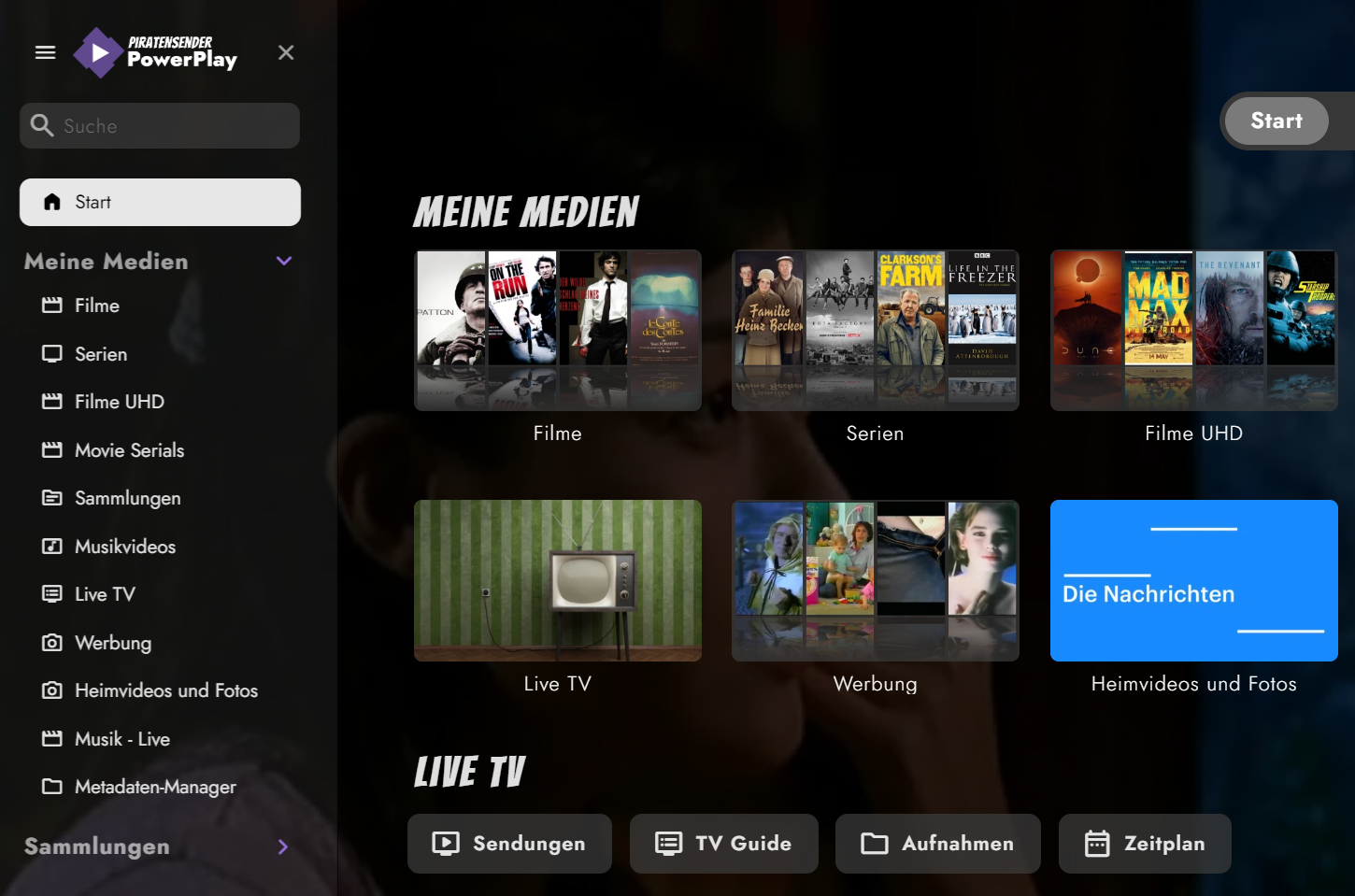
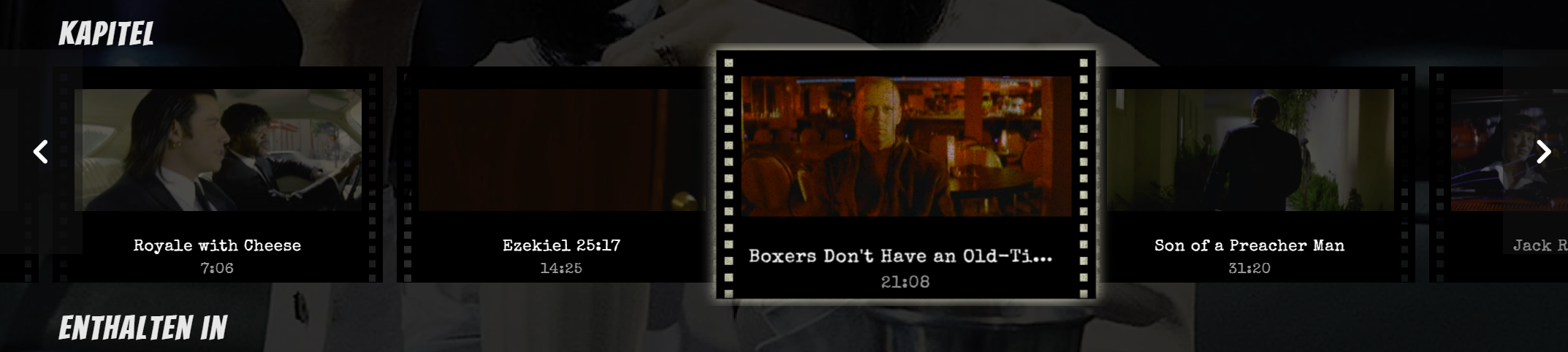
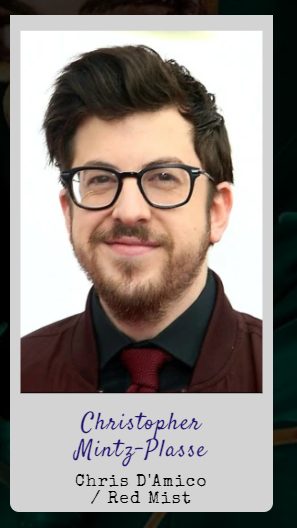
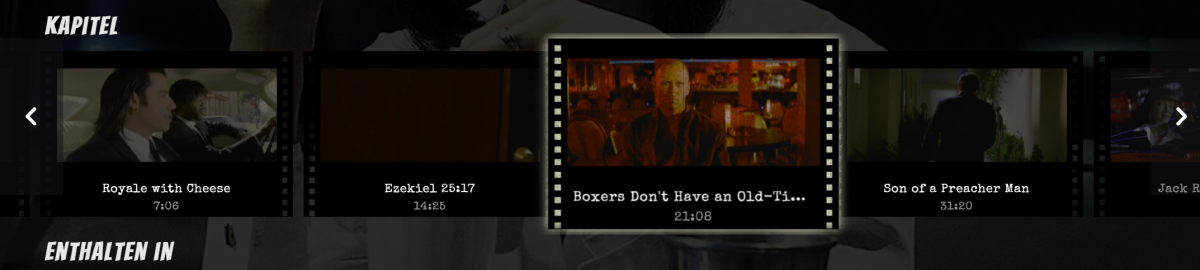
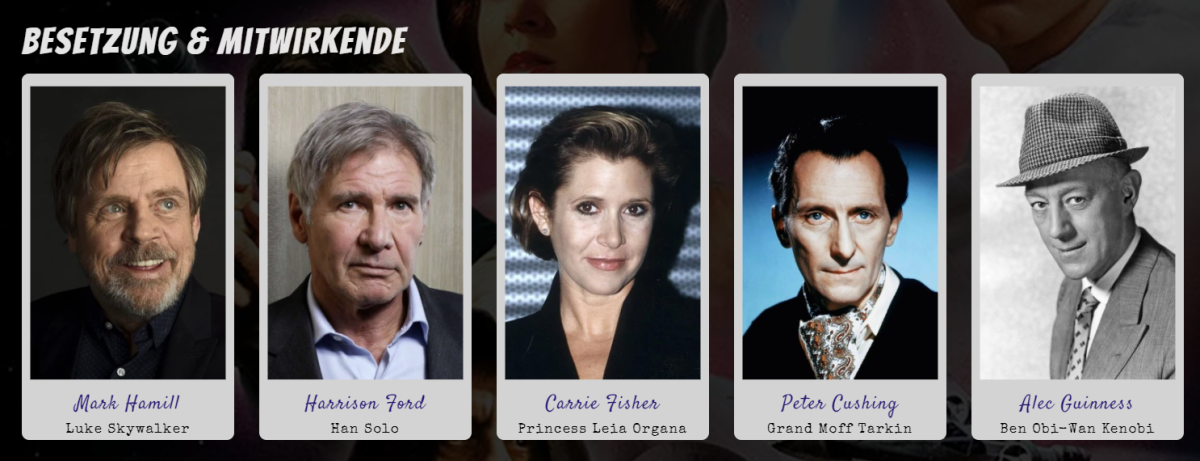
I've created some CSS for the Web App, originally made for Jellyfin and ported over to Emby. Not everything survived, but here's the scavenged stuff. 1. Home Screen I've started working on the fonts to give it a more classic and timeless look, while using fonts which look good and provide my glyph needs. I love cinema, thus these fonts hopefully capture the spirit of classic cinema (designer talk Fonts used in this screenshot: Bangers and Limelight for the headlines, Jost for the rest. Also Special Elite as monotype and Satisfy for handwritings. Custom logo, some paragraphs shortened to 70 characters per line for better readability. 2. Cast & Crew WIP. I wanted it to look like autograph cards. Also works with multi-lines, see Red Mist. 3. Chapter Section Most work was done here. Adds a film strip view with animation. Includes scaling on hover, with flickering and scratches. Known issues: 'Continue watching' also scales and glows Haven't looked at the home video section yet Put both CSS files in the same folder and adjust your paths. Look for YOUR_SERVER_ADDRESS_HERE and adapt it to your likings. The fonts used can be downloaded or imported from Google, see links above. Feedback and new code welcome. embyThemeFonts.css embyTheme.css
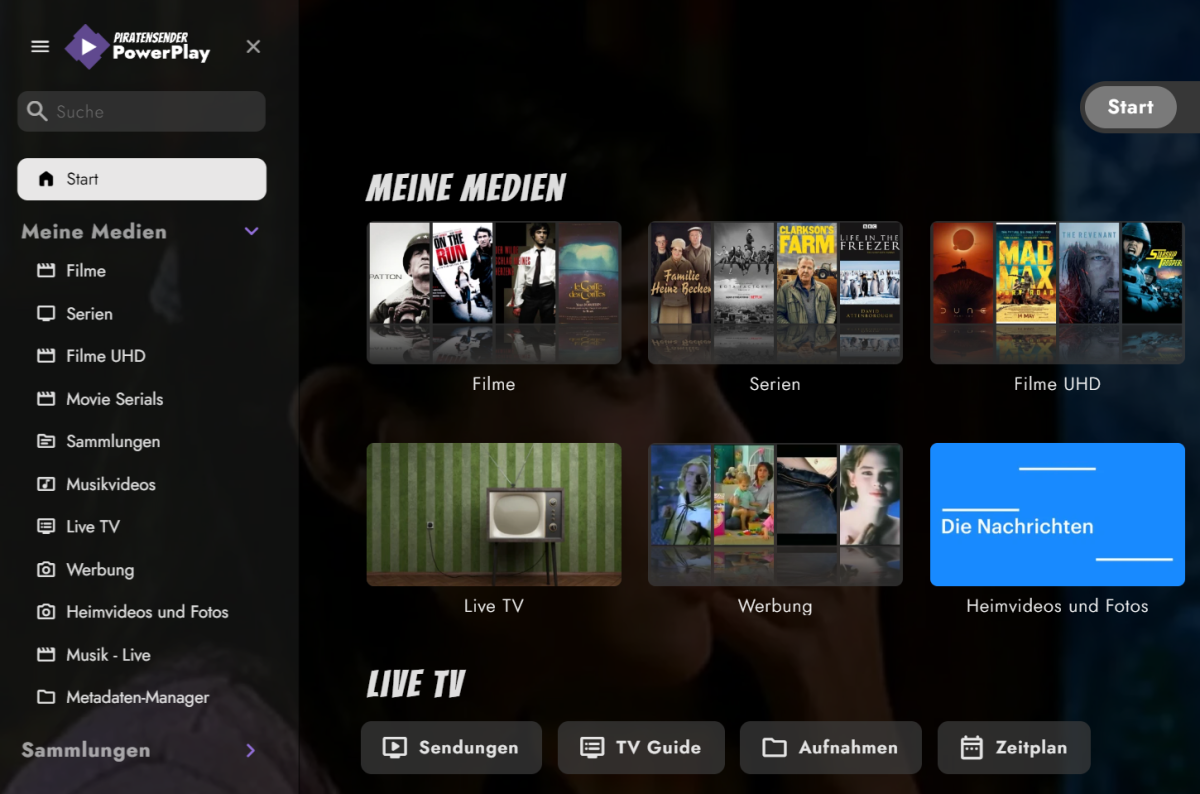
 1 point
 -
When you edit in the metadata editor it will automatically lock the field, so you usually don't need to click the lock button.1 point
-
If i remember correctly, LG does not support Dolby Vision if the video is encoded with a MKV container. Only videos with a MP4 container will work with Dolby Vision on LG TVs. Maybe this is the problem?1 point
-
That is the issue though as it shouldn't be a Feature Request for a feature the was remove/broke from a previous version when Collections were migrated from /data to /metadata.1 point
-
Please can we have an app for Hisense VIDAA U5 smart TV's. Alternativley, a method for installing Emby from a USB stick.1 point
-
I did read the FAQ. Unacceptably slow is still unacceptably slow even if you explain your reasoning. Having read the remainder of this thread I see that our feedback is not welcome so will drop out here.0 points