Leaderboard




Popular Content
Showing content with the highest reputation on 11/16/24 in Posts
-
Can we get the option to change the up next and continue watching to show the tv show poster not the card (whatever it’s called)?1 point
-
ability to be able to add a collection into another collection. ie: Spiderman Collection into a SuperHero Collection. like i could with mediabrowser with shortcuts. TIA1 point
-
Hello Support Team, First of all, Thank you for a grate product. I have been using emby for the last couple of years after trying all the other competitors apps (Kodi, Jellyfin & Plex) It's clean, simple to use and just works! My main issue now is regarding security, I'm publishing my server using reverse proxy (as most) and I have no way of protecting against unwanted access. I do use signed public certificate on the server & proxy and I'm interested of utilize MTLS so only clients with allowed certificate will gain access to the server through the proxy. As was mentioned previously on this post Most platform supports Client Base Authentication (Mobile, PCs & most TVs) and the missing ingredient is Clients Apps support. I'm sure a lot of emby users will be glad to add protection to there servers in order to defend from unwanted/malicious access.1 point
-
I think this is still an issue in an LXC container. I've tried both the release versions and beta versions of Emby. I've tried kernel 6.8 and 6.11, I've tried VAAPI (OpenCL and VAAPI tone mapping) and QuickSync. I've tried installing updated Intel compute packages... the only thing that gets it to work with hardware transcode is to disable tone mapping which obviously then looks completely washed out. Edit: though I don't get the garbled display - I just get a fallback to SW encoding as shown in the logs. ffmpeg-transcode-04078ffc-efdb-4b10-aaf7-20e823b09692_1.txt1 point
-
Hi, yes certainly. I think we should add options to control all of our indicators.1 point
-
did not realize that was there, thank you Luke thats what I needed!1 point
-
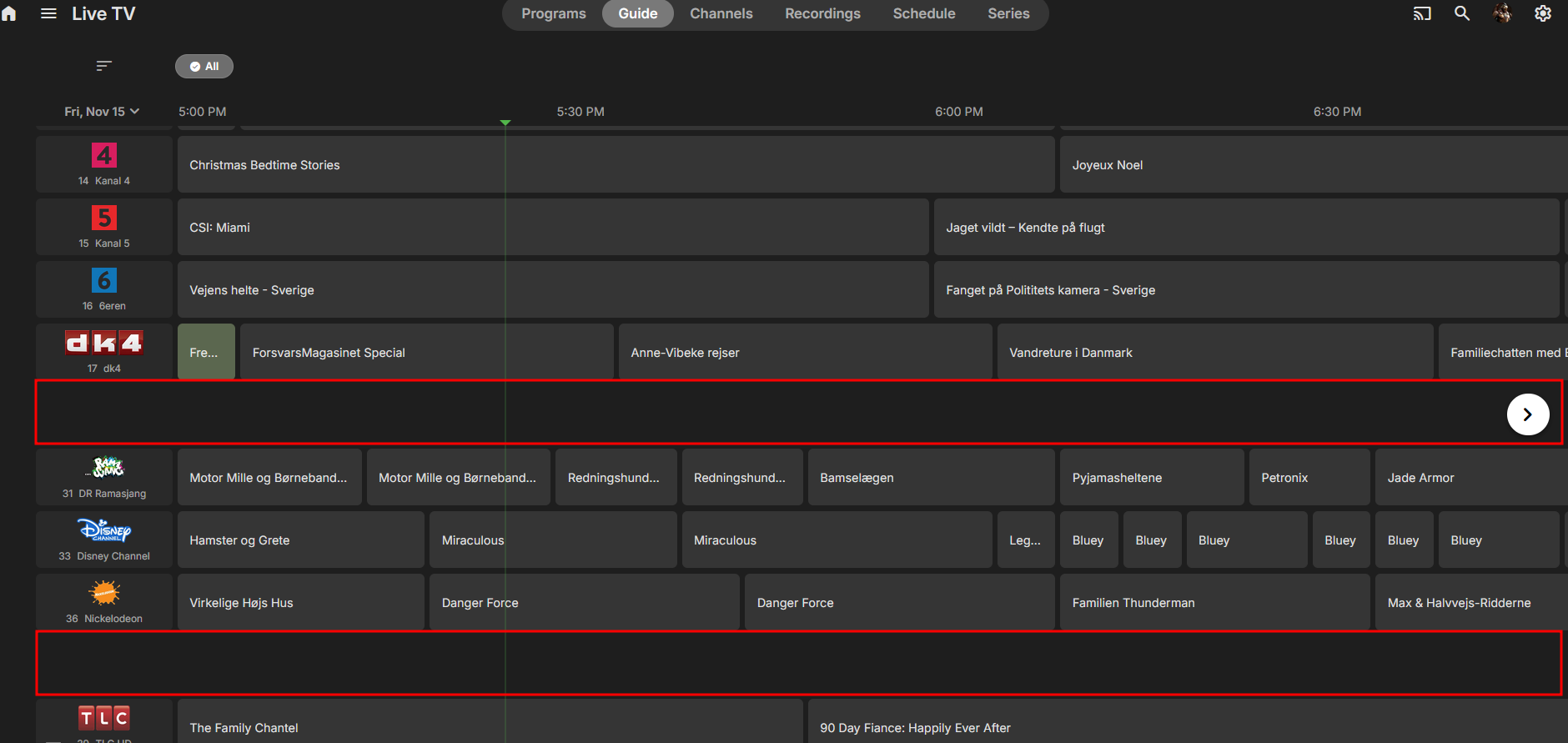
HI, did you try going to the series section under Live TV?1 point
-
You can, just add ?raw=true to the image URL like https://github.com/Kometa-Team/Default-Images/blob/master/chart/AniDB Popular.jpg?raw=true to get the raw image URL: https://raw.githubusercontent.com/Kometa-Team/Default-Images/refs/heads/master/chart/AniDB Popular.jpg1 point
-
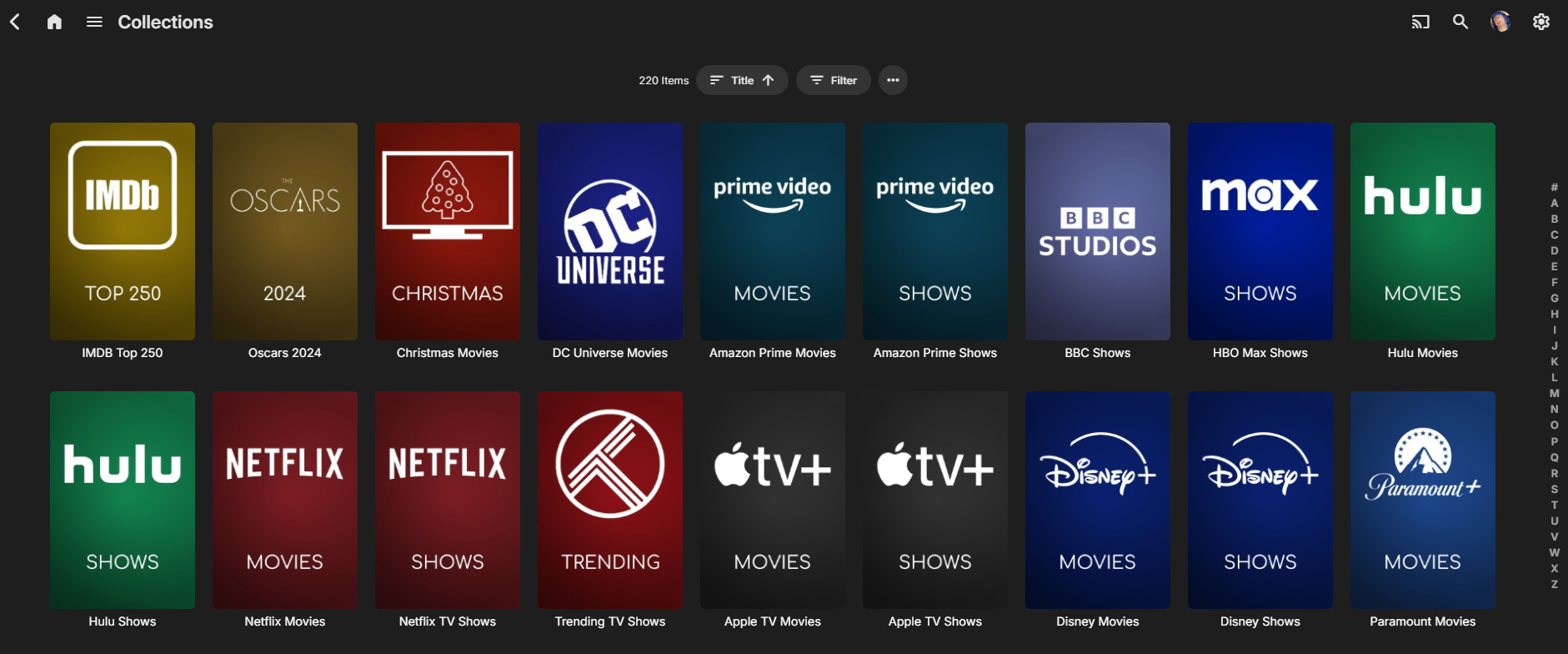
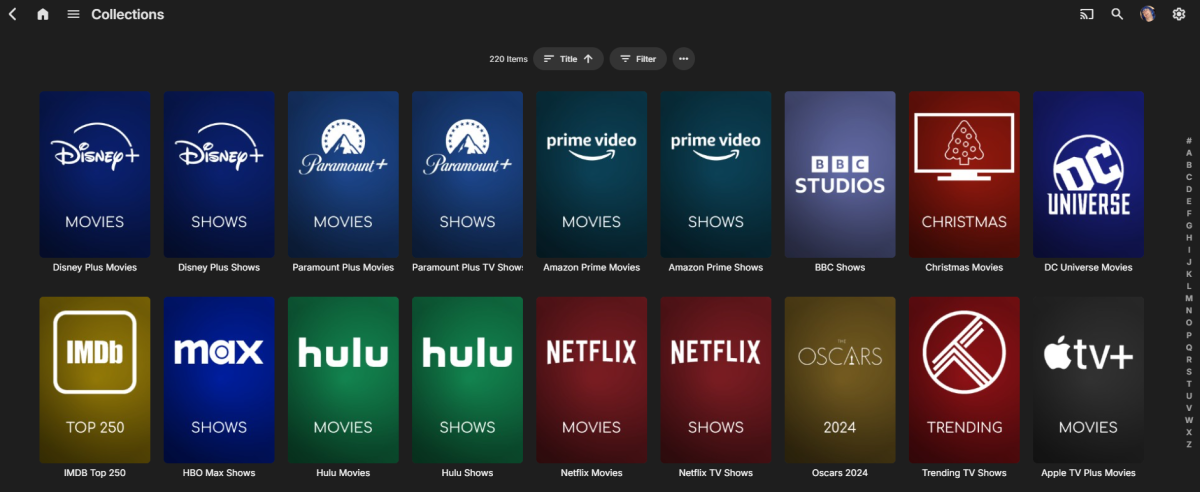
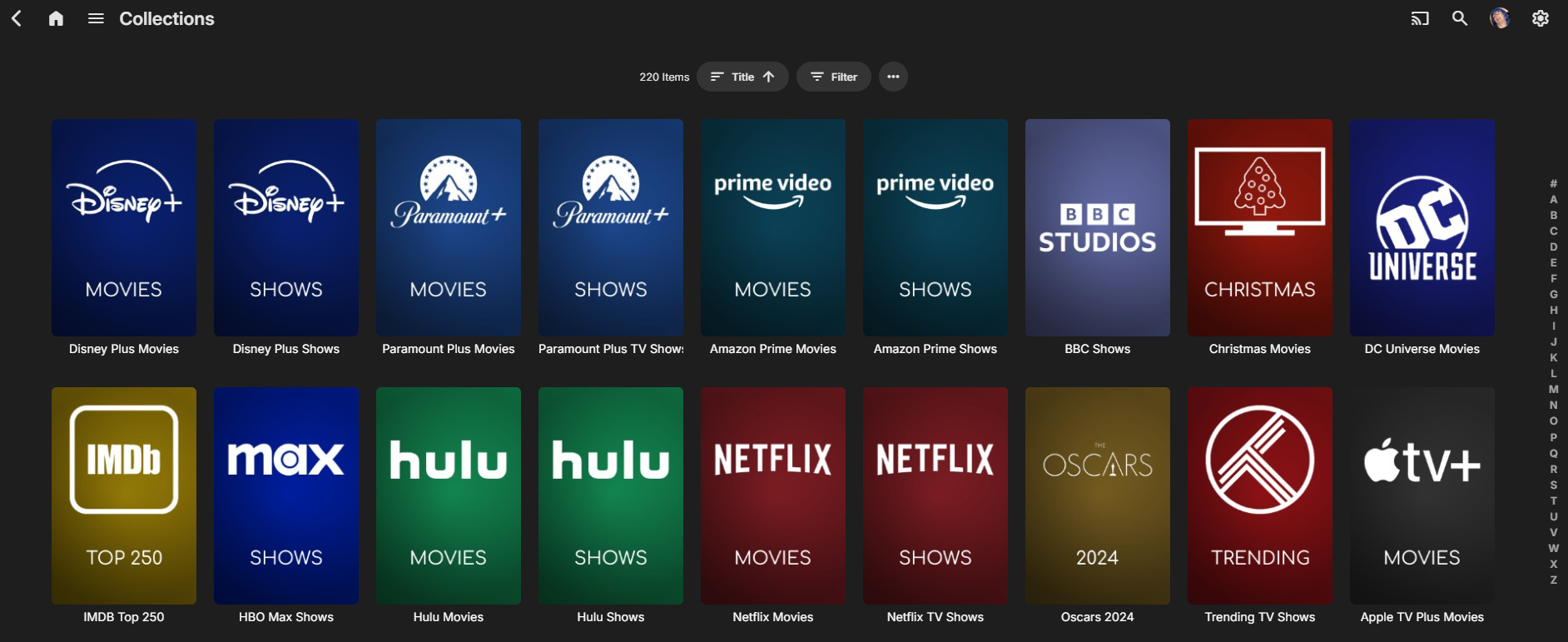
It's needs a bit of setting up (just like Kometa does..) but the same basic collection creation from mdblists and Kometa artwork is now possible in Emby ... Yes it's a long way off Kometa - and it would be great if Kometa simply supported Emby, but some GREAT progress in this thread : https://emby.media/community/index.php?/topic/125215-python-script-emby-mdblist-collection-creator/#comments
 1 point
 -
@shorty1483There was an issue with local paths for posters. An extra slash in the url that only caused bug if I ran the script on my local Emby test server but didn't affect anything when I used on my remote server. It's OK to use spaces in the path btw. It's updated on GitHub. @rbjtechYou mean this repo right? https://github.com/Kometa-Team/Default-Images?tab=readme-ov-file According to the readme they seem to be cool with anyone using them. Adding direct url to the script will only pull the image the first time so not too bad bandwidth wise1 point
-
Looking forward to this, hopefully sooner rather than later!!1 point
-
I will add it soon, I have a few days off work coming up, it's not difficult.1 point
-
Agree 100% - thus my original response. I'd much rather know it's unlikely to happen, then be given an undecisive response leaving me hanging. tbh - I can sort this myself as I already get the multi-version metadata using my enhanced MediaInfo Plugin ...1 point
-
Has to be a bug within the Chromium code cause I've changed nothing on my end with it.1 point
-
Each time when we say yes to something and nothing happens for several years, it causes disappointment for those who are waiting for it, and when those disappointments aggregate, it makes things much worse for all sides, thus it's often better IMO to set expectations straight right away. The DataExplorer plugin is great for those who need it, but that's a fraction of Emby users. And handling multi-version items in DE is again of interest only for a fraction of DE users. This makes a fraction of a fraction of audience and doesn't weigh against all the big things which are coming up. If it was a straightforward change which could be done blindly and doesn't likely need cycles to get it right, then it's a different story, but it's not a change of that kind, unfortunately. PS: Still I didn't say "never", just don't expect it1 point
-
You're right, sorry. I thought it was the contrary and it included libraries I wanted to export.1 point
-
I'm afraid, but there are no immediate plans for this at the moment.1 point
-
@SherlockLin Hi, I was not, no. Can you also PM it to @Carlo? I'd like to see if he can reproduce. Thanks.1 point
-
Oh. I'll have to grab the beta version1 point
-
OK what currently happens is Emby Server imports the channel image just one time. The reason for this is to allow you to customize the image within Emby Server and not lose that. So there's room for improvement there. Thanks.1 point
-
Managed to do it remotely..... here's how just in case anyone is in my position......... Luckily I have the NAS as a DMZ device on my parents network so don't have to setup any ports on router, however... Enable VPN server and setup the server via this guide https://www.wundertech.net/synology-nas-openvpn-server-setup-configuration/ Install OpenVPN client and connect to NAS via VPN profile. Run admin password reset process as per https://emby.media/support/articles/Admin-Password-Reset.html access to localhost via OpenVPN, password reset, back in action1 point
-
I appreciate all the advice you've given me. Thank you.1 point
-
Add the year to the show for a start ie: /tv shows/Grimm (2011)/..... If that doesn't work, go to the Poster in TV shows, click on the three dots on the bottom of the poster, and selecting Identify. Plug in your TVDB id. It should identify correctly. Also, I would make a small change to your naming. Add the year to the show, and remove punctuation from the show name ie: /tv shows/Grimm (2011)/S01E02 Bears Will Be Bears.mkv. Punctuation usually identifies special file information so I keep it out of my file names. My file names are short and sweet. ie: /tv shows/Grimm (2011)/S01E02.mkv, which is all meta needs to ID the episodes. One other thing you may not be aware of is sort order. Grimm has three. Aired, DVD and Absolute. I always check against my source to find which sort order on TVDB matches the order of my files. To change that order: - Log into Emby as admin. - Click on the gear on the top right - On the left, scroll down to Metadata Manager. - Open and go to TV Shows - Show - Your Show Name, (click on the arrows on the left) - On the right pane, 5th item down, set the sort order that matches your file order.1 point
-
Awesome! I did not know that. Thank you so much!1 point
-
uniform images with collections is the only way to go, glad you got is going1 point
-
I have noted "freezes" on my Samsung TV and I believe they are due to momentary Wi-Fi drops. After cabling the TV to the LAN, no freezes have been noted.1 point
-
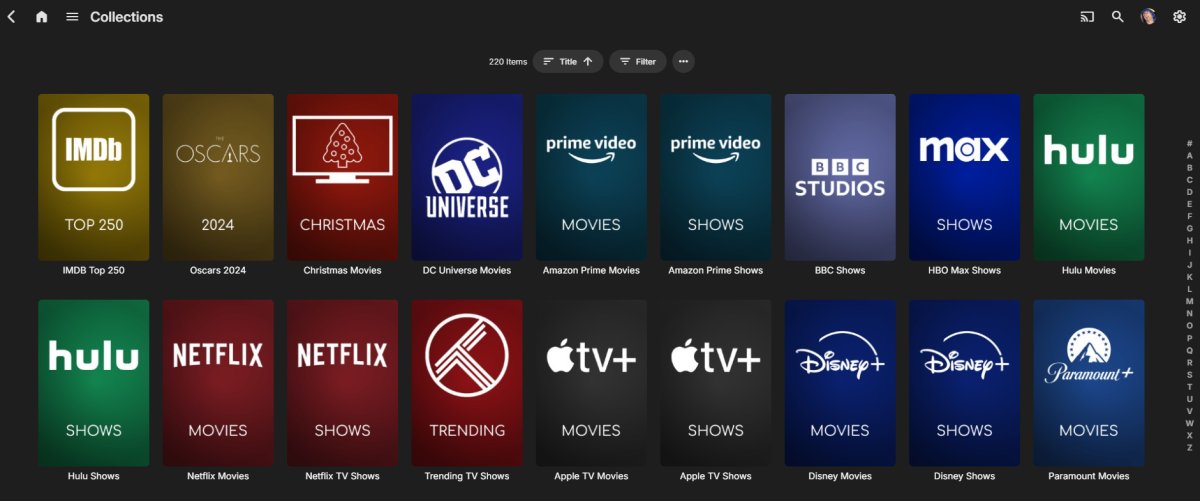
I found the original Kometa (previously PMM) images on github - It's a bit cheeky to use them, I'd like to get the OK from the author but they are open source .. Currently I've just cloned the repo and thus have all the images local that I reference. (1000's of them !) btw - for Windows users in the config file it's :- poster = D:\Kometa\seasonal\christmas.jpg Note - no quotes, so no spaces will likely be allowed in the file path, nor file name unless python is space friendly.. ?
 1 point
 -
So one thing I'm grateful for among many is that I was not sure how installing emby on the upgraded Ubuntu worked, so I opened a terminal and started the update|upgrade and then went to do an install of emby server. The terminal stated it was already installed. So I was like hmm...let me check the status of the emby server by typing sudo systemctl status my-server. I came back...nothing found, error. So my next guess was to check and see if it was started, because when I went to the browser, I pressed my premade EMBY button, and it took me to create a new account. I was like OMG, I have to do all that work again. So quickly a thought came to me, and it was check to see if it is started, I ran the command sudo systemctl start emby-server. I went to the browser did a refresh and all the work that I did from Ubuntu 20.4.5, showed up, I am now going to check my fstab to see if that carried over and I wont have to do that again either. I am grateful. Ive learn a lot, I feel like an expert. I could not have done this without the help of this community...I was tripping really hard thinking I was going to loose all of his hard work. I think he would be proud of me. Thanks again everyone! You all rock! Maddy1 point
-
Yes, these have helped greatly. I have to redo this all over again because my Ubuntu updated to the latest version, In windows I know how to turn off updates, In Ubuntu, I'm still searching. But will find it. I am currently reading over what was placed here to duplicate it in the newest update from Ubuntu, which wiped everything out. I still have my drive, which is all that matters. But this was very helpful and I can keep our memories and movies. It's such a great community. Thank you all, Maddy1 point
-
It is seemingly hit or miss. One of my friends recently attempted to download a season of a show for their vacation, every episode was converted to 4 Mbps prior to transferring and every episode went through except the first episode. Trying another download job of just that episode never transferred either, it's still sitting there ready and it's been several days. Seems like the issue happens on the client side, like it's recorded that it's already downloaded the file and won't try again.1 point
-
Seeing this too, but there is nothing of note in console. Firefox : Edge :
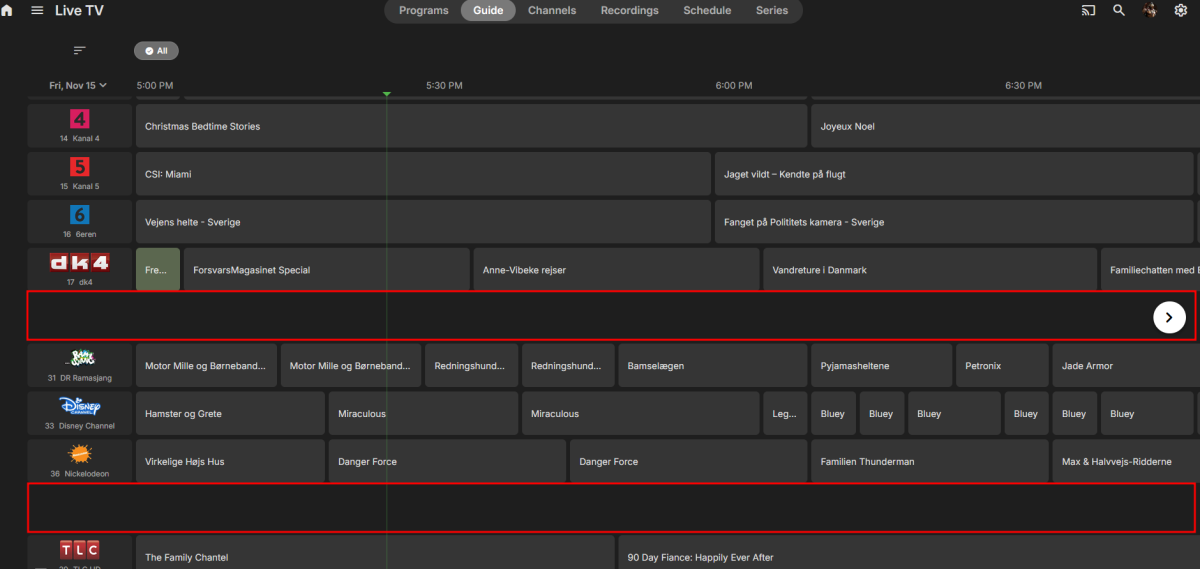
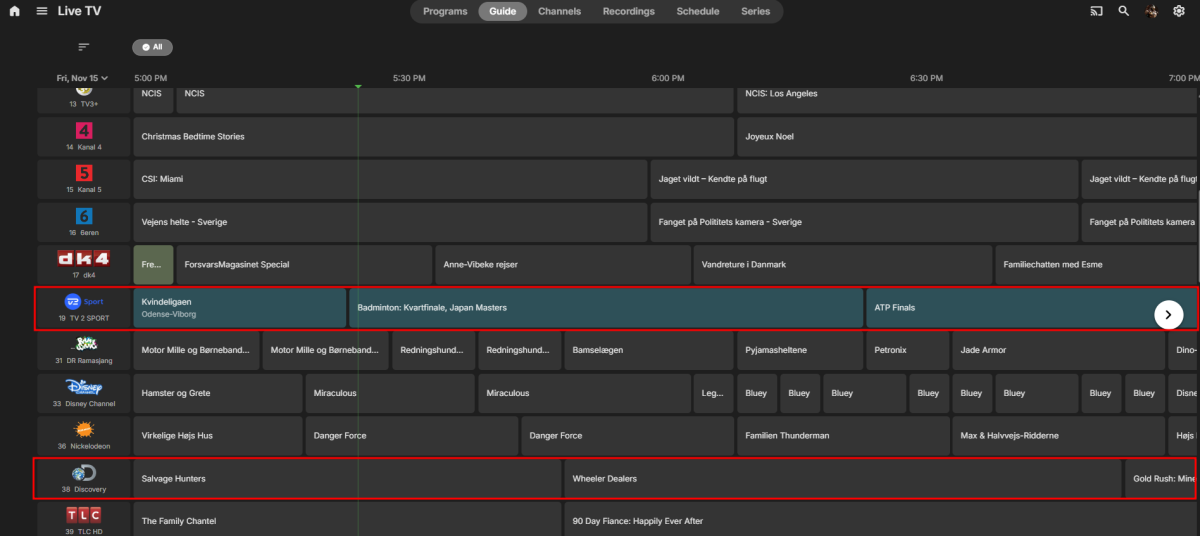 1 point
 -
Hello @ebr please make a current survey to see how high the demand for custom covers is. But I honestly wonder why the maintenance effort should be higher than without custom covers? With the custom overlays, you don't have a higher effort either...1 point
-
This update please, please, please, the <thumb> image on CW looks bad imho. So it "is" something that was going to be implemented? Oh so it's not? Is it or isn't it ever going to happen? Is it planned at all? Any idea of a time frame considering you said it was on the agenda..... and it's been 4 yours single the original request. Considered buying lifetime but good god 120$ for that kinda of average timeframe is crazyyy lol.1 point
-
I sold my Intel NUC with 5th gen CPU. I build a completely new server/PC based on 12th gen i3 12100. Now everything works smoothly.1 point
-
This in combination with smart playlists +++ Hi, I recently bought emby premiere and am very happy with the software. This would improve the functionality for music streaming enormously.1 point
-
Would love to have the ability to search music playlists. It would come in handy when building playlists to avoid duplicates, as some songs appear on more than one album..1 point
-
Emby .. Roadmap ... I thought my eyes were playing tricks on me .. Thanks @softworkz.. you don't need to commit dates .. but simply listing near-term goals vs future plans is great to see.1 point
-
Makes sense. Bummer, but I do appreciate the responses. Have a nice day.1 point
-
Also, Luke, I wanted to mention. From that page, when I pressed the Amazon store button and went to their Amazon store page to install the app, it says "Deliver to xxxx Firestick". I waited several hours and it never showed up on my firestick. It probably has the same "breakage" as trying to do it directly from the AppStore. That is why I used the arm7 link on your page which did work.1 point
-
I added artist and album artist id to song level and worked Thank you!!1 point
-
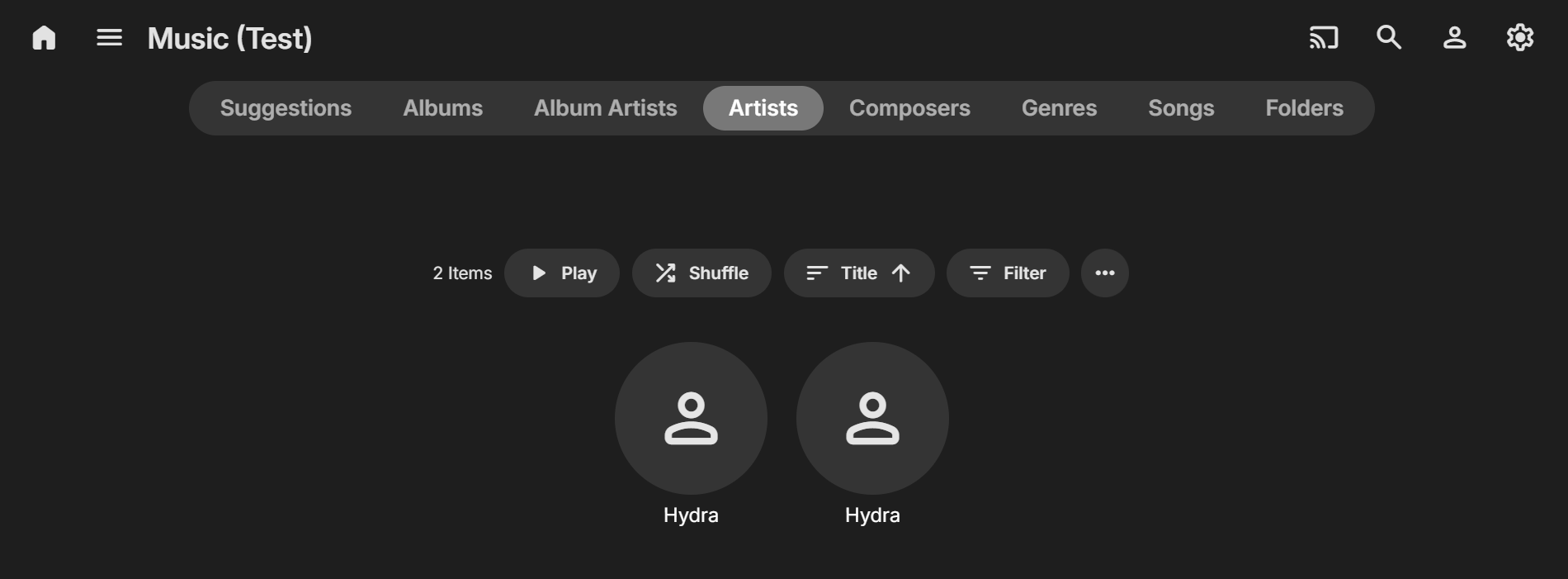
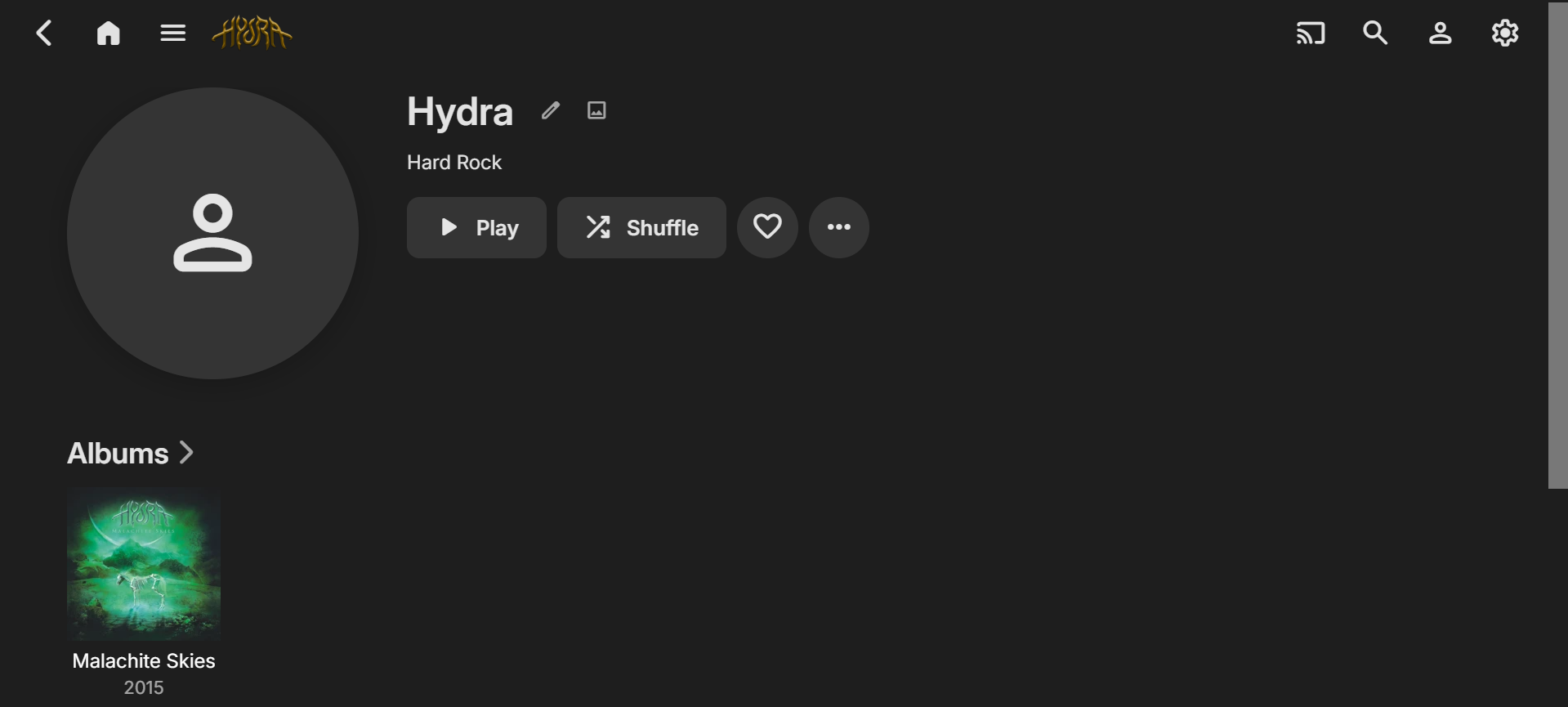
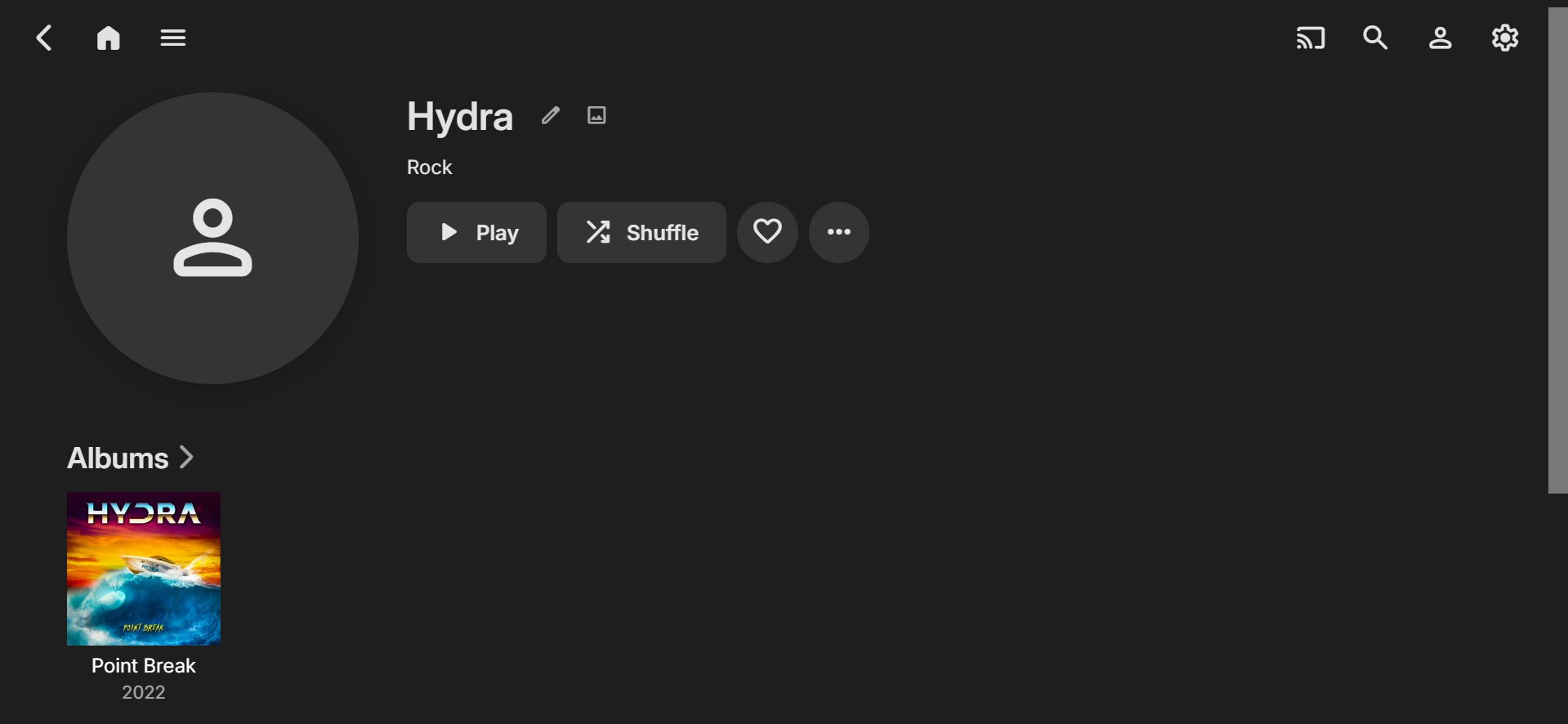
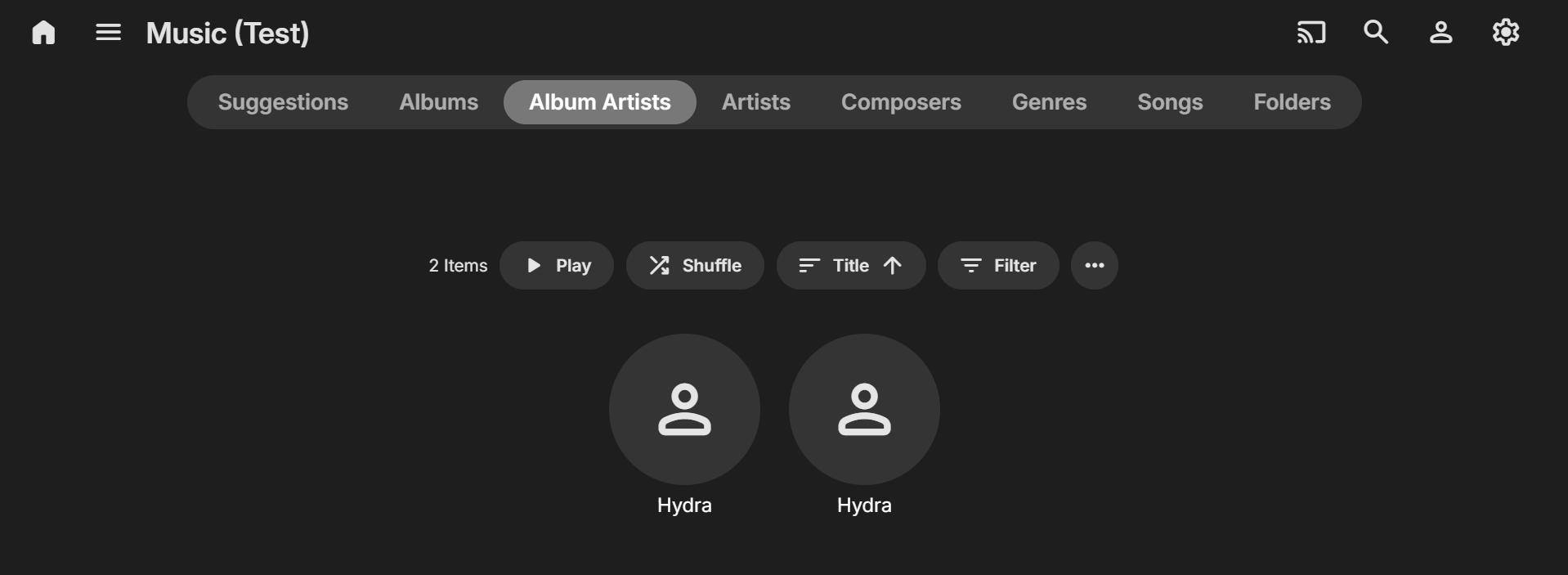
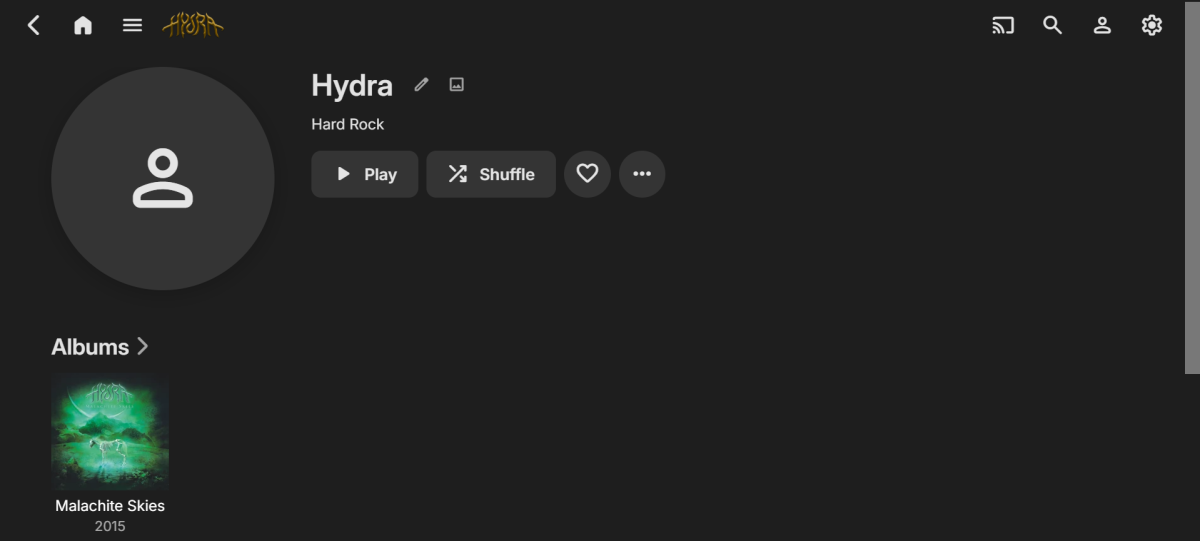
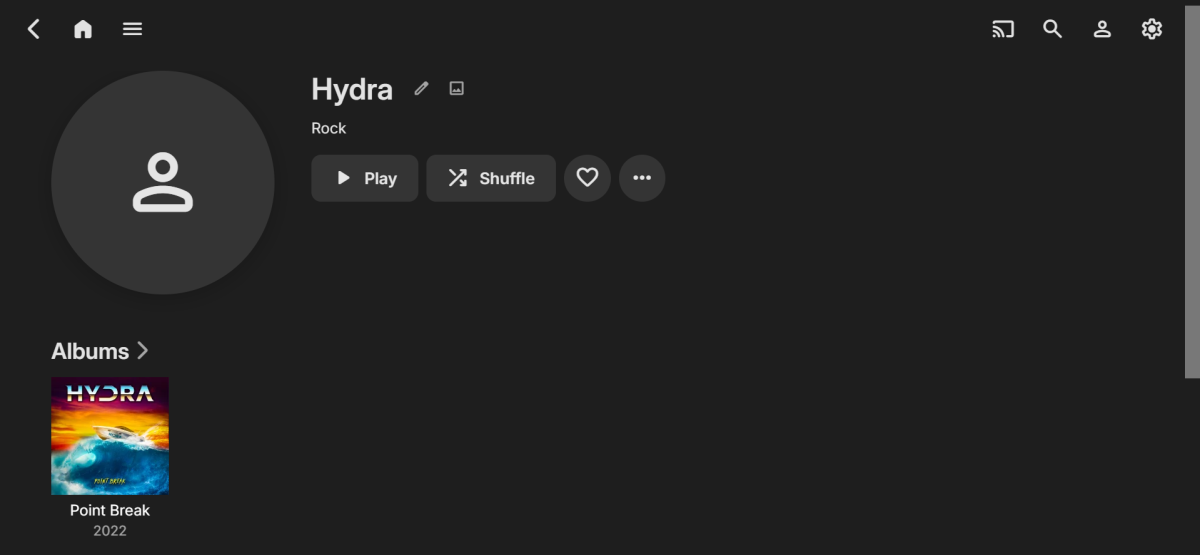
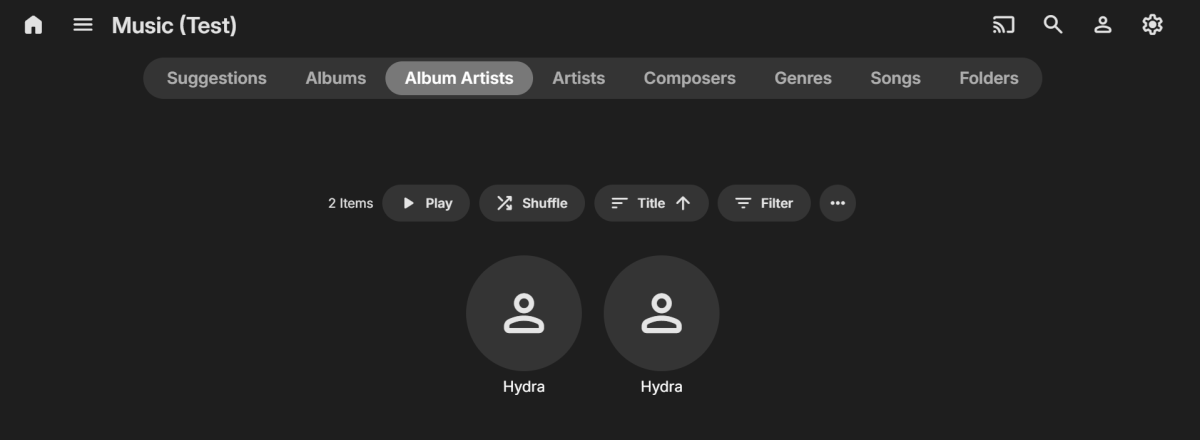
Hi, I think you could be nearly there with setting up the MusicBrainz info to get the result you need... As well as setting the MusicBrainz ID for both the Artists and the Album, you might also need to check/set it for the individual Songs? I did a very quick test by downloading 1 track of 1 Album for each of your Artists and used your MusicBrainz IDs (I added the IDs in Mp3tag) and imported into Emby). In my library directory I also had separate folders for the two Hydra Artists. The initial result was the correct two separate Hydra Album Artists with 1 Album each BUT I ended up with 3 Hydra Artists! With further investigating I found that there were TWO MusicBrainz Artist IDs within Emby at the song level (The Artist one was blank causing the error I was seeing). Also, if BOTH are BLANK at a SONG level you will only get one Artist and one Album Artist, even if you have the correct info in the Emby Artist metadata. While I didn't fully configure all of the images and other info, I was then able to get the proper Album Artist and Artist separation with my test. So, perhaps check the MusicBrainz IDs on the individual tracks (if you haven't already). If you have nothing in these fields, or only one is used, then Emby may still be combining the Artists??? If you then are still having problems, please post some more details with screenshots of your metadata within Emby that might give some more clues to figuring out the issue. Cheers!
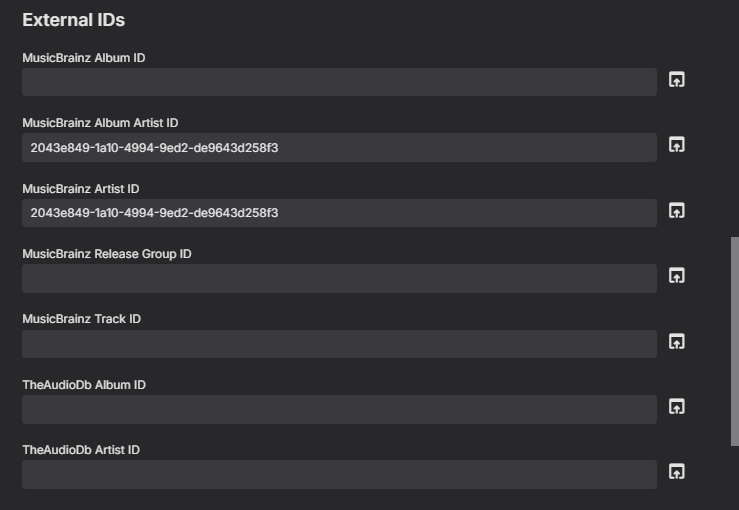
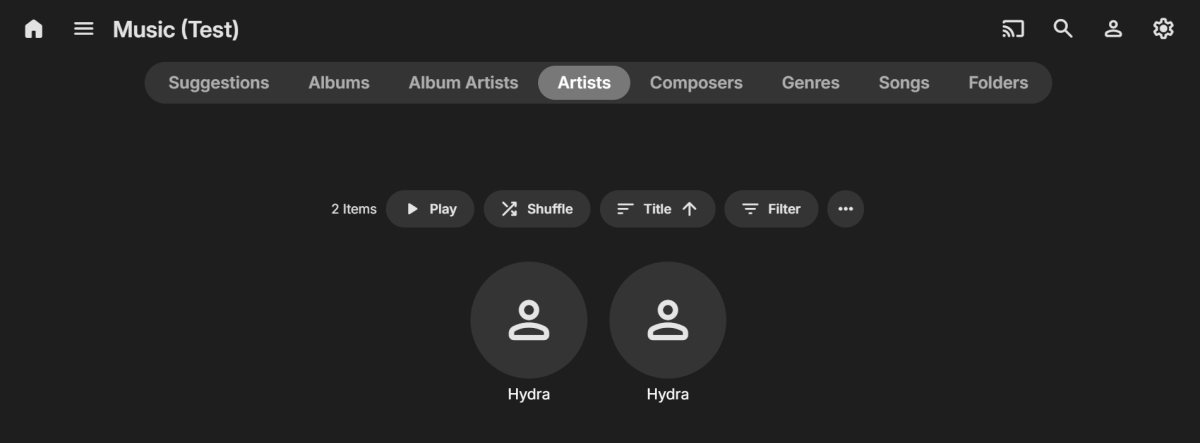
 1 point
 -
That setting appears to have been the issue as I haven't noticed it since. Thanks!1 point
-
Report: By refreshing missing metadata and replacing images without any sources checked other than NFO, the thumb files are created. Some metadata like season and episode are changed due to file names. No other data changing mentioned.1 point
-
Luke, we could add an entry to the tuner setup field (all tuners) that would add a tag to ech channel imported "Option Tag added to each channel" We already handle adding tags found in M3U files so this shouldn't be too difficult to implement. Support adding multiple tags with the ";" notation. I for example could have" Prime: Cable;HDR;Xfinity1;Pay TV Prime: Cable;HDR;Xfinity2;Pay TV Quatro: OTA;HDR;Free TV Vbox: OTA;VBOX;Free TV M3U: IPTV;TVEverwhere;Pay TV M3U: IPTV;Pluto;Free TV M3U: IPTV;XUMO;Free TV M3U: IPTV;XXX;Pay TV M3U: IPTV;Apollo1;Pay TV M3U: IPTV;Apollo2;Pay TV These tags could be used in Parental Restrictions to limit the sources each user has access to. If I'm filtering XXX channels from users, I no longer have to worry about the provider adding or changing channels and slipping by my user filtering. This would make it easy to filter channel in the TV Guide/EPG as well. View free or paid sources, cable, OTA, IPTV sources, or combo like Paid IPTV sources.1 point
-
The good news is, this has made me stumble on a real bug (or maybe a counterintuitive feature?), I'll start a new post for it.1 point
-
Hi Luke, Thanks for your job on Emby. Regarding this topic, I thought it was in progress? Not something you « can look at ». Seems to be a way to say no not for now. It's been over 3 years.. Are you really planning to do it ? Thanks1 point
-
How do you enable the poster view setting? Or has it still not been implemented yet?1 point
-
HI, we'll look at improving this. Thanks.1 point
-
Hi Luke Do you have visibility on this future update please ? Is it possible for the section "Continue Watching" This would be so great to get the option to choose between showing : - Thumbnail view movies and TV shows (with episodes spoiler or without spoiler) - Poster view movies and TV shows (for TV show the option to show the poster of the season or the TV show) I think poster view is better from my point of view and nice to watch on phones (and TV). And we better recognise the poster instead of the thumbnail Not so easy to find thumbnails for some movies and TV shows whereas the poster is always available1 point
-
Can we get an option to display posters in the Continue Watching hub instead of the 16:9 image?1 point




.thumb.png.f4cb0545e98b51fd9b00e427622ab761.png)