Leaderboard




Popular Content
Showing content with the highest reputation on 10/25/24 in Posts
-
Are you happy to continue using the universal Android app?4 points
-
I'd like to have the option to clear 'alerts' in the dashboard. I realize that they go away on their own, but if I can clear them then it's more obvious IF a new alert comes through.3 points
-
Thank you, that sorted it.2 points
-
Yes, you need to go to Apps...Settings...and then delete the old version of Emby before plugging the usb in. Tizen will not even try to install an app from usb if there is already one installed.2 points
-
The Android TV app will be discontinued at some point in the future, so all development is being put into the Universal Android app. The Android TV app is only receiving bug fixes.2 points
-
Problem solved. Somehow port 8096 had become closed, and after opening it, everything is working.2 points
-
Hi all, As the title suggests It would be a nice addition if a Label tab can be added to music. We have studios and networks for movies and tv, Labels would help round out music functionality. This data is already captured and albums by record label is available currently from an individual album A top level view is the key easily access the info. The art is readily available. and could easily be incorporated with studio art as that is how labels are treated anyway. Better still the art is available through an api already used.... fanart.tv @@softworkz you seem to be a metadata guru maybe this is up you alley? As I understand emby would need to capture the musicbrainz record label id as that is the key for lookup on fanart. I am sure @@Kode can provide further details as needed. the fanart labels look really nice... so vote up this request and perhaps we can get Luke and softworkz to take a look. thanks -vicpa1 point
-
Hey there guys, I've proposed this in some thread already, but I think it would be very handy to sort media of artists into different groups, as musicbrainz does for example. For instance, implement the option to enable sorting artist's music into, e.g., "Albums", "Singles", "Live albums", "Compilations", etc. I have no idea if this is quickly done or rather takes a lot of work, but it would be very cool to have imho. Currently, media of bands like AC/DC or Michael Jackson, so artists making music since some decades, have 50+ albums/singles/etc. cluttering the artist view, making it very hard to find a specific item of that artist. If we would have the option to have this sorted out into different groups, it'd make the artist view more cleaned up. Cheers boys and girls! Have a great day (or night) ahead!1 point
-
Hi, I would like to have an option to choose H265 instead of H264 in the Transcode option. It will be smaller for all bad bandwidth (2~5Mbit ADSL), but will have a great quality. Mobile phone can benefit of it greatly too with the 4G and the limitation of download.1 point
-
Also, It would be cool if we have various m3u lists and have the option to choose/assign each m3u list for each user.. Example. In user settings we can choose which library to give them for VOD so this shouldnt be hard enough to do it for live tv too no? USER 1 - Playlist 1 - Playlist 2 - Playlist 3 USER 2 - Playlist 3 USER 3 - Playlist 1 - Playlist 3 Etc etc.... *** Delete this message from another topic I opened because I posted it by accident there1 point
-
Please can i get an explanation what happened to this feature. It was the main reason i used emby to help me catalogue thingsI was watching something. To repeat im talking about when you could click the gear icon to add your current playing video to a playlist.1 point
-
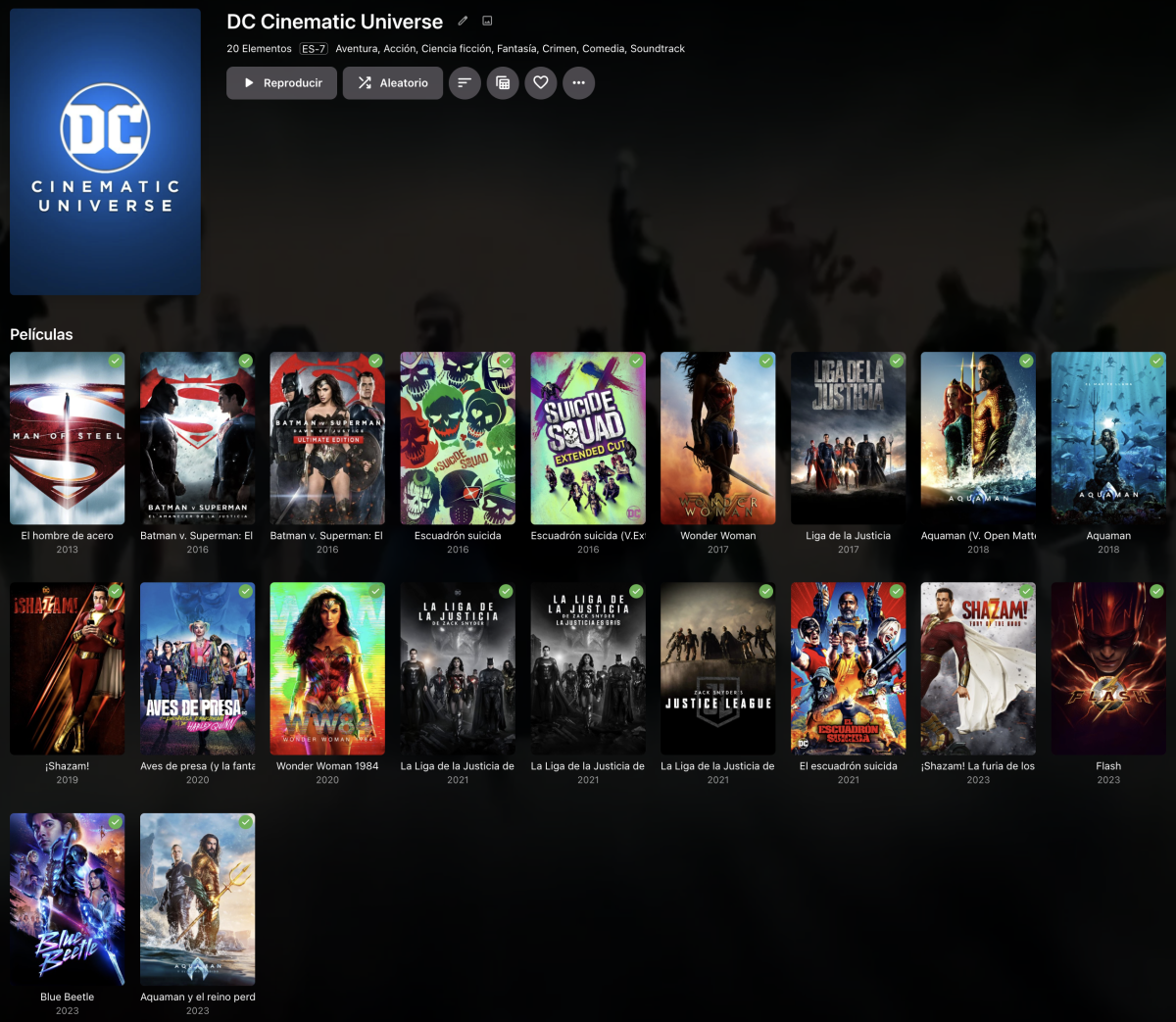
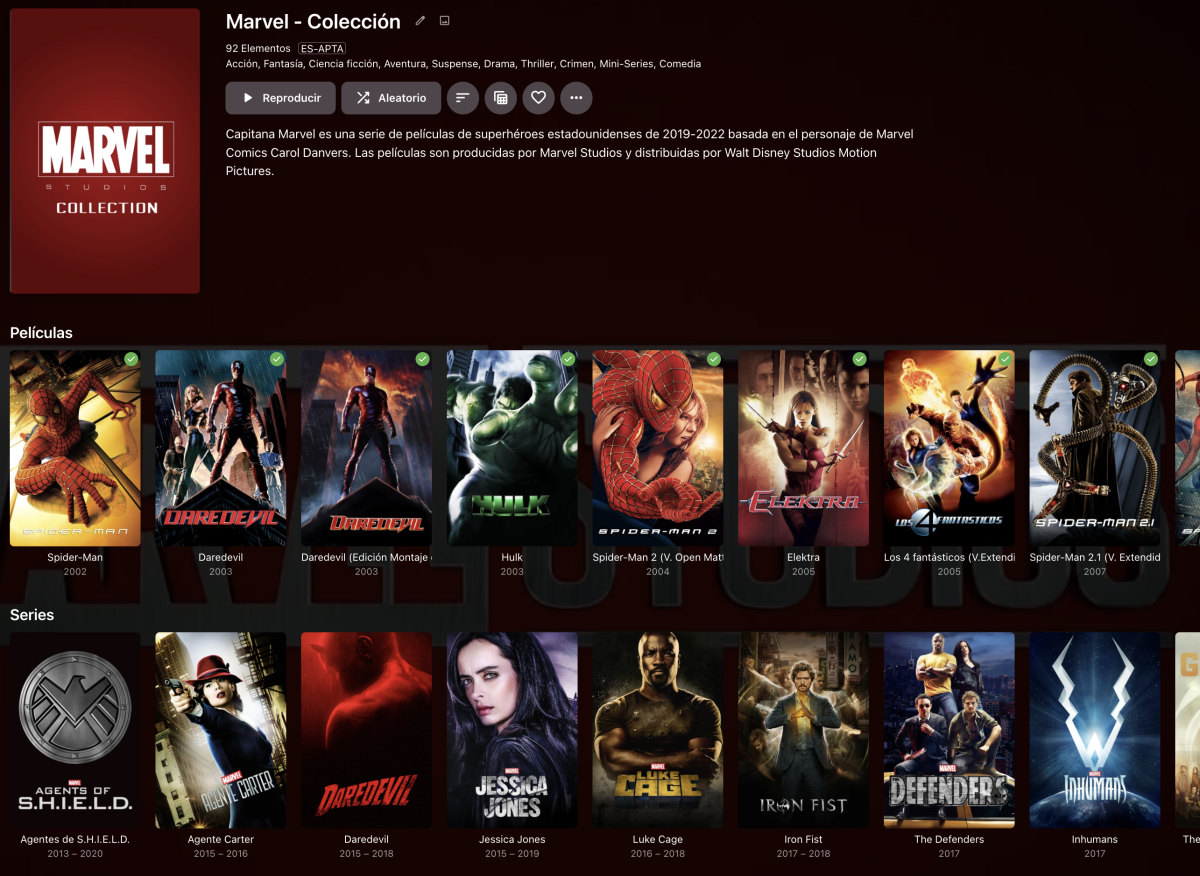
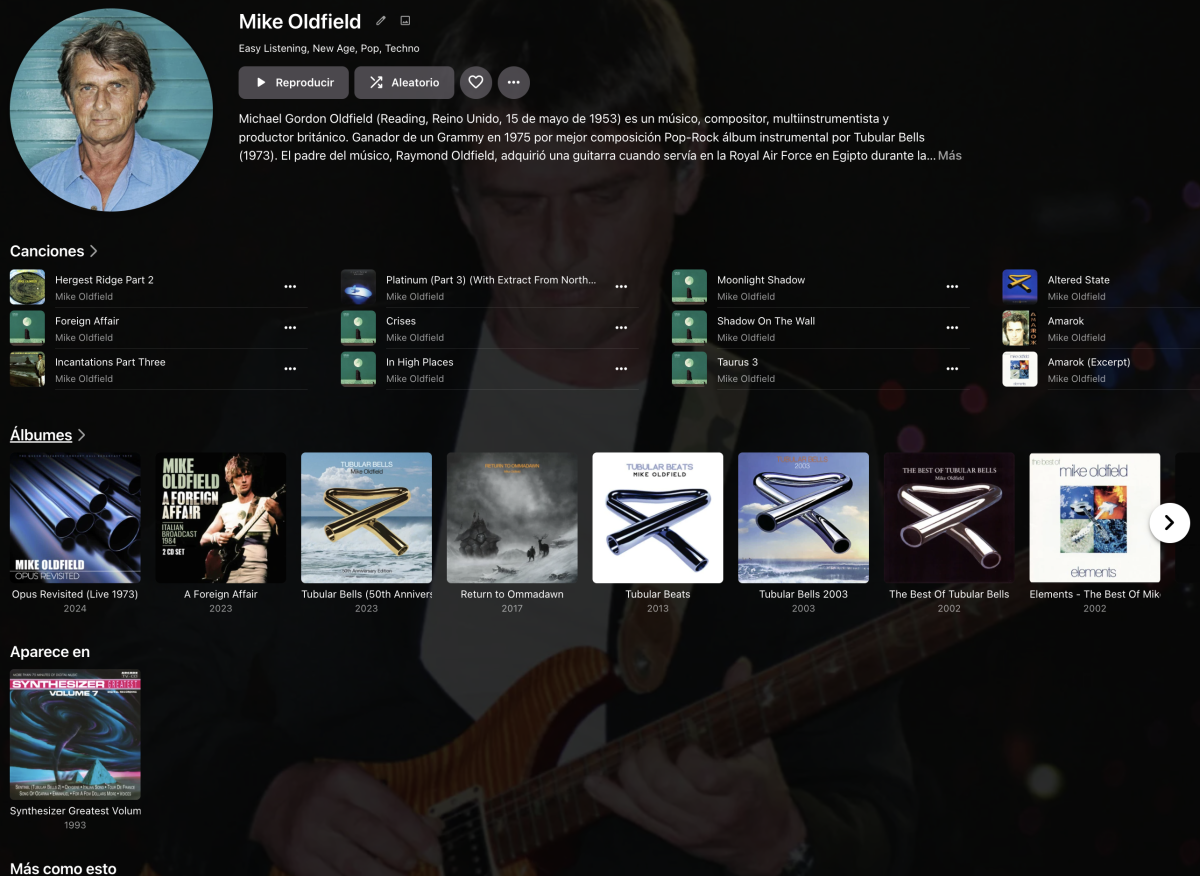
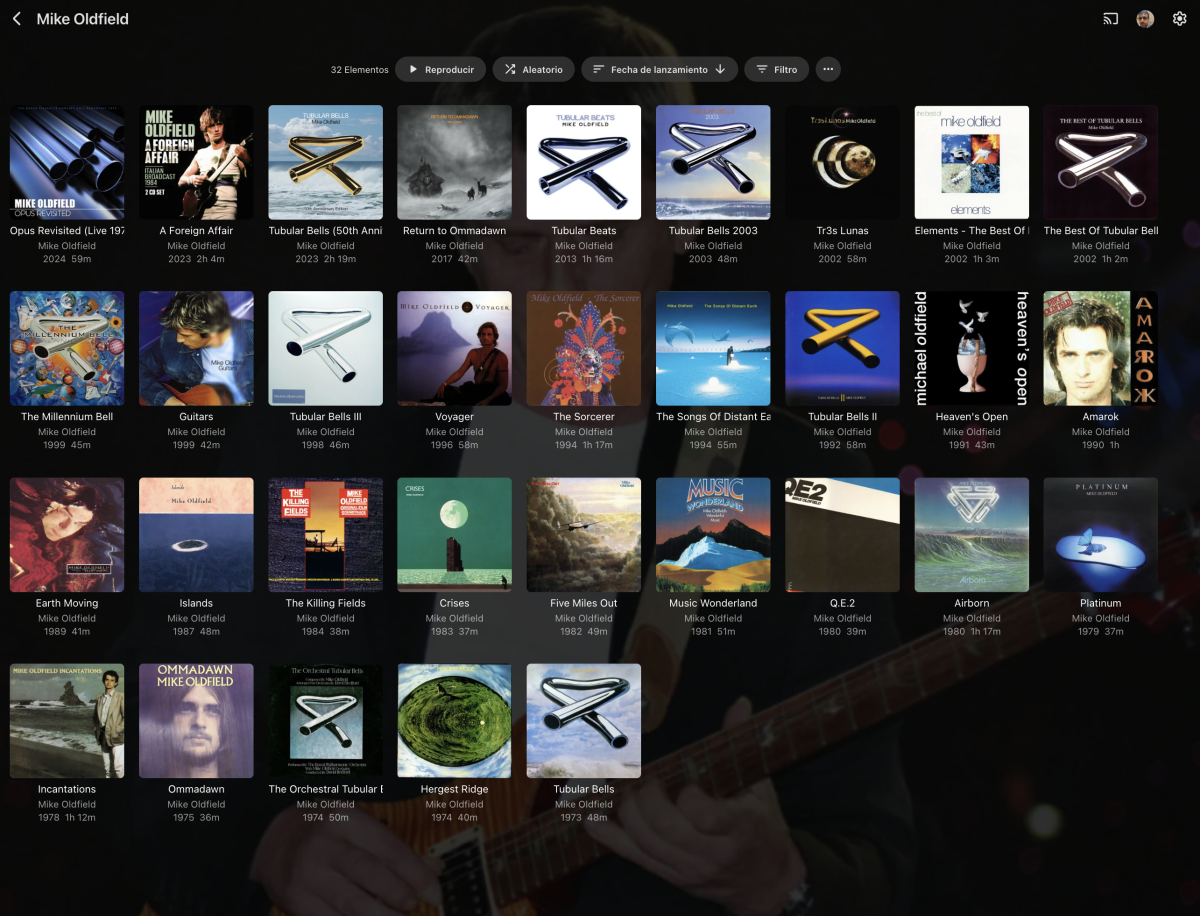
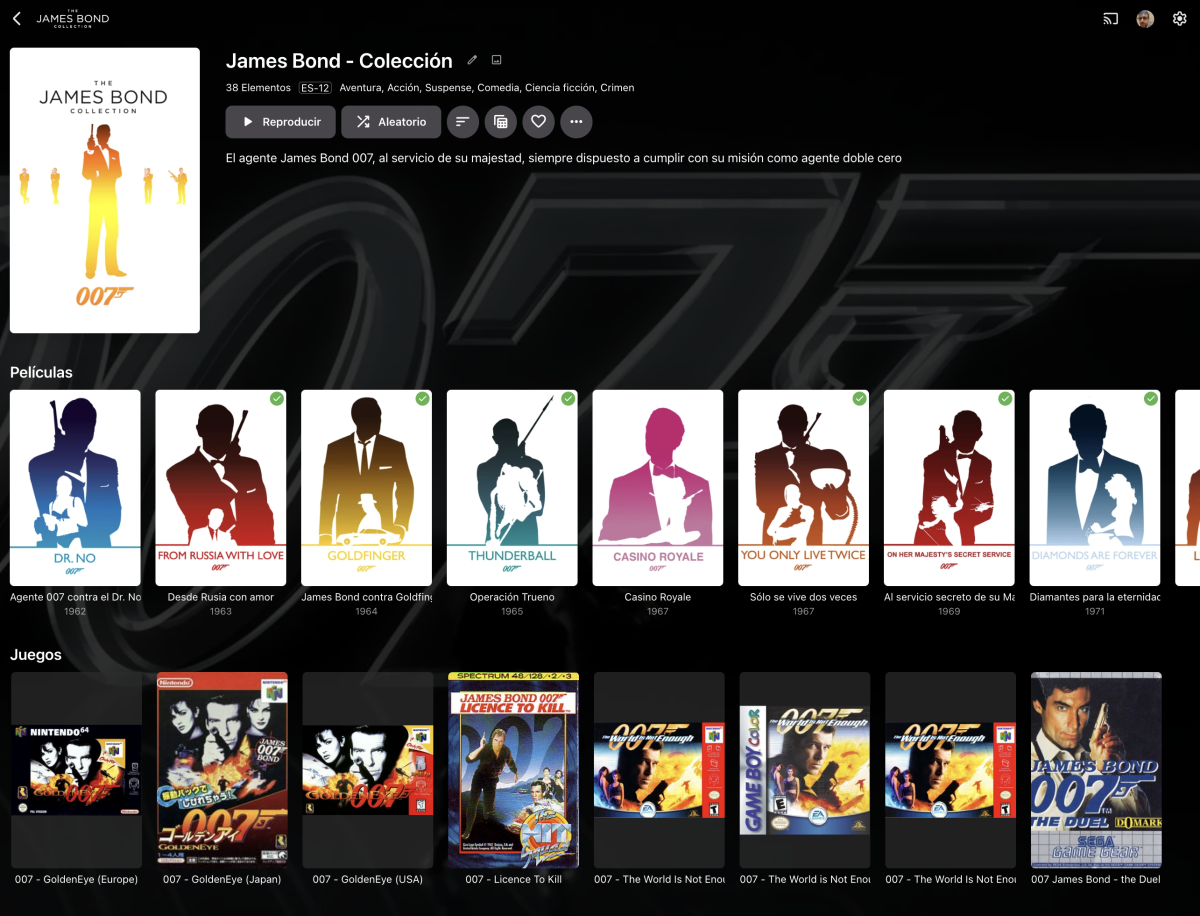
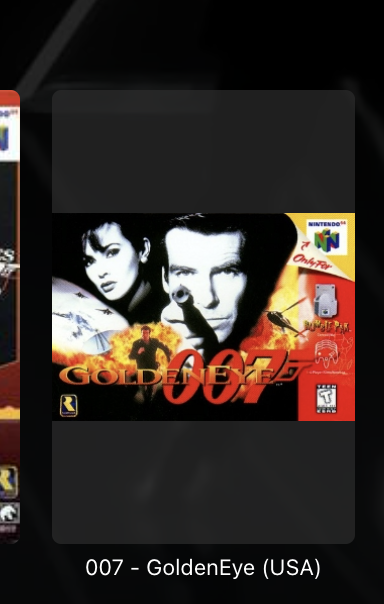
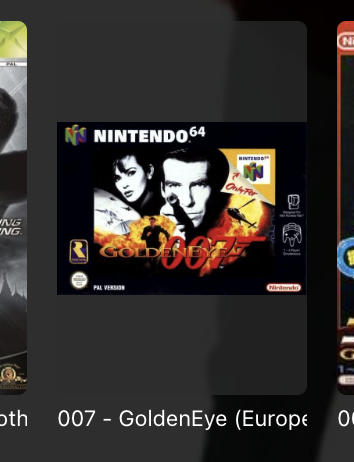
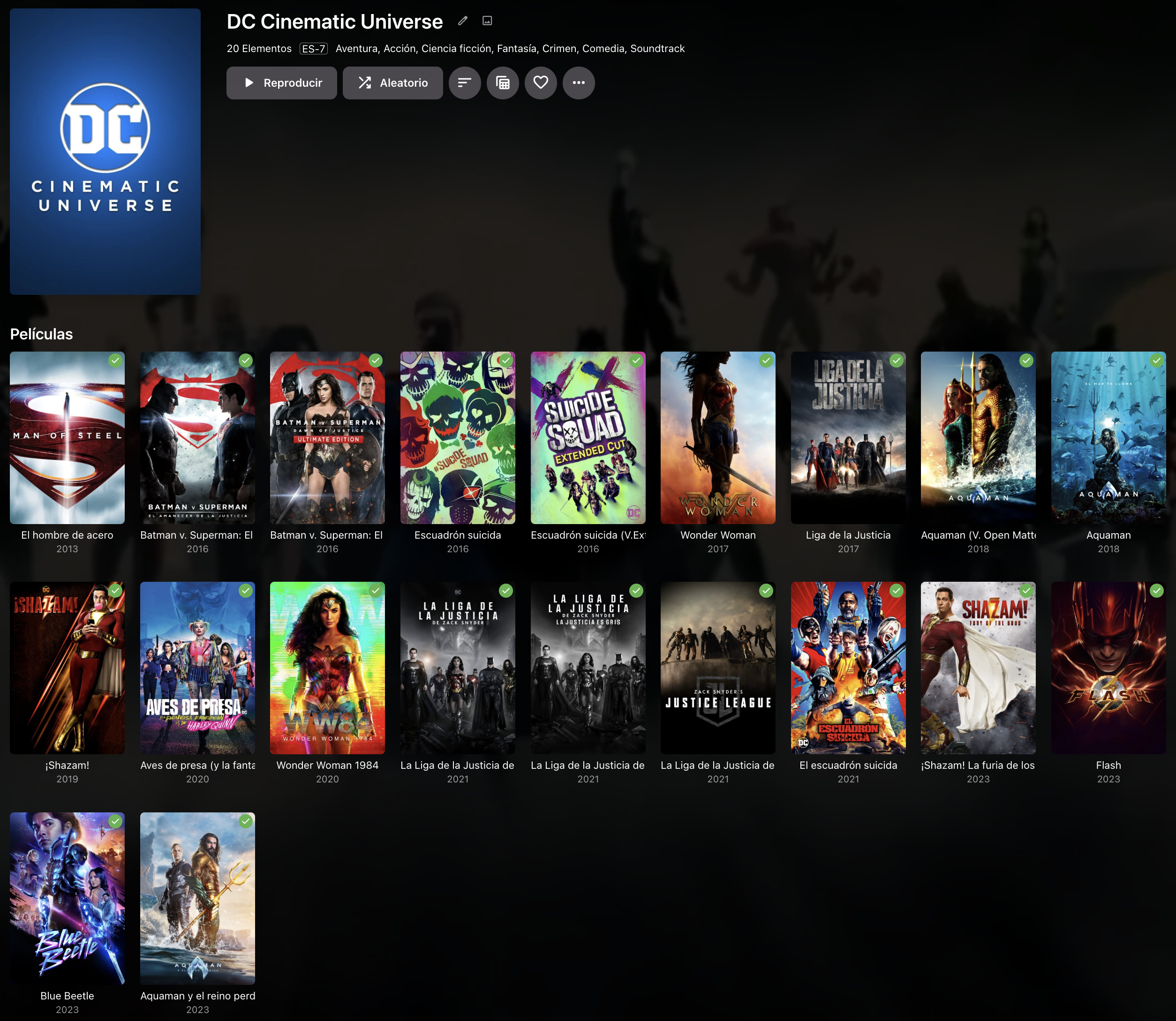
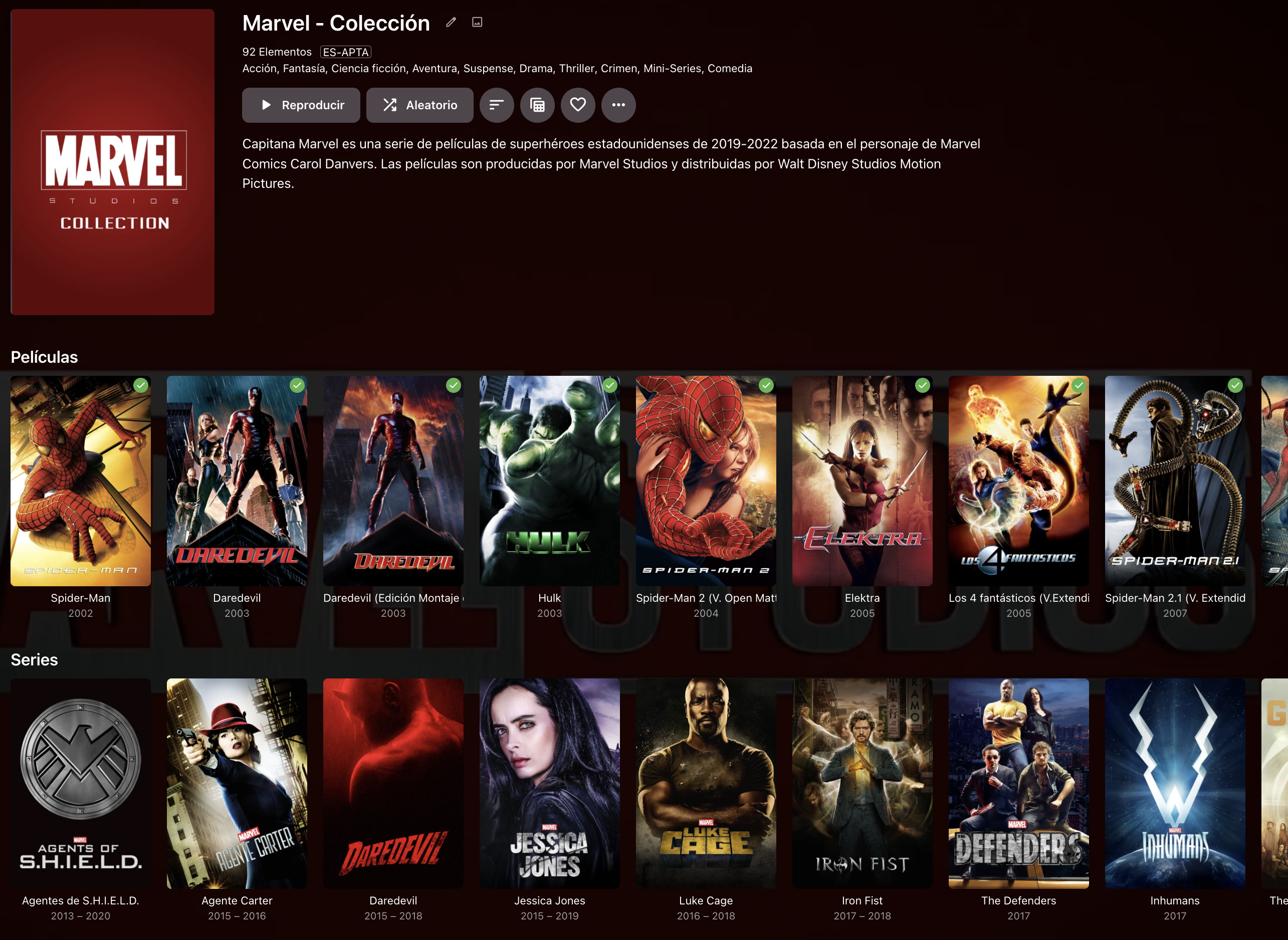
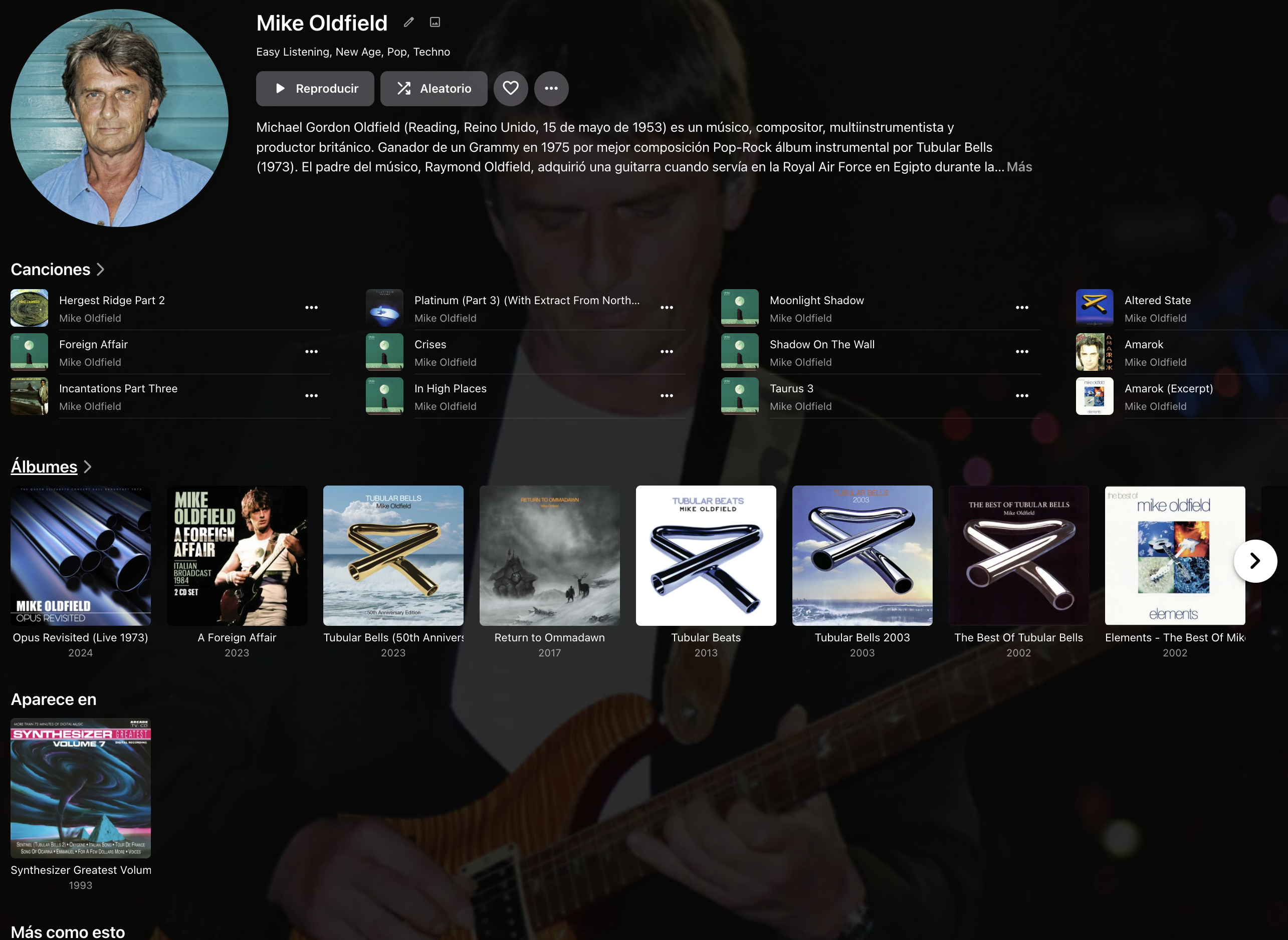
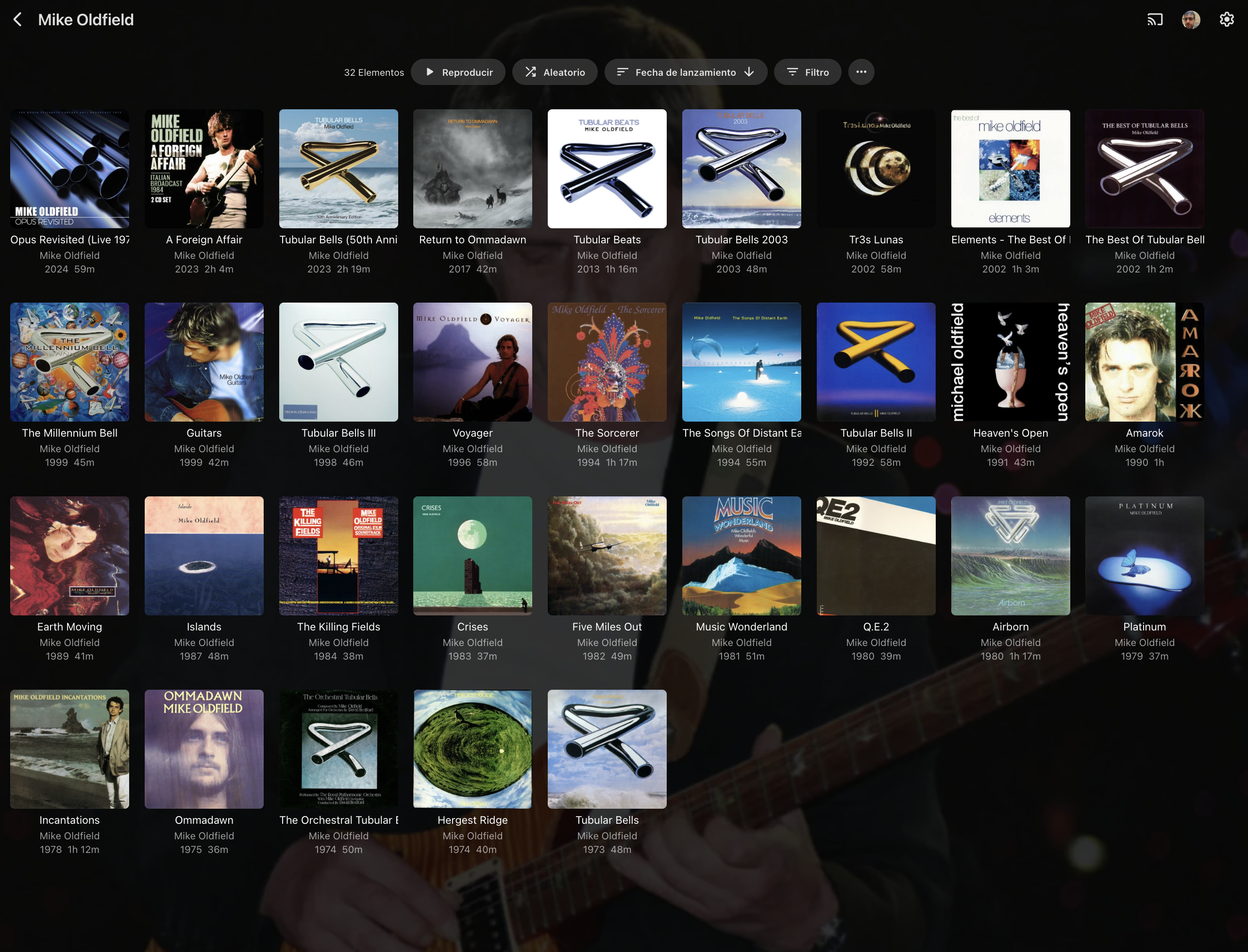
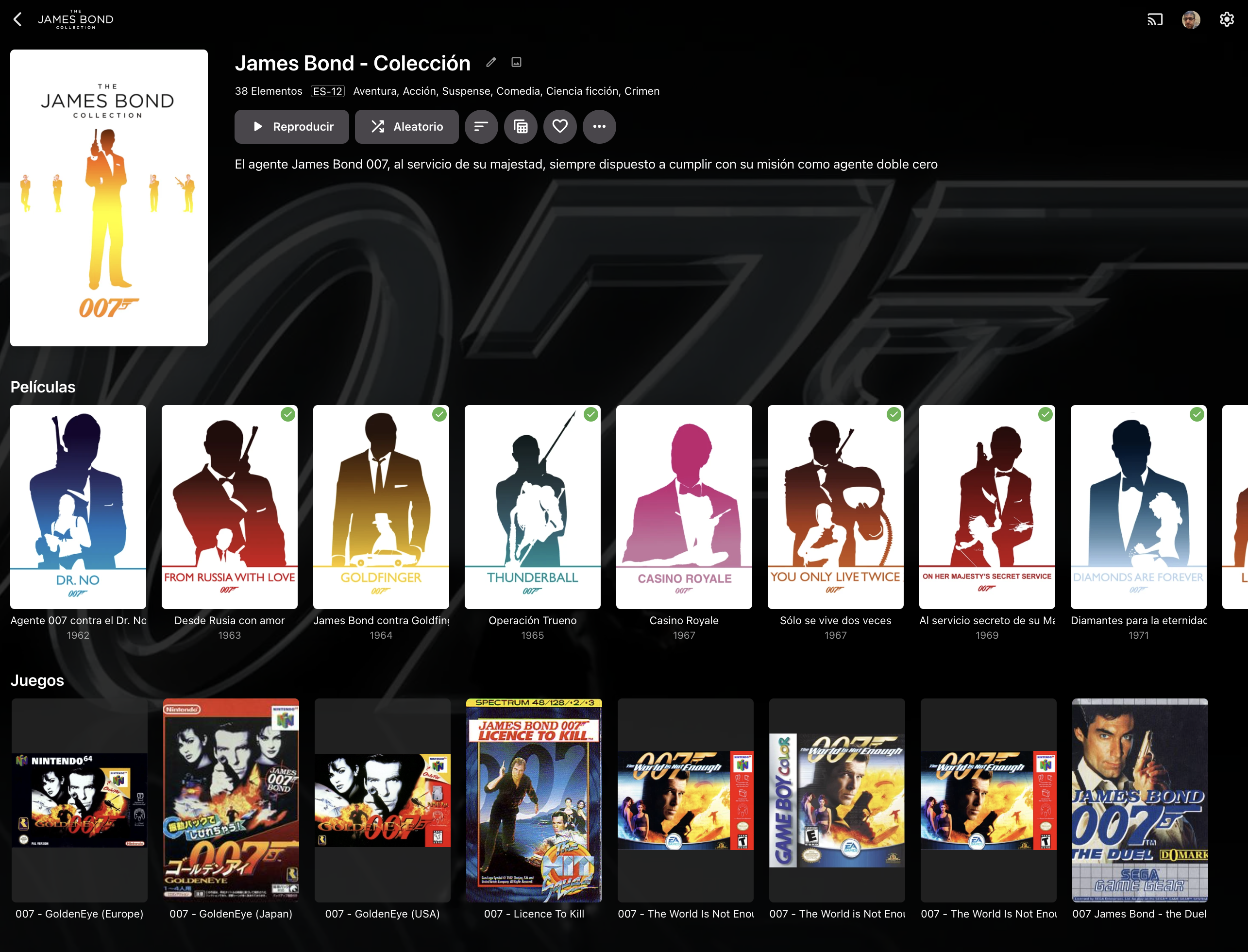
Hi Emby Team. Today when a collection has only one media type (EJ. Movies), is presented in a "multi-line" view: This view is clear, and in most cases is capable to show an entire collection item type in a single screen. When the collection has multiple types of media (EJ. Movies and Shows), the collection is presented showing one line per item type: This forces the user to scroll to the right to navigate the collection, something that feels unnatural and it's not practical, specially if the collection has more than 20 items. I would like to be able to: 1st.- Have "multi-line" on multi-type collections 2nd.- Be able to click the media type (Movies, TVShows, etc) and see a screen that only shows this type of media for this collection, similar to what's done in music with artists when you click on albums: . >>>>>>>> Additionally, and I know probably this is the most tricky thing, some media, specially videogames but not only videogames, does not have always the same type of picture size and now it's presented making all of them same size and adding a semi-transparent square for the ones that are smaller: I understand that it's complex to present different size items on the same row but maybe if instead of presenting a semi-transparent square: If the square is fully-transparent, will solve the issue, this will be desirable to be applied to all type of media, because some Music CD covers are not CD Size: . And Videogames, where usually japanese editions are the oposite boxing than rest of the world editions: . . Japanese Europe USA Finally, would be good that you can order every type of media in collections by it's own criteria. Meanwhile in Movies and TVShows has a lot of sense doing it by release date, other media that's usually not matched with any metadata provider (Videogames, books, comics), and has sense that other ordering a part of release date can be considered inside collections like: - Console System for Videogames - Author for Books and Comics Thanks in advance.



 1 point
 -
But note that this CSS solution only works in the Web client. Paul1 point
-
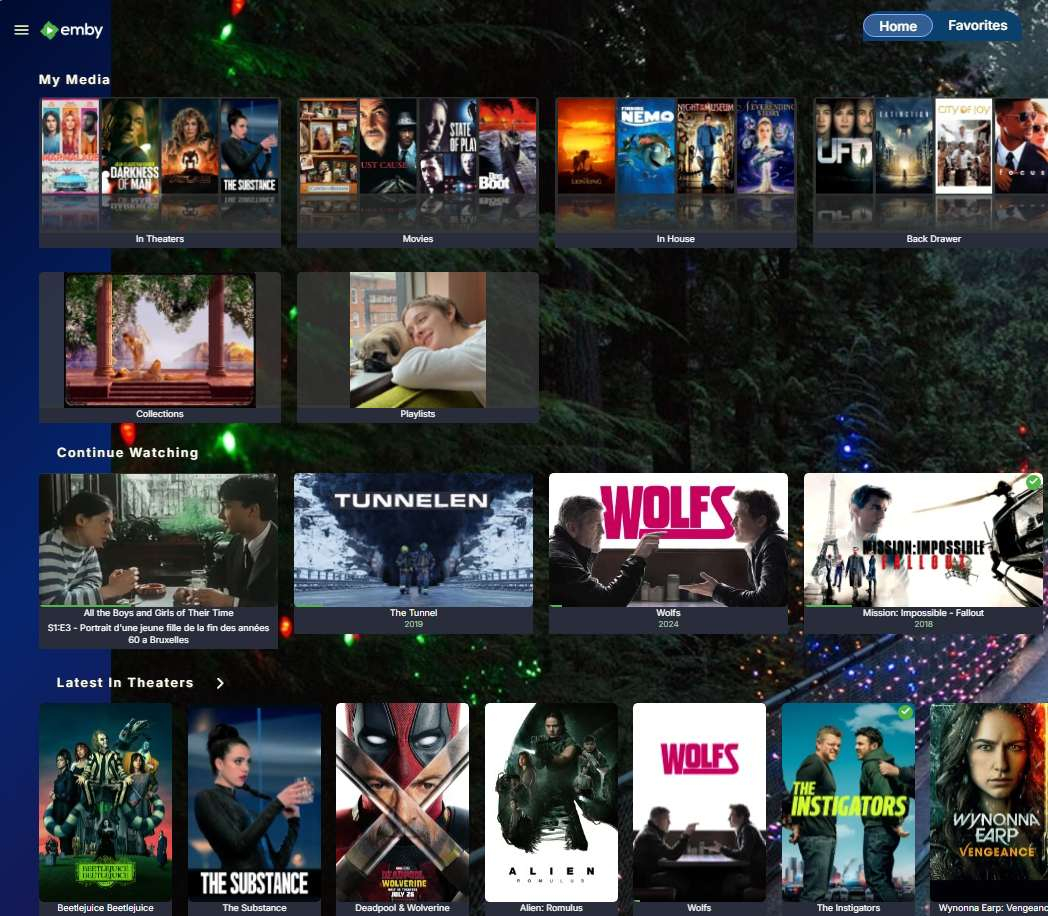
Custom CSS tweak: Sizes: Menu images are auto created at 345 x 194px. This is a locked choice from Emby .js code. The current menu thumbnail view is 80% of this width. All thumbs adjust automatically depending on the browser width on a monitor. Setting the css style in custom area to --user-cards-size-adjust: 0; brings the menus back to 100% full size 345 x 194px for a browser open to 1920 pixels wide. This matches the width of wide thumbnails in the continue watching row, which often is set to be the second row. If the menu is too large, different choices are: This tweak: --user-cards-size-adjust: 0; (100% = 345px width) 0.2 (96% = 332px width) 0.4 (92% = 317px width) 0.5 (90% = 310px width) 0.6 (88% = 304px width) 0.8 (84% = 290px width) 1 (current Emby style size = 276px width on a 1920 browser window) If you go into negative numbers you will get larger, but the quality starts showing. --user-cards-size-adjust: -0.5; and the menus will be at 110% = 380px and the thumbnails will start to look a little blurry. You can go to the negative numbers, just be aware of the image will start blurring out. Custom CSS code: This code targets only menu rows. You could put a menu at the top and at the bottom, for convienence and this css style will catch them and make both menu rows have larger thumbnails. .card.backdropCard.card-hoverable.card-autoactive { --user-cards-size-adjust: 0; } Here is partial screenshot. The menus are set to --user-cards-size-adjust: 0; (There are other active custom styles). Hope that helps. Enjoy.
 1 point
 -
Did you remove the old version on your tv ?1 point
-
Upgrading to Emby v.4.9 beta solved the problem! Thank you!1 point
-
Okay, so far I'm OK with my own remapping tool. If NFO is out of option, please consider to add a manual mode, totally disable the auto scanning, just list the folder and files and allow user to create tvshow, season, eposide or movie manually.1 point
-
No, I'm wrong. I thought it was random but I wasn't testing it enough. I still get monster movie trailers for Godzilla, the Addams Family Values trailer for Addams Family, etc. Sorry for the false positive.1 point
-
Hi, thanks I'll try that and let you know if it worked.1 point
-
Maybe it's a good time to clean out all dll files from C:\Users\jgcro\AppData\Roaming\Emby-Server\programdata\plugins1 point
-
Strange. But I think I have it sorted out. I now used the configmaker assistant for Webgrabplus and used the XML config file that came out of that. And set it to 7 days of data. And now it looks like it is working, although that was the case with the one channel I tried. It's getting the rest of the data as we speak. For a noob Webgrabplus has a steep learning curve. I have used it before, but it's set and forget with these things for me. Only when I start to use new hardware I have to look into it again. Thanks for the great support I am receiving here for many years now for very little money.1 point
-
This is for transcoding only - the whole idea of this thread is to NOT use transcoding in the first place .. ? tbh - I'm a little confused as you are repeating what I said above. All the external progs that do the extraction will NOT name the file using 'default' thus embedded wins every time. IMO this is Emby that is at fault - if nobody else does it that way, then it's Emby that need to change - not enforce an illogical name standard. I'm suggesting you put something like your first paragraph in the wiki, with examples, so at least people will realise they need to name their subs with an extra 'default' in there to superseed the Default flag on the embedded sub... From your sig -
 1 point
 -
@Sattam199I have responded to your other topic, please refrain from opening multiple topics for the same issue.1 point
-
Sorry it took me so long to get back to this... It's been a busy month for me... I finally had time to sit down and look through some things... That NGINX post is fairly old and using some really outdated security practices.... This is a more relevant config serverblock: worker_processes auto; events { worker_connections 2048; } http { include mime.types; default_type application/octet-stream; sendfile on; keepalive_timeout 65; # Extended gzip settings gzip on; gzip_types text/plain text/css application/json application/javascript text/xml application/xml application/xml+rss text/javascript image/svg+xml; gzip_min_length 1000; gzip_vary on; gzip_comp_level 6; gzip_proxied any; gzip_buffers 16 8k; limit_req_zone $binary_remote_addr zone=one:10m rate=1r/s; # Redirect HTTP to HTTPS for Emby subdomain server { listen 80; server_name your.domain.here; #Update with your domain return 301 https://$host$request_uri; } # HTTPS server block for Emby subdomain server { listen 443 ssl; server_name your.domain.here; #Update with your domain ssl_certificate /your/ssl/certificate/file.pem/crt; #Update with your ssl certificate file ssl_certificate_key /your/ssl/key/file.key/pem; #Update with your ssl certificate file ssl_session_timeout 30m; ssl_protocols TLSv1.2 TLSv1.3; #Force TLS v1.2 and higher ssl_session_cache shared:SSL:1m; ssl_ciphers 'ECDHE-ECDSA-AES256-GCM-SHA384:ECDHE-RSA-AES256-GCM-SHA384:ECDHE-ECDSA-CHACHA20-POLY1305:ECDHE-RSA-CHACHA20-POLY1305:ECDHE-ECDSA-AES128-GCM-SHA256:ECDHE-RSA-AES128-GCM-SHA256'; ssl_prefer_server_ciphers on; ssl_stapling on; ssl_stapling_verify on; resolver 8.8.8.8 8.8.4.4; # Security headers for Emby add_header X-Xss-Protection "1; mode=block" always; add_header X-Content-Type-Options "nosniff" always; add_header Strict-Transport-Security "max-age=63072000; includeSubDomains" always; add_header X-Frame-Options "SAMEORIGIN" always; add_header 'Referrer-Policy' 'no-referrer'; add_header Content-Security-Policy "frame-ancestors your-root.domain your.sub.domain;"; #replace with your root domain (ie google.com) and your subdomain (ie emby.google.com) proxy_hide_header X-Powered-By; add_header Content-Security-Policy "upgrade-insecure-requests"; location / { proxy_pass http://192.168.x.x:8096; # Adjust as per your Emby server IP and port proxy_set_header Range $http_range; proxy_set_header If-Range $http_if_range; proxy_set_header X-Real-IP $remote_addr; proxy_set_header Host $host; proxy_set_header X-Forwarded-For $proxy_add_x_forwarded_for; # WebSocket support proxy_http_version 1.1; proxy_set_header Upgrade $http_upgrade; proxy_set_header Connection "upgrade"; } } } This .conf is up and functioning and i no longer have any issues with users play history not generating/capturing. All playback events are up and running as intended. This cert gives an A+ rating at the few free scanning sites I've used.1 point
-
Any time the path to/name of a media file changes, Emby interprets it as the previous file has been removed (so is removed from your emby servers database), and the renamed/moved file is a new file, imported/processed as new media. If you've moved all your episode files into season folders; Emby will be reprocessing all your tv shows as if they were new media, and this will take a while. Longer depending on your libraries configuration (extracting thumbnail images, chapter markers, downloading all related images in advance, etc). The percentage progress for library scans is quite misleading, showing the first ~%90 done reasonably quick then seemingly hanging, but it is still working. You can verify this by monitoring Embys log files. Just gonna have to be patient.1 point
-
I've converted the files that weren't working before using ffmpeg to 48Khz AAC, and both worked! It seems the new Samsung TVs don't support >48Khz as you pointed out. Now I have some encoding to do...1 point
-
DATABASE: On the database menu set "Database cache size (MB)" to 4096 if you can spare 4GB of memory for the database to load into memory. This doesn't mean it will use that but you're allowing it to use up to that much. As it reads things from the database it will keep a copy in memory. This isn't saved on shutdown so it's always starting fresh on Emby Loading. Enable "Attempt to optimize the database on server shutdowns" Set "Analysis row limit" to 1000 If you add a bunch of media or delete media you can do a vacuum (optimize) on the database by enabling "Vacuum the database on the next Emby Server startup" and then restarting the server. On startup it will optimize the database before normal loading of the server. If it takes a while do not be concerned or try and stop the server since the dashboard doesn't load or you get a browser error. Just be patient and wait for it to finish and then load normally. That's just a heads up, but it normally is done in just a couple minutes if that. MAKE USE of SSD/NVMe DRIVES If you have an SSD or NVMe drive it's best to install Emby Server on this so everything including the database and logs are here. If you can't reinstall Emby Server on a SSD/NVMe drive or if you have 2 SSD/NVMe drives you can change the location of certain paths. Setting menu: Cache path Transcoding Menu: Transcoding temporary path Conversion Menu: Settings Tab: Temporary file path Library menu: Advanced Tab: Metadata path (make a copy of this location) After you change this to a new location, copy the contents from the old location to the new location. Compare the locations carefully to see if Emby Server created a folder called "metadata" . Give it a name without "metadata" so you don't get a metadata\metadata folder. Live TV Menu: Advanced Tab: "Movie recording folder" Live TV Menu: Advanced Tab: "Series recording folder" For both of these on the latest versions of Emby Server you will first create a location on disk for DVR Movies and another location for DVR Series. Create these areas on your SSD/NVMe drives. Next you create 2 new libraries, one for DVR Movies (type set to Movies) and one for DVR Series (type set to TV Shows). Once the libraries have been created you can select these new libraries for the Live TV recorder folder entries above. There is another option on that path "Default recording folder" which you will leave blank. NOTE: you will need to set proper permissions on any folders created for these locations so Emby. Those are the main things you can do to improve performance.1 point
-
Hi, I went through some issues in the beginning trying to live stream to my multiple Roku models as well but now its work "pretty good", not perfect yet but still enjoyable. Here are some things I had to do.... 1. ensure port forwarding of your M3u is adjusted appropriately in your router 2. I had to turn off HW acceleration in Emby so it didn't use my video card. Constant buffering was created when activated. 3. I had to ensure Emby display on the Roku app was set to its highest resolution and not use Auto. 4. On my Roku 2 I do have to restart it once a day. I think there is some memory leakage that needs to clean up then things flow well. 5. I had to turn off realtime scans on my AV software. Hope this adds some value. EDIT: 6. Oh, and thanks to @Lukerefreshing the guide data when I have an issue seems to help as well1 point
-
It will require major internal changes, paradigm shifts from the way some things are currently done. It's something the Emby team will have to handle. Thanks.1 point
-
HI, the file system can be just about anything you want. For tagging, albumartist should correspond to the author. There is currently no narrator concept in Emby, but you can follow along with this feature request:1 point
-
I don't think it really has a name. It just registers a background process on the device to run periodically.1 point
-
HI, thanks for sharing.1 point
-
Hi, I believe this should be resolved in the 4.9 beta channel if you are willing to switch to that. We are looking into how we can backport the fix to 4.8. Thanks.1 point
-
Windows 10 is not EOL until 14th October 2025, so you have a year still. Windows 11 can be installed on non-compliant hardware, although I believe only a fresh install will work. I have done it already on a few laptops I have. See this link.1 point
-
I wrote a tool myself to process based on NFO files and creating junction files to another folder for Emby library. All my sources have tvshow.nfo or movie.nfo. Step 1: Locate the folders for TVShows and Movies (1) Find all tvshow.nfo as well as other top nfo files, like movie.nfo in all folders including subfolders. The folder has .ignore file should be ignored. (2) Try to read those nfo files. Ignore all those in illegal format. Store the full path of the folder which includes the nfo file into a HashSet for tvshow and movie. (3) Further, for scanning tvshows not with tvshow.nfo, all folders saved in this HashSet should be ignored, nor to included as a season of another tvshow either. Step 2: Locate the season folders for each tvshow. (1) In all found tvshow folder, locate the season.nfo in the folder itself and all subfolders. The folder has .ignore file should be ignored. (2) Try to read those nfo files. Ignore all those in illegal format. Store the full path of the folder which includes the nfo file into a HashSet for all tvshows and a dedicated set for the processing tvshow. (3) Further, for scanning tvshows not with tvshow.nfo, all folders saved in this HashSet for all tvshows should be ignored, nor to included as a season of another tvshow either. Step 3: Locate episodes. (1) For each season folder found, read all nfo files has episodedetails as the root node. If the nfo file has a "original_filename" node, read it as the media file name, or try to locate the media file with the same name as the nfo file. Save the media files into a HashSet. (2) For all media files in this season folder but not in the HashSet, try to guess the episode number. Step 4: For my tools only Generate the folder structure and make junction files into them, linking to the original files.1 point
-
Sorry for the delay on my end. I've been busy with an unforeseen "final" (before I can publish the source code) snag in my plugin. Based on casual observation, I wonder if it's easier to reproduce while transcoding *and* if the load on the server hardware (CPU?) is higher? Or maybe it might happen with certain videos, but not with others. While I haven't yet produced a clean log, I do have one sample of the one ffmpeg error I spotted in the logs from last week, due to sending it to someone on Discord. I've seen several of this error and they all looked basically like this. I hope it helps with anything. Let me know if it's a different issue. message.txt1 point
-
Couple comments MPEGTS allows mixed interlaced and progressive content by marking the TTF or BFF flags correctly in each PID. Unless you've extensively tested the capture output of any hardware/software combination against a known source broadcast test stream you don't know if the capture is true or not. A quick search will find examples of this on Stack Exchange, Intel forums, etc. IE (Stack Exchange): "Using ffprobe, polling every 1sec on a known interlaced RTP stream only detected interlace 30% of the time. Using analyzeduration set as high as 120 seconds made no difference." If true, that would make me highly suspect of the technique used to determine interlaced frames as well as if it's using the information in the transport stream correctly if at all. Any manipulation, processing or saving to files as well as metaInfo generated for said transport stream by the same library or toolkit would also be highly suspect and require verification IMHO. Others have shown similar differences of streams when comparing a transport stream directly vs one re-streamed using ffmpeg. Some personal testing of examples demonstrated by others does show similar results and leaves me skeptical of how the ff tools handle many things.1 point
-
Hi, there's already an open request for this or something functionally equivalent. Please join in and contribute to the existing discussion at:1 point
-
Hi! in my opinion, yes, but the thing is that I can’t check it on the problematic film, I deleted it. thanks for the work!1 point
-
Apparently it's now a known issue: https://www.androidauthority.com/google-tv-streamer-problems-3488446/ I ended up returning the Google Streamer (and not sure I'll try it again if/when the issue is reported to be fixed). IMHO the (Walmart) onn 4K Pro is just as good (and doesn't have the sync issue), but we actually use the Homatics Box R 4K Plus more.1 point
-
I ended up making one with the template, thank you for that! Hope it's ok to post here? If not, I'll delete ASAP.
 1 point
 -
Whew. 5 years later. Also would like this to be added.1 point
-
Hello As audio is going to be fully driven by tags in the upcoming Emby Server versions, I‘m wondering which tag to choose for the reader(s) from audiobooks...? So which tag Emby is going to use when audiobooks section will be more polished and Emby will introduce a reader database field? Mp3tag doesn’t even provide a “reader” tag or similar, so I’m unsure. I want to make my files future proof for the upcoming releases of Emby server...1 point
-
1. it only includes movies, tv show episodes and music https://github.com/faush01/playback_reporting/blob/9bfc4680983e99eed964bc6f4bca58cc8c829b72/playback_reporting/Tasks/TaskNotifictionMediaReport.cs#L123 2. it should include movies and tv show episodes that were added since the last time it was run https://github.com/faush01/playback_reporting/blob/9bfc4680983e99eed964bc6f4bca58cc8c829b72/playback_reporting/Tasks/TaskNotifictionMediaReport.cs#L144 you are seeing the log lines because they are output before the time cutoff check0 points
-
With windows Recall being built into Windows Explorer now; I'd rather not own a pc than use Win 11. It was the push I needed to finally purge windows from my systems and go full linux. https://www.tomshardware.com/software/windows/microsoft-confirms-that-windows-11-recall-ai-is-not-optional-a-glitch-made-it-appear-so-in-the-windows-11-24h2-kb5041865-update Microsoft can go fornicate a cactus.0 points























.thumb.png.2450be5d76b2eeab8d806b9206cbf169.png)