Leaderboard




Popular Content
Showing content with the highest reputation on 08/07/24 in Posts
-
I think it would go a long way building trust with the community to not over-think it and just get a request like this done quickly and non-intrusively. Add a library option to generate tags from TMDB keywords, make it off by default so users don't get an unexpected behavior, make a clear post in the announcement channel, add instructions to the KB, and allow the metadata to be saved if users opt-in. Easy win for everyone involved.3 points
-
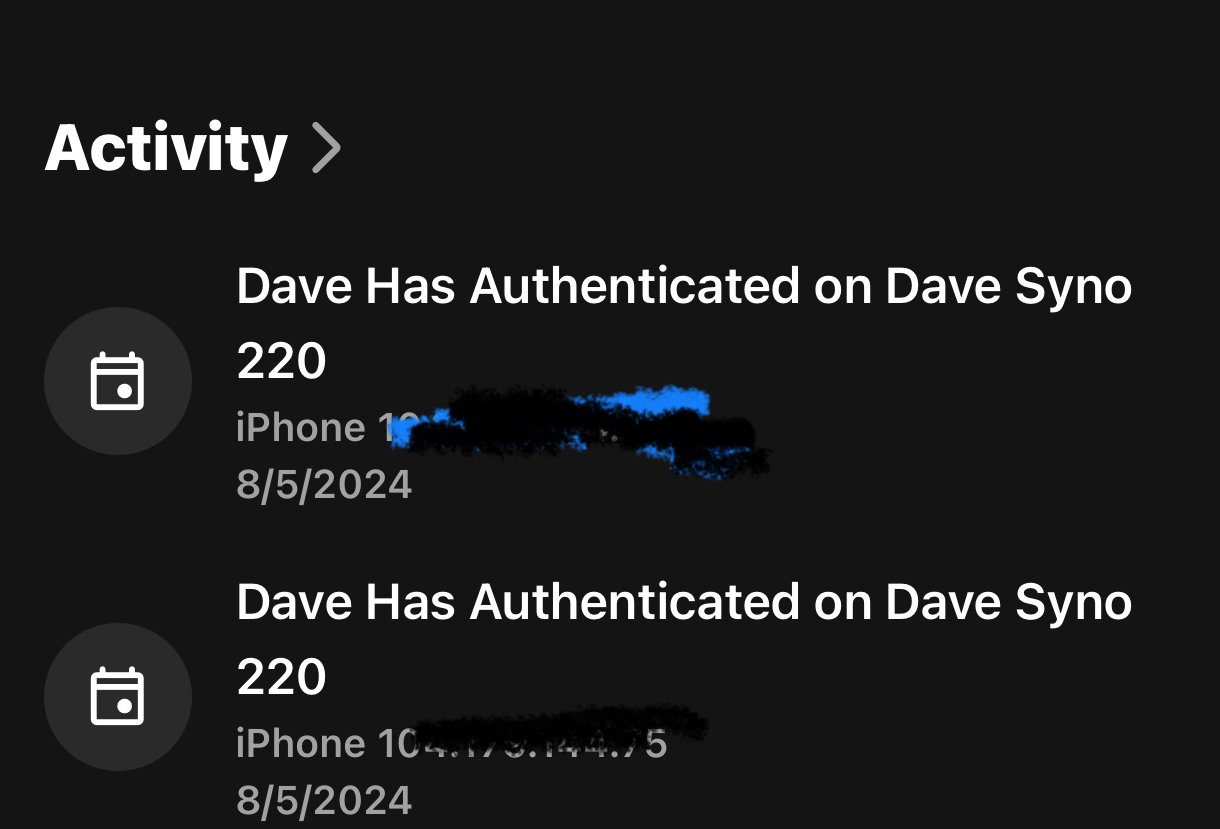
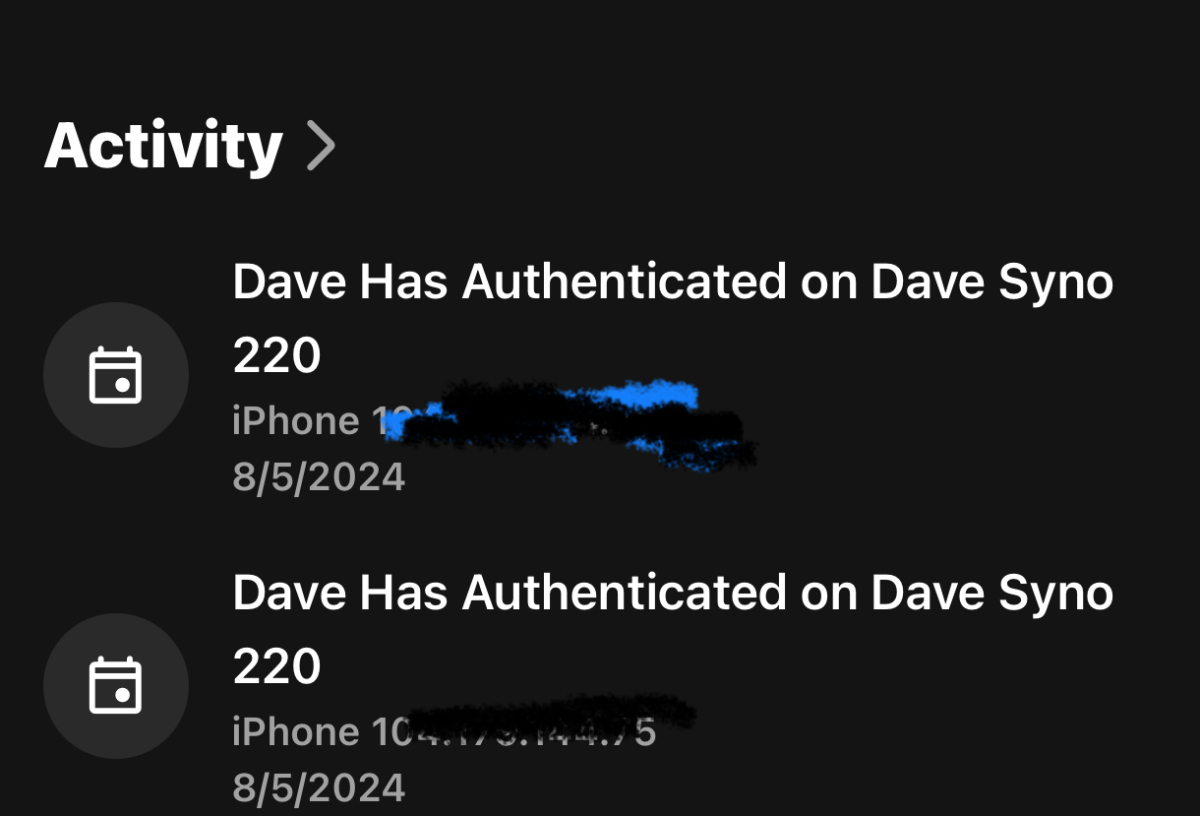
Hi, in iOS app 2.2.27 when choosing manage Emby server which is 4.8.8 activity would normally show media played ip address plus date and time. Showing when media was started and stopped. Now it does nit show the time is it now a setting I need to turn on? I have attached an example Thank you, Bryan
 2 points
 -
But that's not how the source(s) of the keywords treat them now, correct? So I don't see how we could define them as a subset of Tags when that is not how they are created in the first place.2 points
-
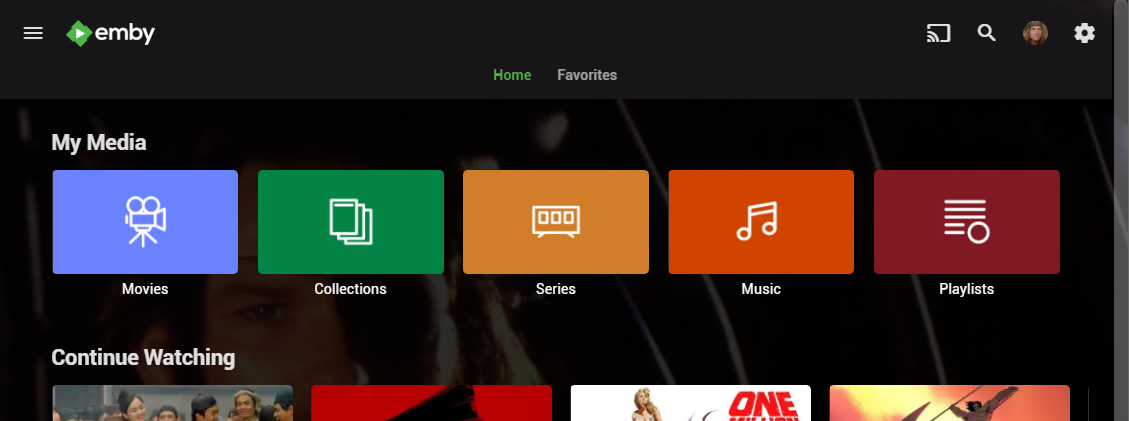
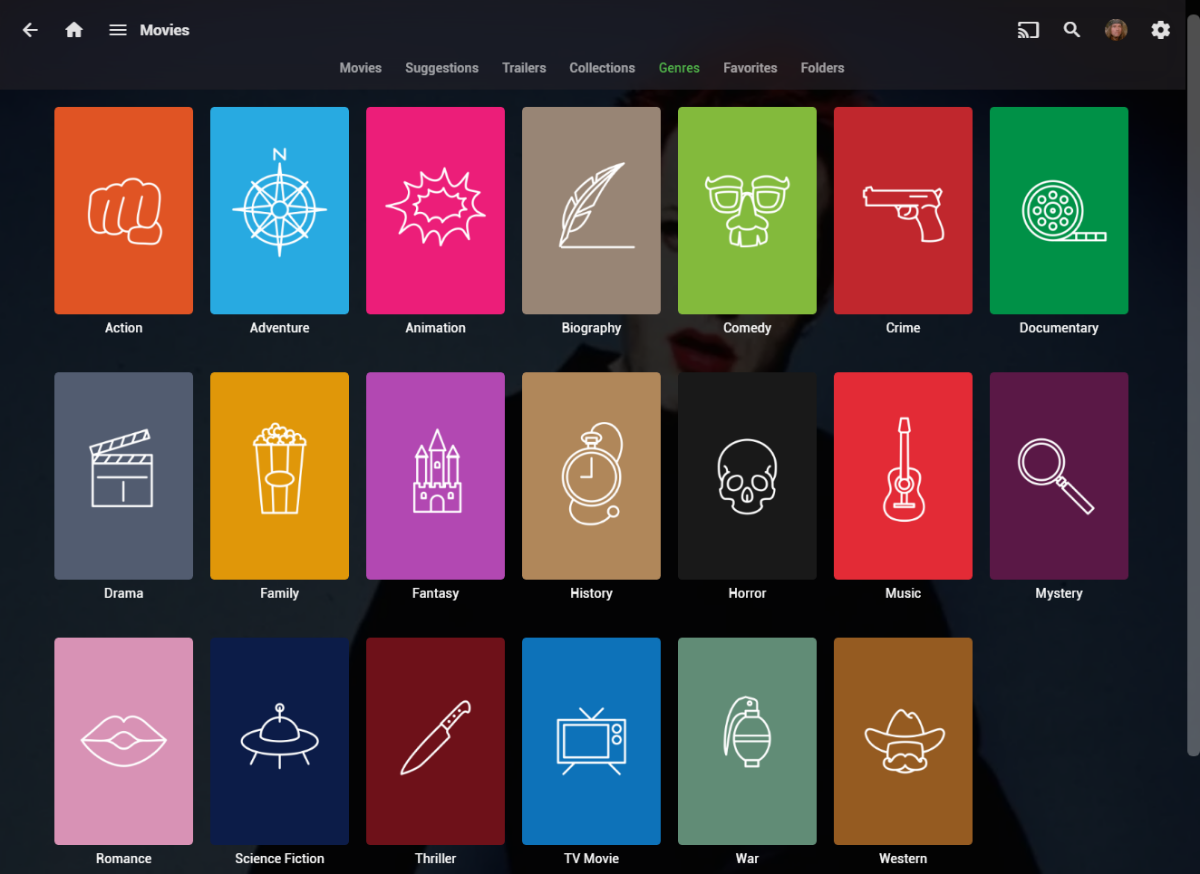
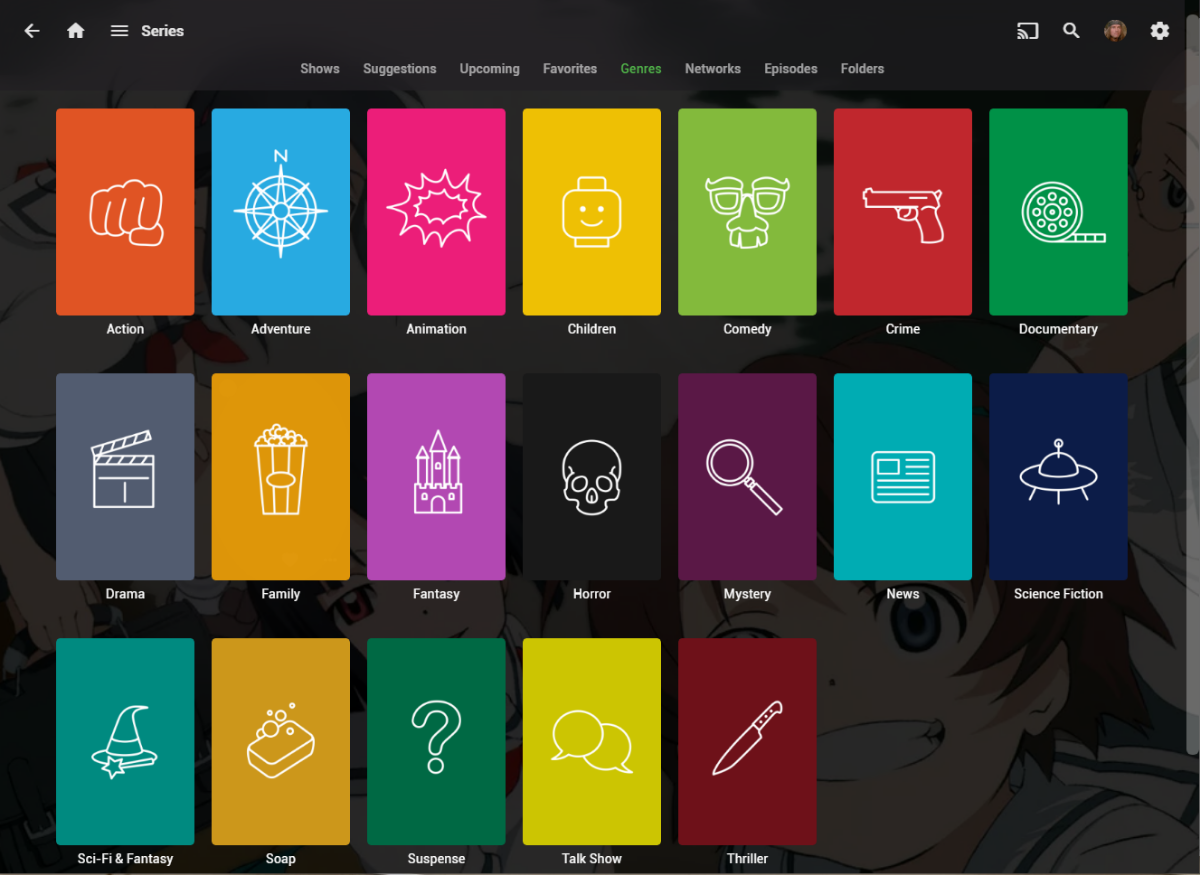
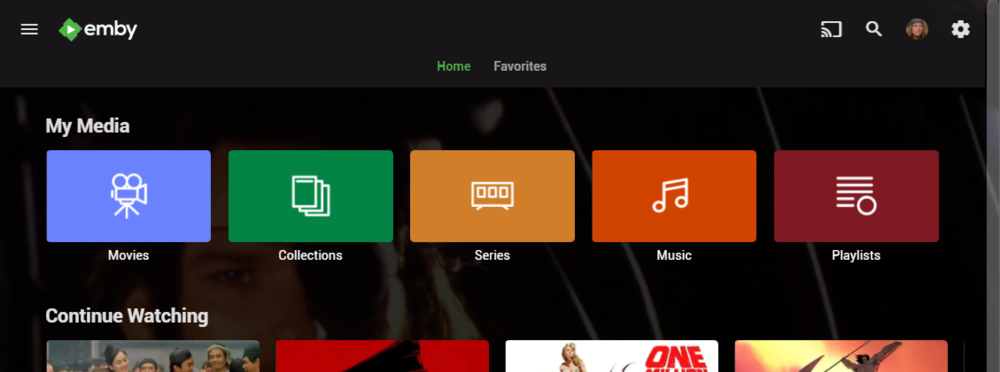
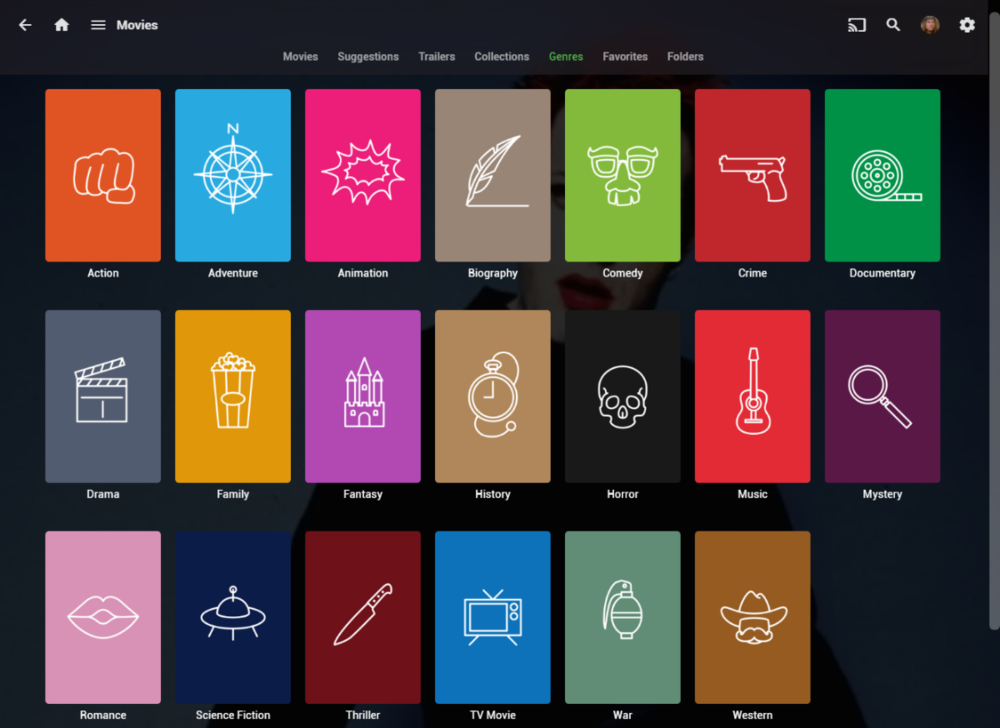
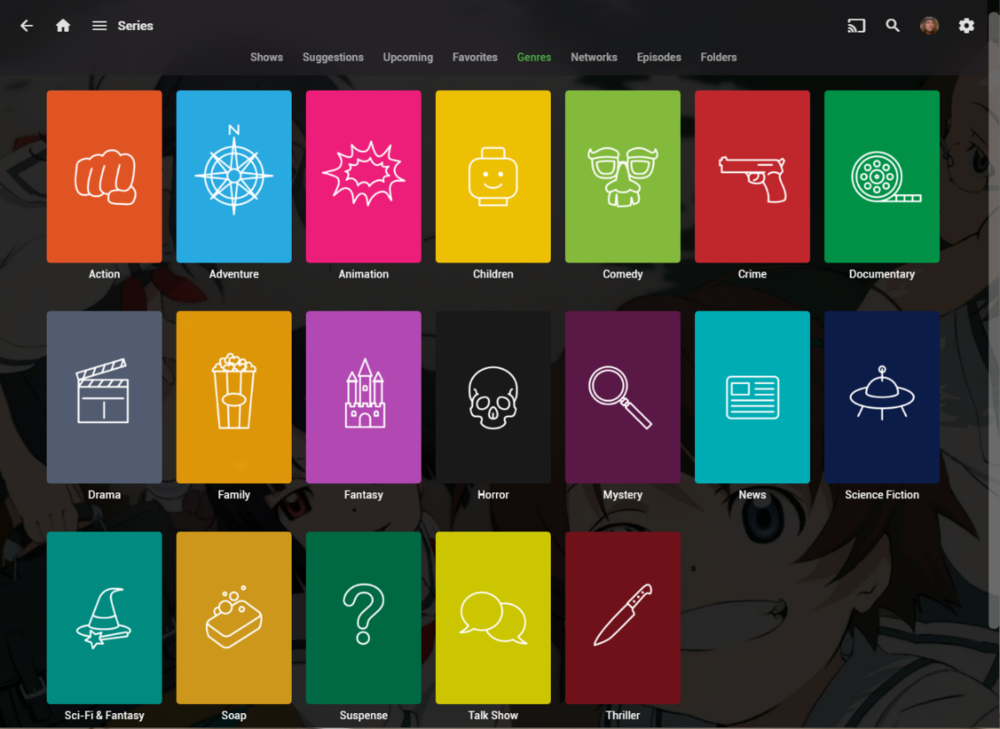
I wanted a colorful, but minimalist set of Library and Genre icons for when I'm using Emby on Roku, and something that stood out dramatically from the movie posters and thumbs. Here's what I did for the My Media set. Here's my Movie Genres: And the Series Genres RAR file attached with the full set as PNGs, and there is some in the archive not shown above (like Sports and Adult). Enjoy! -Mickey EmbyIcons_v4.rar
 1 point
 -
Hi, there is currently no way to do that, although it’s not a bad idea.1 point
-
omdb.org (Open Media Database) has nothing in common with omdbapi.com (Open Movie Database)!1 point
-
I think it would be a good idea if we can place the icons stacked on the left/right side of the poster. Currently the top/bottom option doesn't fit very well as many posters have the name or other info on that position. The most posters have more space at the left/right side.1 point
-
This is not supported, and a range of strange issues will result. Why are you doing this? There may be another way to get the result you want within the rules. Paul1 point
-
Greetings and Salutations Everyone! I found a possible solution to this Samsung TV issue (sound, but no picture). So far, this solution appears to be working. I have connected a Nvidia Shield to the Samsung TV, and I run Emby thru the Shield- and it works! I will update this feed after several more movies have been played thru the Shield. I hope you find this helpful. If any any others are experiencing this problem suggest this solution with the caveat that it is still in the test stage. G' Day to all!1 point
-
Emby is the only source of information about the video available to the plugin. If it tells the plugin that the video is HDR10, that's what the plugin will believe. @LukeCoverArt is currently only checking ExtendedVideoTypes to differentiate between DolbyVision, HDR10, and HDR10Plus. Does it potentially need to dig into ExtendedVideoSubTypes in some cases to separate HDR10Plus from HDR10?1 point
-
Hi, yes more options to control this are certainly possible. Thanks for the feedback.1 point
-
Yes I see hosts are anonymized but not server so an environment issue that @Lukemay need to look at.1 point
-
It is an anonymized log, but strange to see 216 as the subnet. What is your home network address? Since this log doesn't include the startup it doesn't mention when it starts to listen on the ports what address it's using.1 point
-
That's good, if TrueHD becomes an issue it may be a lot more work if your files don't already have an alternate track Oh, another thing you can check. Make sure your friend is running the current version of the app. You can search for the word "Samsung" in the logs where they played something and somewhere on that line should be the app version.1 point
-
That would be much appreciated if it could be done.1 point
-
It looks like that it DOES NOT lock out failed admin login attempts after trying a number of times. I went to the Alert log and found out that attempts to login as admin and username from one single IP address has been going on for hours. I gave up after counting 20 failed login attempts. The entire trying to log in started on 8/5/2024, 2:49:00 AM prior to that, nothing. This is from the Alert log: Started at: Failed Login Attempt from username on QNAP-NAS 34.100.169.207 8/6/2024, 11:08:35 PM Ended after 49 attempts at: Failed Login Attempt from username on QNAP-NAS 34.100.169.207 8/6/2024, 11:10:58 PM Than followed by the username of admin for countless attempts every few seconds: Started again at: Failed Login Attempt from admin on QNAP-NAS 34.100.169.207 8/6/2024, 11:11:39 PM Ended too many attempts to count at: Failed Login Attempt from admin on QNAP-NAS 34.100.169.207 8/7/2024, 12:05:07 AM How can Emby allow so many failed login attempts from a single IP address? Is there a setting that I missed or is the blocking something that needs to be implemented? I am at the latest version of Emby. @Luke@ebr@softworkzPlease leave some advise or answers to this occurrence of mine.1 point
-
Theres no problems when direct playing, only when playing those mentioned formats and the server having to transcode them for him. All other formats, even when transcoding them and direct play works fine. Fx. transcoding DTS 5.1 doesn't cause any problems but 7.1 does. I'm willing to live with it as it's very few files that has the problem and by the sound of it there's very little that can be done about it anyway.1 point
-
Two-channel AAC is widely supported but not 5.1. If you want widely supported 5.1 I think DD (AC3) wins there.1 point
-
Hi. Your Emby Premiere subscription is tied to your server. Any other server you connect to will need to have its own Premiere.1 point
-
You can lend your voice here:1 point
-
Ah crap. I forgot about the sudo -I Will try again. Thanks1 point
-
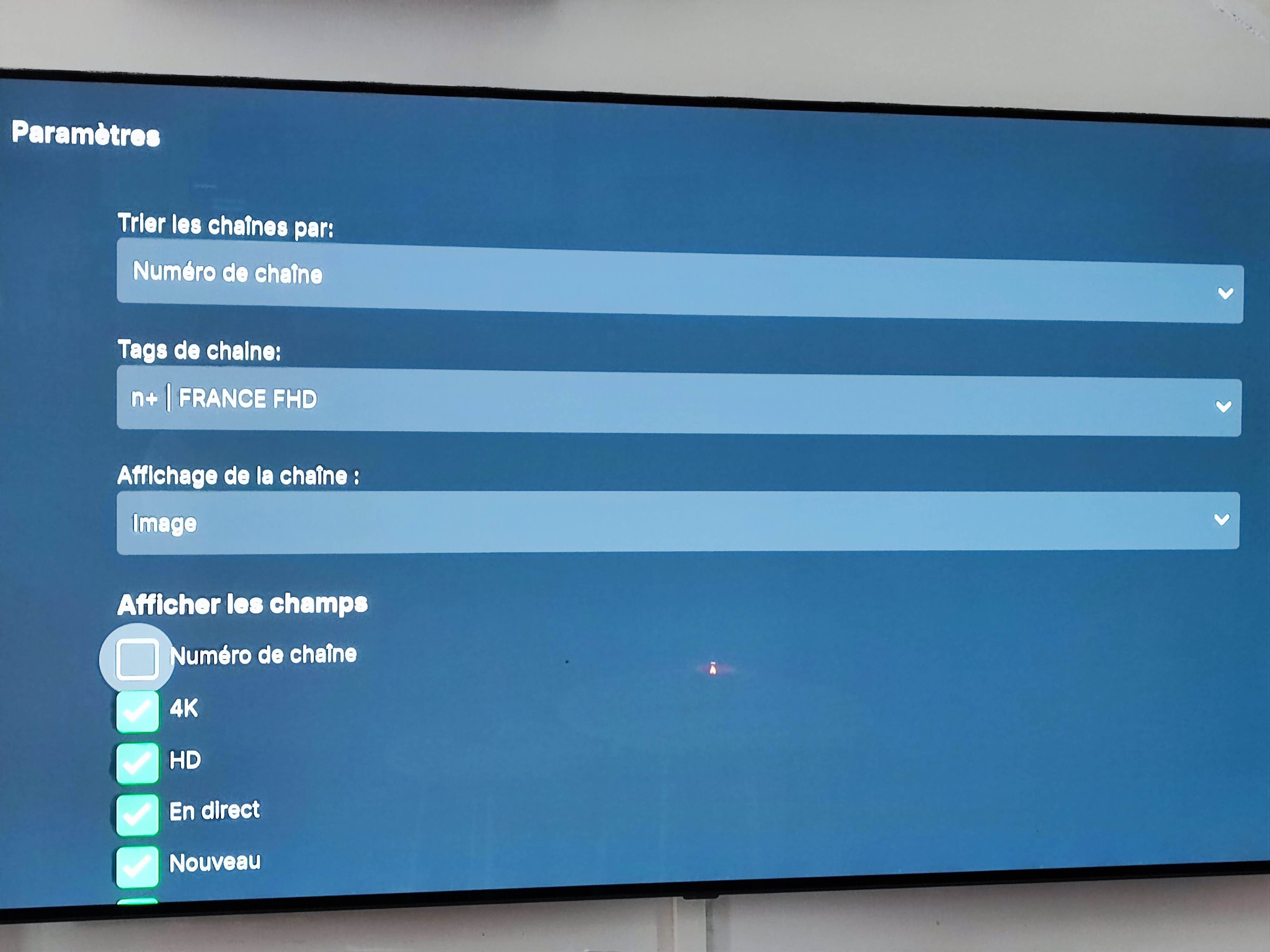
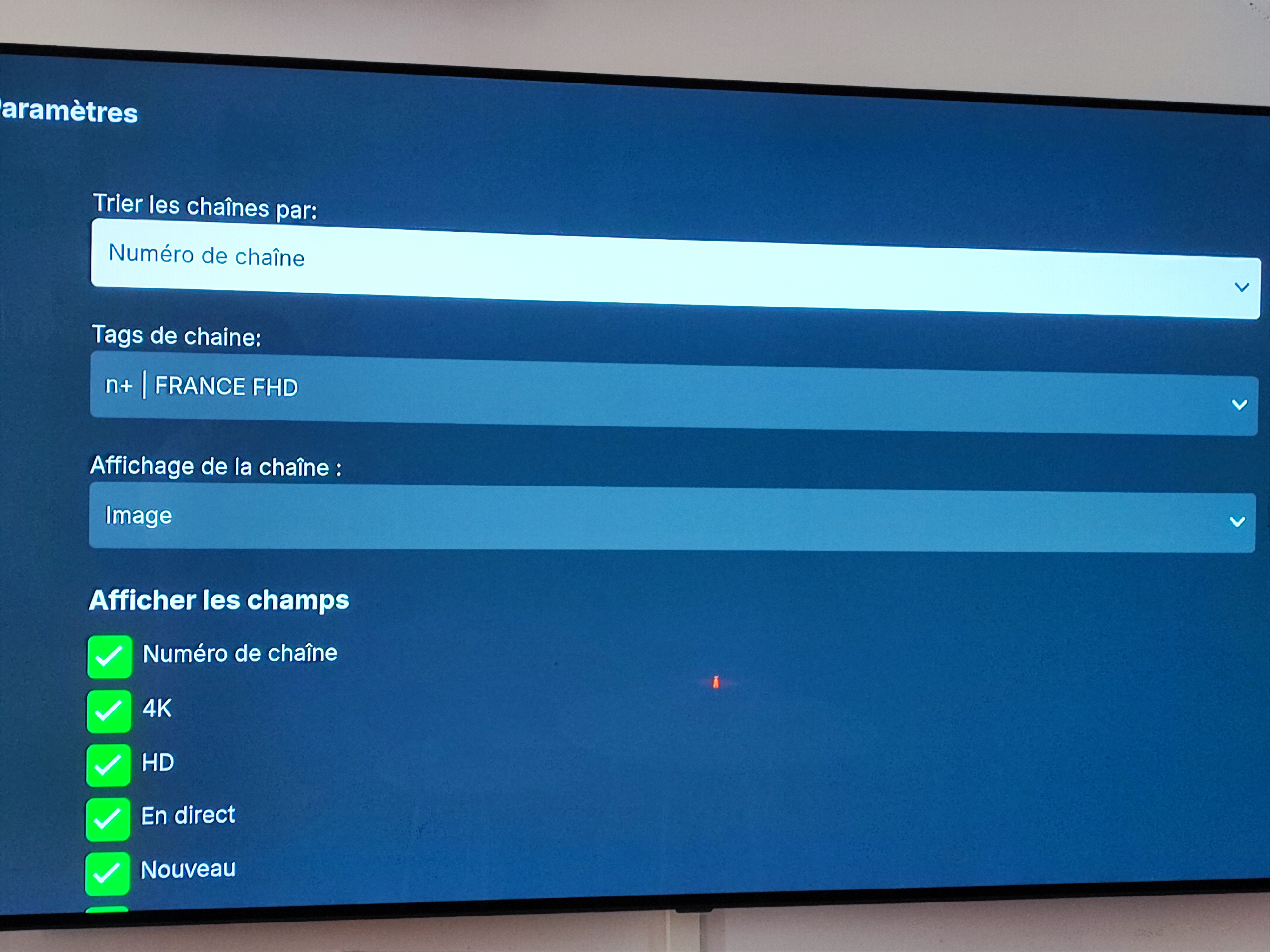
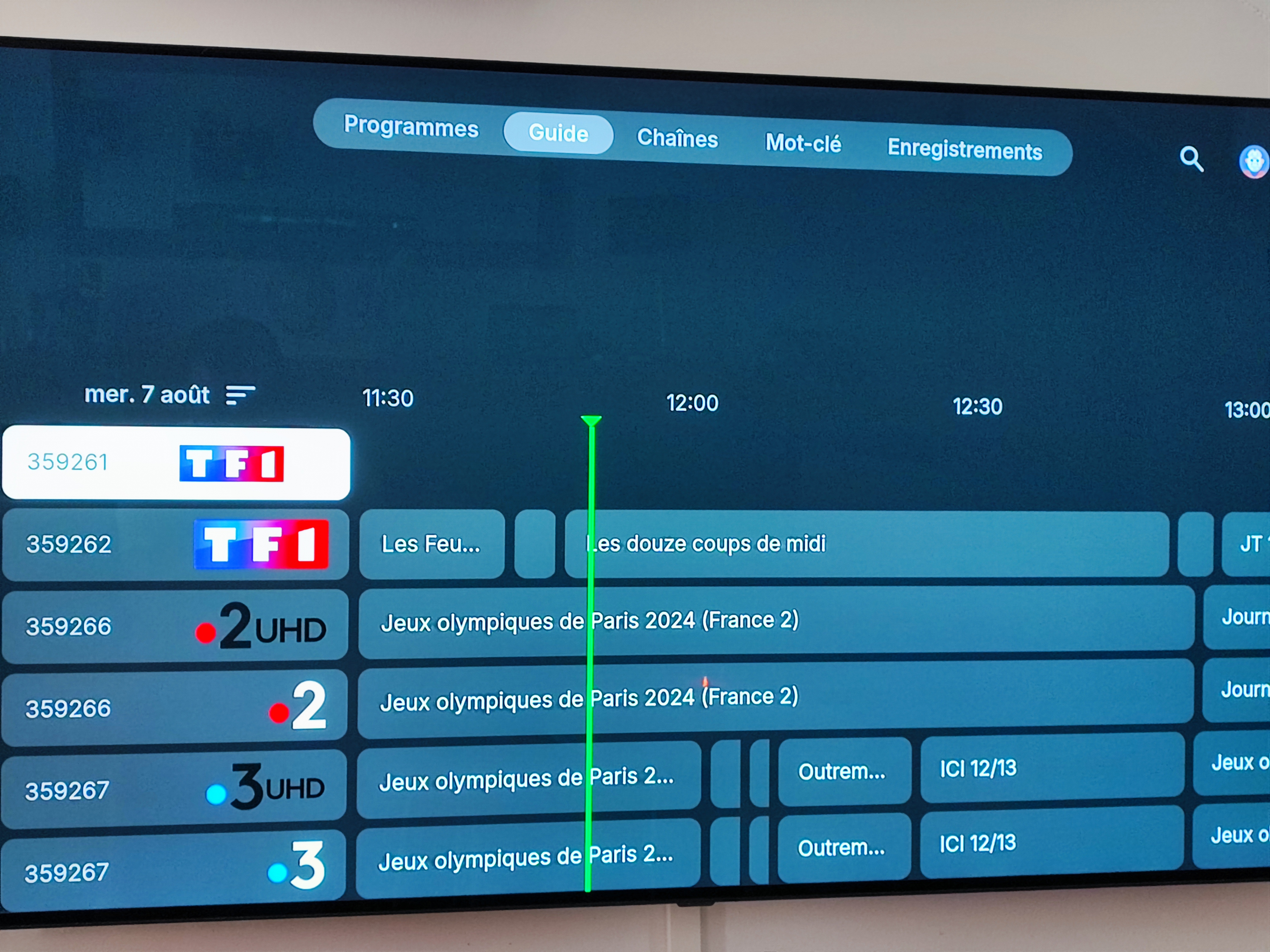
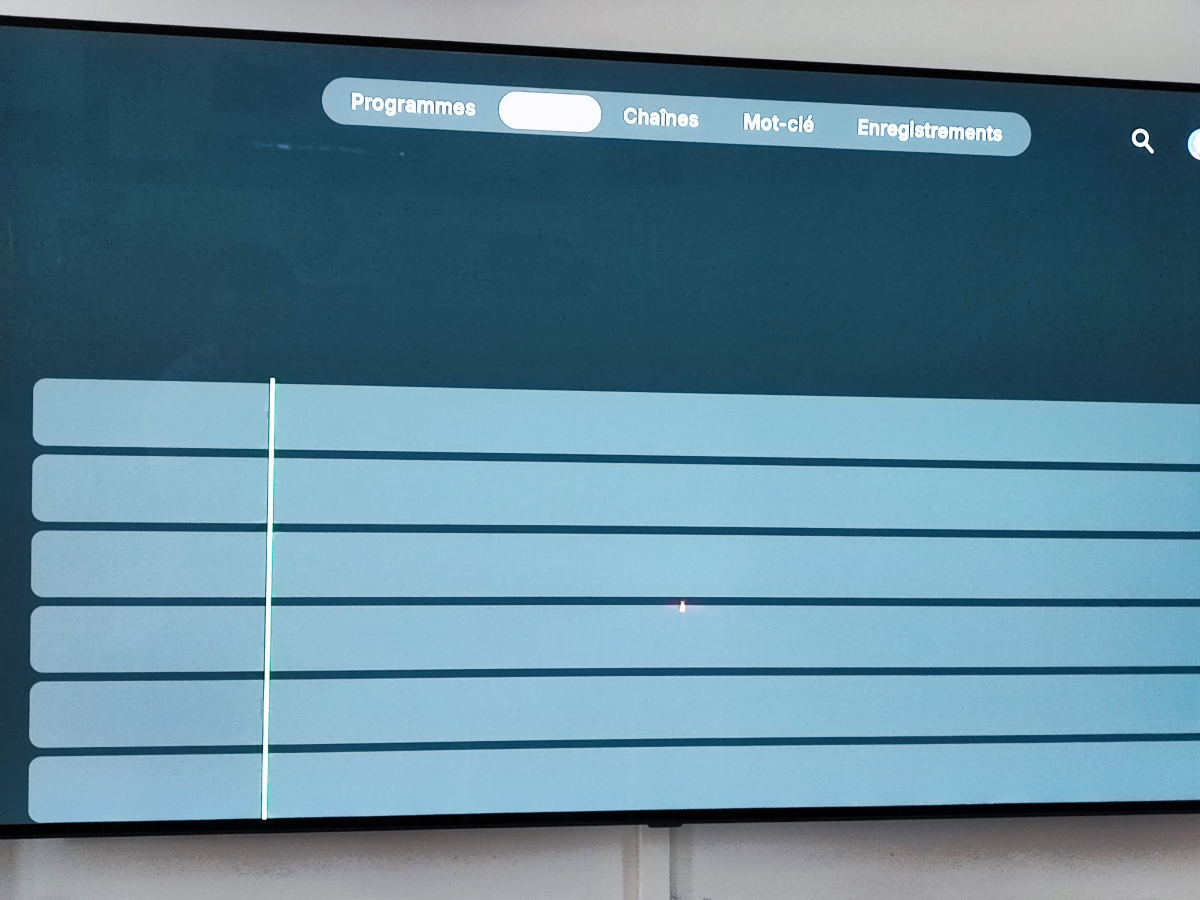
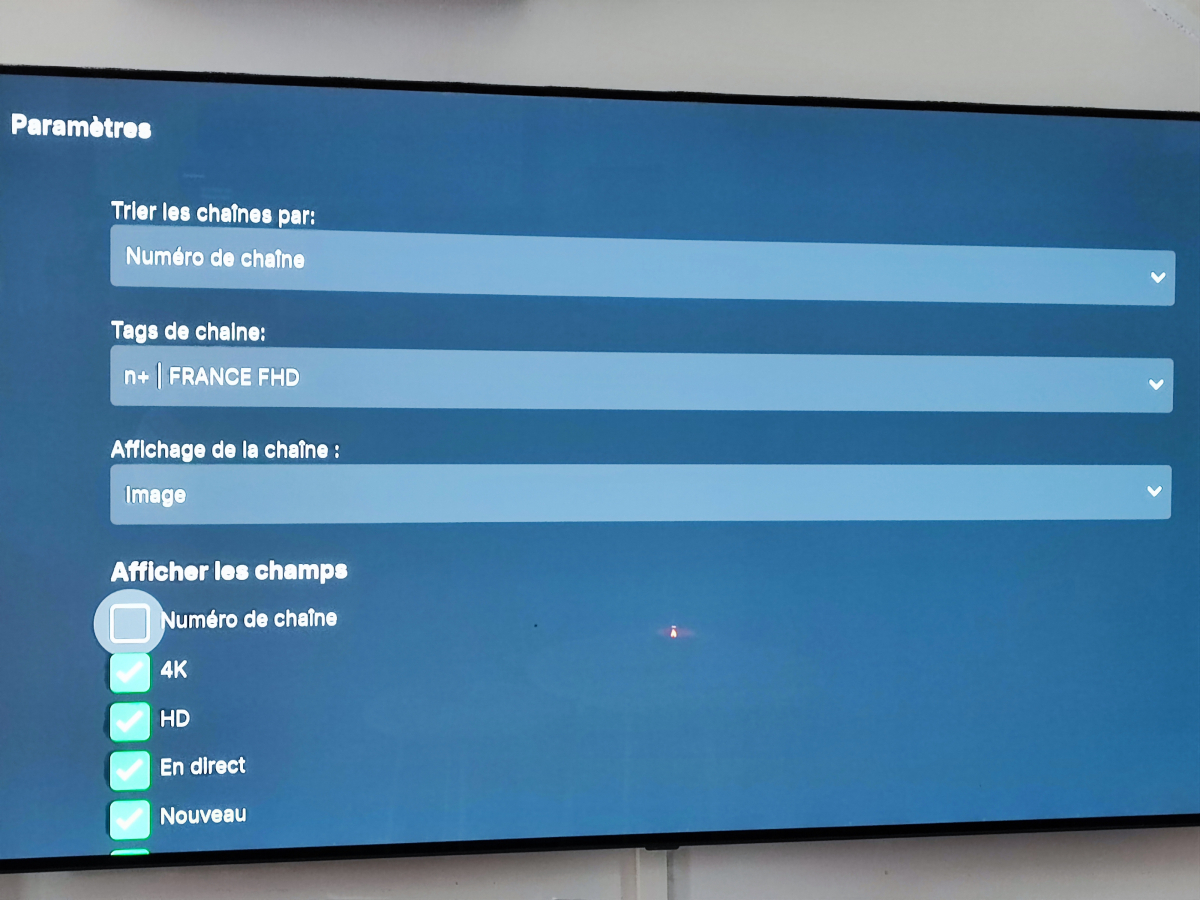
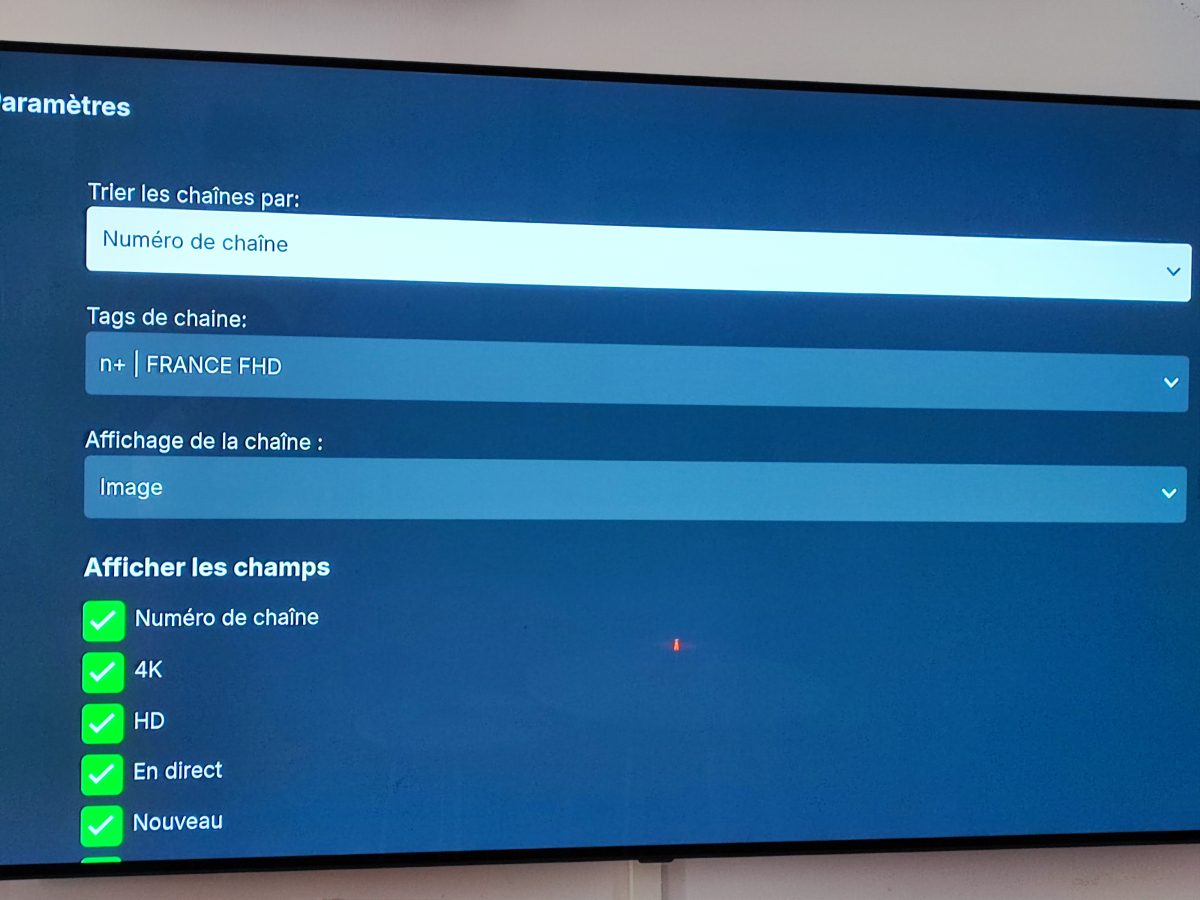
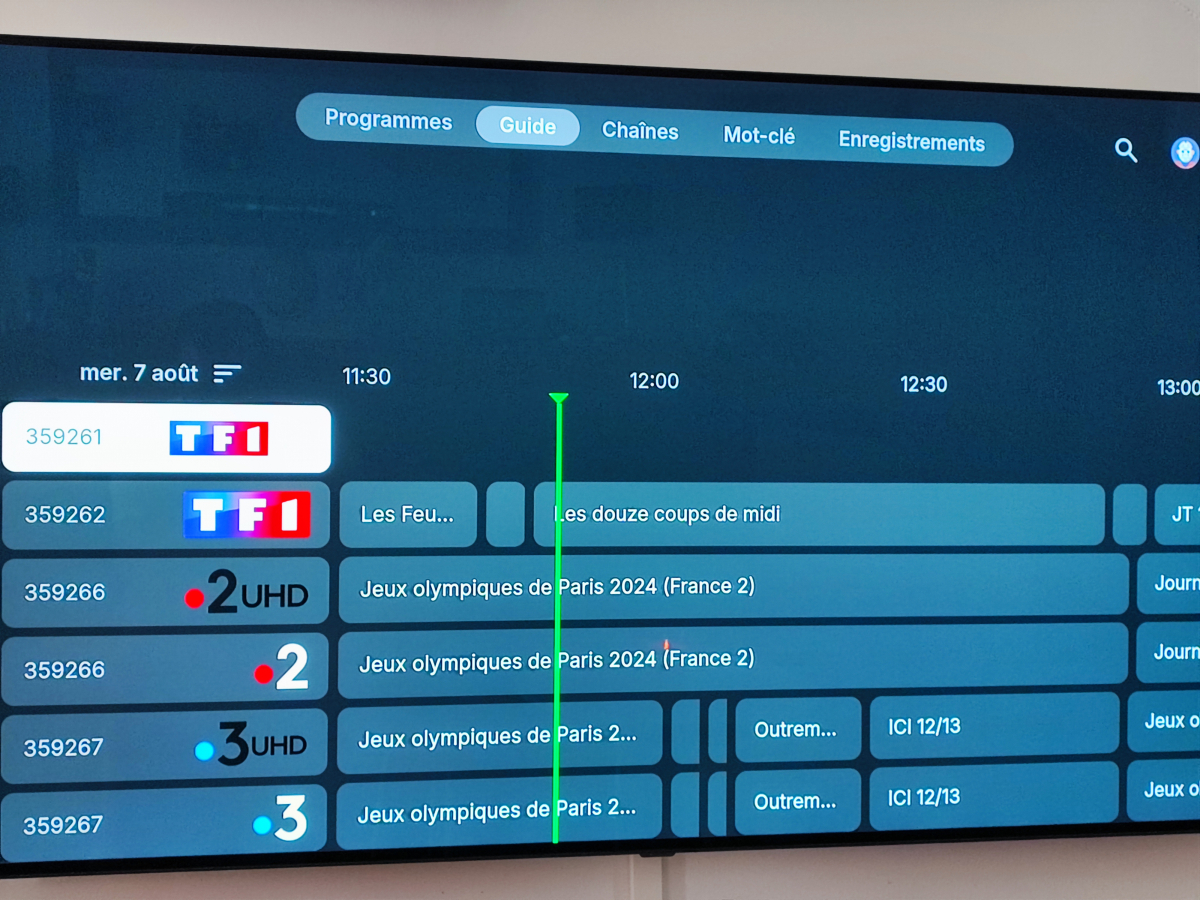
On my Android Emby app, no problem, I can uncheck the Channel number on the tv guide Work fine On my Emby Theater on my WIndows, no problem, I can uncheck the Channel number on the tv guide Work fine But on my Emby LG app, If I uncheck the Channel number (because I don"t need this) the TV guide doesn't work
 1 point
 -
It's already on the list for the standard Android app for future implementation. #29 on the list in the link below. https://emby.media/community/index.php?/topic/89802-et-for-android-and-et-for-windows-ui-match-android-tv-app/ The whole reason for that option in ATV is because Android will convert DTSHD to PCM 2.0 if your hardware doesn't support DTSHD. This may be a good thing for people who plug an Android box directly into a TV with no soundbar for instance. By disabling passthrough in ATV it instead forces the server to convert DTSHD to AC3 5.1 (most people are going to prefer that over PCM 2.0). However, the Samsung app doesn't need to have that option because it never allows passthrough of DTSHD anyway. The TV wouldn't know what to do with it since Samsung stopped paying for DTS encoder/decoder in all TVs starting in 2018 and just throws up an error message if you try to disable transcoding. The reason you may have problems in Tizen more than Android is because Tizen can't handle the conversion from the server as well as Android. It's up to you, but playback will always be smoother if you can have it direct play. Plus, the server when transcoding always converts audio to AC3 384 kbps (see transcode logs on server). The alternate audio in most files is AC3 640 kbps. So, the audio quality will most likely be better too by direct playing.1 point
-
Neither of those codecs (along with TrueHD and others) is supported by your friend's device and will cause transcoding and sometimes buffering when using the Samsung app more so than on some Android apps. High bitrate movies, slow network, slow server will of course make it worse. For best results ask them to try and select an alternate audio track like AC3 or EAC3 before clicking PLAY whenever possible. PGS subtitles is another which can cause bad buffering and preselecting text subtitles like srt will eliminate the need to transcode or burn-in those. Doing that should help things. They can check the charts in the back of the user's manual for a complete list of audio and subtitle formats compatible with Samsung. Having eARC really doesn't play into it either because Samsung doesn't passthrough those HD audio formats from their TVs. Here's an example of the charts in the back of the manual (there will be another for subtitles) https://developer.samsung.com/smarttv/develop/specifications/media-specifications/2024-tv-video-specifications.html @SamES not sure if you guys have seen this on the developer's page for next year's models, but may need to be converted starting with Tizen 9.01 point
-
Yes, that's correct. Paul1 point
-
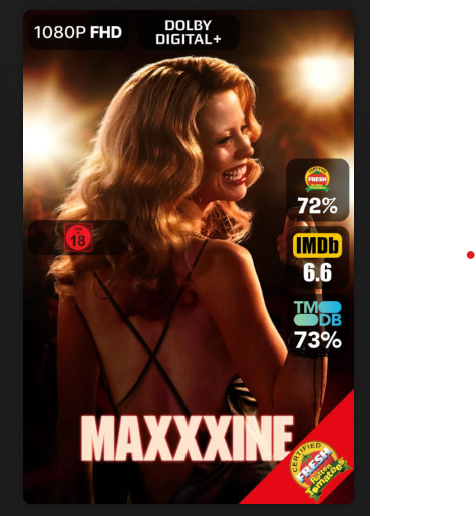
like it's done here:
 1 point
 -
Hi, did you try doing a new server connection and entering the server address manually?1 point
-
@LukeWell.. I couldn't let it go after all and going through logs and replaying every video he has played the last couple of days, i think i found the problem. It seems that files encoded with DTS-HD 7.1 (lower doesn't cause problems on Android at least) audio causes massive lip-sync problems on Samsung, on my Sony Android the video gets very choppy and later in the movie is replaced with lip sync problems as well. Disabling DTS-HD passthrough in the Emby for Android TV fixes the problem and forces software decode, this is sadly not an option on the Emby standard app or on Samsung TV. It doesn't seem to affect my Android phone.1 point
-
@ebrwould have to comment as there is not option for audio language on overlays. It is tied to the Audio setting though as disabling it loses codec and language.1 point
-
I came here to report this as well, Im also only seeing the date in iOS.1 point
-
I think the OP wants the sub to appear, on videos that have black regions at the bottom they want the subs in that region. But that is NOT actually part of the video so, somehow, you would need to get the subs to appear in an area that is not part of the actual stream. Which I guess would mean either creating a video that is 16x9 out of whatever resolution the stream is actually in and then placing the subs below the actual picture area. That seems somewhat hard. The other way to do it would be to send the subs to the lower part of the screen, outside the actual video in bursts of some kind when they need to appear. That does not seem doable to me either. I think, and I am sure i will be corrected if needed, that the OP believes the entire picture even the back bars ae part of the stream but I think that is not so. Therefore a lot of stream manipulation would be needed to make it happen. Note: Some TVs can display info outside of whatever the current stream is actually using but the "feature" seems very brand/make/model specific so taking advantage of that feature is very specific to whatever TV is being used and I cannot see a way to leverage that to be able to get subs below the actual stream. I almost never use subs much so I have no dog in this fight but, if I am correct about what is wanted, it seems close to impossible without a major rewrite of a lot of the code that actually handles streams. In other words it is impossible to do what the OP wants without a lot of work and the people that would be helped by the effective rewrite would be somewhere between small and tiny and I do not think such a change is good for Emby because it simply would take too many recourses and the return would be too small.1 point
-
Might be a cache issue of not everything updated yet. At now that I have looked on my test system I now see them. But I just clear the \cache\images\enhanced-images folder also.
 1 point
 -
HI, I wouldn't suggest Promox, but any mainstream linux OS or Windows would be a great choice.1 point
-
This comes directly from the server, it is the list of active sessions, i.e. a client is connected. This data is not stored anywhere, it is just a snapshot of what the server is seeing. For the correct connected clients list you should always use the main Emby Admin Dashboard as this has a bunch of filtering for both client types and session status/age etc.1 point
-
I found the problem, topic can be closed PS: the error was google chrome somehow blocked it, in case anyone else has this error. habe das problem gefunden , thema kann geschlossen werden PS: der fehler war google chrome hat es irgednwie blockiert , falls auch mal wer diesen fehler hat.1 point
-
Tag-based or Folder-based access control. Edit: Tags can work in either "Block" or "Allow" mode. @sa2000KB article might need updating as it mentions blocking only.1 point
-
It would be unnecessary IMHO, Tags serve intended purpose perfectly (and so much more, they're extremely versatile). As already suggested: It should be added as a library option: who doesn't want them wouldn't enable that option/download them, hence repetition of: could be easily avoided.1 point
-
I think 'keywords' is more descriptive of what's being discussed here. I don't want to tell you what your design philosophy should be, but I would think it would only make sense to develop another feature separately if tags and a proposed 'keywords' served a different functional purpose. What is the intended purpose of tags and how is it different than what what's being discussed here?1 point
-
I guess the question is should we import these as tags or as something new. Like for instance, calling them Keywords.1 point
-
yes 1. Change the name of any 'admin' account to something else that is not admin - if an attacker doesn't even know the account name, then they cannot even attempt to login. 2. Ensure the clients are hiding all the usernames and set it to only show those that have previously logged in. 3. Disable remote 'Admin' access (or whatever you have called it). Do you really need to admin emby remotely ? If yes, then there are secure options to do this. 4. Ensure you use a nonemby admin account for all your 'normal' activity. 5. Ensure all non-admin accounts have the correct permissions setup - and give least priviledge - ie if they don't need delete, then remove it ! 6. Try and ensure you are using https - and ideally a reverse proxy and use default ports. (80 redirect to 443) 7. If not using a reverse proxy, change the default ports to something not commonly in use. 8 ... There are LOADS more but this will get you started .. MFA is actually well down the list - there is zero point having that until your security foundations are solid .. @sa2000Other than - Secure Your Server | Emby Documentation - which just discusses TLS - would it be a good idea to have a Knowledgebase with a list similiar to the above on ALL the 'best practice' items the user should do before they even attempt to click the 'remote access' button for emby ? The 'out the box' security profile for emby is pretty shocking tbh ...1 point
-
Hi, we haven't yet looked at enhanced dialog, but I'm sure this will be accessible....when the native player is playing most likely.1 point
-
Hi, remember there could be port throttling occurring on either side of the connection.1 point
-
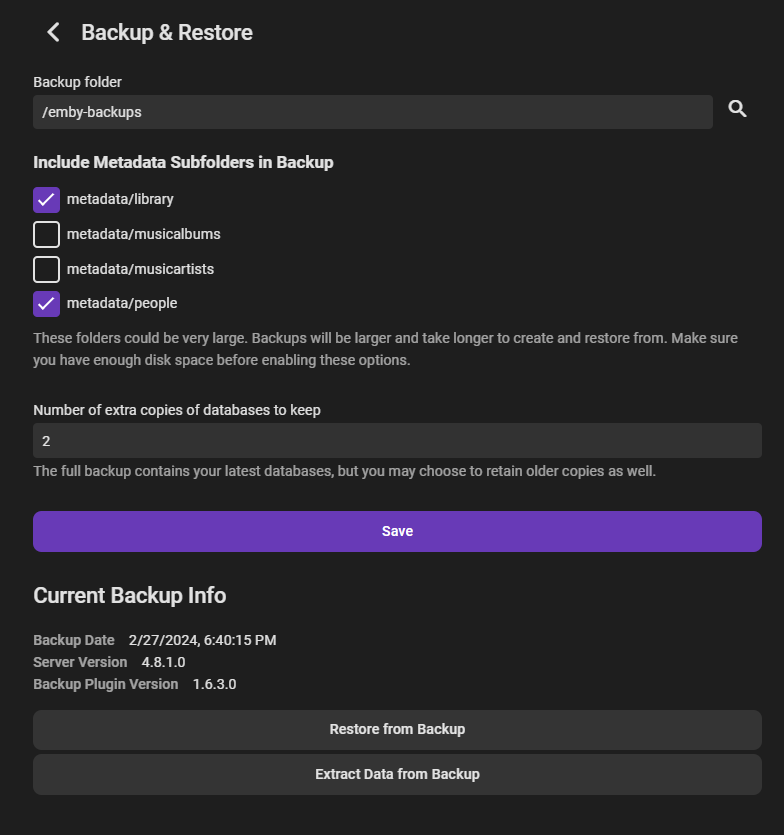
So I figured out there has to be a backup in the backup folder for the restore button to show up. Might want to add that to the guide just to clarify. Thank you!
 1 point
 -
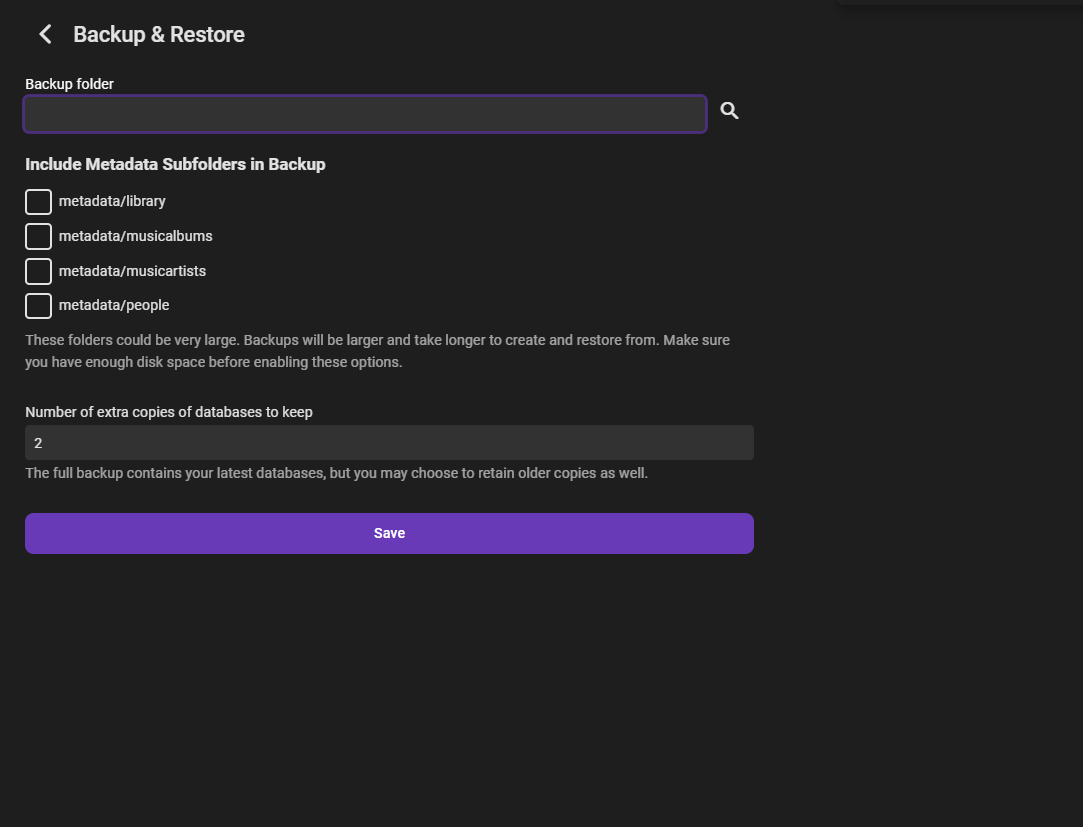
Sorry for bumping this but does the Backup & Restore plugin replace the Server Configuration Backup Plugin because I cannot find any plugin called "Server Configuration Backup Plugin". I am a premier user and have been for a few years now. I'm using version 4.8.1.0. If yes, how can it be used to "restore" a backup. All I see is a place to enter a backup folder.
 1 point