Leaderboard




Popular Content
Showing content with the highest reputation on 07/08/24 in Posts
-
The person that handles his was on vacation last week. Let’s see if they get it ironed out this week.2 points
-
It has been ready to go into beta in May 2022. That's all I can say.1 point
-
All I can find is a forum post say the communicate with dev and it is fixed. Timeline aligns but have no idea if related to their blog. https://forum.opensubtitles.org/viewtopic.php?p=51343#p513431 point
-
First screenshot is the old way. Second screenshot gives you a more accurate view of your folders and is the way forward. i know that in some cases it adds an extra click layer and there is a solution in the works for that.1 point
-
@quickmic Watch together was working fine before.37 I emailed you a Kodi log1 point
-
Confirmed, will be fixed in next version. I send you a test version via PM for review.1 point
-
Yes it is the same NotAcceptable error. Devs just need to figure out what Opensubtitles changed as another topic suggest they changed their api without notice.1 point
-
I switched to the M3UTuner plugin - all my cameras are now showing up as standard Live TV channels1 point
-
Just a bit of an update here: After removing the Diagnostic plugin, it seems like all the 'stuck stream' issues have gone away. Ironic! I'll continue to monitor and report back towards the end of the week.1 point
-
No need as there are several topics now. But suggests per that Article an OpenSubtitle change.1 point
-
Regarding the time limit, can we please look at an example? How to Report a Problem Thanks.1 point
-
In addition to the scheduled task, conversions will also generally start immediately if there is no other activity.1 point
-
Yes this is variation of hidden system/library switches. I will guess these libraries were made at different times or even different server versions, correct? system.xml <CollapseVideoFolders>false</CollapseVideoFolders> setting system to true will override library settings. library options.xml <CollapseSingleItemFolders>false</CollapseSingleItemFolders> (now database only option so you have to check/change in the api) But default on a NEW install both will be set to false.1 point
-
You could just try manually deleting all the IDs in Mp3tag and/or Emby, wherever they exist. Then, if all your Album Artist and Artist tags are just "Bob Seger" then you should get only that one entry.1 point
-
Hi, there's already an open request for this or something functionally equivalent. Please join in and contribute to the existing discussion at:1 point
-
Sure, it's an internal KODI thing. If an addon skin file has this prefix, KODI will first check if that xml file exists in the current active skin directory, if it's there it will use that instead of the one you provided with your addon. This feature allows skin developers to modify addon dialogs, e.g. if I want to change the look of the skip intro dialog, I could simply create a file named "script-emby-SkipIntroDialog.xml" in my skin directory and KODI would use that instead of yours. I haven't looked at KODIs source code but last time I checked this feature won't work without that "script-ID-" prefix, possibly to avoid duplicates (e.g. script-emby-context.xml and script-otheraddon-context.xml would be a problem without that prefix) and it makes it easier to identify what skin addon dialog belongs to which addon.1 point
-
We watched a few things yesterday evening and they sync'd correctly to Trakt. Given that what I did yesterday is the same as what I did originally this is a little strange, but at least everything is working now.1 point
-
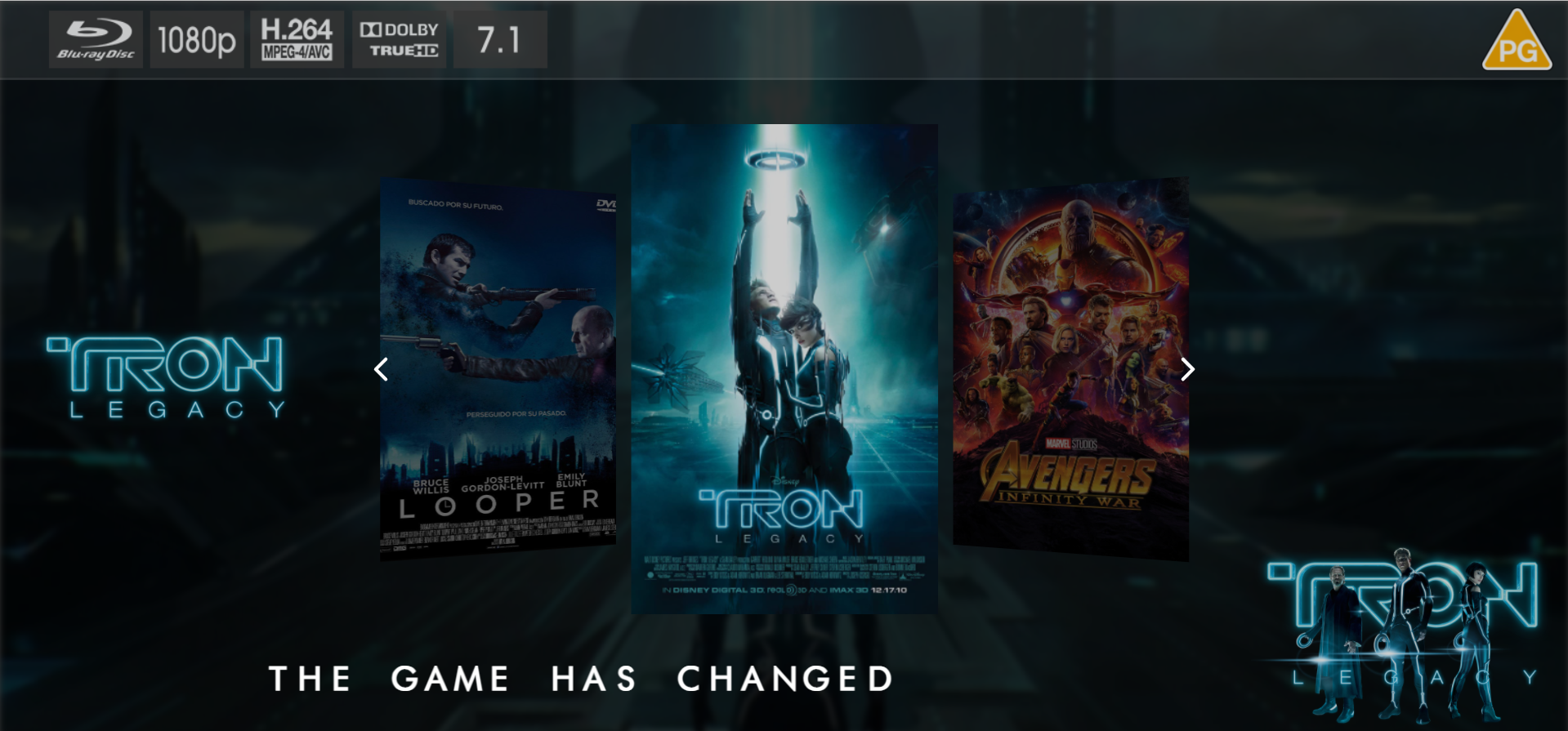
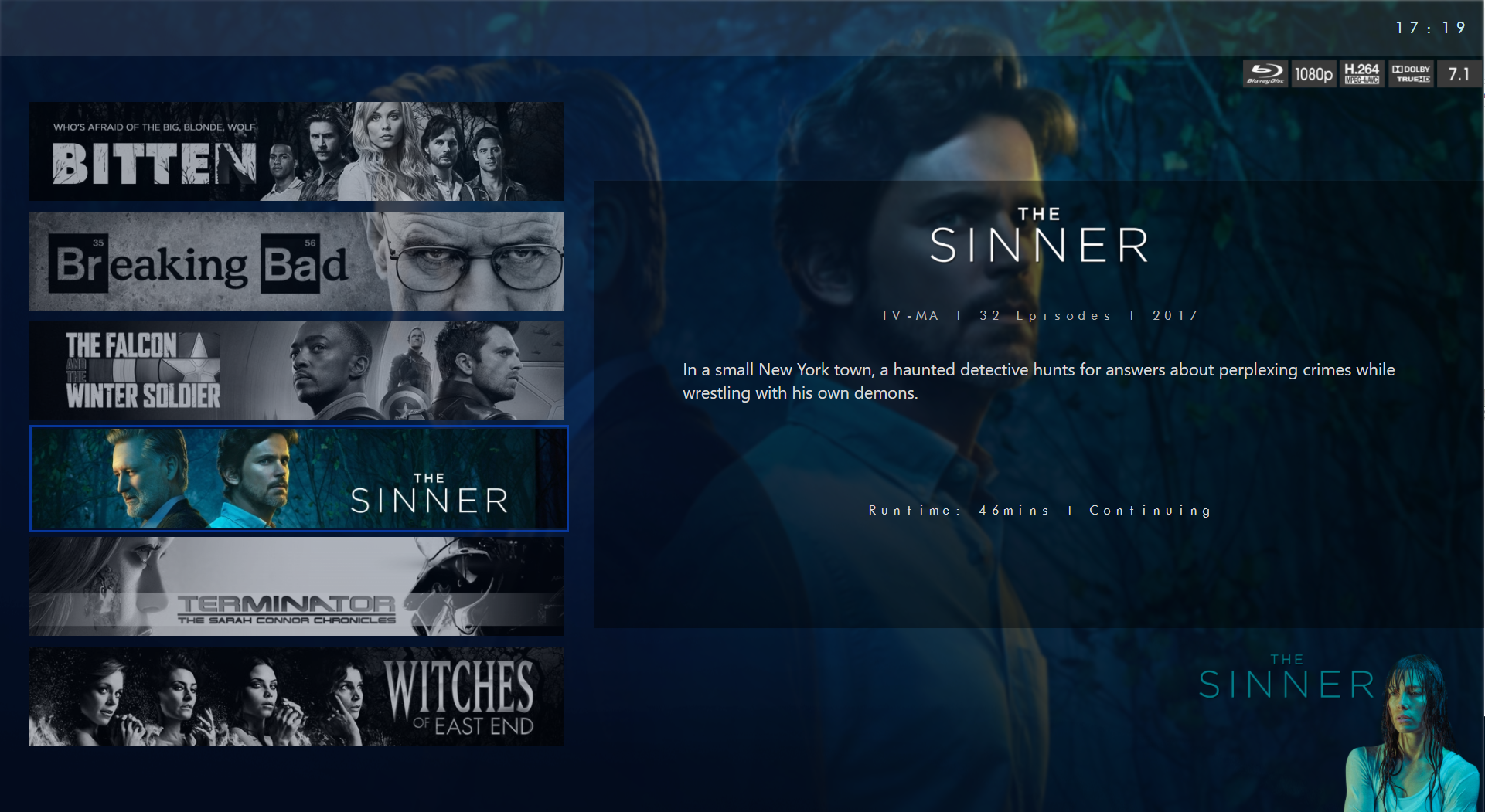
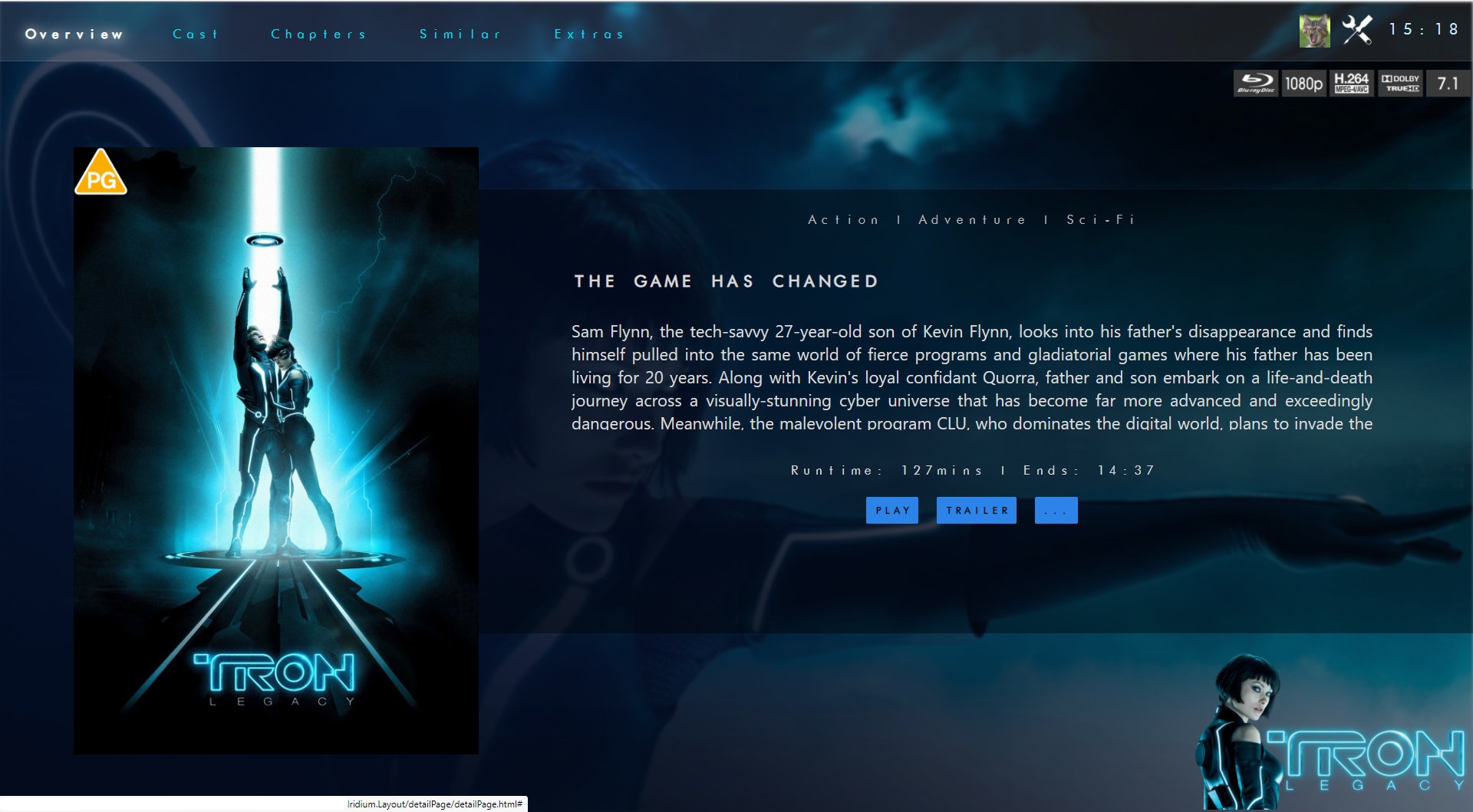
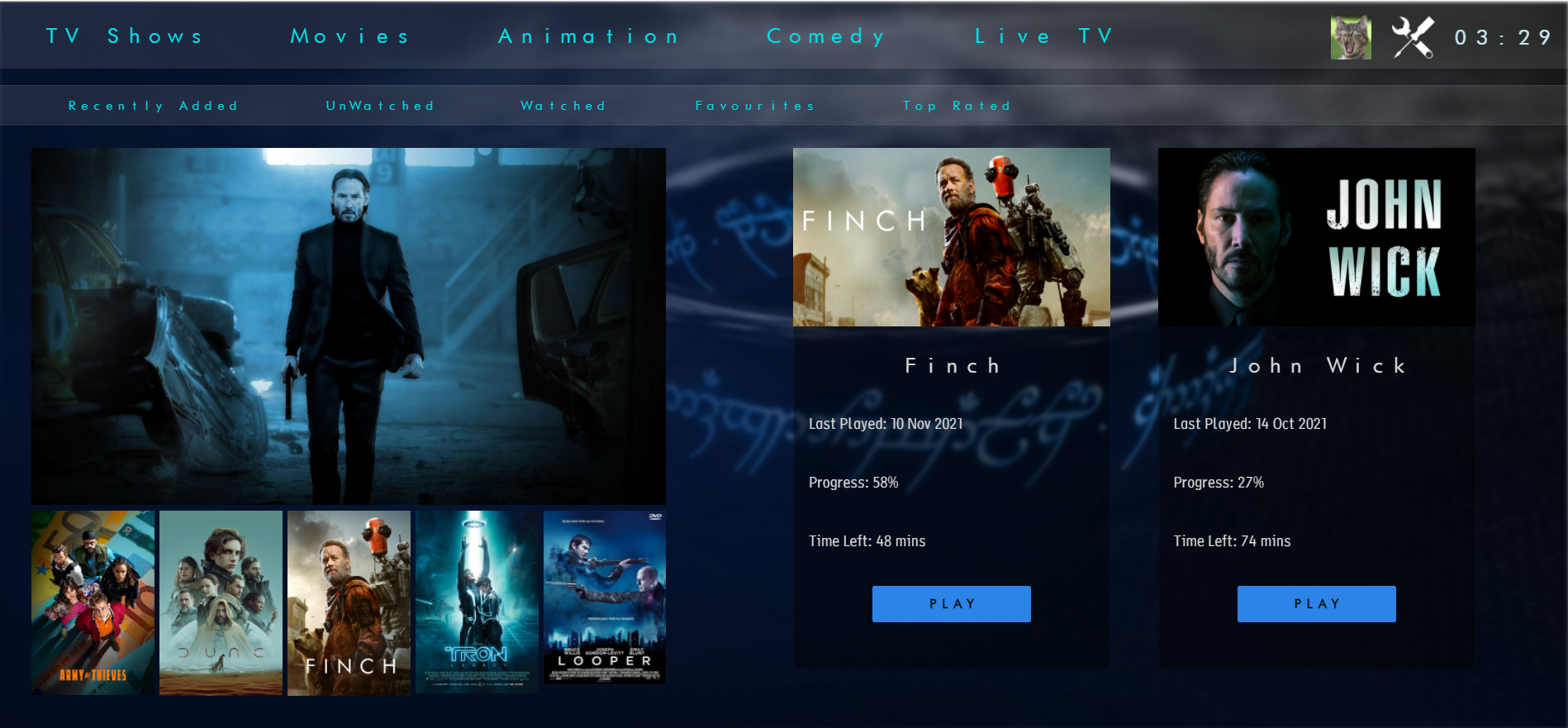
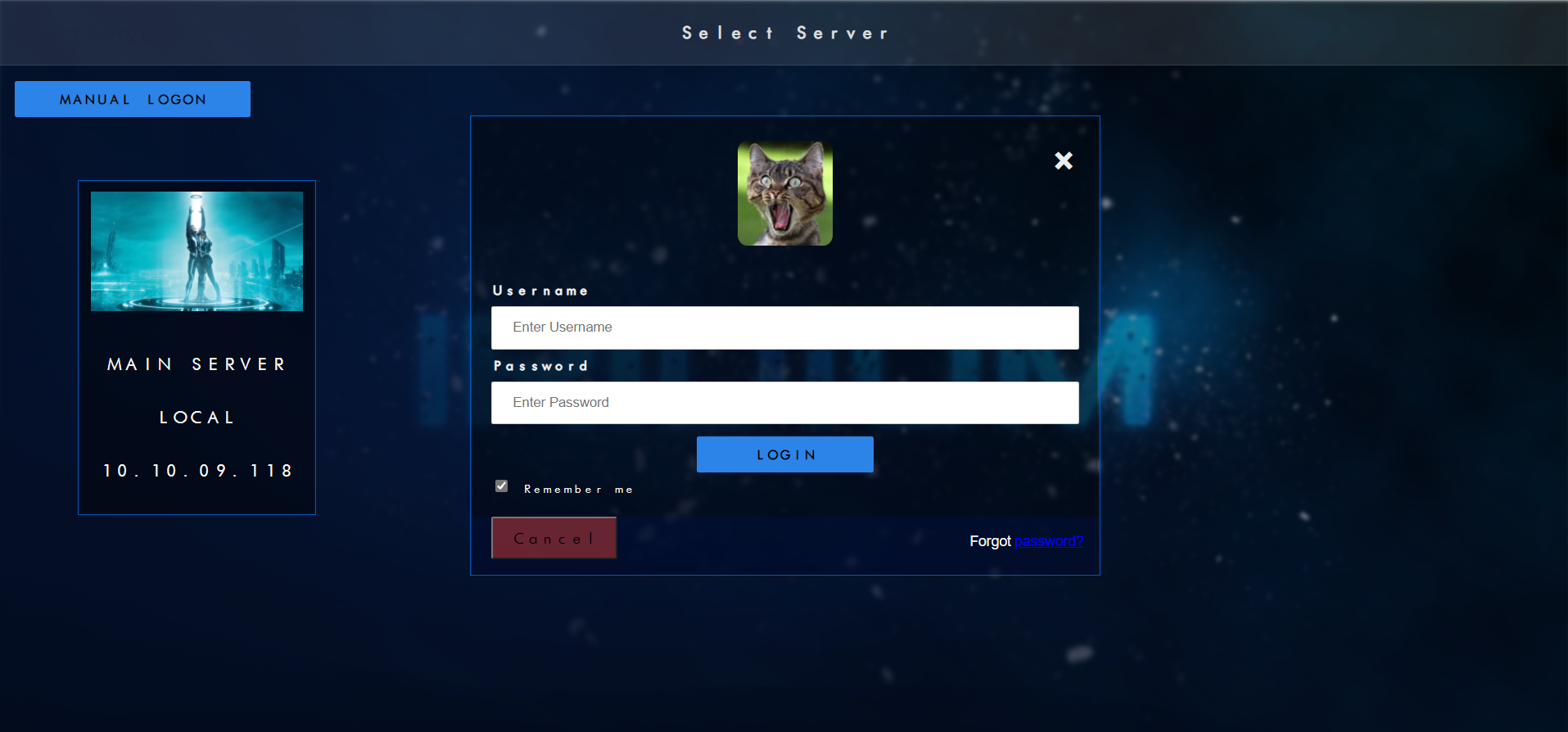
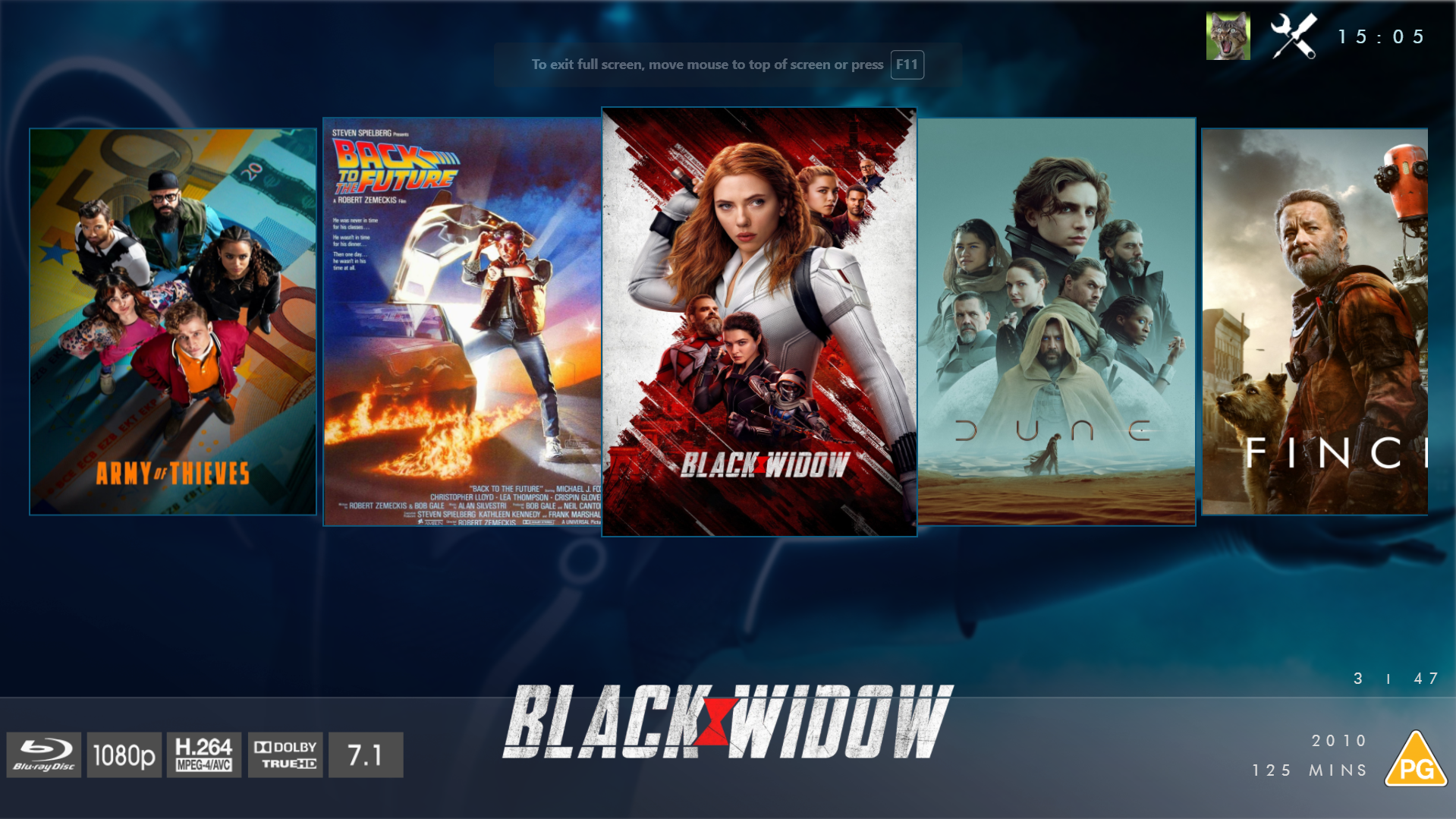
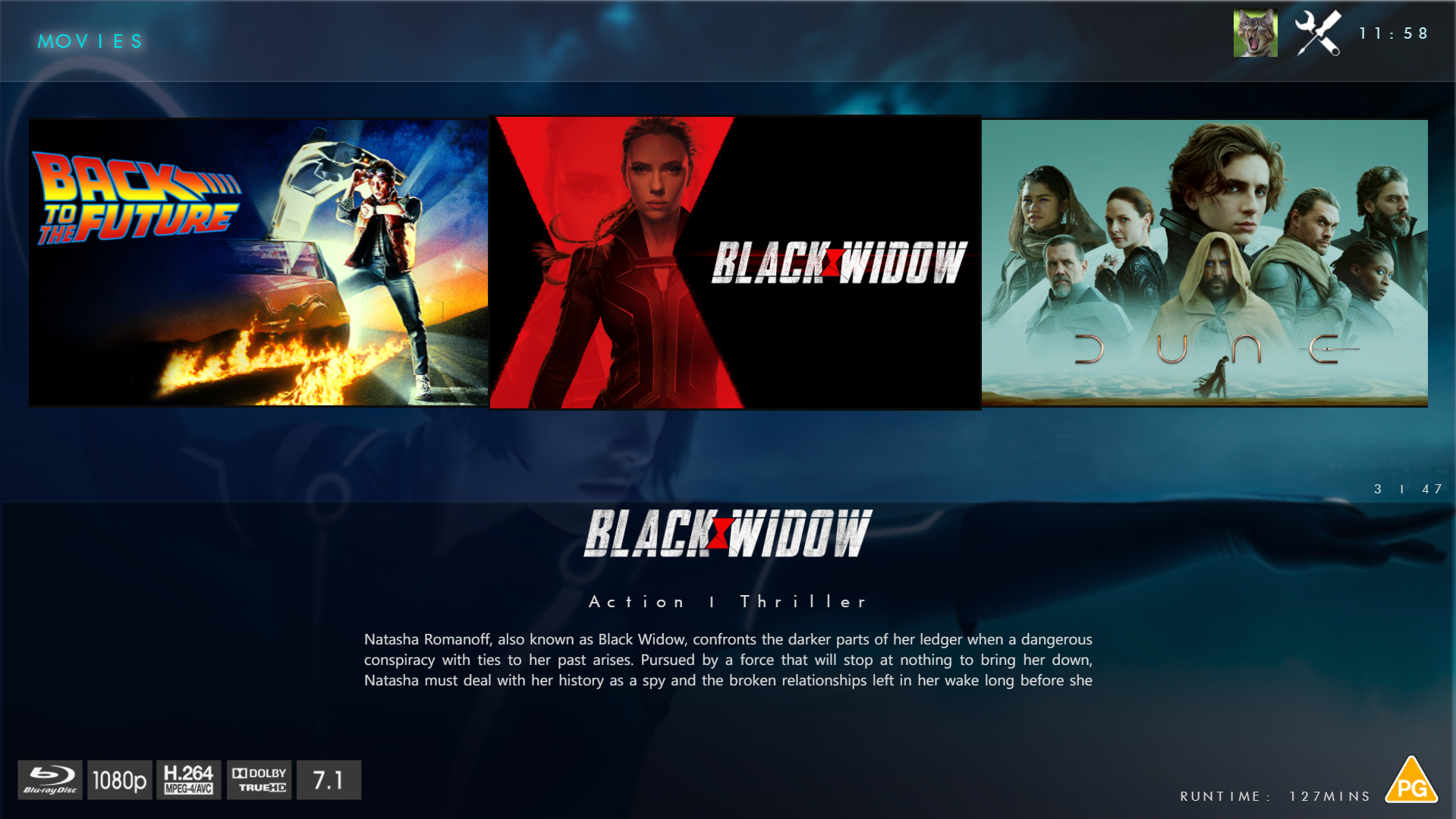
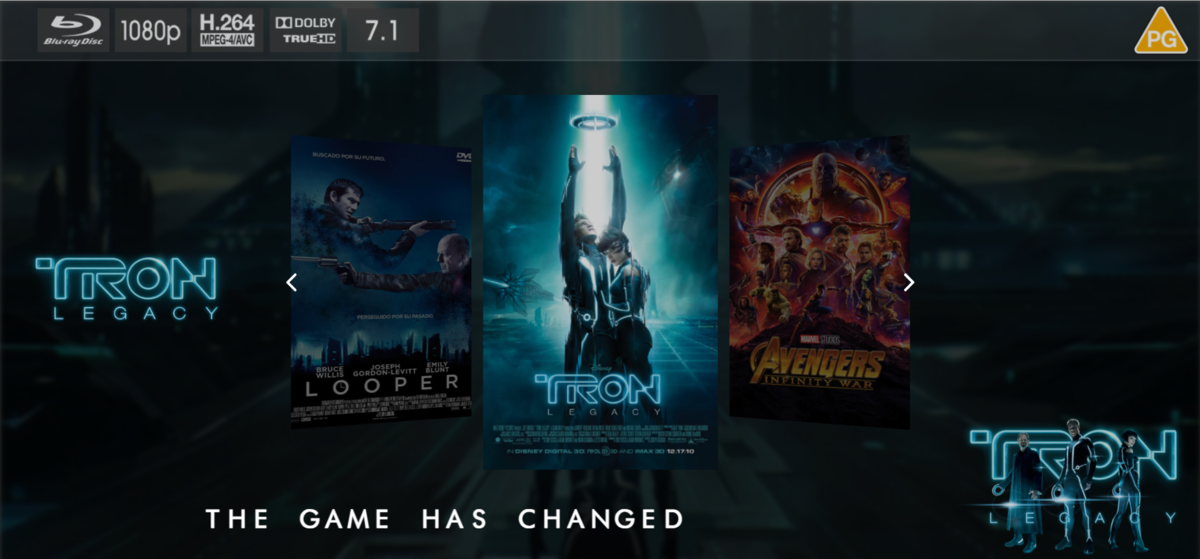
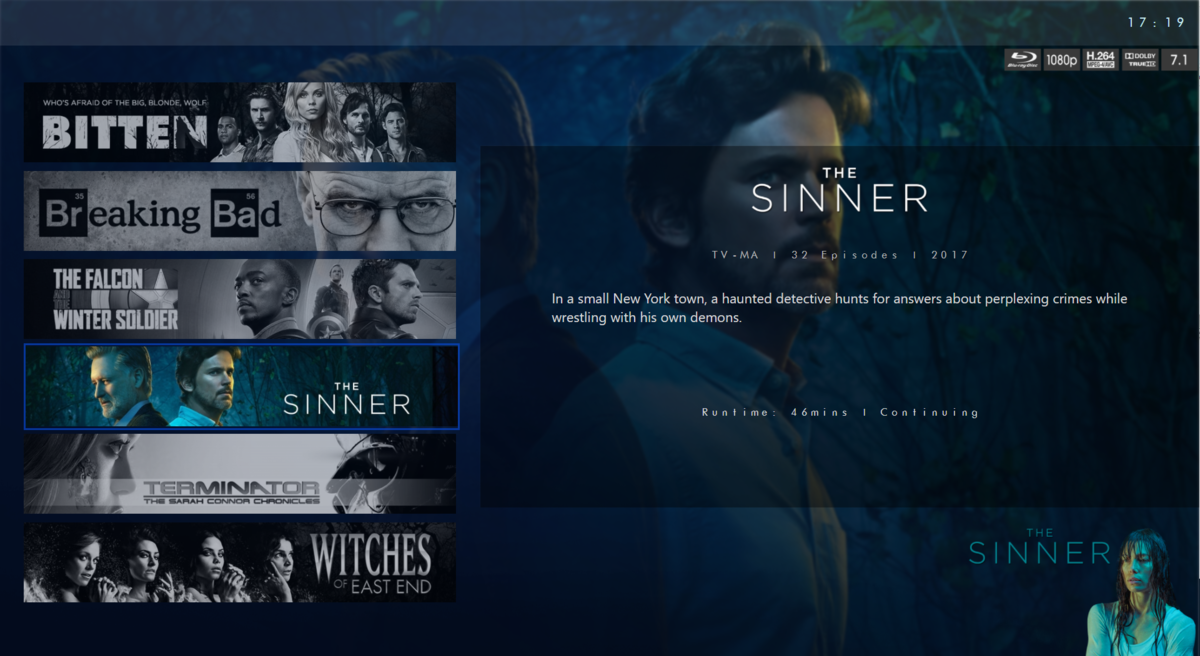
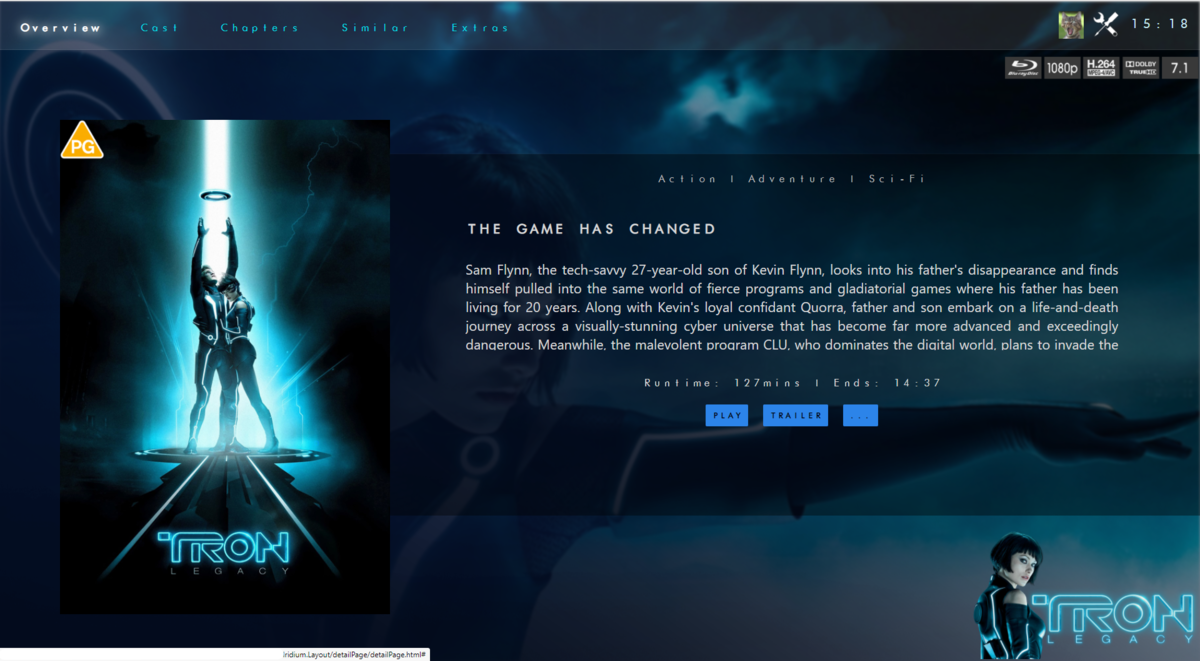
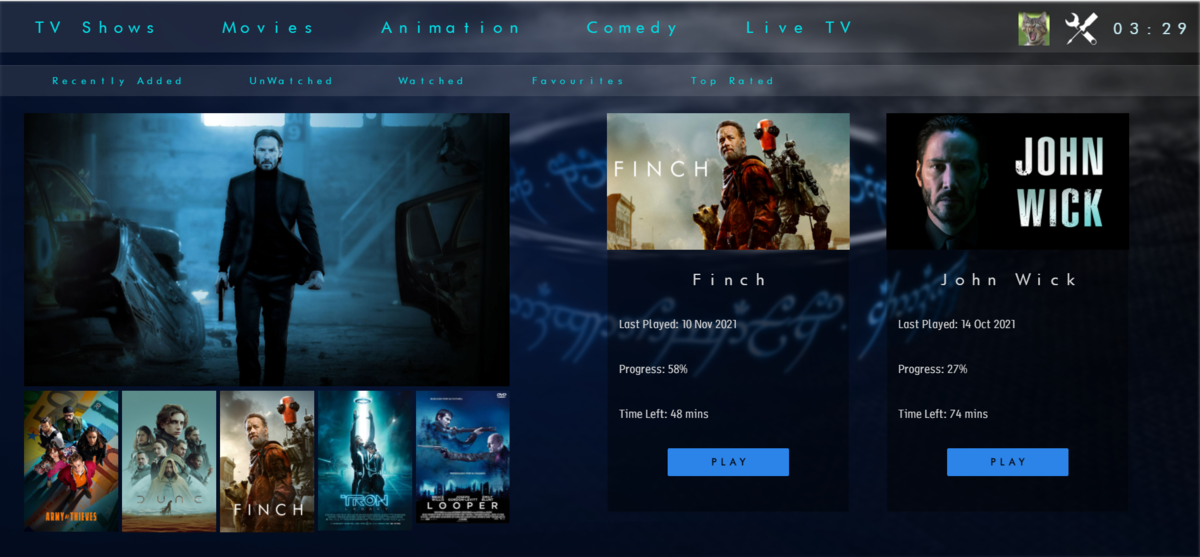
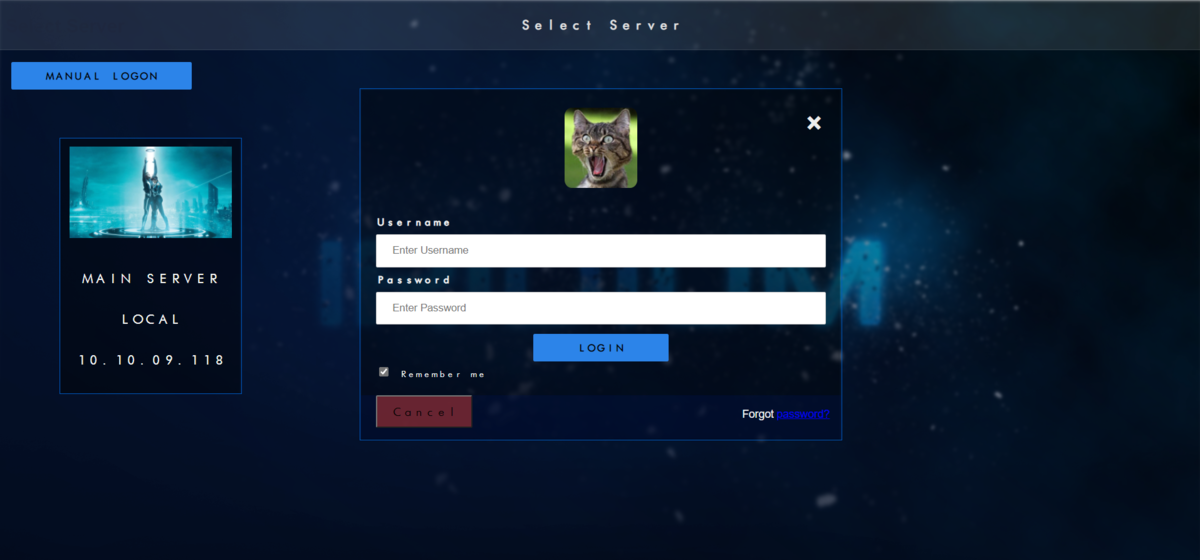
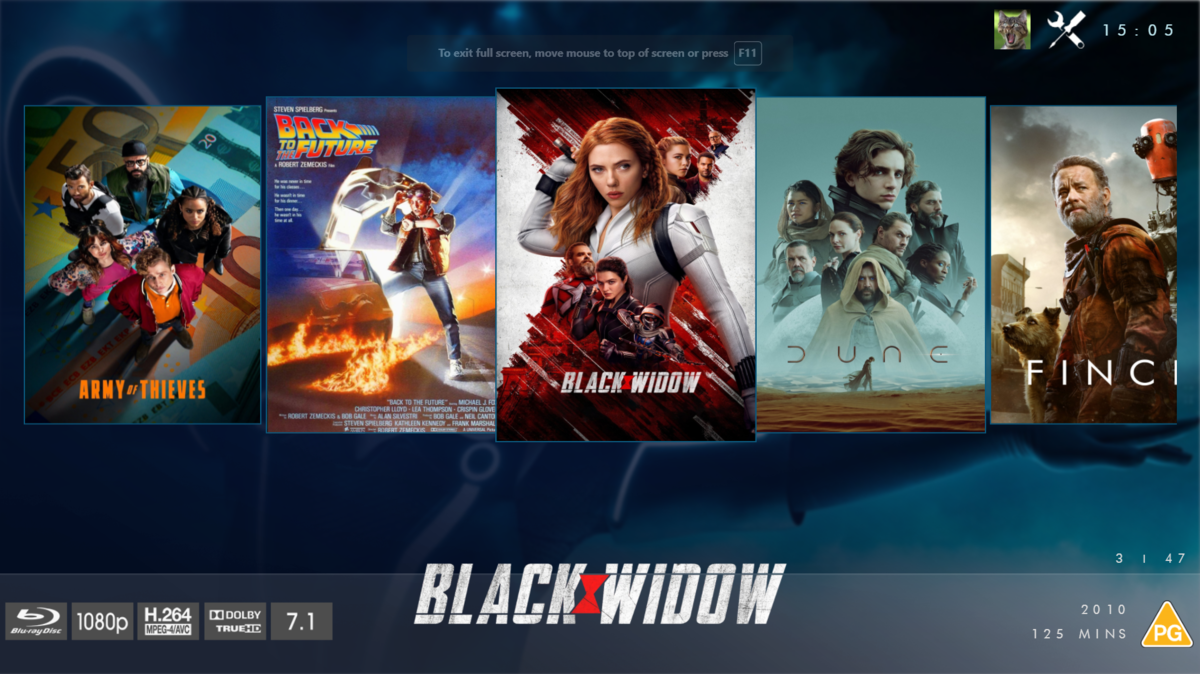
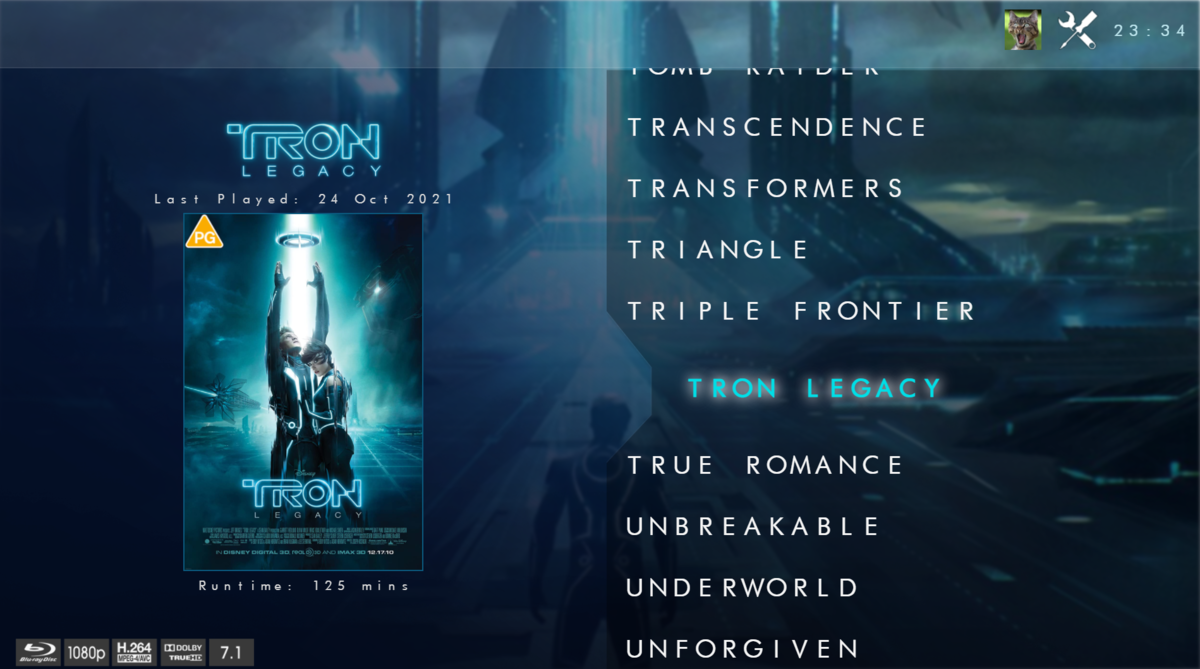
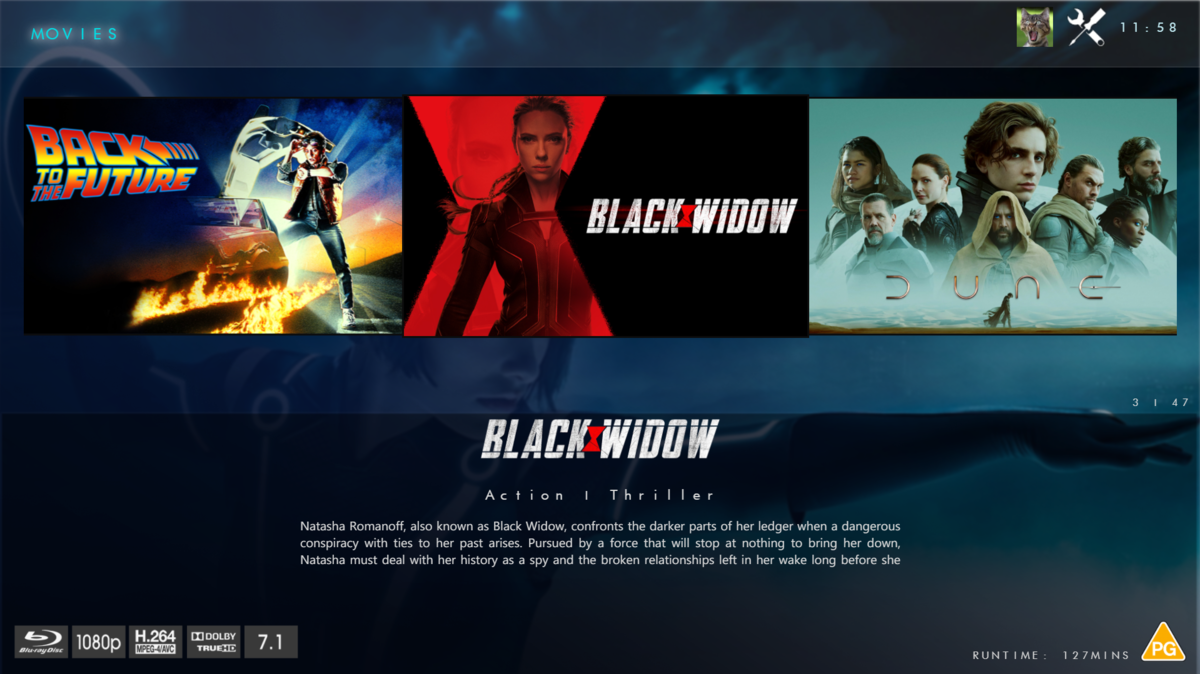
@chef @Cheesegeezer Another amazing production is about to be brought to you from devs - Cheesegeezer - I have started a new theme to bring to the masses. I am a long way off completion however we can continue to update you on the progress. The layouts are about 80% complete and once completed we can start to work on the code behind. We are interested in a closed group of testers when the time comes. I would just like to say that this was originally designed for Emby WMC back in 2014 and was just release there when M$ ditched support for WMC and the project died. @shaefurr did an amazing job with the concept artwork for me to work with back then, and this theme pays homage to him. So with out further ado... here's some of the layouts that are now coded. IRIDIUM - One theme to conquer all LOGON SCREEN HOME PAGE FIRST VIEW TYPE - COVERFLOW COVERFLOW 2 BANNER VIEW FINAL DETAILS PAGE LIST VIEW THUMB VIEW
 1 point
 -
How often do you lose internet. I think I can count on one hand the number of times my internet has been down in 10 years. The license is stored remotely thus the warning so I’m sure you won’t be seeing any fix since if it’s stored on device you can then pirate it1 point
-
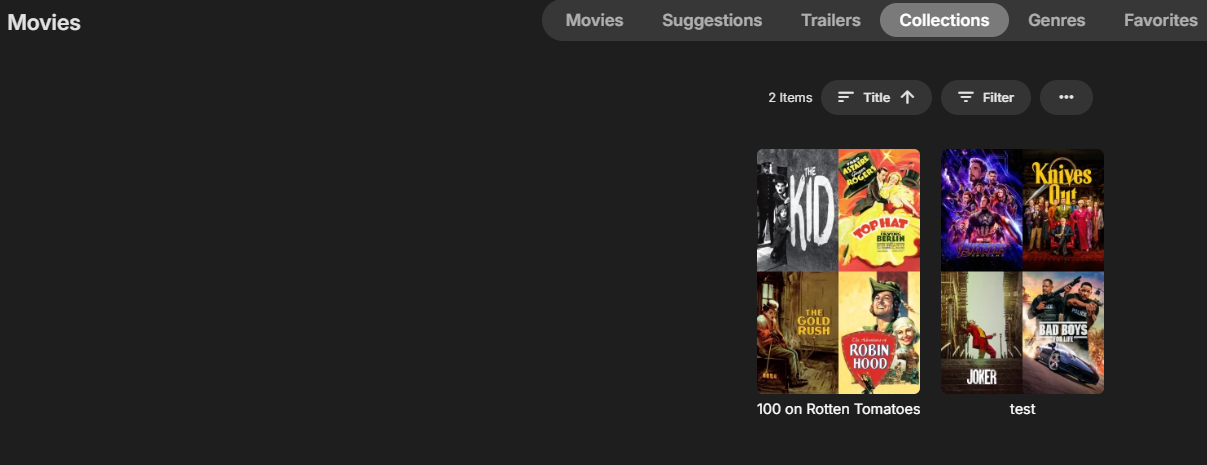
Change the "Library to add collection to" from "Collections" to whatever library has the Movies or Series: It then creates a collection in that library, which also shows on the left nav bar also. I guess I can filter out the "Collections" from that list.
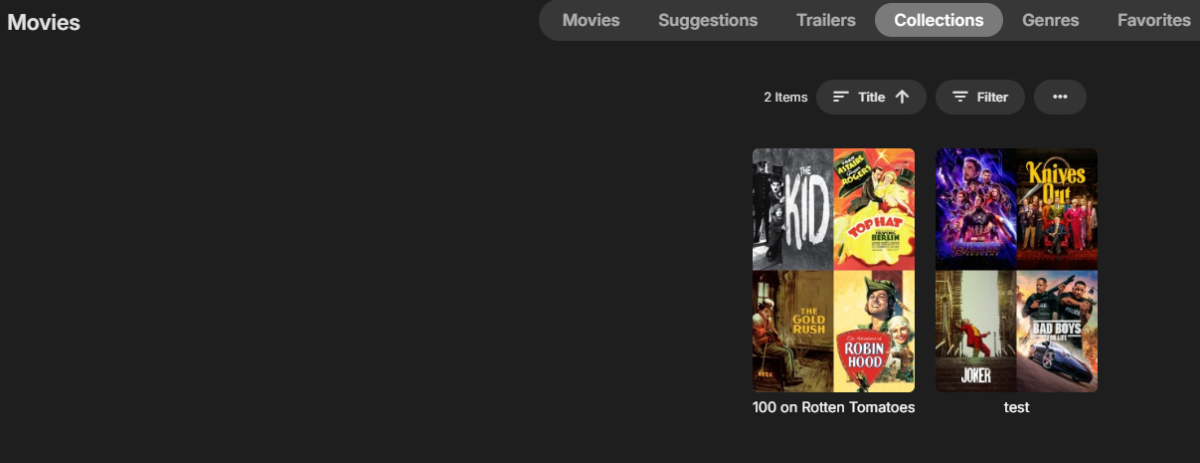 1 point
 -
He restaurado el SO y arreglado, se termino el problema, gracias por la ayuda. Un abrazo1 point
-
Hi I'll see if I can locate the server log, I'll also check to stop the scan see if that solves it. Thanks for the advice1 point
-
I would also like to see this in the details view.. There sure is enough space to put that somewhere..1 point
-
Probably need to see the server log for when it happened but sounds like the storage becomes unavailable and Emby scheduled scan happens and remove the media.1 point
-
OS VIP and Emby premiere. The limits on the OS site for my account are correct.1 point
-
I’m VIP and getting the error.1 point
-
For Emby it is the metadata Display order value so Release date or Sort Title. So pretty much the same as Title or Year.1 point
-
Pretty sure I asked this else where and it’s one of those who even know what the option means. To me collection order means the order they were added to the collection or an order number on the item. I don’t believe that’s what it actually does. But I believe I process the lists in the order on the lists. Trakt has a rank field so I order by that and add the found items in that order. Now what emby chooses to do after the fact is beyond me. I believe plex honors the order added to list so can do some custom sorting before adding it to the list.1 point
-
Thanks @Luke! for convenience I attach the log files again. 01_media_rescan.log 02_after_play.log 03_ffmpeg_play.log 04_end_play.log1 point
-
My method is - as my server is on a M2 Mac: Download the program “Subler” and convert all mkv’s to mp4 (subtitles are kept via mov_text). You can do this one by one and customise the video, audio and subtitle tracks. Or you can bulk drag and drop into the queue and let the program do its thing. Havent had any issues playing those mp4s 99.9% of the time. note that this program only remuxs mkv to an ‘Apple compatible mp4’… so any other file formats you’ll need to use something else. The only other work around with HomePods would be to make use something like a HDfury arcana (I think that’s the model) which allows you to extract the earc and send it to the TV - then you can set your Apple TV to connect to the TVs ‘Audio system’.1 point
-
Any chance one for Family Movies thanks1 point
-
Can you make one for podcasts?1 point
-
Wrong - I had an early demo of the app and it worked well - unfortunately, cheese has not been active on these forums for a year or so. I hope he is well, but life is always far more important than emby.1 point
-
Yes, you need to adjust the client. On the shield from inside the movie library on the far right are a few icons with the bottom one being 3 dots. Click that 3 dot icon and the top option will be "Group Items into collections". PS I've got about 3 times more collections than you have movies. Just wait, your libraries will keep filling over time. And no matter how many videos you have, at times you'll have option anxiety and not be able to figure out which of the hundred thousand videos you have to watch. LOL1 point