Leaderboard




Popular Content
Showing content with the highest reputation on 05/30/24 in Posts
-
had exactly the same issue with a 4K but SDR tv and a shield and saw the same results. it didnt really seem to go anywhere, for the reasons that @rbjtechsuggests i believe, and i eventually replaced the tv2 points
-
This is indeed great news - I'm looking forward to this I hope we get an API interface as part of the new feature set - allowing us to create our own dynamic smartlists via plugins/scripts and display the results as home screen rows - this will be a real game changer imo.2 points
-
SOLVED I found a tutorial on how to update my Jail on the TrueNas Core Server. I did : Stop the Jail. Open the Shell inside TrueNas Server page. Run the following command : iocage upgrade -r 13.2-RELEASE jail_name I was on 13.1 before. Might be why I had the problem with the new version of emby maybe. Note that "iocage" might need to be install. You can confirm if it's installed with the following command : whereis iocage "it should return : /usr/ports/sysutils/iocage " if not, you need to install it : pkg update & pkg install iocage // "package need should be something like py36-iocage // Restart the JAIL For me, it worked. All the missing media Infos appeared without rescanning the server and the non working videos now plays without issues. If any problem occurs, I'll come back here to let people know.2 points
-
I just finished Fallout season 1 (and only so far). Very good. I think what I like most about it is that its not just a regurgitation of the same old stuff. Like the 20 "different" CSI TV series here in the US.2 points
-
Works well, thanks. Are HDR10+ and DTS-X tags a possibility?1 point
-
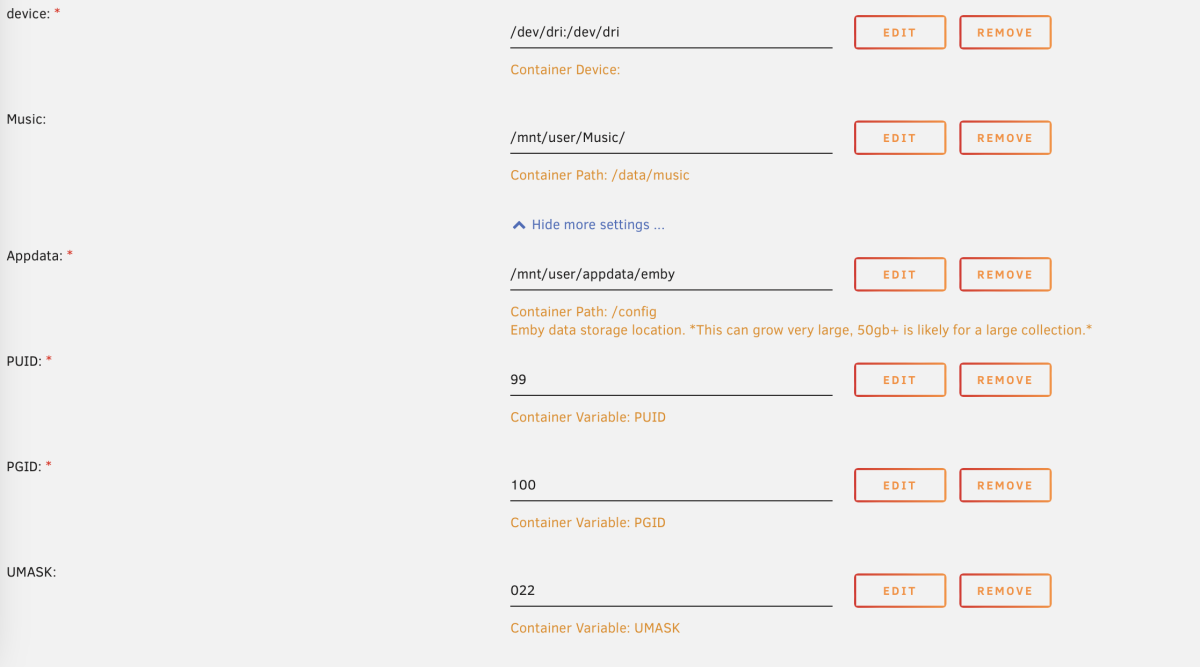
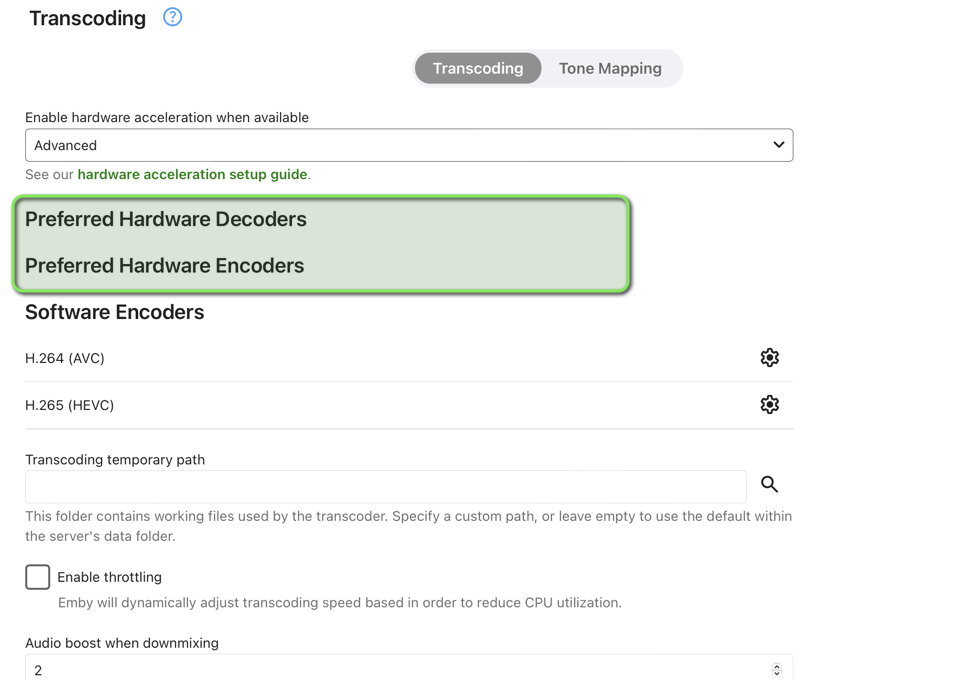
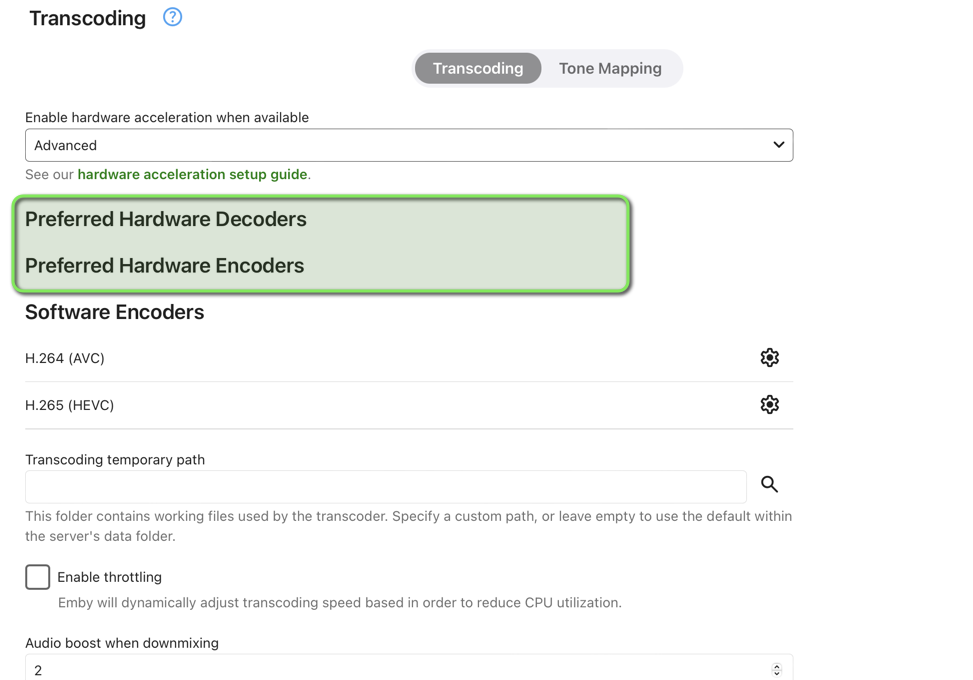
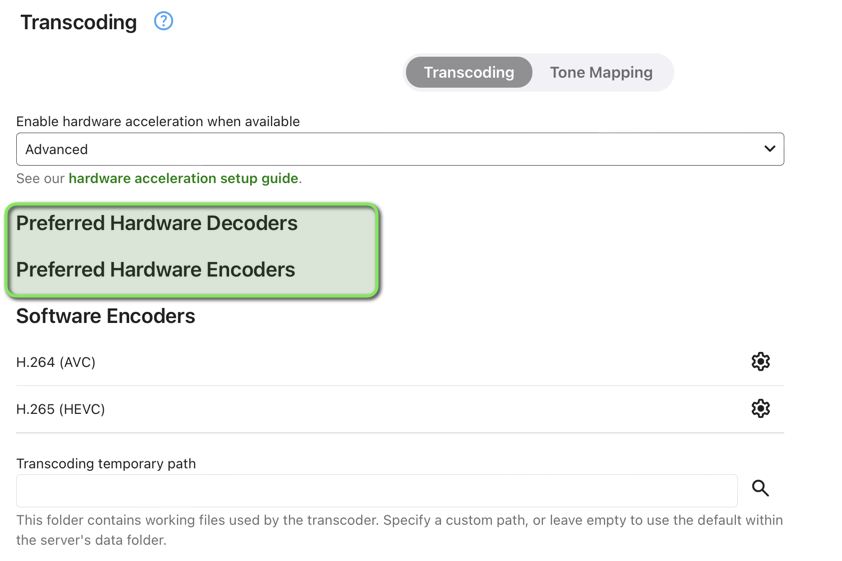
I am using the linuxserver docker container under Unraid 6.12.10 using an AMD radeon RX6600 GPU. I have tried with the official Emby Server container and got the same result. I'm not able to use hardware acceleration anymore .. I'm certain that it was working couple of weeks ago. I'm now getting an error message under the hardware detection log with the following Message": "Failed to initialize VA /dev/dri/renderD128. Error -1" As you can see, my GPU does not show under the Transcoding section. Please see attached screenshot of my unraid docker config and the emby server log and hardware detection log. I can config, that the same GPU is being used by jellyfin and plex docker container on the same host without issues. embyserver.txt ffmpeg-transcode-2edfea48-a0f1-4018-b25d-2542ce32b260_1.txt hardware_detection-63852145120.txt
 1 point
 -
Can you try it and let me know the result? Thanks.1 point
-
FireTV Cube running Emby for FireTV (2.1.14a) - 2nd Gen (not the latest one). https://developer.amazon.com/docs/fire-tv/device-specifications-fire-tv-cube.html?v=ftvcubegen21 point
-
I would assume OP was referring to terminology used, as once upon a time thete were no separate streams (video/audio) and method specified - even when audio was converted, as opposed to now.1 point
-
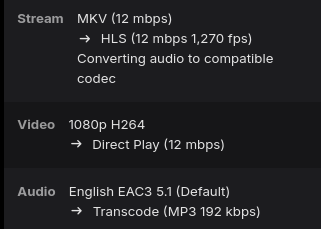
When it's performing audio remux the log will be named as such and should look like this on the dashboard. The video will say direct play but audio will say transcode. ffmpeg-remux-eea8427c-c33c-477d-87d3-f6426a0f0ecc_1.txt
 1 point
 -
The latest apk has added a section called Continue Watching that you can enable.1 point
-
ok, i test and report tomorrow. thank you Luke1 point
-
Hello ! @GrimReaperThanks it worked ! I'm sorry for this time lost, it was very simple (and obvious) ^^ Thanks ! Have a nice day ! Hamza1 point
-
You're sorting by Title descending. How does it compare Ascending?1 point
-
When a client indicates support for 10bit and HDR, then we assume that it handles tone mapping at the client side. When transcoding, it's always to H.264, which cannot convey HDR/10bit. That's the reason why we are always doing server-side tone mapping when it's enabled and when transcoding needs to be done. If you are seeing cases in clients where the content is directplaying or being just remuxed (like output is HEVC) and the player doesn't do proper tone mapping, then we need to adjust the client's profile to indicate that it doesn't support tone mapping, so that the server knows that it needs to transcode(with tone mapping), even when you don't reduce quality to enforce transcoding.1 point
-
Right, the watch history plugin (and I'm assuming top picks) did it this way because it's only way it could achieve it's objective.1 point
-
Let us know how you get on. Thanks.1 point
-
As always, thank you for the explanation @softworkz! The linking sounds like a great approach to me.1 point
-
I think that version is only available via Docker Hub because I don't see it on the Github page.1 point
-
Can confirm the 'new' 4.9.0.22 has fixed the issue for me using emby/embyserver:beta from Docker Hub thanks!1 point
-
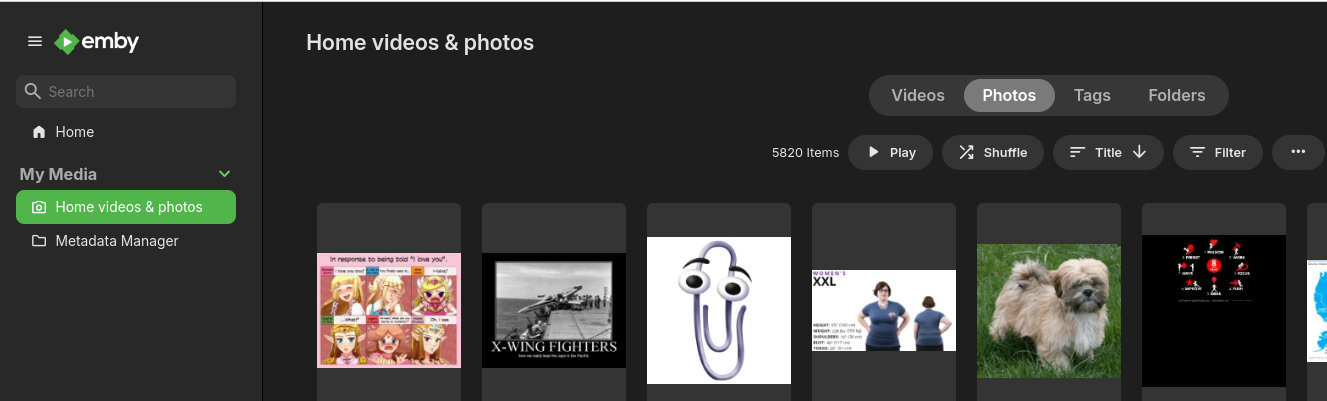
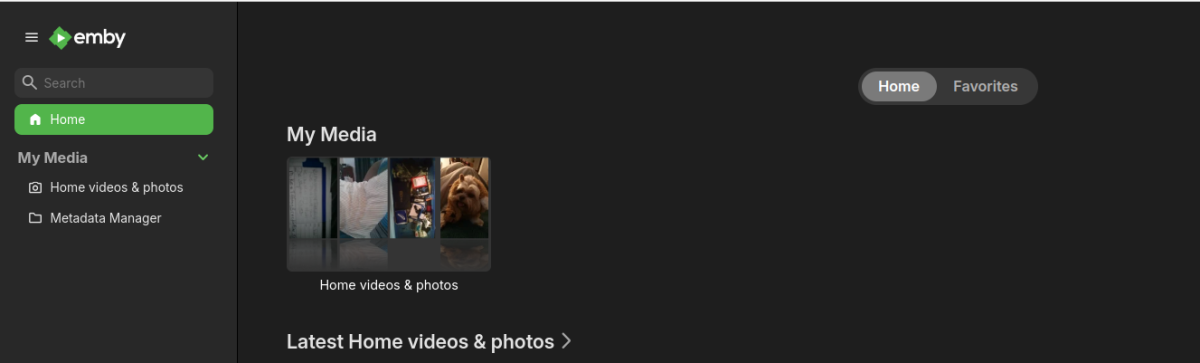
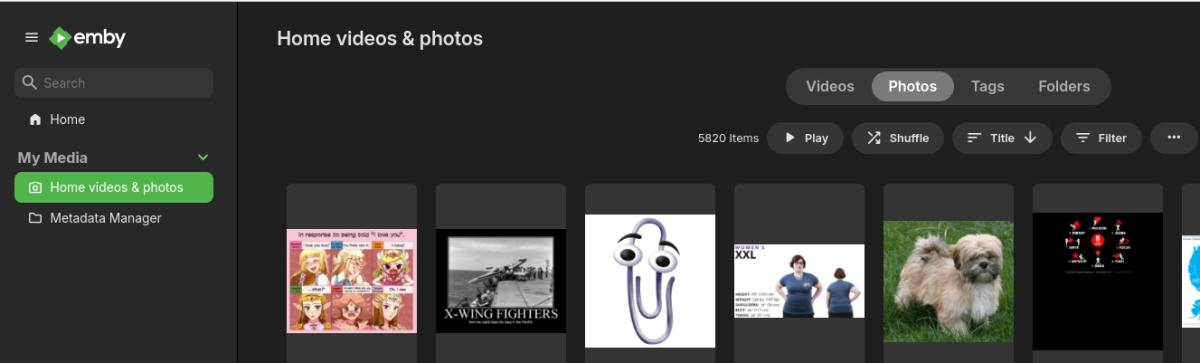
I click to get into the home videos and photos then click on the thumbnail under photos when sorted by "Title"
 1 point
 -
You cannot select type "Movies" for TV show library, as providers are queried by type. You need to select type "TV shows".1 point
-
Yes, I could test that tomorrow. I think the error only appeared since beta 4.9.0.20. It worked before.1 point
-
Need to go over folder structure and naming schemes. What are library paths and library content types? But really looks like Emby is mixing everything up per misdentification. But personally don't understand as TMM should have the same issues.1 point
-
@LukeI redownload 22 and update again but the error Failed to initialize VA /dev/dri/renderD128 stays... I'm not on docker I have a proxmox lxc container... Back to 21 and HA works again...1 point
-
Hi, it’s resolved in the latest beta. Thanks.1 point
-
That's exactly my plan! It makes me feel better Thank you1 point
-
I made a mistake and left out a couple of classes that make selections possible. The corrected code is below. I am still fixing the problem Vic1 point
-
I agree...in thinking about this more, I think I will leverage the webhook capabilitites of Emby, to send deleted titles to a different DB. Cheers!1 point
-
Since this is a device specific issue have you unistalled the app clearing all data and reinstalled?1 point
-
At least for Emby theater the built in MPV player will handle the tone mapping, albeit not quite as well as setting up MPV as an external player with your own custom flags, so in that case it wouldn't require transcoding - I'm not sure if the android player does that but I don't believe it does. However if the display resolution is less than 4k I don't believe that it should be auto selecting the 4k version whether the player can handle the tone mapping or not. I see this in the web client as well, I don't have a 4k HDR display attached to my computer but it will still pick that version.1 point
-
Android TV beta client 2.1.14g now displays “TrueHD Atmos” (although EAC/DD+ Atmos doesn’t seem to work). The release notes say “Improve Atmos Display”. On the web client if I do a drop down for the audio tracks of a DTS-X rip It says English DTS-HD MA 7.1 in big letters, in small right under it says “DTS:X 7.1”. I am not using the Media Info plugin as it will not work with my Unraid Emby server.1 point
-
I have exactly the same issue on one of my clients - it's a 4K HDR capable player (it's an Amazon Cube) but it's attached to a 1080p SDR TV. Thus it direct plays 4K just fine - but does not tone map as you say, so I need to force it by limiting the bitrate on the client below the 'norm' for 4K. Not ideal. I've tried setting the Amazon Cube 'display' to 1080p non-HDR, but it doesn't appear to make any difference to emby, it still sees it as a 4K capable device. Maybe emby needs to read the 'display settings' on the device as opposed to the 'full capabilities' on the device - I'm not seven sure if that is possible ?1 point
-
Yes rbjtech infact when i unistall during test app Emby TV after login again the list of "Suggestions movie" change, but after this no more. Therefore little development would be needed to make this work Regarding your previous post I understand what you're saying, but I can confirm that being in the NVidia Sheild development and testing group, these channels will never be removed and/or disabled as apps like Netflix exploit it a lot and use it as a plus on Android TV. I therefore hope that you can rework it and improve it... thank you Hispa1 point
-
It works! Fast fix. Thanks.1 point
-
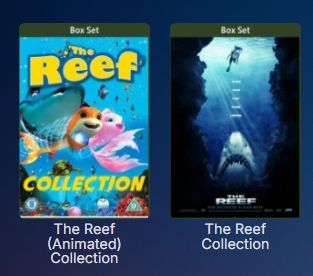
True but the image would be self-explanatory.
 1 point
 -
Hi, it is resolved in the next app update. Thanks.1 point
-
Sounds like version requirements/dependencies need to apply to updates to this platform.1 point
-
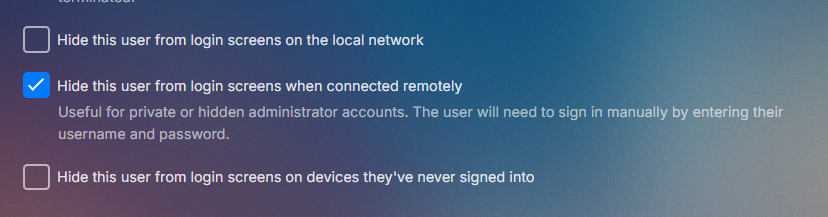
Same screen have you looked at device access per user? Of are you wanting to hide known users user profile forcing Manual login.
 1 point
 -
Hey, At least it's better than the xbone app. For the last few months it's had the same pin promp, but it displays each entered digit in the 4 boxes; instead of being masked with '*'s...1 point
-
Yes as all the issues are arising individually due to changes in 4.8 and each one will be address when identified. Now it is identifying every scenario again.1 point
-
Interesting, the issues are no longer there. I added the remote address into emby and restored the user permissions now it works. Thanks mate appreciate your efforts!1 point
-
Hi Luke, looked in there but couldnt see anything.1 point
-
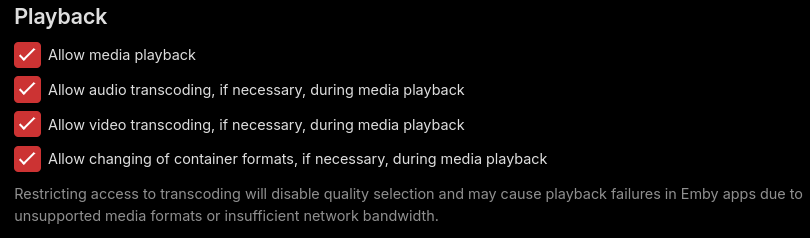
It looks like you need to review the user settings for this profile because you've disabled any transcoding or remuxing - the key here is likely remuxing, the devices might not support an audio format for example and it needs to be remuxed rather than direct played. This is a minimal CPU overhead operation. Something else of note, you said you have a cloudflare/nginx reverse proxy setup with certificates but all the traffic in this log is HTTP not HTTPS, so I don't think you're actually taking advantage of this setup. EDIT: Actually looking a little closer I see some information in the headers about it being https so I guess you're just proxying to the HTTP port and that's why it still comes up as an http URL. I know within a home environment you shouldn't really need to proxy to an HTTPS port but it's just a habit I've gotten into from my professional experience with enterprise networks.
 1 point
 -
va perfecto , tambien funcinan los videos temticos , la pena es que salen un poco oscuros al ser de fondo , no se si se podra dar menos opacidad e incrementar el brillo o algo1 point
-
We should probably add an option to disable reacting to display settings changes.1 point
-
Actually this is going to be a focal point of the 4.9 release, so you’re all in luck.1 point
-
Since it is tracked by providerid they are the same item no matter the versions. In the end it is up to devs but personally don't see it happening. I guess the only work around may be identify one with TVDB only and the other with TMDB only and lock metadata so they are seen as two different shows per technically missing metadata.1 point
-
What do you have against Linux?1 point
-
I actually found the problem now, when i was looking for which log file to send and doing further troubleshooting. AniDB was set to higher priority for *Episode Metadata* than TVDB. And AniDB has Season 2 as a seperate entry. So when looking for only the episode metadata Emby couldn't fetch the right metadata but found the right TVDB IDs and so on. After adjusting this it has found the right metadata.1 point