Leaderboard




Popular Content
Showing content with the highest reputation on 04/29/24 in Posts
-
Hi @Luke it still could be imade more flexible for different approachs, that would be an improvement to me: Somewhere Emby defines "Artist" = (Artist or AlbumArtist or Composer) - The defaults or standard grouping. including, excluding, etc. seems like a boolean switch or two. The user would then have some control over the grouping. Appealing to a broader audience. The UI is not impacted the data is the same everywhere.. only the subset composition varies Sincere apologies for the over simplification, easy to say,.. but you know the level of effort. Hopefully, some improvements can be made now while we wait for "Emby AI" Luke, any Thoughts? thanks -vicpa2 points
-
Hi, just wanted to update from my experience. The behavior was fixed in the following update. I turned off the PIN functionality in the server until the update was released then re-enabled and tried again and it worked as expected.2 points
-
Many thanks for posting Frostbyte, i have installed v1.7.9 and its playing FLAC smoothly too. Many thanks @SamESgood work indeed I still get blips when i play audio across the ARC, it happens with the mp3 and flac now but im sure its down to my tv or my receiver. I played a lot of video concerts recently and the sound was flawless, surround going into stereo.2 points
-
Personally, I think the help text makes you think that you dont have to do anything, as your Ip addresses fall into what it is 'defaulting'.2 points
-
I managed to get it working. I'm not sure why though. Switched to Desktop mode I uninstalled the version that I installed via Discover. Downloaded https://github.com/MediaBrowser/emby-theater-electron/releases/download/3.0.19/emby-theater-flatpak_3.0.19_x86_64.flatpak via Chrome Started Konsole (terminal) cd Downloads flatpak install emby-theater-flatpak_3.0.19_x86_64.flatpak Started Emby and it worked fine. No idea why there would be a difference though.2 points
-
Perhaps this is turning into a discussion of cross-purposes..? From a music (metadata / tagging / navigating / listening) perspective - Album Artist / Artist / Composer are not the same entity (even if one person can be all three). But, from an Emby (programming / database / software) perspective - they have been grouped together under Genre "Artists" (or so it seems to me). I don't think Emby has explained this worthwhile new feature fully, unless I have missed a relevant forum post somewhere??? Possibly a marketing blog is needed! An equivalent movie scenario could perhaps be labelling the "Cast & Crew" section as "Actors" fully inclusive of Actors / Directors / Producers. A director may sometimes happen to be an actor in the movie concerned, but this type of all-inclusive heading would likely result in much negative feedback of the GUI. If the new Genre "Artists" section was called "Artists & Composers" this would perhaps be more technically correct, but it wouldn't solve the problem of the Genre page view being potentially diluted/polluted by unwanted people because the embedded tags would still cause the current software to pull in all of the 3 entities. I think a good way to possibly improve the music Genre experience further (at least for this issue) may be to change the first heading AND add selectable filters for the Genre page, e.g: Artists & Composers (filterable by Album Artist / Artist / Composer) Albums (filterable by Album Artist / Artist / Composer) Songs (filterable by Artist / Composer) I imagine changing the heading name would be very easy? Perhaps the filters are not so easy because Artists and Composers seem to be grouped by Emby in other areas as well (e.g. playing Songs by an Artist also adds Composer songs performed by others). Therefore, please can Emby add filters to the Genre page to give everyone a choice with what they would like to see. This would be a nice step towards making the Genre pages great!2 points
-
Hi, I build webhook server to send emby events to telegram. Take a look Link to github: Emby-Telegram-Notifier1 point
-
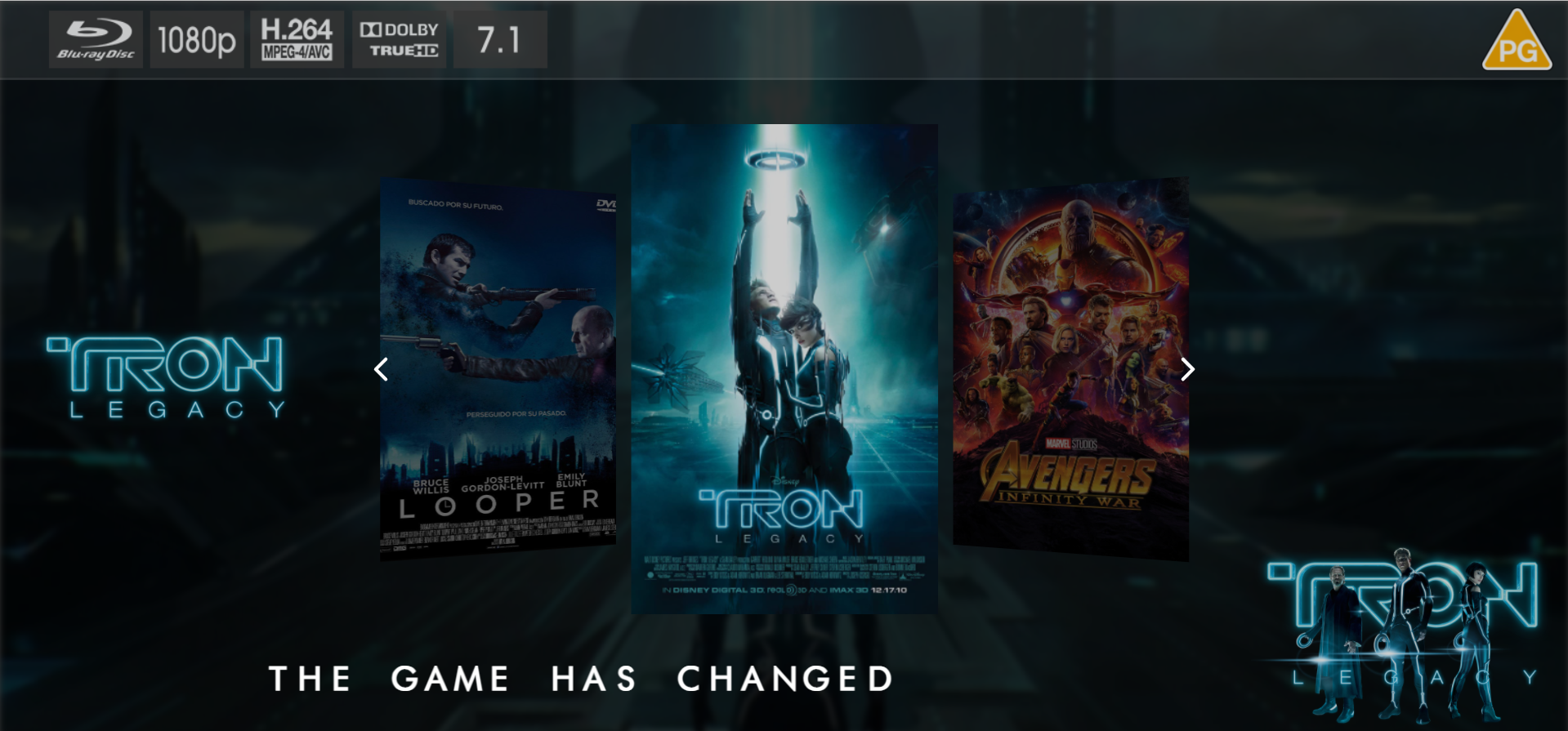
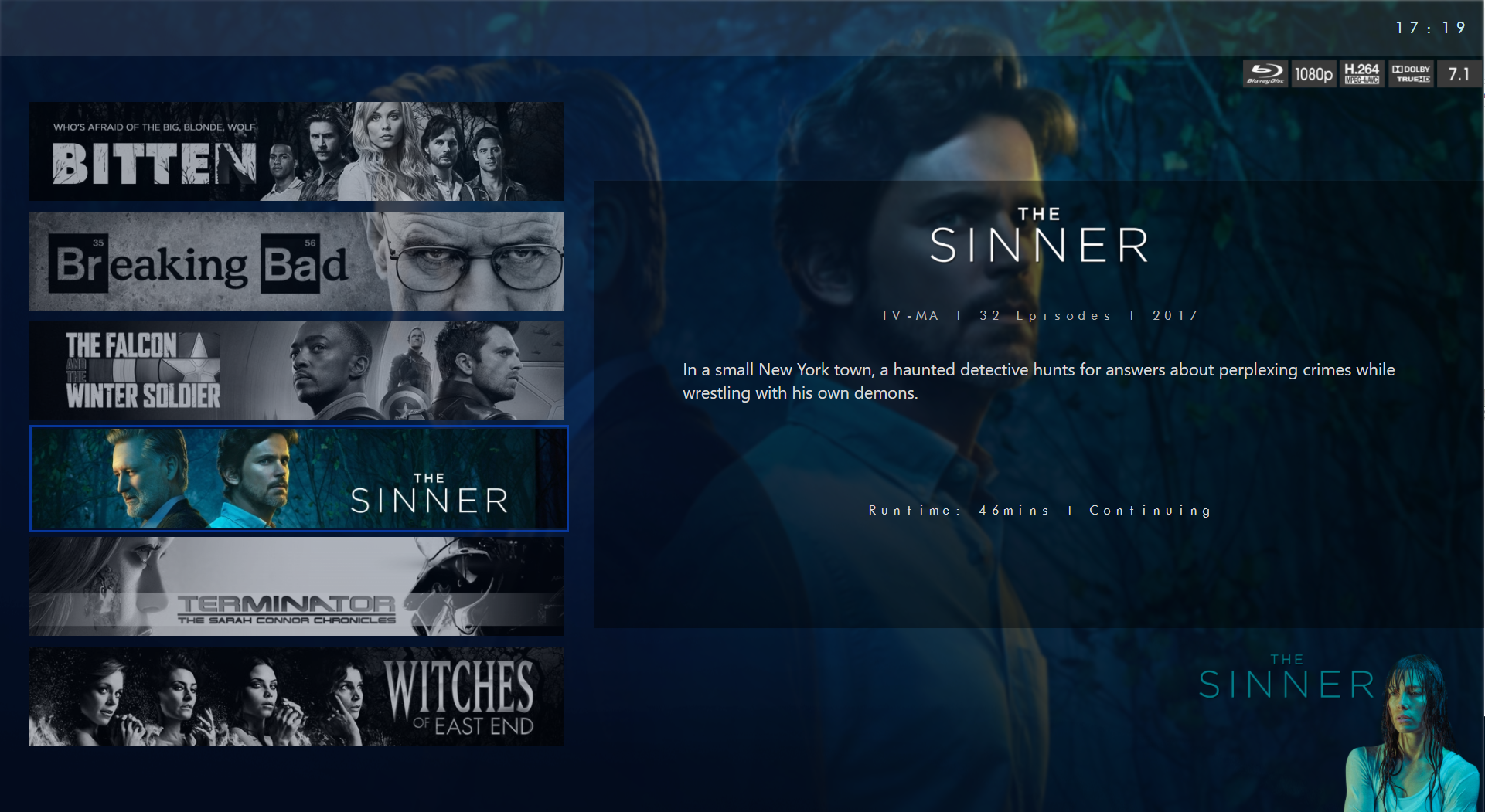
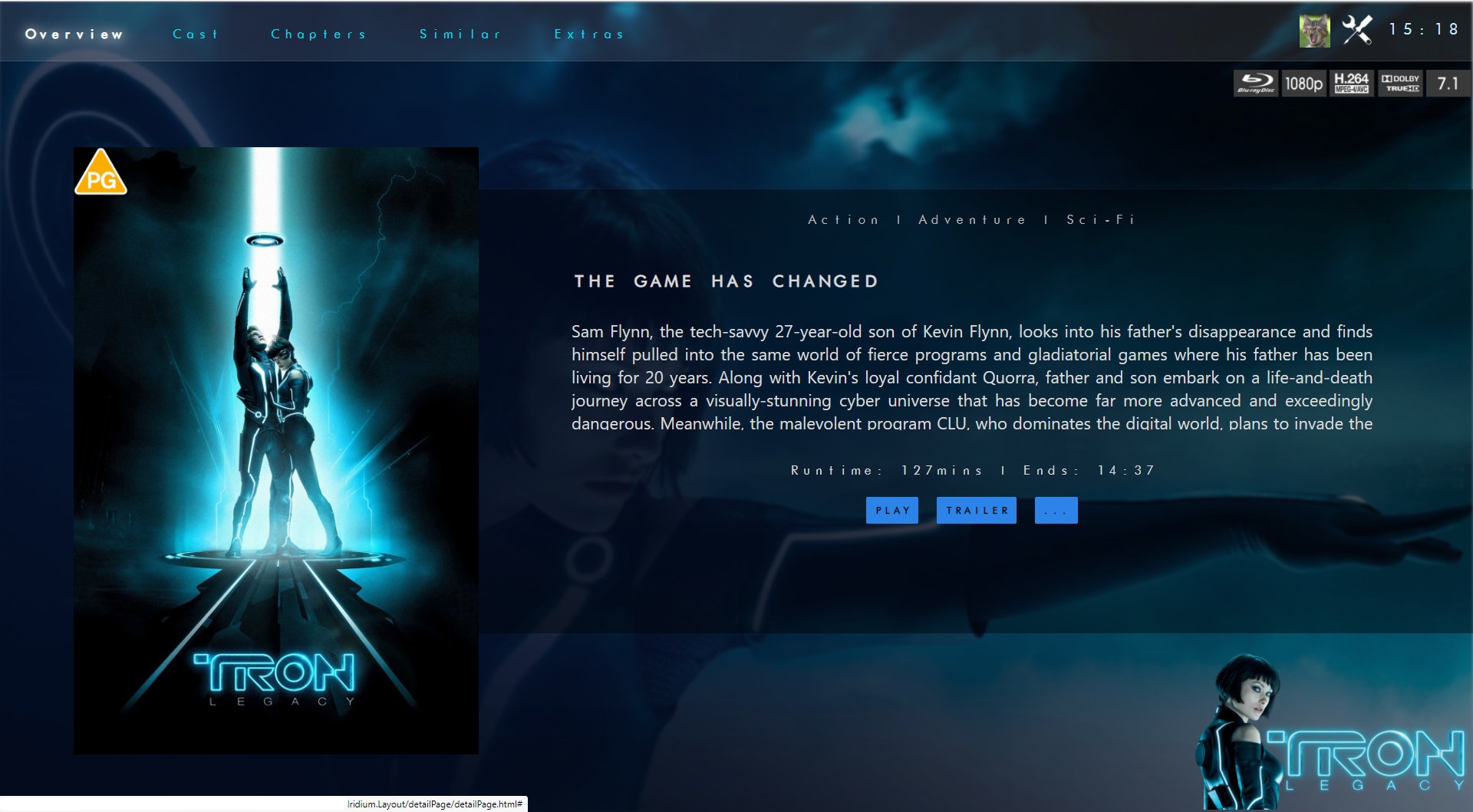
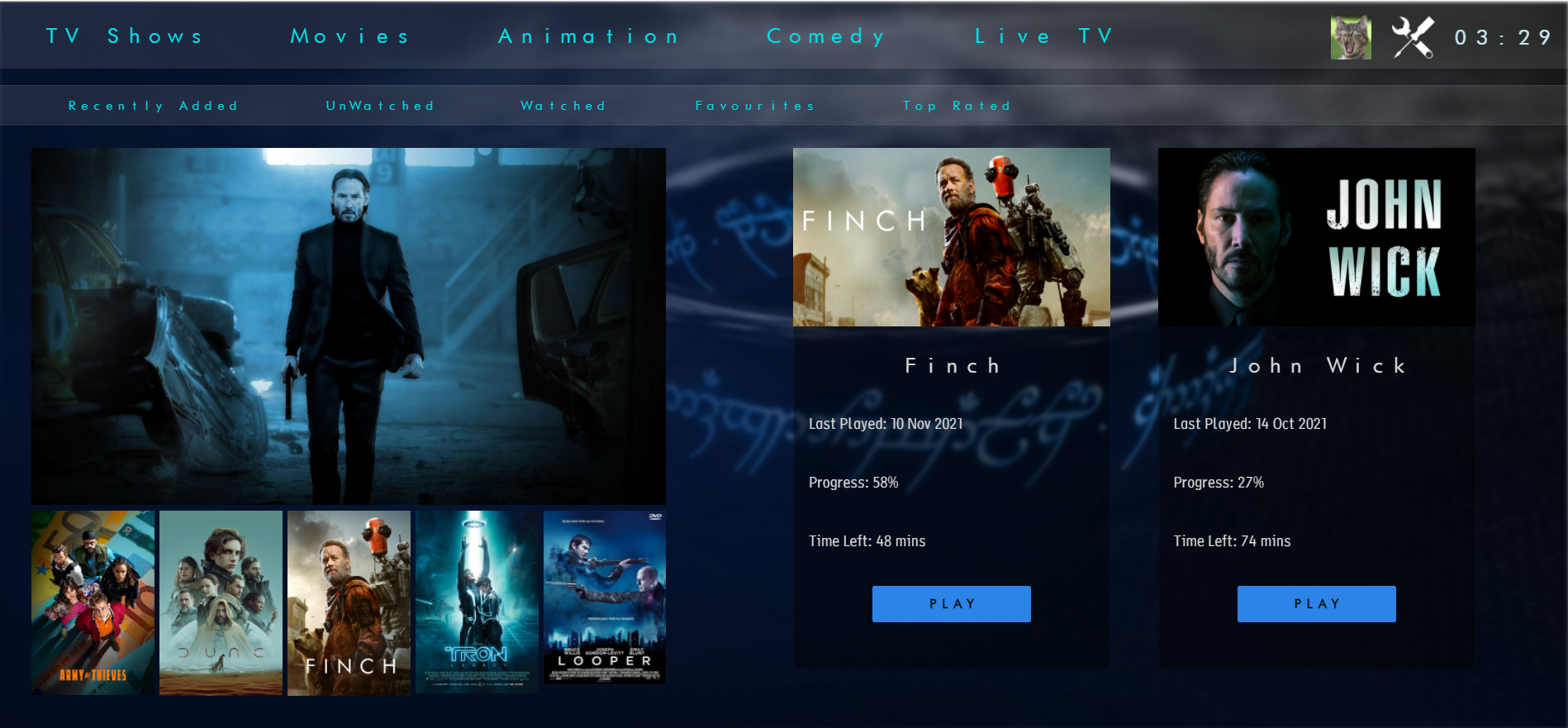
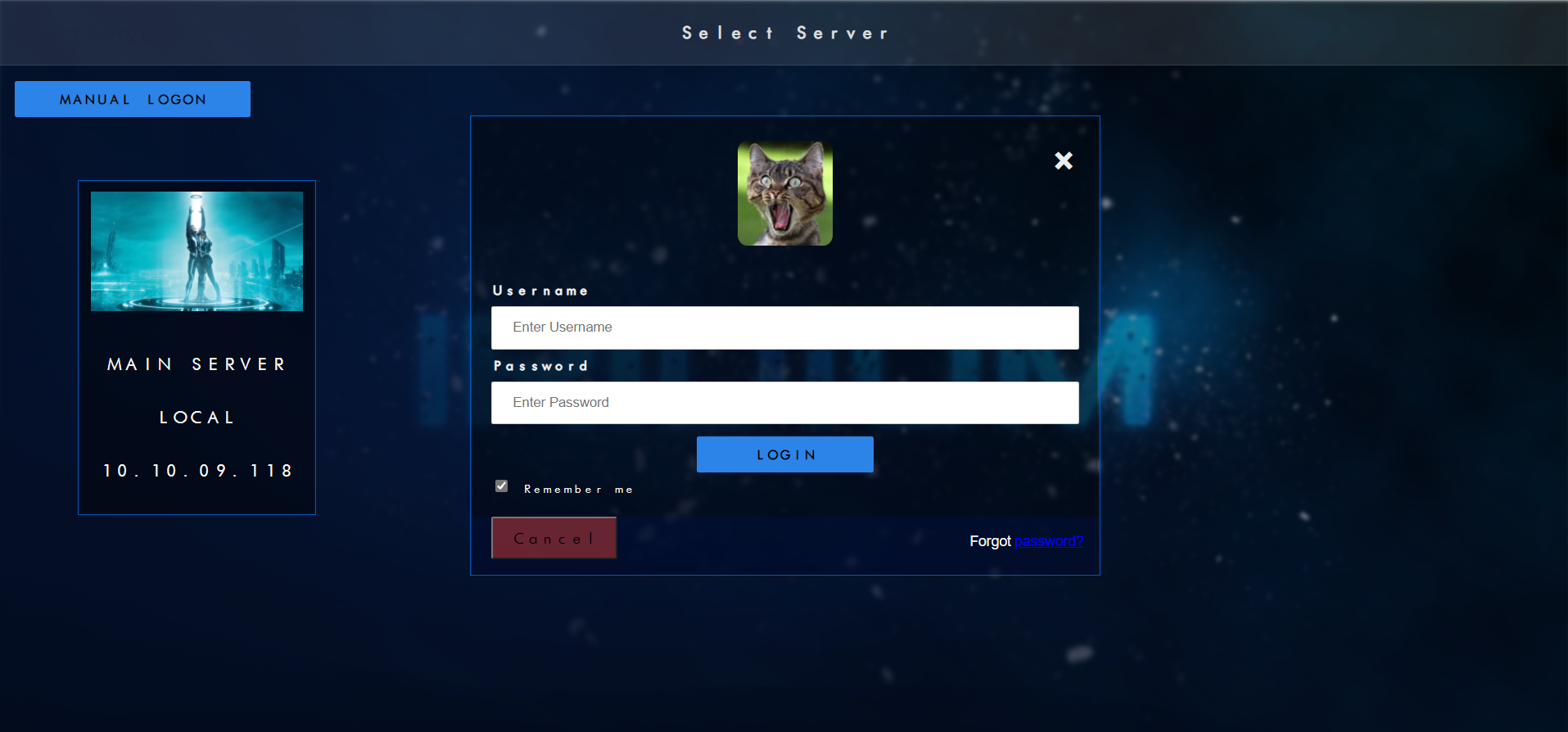
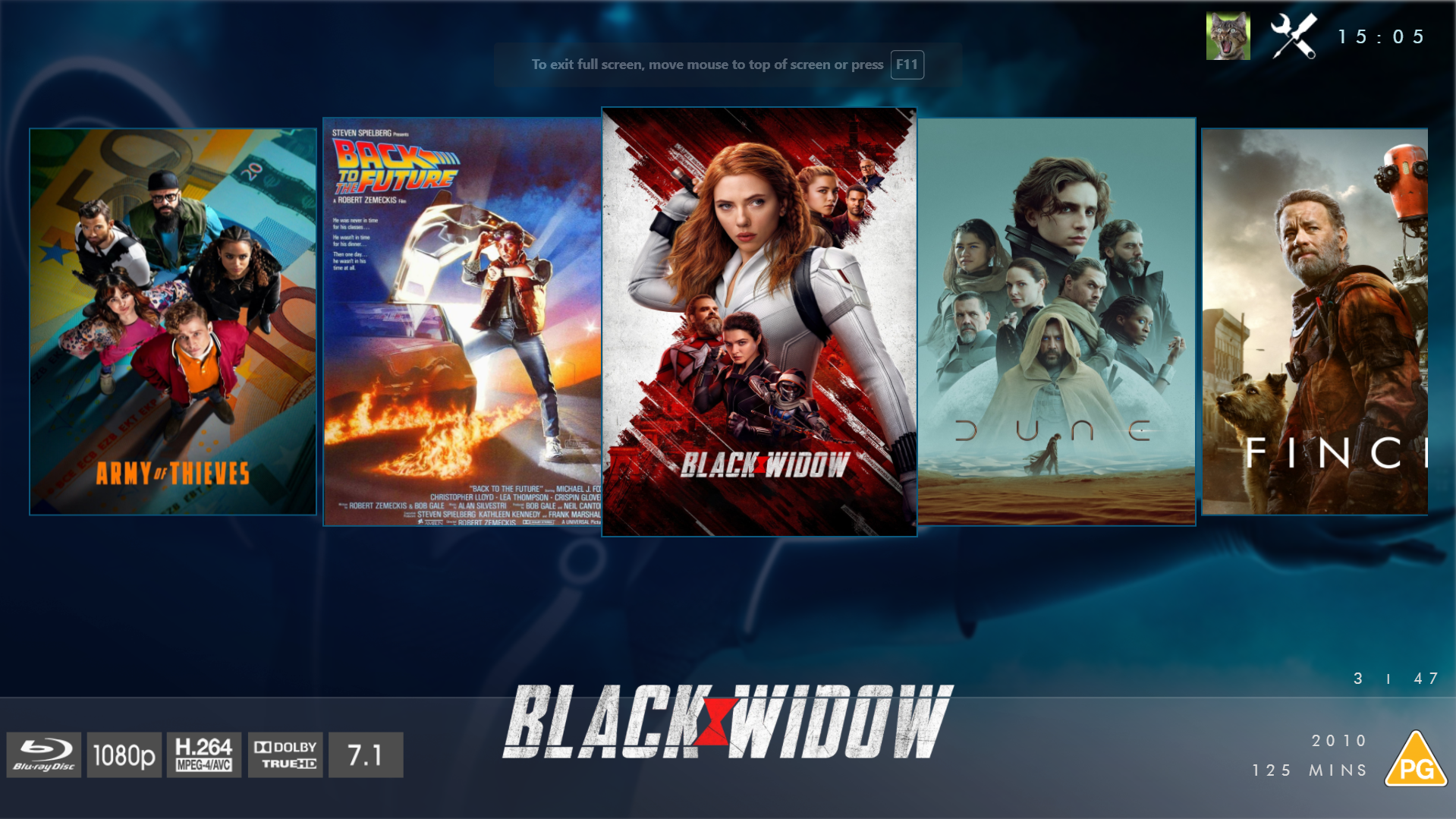
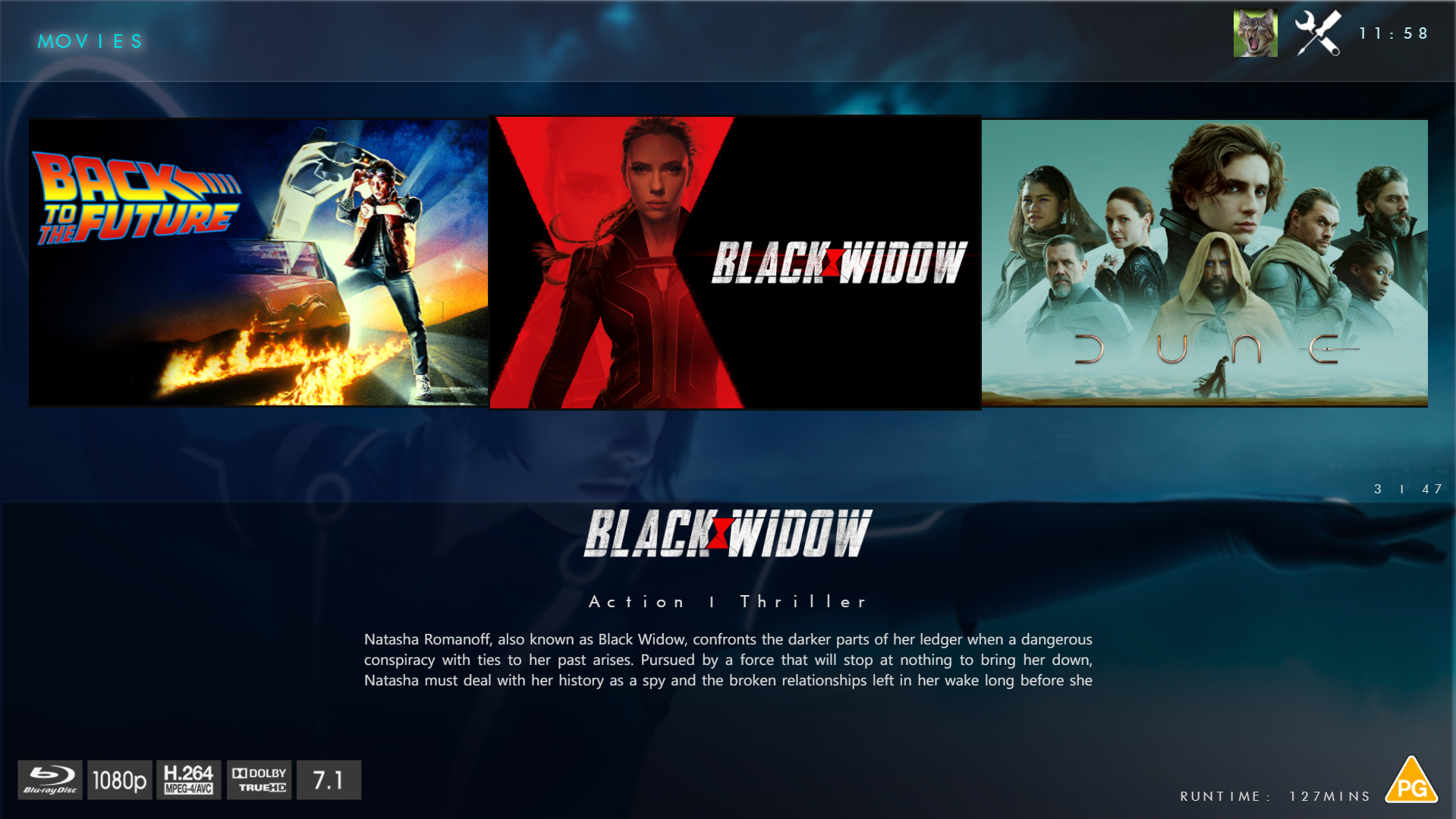
@chef @Cheesegeezer Another amazing production is about to be brought to you from devs - Cheesegeezer - I have started a new theme to bring to the masses. I am a long way off completion however we can continue to update you on the progress. The layouts are about 80% complete and once completed we can start to work on the code behind. We are interested in a closed group of testers when the time comes. I would just like to say that this was originally designed for Emby WMC back in 2014 and was just release there when M$ ditched support for WMC and the project died. @shaefurr did an amazing job with the concept artwork for me to work with back then, and this theme pays homage to him. So with out further ado... here's some of the layouts that are now coded. IRIDIUM - One theme to conquer all LOGON SCREEN HOME PAGE FIRST VIEW TYPE - COVERFLOW COVERFLOW 2 BANNER VIEW FINAL DETAILS PAGE LIST VIEW THUMB VIEW
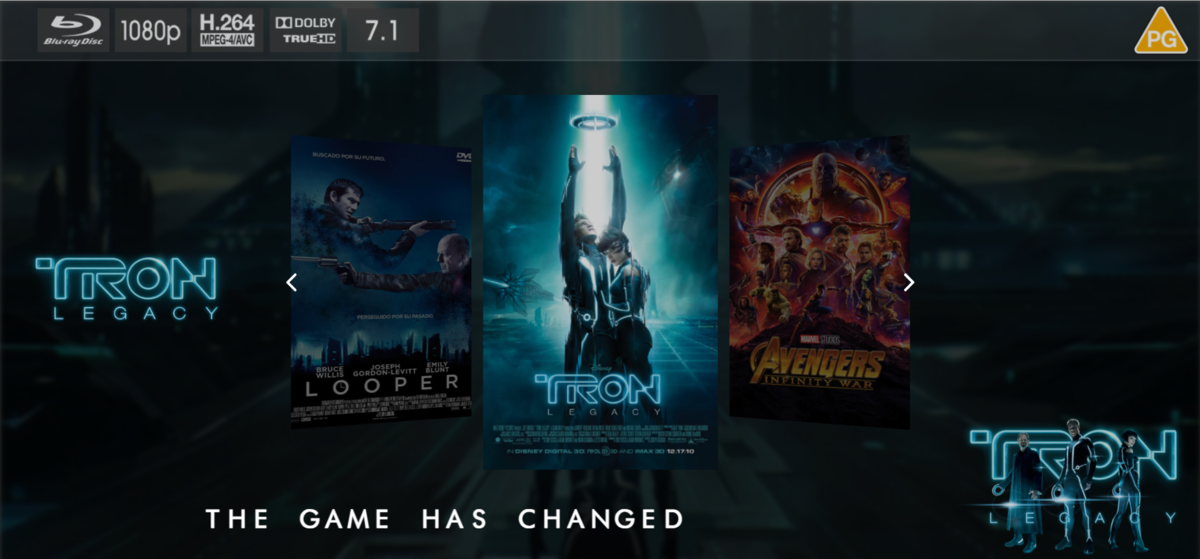
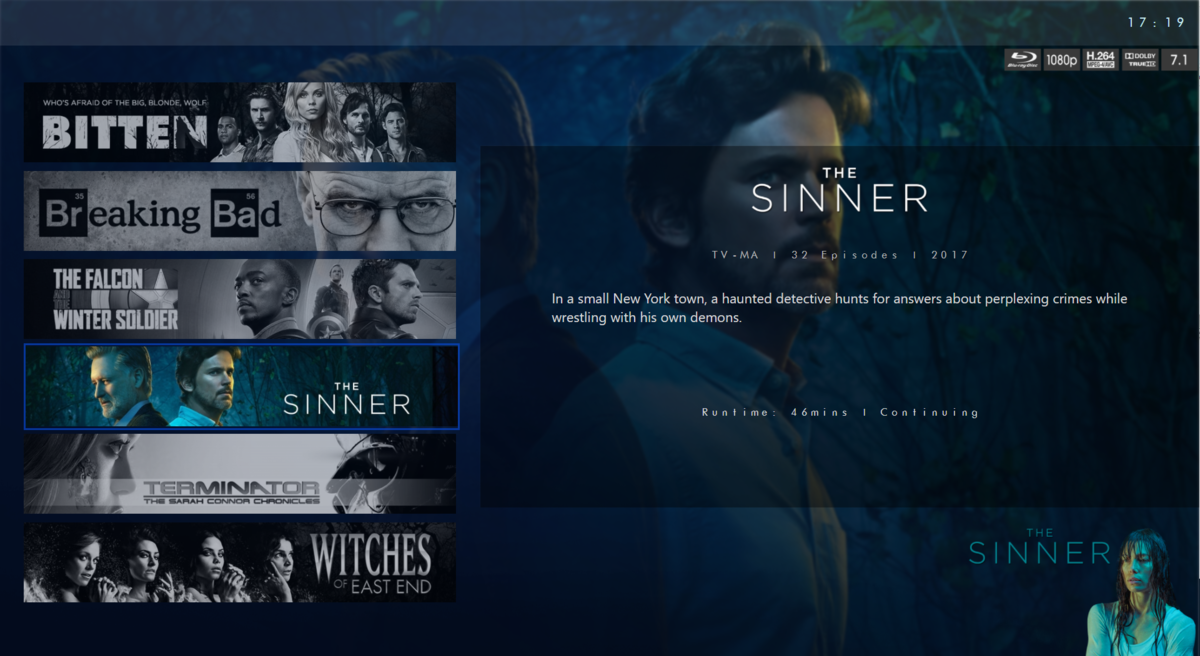
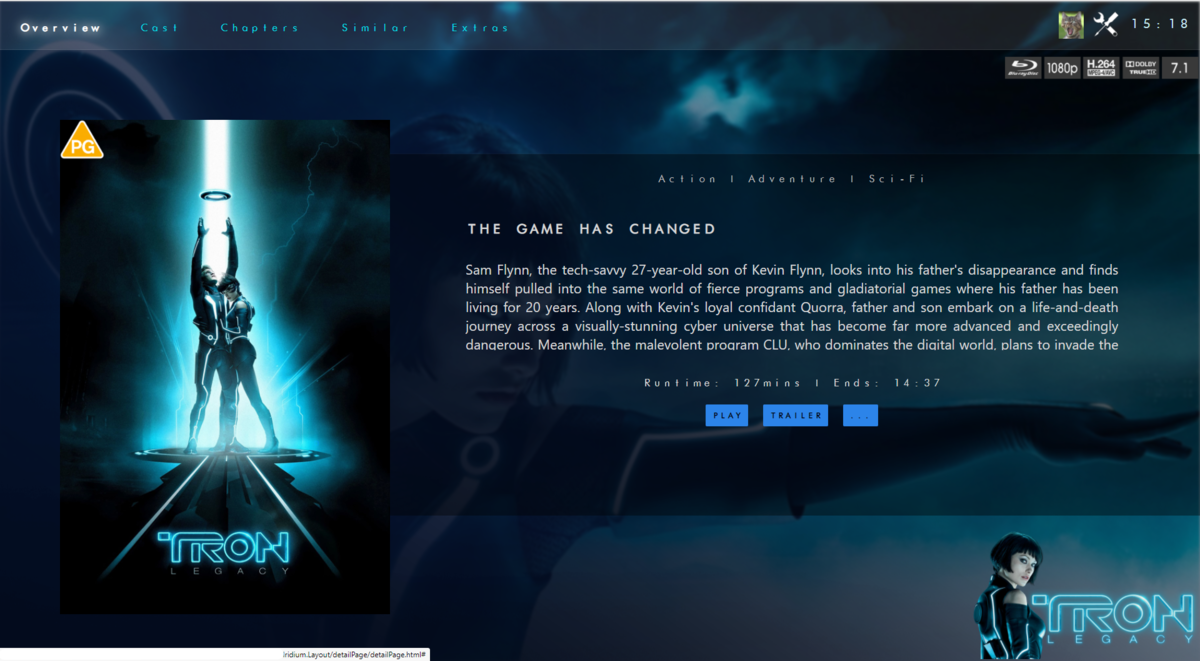
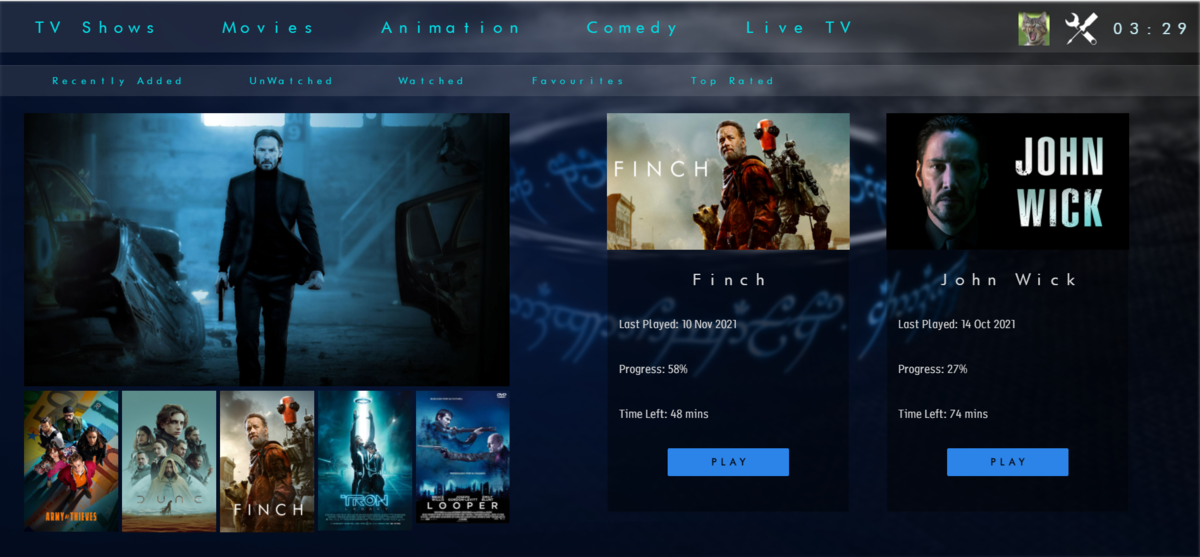
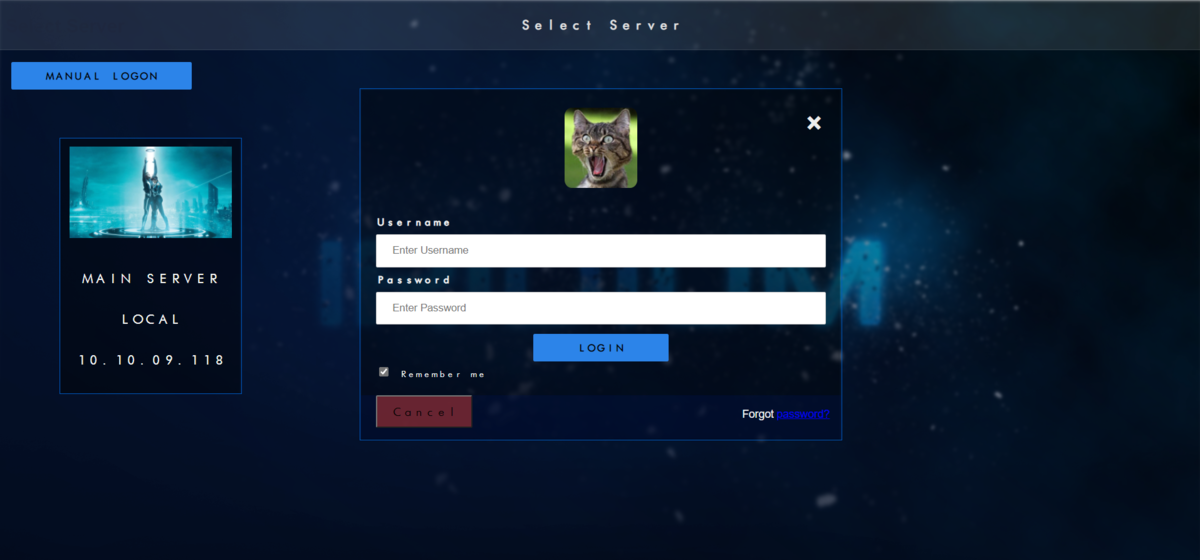
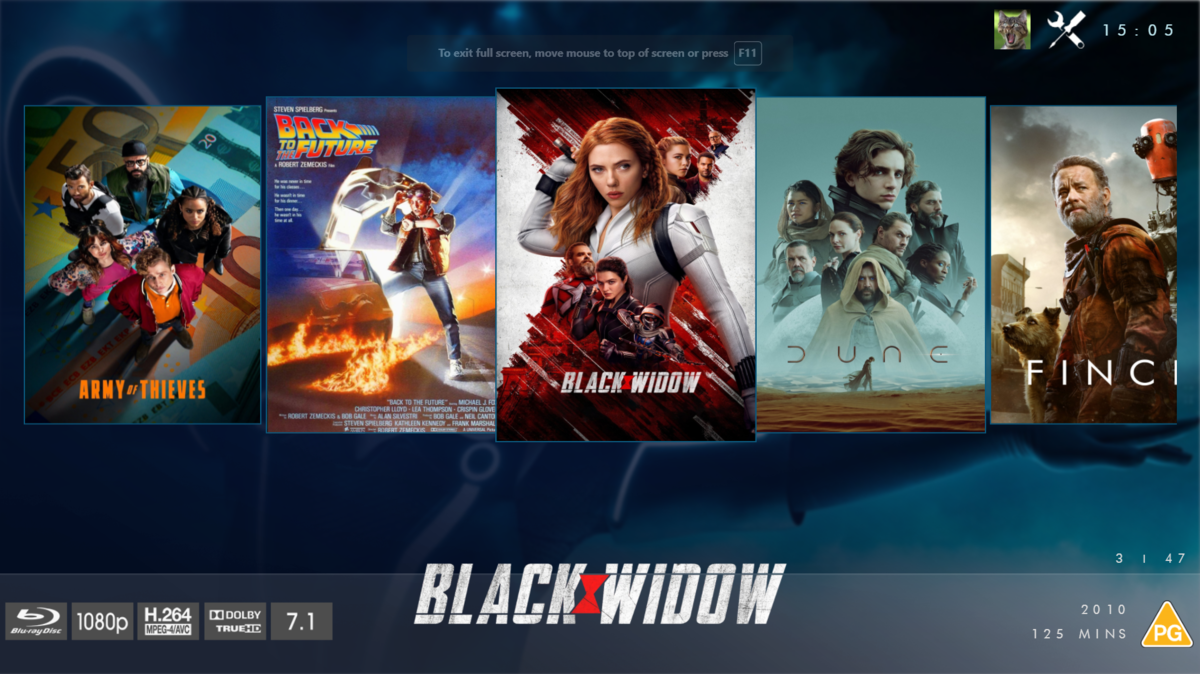
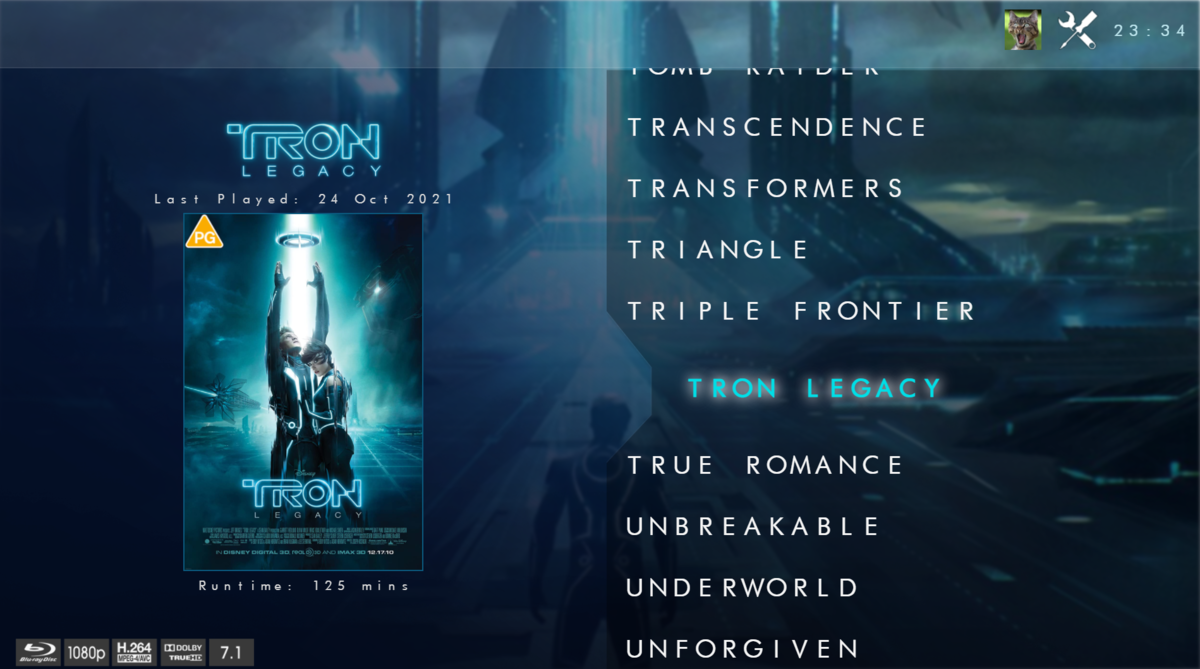
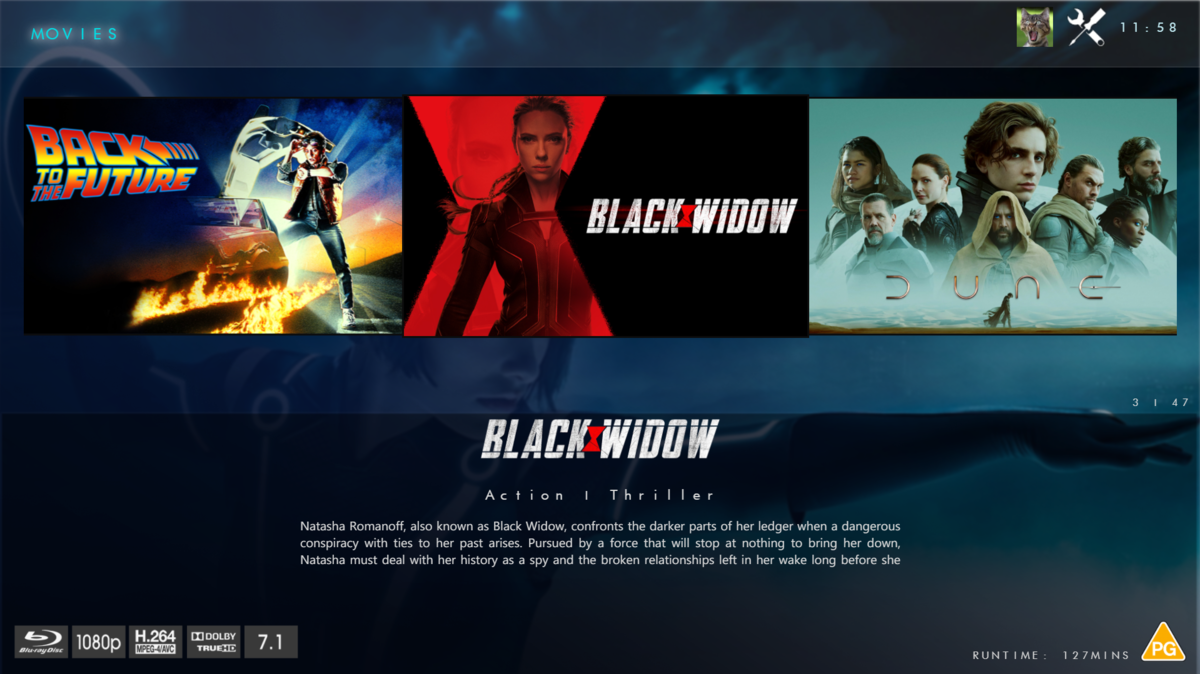
 1 point
 -
Hey guys, I would love to have the option to add music to several playlists. For example: currently if I want to add "Bad Company's Seagull" to playlists that I have setup I have to do them individually, repeating the process for each playlist that I want to add that song to. I have many playlists and I'd like to have the option to check a song or songs then select all the playlists to add that song to at one time...1 point
-
I temporarily forgot about this, so maybe it will help someone else to avoid wasting a little time. Docker is naive about symlinks on the host system. I wanted to put my recordings on a separate drive, so I made a symlink to the programdata/data/livetv/recordings/ directory. Inside docker, the symlink is not visible, so emby fails with "can't find it". Like I said, I knew all that, and I just forgot because I wanted to waste some weekend time. (I changed my strategy to putting all of the emby volumes on that other drive and mapping them into the container.)1 point
-
I don't know if there are additional dotnet considerations (I doubt it), but I know it's a problem with Docker and host system symlinks. (I first became aware of this a couple years ago when mapping USB ports into a container: https://hackaday.io/page/13294-solved-docker-udev-usb-naming) The Linux environment inside the container recognizes the symlink, of course, but when it tries to dereference it, it points to a path on the host system. That path would only exist by coincidence in the container environment. You could get around the problem by making the symlinks inside the container environment, but I didn't want to make any modifications there beyond what I could map in with Docker.1 point
-
Yes.1 point
-
I ended up just deleting the entire /var/lib/emby path to rebuild the server manually, the backup seems to have messed everything up as after that the issue was resolved.1 point
-
I just want to say THANK YOU to @pünktchen! I am still using this plugin and the MPExtended .06 service in 2024. I use it every day and it is awesome to be able to use Emby to watch and PVR my TV entertainment.1 point
-
When I install Emby app from the package center, it will give the message "This site can’t be reached 192.168.10.76 refused to connect." What am I missing? I am running DSM 7.2.1-69057 Update 5 Edit: Just installed it onto my Synology DS216+II without any issues. It is running DSM 7.1.1-42962 Update 6 I know there are some NAS experts, that this a simple issue to resolve..... thanks Edit 2: Found the correct Emby version, (Synology (DSM 7.2+), and it worked. Problem solved........1 point
-
Look into getting DDNS configured then you don't have to care about your WAN IP addr changing.1 point
-
update: after a few days it started working randomly and now I'm able to connect locally. I didn't do anything besides maybe reboot the systems (which I obviously tried before). Not sure if it was an update. Thank you for attempting to help.1 point
-
Ah, well that's different. What does the Emby server dashboard show for In-home LAN access? Is it different from the subnet the Shield is on? If the same then you can change that local IP address in the Emby server Network settings to something different. Then the Shield should always treat the server as remote. Do you have anything in the LAN networks field? But if that's not it then the devs might know what causes the warning. The Shield ATV app is different from the Android mobile app.1 point
-
It'll probably need to be set as a scheduled task, I dont believe that Pseudo TV currently uses this feature.1 point
-
Yes, I see what you're saying. My daily machine IS an HTPC. This headless test machine won't replace that machine if Linux works out, but it's serving the basic functions as I work through the issues, so I still use HTPC because everything is housed, processed and delivered on & from that one computer.1 point
-
My guess is that component is some sort of commitment on the part of the "big guys" to support the new platform. However, in the end, Amazon is selling you an Amazon device to push Amazon content and products so maybe they actually don't care that much about that...1 point
-
This command is wrong, you should not have apt install in that command. And based on your ls output the .deb is not available in that folder, it's probably in the Downloads folder so you needed to cd to that directory first.1 point
-
Thank you very much for pointing that out. This has now fixed the issue and a new tab has popped up on the homepage Thank you community for the help1 point
-
So does the TV app but I can see in his screen shot that he has that turned off...1 point
-
Hi. If you search for the app "Emby" in the Amazon store and install that, does it have the same problem?1 point
-
My guess: The Emby server advertises its presence on the LAN which the shield might be detecting. But if you're not allowing non-TLS local connections then it has to fall back to a "remote" TLS connection.1 point
-
Yay. Updated to 4.8.5 today, and the problem is solved. Thank you!1 point
-
Cool! Glad you're making progress. One thing you might want to clear up is the use of HTPC to describe your system. In a media forum HTPC means something specific, a machine attached to your display (TV, etc) and sometimes audio system, functioning as the interface. Comparable to a game console and primarily for media. If it's headless and you're streaming through a Roku then it's basically a media server. The difference is that desktop UI, remote, inputs and outputs matter for an HTPC but not for a headless media server.1 point
-
Would love a ‘select all’ option for this.1 point
-
Hi Luke Happy to report that this issue is now fixed on Beta 4.9.0.16. Thanks for your attention to this, much appreciated.1 point
-
I always included mine too, then one day I read it and realised it does not seem like I need to as the ‘default’ includes mine - so I removed them. And no issues seen - I guess cos at that time these TV’s were on the main lan then with the emby server. It does need updating and clarifying.1 point
-
Yes... I've been exploring this a bit more... (with the very useful Emby Data Explorer plug-in) ... with a 100,000+ track library. Some more separation between Album Artists / Artists / Composers could help a lot in many instances, BUT with a large music library that is manually Genre-embedded-tagged at an Album level (where all underlying tracks thereby get the same genre label) it may be almost impossible to stop 'wrong' Genre Artists appearing where they are not wanted. E.g. I have many compilation Various Artists albums that are tagged with what I thought was the 'right' Genre. I've tagged a Bluesfest Festival series of 31 albums (so far) as "BLUES" but the Festival Artists are a range of widely-accepted Blues, Rock, Country, Folk performers and likely more. Assigning (somewhat subjective) Genres to 1000s of Albums is bad enough. Doing this for individual tracks.... I think I'll live with any so-called 'errors' and just enjoy the music! This is a good case of Emby providing what many wanted (Genre Artists) but the end result (so far) is highlighting numerous (previously hidden) music library 'conflicts'. I'm sure Emby can keep making further improvements with Genres (yes please), but I don't think even AI software could completely 'fix' Genres to everyone's absolute satisfaction, irrespective of the software platform?1 point
-
So are we saying that by leaving it blank, the default RFC1918 address space is still not correct ? This has been brought up so many times... .. it's not like it's something that is unclear - I guess it's only been a standard since Feb 1996.. rfc1918 I've just doubled checked, and since my original emby install, I explicitely put each of my vlan subnets in here - so maybe that is why I have never had any issues ...1 point
-
I didn't, It is a copy/paste from this post1 point
-
New BETA version available 10.0.18: Delta changelog 10.0.17 -> 10.0.18 fix boxsets to tags option Comment: This version now beta and also available via Emby's Kodi beta repository1 point
-
Perfect, thanks.1 point
-
Hi @SamES Yes, this been reporting for some years now, it a bug, well as we now close to new completely build of this forum software, we will see if fixed all that. Thanks.1 point
-
I've only been playing with this plugin for a few days, so I'm only part way through this enormous thread. I hope this info isn't redundant. I run emby in a docker container and wanted to run the comskip analysis piece on the host instead of the container. That took a bit of fiddling around. I documented my glue in case it might help others. https://hackaday.io/page/39080-comskip-for-docker-emby1 point
-
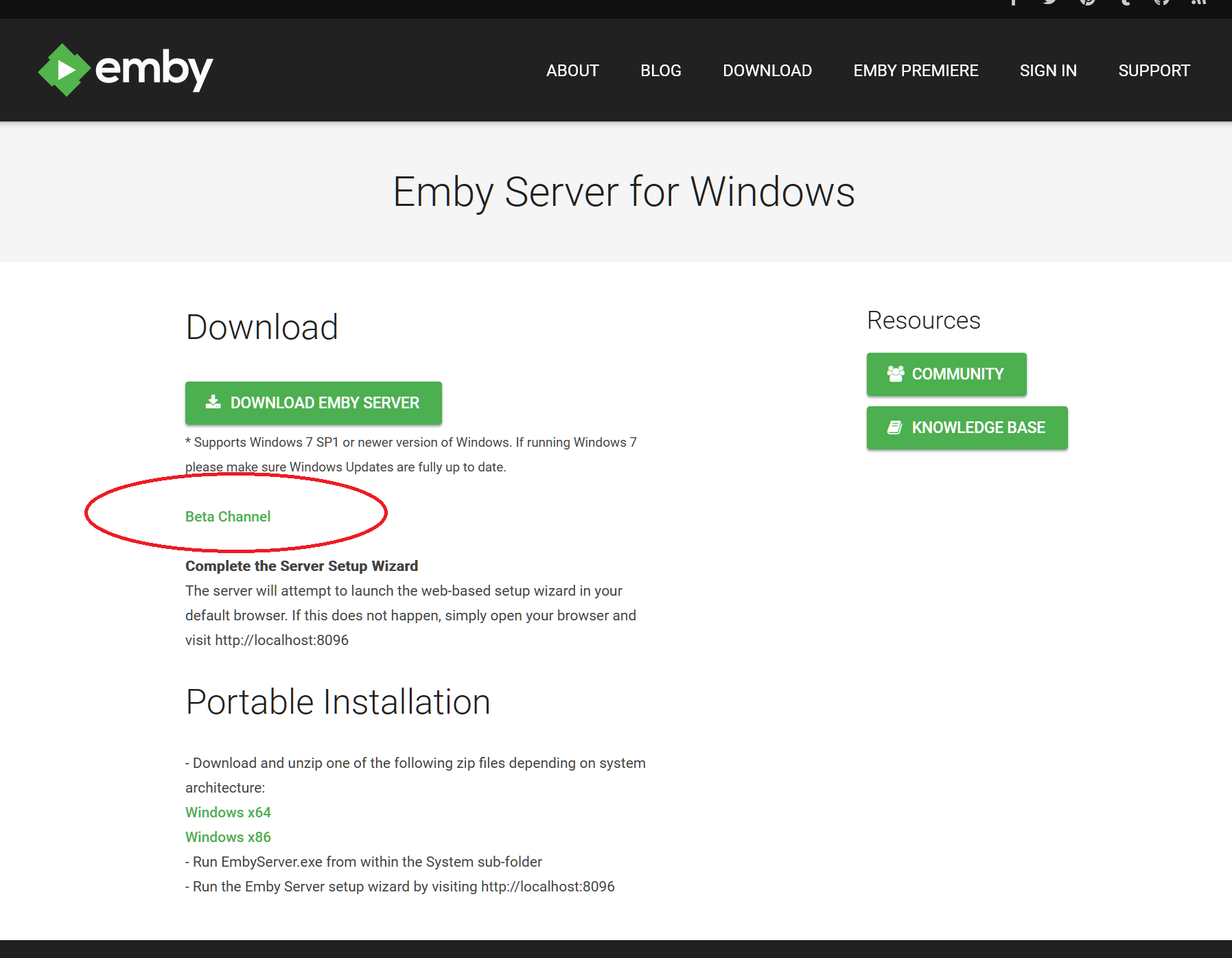
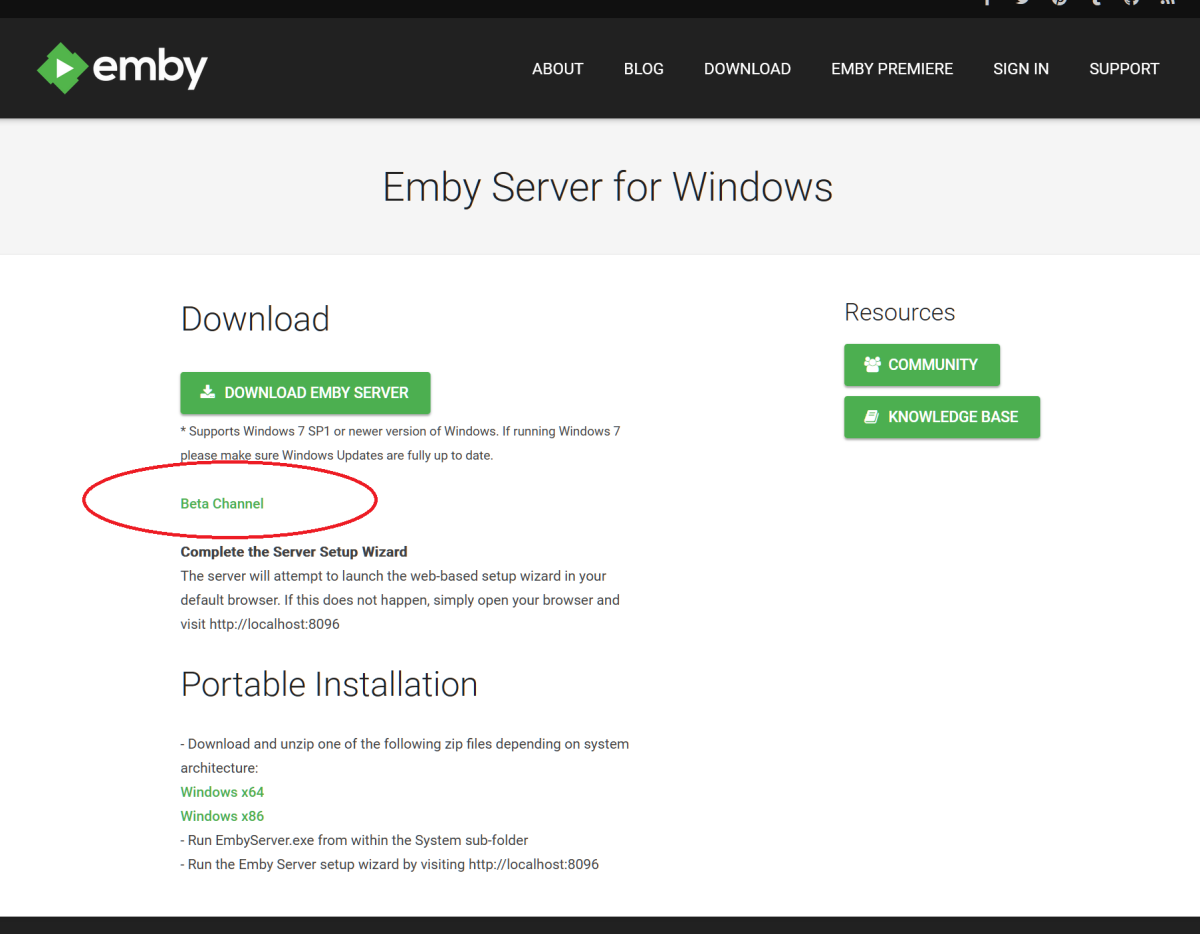
@HFBoroni I'm sure you've got this by now but for future purposes this will download a setup.exe and install over top off your existing server. If you want to run a test beta(or older stable) server in addition to your current one you can go to https://github.com/MediaBrowser/Emby.Releases/releases then scroll to the bottom of the first(newest) beta (or down to an older version) and click on Assets then scroll down to embyserver-win-x64-x.x.x.x.7z and click on it to download the portable. You can then unzip it wherever you want and create a whole new server for testing.
 1 point
 -
HI @Luke User24's explanation is correct. additional info I did not assign those genres to him. He inherits them from the genre label in the track. The Track tag has Genre XXX. Currently Emby systematically (Not me - creates the relationship)1 point
-
Thanks Luke, I was not able to find that post but after reading the update it looks to not be a way forward I see he mentions on free tiers it is a problem but even on the paid tiers the limit is 100mb? ** UPDATE: I AM HEARING OF EMBY USERS GETTING VIDEO FILES BLOCKED WHEN USING CLOUDFLARE (FREE TIER). IF THIS IS THE CASE, I NO LONGER RECOMMEND USING CLOUDFLARE.1 point
-
No - it will be a stand alone plugin.1 point
-
Hi there, please attach the complete Emby server log. Thanks.1 point
-
That's a mistake. It will be resolved in the next 4.8.X maintenance release. Thanks.1 point
-
Just arrived at Emby from Plex, and would love to know if this project is progressing? An audio player for the Emby server would be certainly appreciated.1 point
-
@roaku @BillOatman @rechigo @GrimReaper @ryzilla @Loefamily @johnnycash @adminExitium For those hoping to use WebHooks with Discord, I've pushed an update to the plugin catalog for the WebHooks plugin to allow you to configure the request content type, which you can now set to either application/json or multipart form data. This should make it a little more Discord-friendly. The update is targeting the 4.8 beta server so you'll need that to test it. Please try it out and report your experience. Thanks.1 point