Leaderboard




Popular Content
Showing content with the highest reputation on 04/24/24 in Posts
-
Hi, we've identified and resolved an issue where some incorrect items can end up being played when playing or shuffling a genre. For those seeing a crash or slow performance when playing or shuffling a genre, I think the fix will help with that as well. This will be on the beta channel in a day or two and then backported to the next 4.8.X maintenance release next week. Thanks.2 points
-
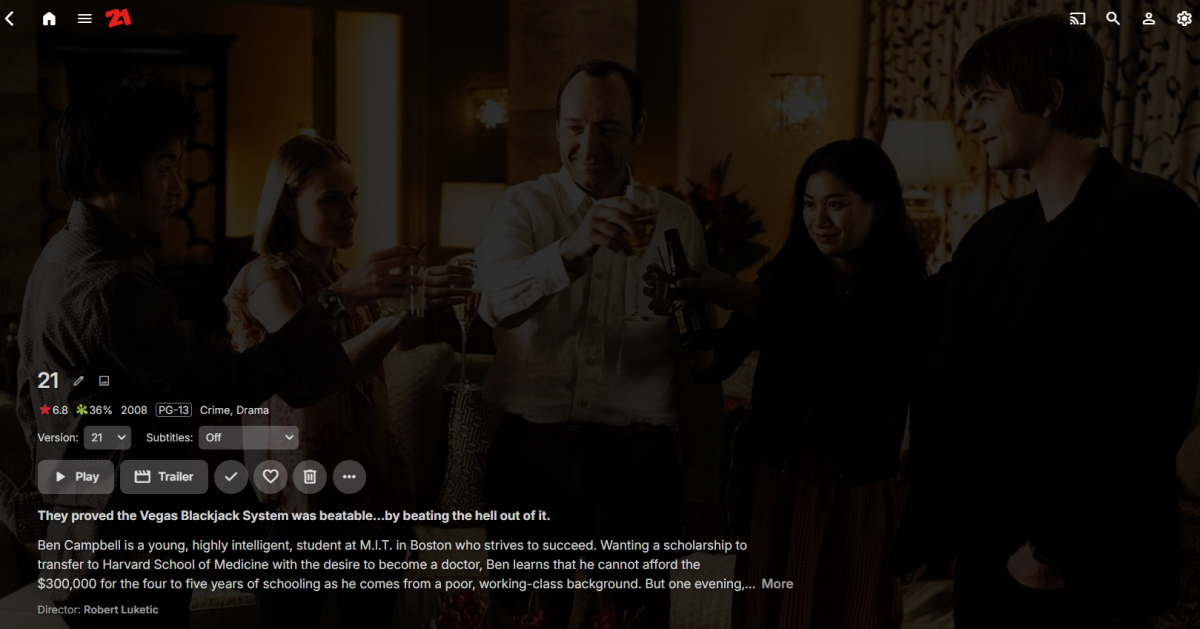
But it is difficult with every item page having more or less information on the same code. div.view-item-item .padded-top-page {position: relative; top: 50%;} But applies to all item views as there really isn't much difference for any item view.
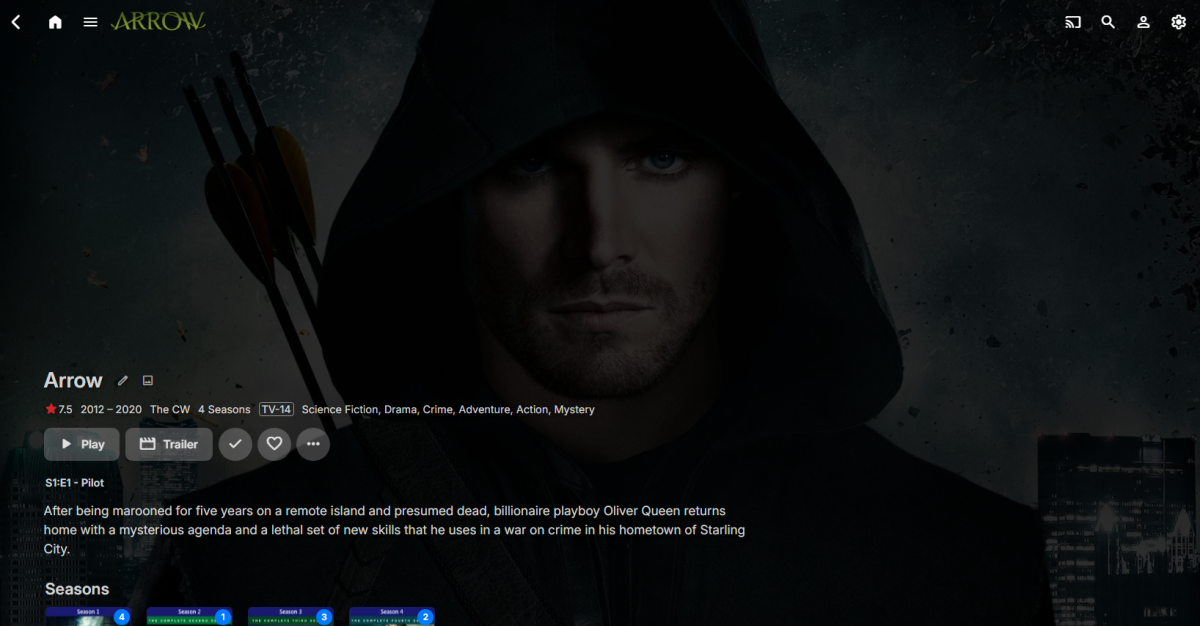
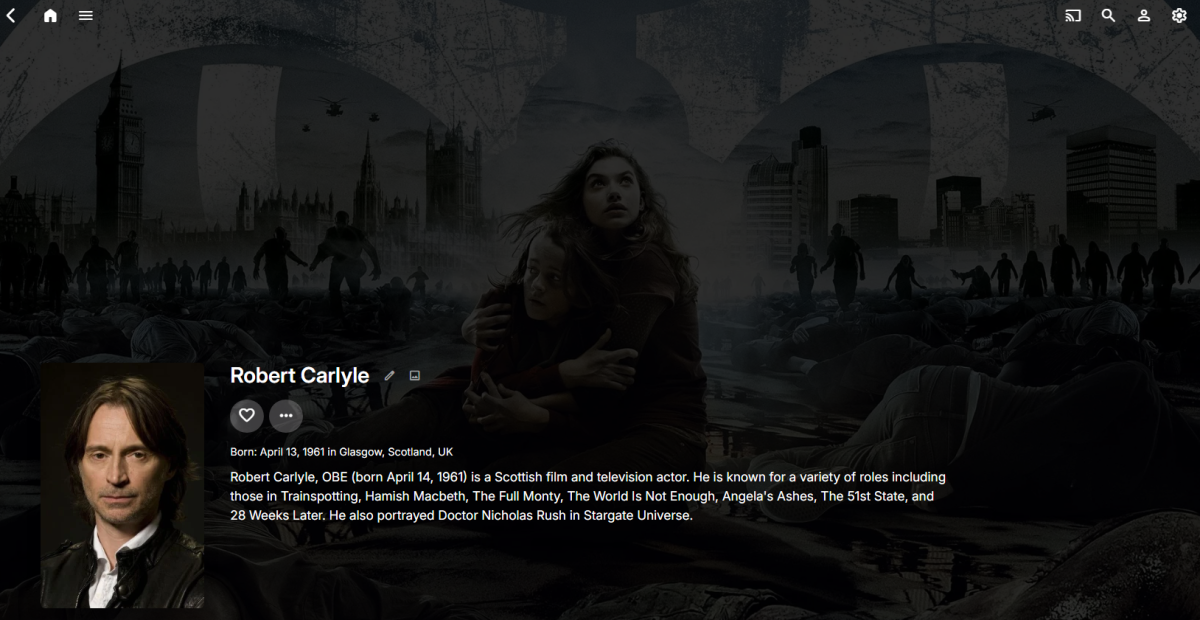 2 points
 -
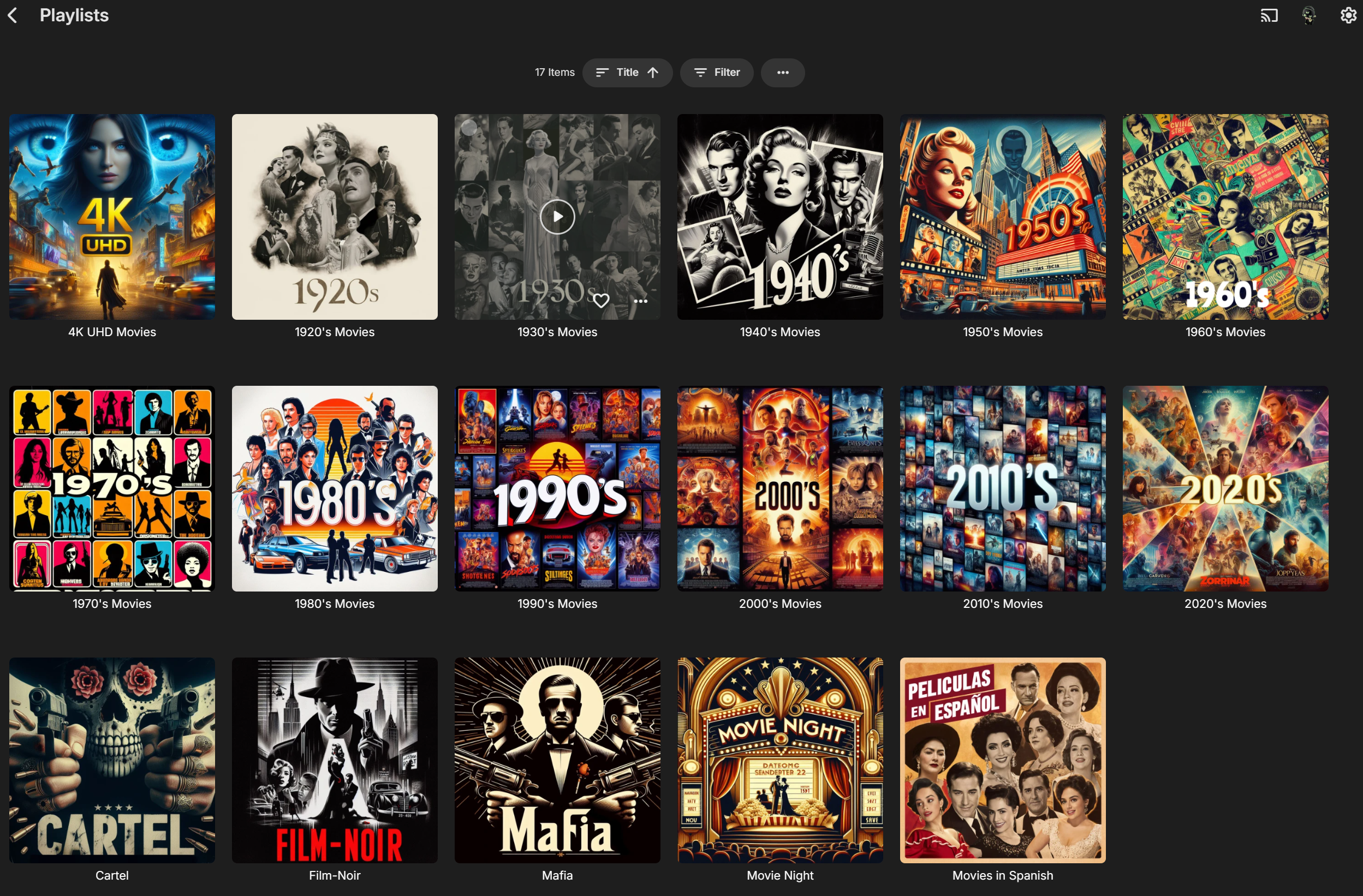
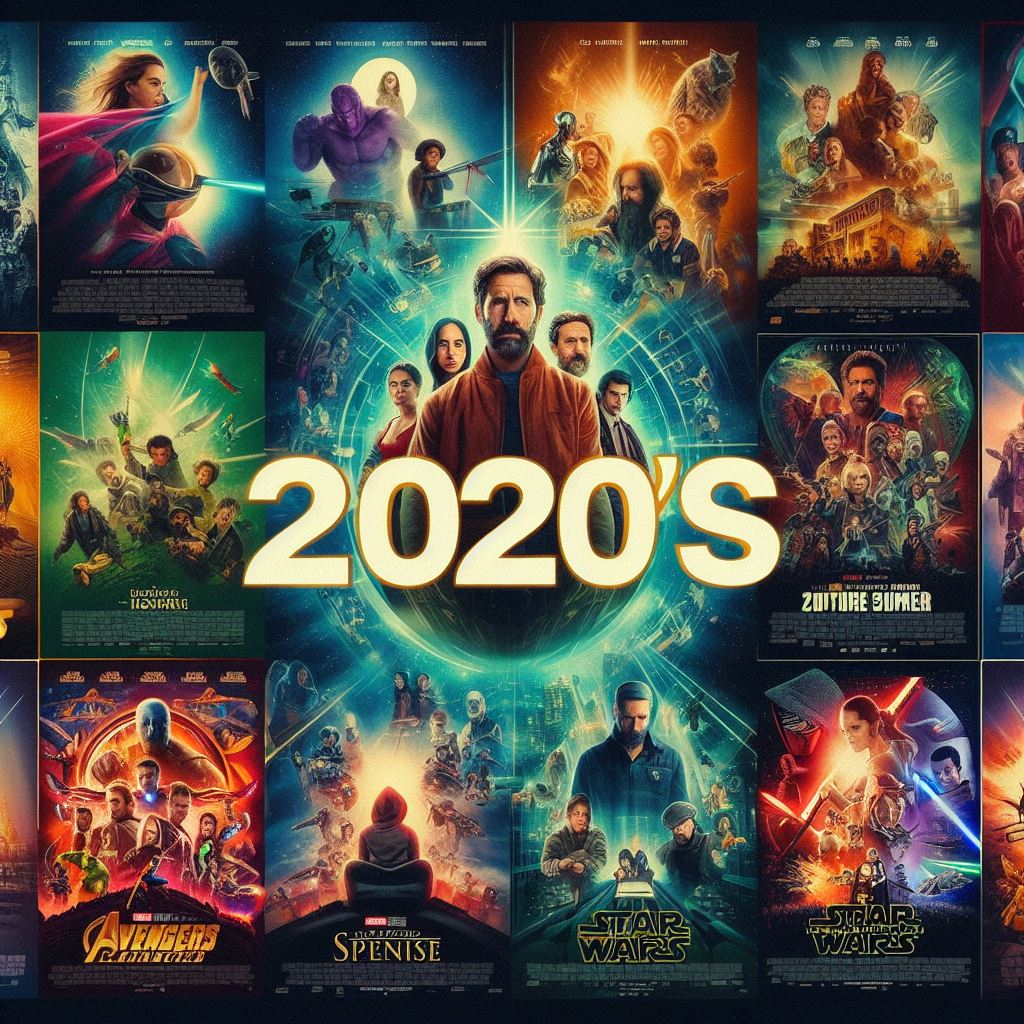
Just started fooling around with Microsoft CoPilot Image Creator because I wanted some icons for my playlists (hated how the generated default square image distorted 2:3 posters). It isn't perfect but it's pretty freakin' awesome IMHO. By default it creates square icons which is exactly what I wanted anyway, not sure if you can change that. The only thing it has problems with is generating text inside of the images it creates. So if you don't want/need text it's super easy. If you want text it might take some extra time/tries. (Separate 7z file with 1024 x 1024, 96 ppi images attached) Decades Playlist Thumbs Square.7z
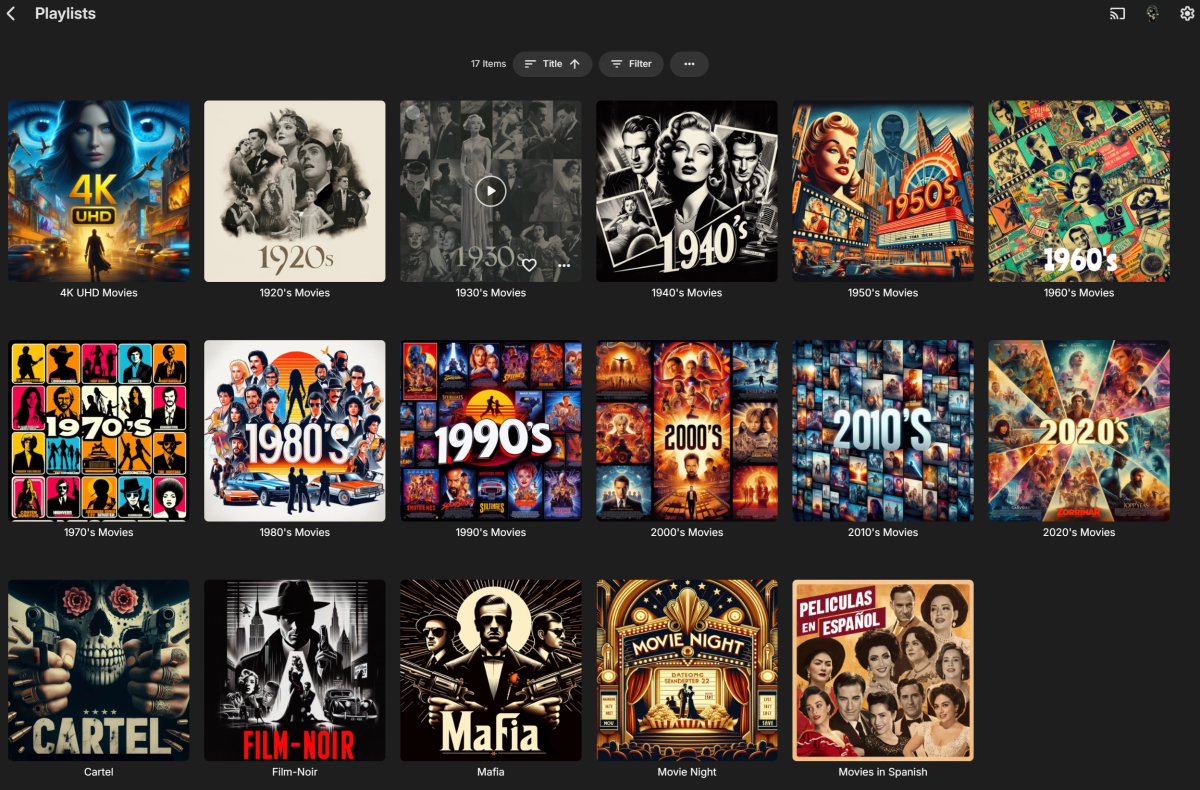






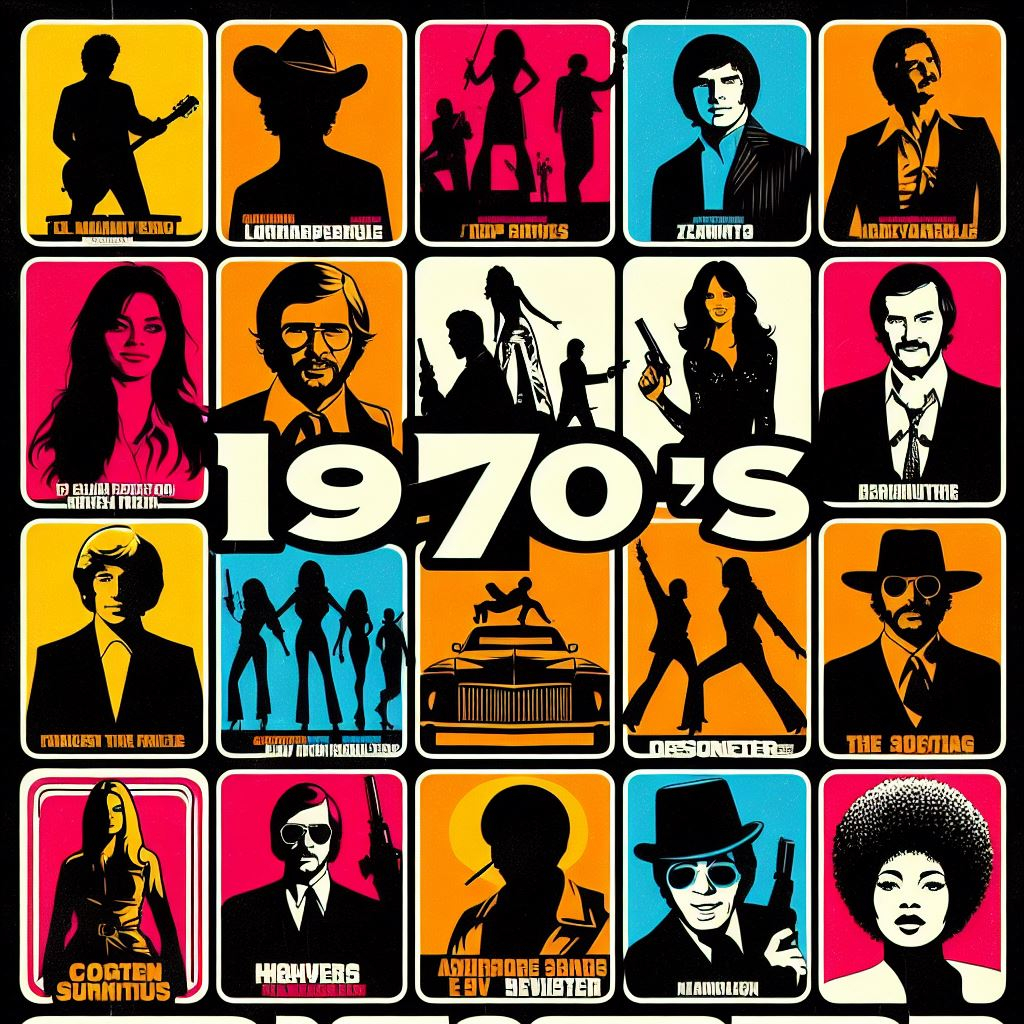
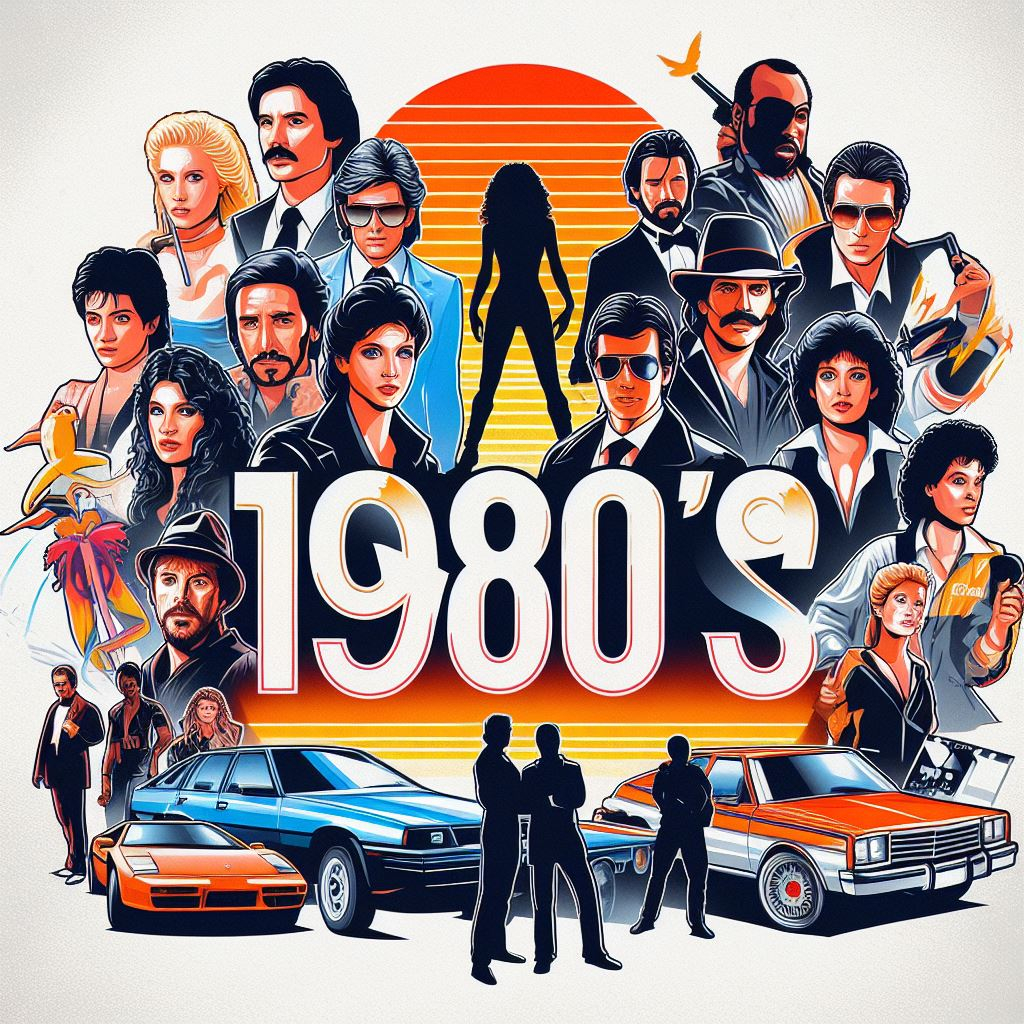
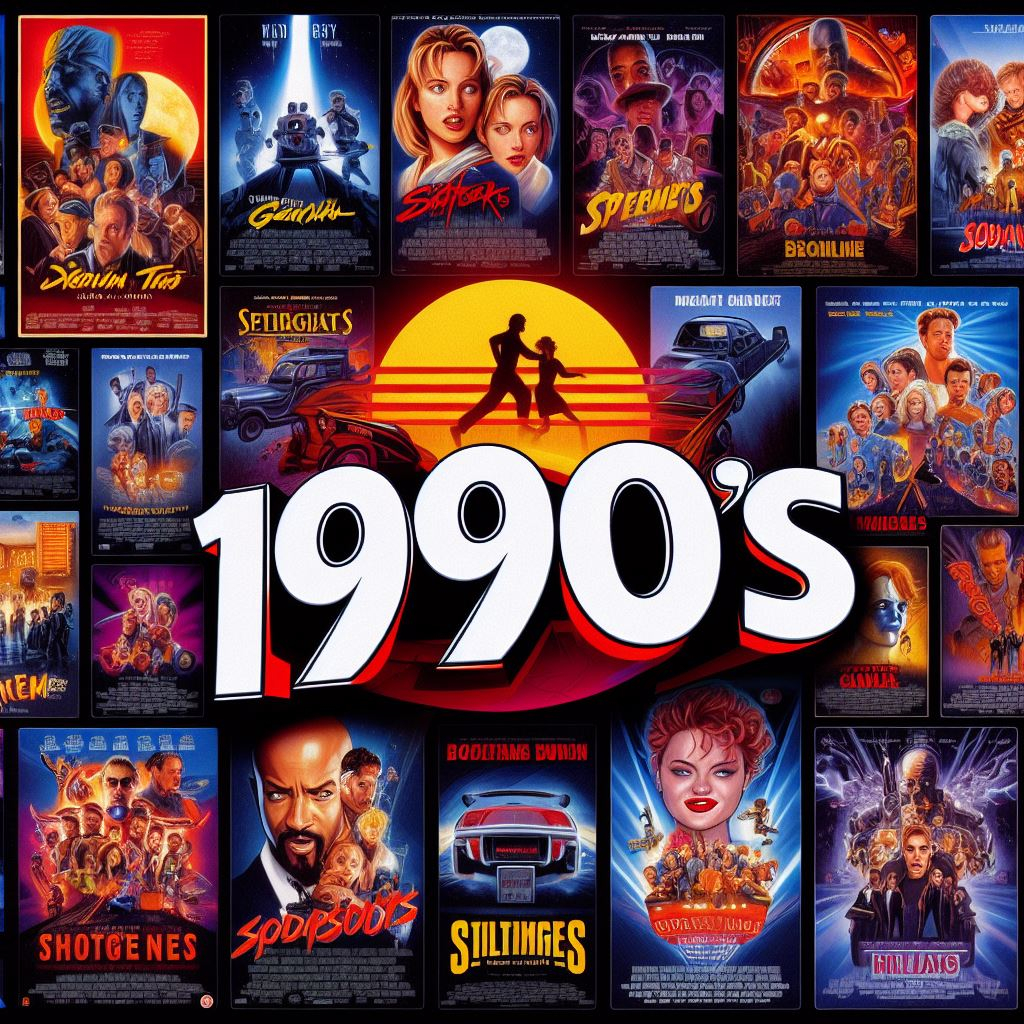
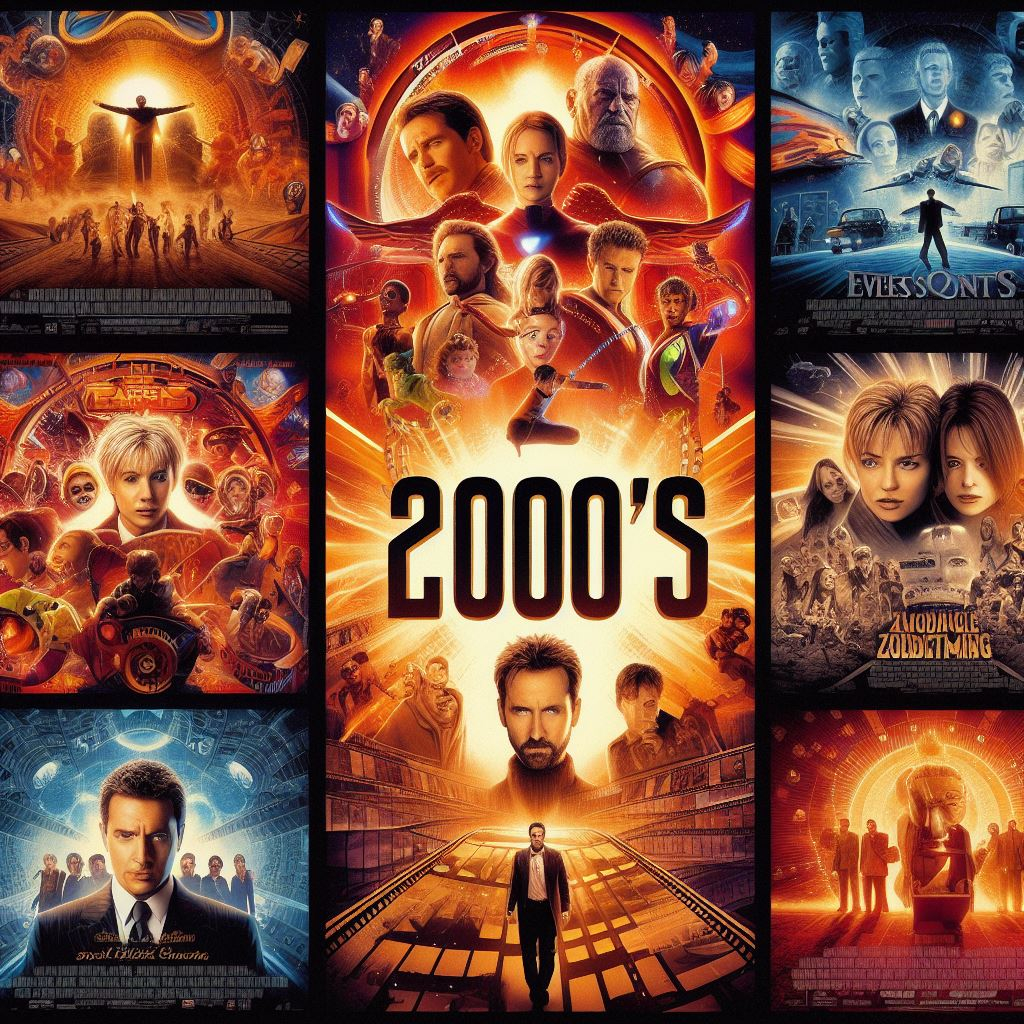
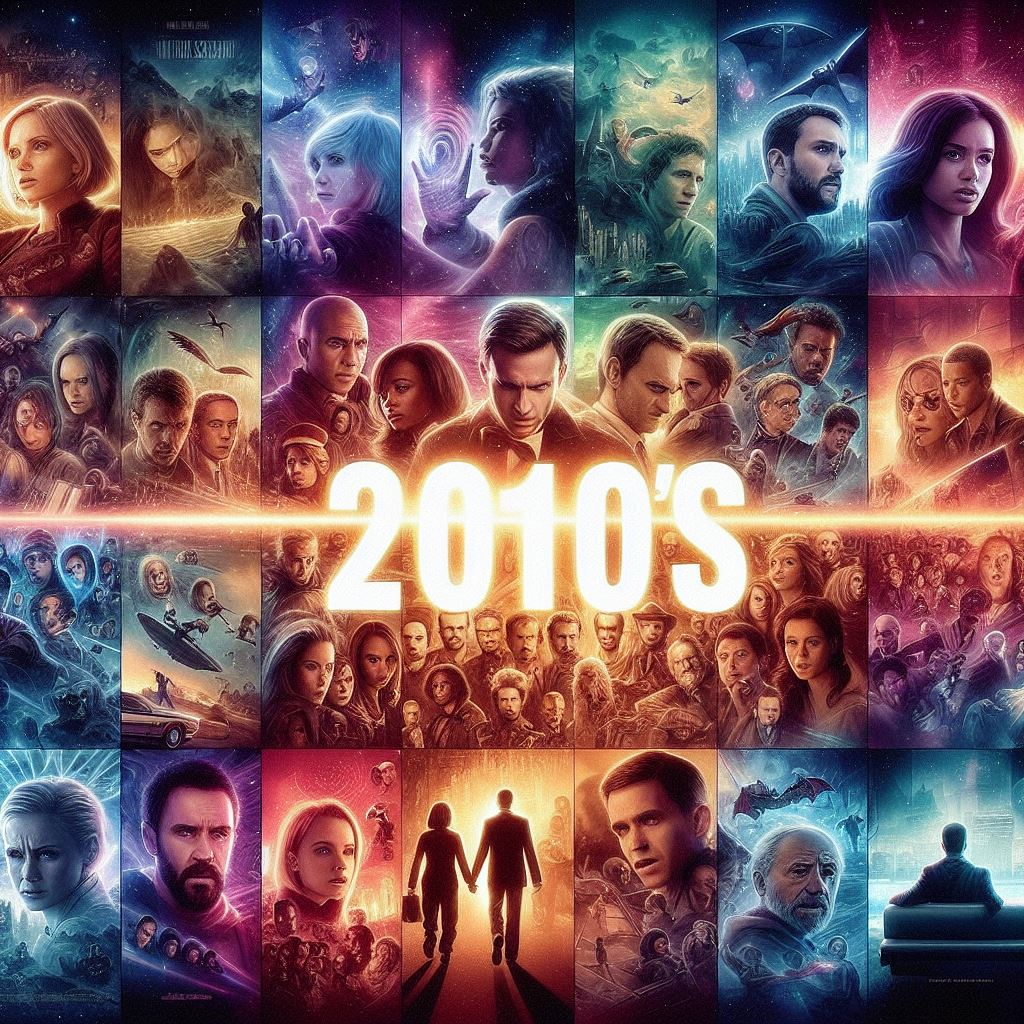




 1 point
 -
Hi all, So my MacBook only plays DV profile 5 (yay Thanks Apple, totally not a huge hassle). Which means that I have some profile 5 files, but (again thanks Apple) cannot stream them without it trigering transcoding. Not that big of an issue, i'll just open them locally. But now that I have the files anyway it would be cool if I could use them for my family. At the moment, when tonemapping begins for Profile 5, it will give the signature green and purple look. Jellyfin looks to have fixed that and I was hoping this could also come to Emby, especially snce your recent update mentioning Emby will now recognise and tag content as DV @Luke. No rush, it's not that big of a deal for me but maybe easy and nice to implement when you have the time! J1 point
-
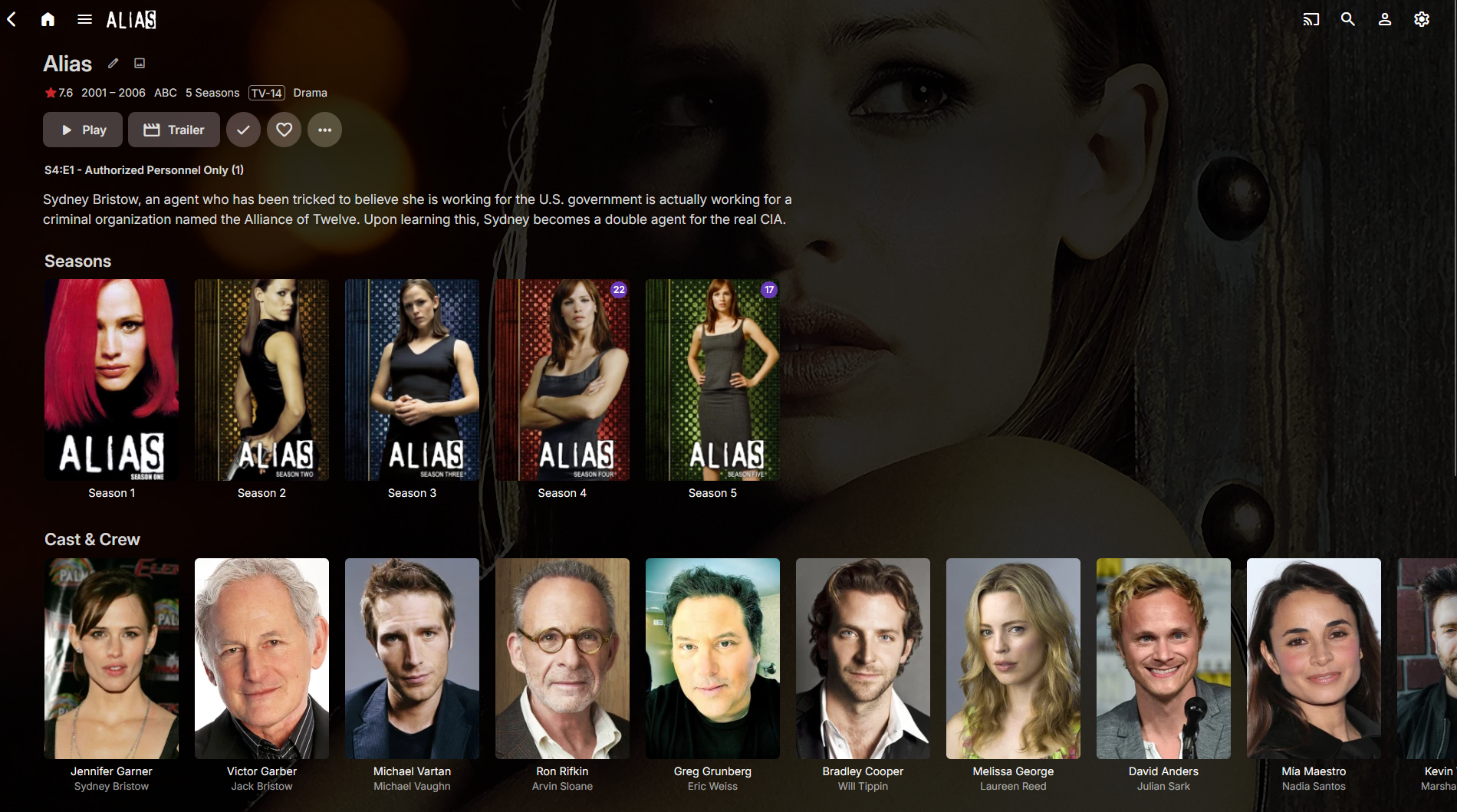
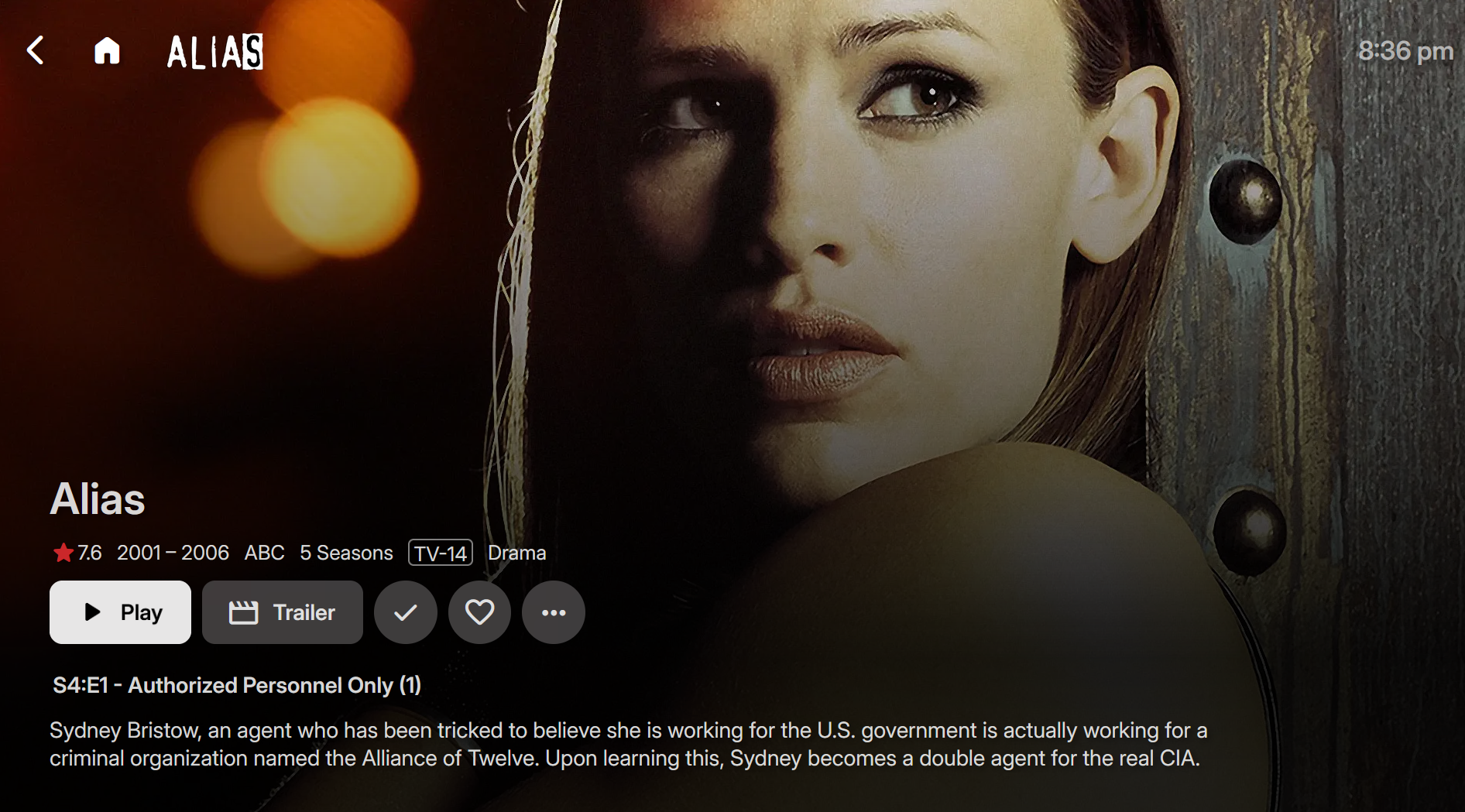
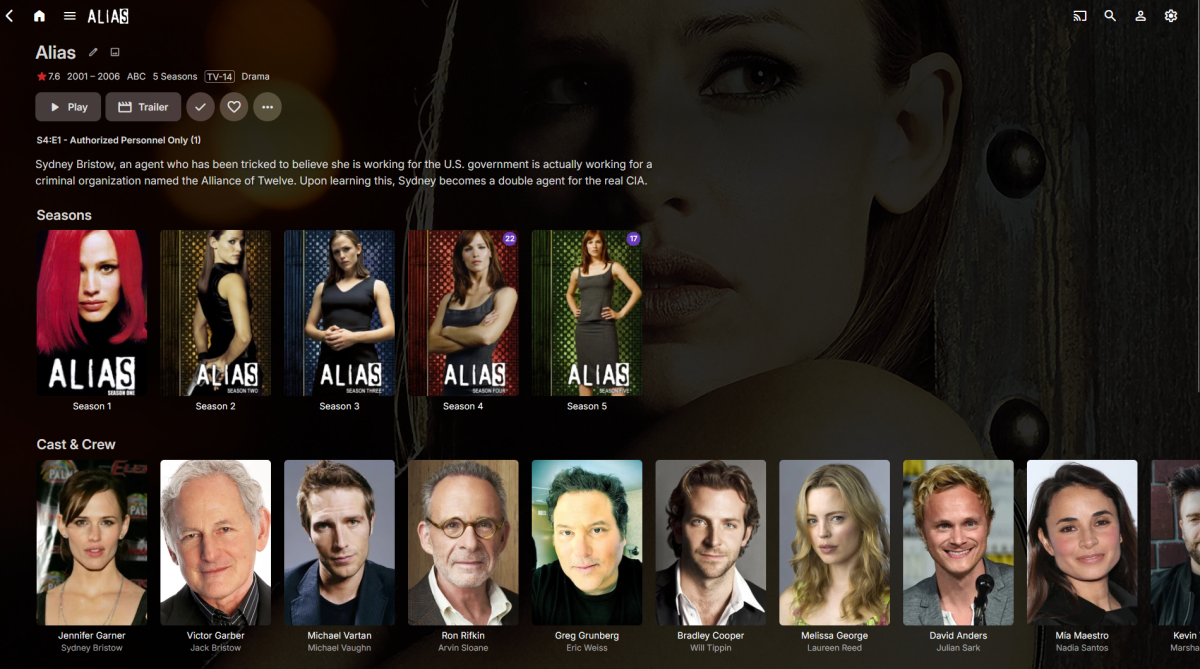
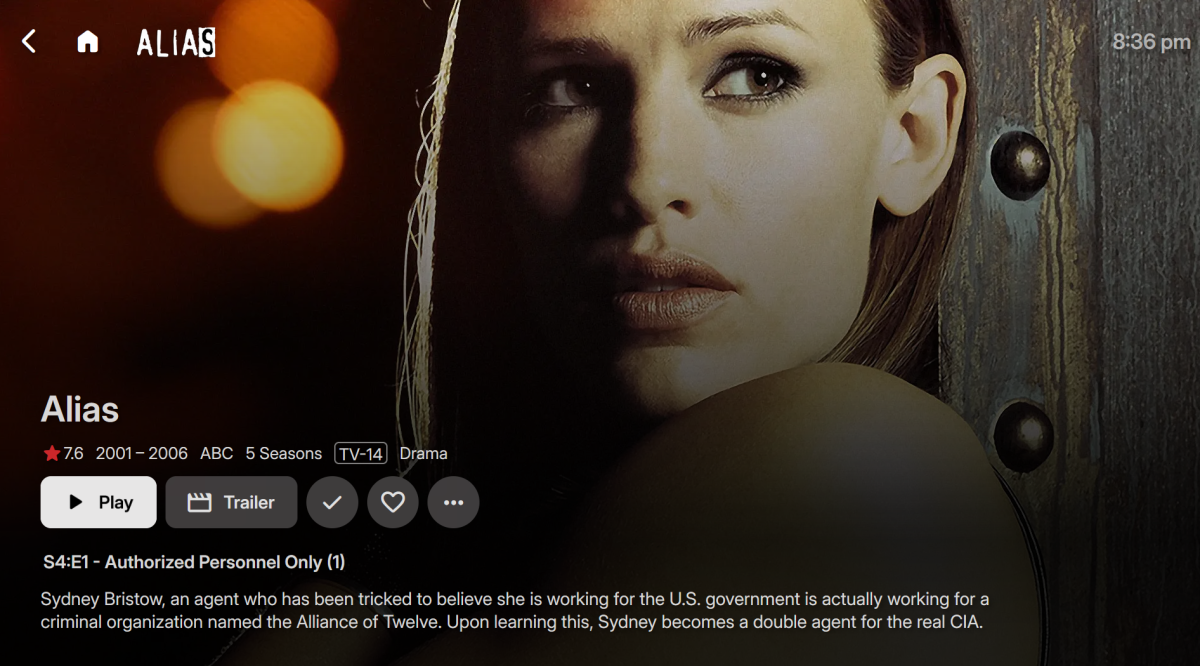
Forgive me if this has been asked here before. I tried to search for bit, but I am not even sure what I am looking for honestly. What I would like to do is add space to the top of detail view of TV shows and movies. So that I can see more of the background image. I don't want this space everywhere just on the detail page for movies and TV Shows Right now it looks like this: Ideally I would like it to look something more like this: Is this possible? I know very little, next to nothing about coding. Thanks!
 1 point
 -
While Emby already has recommendations built in based on previously watched items I find they are not all that helpful. They seem to be based on genre only, for example, because you watched a comedy here are other comedies in your library. I do like how the also directed by/appear in recommendations work though. What would be great is if Emby could incorporate Trakt's recommendations as they are much more sophisticated. Trakt's recommendations are not only based off of what you have previously watched but also what your Trakt friends and other Trakt users have watched. It takes user ratings and trending/popular media into account. Ideally Emby would include full Trakt integration allowing users to rate media after watching, view lists and recommendations, and view upcoming media all from within Emby but for now I think recommendations would be a nice addition. Trakt has the potential to give Emby that community feel and allow users to discover new media, find something to watch, and recommend media to other users. http://docs.trakt.apiary.io/#reference/recommendations1 point
-
Dear Emby developers, first of all, thank you for this great piece of software. I enjoy it even more than the clients of Amaozon or Netflix despite them having AI suggestions. Emby is a wonderful example of the benefits of open source software! Before I started using emby, I was using my primitive homemade DLNA server. So I can say, the $120 for the lifetime license was totally worth it! Unfortunately, there's only one thing I miss from my old server, and that's sorting by popularity. The TMDB API provides a popularity score for movies and TV shows (see https://developer.themoviedb.org/docs/popularity-and-trending). When requesting the details of movies (https://developer.themoviedb.org/reference/movie-details) or TV shows (https://developer.themoviedb.org/reference/tv-series-details), there is a "popularity" field in the JSON response. It is a number with no meaning of its own, but it is perfect for sorting. Would it therefore be possible to integrate sorting in the clients based on this popularity value? Another interesting thing would be sorting by trends or a trending list, but I think that would be a little more complicated to integrate. Anyway, sorting by popularity would make me very happy for now. Best, lulan1 point
-
Source ports should be blank/empty.1 point
-
My bad, forgot that. logged name is "user01"1 point
-
Are you inside your local network when testing this?1 point
-
Yes! Very good. It works just like the web app. Thanks!1 point
-
@DarkStar1977I've added your request. Tell me if that fixes the loading issue.1 point
-
Thx. To be precise: It is not working in the Browser. No matter, which one you use. The Apple App works fine.1 point
-
Thanks @crossfire13148and @DarWunThis was actually bug from the plugin rewrite a few months ago. I just pushed a fix for it.1 point
-
When you setup your library you can configure username and password to access the folder. But I would suggest instead of that to mount it to a local path on the machine and then use the local path with Emby.1 point
-
@hackthis02I see the same with the Statistics Plugin including specials in the total number of episodes for a series instead of identifying specials as "+x sp" like it used to. I didn't realize that until reading @crossfire13148's post and checking the user-based show progress. I hadn't noticed it previously as some series in the list do have "+x sp" identified. I checked those series, and for all of them one or more of the specials has been played to completion. "+x" is only the number of specials played, not the total number of episodes in the library. Here is an example: I have five seasons of Babylon 5 with 22 episodes per season and eight specials. Statistics reports 22*5+8=118 as the total number of episodes. It didn't report any specials initially. But after I watched the first special, which is a pilot movie, Statistics showed "+1 sp". It still showed the total number of episodes as being 118.
 1 point
 -
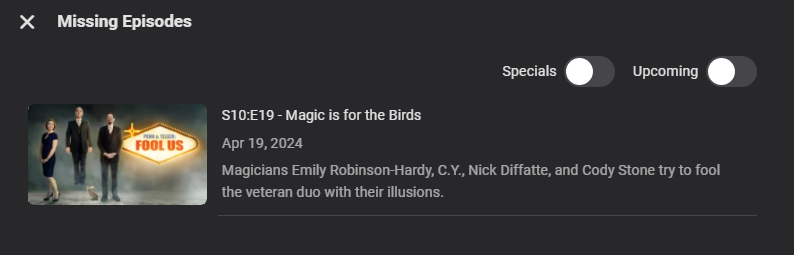
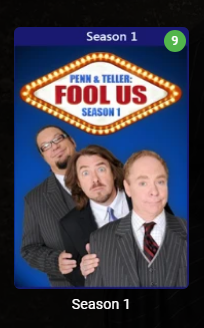
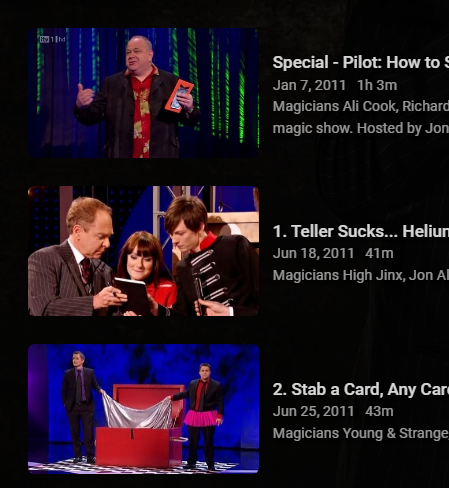
seeing this: But stats showing this: i am in fact missing S10E19, but i only have 148 actual episodes, but i do have 2 additional specials.... stats seems to be once again counting specials in the number of episodes.... this also happened previously too, notice it doesnt say "148/148 + 2SP" like it used to! This was also the same time it seems that the "show specials inthe seasons in which they aired" option also dissappeard.... which means a season that would only have 8 episodes, like fool us season 1, Now shows the count at 9 files in the season, as it is placing the special in both specials AND season 1 so the question here is: is this Stats being broken, or is this a by product of losing the ability to hide specials in the season folders? i am thinking it is a little of both, as stats is missing the SP count, as well as emby itself showing extra episodes (the specials) in season folders, something we used to be able to turn off. this combo has broken my stats, and broken me trying to keep my shows updated, as now i dont know what is not complete. The only fixes i have are to remove all the specials (which would destroy the show, case in point Dr Who, where the specials bridge gaps between seasons) or just have to go show by show (current count 627 shows) and check for missing episodes (making sure to click upcoming, because of the previous issue described above) which would have to be frequent to keep shows up to date. neither option makes sense on a server that is pretty much automated... and still do not know why the "show in season folder" option was removed, and the thread complaining about that choice is growing too.... so respectfully, now what?

 1 point
 -
The 1984 movie with "Sting" LOL. That was bad! The TV mini series on Syfy crapped all over that! The new movie series by Denis Villeneuve is far better, plus we have one more movie to come to complete the series much like the TV mini series.1 point
-
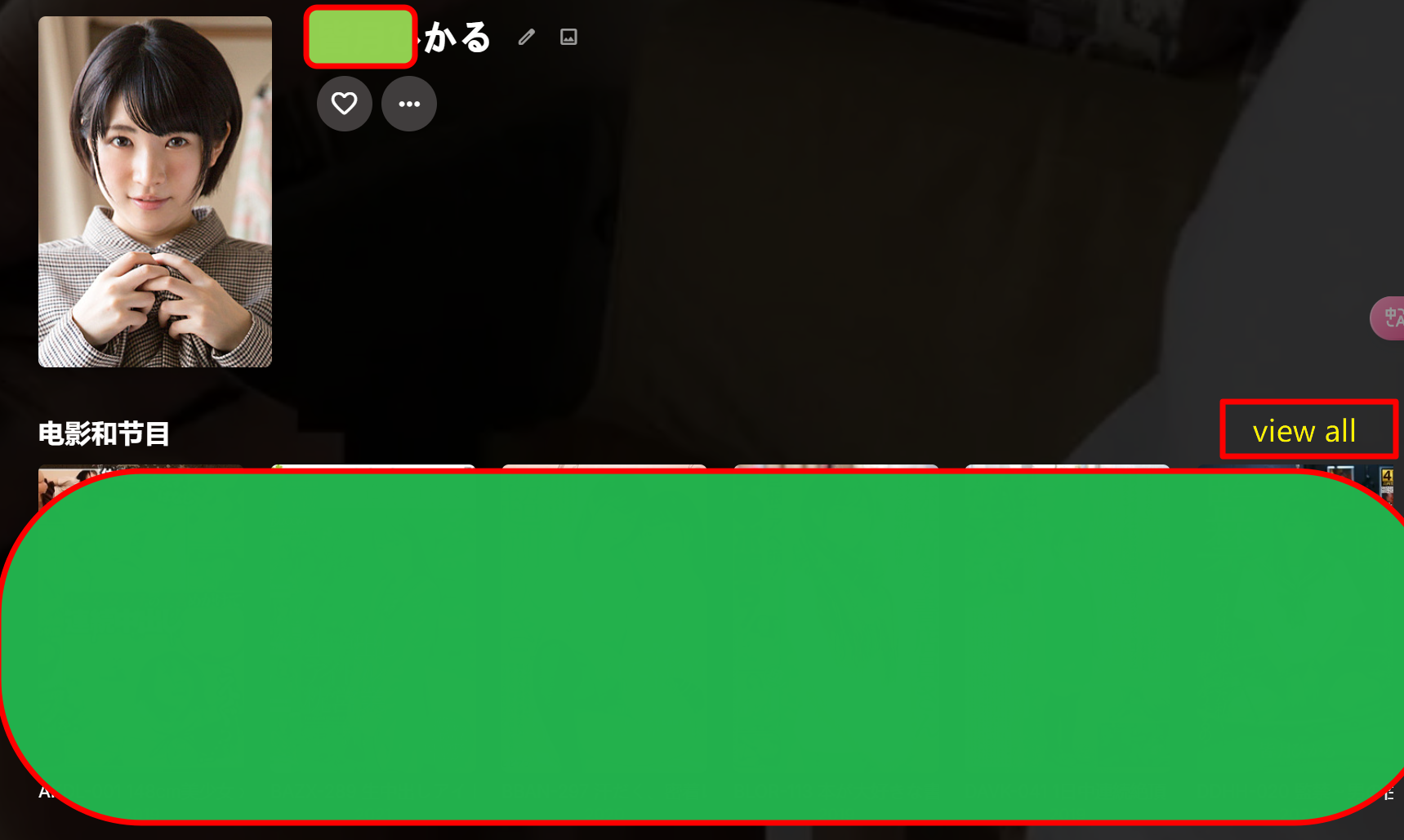
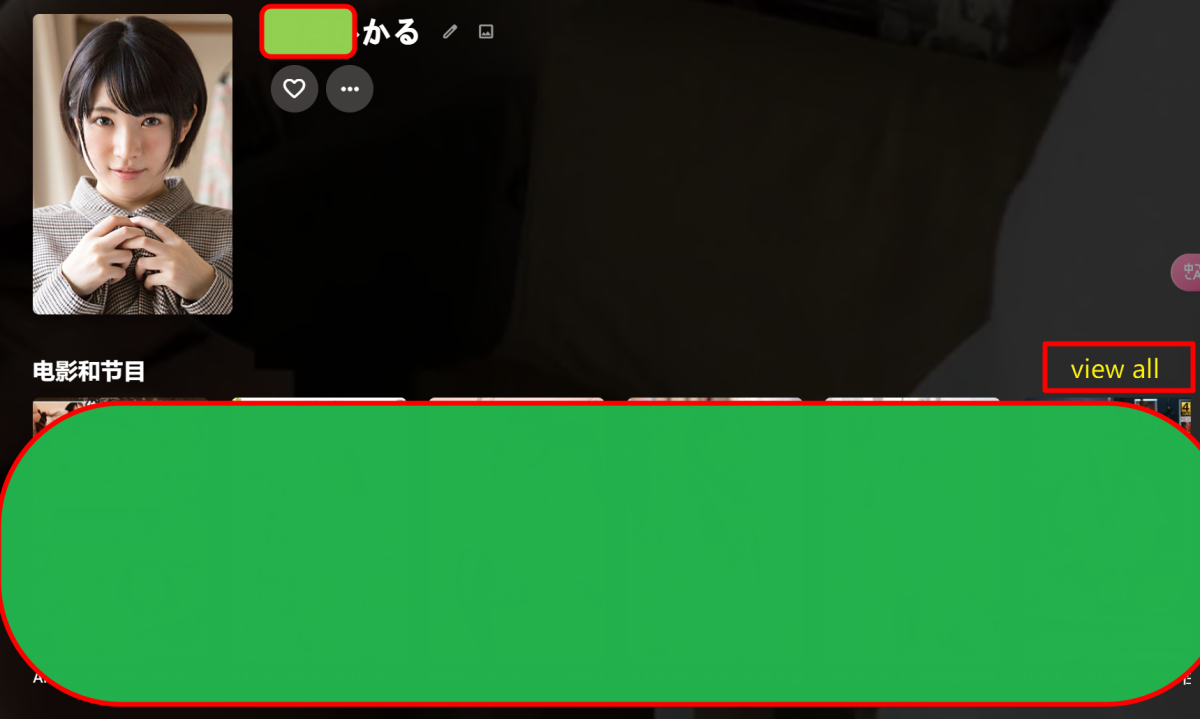
If the “View All” button in the actor list is not changed back, I will delete emby forever. I believe that for users who have a large number of video management needs, frequently changing the actor list function will cause you to lose a lot of users. If you don't care, , then you can continue to change it. No need to reply to me, I will check for the next update. If the actor details page still cannot waterfall view all the actor's works, then goodbye! Why don’t you so-called product managers know how to simplify the complex and increase user operations? ---------- using Google Translate
 1 point
 -
Thanks.1 point
-
Already found the error. It's a permission problem of the share to the NAS. Western Digital grants only read permissions with public shares, no write permissions. Will Emby support NTLM auth for SMB shares in the future? As I see in the code that there is already a NTLM auth variable in the function.1 point
-
Just saw an update for Emby Theater on Xbox and since Luke stated it was coming soon I had a feeling this was it. Tested a 4K movie on Series X, worked like a charm! Thanks Luke!1 point
-
Yes but remember it only applies to the local web client not online or any other client/app.1 point
-
[sorry ignore this - wrong post]1 point
-
Sorry all ! I just see i got answers here. I subscribed to a service and i don't have any control on the medias. In fact it seems to be better since one week, they maybe do something after i contact them about this problem. (they told me they corrected something but i don't know what) I think my problem was not about the application but the server. Thanks a lot all and sorry to not have answered before.1 point
-
@Smitty018210Have you looked here? But it is more of everywhere. But will look for some specific code for you.1 point
-
This fixed it: For some reason I had subtitle on the fly extraction disabled. In theory subs should still work with it disabled (by using transcoding), but anyway... Once enabled, subs are working on the LG app. You can close it.1 point
-
Hi, yes, for new entries added going forward.1 point
-
RC6 uploaded. One change: add option to write log output to a file. Sorry, no log rotation capabilities. The only thing left on my todo list is to reimplement the audit commands so you can see why a file is failing and to update the wiki pages with some more examples. Neither task is particularly "fun" so they might be awhile. Please give RC6 a test run and report any issues.1 point
-
It sounds like you need to setup an ARR stack... Sonarr and Radarr are great for managing files and naming them properly.1 point
-
I would statically assign an ip to the host or in your router do a dhcp reservation for the server.1 point
-
More options are certainly possible. The problem when we make the sections really long vertically is that many users never realize that there's more content underneath, and then they come back and report that they can't find things.1 point
-
Retesting this appears original Resolution is used in beta 4.9.0.14.
 1 point
 -
Hi, the fix that is in the beta channel will be backported to stable in Emby Server 4.8.6+. Thanks.1 point
-
@hackthis02 I can confirm that version 3.2.1.0 resolves this issue and even seems that load faster the "user-based show progress" screen, despite the issues with missing episodes we discussed are still present, thanks.1 point
-
Try this setting, guess you mean web app. Since you didn't specify.
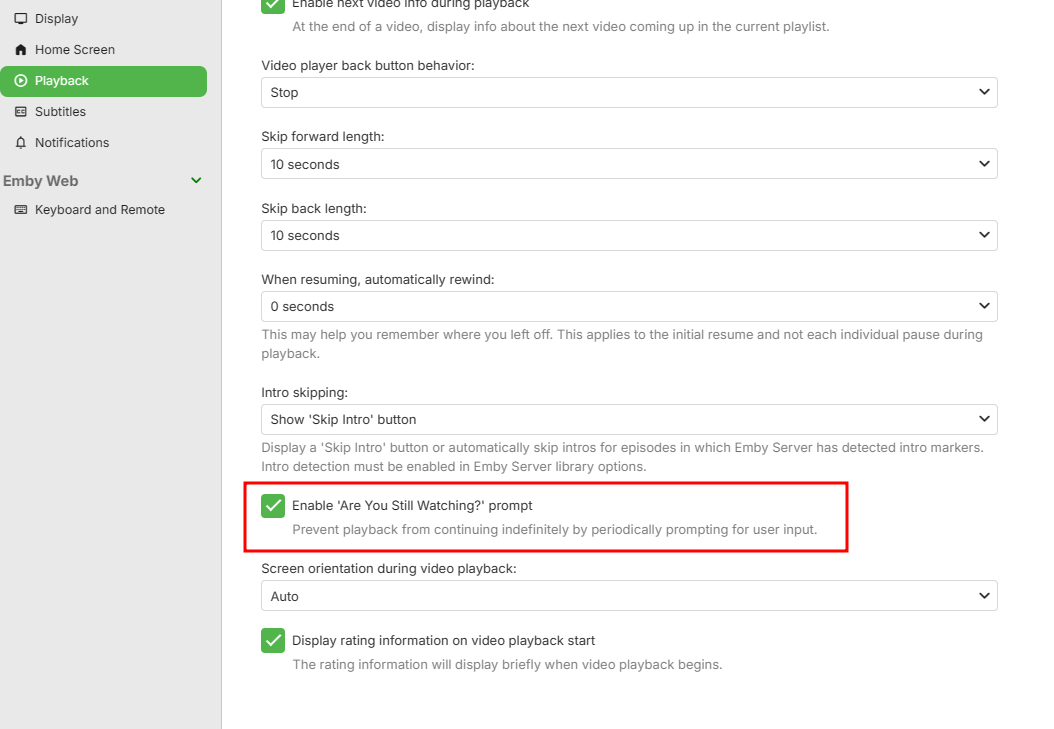 1 point
 -
I'm normally happy enough to update after a quick check of the forums after a release, but 4.8.x made me hold off for far longer than I usually do, based off of a few common issues people were posting about.1 point
-
Yeah. I don't really expect problems but releasing updates days apart points to what @rbjtech mentioned and does invite the introduction of problems. Besides, though I haven't been using Emby for that long, only since v3.3.x, there hasn't been an update with something I needed or wanted and couldn't wait for. I do appreciate the improvements but waiting for it to fully bake wasn't a big deal.1 point
-
Removing is no improvement unless you have the replacement done. This is at least twice things have been removed before the replacement is implemented. Poor programming.1 point
-
I moved to 4.8.5.0 on my main server and didn't have any issues. Funny how scared everyone is of updating given previous problems.1 point
-
Hi, yes the missing > button is resolved for the next release. Thanks.1 point
-
Hello Lads, Step 1: I have setup DDNS, just chose one free from the internet and gave it a go. I did not have to add any additional port forwarding information (info for the newbies). Step 2: After this I went to my FireTV Stick (4KMax) and tested with URL and it worked. Step 3: I changed my external IP address/renewed. After I got a new IP I could not login to Emby Server anymore cause DNS entry did not match of course. I know this just wanted to make sure it does not work anymore. Step 4: I updated the DDNS entry, it is a simple WGET command that my DDNS provider supports. I takes about a minute or two for changes to take effect. Step 5: I went back to my FireTV Stick and TAA-DAA, it works again. Step 6: Go back to old FireTV Stick app from Amazon store. (I uninstalled sideloaded app and installed the appstore one) Step 7: Enter URL again and TAA-DAA, it still works. I guess ebr was right, there is a problem with the IP changing however, putting in the correct IP still does not work. So I guess there is a problem there with the AppStore app, URL works, IP doesn't. Sidenote: This was all needed because I could not reach emby server from the Internet, with LAN I had no such issues. I would like to thank all of you guys for your support and ebr for his great idea for a DDNS, I would not have thought of that so quickly if not for your suggestion!1 point
-
@Happy2Play@Luke It seems I've been a little bit of an idiot concerning the -canvas_size:s:1 substitution... As I inspected the used ffmpeg command in my logs, I noticed that it contained -canvas_size:s:0 instead of -canvas_size:s:1. After changing that in command substitution using the Diagnostic plugin I can now reliably get the subtitles to show up correctly. Log attached of a successful encode using these options. Thank you so very much for this! This allows the server to be used for it's intended purpose for now at least, until Luke and the team find a solution to this problem. ffmpeg-transcode-Diagnostic_Resize_Works.txt1 point
-
Ugh. @Lukecan you please make the necessary changes with group by media type? 1- Add seasons back 2-Split movies and shows into their own groups. 3-Add an option to view all items like in ATV1 point
-
I'm experiencing a green tint issue when playing HDR videos directly on iOS and iPadOS. @Luke, I understand you have many other responsibilities, but this seems like a high-priority issue. I would appreciate a prompt resolution.1 point
-
Thanks Sammy, but it's not DV material, just BT 709 1600x900 abbv.txt1 point
-
Hello, just visited the forums to say this: search on my apple tv 4k doesn't work anymore since the last update i think. Exact same behaviour : If I type in keywords or even just select the suggested keywords under the search, it searches (the little search animation is working) without ever finding anything Still works on other devices.1 point
-
Any news here? It would really push EMBY over all the other Media Apps.1 point
-
Yes it is, but if you want to save money, just buy an Intel Arc GPU.1 point
-
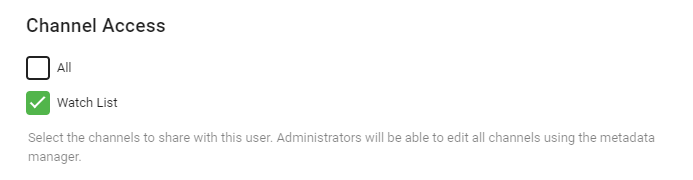
It should appear as a fully configurable 'row/channel'. This is what I'm working towards - the contents are read from the 'Watchlist' which is a private Playlist ...
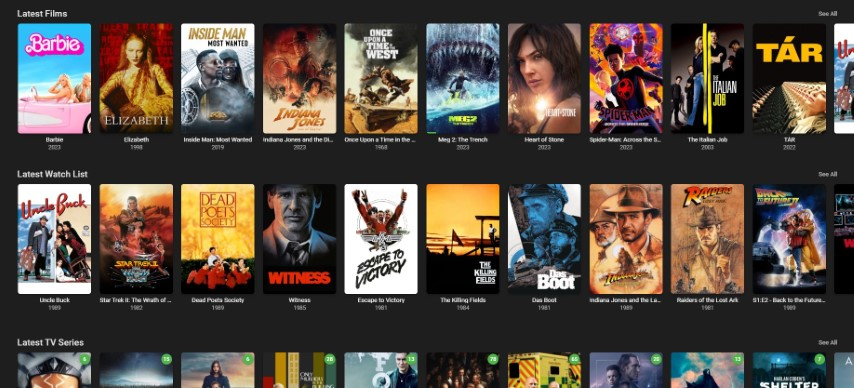 1 point