Leaderboard




Popular Content
Showing content with the highest reputation on 04/04/24 in Posts
-
Yes, that will work. Alternatively you can write it like this: Romance && !(Action || Horror) Next time ask your questions in the proper thread2 points
-
Hey @LukeJust tested this and all is working correctly! Thank you very much to you and the team. My wife pointed this bug out to me initially so she's also quite pleased2 points
-
Thanks @darkassassin07! I'm now able to see it switch between the remote address and the local one. On Android, if I click my avatar > Change Server I see my local IP address while connected over WiFi. If I turn off the WiFi on my phone, and go to Change Server, I now see it shows up with my remote address/route (domain). This is very cool Thanks again everyone!2 points
-
Imho every app on every device, except browsers, should require Premiere! Why should owners of a Sony TV do need Premiere, but not the owners of LG or Samsung?2 points
-
Here are 4 pre-rolls I created using Motion Array templates. (I have a subscription.) Emby-Dark-Tear.mp4 Emby-Explosion.mp4 Emby-Fire-Explosion.mp4 Emby-Space-Trails.mp41 point
-
Dear Developers I have now decided that I willing to pay to get this bug/feature prioritized. Because my alternative is to pay for Infuse, and I'd rather give you the money. How can I take this forward? Is there anyone else who would be willing to donate to get this issue prioritized and fixed? Many Thanks Stephen1 point
-
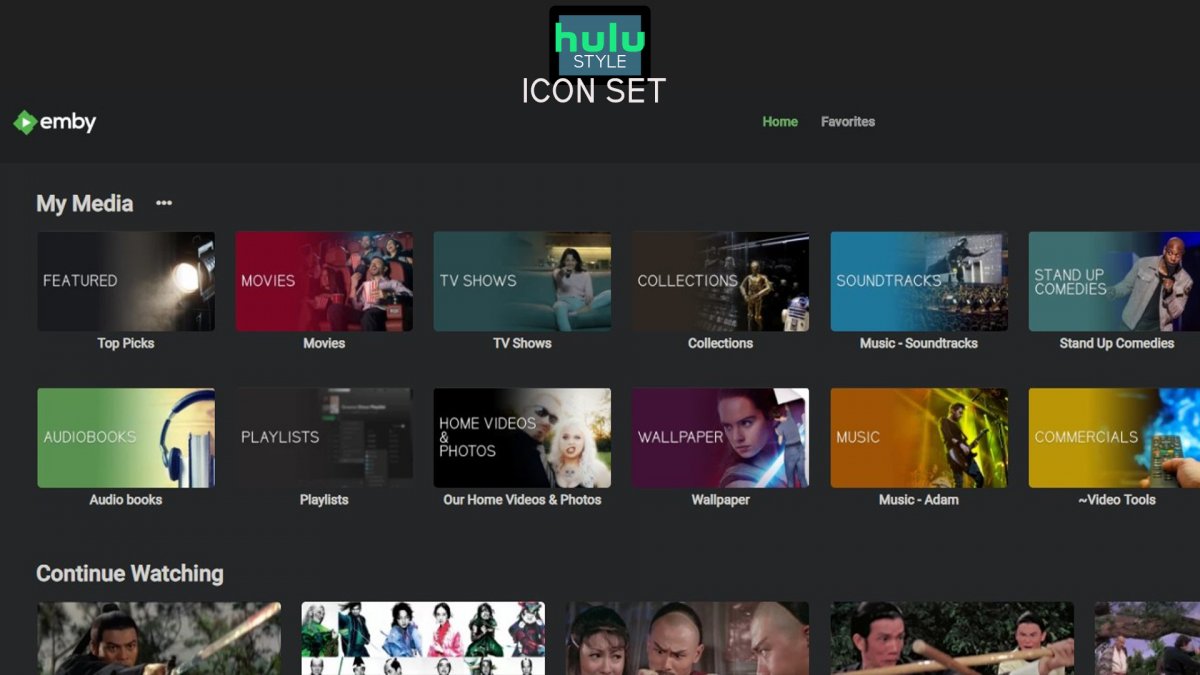
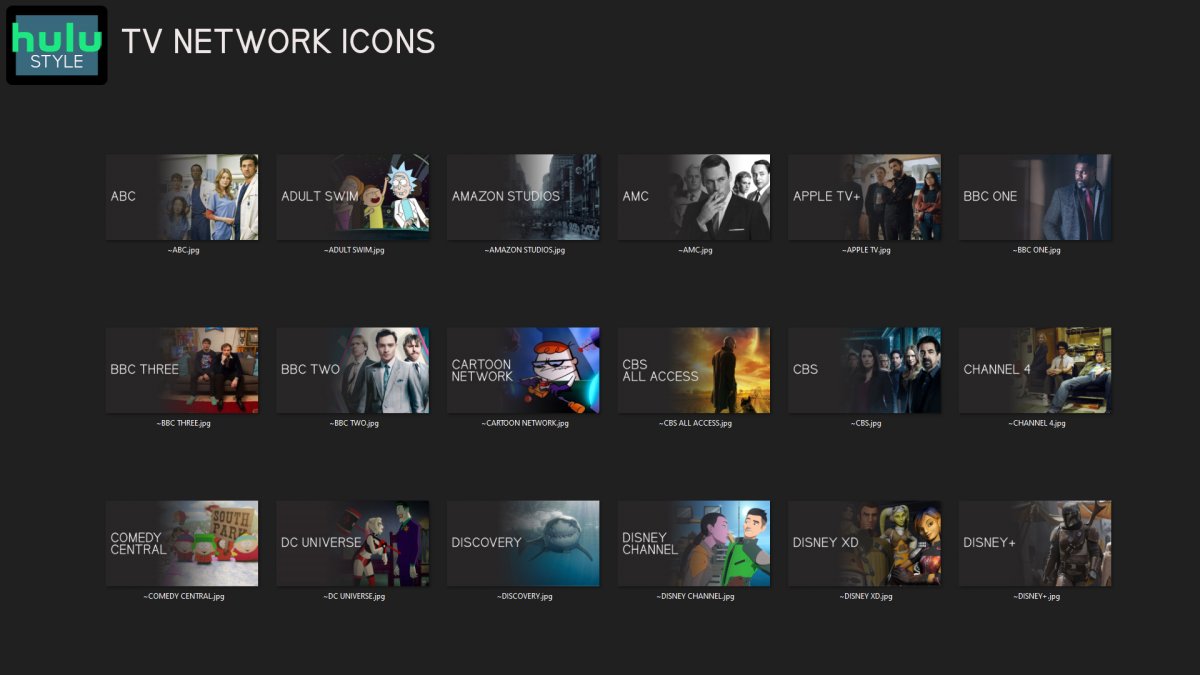
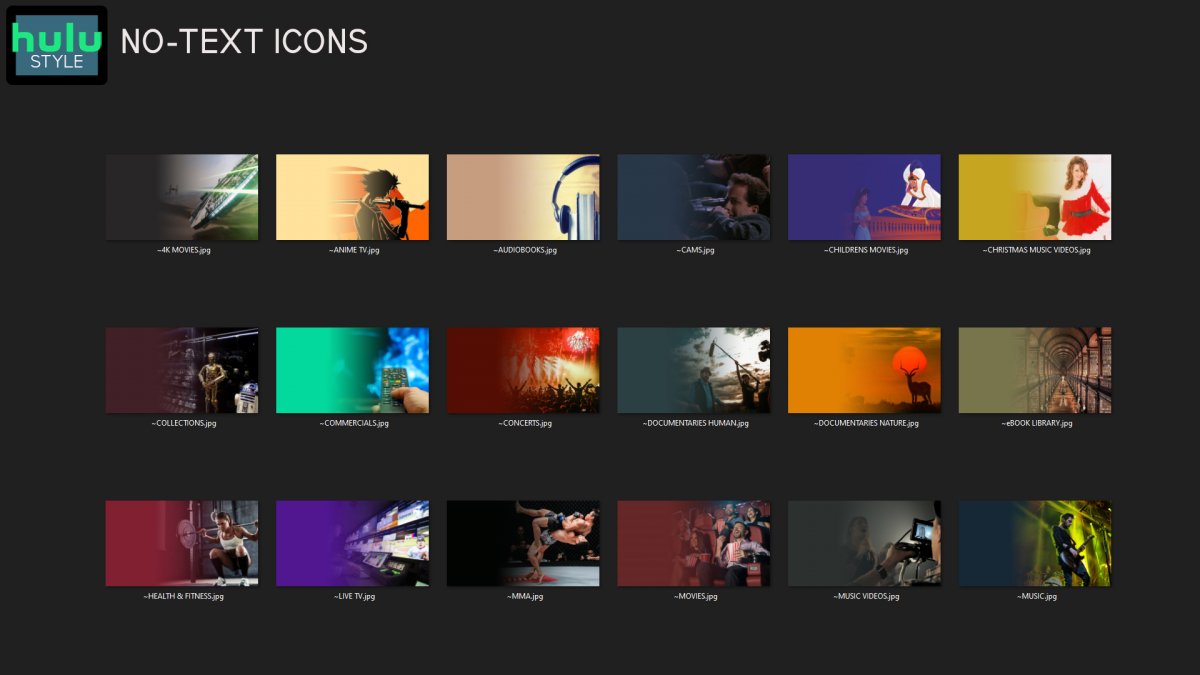
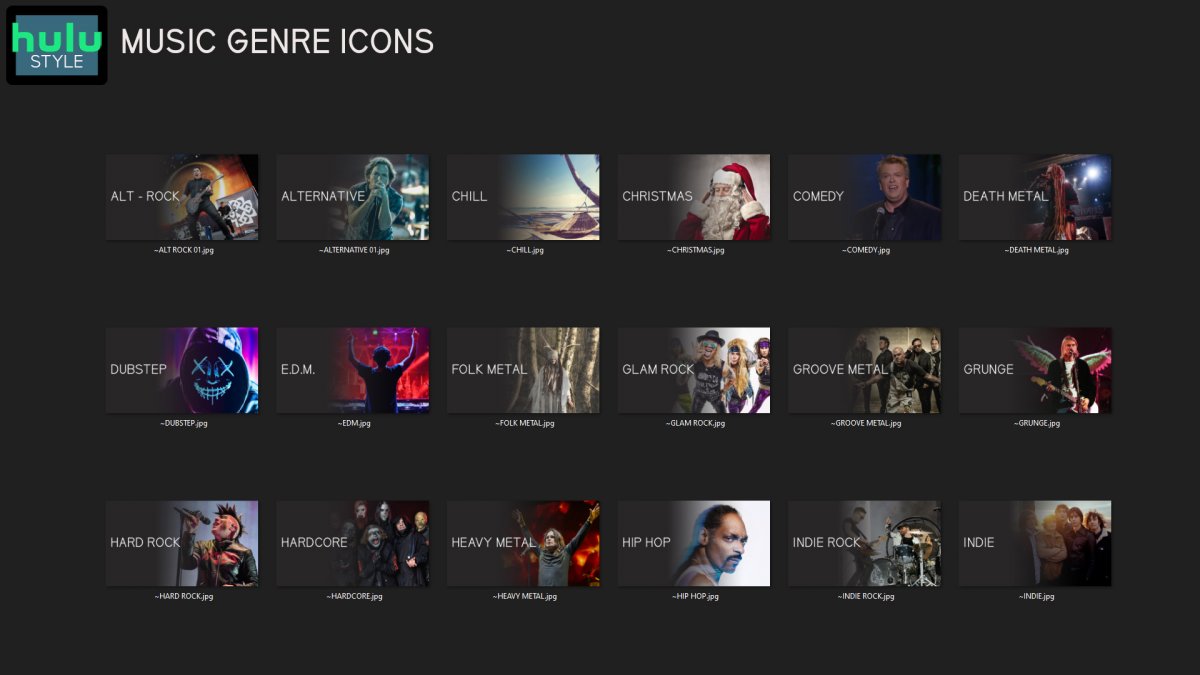
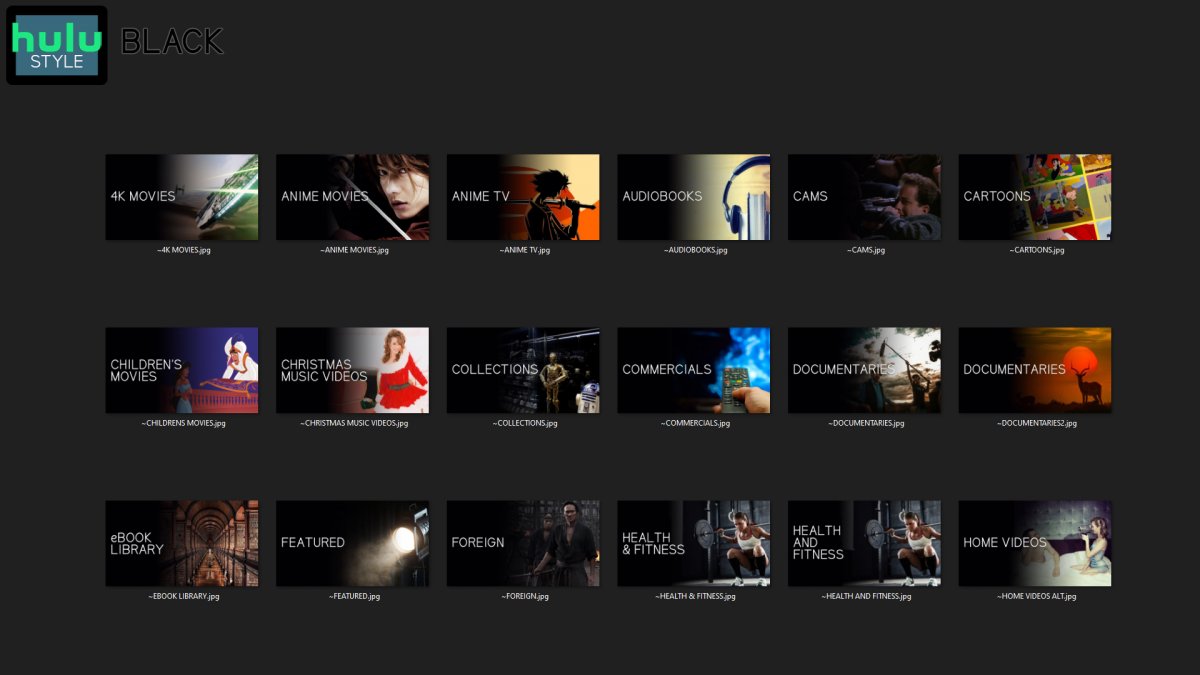
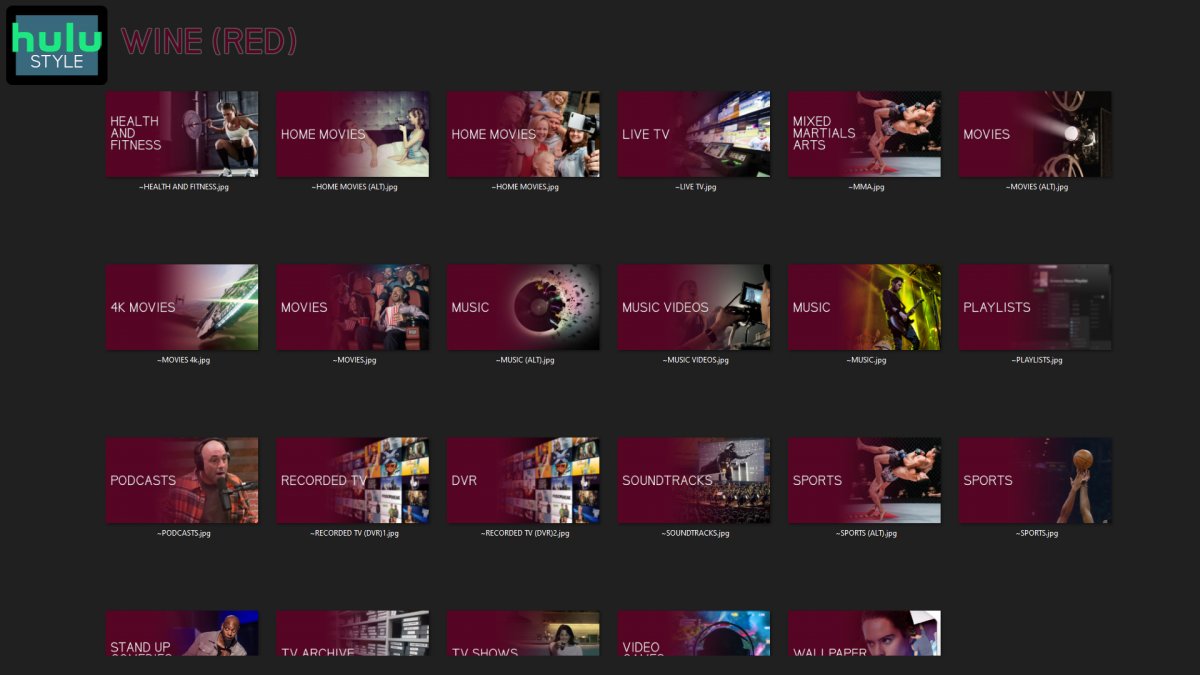
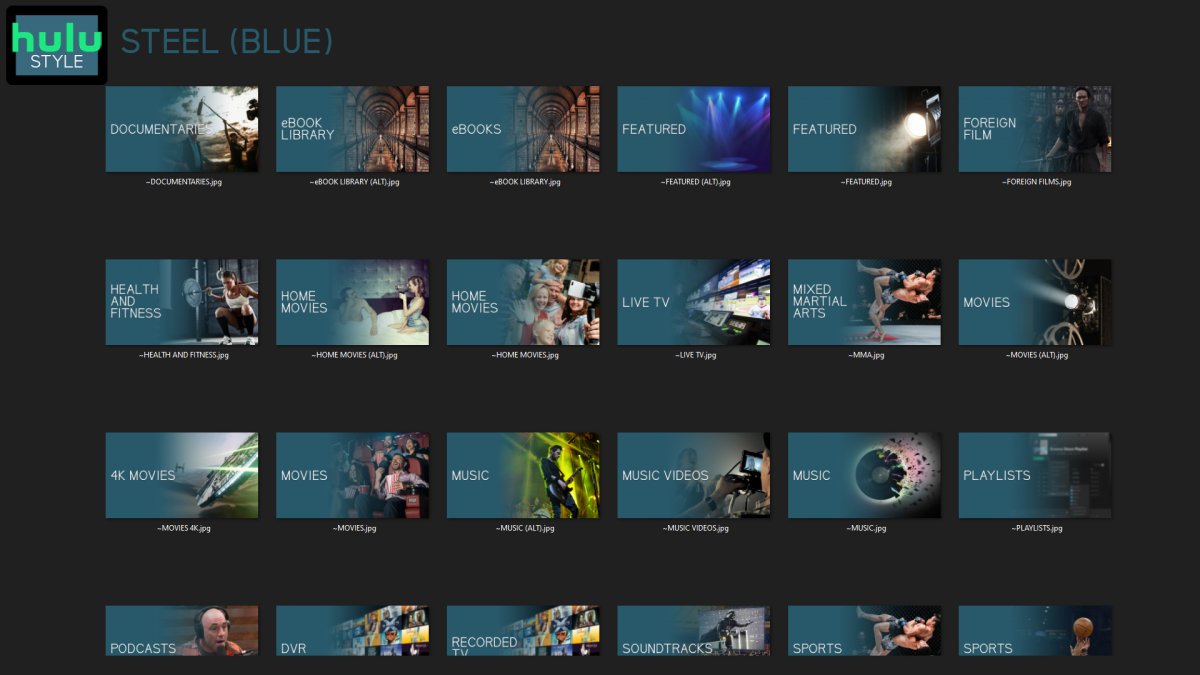
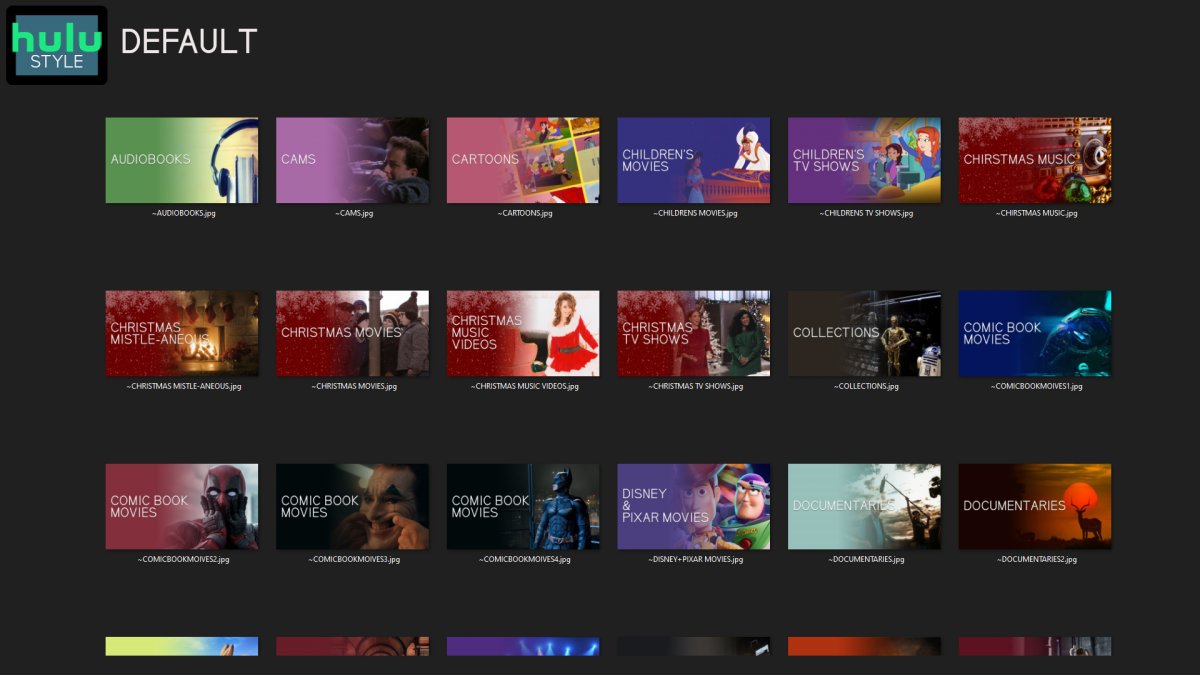
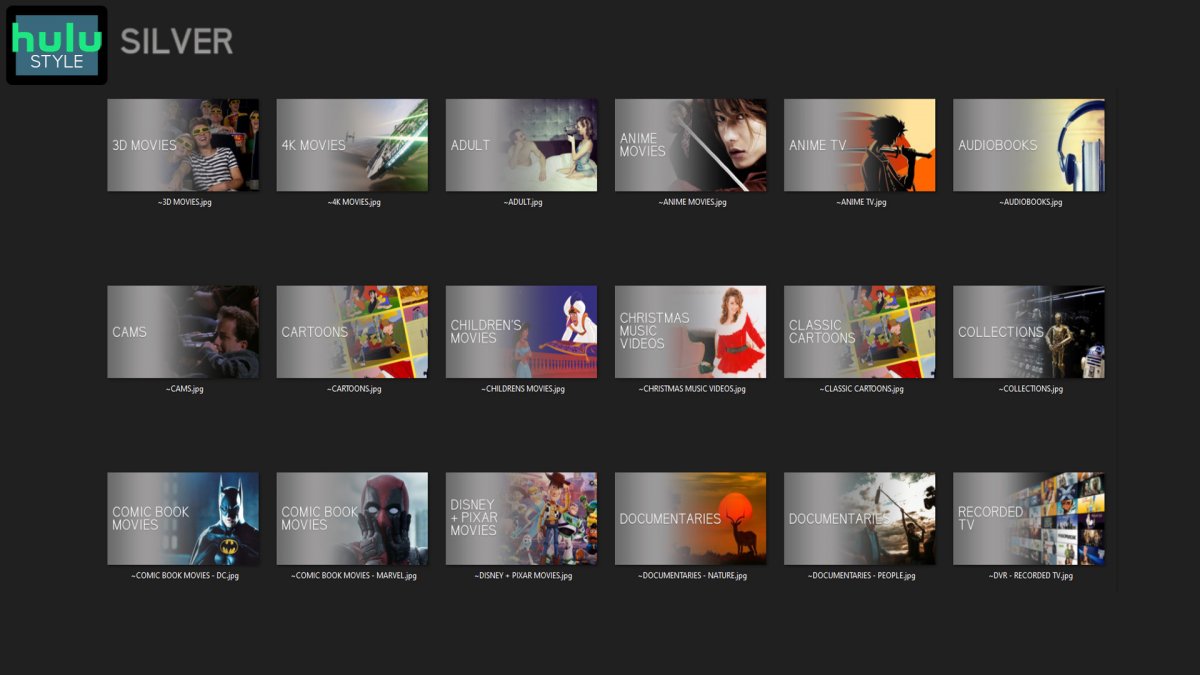
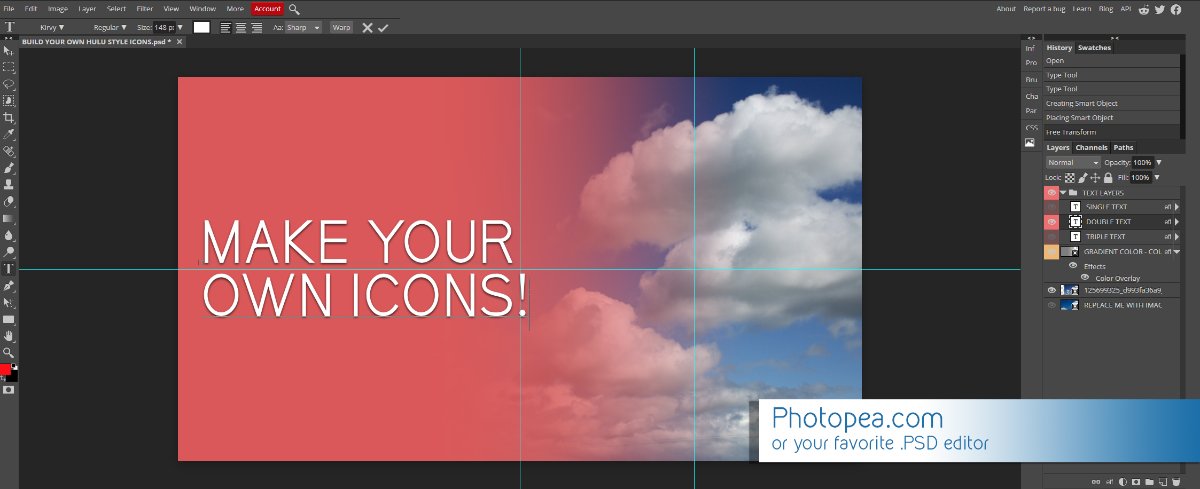
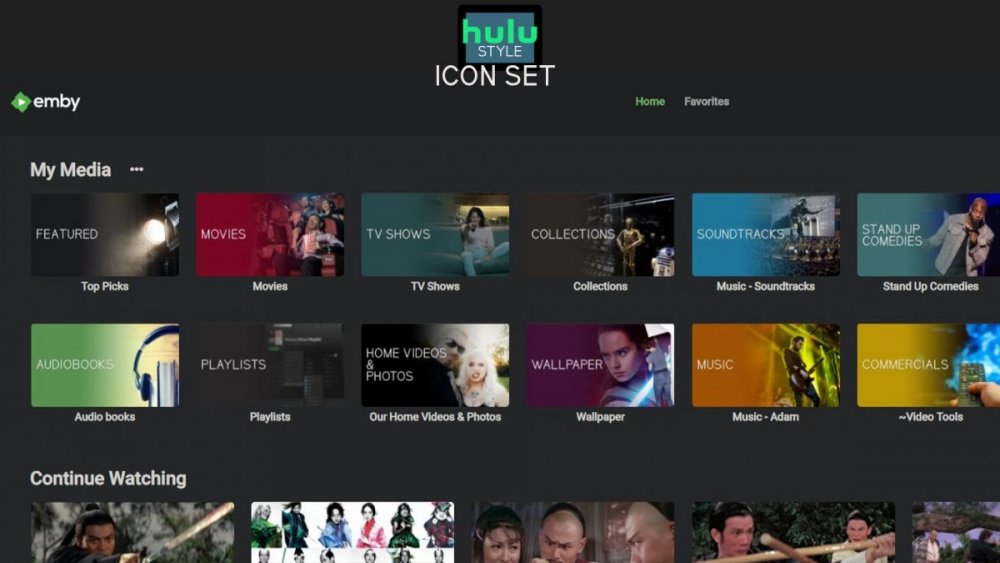
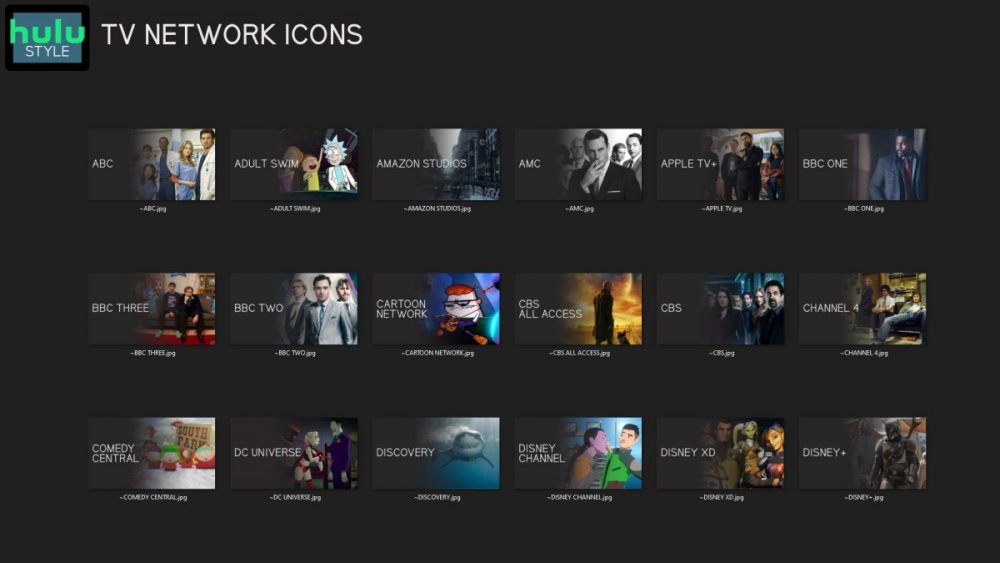
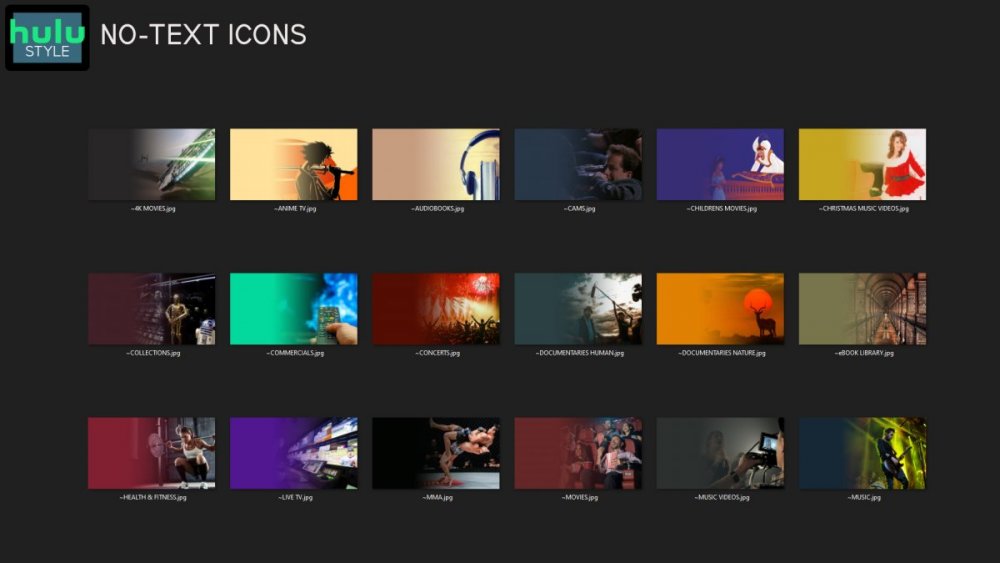
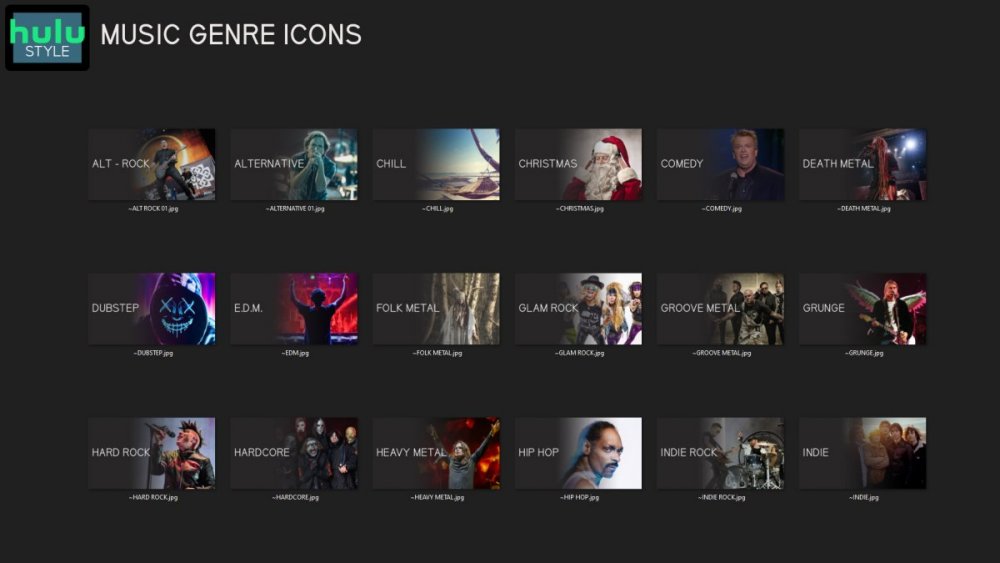
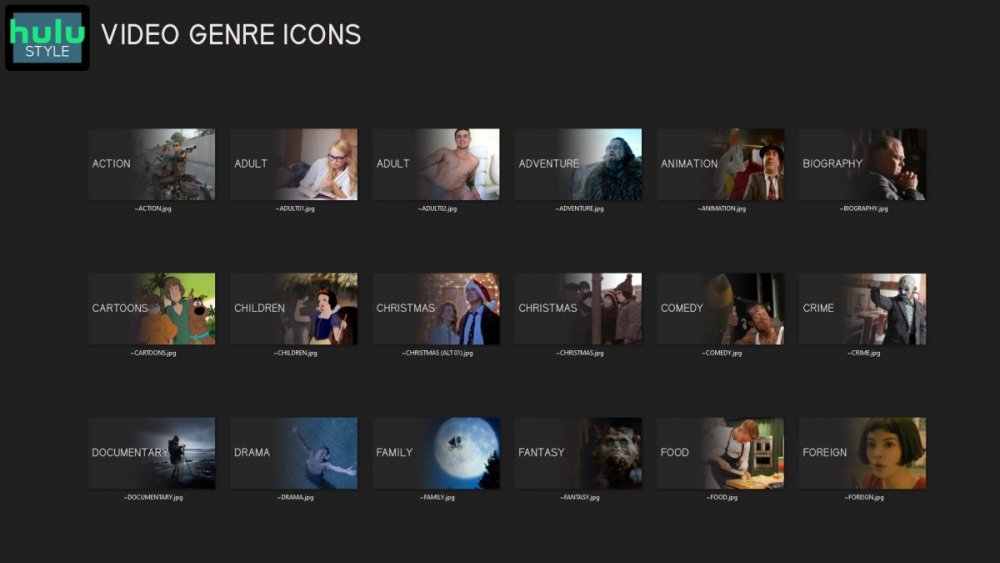
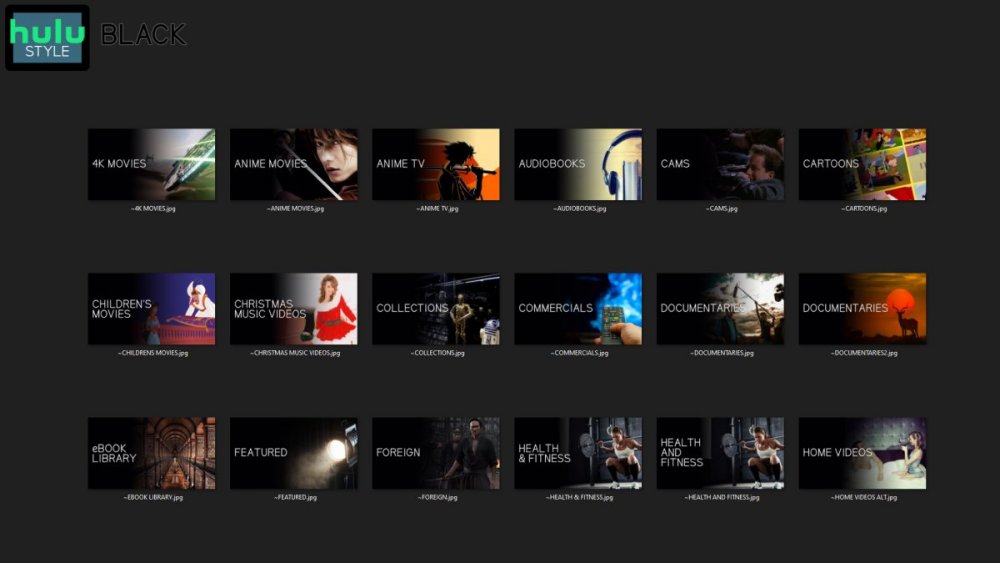
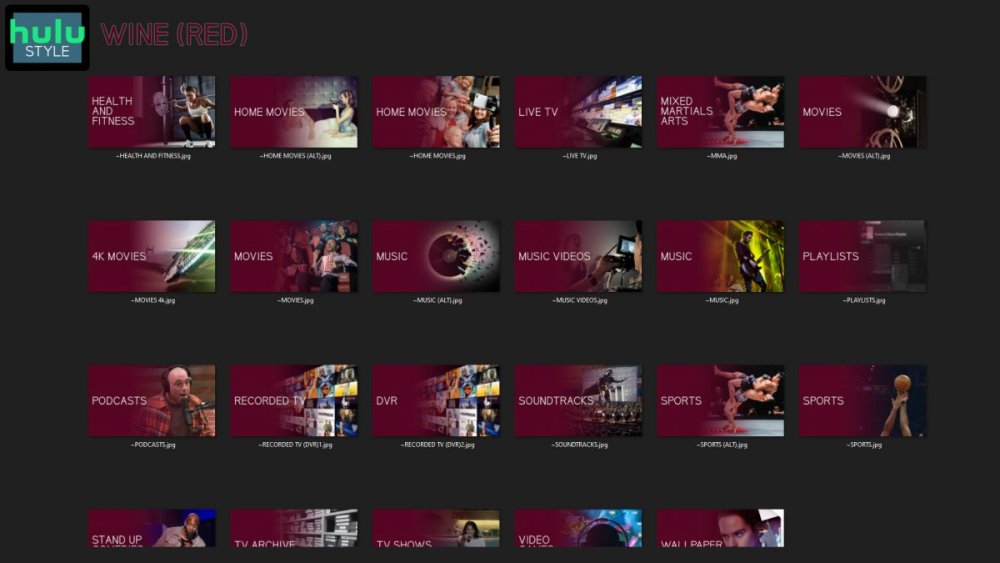
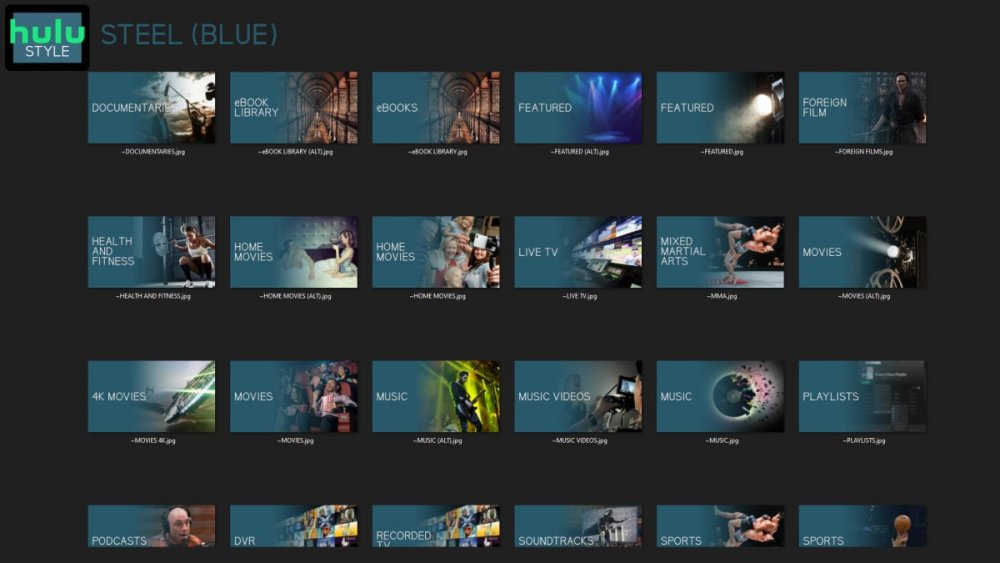
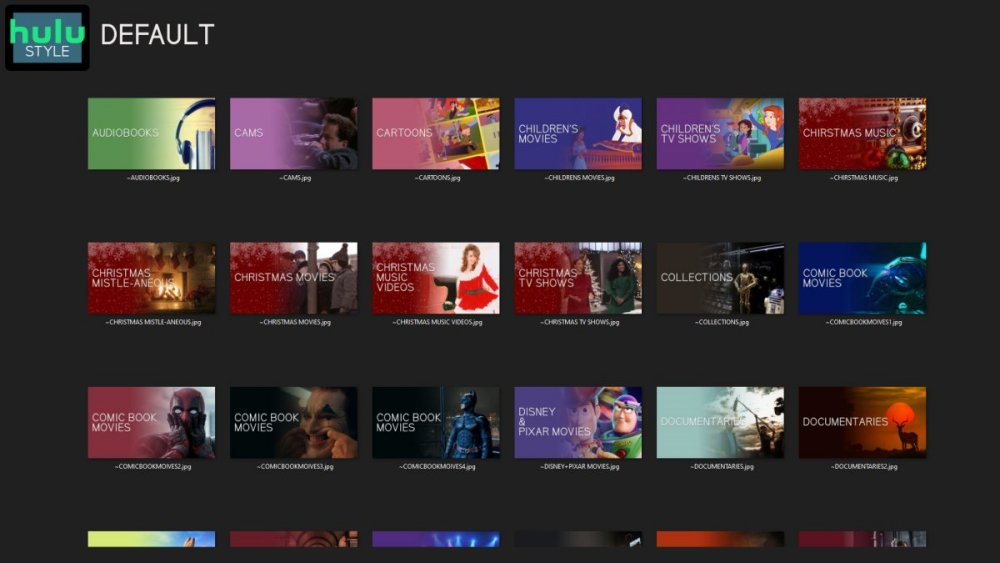
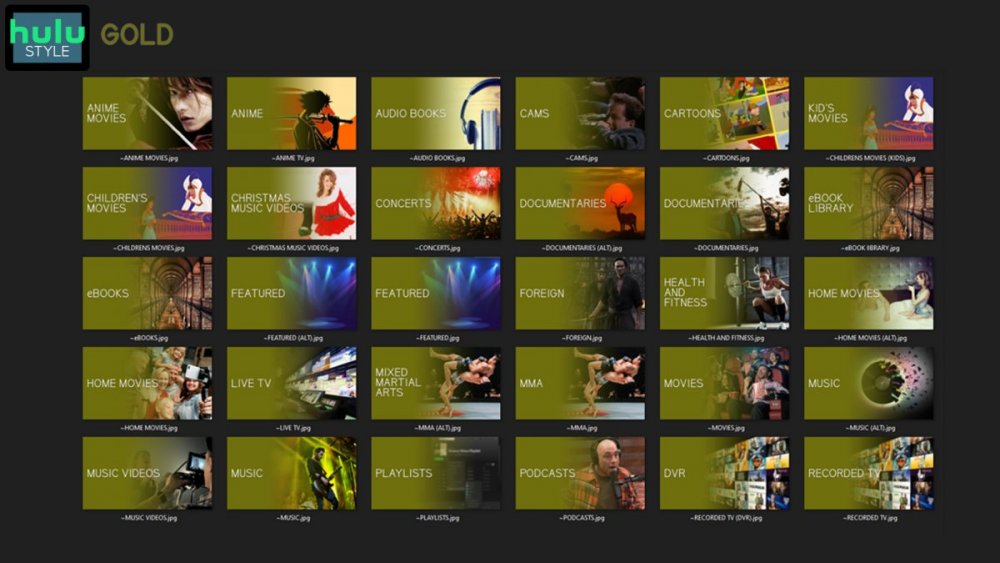
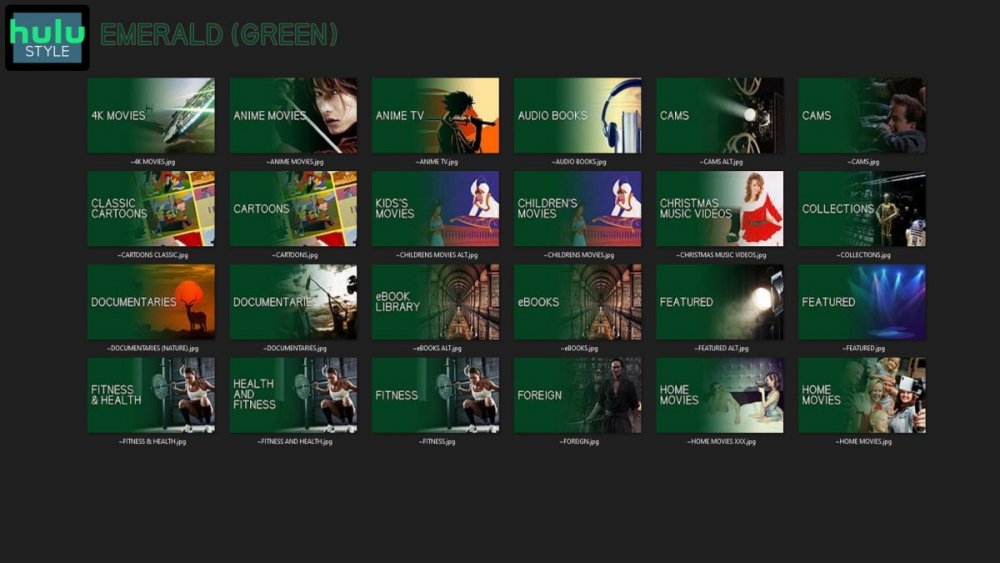
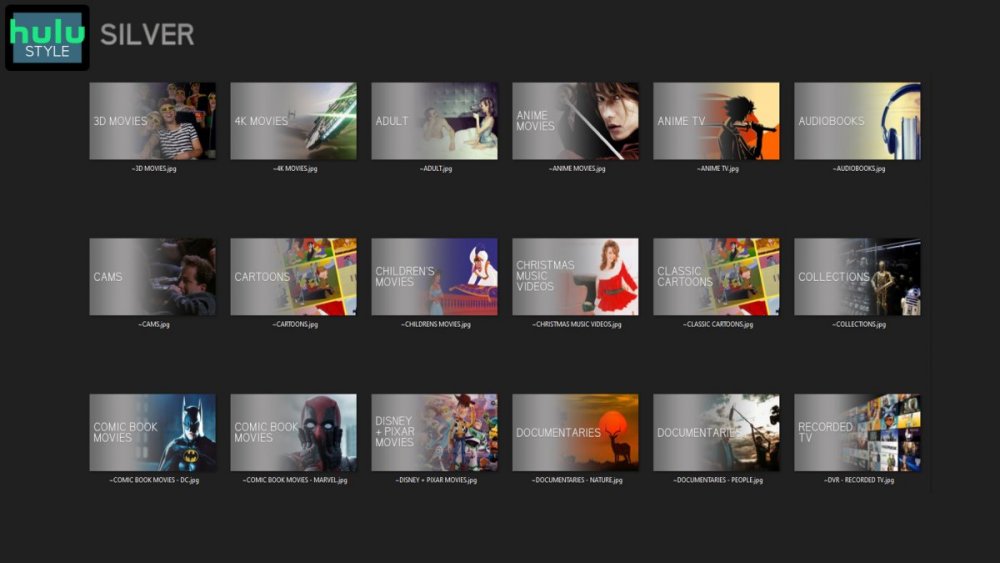
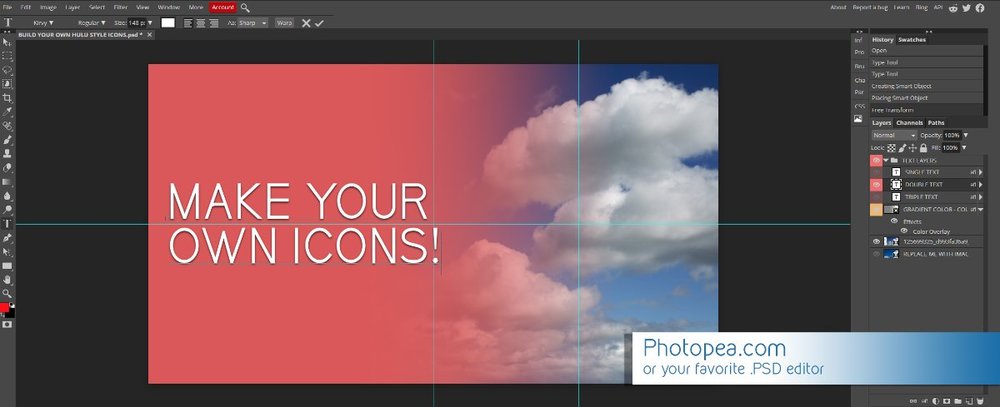
Media Library Icons for Emby Updated: 07/10/2021 I've always had a thing for the simple gradient style Hulu overlays on their library images. I'm not that great at graphic design, but I can mimic some things pretty decent. I hope! It's very simple, and clean and something I've been wanting to attempt for a while. I've never done anything like this, so constructive criticism is appreciated! More color options for media libraries coming soon!!! Also included to make your icons match across the platform, are video genre, music genre and TV network icons: I've hosted this only my Google Drive, so if if the link is not working please, reach out to me and let me know and I will do what I can to resolve! The font (Kirvy), and PSD's are located in the \~TOOLS\ sub-folder Media Library Icons - DOWNLOAD HERE Feel free to create your own to fit your needs! Photoshop Template - DOWNLOAD HERE Gimp Template - DOWNLOAD HERE (ALL credit for creation of Gimp template are thanks to, Mibok, who took the time to recreate the Photoshop template in Gimp!) Many have asked for a smaller and easier version of the .PSD file to create their own custom icons. I have simplified the .PSD and it is now compatible with, Photopea.com photo editor so no need to own Photoshop to make your own icons! Download the new .PSD HERE Thanks for giving me so many hours of entertainment, this was something fun to try and give something back! (If any of the above images are not allowed, please inform me ASAP and I will correct it) *** Change Log*** 07/10/2021 Added GIMP template, created by, Mibok to allow users alternate means to create their own icons 01/25/2021 Added lighter .psd file for easier custom icons 10/04/2020 Added "Silver" Media Library Icon Set and all remaining requests and missing items in each set 08/15/2020 Added some requests and "Emerald" (green) Media Library Icons Set 07/06/2020 Added "Gold" (yellow) Media Library Icons Set 06/29/2020 Added "Wine" and "Steel" (red and blue) Media Library Icons Set 06/29/2020 Updated sample images 06/22/2020 Added "Black" Media Library Icons Set 02/27/2020 Added TV Network Icons for 49 U.S. networks 02/27/2020 Added ~MEDIA LIBRARIES sub-folder to help keep the folder organized 02/24/2020 Added Phase One of Music Genres to Google Drive 01/25/2020 Added requested images to Google Drive 12/21/2019 LITE - Hulu Style Library Icons PSD Added (Uploaded PSD with no graphics for a faster, lighter PSD option) 12/21/2019 Media Library - No Text Icons Added 12/17/2019 Generic Movie Genre Icons Added To Do: Update preview post with images Continue color sets: Black - Maroon - Navy - Emerald- Gold - Silver Update No Text Icons Downgrade PSD for compatibility for older versions of GIMP/Photoshop TV Networks - USA Optimize PSD for simplicity

 1 point
 -
I love the additional subfolders for Movie Extras (eg, Shorts, Scenes, Interviews, etc.)! I would like to propose an additional folder: "Galleries". Within the Galleries folder the user would place subfolders (only one level of nesting) and each subfolder could contain any images the user chooses. Then, Emby would display the subfolder name as an Extra (in Emby Theater) and opening that extra would launch an image gallery of the containing images. For example: Movies\Disney\The Sword In The Stone (1963)\Galleries\Scrapbook Movies\Disney\The Sword In The Stone (1963)\Galleries\Film Facts "Scrapbook" is what would be listed among other Extras in Emby Theater, and the Scrapbook folder contains various images to be displayed in a slideshow that the user can navigate with their left/right arrows. This feature request is motivated by the following related post: https://emby.media/community/index.php?/topic/55912-video-ts-folder-no-longer-recognized-in-movie-extras-folder/ Basically, sometimes there are extras such as image galleries and text content which are only available via the DVD menu. I have found that I can use FFMPEG to extract all the frames from a video file, and so use that on the appropriate VOB file from the original DVD. Then I can use VisiPics to delete all the duplicates, resulting in content I can then sort into folders (eg, Concept Art, Storyboards, etc.). All I need is for there to be the above support for a Galleries extras folder, which could contain multiple subfolders (only one level deep), each containing images to be displayed as image galleries in Emby Theater, etc. Thanks for your consideration! PS - If this is something you might like to see implemented, be sure to "Like" this top/first post (as well as any subsequent posts in this thread that highlight particular aspects of what you are interested in) -- "Liking" the top/first post helps the Devs to know how much interest there is in a given Feature Request.1 point
-
Is it possible to add user created playlists and add them to the homescreen? For example: Recommended Sci-Fi Dave's Top Picks etc...1 point
-
Hi there, Composer and Genre are another two common tags you might use, that Emby will import into equivalent fields. Genre will be shown at many different levels within Emby, e.g: Song, Album, Composer, Artist, Album Artist, as well as the main Genre tab. With all of these fields you can import multiple entries. I separate them with a semi-colon in MP3tag ";" but "\\" may also work. If you want to import tags directly into the Emby Tag field you can do that with ROONTRACKTAG (using MP3tag) at the Song level. At the moment, Emby doesn't support ROONALBUMTAG (there is an open Feature Request for it). You might also want to investigate the MusicBrainz tags? These may be further used by Emby for identification purposes. If you search the forum threads, you will find many posts about this and other music tagging topics. Hopefully this will be enough to get you started...1 point
-
HI, yes Emby also supports tvg-id. if you are using xml guide data then just make those those values match up with the channel id's in the xml data.1 point
-
I think I know what you are saying but specifics are needed as it sounds like you are calling folders collections. @LukeI think there is an actual upgrade issue, and one technically has to reapply all Parental controls per user as the more I test these issues the less I am able to reproduce. And know I was seeing lot of issues with Collections/Genres/Tags showing empty that I am not able to reproduce anymore as I have been resetting these controls testing.1 point
-
Ok, I will1 point
-
Also, I think I get the guide data from my HDHomeRun. Anyway you guys could get that feed for free when we have an HDHomeRun connected ?1 point
-
Yes, I downloaded the MP3Tag software, and I am now able to reduce my album and artist count down by 1000s Thanks for the advice1 point
-
Wasn't able to reproduce part order issue reported here either.1 point
-
That is a personal preference. As I want as much data as a provider will give me. Same applies to TVDB giving me TMDB and IMDB id are they occasionally wrong yes as it is upon the community to tell them they have the wrong info or create an account and correct the info. But yes from a provided data standpoint ie tag data should supersede provider data. And the Dev will have to consider that.1 point
-
Change view to Table and enable the columns you want.
 1 point
 -
And how would they do that? Make you login to their servers like Plex does? Then you lose your Personal media server and are tracked and monitor per the third party server.1 point
-
This seems to be resolved. I haven't missed a notification in a while afaik. Notifications sending close together, such as a plugin update then server restart send successfully and arrive. The user list rendering issue isn't applicable anymore as notifications are now configured individually by each user instead of the old global admin only config.1 point
-
OK, thanks. I think the underlying issue is that Emby is running in a docker on Unraid and as such the Emby 'server' has a different IP and different MAC to the actual Unraid server (physical server) which needs waking up! But I will keep my eye open!1 point
-
Remember that the default service account will likely not have access to any remote file systems - so either create a dedicated service account for this (and give permissions) or choose to login as your normal desktop user on the service (not recommended, but it will work).1 point
-
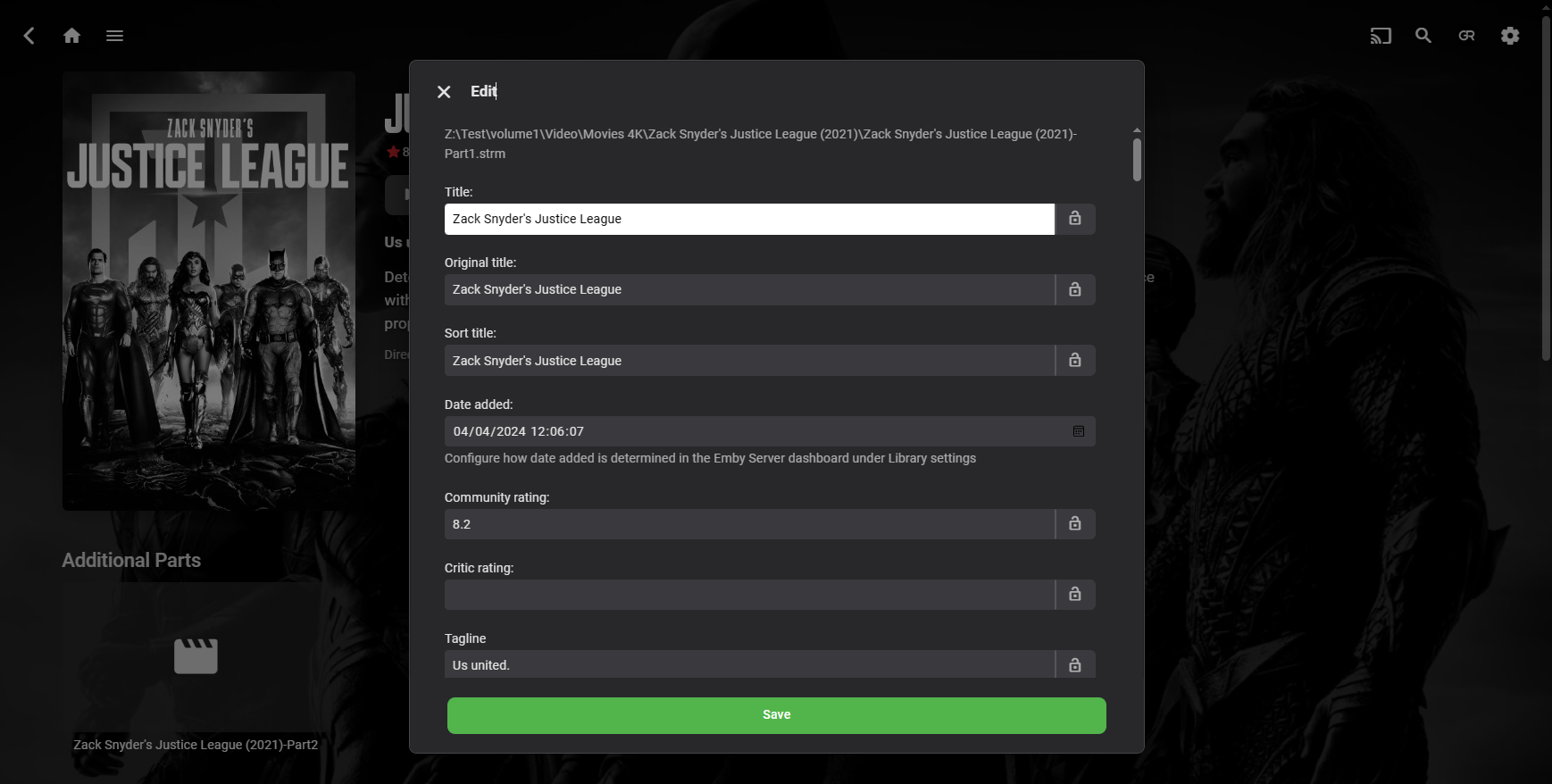
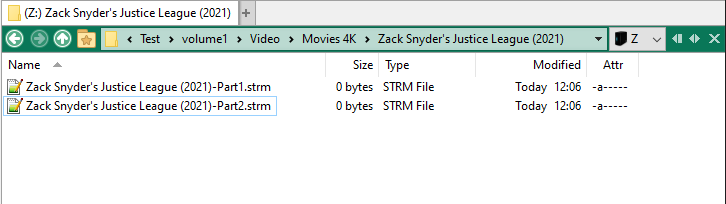
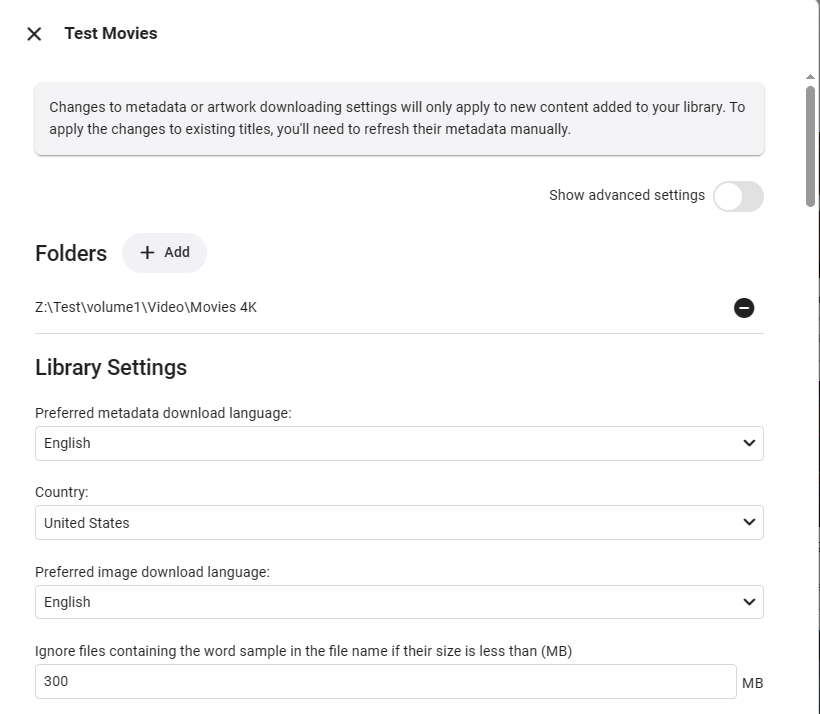
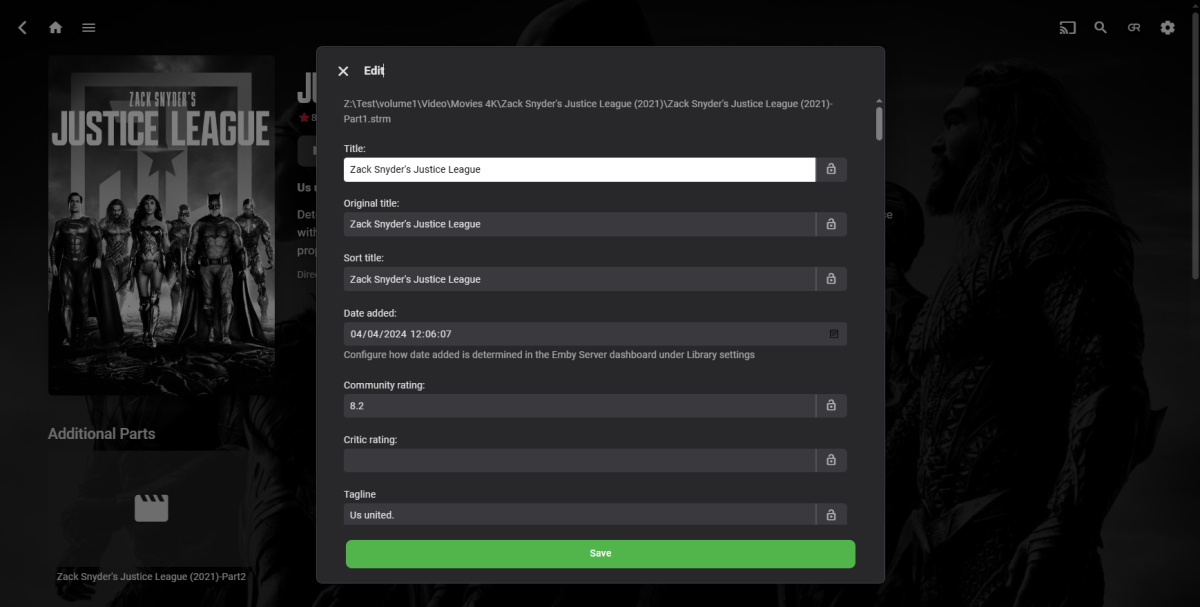
Cannot reproduce, getting proper file stacking, Part1 with Part2 listed as Additional parts.
 1 point
 -
Note that running as a Windows service, Emby won't update itself. I like that, as I prefer to control my updates. Paul1 point
-
ok - no worries - I can't help with that myself but perhaps try here: https://emby.media/support/articles/Run-as-Windows-Service.html?q=service1 point
-
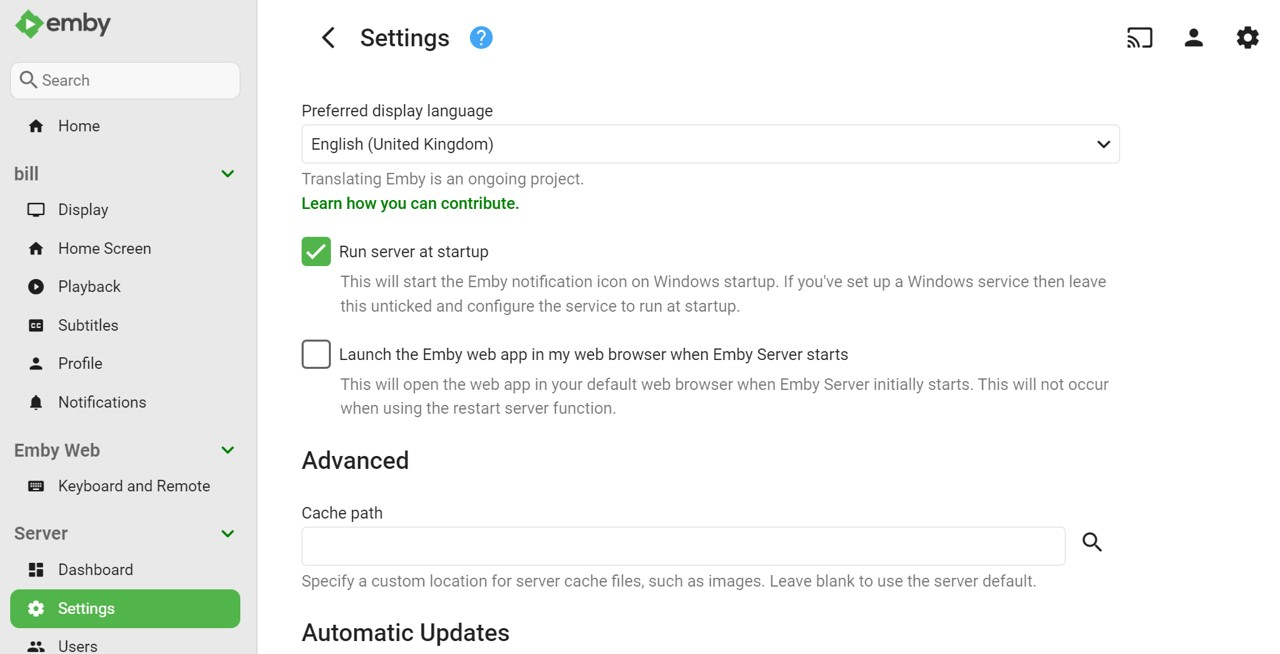
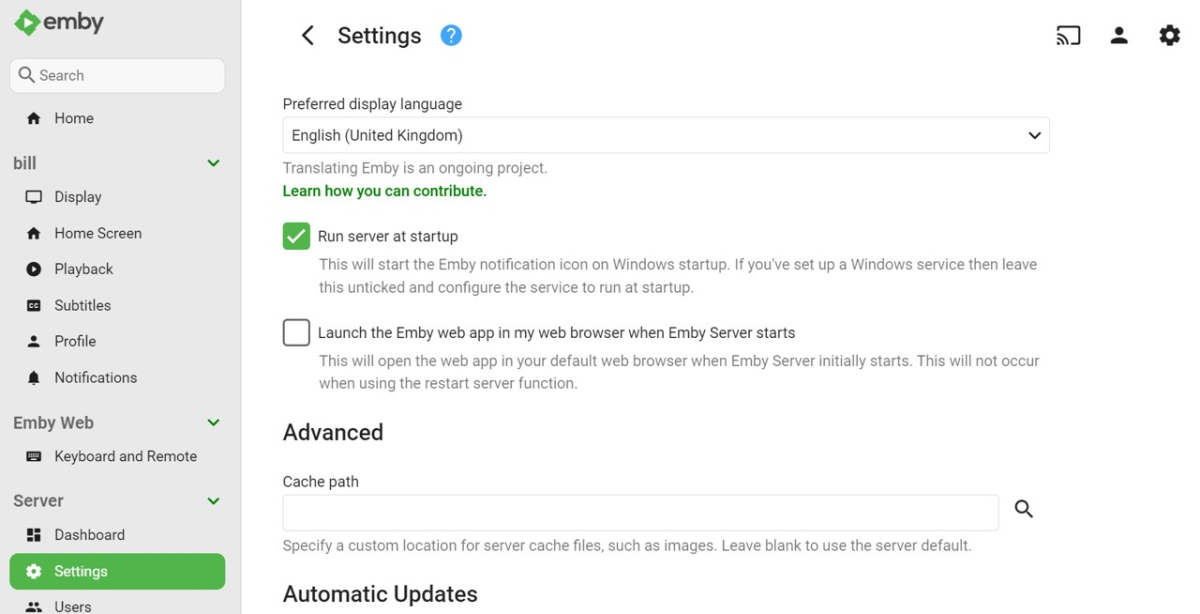
Go to your Emby Server Settings page (cogwheel icon at top RHS) and select Run server at startup. I have this working similarly on a Windows 11 PC. You also have the option of automatically launching the web app if you require this as well.
 1 point
 -
Sorry this took so long but Easter happened and then some work stuff. Version 1.3.0.10 should fix the issue.1 point
-
OK, the app tries to play it with software decoding. I think we just need to make that optional.1 point
-
The parameter you're looking for in hls-proxy is called fastStartChunks and I set it to 2. Also, I've since learned that threadfin is a pain if you have a provider that changes the channel lineup slightly from time to time because you have to manually check and enable new channels to fix the playlist. I learned that there was an enhanced fork of xteve by SenexCrenshaw on GitHub, and was going to use it as a replacement, but then noticed Senex is working on a new project called streammaster which I have up and running and it seems like an even better option to move forward with.1 point
-
HI, yes it makes sense. Thanks.1 point
-
That's fine, as long as you have external access setup via some working method. All you've gotta do is set under network settings: External Domain: <your domain> Public https port: <the port you're using externally> (probably 443) This simply tells emby what it should tell the clients. Ie; what your external route is. Within those settings; there are 'local' http(s) ports, and 'public' http(s) ports. The local ports are what the actual application 'emby server' is listening to on the host machine (well docker container in this case). The public ports are what the server tells the clients to connect with, as that may differ from direct LAN access via proxies, port forwarding rules, container mapping, etc.1 point
-
i've already clarified i was referring to the beta releases from the linked page. those are provided without context under which they will work, for both platforms, even if you don't have to use it for google. there should be some kind of sticky note in that thread noting the limitations.1 point
-
Hi, yes it does.1 point
-
And this is another reason why we may need to change policy here. This is a loophole that is being leveraged by bad actors and, while good actors can complain that it isn't fair to punish them for other's actions, I'm afraid that is just the reality because no one will have the system if we get kicked out of all the stores due to people using our product for illegal means.1 point
-
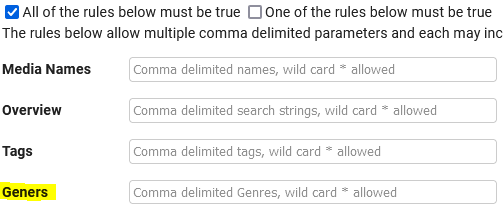
Much appreciated for the extension! I just discovered it, and installed today. Here are some of the things I've noticed: There is a typo in the Smart Search: It's a bit tedious to build/create Channels. I would say there is a pretty high degree of difficulty with configuring channels. One of the beautiful things about PseudoTV was that it came with a bunch of pre-built channels that allowed you to tweak, rather than start from scratch. None of the data is truly dynamic. Meaning if I do a smart search for shows from NBC, I then just select the shows. But if a new NBC show comes out, I would need to manually add it to the channel. Two options I see here - I think it would be cool if Smart Search worked dynamically, as in you program a smart search, and all shows/movies matching the query are dynamically added/removed. The other option is allowing people to use Playlists. I'm using the Smart Playlists 2.0 plugin, and love it. Great way to get dynamic lists. Turning a playlist into a channel is something I'd love to see. If I decide to make a channel of a single show, I don't see a way to limit it to episodes that are unwatched only. All this being said, I am not even a Premiere member. I didn't realize I needed that, and now I'm invested. So I'll have to do a month or two of Premiere to decide if this is actually something I'll use enough to merit the cost.
 1 point
 -
Your not getting old, if you where, you would not remember1 point
-
640k!!! sheer luxury I remember programming in 1k on my first ZX81 in the early 1980's........................................... god I'm getting old1 point
-
it would be nice to have server side dynamic range adjustability per user profile. I believe the windows app has it already but ios and android apps do not have this option that I could see. possibly a better option would be to enable that in all your client applications accross all platforms if possible so that one can adjust the dynamic range of the audio as its super hard to hear voices on my system even with treble and center turned to max. Most movies are like this and it would just be nice to have the future available on all platforms.1 point
-
I was put'n that meg (or few) of RAM to optimal use multi-tasking via Quarterdeck DESQview! Yes, I'll be putting the OS and Emby-Server on the Optane H20, and will experiment with putting the swapfile on a Samsung M.2 NVMe drive which has better multi-gig file performance; tho not sure how I can stress-test the speed impact of the swapfile location. I'll post an update here detailing the results of the PassMark, DiskMark and other benchmark tests once I get it all operational.1 point
-
Hi, this will be resolved in Emby for Apple TV 1.8.6. Thanks.1 point
-
Hi, yes it makes sense and is something we can look at. Thanks for the feedback.1 point
-
If you're viewing a piece of content (not playing, just viewing its details); you can copy the url in your browser and share it with another user. As long as their browser is logged in, it'll open the same page. Personally I use FileBrowser to share files outside of Emby. Browse to any file, click share; optionally add a password. Anyone with the link (+password) can view/download.1 point
-
You have to set "Enable hardware acceleration when available" to Advanced to see all the Preferred Hardware Decoders options as well.1 point
-
HI, we are working on a newer and easier login method so stay tuned.1 point
-
Thanks, this helped me with my problem too. I have a large number of 'consumer' HEVC movie files (RARBG, LAMA) that show these timing issues on both the Android TV app and the Android app on my TCL TV. The problem files play ok in other apps, but then I don't get the Android TV app's option to convert "unknown audio" multichannel AAC to AC3 5.1 so only get stereo sound. Remuxing with mkvmerge fixes the playback issue, I just now have to batch convert hundreds of probable problem files. It would be great if Emby could work around whatever the issue is to allow smooth playback. I can provide multiple samples if needed. Thanks all.1 point
-
I understand completely, and thank you for the assistance and support. I have also reported the problem to Roku referencing my tests with direct USB playback using the Roku player and will update here if/when they provide a response.1 point
-
Doch, aber Emby funktioniert ja nicht richtig.1 point
-
HI, don't you want a personal media server and not one that puts your information into the cloud?1 point
-
The 'Reports' plugin will likely give you what you need. You can export to Excel or CSV.1 point
-
No. Lol. I've been pretty lazy and must have ignored or lost my notifications for this post, but I've just started! The "Black" icon set for media libraries has been created, and uploaded to the Google Drive folder! It's in a sub-folder labeled, "`Black". More colors will come soon, but I wanted to start there. I'm SURE I'm missing some as my own PSD isn't as organized as I'd like it to be, so PLEASE if you notice a media library icon missing in black, reply here and I'll try to get it created ASAP. Thanks for all the feedback and support for this project, and more colors will be coming soon!1 point