Leaderboard




Popular Content
Showing content with the highest reputation on 03/13/24 in Posts
-
Hey All, So after some time, it seems to be running stable in my environment, so here it is... This has been a bit of a battle with compatibility and time, but hope all is good. Please log any issue you may find on the repo. (https://github.com/ShanePe/Emby.SmartPlaylist.Plugin/issues) So to recap, main issue is that Emby front end has changed to not support additional files and they way .js are loaded and additional new backend libs to integrate. I did see an odd toast pop up when saving a playlist but have not been able to replicate. NOTE: I did notice on firefox that I had to manually refresh the page sometimes if it doesn't load, trying to get to the bottom of this. This is NOT backward compatible and built/tested on version Emby 4.8.10. SmartPlaylist-2.5.0.4810.zip4 points
-
It is really cool that Emby has the ability to support multiple versions of the same movie. It would be nice to have a setting on the client side to allow the user to set which version should be selected by default. This could be as simple a user-entered string, or it could be a list of detected strings to choose from. It could allow multiple entries and it would choose them in the order entered. On the Kodi side, it would also be nice to get the "Choose the Best Version for Me" option that the Emby app has.3 points
-
Yeah, that's understood from what @Happy2Playmentioned earlier and I have already done that but the question is why is it now required to do it via the API and not via the UI? From the linked thread, it seems like all the UI screens were already present in the diagnostics plugin and just need to be added to the core transcoding options.3 points
-
More items in the Latest row(s) would be nice. I just added a bunch of new TV shows / series and 16 isn't enough. If I click on Latest TV, it goes to Suggestions, which is useless, I would like more Latest TV not Continue Watching or Latest Episodes. I can sort TV by date added but that doesn't show new series added to existing ones (series 5 of The Expanse) for example. Similar for Movies please.2 points
-
Just a fallow up. I have reached out to Binhex and he is looking into the issue. Here is his response to a post in the Unraid forums:2 points
-
Hello, Just log on DSM on your Syno, run the package center and clic on "Installation manuelle" on the top right. Select your downloaded file and be patient2 points
-
@tielvSorry, my comment was outdated. Actually, I didn't use the version for server 4.8.x and I managed to make it work with the non-selfhosted ntfy instance, so all good. Not sure what I entered in the token field Thanks, it works as expected!2 points
-
I'm a plex life time member, but I have been using Emby for over six years continuously, but there is a feature which I have always thought is missing in Emby which I would like and encourage the developer to consider including especially in this dispensation where families can social or commingle due to COVID 19. Today, I received a notification from Plex about it new feature titled Watch together you can read about it here https://support.plex.tv/articles/watch-together/ The feature allows friends and families at distance to watch same movies together instantly, you simply invite all your buddy, once they signed to the system which can be seeing in the server then play and pause as needed, this I think is cool feature should be added to emby. Let's here your though if Emby developer should consider adding this feature to our beloved Emby Media https://www.bing.com/news/search?q=Plex+Watch+Together&qpvt=plex+watch+together&FORM=EWRE1 point
-
Is this doable by some sort of plugin ? Maybe add your imdb credentials and then be able to rate movies here and have them on imdb as well (not talking about sorting here, just rating stuff)1 point
-
ability to be able to add a collection into another collection. ie: Spiderman Collection into a SuperHero Collection. like i could with mediabrowser with shortcuts. TIA1 point
-
They could add another type of premium subscription, which will only unlock the smartv app, so as not to wait 7 seconds. Like payment for the Android app.1 point
-
Hi, we have a new windows app coming soon that will unify the two and combine the best of both, so stay tuned. Thanks.1 point
-
Hi, we have a new windows app coming soon that will unify the two and combine the best of both, so stay tuned. Thanks.1 point
-
Hi mate, I’m using Unraid. It makes docker management really easy I tried a few other options first like portainer and proxmox but preferred unraid.1 point
-
Why would you want it blank?1 point
-
Adendum: My problem was my vpn that crashed after an update of the nas, which made my Nas no longer b able to reach out to the wild web. After restart of the nas, it could do that again and the problem was solved, but it made my vpn settings no longer available and hidden. This was solves by an other update of the Nas wich made those settings available again. The last stepps where not of influence of the emby problem btw. The restart solved that, but just wanted to made the solution of my Nas issue complete. thanx again.1 point
-
If you're using docker, there's the port emby binds to in the container: that's what's in embys ui/system.xml And then there's the port on the host that docker has been configured to forward to embys container. (this is in your docker run command '--publish 8096:8096' or in your compose file: 'ports: -8096:8096'. First half is the host port, second half is the container port) You likely didn't change the docker setup, so <hostip>:8095 wasn't forwarded to the container. Though emby was listening to 8095 inside the container.1 point
-
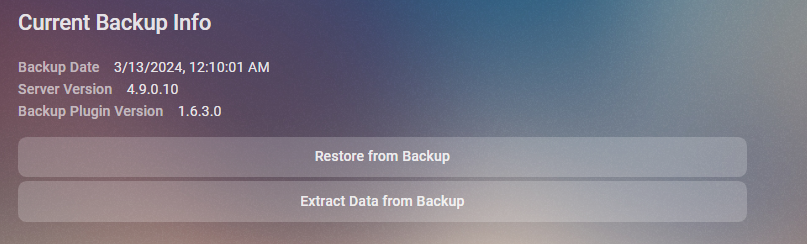
@LukeMay be something that needs looked at but will try to test on a new portable to see if I can replicate as this is the second topic of an issue like this. As it looks like something sticking on User Access. No it is in the library.db. Hope you have a backup (via plugin) as you can uses that backup to restore userdata.
 1 point
 -
adjusted library access from"enable acess to all libraries" to none, then back seems to have fixed it....1 point
-
In addition to it moving to a database item that admins can't see visually through the UI, this change is not noted anywhere in the release notes. I always go and read release notes/changes for version upgrades so I am aware of things. Though Emby doesn't provide real release notes for version updates, just a poorly formatted bullet point list on the github page. Can we get proper release notes for version changes that actually lay things out so I am not going on a wild goose chase to find a function that was previously there?....Please?1 point
-
But the point is that the plugin does the renaming (and moving) for you. No manual renaming required.1 point
-
I find any remote estimation of bandwidth to be way off with emby - it will often force transcoding to something like 2 Mbit/sec when there is 60+ Mbit available (their d/l). I know it's not latency related as a ping to them is < 10-20 ms. If I ask the user to set the emby client to half of their max download speed (30Mbit in this case) and I enforce the same on the server side - then they rarely need to transcode - even for 20-25Mbit 4K streaming. It's a shame as admins we can't force a bitrate limit client side for known/fixed remote network setups..1 point
-
I have had less problems with Roku's locking down the bitrate than I have with Apple TV's haha. I don't know what Apple does, but in the past every user I had with an Apple TV was locked to 3mbit while the same people with a Roku had no problems. And of course the users are not smart enough to go in and change the settings.1 point
-
The database in 4.9 already has changes from 4.8, so going back from the beta to the stable will not work properly (some people have already fallen foul of that). Paul1 point
-
It may work going back, but it may not run correctly or it may run fine. It's better to ask someone like Luke before going back stable to ensure that nothing major has been changed in the database. If the stable release is very close in version or if you wait until the stable version of your current beta comes out is the best way. So from what I have experienced in the past, and from what I have gathered from reading, as long as it's done with the proper planning there is no issue with going from beta to stable. Maybe somebody like Luke can confirm this to be for sure.1 point
-
I've read the main topic you mentioned above, managed to make subtitle discovering/downloading work again thanks a lot1 point
-
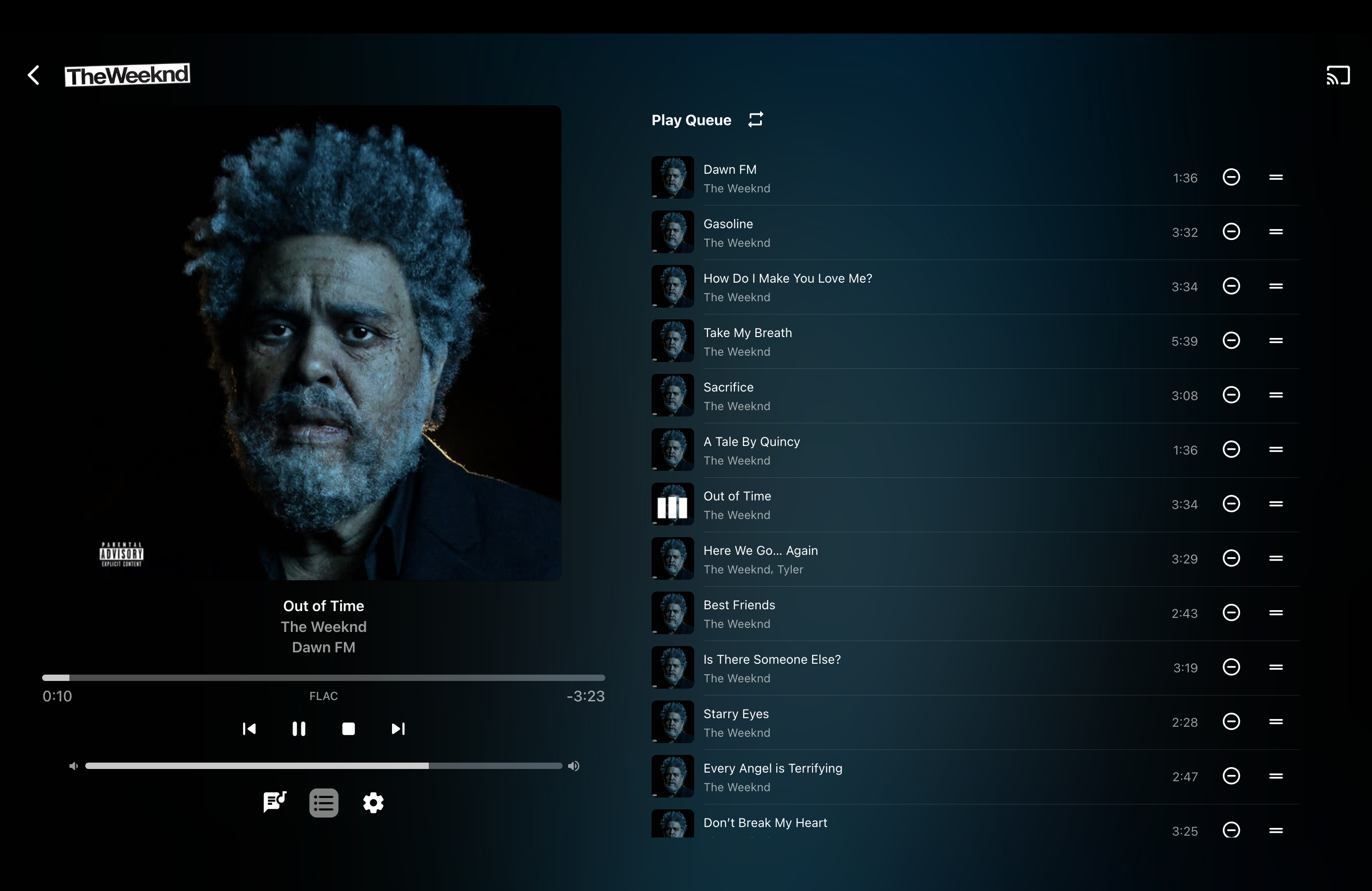
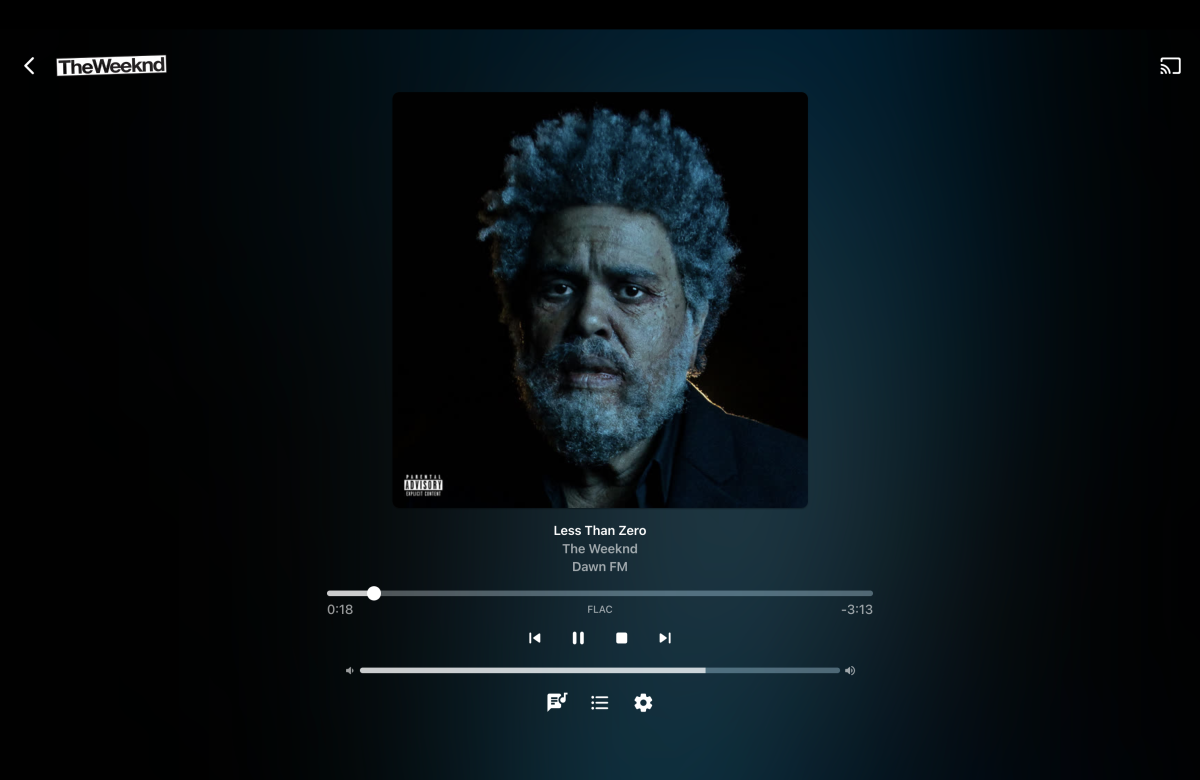
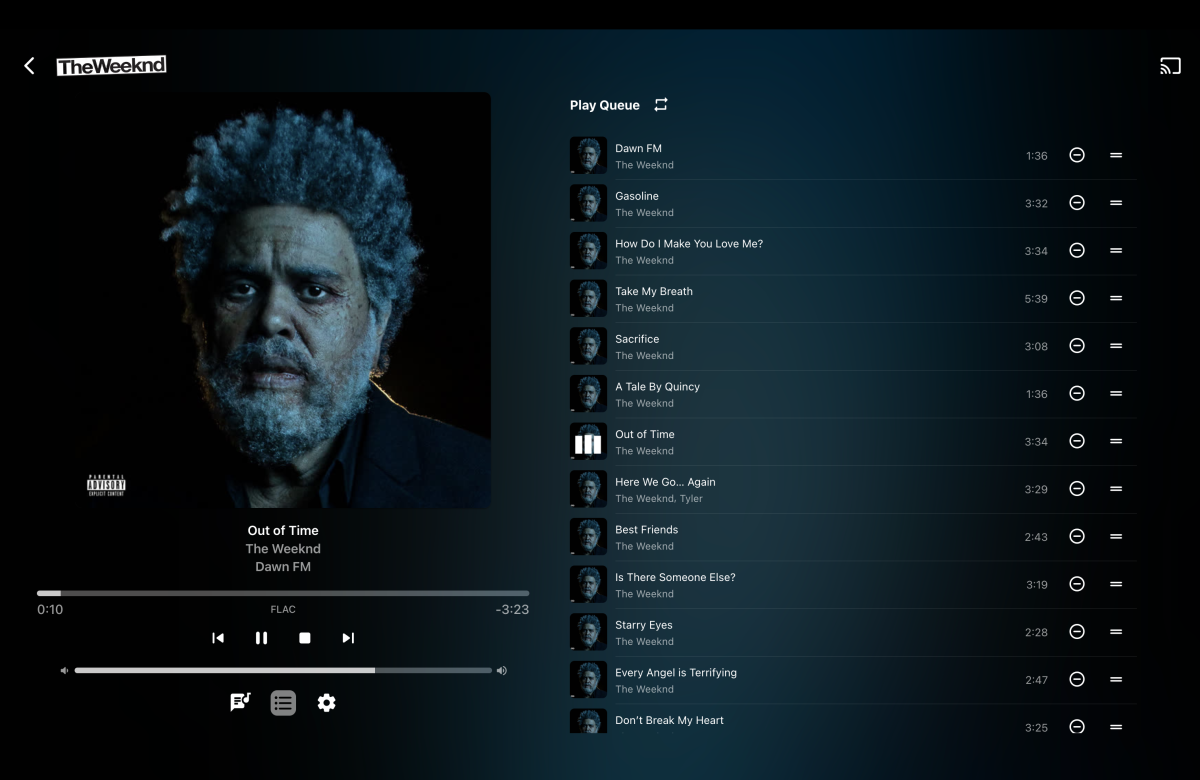
I agree, would love a shuffle button in one of these screens, at least next to the repeat button
 1 point
 -
You could provide logs, from the time of deletion.1 point
-
You should always enable throttling. It's a workload management feature that levels out the server load without affecting streaming quality or the user experience. The more streams you have transcoding the better it works. Setting the bitrate on the server side is not enough. If the clients are set to Auto then Emby will attempt to detect the available bandwidth and more often than not gets it wrong. During playback startup the stream bitrate will be set to the lowest value between the server, client or what's detected when Auto. One way or the other the clients should have a non-Auto setting for bitrate. You could do what @Happy2Play suggests and have them all set to max then you can limit on the server side. I know some users are not technical but they're usually in a better position to know what they have and how it's used. A household with multiple school aged kids and low bandwidth probably wouldn't want to give Emby 80% of that when streaming. "Encoding Profile Limit" is more of a compatibility feature.1 point
-
Hi, thanks for your reply. I viewed the logs of the server, the problem was the Proxy Addon I used marked an error, seems it didn't support 4.8.3.0. I added another media agent addon as a second choice it works now, thank you very much!1 point
-
Yes that is correct. What I was hoping for was the resolution and audio format on the screen I showed, like is shown in the first post with the JF screen. But with the few tweaks mentioned here I can live with it for now. Thanks!1 point
-
Thank you for that, back in business. I have no idea how that happened.1 point
-
Hi, looks like you were on the 4.9 beta channel and then rolled back to 4.8. This is not supported. You will either need to make a fresh start with 4.8 or go back up to the 4.9 beta channel.1 point
-
Now it's time to train your users. Historically the Emby client/server bandwidth detection has been unreliable and very often gets it wrong, very wrong. This can create friction among friends and family . You can set your server-wide internet streaming bitrate limit to a value that you think will work for most or all of your users and fits your upstream bandwidth. It's a per stream value so consider the aggregate. Then you tell (train/show/do it for them) to set their bitrate limit on their client to a value that's reasonable but shy of their internet downstream. Could be 70%, 80% or 90% and it will be different for every household. You can also set a user level limit on your server that overrides the server limit and still respects the client limit. But all remote users should really have a client side bitrate limit defined so that the auto-detected value doesn't cause problems.1 point
-
@LukeIt was using version 4.1.26 of the CoverArt plugin (both with respect to the ClearCaseThumb treatment not being applied and the aspect ratio of treated images being "messed up"). At least on the Synology platform which is the only version of the server I'm currently running. CoverArt updated to version 4.1.27 earlier tonight, and after restarting the server both issues seem to be resolved. I'll post back later tonight to confirm once I've had a bit more time to review my library. Thanks!!!1 point
-
Ich habe es bereits installiert danke trotzdem1 point
-
1 point
-
With last version from nextgen, it's works1 point
-
There are a dozen recommendations here. Who are you responding to? Bare minimum, the pin MUST be hidden. This is mandatory, it's not a nice to have feature. PIN usage is completely pointless if everyone can see it. This isn't a, "yes, we'll get to it when we get to it" type thing. It has to be implemented now.1 point
-
LOL I'm just a user as you are, guys who thought of, and coded it, are.1 point
-
Settings >> System >> Power >> System Restart Have you restarted the Roku and seen if it repeats this behavior? The Roku uses the audio signal to time the video so if you change the Audio settings on Roku without restarting it might happen. It can also happen in reverse and the video will move in slow motion rather than sped up. https://developer.roku.com/docs/developer-program/release-notes/roku-os-release-notes.md If you look here you can see the notes for the almost released OS13 for Roku. Part of this appears to be video player work. Hopefully they address this issue because everything was direct playing. That means Roku has full control and Emby is just passing the file to the Roku over HTTP. If you use Playback Correction this might correct it. If you press it once it will copy both streams and use a new container. If you press it a second time it will transcode the video stream from hevc to h264. So just press it once and see if it fixes this. No need to press it twice that of course will. After OS13 comes out for Roku it should correct this issue. https://community.roku.com/t5/Solving-playback-issues/bd-p/audio-video You can also make a thread on Roku forums about this issue directly. Mention you are using Emby with all the same details you brought up here. Their support people should escalate this higher. They will ask if you also have the same problem with Roku Media Player since it can reach your Emby server via DLNA. If you play the same file using Roku Media Player does it also play choppy in that same manner? It should since Emby was direct playing everything which is exactly how Roku Media Player works. There is one video player node on Roku. We only get aliased high level access to a few variables within it. We cannot control low level access of the video player. This is why we cannot fix it alone. It requires Roku pitch in. Hope you understand. You can always push the playback correction button twice to force the transcode to h264 if you must. That will always correct it. https://community.roku.com/t5/Channels-viewing/Roku-Media-Player-and-choppy-video-when-viewing-H-265-1080p-files/td-p/847053 Same issue you have is on the Roku forums while using Roku Media Player. Bigger question, if you remux from MP4 into an MKV does it still have this issue?1 point
-
@mauricek you can use this version here to continue using AO+ Emby.AutoOrganize_1.9.41.44.zip1 point
-
I made an updated version that should fix the issue. This should also be compatible with nested folder structures, the "Top Picks", and the "New Releases" plugin. I also improved the logging a bit. However, I did only very limited testing, so use it at your own risk and please create a backup before you try it. Do not use it if you are unwilling to restore your backup in case something goes wrong. AutoCollections_1.0.0.9-libraryoption.dll1 point
-
Didn't anyone teach you not to feed the trolls? Why respond to someone who make broad generalizations about something that is, as you say, a feature offered by the community, and follows that up with baseless assertions? As he has repeatedly demonstrated little value to the community (other than spreading some toxicity), I'd just send all of his comments to /dev/null.1 point
-
dude u have to be grateful that @Hoptional resuscitated what was an otherwise dead community plug-in.1 point
-
Quoting does the same in reference to notifications.1 point
-
Good news - 4.8.3 fixed the recording issues with Ceton/cetonproxy, so I no longer have to use Channels DVR!1 point
-
I see this topic is 21 months old. How are these things prioritized, and is there any kind of reporting on the status of these requested fixes or enhancements? I really like the "Latest" feature on the Home screen — there just are not enough, 18 videos and 16 photos, can this be increased to, perhaps, 50 of each. (Or better yet, could it be User Definable through Settings?) Is there any update as to when, or if, this may be implemented?1 point
-
Are people actually wondering what the purpose of this feature is? How do you play video games with other people when they aren't next to you? How do people work or collaborate remotely? How do you have a conversation with someone if they aren't next to you, like phones don't exist? Don't get me wrong, I probably wouldn't use something like this too often because as I get older and more reclusive I don't really have many friends I'd do that sort of thing with anymore... but I can only imagine how some people who do have friends or family, near or far, might like something like this. If nothing else it'd give people the option, in this digital age of ours. What decade are we living in that we don't understand how or why people might consume entertainment/media or interact together when they aren't in the same room?1 point
-
No setting that I know of. I use css in the web client. div.details-additionalContent .similarSection {display: none;} If you have live tv div.details-additionalContent .similarSection, div.details-additionalContent .similarOnLiveTVCollapsible {display: none;}1 point