Leaderboard




Popular Content
Showing content with the highest reputation on 12/25/23 in Posts
-
Hi, first of all thank you for this amazing application. I am using Mandarake chromium builds as a web player because it supports software hevc decoding. But since version 120, Firefox also supports hardware hevc decoding like Chrome, Edge etc. I am on Firefox 121 and I am sure it supports hevc. I have enabled hevc support in Firefox with "media.wmf.hevc.enabled" set to 1 (hevc enabled for media engine and MFT) http://ott.dolby.com/codec_test/index.html reports Firefox can play hevc https://tools.woolyss.com/html5-audio-video-tester/ also reports Firefox can play hevc and all hevc samples there play in Firefox also Firefox can even play local mp4 hevc files, I have tested them with this player https://mediaplayer.chromecrxstore.com/ There is no doubt that I can play hevc in Firefox, but Emby can't play hevc content in direct play, I get Playback Error No compatible streams are currently available. I am using Emby server 4.7.14.0. It would be awesome if Emby could direct play hevc in Firefox too, now that it supports hardware hevc decoding. Then there will no web browser left that I won't be able to use as a web player for Emby. Thank you in advance for any reply.2 points
-
I can confirm that problem is fixed now.2 points
-
Hi, I would like to have an option to choose H265 instead of H264 in the Transcode option. It will be smaller for all bad bandwidth (2~5Mbit ADSL), but will have a great quality. Mobile phone can benefit of it greatly too with the 4G and the limitation of download.1 point
-
I know this feature is already a plugin -> https://github.com/bakes82/Emby_KillStreams However the dev hasn't done much in a long time and with EMS v4.8 coming up, the plugin's compatibility seems to be off now. Maybe the dev will update it, not sure, but it's a plugin that can't be accessed directly through the built-in plugin-in catalog. I've been using this plug-in for two purposes: Kill a stream that's been paused by myself or another user after "x" amount of time... for me it's 10 minutes right now. If a device that's not 4K, plays 4K content, a transcode happens, which then kills the stream. I was told by Luke that the first function should be an added feature in 4.8 -- coming soon, however, the 2nd, still needs to be addressed. If there's another plugin that does the same functions, that'd be great, and I'm open to using it. However, if these features can be baked into Emby, that'd be even better...1 point
-
I went back and checked out abot 10 more random trailers. Some were as have been reported by others a real trailer but real low quality. Some were in other languages, some we as I mentioned, influecer videos. Kind of a hit and miss.1 point
-
Hi, bulk edit features are planned for future updates. Thanks.1 point
-
HI, yes it makes sense. Thanks for the feedback.1 point
-
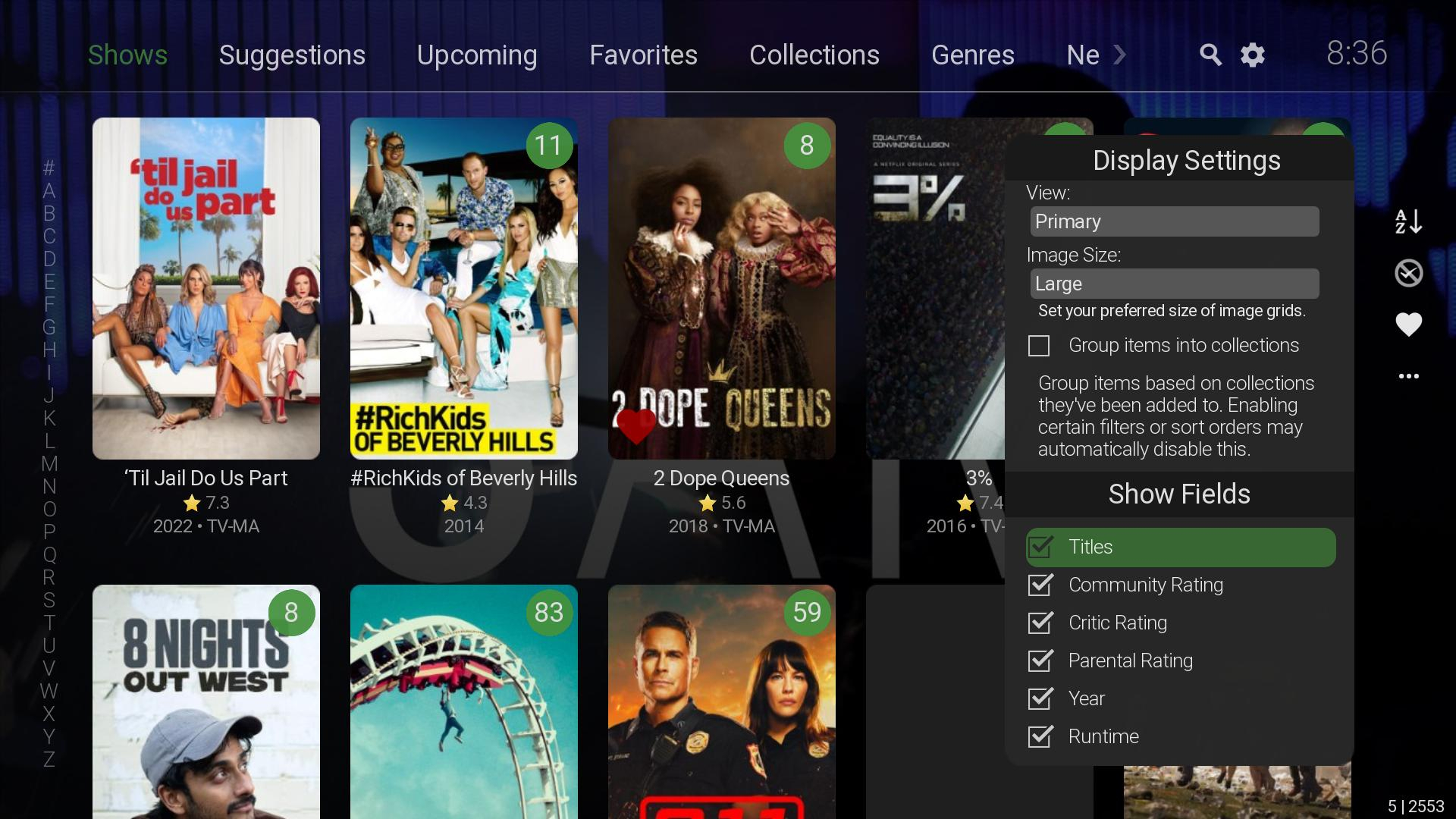
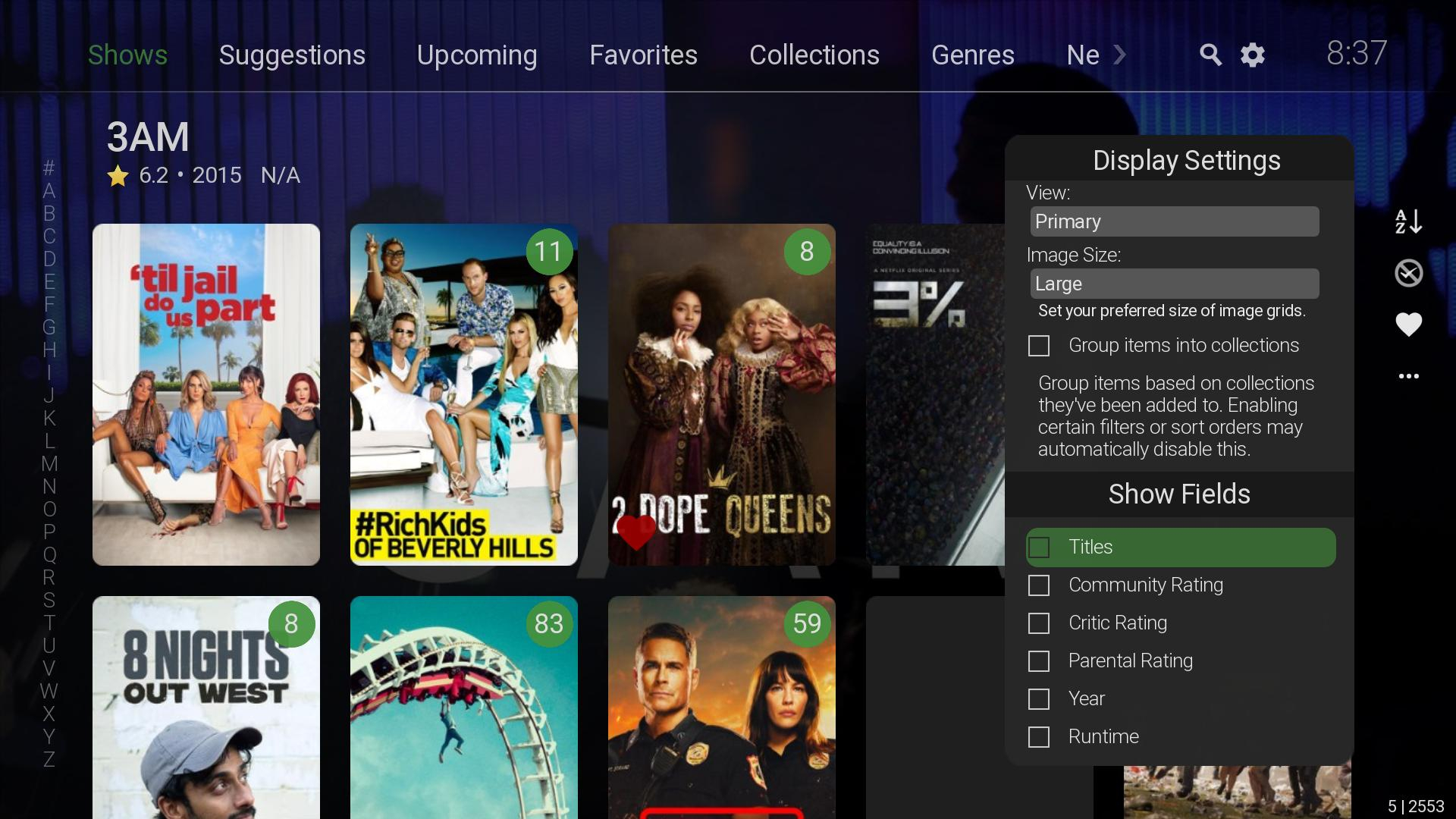
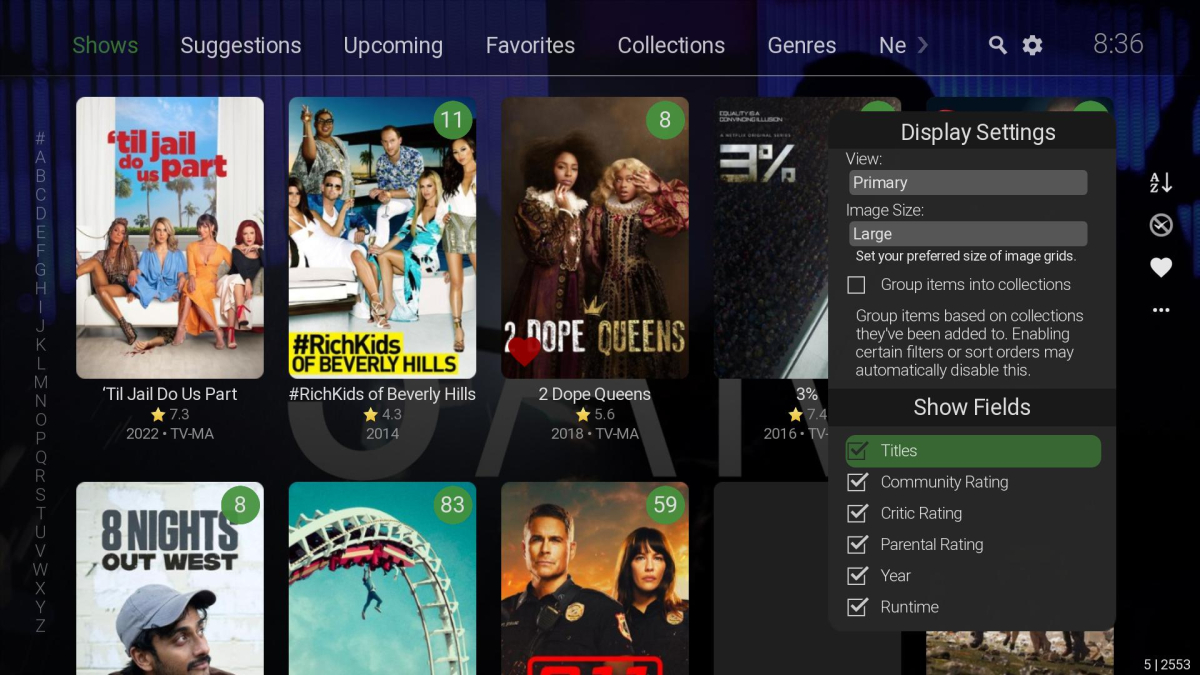
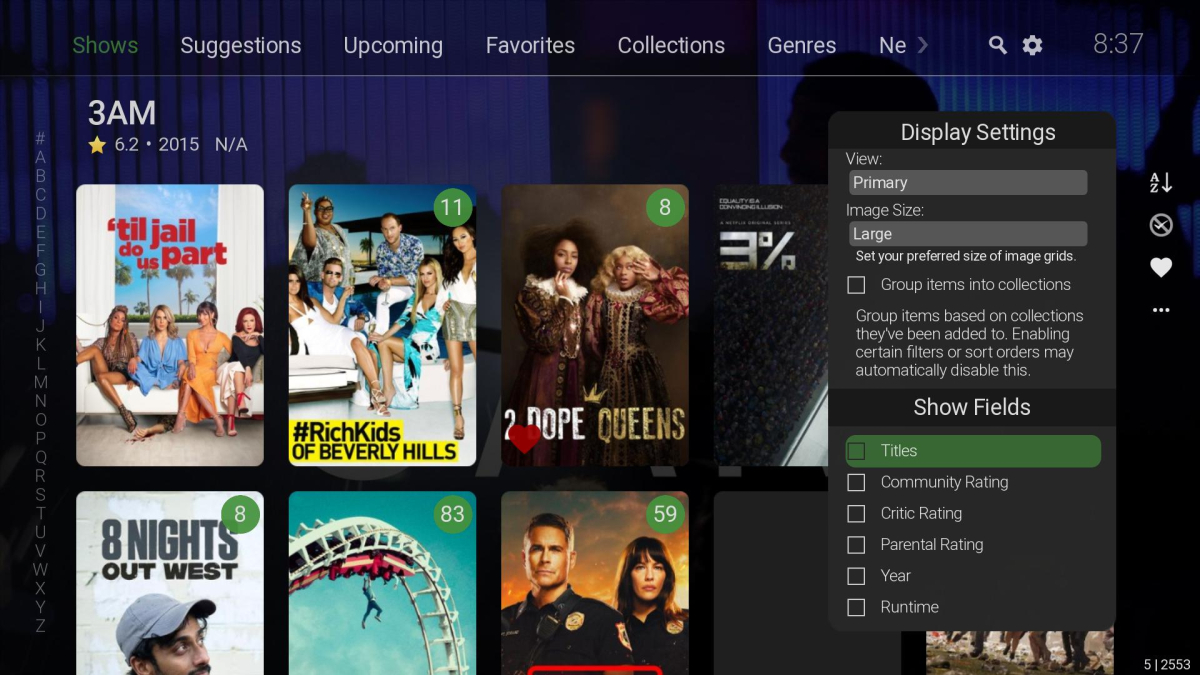
You just need to uncheck all the fields. If you have none selected it will choose the other layout.
 1 point
 -
ok, this is good. Merry Christmas and Happy New Year!1 point
-
I personally have all my 2160p HDR HEVC movies in a separate library. I've mapped my i5 3570k CPU and a GTX 760 GPU correctly so that emby makes use of them in the official Docker container but still they don't hardware transcode the 4k HDR content. I suspect I'd at least need a GTX 1050 for that. So what I would wish is that I could prevent transcoding of my HEVC library as my hardware can't keep up if one of my users want to play those movies in the web player. The reason I'm not disabling the library completely for my users is that they still can play them with the Emby iOS/Android apps. Thoughts?1 point
-
Lend your support here:1 point
-
Hi. I've tried to disable "An Bildrate anpassen" in the appletv settings. The video and audio is synced now. If I enable "An Bildrate anpassen" again it is unsynced again. But of course I want to enable it again in the future. Maybe that helps.1 point
-
Thank you very much1 point
-
Yes sure. I'll add an option in next version.1 point
-
Yes possible, not sure if it would be stable. Kodi's PVR addons has limited controlling (API) options.1 point
-
Thanks Luke. That was my fix for when I had the issue with anything that was direct playing and not transcoded.1 point
-
I haven't looked at the logs, but looking at the image it seems that you have a Profile 5 Dolby Vision file. These files only contain a Dolby Vision track, which Emby cannot tone map. Emby only supports tone mapping HDR10 content AFAIK. Dolby Vision Profile 7 and most Profile 8 files would also work because they contain an HDR10 fallback layer for devices that do not support Dolby Vision.1 point
-
luke, thanks for the heads up. happy holidays to you and everyone at emby.1 point
-
Thanks. I worked out how to get most channels connected with a guide as well. Thanks for your help. Have a Merry Christmas!!1 point
-
Good to know. If it was repeated video, that sometimes happens and is strictly a provider issue. 1minute delay seems like a great idea! Will hopefully give the stream time to get straight.1 point
-
Not sure but we are getting closer.1 point
-
Hi, we are looking into it. Thanks.1 point
-
My Synology doesn't have enough grunt to transcode VC1 or HEVC, so yes.1 point
-
I'm running Emby on a Synology DS416play, which can transcode H.264 4K, but not HEVC 4K. I believe many systems are similar in these capabilities. Currently, if a user tries to transcode a 4K HEVC video, my entire system will hang. It would be brilliant if it was possible to disable 4K HEVC transcoding, and only allow direct streams for this format.1 point