Leaderboard




Popular Content
Showing content with the highest reputation on 11/23/23 in Posts
-
Thank you everyone for your answers. SFN was helpful last night with my testing. For some reason all the videos started playing, HEVC 10bit, HDR10, a mix of audios, everything... I was able to confirm with SFN that is was all direct play as well. thanks!3 points
-
Sorry, it was some network issue, as now it's working. So my issue#3 is not valid anymore. Other 2 minors are still valid. Nice to have: a progressbar showing copying/moving status in percent. I know this is not easy, but might be considerable2 points
-
I like that Emby supports specials, it fetches the metadata, and it's *kiiiinda* cool that it shows them in the series timeline according to the "plays before [ep]" tags... But when these items are inserted into the series timeline, they seem to be played while playing through the series... this is not great. It especially sucks when some specials have "plays before S01E01", in this case, a bunch of junk appears as the first thing that plays when you start a new series. If you're in the main-menu, and you just press "PLAY" on a thing, it should automatically play S01E01, but instead, it starts playing a bunch of random special feature junk. Nobody wants to watch specials BEFORE they've seen the show... it's stuff you want to see only after you have seen and love the show. TL;DR: when pressing play, or moving to the "next" episode while binge-ing, always skip any material from the Specials. Please!1 point
-
I hope to add filters for some websites with the same ID (such as a metadata website with the same ID appearing twice or more times will all be displayed, such as a tmdb ID). This is a very convenient thing for those who organize resources, and can more intuitively know those duplicates, and can be directly deleted without any need.1 point
-
Well, 3 possibilities. Kodi Shield/apk has an issue, your plugins used on your box has issues or the nightly version addressed the problem. I would rule out an e4k plugin issue assuming you use the same plugin config settings.1 point
-
Scrapers could be also used by Skin or skin helpers, that's why a stock Kodi installation rules that out.1 point
-
The only scraper I'm using is the one for music which hasn't been a problem when adding new media. Never used the python scrapers for movies and episodes and these all come from the plugin and Emby. I can set something up on Windows though.1 point
-
Emby currently has both an AndroidTV and a standard Android app with plans to eventually combine the two and just support one app. As you mentioned the standard Android app has the same ET look as other apps including the Tizen app. I don't believe the standard Android app is in the Google play store yet, hopefully soon.1 point
-
Agreed I see this issue as well. I guess AutoOrganize plugin v2 from @chefis no more, or rolled into this now as I got the auto update from plugin catalog? Will see if the subtitle files are also copied over, which was one of the biggest reasons I support @chefwork on this awesome plugin. Thanks as well @Lukeas the uniformity/view of the page on various devices left a lot to be desired. Good to see we are heading there...1 point
-
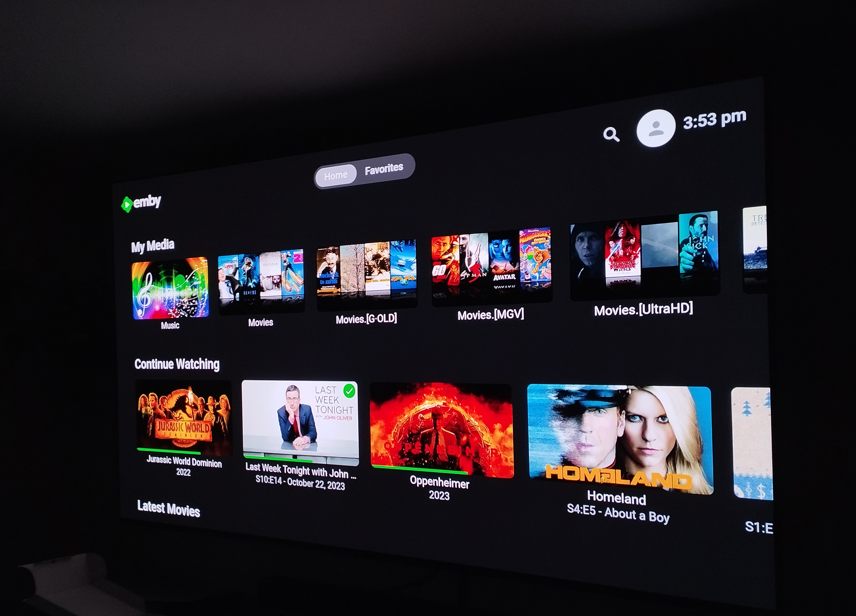
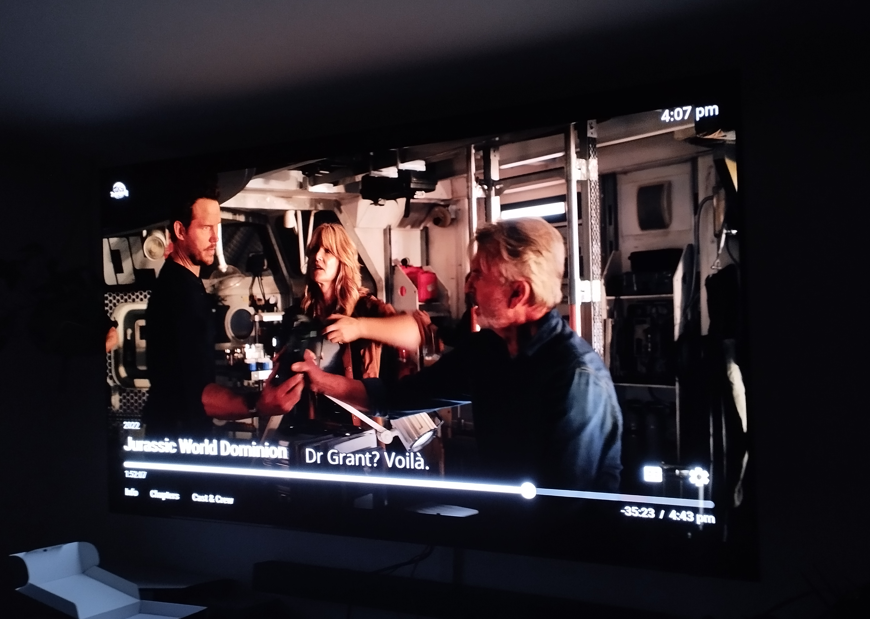
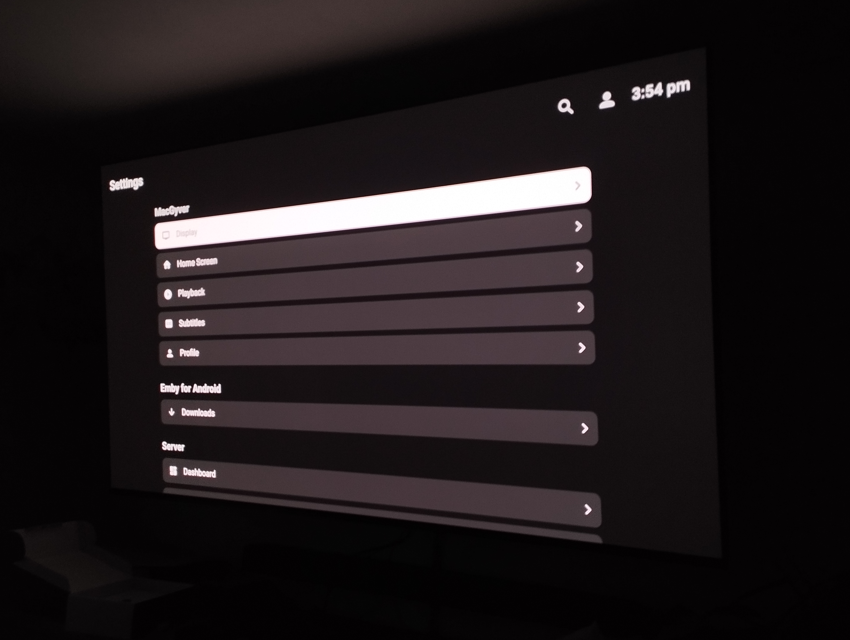
Okay, via APK it is whole different APP.. Looks like a theater for the Windows. Why it is different via google play then? Thanks! EDIT: When I tried installing via this link, it says the Zidoo device is incompatible(also my Sony TV in the living room). So I installed it via APK file as seen above.
 1 point
 -
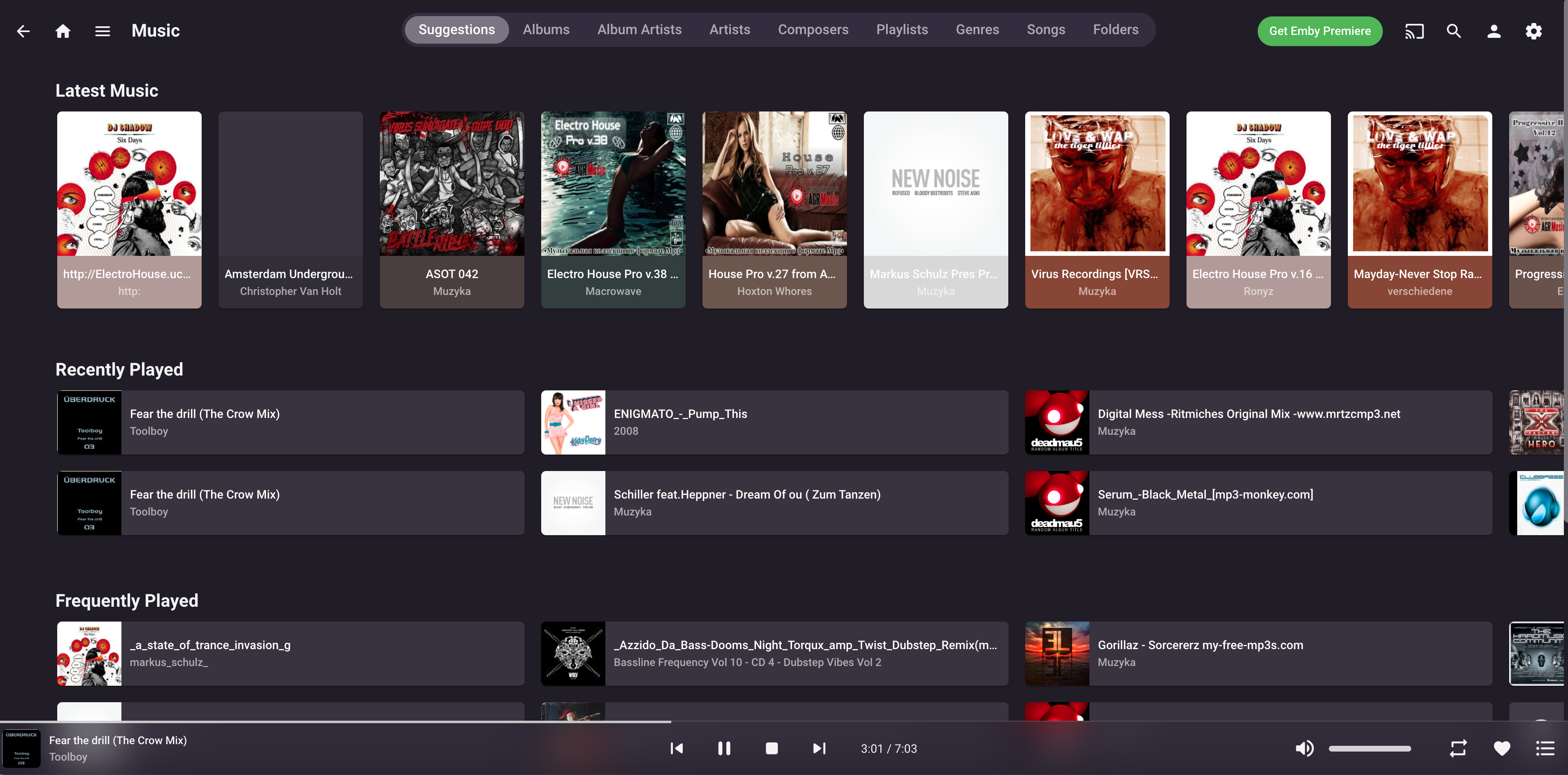
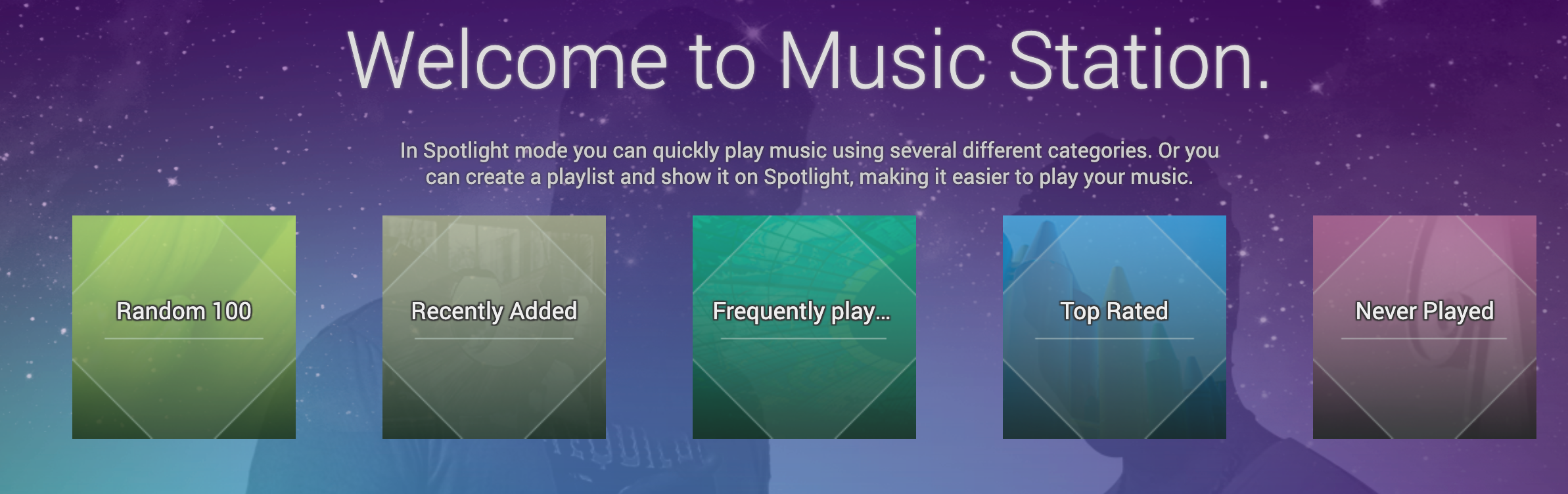
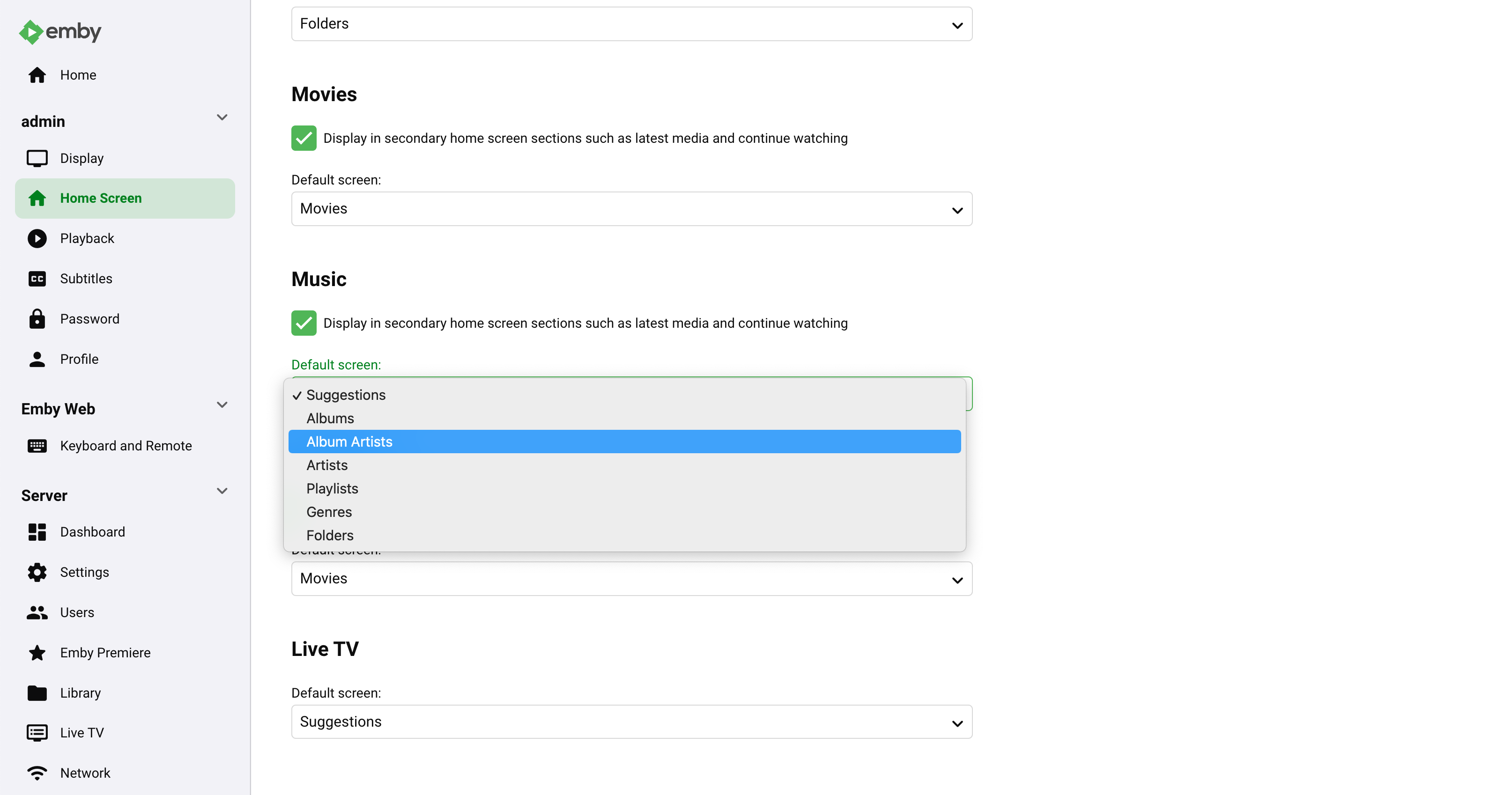
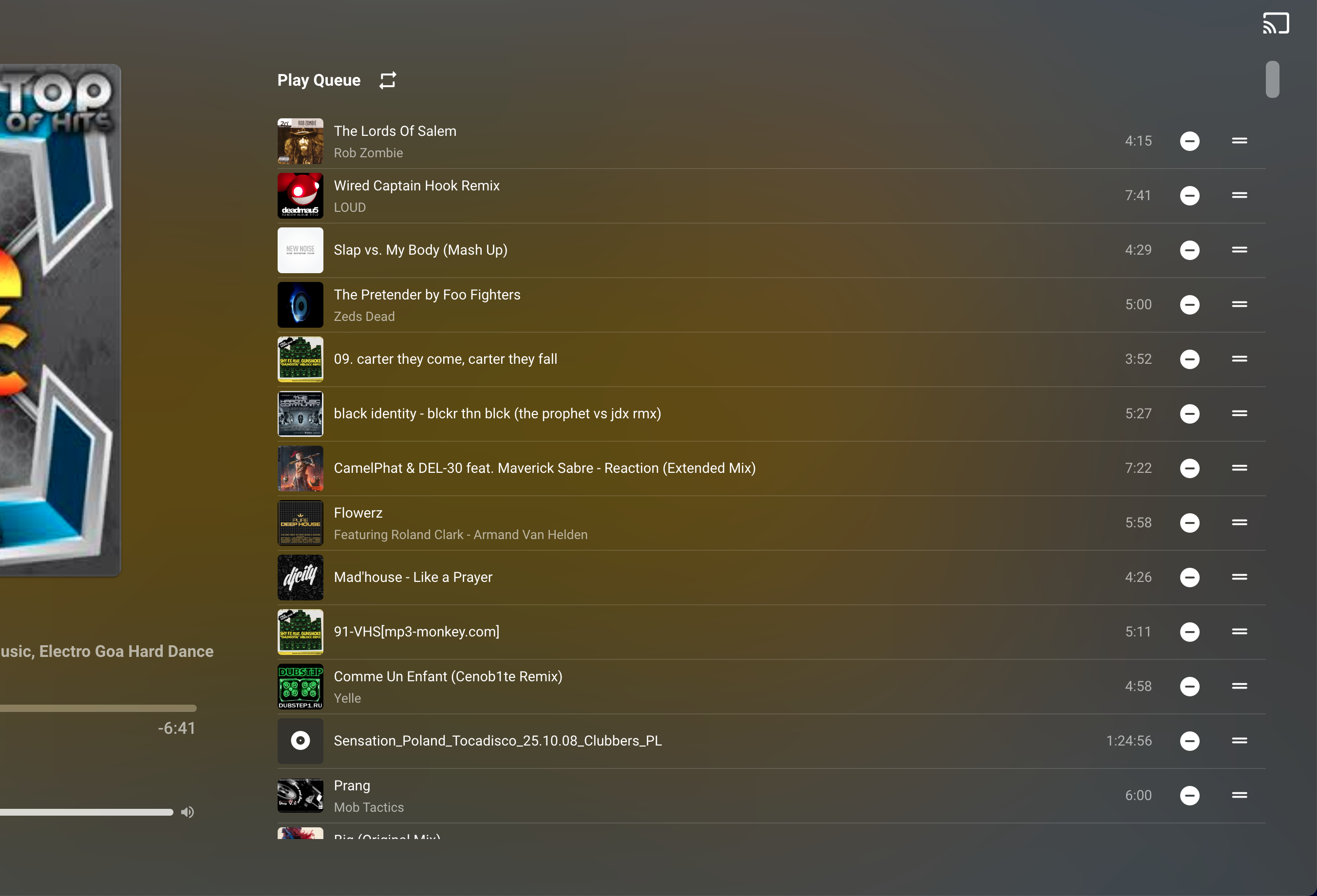
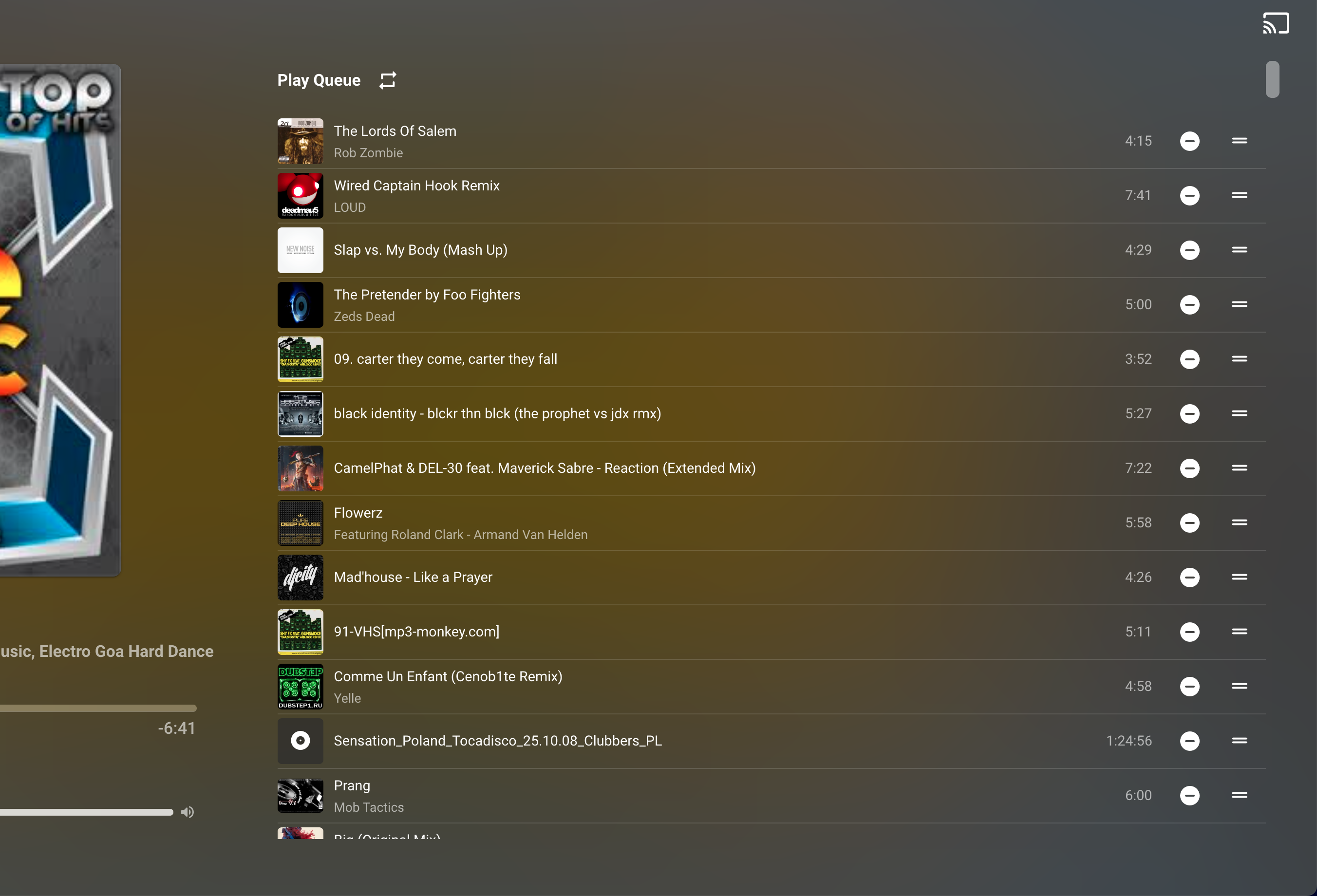
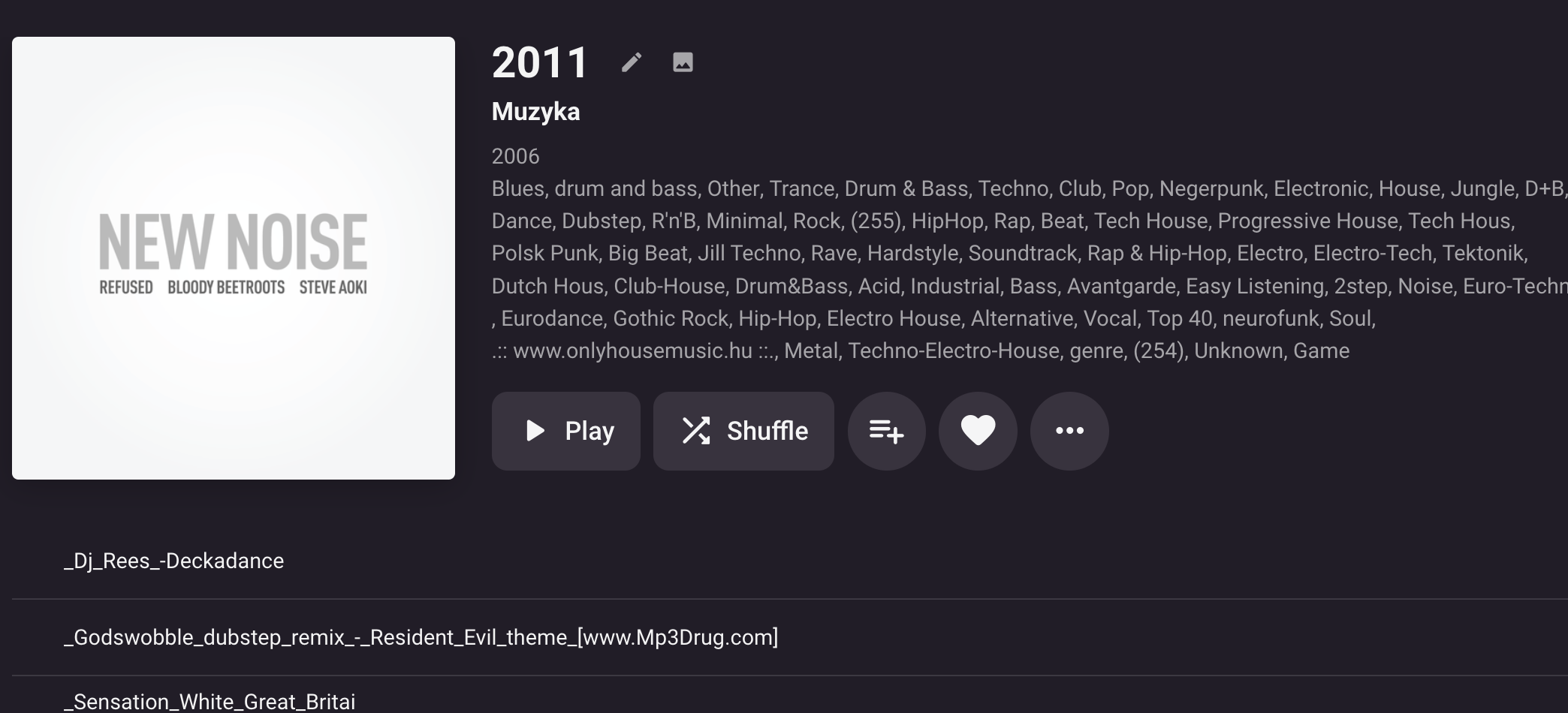
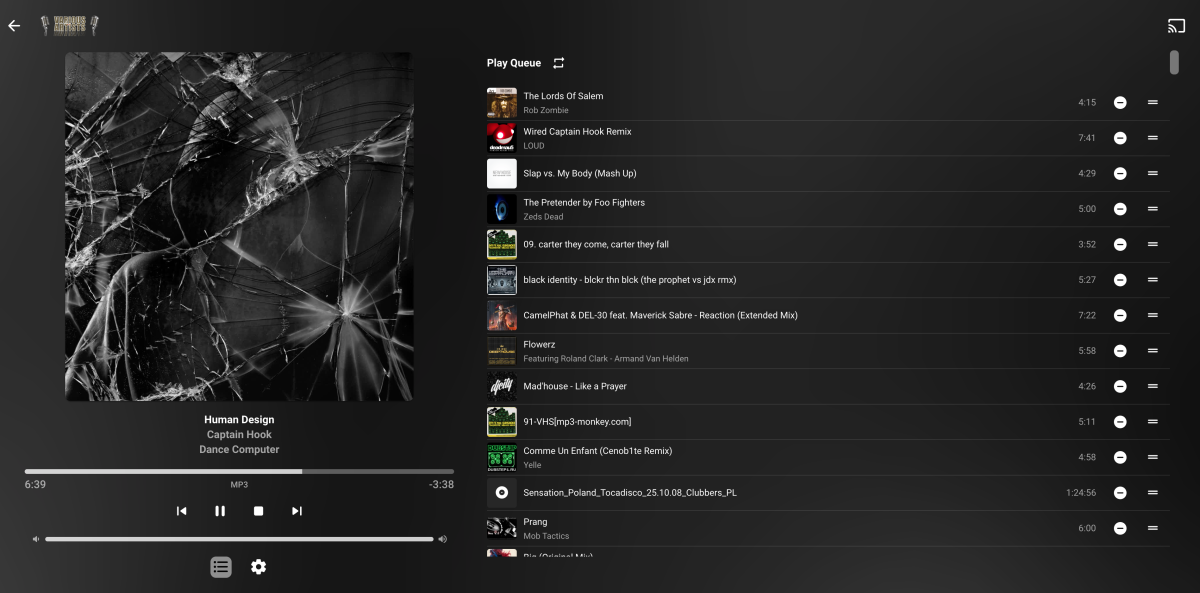
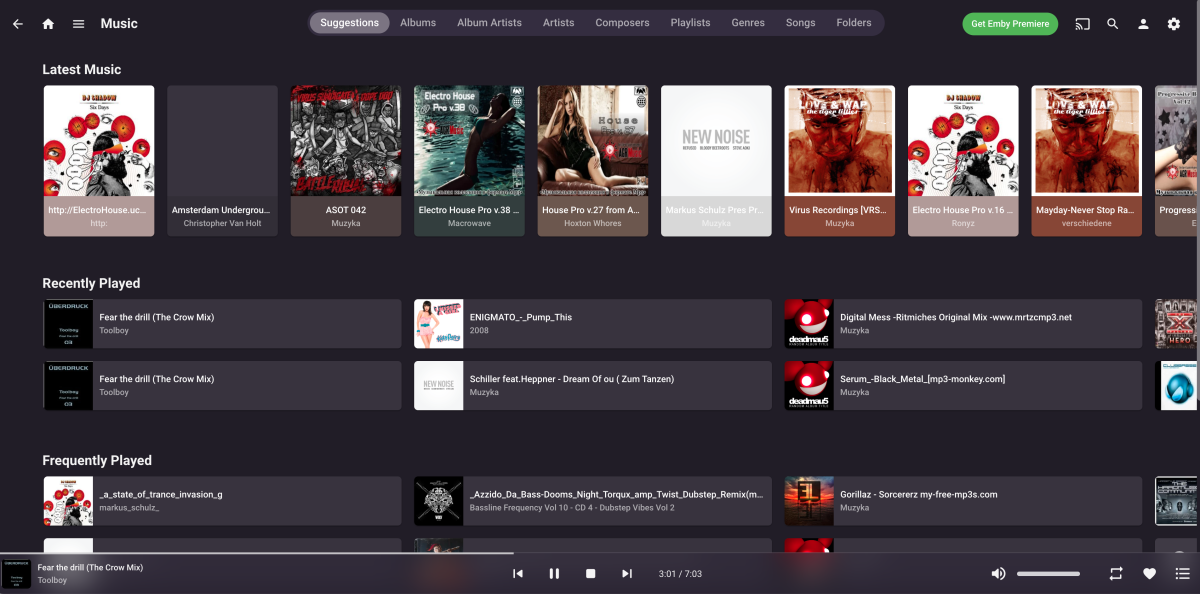
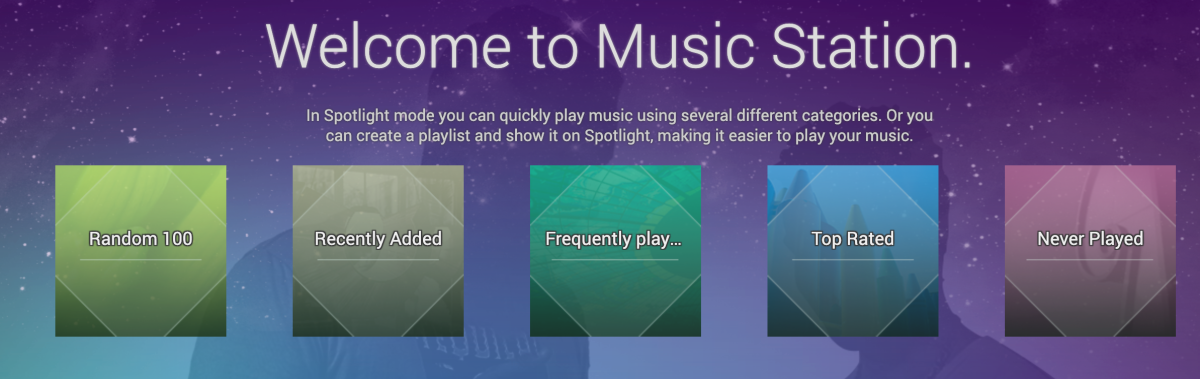
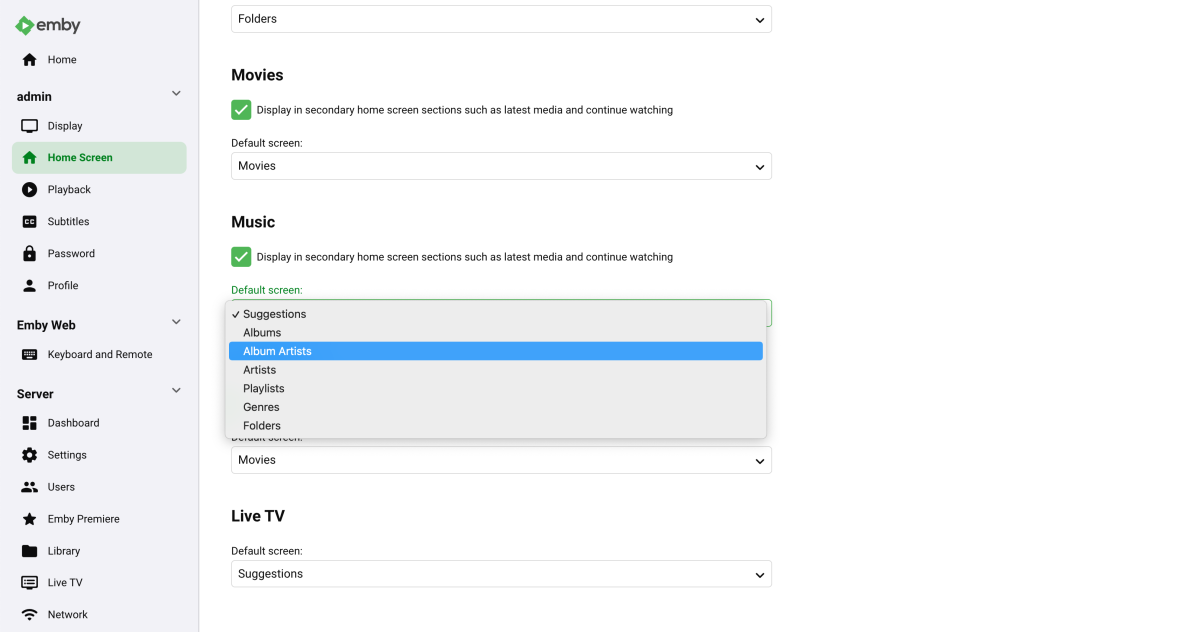
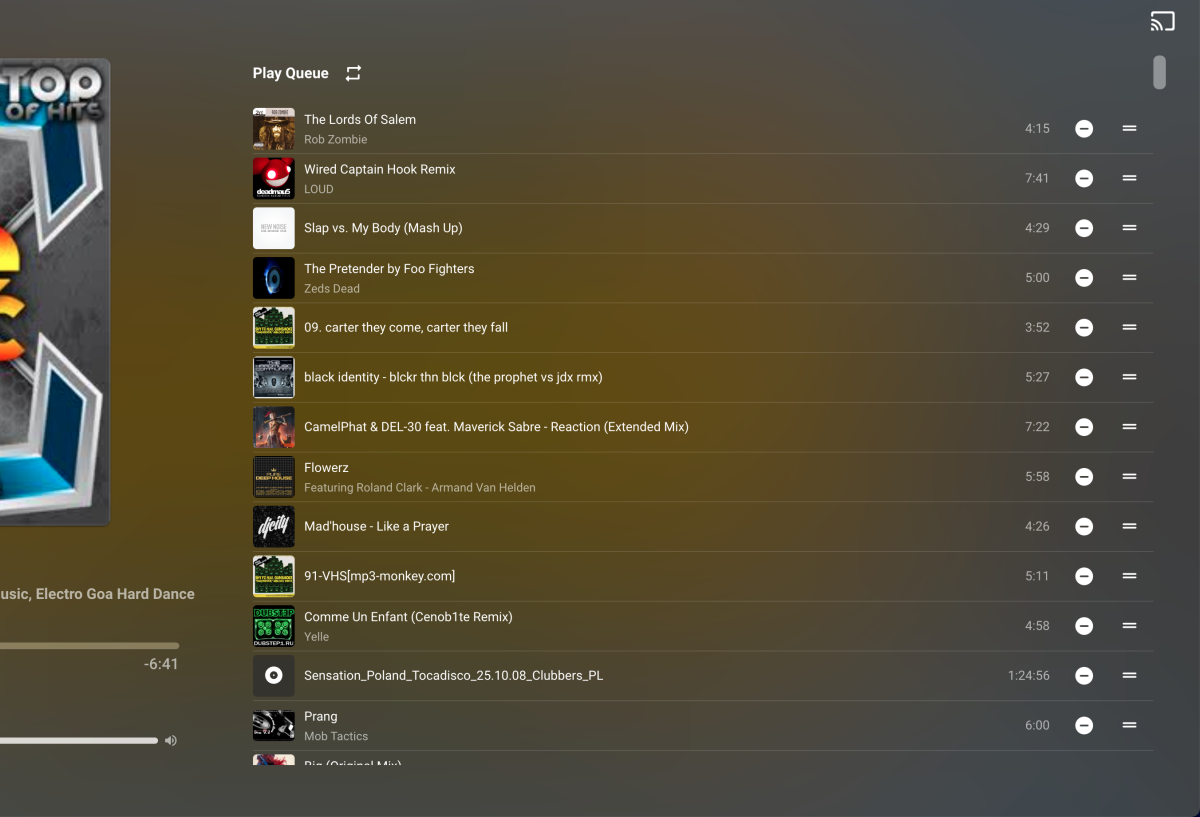
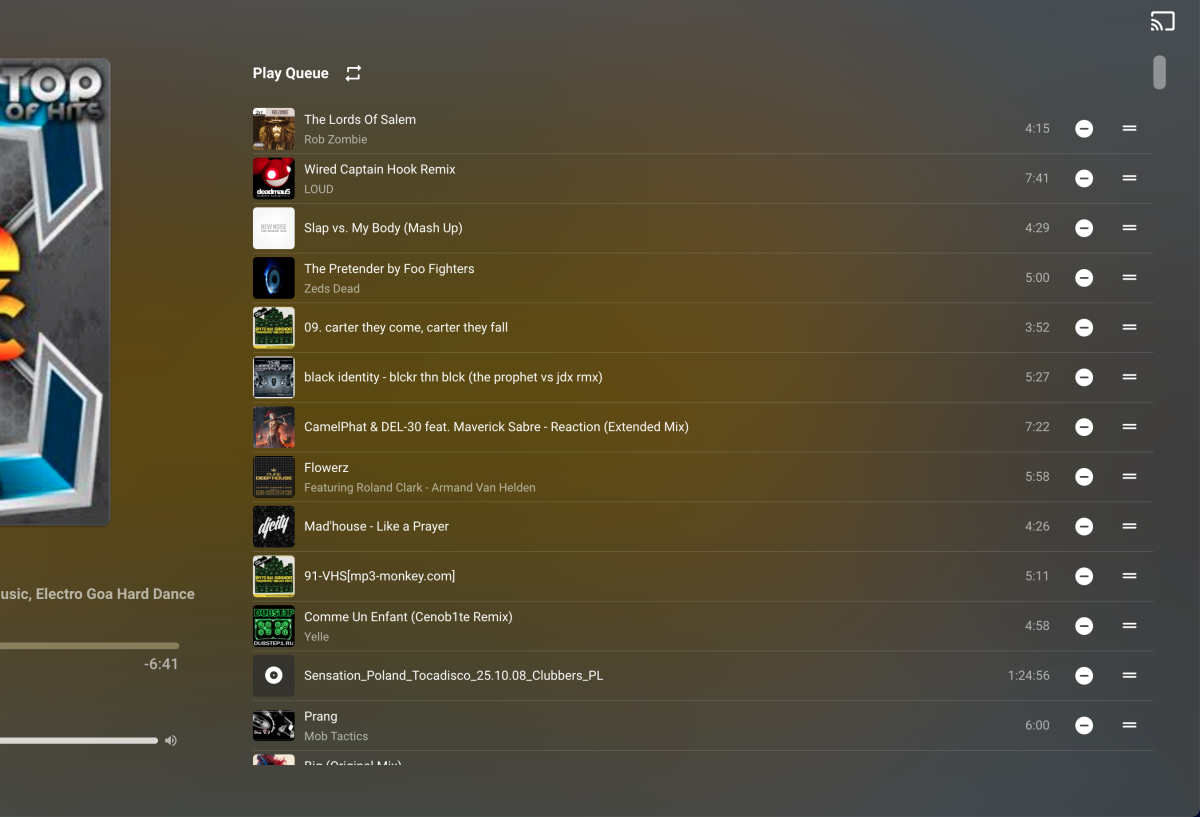
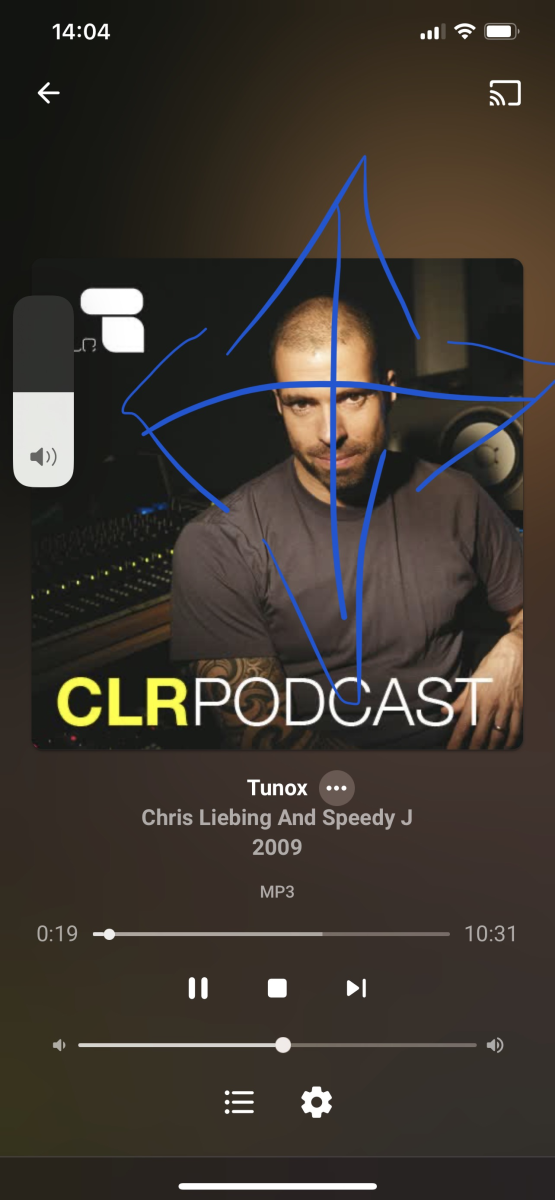
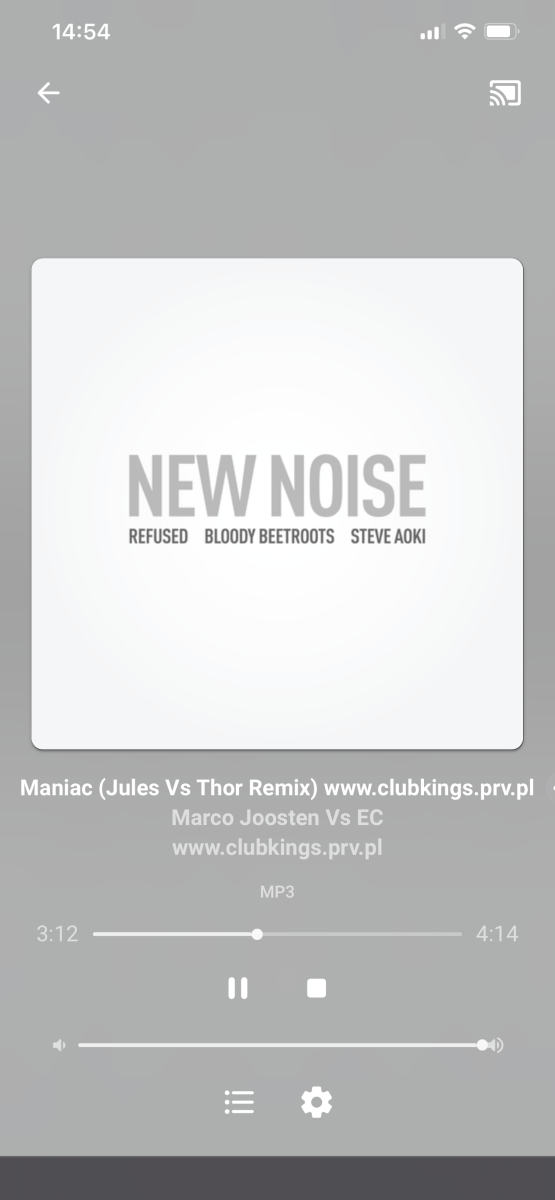
Emby Music Ideas In the beginning I want to say once again that I LOVE EMBY Because I love music same as movies. Emby now replaced all my Qnap apps, Plex, and maybe in the future even more? Some my ideas how to make Emby Music better (in my opinion): Music: Click on the TITLE to show on track the Playlist window - most of the times playlist is fixed position if you don’t scroll. I have 30k tracks, so it’s impossible for me to find actual playing song ———————————— Music: add “Play 100 Random Track” , “Top Rated”, “Never Player” - please, please, please ! Qnap made this very nice -> ————————— Settings -> Home Screen -> Music -> Default Screen: add: SONG from the drop menu. It’s my default place where I go. And maybe Favourite would be nice touch, as well ————— Add: Editing tab order Add: Favorite tab is missing ———— Add: Sorting by name, folder, date, time, size. Add: Visible Bpm, Size MB, Year info, when song plays. Add: 1-5 star rating for songs, would be nice. Add: Track number (!) Add: SEARCH box ! Please Add/Missing: Shuffle playlist - There is one Shuffle in the “Song” tab and when you press on the #tag. But missing on the actual player/playlist. Next to "loop/repeat" it's perfect place. ———— iOS Emby Music: I think me like many iPhone users love sliding across aps, photos, FB, Instagram, settings, when you actually don't have to press "BACK" button, or any other button but just slide... It would be amazing if we could slide "previous/next song", same as "volume up&down". ------ I'm not sure if it's even possible, but Emby it's more NAS tool. So maybe "Share this strack"? --------- Error/Bug: Missing "3 dots" for extra menu. I can't add song to favorite. ---------- Otherwise Emby "Music" is beyond what I could imagine Thank you Emby Team! Keep Going .



 1 point
 -
I have previously asked for this. please support. +1, Star based ratings system is much needed.1 point
-
@Luke, this looks like the same issue with them not packaging our ffmpeg1 point
-
Ok, I have found the option for the subs size, I was looking for it while playing something, where apparently it's outside on the main options before you start playing. And the app looks different because it's much older version. The Samsung store has Emby version 1.2.6. Hide video player transport option not available anywhere but I don't mind. I do have another question now. Since the store version is so old, is it possible to update it using the USB method (but without it expiring every month?) Thanks for the replies / help.1 point
-
I wasn't even logged in to 2 of those browsers, ever. But I started getting notifications a couple hours ago again, and I just read this. Something somewhere changed. So, it appears this is resolved now.1 point
-
1 point
-
Kodi beta 21 is also not very stable on my setup. e.g. On my setup: After init sync (and only after init sync) Kodi crashes. Once synced, everything seems to be fine. This sounds a bit like your reported issue. I'm still reviewing the problem, probably a Kodi issue. I didn't tested in native mode yet.1 point
-
I am not using dynamic, but kodi database sync mode and playlists are empty, also using the smart playlists plugin in Emby. Hopefully that will work too in v9.1 point
-
In the menu I can select external player, then it will open the "video gallery" player which is Zidoo player. One thing I have noticed, when I had audio passthrough settings in Zidoo set up to RAW it couldnt play DTS-HD Master Audio (neither in Zidoo player, Plex or Emby). When I configured passthrough mode to LPCM it was able to play given audio everywhere. For now have it set to auto, so it seems it will understand if there are compatibility issues and will use PCM when needed. Audio #1 ID : 2 ID in the original source medium : 4352 (0x1100) Format : DTS XLL Format/Info : Digital Theater Systems Commercial name : DTS-HD Master Audio Codec ID : A_DTS Duration : 2 h 49 min Bit rate mode : Variable Bit rate : 3 686 kb/s Channel(s) : 6 channels Channel layout : C L R Ls Rs LFE Sampling rate : 48.0 kHz Frame rate : 93.750 FPS (512 SPF) Bit depth : 24 bits Compression mode : Lossless Stream size : 4.35 GiB (6%) Title : DTS-HD MA 5.1 Language : English Default : Yes Forced : No Original source medium : Blu-ray You mean on the Zidoo or Samsung TV itself? Anyway I could find time to test it but would need to know which movies need to find for which codecs.. Or do you have a server I can connect to? Thnaks
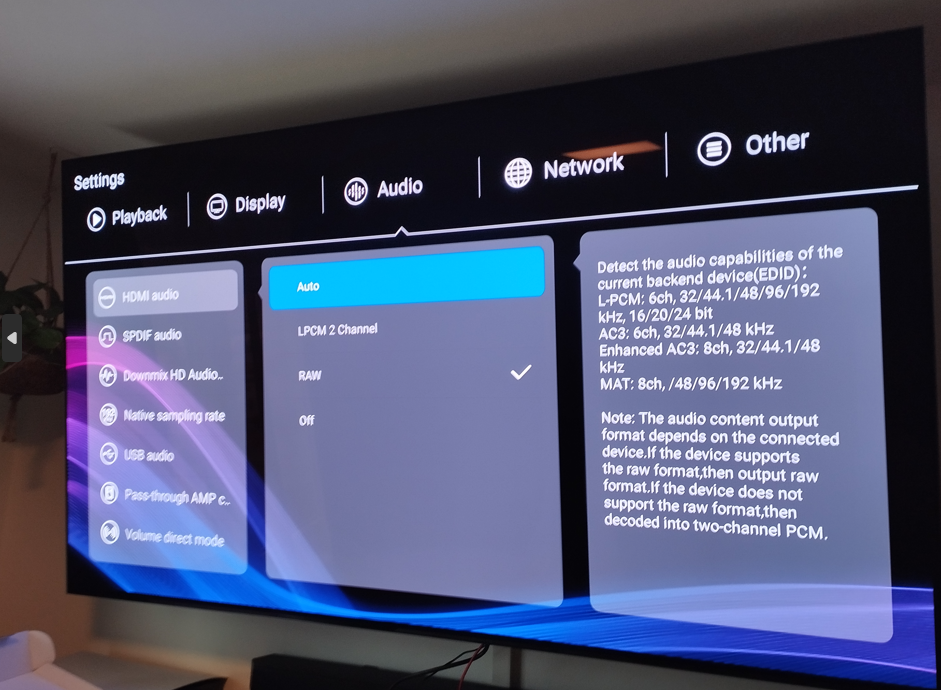 1 point
 -
Thanks, just wanted to check if maybe some forum software update borked it - but nothing apparent stands out in the frontend, guess it's a backend issue, you'll have to wait for @Abobader to revert if maybe he noticed something odd.1 point
-
ffmpeg/transcode logs from the server will be the most useful at this stage if you can please share them1 point
-
Click the cog wheel looking icon on the OSD, then SFN and a little box should be shown in the corner of the screen of details on what's happening.1 point
-
Whether you have Emby Premiere or not does not affect whether you will see transcoding or not. SFN is the stats feature in the video player.1 point
-
Yes, all those audio codecs should be supported by your TV according to the chart I'm looking at. My remuxed movies are created using mkvtoolnix from UHD. The picture, audio, subtitles, etc tracks are exactly as they are on UHD and mkvtoolnix just puts them into a MKV container. Quality should be just like if played from UHD, but files are a lot bigger than something that has been reencoded and compressed. If you aren't having any problems with the version from the store then you can just wait until it's updated with the version available on usb. Check to see the release notes to see if there is something you can't live without until the store app is updated. If you have issues check SFN to see if it's transcoding and why. Then post server/transcode logs.1 point
-
I don't believe the suggestion/solution that was shared with me above helped fix this, but after trying a number of other changes on my own and testing for the last week, I believe I've figured out what must have been causing the issue. I had already suspected that the DVR stopping might be related to an Event Viewer 'warning' message about USB HUB3 (surprise removal). When this warning was occurring, it seemed to coincide with when I think the DVR stopped recording scheduled events. When this warning was occurring, it always occurred twice (x2) in event viewer. Made me start to wonder what I have 'two of' that could be causing the problem. Turns out, I think it was my dual monitors (both are Acer VG 280k monitors). There was a driver update for those in the last few months, and I'm thinking something in that update was now causing them to turn things off (some kind of sleep mode) after 30 minutes of inactivity. Changing the 'power options' in device manager for anything USB hub related did not seem to do anything to fix my problem. But going back into the old 'Control Panel' windows settings for the Power Options, and changing it to 'NEVER' turn off the display, appears to have fixed the issue. I'm no longer getting the Event warnings, and no longer losing connection. Something about that display driver update must have been forcing the server to some kind of sleep or inactive mode, causing recordings not to occur, and clients to lose access to the server. that's my best guess at what it was, and what I did to fix it. Of course it is possible that it was related to some other win11 update that fixed itself by now. in any case, I seem to be up and running with a dependable server now. Thank you Luke for the follow-up! Sharing what I found and did in case it is helpful to anyone else.1 point
-
Or maybe filters.1 point
-
Which holiday season are you talking about? Halloween? Thanksgiving? Christmas? National Gorilla Suit Day? Vernal equinox? Easter? National Do A Grouch a Favor Day? That is the problem of offering a date/time without being specific. It is like saying "It will be ready Friday" without specifying which Friday.1 point
-
Hello guys! I am sorry that this update took a bit longer than usual but please note that I don't use Beta and I only do this for you when I have time. Please take that in consideration. Enough of that. I have now made updates to both the stable and beta version. The beta was a big update as a lot of things changed but I think it should all be good now hopefully. For some reason I cant edit the main post (do you know why @Happy2Play?) so the updates can be found attached to this post instead. Let me know if anything is not working correctly Emby-Stable-style-v2.8.css Emby-Beta-style-v2.8.css1 point
-
Hi Luke, thanks for your reply! I fully understand the "generic issue" you're describinung. But I'm concerned especially about the "Password change" dialogue: ! There you have everything you need for "switching the LDAP context to an authorized user context", meaning the user's DN, the user's actual password and the new password. From the network capture I've seen, that you search the user's DN using the configured BindDN (in my case the underprivileged LDAP search user), then switch the LDAP context to the users's DN for validating the actual password. But then you immediately terminate the user's authenticated LDAP session and switch back and open a new session using the plugin configured BindDN for changing the password. For my understanding, you just have to invoke the "modifyRequest" for changing the password in the already instantiated users's context instead of the "anonymous" or generic configured plugin LDAP user. In other words: you just have to use the LDAP context you already have instead of switching back to "anonymous" again ?! Just as info: I'm not a developer, I work in the area of IT security, so maybe I've misunderstood some developing aspects. Have a nice day1 point
-
I have previously asked for this. please support.1 point
-
We work very hard on Emby. We'd kinda like people to know what it is...1 point