Leaderboard




Popular Content
Showing content with the highest reputation on 10/29/23 in Posts
-
Guess "Bluey - S00E27 - Animation Sample.mp4" in file name is excluding it. Not sure I'm right. But you can try to remove that, as an test.3 points
-
Aloha he! I find myself often going to the plugin catalog to see if there is anything new, it would be awesome if there was a "new within the last X days" filter, or sort by feature! Thanks for taking it into consideration!3 points
-
I am switching over from a Win7 box running MBC to Chromecast dongles. With the Win7 box I had a HDMI to Cat6 setup that allowed me to stream to up to 4 displays/TVs simultaneously. It was great while it lasted, but involved stapling cables to the ceiling to run it from room to room - plus it has borked Can there be an option to multi-cast to several receivers at once? i.e. simultaneously play to Chromecast dongles in my office and living room and kitchen simultaneously so i can walk from room to room without stopping and restarting the movie or show all the time? I realize that bandwidth could POTENTIALLY be an issue, but i have a fill gigabit network and a multi-port NAS so that really is the least of my worries... Thank you!1 point
-
Hello, I have been using Emby for a few years now and I must say that it works great ! Thanks to all the team. However, using it every day, I am regularly confronted with a problem of subtitles not being available on the OpenSubtitles or Addic7ed platforms with Emby, often I find them on small French sites (I think the problem must be present for other languages too ). I'm using Emby on a remote server and there are several of us accessing it, everything is done through the web browser (reverse nginx). I decided to set up a "web file browser" (github\filebrowser) to be able to manually copy the subtitle to the location of the video, rename it with the: 'name of the video.fr.srt' then in Emby on the desired video use the option "Update metadata" then F5 so that the subtitle is available but it's tedious. Would it be possible to have a button to upload a subtitle manually from a file available locally on the PC ? Sincerely, Romain.1 point
-
Please click "Like this" and share it if you want to support this feature. Thank you ! Hello, There is a Kodi addon call "gdrive" from ddurdle who can read videos (original and transcoding version) directly from Google Drive. Why not build on this idea to integrate Google Drive as source directly in Emby Server ? In addition, Emby could generate automatically the STRM files from one or many Drive folders. And transcodings are already available with Drive so no need to transcode with Emby server. What do you think ? ------------- Three reasons why this feature will be useful and awesome: 1. Cloud is the future and today the cost is affordable. I have a Google Drive Unlimited for $50/month (ie $600/year) and I have unlimited space that is secured against crashes. Knowing the cost of hard drive and the cost of power consumption, its a very good deal. 2. Google Drive transcode video file. This provides different stream quality like Youtube (1080p, 720p, 480p and 360p) and the "image quality/compression ratio" is very satisfying. I can play 720p video on my poor 4 Mbits DSL. 3. You don't need to have a big server. Personally, I opted for a little dedicated server (Kimsufi 2G) for the cost and I can leave it run 24/7! Furthermore, me and my friends can watch movies from anywhere! Basics features that should be included: GOOGLE APPS OAUTH2 for activation and permission playing transcoded version (MP4 360p, 480p, 720p & 1080p) directly into Emby's app playing original file (avi, mkv, mp4) directly into Emby's app import embedded subtitles porwerful script module for multiple folder scanning and STRM generating1 point
-
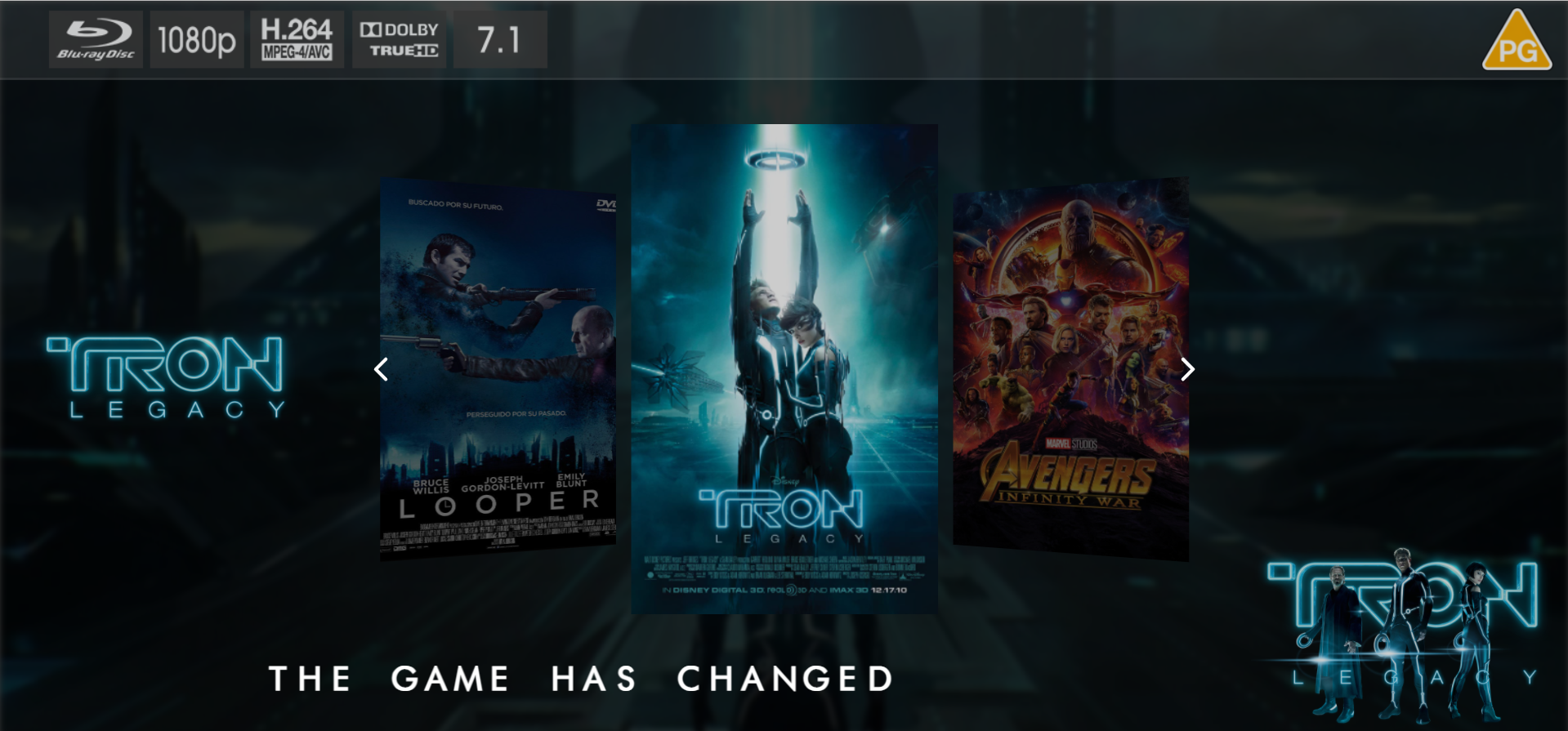
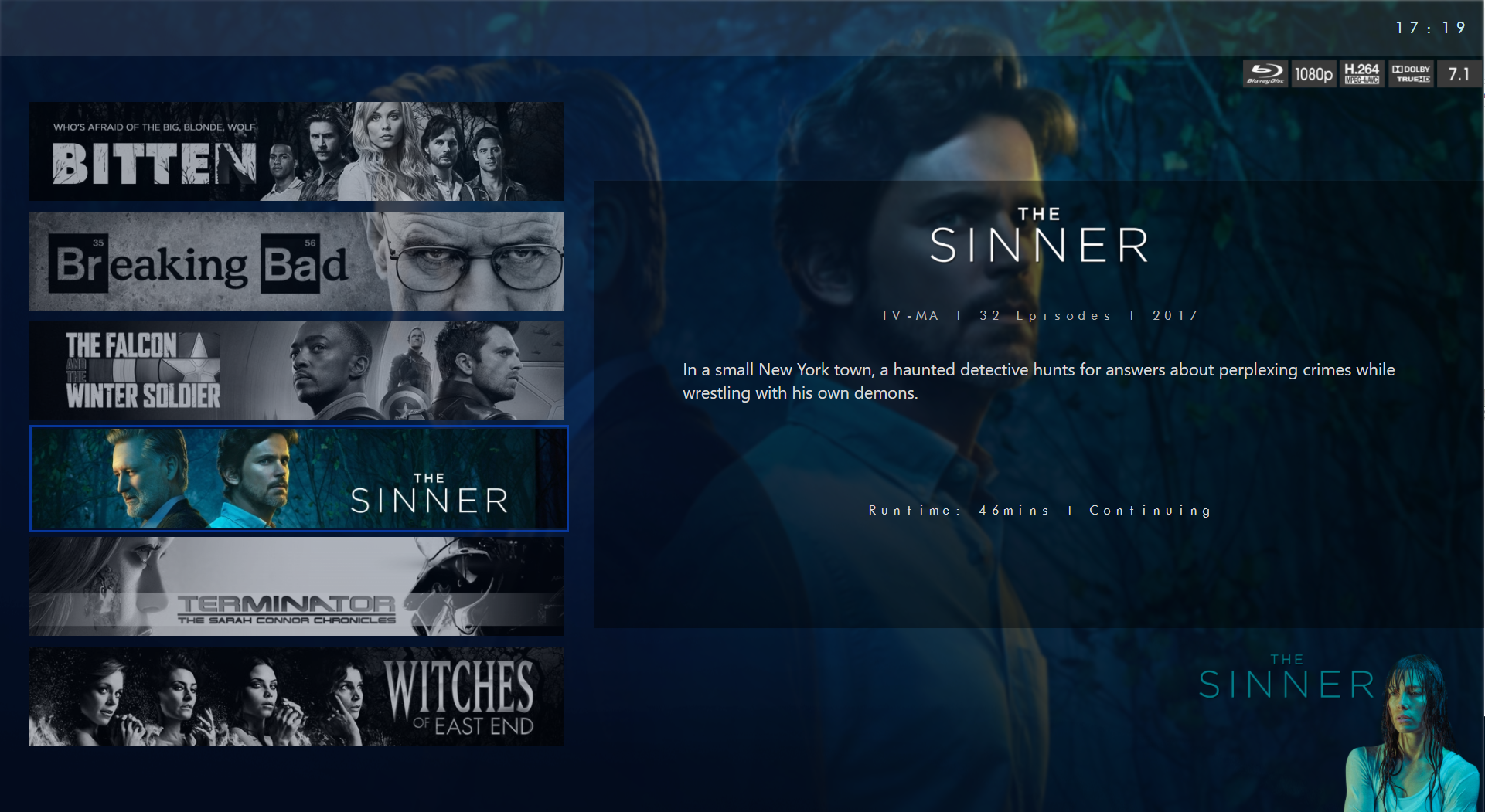
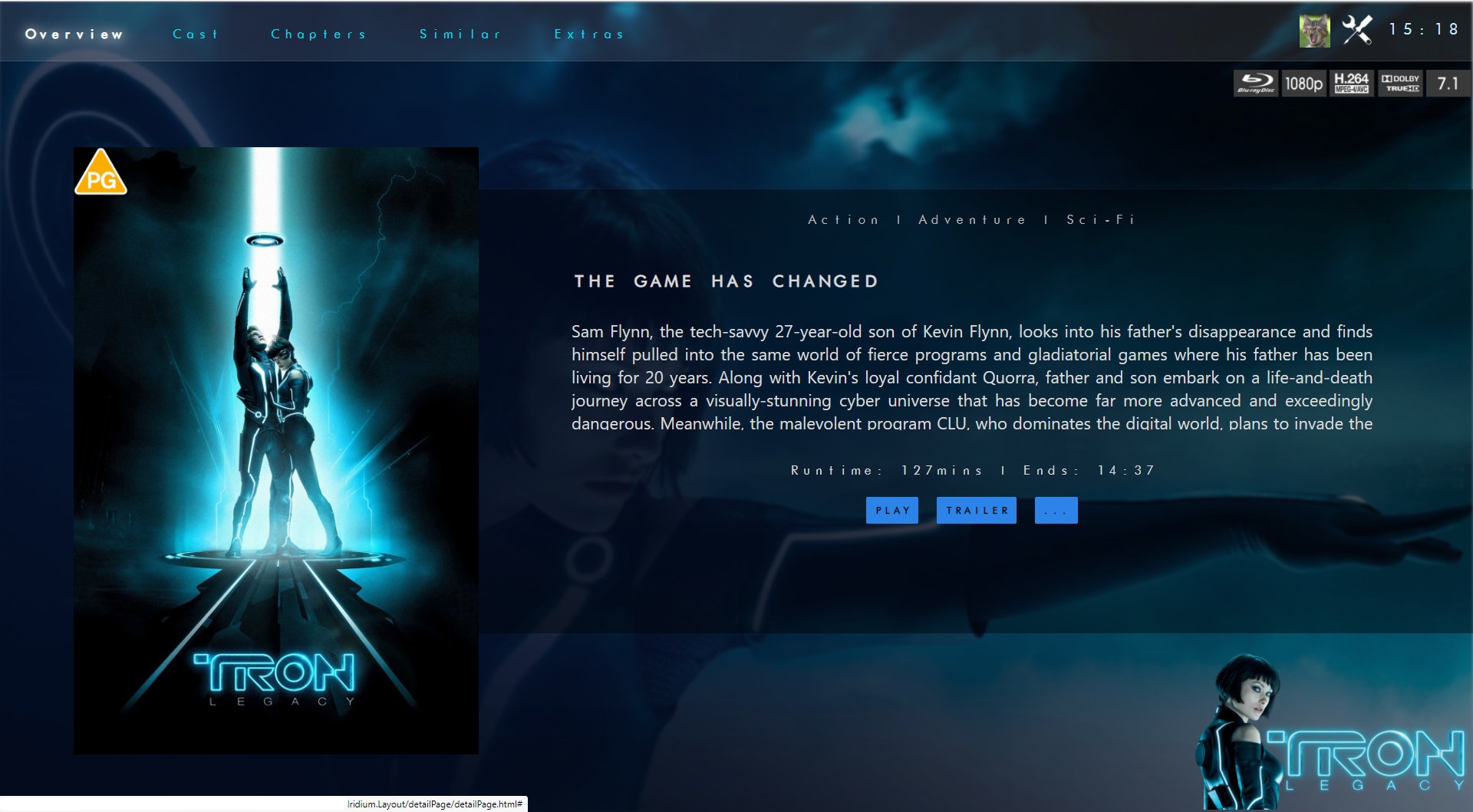
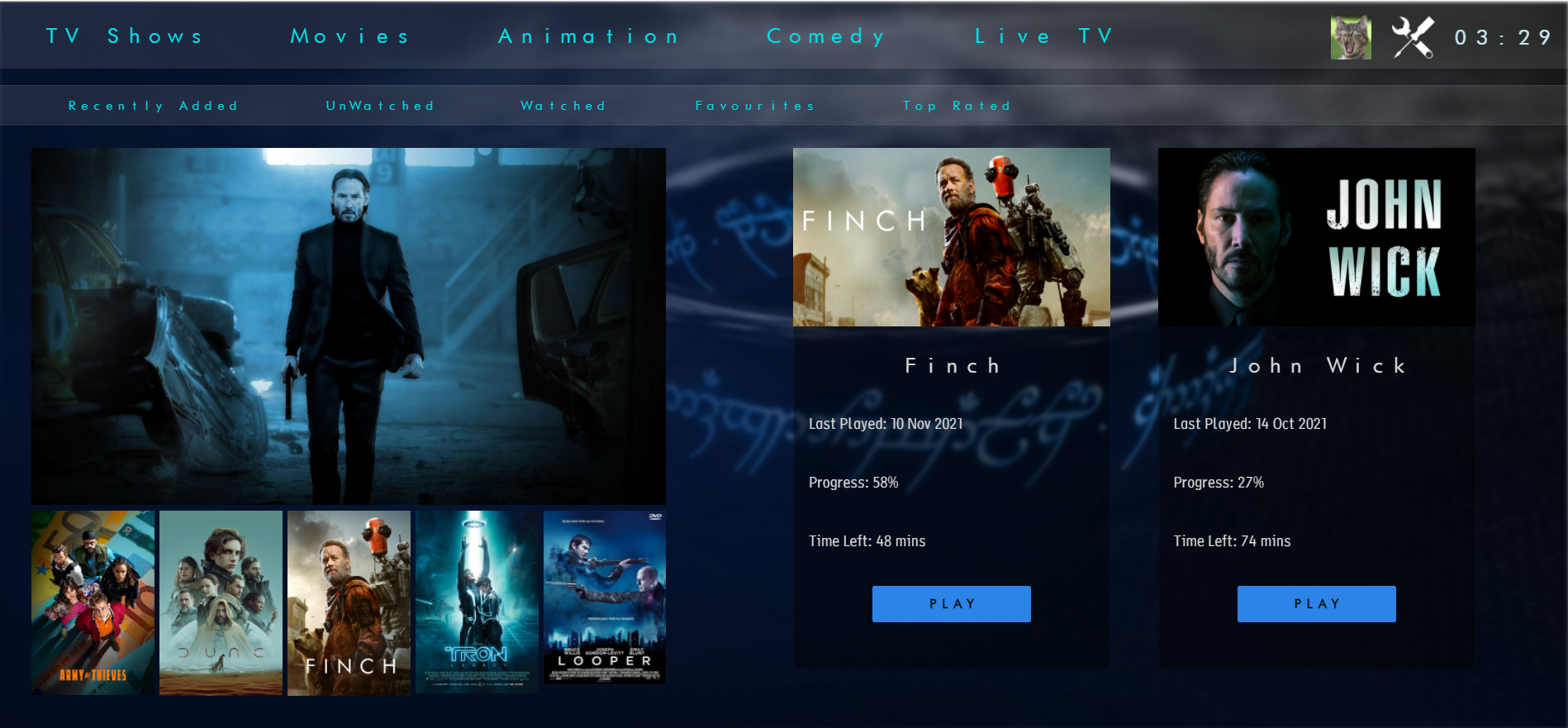
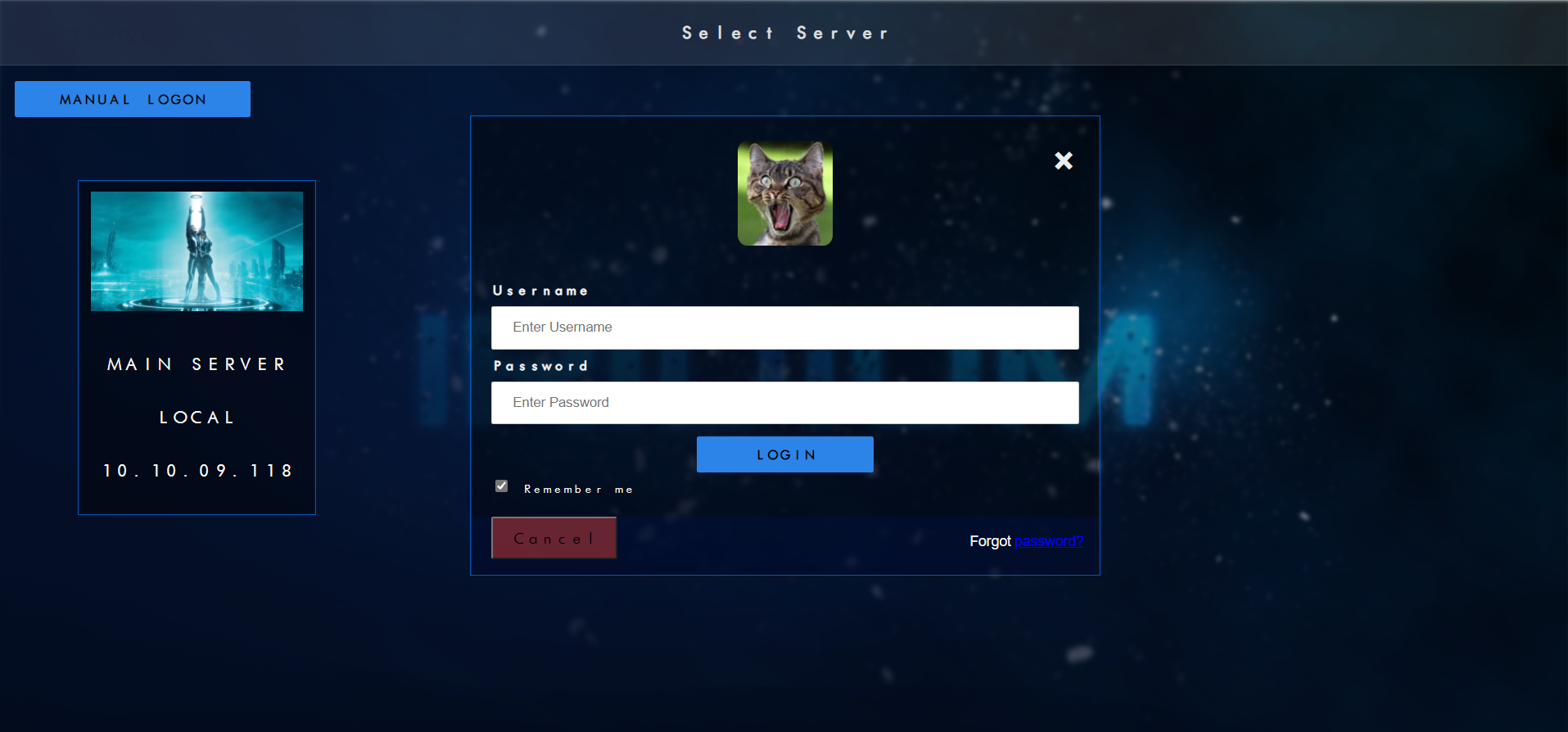
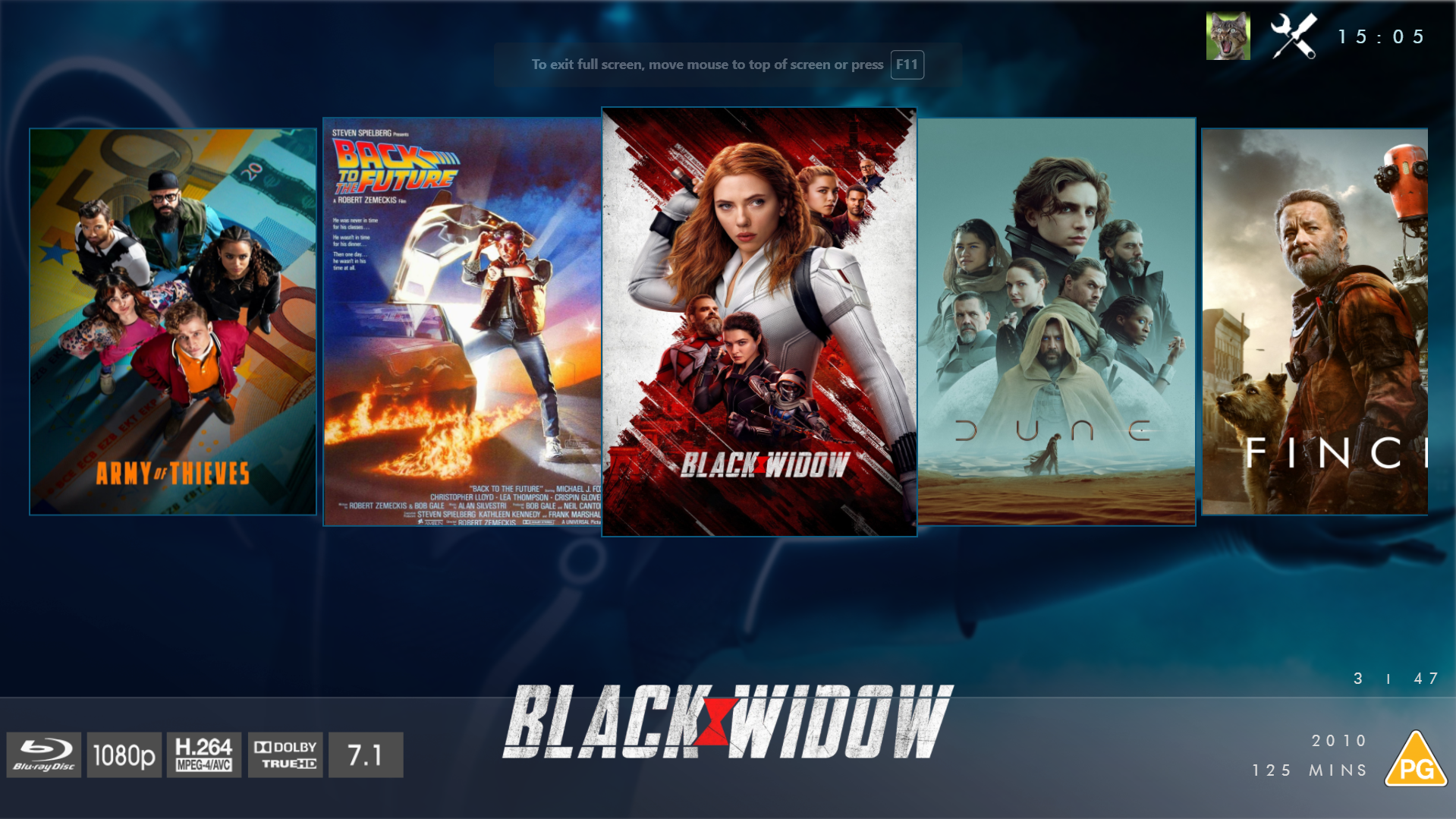
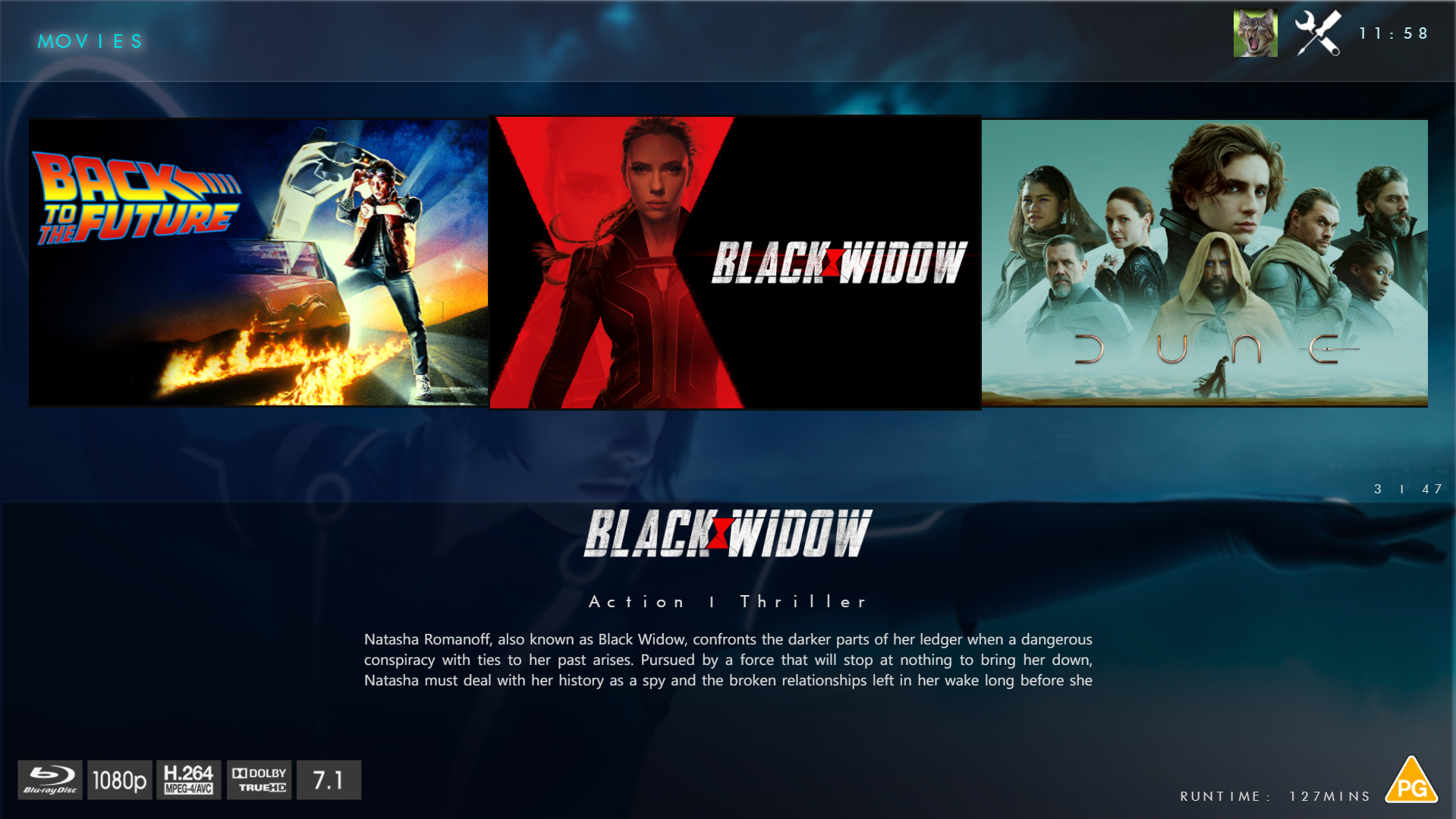
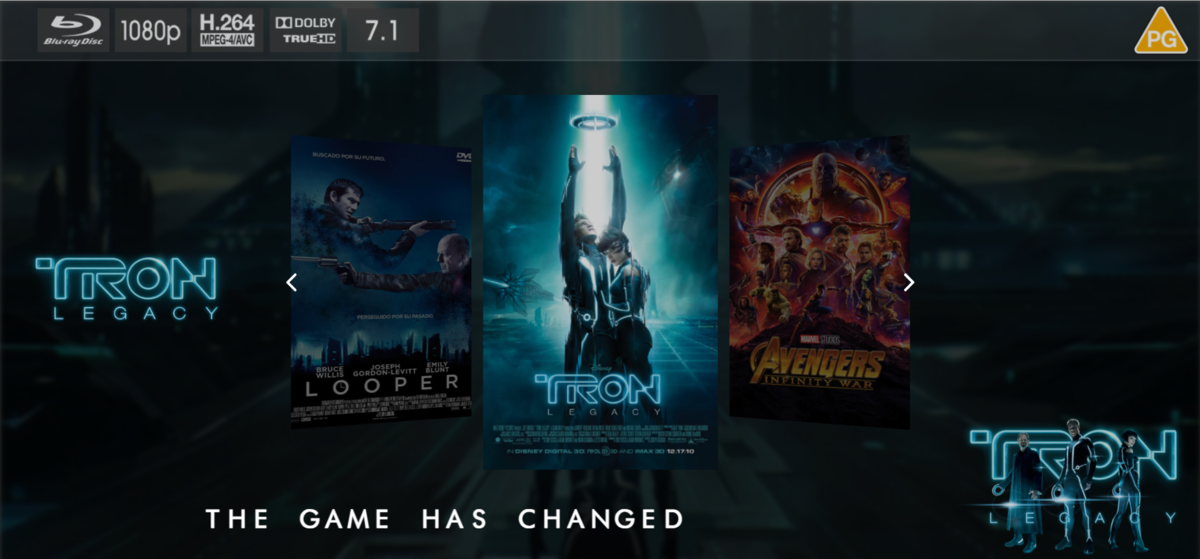
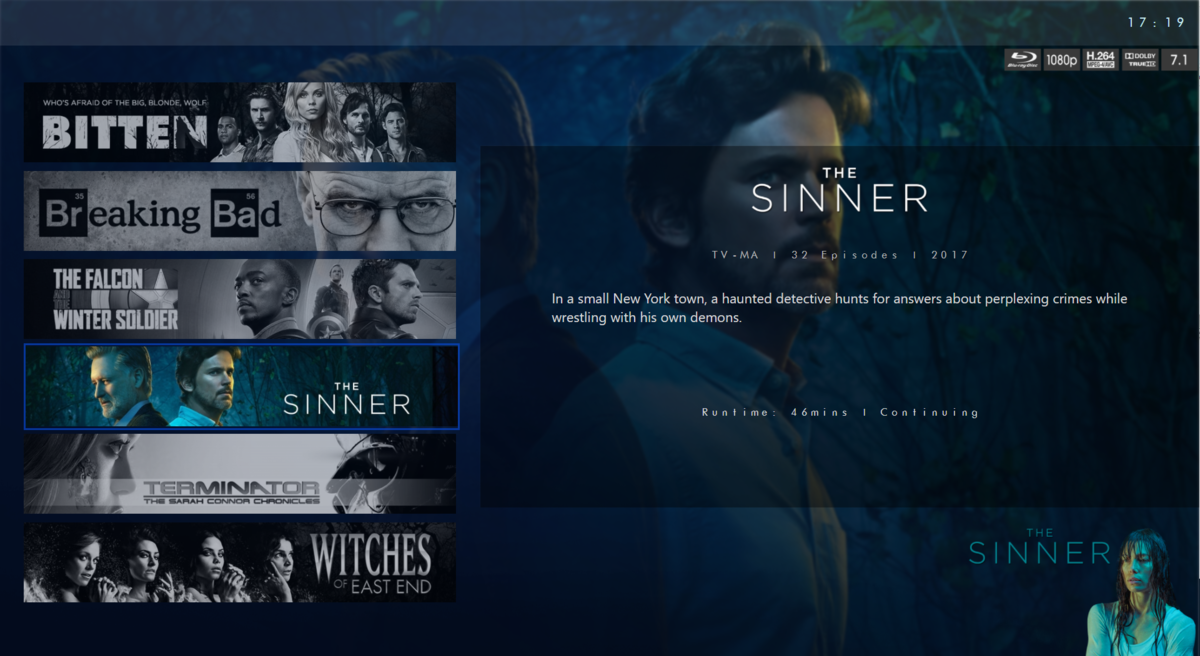
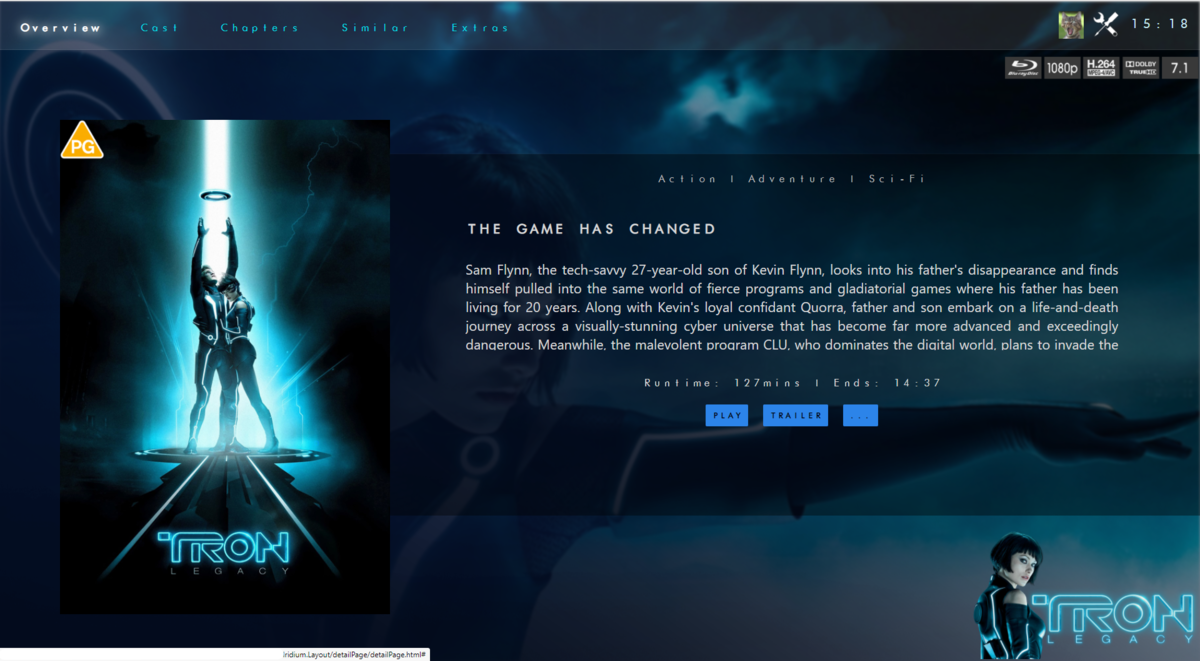
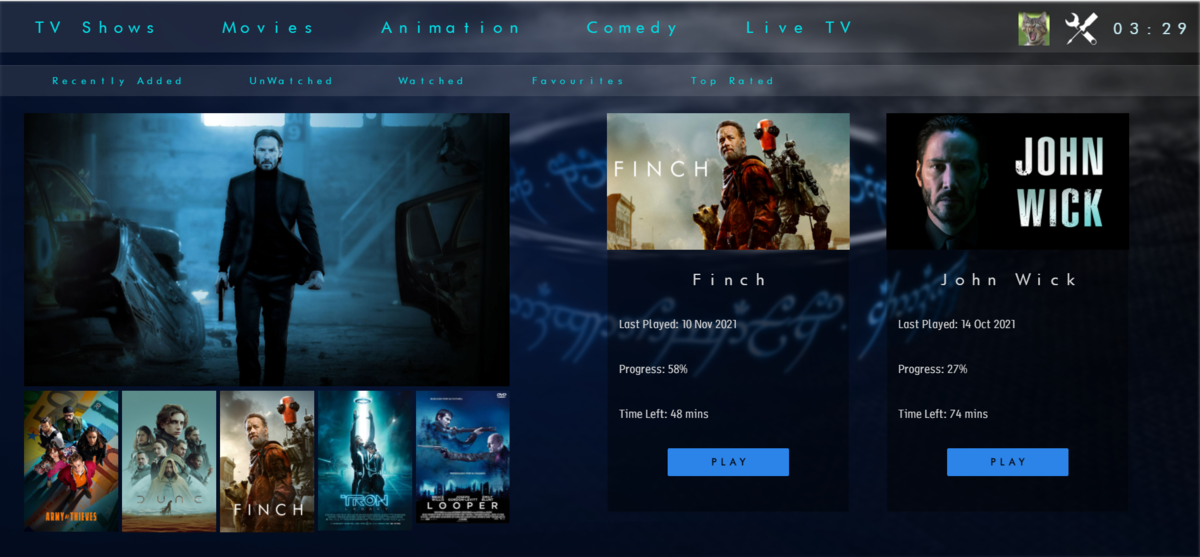
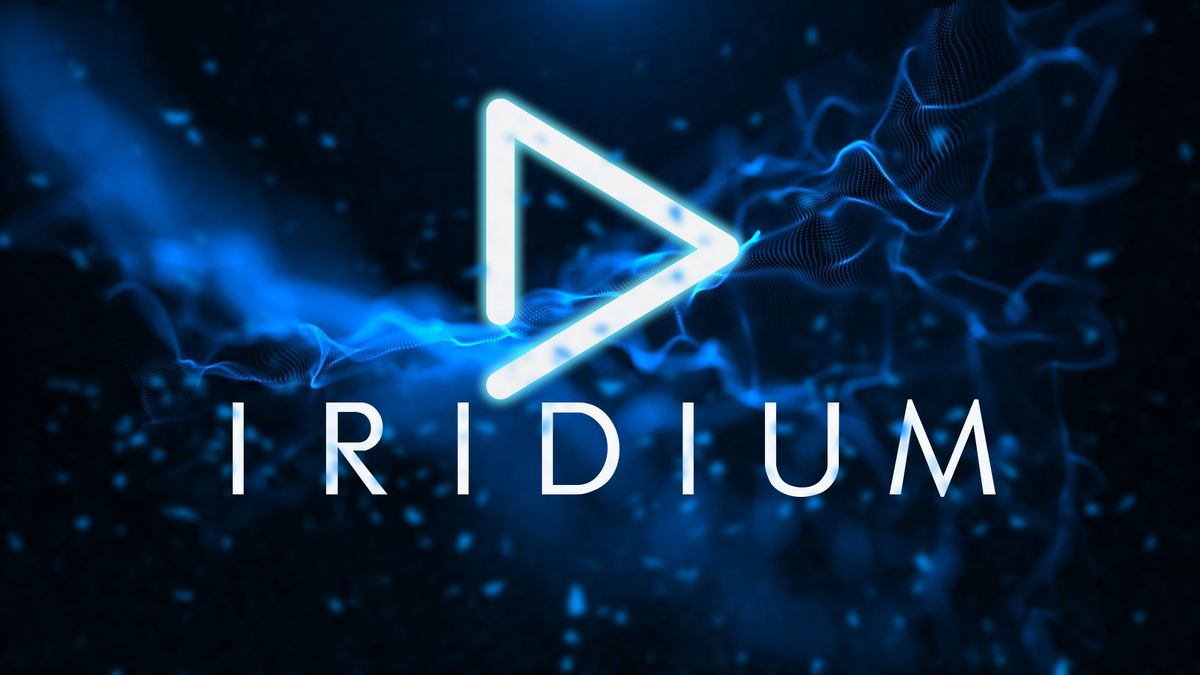
@chef @Cheesegeezer Another amazing production is about to be brought to you from devs - Cheesegeezer - I have started a new theme to bring to the masses. I am a long way off completion however we can continue to update you on the progress. The layouts are about 80% complete and once completed we can start to work on the code behind. We are interested in a closed group of testers when the time comes. I would just like to say that this was originally designed for Emby WMC back in 2014 and was just release there when M$ ditched support for WMC and the project died. @shaefurr did an amazing job with the concept artwork for me to work with back then, and this theme pays homage to him. So with out further ado... here's some of the layouts that are now coded. IRIDIUM - One theme to conquer all LOGON SCREEN HOME PAGE FIRST VIEW TYPE - COVERFLOW COVERFLOW 2 BANNER VIEW FINAL DETAILS PAGE LIST VIEW THUMB VIEW
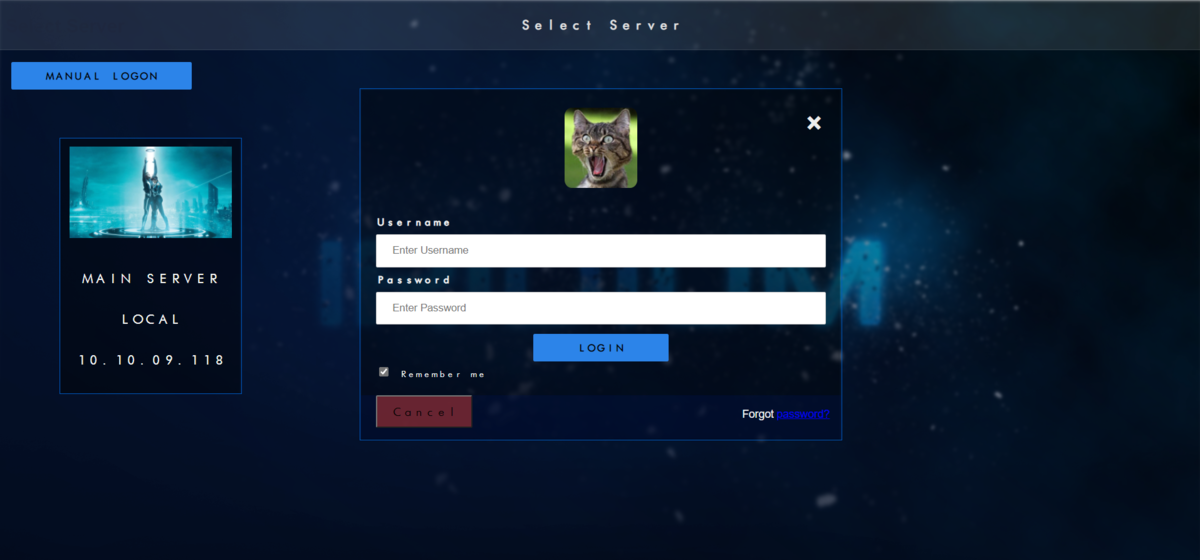
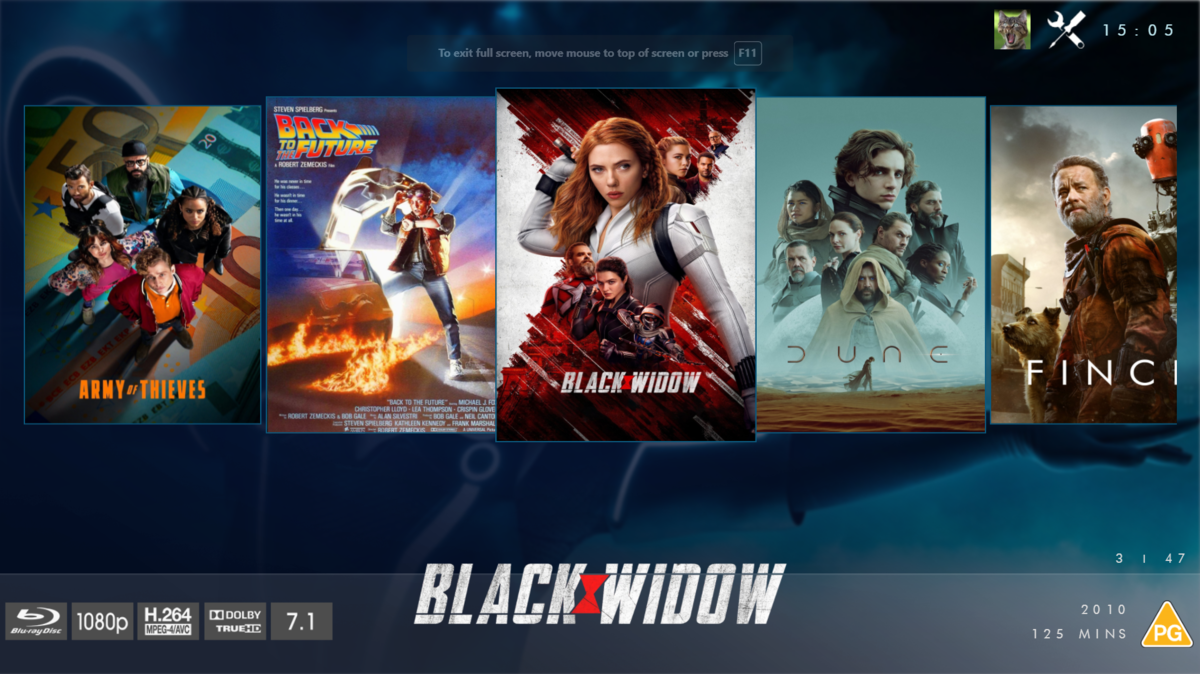
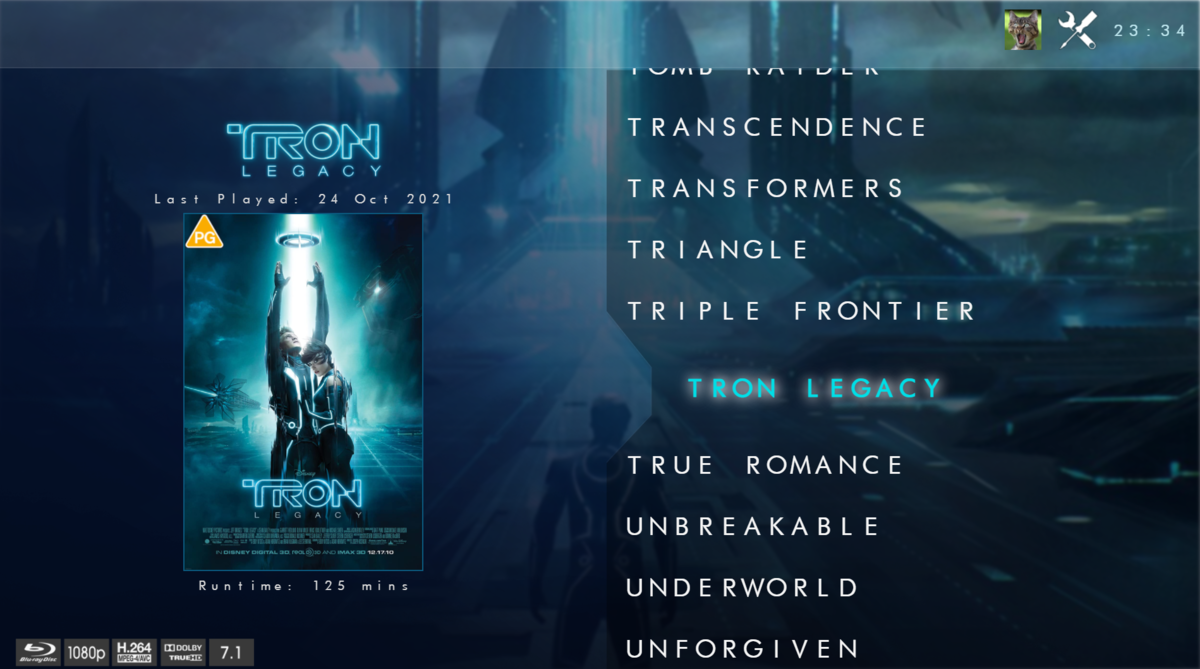
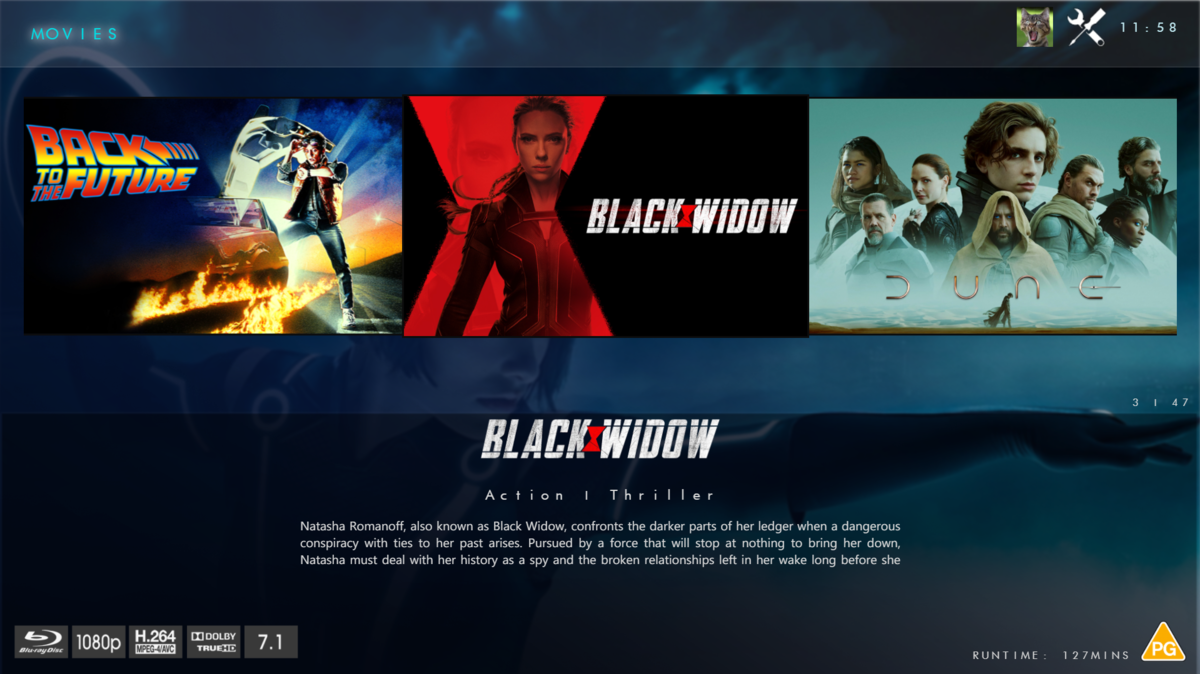
 1 point
 -
Are you still trying to accomplish this? If so you've run into one of the problems with plug-ins instead of using a base jail that you customize. It is possible to work through this (I've accomplished keeping my current jail alive from 11.3 to 13.1) but there is an easier solution. You create a new Emby jail (plug-in or base jail) and then restore from either the "Backup & Restore" plug-in inside Emby Server or by copying over the server files manually (ensure you stop the service and halt the jail before copying the files between the two).1 point
-
The emby application is already in your country... here you can see it... but just because it is in your country does not mean that the application is updated... I am in Spain and I am worse than you... in the sense that the version that appears on Samsung is 1.0.94. That's why I've always used it, installing it from USB (it's cumbersome this way that you have to install it every time a new version comes out) normally every month... But it's updated, which is better. Here is the link in case you want to install a newer version And here so you can see the version when it comes ou1 point
-
Ah! I see what you’re saying. I removed that tag and gave it a try... It was working before the update, but maybe that was part of what needed to be “fixed” All seems back to normal now. Thanks!!1 point
-
I think where you have it now is the general tvshow/movie tags setting not the season/episode setting. That's how I interpret the settings.. again could be totally wrong. Plus you have !DNP (NOT DNP) which is everything without that tag... Not sure if that's what your after but that would be all tvshows/movies etc. without the the DNP tag. I would remove the "*Tags:" setting !DNP and add DNP to the "But exclude tv show seasons or episodes by these tags:" settings and see how you go. I'm assuming the DNP are episodes you don't want in the channel?1 point
-
Hi, agreed that fillers and sorting would be helpful here.1 point
-
Yes, go back to using a Firestick, or buy Infuse and use the Emby plugin.1 point
-
The best way is to use an Android device or INFUSE with the Emby plugin. The devs have been fighting and fighting with HDR on Apple TV for quite some time. Apple is a PITA when it comes to playing your own content. It's to the point I've told any family and friends who have a Apple TV on my server that playback problems are their problems, and I can't help them because of their idiotic choice in device.1 point
-
I understand hesitation with reviving a necro thread but since this is the *only* thread that comes up on a google search with the EXACT error "-60: SSL certificate problem: unable to get local issuer certificate" text you get when trying to connect to a https emby server with a Roku device (and it hadn't been answered by the people that asked the question).... Leaving those of us with the same issue to dig-dig-dig to try to figure it out.... Here's my story, which is why I scratched my head so much up until now.... I've had a yearly SSL in place for a few years; I had SSL setup externally with Emby, and everyhing worked. (I.e., Samsung Smart TVs, the android app, apple TV, Roku, browser, etc). I recently setup NGINX so I could use a reverse proxy to internal service (including Emby) on the same SSL port. (so using emby.name.com or acme.name.com for example). Upon following setup on other threads in here, and overall nginx guides, I had a setup working PERFECTLY on everything listed above EXCEPT for ROKU. I'm guessing the problem may exist on other devices as well, but for the intent of this thread (the text Google returns), this appeared to be unique to Roku. How to find out if your issue is the same as mine, and maybe those who started this thread: I tested my certificate chain here: https://www.geocerts.com/ssl-checker It told me I did not have a complete chain, it returned an error: "A valid Root CA Certificate could not be located". (If yours is green for all entries, then the issue is something else). As suggested in another thread here I ran: echo | \ openssl s_client -servername domain.com -connect domain.com:port 2>/dev/null | \ openssl x509 -text Here's a suprising find.... Comparing the response against the KNOWN working Emby-with HTTPS direct (not using NGINX in the middle) vs. the NGINX proxy with HTTPS in the middle, the result was identical (no differences). (I expected a difference, since my keys were the same!). The solution is that you need to ensure the FULLCHAIN is being presented by your certificate (i.e., pem). Described here where someone else did similar troubleshooting: https://tsunderechen.gitlab.io/2020/04/nginx-ssl-certificate-fullchain-vs-cert/ There's many ways to get a fullchain cert, but in my case, I simply concatenaated them both like so: -----BEGIN CERTIFICATE----- ABCDEFG...12345 -----END CERTIFICATE----- -----BEGIN CERTIFICATE----- ABCDEFG...12345 -----END CERTIFICATE----- The first entry was my domain pem, the second was the intermediate (CA Root) pem That was it. It works now.1 point
-
Its aways good to help emby sort identification. By adding (year) [tmdbid=xxxxx] or [TvdbId=xxxxx] to series foldername, depending on your metadata provider. and for movies (year) {TmdbId=xxxx}1 point
-
FR = Feature Request, not Pull Request. I could have written it out entirely, but since Pull begins with the letter 'P', I didn't think such confusion would arise. Your comparison makes no sense. The search allows you to find the media but not to know which library it comes from. You would have told me "you're doing a google search and you don't see the description" I would have said ok, but just like plex in reality. You have to click on it for it to suggest the version to watch. So you have 1 extra clicks for Emby (the click on the back), which can be cancelled with the "Covert Art" plugin to add the 4K logo as with PMM. You're trying to understand a Plex problem on the Emby forum. Apart from polluting the forum, that doesn't help anything (plex being a closed source, you won't be able to propose a solution either). And I assume (perhaps wrongly, you might say) that if a video works on 99% of video players, it should work everywhere. And finally, MP4 is the format that's compatible with the most devices, so it can be played on the most devices natively, unlike MKV, and my file isn't an MP4 but an MKV, but I just don't see how that solves the problem. And the problem only occurs on Apple TV, so....1 point
-
OK I finally got it sideloaded and tried it out and it works flawlessly it also looks a whole lot better than the default play store one. Thank you for the suggestion and link have a great night1 point
-
You should be able to rename your new jail with the following command iocage rename emby-server_1 emby-test I'm glad to hear you were able to get it to work though.1 point
-
Are you able to share digital files that allow editing of the wording?1 point
-
The command I run is this: iocage exec emby /usr/local/bin/curl -X POST "http://[emby_server_ip]:8096/emby/System/Restart?api_key=[API_key]" -d "" The "iocage exec emby" part is because I run a script in TrueNAS to update the SSL certs on several jails plus the system itself, so that commands TrueNAS to run the command inside the jail. It's worked for 1+ years without a hitch. Hope this helps.1 point
-
Thanks for this. I was doing the same thing for a while but was worried because using the shutdown link within the UI is not nearly as quick as using the command line 'service stop...' I was always wondering if it was safely shutting down processes before actually stopping. So I feel better running: curl -X POST http://[emby_IP_address]:8096/emby/System/Restart\?api_key=[API Key] I believe that runs the same command that gets triggered by the UI and it just feels 'safer' to me.1 point
-
Great news. Emby for Samsung is now available in the Samsung app store for more countries. If you're in any of the following countries, you can now install the Emby app using the Samsung app store: Argentina Australia Canada Czech Republic Denmark Finland France Germany Greece Iceland Ireland Italy Netherlands New Zealand Poland Portugal Spain Sweden Switzerland Turkey United Kindgom United States Virgin Islands We are working on adding more countries so stay tuned! View the full article1 point
-
Ok... kind of makes the downloaded music useless unless you want one large playlist (which is fine), but a bit more control would be appreciated. I did notice that if I access the Playlists from the Home menu, they show as being downloaded. My question is, if I choose the option to Play from the Home menu, will it play the downloaded content first then revert to streaming from server if downloaded content is not available? I ask because at the moment, I am using Plexamp but would prefer to use Emby.1 point
-
Hi. The versions don't exist at the season level. So this is what you would need: Additional context in this topic:0 points