
Leaderboard




Popular Content
Showing content with the highest reputation on 09/25/23 in Posts
-
Existing Feature Request:2 points
-
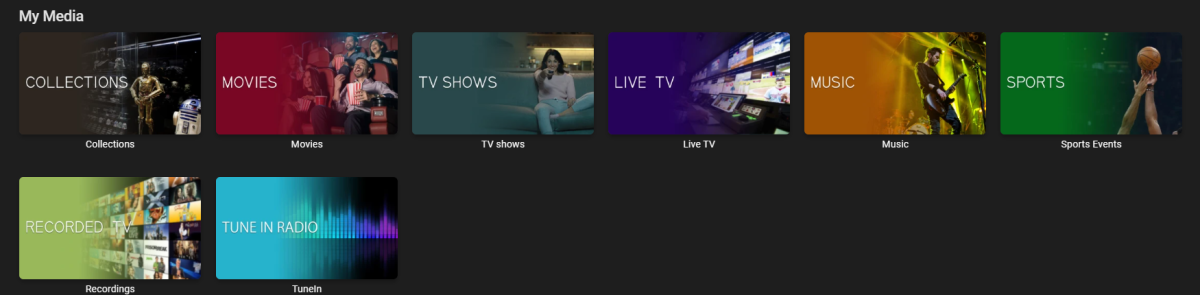
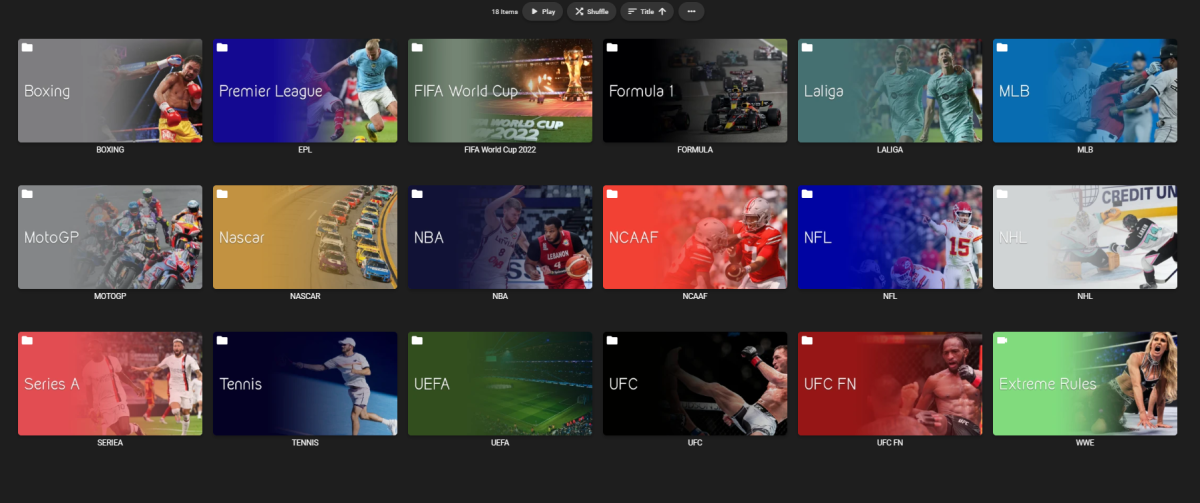
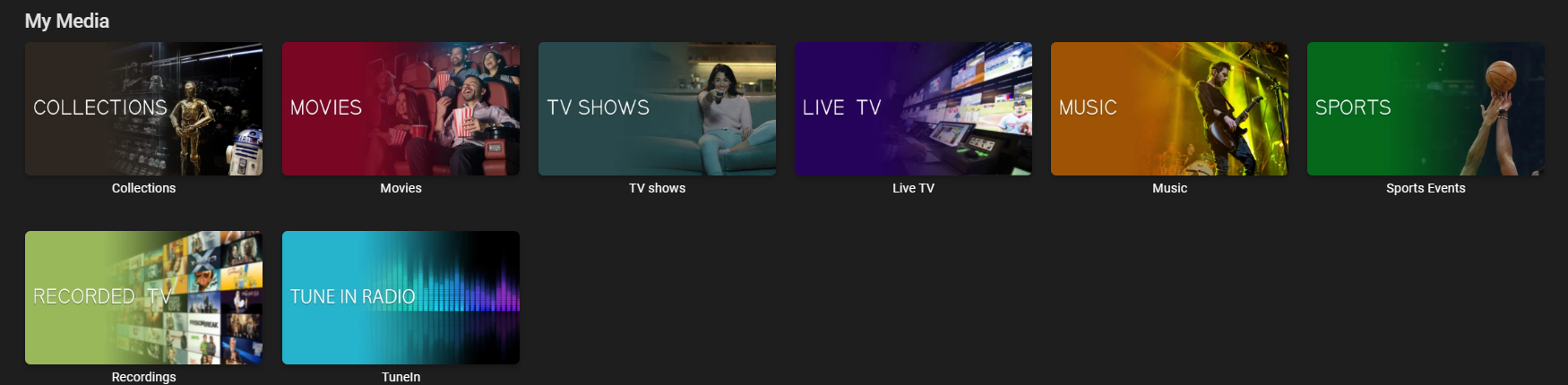
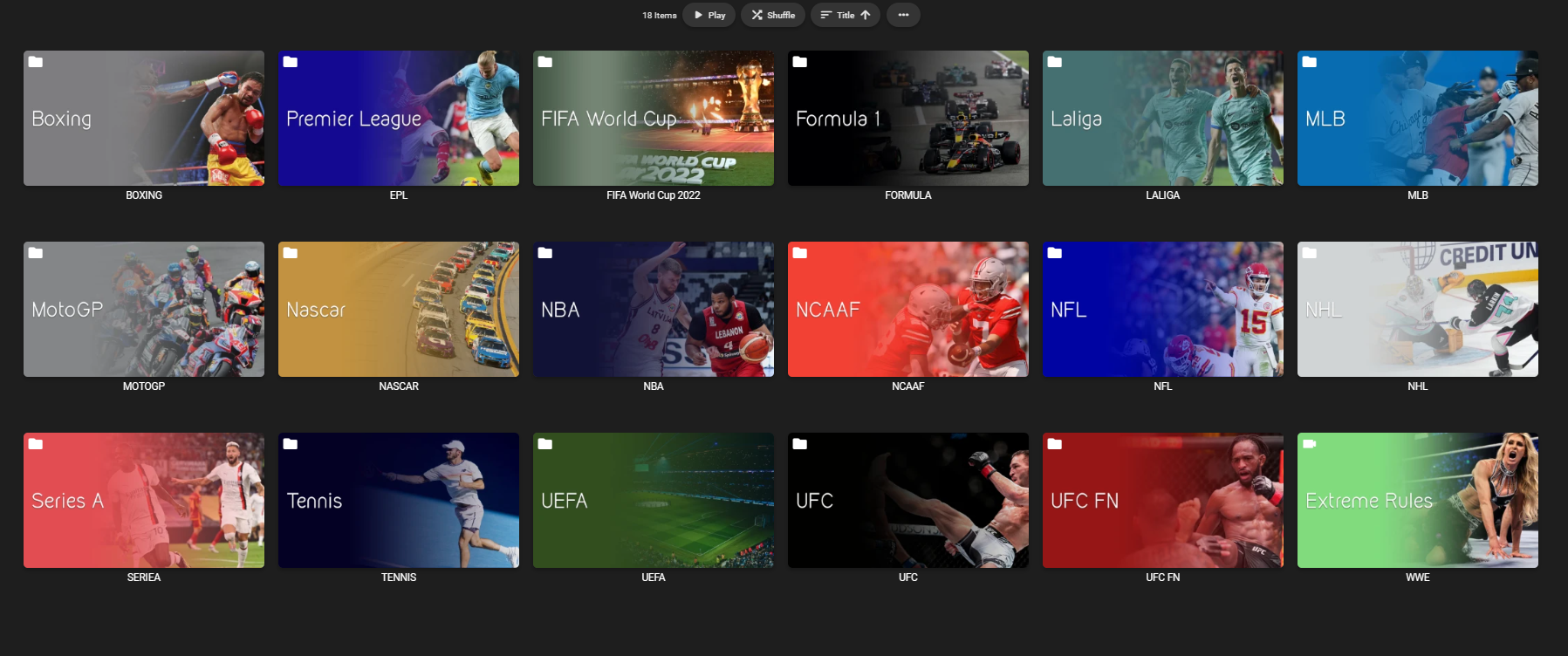
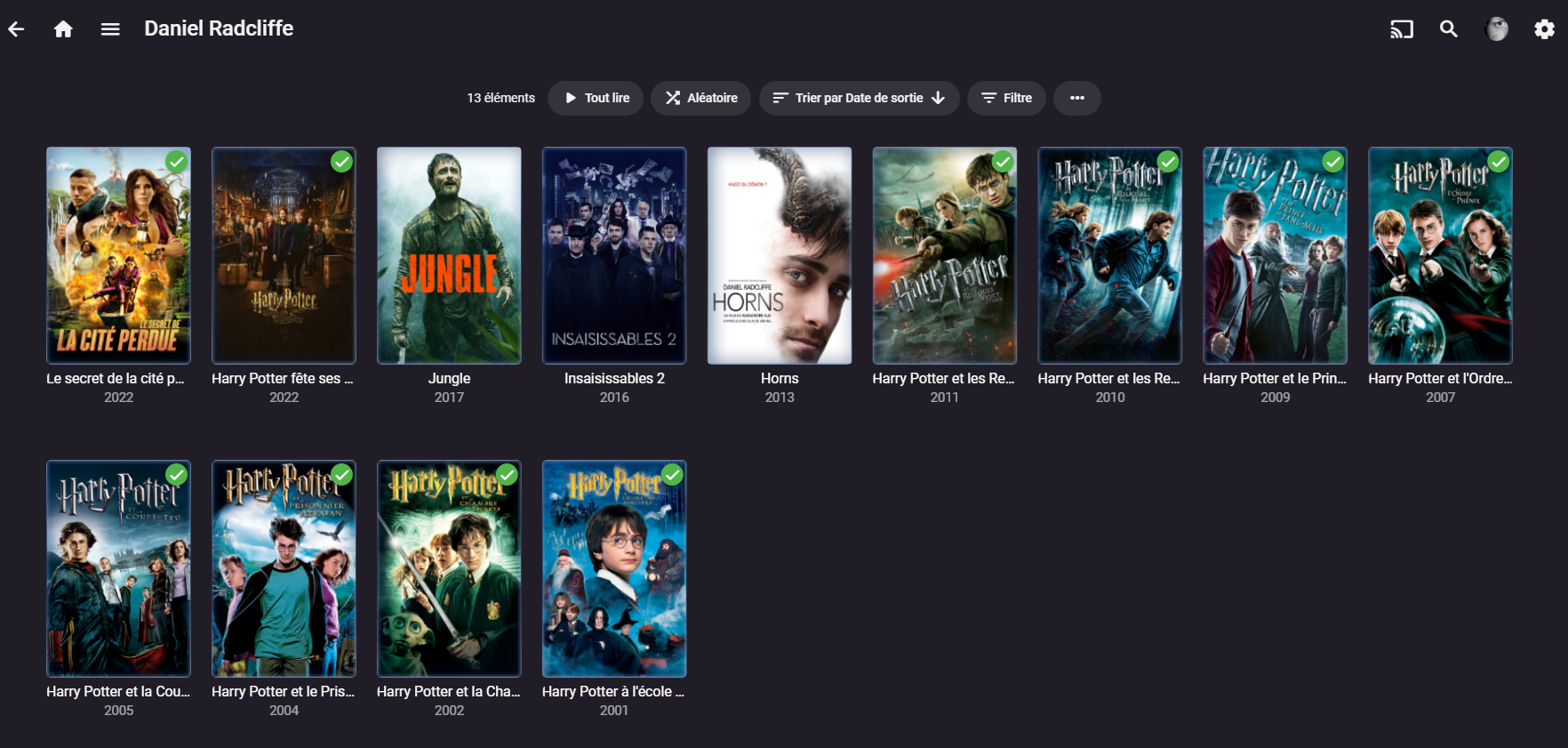
Thanks, I did something similar in PS, not used Gimp in a while, may check it out again now this how mine look Also my Sports library so people can see how it looks
 2 points
 -
If that happens and you still have the problem how are you recreating those collections? If you are using the "automatic" collection creating plugin (or if such is incorporated into the server by now) you might want to turn it off. I never use it as it created way too many junk collections for me. However if you really just want to merge the collections then all you need to do is choose one as "destination" and use the other as "source" and then go into "source" and select all the movies/shows in it and then use the three dot menu at the top of the screen and choose "add to collection" then choose "destination" as where the movies to go. That will result in all the movies being in destination and, if there were overlap earlier, the already existing movies will not be added. That is "add to collection" does not create duplicate entries. I also wonder what happens if you rename one of the collections involved. Does that rename both? Emby does need to work on the collection feature but, mostly for me, it works nearly perfectly just the way it is.2 points
-
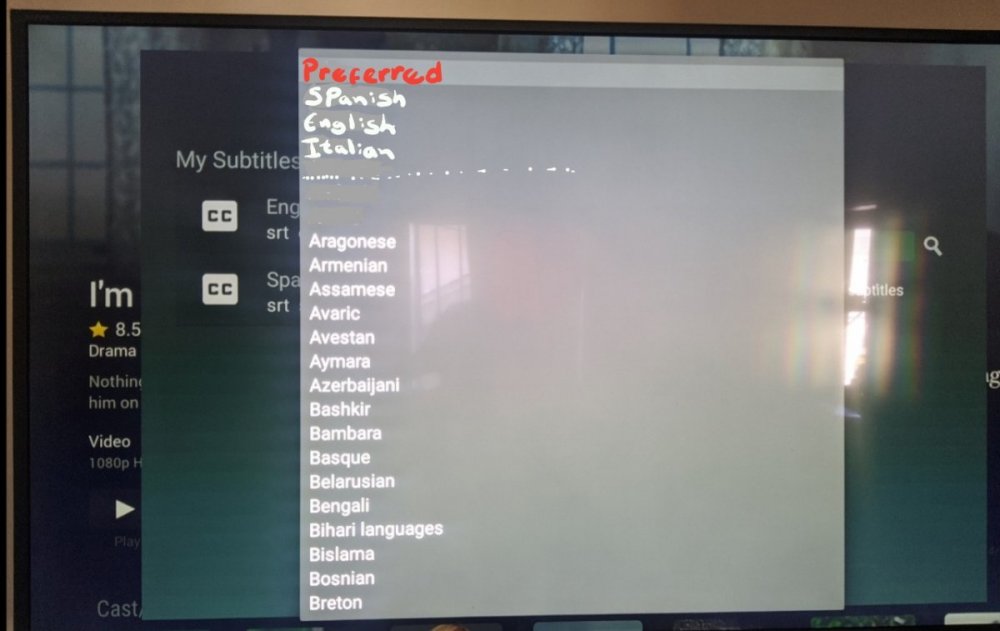
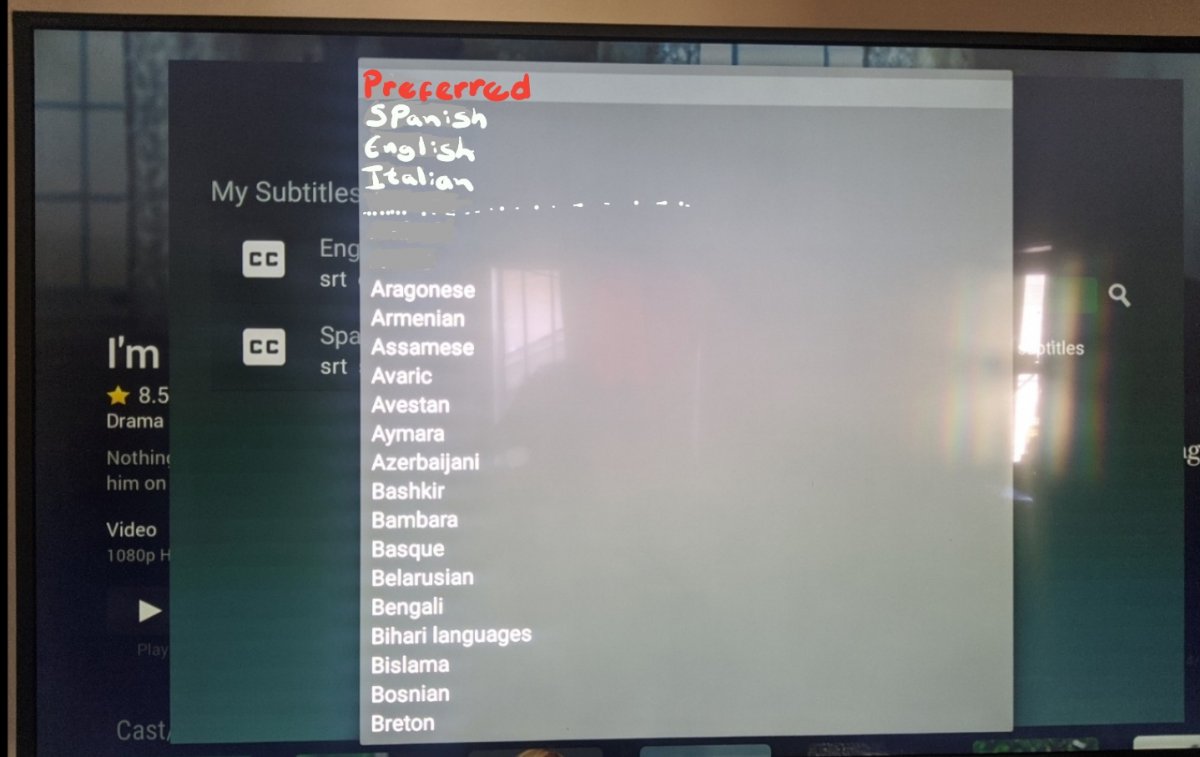
Downloading subtitles in the TV app is very annoying, you have move one by one until you go to the language you are looking for and in the TV the switching interface is very slow. wanted to suggest a better way to display the language menu for the TV app, because you use a tv controller and there is no scrolling. I did an example for a better understanding, in the preferred part I put the languages that are set in the server to automatically download. When I want to download subtitles I avoid the TV app, I rather use the phone or the Ipad because unlike the TV app, you can scroll fast and go directly to the language you want.
 1 point
 -
Be able to create playlist based on a certain criteria, like genre and or year, in order to create a dynamic playlist that it refreshes automatically when new content is added. This way you can for example, create a tv comedy playlist from the 90's, or a new sci-fi Movies playlist. Some other criteria for rules could be the rating, watched/unwantched, score, tags, language, audio codec, etc The possibilities could be endless1 point
-
Everything is good now. Thanks to your message : I just updated the last version of iOS to 16.7 and it works fine now. Thank you very much @Luke1 point
-
Crazy awesome! way to slow on my tivo stream 4K though.1 point
-
The server log does seem to show local trailer playback. It does not show a full path, but the filename matches what I expect so I think it's using local trailers. Thanks, Brian.1 point
-
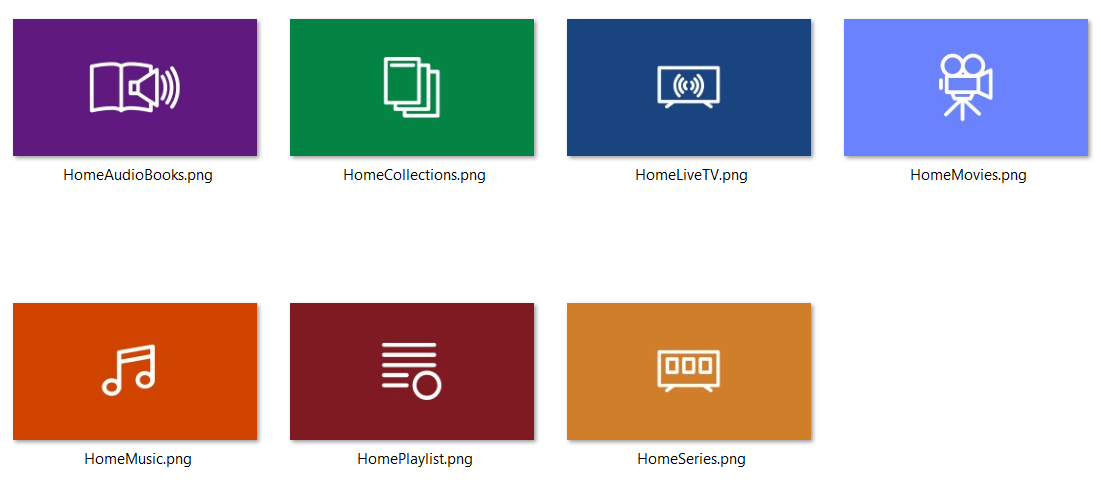
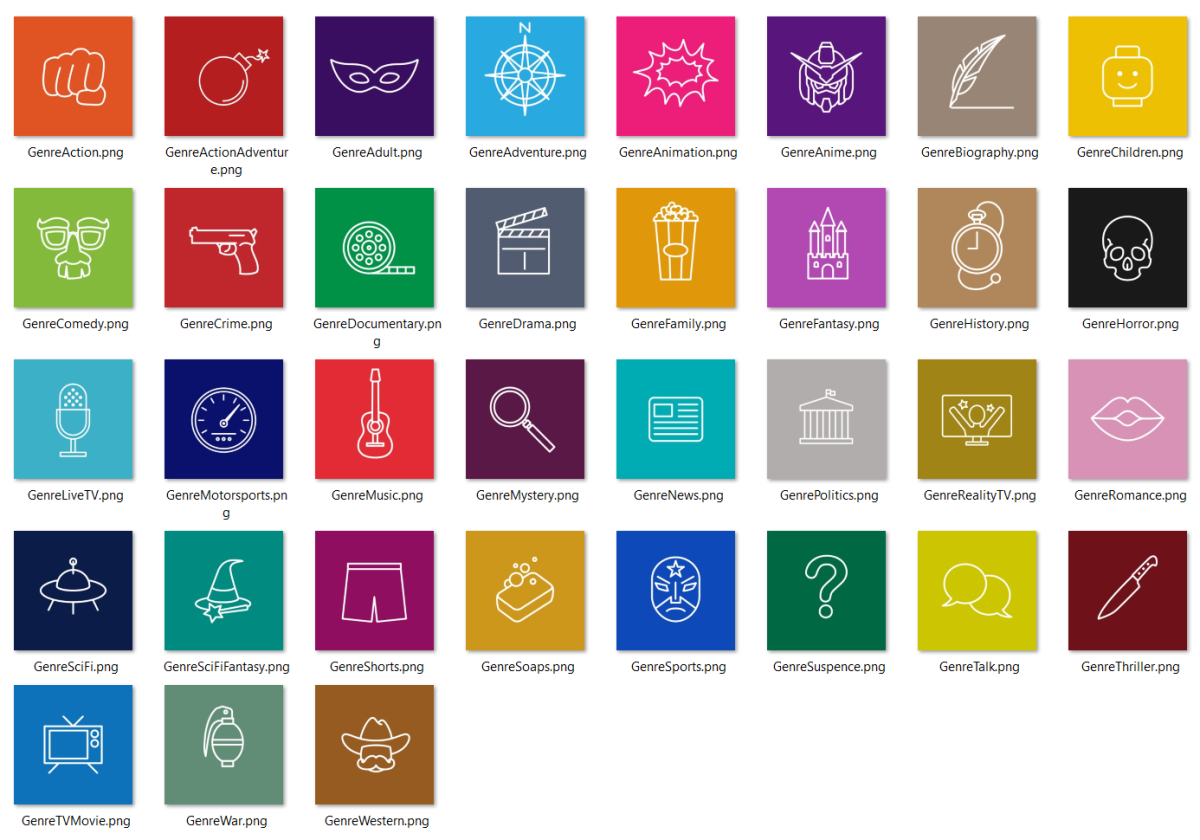
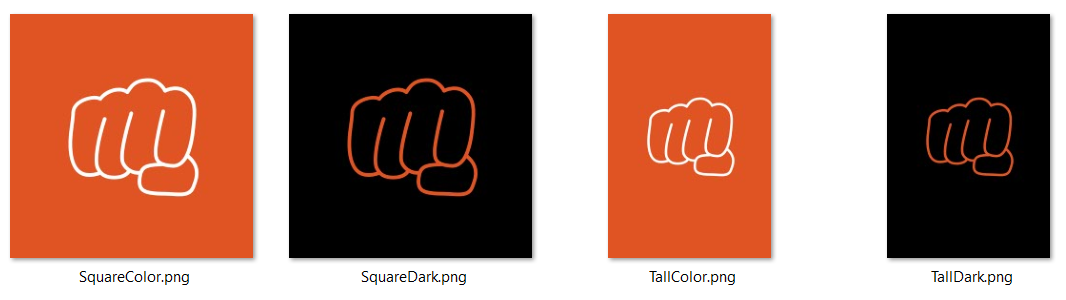
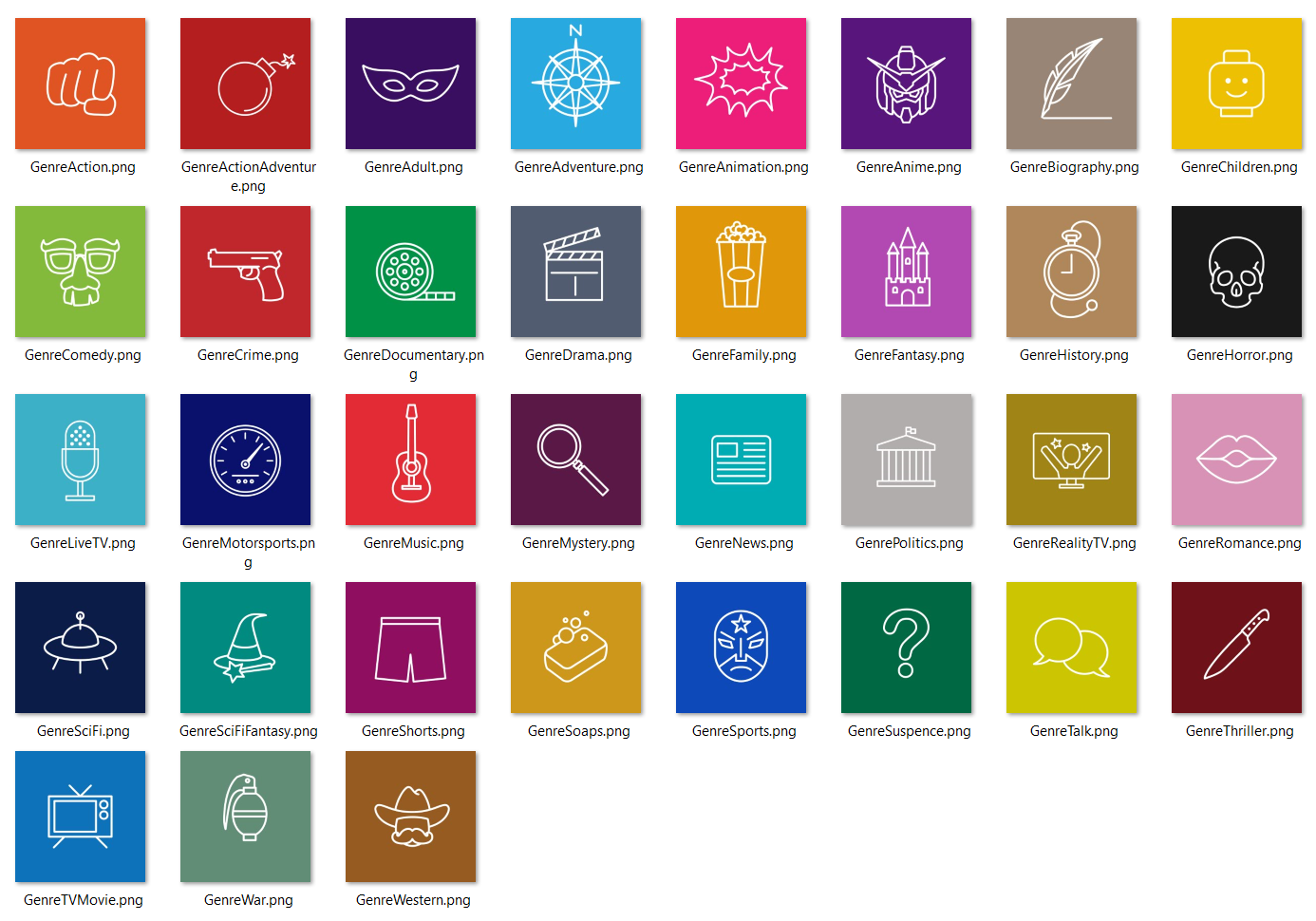
Hey all! Here's an update to the minimalist icon set (see attached RAR). I added the ones requested above, along with a few more, and some form factor variations for the genre icons. Enjoy! EmbyIcons_v5.rar
 1 point
 -
That setting won't come into play if you are casting to one of our apps - only if you are casting to the actual Chromecast feature on the device.1 point
-
Your query has been made correctly: Although TMDB returns proper title in fr-FR for same: In your log fr-CA title is retained: @Luke1 point
-
@normaledand @gillmacca01I have not forgotten your requests. They require a lot of effort and I am having trouble scheduling the time. I will get to them. Vic1 point
-
Finally! Thanks for the feature1 point
-
What iphone model?1 point
-
I was more frustrated then I was submitting a formal issue. Turns out Emby could not see the media folders. Once I set the libraries up again everything came back ok. A short while later the problem cropped up again (no compatible streams). Setting the libraries up again, again solved the problem (for now). thanks, Bj1 point
-
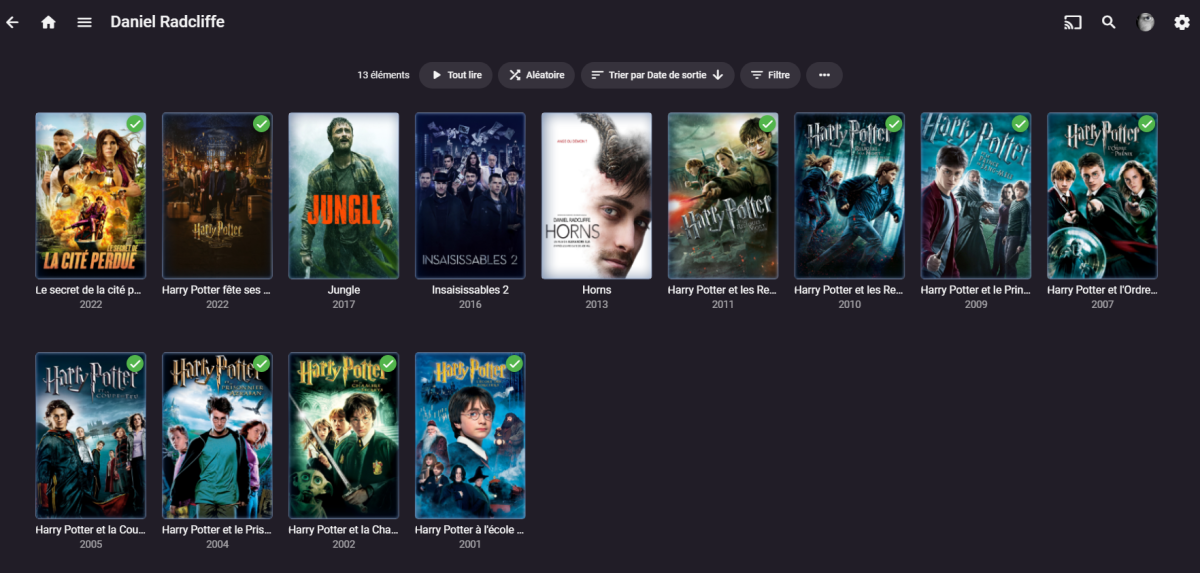
Woah ! Thank Luke, it's working very well ! All duplicate entry disappeared.
 1 point
 -
تمام تم الامر شكرا لك1 point
-
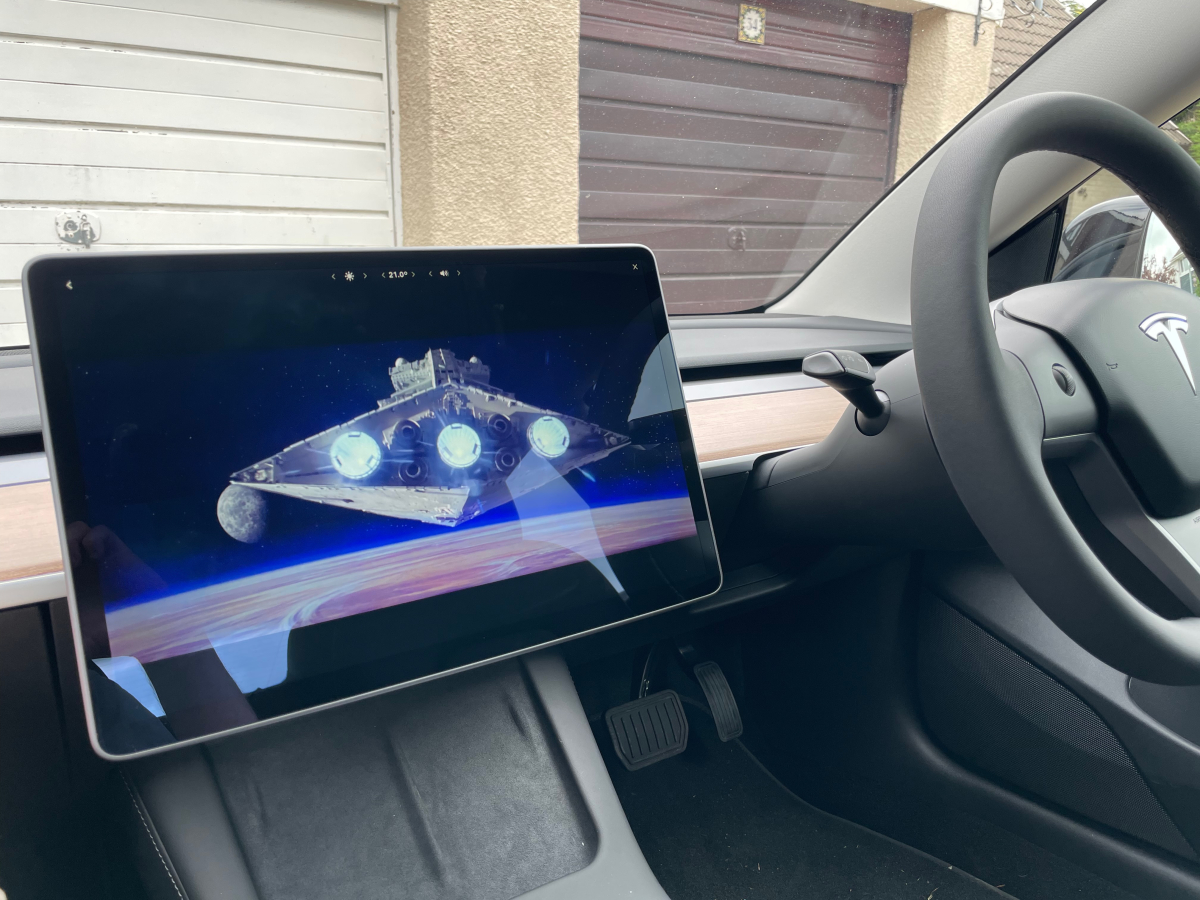
I use the Youtube app and have created a very short private clip with a link to my emby server in the comments. It's a few more clicks than a native app, but it works perfectly and is a great way to kill some time if stuck in the car for any length of time
 1 point
 -
The backup plugin will be changing in the near future to just backup everything. That means backups will be very large, but everything will get carried over.1 point
-
Hi, all cache files older than 30 days are cleared automatically, so it's just a matter of waiting for that.1 point
-
@rbjtech You answered it right there indeed, Probably read that on one of my 24 hour days and wasn't paying attention, you called it. Lack of sleep gives you the Dumb.1 point
-
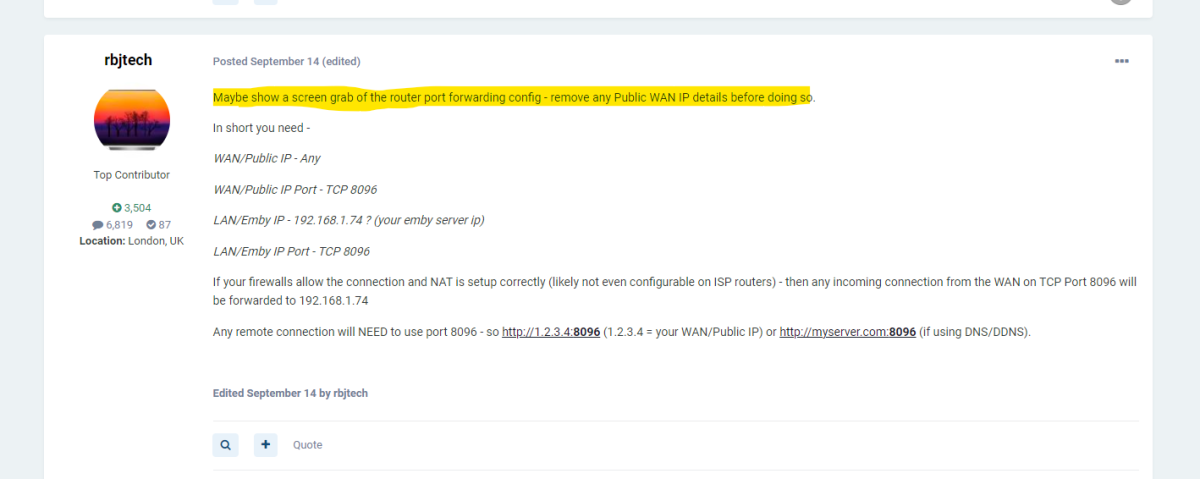
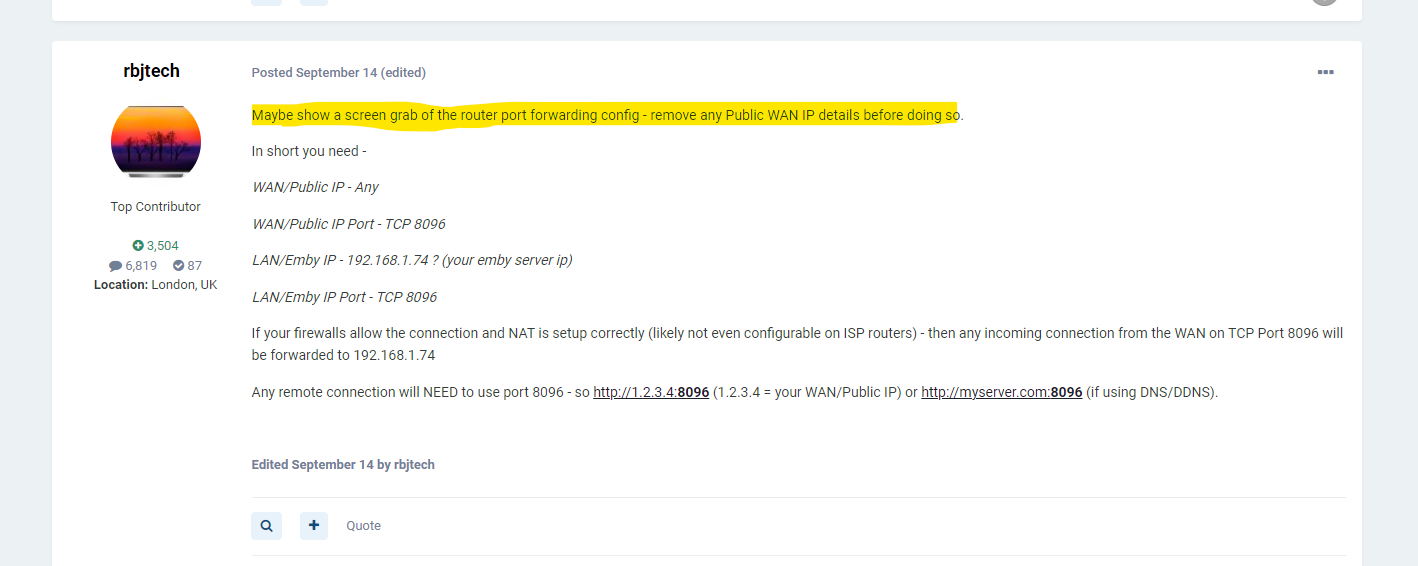
.. this is why I asked to see a photo of the Router screen and gave you what it should be below ... we would have picked up the issue in seconds back on the 14th ... But glad it's all resolved - great work from @Carlo
 1 point
 -
@CarloI want the software to work.1 point
-
@ziomarioSure, you may run it manually, you can also make a simple rc script, in I believe /etc/rc.d/ to launch it as a service.1 point
-
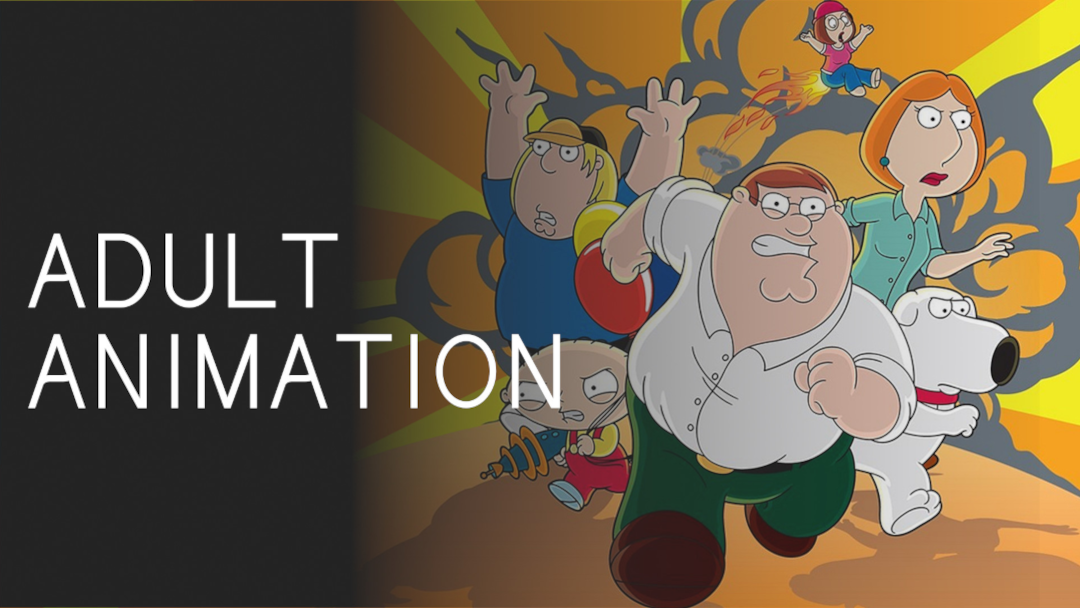
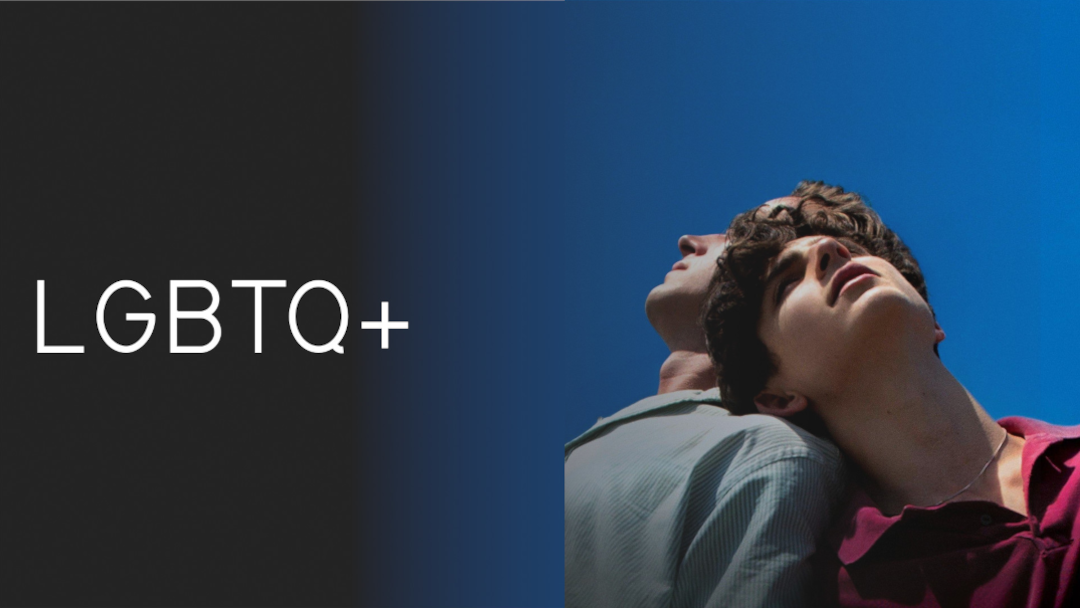
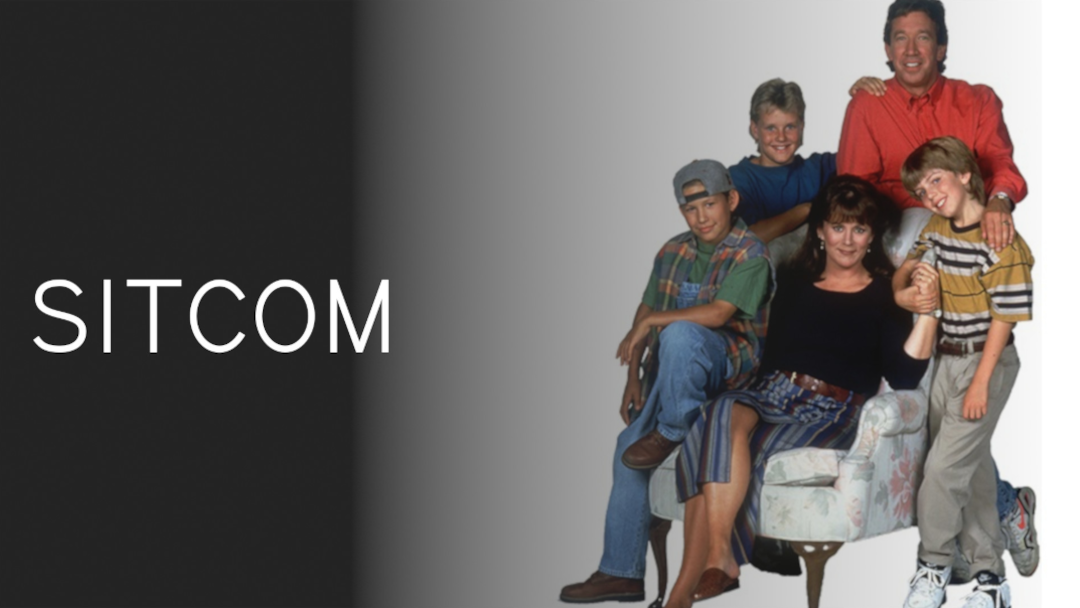
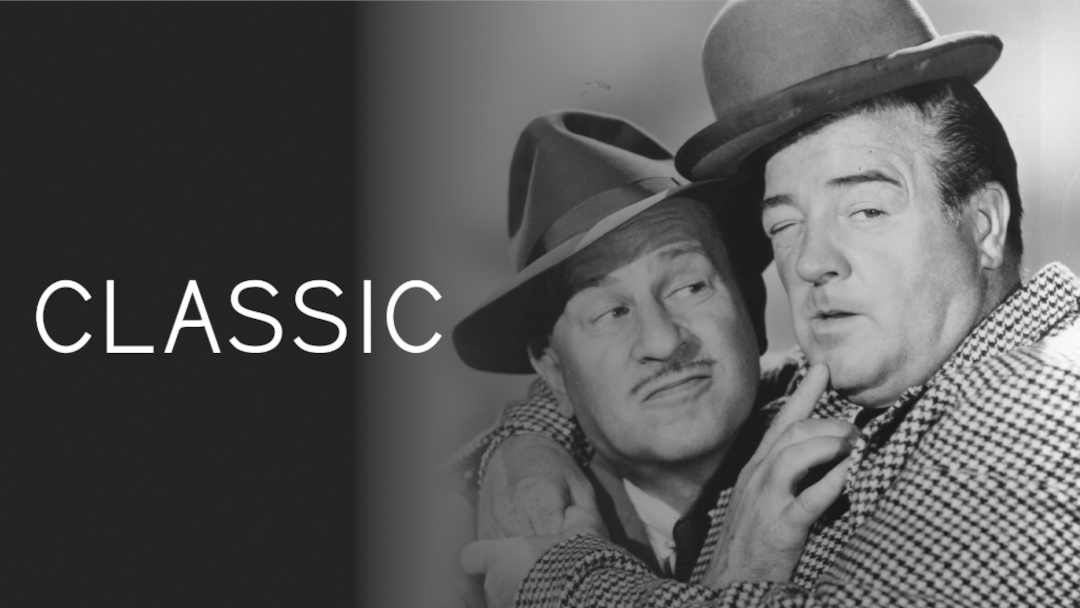
I don't post much but I really like these library icons and I wanted to share. I made a few more to cover all of the icons on my server library (i have a lot of genres lol). I also changed a couple pre-existing ones. I just thought I'd share in case anyone wants to use them. I just wish the Roku devices didn't resort to the low-rez (blurry) scales of these when people click the genera tab on top of all movies but I'm not complaining . Otherwise they look fantastic especially in the browser! TYSM! P.S. I was using Gimp for editing these. I couldn't figure out how to edit the gradient in the pre-made .xcf file so I just improvised and threw my own gradient on there and adjusted it accordingly. It looks awesome! TY





 1 point
 -
I just had a look on my daughter's Fire Kids tablet and the Emby Mobile app was showing. Selected it and it seemed to download it again (does it do that for each user?!) but started up fine and found my Emby server straight away. Thanks!1 point
-
Welcome to the WMC UI Public Beta! Thanks for your interest in the WMC UI and for being part of this! Your help and feedback is important and essential for getting this to perfection and ironing out all those things that one alone can't find and identify as everybody has different setup and different ways of using Emby. There are two places for interaction and communication: GitHub: Issue-Tracking and Releases WMC UI Forums (here) Issues Issues are used for tracking work that needs to be done Please create a new for every problem you see, no matter which kind - can be errors, unexpected behavior, visual glitches, etc. Please check first, whether an entry already exists for the same problem If you think an existing entry is the same, but the situation is slightly different, you can add a message to the existing issue or create a new one, we'll then find out whether it's different or same WMC UI Forums We’re using the forums as a place for general communication like: Publishing announcements about when updates are published Asking questions about the WMC UI Sharing ideas and suggestions Please always start a new topic for a new subject and let's try to avoid endless conversations which are "about everything" Platform Availability The WMC UI Beta is currently available in the following forms: Web Browser & Installable Web App Emby Theater WMC (Windows) Emby WMC (Android) Web Browser & Installable Web App Web Browser There's an http and an https URL available: http://wmc.emby.media/ https://wmc.emby.media/ Emby Theater WMC (Windows) ClickOnce Installation (auto-updating) Win 64bit: https://softworkz.github.io/etwmc/setup/x64/ Portable Installs These are useful to test or compare specific versions or in case of issues with ClickOnce installation. They can be found in the Releases section: https://github.com/EmbySupport/Emby.WMC.UI/releases Just unzip and run. Emby WMC (Android) The app version can be installed in parallel to the regular Emby Android App and the ATV app. Please side-load the app by using the matching APK. The APKs can be found in the Releases section: https://github.com/EmbySupport/Emby.WMC.UI/releases NOTE The Android app is limited by date, so that it is working within 10 days after release. We'll try to always have a new release ready before the previous one expires.1 point
-
Today, we're glad to announce public availability of the new Emby WMC UI Beta. It started out as a spare-time effort of Emby developer softworkz, assumed to target only a niche audience of nostalgia and WMC fans, and hasn't been an Emby roadmap project. But over time, it has turned into something of its own kind, going far beyond just mixing-in some nostalgic visuals like a theme, but rather providing an authentic look and feel, the original modes of operation and behavior, or in short: the original, well known and beloved-by-many user experience from Window Media Center. So we've decided to officially release it under the Emby brand and now we are excited to invite you to join the public beta. Get details on how to participate here and view the introduction video here. View the full article1 point
-
I don't see anything obvious here. Please try removing these plugins: Chapter API 1.3.0.7 CoverArt 4.1.18.0 Playback Reporting 1.10.0.6 Then restart the server and see how things compare.1 point
-
Hi there, can you provide a sample video for testing? Thanks.1 point
-
Hi, no there isn't, but it's something we're interested in adding for future updates. thanks.1 point















.thumb.png.1ddf135ad99a72646a26d671a28ffe35.png)

