Leaderboard




Popular Content
Showing content with the highest reputation on 09/19/23 in Posts
-
If that is the case, then there is no reason to have individual descriptions or covers for each and every chapter/track; nor the ability to reorder tracks. Also, separating tracks and embedded chapters in the UI is confusing and unintuitive. So, either way it's done wrong. Either you're assuming audiobooks function the same as podcasts and so the reasoning why UI elements remain is because of a flawed concept; or you don't associate the two, and then the explanation just comes down to that it's unfinished. Don't get me wrong. I like Emby, and I use it regularly for video. And I will be happy to provide specific feedback, in a constructive manner, as to why it's not an optimal experience for audiobooks. But I need you to have an understanding, beyond the surface level of what I'm saying, of why I'm saying it. I need you to actually use it for audiobooks so you can understand why it needs improvement, beyond just the bare minimum of basic functionality. Then we won't have to have a back-and-forth as to why Author corresponds to the Artist tag, and Narrator corresponds to the Composer tag; or why Audnexus is a better source for metadata than Musicbrainz; or that audiobook collections should not pull metadata/covers from themoviedb; among other things. The current implementation for audiobooks still leaves much to be desired, and it would benefit the process if the people working on it experienced first-hand why that is.3 points
-
Yes sorry, I wanted to test it a little more but had to catch some sleep yesterday. I will push it later today.2 points
-
This is usually a result of websockets not being passed by the proxy. Be sure you have the line: proxy_set_header Upgrade $http_upgrade; In your server block in nginx.2 points
-
I'm a plex life time member, but I have been using Emby for over six years continuously, but there is a feature which I have always thought is missing in Emby which I would like and encourage the developer to consider including especially in this dispensation where families can social or commingle due to COVID 19. Today, I received a notification from Plex about it new feature titled Watch together you can read about it here https://support.plex.tv/articles/watch-together/ The feature allows friends and families at distance to watch same movies together instantly, you simply invite all your buddy, once they signed to the system which can be seeing in the server then play and pause as needed, this I think is cool feature should be added to emby. Let's here your though if Emby developer should consider adding this feature to our beloved Emby Media https://www.bing.com/news/search?q=Plex+Watch+Together&qpvt=plex+watch+together&FORM=EWRE1 point
-
Similar to this old post, I'm suggesting a tab that would be titled Watchlist and could be placed in between Suggestions and Favorites. The functionality would pretty much be a copy of Favorites, just with a + symbol added next to the heart and other symbols that let you favorite a movie etc. The previous post had mentioned extra functionality such as automatically removing a movie from Watchlist after it has been watched. This would be nice, but is unnecessary because after watching a movie you can simply click the + symbol a second time to remove it from Watchlist. I would imagine this would be very easy to implement as a rebranded copy of Favorites. Adding other features could come later. Edit: added link to old post1 point
-
Hey there, Not sure how much demand there would be for this but something I noticed scrolling through Netflix last night was how many of the videos I have in my library are now on Netflix / Prime...it made me think as I now access Emby through devices that have access to Netflix / Prime I should be able to remove the movies physically from the server and instead link through from my Emby library on certain devices. I know it's not everyone's cup of tea, but for me it makes sense to only hold the movies that I need to on physical disc taking up space and for the others to link through to the appropriate store if I have a subscription. Meaning I have one central Emby repo for all my links, whether that link is to a local share hosting the media locally or to an online repository such as Netflix / Prime. Clearly this is a little niche but is probably where we are all going at somepoint in the future... There would be a lot to work out in the logic of it I'm guessing and is probably based mainly on the client side with an "emtpy" move / tv holder being placed on the server to be ignored by clients that are told they don't have access to the streaming service. Thoughts appreciated on whether this is a stupid idea or one that makes sense? I know I can setup watchlist and in turn I can and do use the PlayOn Channel which gives me the option to view those streams, but it would be slick if they were natively in my library as is now Cheers mini1 point
-
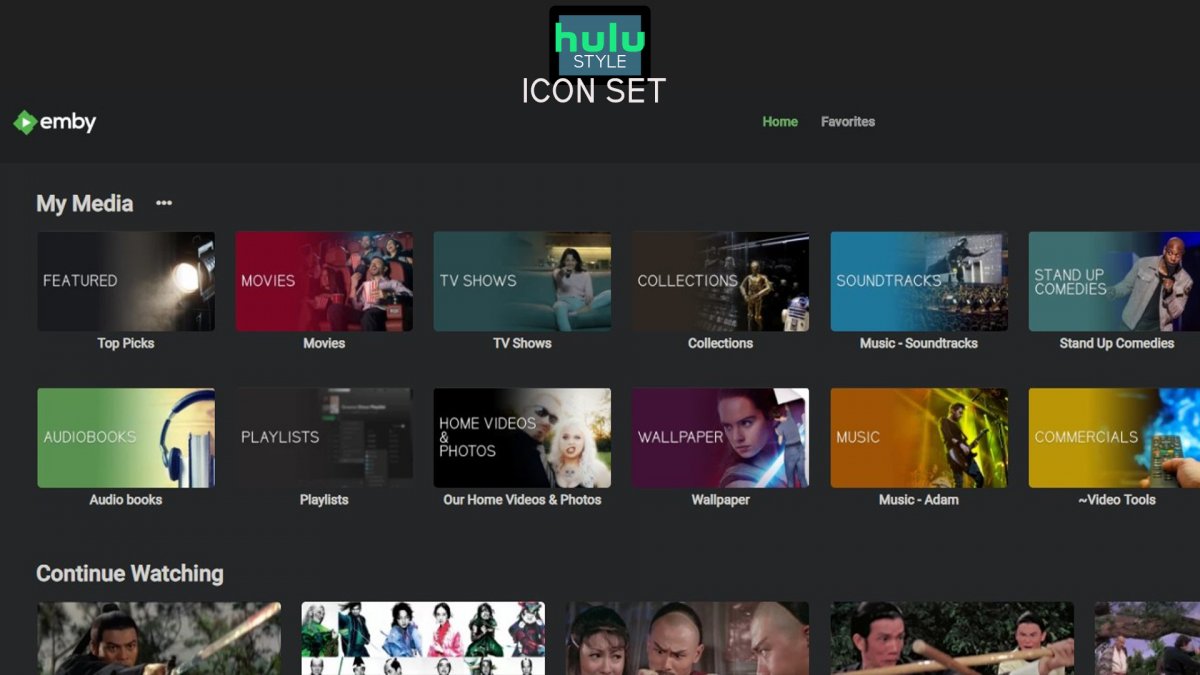
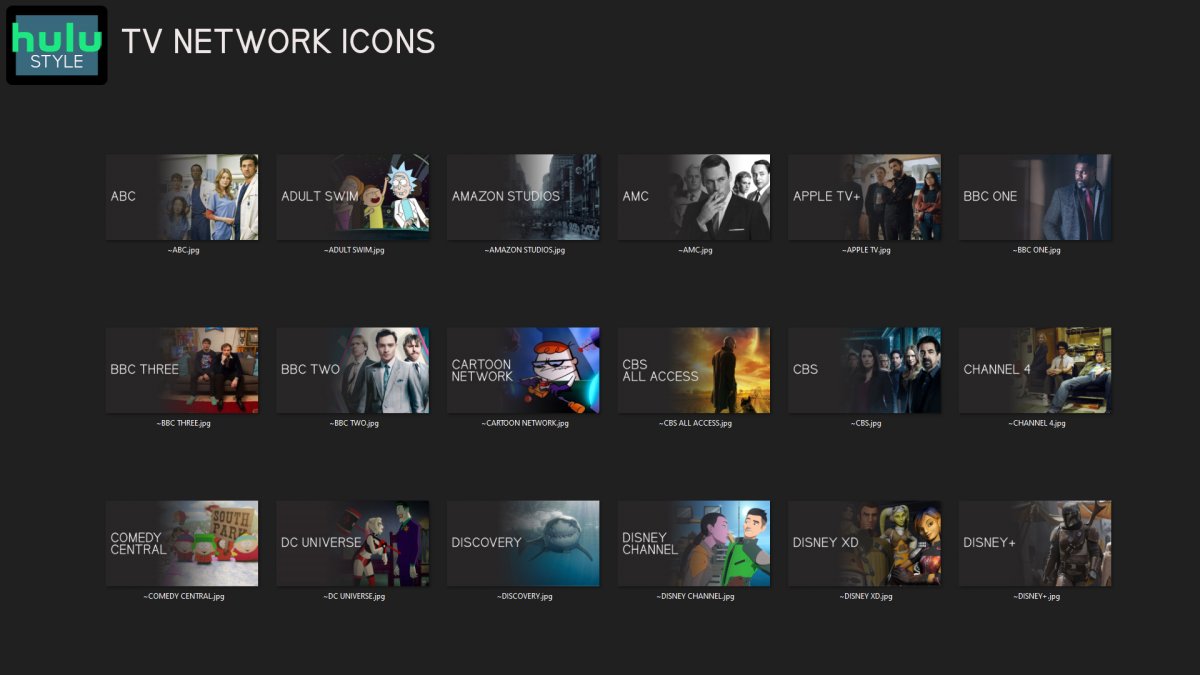
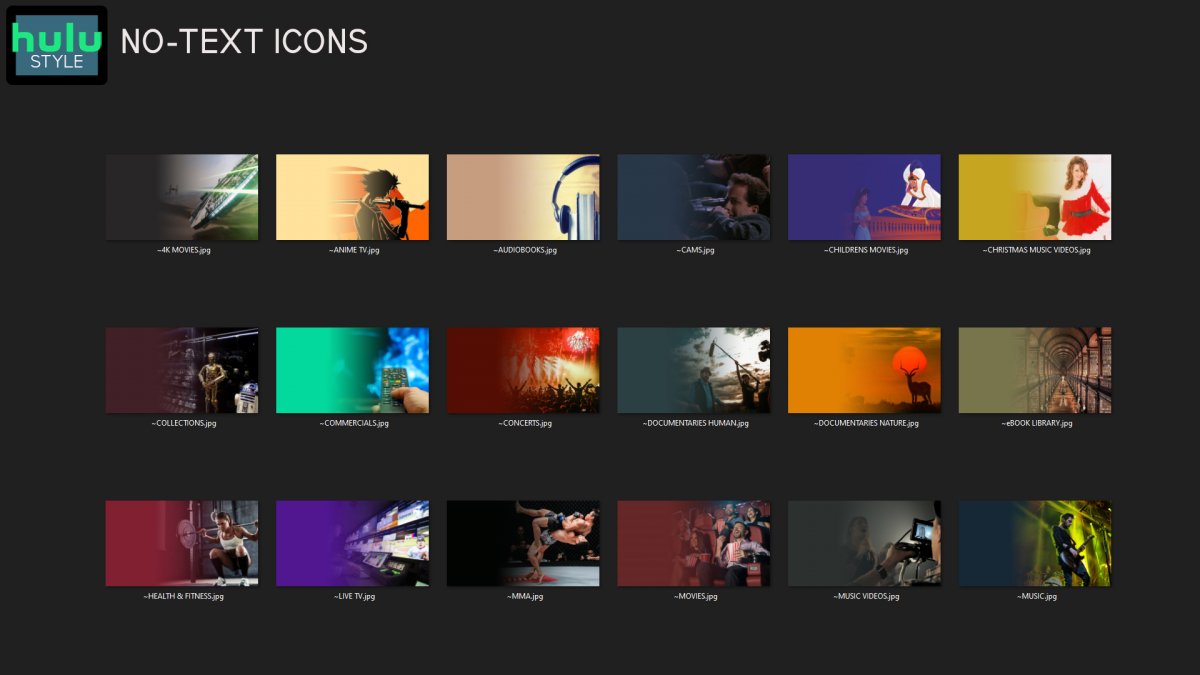
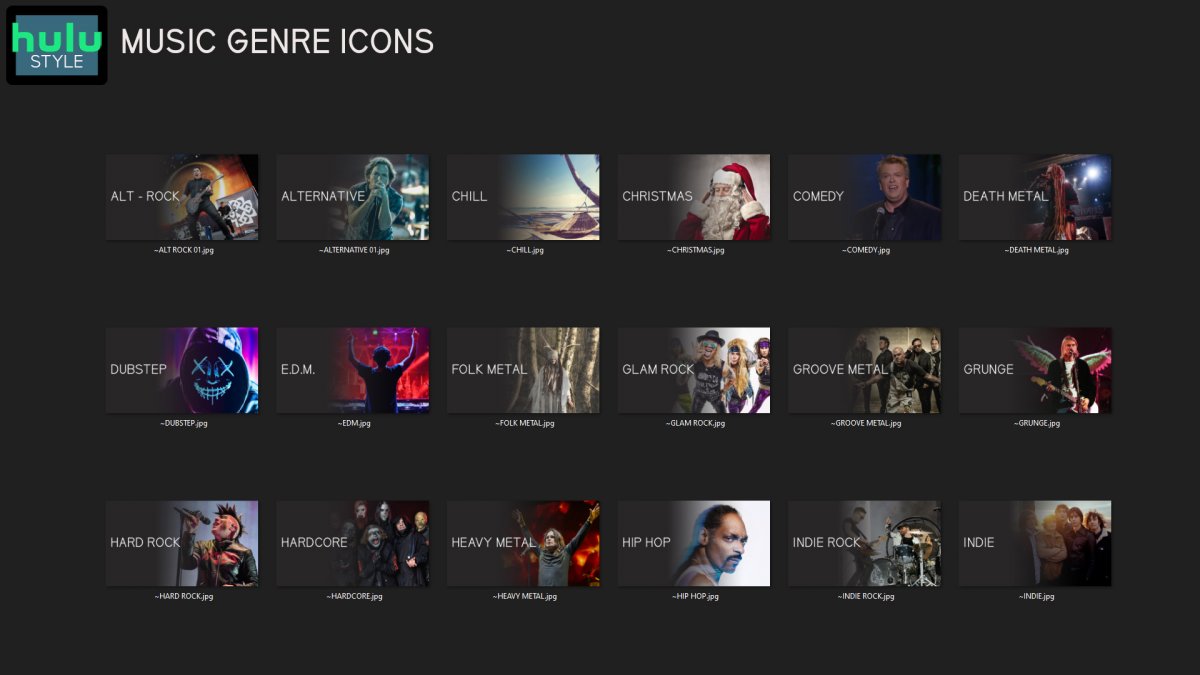
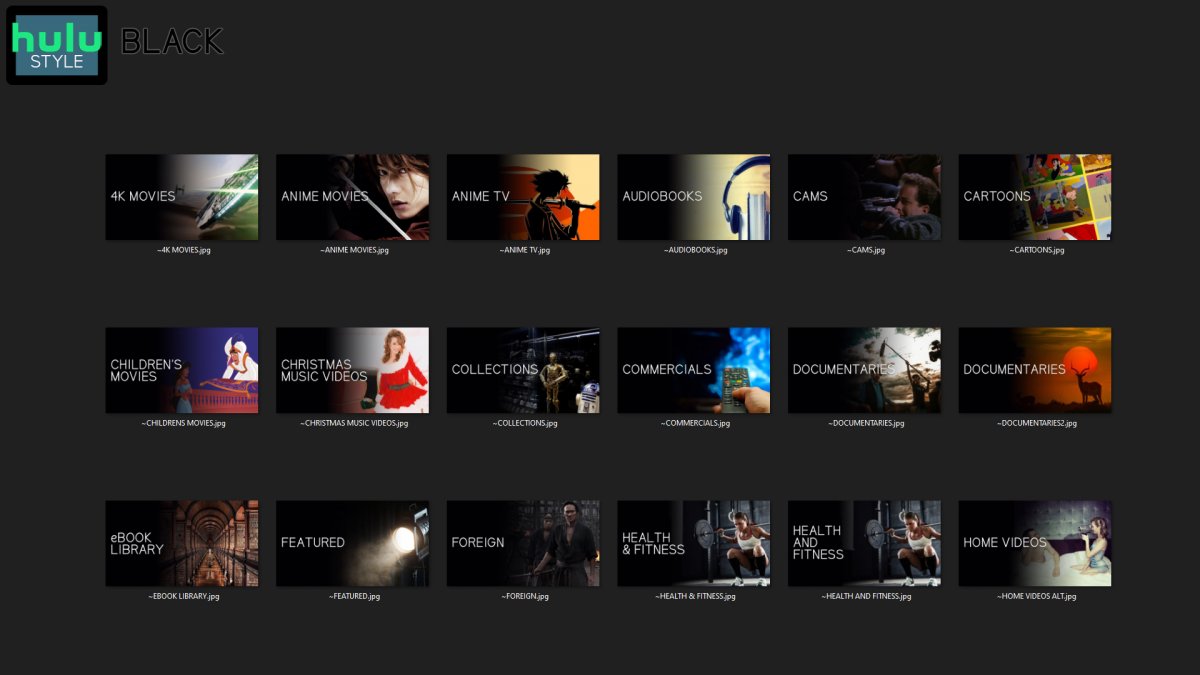
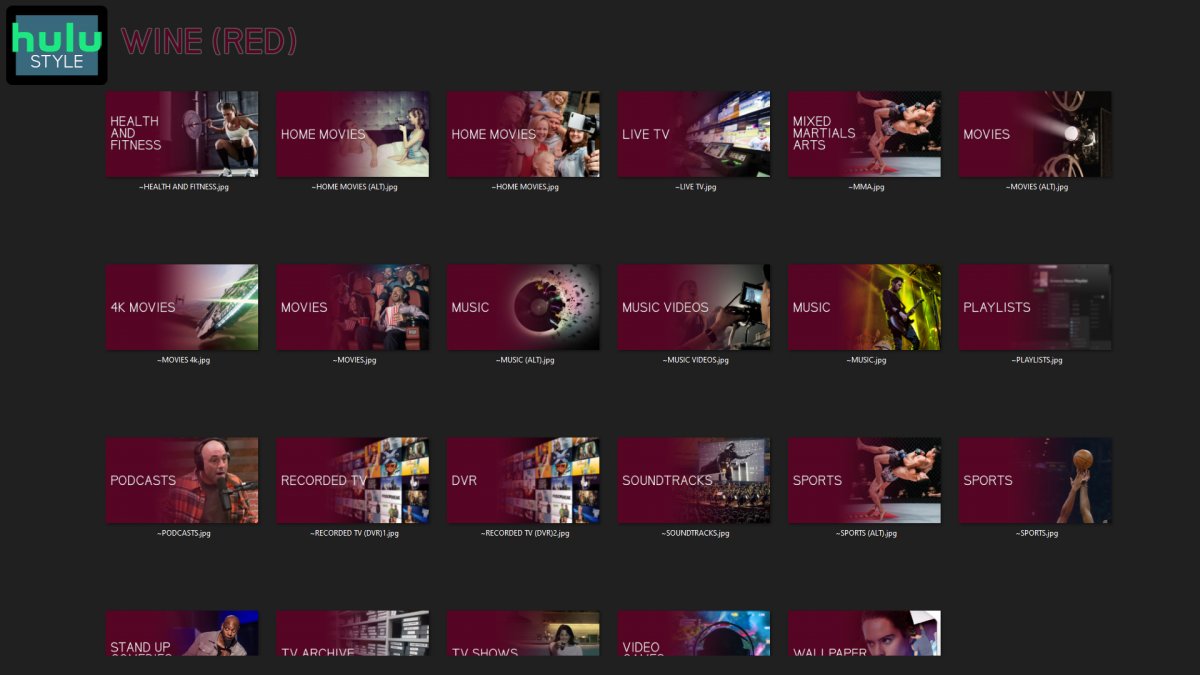
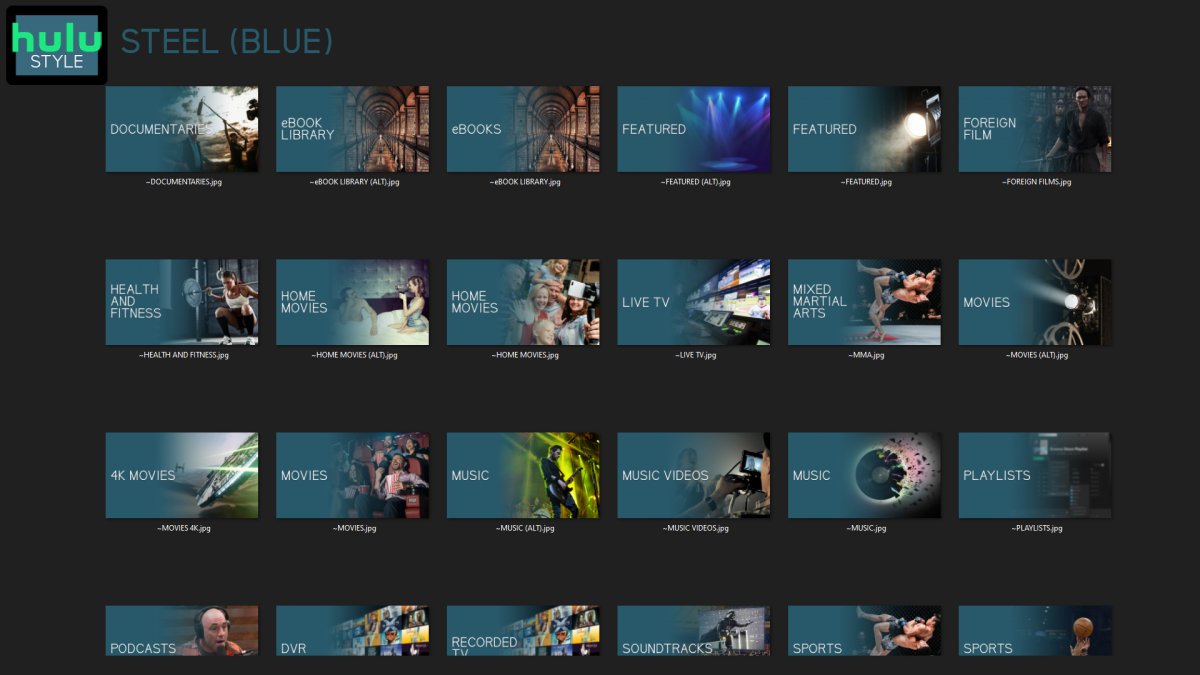
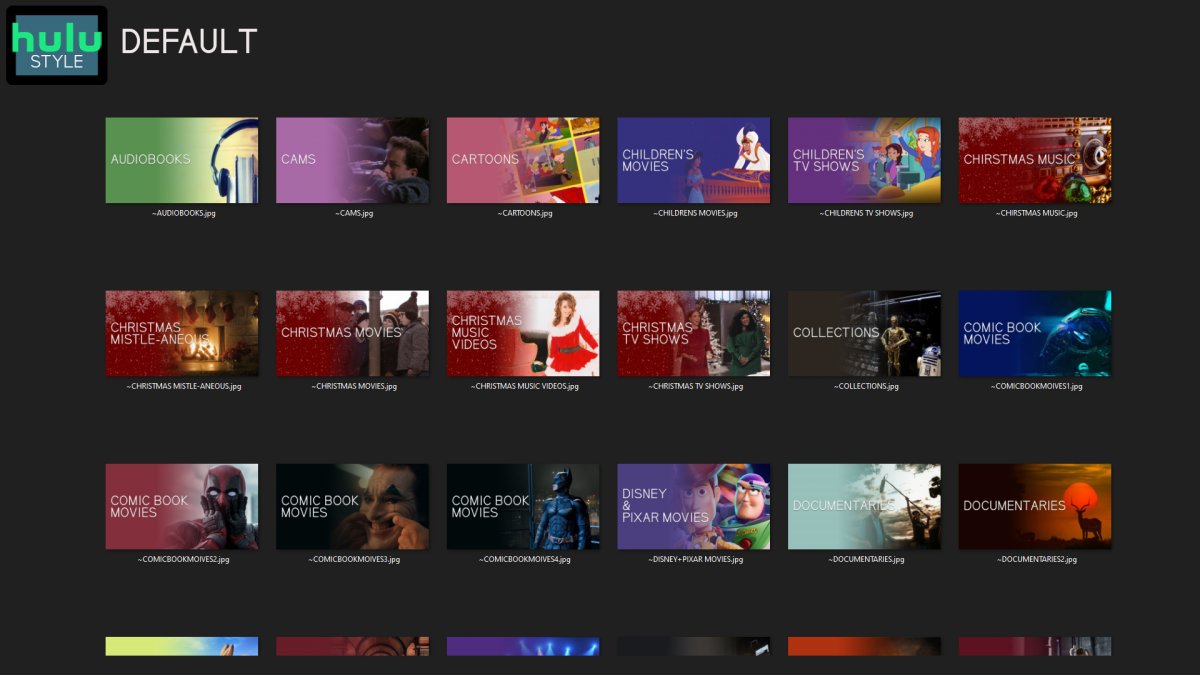
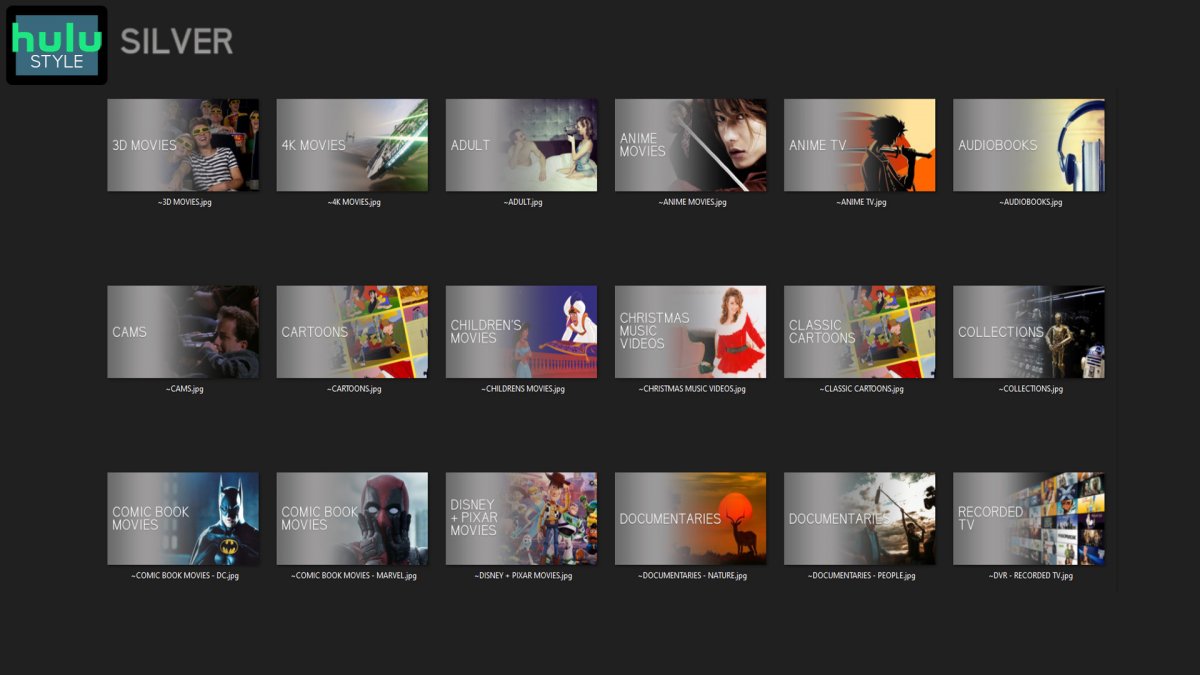
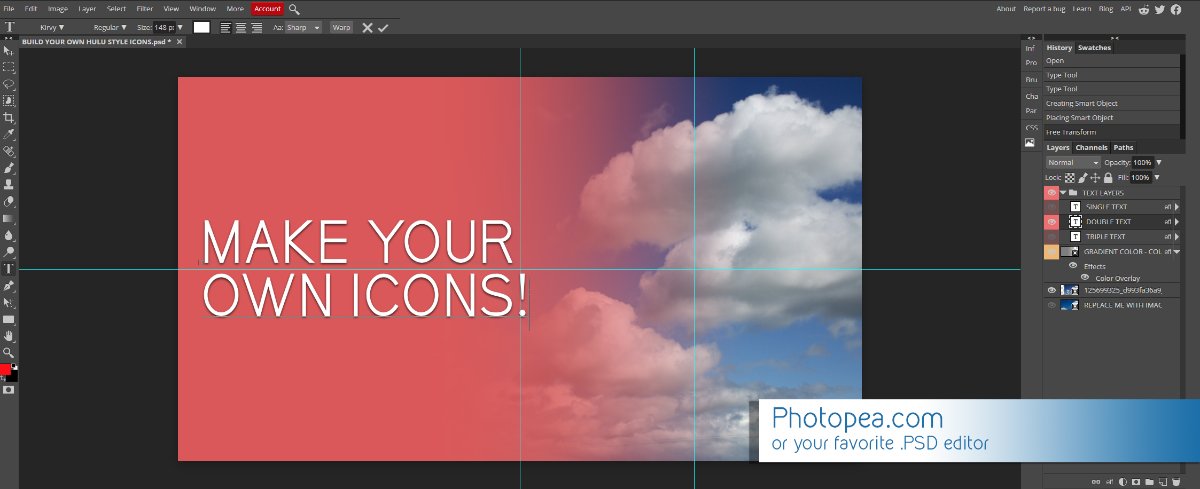
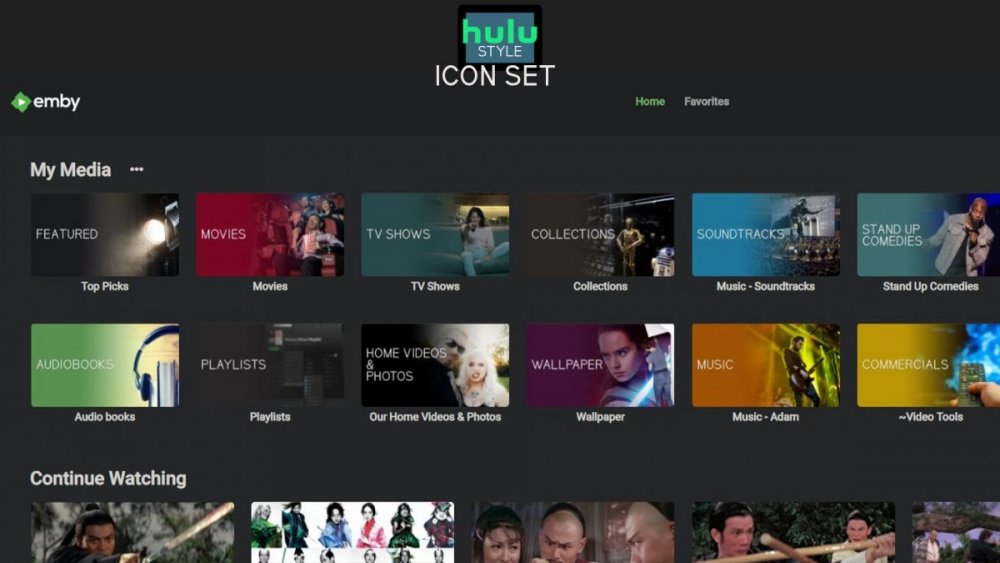
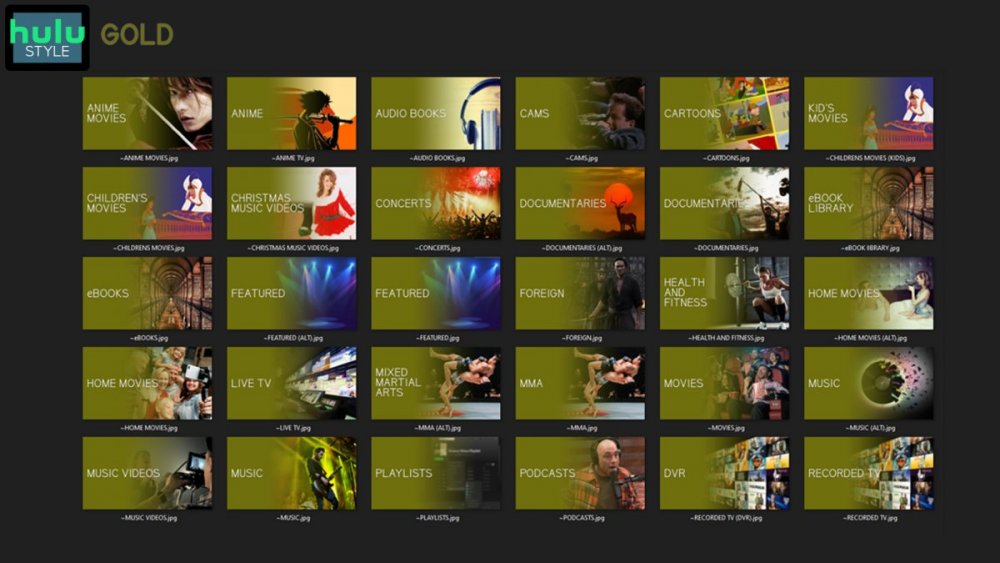
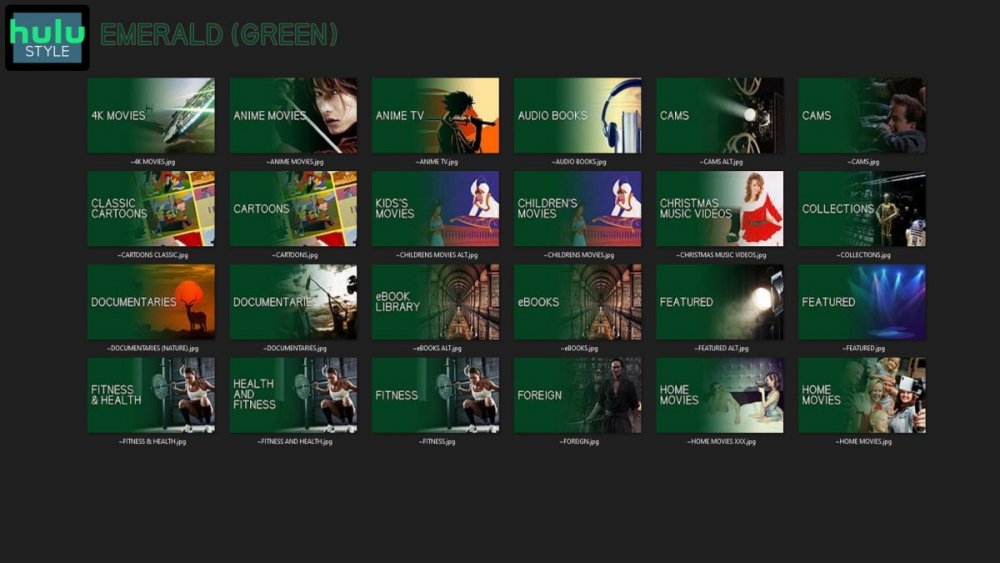
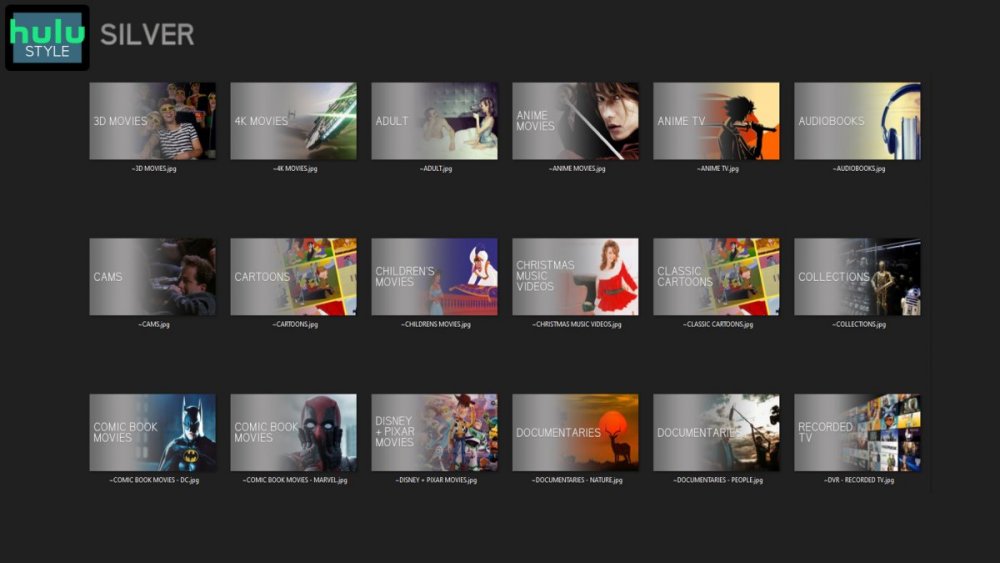
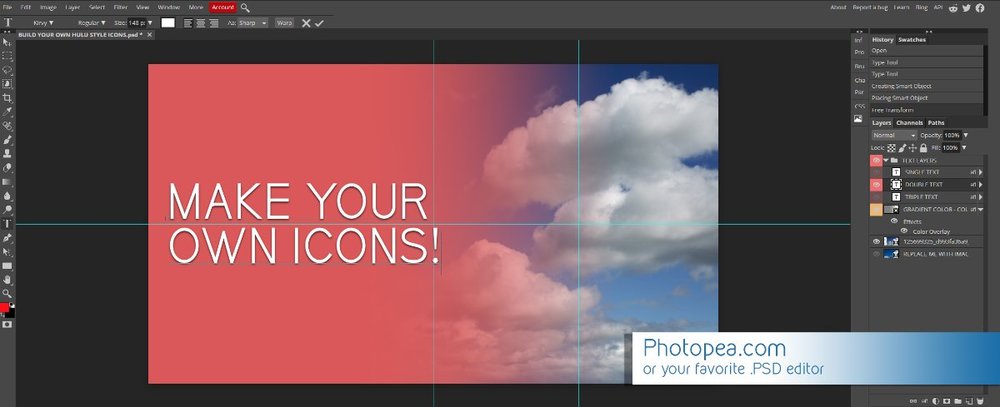
Media Library Icons for Emby Updated: 07/10/2021 I've always had a thing for the simple gradient style Hulu overlays on their library images. I'm not that great at graphic design, but I can mimic some things pretty decent. I hope! It's very simple, and clean and something I've been wanting to attempt for a while. I've never done anything like this, so constructive criticism is appreciated! More color options for media libraries coming soon!!! Also included to make your icons match across the platform, are video genre, music genre and TV network icons: I've hosted this only my Google Drive, so if if the link is not working please, reach out to me and let me know and I will do what I can to resolve! The font (Kirvy), and PSD's are located in the \~TOOLS\ sub-folder Media Library Icons - DOWNLOAD HERE Feel free to create your own to fit your needs! Photoshop Template - DOWNLOAD HERE Gimp Template - DOWNLOAD HERE (ALL credit for creation of Gimp template are thanks to, Mibok, who took the time to recreate the Photoshop template in Gimp!) Many have asked for a smaller and easier version of the .PSD file to create their own custom icons. I have simplified the .PSD and it is now compatible with, Photopea.com photo editor so no need to own Photoshop to make your own icons! Download the new .PSD HERE Thanks for giving me so many hours of entertainment, this was something fun to try and give something back! (If any of the above images are not allowed, please inform me ASAP and I will correct it) *** Change Log*** 07/10/2021 Added GIMP template, created by, Mibok to allow users alternate means to create their own icons 01/25/2021 Added lighter .psd file for easier custom icons 10/04/2020 Added "Silver" Media Library Icon Set and all remaining requests and missing items in each set 08/15/2020 Added some requests and "Emerald" (green) Media Library Icons Set 07/06/2020 Added "Gold" (yellow) Media Library Icons Set 06/29/2020 Added "Wine" and "Steel" (red and blue) Media Library Icons Set 06/29/2020 Updated sample images 06/22/2020 Added "Black" Media Library Icons Set 02/27/2020 Added TV Network Icons for 49 U.S. networks 02/27/2020 Added ~MEDIA LIBRARIES sub-folder to help keep the folder organized 02/24/2020 Added Phase One of Music Genres to Google Drive 01/25/2020 Added requested images to Google Drive 12/21/2019 LITE - Hulu Style Library Icons PSD Added (Uploaded PSD with no graphics for a faster, lighter PSD option) 12/21/2019 Media Library - No Text Icons Added 12/17/2019 Generic Movie Genre Icons Added To Do: Update preview post with images Continue color sets: Black - Maroon - Navy - Emerald- Gold - Silver Update No Text Icons Downgrade PSD for compatibility for older versions of GIMP/Photoshop TV Networks - USA Optimize PSD for simplicity
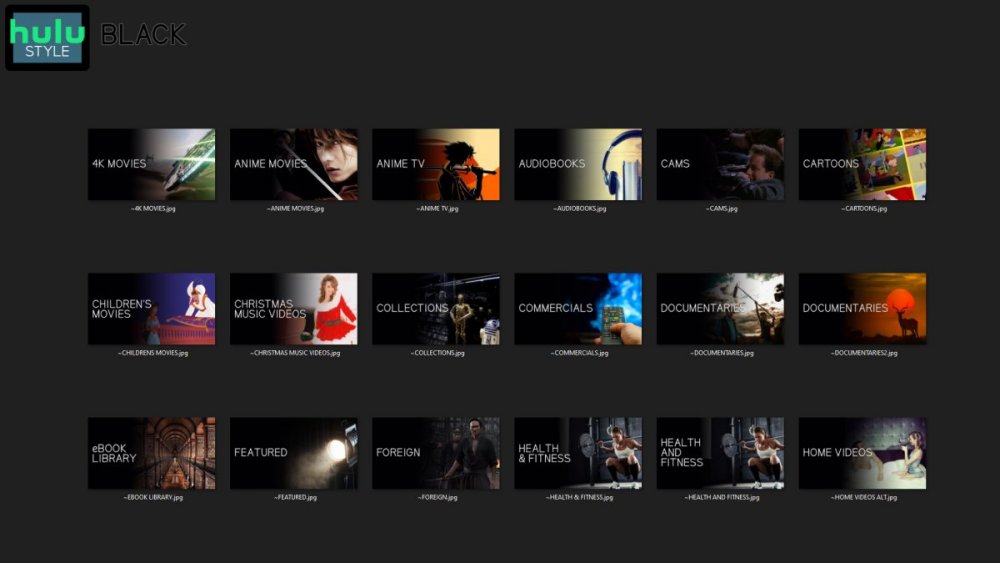
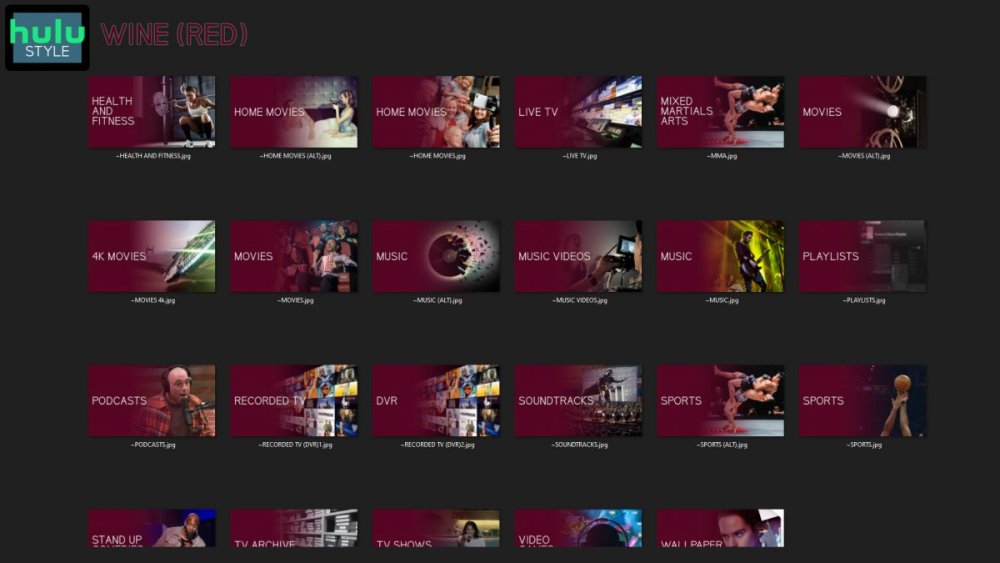
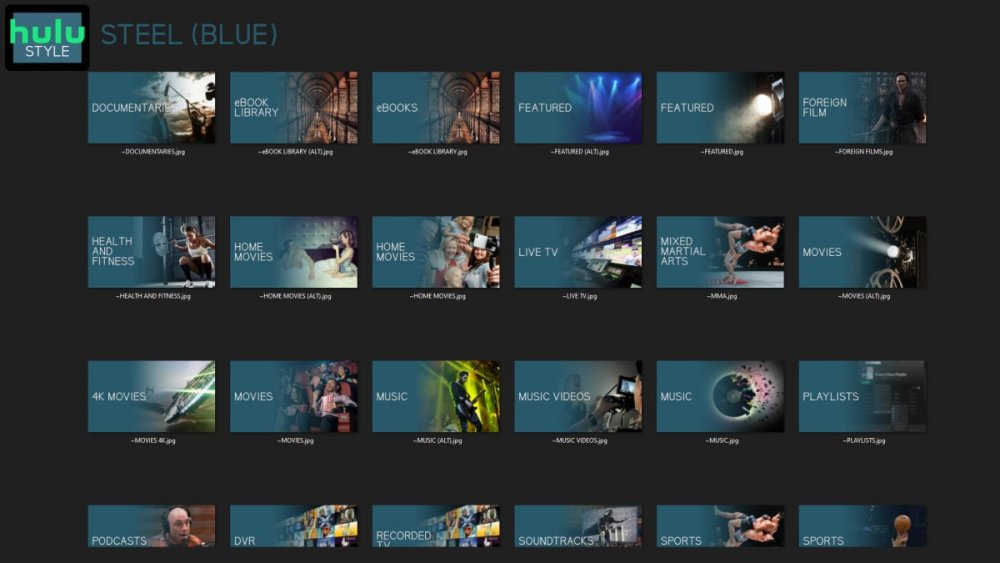
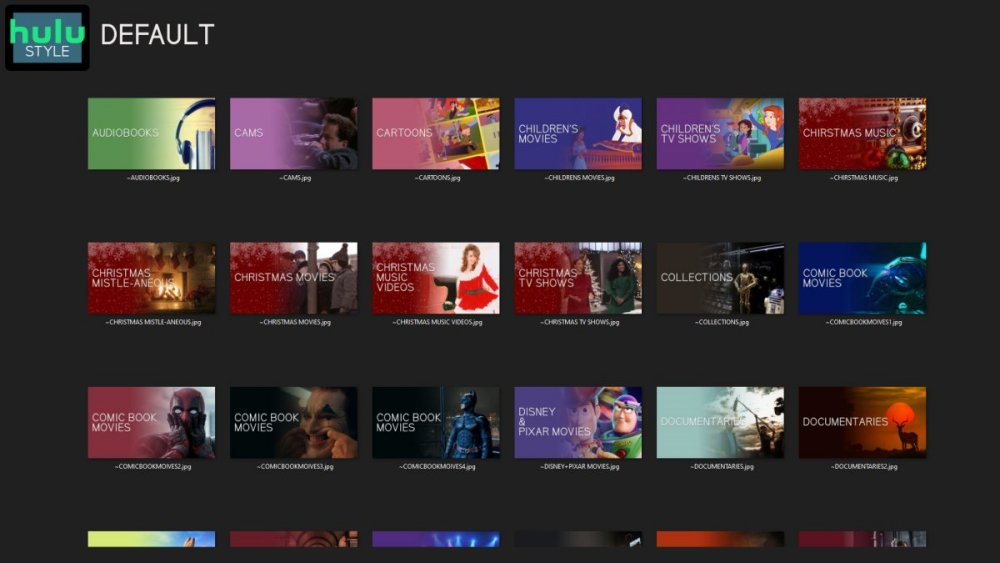

 1 point
 -
1 point
-
I think I got it sorted, I change owner above and it seems to be working. I am unable to write to folders with SMB set to "secure" with a user and password. But that is not an emby issue, thanks for the help.1 point
-
Hi, this should direct play with the next update to the Emby LG app. Thanks.1 point
-
I seem to be having a similar problem. Managed to get rid of the old servers from the app.emby by clearing cookies But I still have old ones on my iphone and in the mac Emby app and deleting them does nothing on either of those. (the ones I cannot delete are not active and were installed on old equipment that I no longer use) How can I get rid of them?1 point
-
ok - so if you just rename the folder '1980's' to 'The 1980's' - or something like that, then emby will see it as 'new' and hopefully not pick that up as a 'show' and then it will move to the sub-folders where it will start picking those up as 'shows' - which is what you want. A manual 'scan' once you have made the changes, will push things along - it may take a few minutes for things to sort themselves out ..1 point
-
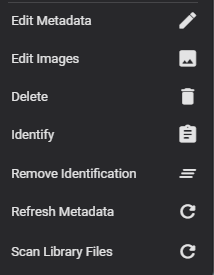
Ah maybe that is a Beta only option - are you on beta or the main release ? I have a 'remove identification' option ...
 1 point
 -
Procedure works! Thanks.1 point
-
Thank you everyone. I'll wait for the Google Store to have the updated version.1 point
-
Well you can set sonarr to set this in the folder naming [tvdbid=xxxxxxx]1 point
-
The only think that comes to mind is that it has already been merged with some other series so your latest scan before posting log wouldn't show anything. What you can try is: 1. Remove "The Block" series folder from your TV shows root 2. Run Scan media library scheduled task 3. Rename series folder to "The Block (2003) [tvdbid=74768]" 4. Put it back in TV shows root 5. Run Scan media library scheduled task (6. Post server log if it didn't appear).1 point
-
Hey Together, i used Top Pics as trial some weeks ago and uninstalled & removed it afterwards. Now i wanted to use it again, bought and installed it again. but it is not working any more....maybe you have some tips for me? i can chose some movies and series and add them to the list, but when i hit on save & update list nothing happens. when i again browse back to that page the list is empty again. and there is no Top Pics folder in bibliothek any more. (i deleted it manual in the past when removing trial) and some other hint, when i am using windows emby client, there is no scrollbar on pluginpage. i would be very happy if i got some help on that. brgds tom1 point
-
So yeah, the issue is that you need QuTS to call the GPU at least once before the emby container is ran, for some reason depending on how you run your containers that may or may not happen, it's a whole mess. Running that command is just one surefire way of making it appear. You can then use an autorun.sh or whatever floats your boat. Hell, there's probably something on QuTS Hero you could run on boot that will make it appear as a workaround. Also, if you run your containers manually, you don't need to create an autorun, there's tons of ways you could go around it. The autorun proposed is a solution for people that run their containers on boot and want to have everything heavily automated, it makes sense when you also run your containers using docker compose using a script, but there's plenty of solutions to this same problem.1 point
-
Thanks. I'll see if the fix can be improved to apply to existing tuners.1 point
-
Yes, but read GrimReaper's posts because he is 100% correct on how things SHOULD work. I now understand HOW they work but currently that is not logical. Dropping an external sub into the directory with the media should always make that the default, regardless of the flags inside MKV etc.1 point
-
yes I can give that a try. Will let you know. EDIT: We have a WINNER. Works perfectly! Thanks Jordy1 point
-
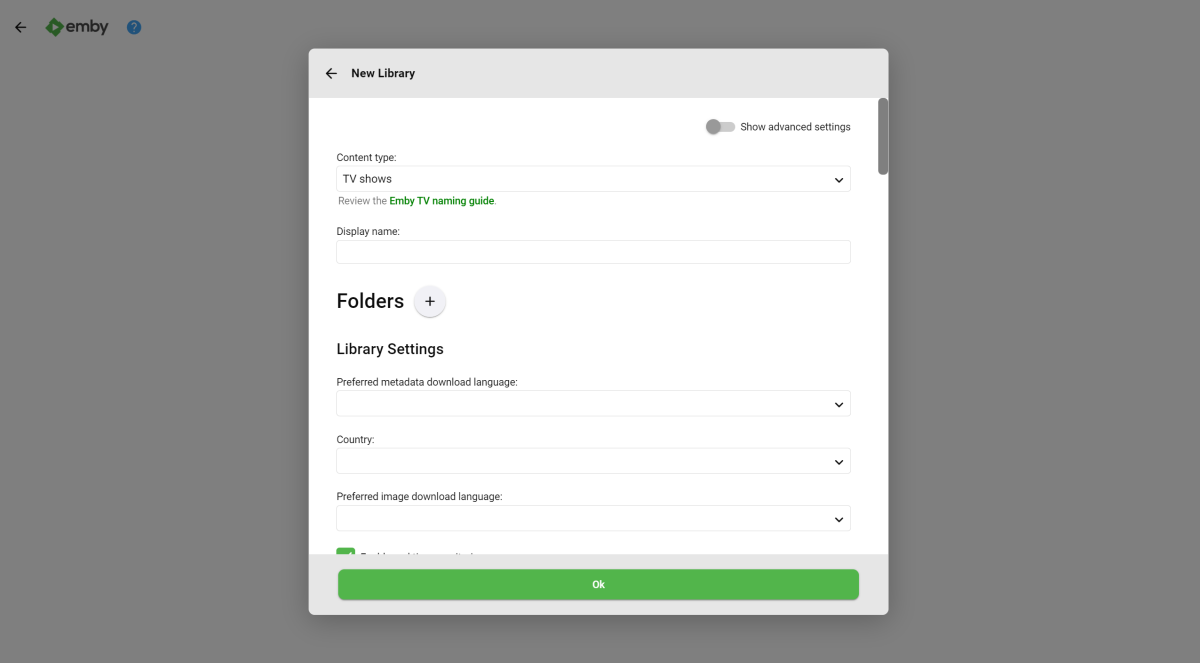
@Luke Sadly it did not. However, I did manage to install Emby using the TrueNAS interface to initially configure it, then installing the package manually. To be more specific and to outline what I did to at least arrive at the setup wizard for Emby: Go to the TrueNAS "Jails" tab. Click "Create a New Jail" Configure the Jail with: Either a static IP (advised) or DHCP. Auto-config for IPv6 allow_mlock checkmarked (otherwise this will not work in the Jail) Upon completion, start the Jail. Open the shell into the Jail and run: pkg install emby-server Upon finishing, run the below commands: sysrc emby_server_enable="YES" service emby-server start Open your local host connection by going to the URL http://localhost:8096 NOTE: May need to configure your router's inbound/outbound rules This is where I'm at now: At least I'm one step closer. I just hope that my Emby Premiere lifetime code I purchased a while back will still work with a fresh install. For now, I need to start troubleshooting how to make the jail find the pool that's sitting literally right next to it (been a while). I will mark this as my solution. Going forward, I will have to run commands like this on my newly created Emby Jail: pkg update && pkg upgrade Thanks for your time @Luke
 1 point
 -
I will get the logs to you soon, dealing with putting things back in place from the flood1 point
-
@Lukethe version was 3.3.29. Updated today to version 3.3.32. Still same issue.1 point
-
Very possible, yes.1 point
-
I hope its going to be an addition to the store and not a replacement for the good version.1 point
-
No, but future updates will likely restore all of that on server restarts.1 point
-
Hi I didn't want to open a new topic because the author of the post I replied to had the same problem, I followed your instructions and sideloaded the latest version and everything works fine. Problem solved, thank you very much1 point
-
Ok, it will take some time to reproduce but I'll try to pull it together.1 point
-
I'm going to give some advice that not everyone agrees with. If you don't agree with my advice, that's totally fine for both of us. This is JUST MY OPINION. Smart TVs are the worst possible source for video apps. They get the least attention from the manufacturer, the least attention from developers, and are usually on somewhat slow hardware. Using an external streaming box, with a decent processor, and video decoding, is a much better idea. For me the two premium set top boxes today are the Apple TV and the Nvidia Shield. For Emby the clear choice between the two is the Shield. The Emby Android TV app runs on the shield quite well. It is not perfect, but it is very good. By contrast the Emby app for AppleTV is sort of primitive and not very attractive or capable. The Shield has native codecs (in hardware) for H.264 and H.265 and thus plays both without transcoding. I'm always kind of shocked that anyone uses any box or smart tv app that requires transcoding. For me this indicates that you do not have the right hardware. Transcoding is evil. Native support or Codecs is what you want. Life is easy and everything works correctly when you have the right setup. Brian.1 point
-
My problem is already resloved.1 point
-
It does, yes, presumably because you have the folder structure option set to perfectly organized into artist/album/track. In this case it will the parent folder name two levels above the tracks as the album artist, so that's why you see albums created with the album artist of Podcasts. So yes there is an issue with having emojis in the album title. Thanks.1 point
-
This is a related but not identical comment/request. For me, Emby always loses the progress in a partially listened to audiobook. As FF does not work either, this means the audiobook must be listened to all in one go or not at all. Frankly, I suspect I am missing this functionality somewhere, but I have not found any solution. The bookmarking of this thread would be a great workaround for my problem. Note, I am using Fire and Chromecast to listen through TV speakers.1 point
-
Is there a way to create a playlist that filters movies by audio track language? I have some movies with multiple languages and since we speak 2 languages in the house, I'd like to create a "movies with italian audio" and a "movies with english audio" playlists, so that I don't have to into each movie and check the languages. I looked into the filter options of this plugin and I can't find anything like that, but maybe there is a secret recipe to do it.1 point
-
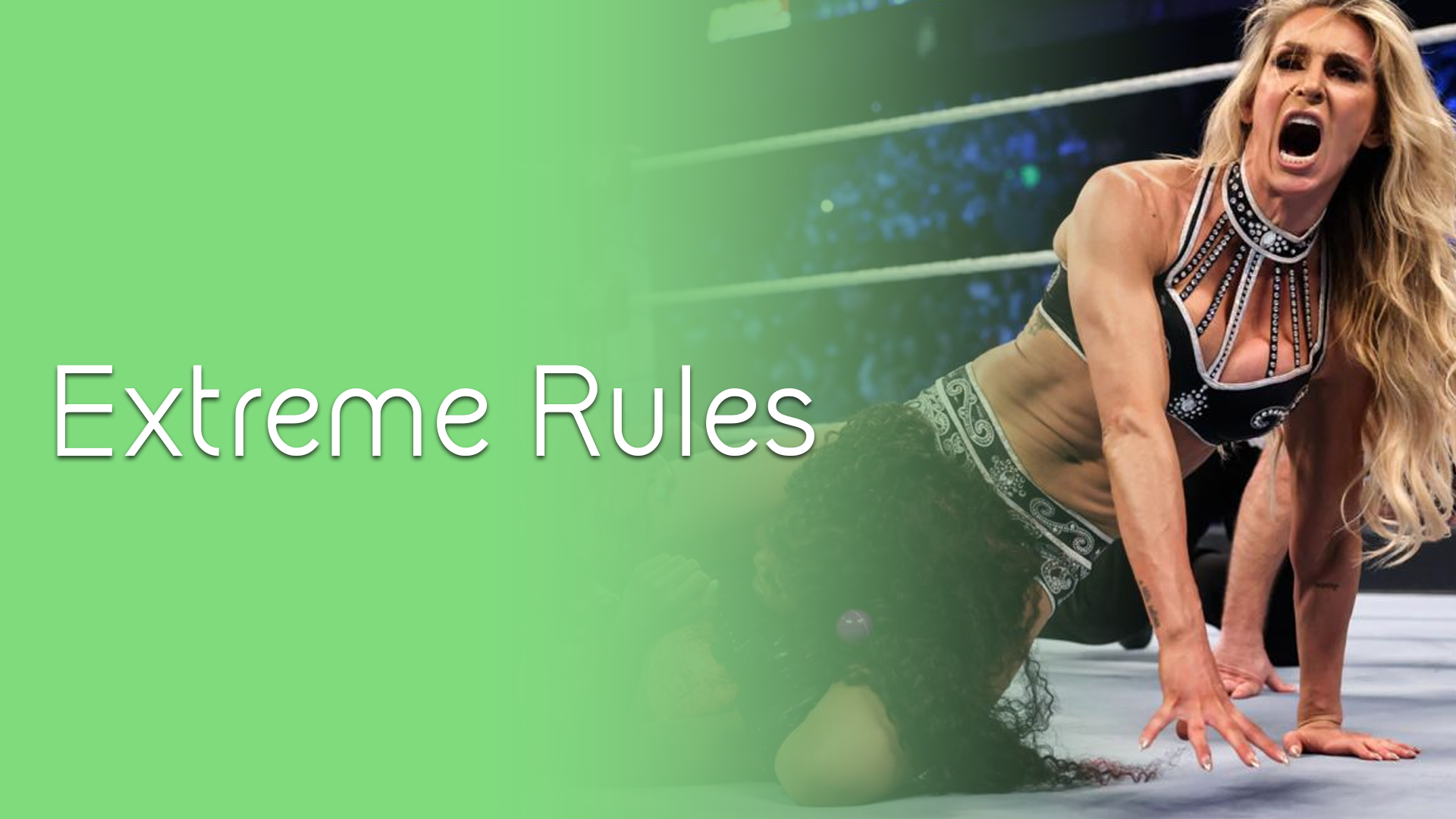
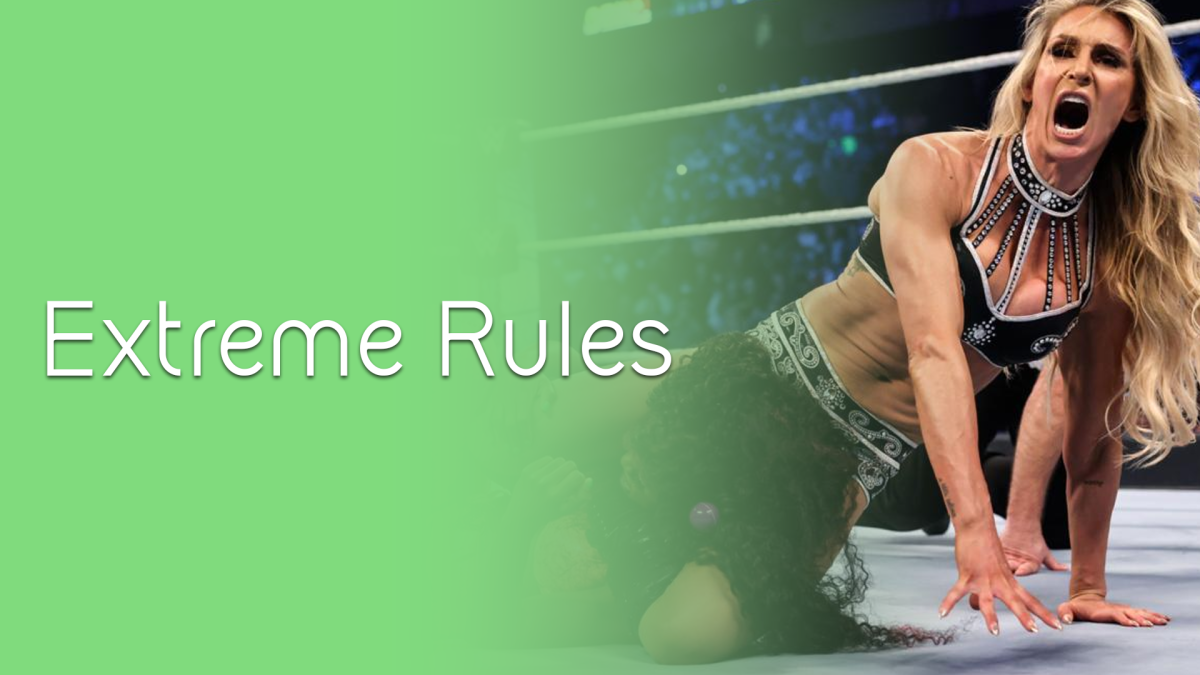
I made these for my sports library, sharing them if anyone wants them.
















 1 point
 -
Sure, tomorrow I'll post an update including the requests so far.1 point
-
One thing the streaming community hasn't done well is really create tools that allow us to simulate live TV well. I think the biggest reason that binging on Netflix (and Emby) is so popular is because you push a button and go. I'd like to see Emby create a "To Watch List" that basically allows you to sort shows into a specific order. When you watch that list, it will only play the most recent episode of each show in the list that premier inside that week. Lets pretend I made a DC TV Watch list, it would only play this weeks episode of Arrow, Flash, Legends, Supergirl and Gotham one after another. If an episode didn't premier that week, it gets skipped. Additionally, I'd like to see this system *ALSO* allow us to insert bumpers similar to Cartoon Network or Toonami. In the here and now, it would only insert bumpers between the series, but it would be nice if in the future, a system that allows some method for choosing the appropriate points between each act of an episode where bumpers could also be inserted. Bumpers would be a community thing to create, but inside the "to watch list", you'd choose what bumpers (if any) are used. Bumpers could even be surrounded by previews. Finally, another thought: while Emby already can pull Movie Trailers, it might be another cool future project if we could pull previews of related series not in the "To Watch List" and/or perhaps ones that aren't on your server that are similar to what you are watching. There's a lot of ideas in this post to digest and several should be their own project as part of this concept. Thoughts1 point
-
Very clean and beautiful! But it's missing a "Playlists" icon.1 point
-
I like big backdrops and I cannot lie...1 point
-
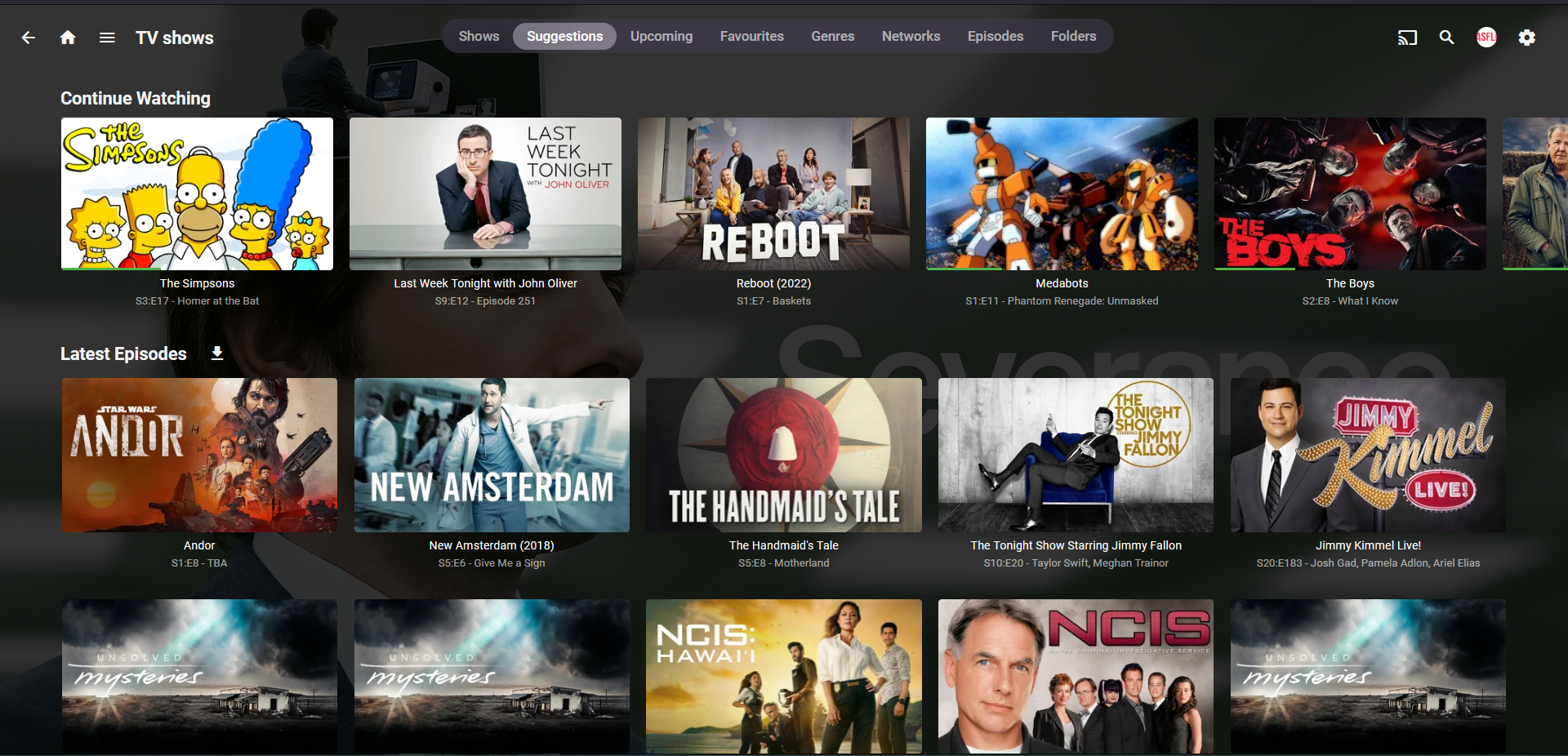
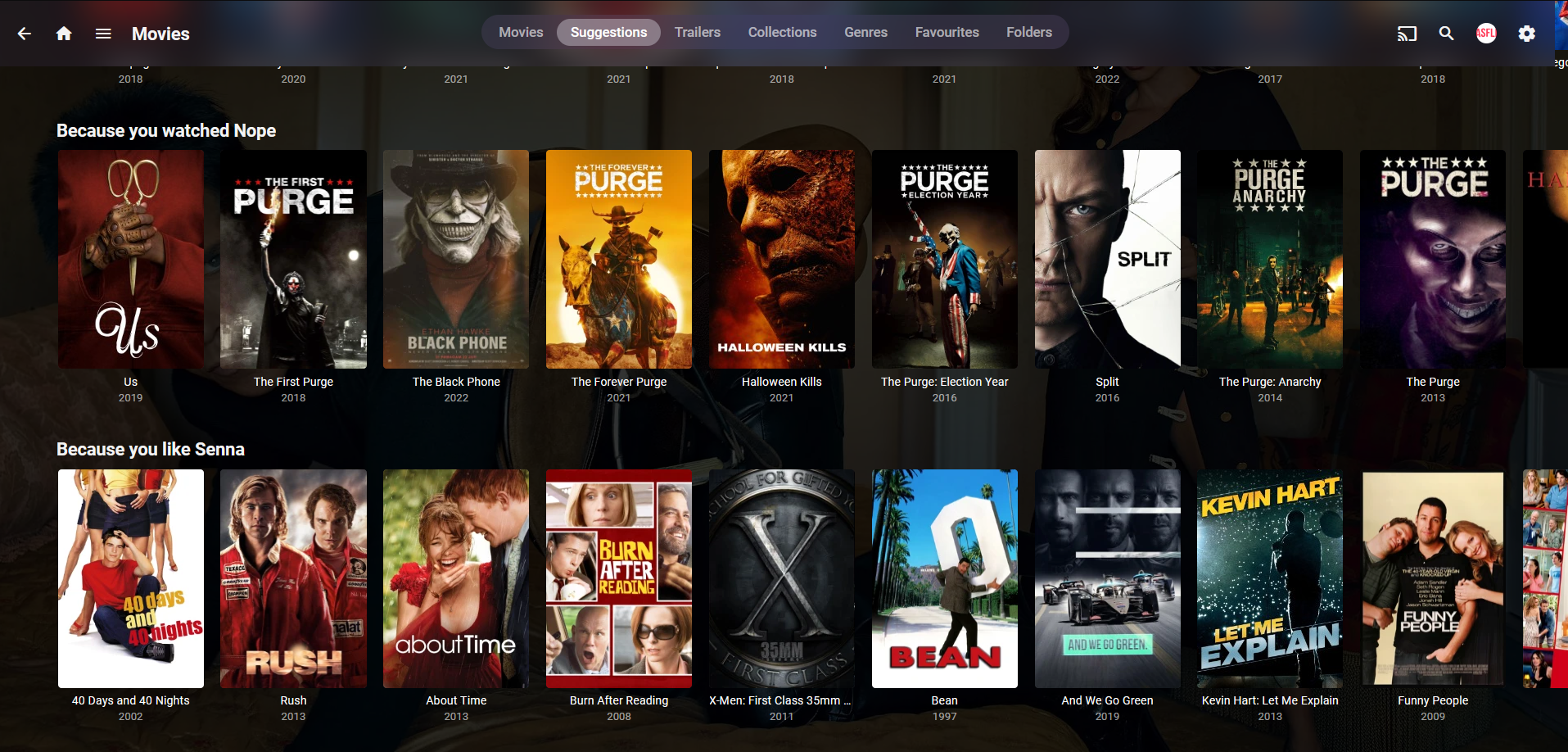
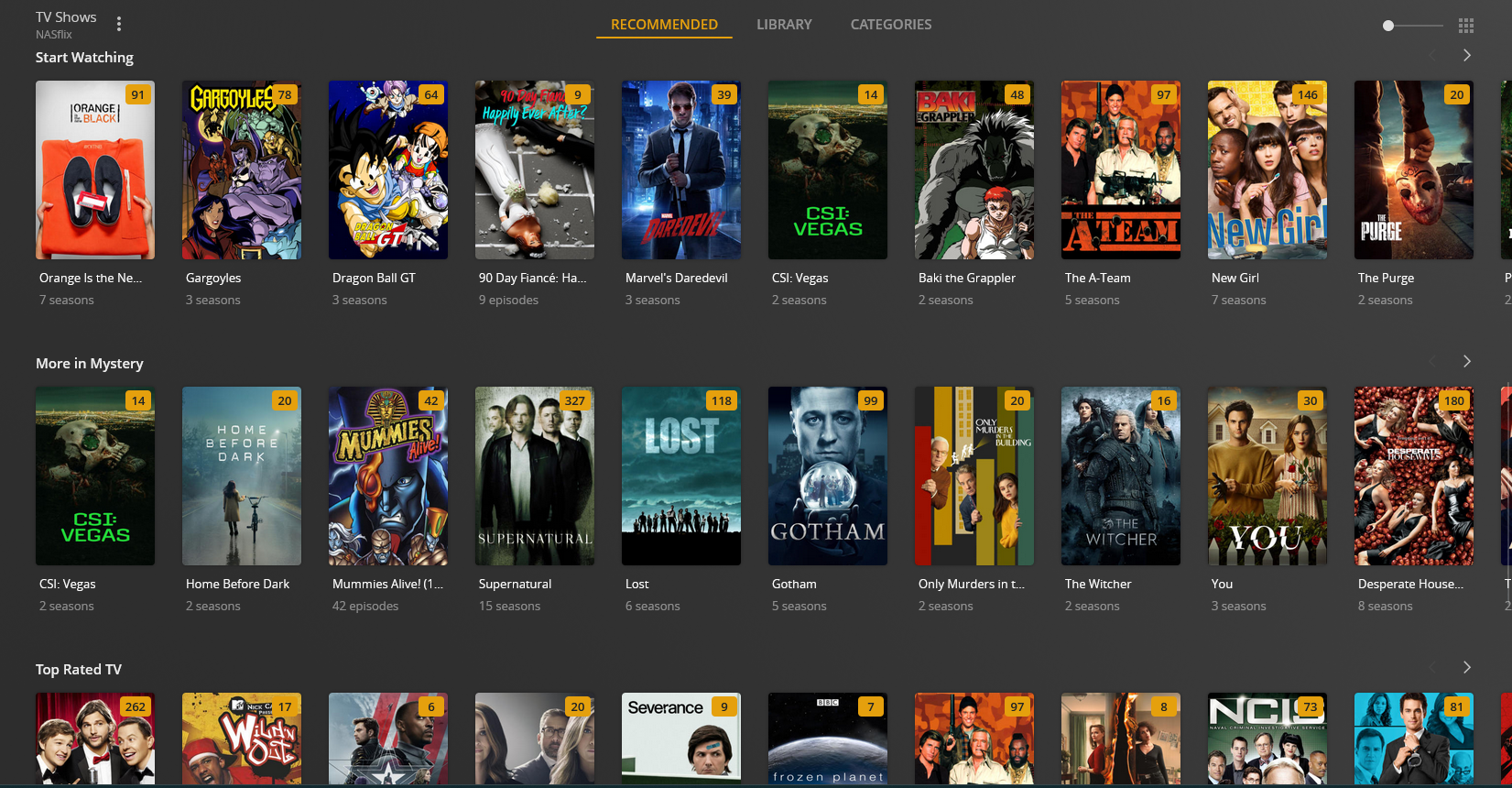
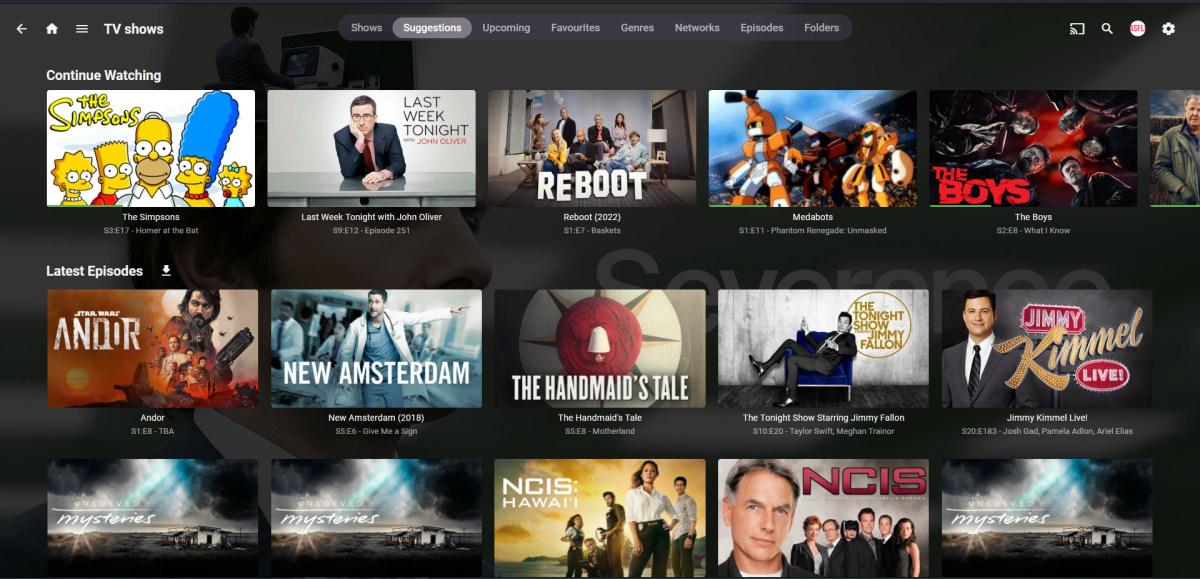
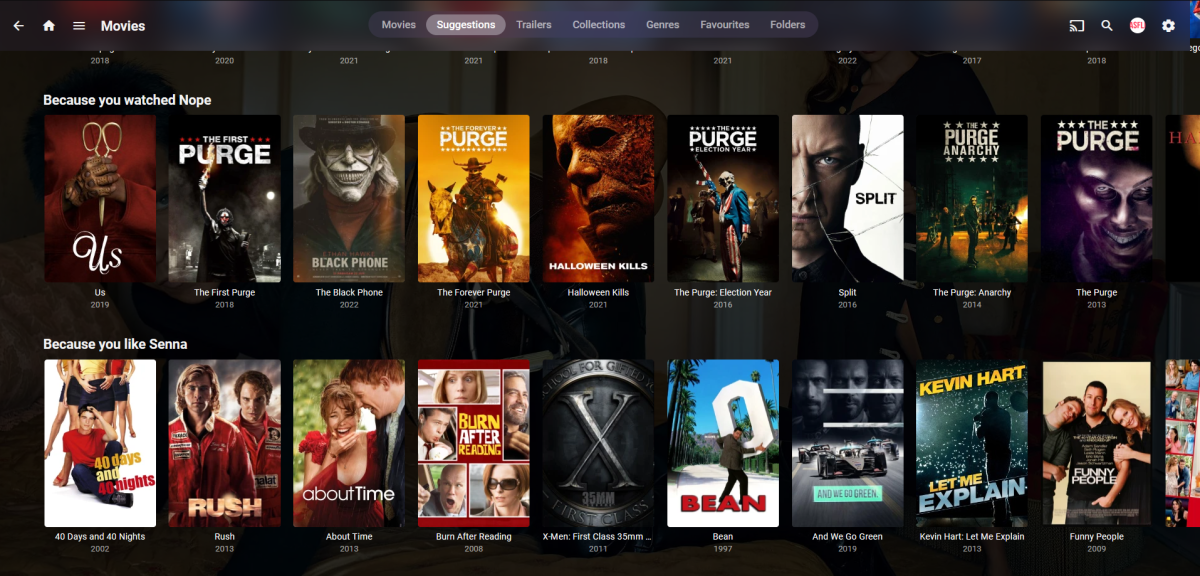
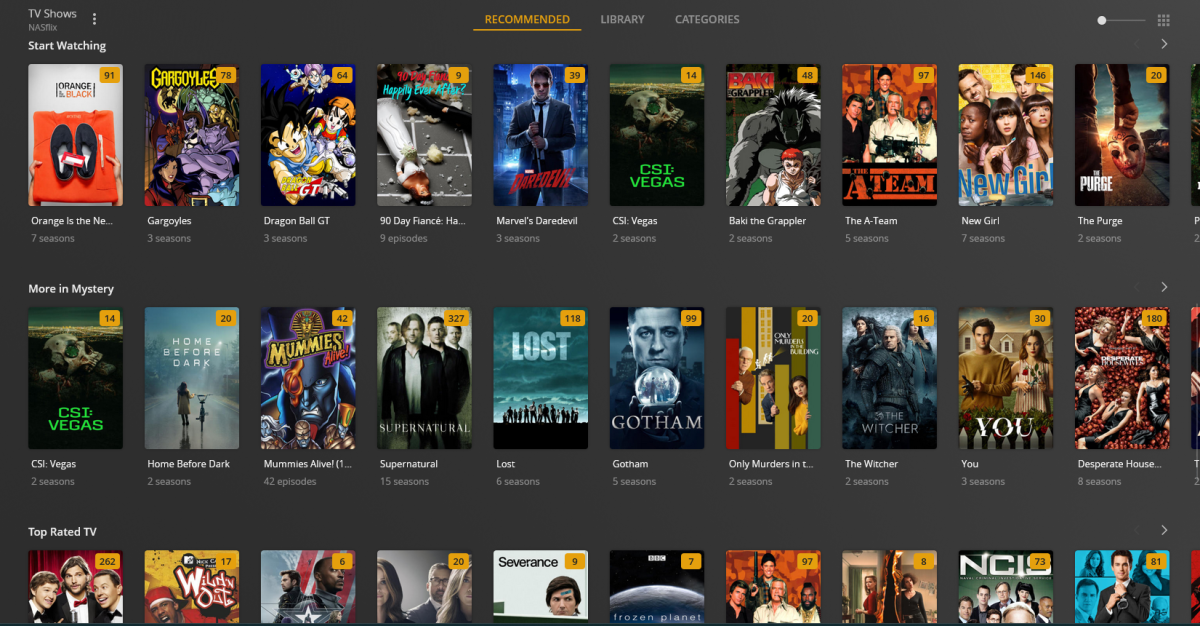
+1 I like this idea very much - I love Emby and would like to stick with it. The only thing which causes me to go back to plex from time to time is, their presentation of suggested content. Starting to have a big collection of movies and series (80TB and growing) and sometimes it is really a very painful experience if you are browsing to your entire collection. Either you use the filters and already know a few parameters to search for like year, genre, etc. But what I like about Plex is that they use a lot of suggestions, not just based on related content but also featured stars/directors, top action movies, etc as seen in the examples attached. This is ideal for when you have a huge content library and just want to browse through these suggestions to find or discover new shows and movies. In the Movie suggestions part this is done well and matches Plex in a way, even tough the suggested content is not always related or the matching are sometimes a bit whack. For Series the suggestion tab could use some additional rows added instead of only the recent episodes and continue playing, this is currently lacking compared to the movie section. I know there are also a ton of requests regarding the watchlist - I still feel like this is a necessary feature and the favorite function is not fulfilling this. These are two different things in my experience, while a watchlist is more a collection of stuff you'd like to watch - more like a to do list where as favorites, as the word explains, your all time favorites you can always go back too. Part of the experience for myself and my users with Streaming services is that you create a collection of stuff you'd want to watch once hence a watchlist and a collection of stuff you can watch at any time all the time. The other aspect is that me and my users like to browse for hours through these selections of suggested content based on different parameters until you find what you want to watch, while meanwhile adding stuff to the above mentioned collections. I personally find that this how I navigate through other streaming services a lot too. I love Emby and appreciate everything the team and this community have to offer, I'm a subscriber and am extremely reluctant to move away from Emby because of the awesome product you guys developed - I know this is not a high priority feature but It would improve the experience tremendously I believe. Many thanks
 1 point
 -
Old topic, but I really think Emby should add this as an option. It is a major pain point for people right now tracking between different services and this will bring users. I actually wrote a hack to do this using a combination of Sonarr and Emby - but it is NVidia Shield and Kodi dependent, and as I said - a hack https://github.com/xnappo/VirtualEpisodes I wrote this well before Plex had a similar solution. Been using it for two years and it is a family pleaser.1 point
-
Save Time With Emby's Intro Skip Requires: Emby Server 4.7 or later One of the new features in Emby Server 4.7 is the ability to skip TV Show Episode Introductions segments. This allows you to jump right to the start of the action saving you a great deal of time allowing you to quickly get to the good stuff! Combine Into Skip with Automatic Play Next Episode for a superior binge-watching experience!. This guide will cover the following: Configure a TV Library in Emby Server Configure Emby Client for Automatic or Manual Intro Skip How to use Configure a TV Library in Emby Server In order to use Intro Skip a TV Show library needs to be configured. Edit a TV Library on the Emby Server console. Scroll down to the Markers section in the library and change the option from NEVER to either "as a scheduled task" or "as a scheduled task and when media is added" depending on your particular needs. Once setup go to Scheduled Tasks and you'll see a new option has been added: By default this task is set to run every 24 hours. You can adjust it to run at specific time if you like. To add a new Task click the + sign above. This shows a new schedule that starts at 3 AM and is allowed to run for 4 hours. After clicking Add: We can now click the trashcan icon on the 24 hours schedule ending with: From our Scheduled Tasks menu we can manually run this job clicking the arrow icon. You will then see a status bar showing the percentage complete. There is nothing more needed on the server to use Intro Skip except to give it time to analyze all episodes and build the Intro Skip indexes. This process may take a while depending on the number of episodes you have. Configure Emby Client for Automatic or Manual Intro Skip Each client can be set to ignore TV Show Intros, automatically use Intros, or to prompt use showing a button. You can set this option in the client option's Playback Menu. Using Intro Skip With the Skip Intro button selected you can clearly see the button on the OSD immediately at the start of playback. The timeline is still at 0:00 before the show has started to play and we can already skip the introduction of the show. Clicking the Skip Intro button immediately jumps right to the start of the Episode. With the client option set to Automatically skip intros our TV show intros have been put on auto pilot. Right at the start of playback it jumps to the end of the intro right at the point of the fade in. View the full article1 point
-
Sorry this would not matter as Music is from their embedded track metadata, editing within Emby would not make a difference in this situation. Any music tag editor would be many times faster.1 point
-
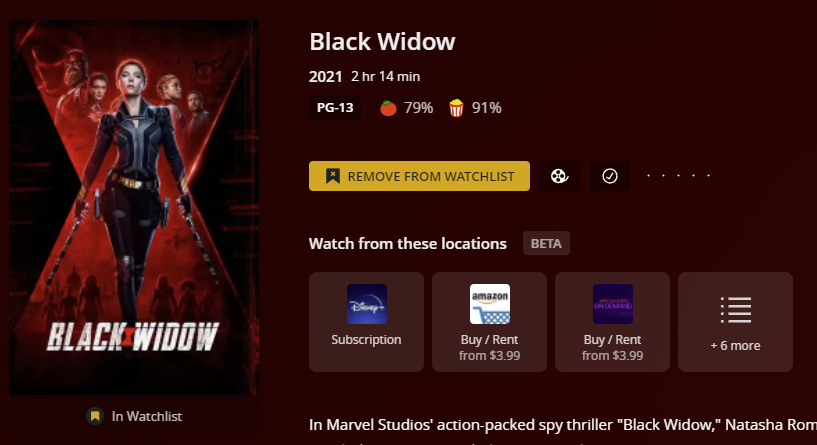
Well, Plex finally did it: End the Streaming Struggle with Plex. Emby may still decide not to create something similar, but I really do think this is a useful feature. I've only tested the Plex feature in a browser, but the way it works is fairly close to what I'd be looking for. At the moment you can add a show or movie to your watchlist and it'll pop up the services where it is available. Click on the service you want to use, and it goes straight to that show or movie on the service that was clicked. Apparently personal content libraries can also be added, but I shut down my Plex server awhile ago so I haven't tested that.
 1 point
 -
Thank you SO much for sharing your creations, and for buying me a bunch of beers!! This has been such a fun project and it's so cool to see everyone put their twist on it and share! Helps make it feel opensource and I love seeing the creative icons!1 point
-
Hi, In order to find easily an item in our large librairies, it could be great to have the possibility to import a playlist from imdb/trakt. This way we could easily create playlists like 10001 movies to see before you die or Academy Award for Best Picture for our current movies in our libraries. Bonus : List all missing movies for a specific playlist I found a script doing this for Plex but can't find how to adapt it for Emby or a way to import Plex playlists to Emby I hope someone will find this useful and want to help implementing this.1 point
-
Yea m Hi, do you mean Trakt watchlists? Yes, integrating with that would be more realistic than Imdb.1 point