Leaderboard




Popular Content
Showing content with the highest reputation on 04/29/23 in Posts
-
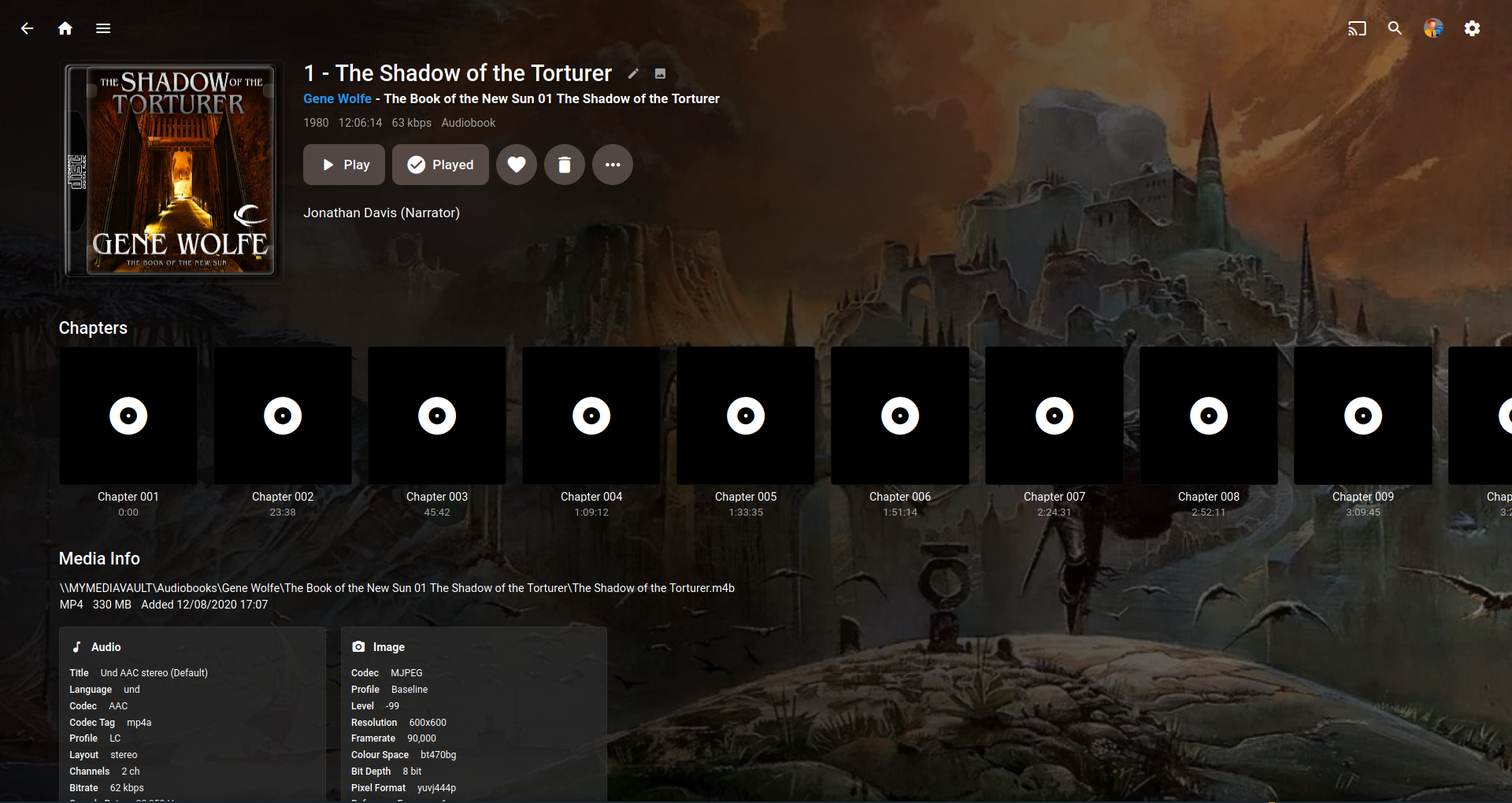
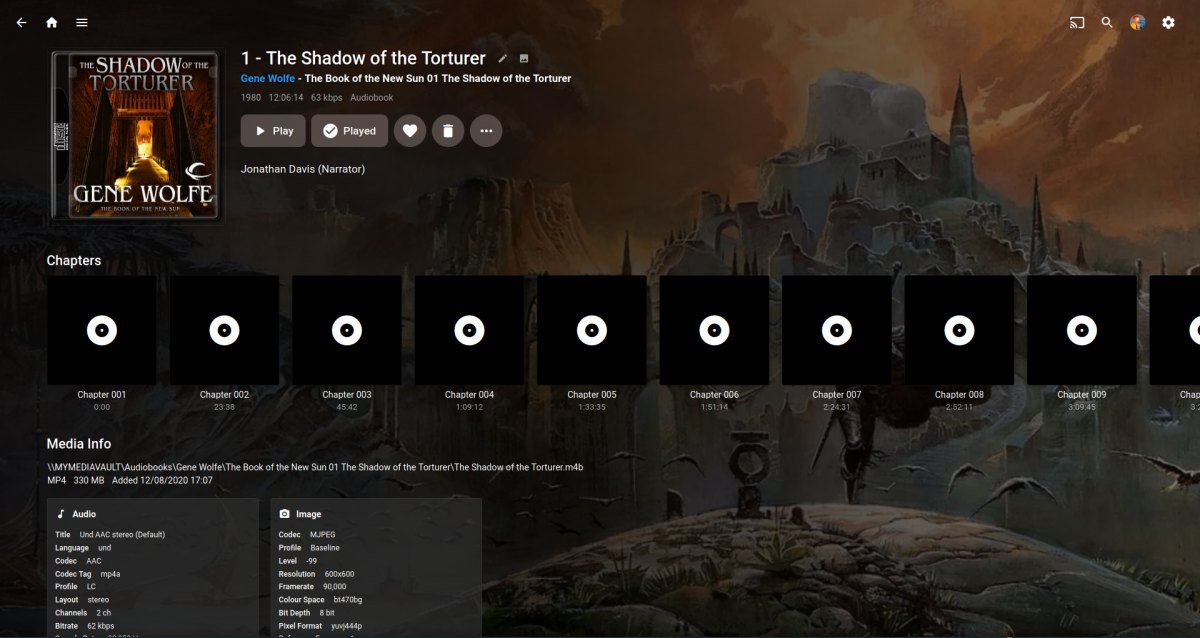
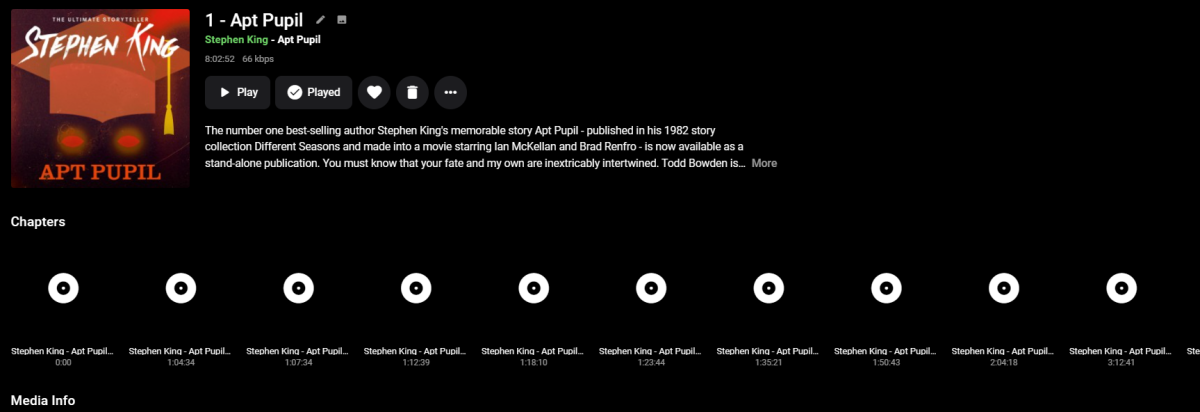
I was reading this thread.. https://emby.media/community/index.php?/topic/117901-audio-books-are-not-resuming-from-last-position-played/#comment-1248464 Then it occurred to me that the chapter info of a .m4b could look better. I know it can't scan the file for a image frame like video but maybe it could just use the main audiobook image? It's a bit OCD for sure..
 2 points
 -
Good call. I swapped out the sub-title track and resolved stalling on that and another file tonight. Hopefully I can figure out the rest.2 points
-
@icrimeanEmby doesn't currently support what it is you're trying to achieve, however there is an open Feature Request for something similar, you can lend your support to that, thanks2 points
-
While I don’t think this will be built-in anytime soon, I can’t imagine this being a mandatory feature. Obviously, not everyone wants to (or can) run ressource intensive tasks, such as these, on their servers. I assume this would be an opt-in feature like it is with intro scanning.2 points
-
Hi, I've seen a few discussions on this before but will the ability to download original photos directly to the phones native photo app, ie Camera Roll in IOS be supported at some stage? Really missing this option to enable easy sharing of my photo library via other platforms, messenger, Whatsapp, iMessage etc which this would allow. I currently have to do this manually via other mechanisms while at home on the network or copy to other cloud platforms, being able to do it from anywhere via Emby would be awesome! Thanks!1 point
-
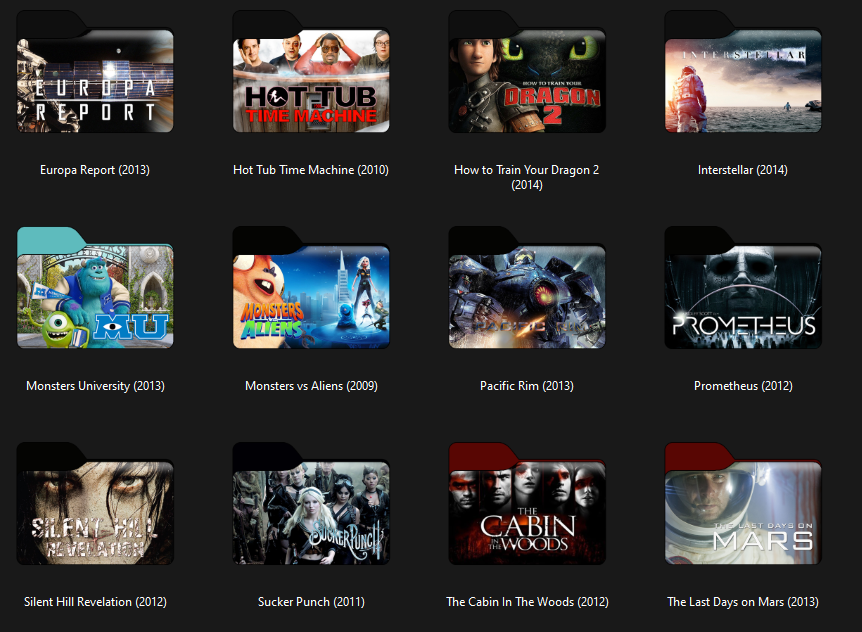
Hi all. I have recently been on a kick making custom folder icons for pretty much every program and personal folder across my windows 11 installation that are styled to match the new folder icon included in Win11 which included a few movies I still had sitting around. And while my collection isn't a fraction of the size it used to be, what few I did make came out pretty nice. So I thought if there were anyone out there that would appreciate something like this, and maybe even grow the collection, it'd be you guys! That's why I decided to bundle them up and include the PSD I made so if any members here wanted to add to them and reshare, they'd have the ability to do so. But like I said, there's only a small handful of these that I've created, so probably not of much use to anyone unless someone wants to grow the collection and reshare. Unfortunately I'm not around a whole lot these days so it's unlikely I'd be contributing much beyond this initial batch to get the ball rolling. Files can be downloaded here Anyway, hope someone finds them useful and I'll probably see you guys in another year or two, when I get back around to checking in again. lol (kidding, but only just) Until next we meet. You guys take care, and as always... Enjoy!
 1 point
 -
When you're got Up Next turned on, when you get to the end of an episode, it will give you a prompt to immediately play the next episode or to cancel the next episode playing entirely. If you choose to immediately play the next episode, it will, and that works great. However, it looks like this doesn't do anything for the episode you just played - if it hit your played progress threshold, it will be marked as played. If it didn't, it will not. For episodes that are 10 minutes long, a threshold of 95 isn't enough to consider the previous episode as watched, if you click start now on the next episode right away. Change the threshold you say? Well then what about 40 minute shows? Use a differnet library? Sure, could do. But doesn't it make sense to mark the previous episode as watched, even if it hasn't reached the threshold, if you've been presented with the Up Next interface and specifically said yes? Thanks guys, love your work1 point
-
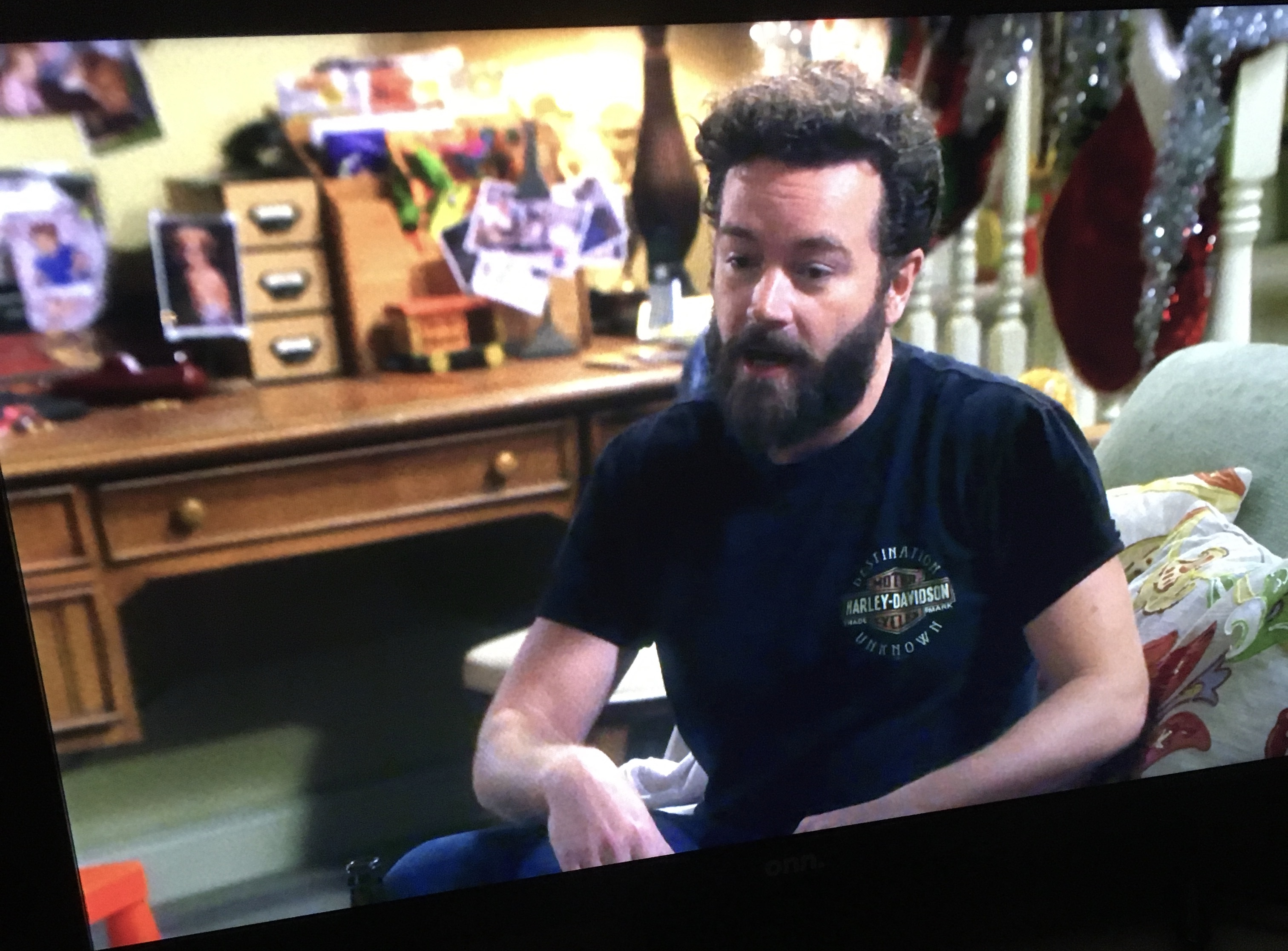
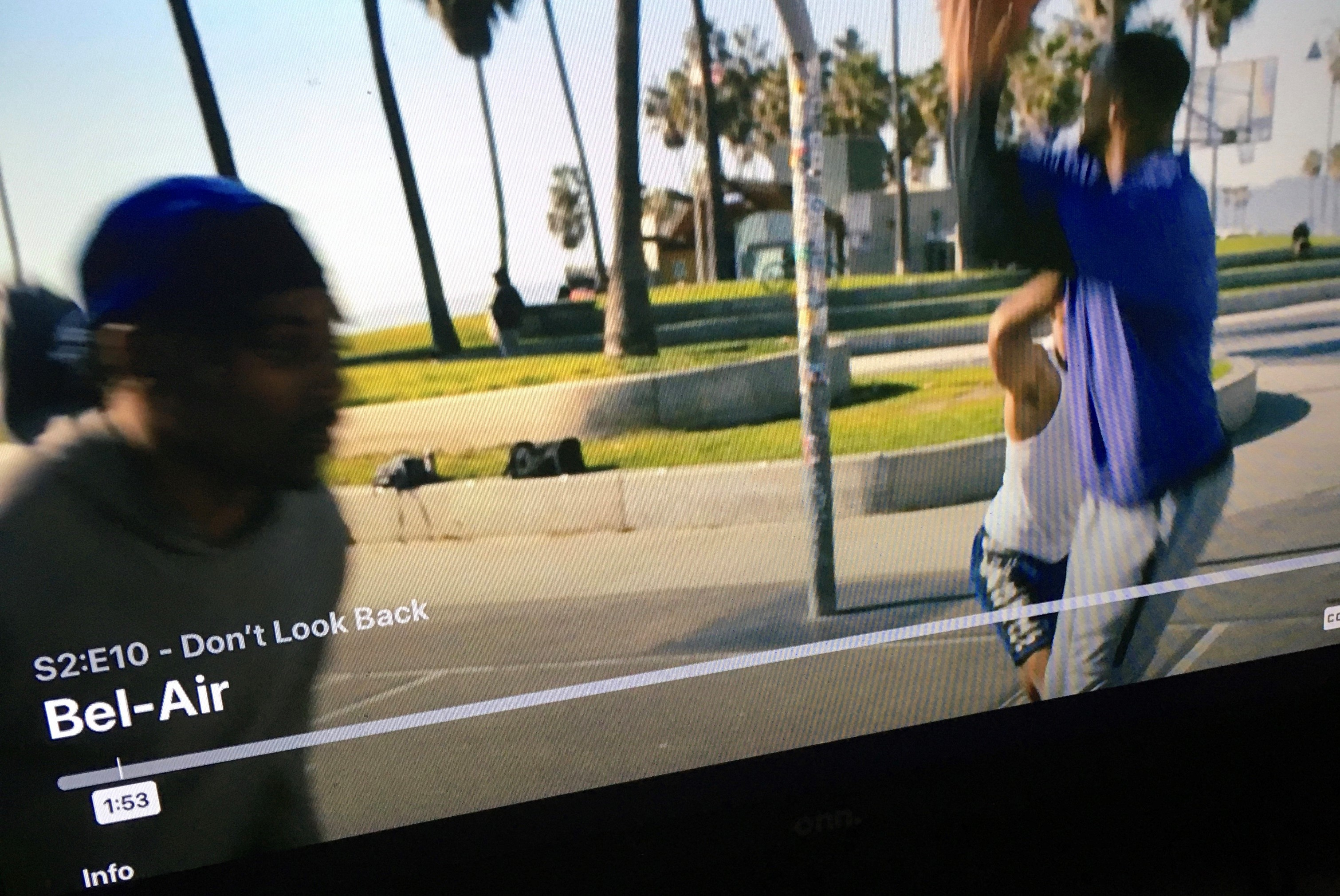
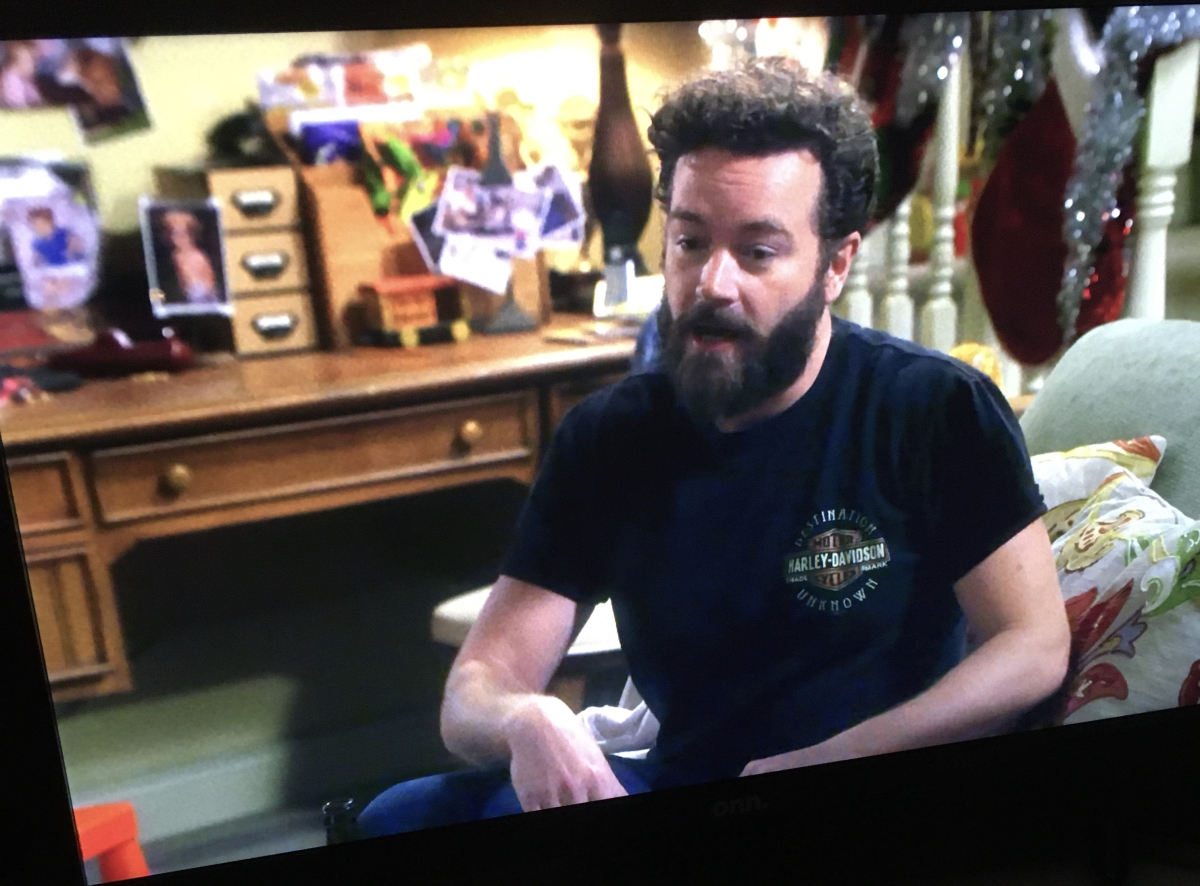
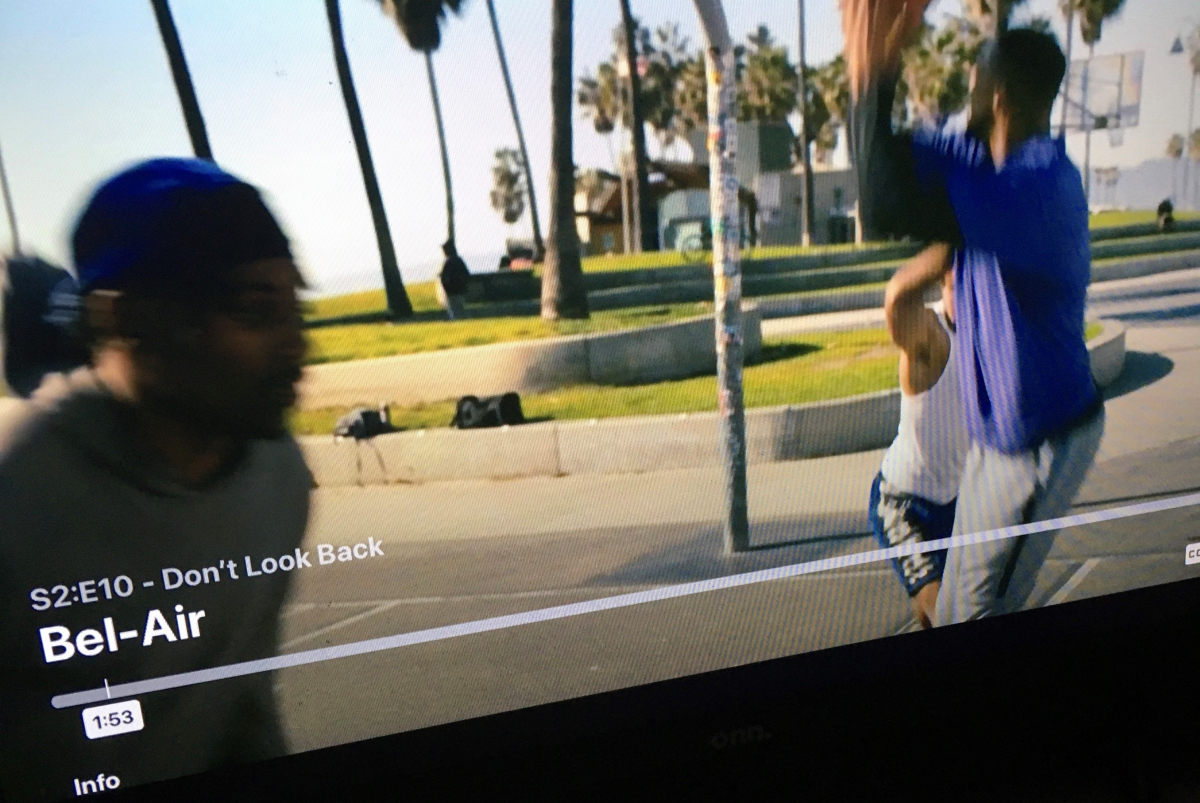
so still can't pause video and show a still image without the title and info being shown? like on netflix when pause a video nothing else shows example first photo screenshot of netflix second of emby not a big deal or nothing but would be nice though lol
 1 point
 -
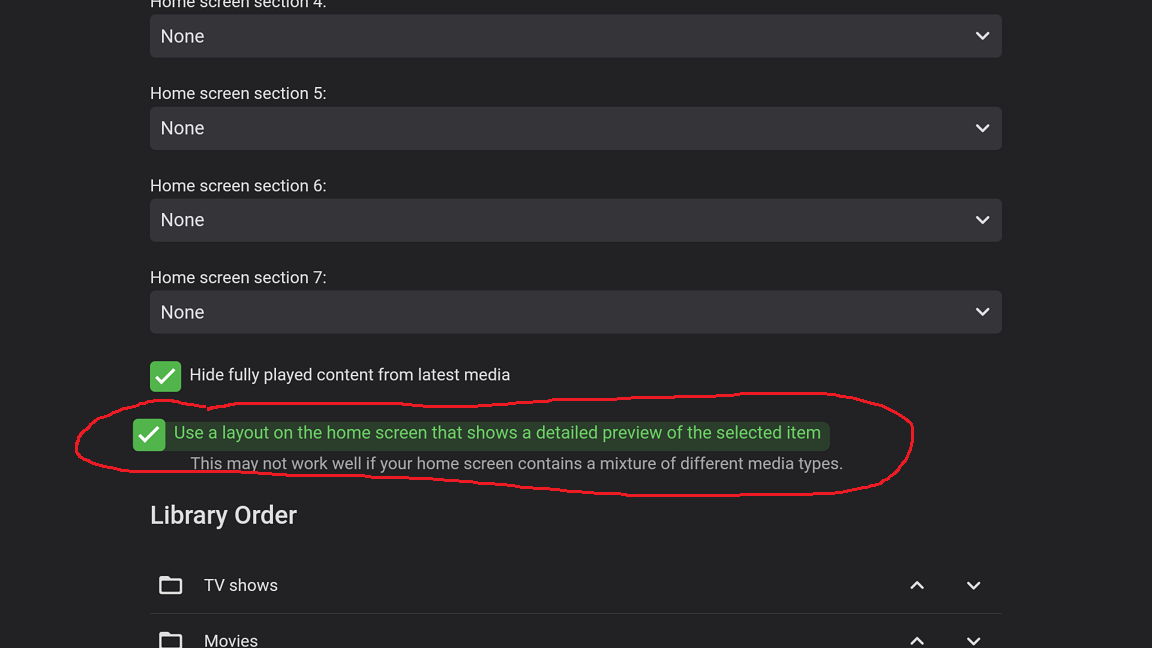
It's under the Home Screen settings as mentioned above. ET equivalent of ATV's Enhanced Home screen option.
 1 point
 -
Ok thanks. I'll have to have a look when I get chance to go there in person, I think.1 point
-
Hi. I think I found a possible bug (or maybe this is a feature request). I created an overlay network with Nebula (kinda like Tailscale). It's using the 172 subnet while my normal network is using 10. So my Emby server has both a 10 and 172 ip address. I went to Network > LAN Networks and added ONLY my 10 networks there. I was expecting that now clients in the 172 network would be considered "remote". Unfortunately, they're not. Users that are NOT allowed remote connections can login from a 172 address. And they can also see the logins of users that are set to appear only on the local network login screen. Is there any way to get the 172 users to be treated as remote?1 point
-
Luke is the best! I'm always in awe of the amount of community work you put into Emby. Thanks!1 point
-
Well, that's not really true. For example the Shield is faster and has a wider range of audio and video codecs. This means it will allow you to DirectPlay all types of video encodes / passthrough all types of audio types to a surround system. Your TV won't be able to do that.1 point
-
BTW, sent a message to @Chuckhometo setup a remote support session.1 point
-
I'm not trying to be a downer but this topic started in 2016, i think it's not gonna happen at all. For Emby it's probably best to look into devices you can hookup to your tv like a Amazon FireStick / Nvidia Shield or something similar.1 point
-
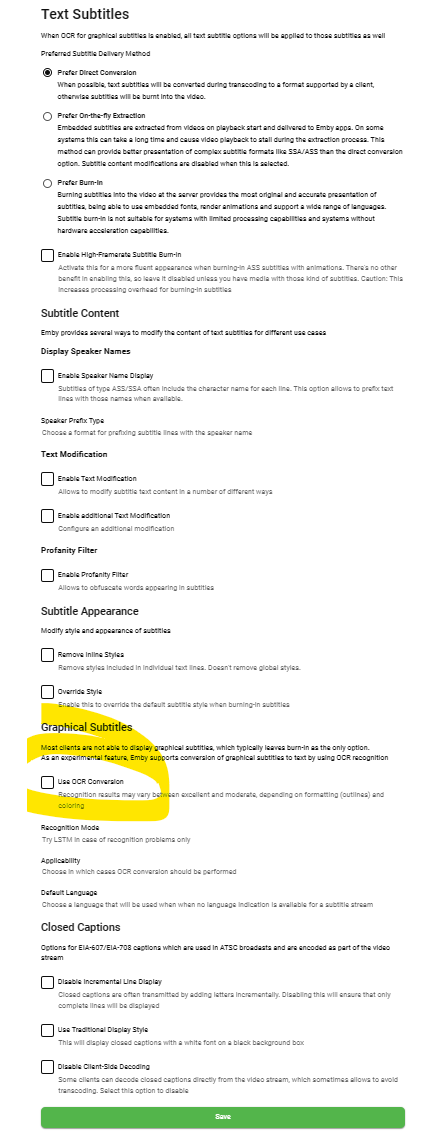
In the latest beta software - @softworkz has done a great deal of work with subtitles and PGS OCR recognition is now included. Maybe worth a trial and see how it compares to the above methods.
 1 point
 -
Hi guys, I would like to buy the Samsung S95B TV but, from what I've read, Emby isn't available in the Samsung Store here in Italy. I've read that a country expansion request has been made and I would like to know if anyone knows how much time we'll have to wait. Honestly Emby is the only foundamental app that I need and without that I will choose a TV of another brand. Thanks a lot for your help.1 point
-
Well I must say. I'm paying monthly and I'm strongly reconsidering. The time since the last update is truly bizarre, especially since I've seen plenty of people having issues and asking for an update. Issues I'm encountering are just waved away with "it is what it is". If this were an opensource free program I wouldn't mind since you need to manage expectations but this is a product we're paying for. And at the moment I'm not sure why. Hope @Lukecan shed some light on this situation and give some concrete information1 point
-
Thank you. Now read the bold letters from KB article: You have your files named wrongly. Nope, it shouldn't. That's it. The directory is right there, the filenames are right there. Everything follows the docs, 100%. As said above, you have those files incorrectly named. For your movie folder named The Expendables 3 (2014) movies within should be named: The Expendables 3 (2014) - whatever, and everything after the dash is what you'll see in version dropdown.1 point
-
and there it is. file name before - does not match folder name1 point
-
you havent given enough information. for one of the movies give exactly how each version that you are expecting to be grouped is named1 point
-
This is resolved in the upcoming 4.8 server release.1 point
-
Previously the real-time monitor was deactivated during the library scan and that is no longer the case.1 point
-
great thanks that did the trick, all history restored!1 point
-
Yes it was a bug, and it is already fixed. The issue was because to the new huge changes in the server. That feature was in Emby a long time ago. Please mark this post solved. Thanks1 point
-
I have been reading those posts at the time. Most of my library are MKVs too. I just checked the two MP4s with DV i have and the logo shows, because of the codec tag "dvhe". Emby doesnt provide a codec tag for MKVs, so i guess its not working for MKVs at the moment.1 point
-
Got it! Thanks!1 point
-
I created SizeWise to provide myself with a way to have an in-depth look into what files are taking up the most space on my Synology NAS, where I house my Emby instance. With SizeWise, you can easily sort a list of files in any directory based on their size, making it easier for you to identify and manage large files. Here are some of the key features of SizeWise: Display a list of files in a directory, sorted by file size. Provides a quick/easy way to identify large files that may be taking up valuable space on your storage medium. To get started, simply adjust the $directoryPath variable and point it to the directory of your choosing. You will also need to adjust the $logPath variable to output the log file. Here ya go! SizeWise_1.0.1.ps11 point
-
Possibly helpful related discussion:1 point
-
That gpg key and repository are for ubuntu, they won't help you much on Debian. TL;DR you might only need the proper syntax to enable the GPU at the bottom of my post. sudo apt-get -s purge 'nvidia-*' Then do a sudo update-initramfs -u After that (or on a clean install) sudo nano /etc/apt/sources.list and change the line deb http://deb.debian.org/debian/ bullseye main so it looks like deb http://deb.debian.org/debian/ bullseye main contrib non-free Ctrl +x to save, hit Y for yes Now install the Debian 11 driver: sudo apt update sudo apt -y install nvidia-driver firmware-misc-nonfree sudo shutdown -r now You might get a screen that nouveau is enabled and that you need to reboot, which we gonna do anyways, last command will make your instance reboot. Once rebooted and back logged in give nvidia-smi a try. If that works, proceed with enabling nivida for docker, see the link to the post ^ on top of this site, the tl;dr for this is: sudo apt-get update sudo apt-get install -y nvidia-container-toolkit sudo nvidia-ctk runtime configure --runtime=docker sudo systemctl restart docker Finally proceed with adding your gpu properly. ie. deploy: resources: reservations: devices: - driver: nvidia count: 1 capabilities: [gpu] Docker-compose up and voila. Side note: If nvidia-smi doesn't show your card, it might be related to secure boot, have a read here https://wiki.debian.org/NvidiaGraphicsDrivers#Debian_11_.22Bullseye.22 I had the issue on proxmox as the vm bios had it enabled, i ended up disabling secure boot for the vm as i don't need it, but mentioning it in case someone struggles. (Both, barebone and proxmox vm, tested with lscr.io/linuxserver/emby:latest)1 point
-
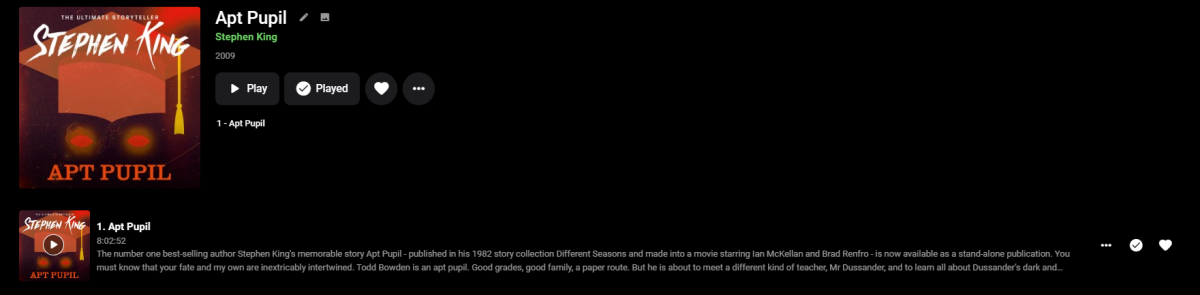
Yes it supports chapters in single files, if you have chapter markers in them. It looks like chapter markers in movies
 1 point
 -
I hade the same experience, with books with multiple files. I found a work around and combined all the mp3 files into 1 m4b file. Have had no issues since1 point
-
Emby Server and Emby Theater Now Available as Snap Packages We are proud to announce that Emby Server as well as our Premiere client Emby Theater, are now available as Snap Packages for Linux distributions. This makes installing Emby a snap. What are Snaps? Snaps are a type of secure containerized applications that work on any Linux distribution using systemd. Snaps are multi-platform, dependency-free applications that are easy to install. One of the biggest advantages of snap applications is that they update automatically! Snaps are self-contained applications that run in a sandbox with mediated access to the host system making them secure and quite easy to work with. Choose your Linux distribution to get detailed installation instructions. Arch CentOS Debian elementary OS Fedora KDE Neon Kubuntu Manjaro Pop!_OS openSUSE Red Hat Enterprise Linux Ubuntu Raspberry Pi If your distribution is not shown, get more details on installing snapd documentation. The picture below shows Canonical's snapcraft.io website that can be used to install Emby Server. https://snapcraft.io/emby-servern View the full article1 point
-
Hi, yes it's a good idea and something we can look at in future updates. thanks for the feedback.1 point
-
I too have a Shield TV and came here looking for the same option. I don't use or want chapter creation anywhere and in many instances it hinders FF & RW navagation.1 point
-
I run Subtitle Edit and turn off the OCR feature because 99.9% of the time i'm in need of PGS subs from a UHD MKV that is a real release with real legit made subs, and they come out perfect every time without OCR. I do this because the OCR process takes so long, and without OCR on it gives me the converted PGS to SRT within seconds. I dont see why something like this couldn't be baked into Emby, for English at least. And if OCR makes it too heavyweight just don't enable it in emby. But i have no clue how to make software and no idea if Subtitle Edit is open source or not. lol "Just bake it in" sounds cool though!1 point
-
I'm well aware of what Emby expects, now, however that aint happening Emby expects naming conventions to be broken, simply because they cannot properly handle multiple versions of files. Standards exist for a reason. While I hate to use competition as an example (there's a reason I left that garbage), when it comes to naming standards, they did it right, as they SHOULD be respected and followed0 points
-
Which is EXACTLY what it is named If that naming structure throws Emby off, then that's an Emby issue, it's not a file name issue. The extensions are absolutely following standards. Nobody is going to break naming conventions for a piece of software that can't even properly handle itself.0 points
-
I've given plenty of information. It's all in the filename, as expected. The post itself gave specifics on how they should be named. I really couldn't have been any more clear. Obviously not, because the first example used quite literally used the KB article formatting, and still, it doesn't show up properly. two separate versions of TE3 show up in the library In the forum post I linked, a couple of times actually. If the KB article worked, then I wouldn't be making this post, because, again, the file name is exactly as the kb article suggested.0 points