Leaderboard




Popular Content
Showing content with the highest reputation on 04/02/23 in Posts
-
Extra options for to choose. Just rename the ones that you want. Also added hdr icons - but they are NOT supported at this time. I’m hoping that a future update would include this option - I’m just trying to will it into existence. PLAIN - METALLIC (BRONZE, SILVER, GOLD & PLATINUM) EXTRAS Overlays-Craig 97px.zip


 2 points
 -
Just download from the link provided. You can follow updates/Release notes here:2 points
-
You haven't seen anything yet. Wait until you it with the next server build.2 points
-
Not exactly new here but.....Mid 50's male, started with media servers long ago with Squeezebox's. Found a great forum friend who encouraged re purposing an old PC (I was the I fix PC's guy so I end up being given older stuff sometimes) and set up Ubuntu linux. Not searching through hundreds of disks for the song you want? Being able to set up a playlist and go play poker for the night at the neighbours with music no one wanted to change? Magic. Through a few different devices that played iso's, massive storage needs, and changing hardware, I added the other guys media server to my linux box and started ripping. Things progressed well and through a planned series of hardware upgrades I came to where I could play my media without disks. Then when things needed another round of updating - Covid, and just as lock down started I had some problems and just after losing my job I found out I have had a severe complex anxiety disorder for the last 45 years. Because of that - no work and started the process of getting handicap benefits. Long story short I was stuck with the other guys server because I had not needed to upgrade my server for a while as I had no need to transcode. So I ended up stuck with an old TV, an under powered server, and the other guys software as the only way to play high quality audio without transcoding. A bunch of stuff with my benifits and all that got fixed in January and I had opportunity after my tax return to update my server hardware and TV. Thank god...The other guys have been adding volume normalization and stuff and turning it on by default when you update. I had started looking for another media server and had messed around with Emby finding it to be far better suited to my needs than the other guys. Really it is. The last last straw for the other guys was when I upgraded server hardware for the millionth time, my Looney Tunes collection would not match. Simply because they don't want to use TheTVDB (the sole and only accurate meta source) after someone at P#$x got in a pi$$ing match with them over something stupid AND they changed the options for fixing it that were posted on their own forums. So cheers and many thanks to the Emby team for building what the other guys should and could have been.......2 points
-
I made these simple icons to make the interface easily legible for my parents. I'm posting in case anyone else may have use for them. Basic icons were from the Google fairy. Zip updated Jan 14, 2021. Contains all 255 icons. Flat Icon Set.zip1 point
-
If there was a feature where you could clump all of the movies thumbnails from a library into a bowl and spin or shake it and a random movie or collection appears out of the library to watch. Like putting a bunch of names in a basket to draw a random name but as a feature on the server. That'd be cool.1 point
-
HI, I have one suggestion... While watching a movie, and when you want to search for the subtitle language, all language countries are always displayed in the search. This is a very annoying and time-consuming search for subtitles. Can you give option to filter languages for subtitles in main settings? for example, I mark two languages (Englisch and Germany) and while watching a movie, when I choose to search for subtitles language, only those two languages are displayed, which I can mark in the main settings. Can you do it?1 point
-
I see that the synology's CPU usage is 0-1% when I use the emby theater app to watch the content, which I'm assuming is because it's not having to transcode the video and audio. I'll see how that goes because avoiding a transcode and playing the original files means I'll have higher quality playback anyways. I've confirmed that the CPU usage is near zero for both emby theater for windows as well as the emby app for android TV (nvidia shield).1 point
-
None, but Emby is not at fault. Synology decided to drop Intel-CPUs with iGPU for Ryzen CPUs w/o iGPU in 21. The Ryzens have an iGPU option, but its not supported/activated by DSM/Synology. 23 Line-up has the same problem, even after moving from 1500B to 1700 Ryzen. No iGPU = no HW transcoding.1 point
-
Absolutely agree, that tool works like a charm, no issues with Emby at all.1 point
-
You ain't, known issue.1 point
-
You won't, you'll have to sideload any subsequent app update.1 point
-
I use swag for most things. If ur running docker containers there isn't much to do. Only thing in proxy confs folder to change is obviously copy emby conf removing sample. Then change the server name in the swag emby config to match ur domain. If u set up a custom bridge network then if swag and emby are on same network and ur emby docker is called emby swag proxies to emby without any further mods obviously set the server name and ports in emby as per the details in the config file. Port forward router to swag container and job done1 point
-
As shown in the figure, it would be better if a separate page can be opened like plex to display the current scanning situation. The current situation does not know how much content has been scanned, and the current scanning speed is also a little slow.1 point
-
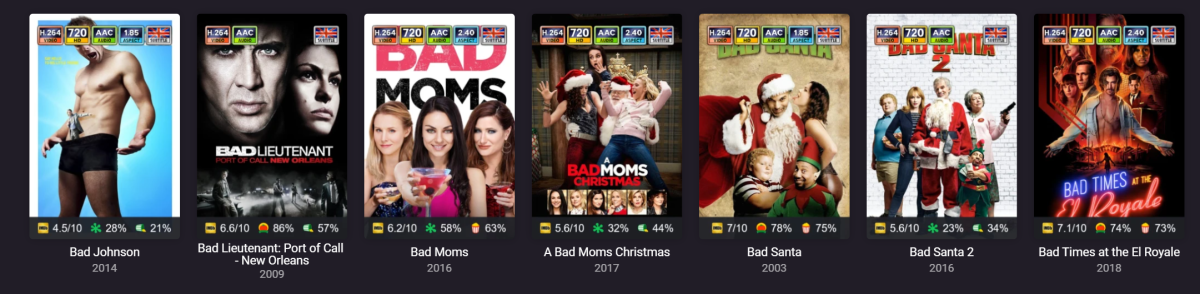
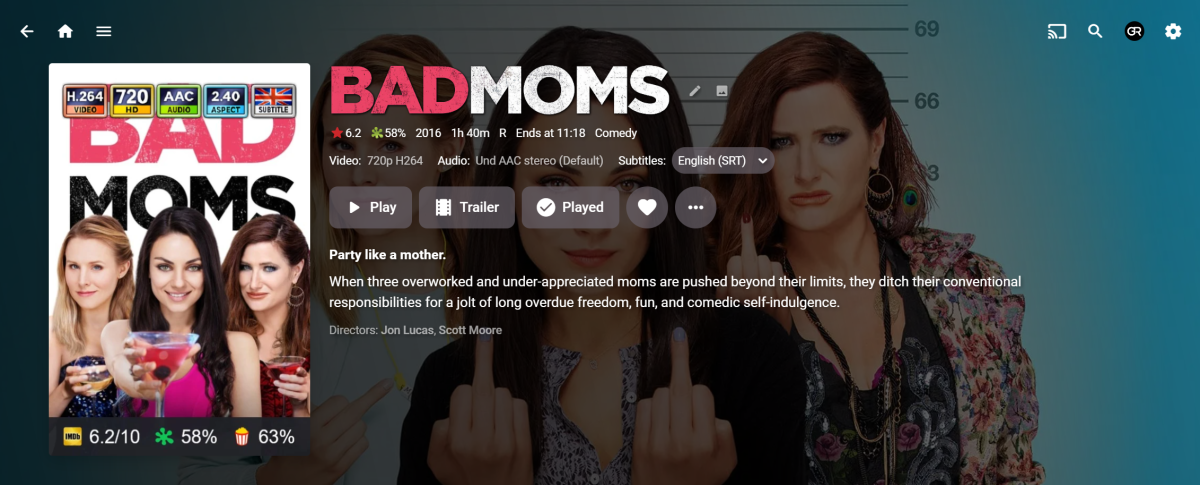
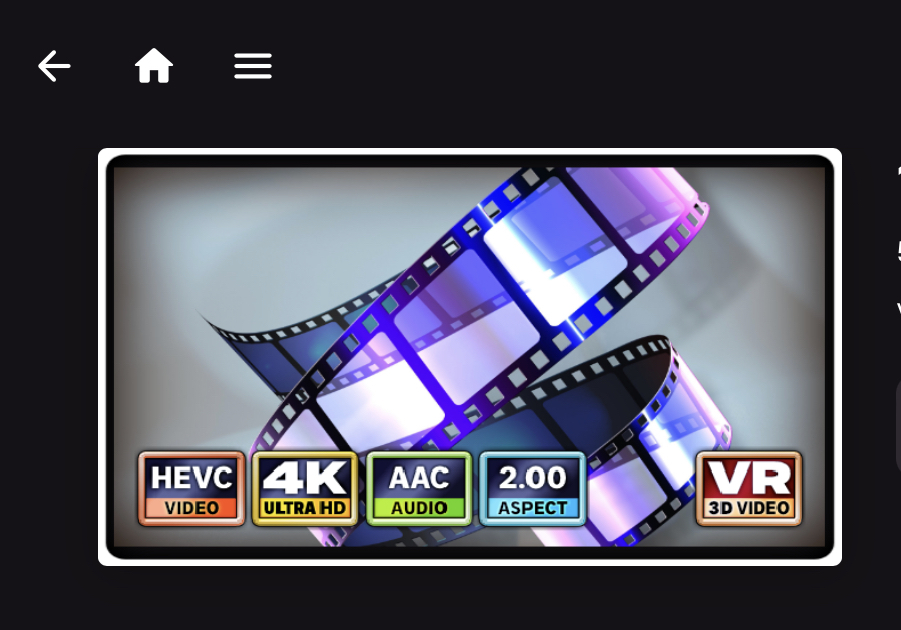
Hmmm. 16:9 definitely works for me. Could you try it without the blue ray treatment? I don’t know why that would be messing with it - but it is something that I don’t use. It looks like @GrimReaperuses ‘plain’, and I use ‘border’. And are you using the latest Emby & CoverArt versions?
 1 point
 -
Okay, I fixed the release. The library is there now.1 point
-
I'm not getting any aspects just video and audio, is there something I need to enable? These smaller size are much better. I might mess with transparency today as I would prefer not to be blocking the artwork1 point
-
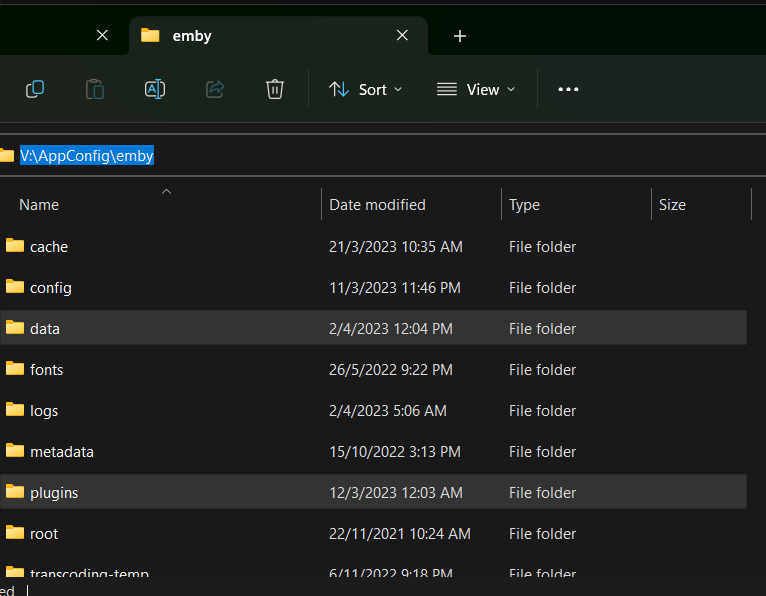
I am docker, so the structures starts at my defined <config path>\emby folder.
 1 point
 -
Its working for me as well on my A7701 point
-
Thanks, good info. I'm long past this though, very happy running Kodi with the Emby addon, the Channels DVR addon, and the Embuary (emby skin). Works fantastic, and on an Intel mini-pc, the speed is insanely fast. Couldn't be happier. Thanks for the instructions though, someone may need those.1 point
-
MP4, M4V, wrapper for H265 encoded video, with the best quality available audio stream pass through. I recently upgraded my TV and it allows pretty much any audio stream to pass through. I have MakeMKV, Handbrake, and MKVToolnix. MakeMKV I generally use for "cranky" disks or for multi - disk movies, (rip, join with MKVToolnix)1 point
-
All this fiddling around trying to get rid of the adds if you wait long enough someone will find a way how to disable the Roku Ads. The ads are actually just a setting here is how to keep you safe from unwanted UI ads. Go to the Roku's Home Screen Press the Home Button 5 times. Press Up, Right, Down, Left, Up. This launches the hidden settings menu. Set Cycle scrollable ads to "Always Disabled." Set Cycle home screen ad banner server to "Demo 3." Turn off and on again (may require more than one power cycle to work). For me I Restarted the Roku from the Systems menu and than unplugged the power connection and it worked. The ad that normally appears once you press the right arrow is no longer there and you can't even navigate to it. You can go one step further and hide many other elements from the home screen by heading to settings > Home Screen, then choosing "Hide" next to each option you want to see. Thanks for the tip Redditor poop sniffer1 point
-
I apologize, but my OCD is acting up, forcing me to re-address this question, because I think it points to an extremely narrow point of view - that of someone who has been using Emby for many years and gotten used to the way things are. (You may not be considering the experience of the less experienced.) What I would like you to do is imagine yourself as someone who has never seen Emby, maybe even as someone who knows very little about streaming or computers in general, if you can do that. Now imagine that I give you an account on my server, and you go on my server, and you see posters - posters for movies and posters for TV shows. Logically, you assume if you click on a movie poster, then you will see that movie come up on the screen. (movie poster = access to that movie) You try it and that's exactly what happens. Hooray! Success! Everything makes sense. Now you look at the TV posters, and you assume when you click on one of those, then you will have access to that show. You click on it, and that's exactly what happens. Hooray! Success! Everything makes sense. Now imagine the TV poster you just clicked on with this detail in mind: There was no green ball - nothing at all on the poster to tell you how many episodes are available. Does that change anything? No, it does not, because at this point you've never seen a green ball. Now imagine after watching the first episode, the poster for that show now displays a green ball with a number on it. I believe you would intuitively understand that Emby is helpfully showing you how many episodes of that show you have left to watch. And in addition that green ball now serves as a super visible marker for that and any other show you start watching, making them MUCH easier to spot quickly on a wall of posters. Hooray! Success! Everything makes sense. I understand COMPLETELY why someone might want to stick with the status quo - because it's what they are used to. And that's why I and others are only asking for the option to change the way these balls behave. The status quo should obviously remain the default. Nobody is asking for anyone to have their balls taken away against their will. And that's the last point I really want to drive home: NOBODY IS COMING FOR ANYBODY'S BALLS. It seems some people read requests like this and conclude that other users are trying to fundamentally change the way Emby works, and so they respond with something like: "No, this is wrong because I myself would never do it that way." Great! Don't change. Nobody wants you to change, we just want the option to change.1 point
-
The resume points were different. But I've cleared it on both so I will call it ok for now.1 point
-
Kinda makes me think as I have a server running beta and still slow can't really tell the difference between it and the stable as in scanning1 point
-
Yes, correct. It direct played after turning off the subtitles but the color is still off unless I switch to transcode as shown in my video sample. No, it is not an HDR item. I'm aware that they are different. I was just pointing out how it plays on Emby using a different device. Thanks.1 point
-
For Anyone who is interested on changing their TV Region to US, I made a video to show how it can be done (My Region was Canada before, change was done on QN65Q900RBFXZC): Cheers!!!1 point
-
Is there already a date for the bug fix. This is really really annoying. Thanks1 point
-
@LukeI would love to see the option to have say an advanced config or even just a normal field which you could override content-type so we can support other external notification services over a webhook. I think this could be a good option to not break anything for existing users but still allow people to use other options such as discord.1 point
-
I have identified the problem: devices older than Android 10 do not support TLS 1.3. For example, I encountered this issue while using a MI Box running on Android 9. Additionally, there is a concern with Windows 10 as, by default, store-applications do not have TLS 1.3 enabled. However, this can be manually configured. For more information, please refer to the following resource: https://www.asustor.com/en-gb/knowledge/detail/?id=&group_id=10111 point
-
It's showing that version. I let my Emby autoupdate, generally it's usually up to date.1 point
-
Stay tuned. We're hoping to have this resolved soon.1 point
-
I would strongly suggest that multiple editions of a movie not show up as separate items in the library, but rather a singular item from when the edition can be selected. Libraries with a large amount of multi edition movies could look very sloppy. At the very least, give the user the option to show multi-edition movies as separate or grouped items.1 point
-
Additionally, it would be nice to have two restrictions: - create recordings and - create series recordings1 point
-
Hi, there is currently no way, although it's probably a good idea to display this info. But you can control who can create recordings via user permissions.1 point