Leaderboard




Popular Content
Showing content with the highest reputation on 02/23/23 in Posts
-
If I create a secondary library I'll have to make an option to enable it. I'll make an alert that the library will have to be manually removed if the plugin is removed. Then, I guess we don't have to rely on mixed content folders. I just have to think about how to migrate the original library to different content type. I have the day off tomorrow, so if we do this, I'll have to figure that out. I can think a couple things, one is switching the content type between enabling the two libraries and have one. Then, also perhaps have to delete the library, to switch between them. Makes me a bit nervous deleting libraries. But.. it's worth a shot, so I will try to do this tomorrow and see what is possible.4 points
-
UPDATE: It's been a year and a half, thought I'd give some feedback on this build. Going great, we love our Emby server, watch it about 99% of the time (switch to live tv for news and football season). PC is overpowered, wasted on us. Runs cool and idle, which is great, should last for years to come. We only have 2 tv's though, and 1080p more than enough for us, don't bother with higher res's yet. I'm older, remember as a kid watching black & white tv's, so we don't need the latest and greatest. I put 9GB dual drives (mirrored) in the server, but never went past half full. I leave the 2nd drive unplugged to save it (turn it on every once in a while to resync). As a backup, I'm tempted to grab one of those new 4tb ssd drives, copy our collection to it, and install it in a cheap mini-pc (I have a few collecting dust). Again, for only 2 tv's showing 1080p, that would be more than enough to keep us happy for years to come. Thanks again for the Emby team, and everyone here that contributes to this project. It must be working well, since the only reason I visit this forum anymore is when there is a problem LOL, or want to add a feature. Cheers3 points
-
As some users would. Personally wouldn't like a plugin having open hands in that respect, deleting existing libraries, even ones of its own making, I have no issues doing it manually if needed, it's 10ish second process. Just my 2c.3 points
-
I agree, it's no problem to do manually, it's much safer that way. Maybe if your worried you could have the plugin bring up a simple guide, telling the user what needs to be done manually, or something like that?2 points
-
Similar to this old post, I'm suggesting a tab that would be titled Watchlist and could be placed in between Suggestions and Favorites. The functionality would pretty much be a copy of Favorites, just with a + symbol added next to the heart and other symbols that let you favorite a movie etc. The previous post had mentioned extra functionality such as automatically removing a movie from Watchlist after it has been watched. This would be nice, but is unnecessary because after watching a movie you can simply click the + symbol a second time to remove it from Watchlist. I would imagine this would be very easy to implement as a rebranded copy of Favorites. Adding other features could come later. Edit: added link to old post1 point
-
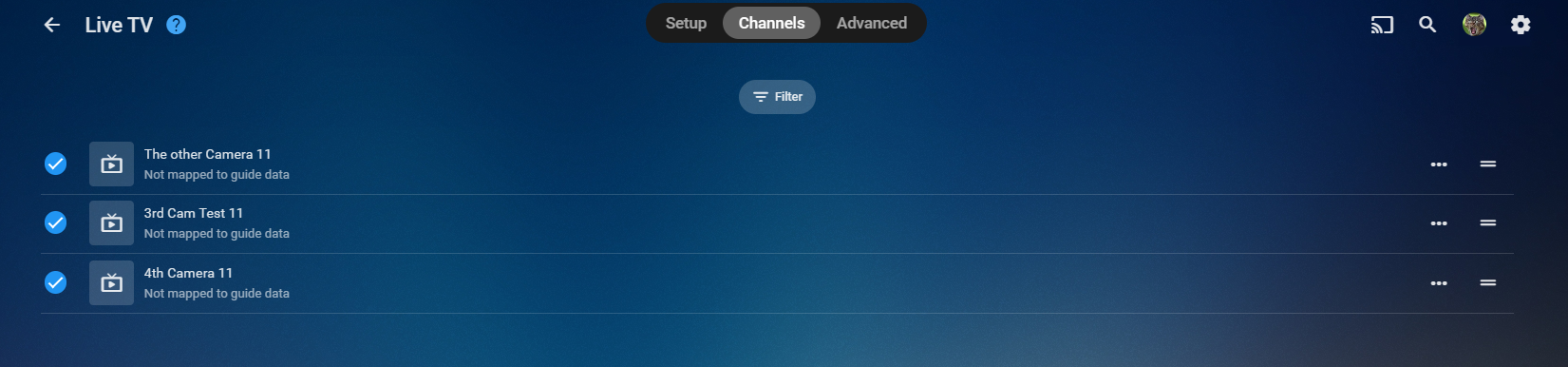
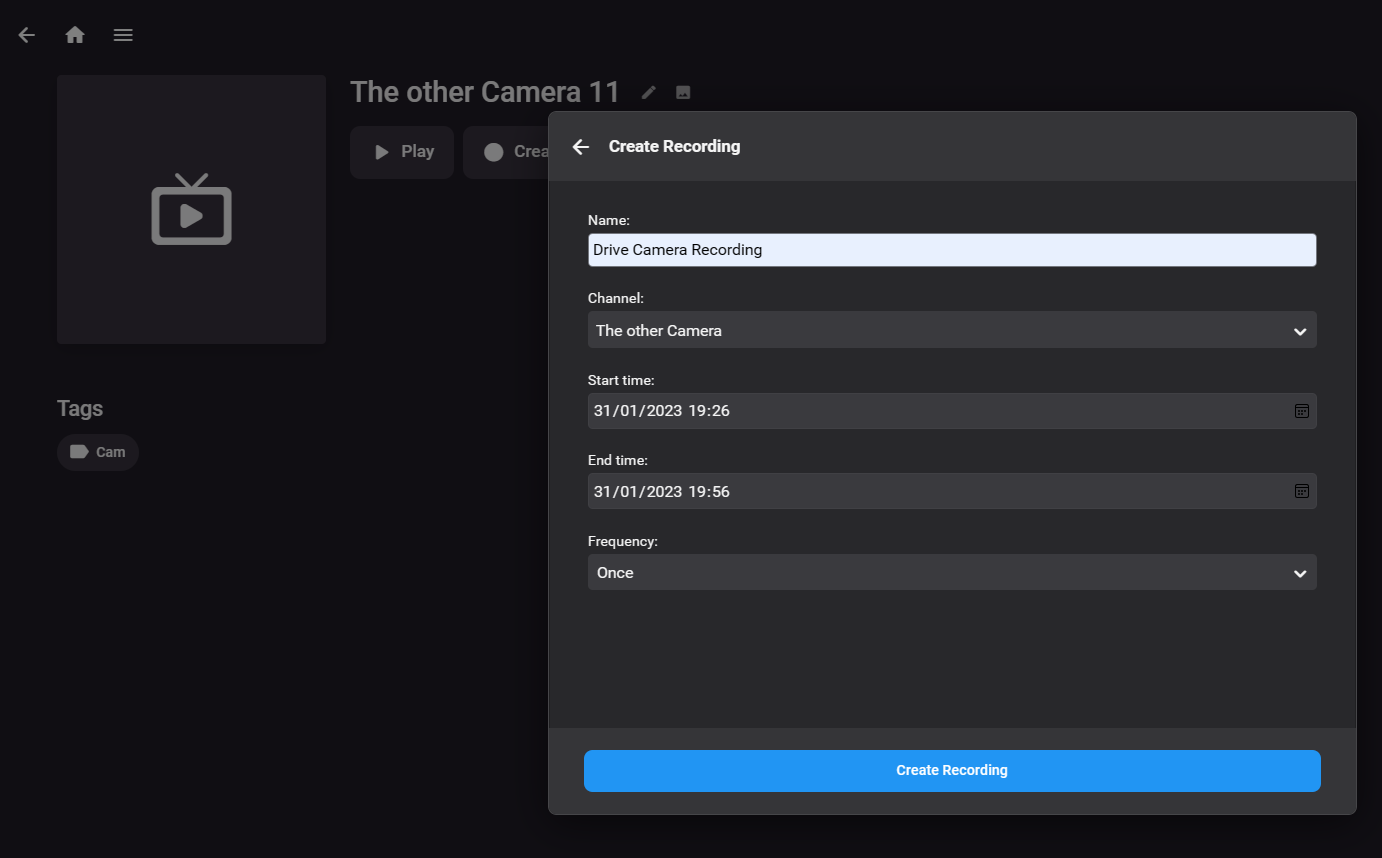
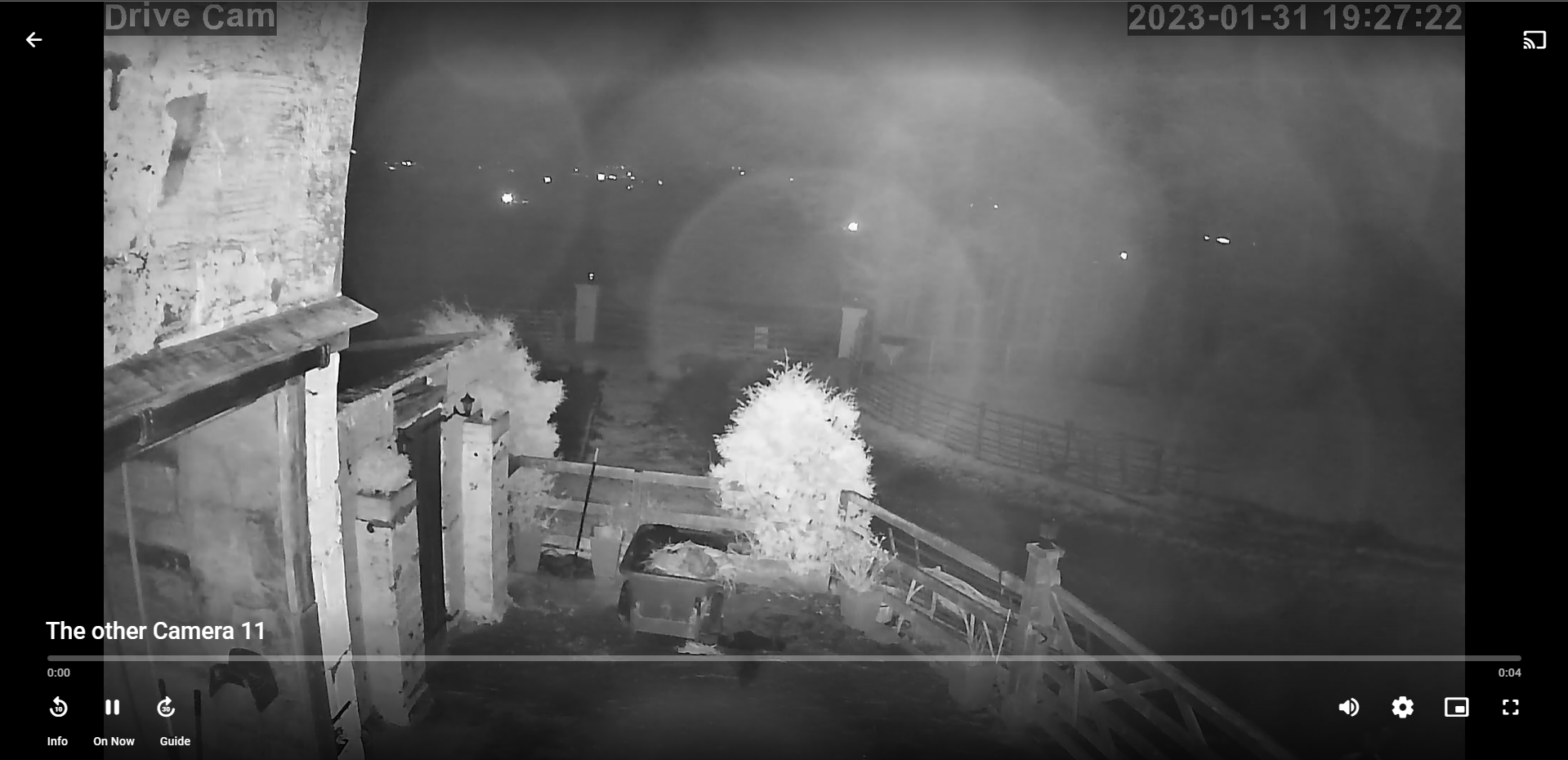
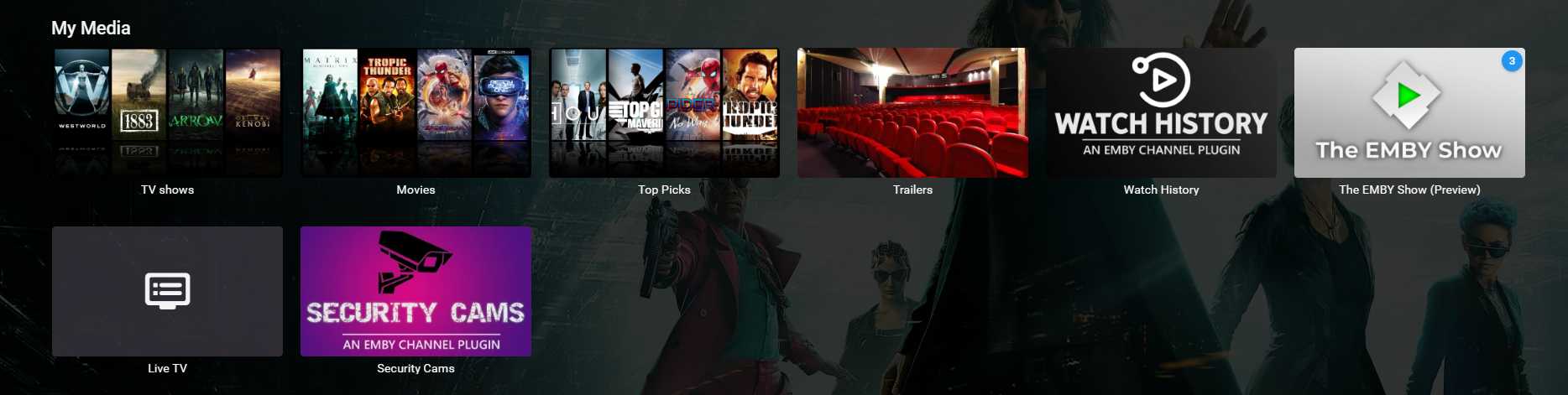
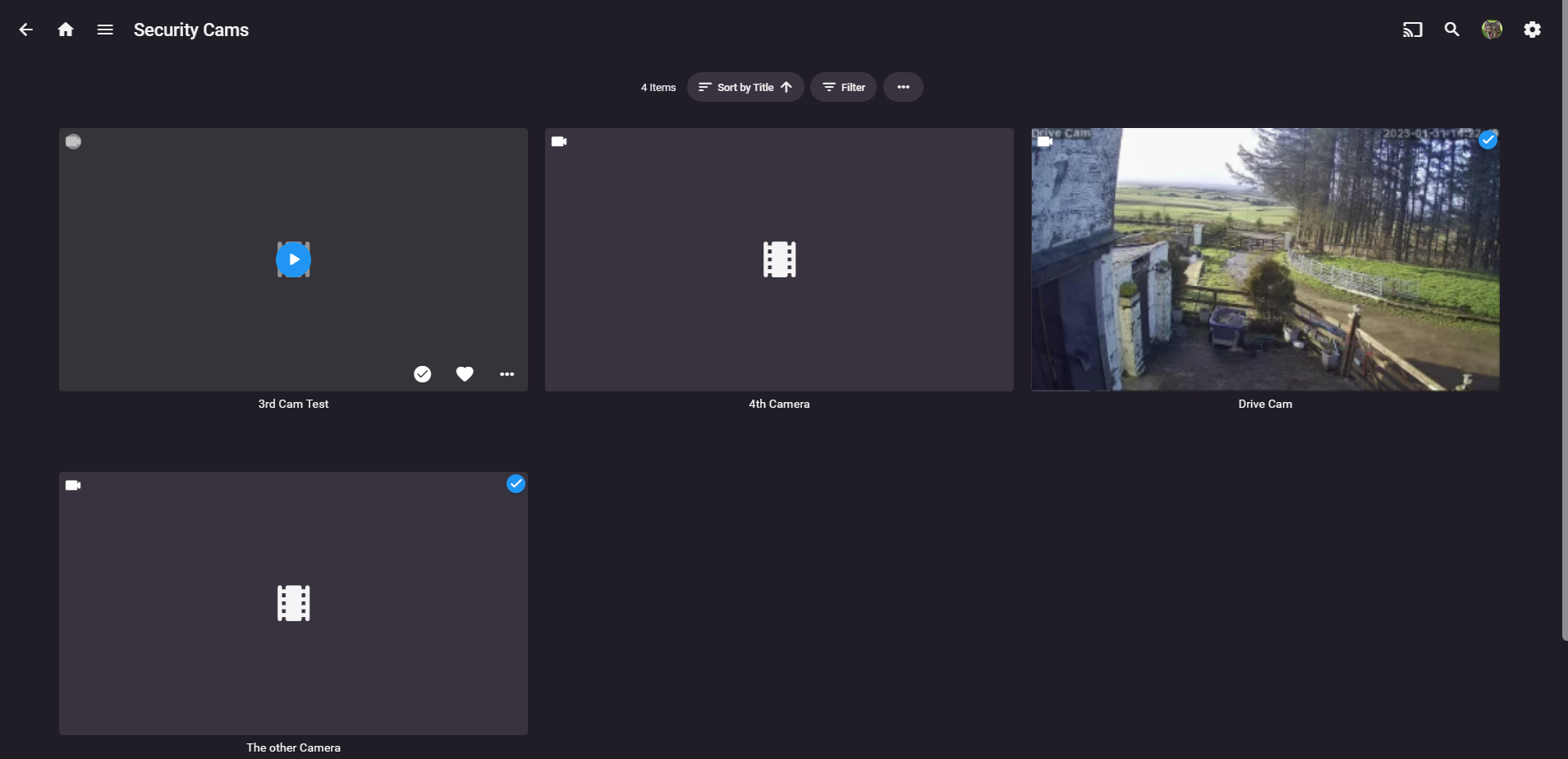
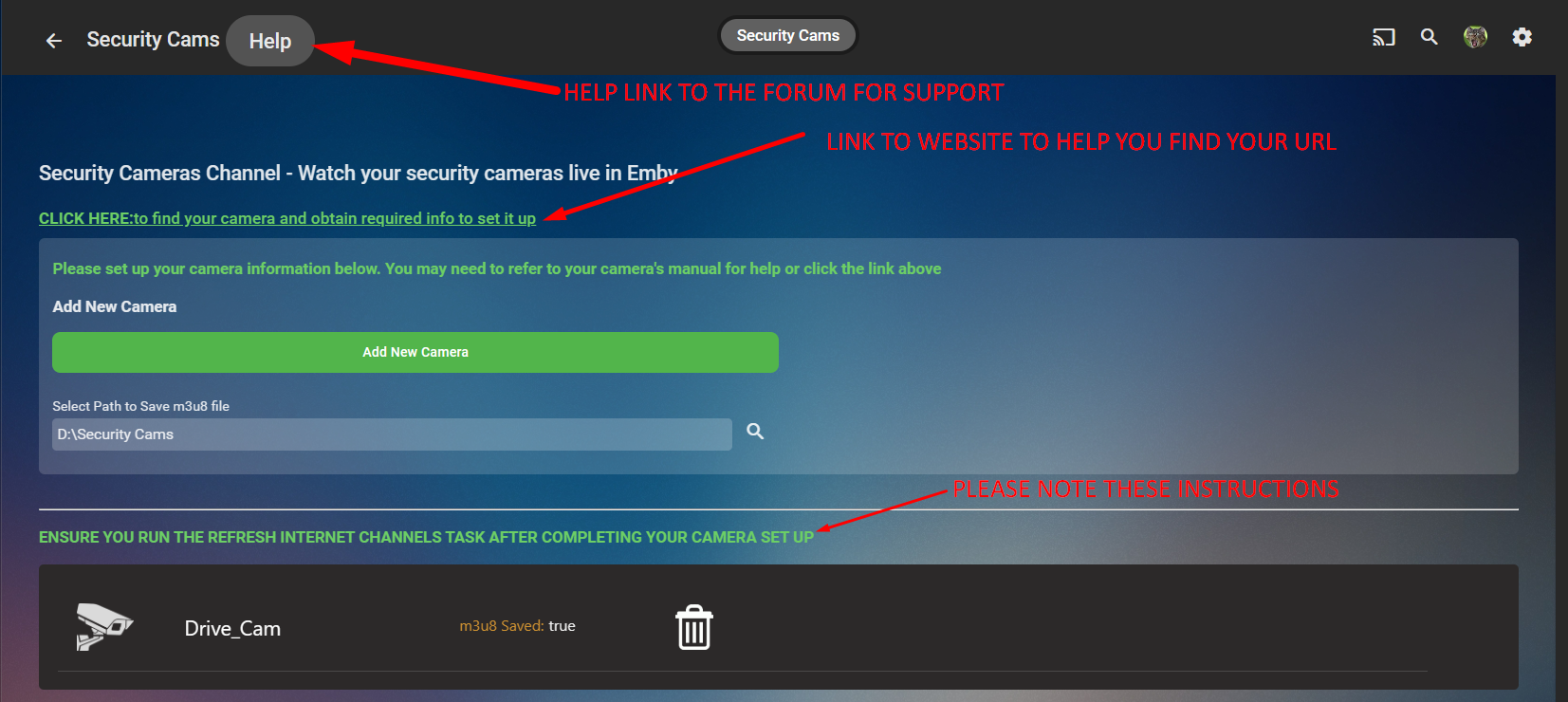
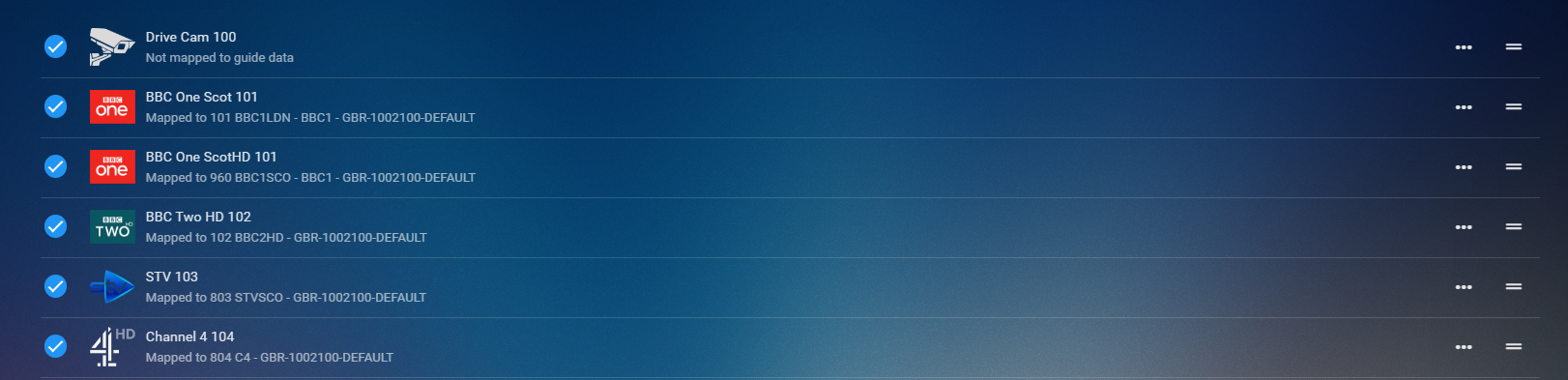
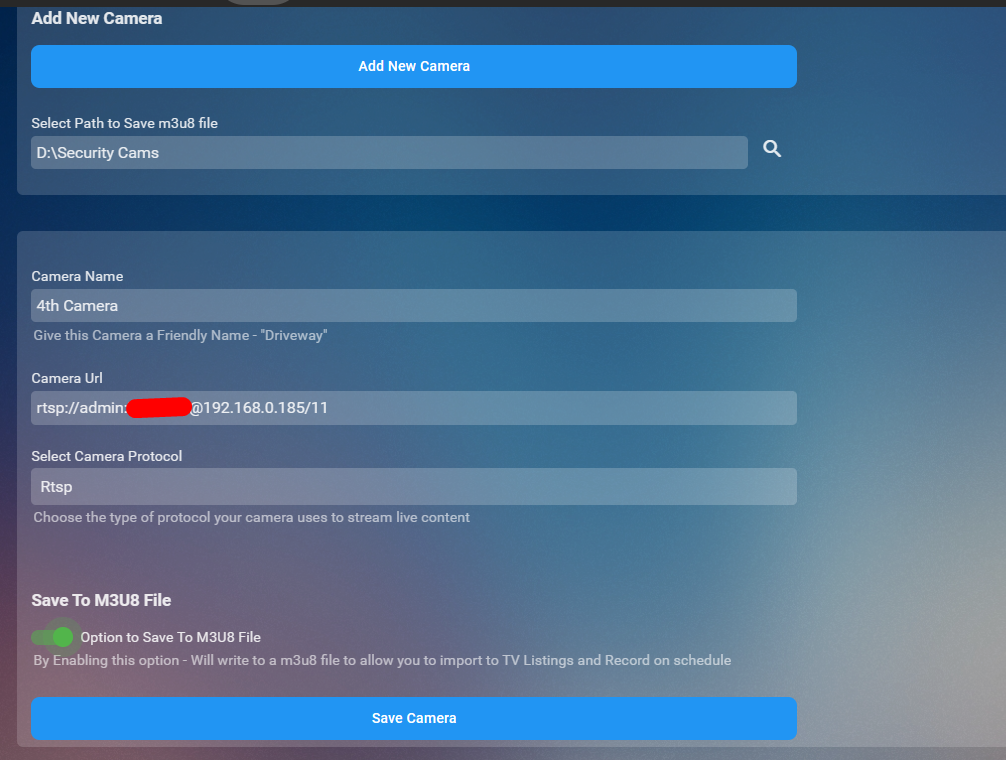
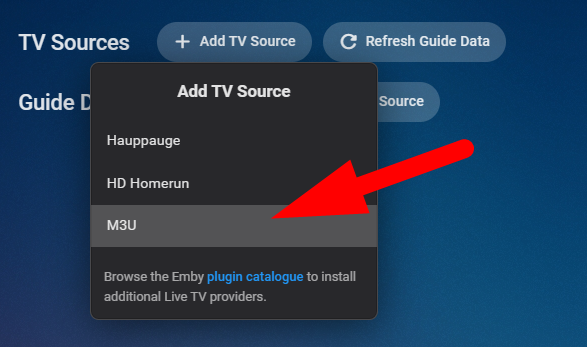
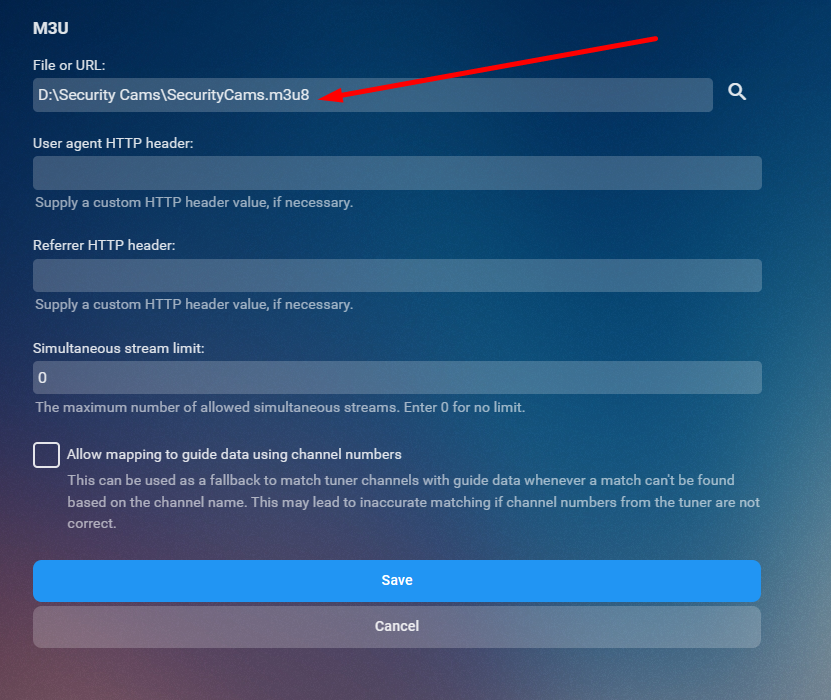
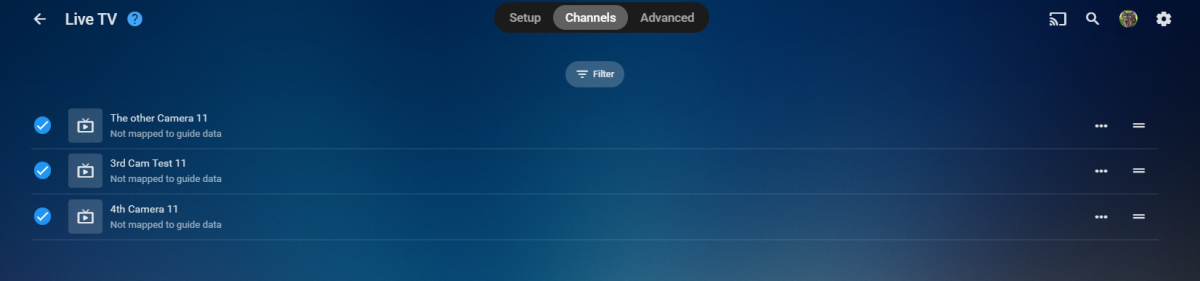
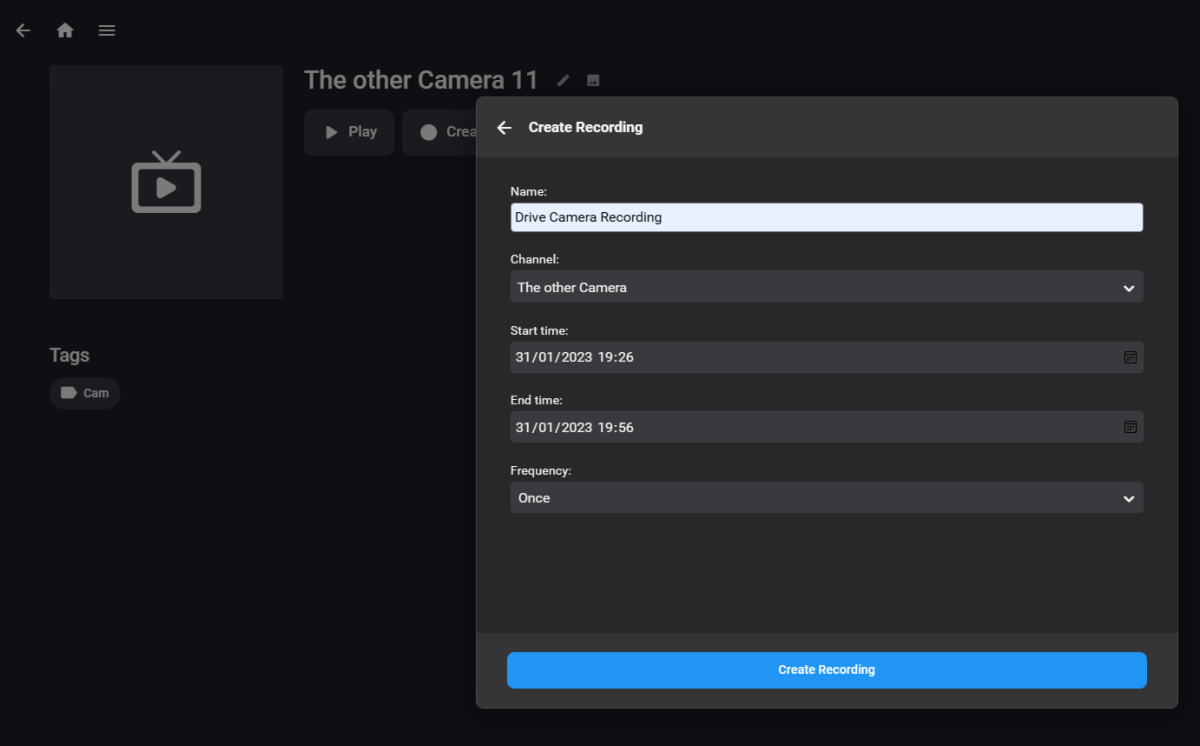
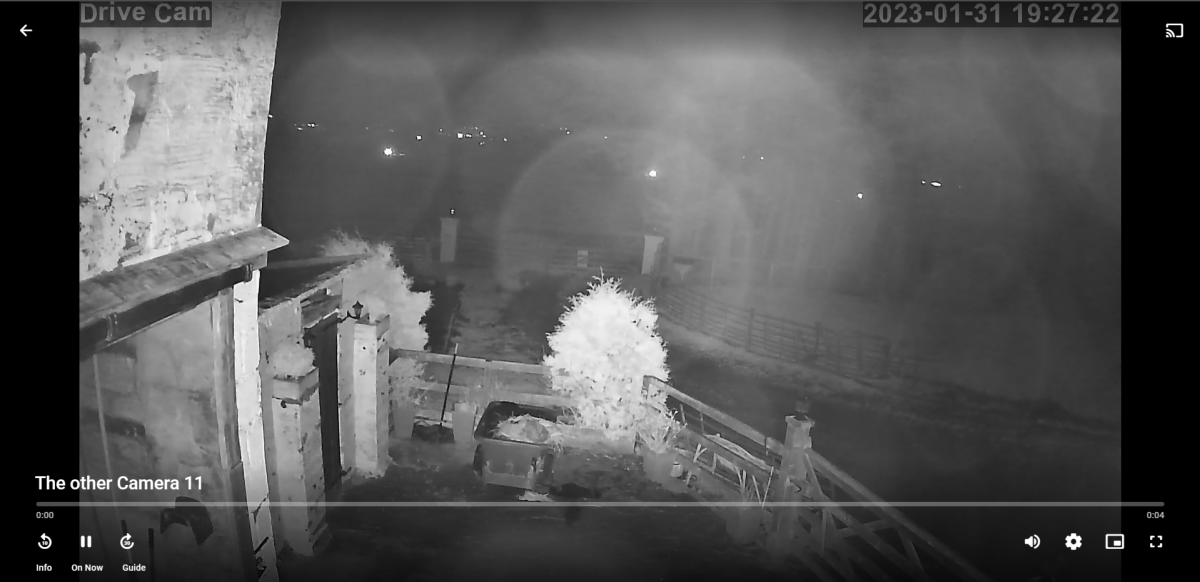
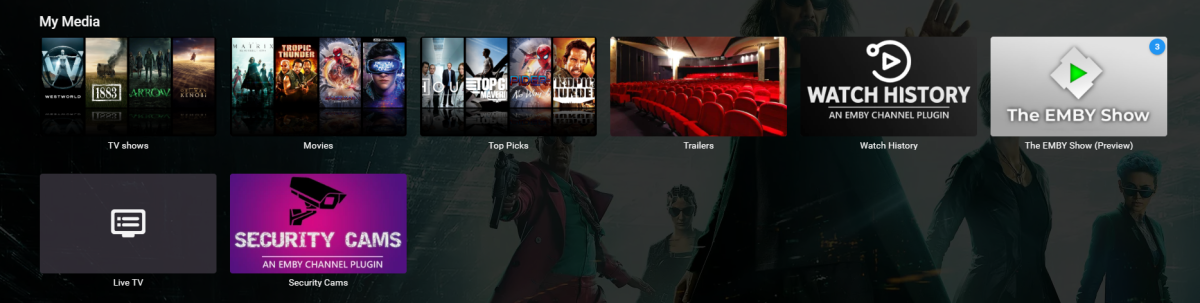
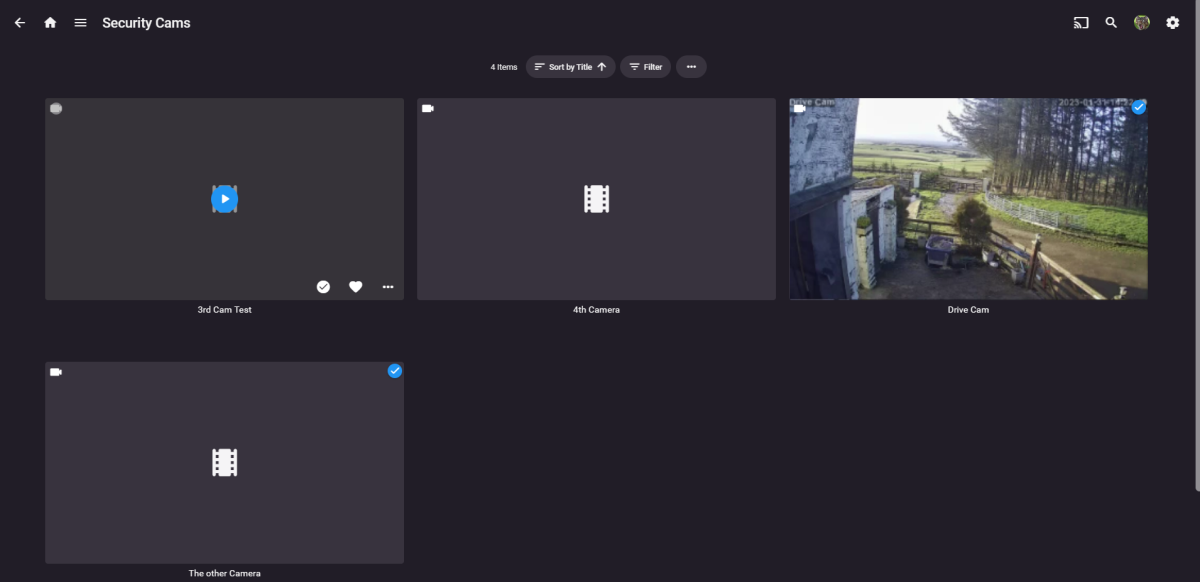
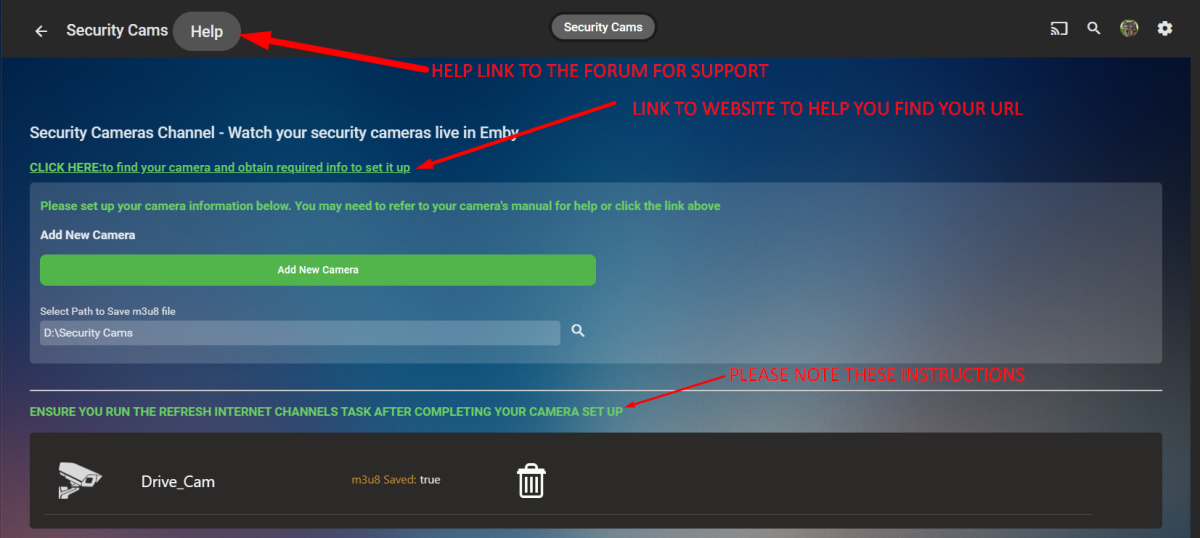
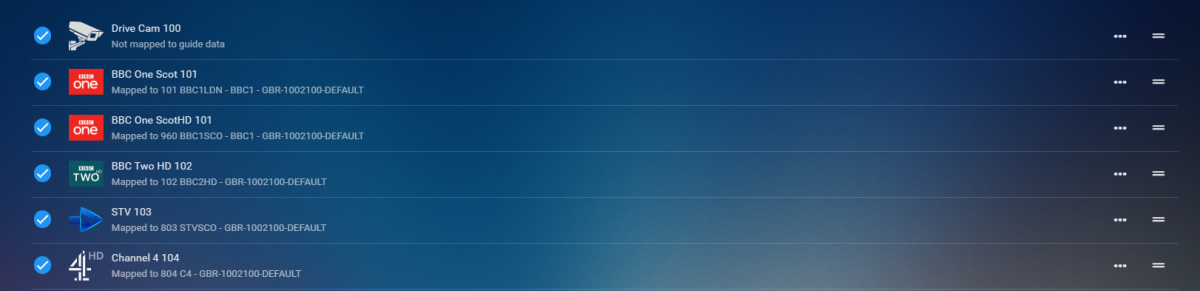
CONFIG UI How it works Click Add New Camera Button you set up an IP camera by giving it a friendly name, the URL to make it work (there is a link in the config UI that will take you to a website to help you) select the protocol and then decide if you want it to be saved to a m3u8 file. Click Save Repeat for number of cams you wish to add Run the Refresh Internet Channels Scheduled Task Advantages for saving to m3u8 file Now..... saving to m3u8 file has a massive advantage. you can now import this into the liveTV as a tuner and set up recording schedules for each of your cameras that are in the list. You will require to install the M3U TV Tuner Plugin in liveTV setup select m3u then just select the m3u8 file that the channel creates on the channel refresh and hit save After you hit save you'll see all your cameras Boom now you can create a recording or watch from you TV guide hehhehe PS it is a Channel so can be watched live and direct thru the channel created on your home page GOOD SOURCE TO FIND YOUR CAMERA AND MODEL TO GET THE PROTOCOL Connecting to IP Cameras (ispyconnect.com) RELEASE VERSION 1.0.0.0 - Initial Release to Catalogue TV Channel Logos Dark Light


 1 point
 -
I have lots of video with audio tracks of Mandarin (國語), Cantonese(粵語), and some Taiwanese Mandarin (台語). These 3 audios can all exist in just one video at the same time. I know it's not just me, many Chinese people have them too. However Emby can only display and label all of them as "Chinese Simiplified" in the audio section. I'd like to point out that this is inherently wrong. First, "Chinese Simplified" (i.e. 簡體中文), is one of the most common written languages. They dont speak "Chinese Simiplified". Rather, what they most commonly speak in dialogue is called Mandarin (or Putonghua). The "Chinese Simplified" description itself should therefore be replaced. As to the above 3 variants of Chinese audio, it's proposed that Emby should take reference from, and be able to display audio tracks using BCP47 language tags (mkvtoolnix has been using them too):- Mandarin (aka Putonghua / 國語 / 国语) - canonical form: Chinese (cmn-CN) - extended language subtag form: Chinese (zh-cmn-CN) Cantonese (aka: yue/粵語/粤语) - canonical form: Chinese (yue-HK) - extended language subtag form: Chinese (zh-yue-HK) Taiwanese Mandarin (aka: Min Nan Chinese/台語/閩南話) - canonical form: Chinese (nan-TW) - extended language subtag form: Chinese (zh-nan-tw) Alternatively, if the above change is impossible or too complicated, emby should be programmed to be able to regonize corrrectly the above audio variants based on the keywords we labelled them manually in the video container (whether in the form of English, Traditional Chinese or Simiplified Chinese, eg, Mandarin/國語/国语, Taiwanese/台語/台语, Cantonese/粵語/粤语), just as what it does to the embedded subtitles. Thank you.1 point
-
One thing the streaming community hasn't done well is really create tools that allow us to simulate live TV well. I think the biggest reason that binging on Netflix (and Emby) is so popular is because you push a button and go. I'd like to see Emby create a "To Watch List" that basically allows you to sort shows into a specific order. When you watch that list, it will only play the most recent episode of each show in the list that premier inside that week. Lets pretend I made a DC TV Watch list, it would only play this weeks episode of Arrow, Flash, Legends, Supergirl and Gotham one after another. If an episode didn't premier that week, it gets skipped. Additionally, I'd like to see this system *ALSO* allow us to insert bumpers similar to Cartoon Network or Toonami. In the here and now, it would only insert bumpers between the series, but it would be nice if in the future, a system that allows some method for choosing the appropriate points between each act of an episode where bumpers could also be inserted. Bumpers would be a community thing to create, but inside the "to watch list", you'd choose what bumpers (if any) are used. Bumpers could even be surrounded by previews. Finally, another thought: while Emby already can pull Movie Trailers, it might be another cool future project if we could pull previews of related series not in the "To Watch List" and/or perhaps ones that aren't on your server that are similar to what you are watching. There's a lot of ideas in this post to digest and several should be their own project as part of this concept. Thoughts1 point
-
I have an issue with the Android mobile app (3.2.92) on my Sony Android TV. A few movies I have are not able to resume playback and it is not possible to seek once the video is started. The video starts fine with no problems. I have tested other devices and these force transcoding (mobile phone, web ui) and the video can be resumed without issue. I can also seek without issue. Some of the movies I have are Dolby Vision/HDR hyrbids and I am wondering if this a problem. I can play these videos fine in Kodi over SMB, so should be able to rule out network and server issues. Either the problem is with Emby Server or with the Android Exo player. Please let me know how I can troubleshoot and provide further information or which log files i should upload.1 point
-
I would absolutley not mind if it was in two completely different setting menues. I mean...what about the future ? edith: would also not mind paying another 3 bucks ( aka "not even one beer at a bar") for each individual TopPicks What about TopPicks for music, ebooks, games, photos ? IMHO the most importent thing is that the user engagment works and that we have some kind of preselection in the individual category. Every Library is quite personally organized, some people do not even rename the file and everyone knows where it comes from. In my series most of the episodes have even the correct airdate as creation date (Thanks RenameMyTVSeries!), but I do not like to have every season in their own folder. Bottom line....how many TopPicks does one want.... I would definately want one seperate for movies and series and would surely not mind if I had additional documentary movies and documentery series. For me anything above four Topicks would make it cluttered, but some might like to have them for each individual library. This might maybe even speed up things, because the individual settings do not need the uneeded library index. Just my thoughts And absoluteley no rush....plugin is evolving really well and a few hickups have to be expected . Edith: would not mind paying additional 3 bucks ( aka "not even a pint at a bar") per TopPicks.1 point
-
You can set Shield in "Apps only" mode so you won't see any of the recommendations. As you can install custom launchers as well. Though tbh can't remember when was the last time I've looked at Shield's Home Screen as I have it set-up to launch Emby on boot.1 point
-
If you just use CF in "DNS" mode only (gray cloud icon) instead of "proxying" (orange cloud icon) which violates the TOS. Then let your SWAG setup take care of the rest locally. You should be all set.1 point
-
Cayars remoted in and fixed me up in 10 minutes. Thanks for saving the Day1 point
-
Subtitles were set to only forced and remember track selection. However, I had it set as any language. When I forced this to English it fixed it. Thank you!1 point
-
The handful in my area are just clones of concurrently existing HD channels and are only a few months old. Same resolution and audio, the video is just HEVC.1 point
-
Added that check with the last update.1 point
-
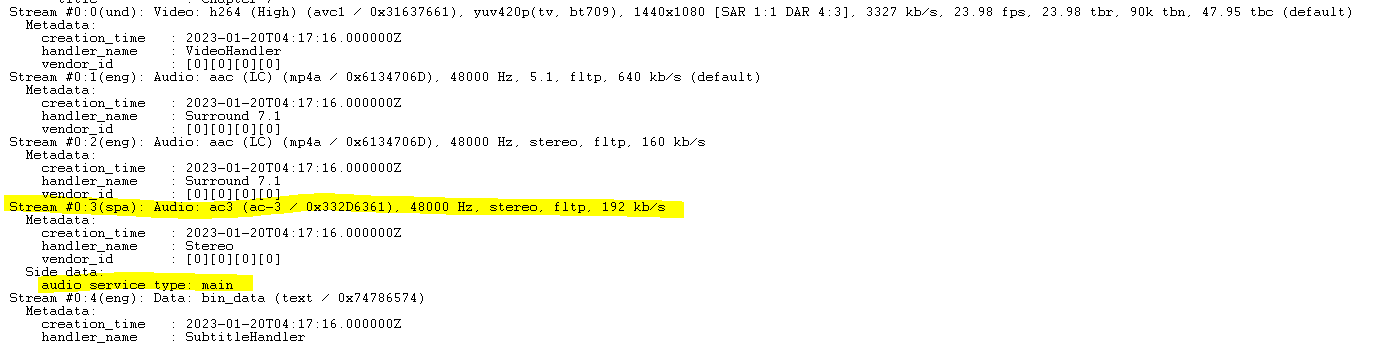
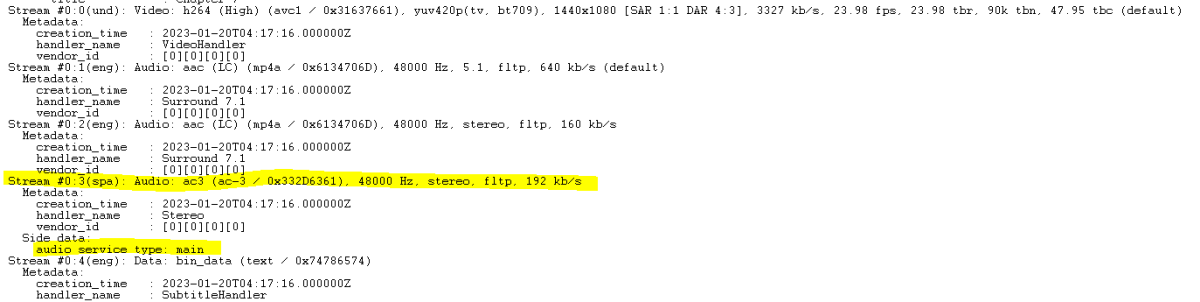
I do not see any indication that there is a forced flag on the Spanish track (although I may not . However, I did just note that the others are AAC and the Spanish is AC3. There is also a strange "Side Data" that none of the other tracks have. Perhaps this is overriding the "Default" flag that is on the English 5.1? I also was able to test it last night on a different model of Roku player and that model worked as expected (by respecting the audio track selection). However, only a few titles on my Emby server have this issue. Most of them work fine on either model of Roku. What's even stranger is that I have no idea where or how that Side Data on the Spanish track came from. When I get back to the server, I'll figure out how to change/remove that Metadata with ffmpeg without transcoding. (I've downloaded and looked over MKVtoolkit, which may not work on the mp4?, but it is completely foreign and counter intuitive so far and I haven't had the time to invest in overcoming the learning curve.)
 1 point
 -
It would be one plugin, that you can switch to create one or two libraries. Top Picks could create either a mixed content library for tv and movies, or it would create two separate libraries "Top Pick Movies", and "Top Pick TV". Of course having attempted this, it is easier said then done. But, not impossible by any stretch.1 point
-
I don't see any quality difference. Everything I've recorded is still 720 and audio is no better than what I get on cable. The only difference I've seen is that the files are smaller.1 point
-
These logs show 4 different CC chromecast_1676783817958 chromecast_1676787604577 chromecast_1676783911951 chromecast_1676778622058 These 4 CC have 3 different video profiles: h264,h265,hevc,vp8,vp9 h264,vp8 h264,h265,hevc,vp8,vp9h264,h265,hevc,vp8,vp9 The log files are showing many different playbacks with some FF some startin at a specific timeline, some starting at 0. Not really helpful to compare CC1 vs CC2 heads up playing back the exact same way. Can we grab logs doing the following which should make this very clear. Pick any media file that gives you this issue and start playing it and advance/rewind it so you can play it and exit it right at the 5 minute mark. Couple seconds off isn't a big deal. Run the scheduled task to rotate the log file. Resume playing the media file casting it to the old CC device. Using a watch/clock give it 5 minutes to play. If it starts to play before the 5 minute mark. Exit playback, grab the server log and ffmpeg log file and upload those as old CC. Now do the same thing for the new CC device: Start playing the media file, advance/rewind it so you can play it and exit it right at the 5 minute mark. Couple seconds off isn't a big deal. Run the scheduled task to rotate the log file. Resume playing the media file casting it to the new CC device. Using a watch/clock give it 5 minutes to play. If it starts to play before the 5 minute mark. Exit playback, grab the server log and ffmpeg log file and upload those as new CC. That should give us a server and ffmpeg log for each CC device that are playing back the same media with a starting time of 5 minutes give or take a couple seconds. This will provide a good comparison of both devices. While creating these devices don't do anything other than instructed like trying to pause, FF, RW. All we want to see is casting the playback starting at 5 minutes allowing for up to 5 minutes for it to start playback. Thanks, Carlo1 point
-
Hello, Not sure if this is related, but I've noticed that CoverArt isn't displaying for new items added to my library, specifically TV. Everything else works for me, including playback. This problem only affects the ET app for XBox as the art shows in all the other apps. I have tried on both my XBOX1, XBOX1 S and XBOX1 X. I also know you're working on it, so just adding this to list. Thanks!1 point
-
Well, if the user only wants one top picks library that has tv and movies in it, then the library has to be mixed content. But, if the user enables the option to have tv in one library and movies in the other, then each of those libraries would have the type set to the media inside it. The issues I'm having is being able to switch the content type. For example, the use rhas a mixed content library for top picks, but switches on the option which splits up the content. Now, we have to delete the original mixed content library, and create the two new ones. Then if they decide they don't like having the content split, we have to delete two library and recreate the mined content one. This makes me nervous. There is a lot of deleting there. Which means we are altering the database. I don't know what the consequences are. I would imagine that the core devs would frown on it. But, doesn't mean we should try it. Also, making sure we are removing the proper library as well, obviously.1 point
-
1 point
-
Items stay in favorites when watched. Items in a 'to watch' list should automatically be removed when watched. I want this!1 point
-
Regarder Emby sur navigateur web est gratuit. Regarder Emby via une app ça dure 1min après il faut la licence premium. Par contre l'avantage, c'est que tu peux la payer côté serveur et ça débloque tous les app sans devoir payer l'app.1 point
-
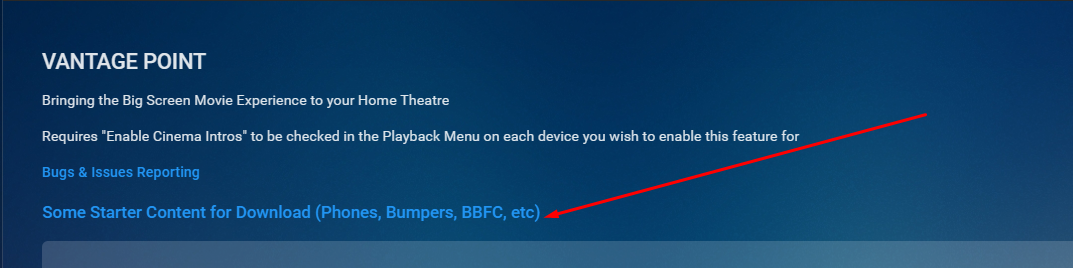
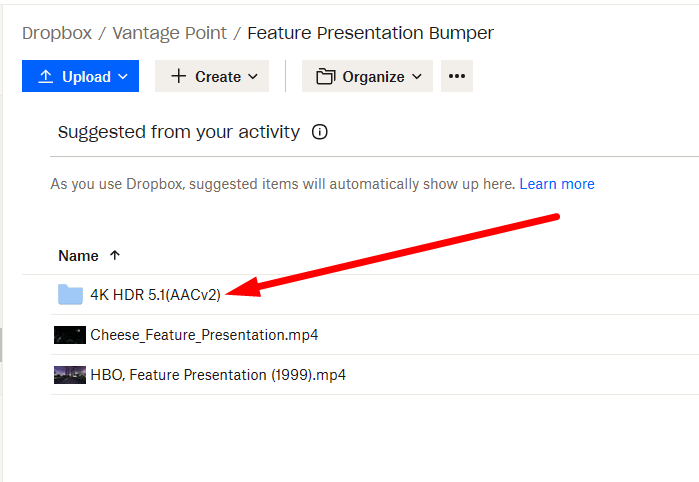
Yes it's on the first page in the plugin UI I have also created a HDR 4K version of the CocaCola Intro you liked (only has AACv2 5.1) which is in the feature presentations folder from that link.
 1 point
 -
That fixed the Chromecast Ultra issue for me! I have no idea why it did but it did1 point
-
Hi Luke, I tried again a few minutes ago and it's working, i don't know where the problem was coming from...certainly me not setting something correctly. Thanks for asking!1 point
-
The symptoms are similar except I am not using any casting software. I am going to do some more experiments with remux today when I get some time.1 point
-
Looking at the exception, it should be easy to fix even without being able to reproduce. Something is trying to access a list element that is outside the bounds of the list. I would probably suggest looking at why it gets to that point to begin with, but if you just want a quick and dirty fix to make the error go away, you can always use the linq method .ElementAtOrDefault.1 point
-
No need to be snippy. We're all here to help each other. Given that I'm unable to reproduce your issue. I've having trouble debugging it. The folder locations are: Windows: %appdata/Emby Linux: /Var/lib/Emby You can uninstall then clear out those folder and it should be wiped.1 point
-
ET is not picking up the Credit markers created by the Introskip plugin yet, ATV on the other hand is doing that just fine. A gap that needs to be closed IMO. What I noticed going back to ATV to test this: The more I use the ET app the more I like it also visually. It "just" needs some further love from the devs to replace the old one and free up some dev time hopefully due to avoiding maintaining two apps.1 point
-
Totally agree - that's why the intention has been clear from the first moment on: Not to make Emby just look like WMC, but to bring the full WMC experience as much as possible. Some examples: Support for all WMC remote control commands Modulated key repetition rates (when you press and hold a button) to provide the same fast and fluent navigation experience in guide and gallery (list) views T9 (triple-tap) text input via numeric key when you're in a list and want to jump to a certain letter or combination of letters Horizontal lists with grouping No center-focus auto-scrolling when navigating around Showing Save/Cancel buttons aside rather than at the bottom for quick access (just a single key press LEFT rather than needing to move down to the bottom) Better RC navigation in server settings pages (many server settings pages couldn't be operated by remote control before) and things I already forgot I'm thinking about creating a launcher background service for Windows which will automatically start Emby Theater (Windows) when you hit The Green Button on a WMC remote (or the corresponding mapped key on a Logitech remote). Once you're inside the app (or browser Window), hitting that button will always take you to the WMC Start Menu - which closes the loop on the subject of this topic1 point
-
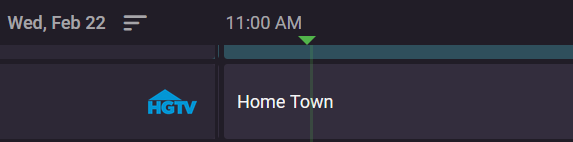
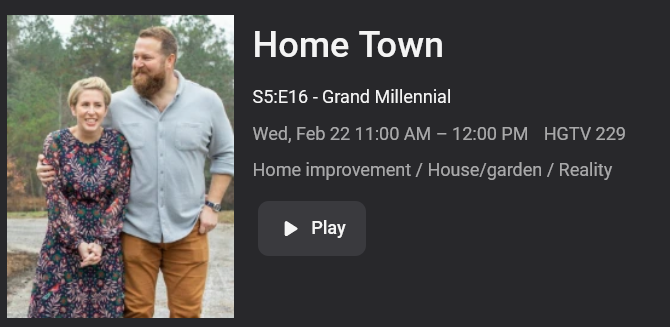
Have the guide information display at the top or bottom like the pic above. When you are in the guide and click the guide entry this will either pop up or depending on app take you to another page. Then you have the options to play/record.
 1 point
 -
Just an update ...I ran an ffmpeg copy on a problematic mkv movie and it seemed to fix whatever was causing the issue. I haven't had time to test more yet but i noticed it only copied out the main audio channel and not the other channels so it's not quite the same movie container as it was. This is still a bit odd though because it's only the Android TV player when streaming that cannot play the original file.1 point
-
latest version - 2.0.0.1 - fix url encoding on summary page - add user and min duration ignore to notification events1 point
-
Given the nature of how GPL v2/v3 works, you can't merely look at the code in question and implement a version of it without potentially running afoul of copyright issues (it'd still be a derivative work). You'd need to do proper reverse engineering, which involves a "clean room" methodology along the lines of what COMPAQ did to reverse-engineer the IBM BIOS. The short of it is that you have individuals (Group 1) that look at the code who have no knowledge of or access to the target project code (Emby). They define a specification based upon the code they wish to copy, and then hand it off to development (Group 2) to implement it. The resultant compiled project then gets reviewed for QA (potentially with no access to either code bases...Group 3) to compare functionality between the original product and the new one. Rejected code has to be re-implemented without any hints or input from Group 1. Factoid 1: Season 1 of Halt and Catch Fire was a dramatic retelling of COMPAQ's story. Factoid 2: COMPAQ is an acronym for COMPatability And Quality.1 point
-
Attached, start of log is just before I set up the download, end of log is just after the job completed. embyserver (1).txt1 point
-
Agreed. I don't want to lose favorites for the watch list. We need both.1 point
-
Well, i would hate this. You always can add stuff you have in your favorites to any list - and so to a "To Watch" List. I have a lot stuff in my favorites that i already saw and its stuff i can rewatch over and over again. But in my to watch list i only wanna have stuff that i never saw before but plan to see.1 point
-
On the movie page there is a favorite button and a watched button. It would be nice if they could at a watch list button. Very convenient. Zero downside1 point
-
Thats what i just started doing. Still, whats not optimal about it: -everybody can see collections, not personal -fully watched content doesnt get removed from that automatically1 point