Leaderboard




Popular Content
Showing content with the highest reputation on 01/28/23 in Posts
-
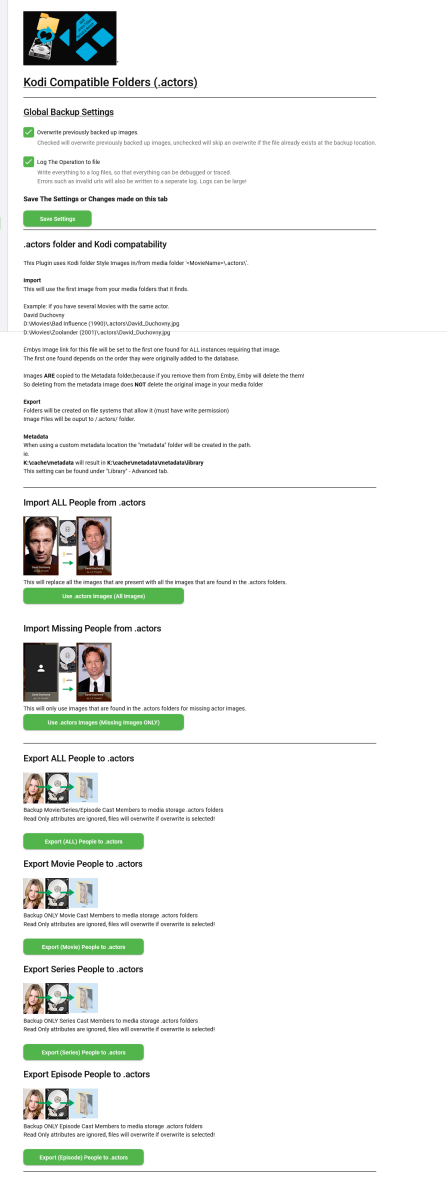
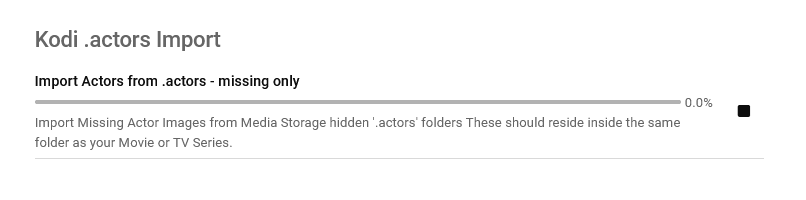
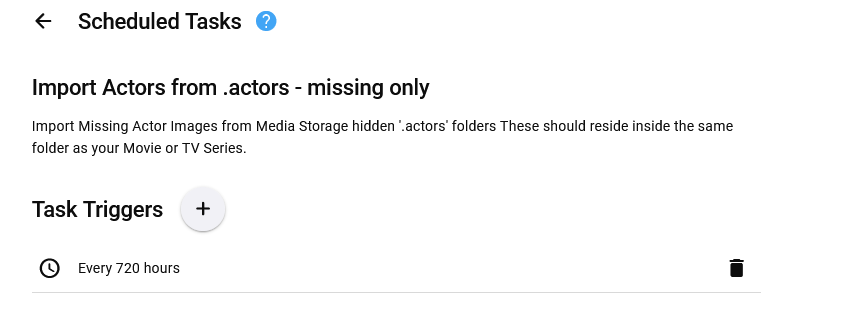
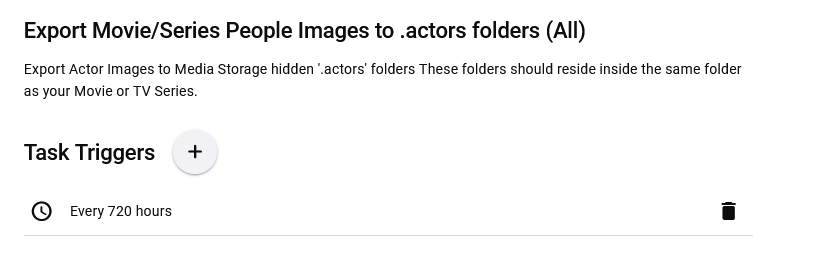
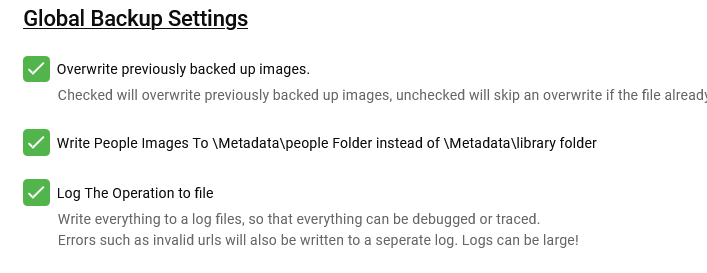
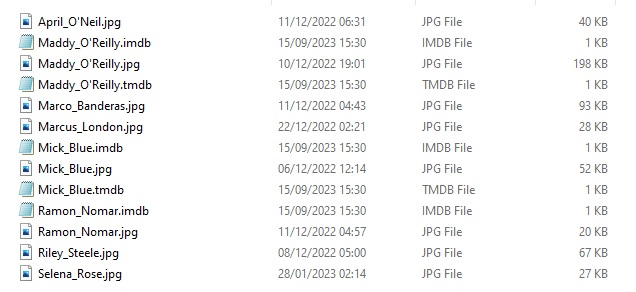
Updated 15 Sept 2023 - description at bottom of this post Updated 06 August 2023 - description at bottom of this post Updated 05 August 2023 - description at bottom of this post As requested, import and export .actors folders people as a seperate plugin. I have done this fairly quickly so have not extensively tested it/checked it all works falwlessly! Everything should log to its own files and keep out of Emby's main logs now If you don't know what it is or does then you don't need it! Use at your own risk, this plugin creates files (export) and changes Emby database (import) Create files writes to media folders and / or writes to metadata cache library Scheduled task * Updated 24/03/23 ===================== I have left the old version here incase the newer one doesn't work properly. I have NOT tested it! There is now an option to select the import metadata directory preference for \Metadata\library or \Metadata\people directories. Code has been added to change the path that the image is put to when the option is selected. Other than this change, both versions are the same (one with this change and one without) - no need to upgrade if you do not want to. Kodi_actors_Folders.zip Kodi_actors_Folders_(MetadataPeopleFolder).zip Updated 20 June 2023 Fixed Null Reference Exception when Actor image path is not null but an empty string - this shouldn't happen but seemingly can happen! When it occures the plugin simply exits, and doesnt finish its task. The Fix Now logs this as a path error and skips over it to continue so the plugin doesn't just quit and exit. Also a code edit for getting Images from http paths [ERROR - Debug Below] messages in your logs. Code to wait for the filesystem to actually save the temporary file to disk before trying to copy it & Exception Trace logging if it still fails. Logging made better for overwrite / do not overwrite destination instead of a error Logs should all go into the log directory on all systems now. If anyone still gets this null reference error, please let me know Kodi_actors_Folders(20-07-2023).zip * Updated & Reuploaded with Import changes to metadata path & option to write to a-z folders Kodi_actors_Folders(21-07-2023).zip Kodi_actors_Folders(21-07-2023) (2nd Release).zip 05 August 2023 * Fix for sporadic null reference error (caused by http.listener) - which stopped export. * Improved Invalid name handling * Added MovieList Export on activation * Added Timeframe option of people to export Kodi_actors_Folders (05-08-2023).zip 06 August 2023 * Added Error Traps for random export errors, recovers fully now,continues and logs (if selected). Kodi_actors_Folders (06-08-2023).zip 15 September 2023 * Added Import / Export of Provider ID stub files * Corrected settings that didn't save properly. This was done primarily for my own use, so it might not be ideal for everyone. Basically it allows you to export imdb,tmdb,tvmaze ids (currently just these three, I will add more provider ids later) with the poster images I have not tested the import yet but the code is there to do it... This is solely to help prevent duplicate people in my database and eventually make my db more and more correct over time, and also to work with my other plugins.... They are just plain text files with the provider id inside. Kodi_actors_Folders.zip

 3 points
 -
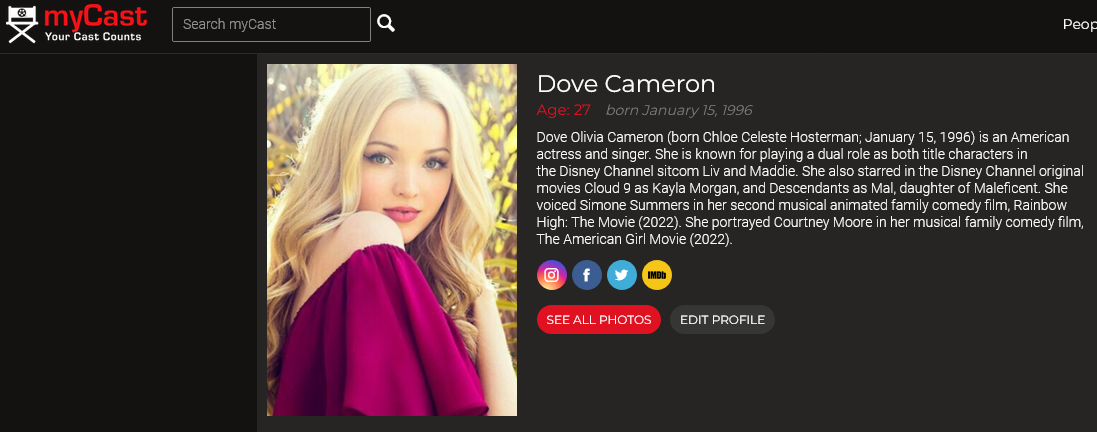
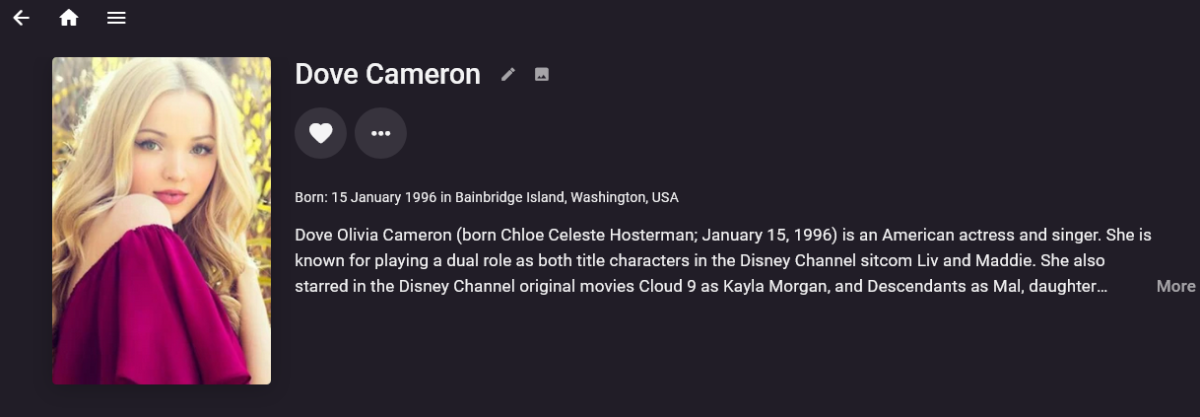
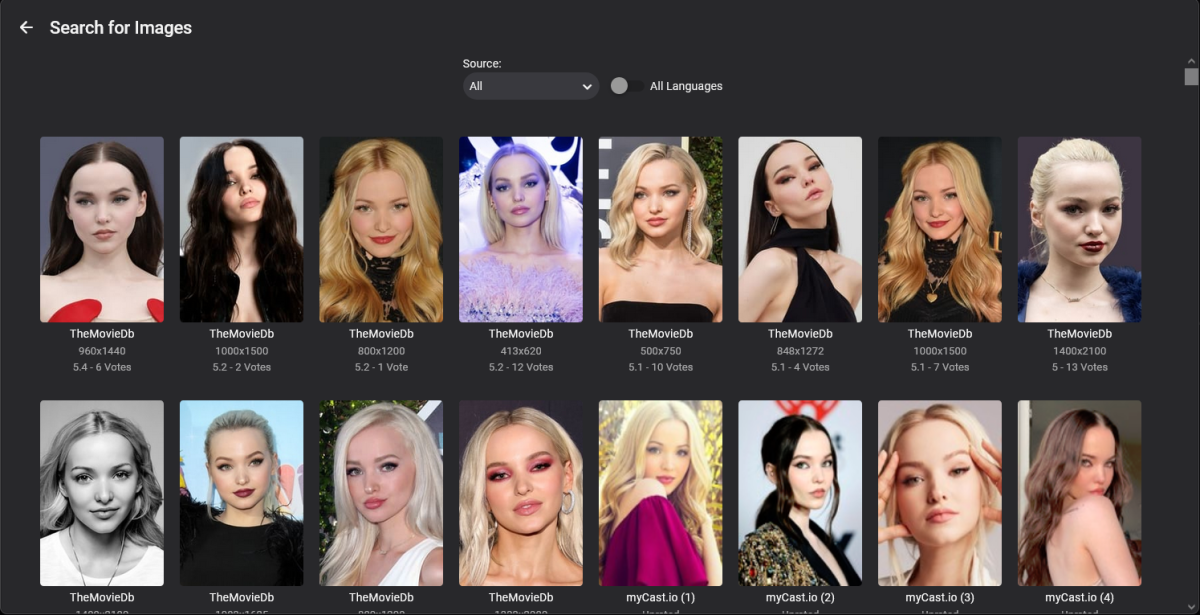
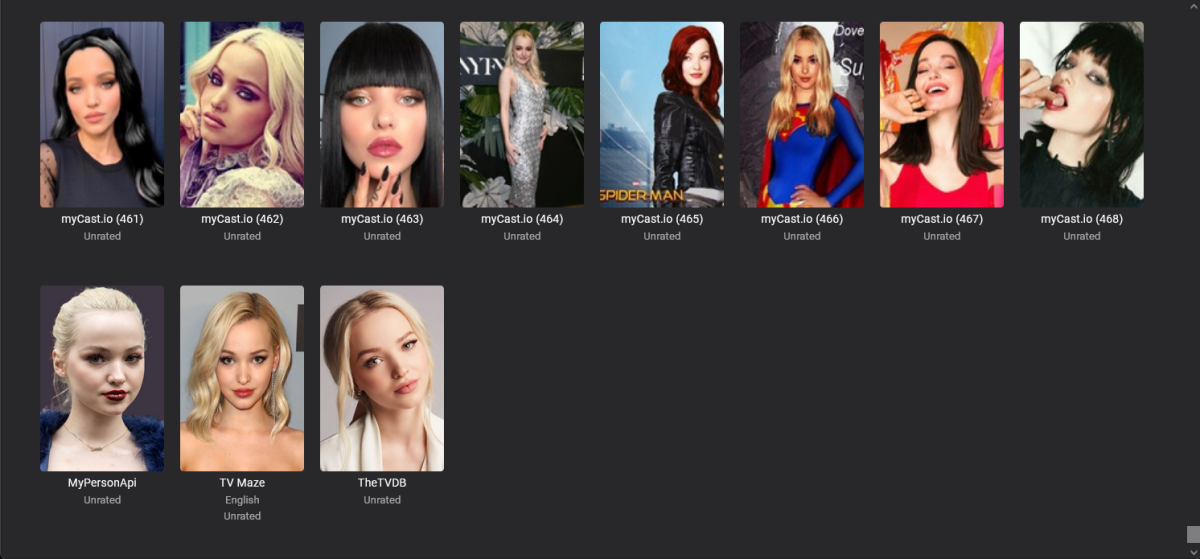
*dll should work on any server version, just put into plugins directory and restart Emby As with all my plugins, Your are resposible for everything, if you dont agree then you do not have permission to use them It scrapes the info, non commercial fair use If you have tmdb installed and tmdb has the info then tmdb will probably fill in the info first. This one looks up people on mycast.io and gets images and metadata if available. Although it can fetch thousands of people Its better for actors from other non english speaking countries such as bollywood actors, and lesser knowns bit part tv show/movie or child actors. * Caveat, in can bring the wrong person of the same names - they will need manual intervention. . a few scroll pages later ................. . Please report any errors , thanks myCast_io.zip
 2 points
 -
Jesus! I am a simple man and never would get the idea after the icon to choose. To be honest: I have now spend five more minutes to get the point and finde the right place *lol And yes: Now I see also the badge on front. So all ist fine and I love it. Thank you both @GrimReaperand @roaku for guiding me.2 points
-
There are no 4K broadcasts in the US.2 points
-
**Queue removed due to spammer matter** What? This a great server! If you are having problems setting it up I suggest being more polite and asking the right questions.2 points
-
No mate, my library's are all standard. I was referring to the channel plugin having problems combining movies and tvshows.2 points
-
thanks Jim, its down to you and grimmers, helping me and guiding me on what the users want i’ll just change it to an input text field, but only accepts numbers. Then i think everyone will be happy… errr well maybe lol yup it’s crazy isn’t it. I will tackle this over the weekend. Hmm yeah, episodes do require a lot more info to be stored with them. So it could be that emby didn’t expect channels to use existing library content. Or its me. like i said, ill give @softworkz a chap at the door and see if he has any tips. He has access to the repo and can see the code. So hopefully he can see the errors of my ways sorry if lots of spelling mistake, I’m somewhat inebriated with whisky and cider lol2 points
-
AV1 HW decoding is planned but not implemented yet. It's simply because at this time, just a very small percentage of Emby users would benefit from it, and when we would implement it in beta, there wouldn't be many who could test it and provide feedback. Then in turn, we would have something that is not sufficiently tested and decide what to do with it. But this will change within the next year as more and more devices with that capability will be sold (both Nvidia and Intel), so it's not that far away I think.2 points
-
No, it was another video I did the testing but sideloading the app as you have suggested did the trick!! Maybe it was a combination of things as I did tweak a lot of settings to be fair, but I think they wouldn't make much difference without the latest version of the app. I appreciate all your help, EMBY team as always is fantastic!!2 points
-
Technically there is no resolution setting and is all influenced by bitrate. But yes knowing that breakdown would be beneficial. I know 1080 starts at 7.5Mbps but don't know the upper limit.2 points
-
Hey Everyone, My journey from Plex to Emby has been pretty smooth with the exception of setting up SSL encryption. There are lots of great posts on this forum and elsewhere on how to do this, and I consider myself pretty computer literate. But I'll be honest, this was a bit overwhelming for me as I have no experience at all in hosting web servers, DNS, or encryption certificates. After many hours, I've got it all working, so I thought I'd share what I've learned. I'm going to try to write this for the newbie, so don't be offended if it seems like I'm explaining lots of simple stuff. That's really what I needed a week ago, so maybe it'll help someone else in my shoes. Also, this is for Windows, although most of it applies to any OS. There's lots of text, but it's really very easy. Let me also say, I understand that a reverse proxy gives you lots of benefits and flexibility for securing your server. But that was a step too far for me. If you want a reverse proxy this post is not for you, but there are many posts in this forum to help you. If you want to access your Emby server from outside your home network you will want to require secure connection mode for all remote connections (see "Network" tab in Emby server configuration). To do this you need an SSL certificate. To get an SSL certificate you must have your own registered domain name. Here's a step-by-step. Domain Name Registration A domain name is the readable text part of a web address. So emby.media, or google.com, or media.yourdomain.net. Most home users don't have one, but you need one to get an encryption certificate. While (Edit:)There are many options for purchasing a domain (godaddy.com being very popular), I chose to buy my domain from domains.google. It cost me $12/year, and this is the only cost to getting your Emby server working with encryption. Go to https://domains.google, pick a domain, pay your money, and you're ready to go. For the rest of this discussion let's say you registered the domain name yourdomain.net. Now you need to associate your new domain with your home IP address. Most home users get their IP address assigned to them by their internet provider and it is "dynamic," meaning it can change. So you need to be able to tell your domain provider what your address is and update it when it changes. This can be done automatically, and is called dynamic DNS (DDNS). (Edit:) Before obtaining a domain, ensure the provider supports Dynamic DNS. Google domains supports this easily, here is the help page explaining how to set it up. Fortunately, my ASUS router has this capability built in so it was easy, but it's easy even if your router doesn't (follow google's directions). (Edit:) In case you have a static IP (obtained from your ISP), DDNS support is not mandatory. That's it for domain name registration. Now yourdomain.net points to your home network IP address. SSL Certificate Now you need to get an SSL certificate. This has the encryption keys you need, and must be issued by a recognized certificate authority or it gets blocked by your browser. Lets Encrypt will give you a free SSL certificate but it has to be renewed every 90 days. This was the part I was most confused by, but it's actually really easy. The part to understand is that Lets Encrypt must have some way of proving you own your domain name before they can issue you a certificate. There are two options, 1) they give you a little text file to place on your web server in a certain location. I don't have a web server so this is a no-go. 2) They give you a text string to add to your DNS registration in what is called a "TXT Record." You do this with google domains, it's very easy. To get a certificate you need an ACME client program that knows how to talk to the lets encrypt server. They recommend certbot, but it doesn't work in windows. Dig enough and you'll find ZeroSSL, they have a nice downloadable program that does it all and is really easy. Download here. Make a directory on your computer (I used c:\ZeroSSL). Put the le64 (or 32) exe in this directory. A single command will create your certificate. I think the easiest way to do this is create a text file in the same folder as the program, call it "get_cert.bat" and put the following three lines of text in the file. Edit the second line to have your actual domain name (instead of "yourdomain.net"), and to have your actual password for your PFX file (whatever you want it to be, just replace "yourpasswordhere" in the code below. @[member="Echo"] off le64 --key account.key --csr domain.csr --csr-key domain.key --crt certificate.csr --domains "yourdomain.net" --generate-missing --handle-as dns --export-pfx “yourpasswordhere” --live pause Save the text file as get_cert.BAT and then double click it to run. This runs the le64 program, creates the public/private key pair, asks lets encrypt to generate a certificate, saves that certificate, and converts it to a PFX file format that Emby requires. All in one command! When you run this, a command window will appear and you can see what it's doing. After a few seconds it'll pause and ask you to place the TXT record in your domain. It gives you a name and value, the name will be something like _acme-challenge.yourdomain.net, and the value will be a bunch of random letters and numbers. The program pauses here for you to put this into your domain. So now you just log in to your google domain again, go to "DNS" on the left menu, scroll all the way down and enter a "Custom Resource Record." The type is TXT, the name and value are what le64 gave you. Put them in, wait a few minutes for the change to take effect (took just a couple of minutes for me). Then go back to the command window where le64 is running and press enter to continue. It'll then verify your TXT record is there and issue your certificate. You'll find a file certificate.pfx in the le64 directory, that's it! Emby Setup Now log in to your Emby server setup. Go to "Network," in the field "External Domain" you put your domain name, so yourdomain.net or whatever you chose. For "Custom SSL certificate path," browse to the .pfx file that was created by the le64 program. In the "Certificate Password" field put whatever password you used in the .BAT file above when you created your certificate. Then for "Secure Connection Mode" I recommend you choose "Required for all remote connections." You also have to log in to your home router and forward port 8920 to the computer running your Emby server. I'm not going to give directions on how to do this, it depends on your router, but it's super easy. That's it. You need to restart your Emby Server, and then you're done! You can now access your server remotely and securely at https://yourdomain.net:8920. Certificate Renewal Now, I mentioned before that the Lets Encrypt certificates are only good for 90 days. So every 90 days you have to renew the certificate. Take that "get_cert.bat" file you made earlier and make a copy of it called renew_cert.bat. At the end of the second line, just add the text "--renew 20" (without the double quotes). When you are within 20 days of your expiration date run this file, it'll renew your certificate. I believe it'll ask you to place a new TXT record in your domain, so certificate renewal cannot be made fully automatic. You'll have to run it manually and add this TXT record into your google domain just like when you created the certificate in the first place. But it takes just a few minutes and then your certificate is renewed. You'll have to restart your Emby server for it to take. The file locations all stay the same, so you don't have to update anything in the Emby setup, just restart Emby. That's it! Well, I hope this helps someone. Sorry for the long post. I would have benefited from this level of detail a week ago, so maybe it'll be good for someone. If anyone sees something wrong here, feel free to correct me.1 point
-
As I mention in a related post, I love the additional subfolders for Movie Extras (eg, Shorts, Scenes, Interviews, etc.)! It would be awesome to extend this functionality to TV Series as well. Specifically to add support for many/all of the same folders supported for Movie Extras, eg, extras specials shorts scenes featurettes behind the scenes deleted scenes interviews trailers As well as any additional folders that get added in the future (eg, hopefully Galleries). Support Placement of "Extras" Folders Within Each Season Folder, Plus A Naming Scheme to Link A Particular Extras Folder with a Specific Episode (eg, "\Season 1\E1 - Deleted Scenes\" for episode 1 deleted scenes): I want to clarify that it would be great if these various "extras" folder types could reside within each Season folder. So for example, within a Season 1 folder we could then have an "Extras" folder, a "Deleted Scenes" folder, a "Featurettes" folder, etc. And furthermore, that we could designate a particular folder to refer to a specific episode (eg, "\Season 1\E1 - Deleted Scenes\" for episode 1 deleted scenes). See more below, particularly why I think this would be so useful: https://emby.media/community/index.php?/topic/55915-emby-server-theater-additional-extrasspecial-folder-types-for-tv-series-similar-to-movies/&do=findComment&comment=587195 Thanks for your consideration! PS - If this is something you might like to see implemented, be sure to "Like" this top/first post (as well as any subsequent posts in this thread that highlight particular aspects of what you are interested in) -- "Liking" the top/first post helps the Devs to know how much interest there is in a given Feature Request.1 point
-
This is kind of a minor request (but I know Plex handles it better). When using the web app and you edit a poster for a movie, etc. it would be nice if after you select the new image and go back to the list of all movies that the page would reflect the new image. I would think there's some sort of page refresh that you could do to reflect it? Only way I can get it to show the new image right away is back out of the library and go back in. Just nice to have it immediately refresh so you know it took affect. Thanks!1 point
-
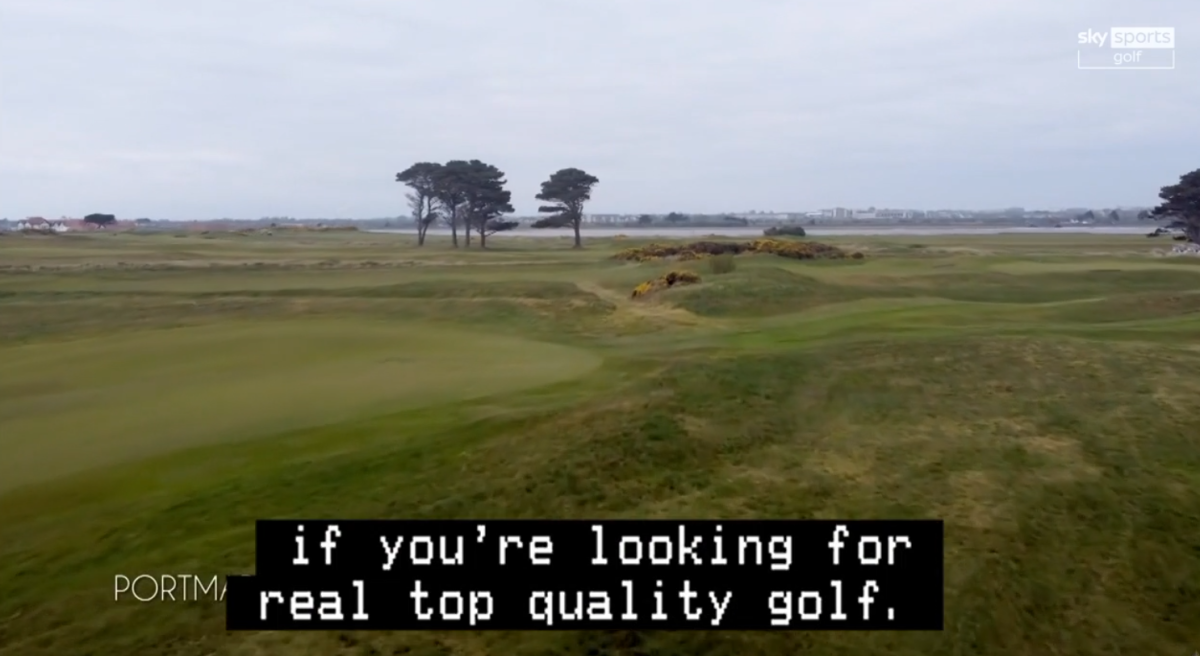
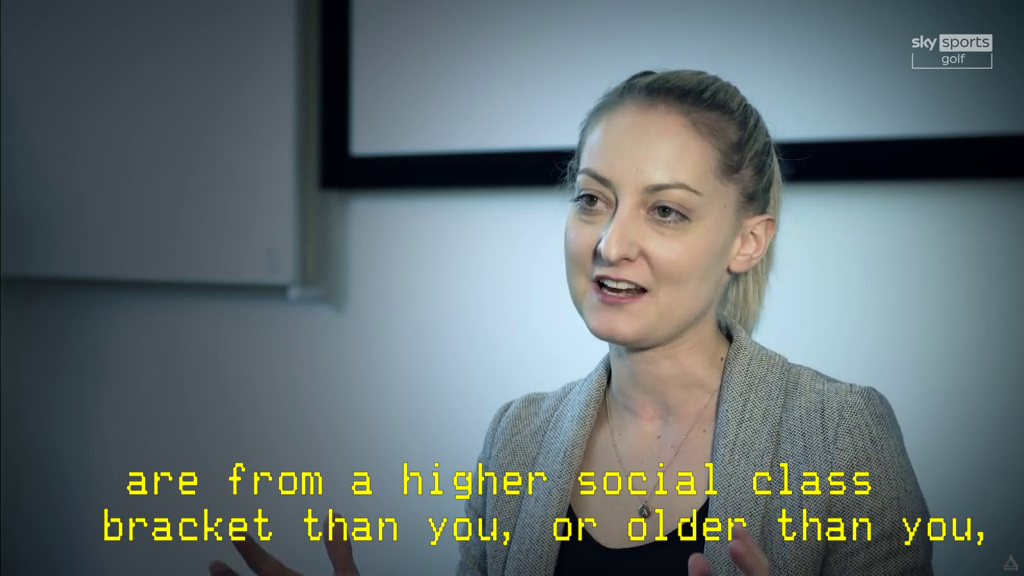
I have found the configuration that gets DVB_TELETEXT captions displayed in their original graphical form, and understand that the only way to do so is to burn them into the video. My question is if there is a way to burn them in without the black background. It's a quick toggle on VLC, so thought maybe its an easily implementable option, but know and understand that is not always (or even usually) the case. Attached is an example of emby's burned in teletext with the black background and one of vlc with transparent background toggled.
 1 point
 -
Because those items are DirectPlaying. Do you have HA disabled in your Settings>Transcoding? >>>>>> FindVideoEncoder - MediaType: h264, UseHardwareCodecs: True, HWA-Mode: Disabled >>>>>> FindVideoDecoder - MediaType: hevc, UseHardwareCodecs: True, HWA-Mode: Disabled As your UHD graphics is visible to the system: "VideoDecoders":{"1: VAAPI JasperLake UHD Graphics - MPEG-2":{"IsEnabledByDefault":true,"DefaultPriority":60,"VaapiCodecInfo":{"Name":"VAAPI JasperLake UHD Graphics - MPEG-2","Description":"Adapter #0: 'JasperLake UHD Graphics' Id:20065 (Driver: Intel iHD driver for Intel(R) Gen Graphics - 21.2.2 (27b773b2), Vendor: Intel Corporation)","DeviceInfo":{"IsActive":true,"HardwareContextFramework":"VaApi","Capabilities":{"SupportsHwUpload":true,"SupportsHwDownload":true,"SupportsStandaloneDeviceInit":true,"Supports10BitProcessing":true,"SupportsNativeToneMapping":true}1 point
-
That suggest direct play. As for Safari &TranscodeReasons=ContainerNotSupported,DirectPlayError Hard to say why there was a direct play error though. Do you have Emby Premiere? What is your Transcode setting as it appears HWA is disabled? But do not know this device. >>>>>> FindVideoEncoder - MediaType: h264, UseHardwareCodecs: True, HWA-Mode: Disabled Info Checking: 'x264 Software Encoder' Info Check successful - selecting 'x264 Software Encoder' >>>>>> FindVideoDecoder - MediaType: hevc, UseHardwareCodecs: True, HWA-Mode: Disabled Info Checking: 'Automatic software decoder' Info Check successful - selecting 'Automatic software decoder'1 point
-
Aha gotya! Spotted an Error in the logic, it should be sorted (should be! - LOL) - re-uploaded. Im off to the pub now Thanks1 point
-
Hmm, and this morning Emby Theater is playing HEVC direct.... I'll keep an eye on it and if it starts transcoding, I'll post the log. And I'll try the extension for the browsers. Thanks for your help.1 point
-
Without logs noone can tell you exactly is transcoding being hardware accelerated or not, as those items might just have been DirectPlayed in which case it means nothing in respect to your original query.1 point
-
Ran an Ethernet cable and it plays perfectly at 110mps so it’s somewhere in my wifi connection. I will look closer at my wifi connection speed between my computer and the TMobile router and the connection speed between the router and the Roku. Thanks again for the help.1 point
-
Look at the screenshot under 'selecting a rule icon' to see how to change the icon for a rule: For #2, for the *same show in the same library*, the image should get the icon no matter where it appears in Emby. It's possible your Emby client is caching the image locally. Try right clicking (or 3 dot menu) on the show and selecting 'edit images' (in your language), and see what the image preview shows for 'Primary'.1 point
-
You're looking at the wrong place for the icon, those are only reference. Click checkmark in your rule after which you'll have icon in front of rule name - click that one and select desired icon. You should. Refresh browser window, if not, clear browser cache.1 point
-
Which is what your log is showing also, just not at the resolution you're expecting: "DisplayTitle":"1080p HEVC","Height":1080,"Width":1920 Unfortunately not, never had the need to delve into that, maybe @softworkz or @cayars will have some tip.1 point
-
Hi. This should be corrected in the next release of the app. Thanks for reporting.1 point
-
As stated: Suit yourself. Wishing you good luck. Out.1 point
-
Why don't you just download and spin portable beta and see how does that compare, you can run both versions simultaneously? That way you'll at least know if ffmpeg changes will solve your issues - and if they do, you can temporary use beta for LiveTV recordings until it goes stable, hopefully in not-too distant future?1 point
-
Currently not, besides checking what's the bitrate of your IPTV stream and manually restrict client quality setting to some lower value - but that will affect the rest of your library as well, which might or might not result in other 4K content being transcoded. Edit: Or make a separate user for LiveTV only and restrict quality, which will leave your regular user unaffected.1 point
-
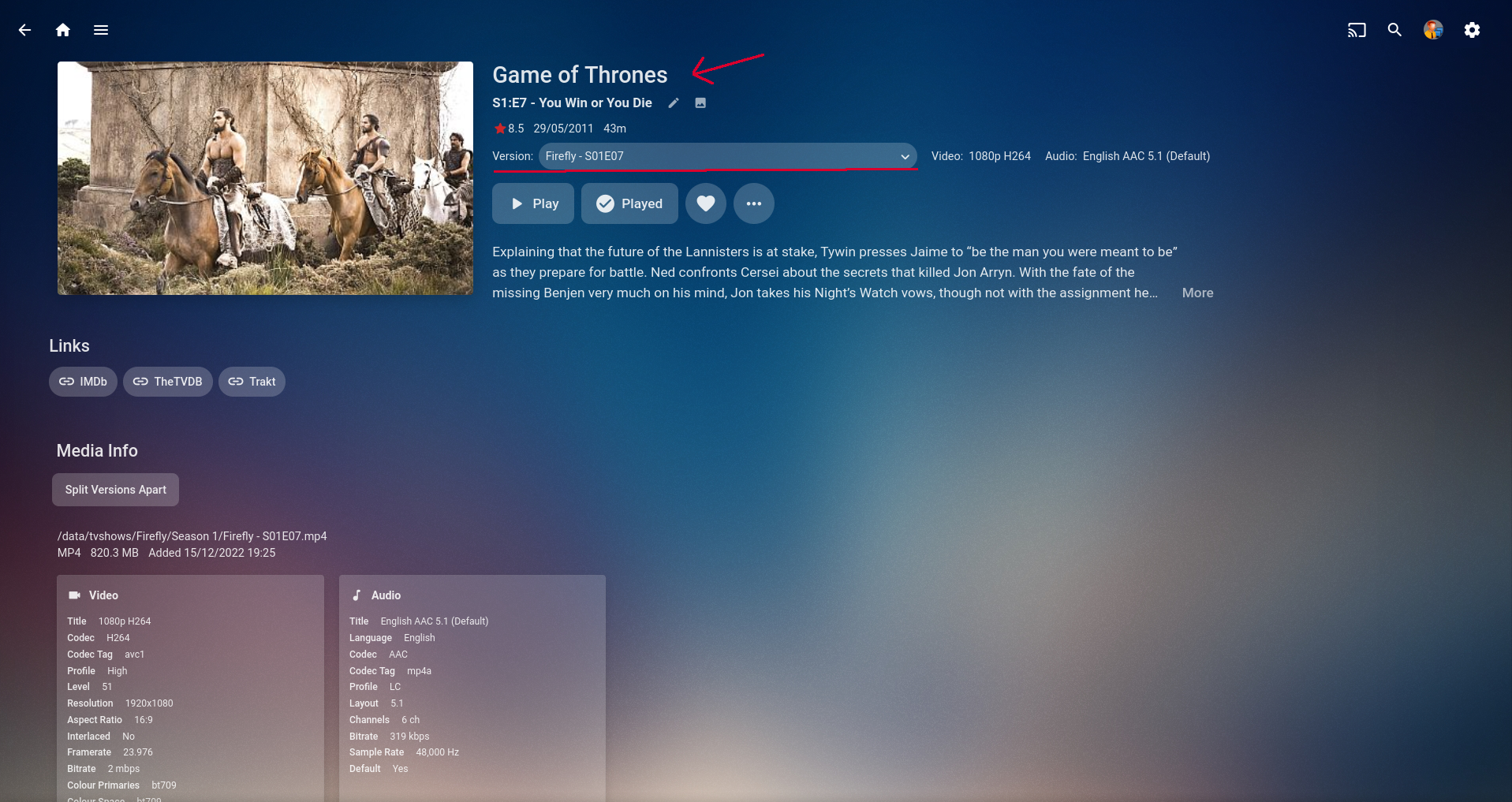
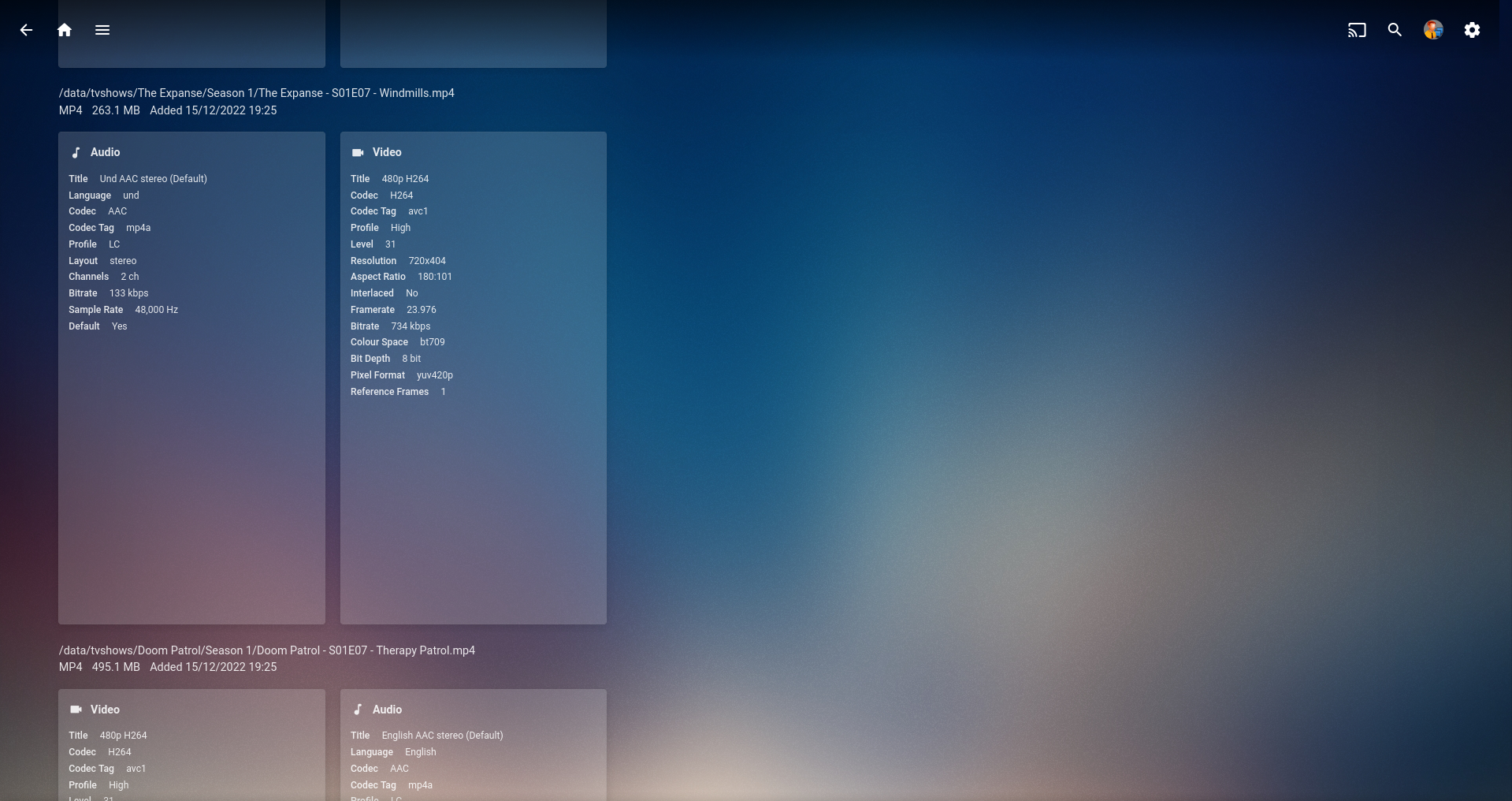
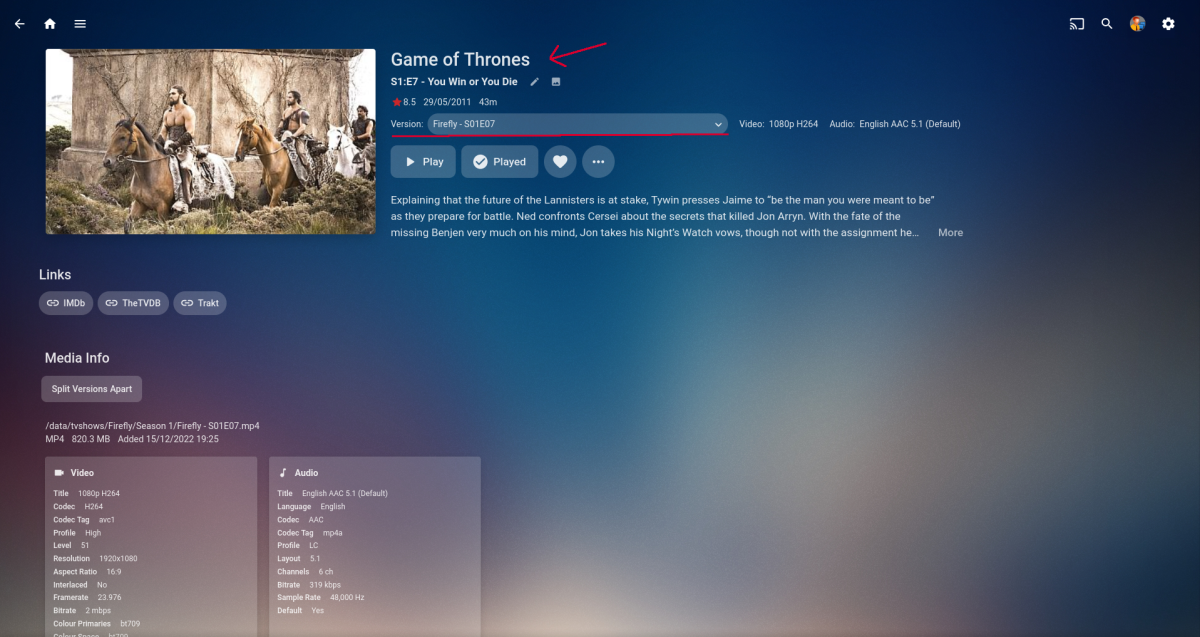
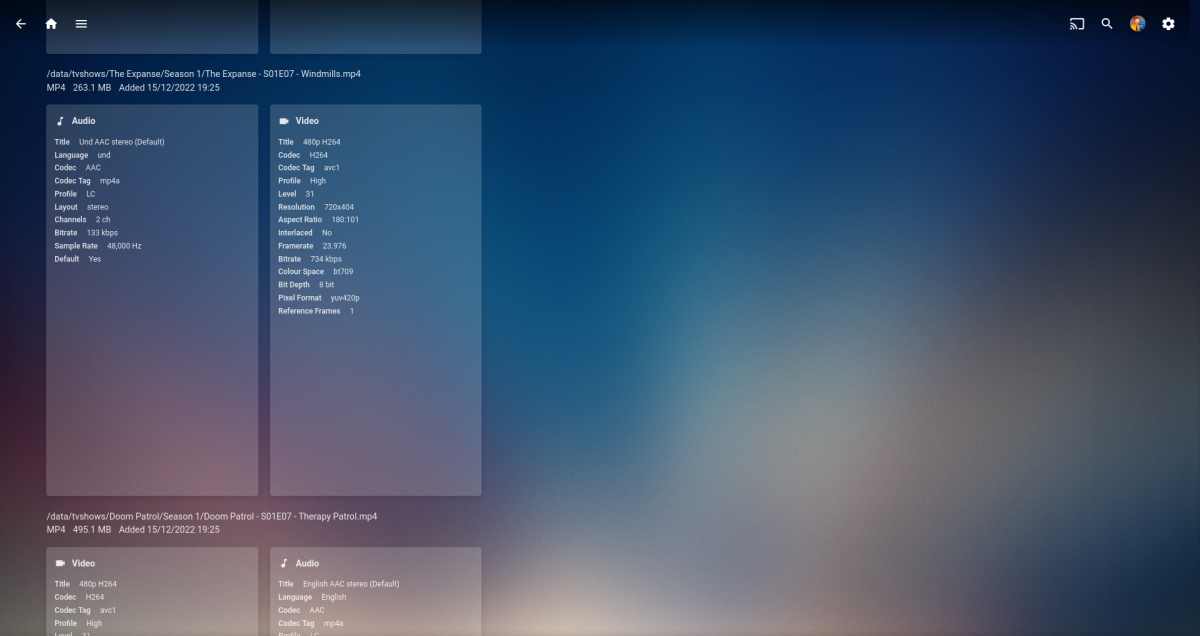
@Cheesegeezer Nice work mate, its getting there. I can't seem to get this to work set to "10", it says min is 100 so it seems that's what I get. Also the version for episodes as @GrimReaper pointed out, that is strange... The drop down list for the versions option of that episode is huge and contains every S01E07 episode that has been watched. Here is a screen of the meta below, it just keeps going and going.. Maybe the channel plugin doesn't like tv series/episodes. Edit: Maybe it could be because it mixed library?
 1 point
 -
You are right and that is what we intend to do. Move it where the entire text shows on the screen, It should never present itself off the screen. It is supposed to be near the edge, but not off the edge. Because the screen saver requires you idle on the audio player for a bit of time, we never saw this, and it got past us. We will be better at catching these things in the future before they get published onto the Roku store. Apologies. If you spot any other issues with your display in regards to text/buttons/anything cut off and not showing fully on screen please let us know. No matter how minor. In order to be better we need people who can find faults and aren't afraid to hurt our feelings. It is okay to give us bad news. We can only get better by knowing where to focus. Thanks.1 point
-
I just noticed these are working on the TV with a Roku. Both the beta and the current version so it wasn't the beta.. I then tried a different browser and it works.. I normally use Firefox so I'll play with addons and blockers to see if I can figure it out.1 point
-
Don't believe it has been added yet but devs will have to confirm.1 point
-
If a music-specific service provides you with what you're looking for, what's the purpose of coming here just to say "Emby sucks blah blah." If you want Subsonic features, pay for Subsonic.... The stuff you're asking for is not widely used, and saying that the lack of those (fairly minor features) make the whole suite "sucky" is nothing more than flaming for flaming sake.1 point
-
Yea if emby and nginx are on the same computer or even the same network, running http between proxy and backend is the fastest. HTTP2 requires https so you have a little extra work for the backend server as well as the proxy (emby Encrypt - (nginx decrypt - dothings - re-encrypt)).1 point
-
Sure thing. All sounds good to me.1 point
-
Works fine in V4.7.11.0 which is the current stable release I believe. I'm using Chrome and have accessed via direct IP address and app.emby.media1 point
-
Background The script logs movies it believes are misidentified on TMDB. The preference algorithm is a work in progress. Currently (highest preference first) nearest year with exact match on title (title, original title and alternative titles), otherwise best word match count (title, original title and alternative titles) best levenshtein distance (title, original title and alternative titles) highest vote count It works better on a library where the filenames match TMDB and religiously follow the Emby movie naming scheme. Emby's default TMDB choice is better when there is a discrepancy with TMDB esp. year but perversely Emby's default choice was not always as reliable when media exactly matches TMDB. So far i would characterise the algorithm as a useful check on Emby's choice rather than an improvement. Requirements Powershell 7. TMDB api key and add to config. (they are free for personal use) edit config.psd1 to your preferences, add un and pw. Sample log showing 35 misidentifications (from 3500). log.csv The log contains links for easier review and actioning of suggested corrections item in emby item in tmdb (current id) item in tmdb (the suggested id) risks are low as the only changes made are to a log file. issues and suggestions welcome, interested to hear peoples results. Particularly interested in ideas/properties to improve the matching algorithm. If i can make it reliably better than Emby i would slave it to a ScriptX omediaaddded event to update the default choice. v0.0.0.2 corrected emby item url in log CheckIdentity v0.0.0.2.zip CheckIdentity v0.0.0.1.zip
 1 point
 -
V0.1.0.3 is up on first post Fix series name not being populated. some other stuff too, can't remember1 point
-
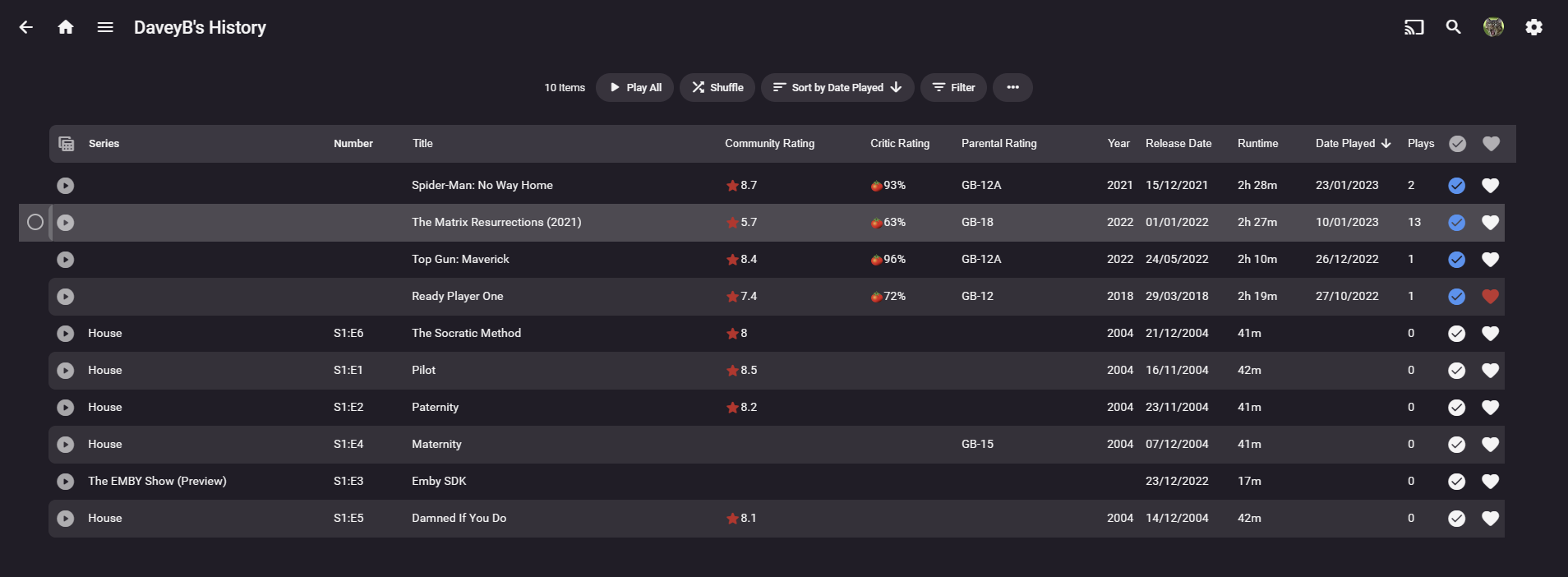
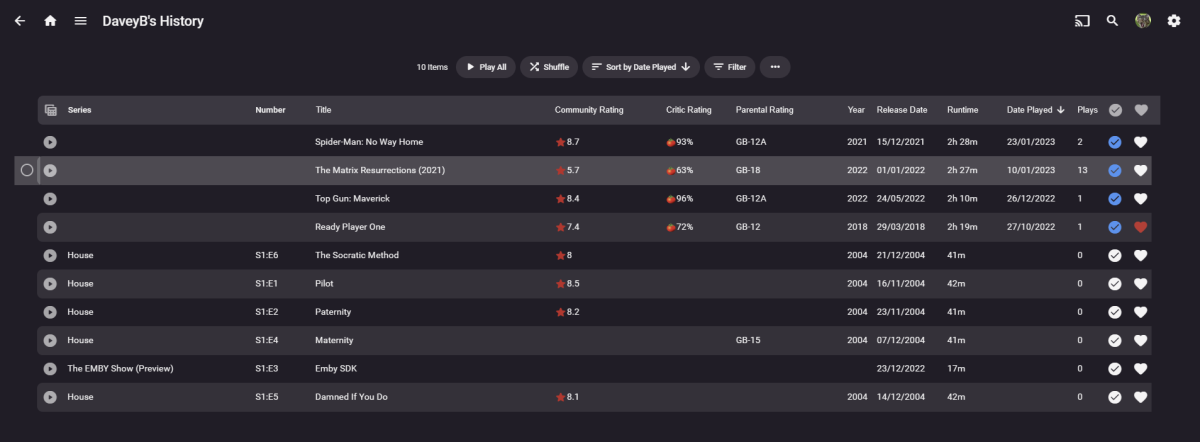
Progress Gents. But i can't populate anything more. no matter what i try i can't get Episodes to play nice for plays, Date Played, etc I'll upload the latest Dll and let you know when it's up
 1 point
 -
@neik - have you investigated adding tags via the API ? It's easy to add/remove them via a curl command or other API integrations - it may be easier than relying on NFO's. Once added, it then writes the tag's back to the NFO anyway and visa versa. Something to think about..1 point
-
WMC Theme - Movie Library Browsing Time for something new...: WMC_Browse_Movies_cut.mp41 point
-
Yes but will be limited to clients that are free. Emby Premiere Feature Matrix :1 point
-
Where does it say there is a version 3? version 2.4, 2.5, 2.6 and 2.7 in first post.1 point
-
The OP attaches every version on his first post.1 point
-
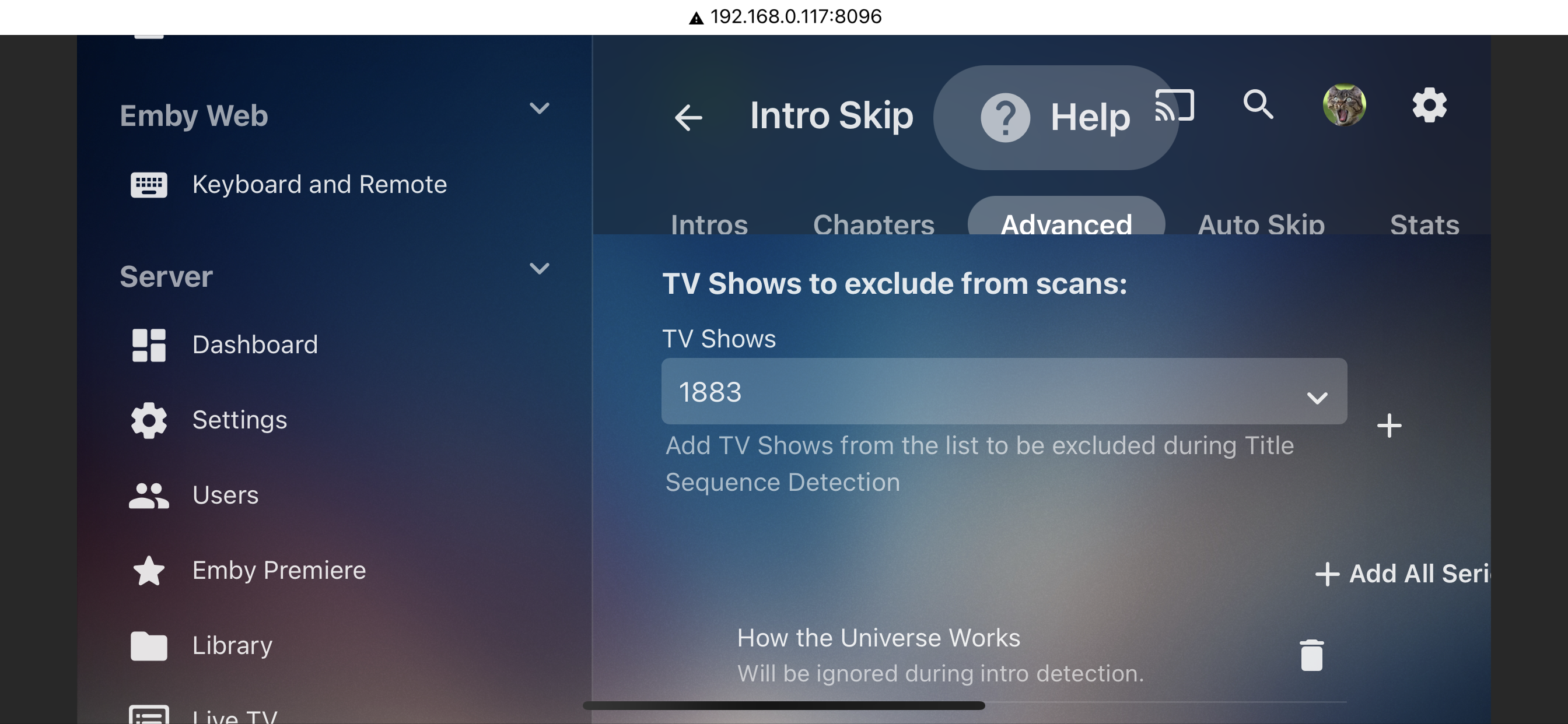
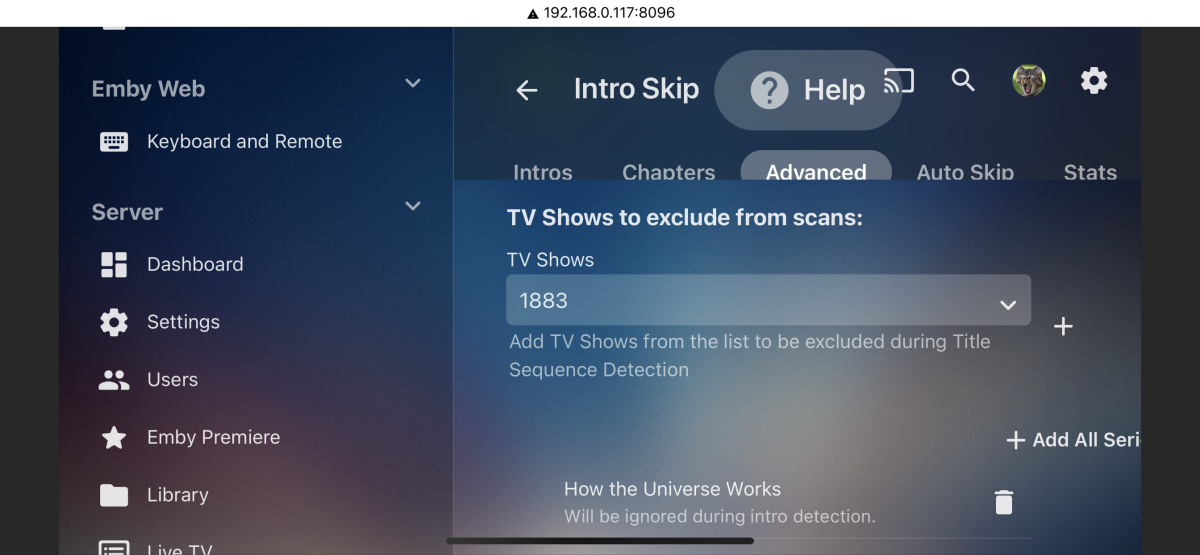
Alas IntroSkip plugin had this feature.
 1 point
 -
You can send an url using web-get with a hook, so the above is really easy. Use the IService to execute the request (or call your function) from within your c# Define an IService route in your plugins class class WhateverPlugin: IService { [Route("/MyPlugin/RunMeFunction", "GET", Summary = "")] public class RunThisInsteadOfPowershell // dont return anything :IReturn<object> { } public Get(RunThisInsteadOfPowershell) { # Call to run the task RunTask(); } } You would then web hook a web:get to the emby url http://myurl:8096/emby/MyPlugin/RunMeFunction1 point
-
Won't do any harm to ask, so though I'd suggest adding a colour picker so we could make our own themes, as mentioned (if the link works), here - https://emby.media/community/index.php?/topic/49217-just-a-little-fun/page-7&do=findComment&comment=473675 I guess it might become complicated, as it would also be nice to save a selecting of your own favorites, as well as keeping those kindly provided (WMC theme etc), and people might want textured backgrounds as well somehow, but still, who knows.... Think I would go for a nice subtle 24 carat gold theme with platinum highlights myself (if you haven't got it. flaunt it...)1 point