Leaderboard




Popular Content
Showing content with the highest reputation on 12/08/22 in Posts
-
(Admins, please feel free to delete this, or move somewhere else.) I just want to give a big shout out the admins/support folks on this forum. I've only submitted a few questions, and the response has been outstanding! I just think you need to hear this since it's all too easy to complain about the support in general nowadays. Dale7 points
-
I've got some more time for top picks again today. I had to take some time to work on this... top secret... not so secret. It is close.
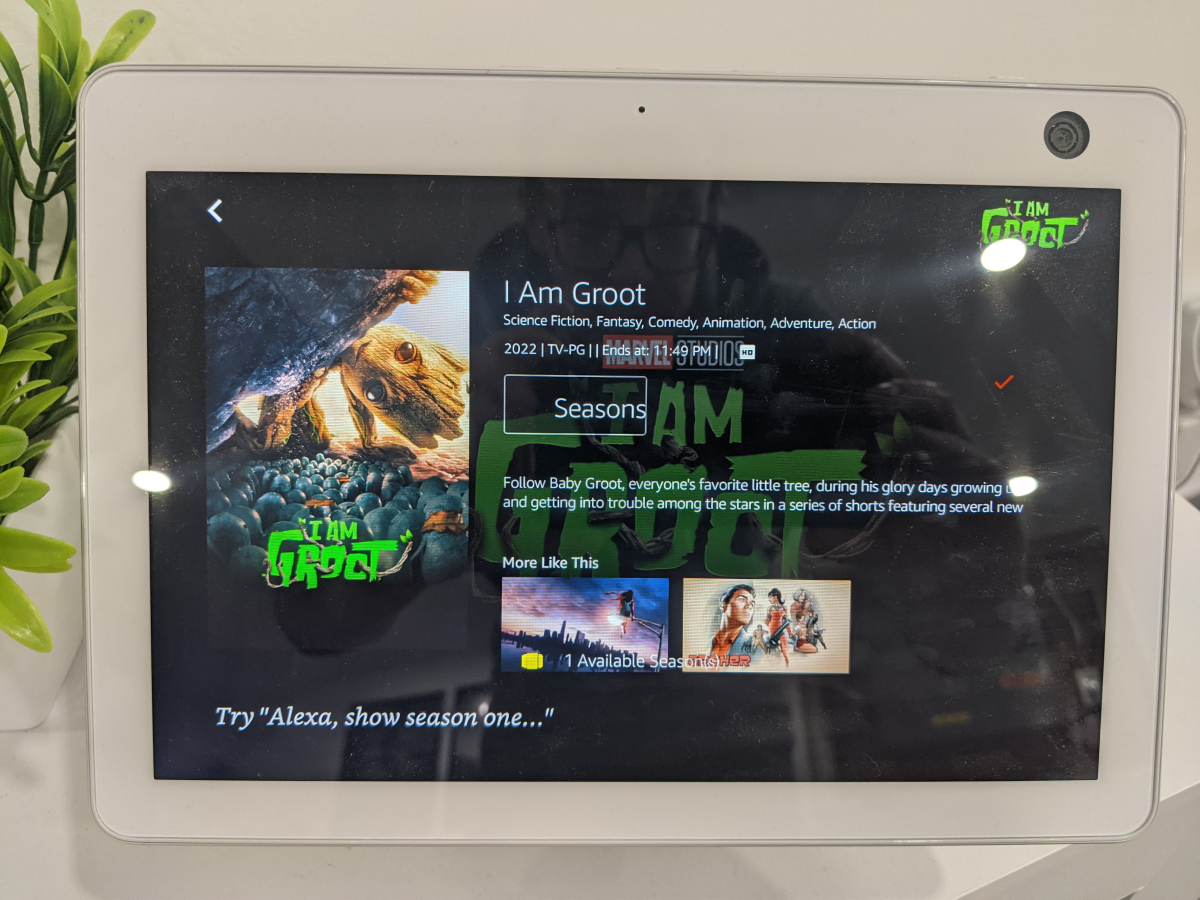
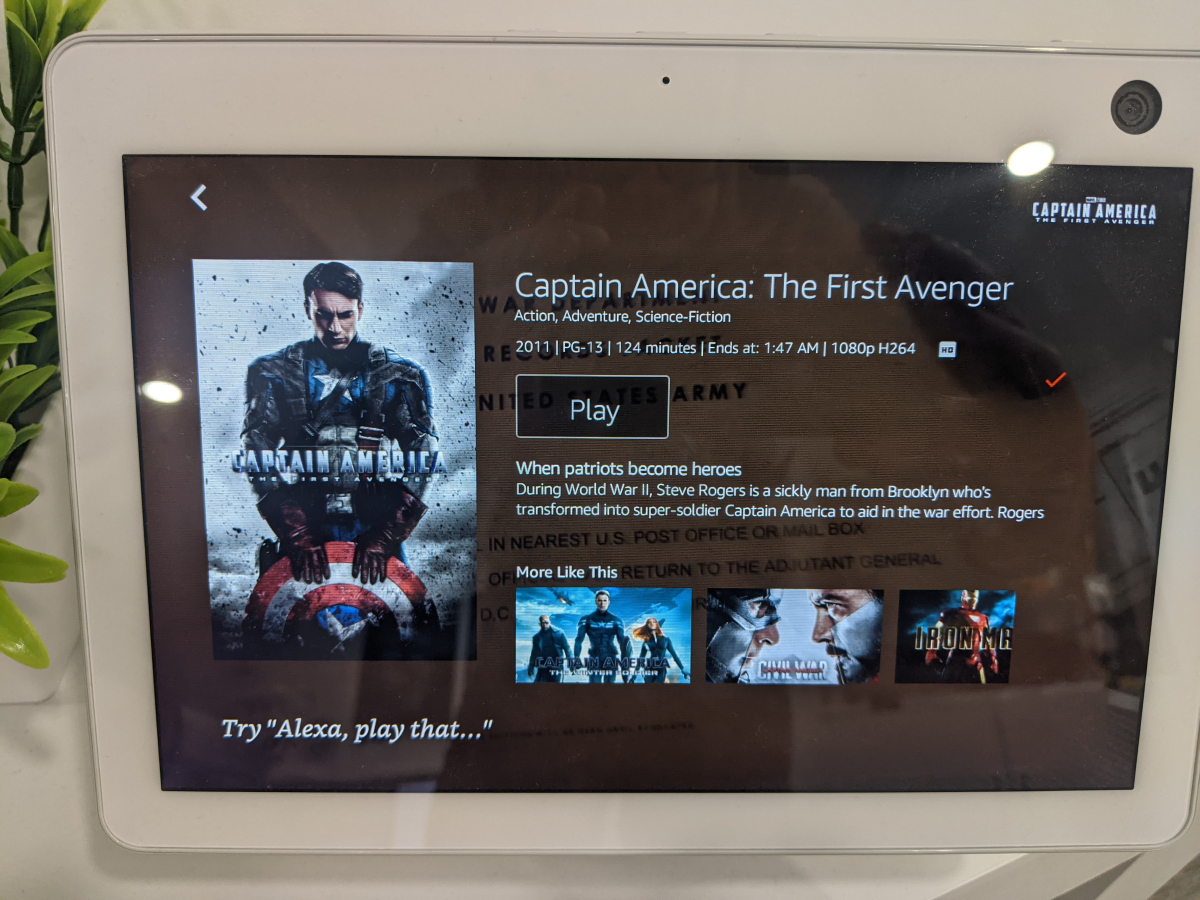
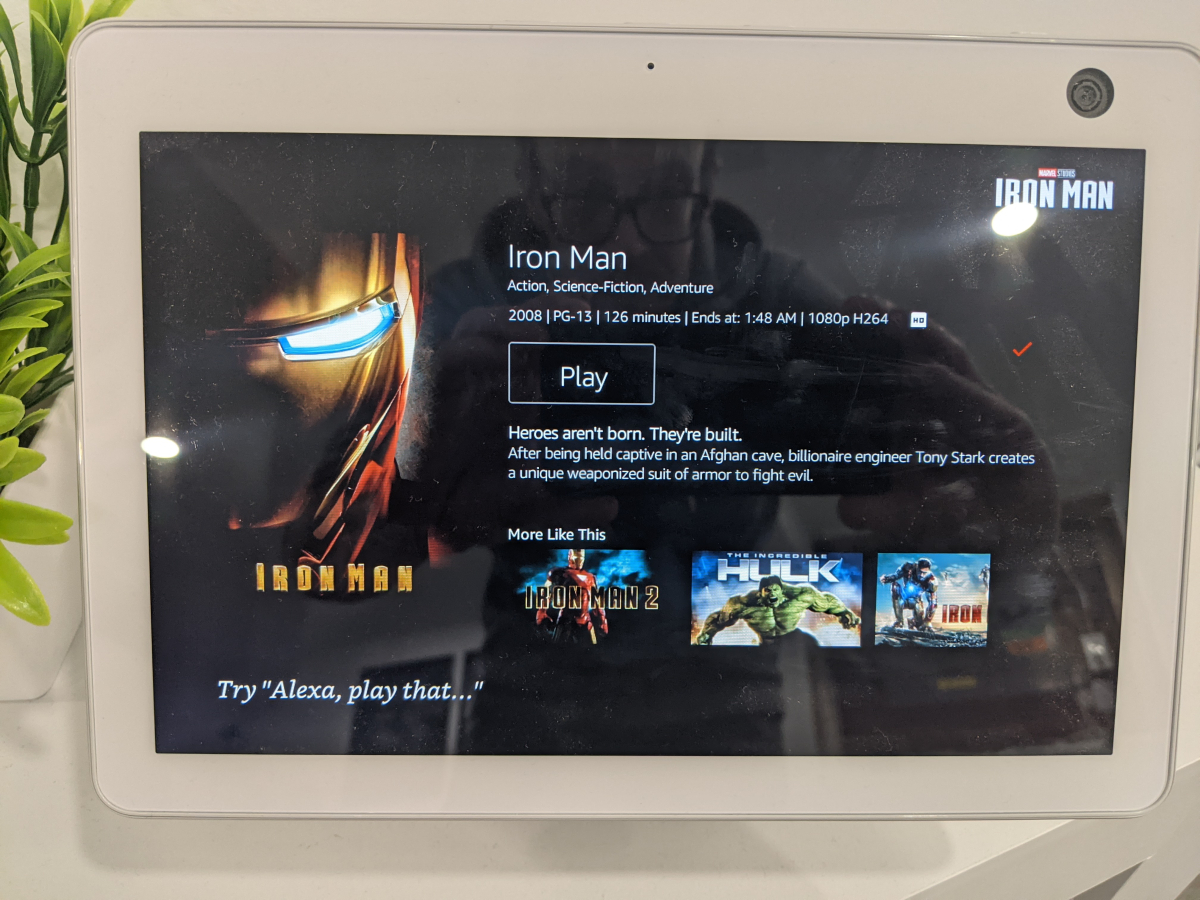 3 points
 -
Just FYI. Now we'll try to get it updated to 4.7.10. Thanks everyone.3 points
-
Is it possible to have the two things split to: display in continue watching on home-screen and display as latest media. This could solve the problem of the same movie showing twice when you are using certain plugins. Also would like to maybe remove latest movies but would like to show up in continue watching.2 points
-
Ahh that seems to do the trick - thanks!2 points
-
Hi @chef - I had a quick look on Git and believe this is just using the same Emby messaging API we used for the IntroSkip Plugin yes ? A couple of things that would make it really useful is a time on screen option (ie, no need to acknowledge) and a message 'date/time to live' function. ie if outside it's TTL - then the message is not delivered, it's just deleted. This would be useful for system maintenance etc - no point displaying it to users if it's already been completed. It may also be an idea to append the date/time the message was created on the actual message ? I may have a little play when I get some time. btw - any reason this is not in the catalogue ? As it seems a very useful thing to have ..2 points
-
Yep I’m just getting home from work and will do the compatibility updates. Should see a release in an hour or so2 points
-
This plugin here will create and save messages that get sent when users login. https://github.com/chefbennyj1/Emby.MessageUsers There is a new feature getting released in emby that allows users to access plugin configuration pages. This plugin could be altered when that new functionality is released, to allow users to send messages to admins. As for email, that could also be added fairly easily to this plugin as well. So, yeah probabaly all of the above is possible.2 points
-
Plex seems to be like this. An individual series has the options to be set as: Library Default The Movie Database (Aired) TheTVDB (Aired) TheTVDB (DVD) TheTVDB (Absolute)1 point
-
ok, will sleep over it, maybe this days i dobble check the strucktures or generate a test lib ... thx - will report if i get news1 point
-
Go for it. Hopefully it'll at least have a Play or Go to its info page button...1 point
-
https://forum.xda-developers.com/t/android-tv-x86-guide-diytv-my-own-version-of-google-tv.4227253/ Great place to start my friend. It's an addicting website you will get lost for hours on there1 point
-
I will get you the link in a min, I am a big eye candy person I like big backdrops Banners lots of choices cool colors different style movie covers animation and even adding emojis in the names of folders. An HTPC is great until things get better, hopefully.1 point
-
Wasn't the response to that - yes, but so many of my items don't have banners... (my very polite response to that response would be, very politely, well make one then)1 point
-
This is a good reason to own an HTPC, install an android tv OS on a mini pc and you can make it to your liking my friend.1 point
-
I like big backdrops and I cannot lie...1 point
-
Do you have SSL set-up on your server? If not, goto http://app.emby.media, not https://app.emby.media.1 point
-
Oh my god, rookie mistake, can't believe it!!! Would have been less embarrassing to say that I didn't read it, but i actually did, understood it, and then, well, forgot it I have now unchecked the box and did some checks and things seems to work like a charm Thanks again1 point
-
Omg finally, I was able to add it.... You have to include the Port being used. So it will be the IP address and the port... I.E. XXX.XXX.X.2:801 point
-
Assuming your Shield is connected to one of the AVR's inputs and the TV is connected to the AVR's output (monitor), then there should be zero reason why the Shield should not be able to play ALL Audio formats - incl True-HD / DTS-HD etc - as that's what the AVR natively supports. What the TV supports is irrelevant, as you are not using ARC/eARC in this setup. Ensure your Shield is set to 'Audo' in the advanced Audio setup - and turn off any 'Dolby processing' on the shield as well - you do not need any of it - the AVR does it all.1 point
-
Thanks. Will check this when I come home.1 point
-
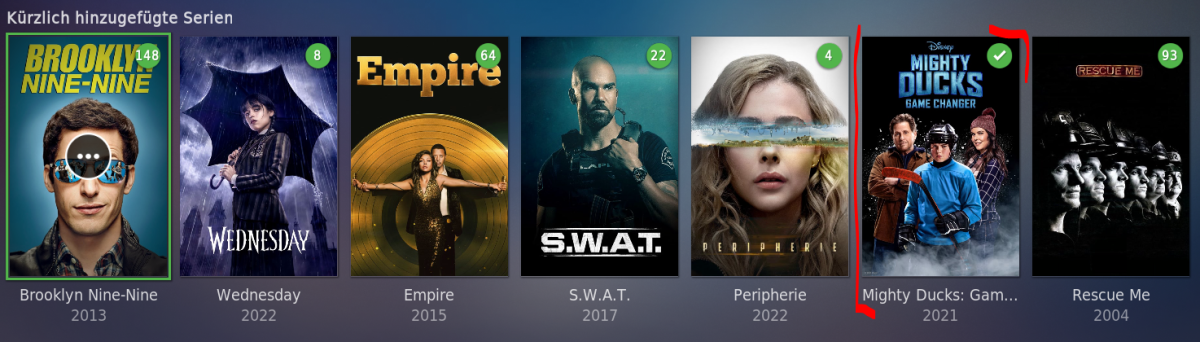
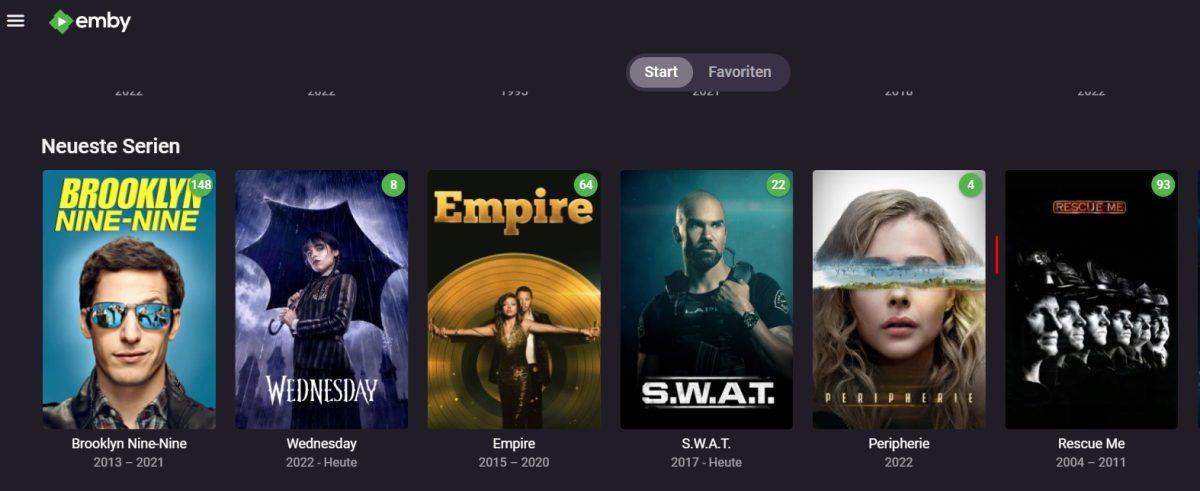
Hey du, habe mich doch nochmal schnell dran gemacht, habe heute aber keine Zeit und werde mich morgen nochmal melden. Habe aber bereits einige Logs angefertigt. Das erste Gefühl sagt mir, dass er schneller mit schnellen aufeinander folgenden Befehlen klar kommt. Ich hatte einmal wieder einen Embuary Fehler, wenn er denn auftaucht immer an der selben Stelle erscheint. Immer wenn ich schnell nach dem Neustart in meine große Filmdatenbank gehe (letter). Er zeigt mir den Fehler per Infobox kurz an und es geht aber weiter, ohne Einschränkungen. kürzlich hinzugefügte Serien sehen jetzt wieder besser aus, aber sag mal kann man die vollständig geschauten Serien ausblenden (also analog Emby)? Das erste Bild zeigt Kodi, bei Emby (zweites Bild) sieht man "Mighty Ducks" nicht. Wie gesagt werde ich mich morgen nochmal melden, danke dir schon mal für diese tolle Arbeit und Leidenschaft! kodi.log allg log.log embuary fehler (wie immer ins schnelle reinspringen meiner Filme (letter)).log kodi_stacktrace-19.4 Git_20220302-e12e66e019-20221208-145300.txt allg. Log (Addon Einstellungen neu setzen).log Datwnbanken hinzufügen.log
 1 point
 -
Ahhh too bad. As you mentioned the possibility of a KODI limitation, I already deleted (after a backup) all collections and let EmbyServer create new ones. They are now all shown as they are supposed to be, every movie just in 1 collection. Thanks quickmic1 point
-
Gerne melde mich wohl morgen Abend, heute geht es noch auf den Weihnachtsmarkt und morgen habe ich frei Danke dir vielmals!1 point
-
That was it, thanks much! Dale1 point
-
Looks like the increase in cache size helped, time will tell. Regardless, thank you for the support. You guys are awesome!1 point
-
Great, thanks :-)1 point
-
I noticed the pending update on my SAN last night, and updated with no issues1 point
-
Luke, I have installed the build from your link above. I tried a variety of files, it has fixed the problem for some but not all. 4K HEVC HDR10 with DTS-HDMA, EAC 5.1 and TRUEHD 7.1 all seem to work correctly. 1080p H264 with TRUEHD 7.1 and DTS 5.1 still display the backdrop, the OSD navigation controls and then hang.1 point
-
No, it can't be done like this. With the LDAP plugin, Emby gets the user name and password of every user who logs on in clear text and the server attempts to log on with these credentials at the LDAP server. Such procedures are totally forbidden with OAuth/OIDC. It is a core feature of those implementations that you must and may never give your password to any 3rd party. You only sign-in at the site where the account is from that you are using to sign-in. There are multiple authentication "flows". The most typical one is browser redirection, which means that a client app needs to redirect you to the web site that has issued your account. Once you have logged in there, you get returned to the app, while in the background of this procedure, tokens are exchanged between the 3 parties: The app with the issuer website, then the app with Emby Server and eventually Emby Server itself with the issuer website. There's also a "flow" for devices which cannot redirect (because they aren't browser-based): With the "device flow", the client tells the user a website to open (separately, e.g. via mobile device), the user logs on to the website and gets a numeric code, which it then enters into the client app. The rest is the same like above. Assuming Emby Server (and all clients!) would support this, there are additional caveats: The Emby Server needs to have a DNS registration of your own domain (no dynamic dns) and must be continuously and reliably available As an owner of an Emby server who wants to set this up, you need to go quite a way to get this working: You need to open a developer account with the sign-in provider through which you want to allow users to sign on to your server And you need to do this for every sign-in provider you want to suppport. For example: you want to allow users to log in with their Google accounts, Facebook accounts, GitHub accounts and Microsoft accounts With all of them, you will need to open a developer account and then, you need to register your "app/service" (=Emby Server) for OAuth/OIDC authentication The procedures are quite different with all of them and the data you get and will need to set up Emby server accordingly looks differently, and it's quite a process to get it all figured out Finally, there's another complication: when you want to allow users to log in with their Google accounts (for example), that doesn't mean that you want to allow everybody with a Google account to log into your server, which means in turn that you need a mechanism for selection. Possible methods are By invite link you actively send invites to users you want to allow Approval Queue Users who authenticate the first time are put into an approval queue where you regularly need to grant or deny access Probably the most simple one is to only allow existing users (who already have a normal account on your Emby server) to also set up a 3rd party login for their account. I have done all this for a (yet unreleased) project, and what I can say is that it's nice when it's working, but it takes a little effort - and I'm talking just about the setup that users need to do.1 point
-
Hi, yes haven't reproduced this myself but users have confirmed it's resolved for the next update to the Emby iOS app, which we're working on submitting to the store. Thanks.1 point
-
Hi, thanks for following up.1 point
-
1 point
-
JungleJim, I will look into adding that button back. Tell me what you want it to do. Vic1 point
-
@PaulE123 If you either enable debug logging in the plugin or for the whole Emby server and then do a guide refresh, the log file should list the series and episode names for every program that the plugin is generating. That is metadata from your library, not filenames. So please tell me if that is available in the log file.1 point
-
I know what that is. Give me until tonight. I will fix that.1 point
-
I love listening to my music using my android phone with Emby android app, but currently the app lacks support for internal equalizers, my phone has one and I would like to take advantage of it.1 point
-
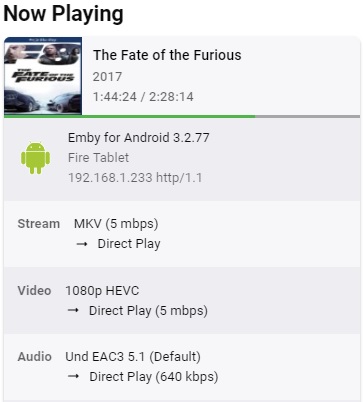
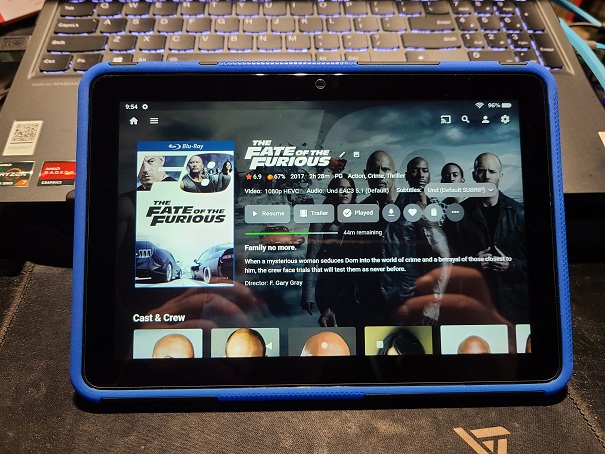
I found your manual installation of Emby Page and followed that at first but the guide is quite brief and doesn't specify the exact versions as per each different generation of Fire HD tablet. The guide I found here https://www.androidpolice.com/install-play-store-amazon-fire-tablet/ worked perfectly and gave me the information I needed to install it on a Generation 10 Fire HD 8 tablet. I used a computer to download these files and uploaded them to nextcloud but you could use a small Micro SD card to make it easier to accomplish this. All the versions are listed and this is the guide to follow if anyone wants to install Emby on their fire tablet. I must say that the google play services works perfectly and Emby works flawlessly on the fire tablet with direct play HEVC videos from my server. Thats the best part, the tablets will will direct playing H.265 all day long and response is snappy and apps open quicker than expected for such a cheaply priced tablet at 69.99 I am really impressed and the sound.....yes the sound comes from two decently sized speakers. This small tablet is MADE for this. https://OfficeRat.Store
 1 point
 -
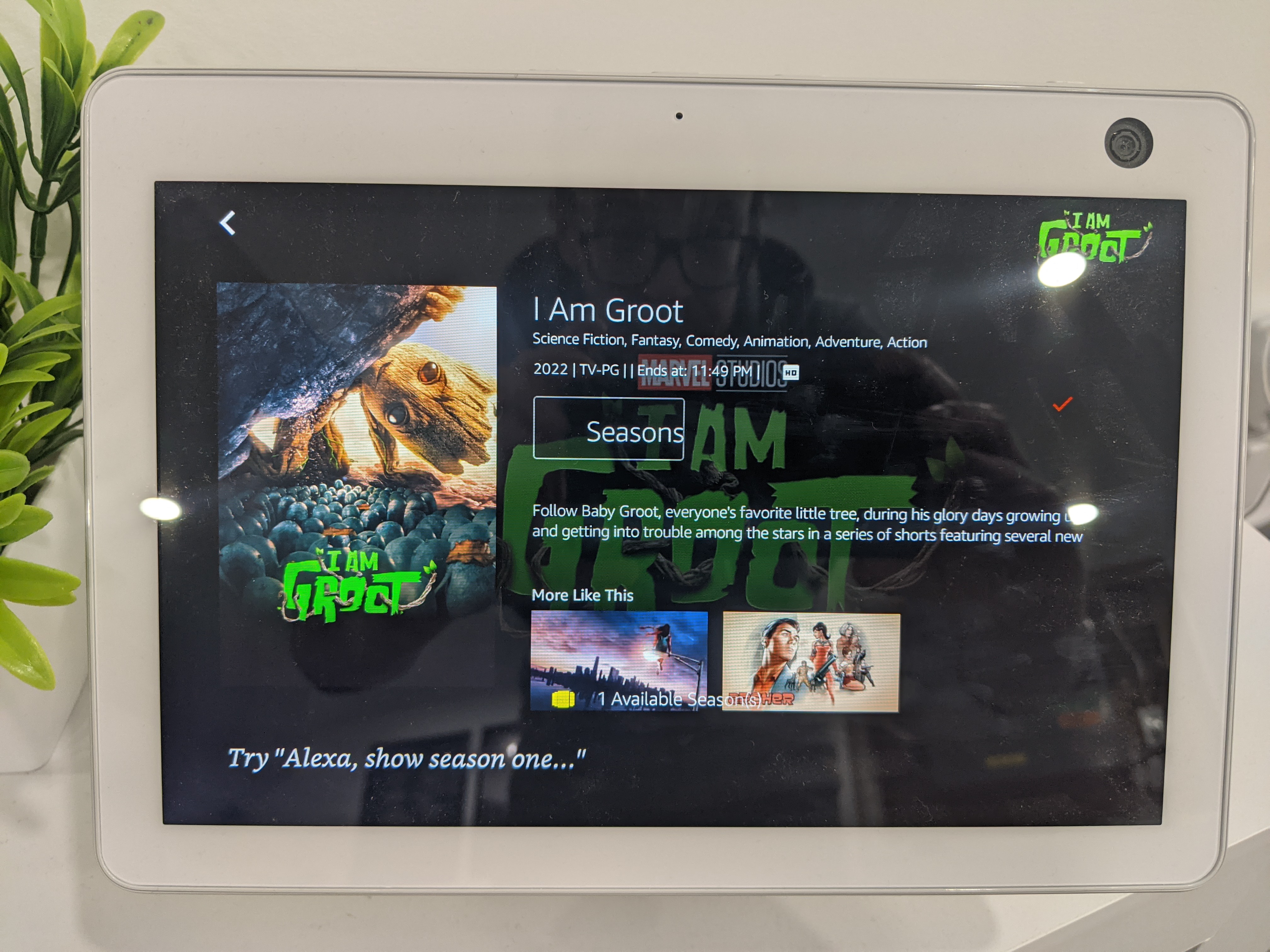
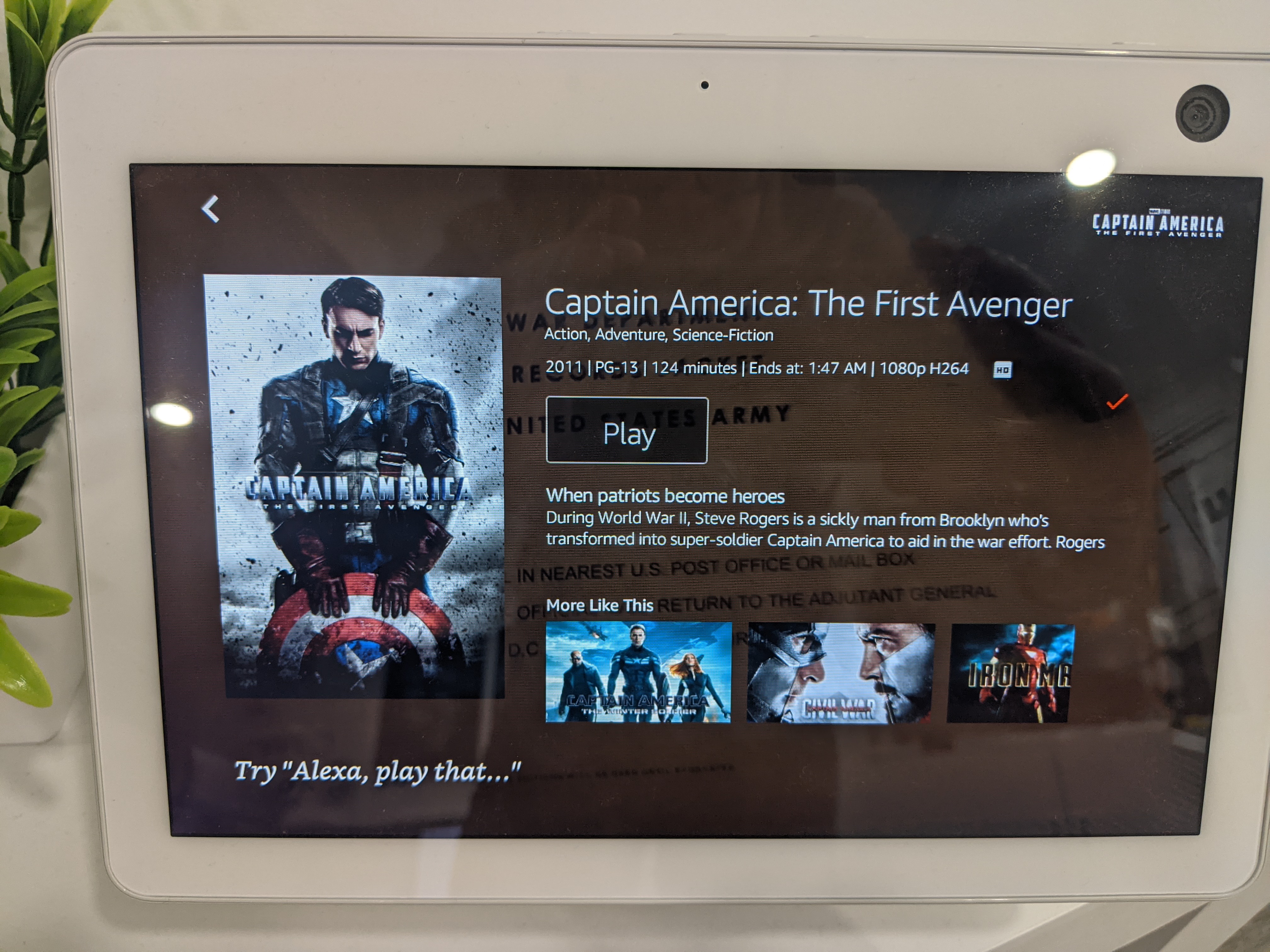
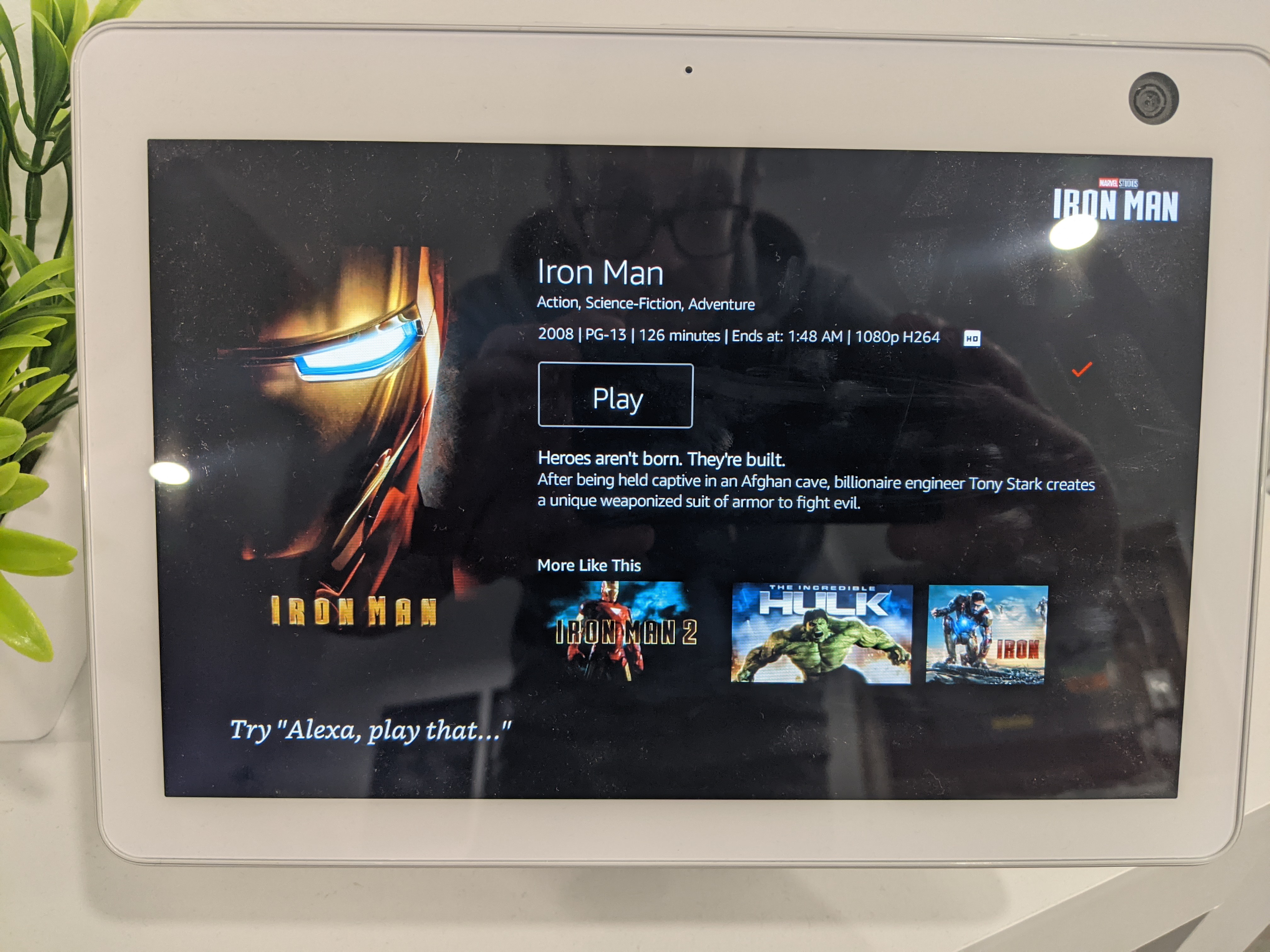
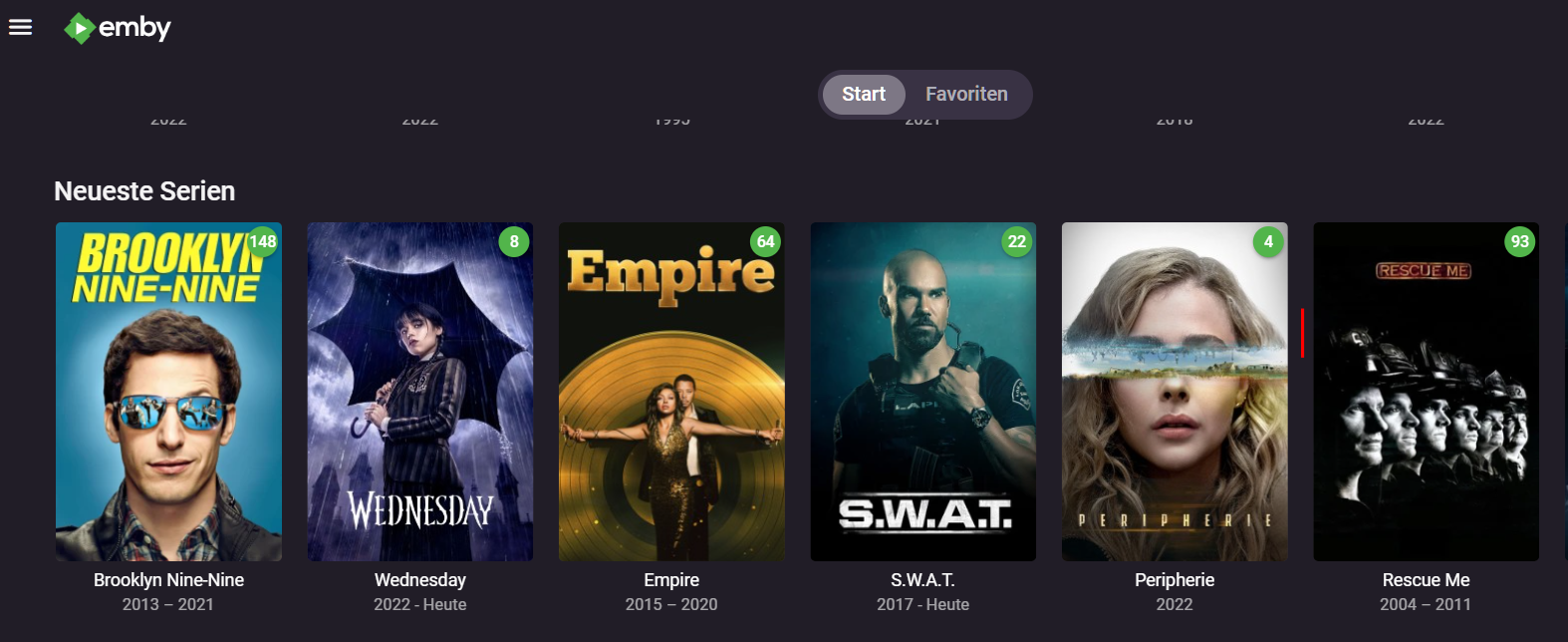
And... this will be in the next release of the app: BTW - these two screen grabs next to each other really points out (again) how much nicer Amazon's presentation is over Google's. Google used to look this nice and, for some reason, they decided to uglify it .1 point
-
Hi. I'm afraid we cannot do this on the Amazon platform. However, we do have this very type of thing on the Google version for Android TV.1 point