Leaderboard




Popular Content
Showing content with the highest reputation on 11/23/22 in Posts
-
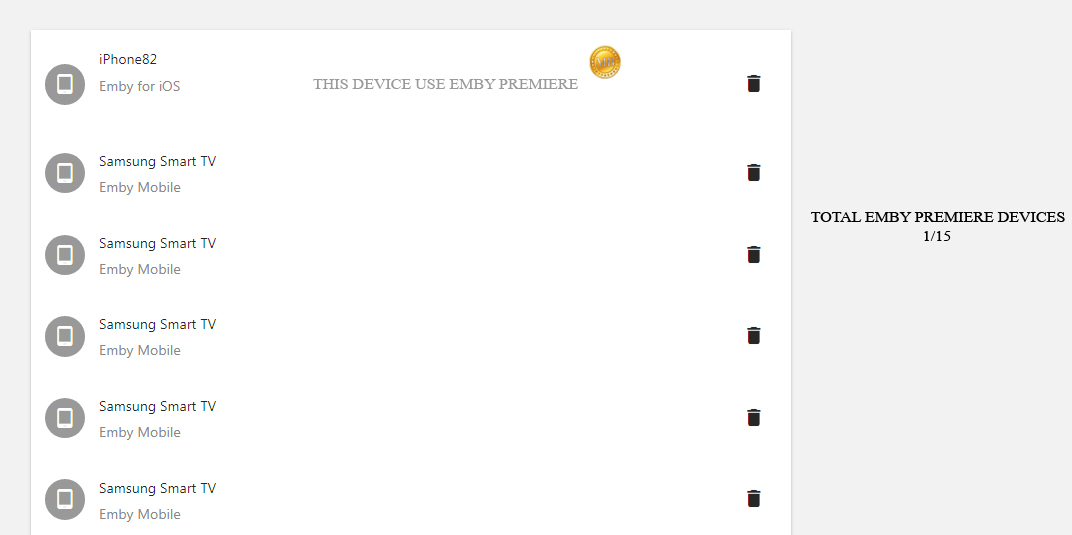
I have seen many people asking for the 15 devices limitation. Could it be possible to add a counter for understand wich device uses Emby Premiere? Something like this : Understand which device uses emby premiere and which no?
 2 points
 -
Batch-tagging tool:2 points
-
I just performed an inplace upgrade to Windows 11 22H2 on my dedicated Emby-server, didn't notice any issues and didn't have to reinstall anything. I'm running Emby Lifetime Premere latest portable x64 build located on C:\EmbyServer and using Caddy for SSL. I will later on, when I have the time, reinstall everything just to have a fresh install (ocd). But it worked just fine.2 points
-
Yep, and guess what, did a reboot of the modem and the port forwarding rules finally took and working now Thanks Luke, sometimes it's the old "did you unplug it and wait and then plug it back in again"
 2 points
 -
I wouldn't say infinitely stalled. The review failed in October due to one platform sadly, and they are skipping November so our next chance is the December drop .2 points
-
I thought it was a bit early for the traditional Airing of Grievances.2 points
-
It would be a great feature to allow an option for how many days back for the tv guide to go for providers that offer catchup services. You can then go back in he guide and play whatever you want like a PVR always.1 point
-
Hello, I think it would be great to have a HA option to have 2 emby server totally redundancy. What do you think about that?1 point
-
Feature Request. A present I have several user accounts setup for family members. When we sit down together to watch a movie we currently log into one account (Mostly mine), so obviously only this account gets the watched status. What happens then is everyone uses my account because there's isn't up-to date and it's "just easier". This results in my account telling me I've watched something when I haven't... I would like the ability to log into my account and select/deselect which other users are present so that when a movie/TV episode is watched together, their watched statuses are updated accordingly? The next time you log in again all other users would have been deselected. It could be implemented so each user account can do this, or only select user accounts can. Even a special "Family" user account, or multiple viewers button as long as everyone's watched status is correct. Even just ticking the users present on the login screen before login into an account.1 point
-
Unfortunately with the current store app there's no way to force it to accept a self-signed certificate, but the Windows app that we're working on will be able to do this.1 point
-
^^ missing the (1983) on the first file name still... Paul1 point
-
Thank you for the quick response! Removing the quotes from the path in the .strm files resolved the issue.1 point
-
I use Emby this way without issue. My first guess is that it's the single quotes in the path. Needed for Linux, but not in the context of Emby. My second guess is that there's a permission issue somewhere along the line.1 point
-
Absolutely - take things at your own pace and have an understanding on what you are doing and why. A badly or naïvely deployed reverse proxy is potentially more of a security risk than what you have with just port forwarding.1 point
-
Well, not there with reverse proxy thingy yet. I live in hope but its a spell out every step, then break those steps into 10 times smaller sized steps. I mean, manual port forwarding, see the instructions, follow the instructions, bugger up the instructions because I''m using them on firmware with a version 0.0001 different than the example uses. Anyway...1 point
-
Stop using crApple devices and you're problem would be solved. Or buy Infuse. I've told all my Apple TV users to stop complaining at this point and replace their devices if they want a proper viewing experience. Not that hard with 4k Firesticks going for $25.1 point
-
According stated, that won't work for option 1), as all files need to be in the same folder and named accordingly, you're missing "space" before "4K" and "(Year)" in 1080p version:1 point
-
The naming requirements are very precise - the start of the video file name before the hyphen must be exactly the same as the folder name - "pretty much the same" won't do. Paul1 point
-
Ok will test and get back to u Mook1 point
-
thanks for the kind words, and thanks so much for posting It might be possible in the future to create a separate library for each type. But, it does get a little tricky. I had originally thought about doing that way, but having them together was a quick way to fulfill the feature request. Definitely is a possibility.1 point
-
If this is the issue then it won't be a problem for much longer as 4.8 will be revamping this so that they get sent out in a background queue one at a time.1 point
-
1 point
-
Okay, yeah, with some work, it is possible now. It will just be much easier in the future. You could use either the folder access or tags to do this now.1 point
-
Hi. Not at this time but, stay tuned...1 point
-
Thanks! I actually just got rid of my M1 and have gone all Windows.1 point
-
I'm not sure about app specifics as I use only GoogleTV and Firesticks but go to the settings icon, mine is at the top right corner before the clock.....then go to "General Display"...then "Enable Seasonal Themes" Now if you want the Halloween or Holiday theme for longer than emby automatically uses it when selected then you can simply select the seasonal theme you want from under themes.1 point
-
Under display settings, make sure it's using tv mode not desktop mode.1 point
-
Hello i have emby premium but i would lik to know what are devices who have purshased licence : I want to see on my server the devices with a license and those without licenses is it possible to have this ?1 point
-
1 point
-
We have asked @Luketo add a option to disable the buffering and he has stated it may be added in "Future Release". If you play IPTV in TVHeadend, it displays all those errors in real time and you can see how "broken" the streams are.1 point
-
Smart guy told me once, VLC, TiviMate, and Browsers take in all the garbage (skipped frames, continuity errors) and just play it. Emby/Other Media players have trouble with the buffering of that garbage.1 point
-
Seems to be the same problem I had. For some reason emby theater on windows doesn't let you accept a certificate. Therefore you can't establish a connection unless you have an official certificate for your domaine.1 point
-
Agreed, but if I watch it on a web browser (excluding emby entirely), I don't have this issue.1 point
-
@chef here is the server log I thought the plugin will take the covers i have directly in the same folder of the movie file, i have all images in there. This one is the only one showing another image, and it is the only one not having a number, even if i start the scan task again. thanks embyserver-63804758400.txt
 1 point
 -
That's strange. @Happy2Play are you seeing that? Using the up and down arrows navigate up and down normally, unless this is a display mode thing? But did no see any issue in desktop or tv mode. 3.0.171 point
-
all good, don't think the name of the exe matters edit: although I do remember renaming mine to 'caddy.exe' for simplicity, but never tested without. So YMMV.1 point
-
2048 is a little overkill as I believe 1 to 1.5 times the DB was recommended back when this was added. But shouldn't be an issue.1 point
-
I reapplied the correct ACLs to all the files and everything scans correctly. In this case, the problem appears to have been permission based.1 point
-
I haven't. Tomorrow I'll run it on edge, I can also try one ore two of the apps.1 point
-
Hi, you are right, we do use a default font. We are working on improving it though. Thanks.1 point
-
Hey there, I started with emby a few months ago and i have archived a lot of movies and audio books right now. I love the possibility to accesss my media through this tool even though it is hard to organize the data, especially for audio books because data on CD are not well metadatastructured and somehow it feels like kindalike rarely any audiobook is found, therefore I have to add all images manually. I have seen, it is possible to organize games and I have like a thousand of old Windows games or even more). But it currently looks like they are only compatible with Emby Classic. So I got some questions probably they can be answered, that would be great! - Is there any possibility to install "Emby Classic" so I can archive and run my Windows games, too? I'd love to! - Is there any release plans if and when windows-Game-Support will be released for the new Emby? - is it planned to support the same structure - if I make it compatible with emby classic, will it run on the new emby later on without greater adjustments? - will emby (Classic) support different type of game-files: "Installer" and "ready to run games"? - can Emby support .iso disk images with one or multiple different game installers? - probably not the right place to ask, but maybe someone knows....: is it possible to connect SSD to Synology NAS and mark a single subfolder such that the server moves the Game files to SSD before playing the game? I have seen that the 50gb of emby metadata can be copied within about two minute to the same HDD it reads those from (I made a manual backup before updating emby to 4.7.9.0), but I guess thousand of small gamefiles could be accessed faster from SSD?!, I would be willed to buy the hardware and wait that time before playing a game for the first time and if my SSD reaches limit or maybe automatically after not plaing a game for e.g. 1 month, or even manually I would mark the game as "archive" so that the system copies the games back to HDD. But this should happen in the background without actually changing the folder structure... I would be very happy about answers abouzt my questions. Im not sure if this project can be realised with emby or not. But I hope so. Best wishes!1 point
-
Are you using local Kodi filtering to filter out watched movies? If so this is not going to work. The reason is Emby returns all the movies, you are doing the filtering locally and Kodi has the movies but just does not show them, Kodi does not know the collection is empty until you open it. The main issue from memory is that Collections in Emby dont have a watched status. So the I build the the movie list with collections I dont know what the watched status of the collection is so can not set it. I just tested this and it is working ok for me, turn it on and movies are in collections, turn it off and there are no collections. It could be a data cache issue, open the add-on by navigating to it and select Add-on Actions, then select clear cached server data, do this between changing the setting.1 point
-
Looks like you potentially have corrupt nfo files and no permissions to save/update them. But @Cheesegeezerwill have to comment more on the plugin side. Last resort you downgrade to original version (4.6.0.22) in first post. But don't believe that will have any bearing on nfo reading errors or permissions issues.1 point
-
I had actually heard the opposite: DSM 7 working better than DSM 6 even on low memory NAS.1 point
-
Ok I did a fresh install of kodi 19.4 and I used a very lightweight skin with widgets (That doesnt use embuary modules) and it crashes on when I try to continue watching a movie in dynamic node . I will attach a log Update : It seems to crash once u continue watching a movie then back out like it wants to update your progress but crashes kodi kodi.log1 point
-
@ebr Yes, I'll try the beta version1 point
-
Will guess these are related as they present the same C++ Runtime Library error1 point
-
This project is cool because I've been hoping for an update to the original plugin for a long time. Would it be possible to add an option to move the contents of a watched folder to a specific library? I have few movie libraries like Concerts that I would like to process with this plugin.1 point
-
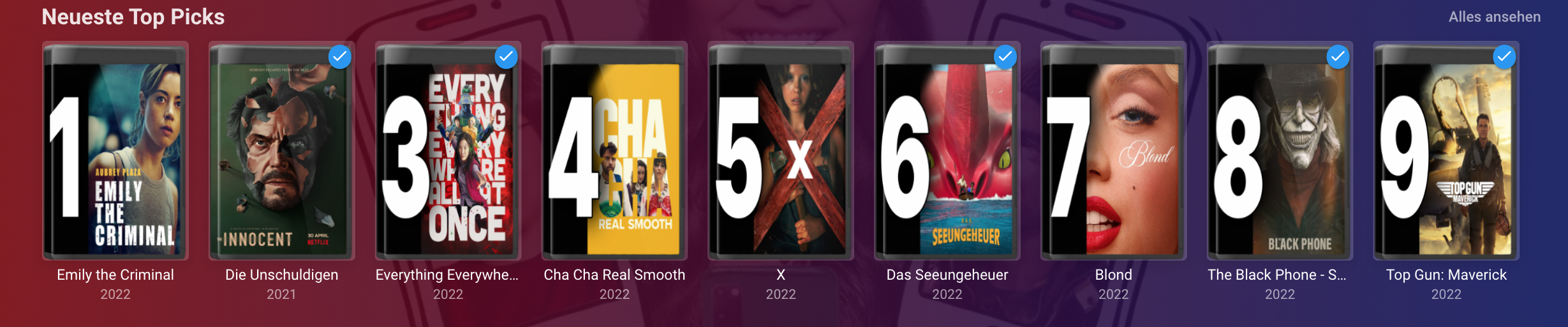
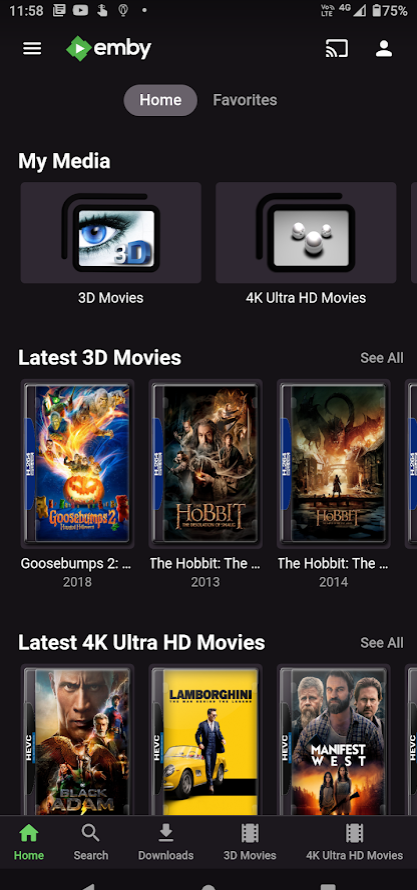
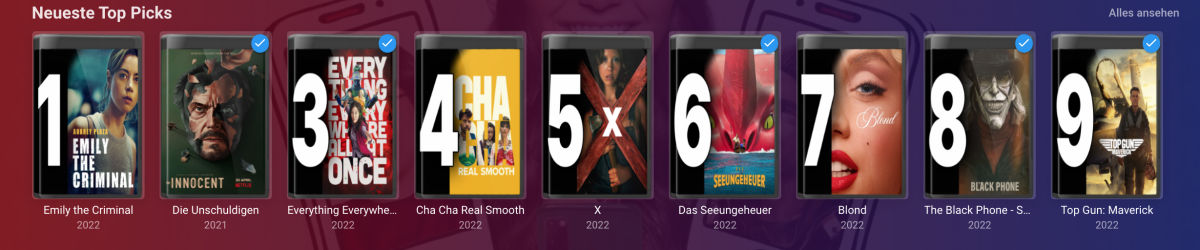
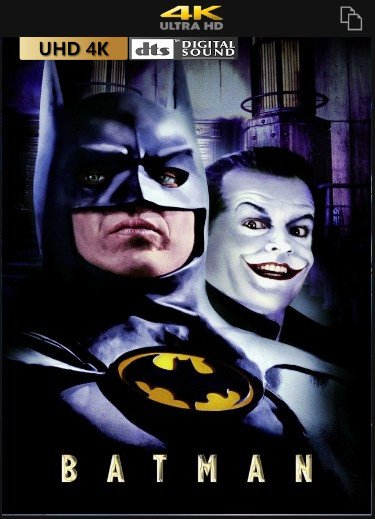
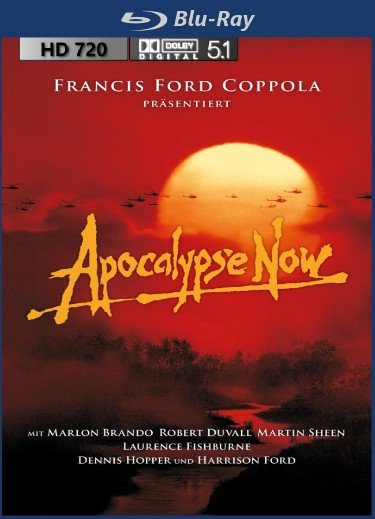
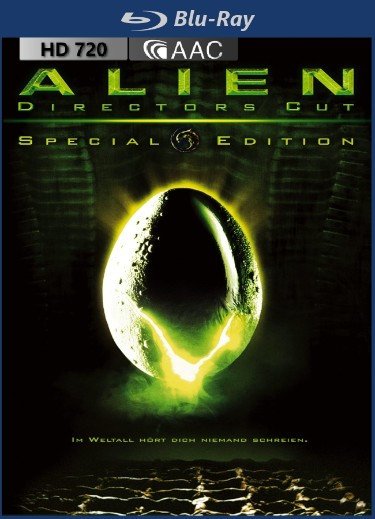
Hey, here are my custom overlays... (recommended to use for top positioning ) I hope you`ll like it Download: overlays.zip (quality of files in overlays.zip is better than in preview, due to compression) Preview: 4K: 1080p: 720p:





 1 point