Leaderboard




Popular Content
Showing content with the highest reputation on 07/07/22 in Posts
-
Is it possible to make a Startpage category that shows random movies and series to make the Startpage more useful?3 points
-
OK we found the cause of this thanks to @Skyfay's help. We'll be getting an Apple TV app update out to resolve this. Workaround in the meantime: Remove the IntroSkip plugin, restart the server, then refresh metadata on affected titles. Thanks.2 points
-
I'm a plex life time member, but I have been using Emby for over six years continuously, but there is a feature which I have always thought is missing in Emby which I would like and encourage the developer to consider including especially in this dispensation where families can social or commingle due to COVID 19. Today, I received a notification from Plex about it new feature titled Watch together you can read about it here https://support.plex.tv/articles/watch-together/ The feature allows friends and families at distance to watch same movies together instantly, you simply invite all your buddy, once they signed to the system which can be seeing in the server then play and pause as needed, this I think is cool feature should be added to emby. Let's here your though if Emby developer should consider adding this feature to our beloved Emby Media https://www.bing.com/news/search?q=Plex+Watch+Together&qpvt=plex+watch+together&FORM=EWRE1 point
-
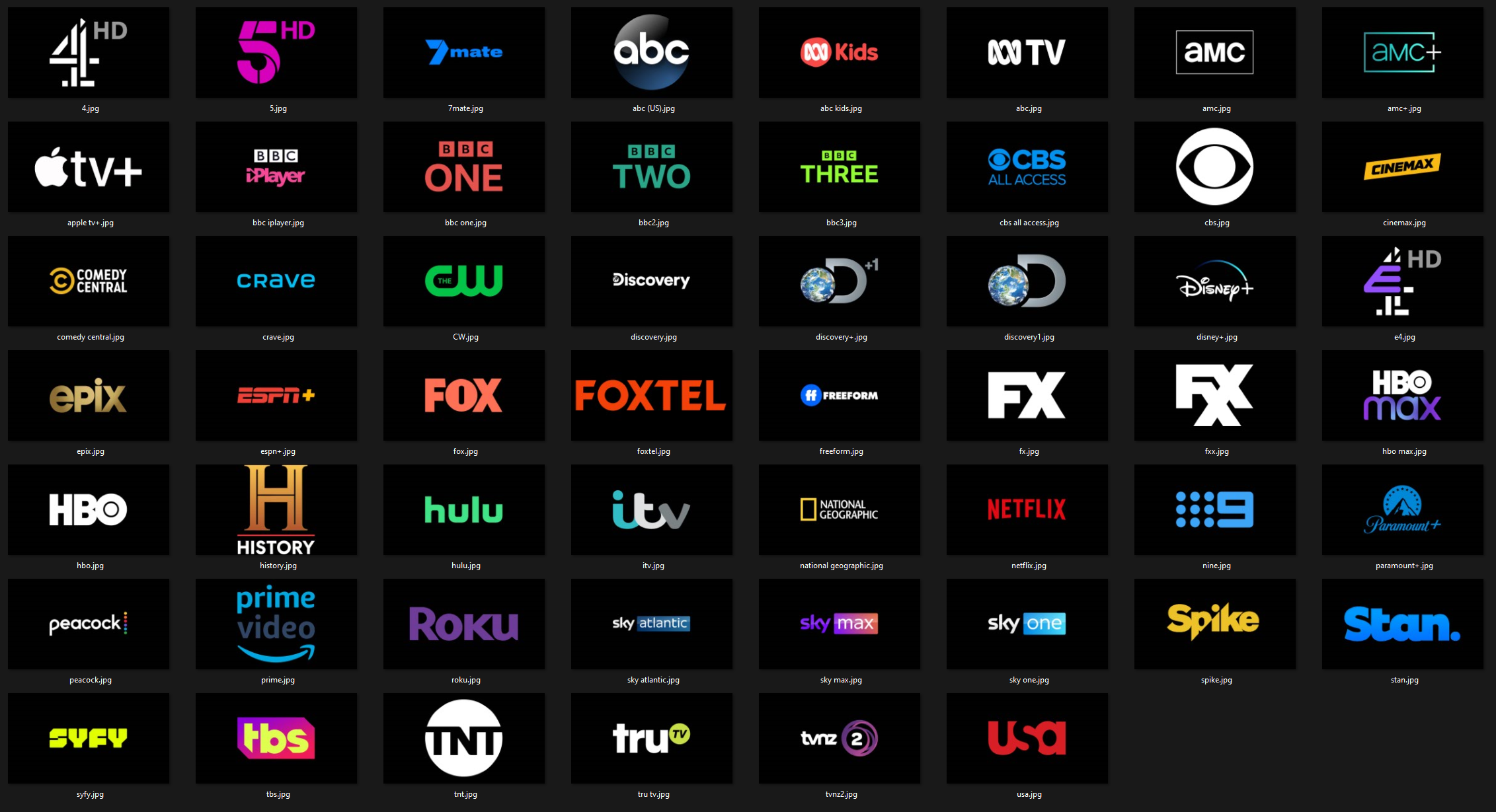
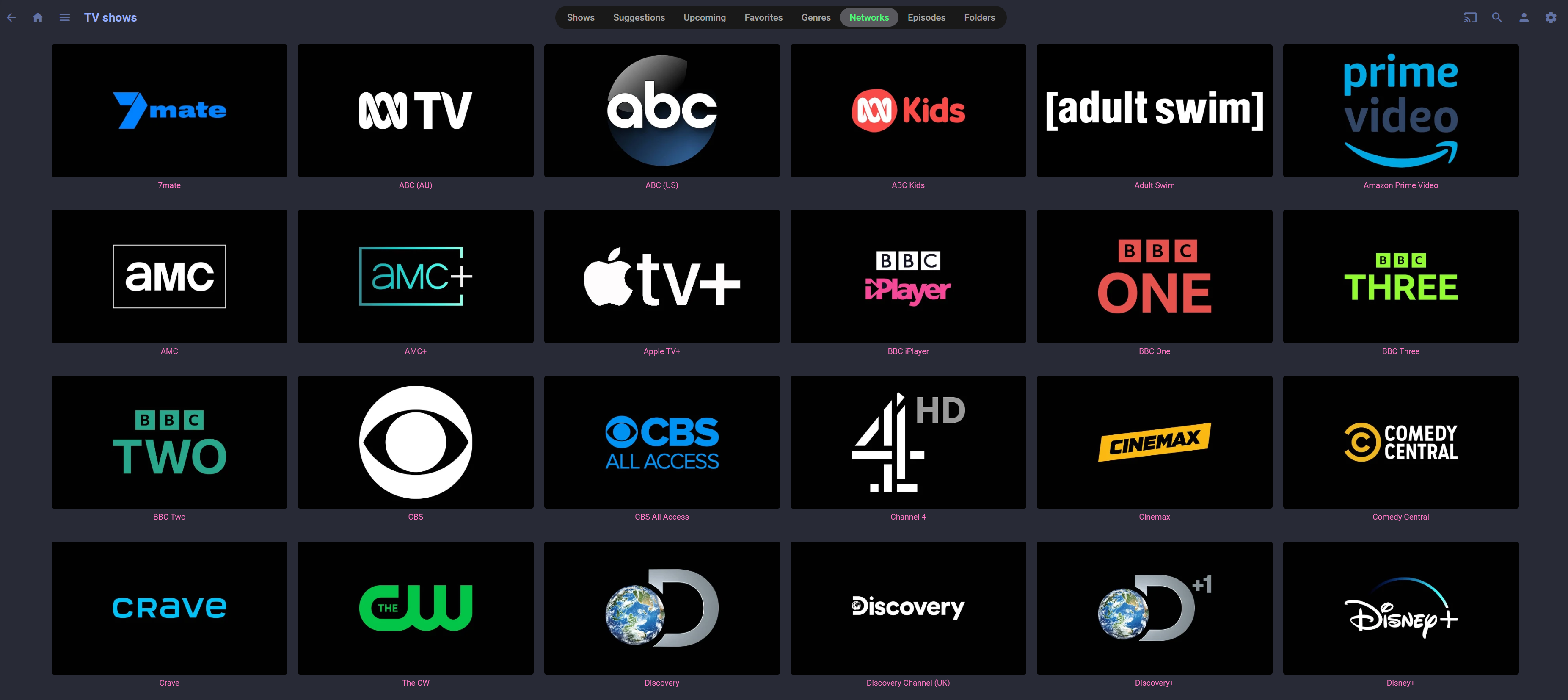
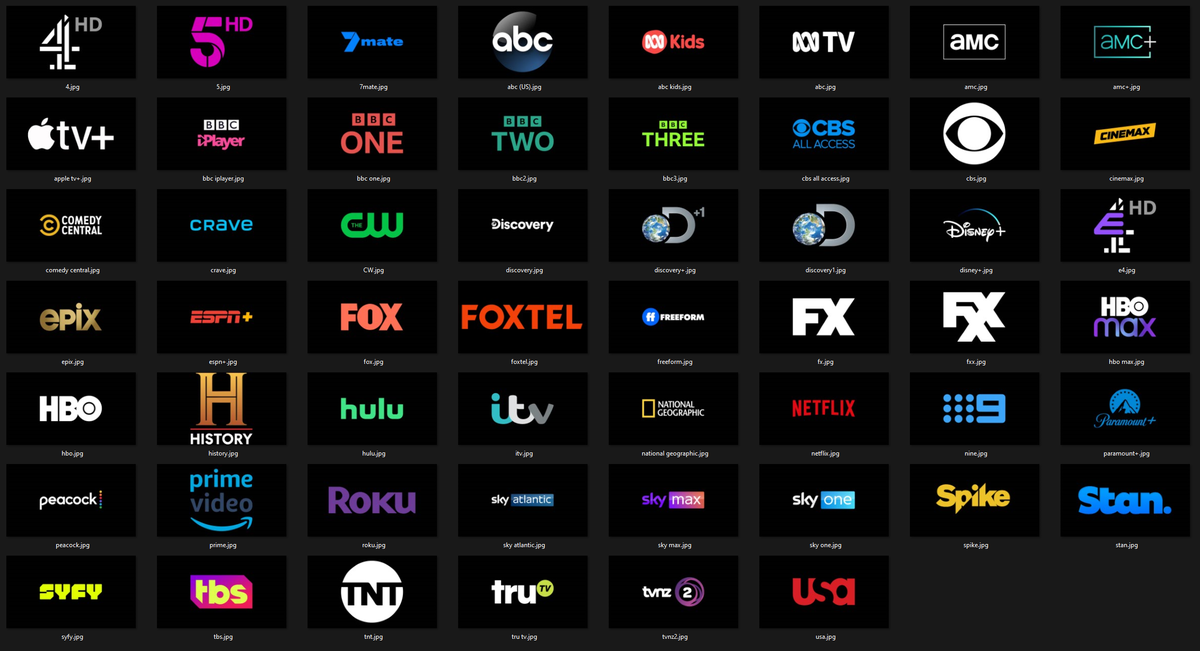
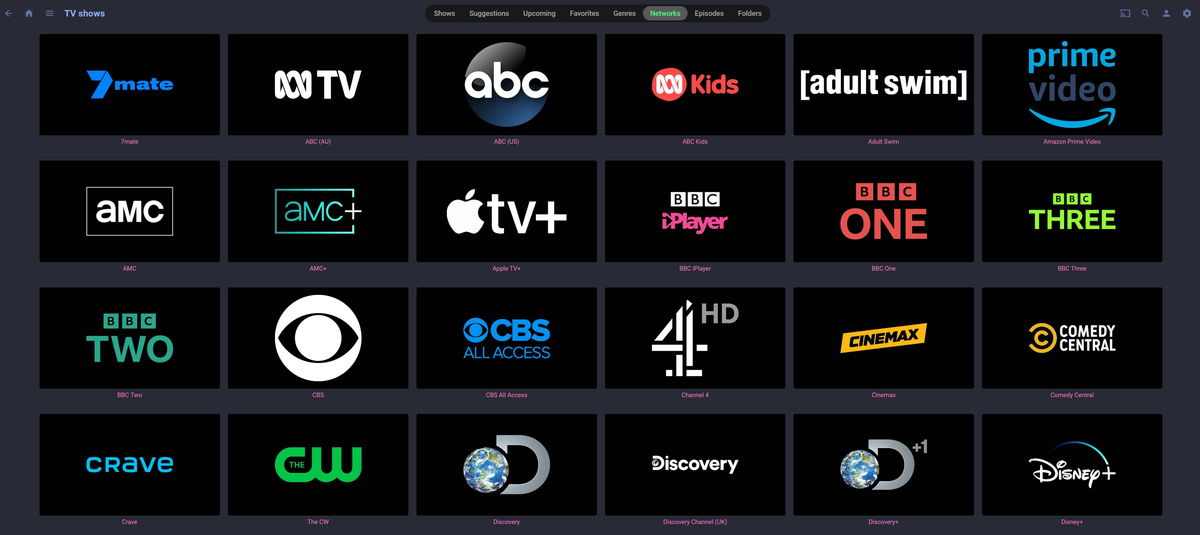
I've recently moved from Plex to Emby (a few months in and my experience is so much better). I love using unified graphics with my media, Posters with logos at the bottom, 4k overlays and matching collection posters etc. TV Network logos was something new for me with Emby so I've created these unified logos. If any one is interested I'll zip them up and host somewhere, also happy to take requests to add more. Emby TV Network Logos
 1 point
 -
For clients that can use 3rd party remotes (ie Android TV) I'd like the ability to use a remote of my choosing and be able to map my remote to functions in Emby. We should be able to keymap all important functions such as EPG popup in video, stats for nerds, RW, FF, jump back 10, 30, 60 seconds, jump forward 10, 30, 60 seconds, etc. We should be able to use the number keys to enter 3 or 4 digit channels for TV channel changes. Basically any function available in the UI should have a key mapping associated with it so we can use it with advanced remotes. The remote is our gateway to using Emby and the more functionality we have to customize this for our use the better and easier it is for us to use. Being able to map your own remote is a long standing tradition with many other system and is a long overdue addition needed in Emby. If you agree, don't forget to like this post.1 point
-
Good afternoon, colleagues. I have a problem. It happened today after a server restart. I have updated one of the plugins, which is currently not compatible with my version of EMBY. Unfortunately, now there is no way to update all EMBY servers that are involved in Production (there are a lot of scripts working with the API - they need to be tested for new builds). Automatic updating leads to the "inoperability" of one of the pieces responsible for the statistics of views. I need to disable automatic plugin updates. I'm thinking about the ability to block access to the update site? Then it won't let him do it. Can you tell me what addresses it takes to view the "Catalogue" of plugins? I have Emby Premiere.1 point
-
This is actually not a emby problem but a problem with radarr. When upgrading a movie it removes all files in the folder. I've looked for a way to prevent this from happening but doesn't seem to be possible right now in radarr.1 point
-
I thought if you had the poster art saved in to the same folder as the media files thaen they did not get overwritten by emby. I had this same problem until I had emby set to save art files into the the individual media folders. Oh, and I agree with you...."sterile" album art is HORRIBLE and I myself spend many hours getting the proper movie posters for my collection. Considering your example, you must be old like me. LOL1 point
-
The mpv player can play more formats directly without server transcoding, so you have to weigh the pros and cons of each and decide what makes the most sense for you. But we will be updating the OSD for the mpv player. Thanks.1 point
-
Right with the mpv player we have to build that user interface ourselves, so whenever Apple updates the stock version, we have to update to match.1 point
-
FYI, Emby is now pulling the correct data for Channels 3.5 and 3.6. Whoever is running Emby Data (your rep) is a bit "unhurried" in their support but finally they got around to it. Thank you! Now there is another channel that needs to be in the data base. Will submit separately. Robert1 point
-
It seems to be the most popular and robust option around here.1 point
-
How, how about nvidia shield?1 point
-
I do wonder how you did that since Emby has no phone support.1 point
-
Did you try by putting the "machine" domain name instead of the IP? The same as the one from your cert? Mine is : DS920.zordon.dom (local domain) And the cert is self generated by the synology with ds920.zordon.dom name and it's working nicely. But i had the same problem where it was not working when i was using the ip of the syno (my syno is my AD/LDAP server)
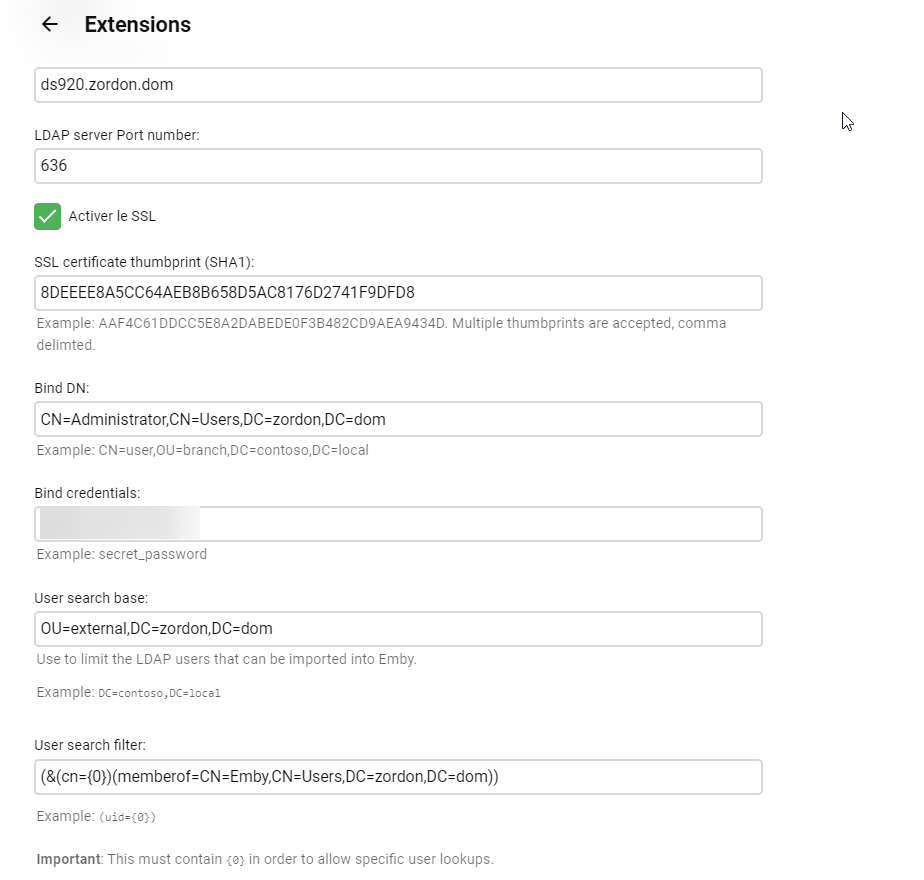 1 point
 -
OK we do have a lead we can try out and put an update into the app beta channel for you to try. I don't think it's related to the server version.1 point
-
The skip intro works. The message does fill up the whole screen. I guess that's a templating issue and not a feature issue. it would be nice if the message would disappear if one doesn't react after X seconds. I haven't seen the credit skip message yet. I probably have to enable it still1 point
-
Jellyfin has had the watch together feature for quite some time now. Too bad they just don’t have clients that actually work well other than the desktop web version. None of their desktop non browser apps work and neither does mobile or fire stick. Closest thing to *working* you’re gonna get with Jellyfin as far as clients is infuse1 point
-
I think I solved it. In File Station, I had to give user "emby" read access to /volume1/Photos. It seems to be indexing now but photo and video browsing/viewing doesn't work yet. -Al1 point
-
Super! I'll implement it in the emby-server-beta package this week.1 point
-
Hello The image you sent is also very good, I made these changes. but, it's still not what I'm looking for. as you saw in the video I sent, I believe that soon the emby team will make the changes to a nice layout, in the standards of HBO, Disney, Prime Video and maybe even Netflix (I don't like netflix) just the way to browse altogether. Thanks my friend for the suggestion.1 point
-
Switched to another ISP and now im getting full speed from remote access. Thanks for the tips guys!1 point
-
Yep, I asked about this ages ago, and, your response you got was nicer than mine, was instantly one of those "we dont pirate here" etc etc Quite sad, but, it is what it is, there are other platforms that do. I would guess strm files will be next to go1 point
-
Sometimes i want to change the backdrops Emby downloads or add backdrops when it can't find one. It would be very nice if Emby had the option to "Set Image from URL" for backdrops just as it has for all other images, instead of having to download the image to my PC, browse to it and select it.1 point
-
Guess we report our findings tomorrow haha.1 point
-
In the settings menu for playback there is an option for use MPV. If you disable that it lets you play some of the files, but it's not fully reliable. I think it's a player. Anyhow, it's more reliable/solid when enabled. But it wasn't working. If you read the previous comments in this thread people found if you turn it off it works sometimes. In short. You want MPV on.1 point
-
I don't know. It worked for the two files I tried it on. They did not play with MPV off. I refreshed one file. Tried with MPV on. It worked. To check again I checked next file, it did not play video, but only audio (with spinning wheel on video as usual), refreshed its metadata... played fine. Signs are pointing to it being the fix for me at least.1 point
-
Just testing this now...1 point
-
Ok as I finished installing and was trying to find out what I am doing wrong, the Install on scale and reading contradicted info, I have to say this to help anyone who want to Install it and save some time. There is no emby user and don't try to make one, all is simple as Emby install on kubernetes use the internal user bin. So for the library , make a dataset and then for it change permissions and give them to bin user, and bin group. all your media files must go under that dataset. for the emby login choose whatever login you want, internally its using bin, that way you have full permissions on the dataset. I like to install programs into separate directories so under the root dataset make an emby directory before you install it. so its like this : main storage/emby directory not an emby dataset and main storage/library dataset. on the environment as you install it , you have to write application name emby, networking don't click host network , just the port 9096 on Storage , you have to point to the directory you made for emby program ,so click on Enable Host Path for Emby Server Config Volume and point to main storage emby. on the Configure Emby Server Extra Host Path Volumes and point to the dataset that you made for your library. that's main Storage/library or media or whatever you had choose. don't click read only for that. on update strategy select kill pods before creating new ones. on GPU Configuration choose how many you want, you can change anytime the config in kubernetes , So thats it, start install and enjoy hasle free instalation, from then on copy your media, and you are set. Enjoy1 point
-
Hi, with 7.5.1 database sync stuck at the end of movie sets sync. It remains on the last set scraped. If I restart Kodi the sync restart and stops at the same point, adding a second copy of the movie on the database. Tried also uninstalling the addon and reset Kodi database but the problem is still there. Thank you Stefano1 point
-
Only issue I see is the plugin you can export. If an export option is going to be added via the UI then I would say yes.1 point
-
Exactly. I think it should be by date recorded. Or at least make this an option. Another example would be a daily news show. If i record it every day, i would want to browse by date recorded.1 point
-
updated to 3.2.52 and still works well. Think one time there was a slight lag in the video starting when jumping, audio continued immediately, but just once and not the same thing. Didn't freeze or anything and was direct playing all the time.1 point
-
One, I'd like this feature. I'd both find excuses to use it, and I feel like it'd be a huge selling point/marketing tool for the platform. Two, I think people confuse the feature requests here. It's not that Emby develops the most popular feature, it's just to give the team ideas (and it being something someone wants is an added bonus). Something with hundreds of votes may never get developed if it isn't necessary or cost effective to do so, and something with two votes might get developed if it's fairly easy and looks good in the next versions release notes. With that in mind, I think something like that Jellyfin page will only frustrate users more, as making highly voted feature requests more visible isn't magically going to give the Emby team the staff/resources to prioritize them.1 point
-
Hi, I knew that the backup folder was still there but what surprises me is that the new version of emby server found and used this backup on its own. It's strange, isn't it?1 point
-
I don't really understand why you think an even more limited forum for feedback would improve it? If people aren't participating in this forum then they also won't participate in that one. We have this FR forum and a way for people to "vote" on the features they want. However, any such "forum" (in whatever form) can only be a single input to a very complex equation. The people who participate in such things is only a small subset of the real user base and usually a very technically-biased one at that. The reality is that there is some subset of users that feel every single request is the most important one so we have to take in the input here and then also consider a lot of other factors and then weigh those against the cost of said feature. In the end, its up to us to meet expectations. If we don't, then people go elsewhere but it is also impossible to meet everyone's expectations. So we have to try and produce the best set of features for the largest benefiting audience we can. Again, if we fail, people go elsewhere. That is the ultimate test.1 point
-
Emby for Android 3.2.51 Released: Features Intro Skip & Table View Requires: Emby Server 4.7 or later Emby for Android Version Changes: • Intro Skip • Table View • Add new field options for display • Add new theme options Click for Extended Blog Coverage Intro Skip One of the exciting new features recently released is the TV Show Episode Intro Skip feature. This allows you to jump right to the start of the action saving you a great deal of time. Intro skip can be setup on each client to do automatic skipping or manually skipped. In manual mode a new icon shows up on the OSD that can be selected to skip ahead. Combine Into Skip with Automatic Play Next Episode for a superior binge-watching experience! Here's Skip Intro in action using the manual mode. Anytime during the intro you can select the Skip Intro button. Each client's Playback menu will have an option to select the Intro Skipping method to use. Make sure to click the Intro Skip link in the table above for extended coverage on this new feature including setup on your Emby Server. Table View A new library view has been added to all libraries. It uses a grid (column & row) format displaying information about your media. This new view is completely customizable with selectable columns as well as column sort order. This view is ideal for many uses including the ability to see a lot of data on small screens. Because it doesn't use cover graphics it loads extremely fast as well. Here's a couple pictures showing the new Table View in action. Make sure to follow the Table View link in the table above for extended coverage. Other Changes Add new field options for display Add new theme options View the full article1 point
-
Hi. We're working on unifying to a single app across the Android platforms so it will come with that. Thanks.1 point
-
Temporary fix until FireFox 102 corrects the issue. @media(hover:hover) and (pointer:fine) { .cardOverlayContainer { display: block } }1 point
-
this is in the beta release of EmbyCon for both Kodi 18 (EmbyCon 1.9.130) and Kodi 19 (EmbyCon 1.10.22) If you have Intro detection turned on in your Emby Server as outlined here: https://emby.media/community/index.php?/topic/110199-save-time-with-embys-intro-skip/ And you have confirmed it works by using the Web Client as shown in the above link then you should be able to turn on the Intro Skipping option in EmbyCon. To turn on this features in the EmbyCon Kodi addon client open the EmbyCon addon settings and under playback at the top you should see "Intro Skipping" as an option, you can turn it on to show a dialog button or have it auto skip the intro.1 point
-
Hi, there is currently no way to do this, although we may look to support this in future updates.1 point
-
it's only a format for combining m3u's and other info.. I have my own extreme codes server running as a test. Its not just used for bad guys.. But, your call...1 point
-
I stand corrected. That is exactly what I want. Thanks!!!! This is what makes Emby great, not just the features, the response from the developers and the community.1 point